
7 Payroll Technician - Public Sector Payroll Cover Letter Templates with Example
This practical guide helps you create a Payroll Technician - Public Sector Payroll cover letter and compare seven layouts.
What Makes a Great Payroll Technician - Public Sector Payroll Cover Letter in 2026
A strong letter links your payroll experience to accurate processing, careful reconciliation, and clear support for employees. It should also explain why public-service payroll work interests you.
Use specific evidence, such as time audits, payroll reporting, or resolving pay questions. Connect that evidence to the employer’s needs, including collective bargaining requirements and dependable service across departments.
The featured example moves from motivation to a clear account of payroll work, relevant reporting experience, and a focused close; adapt that progression while choosing a presentation that suits the employer and communication context.
#1 Simple One Column Format Cover Letter Example
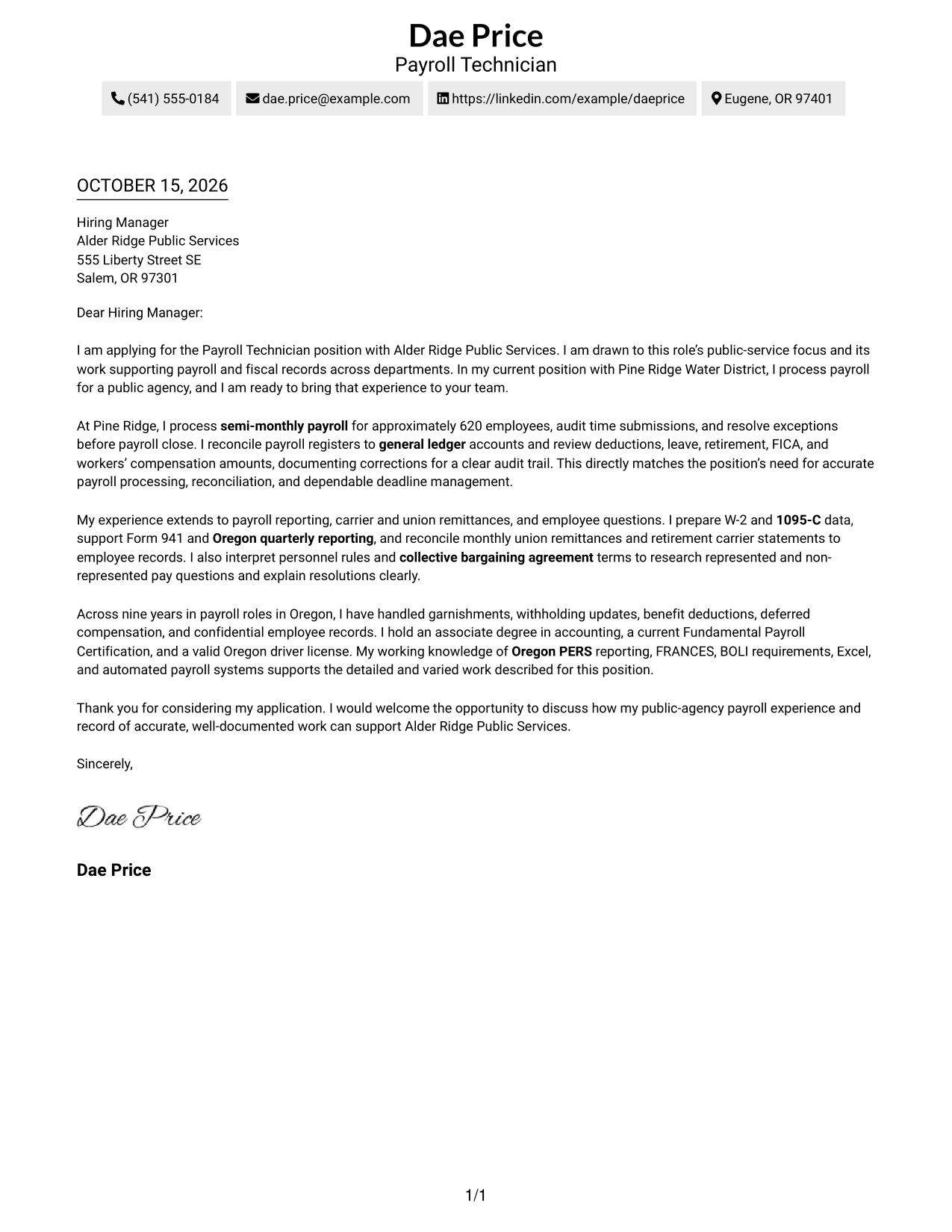
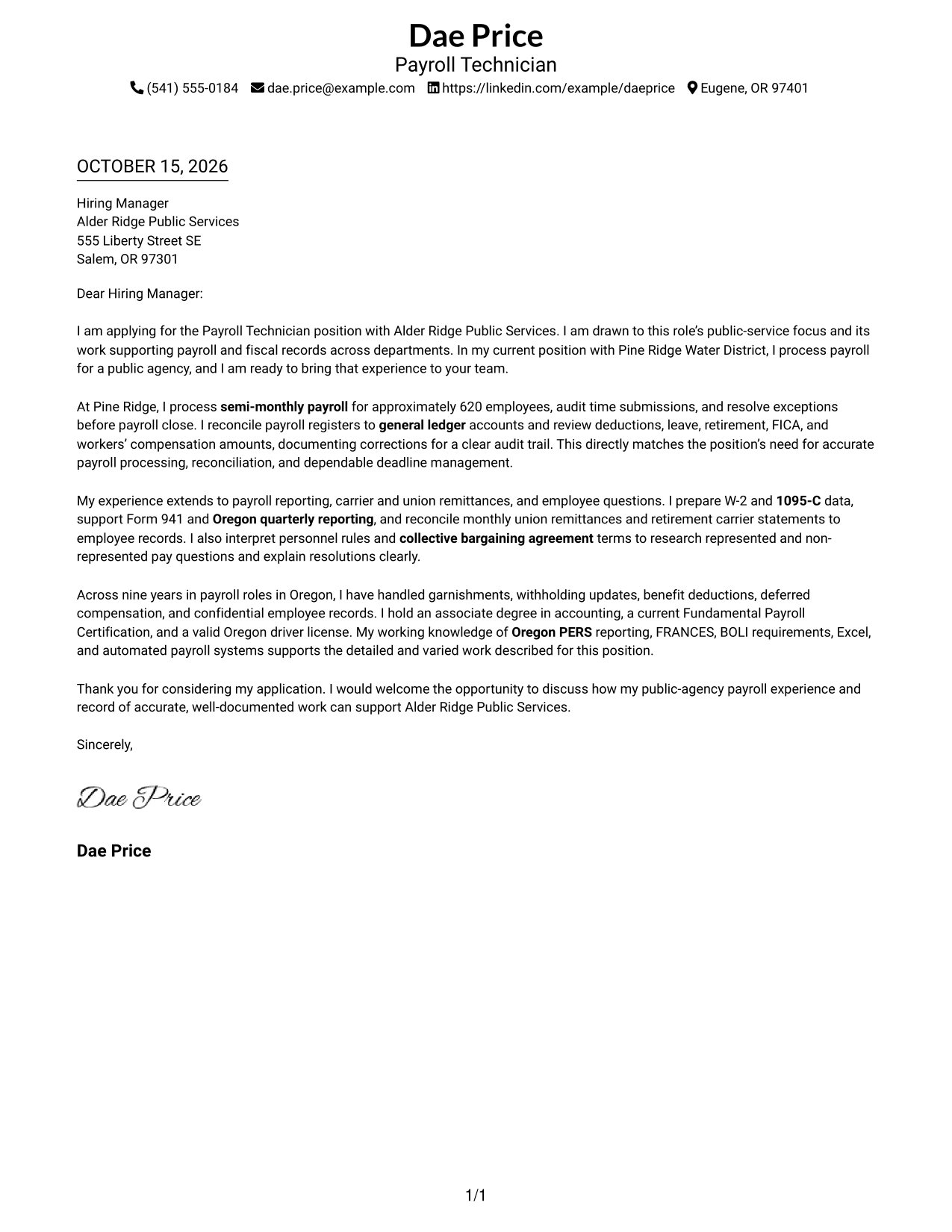
The Simple One Column Format keeps sender details in the header and the letter in one direct reading path.
Why This Format Works
- Header contact details are easy to find before the greeting.
- Continuous paragraphs let motivation and evidence connect without section labels.
- One body column avoids switching between parallel areas while reading.
Best For
- Single-column letter preference
- Header-based contact details
- Paragraph-led persuasion
- Text-focused correspondence
- Traditional letter reading order
#2 Two Column Format Cover Letter Example
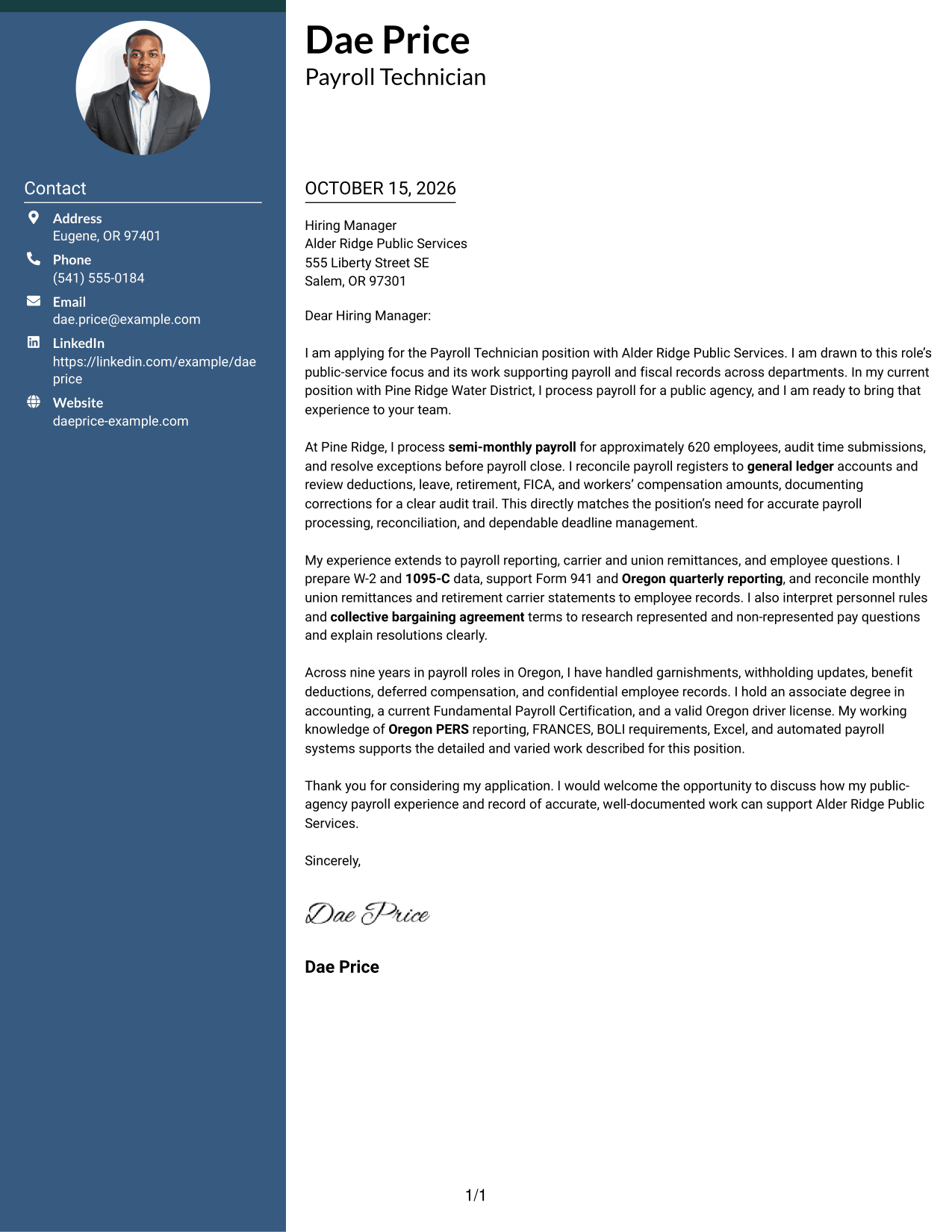
The Two Column Format places a contact sidebar beside one continuous letter body, keeping sender details apart from the message.
Why This Format Works
- A dedicated sidebar gives sender details a separate place beside the letter.
- The body remains continuous, keeping the message from opening through close intact.
- Reviewers can distinguish contact information from the letter's persuasive content.
Best For
- Contact sidebar organization
- Continuous letter paragraphs
- Side-by-side page layout
- Quick sender-detail lookup
- Distinct message and contact areas
#3 Photo Header Two Column Format Cover Letter Example
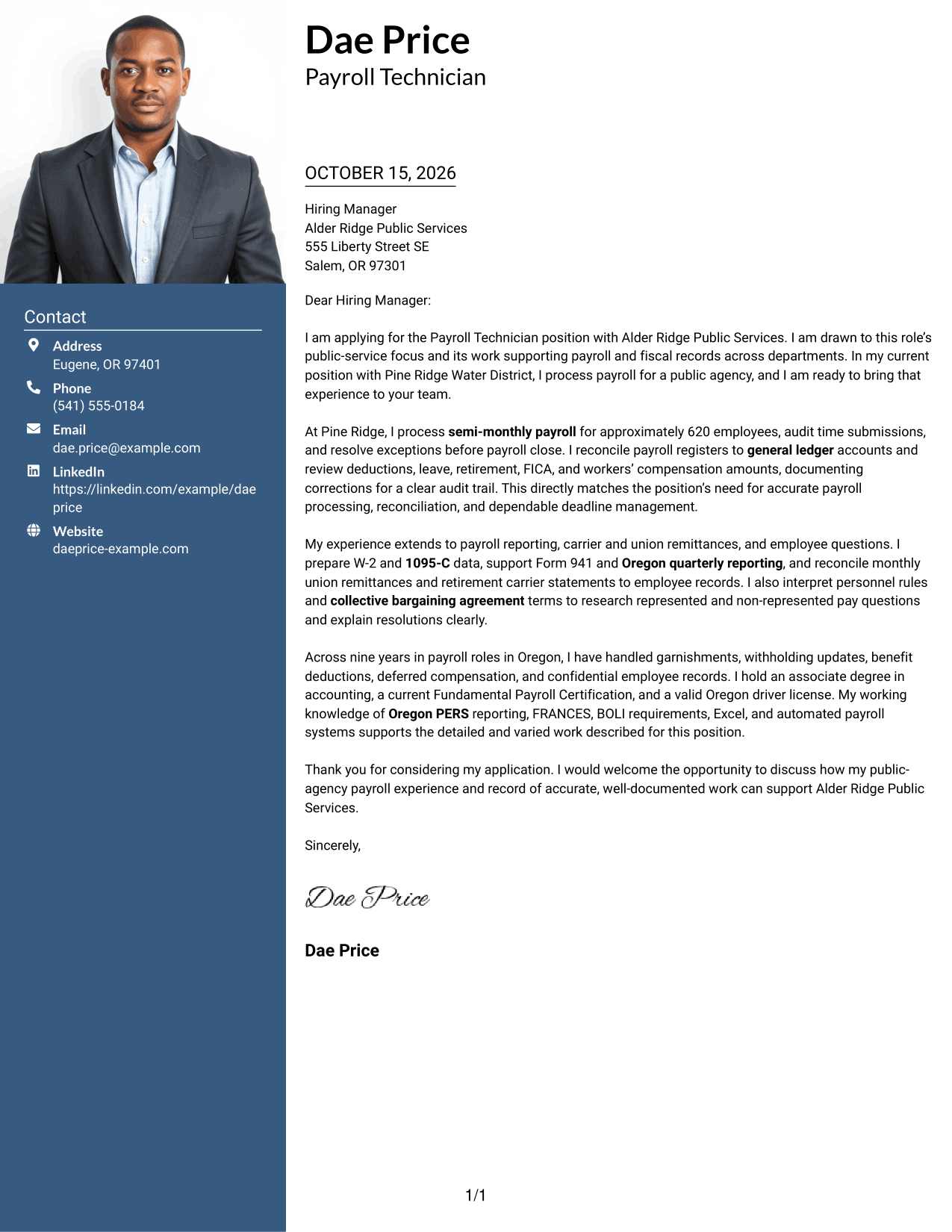
The Photo Header Two Column Format pairs a contact sidebar and photo with one continuous letter body, adding a portrait beside the message.
Why This Format Works
- The sidebar keeps sender details apart from the letter's main message.
- A continuous body lets motivation, evidence, and closing read as one letter.
- The photo offers a visible portrait without dividing the letter paragraphs.
Best For
- Portrait-inclusive correspondence
- Contact details beside the message
- Continuous letter body
- Photo-forward personal presentation
- Two-area page organization
#4 One Column Format with Photo Cover Letter Example
The One Column Format with Photo includes a portrait while keeping the letter and its sender details in a single-column layout.
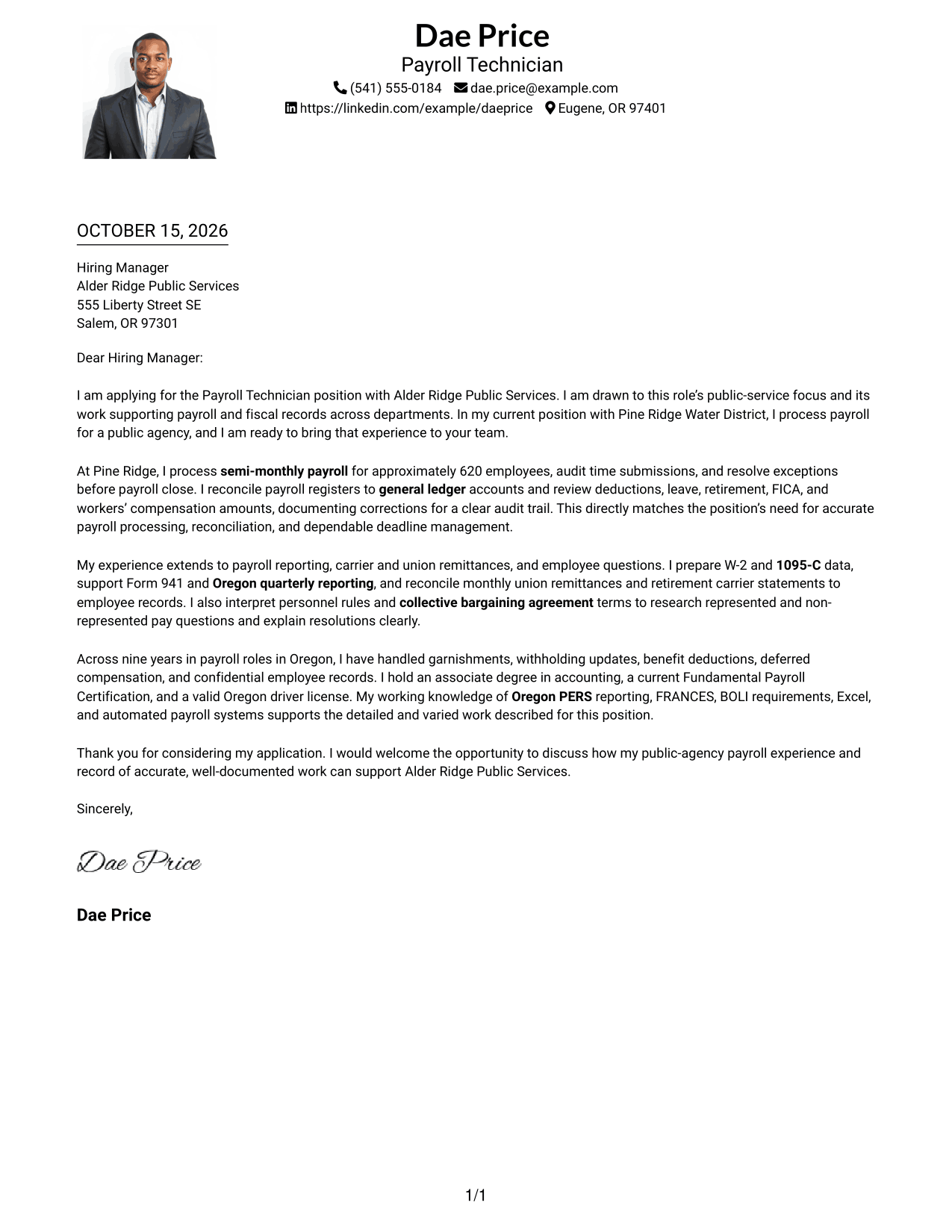
Why This Format Works
- Header contact details remain easy to locate before the letter begins.
- A single body column keeps the opening, evidence, and close in order.
- The photo adds a portrait without breaking the letter into columns.
Best For
- One-column letter preference
- Portrait-inclusive applications
- Header-first contact details
- Paragraph-based messages
- Single-path reading
#5 Simple Two Column Format Cover Letter Example
The Simple Two Column Format sets contact details in a sidebar beside a single, continuous letter body for clear separation.
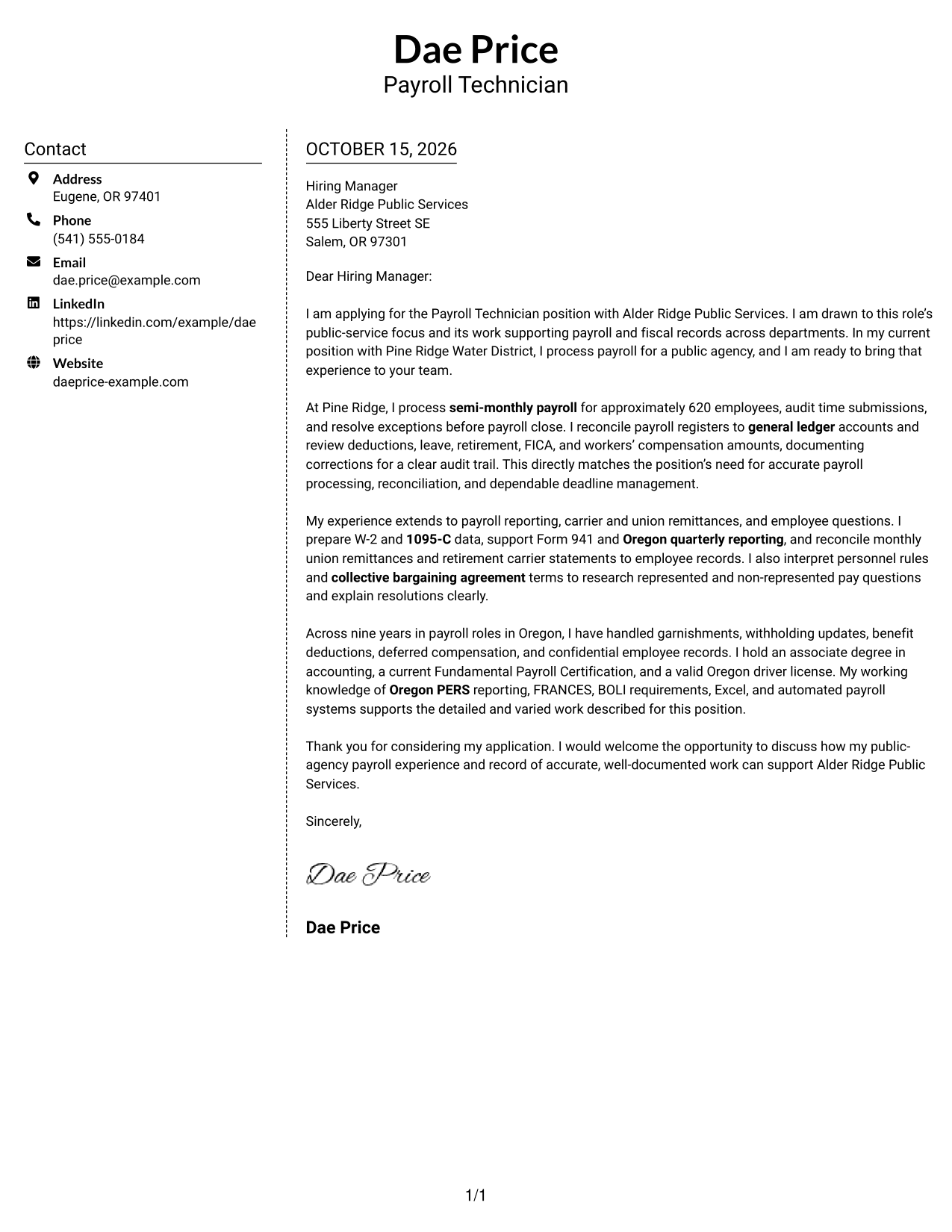
Why This Format Works
- The contact sidebar separates sender information from the letter's argument.
- The body stays in one sequence, so the message is not split across columns.
- The side-by-side layout suits readers who want contact details near the letter.
Best For
- Sidebar-based contact details
- One continuous letter body
- Side-by-side information layout
- Contact details near the message
- Uninterrupted paragraph reading
#6 Modern Icon Format Cover Letter Example
The Modern Icon Format uses contact cues in a sidebar beside one continuous letter body, making contact details easy to spot.
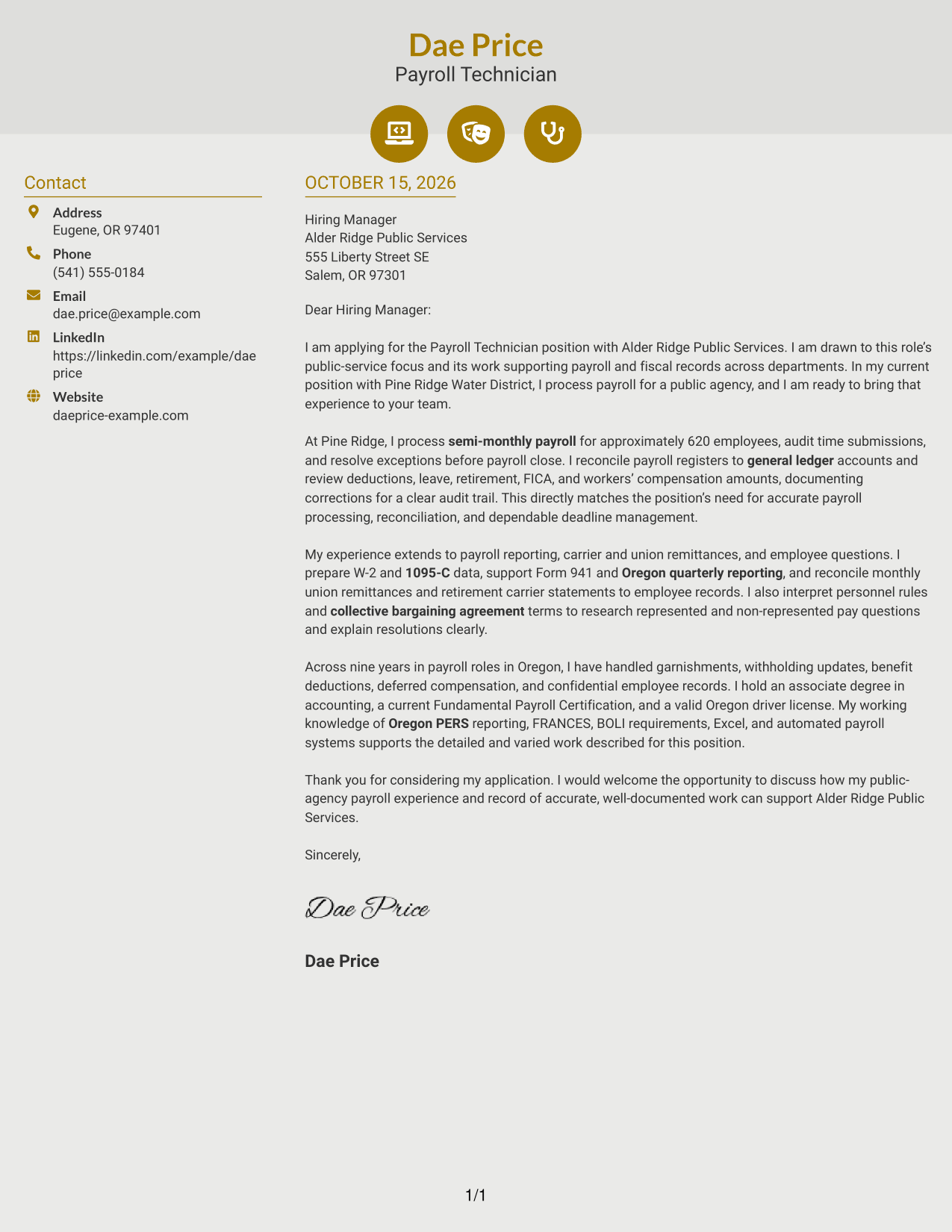
Why This Format Works
- Contact icons help readers identify sender details in the sidebar.
- The letter stays in one body column, keeping its argument together.
- Decorative header accents add visual interest without labeling letter paragraphs.
Best For
- Icon-cued contact details
- Sidebar and letter separation
- Continuous paragraph letters
- Decorative header preference
- Single-body-column reading
#7 Creative Two Tone Format Cover Letter Example
The Creative Two Tone Format places contact details in a sidebar beside one continuous letter body, separating sender information from the message.
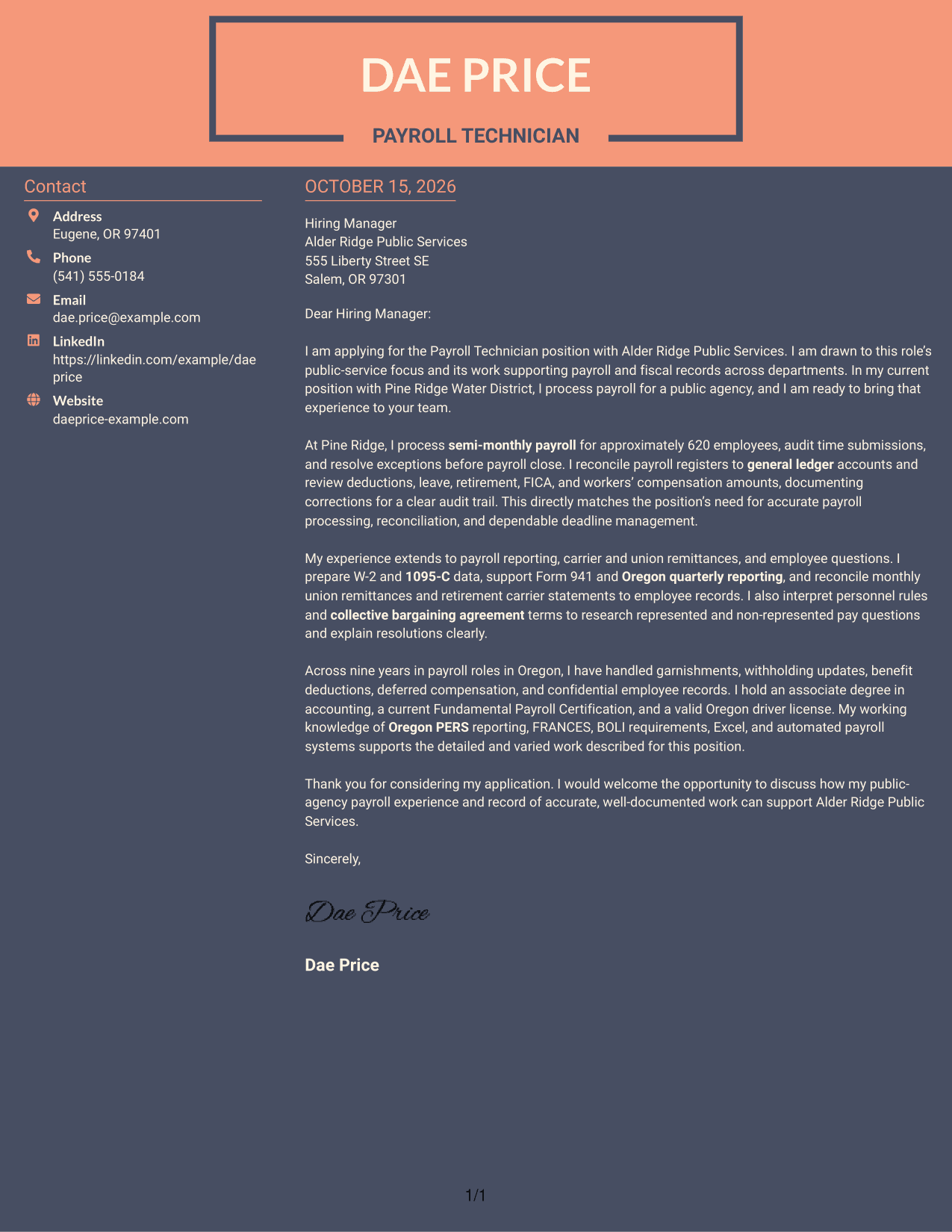
Why This Format Works
- The sidebar gives sender details a clear place outside the letter text.
- A single body keeps motivation and supporting points in the same reading sequence.
- Reviewers can follow the letter without moving between parallel argument columns.
Best For
- Contact sidebar preference
- Continuous letter paragraphs
- Side-by-side page structure
- Sender details apart from text
- Unsplit application messages
See Also
- 7 Payroll Technician - Public Sector Payroll Resume Templates with Example
- 7 Adjunct Phlebotomy Technician Instructor Resume Templates with Example
- 7 AGVS Logistics Technician Resume Templates with Example
- 7 Audiovisual and Oral History Technician Resume Templates with Example
- 33 Auto Technician Trainee Resume Templates with Example 2026 (ATS-Optimized)
- 7 Automation Technician Resume Templates with Example
- 7 Automotive Diesel Technician Resume Templates with Example
- 33 Automotive Service Technician Resume Templates with Example 2026 (ATS-Optimized)
- 7 AGVS Logistics Technician Cover Letter Templates with Example
- 30+ Auto Technician Trainee Cover Letter Templates with Example 2026
Frequently Asked Questions
What should a Payroll Technician - Public Sector Payroll cover letter include?
Explain your interest in public-service payroll, then give evidence that relates to the role. Examples may include payroll processing, time audits, account reconciliation, reporting, remittances, and clear responses to employee questions.
How can I show that my experience fits a public-sector payroll role?
Connect your actual duties to the position’s needs. If supported by your experience, describe work with represented and non-represented employees, collective bargaining terms, public agency payroll, or payroll records and reporting.
How should I explain my interest in this role?
State what appeals to you about supporting public services and accurate payroll across departments. Keep the reason specific and sincere, and connect it to the work described in the posting.
Which cover letter format should I choose?
Choose a clear presentation that is easy to read and fits the employer’s communication style. The image previews let you compare visual options, and the editor links let you open an example to customize.
How can I discuss payroll corrections and employee questions?
Briefly describe how you research discrepancies, explain the correction in plain language, and keep accurate records. Use a real example from your own work when possible, while protecting confidential employee information.




