
7 Product Manager - Onboarding and Growth Cover Letter Templates with Example
This practical guide helps you shape a focused Product Manager - Onboarding and Growth cover letter with seven layouts and image previews to compare.
What Makes a Great Product Manager - Onboarding and Growth Cover Letter in 2026
A strong Product Manager - Onboarding and Growth cover letter links customer needs to a clear reason for applying. Its opening, body, and close should show how thoughtful onboarding helps customers reach value and supports lasting adoption.
Use concrete evidence such as role-aware journeys, Customer Success partnership, adoption measures, and PQL handoffs. Connect those examples to the employer’s goals, and keep the tone direct, specific, and customer-focused.
The featured example moves from interest in Summit Talent Cloud to evidence in onboarding, adoption measurement, and cross-functional leadership, then closes with clear motivation. Adapt this focused progression to the employer and communication context, choosing a presentation that feels right for the audience.
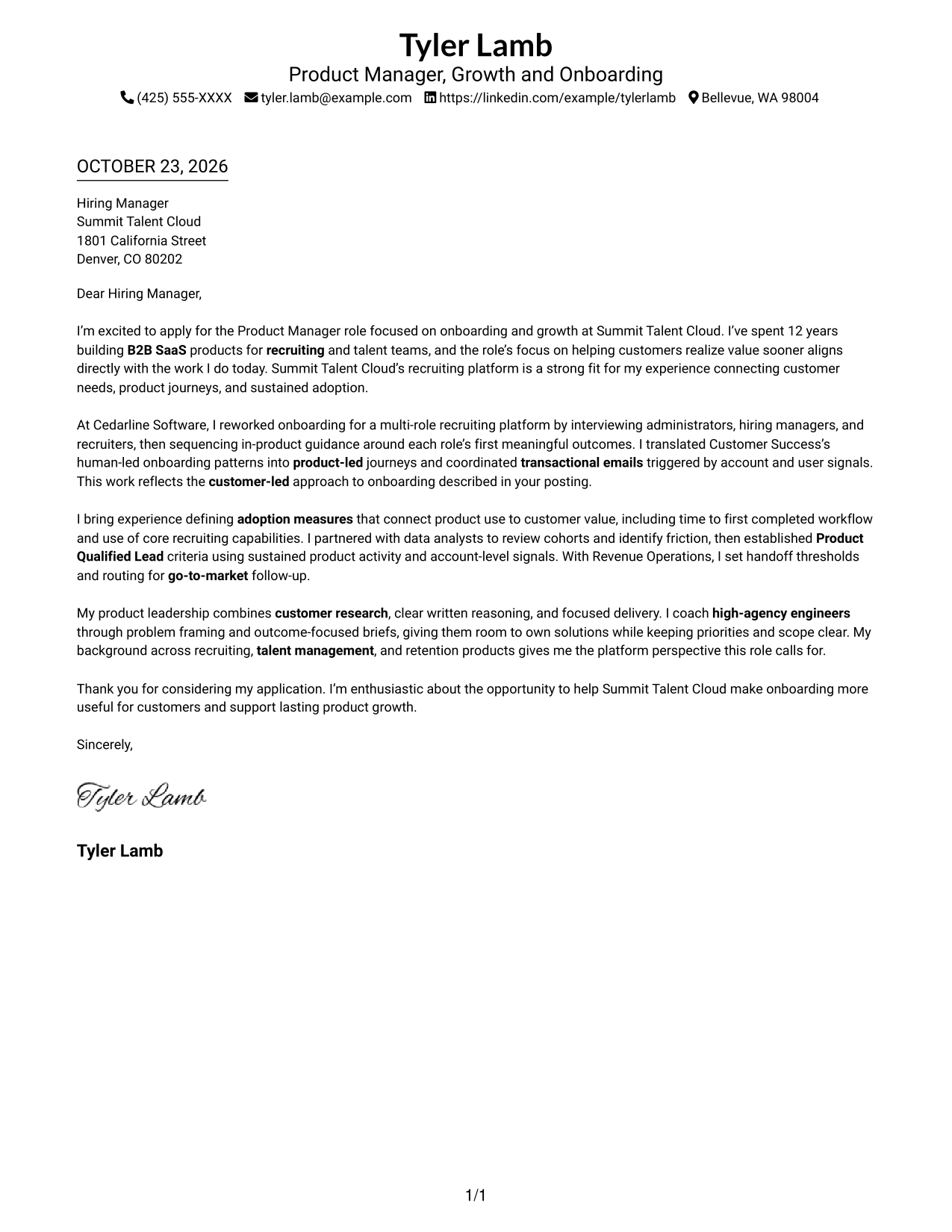
#1 Simple One Column Format Cover Letter Example
Sender details appear in the header above a single-column letter body, a practical choice for readers who prefer a direct, uninterrupted reading path.
Why This Format Works
- Sender details sit in the header, leaving the letter body focused on its message.
- One-column reading order lets reviewers follow the opening, evidence, and closing in sequence.
- The photo-free page keeps visual attention on the written case.
Best For
- Header-first contact access
- Single-column reading preference
- Photo-free correspondence
- Long-form written applications
- Applications led by the letter's message
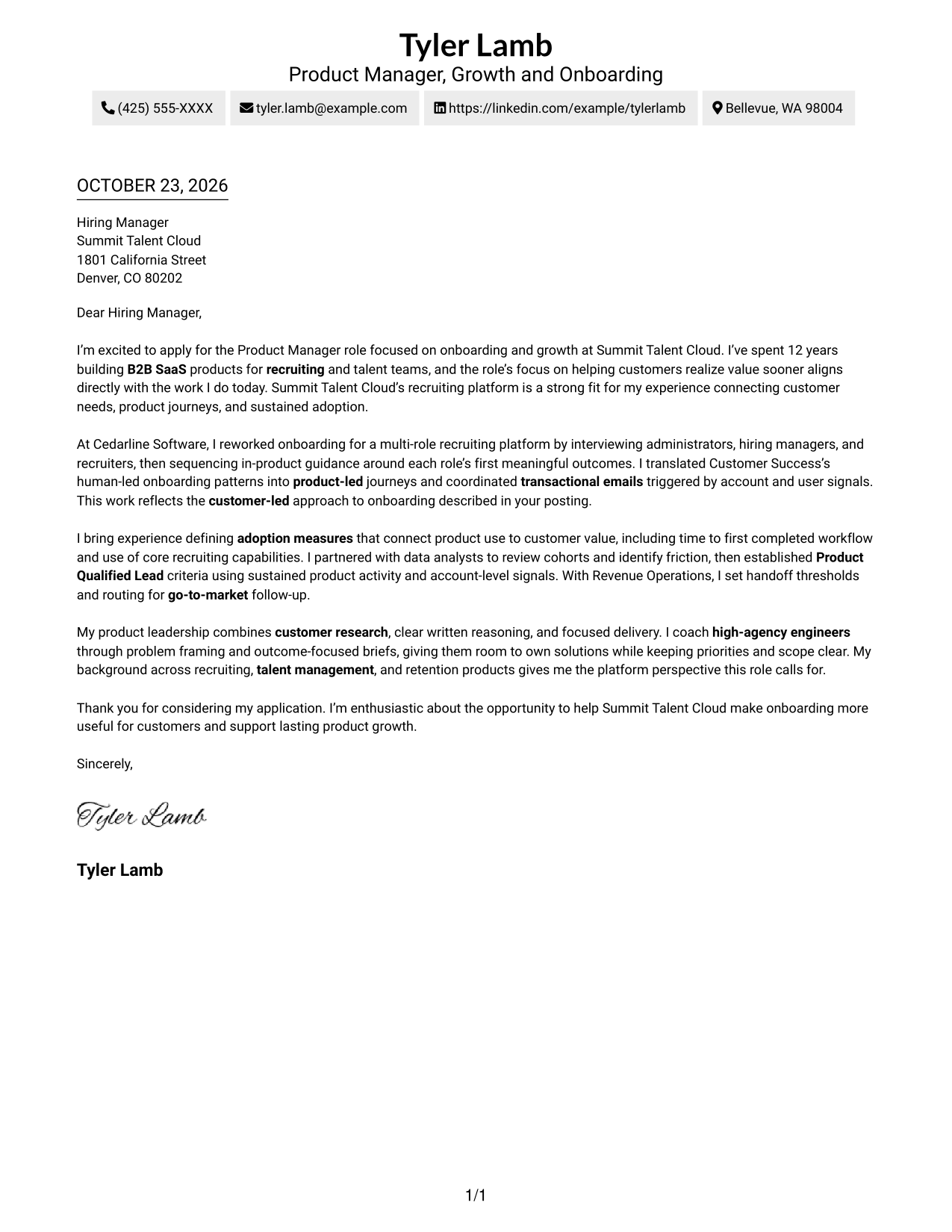
#2 Two Column Format Cover Letter Example
A contact sidebar sits beside one continuous letter body, a useful arrangement when readers need sender details apart from the message.
Why This Format Works
- The contact sidebar gives sender information a clear place beside the letter.
- A single body column keeps the opening, supporting case, and close in sequence.
- Without a photo, the written message remains the main visual element.
Best For
- Contact information kept alongside the letter
- A continuous, multi-paragraph message
- Applications without a portrait
- Letters with several supporting points
- A clear distinction between contact details and correspondence
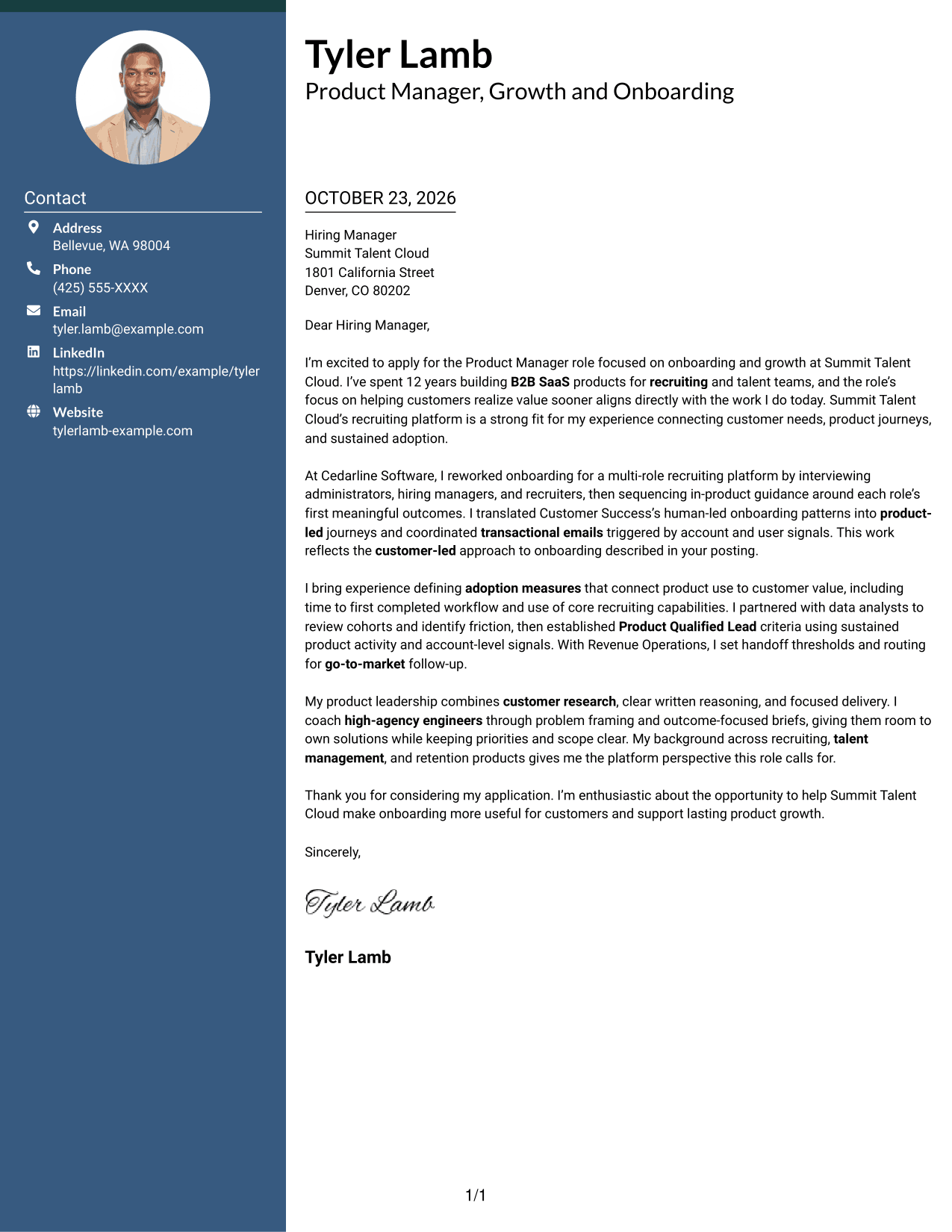
#3 Photo Header Two Column Format Cover Letter Example
A photo accompanies the contact sidebar beside one continuous letter body, offering a portrait-inclusive presentation without dividing the message.
Why This Format Works
- Contact details stay apart from the letter, while the message remains one continuous body.
- One body column preserves a direct sequence from opening through closing.
- A portrait adds a personal visual element without changing the letter's reading path.
Best For
- Portrait-inclusive application materials
- Contact details outside the message
- Single-column letter text
- Written cases with several supporting points
- A personal visual introduction
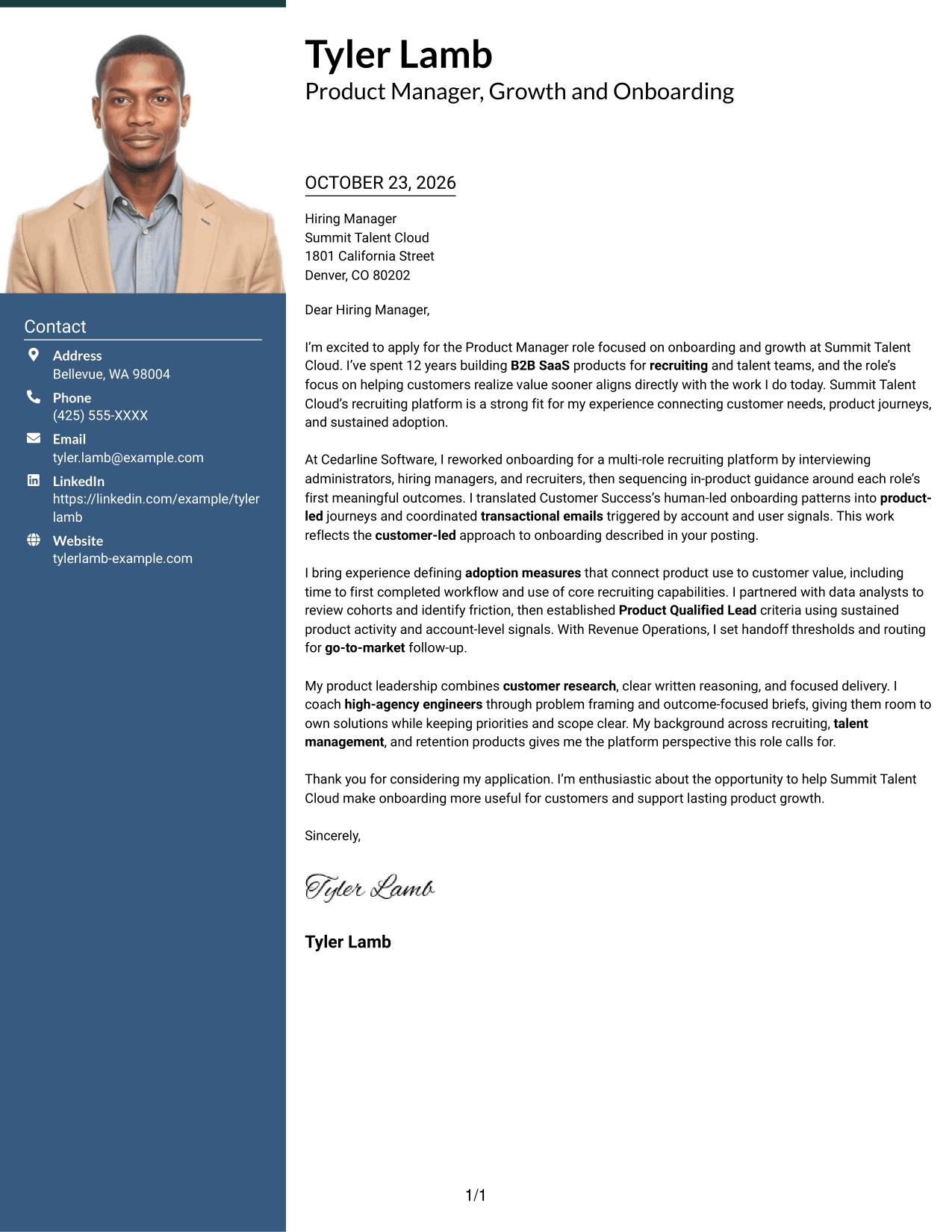
#4 One Column Format with Photo Cover Letter Example
The photo appears with a single-column letter body, a useful choice when a portrait and a direct written message should share the page.
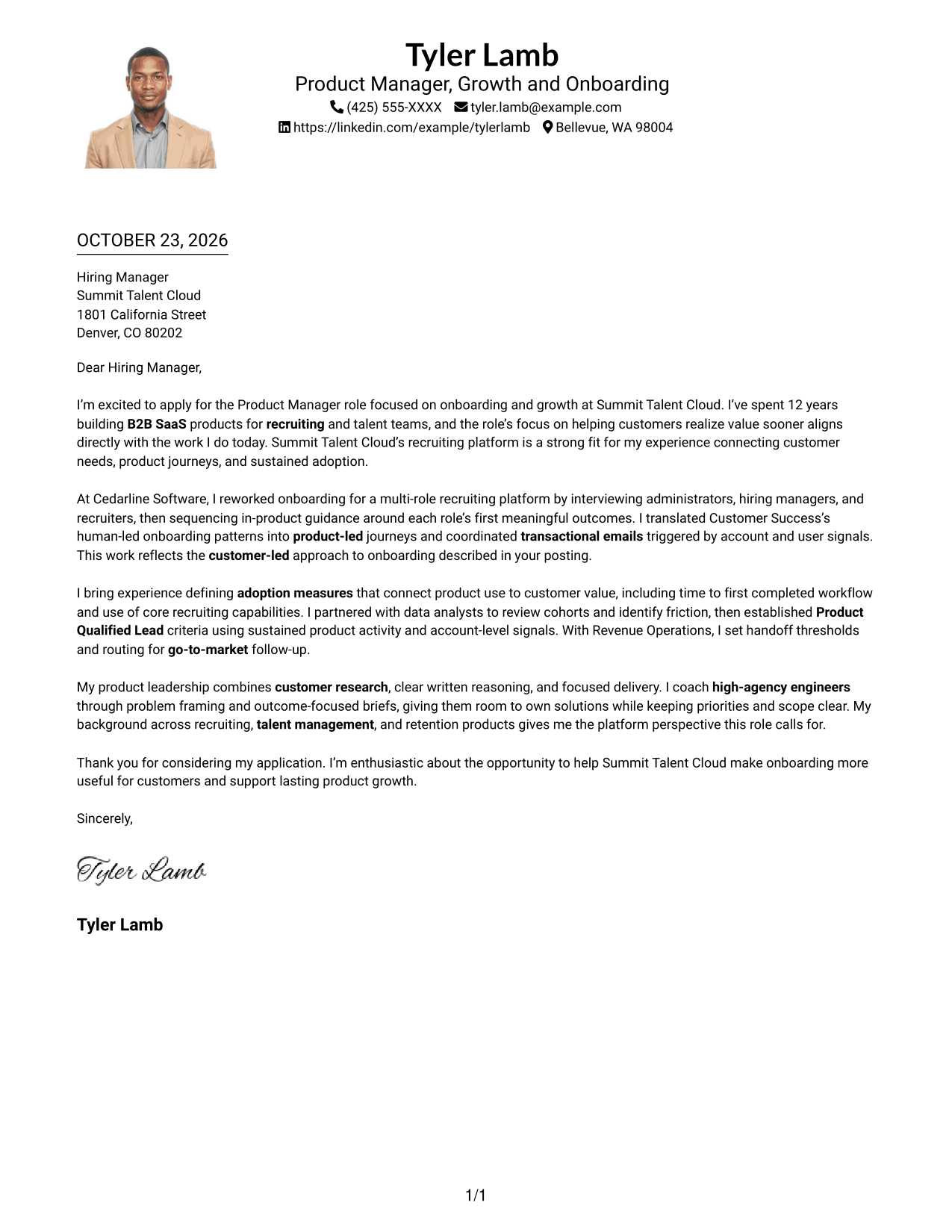
Why This Format Works
- Sender details remain in the header, apart from the letter's continuous paragraphs.
- A single reading column keeps the opening, evidence, and close in order.
- The portrait adds a visual point of reference without breaking the letter's flow.
Best For
- Portrait-inclusive correspondence
- Header-based sender details
- Direct, multi-paragraph letters
- A single-column page preference
- Written applications with a personal visual element
#5 Simple Two Column Format Cover Letter Example
A contact sidebar and one continuous letter body form the two-column layout, keeping sender details distinct from the written case.
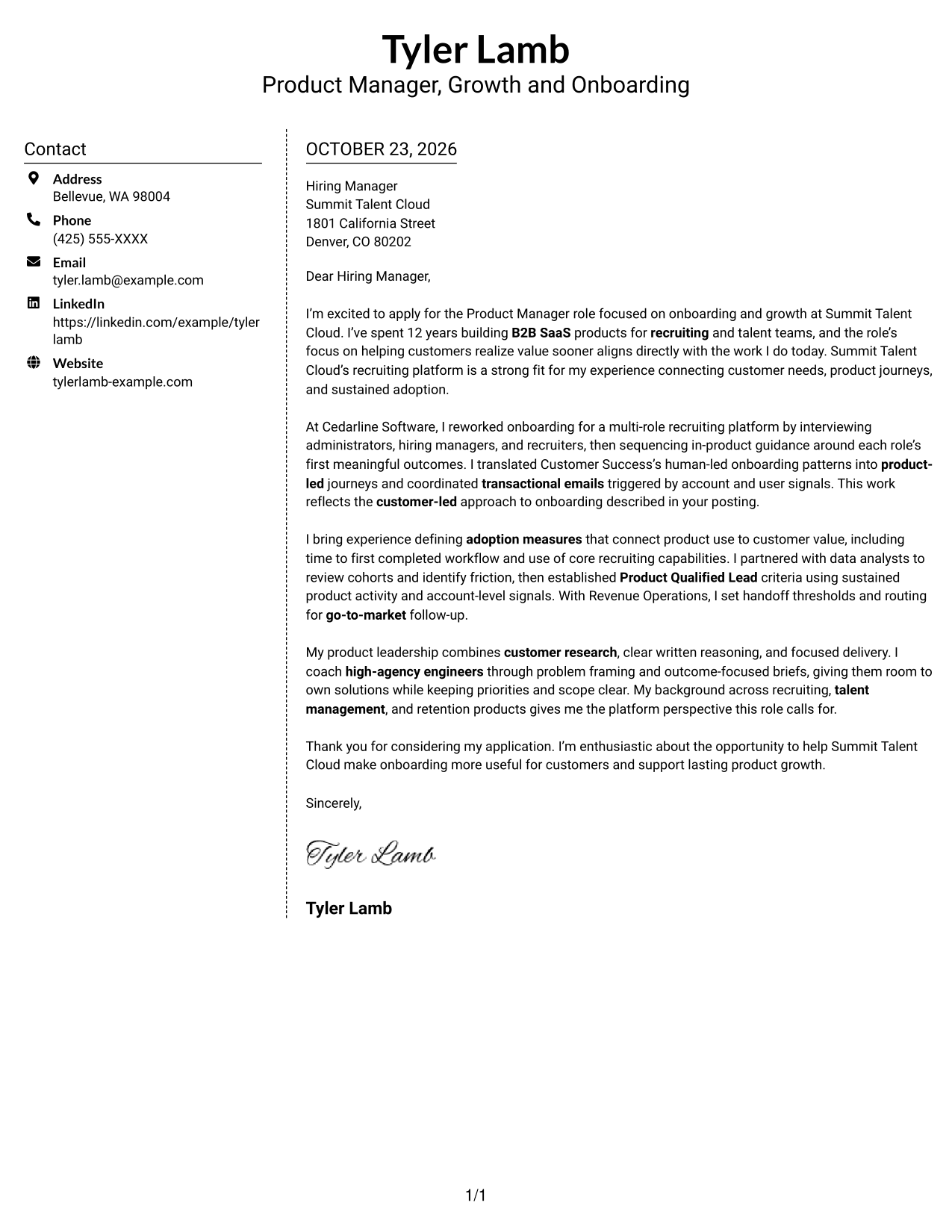
Why This Format Works
- The sidebar makes contact details easy to locate beside the letter.
- The letter stays in one column, so its paragraphs read as a connected message.
- No portrait competes with the written content for visual attention.
Best For
- Quick access to contact details
- Connected, multi-paragraph correspondence
- Photo-free application materials
- Separate sender information and message
- Written cases that benefit from one reading path
#6 Modern Icon Format Cover Letter Example
Contact cues and decorative header icons accompany the sidebar, while the letter remains a single continuous column for its message.
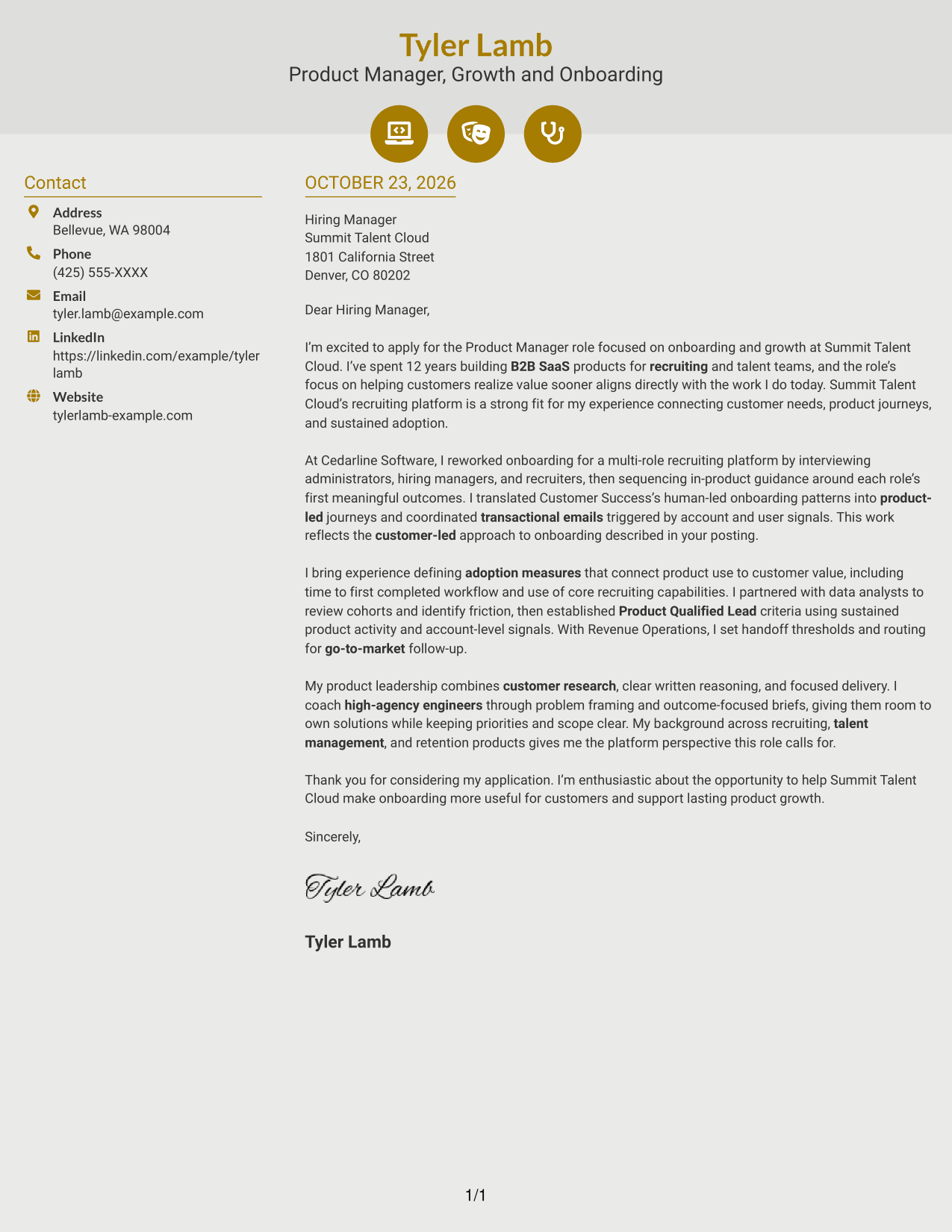
Why This Format Works
- Contact cues help readers identify sender details without labeling parts of the letter.
- The sidebar sits apart from the continuous body, keeping contact information distinct.
- One body column carries the message from its opening through its close.
Best For
- Icon-based contact cues
- A continuous written argument
- Distinct contact and letter areas
- Applications without a portrait
- Letters with several connected paragraphs
#7 Creative Two Tone Format Cover Letter Example
This two-column layout places contact details beside a continuous letter body, a practical option for keeping correspondence and sender information distinct.
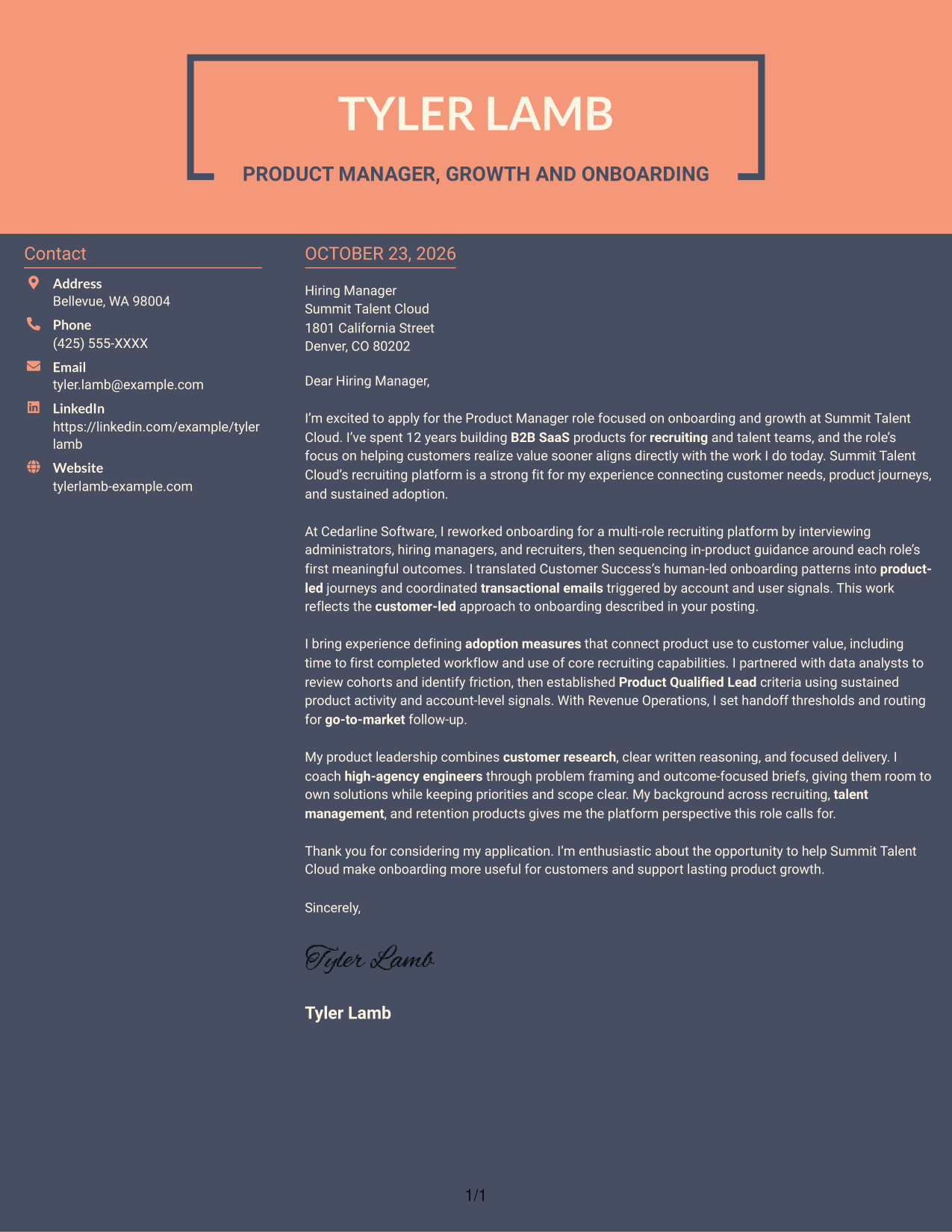
Why This Format Works
- The contact sidebar keeps sender details separate from the letter's message.
- A single body column gives the opening, evidence, and closing one reading path.
- The photo-free layout leaves the written case as the page's visual focus.
Best For
- Side-by-side contact and letter placement
- Photo-free application documents
- A connected opening-to-close message
- Separate sender details
- Written correspondence with multiple paragraphs
See Also
- 7 Product Manager - Onboarding and Growth Resume Templates with Example
- 7 Growth Product Manager - New Channels Resume Templates with Example
- 33 Advisory Product Requirements Engineer, AI Orchestration Resume Templates with Example 2026 (ATS-Optimized)
- 33 Agentic AI Product Engineer Resume Templates with Example 2026 (ATS-Optimized)
- 7 Agile Delivery Owner Lead - New Product Development Resume Templates with Example
- 7 Agile Product Owner Federal Healthcare Resume Templates with Example
- 33 AI-Native Product Engineer Resume Templates with Example 2026 (ATS-Optimized)
- 33 AI-Powered Cybersecurity Product Engineer Resume Templates with Example 2026 (ATS-Optimized)
- 7 Growth Product Manager - New Channels Cover Letter Templates with Example
- 30+ Advisory Product Requirements Engineer, AI Orchestration Cover Letter Templates with Example 2026
Frequently Asked Questions
What should the opening paragraph emphasize for this role?
State your interest in the Product Manager - Onboarding and Growth role, then connect the company’s focus on helping customers reach value sooner to relevant experience and motivation.
Which examples are most relevant to this cover letter?
Use specific evidence about role-aware onboarding journeys, Customer Success partnership, transactional emails, adoption measures, or Product Qualified Lead criteria. Explain the customer need and the value of your contribution.
How can I show alignment with Summit Talent Cloud?
Connect your interest to the recruiting platform and the goal of making onboarding easier for customers. Show how customer research, product judgment, and clear communication guide your approach.
Should I focus on A/B testing in my letter?
Focus first on customer understanding, thoughtful product design, and measures tied to customer value. Mention experiments only when they are relevant to your experience and the decision you describe.
Can I compare the cover letter previews and open an example in the editor?
Yes. Compare the PNG image previews, then use the editor link to view or customize the example.




