
7 Project Manager - Enterprise SaaS Implementations Cover Letter Templates with Example
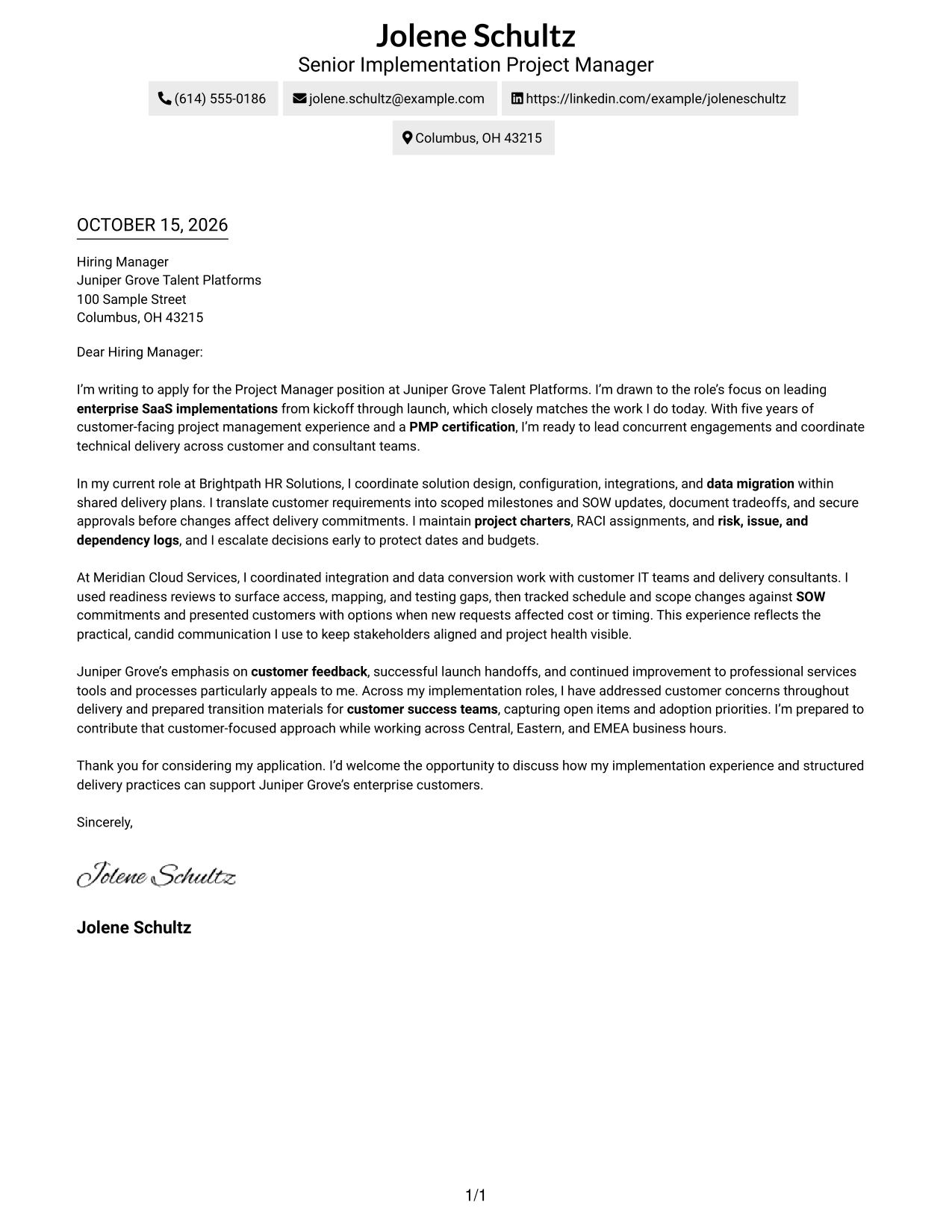
This practical guide to a Project Manager - Enterprise SaaS Implementations cover letter shows how seven layouts can help you present your fit clearly.
What Makes a Great Project Manager - Enterprise SaaS Implementations Cover Letter in 2026
A strong cover letter explains how you lead enterprise SaaS work from kickoff through launch. It connects your approach to scope, technical workstreams, customer confidence, and a clear close.
Use specific evidence about SOW changes, integrations, data migration, risk decisions, or launch handoffs. Link your examples to the employer’s focus on customer feedback, delivery, and adoption, without claiming results you cannot support.
The featured example moves from role interest to delivery evidence, employer alignment, and a direct close. Adapt that progression, then choose a presentation that fits the employer and the communication context.
#1 Simple One Column Format Cover Letter Example
The single-column page keeps the sender details in the header and the letter in one continuous body, giving readers a familiar path through the message.
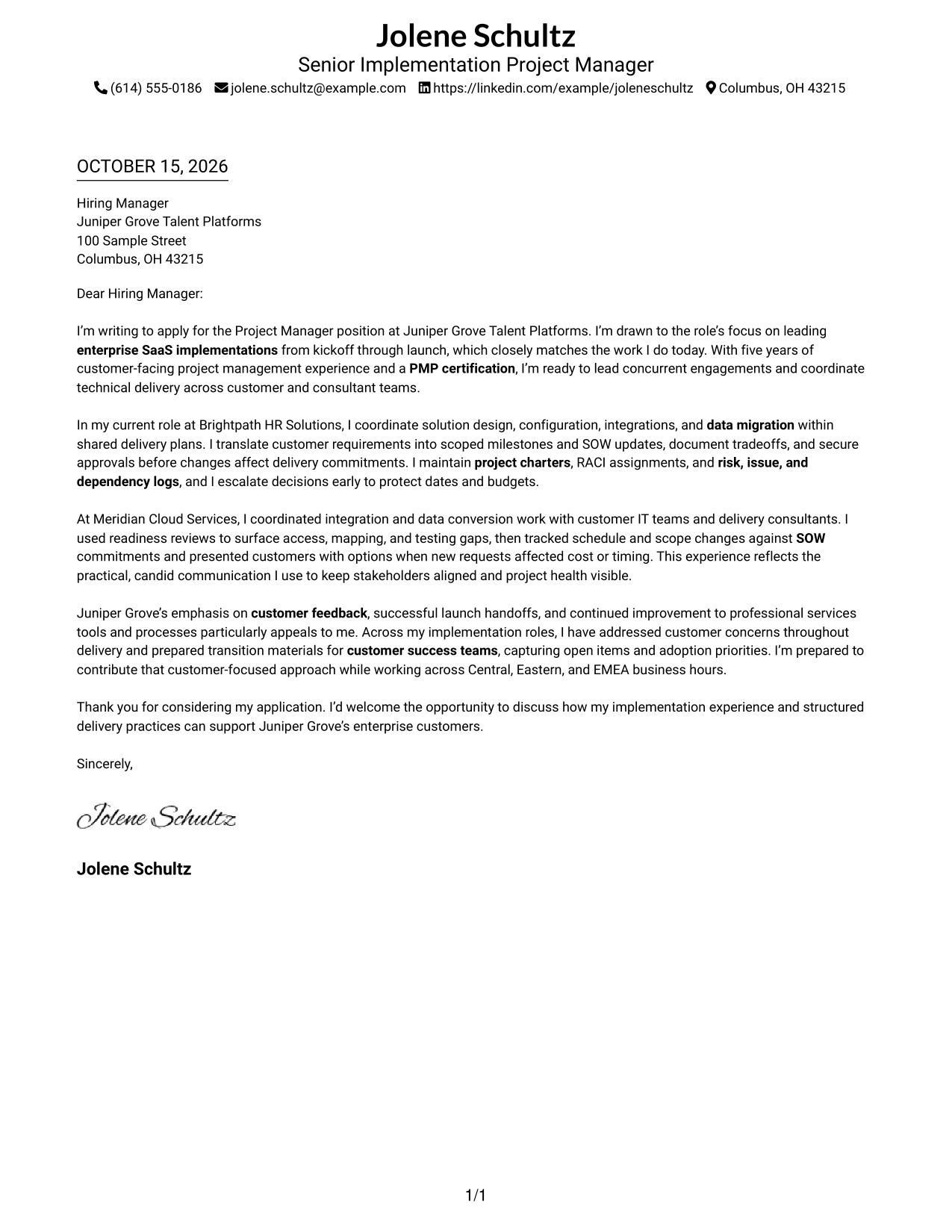
Why This Format Works
- Sender details in the header stay distinct from the letter's main message.
- The one-column body lets readers follow the greeting, case, and closing in order.
- Readers who prefer familiar pages can focus on text without a sidebar.
Best For
- Single-column letter reading
- Header-based contact details
- Familiar business correspondence
- Text-focused application materials
- Photo-free letter layouts
#2 Two Column Format Cover Letter Example
A contact sidebar sits beside the letter, placing sender details apart from the continuous message in a two-column layout.
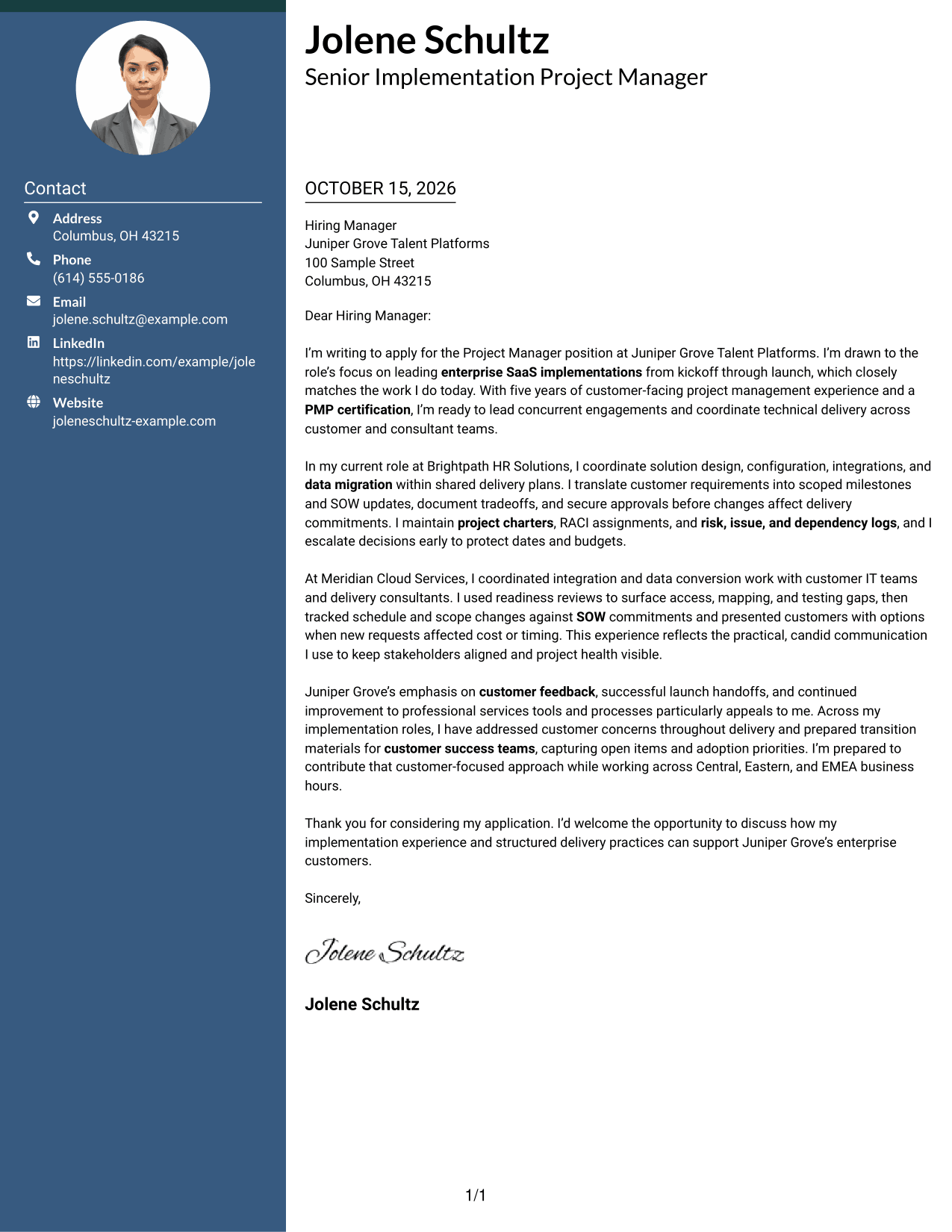
Why This Format Works
- Contact details in the sidebar remain easy to locate beside the message.
- The letter stays in one column, keeping its paragraphs in a natural sequence.
- A photo-free presentation keeps attention on contact details and written content.
Best For
- Contact sidebar access
- One-column letter body
- Separate contact and message areas
- Photo-free correspondence
- Conventional paragraph sequence
#3 Photo Header Two Column Format Cover Letter Example
This format combines a photo with two columns, while the letter remains one continuous body.
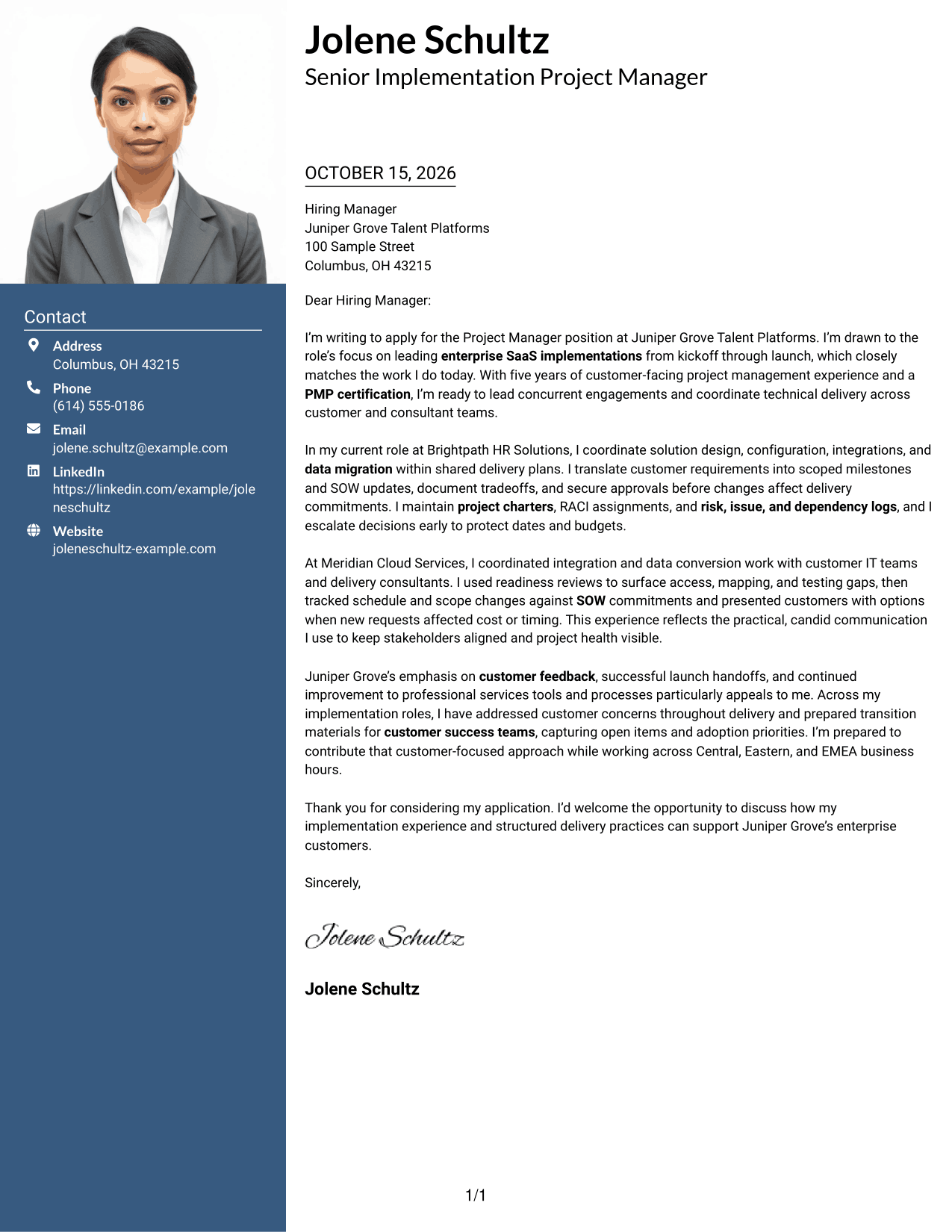
Why This Format Works
- The contact sidebar gives sender details a clear place beside the continuous letter.
- One letter column keeps motivation, supporting points, and closing together in paragraph order.
- A photo adds a personal visual element without changing the letter's reading order.
Best For
- Portrait-inclusive cover letters
- Contact details beside the message
- Single-column letter flow
- Photo-presenting correspondence
- Enterprise SaaS applications
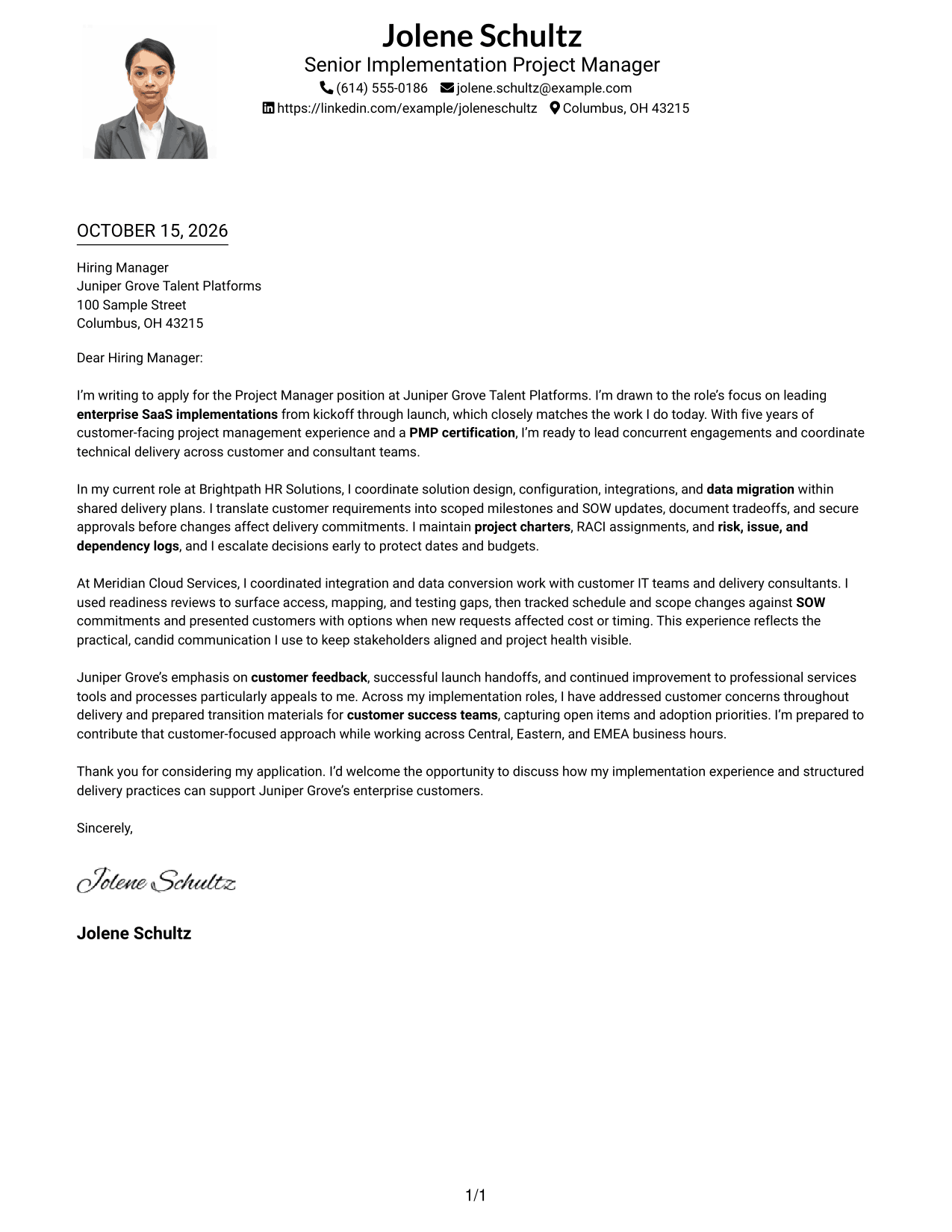
#4 One Column Format with Photo Cover Letter Example
The one-column page includes a photo, with sender details in the header and the letter in a continuous body.
Why This Format Works
- One column gives the letter a straightforward path from greeting through closing.
- Sender details remain in the header, separate from the letter paragraphs.
- The photo offers a visual point of distinction while the message remains text-led.
Best For
- Photo-inclusive correspondence
- Single-column letter reading
- Header-based contact information
- Continuous paragraph messages
- Customer-facing project applications
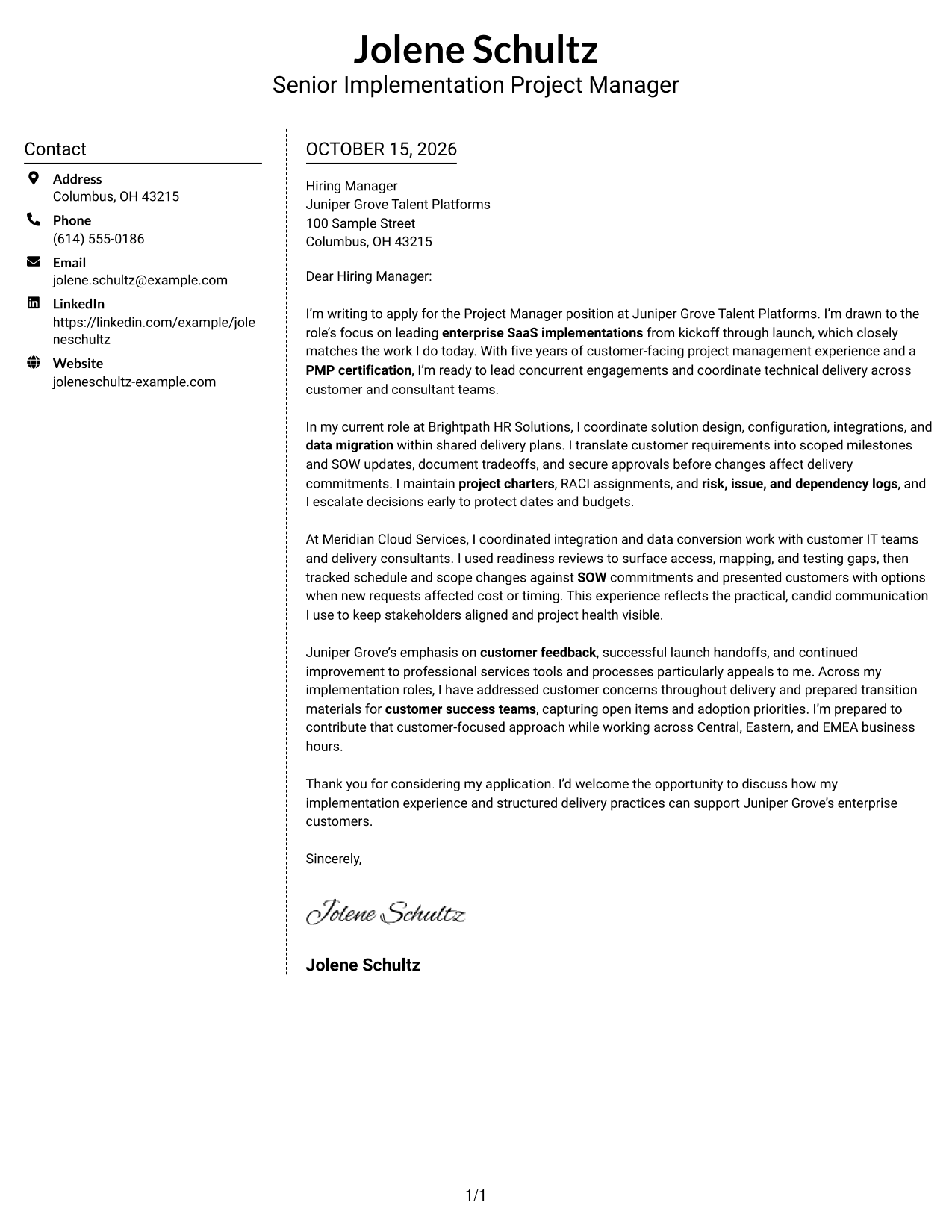
#5 Simple Two Column Format Cover Letter Example
Contact details occupy a sidebar beside the single-column letter body, keeping practical sender information separate from the message.
Why This Format Works
- The sidebar keeps sender details apart from the main letter column.
- Paragraphs remain together in one body, so the argument is not divided.
- The photo-free layout keeps its two areas focused on contact details and letter text.
Best For
- Sidebar contact details
- Continuous letter paragraphs
- Two-area page organization
- Photo-free business letters
- Enterprise implementation applications
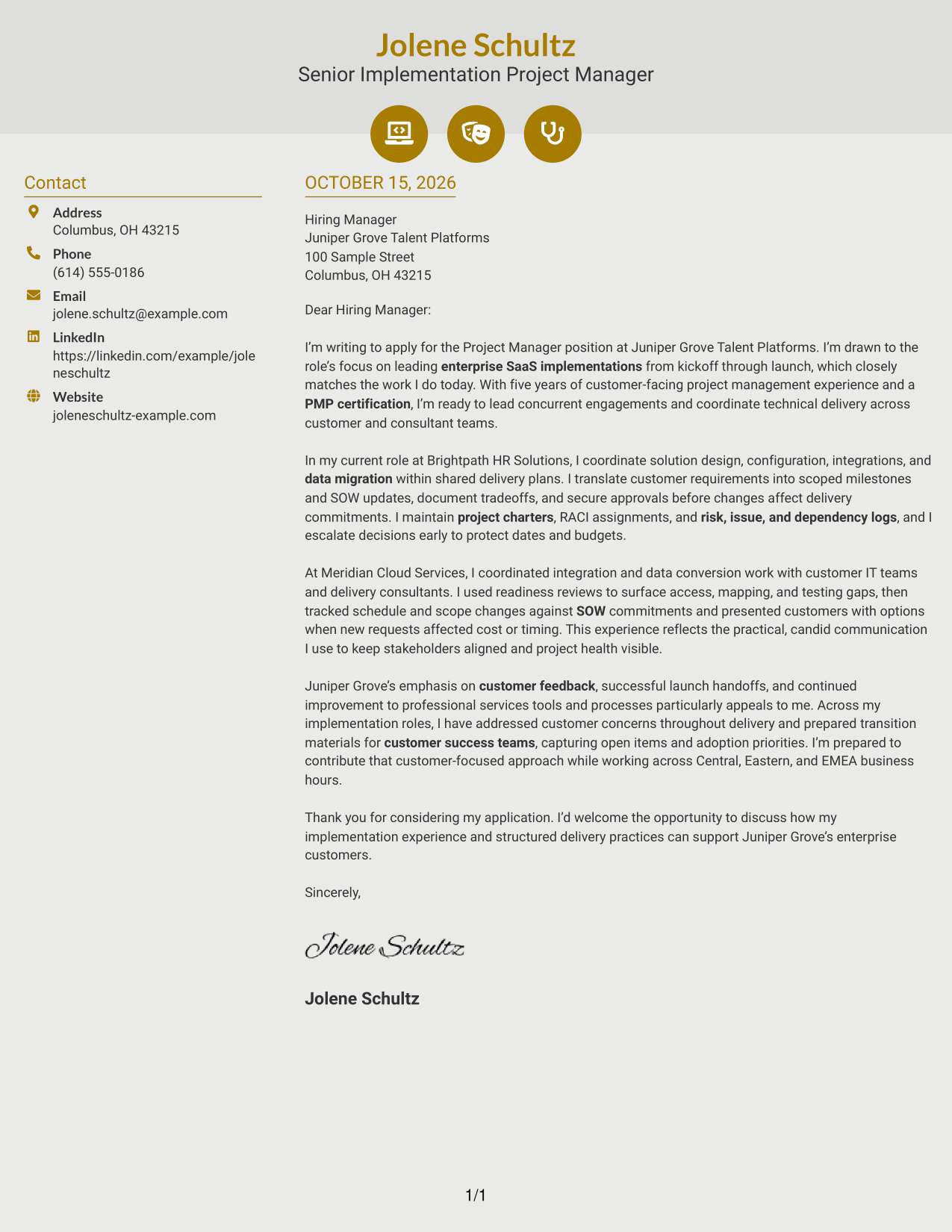
#6 Modern Icon Format Cover Letter Example
Contact icons provide visual cues for sender details in the sidebar, while the letter stays in one continuous column.
Why This Format Works
- Contact icons help identify sender details, not sections of the letter argument.
- The sidebar keeps contact information apart from the message itself.
- One continuous letter column preserves the expected paragraph flow from opening to close.
Best For
- Icon-marked contact details
- Sidebar and letter layouts
- Continuous message flow
- Photo-free correspondence
- Project management applications
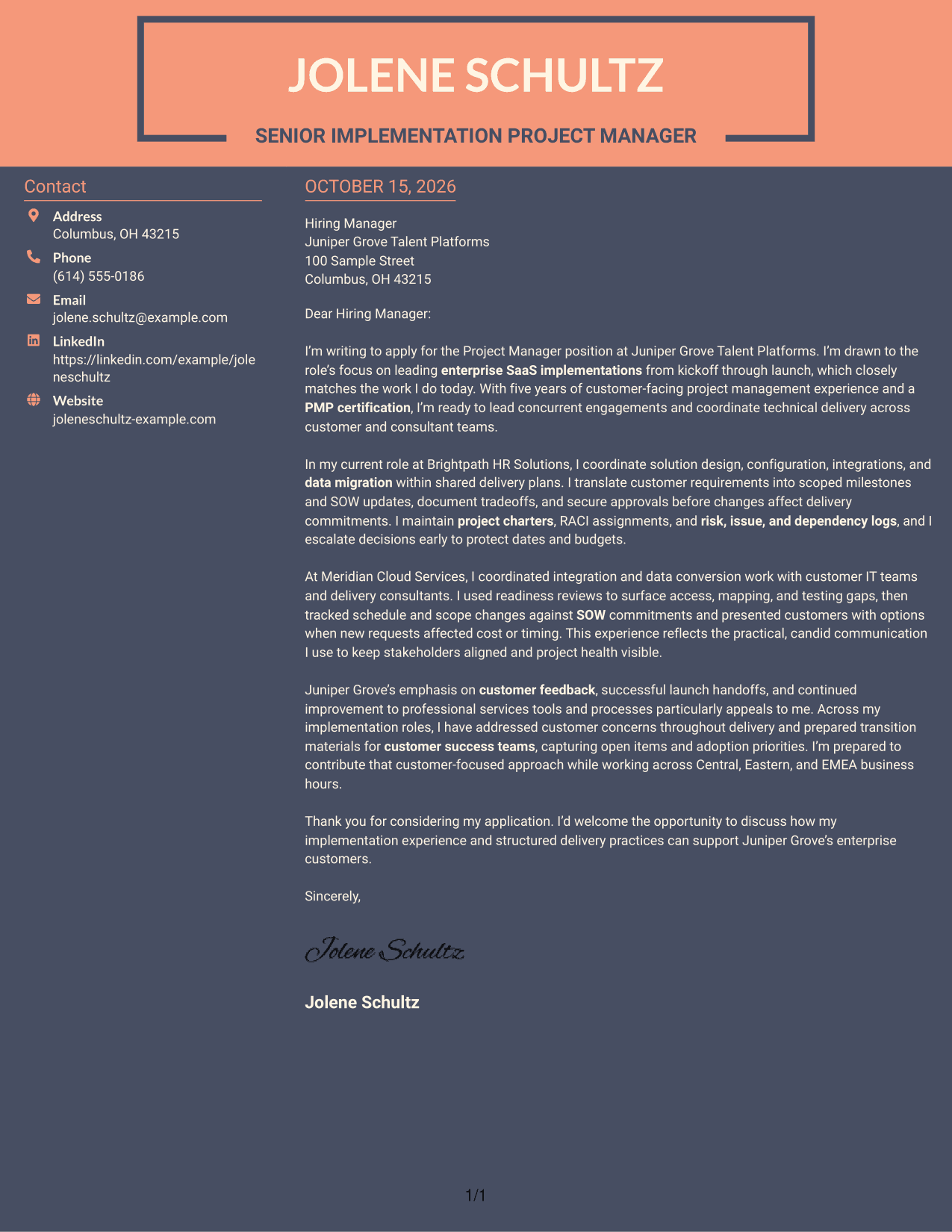
#7 Creative Two Tone Format Cover Letter Example
The two-column structure places contact details in a sidebar beside the continuous letter body, keeping sender information distinct from the message.
Why This Format Works
- The contact sidebar gives sender information a separate place beside the letter.
- The continuous body keeps the opening, supporting paragraphs, and closing together.
- Without a photo, the visual focus stays on contact details and the written message.
Best For
- Contact details beside the letter
- Single-column message flow
- Photo-free application letters
- Separate sender information
- Customer-facing implementation roles
See Also
- 7 Project Manager - Enterprise SaaS Implementations Resume Templates with Example
- 7 Airport Project Manager Resume Templates with Example
- 7 Assistant Project Scientist - Experimental Space Physics Resume Templates with Example
- 7 Capital Project Manager - Informal Projects Resume Templates with Example
- 33 Civil Project Engineer Resume Templates with Example 2026 (ATS-Optimized)
- 7 Community Engagement Visibility Project Associate Resume Templates with Example
- 33 Construction Project Engineer Intern Resume Templates with Example 2026 (ATS-Optimized)
- 7 Construction Senior Project Manager Resume Templates with Example
- 30+ Civil Project Engineer Cover Letter Templates with Example 2026
- 30+ Construction Project Engineer Intern Cover Letter Templates with Example 2026
Frequently Asked Questions
What should the opening paragraph say for this project manager role?
Name the Project Manager - Enterprise SaaS Implementations role and explain why its focus on enterprise delivery interests you. Briefly connect that interest to relevant experience you can support with clear examples.
What evidence is useful in an enterprise SaaS implementation cover letter?
Describe how you coordinate work such as integrations or data migration, manage scope and SOW changes, or surface risks early. Explain your actions and their impact without adding results you cannot verify.
How can I show customer-focused project management?
Give an example of how you kept customer stakeholders informed, addressed concerns, or prepared a clear handoff to customer success. Show how your communication helped keep decisions and project health visible.
How should I explain my interest in the employer?
Connect a real reason for your interest to the employer’s stated focus, such as customer feedback, successful launches, or post-launch adoption. Avoid making claims about the company that you cannot confirm.
How do I choose a cover letter layout?
Compare the PNG image previews and choose a clear presentation that suits the employer and communication context. You can open an example in the editor to view or customize it.




