
7 Registered Nurse - Clinical AI Documentation Cover Letter Templates with Example
This practical guide to a Registered Nurse - Clinical AI Documentation cover letter presents seven layouts to help you show how clinical judgment supports accurate AI-generated documentation.
What Makes a Great Registered Nurse - Clinical AI Documentation Cover Letter in 2026
A strong Registered Nurse - Clinical AI Documentation cover letter connects bedside judgment with careful review of AI-generated clinical content. Its opening states interest in the work, while the body shows how the applicant checks findings against nursing documentation.
Use a clear example of assessment or flowsheet review, annotation, or written feedback to show your approach. Then connect that evidence to the employer’s focus on accurate clinical AI and reliable documentation.
The featured example moves from role-specific motivation to bedside evidence, clinical AI review, and employer alignment before a concise close. Adapt this focused progression while choosing a presentation that suits the employer and the communication context.
#1 Simple One Column Format Cover Letter Example
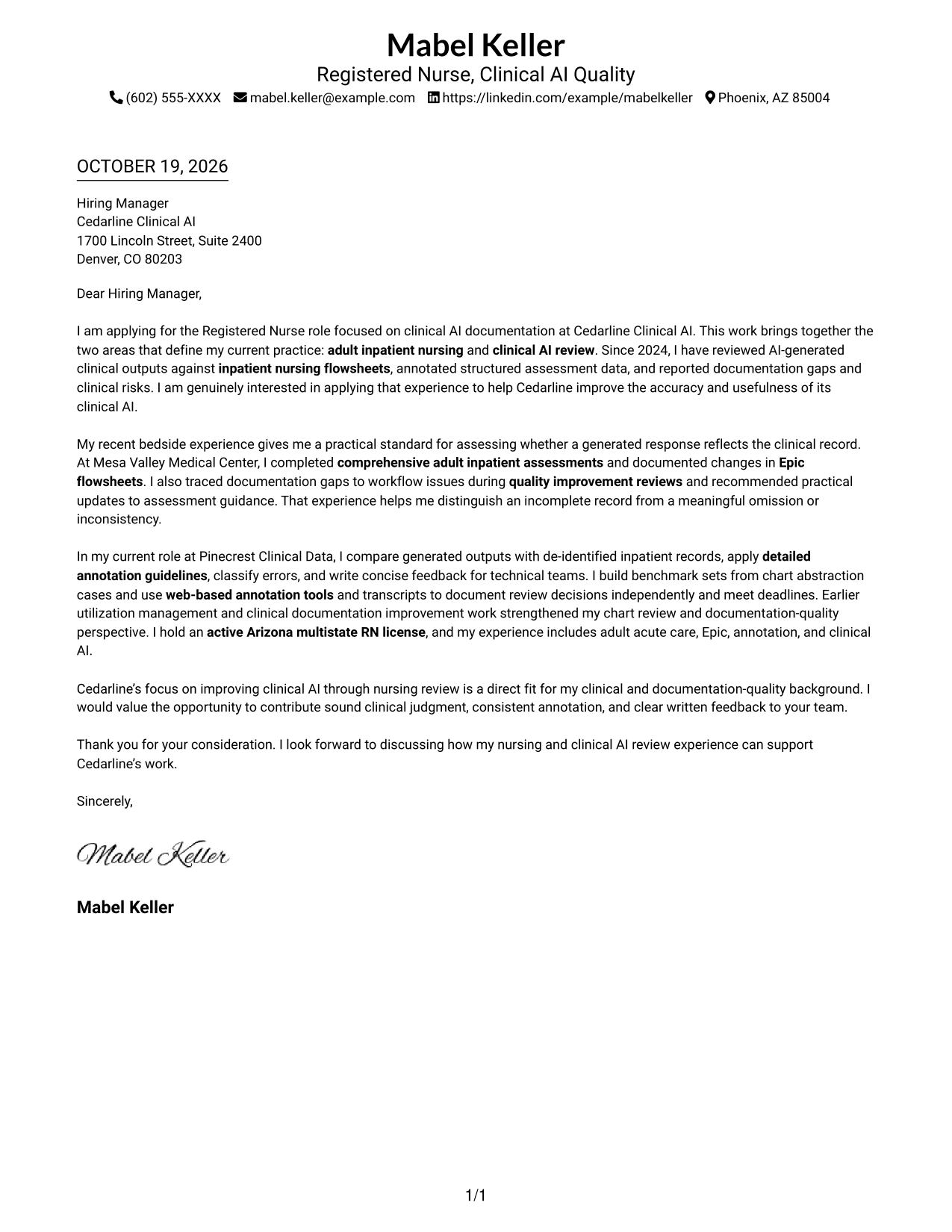
The single-column page places sender details above one continuous letter body, giving the message a clear path from opening to close.
Why This Format Works
- Header contact details are easy to find before the letter begins.
- One body column prevents the message from splitting into parallel text streams.
- Paragraphs carry motivation and evidence without headings dividing the argument.
Best For
- Header-based contact details
- Single-column letter layouts
- Paragraph-based persuasive messages
- Letters without body headings
- Direct opening-to-close flow
#2 Two Column Format Cover Letter Example
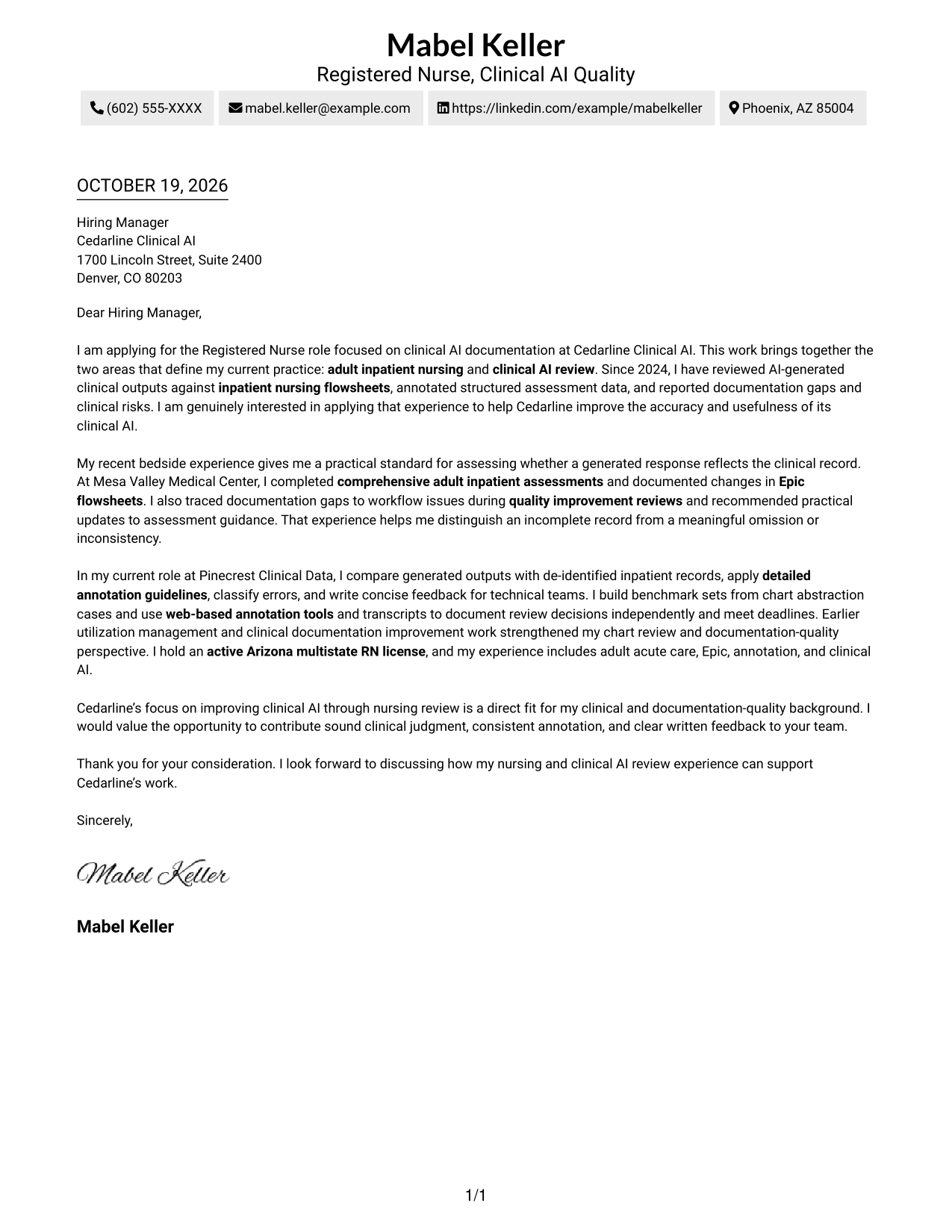
A contact sidebar sits beside the single-column letter body, keeping practical details apart from the persuasive message.
Why This Format Works
- The sidebar gives sender details a dedicated place beside the message.
- The body remains one column, so the argument does not compete with another text stream.
- Paragraphs run without argument headings, preserving the letter's natural progression.
Best For
- Separate contact and message areas
- Letters with several supporting paragraphs
- Unheaded letter bodies
- Quick access to sender information
- Paragraph-based role alignment
#3 Photo Header Two Column Format Cover Letter Example
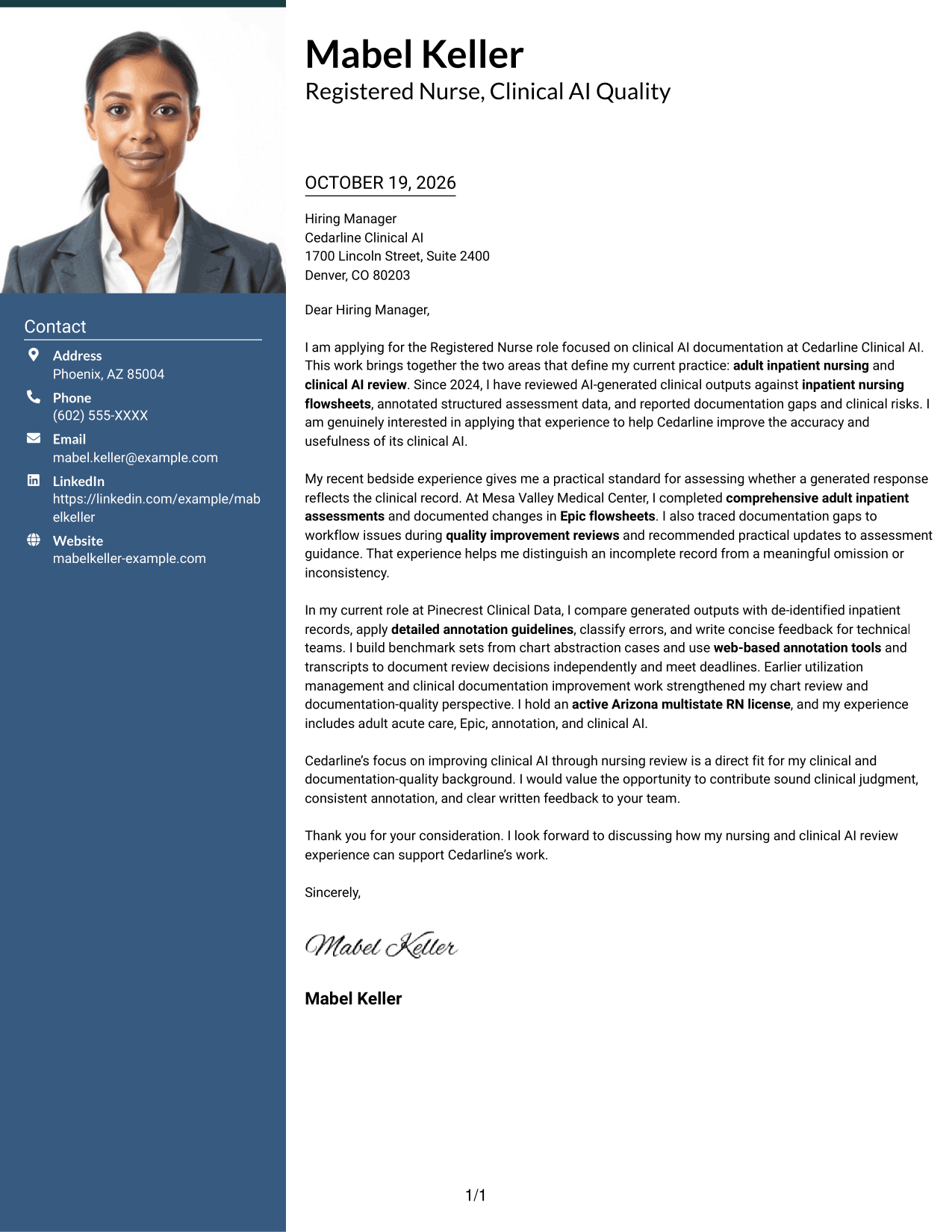
A header photo adds a personal visual element, while a contact sidebar sits beside the uninterrupted letter body.
Why This Format Works
- The header photo suits readers who prefer a portrait in the letter presentation.
- Contact details stay apart from the message in the sidebar.
- Continuous body paragraphs keep motivation and evidence within one argument.
Best For
- Photo-inclusive letter layouts
- Portrait-led header presentation
- Sidebar contact organization
- One-column letter arguments
- Paragraph-based evidence
#4 One Column Format with Photo Cover Letter Example
The photo accompanies a one-column page, preserving one reading path for the header details and complete letter.
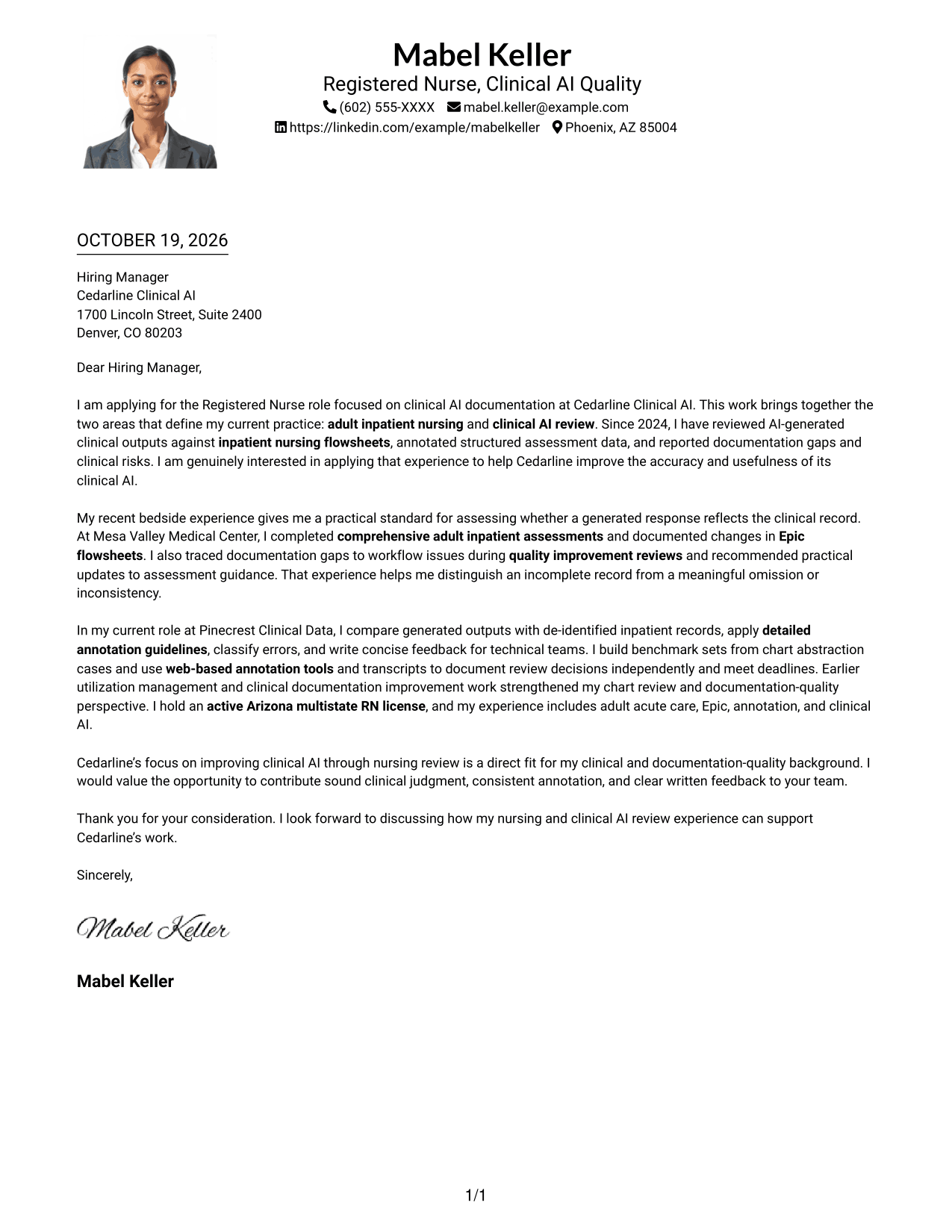
Why This Format Works
- The photo adds a visual choice without creating another body column.
- Header contact details remain with the letter rather than in a sidebar.
- One body column keeps the opening, supporting points, and close in sequence.
Best For
- One-column letter preference
- Photo-inclusive documents
- Header-based contact information
- Letters with a clear opening and close
- Continuous paragraph messages
#5 Simple Two Column Format Cover Letter Example
The two-column arrangement gives contact details a sidebar while the letter itself stays in a single body column.
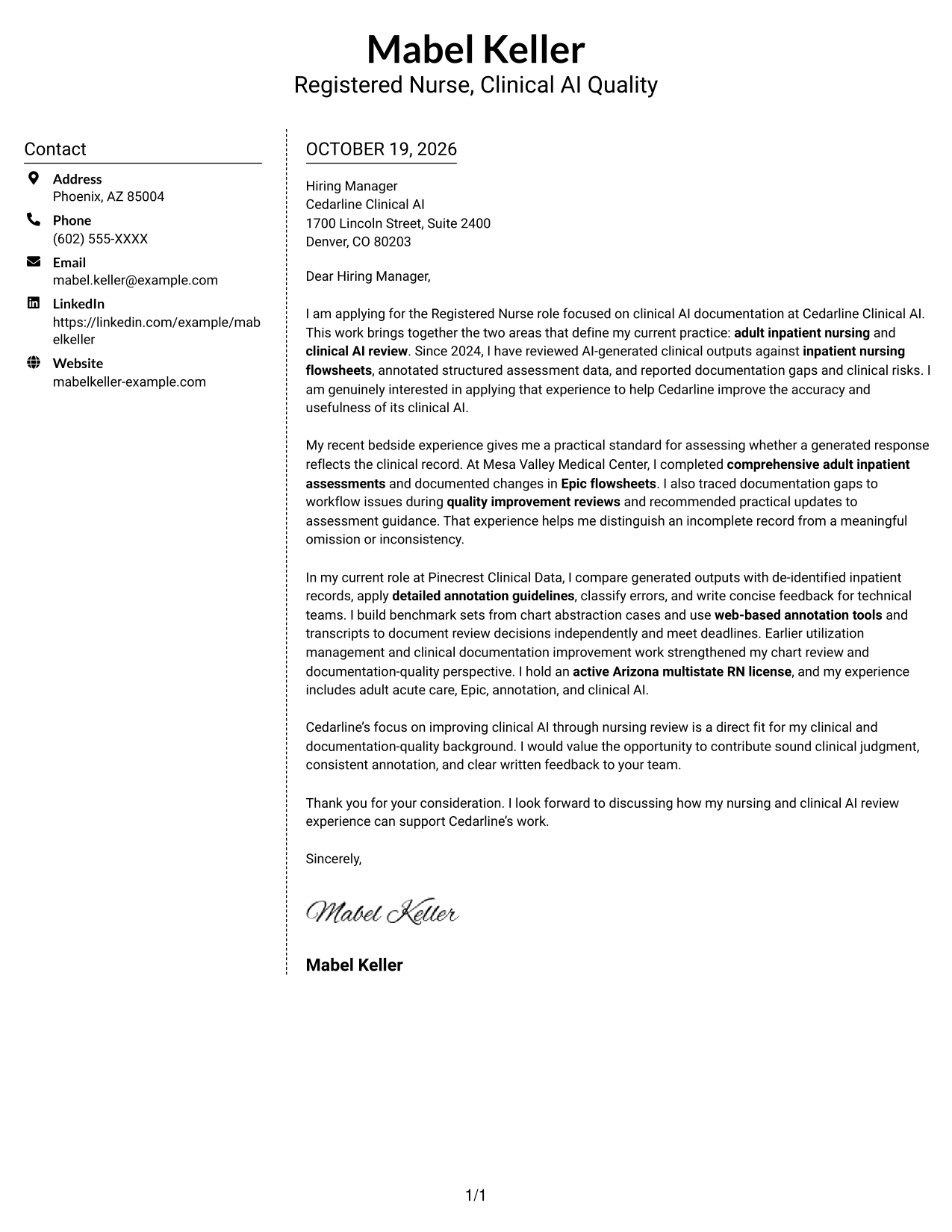
Why This Format Works
- Contact information has a dedicated sidebar, separate from the letter paragraphs.
- The body stays in one column, keeping the message out of parallel text areas.
- Unheaded paragraphs preserve the letter's natural movement from opening to close.
Best For
- Contact details apart from prose
- Single-column letter bodies
- Unheaded persuasive messages
- A sidebar beside letter paragraphs
- Clear opening-to-close progression
#6 Modern Icon Format Cover Letter Example
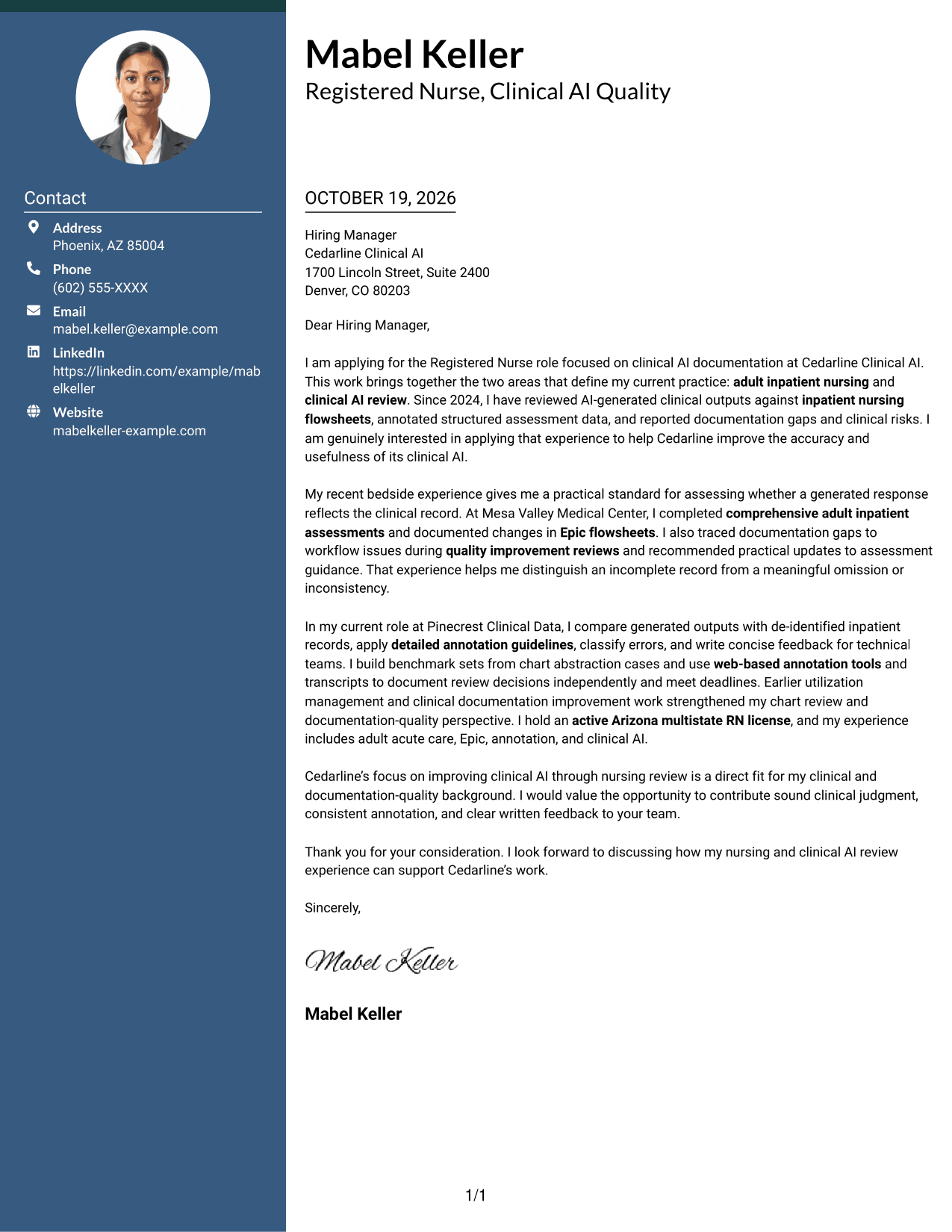
Contact icons add visual cues in the sidebar, where they help distinguish details without dividing the letter's argument.
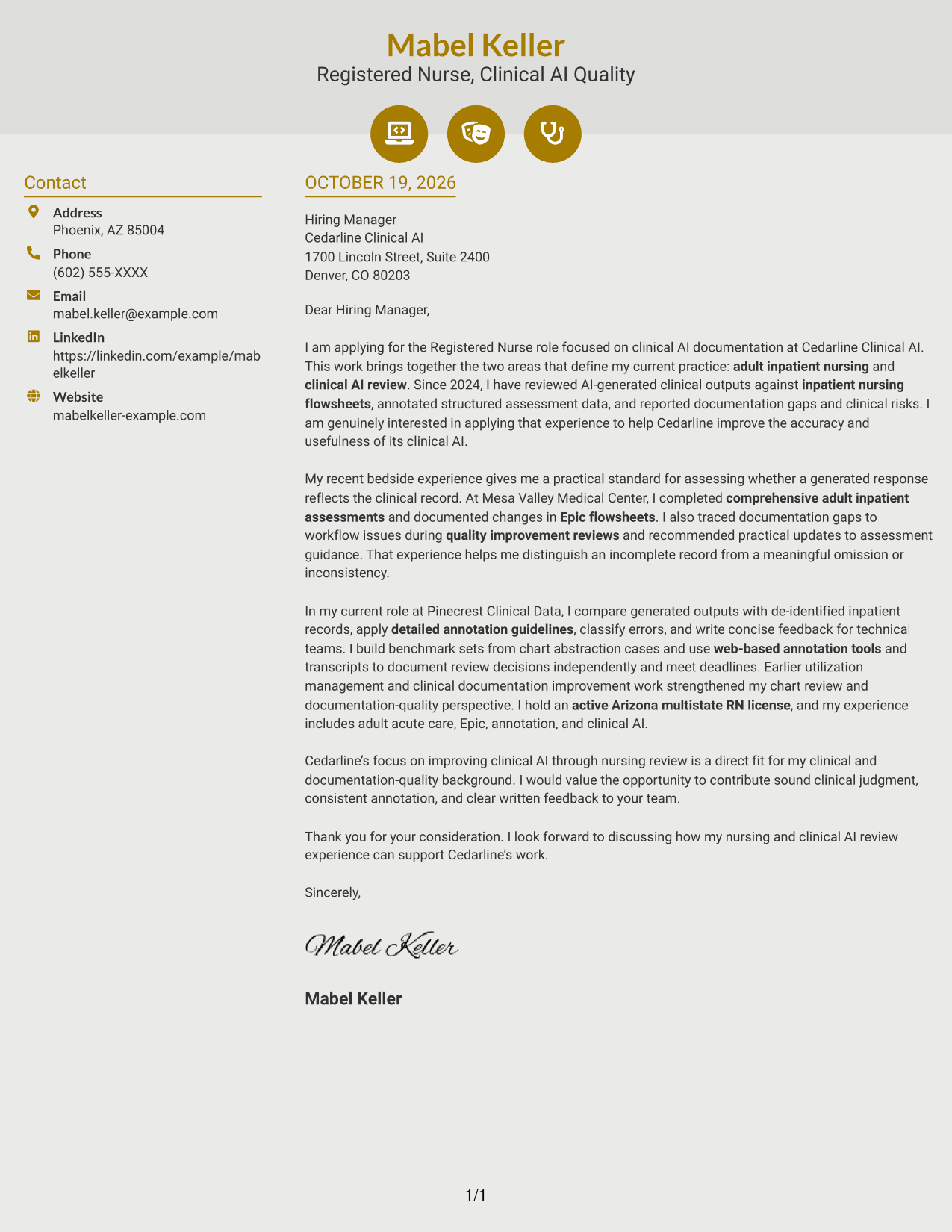
Why This Format Works
- Contact icons act as cues for details, not labels for letter arguments.
- Sidebar placement separates practical contact information from persuasive paragraphs.
- The message remains in one continuous column without section breaks.
Best For
- Icon-cued contact details
- Sidebar contact organization
- Continuous letter arguments
- Paragraph-based applications
- Visual cues beside letter prose
#7 Creative Two Tone Format Cover Letter Example
The contact sidebar and continuous letter body occupy separate columns, leaving the message intact as one sequence.
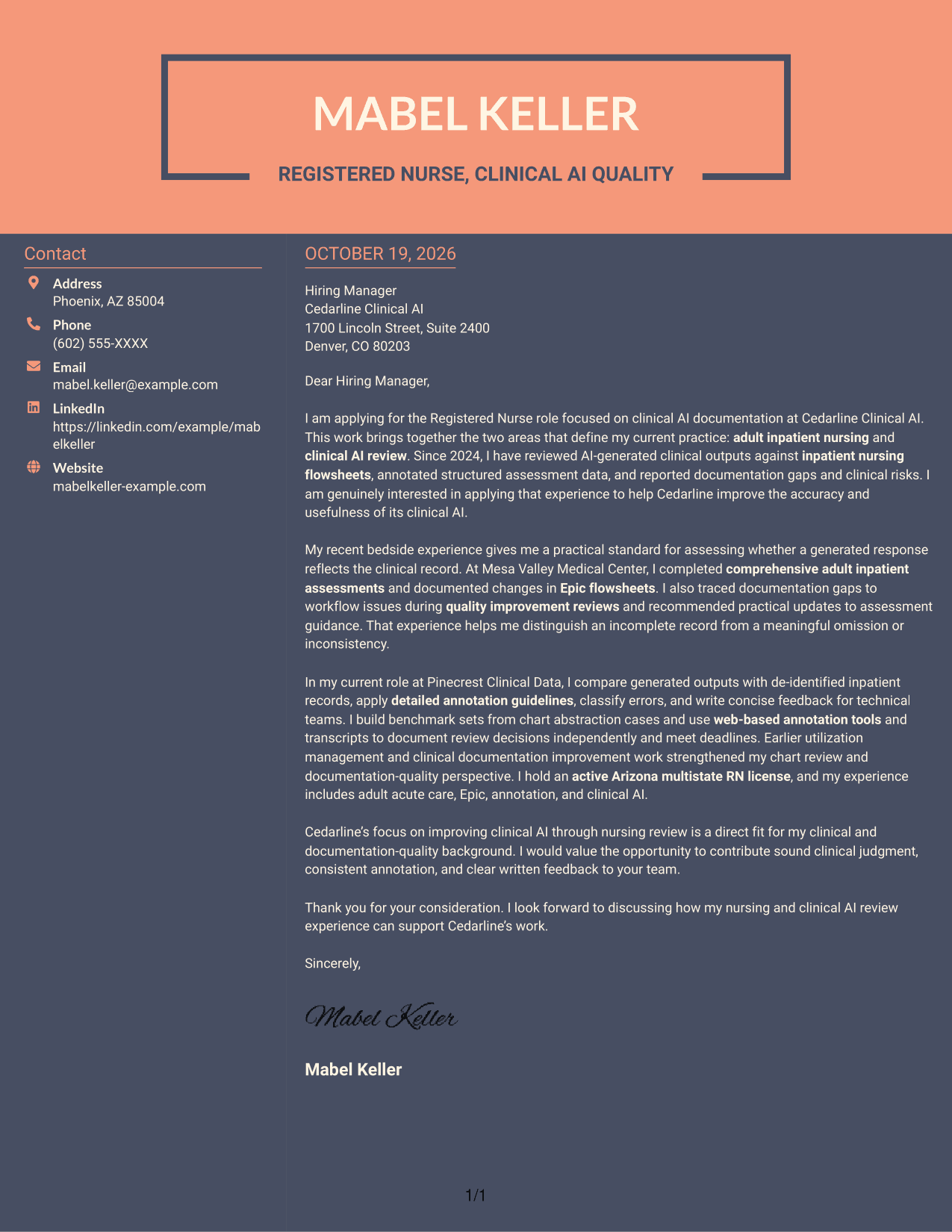
Why This Format Works
- Separate columns keep contact information apart from the letter's continuous body.
- The body stays a single text stream, rather than parallel argument sections.
- Paragraphs carry motivation and supporting points without headings between stages.
Best For
- Distinct contact and message areas
- Single-stream letter arguments
- Letters without stage headings
- Separate sender details and prose
- Continuous supporting paragraphs
Why Use ResumeInMinutes for a Registered Nurse - Clinical AI Documentation Cover Letter
ResumeInMinutes offers cover letter examples and editor actions to help you shape a letter around your clinical experience and the role’s focus on documentation quality.
- Role-focused cover letter examples
- PNG image previews
- Open an example in the editor
- Customize the letter starting point
- Clear presentation choices
- Guidance for focused letter writing
Compare the image previews, then open an example in the editor to explore its presentation and customize your cover letter.
See Also
- 7 Registered Nurse - Clinical AI Documentation Resume Templates with Example
- 33 Acute Dialysis Registered Nurse Resume Templates with Example 2026 (ATS-Optimized)
- 33 Advanced Practice Registered Nurse (APRN) - Critical Care Resume Templates with Example 2026
- 33 ASC REGISTERED NURSE Resume Templates with Example 2026 (ATS-Optimized)
- 7 Certified Registered Nurse Anesthetist Resume Templates with Example
- 33 Charge Registered Nurse Resume Templates with Example 2026 (ATS-Optimized)
- 33 Dialysis Registered Nurse Resume Templates with Example 2026 (ATS-Optimized)
- 33 ED Registered Nurse Resume Templates with Example 2026 (ATS-Optimized)
- 30+ Acute Dialysis Registered Nurse Cover Letter Templates with Example 2026
- 30+ Advanced Practice Registered Nurse (APRN) - Critical Care Cover Letter Templates with Example 2026
Frequently Asked Questions
What should a Registered Nurse - Clinical AI Documentation cover letter emphasize?
Show how nursing judgment can support accurate review of AI-generated clinical content. Explain your approach to comparing outputs with inpatient assessments and flowsheets, identifying gaps, and sharing clear feedback.
Does this guide show different cover letter examples?
It presents one cover letter example in several layouts. The wording focuses on motivation, relevant clinical evidence, and a clear connection to the role.
Which details can help show fit for this role?
When they match your background, mention adult inpatient care, comprehensive assessments, Epic flowsheets, clinical AI review, annotation, chart abstraction, or documentation improvement. Use a brief example to explain how you applied the relevant experience.
How can I connect bedside nursing experience to clinical AI review?
Describe how your clinical practice helps you judge whether generated content reflects the documented assessment. You can also explain how you identify missing details or inconsistencies and communicate your findings.
Can I view and customize an example?
Yes. Compare the PNG image previews, then use the editor link to view an example or begin customizing its presentation.




