
7 Registered Nurse - Clinical AI Documentation Resume Templates with Example
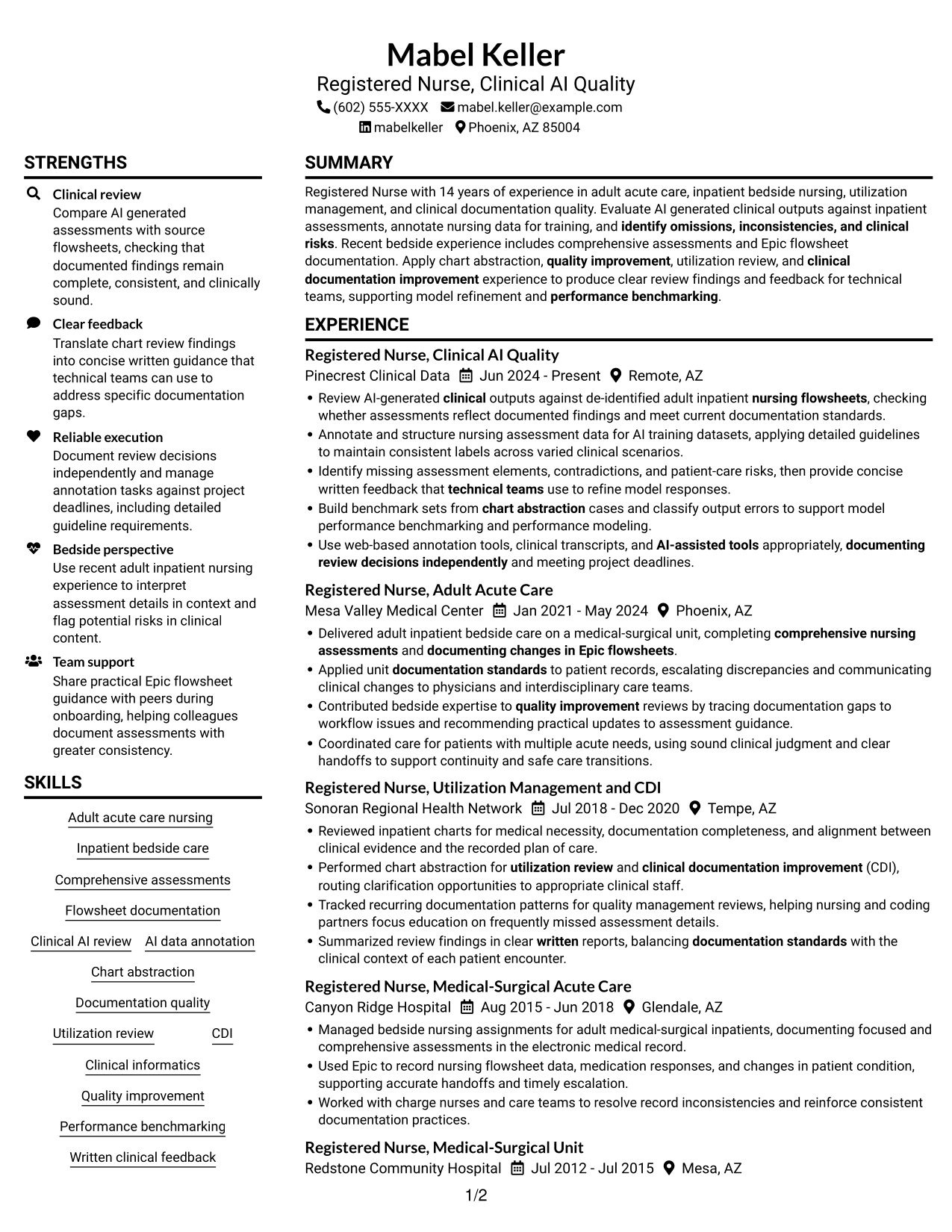
This guide shows you how to build a Registered Nurse - Clinical AI Documentation resume that presents clinical judgment and documentation work clearly. Learn how to organize relevant evidence and choose a format that supports quick review.
For this role, connect inpatient assessment experience with review of AI-generated clinical content. Show how you check flowsheets, annotate assessment data, identify gaps or risks, and share clear feedback with technical teams.
The example is presented in 7 layouts so you can compare how each format organizes experience and skills. The guide also covers ATS-friendly section choices, relevant keywords, and ways to make your contributions clear without overstating results.
What Makes a Great Registered Nurse - Clinical AI Documentation Resume in 2026
A strong resume puts clinical review, inpatient nursing, and documentation quality in a clear order. Use concise bullets to show how you assessed records, found gaps, and supported accurate clinical content.
Use role-specific terms such as Epic flowsheets, AI data annotation, chart abstraction, and clinical documentation improvement. Support each skill with relevant work examples and measurable results when available.
Note: Resume examples are for educational purposes only. Use only information that accurately reflects your experience and qualifications. References to real organizations do not imply affiliation or endorsement.
#1 Plain Two Column Format Resume Example
The Plain Two Column Format places resume information in two columns, giving experience and supporting sections separate reading areas.
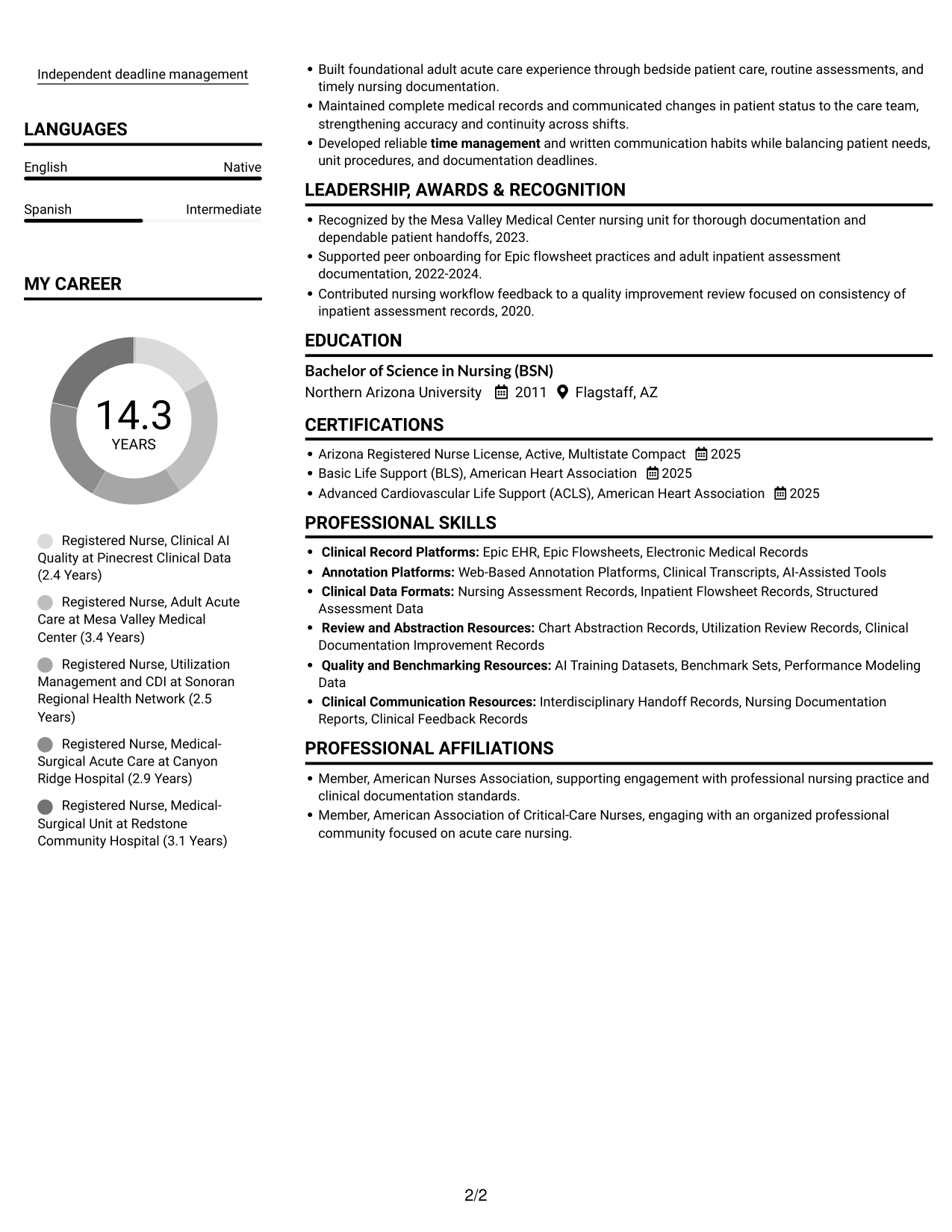
Resume Snapshot
- 14 years across adult acute care, bedside nursing, utilization management, and documentation quality
- Clinical AI quality review since June 2024
- Recent adult inpatient practice with Epic flowsheets
- Bachelor of Science in Nursing, Arizona RN license, BLS, and ACLS
Why This Format Works
- Side-by-side sections help reviewers relate career progression to supporting qualifications.
- Separate content areas make skills, education, and credentials easier to locate.
- Two columns can limit vertical scanning across a detailed work history.
Best For
- Longer work histories
- Side-by-side section organization
- Quick access to skills and credentials
- Review of experience with supporting details
- Resumes with several relevant sections
Resume Keywords
- Arizona Registered Nurse License, Active, Multistate Compact
- comprehensive nursing assessments
- documenting changes in Epic flowsheets
- Review AI-generated clinical outputs against de-identified adult inpatient nursing flowsheets, checking whether assessments reflect documented findings and meet current documentation standards.
- Compare AI generated assessments with source flowsheets, checking that documented findings remain complete, consistent, and clinically sound.
- documentation standards
- Annotate and structure nursing assessment data for AI training datasets
- applying detailed guidelines to maintain consistent labels across varied clinical scenarios
- identify omissions, inconsistencies, and clinical risks
- provide concise written feedback that technical teams use to refine model responses
- technical teams use to refine model responses
- Performance benchmarking
- Epic EHR
- Epic EHR, Epic Flowsheets, Electronic Medical Records
- Web-Based Annotation Platforms
#2 Simple One Column Format Resume Example
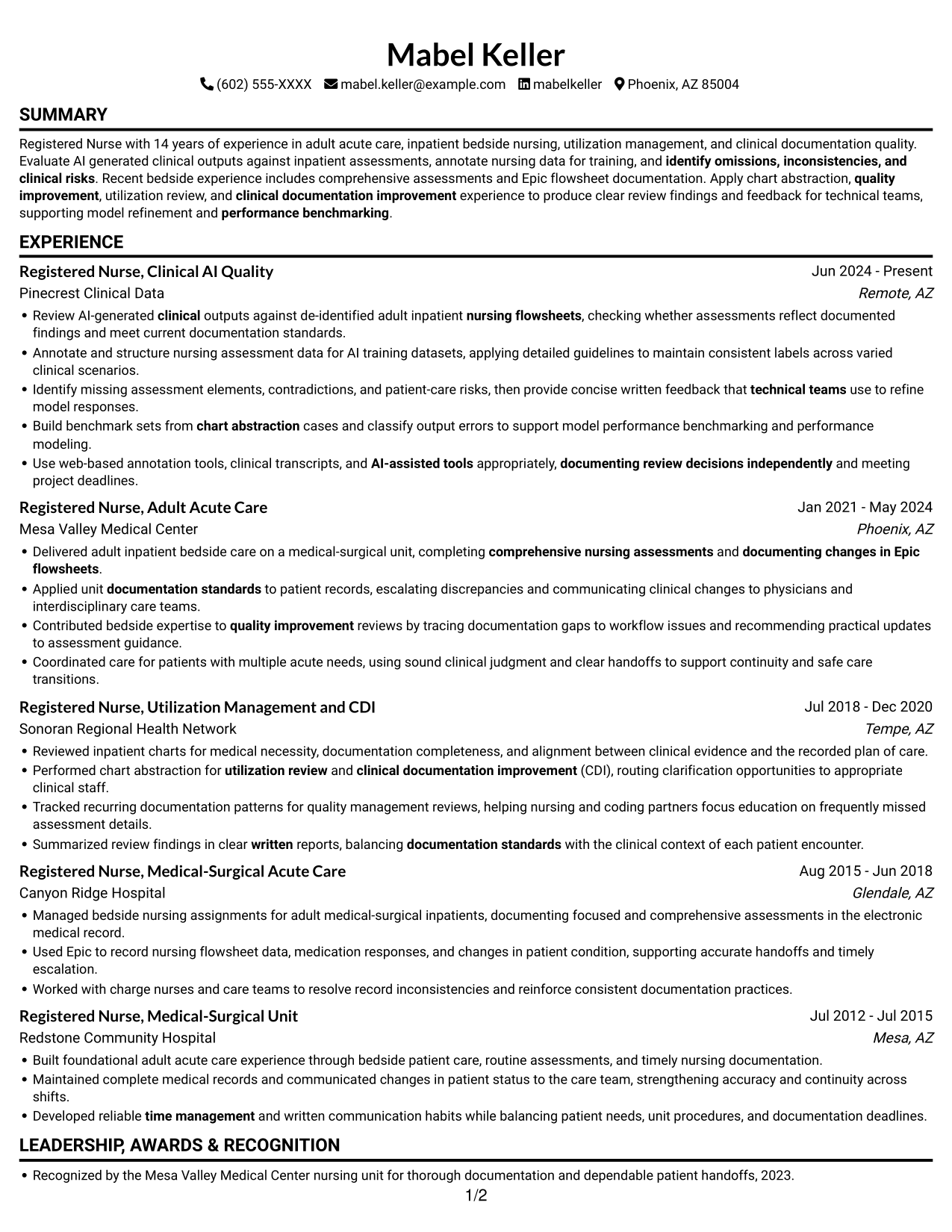
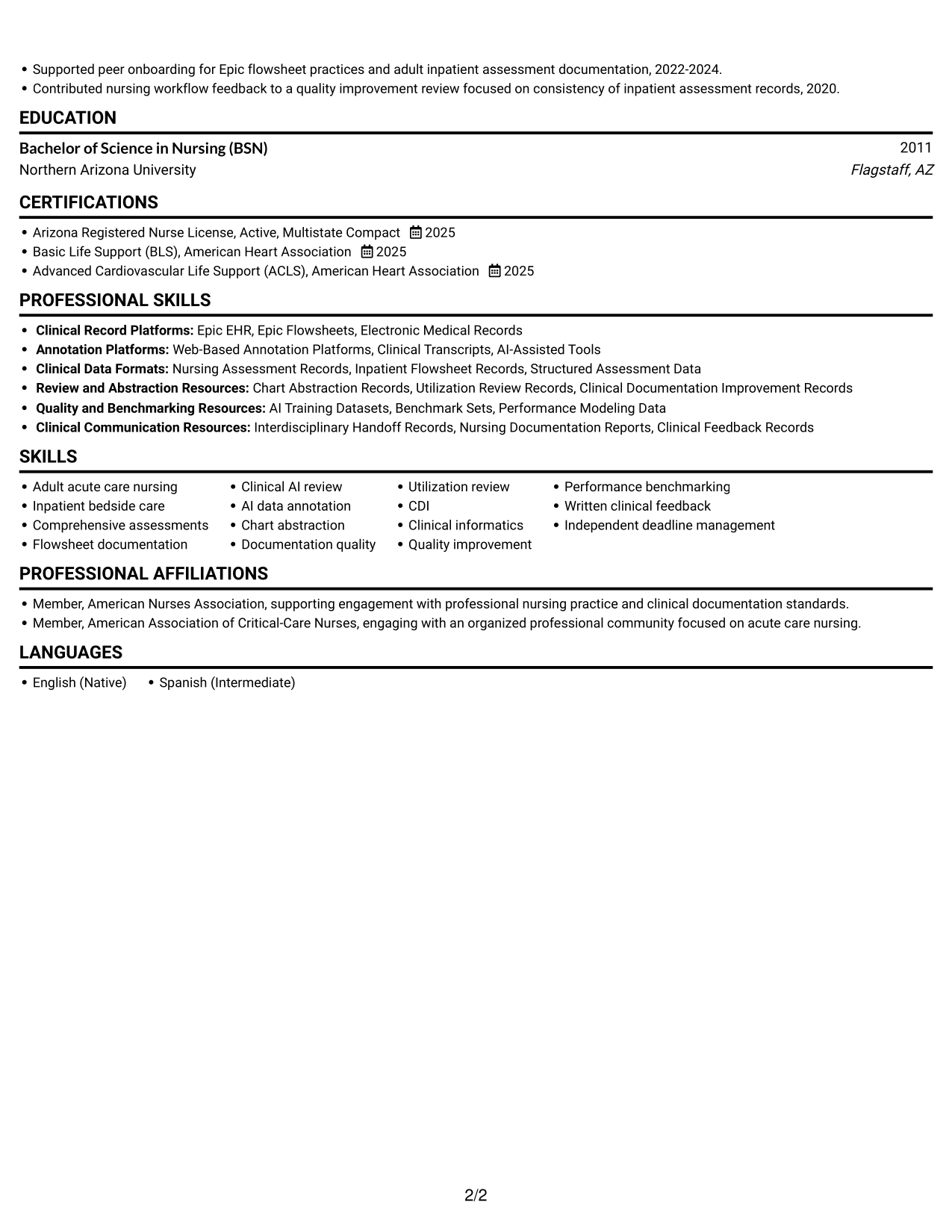
The Simple One Column Format places each resume section in one vertical sequence, making career history easy to follow from role to role.
Why This Format Works
- One vertical path lets reviewers follow career progression from recent work to earlier roles.
- Keeping experience and supporting sections in one sequence reduces jumps during review.
- Skills, education, and credentials remain part of the same downward scan.
Best For
- Chronological career histories
- A single reading path
- Step-by-step experience review
- Resumes without side-by-side content
- Straightforward section order
#3 Clean Two Column Sidebar Format Resume Example
The Clean Two Column Sidebar Format sets resume information in two columns, giving reviewers a side-by-side view of career history and supporting details.
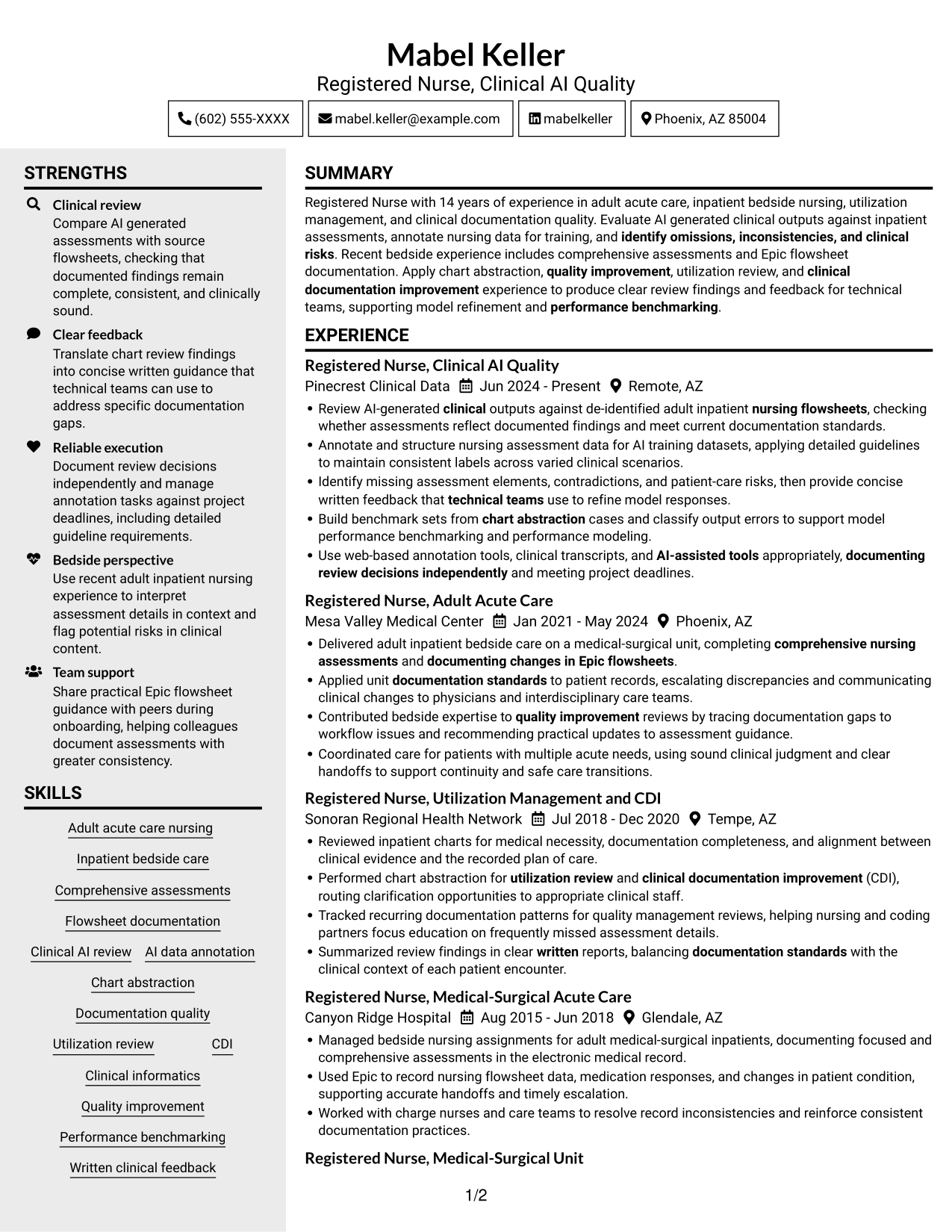
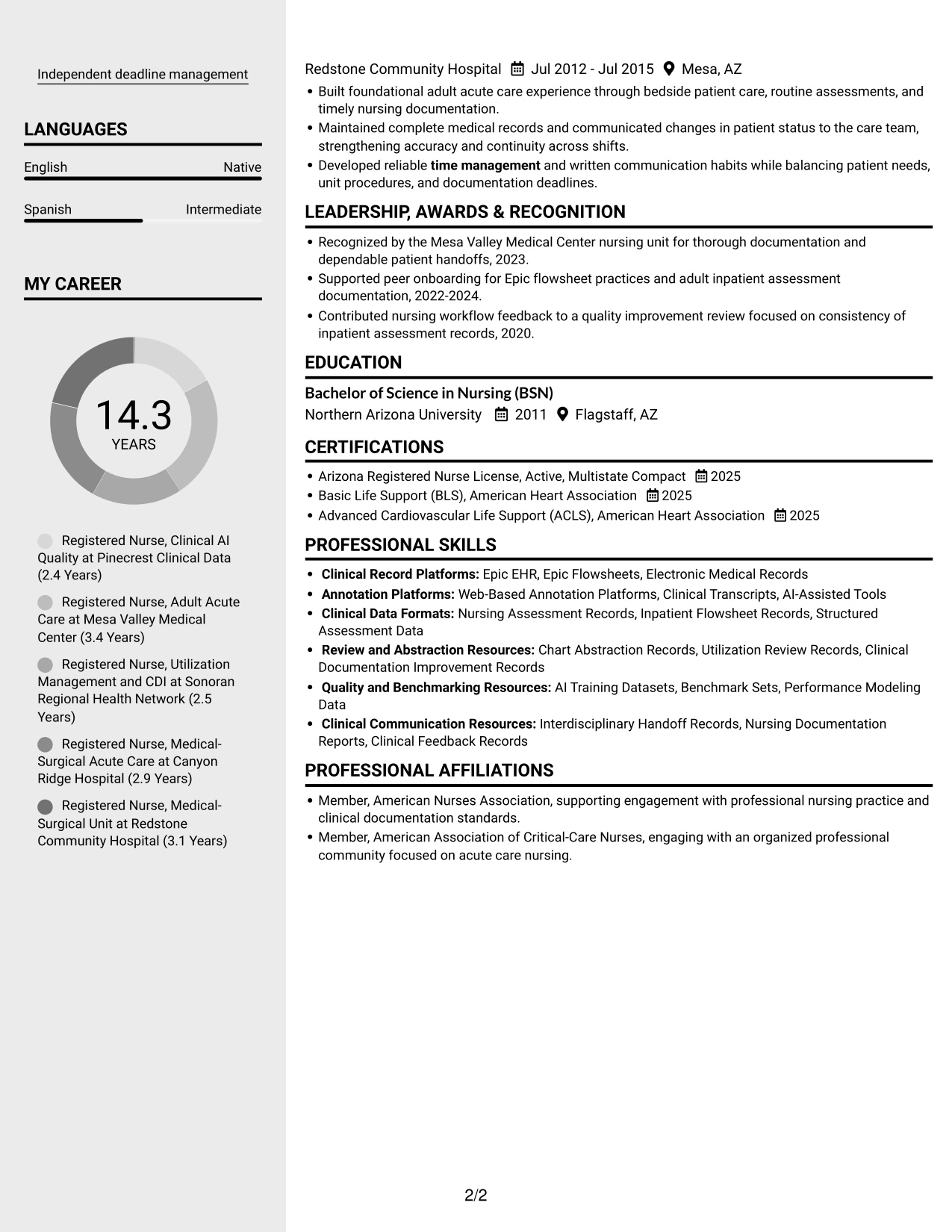
Why This Format Works
- Two columns let reviewers compare career history with qualifications in adjacent content areas.
- Separate sections help skills, education, and credentials stand apart from experience.
- Side-by-side organization reduces repeated vertical searching across the resume's main sections.
Best For
- Parallel review of experience and qualifications
- Several supporting resume sections
- Quick scanning between section areas
- Career histories with related credentials
- Side-by-side information review
#4 Two Column Format Resume Example
The Two Column Format presents resume sections alongside one another, offering a compact way to review experience with other qualifications.
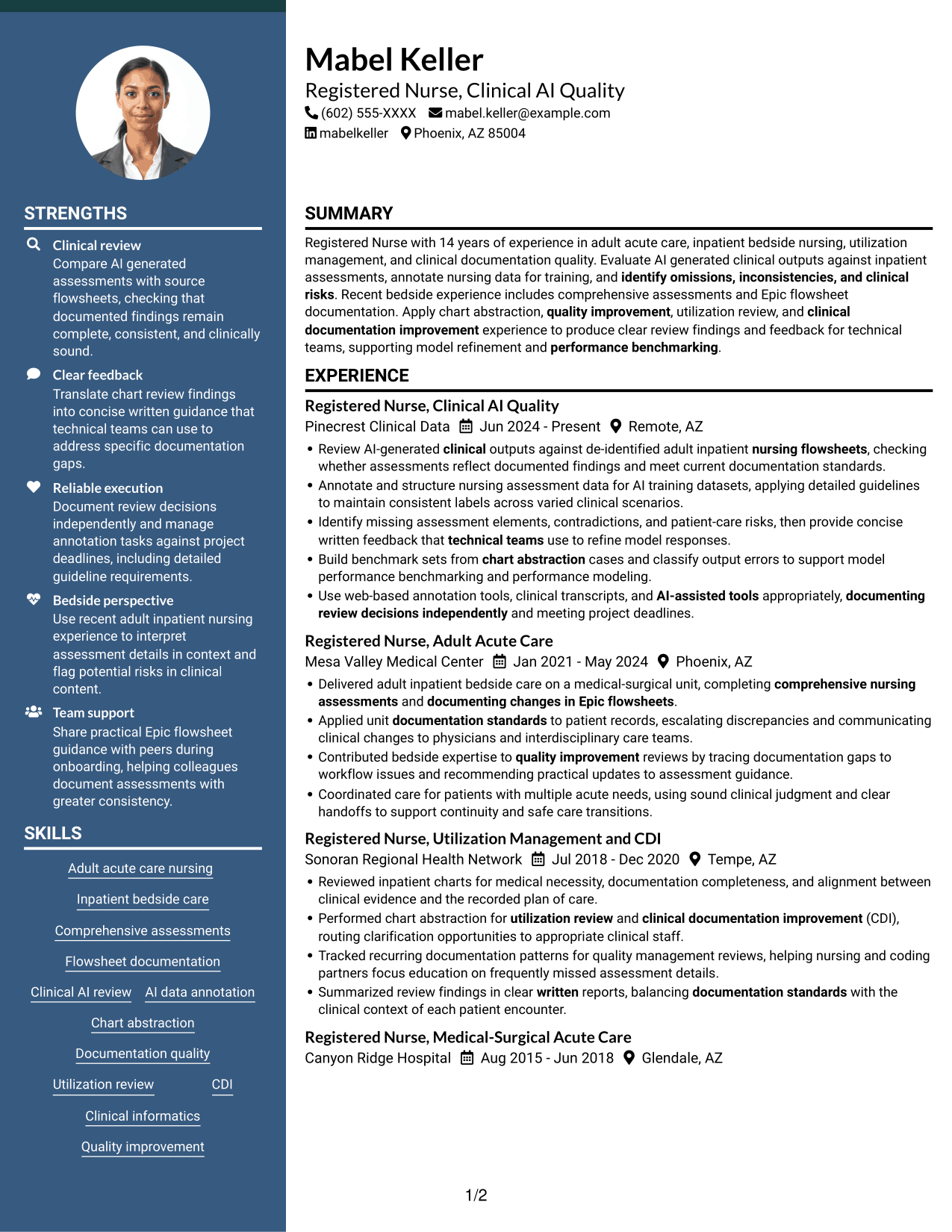
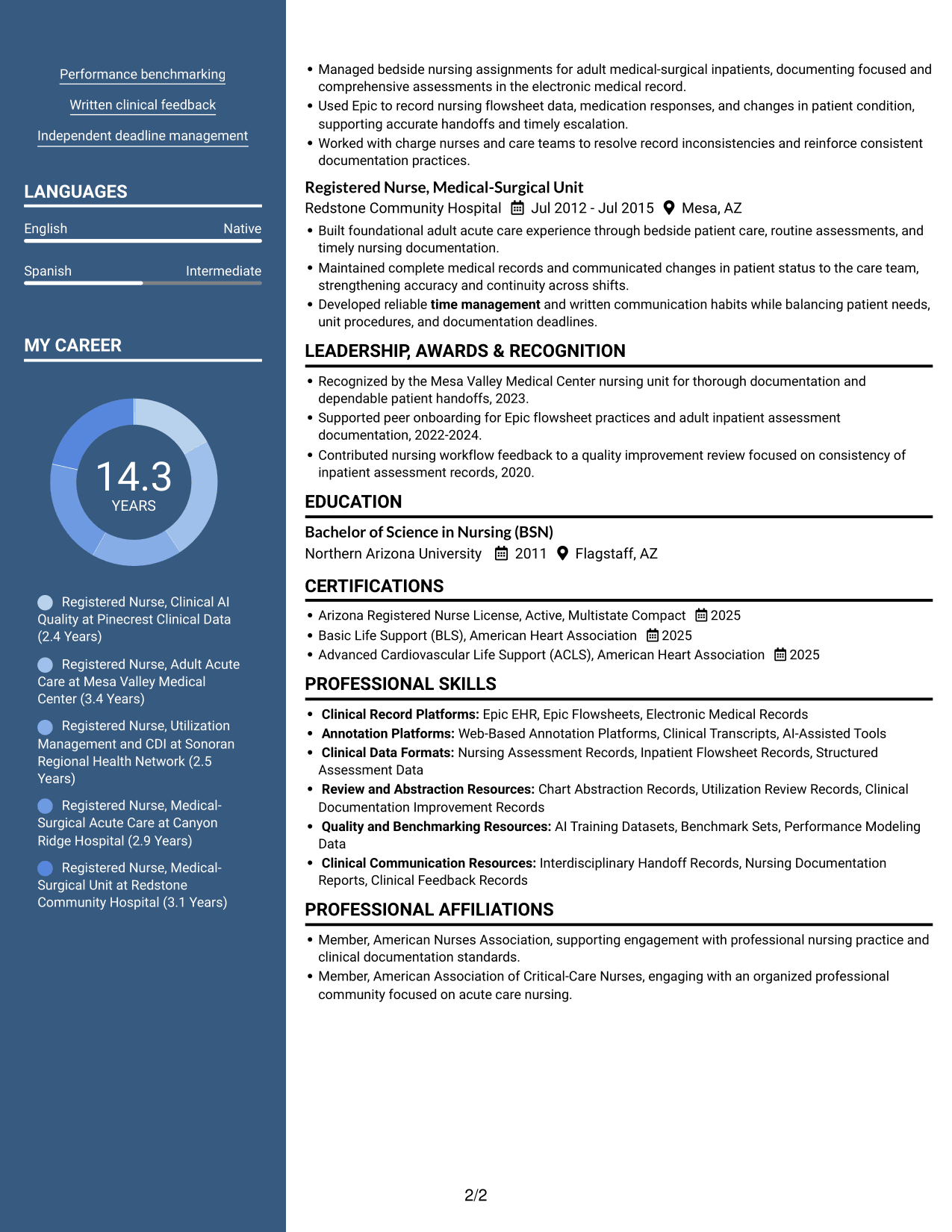
Why This Format Works
- The two-column reading order helps reviewers move between experience and supporting sections.
- Separate areas make education and credentials easier to distinguish from career history.
- Side-by-side content can reduce long vertical scans through multiple resume sections.
Best For
- Compact section organization
- Reviewing experience with credentials
- Resumes with varied content sections
- Side-by-side information needs
- Readers who prefer grouped sections
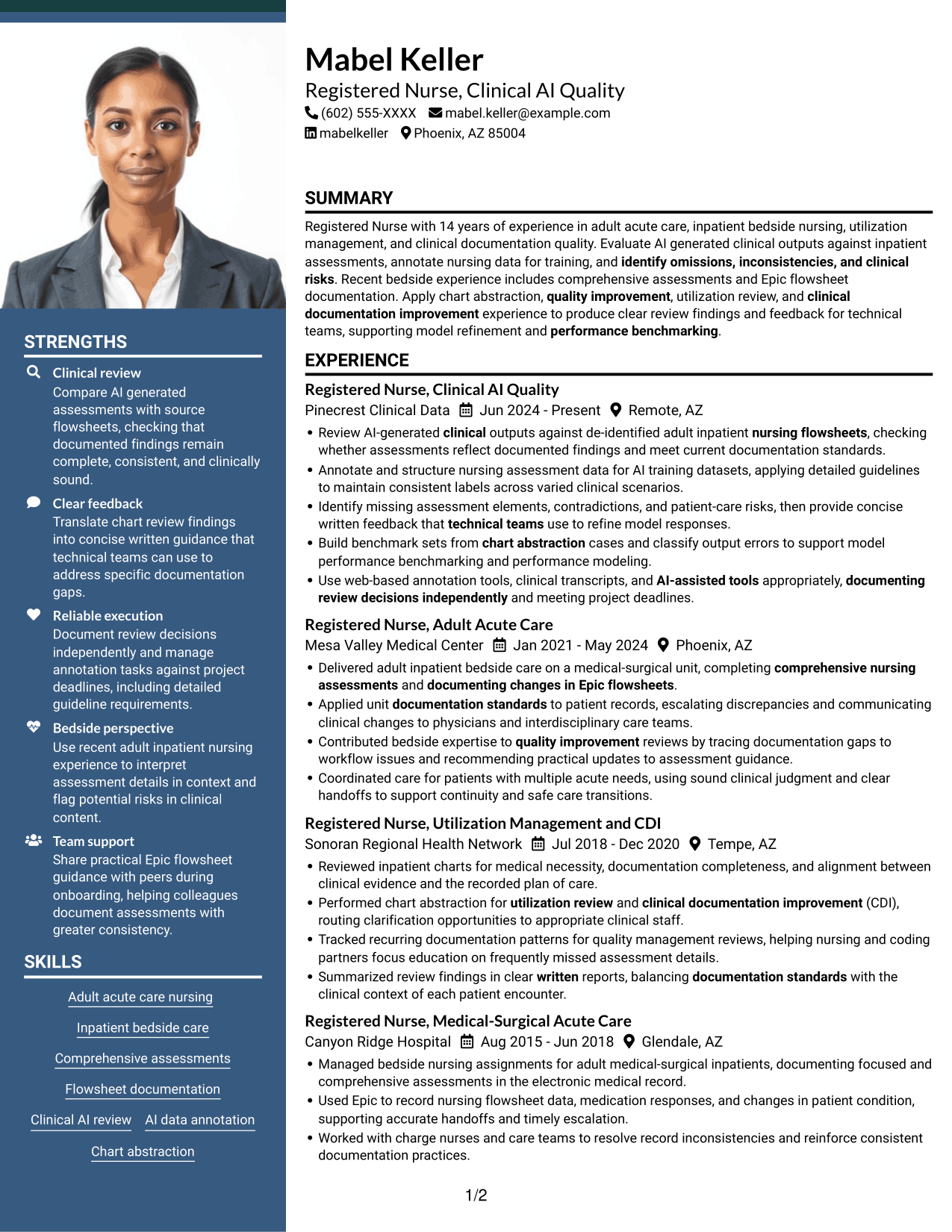
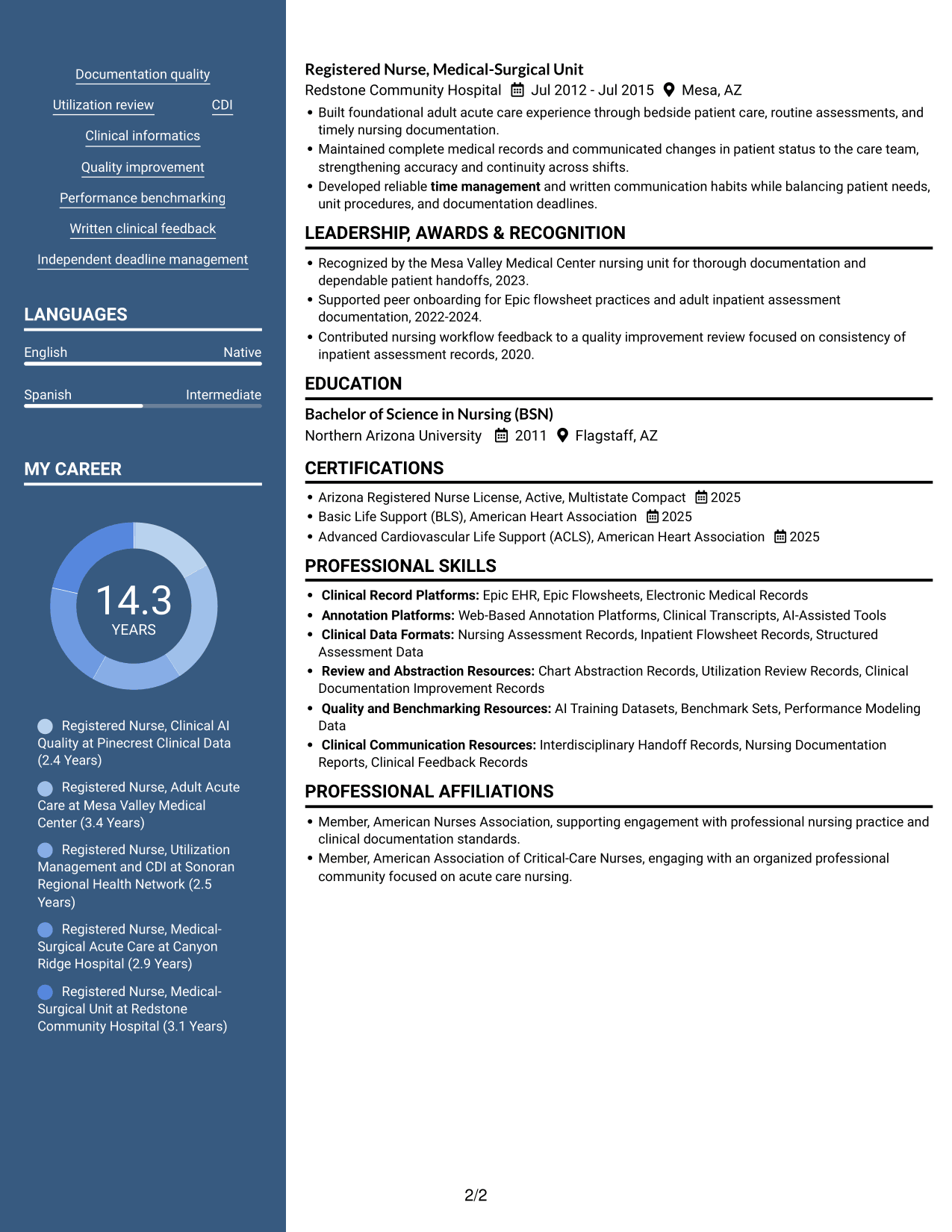
#5 Photo Header Two Column Format Resume Example
The Photo Header Two Column Format combines a photo header with two-column resume content for readers who prefer a portrait-led opening.
Why This Format Works
- Two columns give career history and supporting qualifications separate areas for review.
- Section separation helps readers locate skills, education, and credentials within the resume.
- The column layout offers a side-by-side view of experience and other sections.
Best For
- Photo-led resume presentation
- Side-by-side content review
- Resumes with several supporting sections
- Experience paired with credentials
- Readers who prefer a portrait header
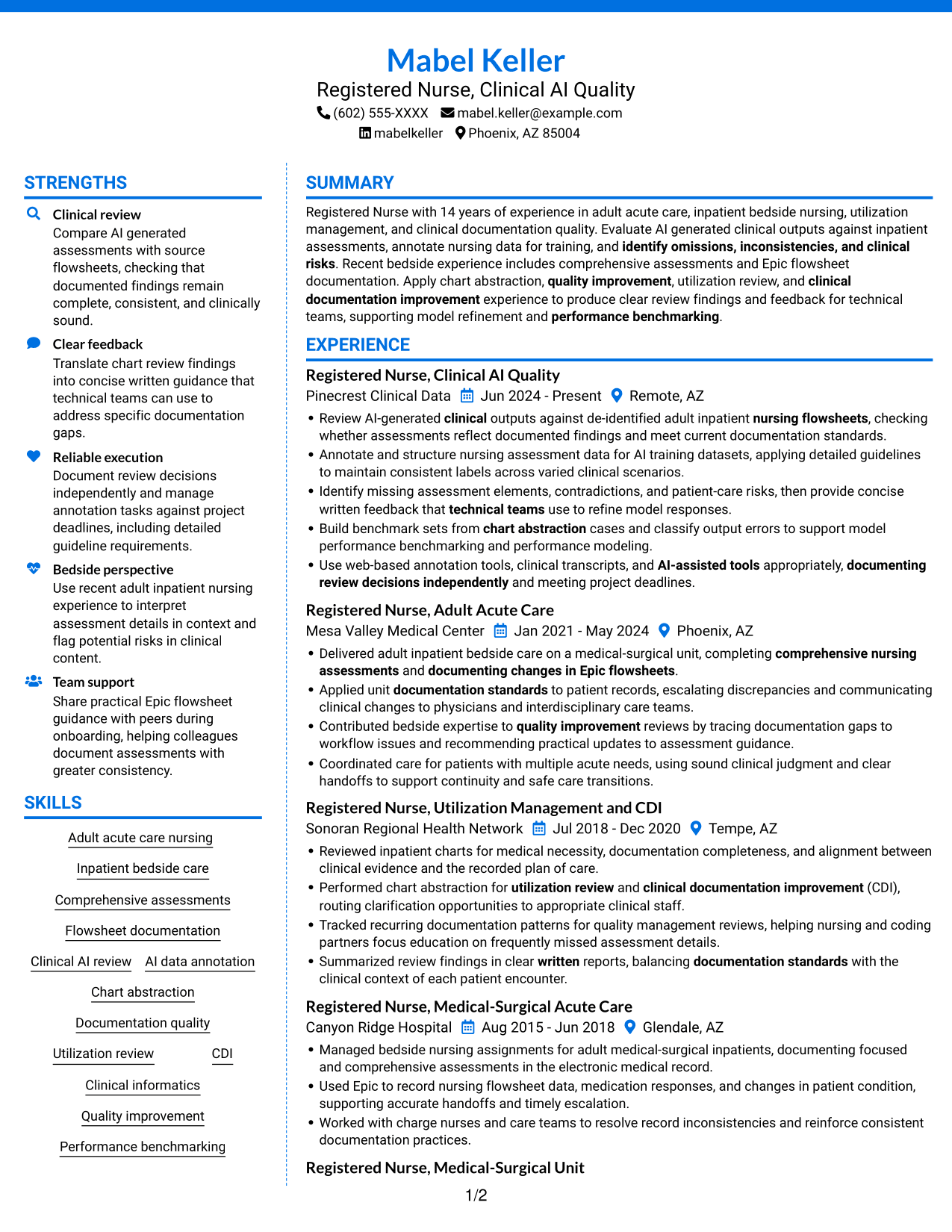
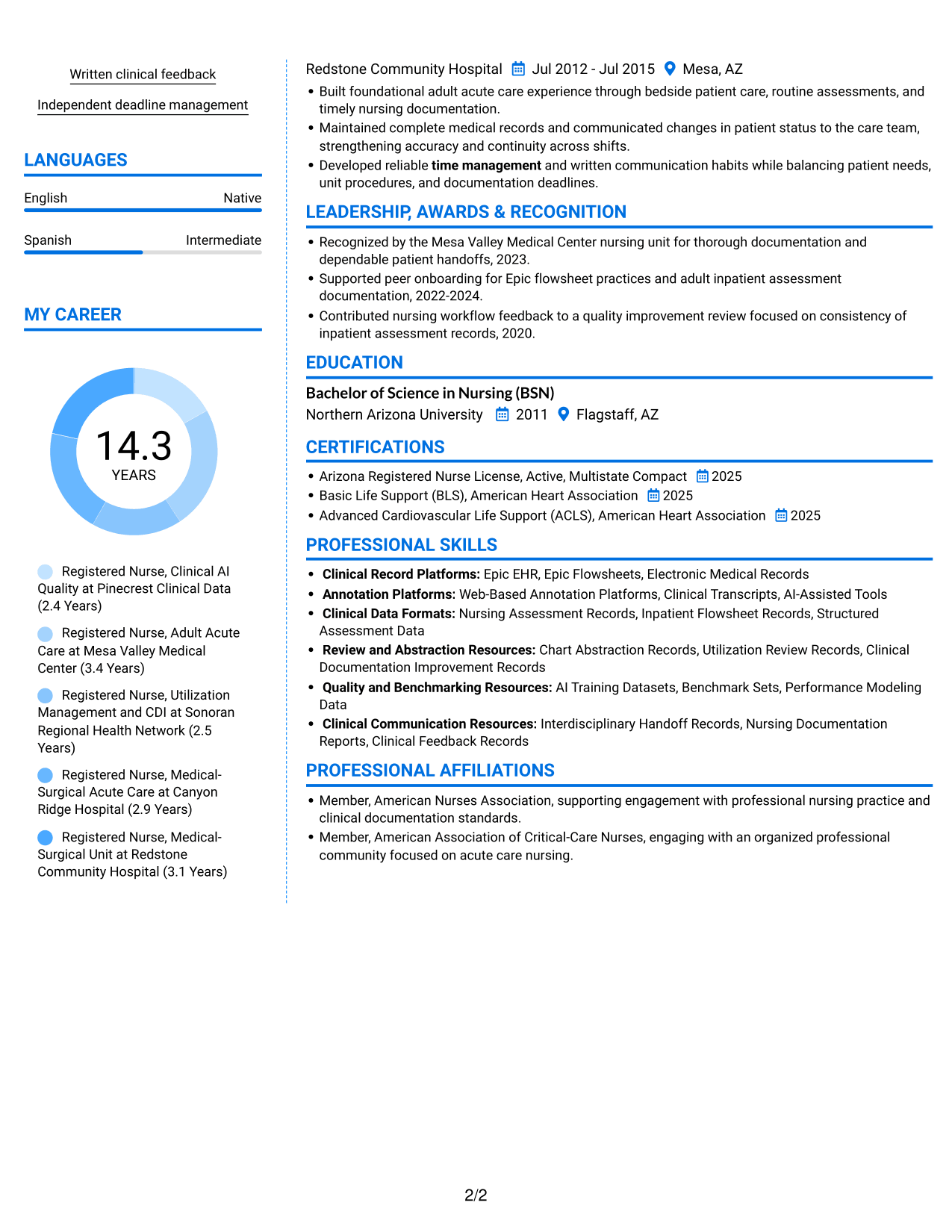
#6 Colored Two Column Format Resume Example
The Colored Two Column Format uses two columns to keep resume sections alongside one another for a compact, comparison-friendly review.
Why This Format Works
- Reviewers can compare career history with supporting qualifications across the two columns.
- Distinct sections make education and credentials easier to find during a resume scan.
- The side-by-side arrangement limits the need to move through sections in one long vertical sequence.
Best For
- Comparison of experience and qualifications
- Compact resume section arrangement
- Resumes with multiple credential areas
- Side-by-side section review
- Career histories with supporting details
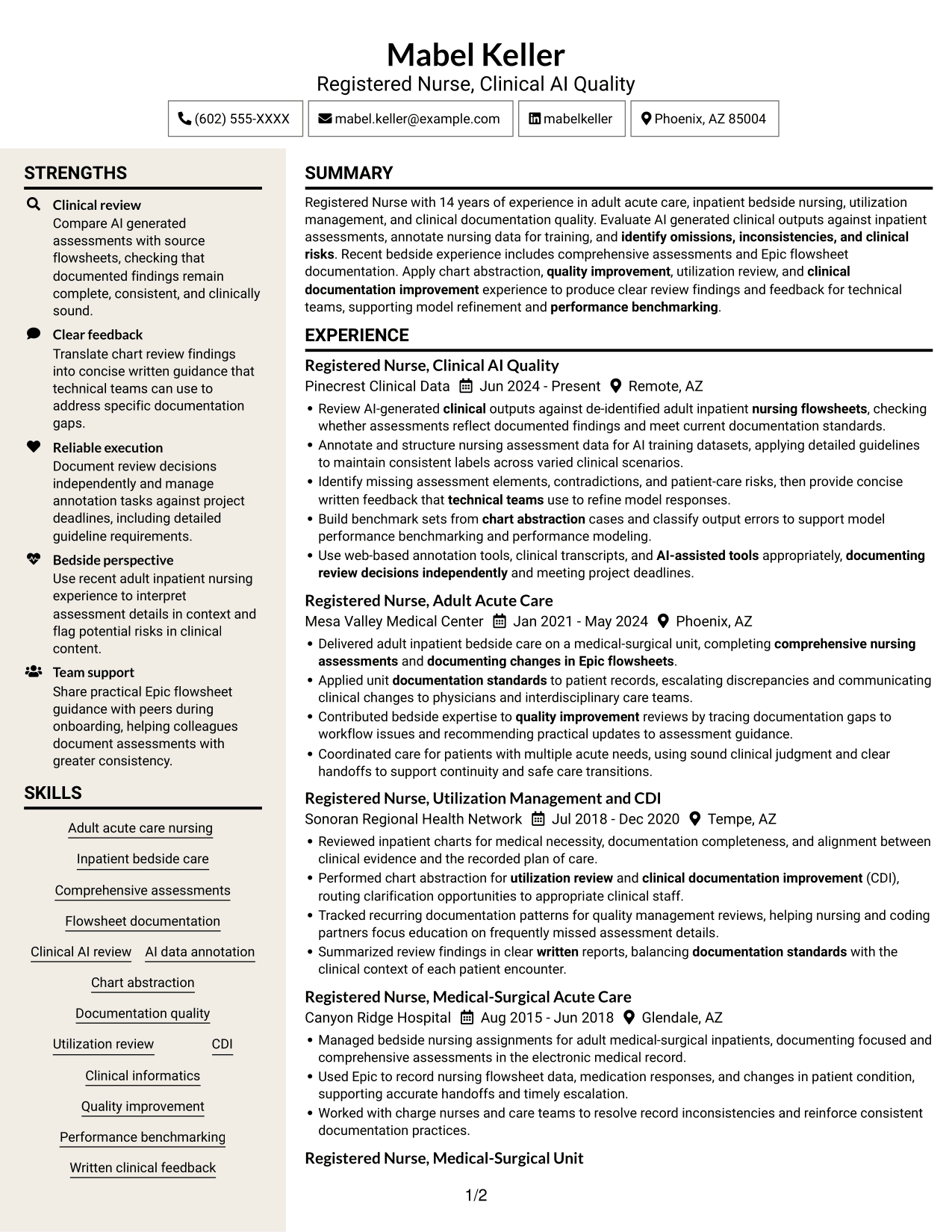
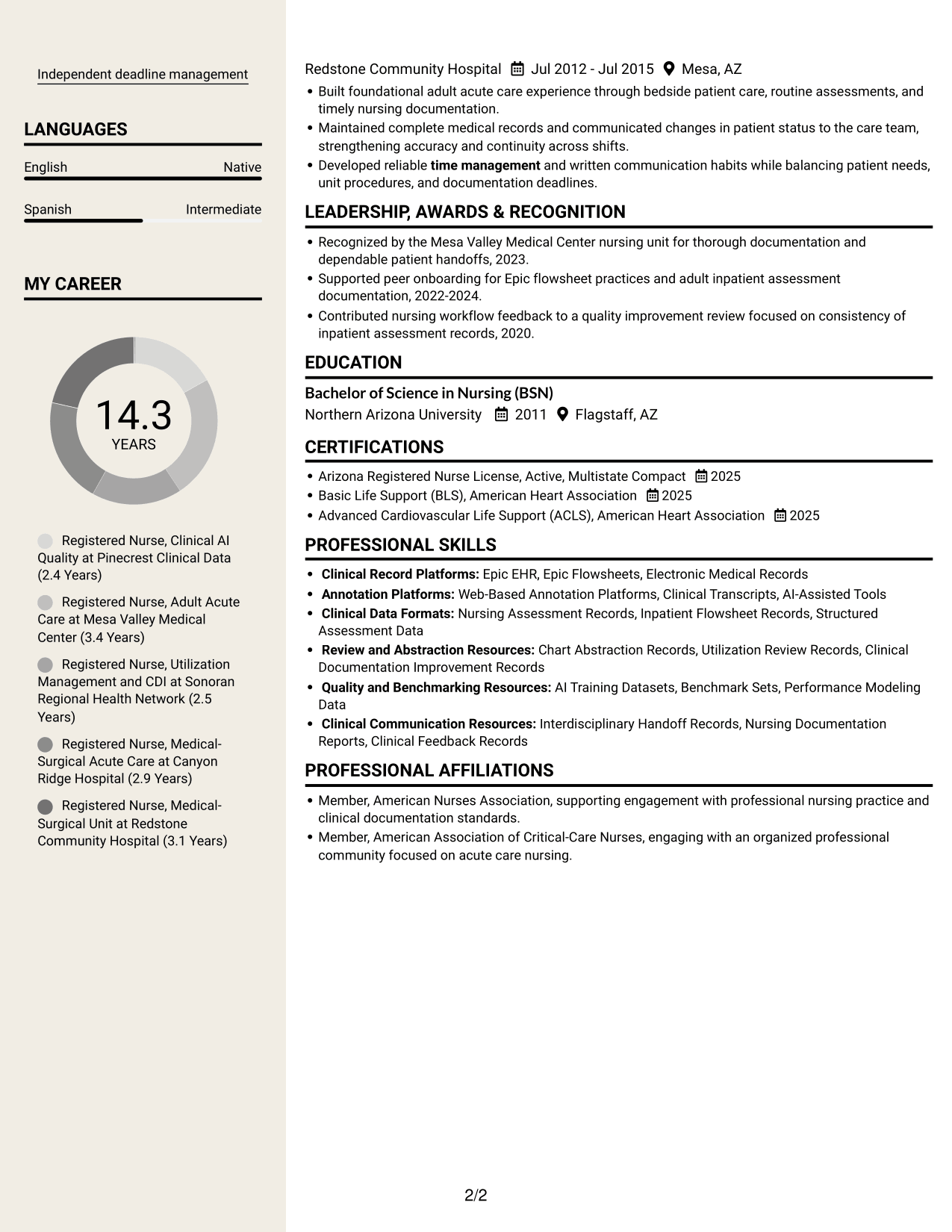
#7 Stylish Two Column Designer Format Resume Example
The Stylish Two Column Designer Format uses two columns to present resume sections side by side, suited to readers who prefer this organized page structure.
Why This Format Works
- Two columns give reviewers a direct view of experience alongside supporting sections.
- Separate content areas help distinguish career history from skills and credentials.
- A side-by-side reading path can reduce back-and-forth across the resume.
Best For
- Side-by-side resume organization
- Reviewing career history with supporting sections
- Multiple resume content areas
- Quick access to skills and credentials
- Readers who prefer grouped information
Why Build Your Registered Nurse - Clinical AI Documentation Resume with ResumeInMinutes
ResumeInMinutes helps you organize clinical experience, documentation skills, and review work in a resume format that is easy to scan. Compare image previews, then open an example in the editor to customize its content and layout.
- Professional resume layouts
- Clear, ATS-aware section structure
- Relevant clinical AI keywords
- Organized experience and skills
- Image previews for comparison
- Examples you can customize in the editor
Keep the focus on evidence that matters for this work: accurate assessment review, consistent annotation, sound clinical judgment, and useful feedback for technical teams.
See Also
- 33 Acute Dialysis Registered Nurse Resume Templates with Example 2026 (ATS-Optimized)
- 33 Advanced Practice Registered Nurse (APRN) - Critical Care Resume Templates with Example 2026
- 33 ASC REGISTERED NURSE Resume Templates with Example 2026 (ATS-Optimized)
- 7 Certified Registered Nurse Anesthetist Resume Templates with Example
- 33 Charge Registered Nurse Resume Templates with Example 2026 (ATS-Optimized)
- 33 Dialysis Registered Nurse Resume Templates with Example 2026 (ATS-Optimized)
- 33 ED Registered Nurse Resume Templates with Example 2026 (ATS-Optimized)
- 7 Emergency Department Registered Nurse Resume Templates with Example
- 7 Registered Nurse - Clinical AI Documentation Cover Letter Templates with Example
- 30+ Acute Dialysis Registered Nurse Cover Letter Templates with Example 2026
Frequently Asked Questions
Are these Registered Nurse - Clinical AI Documentation resume templates ATS-friendly?
The examples use clear headings and organized sections to support scanning. Include role-related terms such as clinical AI review, nursing flowsheet documentation, Epic EHR, and AI data annotation where they match your experience.
Do the examples show different resume designs?
They show the same role-focused resume example in different layouts. Compare the image previews, then open a design in the editor to view or customize it.
What should a Registered Nurse - Clinical AI Documentation resume include?
Include a focused summary, relevant nursing experience, education, an active RN license, applicable certifications, and skills. Highlight clinical AI review, assessment and flowsheet documentation, annotation, chart abstraction, Epic, and clear feedback to technical teams when these match your background.
Which resume layout works well for this role?
Choose a layout with clear headings and a simple reading order. A focused skills section and easy-to-scan experience bullets help reviewers find clinical and documentation evidence quickly.
How can I present experience across bedside nursing and documentation review?
Group experience by role and show the link between clinical practice and review work. Use specific bullets to explain how you assessed records, applied documentation standards, identified gaps, and shared findings.
Should I include a photo on my resume?
For U.S. applications, a resume without a photo is usually the safer choice. Use the space for relevant skills, credentials, and evidence of your work.




