
7 RWD Analytic Consultant Cover Letter Templates with Example
This guide helps you write an RWD Analytic Consultant cover letter with seven layouts to compare and practical advice for showing your fit.
What Makes a Great RWD Analytic Consultant Cover Letter in 2026
A strong RWD Analytic Consultant cover letter links healthcare data analysis to decisions in life sciences. Its opening states your interest, while the body shows how your work can produce clear, useful evidence.
Use relevant examples of SQL analysis, data validation, and clear client communication. Connect that evidence to the employer’s work with real-world data, and explain how your findings support sound decisions.
The featured RWD Analytic Consultant letter moves from role interest to a concrete analysis example, supporting skills, and a clear close. Adapt this focused progression while choosing a presentation that suits the employer and communication context.
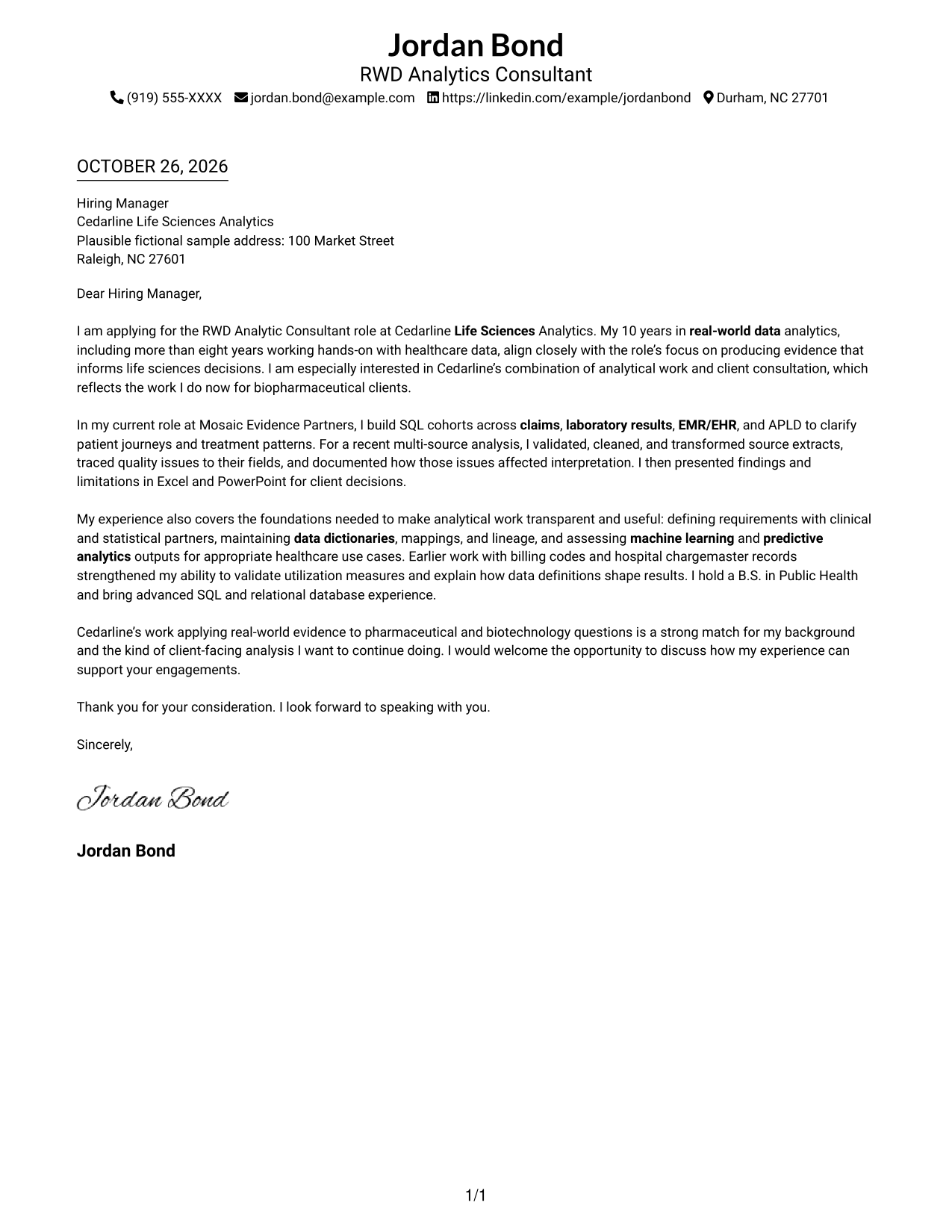
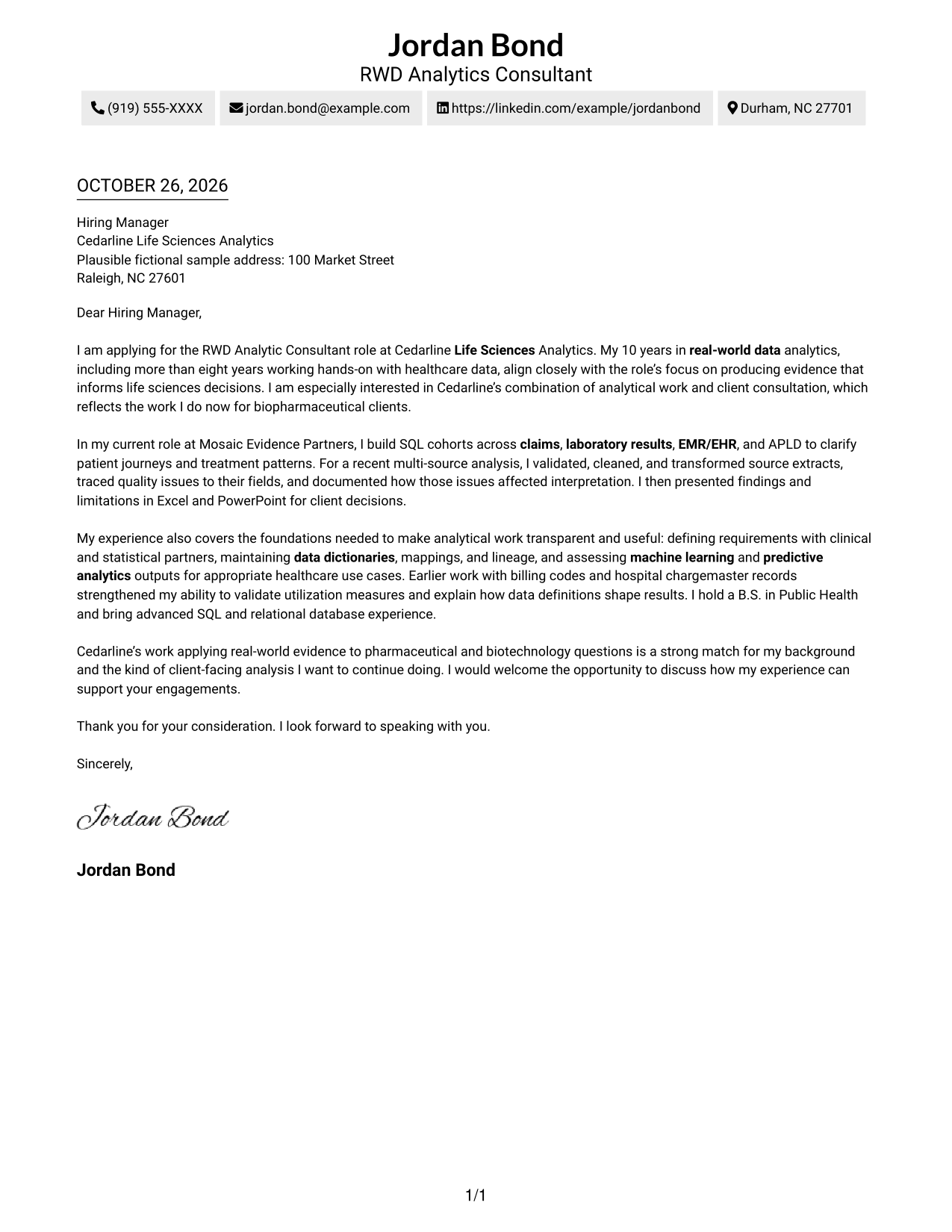
#1 Simple One Column Format Cover Letter Example
This one-column layout places sender details in the header above a continuous letter body, giving contact information and the message one straightforward reading path.
Why This Format Works
- One column gives the letter a direct path from greeting through closing.
- Sender details in the header are easy to find before the message begins.
- Continuous paragraphs let motivation, evidence, and the request read as one letter.
Best For
- One-column letter layouts
- Header-based sender details
- Continuous paragraph narratives
- Direct opening-to-close reading
- Text-focused correspondence
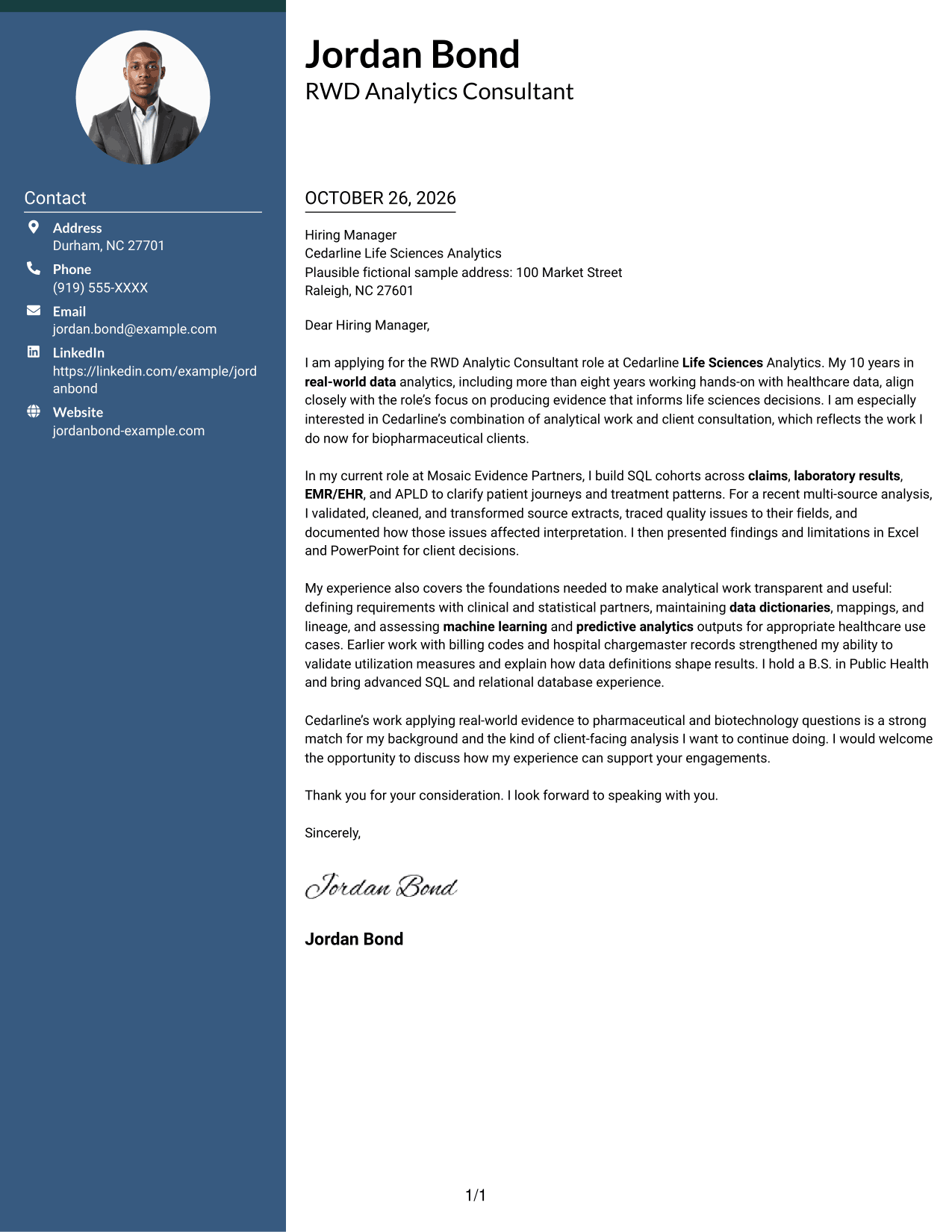
#2 Two Column Format Cover Letter Example
A contact sidebar sits beside one continuous letter body, giving contact details their own space while the message stays in a single column.
Why This Format Works
- The sidebar separates contact details from the letter's continuous body.
- Opening, supporting evidence, and closing stay in their intended paragraph order.
- The photo-free layout keeps visual attention on contact details and the written message.
Best For
- Sidebar contact organization
- Single-column letter text
- Continuous persuasive prose
- Photo-free correspondence
- Separate contact and message areas
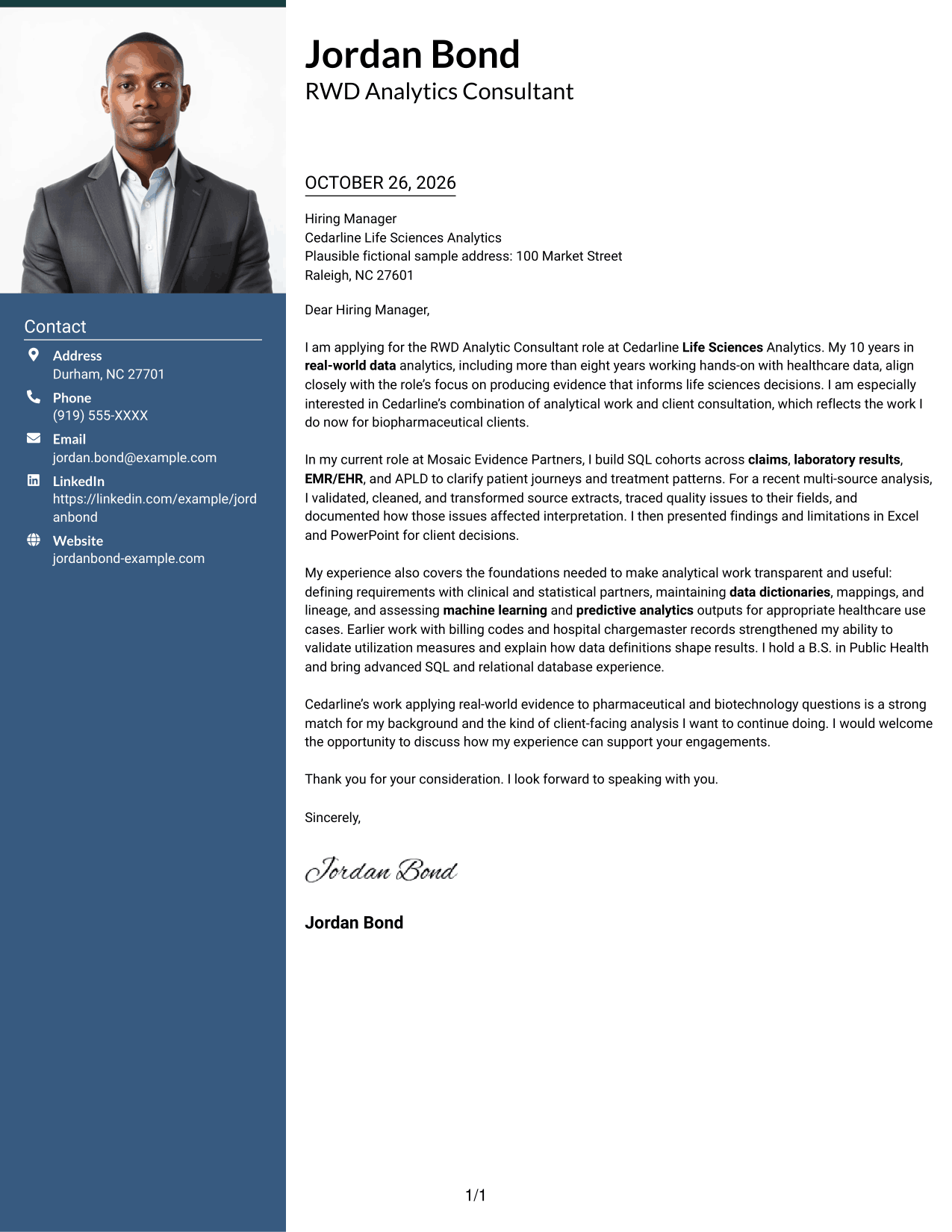
#3 Photo Header Two Column Format Cover Letter Example
The two-column layout pairs a contact sidebar with one continuous letter body, while the included photo adds a visual element for readers who prefer one.
Why This Format Works
- The contact sidebar gives sender details a separate place beside the letter.
- One continuous body keeps the opening, evidence, and closing in sequence.
- The included photo offers a visual option without changing the letter's structure.
Best For
- Contact details beside the letter
- A single-column letter body
- Photo-inclusive correspondence
- Continuous persuasive text
- A visual element with a clear message
#4 One Column Format with Photo Cover Letter Example
This one-column layout keeps the letter body in a direct reading path and includes a photo for readers who prefer a more visual presentation.
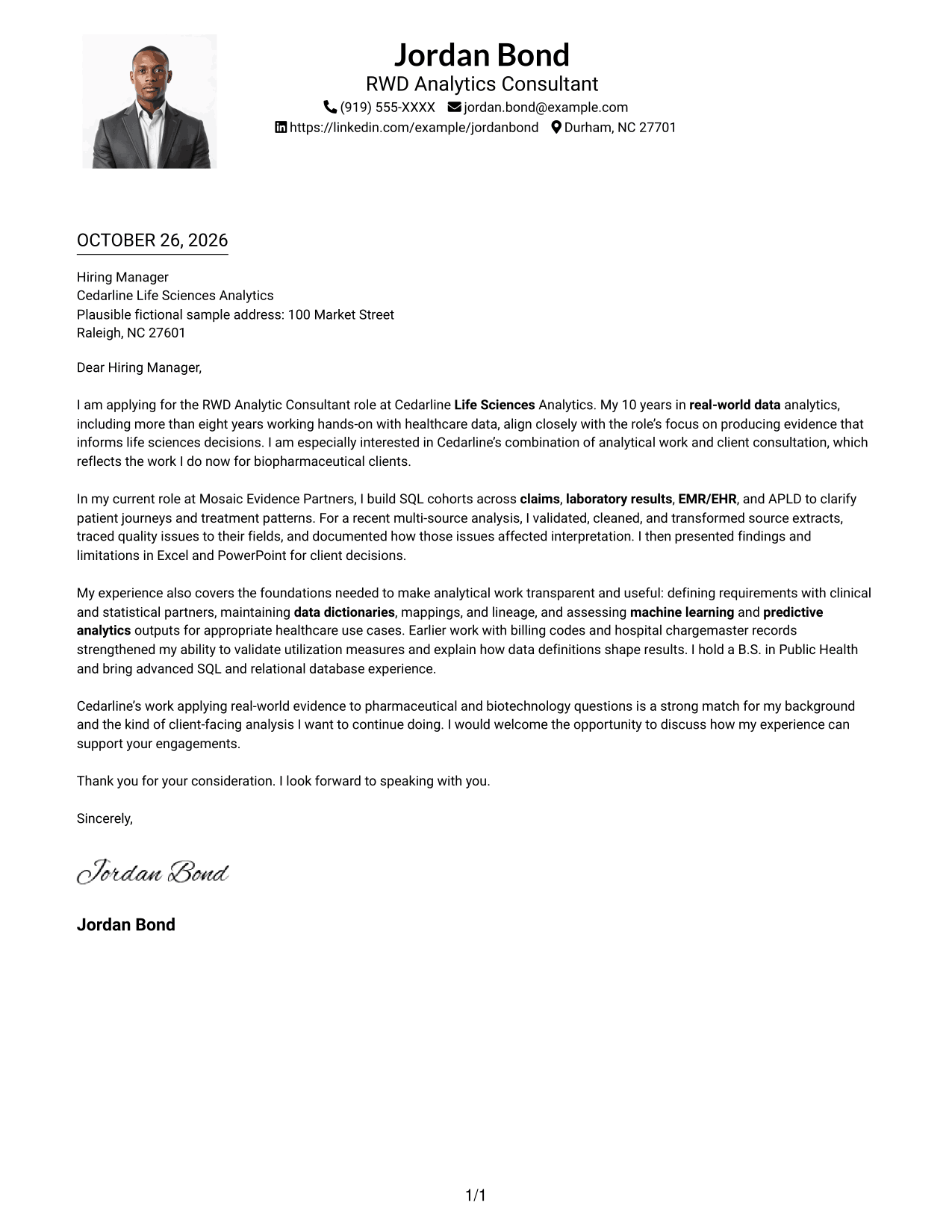
Why This Format Works
- The one-column body preserves a clear path from the opening to the closing.
- Sender details remain in the header, apart from the letter paragraphs.
- The included photo adds a visual element without dividing the message.
Best For
- One-column letter reading
- Header-based contact details
- Photo-inclusive documents
- Continuous letter paragraphs
- A text-and-photo presentation
#5 Simple Two Column Format Cover Letter Example
A contact sidebar sits alongside the continuous letter body, separating sender details from the message while keeping both parts together.
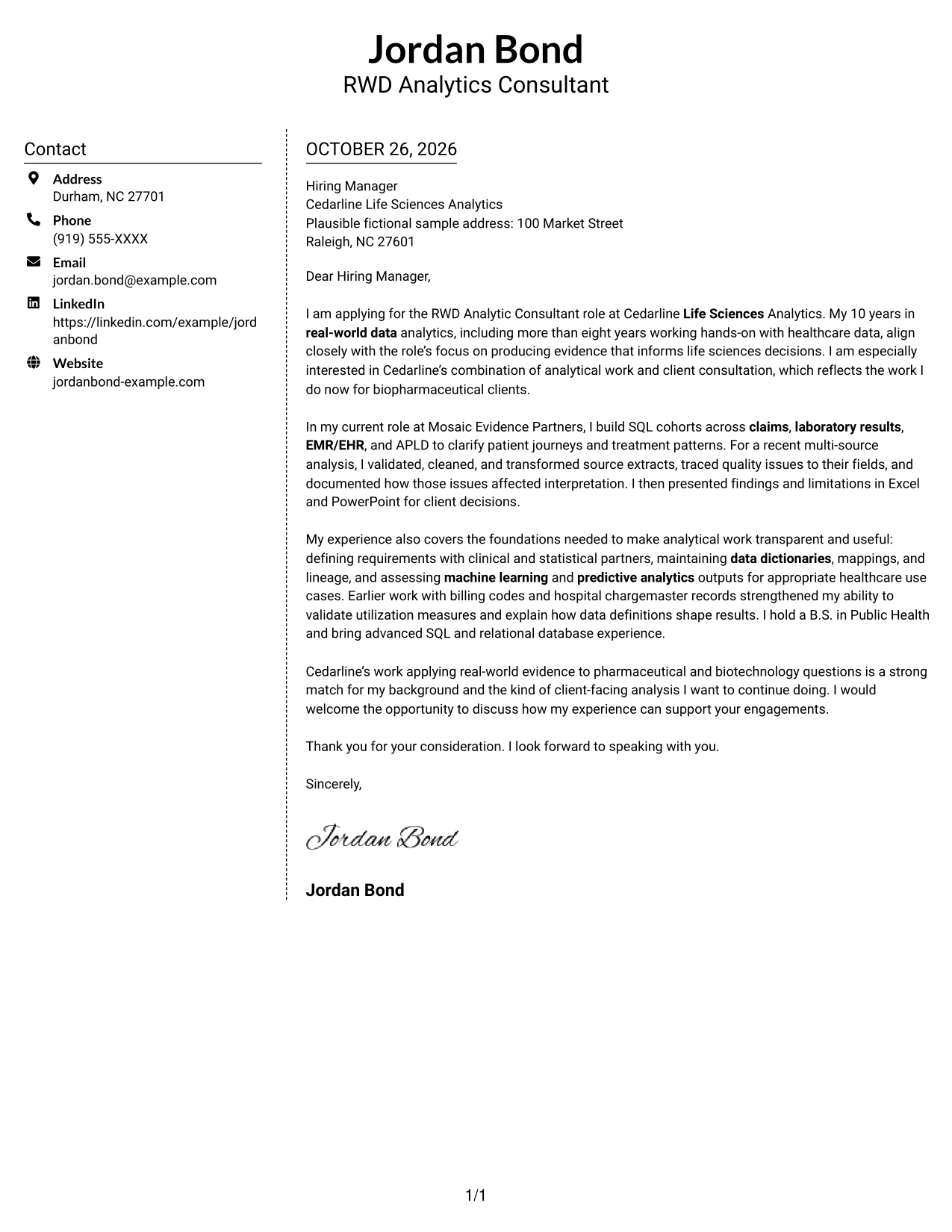
Why This Format Works
- The sidebar gives contact details a distinct place beside the letter.
- The message remains continuous, preserving the order of its paragraphs.
- Without section headings, the letter presents its case as connected prose.
Best For
- Sidebar-based contact details
- One-column letter body
- Letters without argument headings
- Connected paragraph flow
- Distinct contact and message areas
#6 Modern Icon Format Cover Letter Example
Contact details sit in a sidebar beside the continuous letter body, with icons serving as contact cues or small header accents.
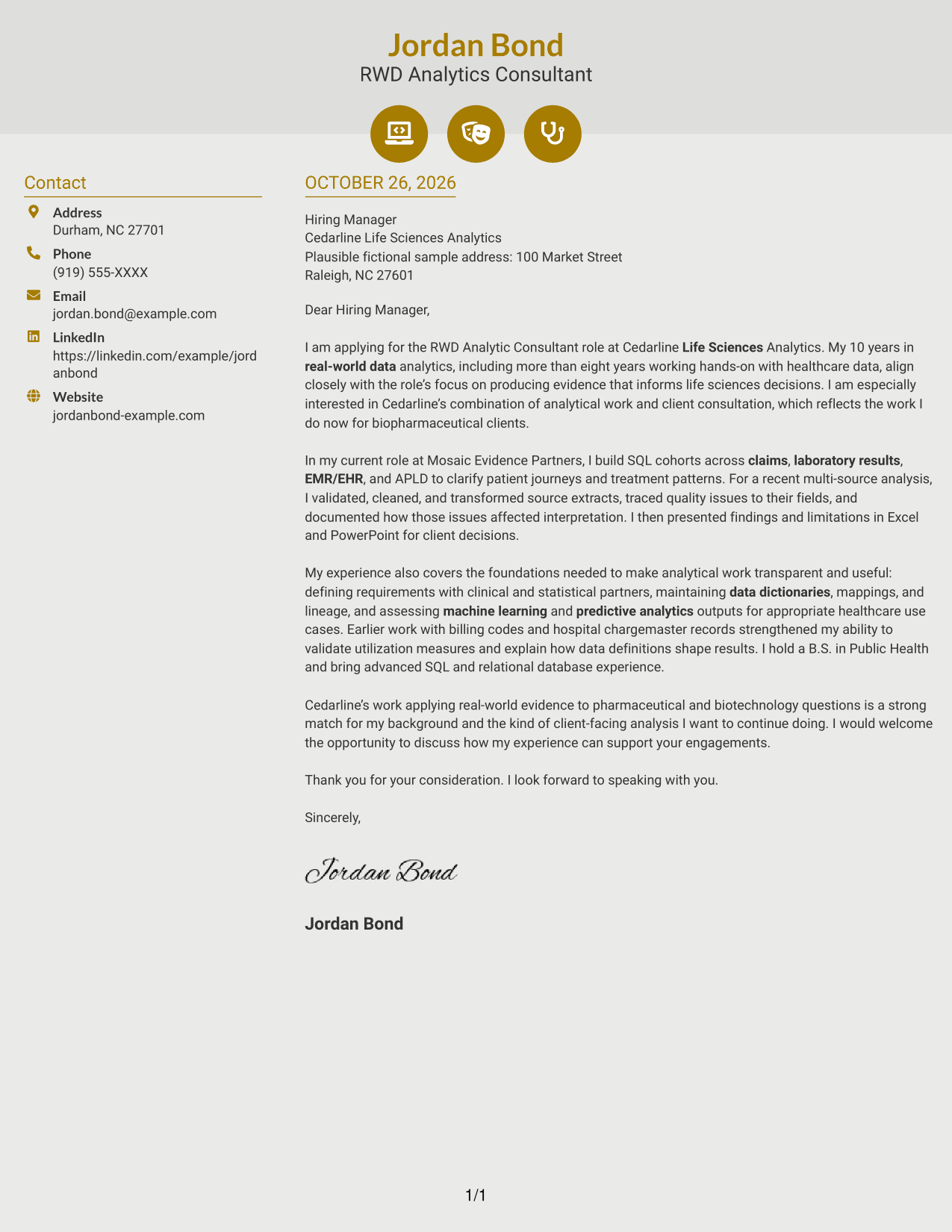
Why This Format Works
- The sidebar keeps contact details apart from the letter's continuous body.
- The body carries the opening, evidence, and closing in paragraph order.
- Icons cue contact details or decorate the header, not the letter's argument.
Best For
- Icon-cued contact details
- A single-column letter body
- Continuous persuasive paragraphs
- Decorative header accents
- Contact details beside the message
#7 Creative Two Tone Format Cover Letter Example
A contact sidebar and one continuous letter body form the two-column layout, giving contact details their own space beside the message.
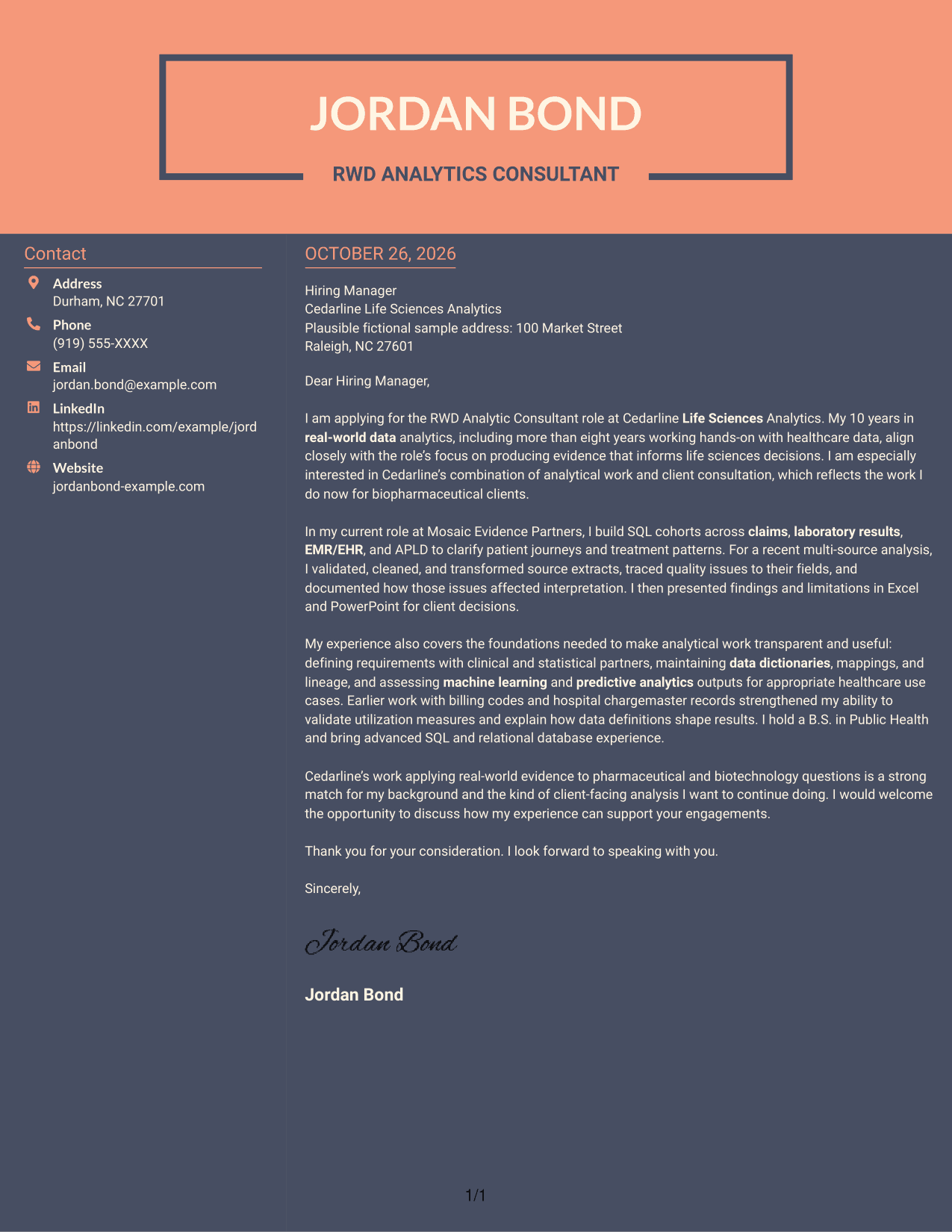
Why This Format Works
- Contact details have a separate place beside the letter body.
- The continuous message keeps motivation, evidence, and closing in sequence.
- The photo-free format suits readers who want the written message to lead.
Best For
- Sidebar contact presentation
- One-column letter text
- A continuous letter argument
- Photo-free correspondence
- Contact details kept beside the message
Explore RWD Analytic Consultant Cover Letter Examples
Compare the PNG previews to see how each presentation handles the opening, evidence, and closing. Open an example in the editor to adapt its wording and structure to your experience and the role.
- Clear letter structure
- Role-focused wording
- Examples you can open in the editor
- Readable presentation styles
- PNG image previews
- Cover letter guidance for life sciences work
Focus your letter on how you define analytical questions, check data quality, and explain findings for client decisions. Keep the message direct and connect your evidence to the employer’s real-world data work.
See Also
- 7 RWD Analytic Consultant Resume Templates with Example
- 7 Workday Reporting & Prism Analytics - Application Consultant Resume Templates with Example
- 33 AI Engineer Consultant Resume Templates with Example 2026 (ATS-Optimized)
- 7 Business Architecture Consultant - Enterprise Information Management Resume Templates with Example
- 33 Business Processes Chief Consultant - Regulated Manufacturing Resume Templates with Example
- 7 Change Management and Adoption Consultant Resume Templates with Example
- 7 Clinical Data Audit Consultant Resume Templates with Example
- 7 Compliance Consultant Healthcare Resume Templates with Example
- 30+ AI Engineer Consultant Cover Letter Templates with Example 2026
- 7 Business Architecture Consultant - Enterprise Information Management Cover Letter Templates with Example
Frequently Asked Questions
What should the opening paragraph say in an RWD Analytic Consultant cover letter?
State the role you are applying for and why the work interests you. Briefly connect your real-world data background to the employer’s need for evidence that supports life sciences decisions.
What evidence should I include in the body of this cover letter?
Choose a specific example that shows how you analyzed healthcare data and helped make the results useful. You might describe SQL cohort work, data cleaning and validation, clear documentation, or presenting findings to clients, if those reflect your experience.
How can I show fit with a life sciences analytics employer?
Link your experience to the employer’s work with pharmaceutical or biotechnology questions. Explain how your analytical approach can help turn real-world data into practical insight, without claiming experience you do not have.
How should I close an RWD Analytic Consultant cover letter?
Restate your interest and connect your contribution to the employer’s client work. Close with a direct, courteous request to discuss how your background can support its engagements.
How can I compare the cover letter examples?
Review the PNG previews to compare how each layout presents the letter. Open an example in the editor to adapt its organization and wording for your role and communication context.




