
7 RWD Analytic Consultant Resume Templates with Example
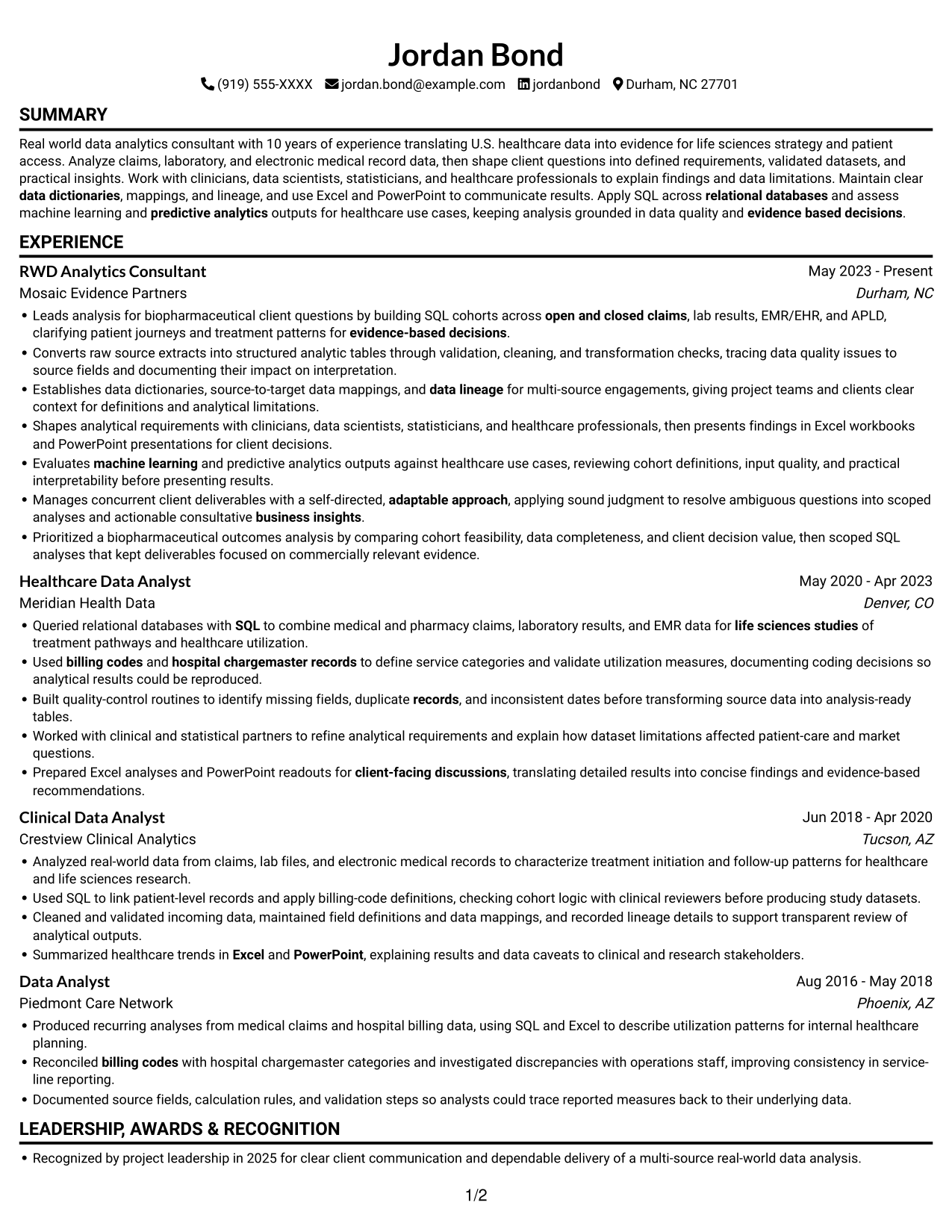
This guide shows you how to build a clear, focused RWD Analytic Consultant resume. You will learn how to present relevant evidence so readers can understand your analytical work and its value.
Strong resumes connect healthcare data experience to sound analysis and useful client insights. Use specific examples to show how you define requirements, validate data, and explain findings and limitations.
The example is presented in 7 layouts, with PNG image previews and links to view or customize it in the editor. Compare the layouts and choose one that makes your skills and experience easy to scan.
What Makes a Great RWD Analytic Consultant Resume in 2026
A strong resume uses clear sections, focused bullets, and relevant keywords. It shows how your analysis supports evidence-based decisions in healthcare and life sciences.
Include accurate examples of SQL, claims, APLD, laboratory data, EMR/EHR, data quality, and data lineage when they match your experience. Explain your role and the outcome without overstating results.
Note: Resume examples are for educational purposes only. Use only information that accurately reflects your experience and qualifications. References to real organizations do not imply affiliation or endorsement.
#1 Simple One Column Format Resume Example
The Simple One Column Format keeps the resume in one column, giving every section a clear top-to-bottom reading path.
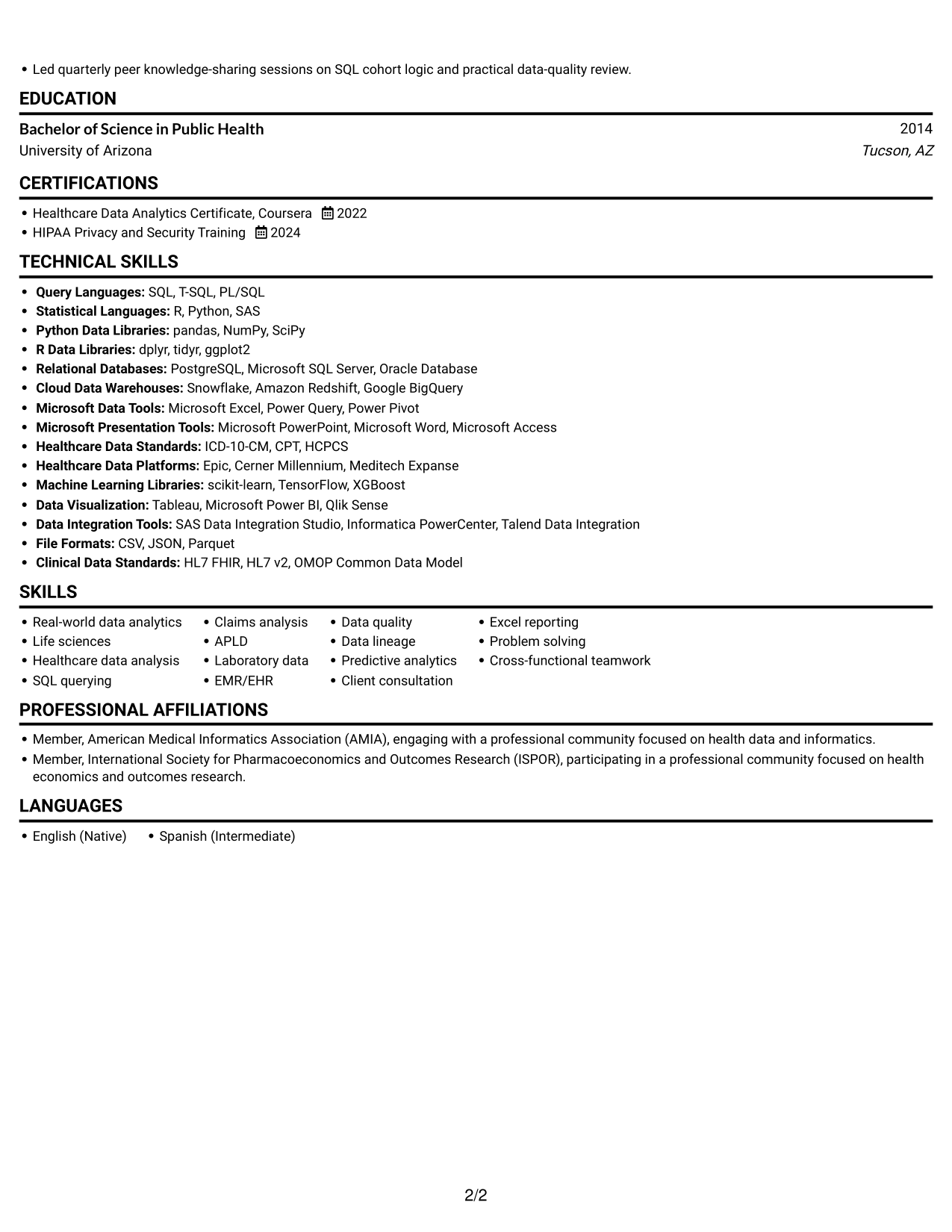
Why This Format Works
- Career history follows one reading path, helping reviewers track progression without switching columns.
- Skills, education, and credentials remain easy to locate in a consistent section sequence.
- Achievement bullets have room for context without competing with a parallel text column.
Best For
- Long-form experience histories
- ATS-oriented reading order
- Detailed achievement bullets
- Sequential section review
- Text-first resume presentation
Resume Keywords
- Bachelor of Science in Public Health
- Real world data analytics consultant
- open and closed claims
- APLD
- Laboratory data
- EMR/EHR
- hospital chargemaster records
- billing codes
- life sciences studies
- SQL
- relational databases
- Healthcare data analysis
- identify missing fields, duplicate records, and inconsistent dates before transforming source data into analysis-ready tables
- Built quality-control routines to identify missing fields, duplicate records, and inconsistent dates before transforming source data into analysis-ready tables.
- transforming source data into analysis-ready tables
#2 Simple Two Column Format Resume Example
The Simple Two Column Format uses two columns to keep resume sections compact and give reviewers a clear way to navigate them.
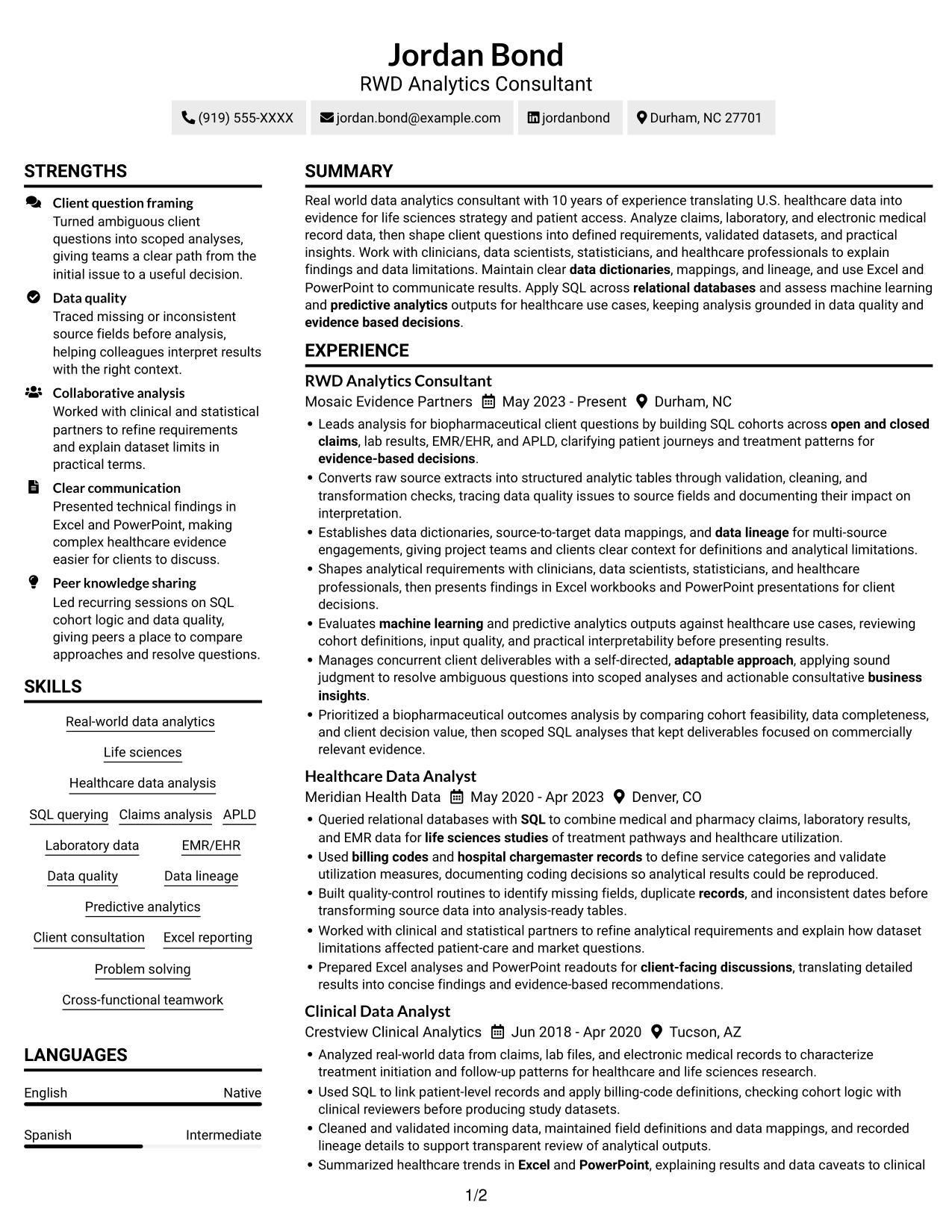
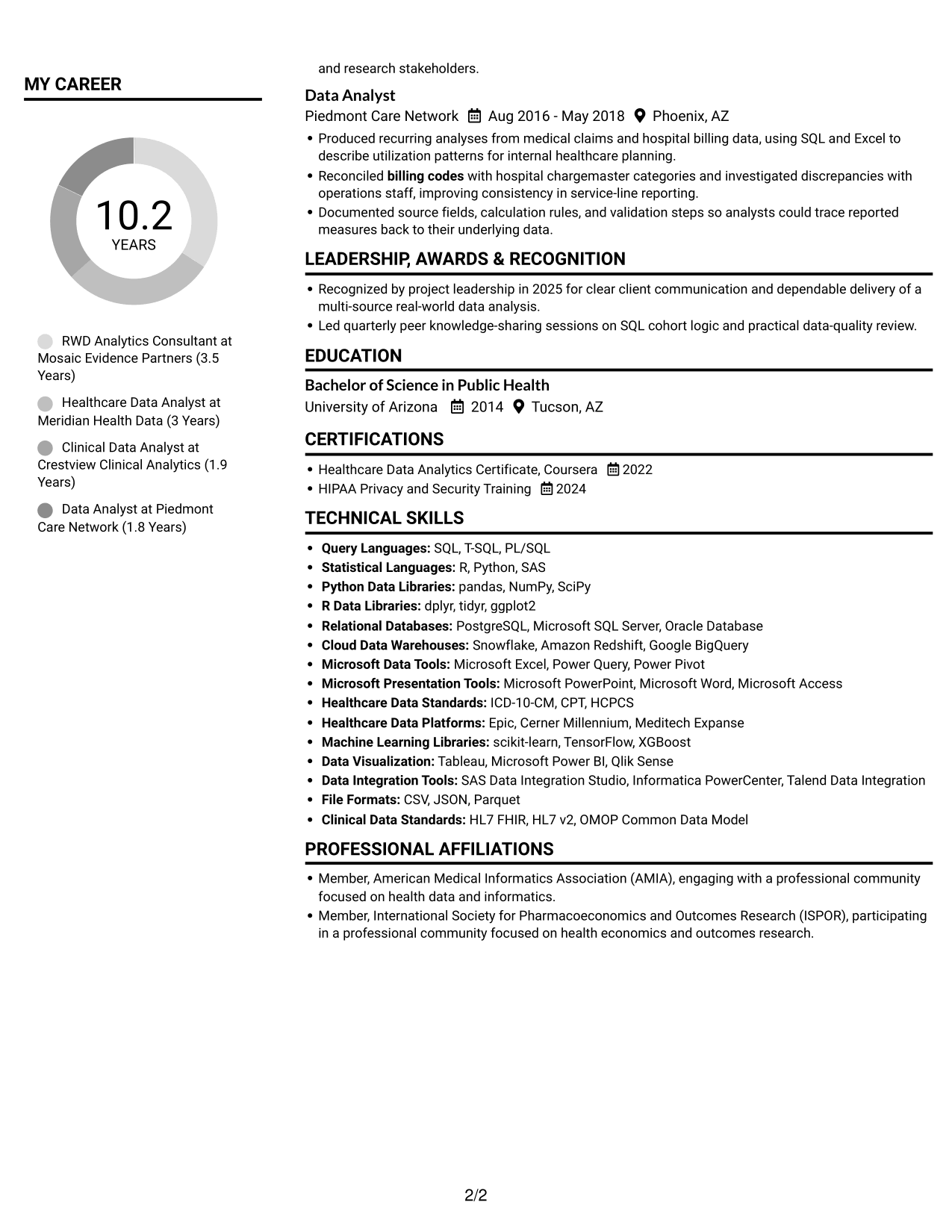
Why This Format Works
- Two columns make room for experience and supporting resume sections in a compact structure.
- The column layout helps reviewers move between career history, skills, and education.
- Resume bullets remain distinct within their sections, supporting quick review of measurable results.
Best For
- Compact resume organization
- Parallel section navigation
- Mixed-length resume sections
- Experience with supporting details
- Concise text presentation
#3 Plain One Column with Shaded Labels Resume Example
Plain One Column with Shaded Labels presents the resume in one column, supporting a steady review of its sections.
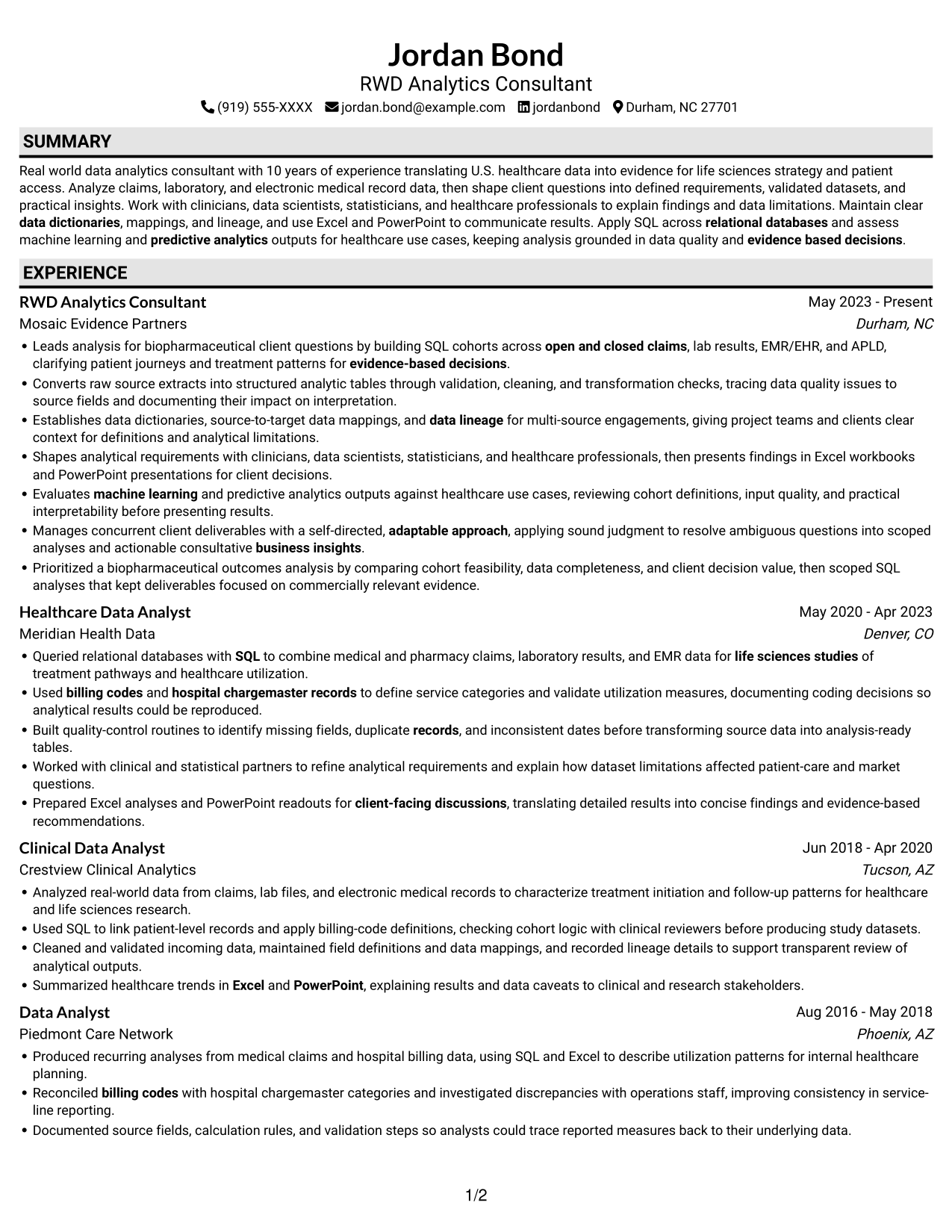
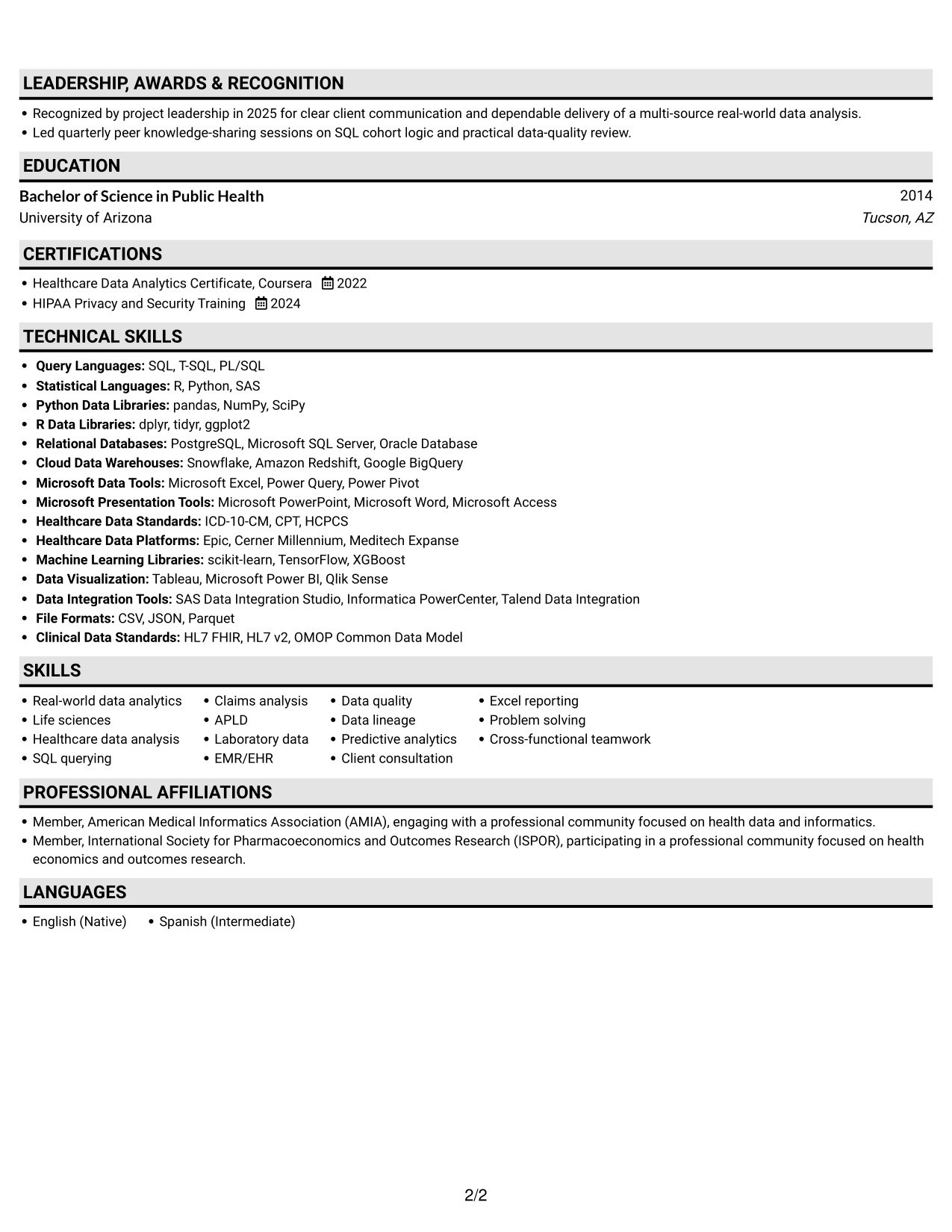
Why This Format Works
- A single reading path lets reviewers follow career history without jumping across columns.
- Clear section breaks help reviewers locate education, credentials, and skills during a focused scan.
- Achievement bullets can retain useful context within the same reading flow.
Best For
- Sequential work histories
- Single-path section review
- Context-rich achievement bullets
- Predictable recruiter scanning
- Text-heavy resume content
#4 One Column Format with Photo Right Resume Example
One Column Format with Photo Right pairs a one-column resume body with a photo for readers who prefer a visual element.
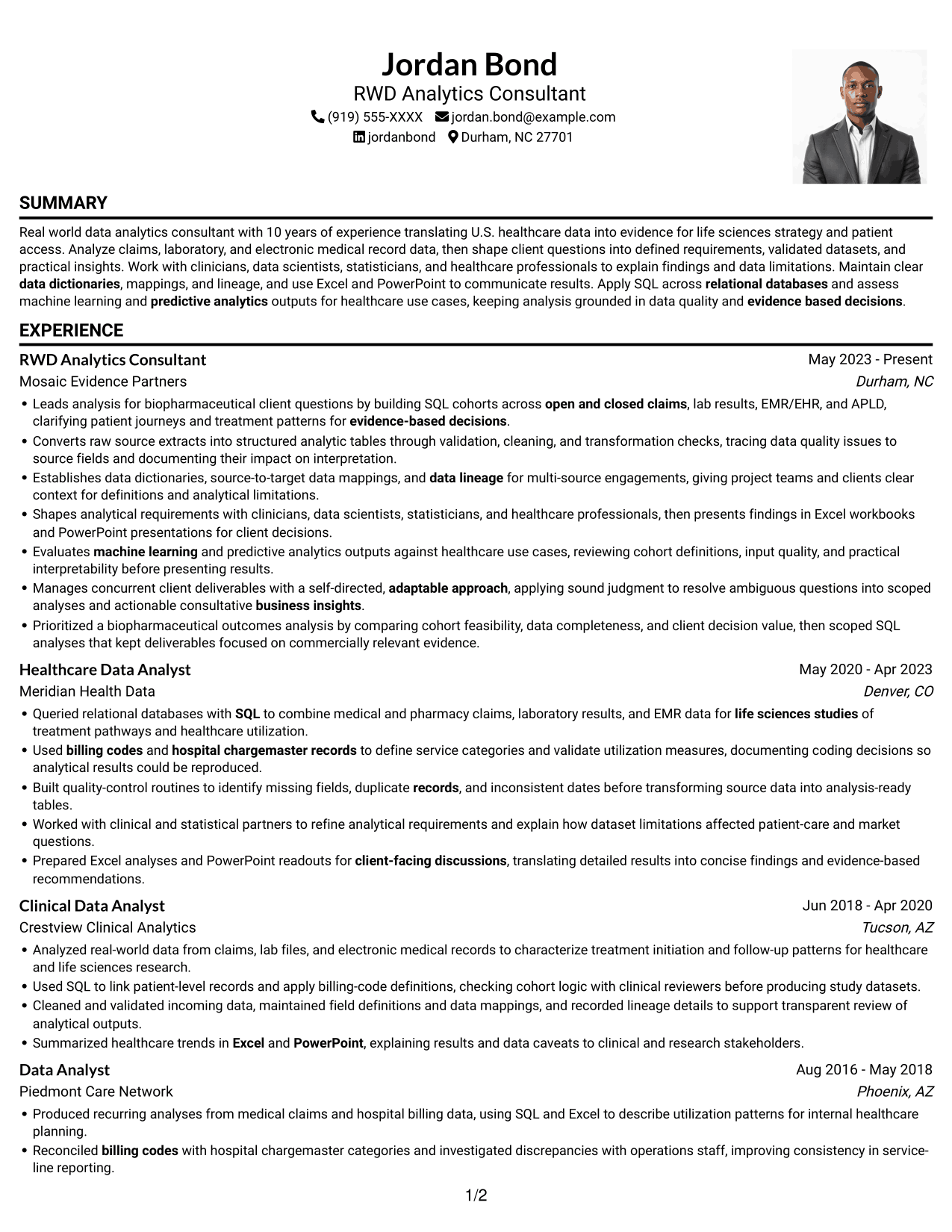
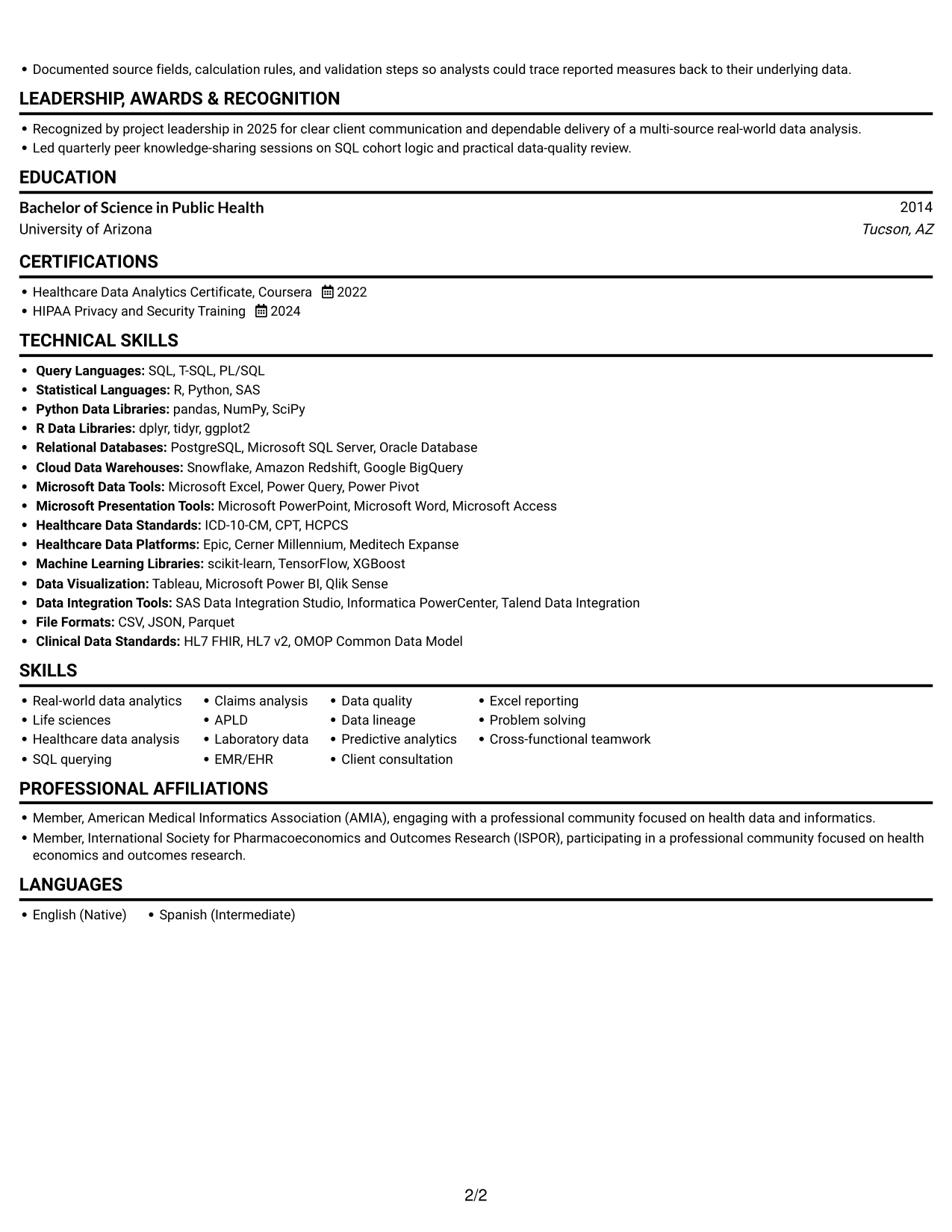
Why This Format Works
- The photo adds a visual element while the one-column body keeps sections in sequence.
- Career history can be reviewed from role to role without switching between columns.
- Education and credentials fit within the same straightforward reading path.
Best For
- Photo-inclusive resumes
- Single-column reading preference
- Sequential work-history review
- Visual identity alongside text
- Straightforward section order
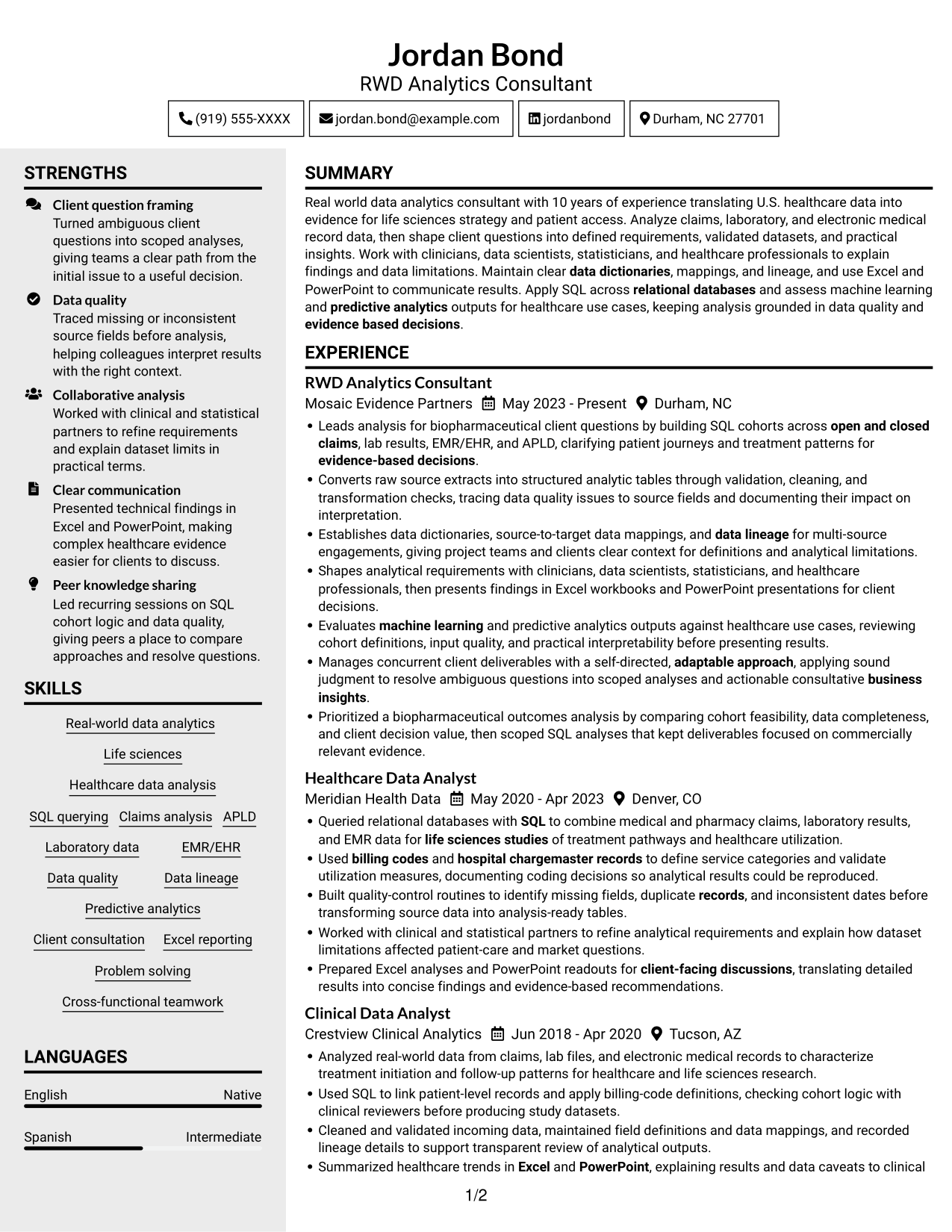
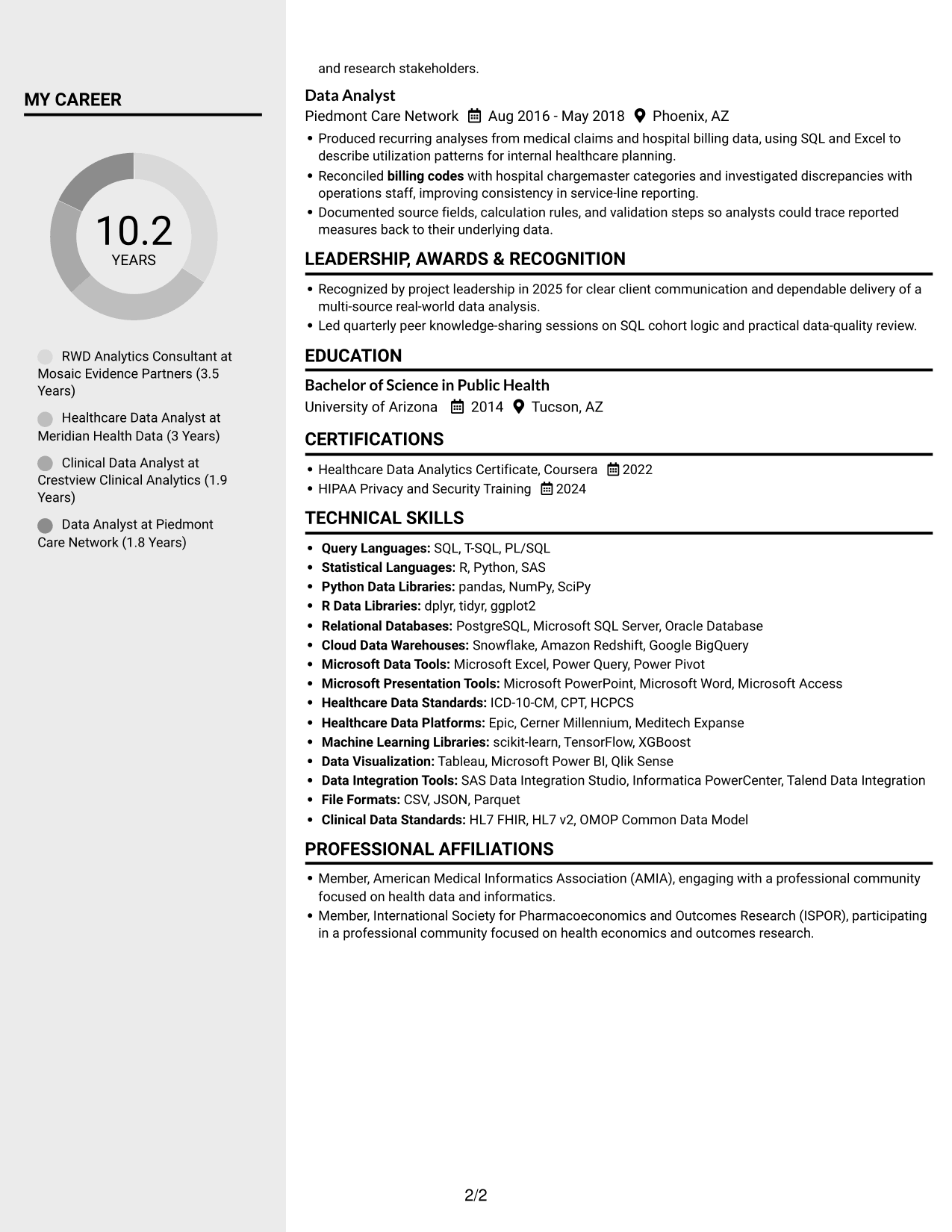
#5 Clean Two Column Sidebar Format Resume Example
Clean Two Column Sidebar Format uses two columns to distinguish resume sections and make navigation more direct.
Why This Format Works
- The two-column structure gives experience and supporting sections distinct areas for faster section finding.
- Career history and skills can be reviewed within the same overall view.
- Separate content areas help reviewers return to education and credentials without scanning every bullet.
Best For
- Two-column section organization
- Distinct content areas
- Compact supporting sections
- Quick section lookup
- Resumes with substantial supporting content
#6 Two Column Format Resume Example
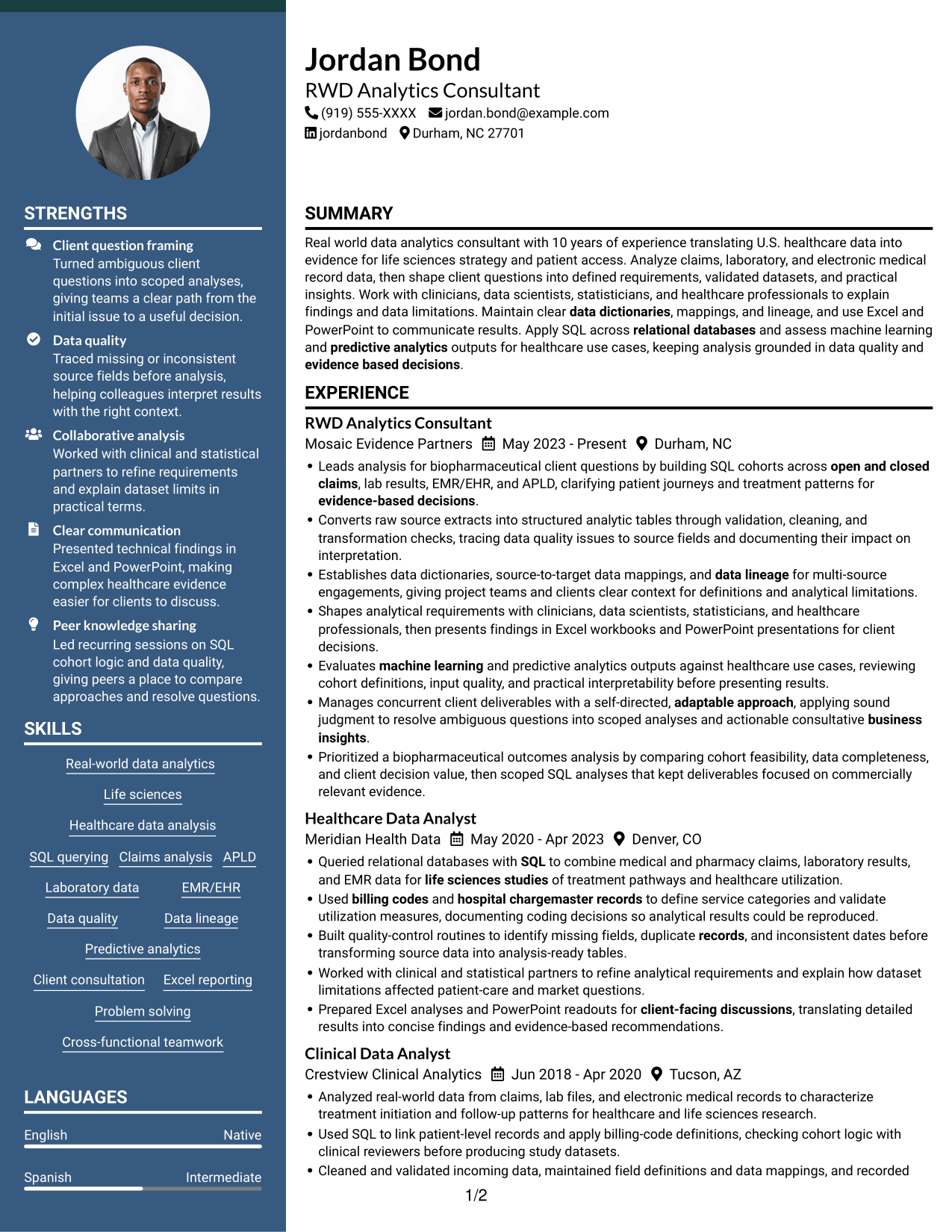
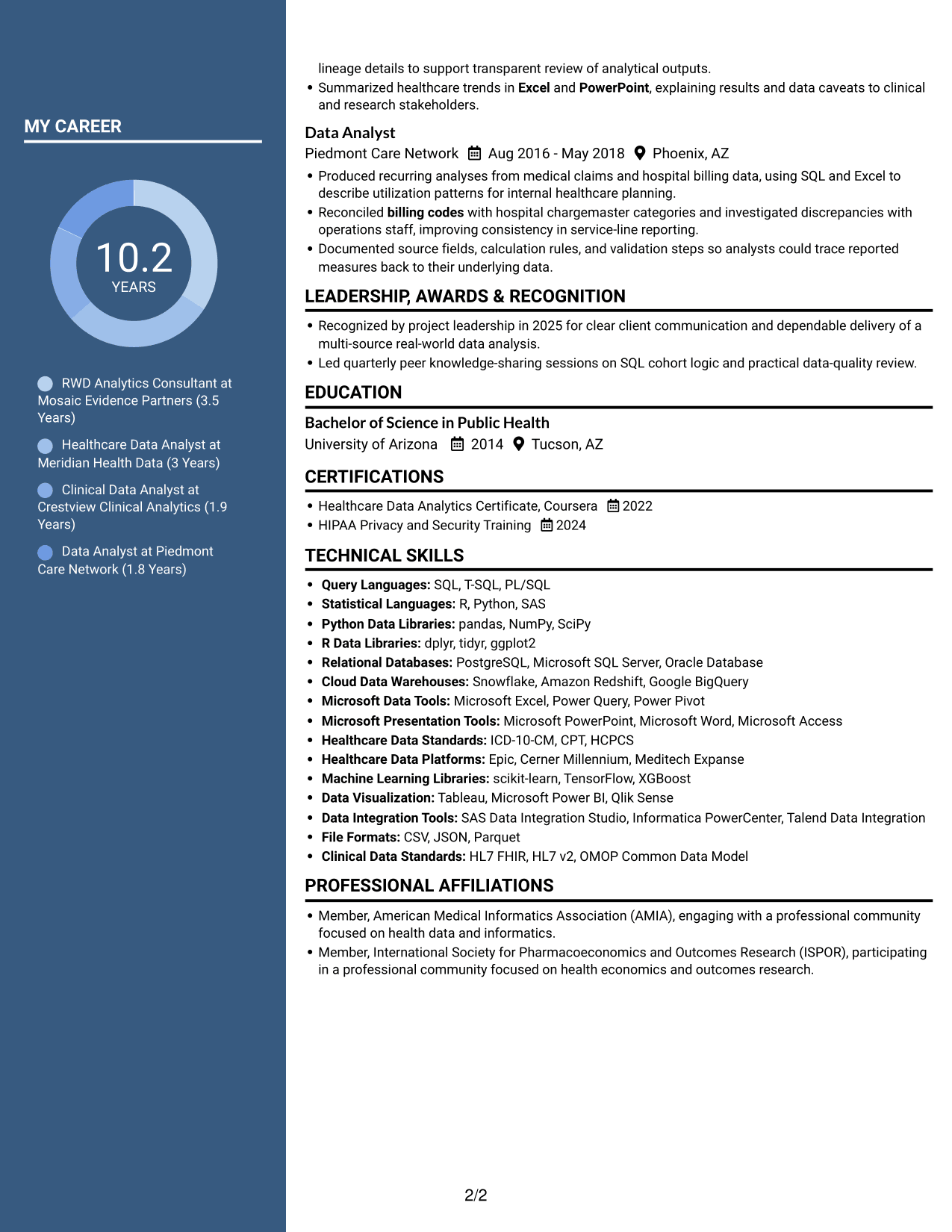
Two Column Format arranges the resume body in two columns, offering a compact structure for related sections.
Why This Format Works
- The two-column body lets reviewers compare related resume sections without following one long text block.
- Career history and supporting details remain visible within a compact page structure.
- Section separation helps reviewers find skills and education during a focused review.
Best For
- Related information across columns
- Compact section grouping
- Side-by-side review preference
- Resumes with varied content
- Fast movement between sections
#7 Photo Header Two Column Format Resume Example
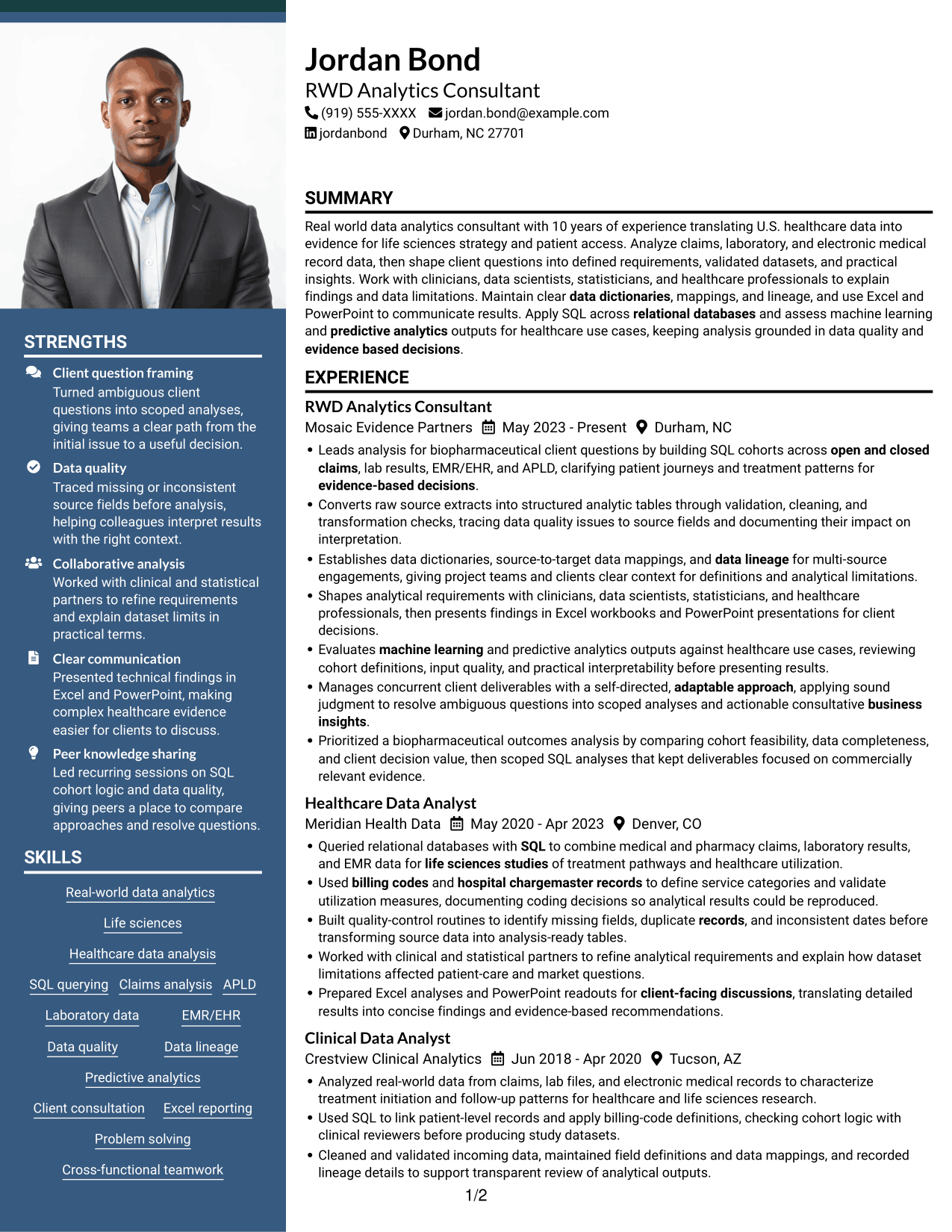
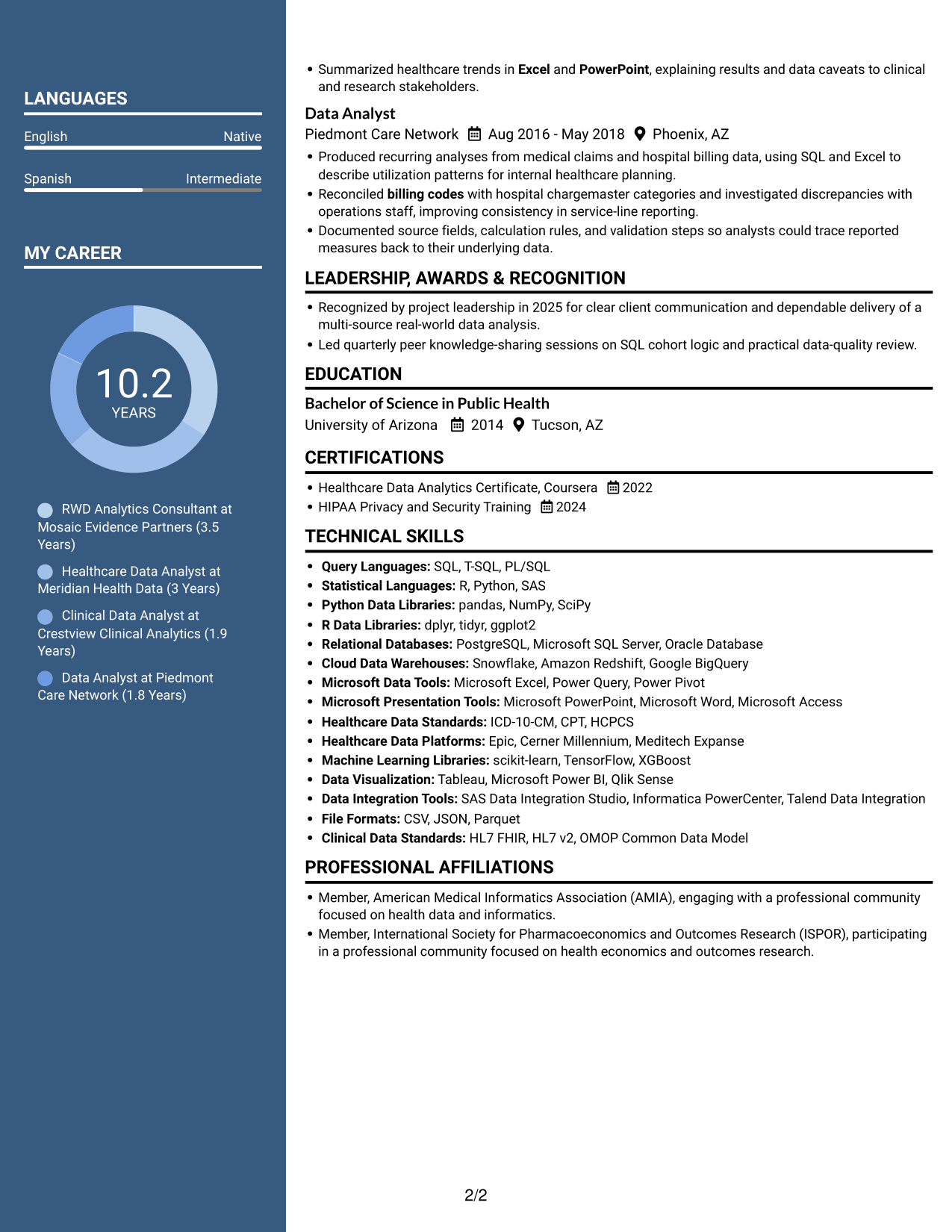
Photo Header Two Column Format combines a photo with a two-column resume body for visual identification and compact section organization.
Why This Format Works
- The photo adds a visual point of identification without changing how resume sections are organized.
- Two-column reading helps reviewers move between career history and supporting sections.
- A compact body keeps skills, education, and credentials accessible during a focused scan.
Best For
- Photo-inclusive resume presentation
- Two-column section layout
- Compact resume organization
- Visual identification with text
- Experience and supporting sections
See Also
- 7 Workday Reporting & Prism Analytics - Application Consultant Resume Templates with Example
- 33 AI Engineer Consultant Resume Templates with Example 2026 (ATS-Optimized)
- 7 Business Architecture Consultant - Enterprise Information Management Resume Templates with Example
- 33 Business Processes Chief Consultant - Regulated Manufacturing Resume Templates with Example
- 7 Change Management and Adoption Consultant Resume Templates with Example
- 7 Clinical Data Audit Consultant Resume Templates with Example
- 7 Compliance Consultant Healthcare Resume Templates with Example
- 7 Consultant - Databases Resume Templates with Example
- 7 RWD Analytic Consultant Cover Letter Templates with Example
- 30+ AI Engineer Consultant Cover Letter Templates with Example 2026
Frequently Asked Questions
Are these RWD Analytic Consultant resume layouts ATS-friendly?
The example uses recognizable resume sections and clear text. Include relevant terms such as real-world data, SQL, claims, APLD, EMR/EHR, data validation, and data lineage where they accurately describe your background.
Does this guide show one resume or several examples?
It shows one RWD Analytic Consultant resume example in different visual layouts. PNG previews let you compare the designs, and the editor links open the example to view or customize.
What should an RWD Analytic Consultant resume include?
Include a focused summary, relevant experience, education, skills, and certifications. Use concise bullets to explain your work with healthcare data, SQL, data quality, analytical requirements, and client findings.
How can I show the value of my healthcare data work?
Describe the question you addressed, the data or method you used, and how the result supported a decision. Add a metric only when you can verify it.
Which resume format works well for this role?
Choose a layout with clear headings and an easy-to-follow experience section. Keep skills and tools readable, and make sure important details remain clear in the image preview.
Should I include tools and technical skills?
Yes. List tools and methods that you have used and that relate to the role, such as SQL, Excel, PowerPoint, relational databases, and healthcare data analysis. Group related skills so readers can find them quickly.




