
7 Security Officer - Screening Intake Cover Letter Templates with Example
This practical guide helps you shape a focused Security Officer - Screening Intake cover letter, with seven layouts to help you present your role motivation clearly.
What Makes a Great Security Officer - Screening Intake Cover Letter in 2026
A strong letter connects your interest in screening intake work to the role’s focus on safe, orderly access. It should open with clear motivation and close with a direct statement of interest.
Use specific evidence, such as checking credentials, recording visitor and delivery details, or communicating concerns calmly. Link those examples to the employer’s procedures and the courteous service the role requires.
The featured Security Officer - Screening Intake example moves from motivation to practical screening evidence and a focused close. Adapt that progression while choosing a presentation that suits the employer and the way you will communicate.
#1 Simple One Column Format Cover Letter Example
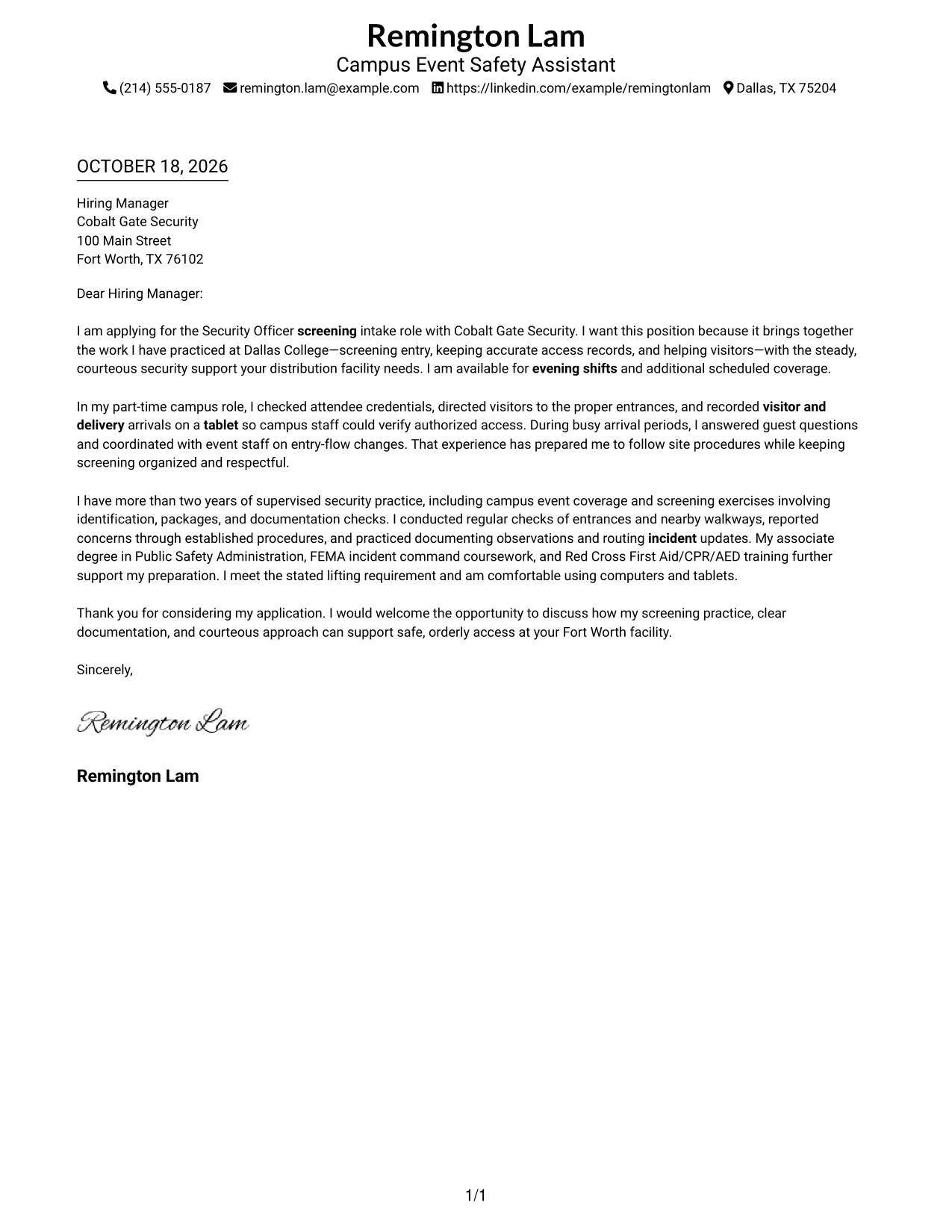
A single-column body gives the letter one clear reading path from greeting to closing.
Why This Format Works
- Sender details in the header keep contact information easy for reviewers to find.
- One continuous body lets the opening and supporting points read as a connected message.
- The single-column order carries the request naturally through the closing.
Best For
- Letters with concise employer-specific motivation
- Sender contact details in the header
- One uninterrupted letter argument
- Familiar vertical reading order
- Applications with a direct closing
#2 Two Column Format Cover Letter Example
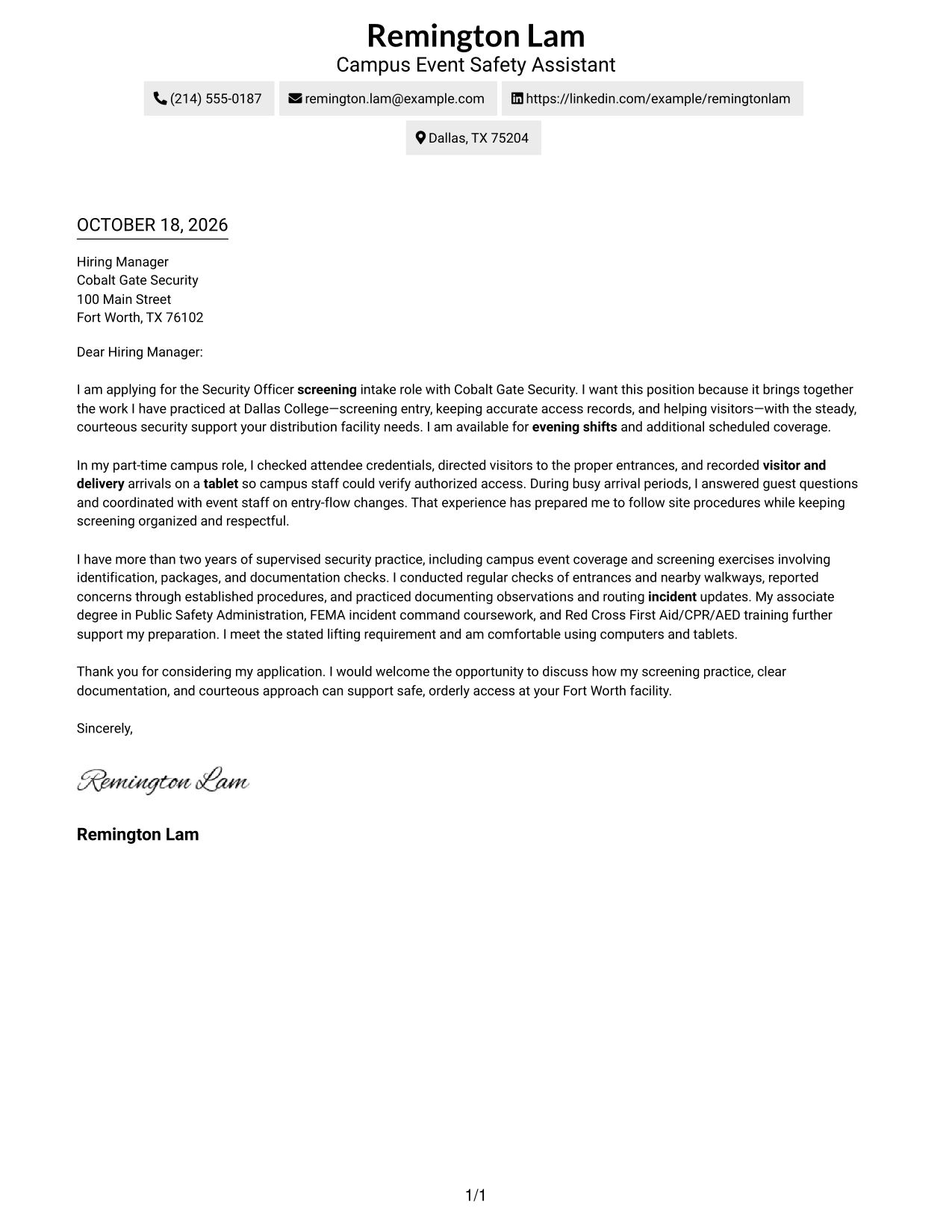
A contact sidebar beside one continuous letter body keeps sender details apart from the message.
Why This Format Works
- The sidebar makes sender contact details easy to locate beside the letter.
- One continuous body keeps the opening, supporting points, and close in sequence.
- Readers can keep contact details in view while following the letter's full message.
Best For
- Contact details beside the message
- Continuous body paragraphs
- Readers who check sender information first
- Letters with a clear employer fit
- A focused opening and closing
#3 Photo Header Two Column Format Cover Letter Example
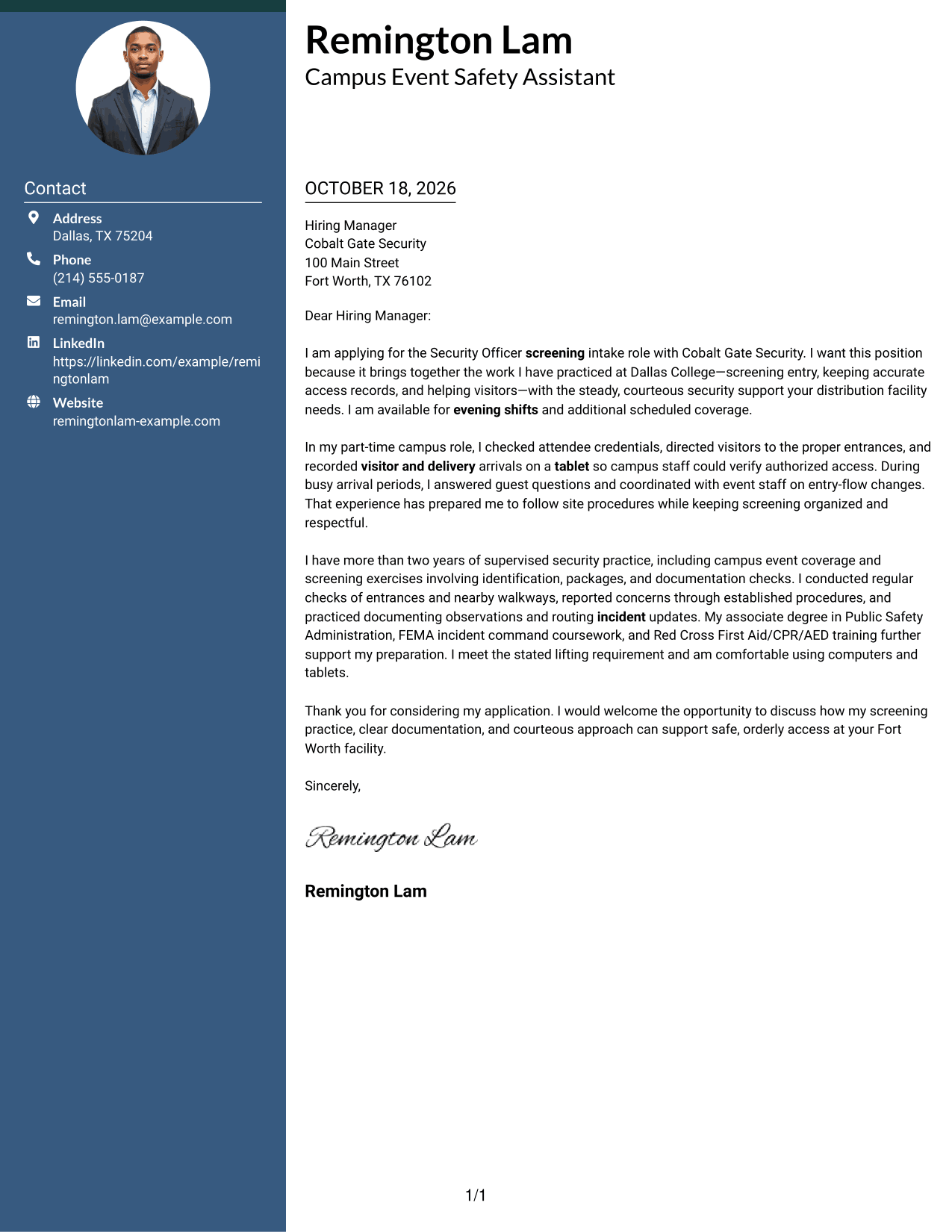
A photo header and contact sidebar give sender details a distinct place beside the continuous letter.
Why This Format Works
- The photo adds a personal visual detail without interrupting the letter body.
- A separate contact area keeps sender information distinct from the employer-facing message.
- The continuous body lets reviewers follow the letter's case from opening through close.
Best For
- Photo-forward sender presentation
- Contact details beside the letter
- One continuous persuasive message
- Applications where a portrait is preferred
- Direct employer-specific correspondence
#4 One Column Format with Photo Cover Letter Example
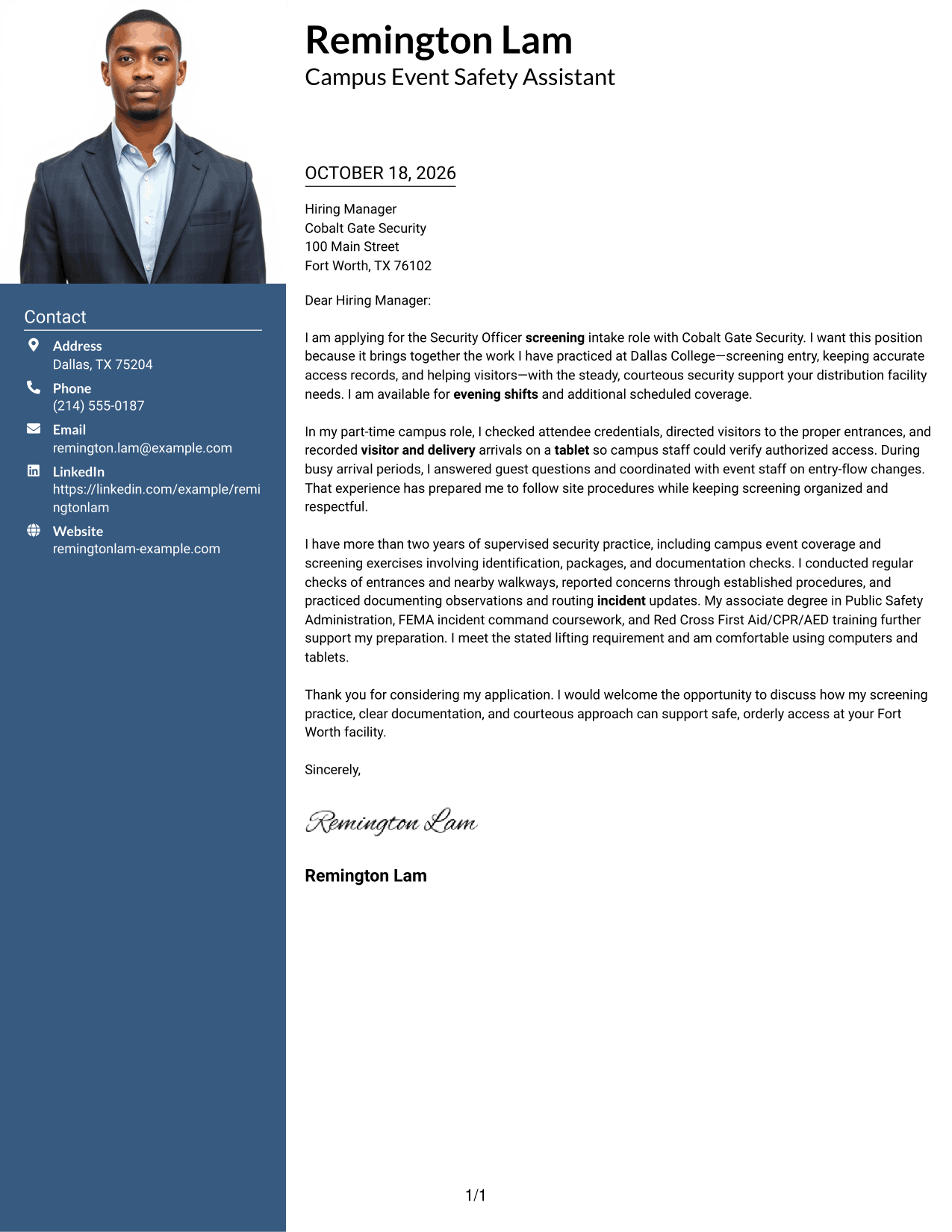
A one-column body paired with a photo keeps the message direct while adding a personal visual detail.
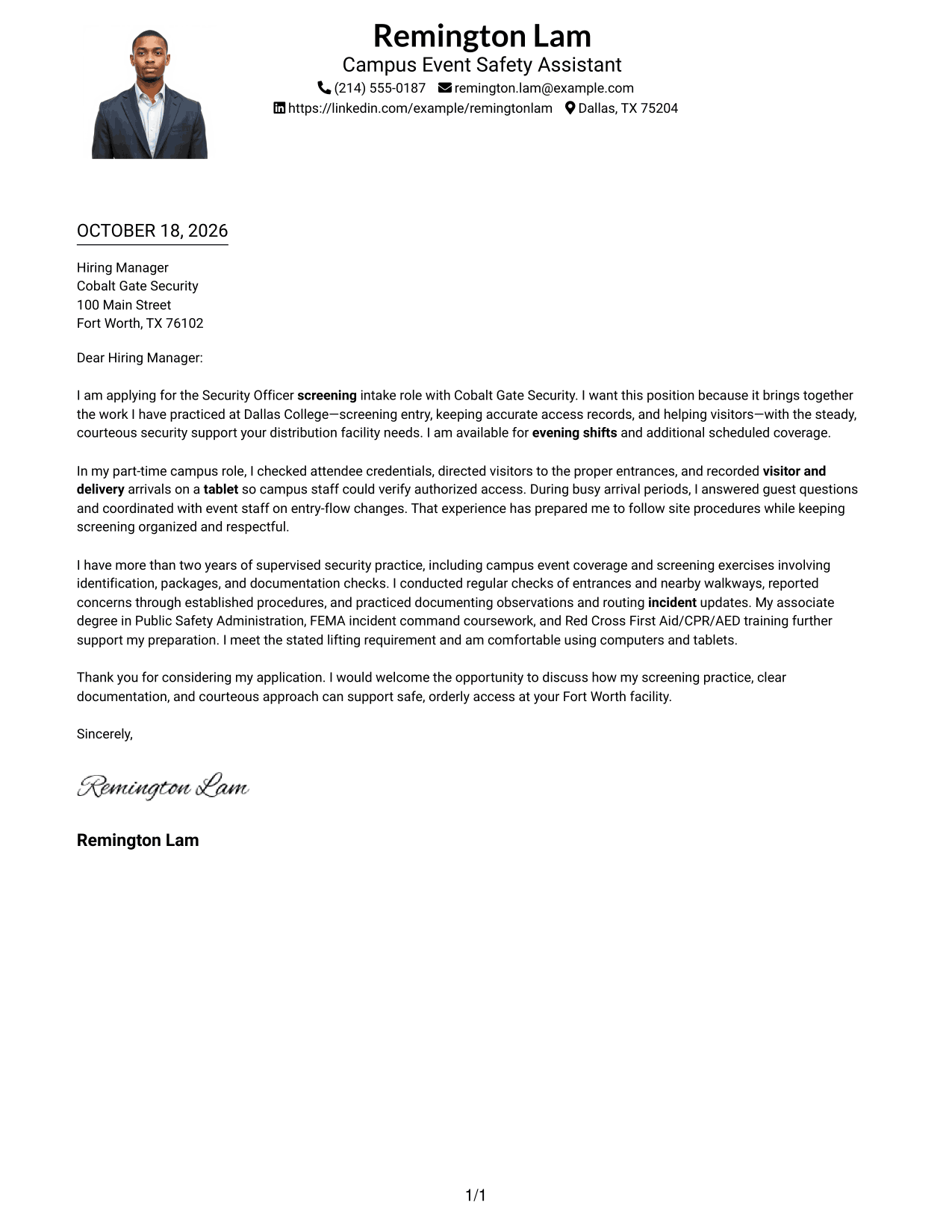
Why This Format Works
- The photo provides a visual point in the header while the letter stays in one column.
- A single body keeps the motivation and supporting points together for a direct read.
- Sender details in the header remain easy to find before the message begins.
Best For
- Photo-inclusive letter presentation
- One-column message layout
- Letters with direct opening-to-close flow
- Sender details in the header
- Applications with concise role alignment
#5 Simple Two Column Format Cover Letter Example
A contact sidebar alongside one continuous letter body separates sender information from the application message.
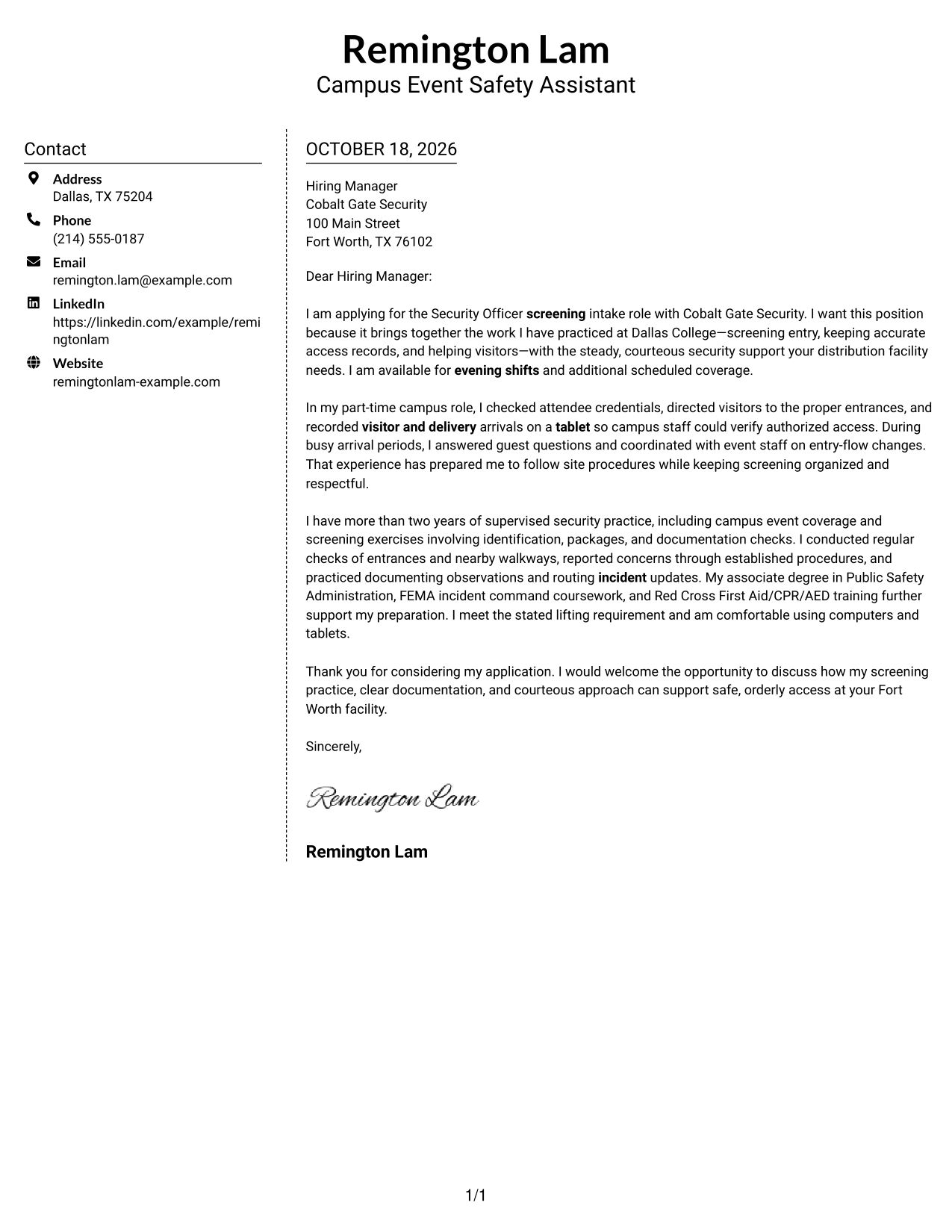
Why This Format Works
- The sidebar gives contact information its own place beside the letter.
- The letter's paragraphs stay together, preserving a clear path through the argument.
- The two-column arrangement keeps sender details distinct from the employer-facing message.
Best For
- Separate sender and message areas
- Continuous letter paragraphs
- Applications with a focused case for fit
- Readers who value quick contact access
- A clear closing statement
#6 Modern Icon Format Cover Letter Example
A two-column layout uses contact cues beside one continuous letter body, making sender details easy to locate.
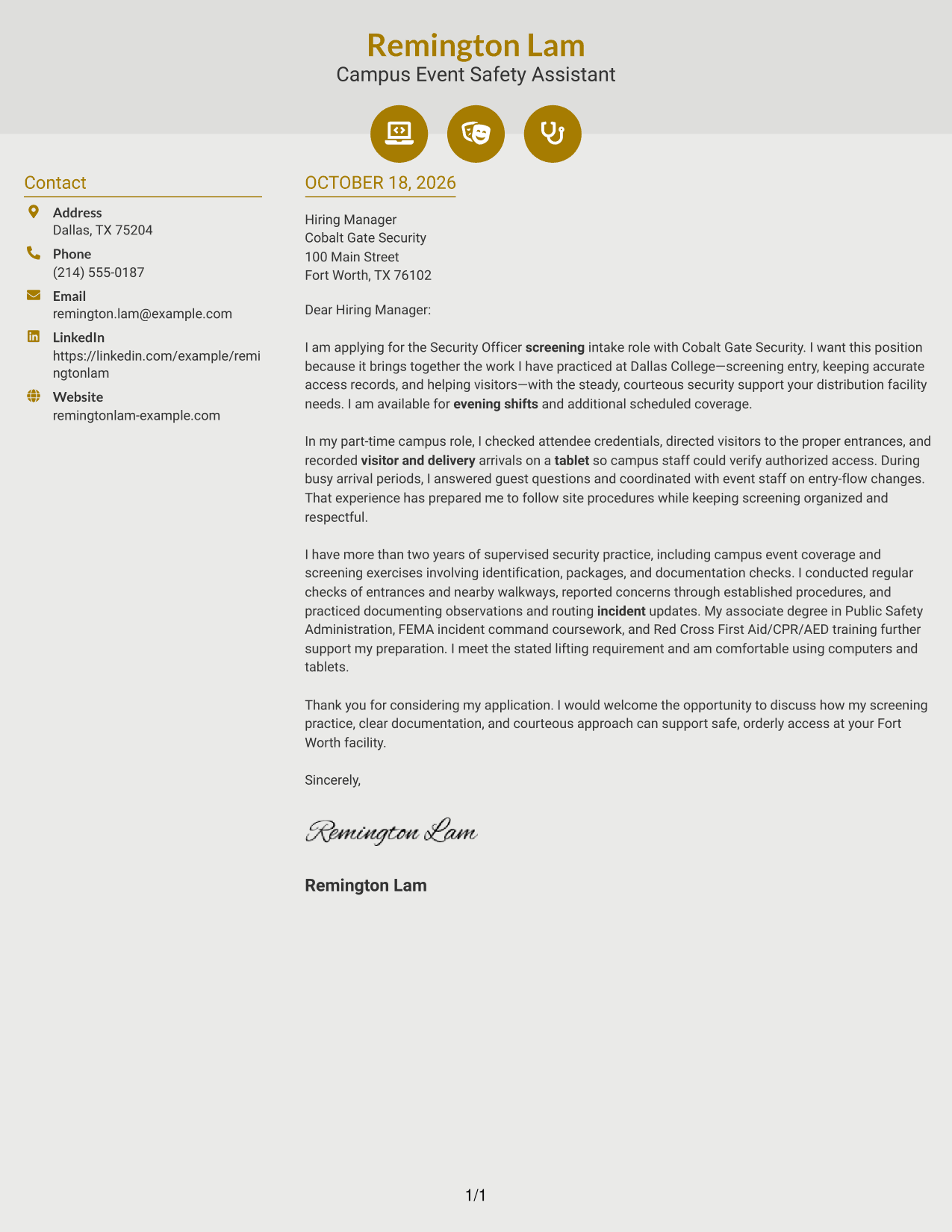
Why This Format Works
- Contact icons help readers identify sender details without labeling parts of the letter.
- The sidebar keeps contact information distinct from the continuous message.
- The letter remains one body, so its opening and closing stay connected.
Best For
- Icon-supported contact details
- A sidebar beside full paragraphs
- Letters with a connected argument
- Readers who prefer visual contact cues
- Applications with clear employer motivation
#7 Creative Two Tone Format Cover Letter Example
A contact sidebar beside the continuous letter body gives sender information a separate place for easy reference.
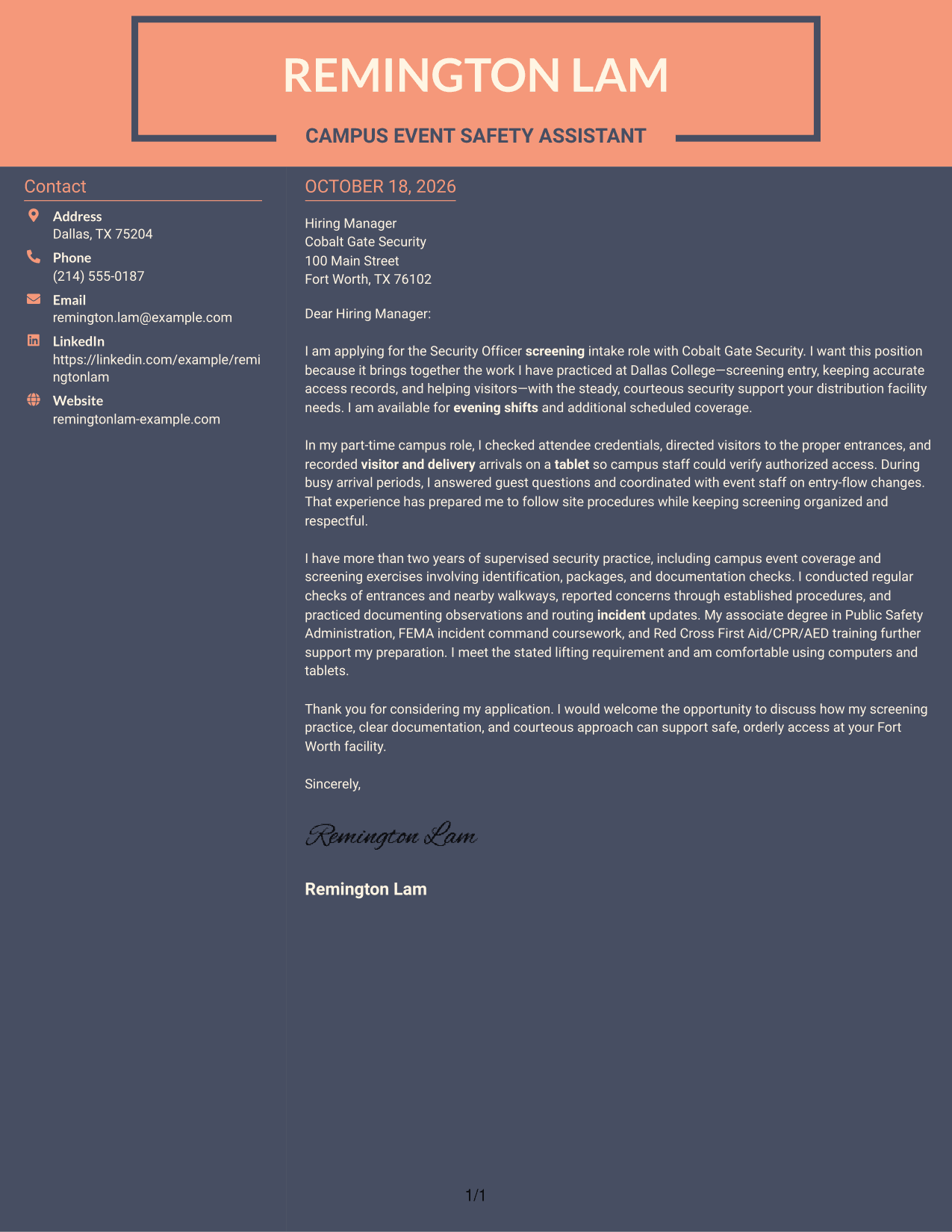
Why This Format Works
- The sidebar gives reviewers a direct place to find the sender's contact details.
- A single letter body keeps the message intact rather than splitting it across columns.
- The two-column reading order places contact information beside the application message.
Best For
- Contact information kept beside the letter
- One continuous application message
- Letters with a clear role connection
- Quick access to sender details
- A focused opening and close
See Also
- 7 Security Officer - Screening Intake Resume Templates with Example
- 7 Security Officer - Credential Screening Resume Templates with Example
- 7 Security Officer - Logistics Screening Resume Templates with Example
- 7 Security Officer - Loss Prevention Screening Resume Templates with Example
- 7 Armed Security Officer Resume Templates with Example
- 7 Correctional Officer - Hospital Security Team Resume Templates with Example
- 33 Data Center Security Officer Resume Templates with Example 2026 (ATS-Optimized)
- 7 Security Officer - Commercial Property Patrol Resume Templates with Example
- 7 Security Officer - Logistics Screening Cover Letter Templates with Example
- 7 Armed Security Officer Cover Letter Templates with Example
Frequently Asked Questions
What should a Security Officer - Screening Intake cover letter emphasize?
Show how you can check credentials, document visitor and delivery arrivals, assist people respectfully, and follow site procedures. Use examples that reflect your own experience.
Do these examples show different cover letters?
The guide presents one featured Security Officer - Screening Intake letter in different visual layouts. Compare the image previews, then open an example in the editor to view or customize it.
Which cover letter style suits a screening intake role?
A clean, easy-to-read style helps keep your opening, evidence, and closing clear. Choose a presentation that fits the employer’s tone and the communication context.
How can I show relevant screening experience?
Describe a specific task, such as checking visitor credentials or maintaining access logs, and explain how you followed procedures or helped keep entry organized. Do not claim duties or results you cannot support.
Should I include shift availability in my cover letter?
If your schedule matches the posted hours, mention that briefly in the opening or closing. Keep the main focus on your role fit and the service you can provide.




