
7 Security Officer - Screening Intake Resume Templates with Example
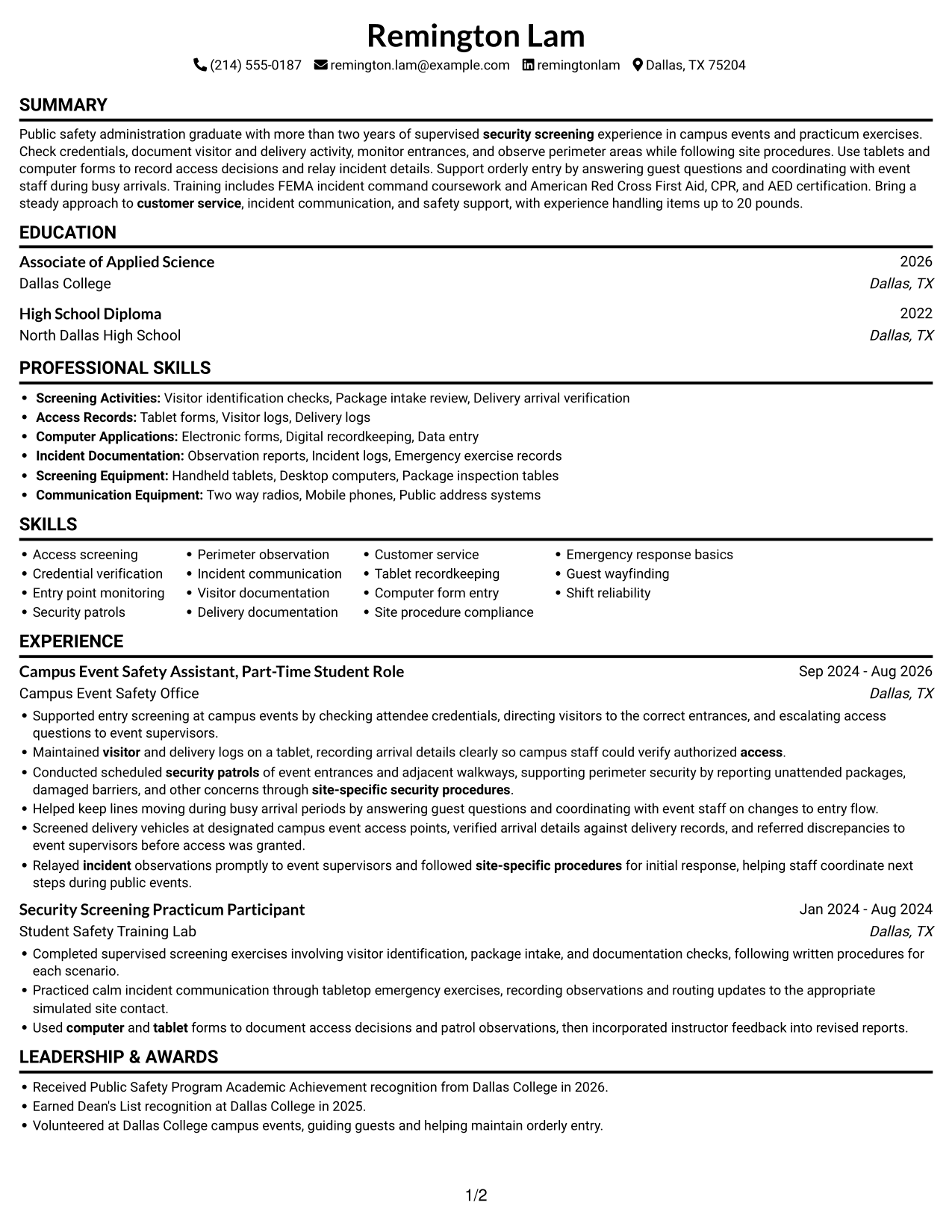
This guide shows you how to build a clear, focused Security Officer - Screening Intake resume. You will learn how to organize relevant evidence and compare professional resume layouts.
For this role, connect your experience to screening people and deliveries, checking credentials, monitoring entry points, and observing nearby areas. Use concise bullet points to show how you document access, assist visitors, follow site procedures, and report concerns.
The example is presented in 7 layouts, with image previews to help you compare how each format presents key sections. You can open an example in the editor to view or customize its layout.
What Makes a Great Security Officer - Screening Intake Resume in 2026
A strong resume is easy to scan and shows how you handle access screening, visitor service, recordkeeping, and safety procedures. Clear headings and focused bullet points help readers find relevant details quickly.
Use role-related terms such as credential verification, visitor and delivery logs, perimeter observation, incident reporting, and tablet recordkeeping. Support each term with a concise example from your own experience.
Note: Resume examples are for educational purposes only. Use only information that accurately reflects your experience and qualifications. References to real organizations do not imply affiliation or endorsement.
#1 Simple One Column Format Resume Example
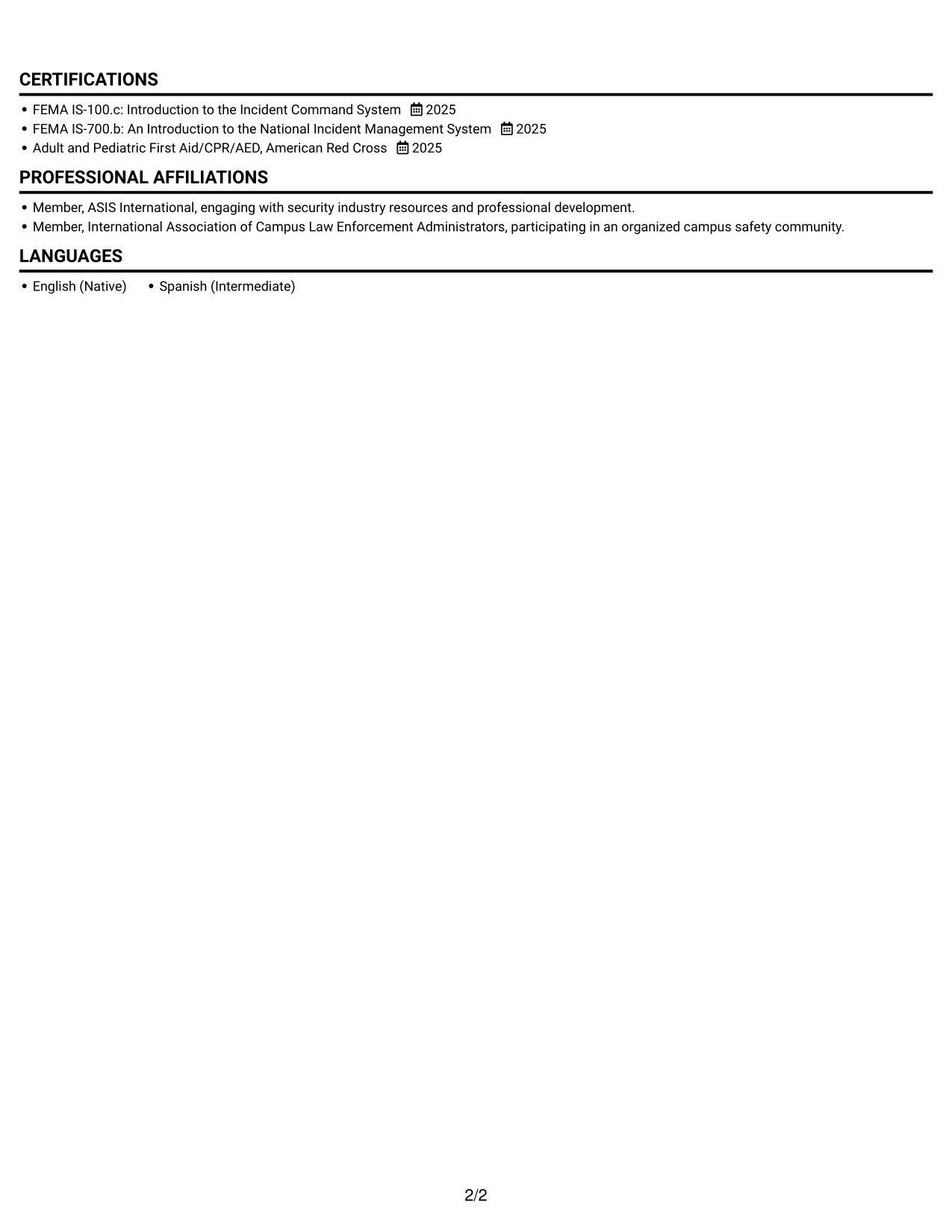
A single-column body keeps experience, education, and credentials in a clear top-to-bottom reading order for straightforward review.
Why This Format Works
- Experience bullets stay in one sequence, helping reviewers follow the work history chronologically.
- Skills and credentials remain easy to locate within the same reading path.
- Education follows the vertical order, keeping training details connected to the full resume.
Best For
- Top-to-bottom resume review
- Chronological experience details
- Detailed employment bullets
- Education and credential review
- ATS-readable text structure
Resume Keywords
- security screening
- Maintained visitor and delivery logs on a tablet, recording arrival details clearly so campus staff could verify authorized access.
- Credential verification
- Entry point monitoring
- Security patrols
- perimeter security
- Relayed incident observations promptly to event supervisors and followed site-specific procedures for initial response, helping staff coordinate next steps during public events.
- site-specific security procedures
- customer service
- Used computer and tablet forms to document access decisions and patrol observations, then incorporated instructor feedback into revised reports.
#2 Simple Two Column Format Resume Example
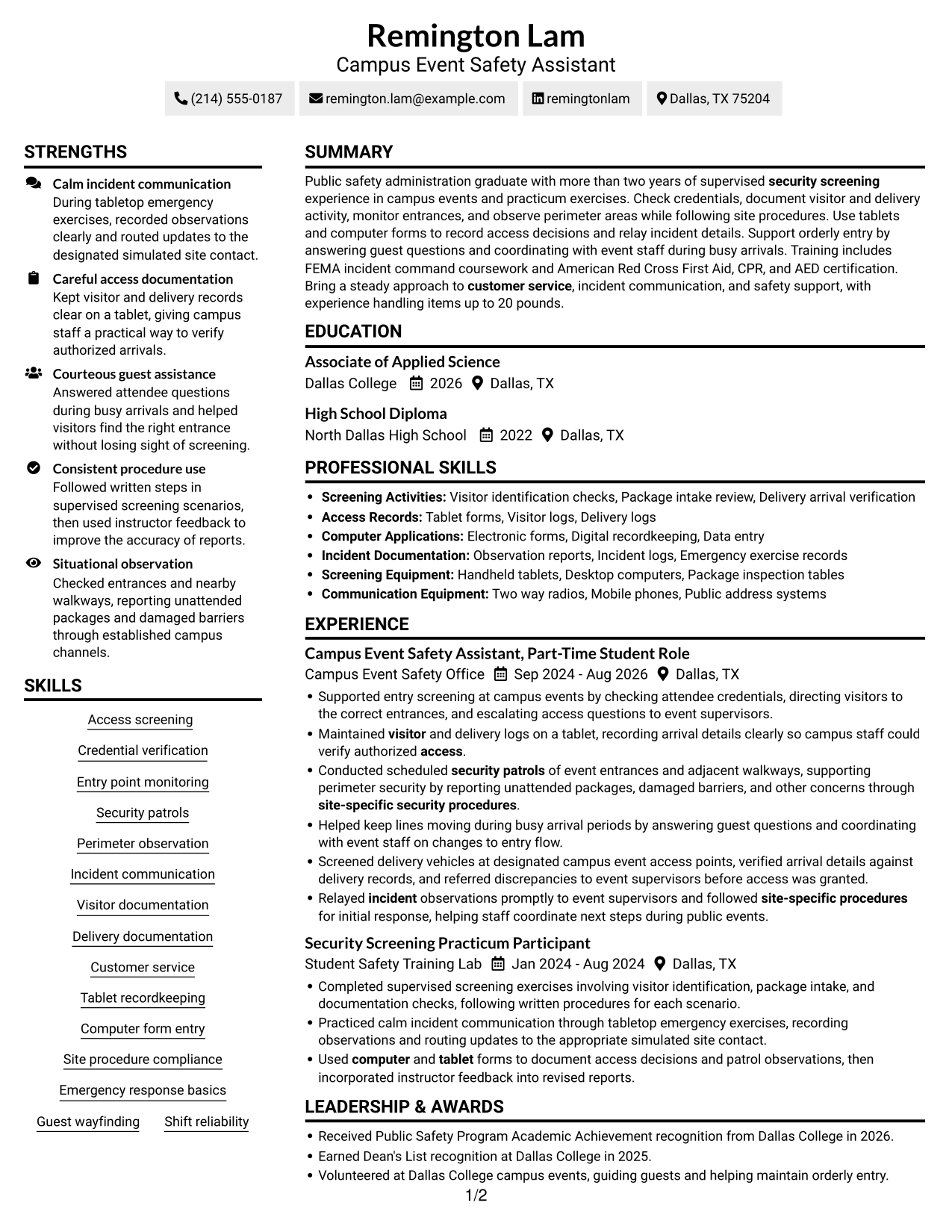
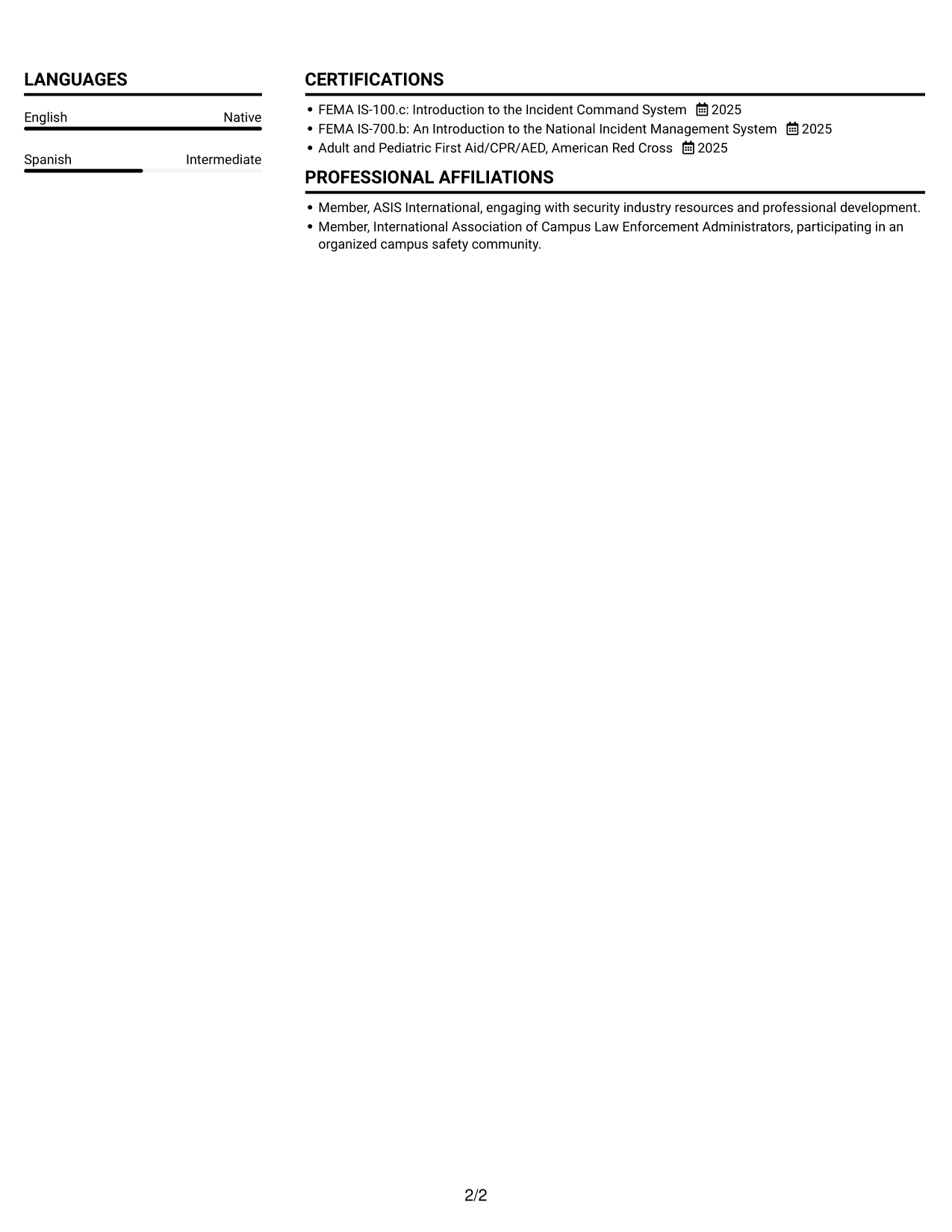
The two-column body separates resume content into parallel areas, giving reviewers a direct way to scan experience alongside supporting sections.
Why This Format Works
- Separate content areas give experience and supporting sections distinct places on the page.
- Skill labels can be found without interrupting the experience bullet sequence.
- Education and credentials can stand apart from the work history.
Best For
- Parallel section scanning
- Concise skills and credentials
- Experience beside supporting sections
- Several resume section types
- Quick comparison of document areas
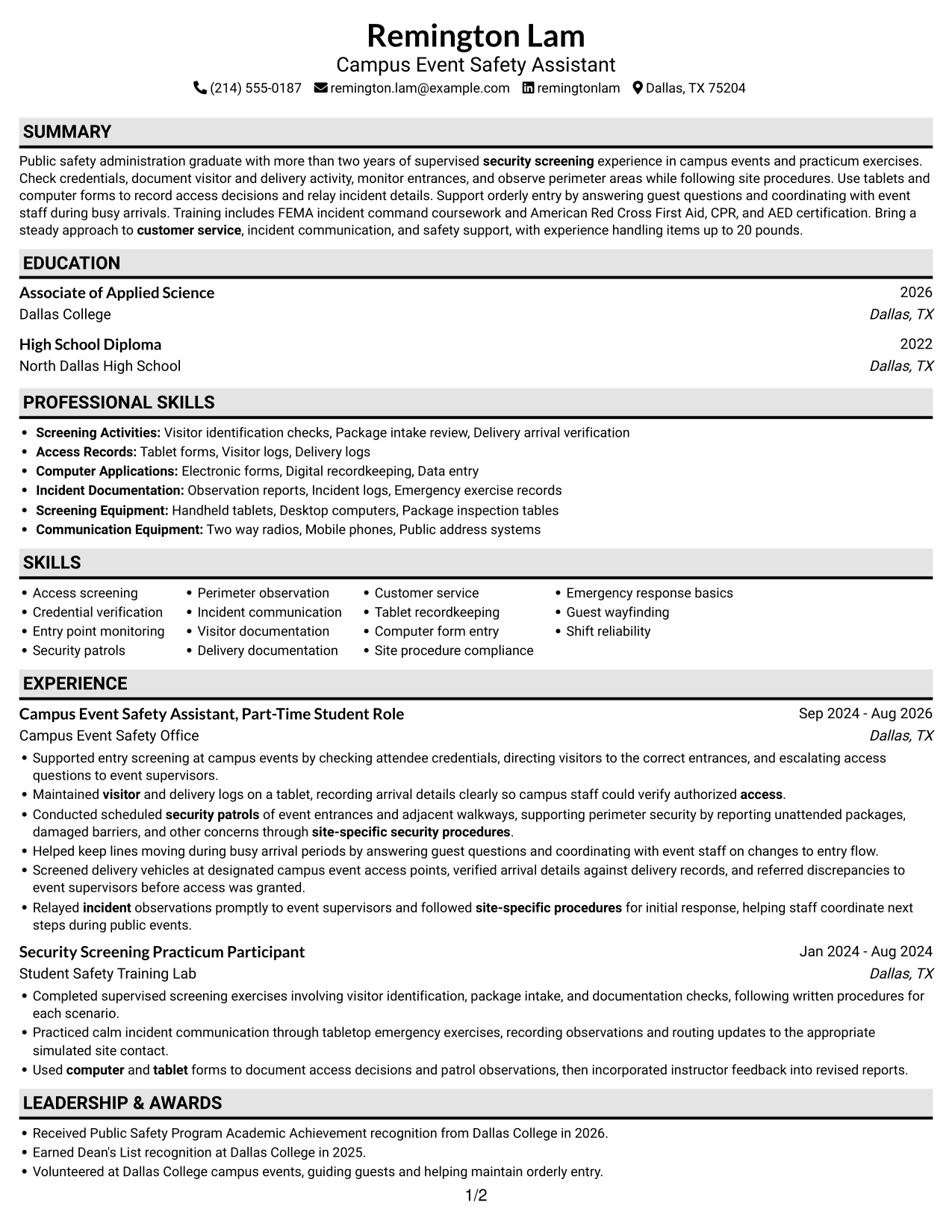
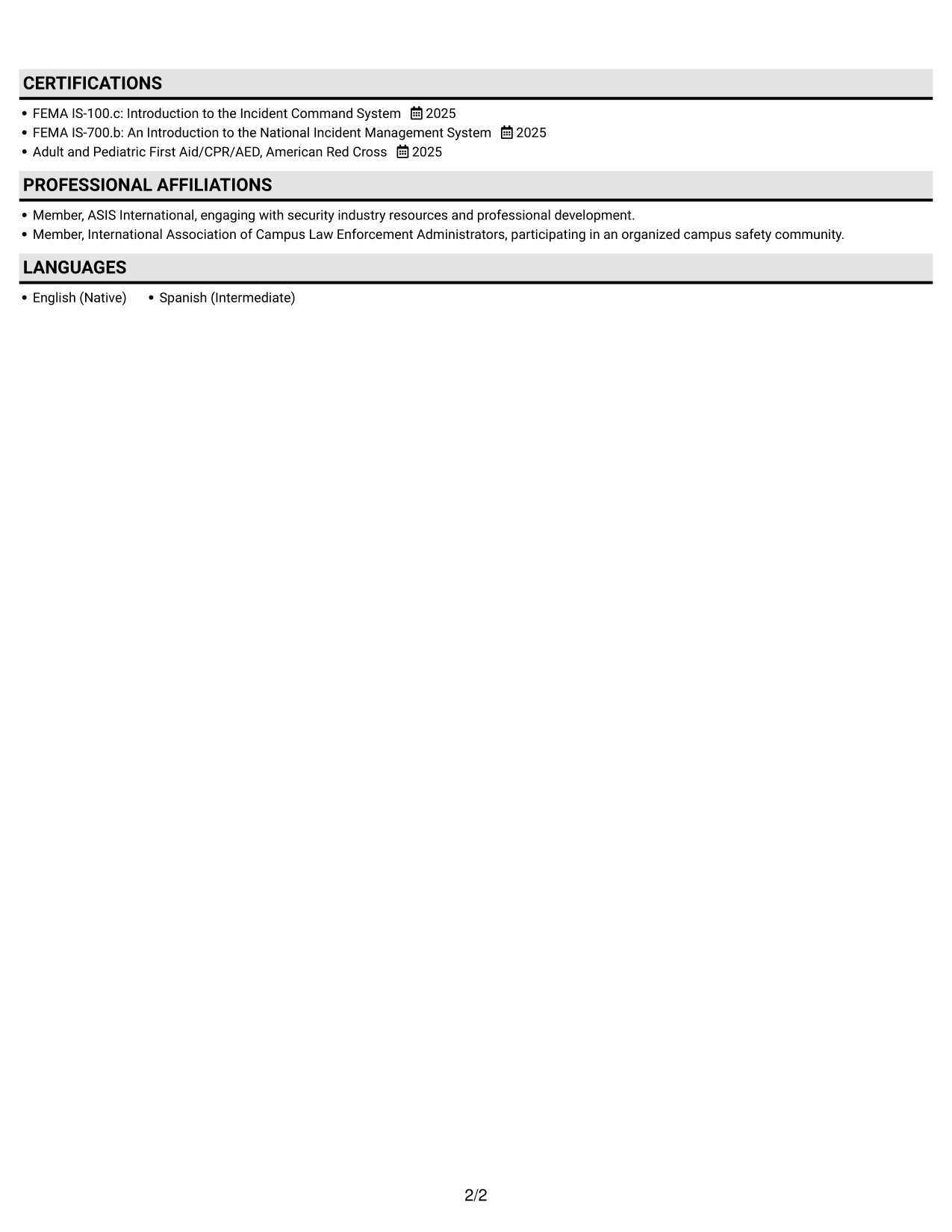
#3 Plain One Column with Shaded Labels Resume Example
Its single-column body keeps resume sections in one top-to-bottom sequence, which suits readers who prefer a direct review path.
Why This Format Works
- A shared reading path helps reviewers follow experience bullets from one role to the next.
- Skills, education, and credentials remain part of one continuous section sequence.
- Awards and training can be reviewed as distinct resume content.
Best For
- Direct resume reading order
- Sequential work history
- Combined skills and education
- Separate training and awards
- Text-first document review
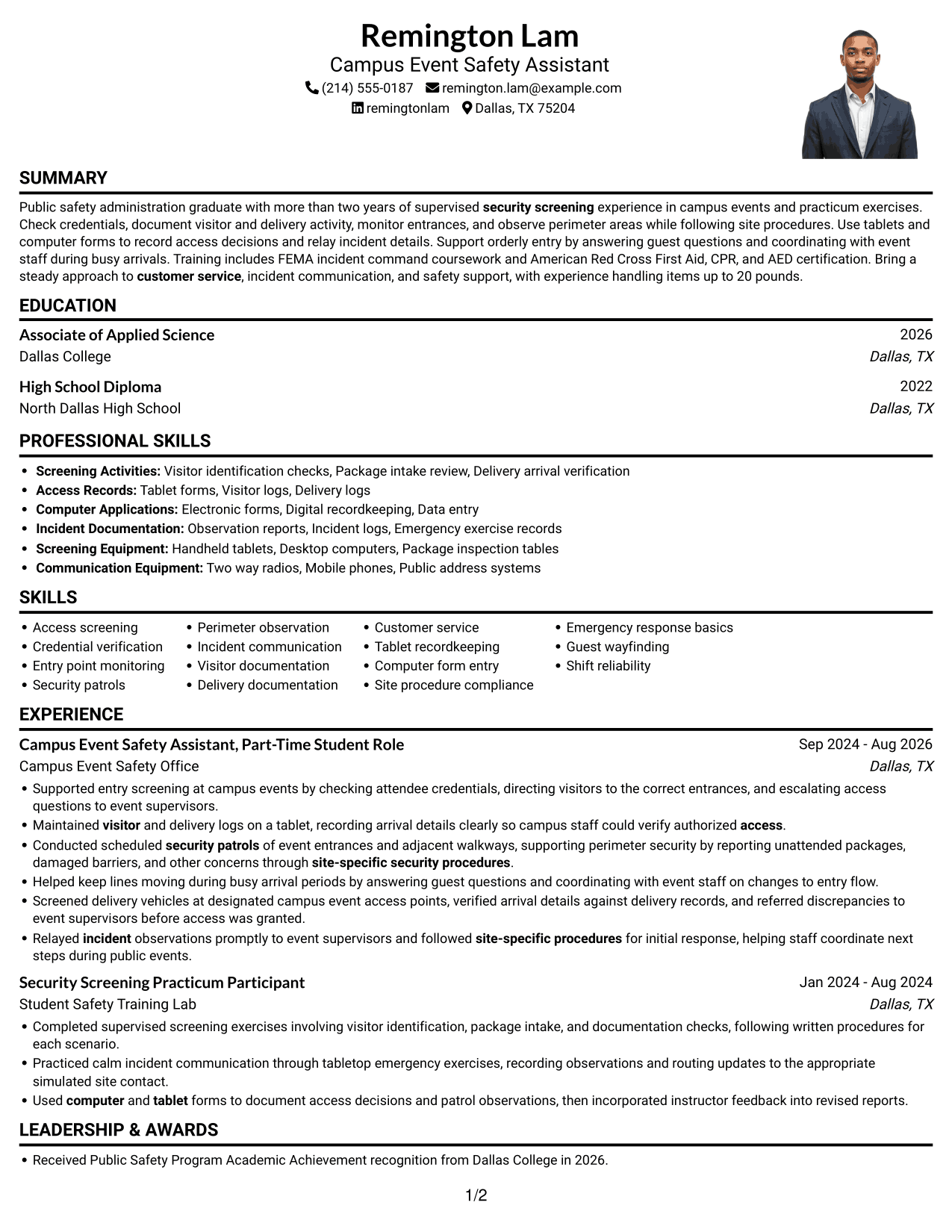
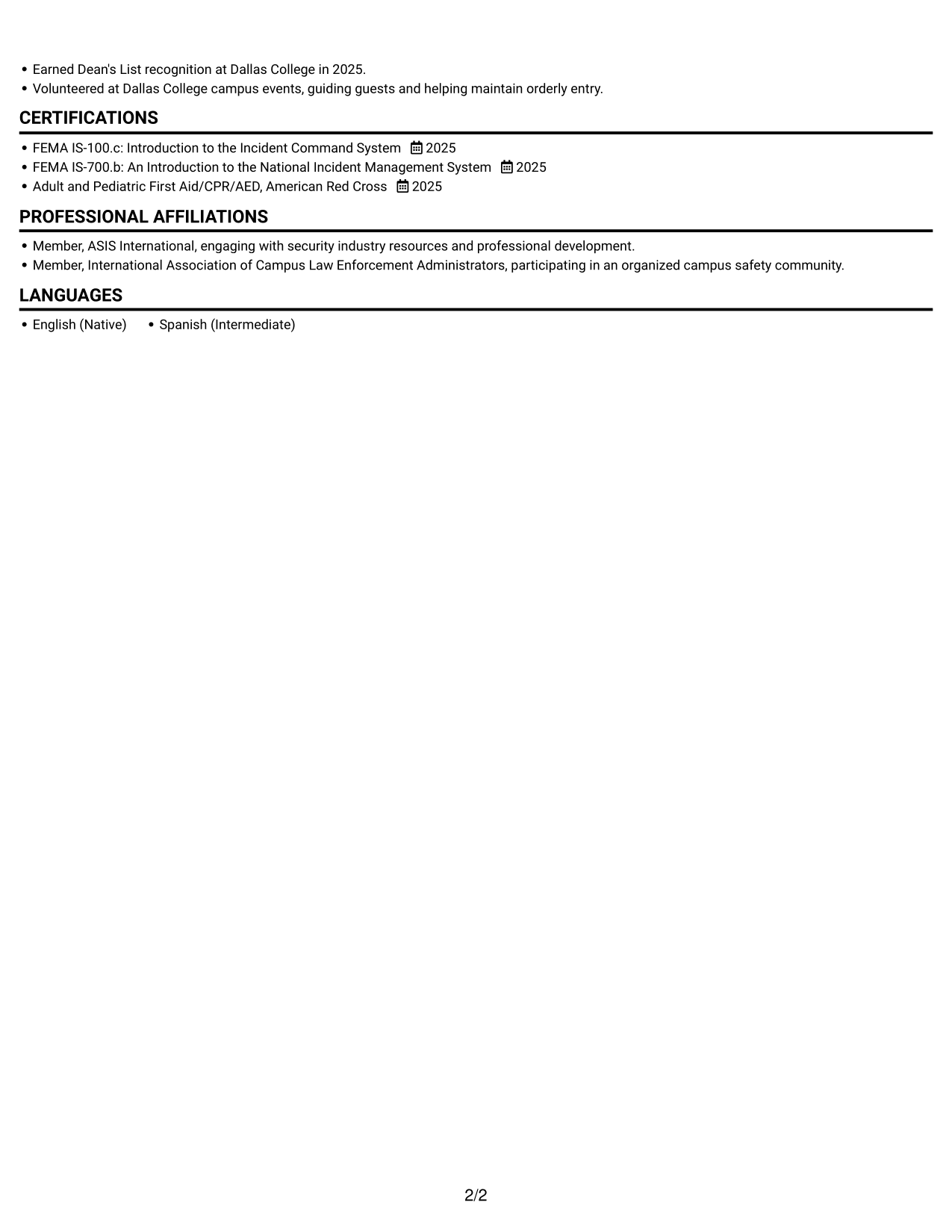
#4 One Column Format with Photo Right Resume Example
The single-column body pairs a right-side photo with a direct reading path, useful when a photo is part of the preferred presentation.
Why This Format Works
- Experience and education remain in one vertical path, keeping the work history simple to follow.
- Skills and credentials can be scanned within the same continuous body structure.
- The photo sits apart from the text column, leaving resume sections in a clear sequence.
Best For
- Right-side photo preference
- Single-column resume reading
- Chronological work history
- Experience with supporting sections
- Skills and credential review
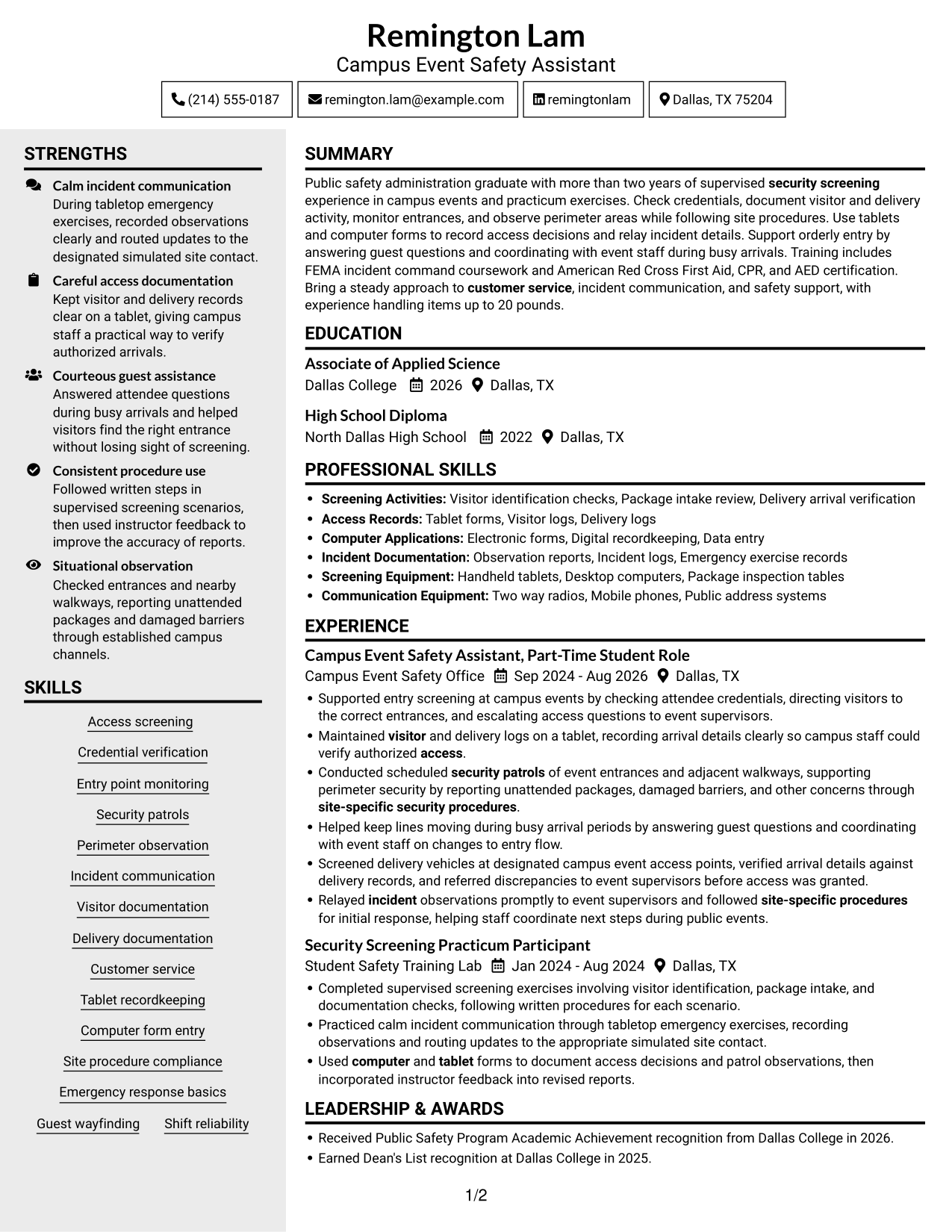
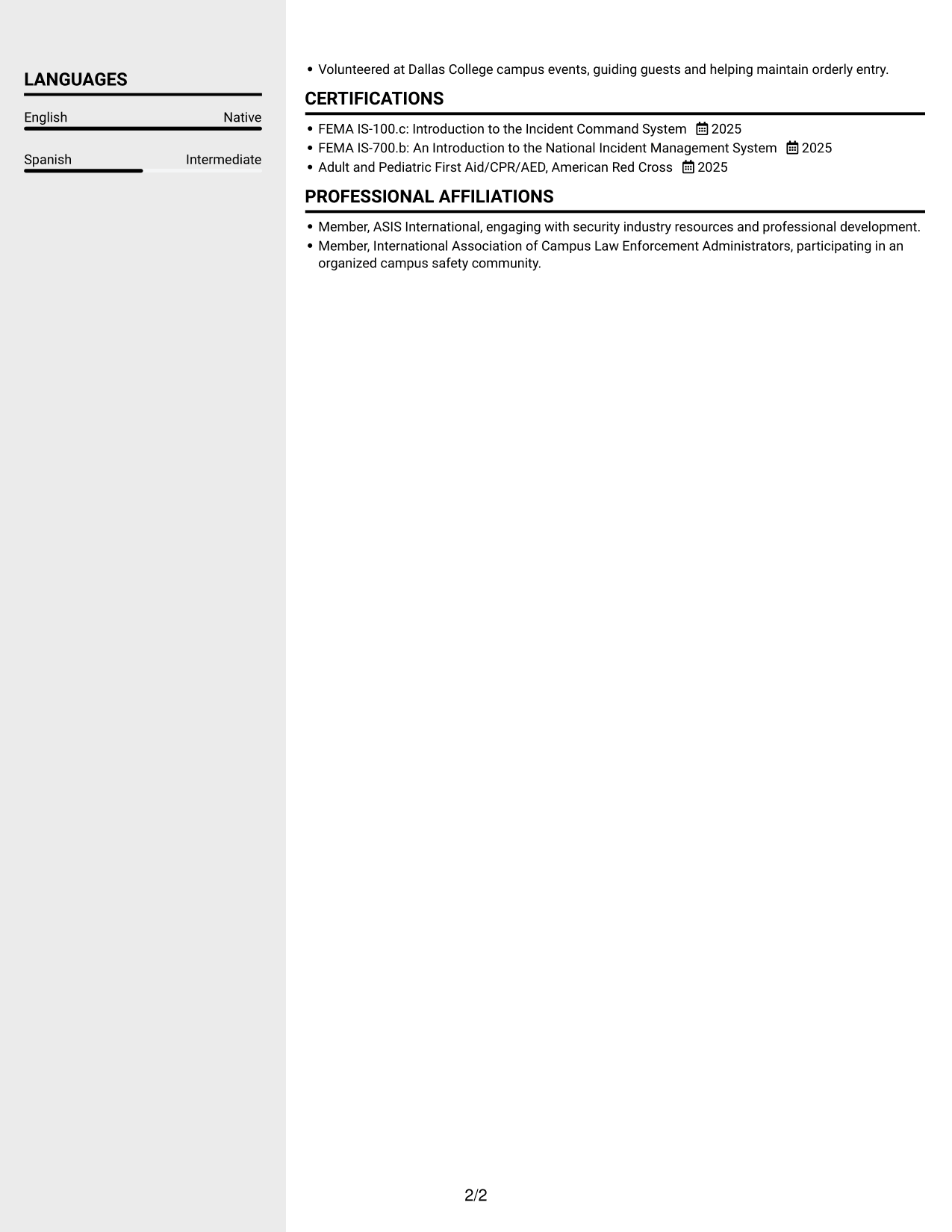
#5 Clean Two Column Sidebar Format Resume Example
A two-column body with a sidebar gives resume sections separate areas, helping reviewers move between the main content and supporting details.
Why This Format Works
- The sidebar and main area separate resume sections into neighboring spaces.
- Experience bullets can retain a clear sequence while other content remains distinct.
- Reviewers can move between work history and supporting details without losing their place.
Best For
- Sidebar-based section organization
- Experience with supporting details
- Fast movement between resume areas
- Multiple distinct content sections
- Two-column document preference
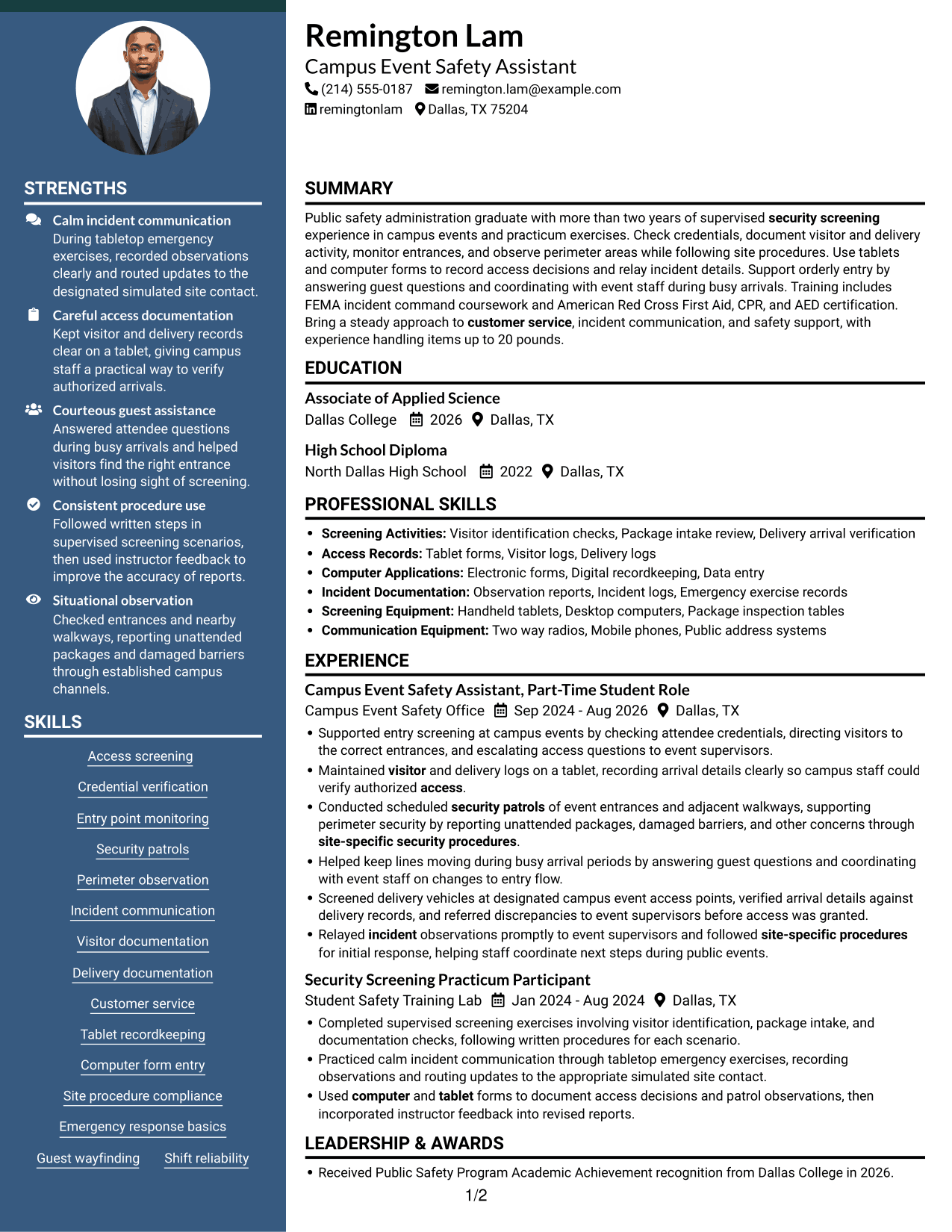
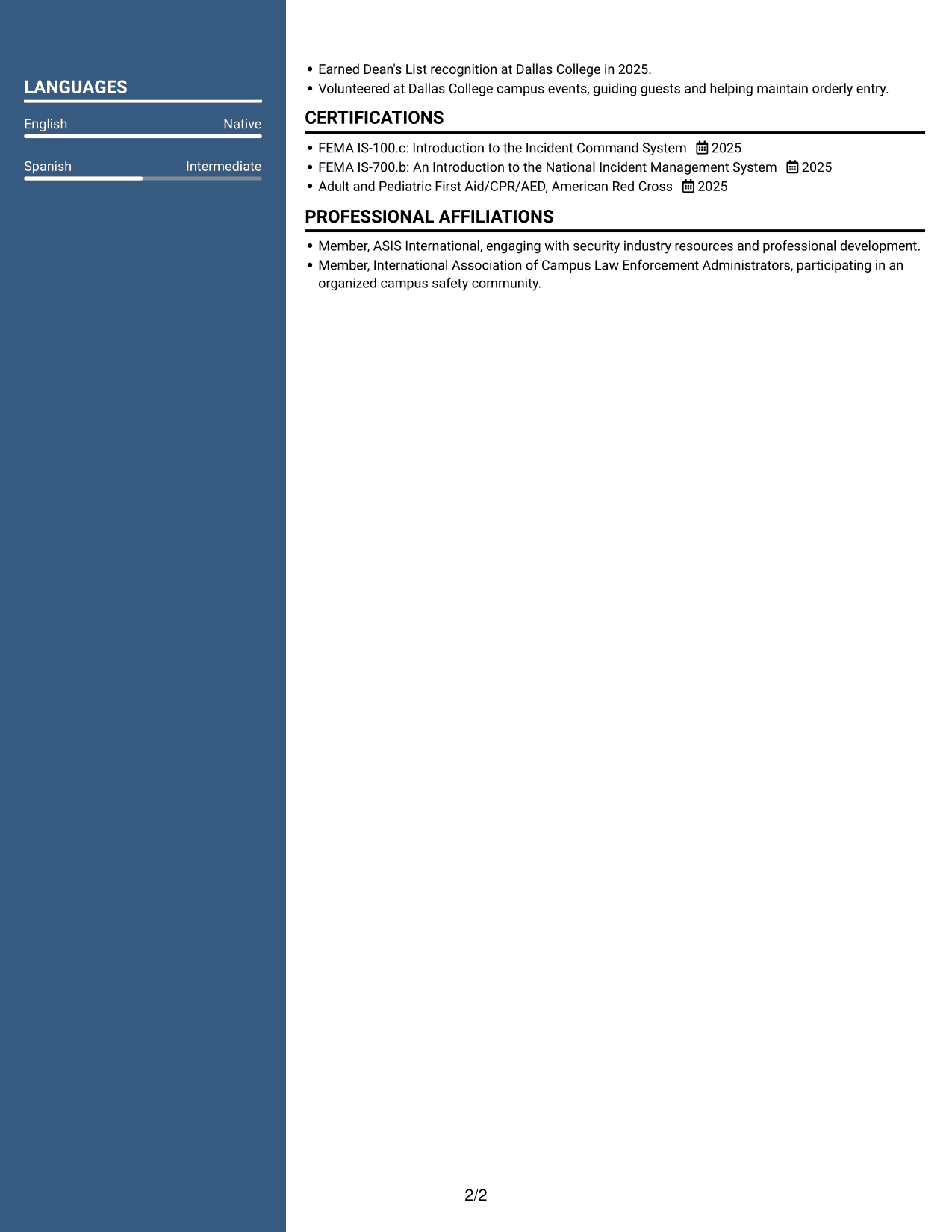
#6 Two Column Format Resume Example
The two-column body places resume sections in parallel areas, giving reviewers another way to scan a broad mix of content.
Why This Format Works
- Parallel areas make it easier to locate experience and other resume sections.
- The two-column reading path lets skills and education remain distinct from work history.
- Separate sections help reviewers check training and credentials alongside career details.
Best For
- Parallel resume content
- A broad mix of sections
- Separate skills and education
- Work history with credentials
- Side-by-side section review
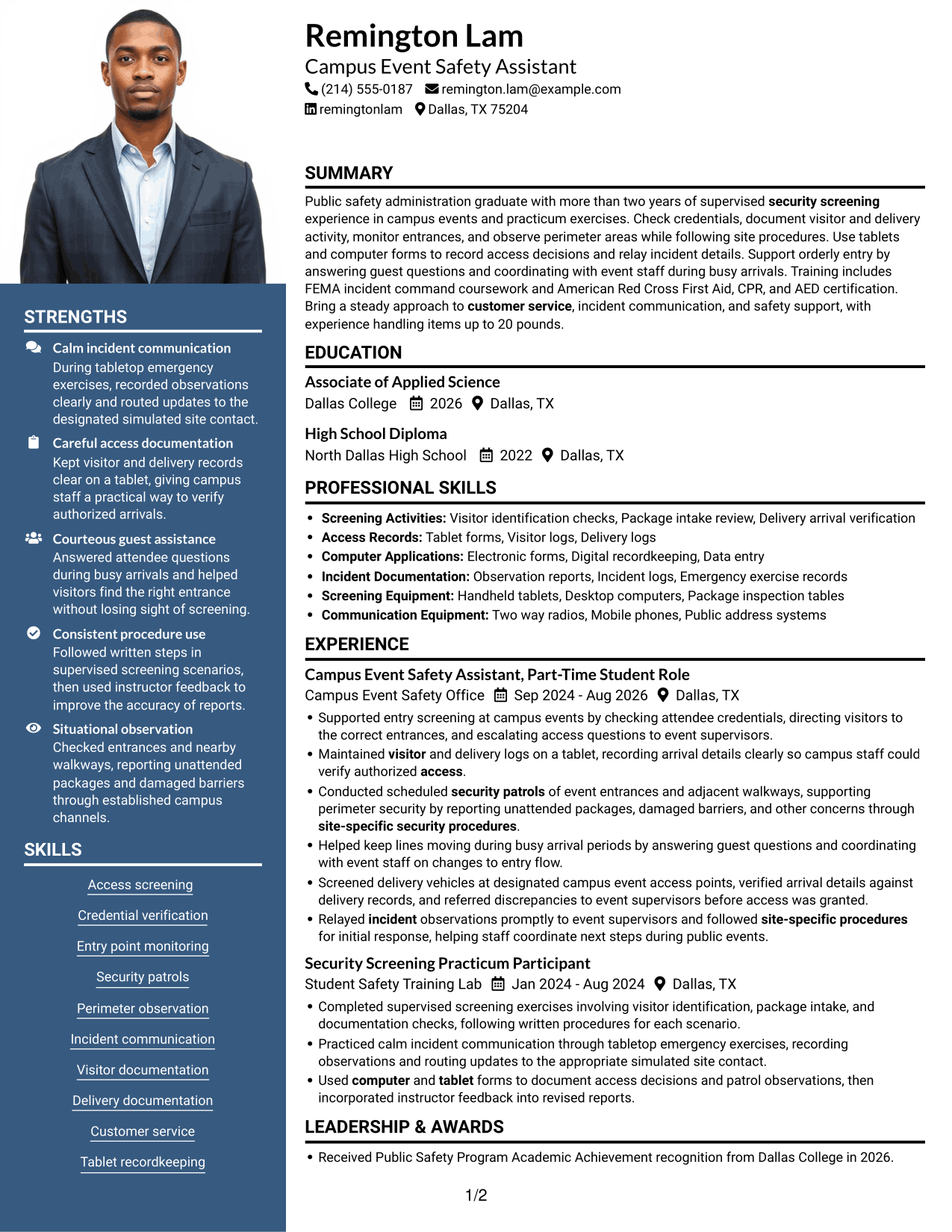
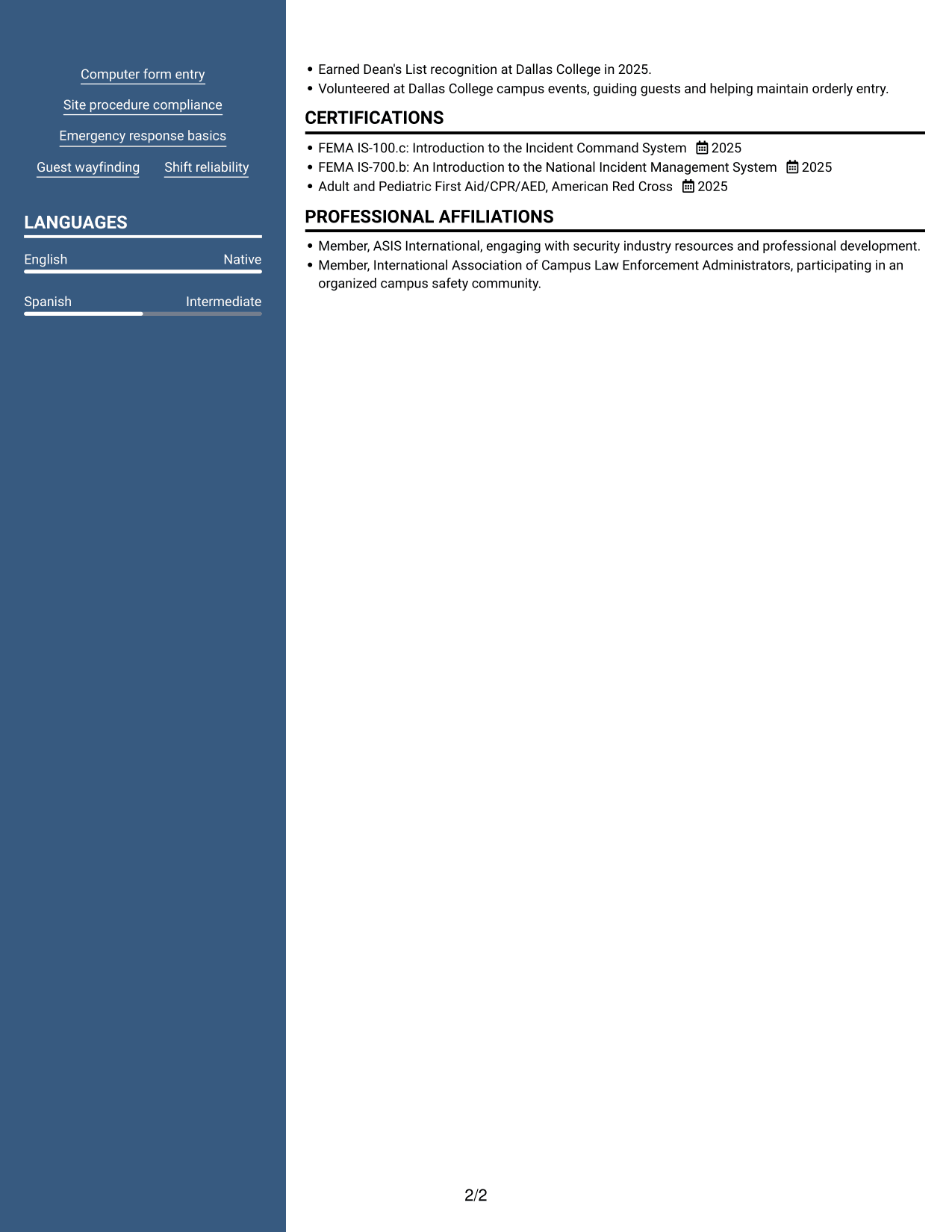
#7 Photo Header Two Column Format Resume Example
A photo in the header sits above a two-column body, combining a visible profile image with compact section organization.
Why This Format Works
- The two-column body gives experience and supporting sections distinct reading areas.
- Parallel sections help reviewers move between work history, education, and credentials.
- A photo in the header stays visually separate from the resume content below.
Best For
- Photo in the resume header
- Two-column section organization
- Experience beside supporting sections
- Education and credential comparison
- Distinct header and body areas
Why Build Your Security Officer - Screening Intake Resume with ResumeInMinutes
ResumeInMinutes lets you review a resume example, compare its image previews, and open the layout in the editor to customize it. Keep your sections clear and focus each bullet point on an action, a procedure, or a result you can support.
- Clear resume section structure
- ATS-aware headings and keywords
- Focused experience bullet points
- Skills and training organization
- Image previews for layout comparison
- Options to view and customize an example in the editor
Choose a layout that makes your screening experience, documentation, training, and education easy to find. Then tailor the wording to the role and keep every claim accurate.
See Also
- 7 Security Officer - Credential Screening Resume Templates with Example
- 7 Security Officer - Logistics Screening Resume Templates with Example
- 7 Security Officer - Loss Prevention Screening Resume Templates with Example
- 7 Armed Security Officer Resume Templates with Example
- 7 Correctional Officer - Hospital Security Team Resume Templates with Example
- 33 Data Center Security Officer Resume Templates with Example 2026 (ATS-Optimized)
- 7 Security Officer - Commercial Property Patrol Resume Templates with Example
- 7 Security Officer - Dispatch Radio Operations Resume Templates with Example
- 7 Security Officer - Screening Intake Cover Letter Templates with Example
- 7 Security Officer - Logistics Screening Cover Letter Templates with Example
Frequently Asked Questions
Are these Security Officer - Screening Intake resume templates ATS-friendly?
The layouts use readable headings and organized sections to support clear scanning. Include relevant terms such as access screening, credential checks, visitor logs, perimeter observation, and incident reporting where they match your experience.
Are these seven different resumes?
No. The page presents one Security Officer - Screening Intake resume example in several layouts and design themes.
What should a Security Officer - Screening Intake resume include?
Include a focused summary, relevant experience, skills, education, and applicable training or certifications. Use specific bullet points to describe credential checks, access records, patrol observations, customer service, and incident communication when they reflect your background.
Which resume style works well for screening intake roles?
A simple layout with clear section headings and concise bullet points is a practical choice. It helps readers find screening duties, documentation skills, and relevant training without searching through dense text.
How can I show security-related experience on my resume?
Describe the setting, the procedures you followed, and the actions you took. Examples may include checking credentials, recording arrivals, monitoring entry points, or reporting concerns, but only include duties you have performed.
Should I include a photo on my resume?
Include a photo only if it is expected in your country or region. For U.S. applications, a resume without a photo is usually the safer choice.




