
7 Security Specialist - Visitor and Access Control Cover Letter Templates with Example
This practical guide to a Security Specialist - Visitor and Access Control cover letter helps you compare seven layouts and choose a clear way to show role fit.
What Makes a Great Security Specialist - Visitor and Access Control Cover Letter in 2026
A strong letter connects visitor services, event coordination, credentialing, and access control to the role’s security and customer service goals. It should make your interest clear and explain how your work supports a secure, welcoming site.
Use specific evidence, such as managing visitor workflows, auditing access records, or improving procedures with Lean methods. Explain how that work supports the employer’s needs and protects confidential information.
The featured example follows a focused progression from role interest to operational evidence and a clear close. Adapt that flow while choosing a presentation that suits the employer and the communication context.
#1 Simple One Column Format Cover Letter Example
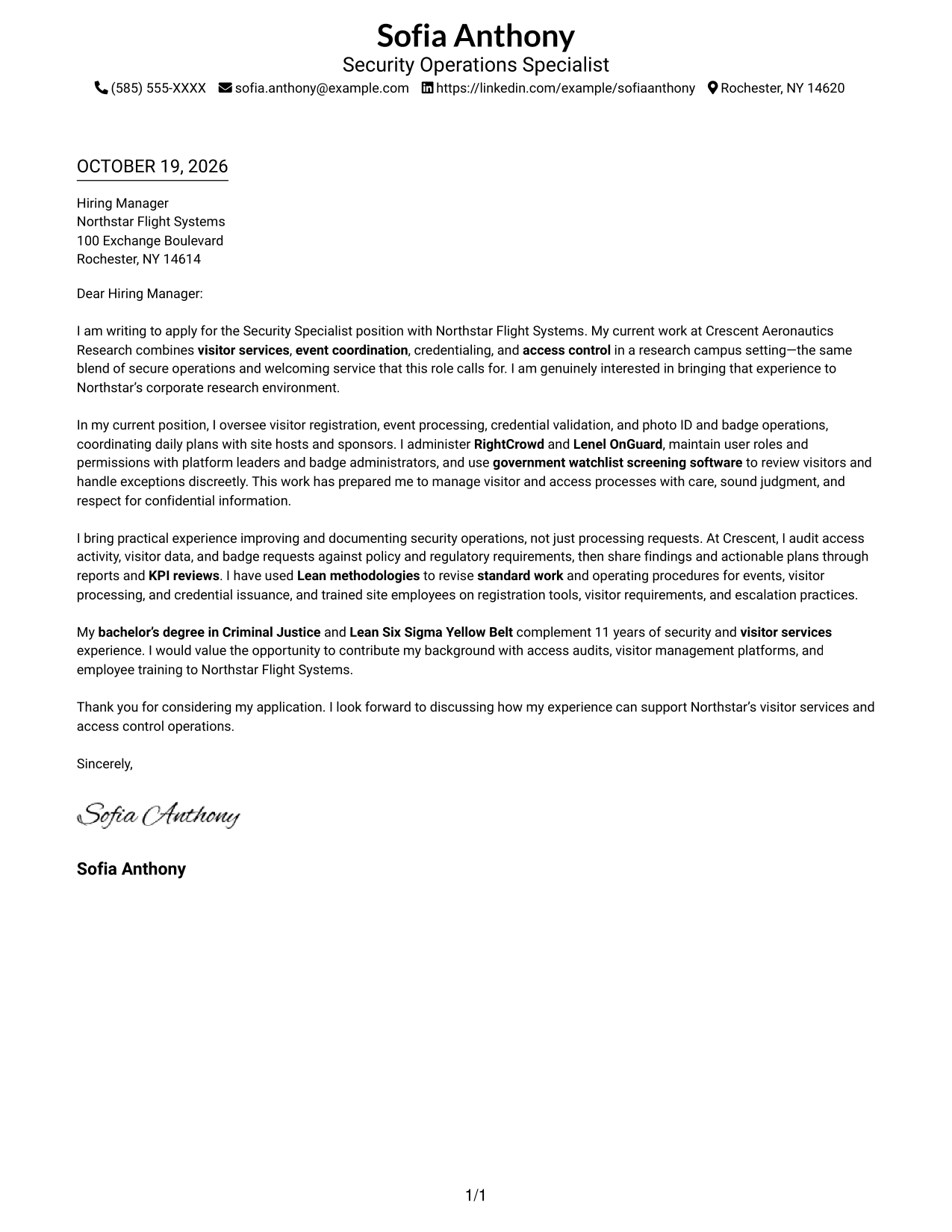
This Simple One Column Format places sender details in the header and keeps the letter in one column.
Why This Format Works
- Header details give readers a clear place to find contact information.
- One column keeps the opening, supporting points, and closing in a shared reading path.
- Paragraphs make the case without adding headings to the letter’s argument.
Best For
- Single-column letter layouts
- Header-based contact details
- Top-to-bottom reading
- Paragraph-led persuasion
- Simple visual presentation
#2 Two Column Format Cover Letter Example
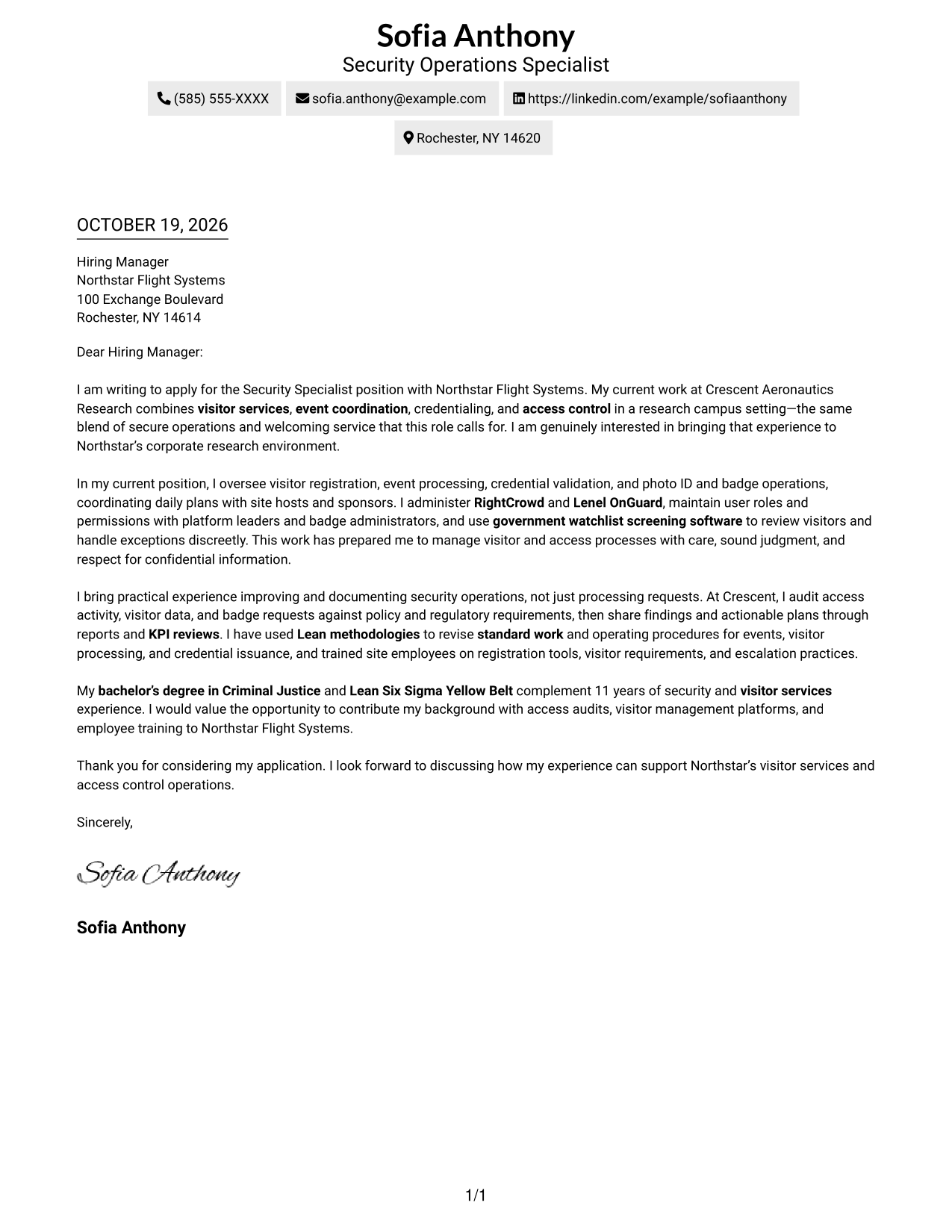
A contact sidebar sits beside the continuous letter body in this Two Column Format.
Why This Format Works
- Contact details stay easy to locate beside the main message.
- The letter itself remains in one column, keeping its argument in sequence.
- Separate areas avoid splitting the message into parallel content tracks.
Best For
- Sidebar-based contact details
- Single-track letter arguments
- Quick sender-detail lookup
- Paragraph-based application messages
- Two-area page organization
#3 Photo Header Two Column Format Cover Letter Example
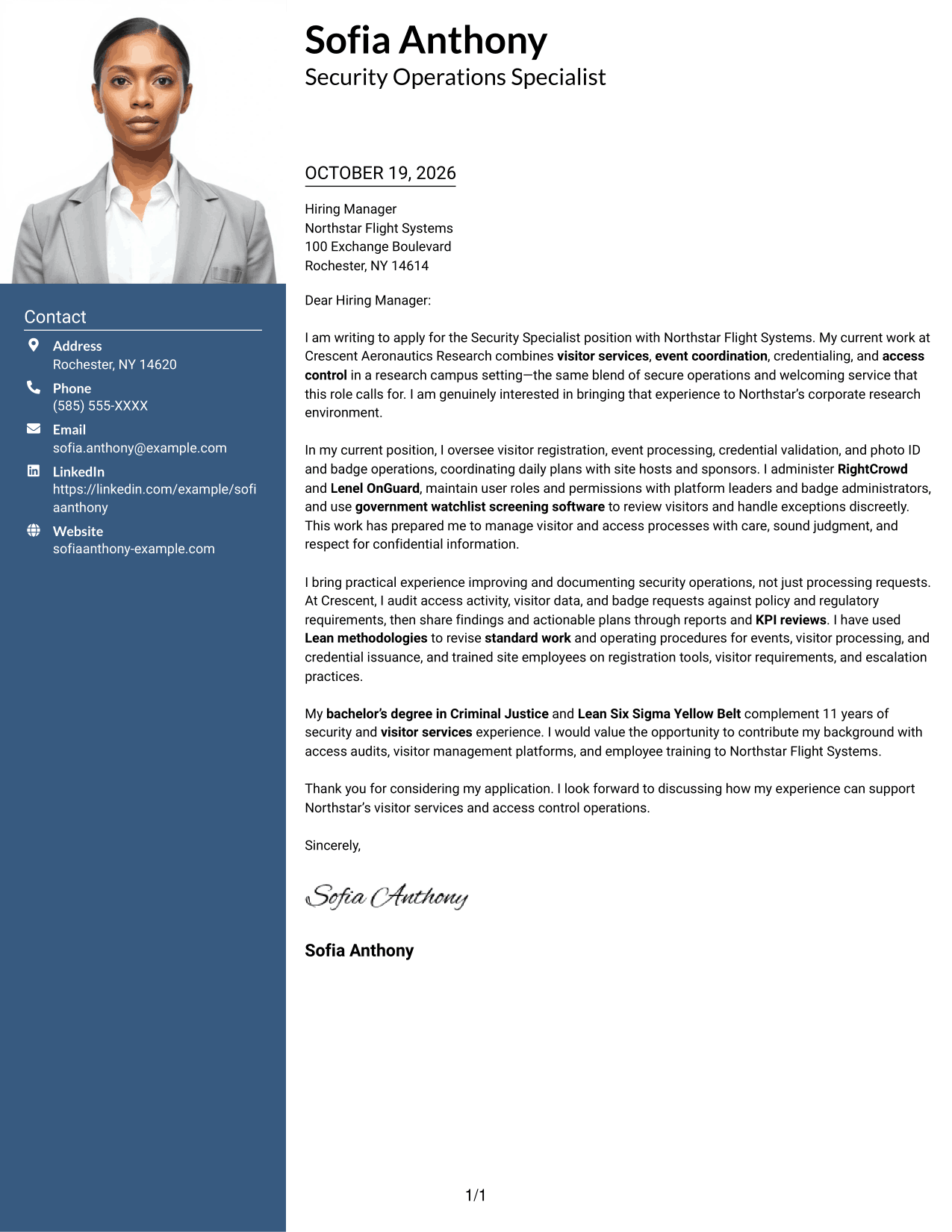
The Photo Header Two Column Format combines a photo and contact sidebar with one continuous letter body.
Why This Format Works
- The contact sidebar keeps sender details separate from the letter’s argument.
- A single body column preserves the message’s opening-to-closing sequence.
- The photo adds a visible personal element without dividing the letter.
Best For
- Photo-inclusive letter layouts
- Contact details beside the message
- Continuous paragraph arguments
- Clear sender-detail lookup
- Two-column reading order
#4 One Column Format with Photo Cover Letter Example
This One Column Format with Photo includes a photo while keeping the letter body in one column.
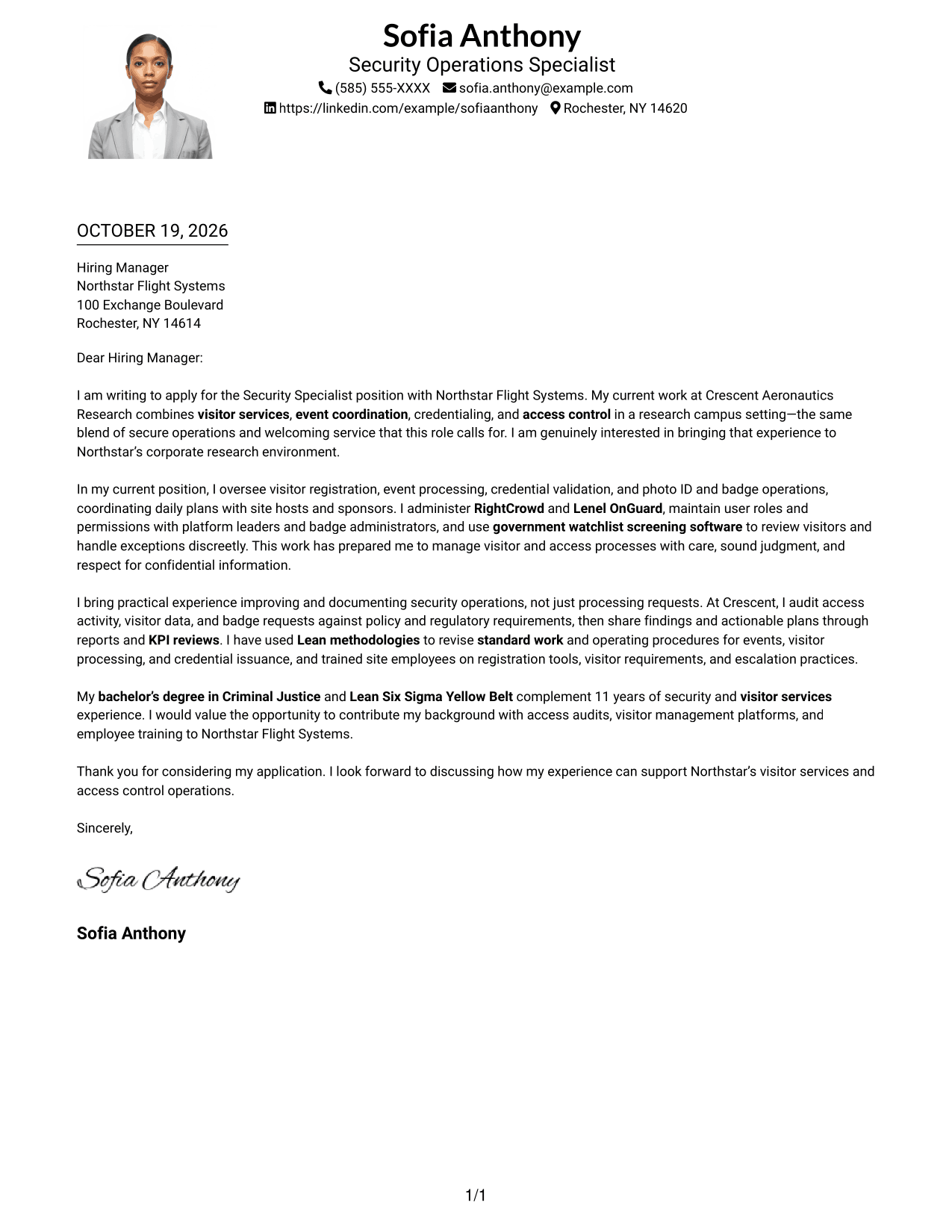
Why This Format Works
- The single-column body keeps the letter’s points in a shared reading sequence.
- A photo adds a personal visual element without breaking up the message.
- Sender details in the header give contact information a clear location.
Best For
- One-column letter layouts
- Photo-inclusive documents
- Header-based contact information
- Top-to-bottom reading
- Continuous paragraph writing
#5 Simple Two Column Format Cover Letter Example
The Simple Two Column Format places a contact sidebar beside one continuous letter body.
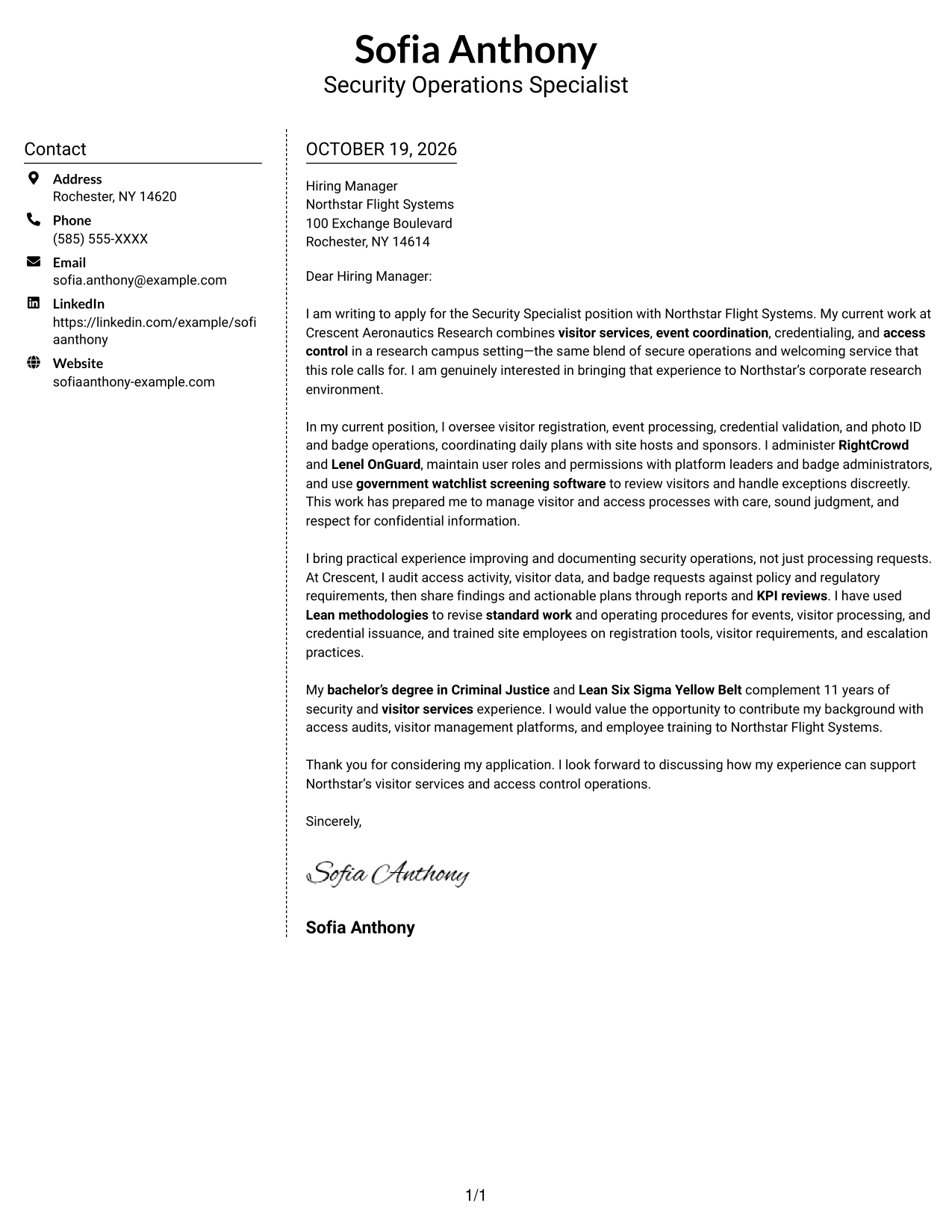
Why This Format Works
- The sidebar gives contact information a place apart from the message.
- One letter column keeps the opening, evidence, and close in reading order.
- The body remains a connected argument rather than parallel text areas.
Best For
- Separate contact presentation
- Continuous letter arguments
- Easy access to sender details
- Paragraph-centered messages
- Two-column document layouts
#6 Modern Icon Format Cover Letter Example
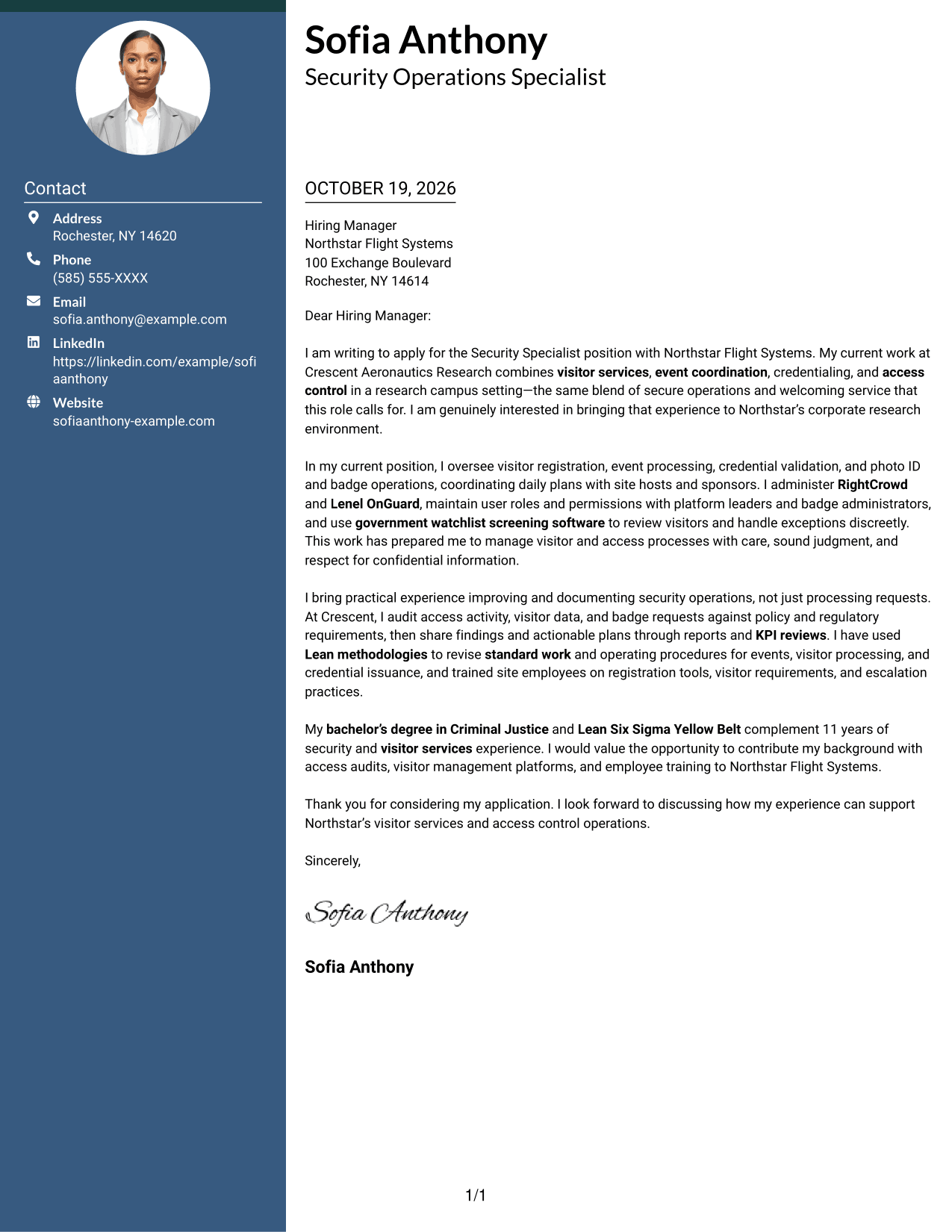
The Modern Icon Format uses a contact sidebar with icons as contact cues and accents in the header.
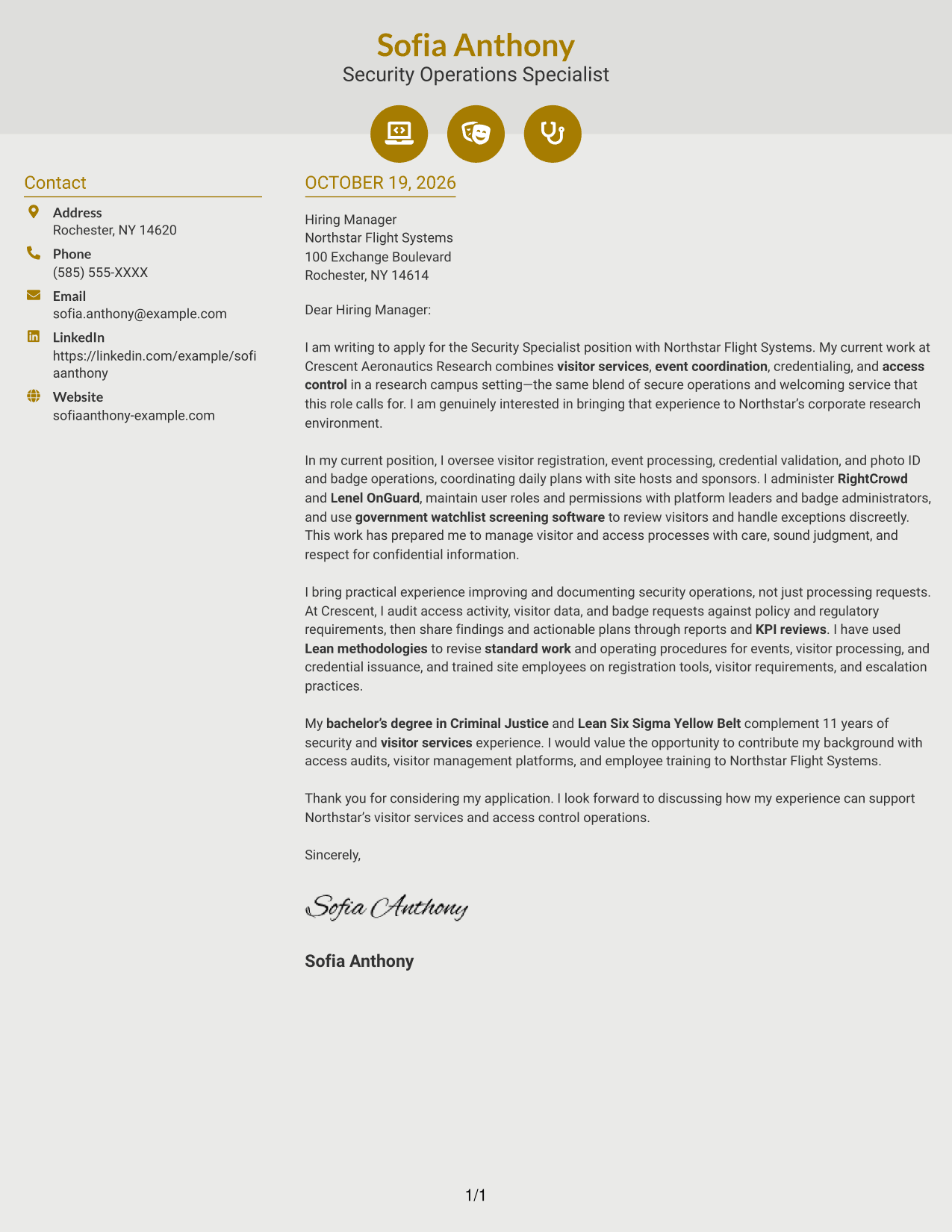
Why This Format Works
- Contact icons act as cues for sender details, not letter argument labels.
- The sidebar separates contact information from the continuous message.
- One letter column keeps the appeal in a single reading sequence.
Best For
- Icon-based contact cues
- Sidebar contact presentation
- Uninterrupted letter body
- Easy sender-detail lookup
- Two-column organization
#7 Creative Two Tone Format Cover Letter Example
The Creative Two Tone Format places a contact sidebar beside a single, continuous letter body.
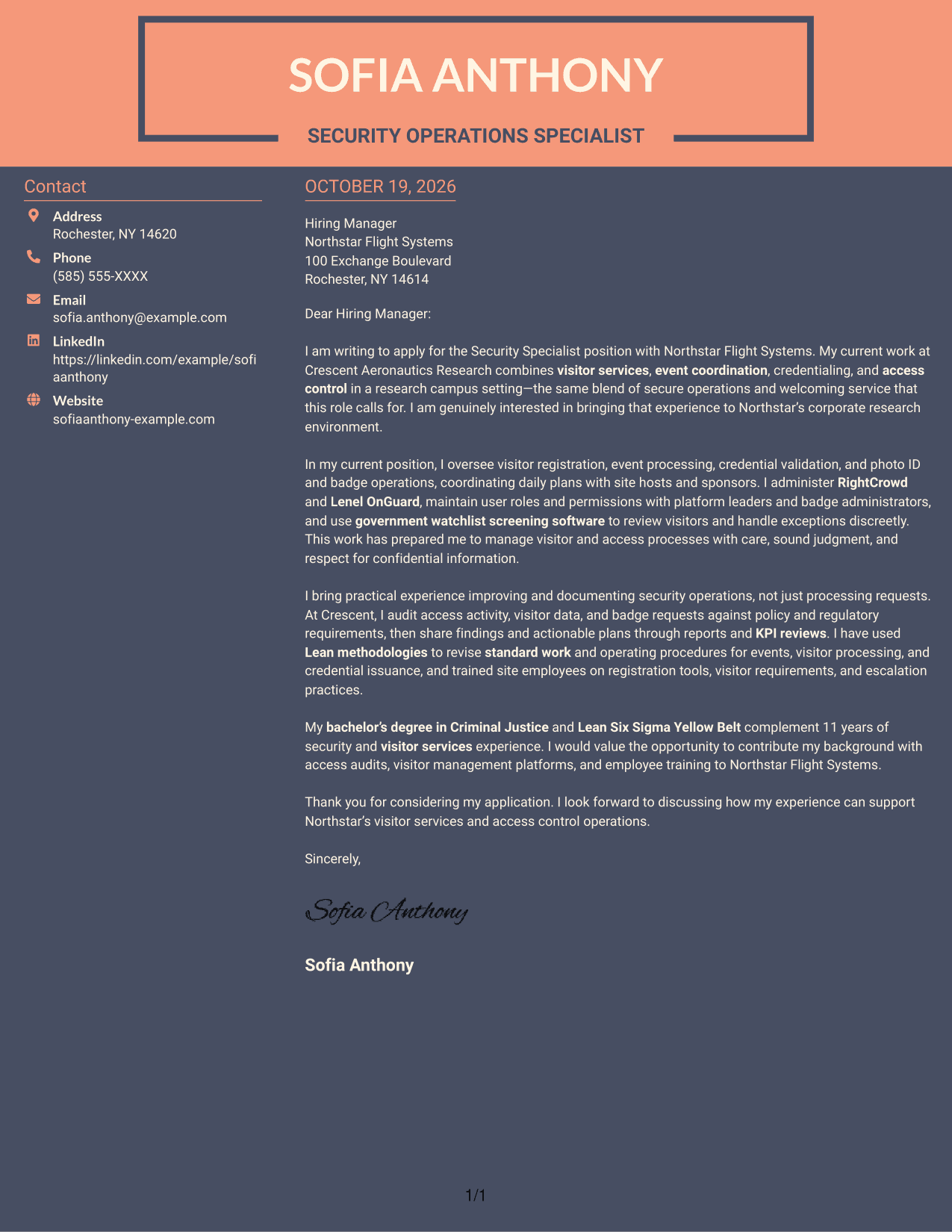
Why This Format Works
- The separate contact area makes sender information distinct from the letter.
- One body column lets the message unfold in a clear sequence.
- The continuous paragraphs keep the argument together from opening to close.
Best For
- Sidebar contact organization
- Single-column letter text
- Continuous paragraph arguments
- Separate sender information
- Two-column page structure
Why Use ResumeInMinutes for a Security Specialist - Visitor and Access Control Cover Letter
Compare visual previews and open an example in the editor to shape a letter around visitor services, access control, and the employer’s needs.
- Clear letter structure
- Role-specific framing
- Visual previews
- Editor access
- Focused evidence
- Employer alignment
Show how your experience with visitor registration, access audits, system administration, and staff training can support secure, professional visitor services.
See Also
- 7 Security Specialist - Visitor and Access Control Resume Templates with Example
- 7 Security Control Specialist Resume Templates with Example
- 7 Senior Associate, Higher Education Consulting - Research Security and Export Control Resume Templates with Example
- 33 AI Automation Engineer, Security Resume Templates with Example 2026 (ATS-Optimized)
- 7 Application Engineer - Electronic Security Systems Resume Templates with Example
- 7 Armed Security Officer Resume Templates with Example
- 7 Corporate Security GSOC Operator Resume Templates with Example
- 7 Correctional Officer - Hospital Security Team Resume Templates with Example
- 7 Senior Associate, Higher Education Consulting - Research Security and Export Control Cover Letter Templates with Example
- 30+ AI Automation Engineer, Security Cover Letter Templates with Example 2026
Frequently Asked Questions
What should a Security Specialist - Visitor and Access Control cover letter include?
Explain your interest in the role, then connect relevant experience to visitor registration, event coordination, credentialing, and access control. Include a clear example of sound judgment, process improvement, or customer service.
Are these different cover letters?
The guide presents one featured cover letter in several visual styles. Compare the image previews, then open an example in the editor to view or customize it.
How can I show that I can manage access and visitor systems?
Describe the systems you have used and the work you handled, such as managing user permissions, validating credentials, programming badges, or reviewing visitor records. Keep each detail accurate to your experience.
How can I show process improvement in my cover letter?
Give a specific example of reviewing records, updating standard work, or using KPI findings to guide an action. Explain the purpose or documented result without adding unsupported claims.
Should I include a photo on my cover letter?
Follow the employer’s instructions and local expectations. For many U.S. applications, a cover letter without a photo is a suitable choice.




