
7 Senior Administrative Assistant - Research Administration Cover Letter Templates with Example
This practical guide will help you write a strong Senior Administrative Assistant - Research Administration cover letter. Learn how to present your fit for the role and make your experience clear to a hiring team.
Effective letters connect careful administrative work with the needs of faculty and research teams. The examples show how to choose relevant evidence, explain your motivation and employer alignment, and close in a professional way.
Explore one Senior Administrative Assistant - Research Administration cover letter example presented in 7 layouts. Use the guidance to shape the opening, body, and closing for your application and communication context.
What Makes a Great Senior Administrative Assistant - Research Administration Cover Letter in 2026
A strong letter links the role's needs to clear examples of faculty support, complex scheduling, research records, and event or financial coordination. It also explains why this work matters to you.
Choose evidence that shows accuracy, judgment, and responsive communication, such as coordinating calendars or preparing NIH biosketches. Connect that evidence to the employer's research work and the support its teams need.
The featured example moves from motivation and role fit to specific coordination and research administration evidence, then closes with a clear expression of interest. Adapt this focused progression while choosing a presentation that suits the employer and communication context.
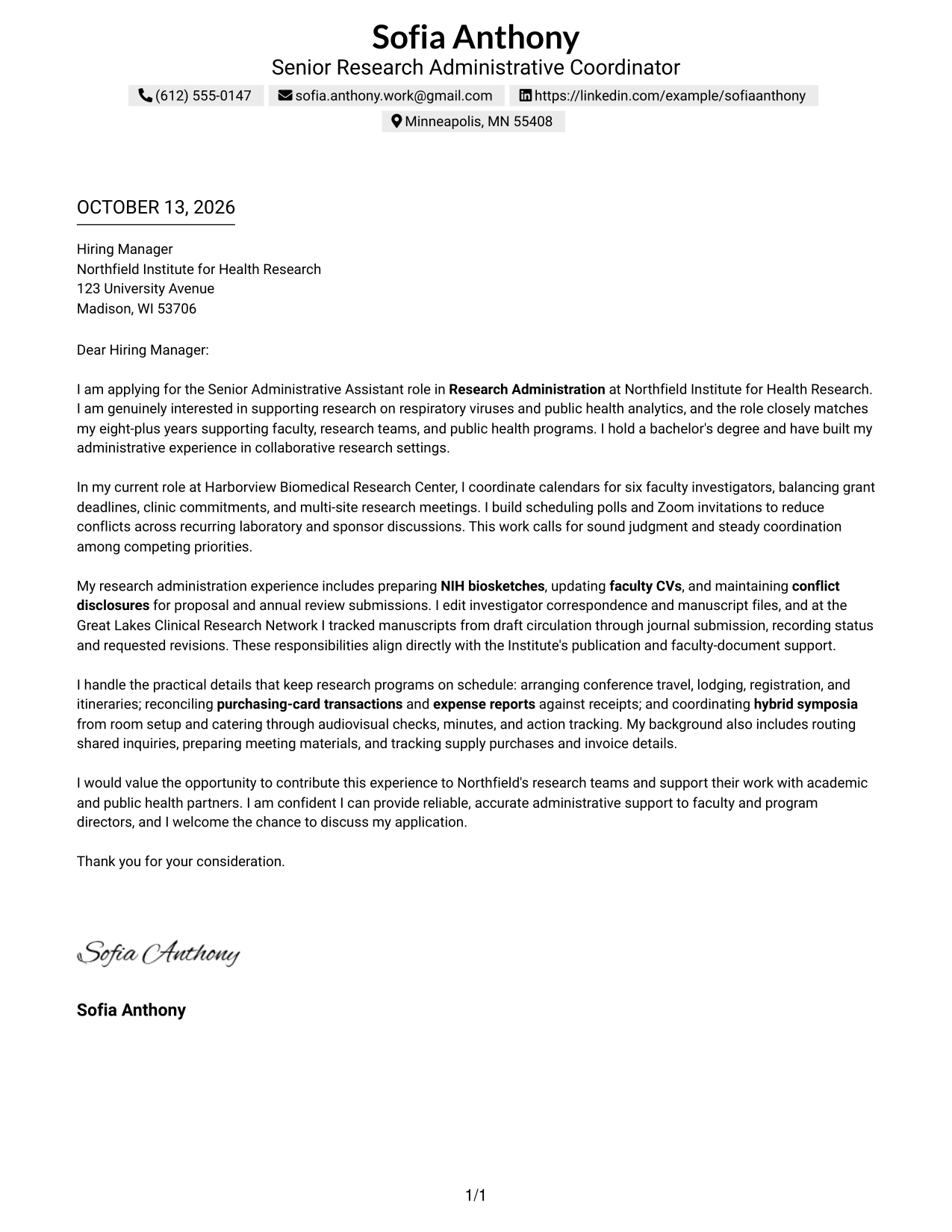
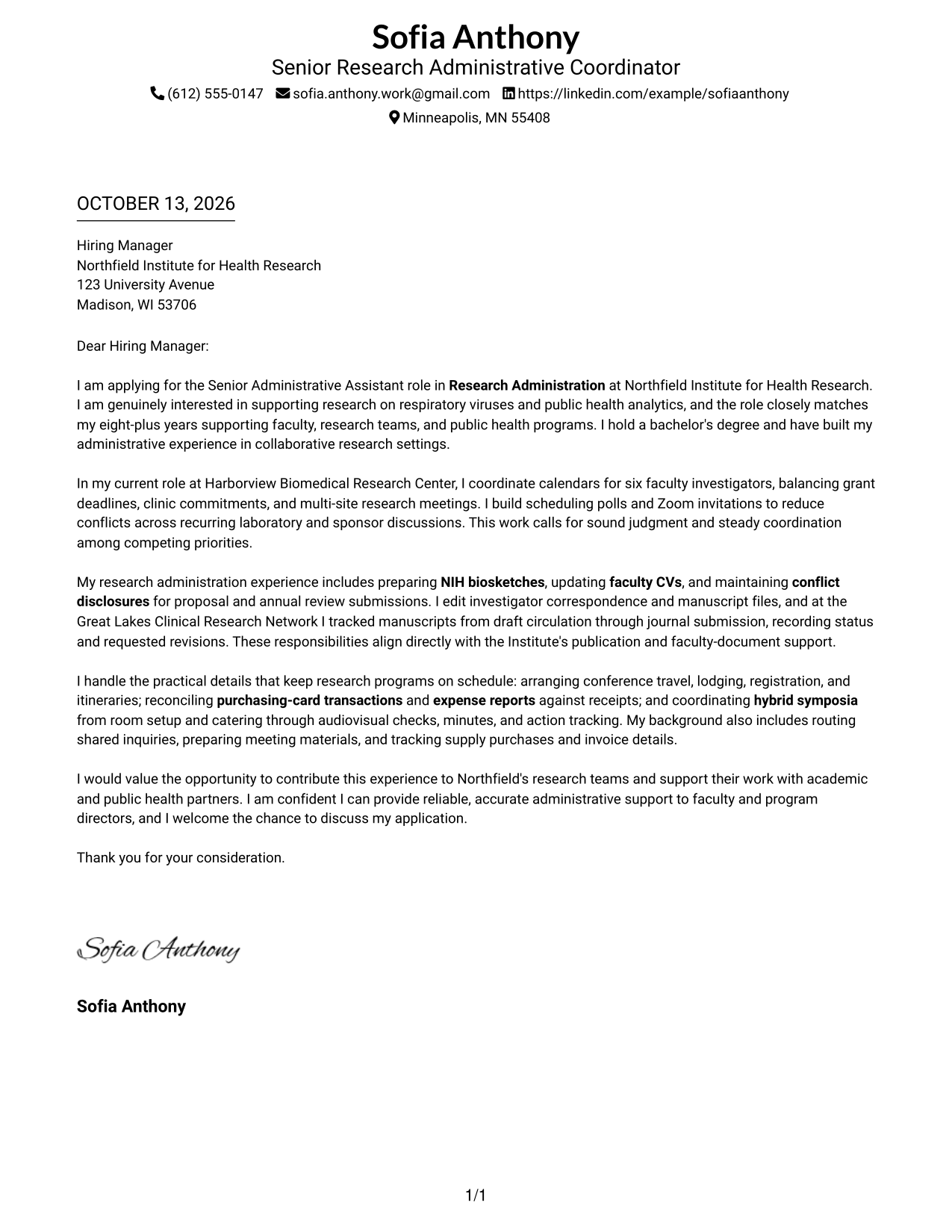
#1 Simple One Column Format Cover Letter Example
Simple One Column Format places the sender details in the header and keeps the letter in one reading path, so reviewers can follow its opening, evidence, and close.
Why This Format Works
- A single vertical path keeps the opening, motivation, and closing in clear order.
- Paragraphs stay together, so supporting examples connect naturally to the role-alignment case.
- The header's separate position leaves the letter body focused on evidence and intent.
Best For
- Letters with a direct reading path
- Applications with a motivation-to-evidence sequence
- Correspondence with one connected argument
- Research administration letters with several alignment points
- Readers who prefer contact details in the header
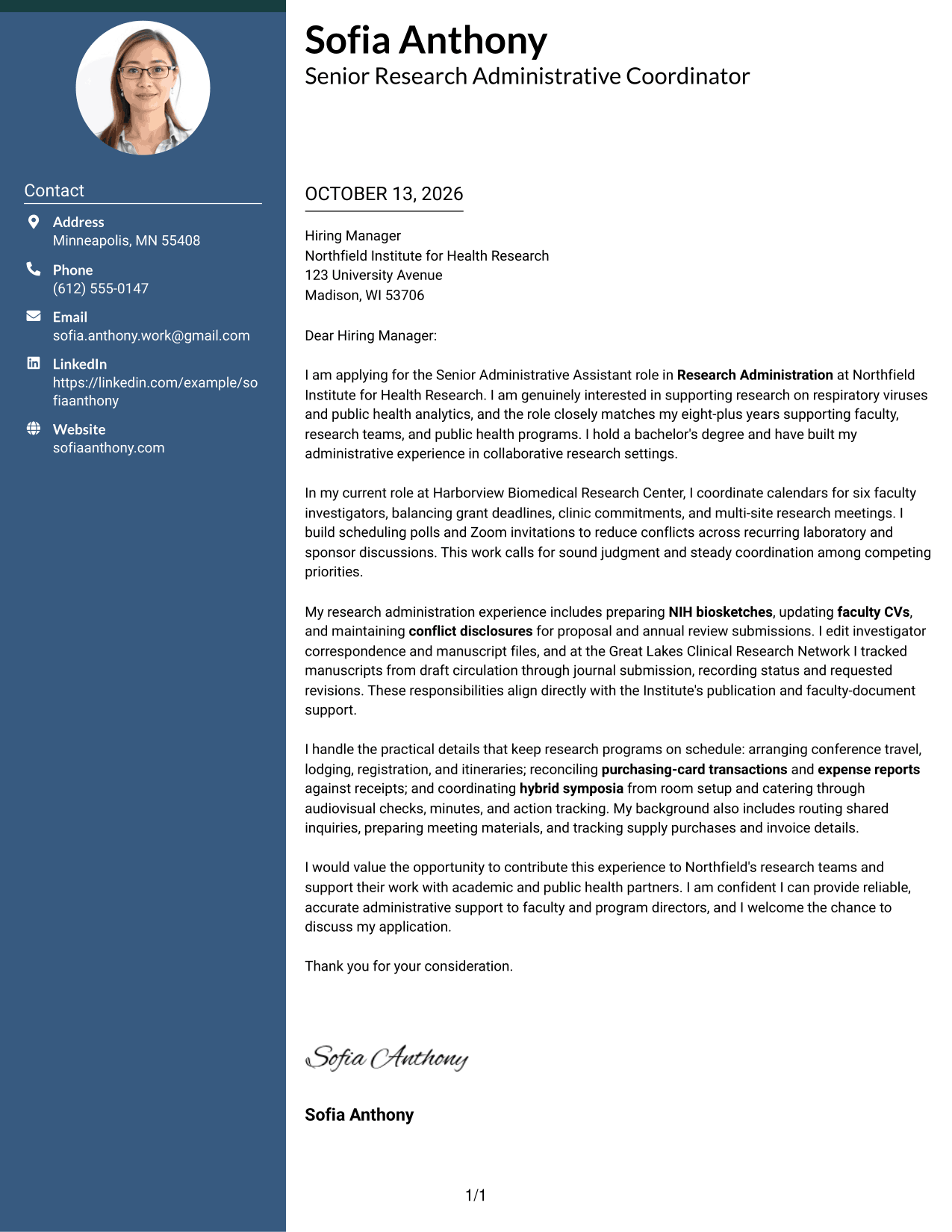
#2 Two Column Format Cover Letter Example
Two Column Format sets contact details apart from a continuous letter body, giving reviewers a quick route to contact information without breaking the persuasive sequence.
Why This Format Works
- The contact sidebar keeps sender information apart from the opening and its motivation.
- One continuous body connects practical evidence with the letter's explanation of role fit.
- An uninterrupted sequence lets the closing follow the case without competing body columns.
Best For
- Letters needing separate contact navigation
- Applications with several proof points in one body
- Correspondence balancing quick contact access and full context
- Research roles requiring clear motivation and evidence
- Readers reviewing sender details apart from the argument
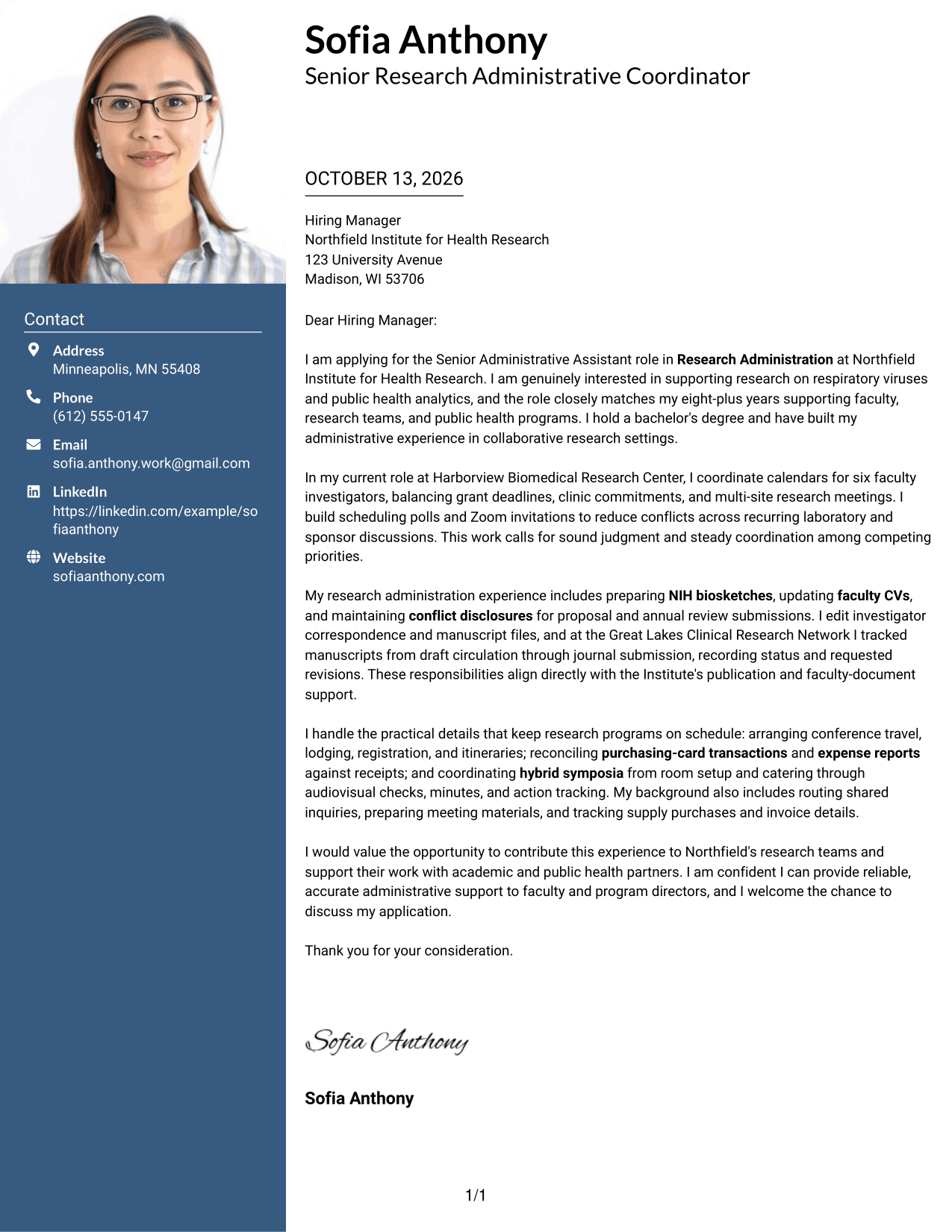
#3 Photo Header Two Column Format Cover Letter Example
Photo Header Two Column Format pairs a photo header and contact sidebar with one continuous letter body, keeping personal details distinct from the case for fit.
Why This Format Works
- Separate contact details leave the letter's motivation and supporting evidence together in one body.
- Readers can follow the opening through examples without switching between parallel argument columns.
- Distinct contact placement keeps the final request connected to the preceding case for fit.
Best For
- Letters pairing contact access with a photo header
- Applications where a professional photo is appropriate
- Persuasive letters with a continuous body
- Research-support applications with varied evidence
- Readers who want contact details kept separate
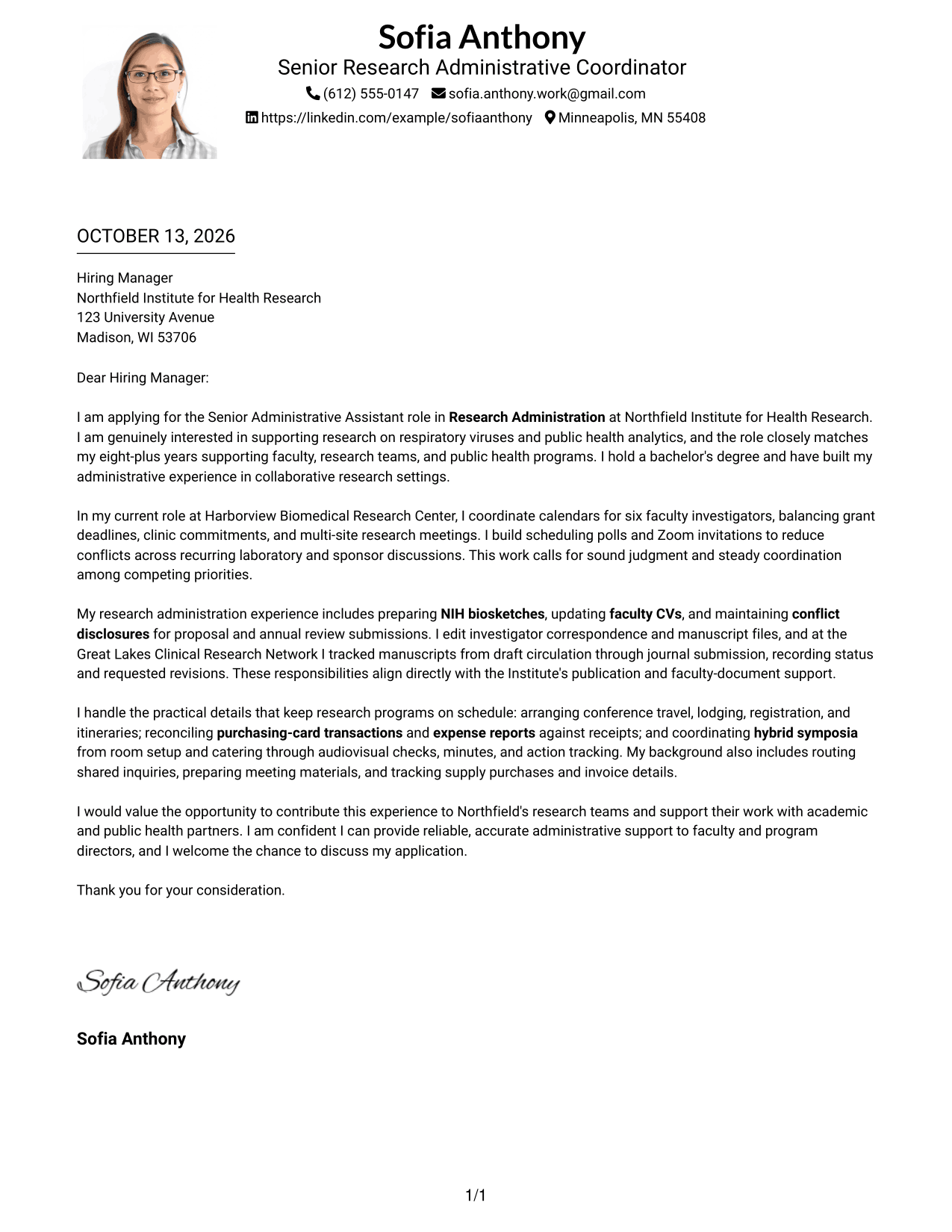
#4 One Column Format with Photo Cover Letter Example
One Column Format with Photo keeps the letter in a direct vertical flow and adds a photo, so reviewers can follow the argument without changing reading direction.
Why This Format Works
- One body path lets reviewers move from interest to evidence without changing reading direction.
- Header space separates sender details from the letter's discussion of relevant experience.
- Direct paragraph order keeps the closing request tied to the motivation and evidence.
Best For
- Letters suited to a straight vertical reading path
- Applications where a photo is appropriate
- Correspondence with distinct opening and closing paragraphs
- Research administration roles with several fit points
- Readers preferring details and argument in one column
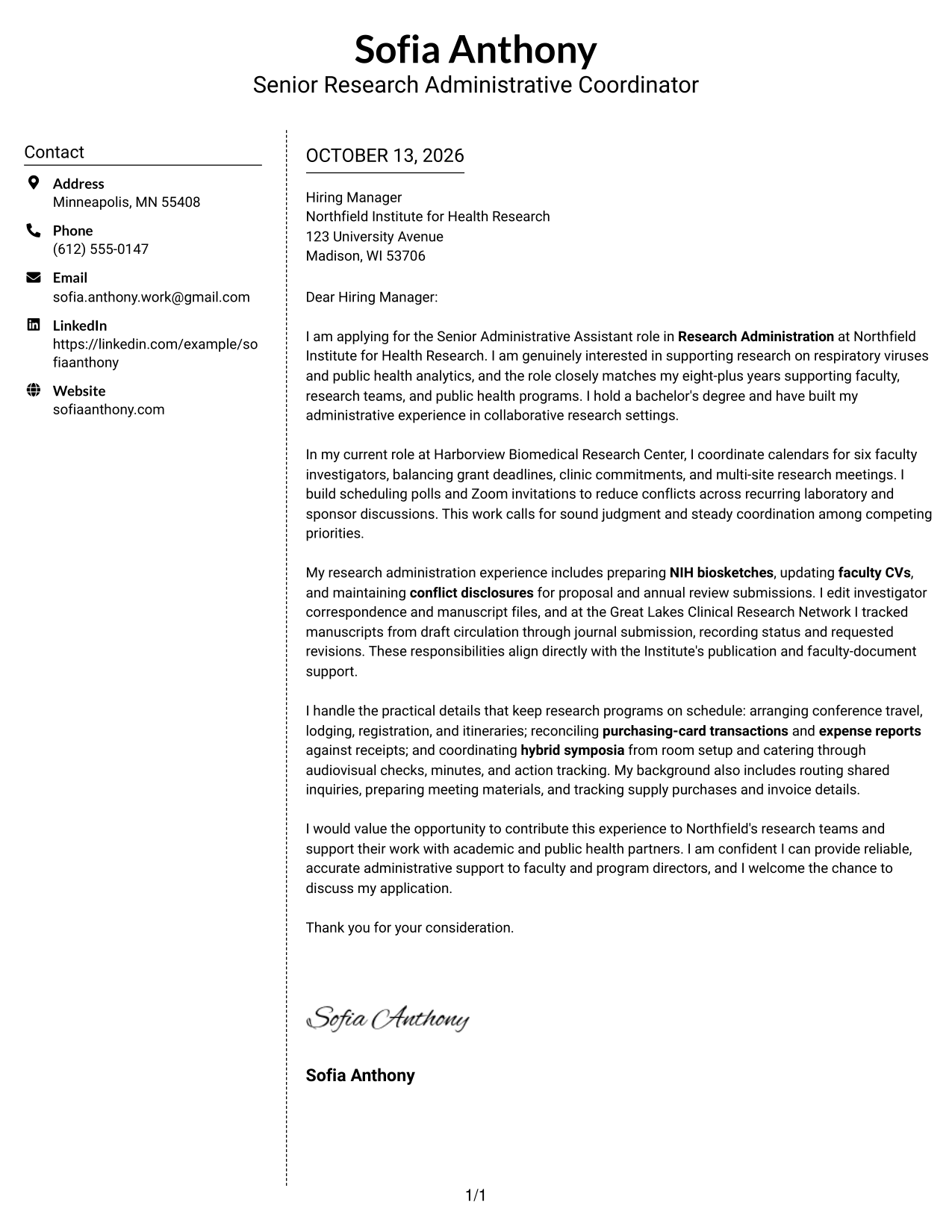
#5 Simple Two Column Format Cover Letter Example
Simple Two Column Format separates contact details from the letter body while preserving a single sequence from motivation through closing.
Why This Format Works
- Contact details remain easy to locate while the main letter carries its argument in order.
- Continuous paragraphs let motivation and evidence read as one connected case.
- Separate columns keep practical sender information from interrupting the closing request.
Best For
- Letters with a compact contact sidebar
- Applications needing an uninterrupted case for fit
- Correspondence with sender details outside the body
- Research-support letters linking motivation to evidence
- Readers who check contact information separately
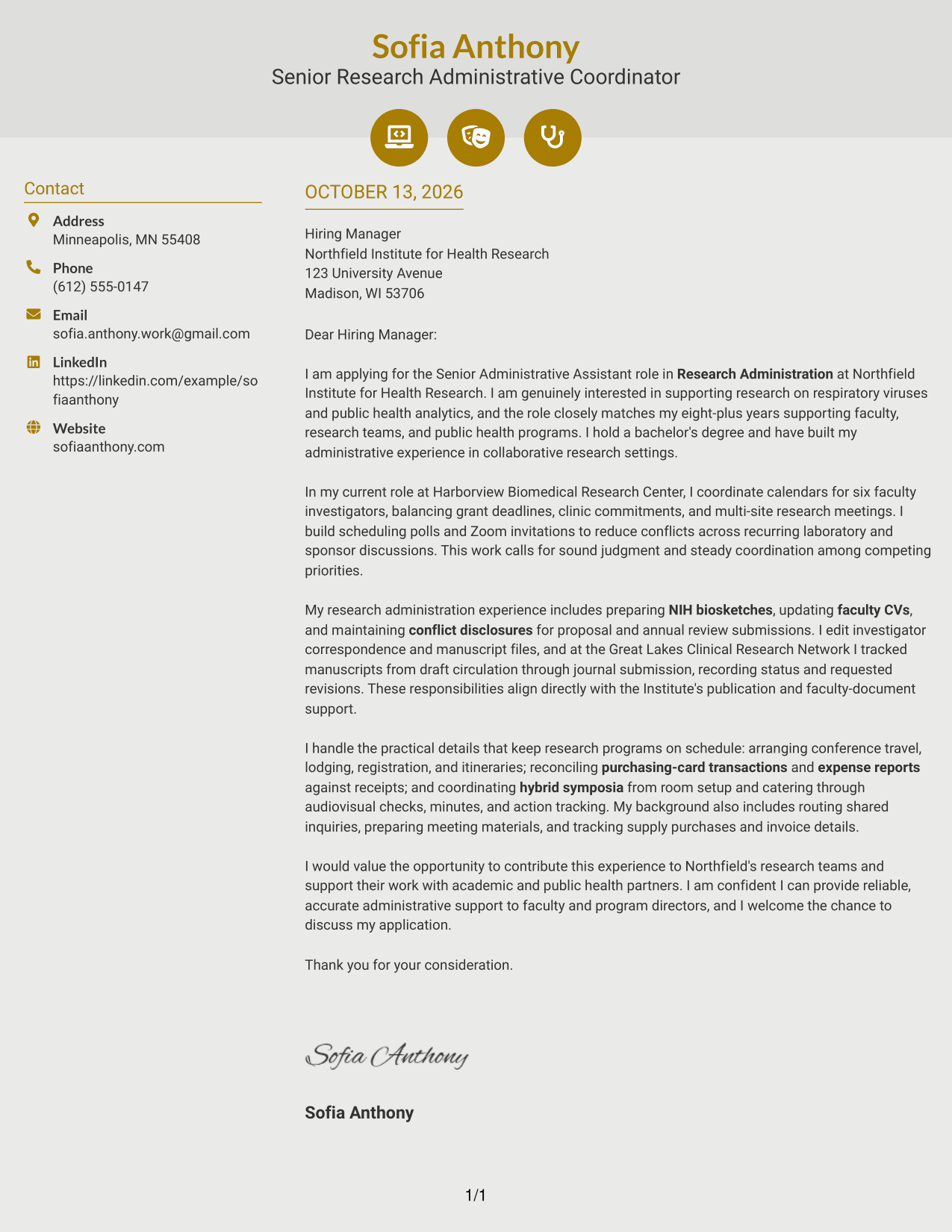
#6 Modern Icon Format Cover Letter Example
Modern Icon Format uses a contact sidebar and small icons as contact cues, while the continuous letter body keeps the persuasive case together.
Why This Format Works
- Contact icons help distinguish sender details, leaving the letter's opening to establish motivation.
- Decorative header cues do not interrupt the body as it develops evidence and fit.
- One continuous letter body keeps supporting examples and the close in the same reading flow.
Best For
- Letters with icons beside contact details
- Applications where small visual cues aid navigation
- Correspondence keeping contact cues outside the argument
- Research administration letters with a continuous persuasive flow
- Readers who want a distinct header and sidebar
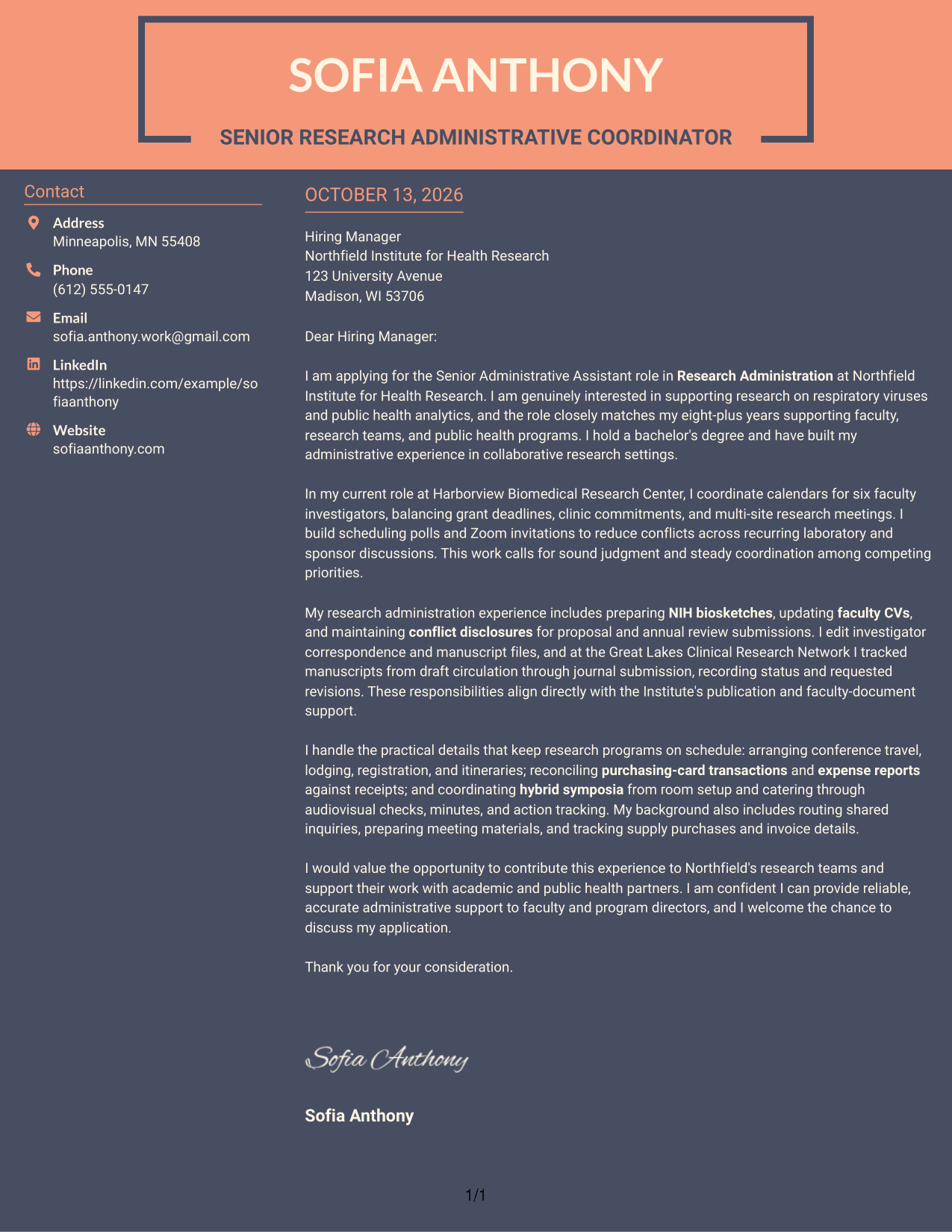
#7 Creative Two Tone Format Cover Letter Example
Creative Two Tone Format uses two-tone styling to distinguish the contact sidebar from the uninterrupted letter, helping reviewers move between contact details and the full argument.
Why This Format Works
- Two-tone contrast helps reviewers distinguish contact information from the letter's persuasive content.
- One continuous body keeps motivation, supporting evidence, and the request in sequence.
- Sidebar separation makes sender details easy to check without dividing the letter's case.
Best For
- Letters needing a clear visual split
- Applications with a single, connected argument
- Correspondence separating contact details from persuasion
- Research-support letters with several alignment points
- Readers who value visible distinction between sidebar and body
See Also
- 7 Senior Administrative Assistant - Research Administration Resume Templates with Example
- 7 Administrative Assistant - Public Safety Administration Resume Templates with Example
- 7 Administrative Assistant 5 - Executive Operations Resume Templates with Example
- 33 Administrative Assistant Bookkeeper Resume Templates with Example 2026 (ATS-Optimized)
- 7 Administrative Assistant - Disability & Elder Law Resume Templates with Example
- 7 Administrative Assistant - Executive and Office Support Resume Templates with Example
- 7 Administrative Assistant - Facilities Resume Templates with Example
- 7 Administrative Assistant & Hospitality Coordinator Resume Templates with Example
- 30+ Administrative Assistant Bookkeeper Cover Letter Templates with Example 2026
- 7 Economic Development Administrative Assistant Cover Letter Templates with Example
Frequently Asked Questions
What should a Senior Administrative Assistant - Research Administration cover letter include?
Show how your experience fits the work, using relevant examples such as managing complex calendars, preparing faculty documents, coordinating events, and handling travel or expense records. Explain your interest in supporting research teams and close professionally.
How can I show fit for a research administration role?
Use specific examples that match the role's needs. You might describe calendar coordination, NIH biosketch or CV support, manuscript tracking, meeting logistics, or financial administration, if these reflect your own experience.
How should I explain my interest in research administration?
State what draws you to supporting faculty and collaborative research. Make the reason specific to the role's work, such as helping teams manage deadlines, partner meetings, or research program operations.
Which cover letter format works well for this role?
Choose a clear, professional layout that makes each paragraph easy to read. A simple format can help the hiring team follow your motivation, relevant evidence, and closing request.
How can I describe calendar and meeting coordination?
Briefly explain the scale or complexity of the coordination and the actions you took. For example, describe how you balanced competing schedules, arranged virtual meetings, or prepared agendas and follow-up notes.
Should I mention NIH biosketches, CVs, or publication tracking?
Yes, when you have relevant experience. Describe your role in preparing or updating these records and explain how careful review or tracking supported timely research submissions or publications.
How should I close this cover letter?
Restate your interest in supporting the research team, thank the reader for considering your application, and invite a conversation. Keep the closing warm, direct, and professional.




