
7 Senior Administrative Assistant - Research Administration Resume Templates with Example
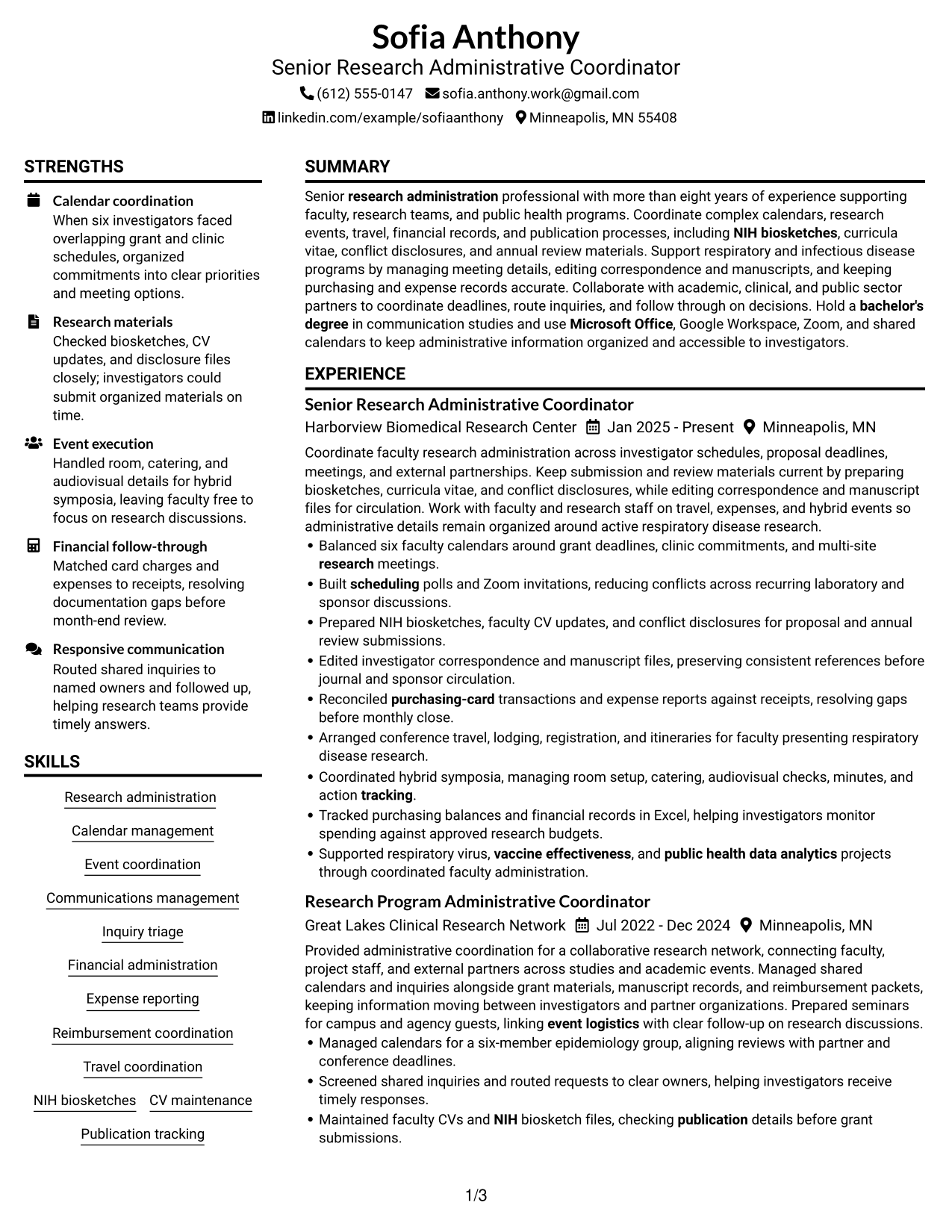
This guide shows you how to create a focused Senior Administrative Assistant - Research Administration resume. You will learn how to organize relevant experience and compare professional formats so reviewers can find key information quickly.
An effective resume for this role connects administrative work to research operations. Use clear sections and achievement-focused bullets to show calendar coordination, meeting and event support, NIH biosketch and CV maintenance, publication tracking, travel, and financial administration.
The examples present one Senior Administrative Assistant - Research Administration resume in 7 layouts. Compare the options, then choose a format that makes your experience, tools, and relevant keywords easy to scan.
What Makes a Great Senior Administrative Assistant - Research Administration Resume in 2026
A strong resume makes research support work easy to understand. Clear headings and specific bullets show how you manage calendars, meetings, records, travel, and expenses.
Use accurate role-related terms, such as NIH biosketches, CVs, conflict-of-interest records, publication tracking, and purchasing-card reconciliation. Add tools and measurable results only when they reflect your own experience.
The examples shown below are intentionally detailed to demonstrate a range of experiences, skills, accomplishments and relevant keywords. We prefer detailed resumes as they provide more context to the hiring managers and also help the ATS systems identify relevant qualifications and score your resume better for a match. But the length of a resume is an individual choice. If you want a one page resume, just keep the most relevant experience and information for the job. Note: Resume examples are for educational purposes only. Use only information that accurately reflects your experience and qualifications. References to real organizations do not imply affiliation or endorsement.
#1 Plain Two Column Format Resume Example
The Plain Two Column Format places resume sections in parallel areas, helping recruiters scan distinct content groups without losing their place.
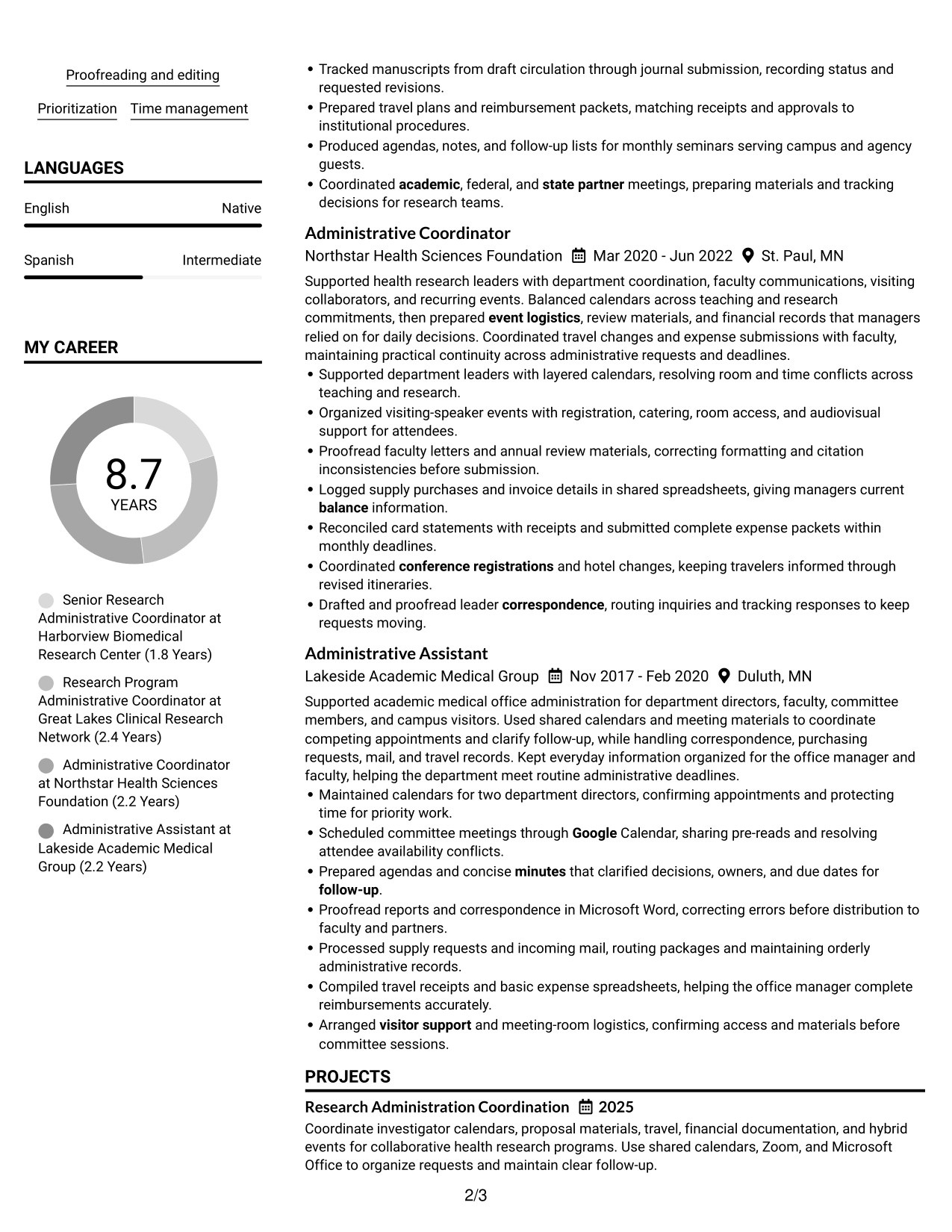
Resume Snapshot
- 8+ years supporting research administration
- Bachelor of Arts in Communication Studies
- NIH biosketches, CVs, and conflict disclosures
- Microsoft Office, Google Workspace, and Zoom
Why This Format Works
- Parallel columns let reviewers compare experience and education while keeping section boundaries clear.
- Separate content areas give skills and credentials room beside career details.
- Compact grouping helps readers locate project work and qualifications during a quick scan.
Best For
- Compact comparison of experience and qualifications
- Separate scanning paths for dense resume sections
- Quick access to education and credentials
- Balanced content across adjacent areas
- Resumes with several distinct section groups
Resume Keywords
- Research administration
- Balanced six faculty calendars around grant deadlines, clinic commitments, and multi-site research meetings.
- Built scheduling polls and Zoom invitations, reducing conflicts across recurring laboratory and sponsor discussions.
- Coordinated hybrid symposia, managing room setup, catering, audiovisual checks, minutes, and action tracking.
- event logistics
- Communications management
- Inquiry triage
- Financial administration
- Expense reporting
- Reimbursement coordination
- Reconciled purchasing-card transactions and expense reports against receipts, resolving gaps before monthly close.
- Logged supply purchases and invoice details in shared spreadsheets, giving managers current balance information.
- Travel coordination
- conference registrations
- NIH biosketches
#2 Simple One Column Format Resume Example
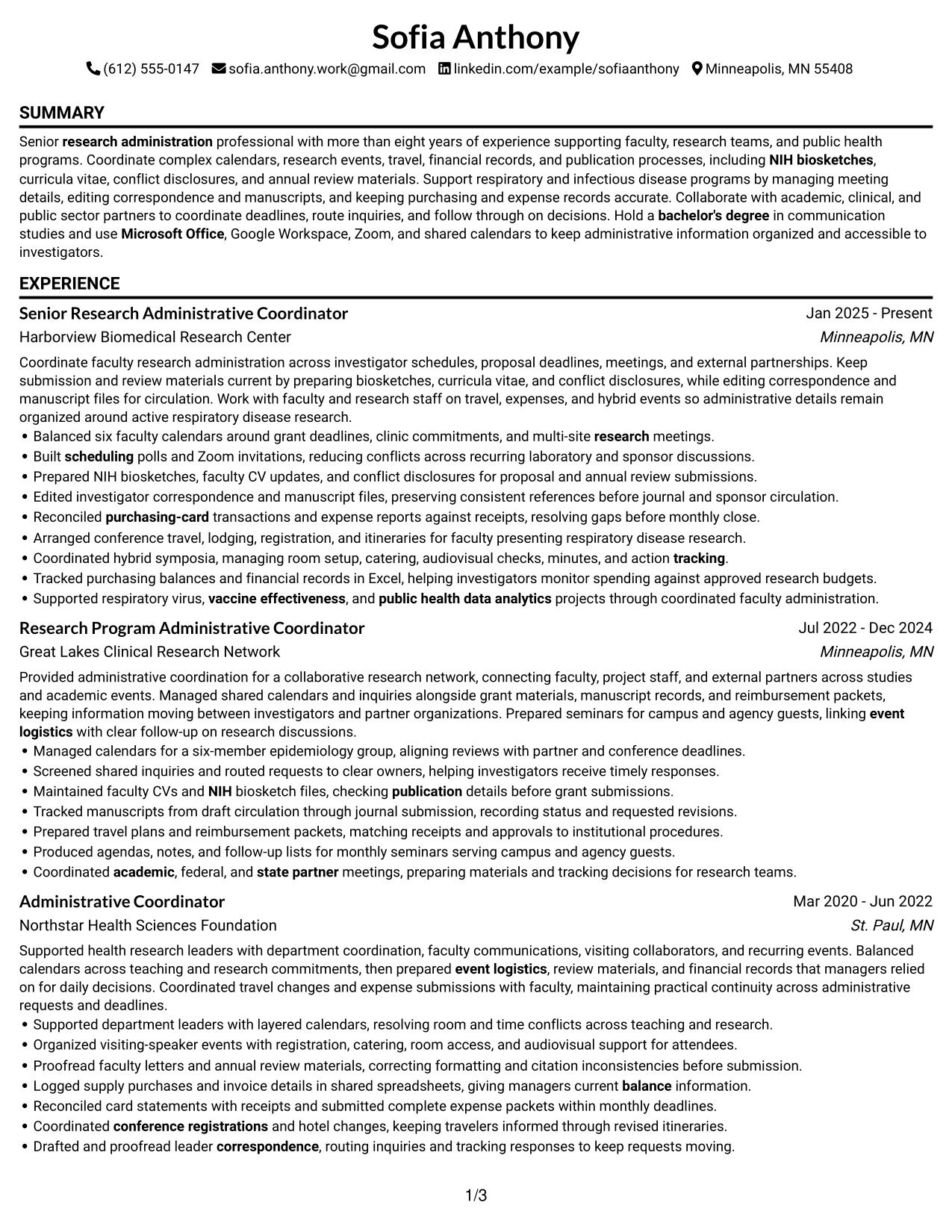
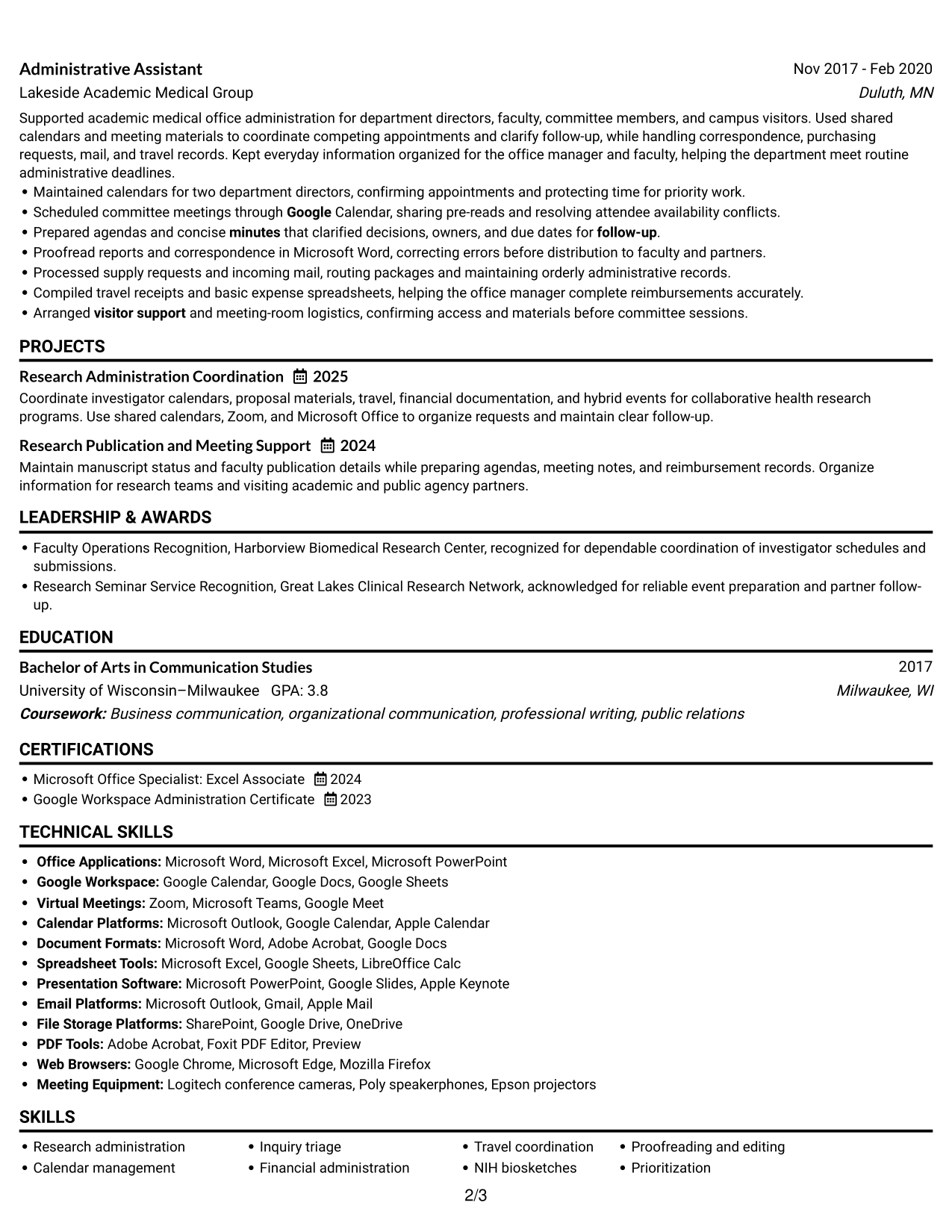
The Simple One Column Format presents each resume section in a top-to-bottom sequence, giving recruiters one clear path through the information.
Why This Format Works
- A single reading path lets reviewers follow career progression from role to role.
- Consistent vertical order makes education and credentials easy to locate.
- Full-width entries give achievement bullets room to read as complete points.
Best For
- Top-to-bottom review of career history
- Chronological reading without column changes
- Clear progression across multiple roles
- Longer experience descriptions needing a linear flow
- ATS review that benefits from a simple reading order
#3 Clean Two Column Sidebar Format Resume Example
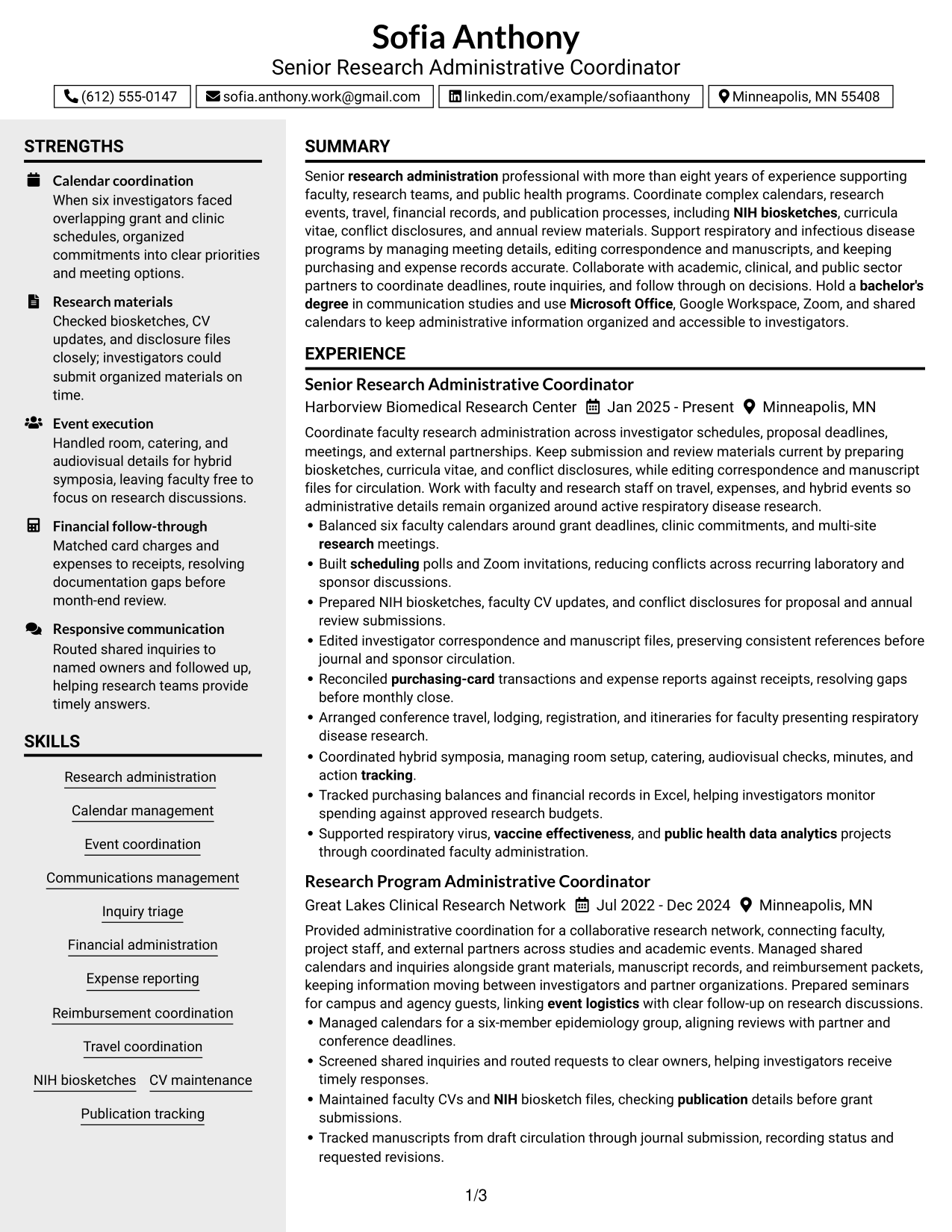
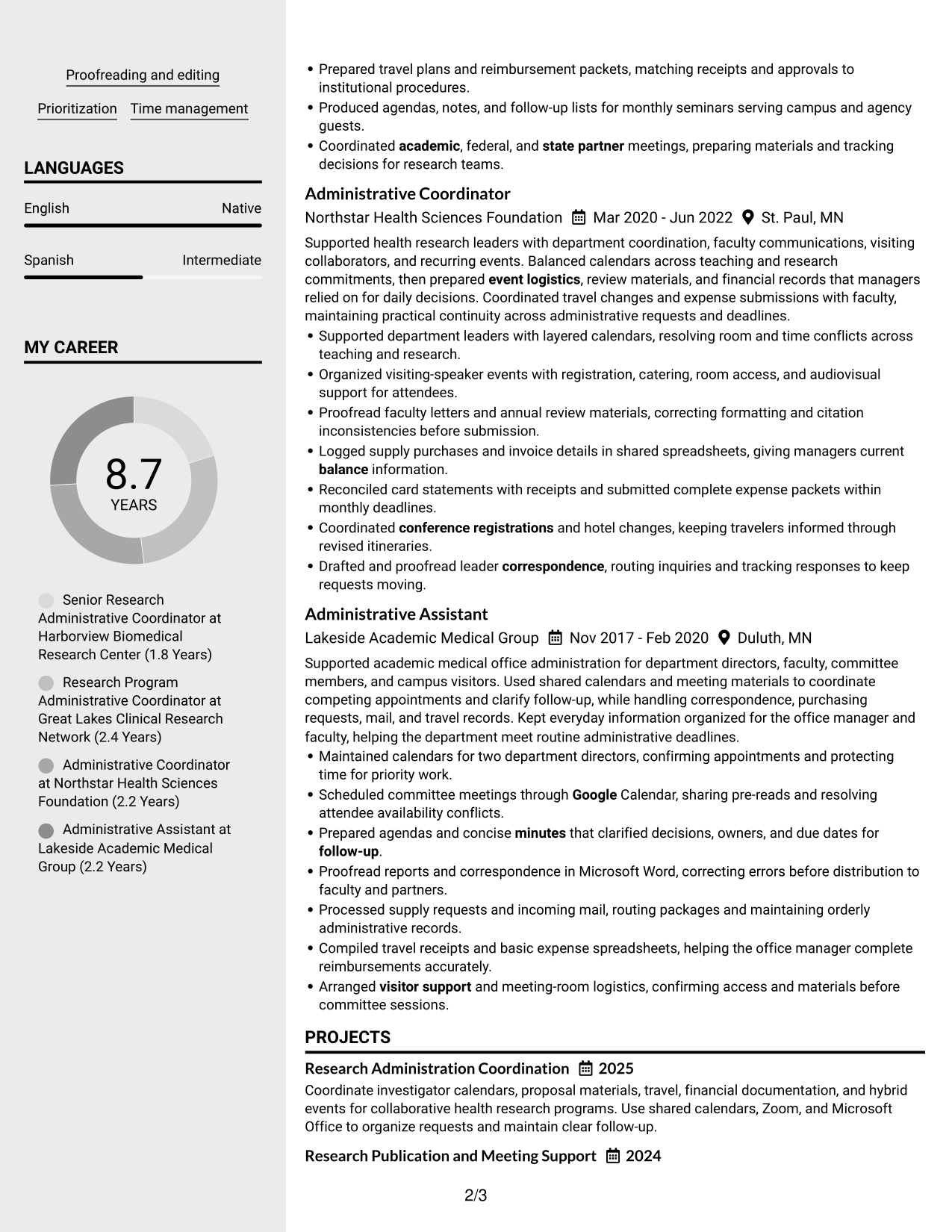
The Clean Two Column Sidebar Format pairs a distinct sidebar with the main content area, separating quick-reference sections from detailed entries.
Why This Format Works
- A separate sidebar gives compact skills and credentials a clear place beside experience.
- Main-column space lets experience entries retain readable detail and sequence.
- Distinct section zones help reviewers move between career history and education.
Best For
- Quick-reference information beside detailed experience
- Compact skills and credential sections
- Career history that needs room for detail
- Readers who move between section groups
- Resumes with concise supporting information
#4 Two Column Format Resume Example
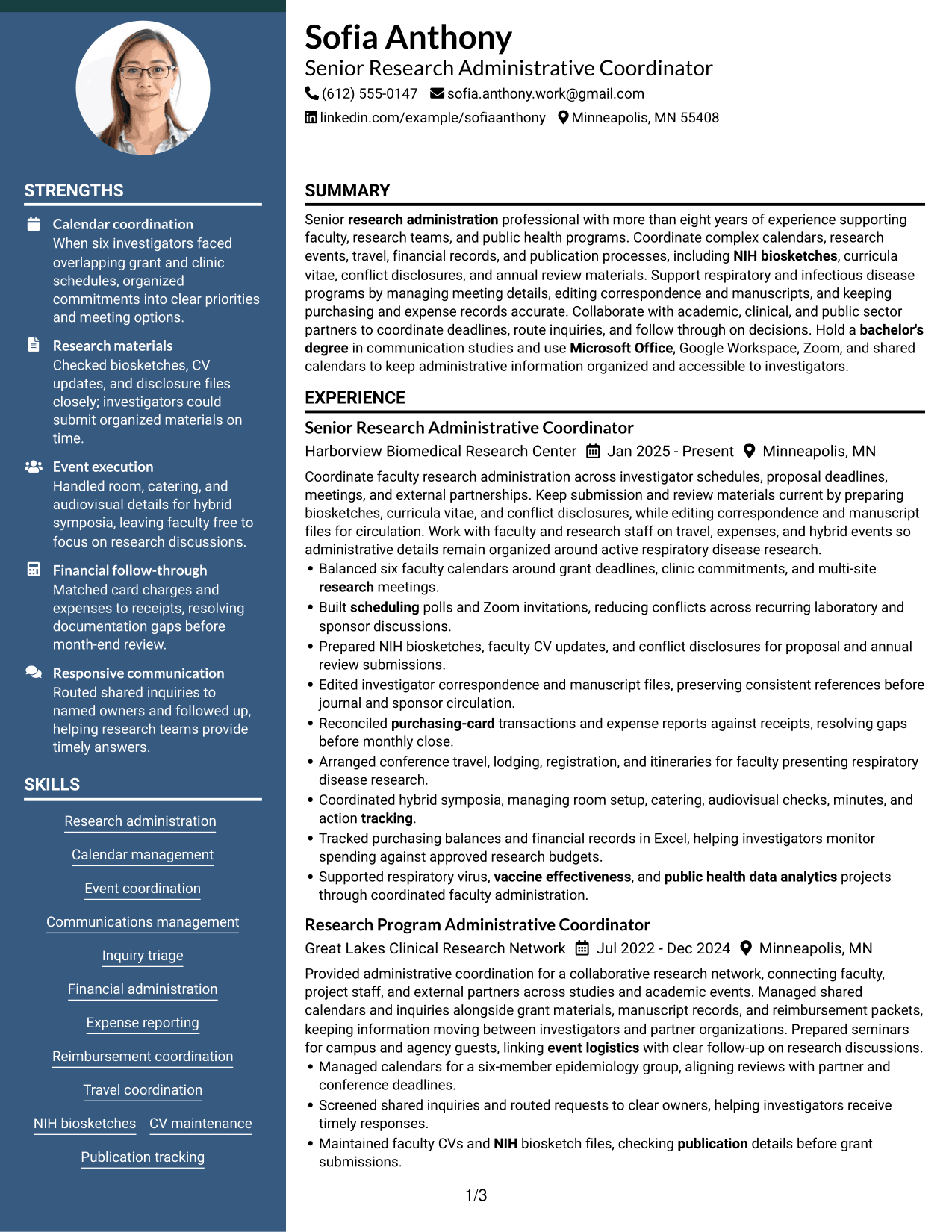
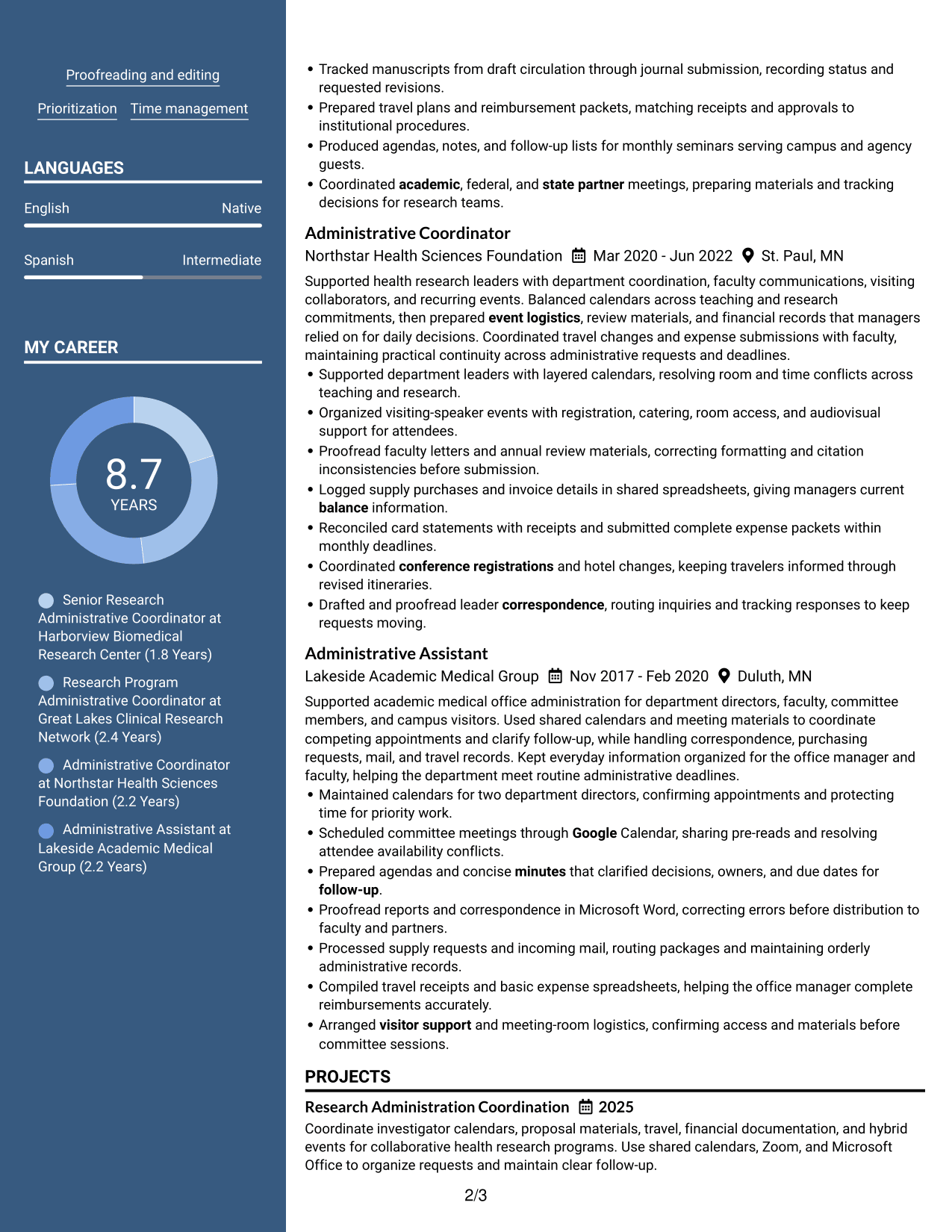
The Two Column Format uses adjacent content areas to make separate resume sections easier to scan within one compact layout.
Why This Format Works
- Two-column grouping lets reviewers scan skills and experience as distinct sections.
- Adjacent content areas reduce repeated jumps through education and career history.
- Clear section separation helps achievements stand apart from supporting qualifications.
Best For
- Parallel review of resume sections
- Concise experience and education entries
- Readers scanning several content groups
- Balanced information across adjacent columns
- Applications with distinct skills and history sections
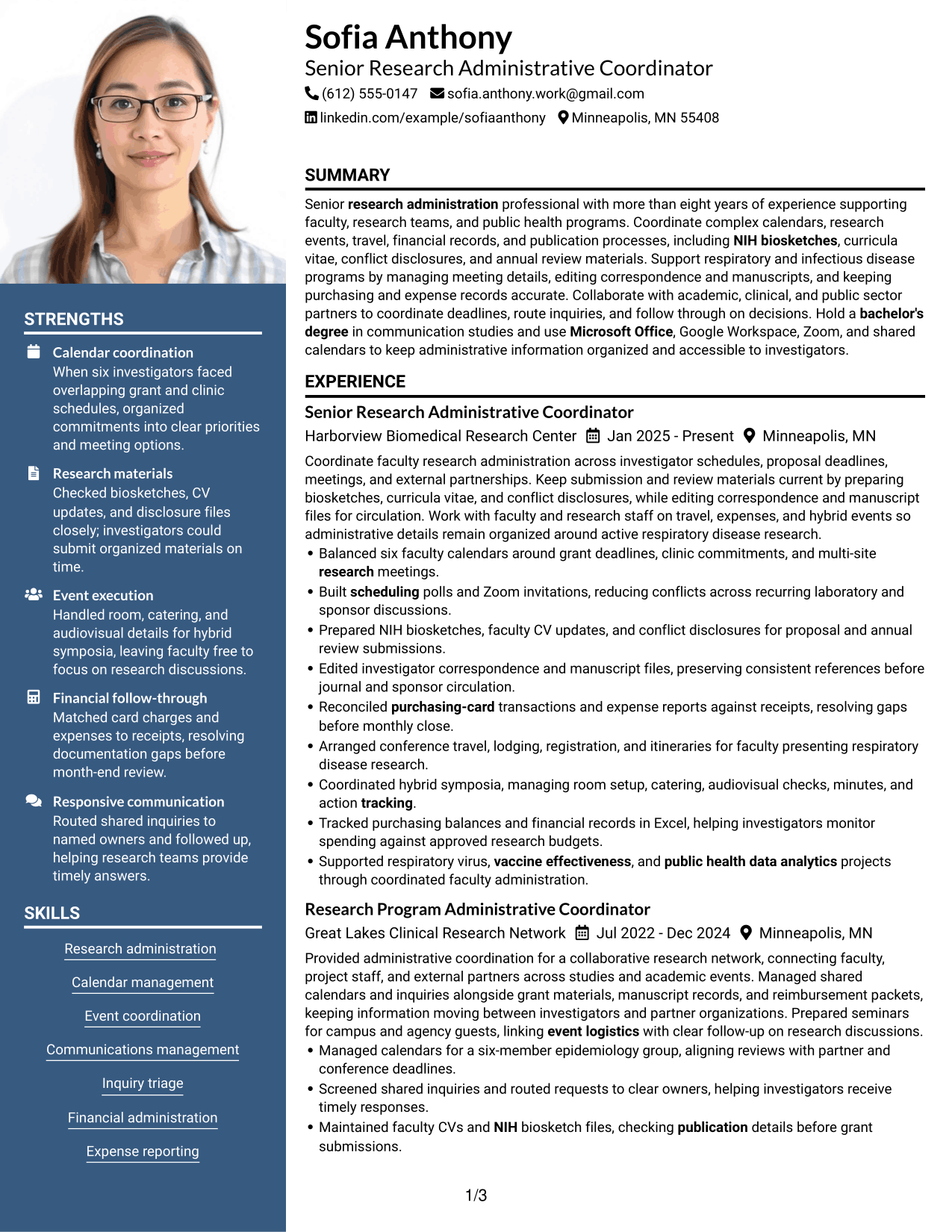
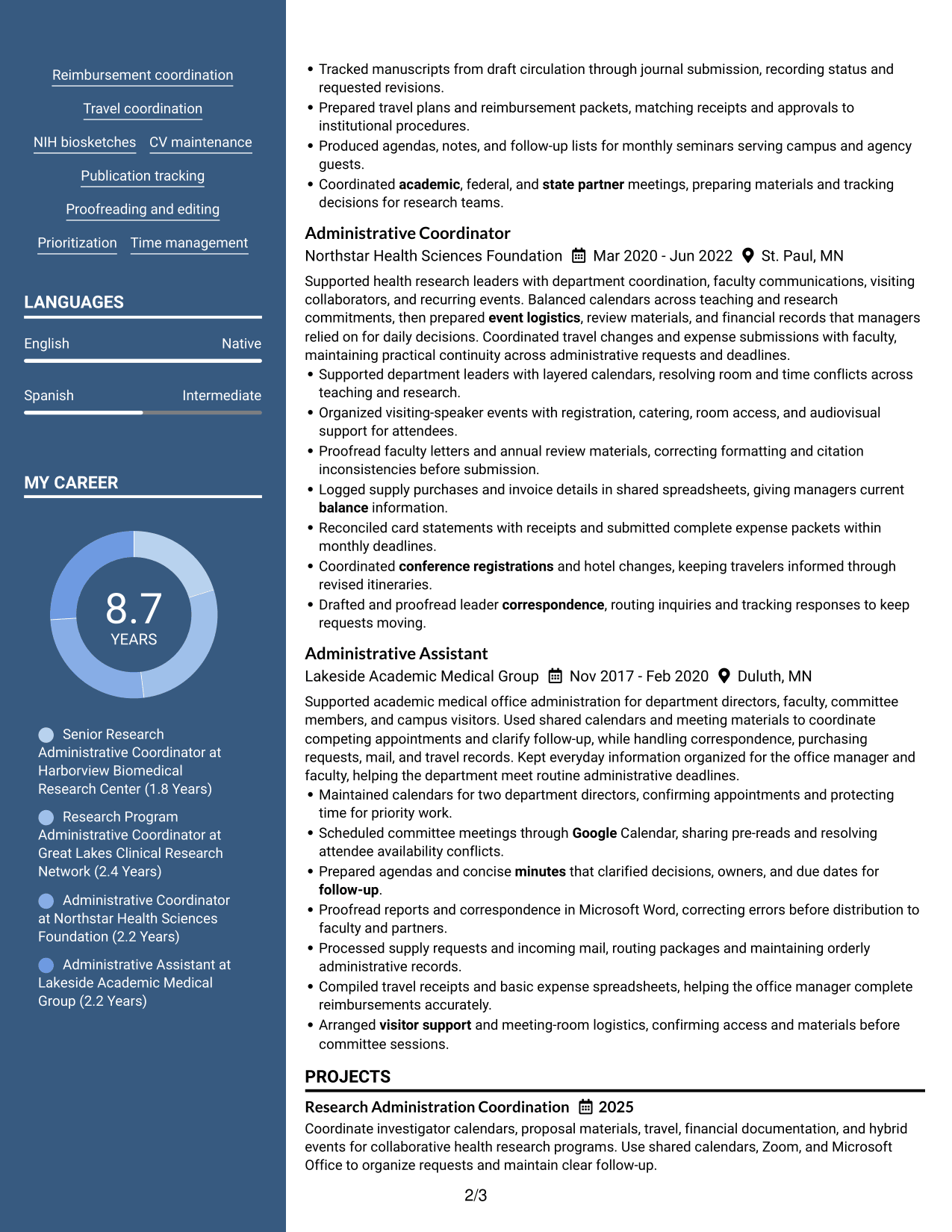
#5 Photo Header Two Column Format Resume Example
The Photo Header Two Column Format combines a photo header with a two-column body, keeping the header visually distinct from resume details.
Why This Format Works
- Two body columns let reviewers scan experience and education in distinct areas.
- The separated header leaves career history to follow in the main resume body.
- Compact column groups help readers locate credentials without interrupting experience review.
Best For
- Photo header with separated resume details
- Experience and education in parallel areas
- Compact review of distinct resume sections
- Credentials kept easy to locate
- Applications where a photo header is appropriate
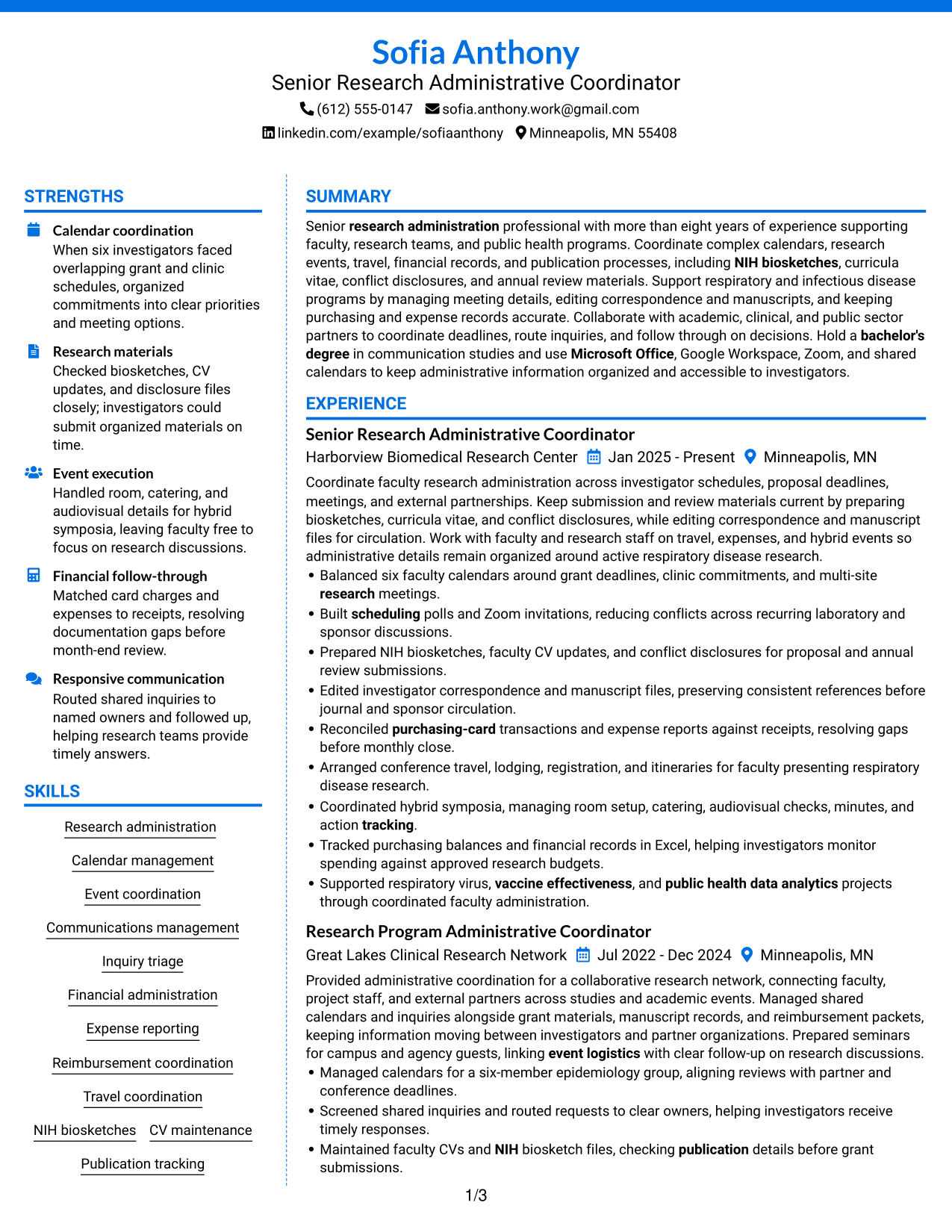
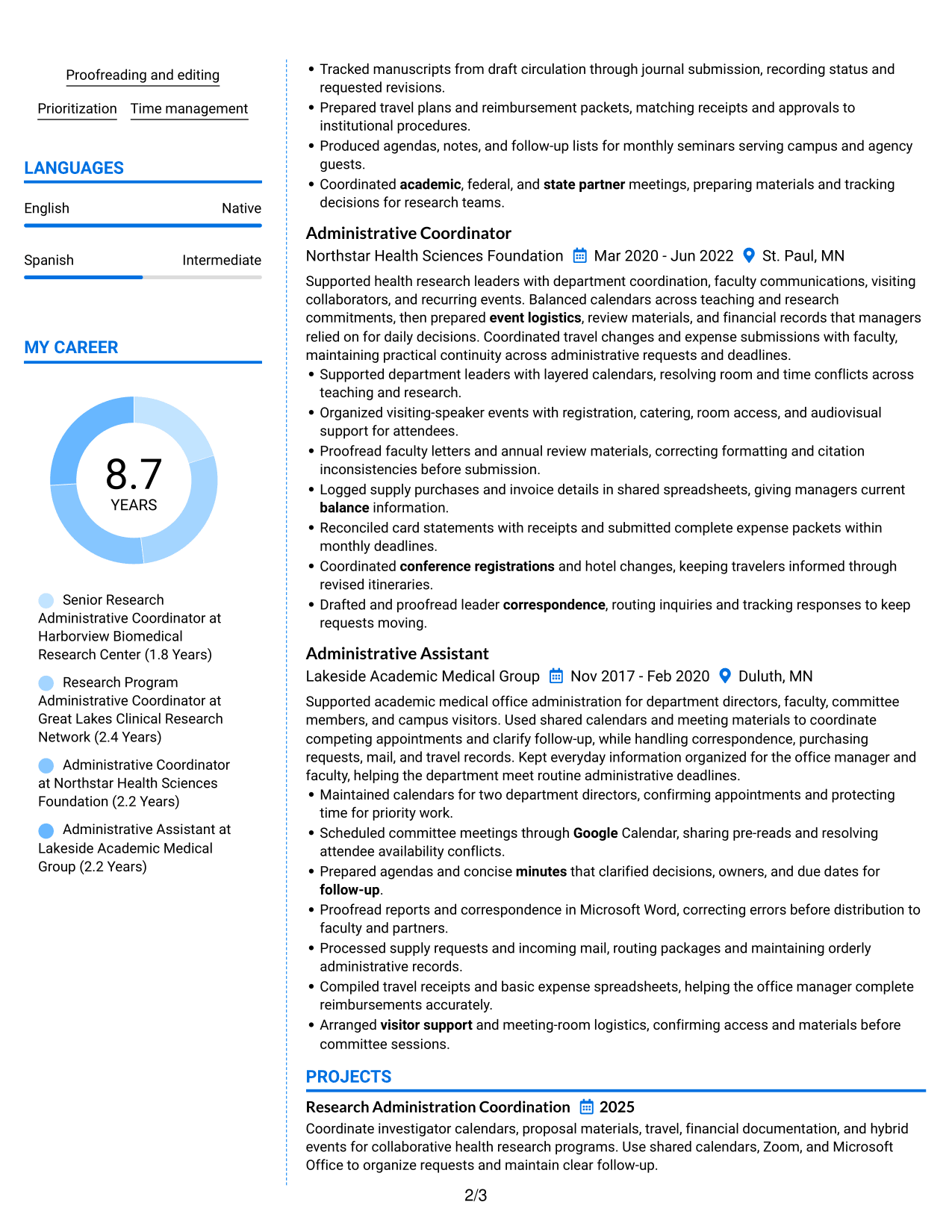
#6 Colored Two Column Format Resume Example
The Colored Two Column Format uses color with two content columns to make section boundaries easier to see during a resume scan.
Why This Format Works
- Color contrast marks section boundaries, helping reviewers find education and experience.
- Two-column reading space keeps skills and career history visibly distinct.
- Clear visual grouping helps achievements remain easy to scan across sections.
Best For
- Visible separation between resume sections
- Side-by-side review of skills and experience
- Readers who scan for education and credentials
- Concise entries arranged in two content areas
- Resumes needing clear visual section cues
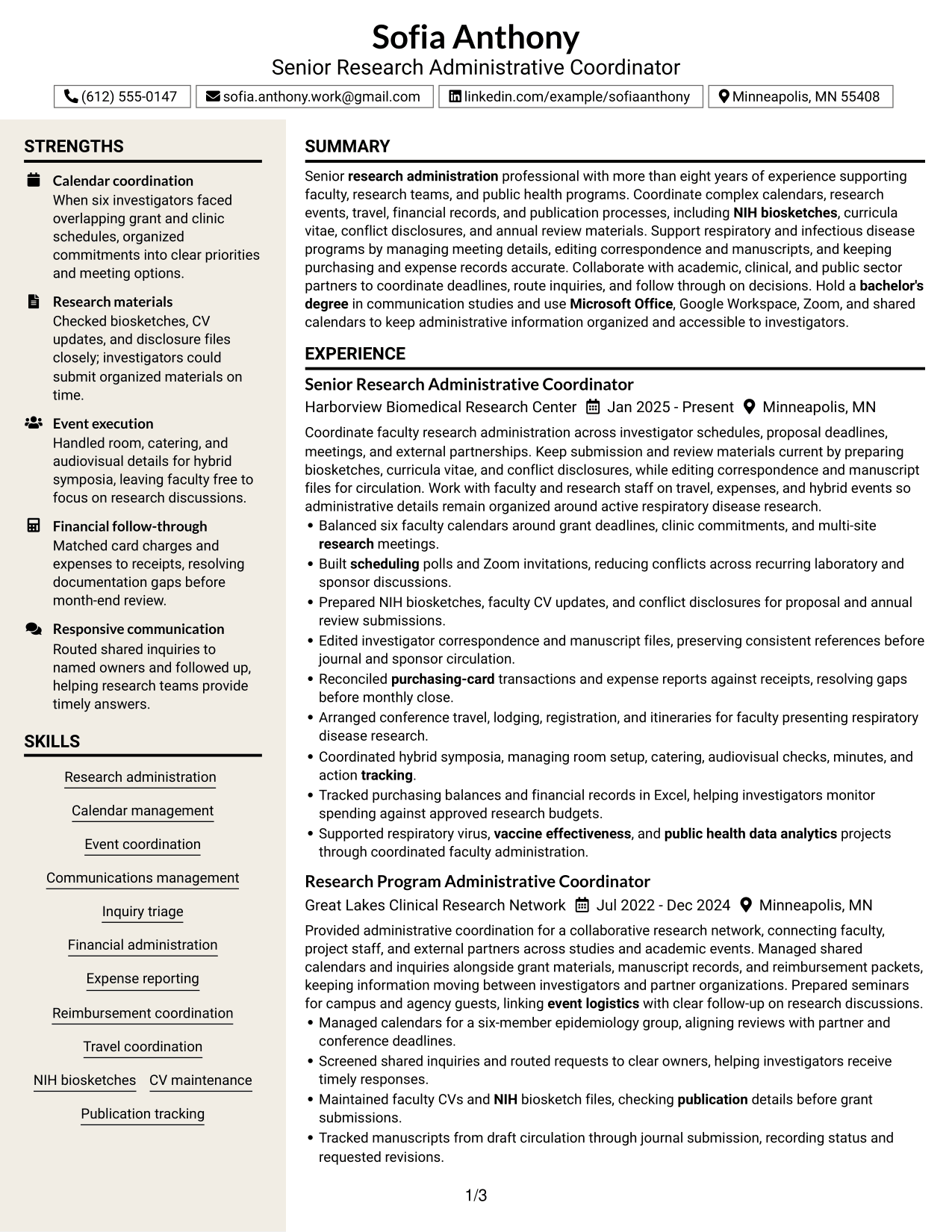
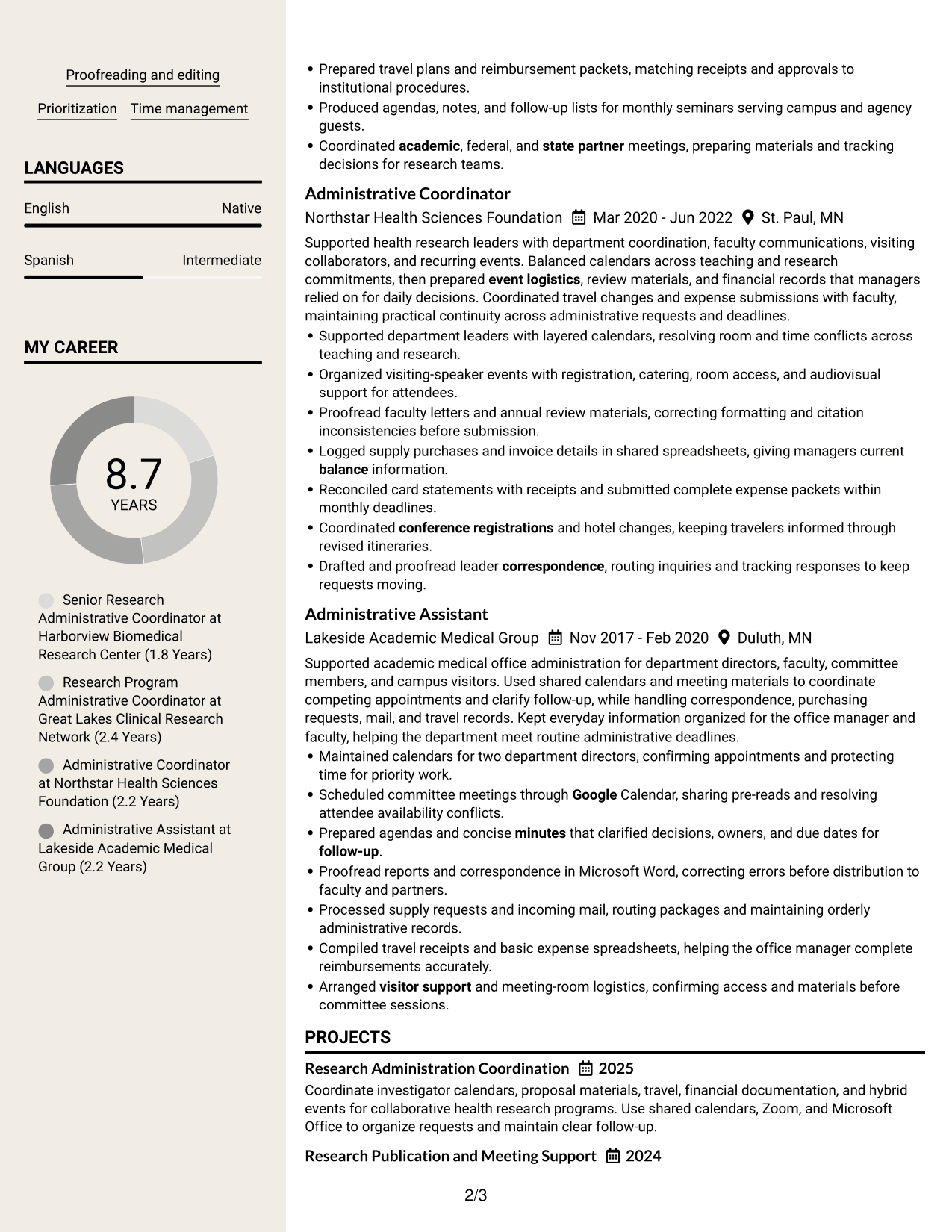
#7 Stylish Two Column Designer Format Resume Example
The Stylish Two Column Designer Format organizes resume sections across two columns, offering recruiters a distinct visual route through the information.
Why This Format Works
- The two-column structure gives section groups a clear route through experience.
- Bullet-led entries help reviewers move through career history and achievements.
- Parallel areas make education and skills easier to locate during review.
Best For
- A distinct visual route through resume sections
- Bullet-based review of career history
- Parallel access to education and skills
- Concise achievement entries in grouped sections
- Readers comparing several areas of a resume
Why Build Your Senior Administrative Assistant - Research Administration Resume with ResumeInMinutes
ResumeInMinutes helps you organize research administration experience, skills, and tools into a resume that is clear and easy to tailor. You can review the section order and make sure your strongest evidence is easy to find.
- Different resume layouts
- Clear, ATS-friendly sections
- Role-related keyword support
- Organized experience and skills
- Free PDF resume previews
- Resume editing tools
Use the editor to present your calendar, event, financial, and research record experience in a way that supports a clear review of your qualifications.
See Also
- 7 Administrative Assistant - Public Safety Administration Resume Templates with Example
- 7 Administrative Assistant 5 - Executive Operations Resume Templates with Example
- 33 Administrative Assistant Bookkeeper Resume Templates with Example 2026 (ATS-Optimized)
- 7 Administrative Assistant - Disability & Elder Law Resume Templates with Example
- 7 Administrative Assistant - Executive and Office Support Resume Templates with Example
- 7 Administrative Assistant - Facilities Resume Templates with Example
- 7 Administrative Assistant & Hospitality Coordinator Resume Templates with Example
- 7 Administrative Assistant II - Math, Science, and Health Services Resume Templates with Example
- 7 Senior Administrative Assistant - Research Administration Cover Letter Templates with Example
- 30+ Administrative Assistant Bookkeeper Cover Letter Templates with Example 2026
Frequently Asked Questions
Are these Senior Administrative Assistant - Research Administration resume templates ATS-friendly?
The layouts use readable sections and headings to help applicant tracking systems and people scan your resume. Add accurate terms such as NIH biosketches, CV maintenance, publication tracking, and expense reporting when they match your experience.
Are these different resumes?
No. The guide shows one resume example in different layouts. The content stays the same while the design and section arrangement vary.
What should a Senior Administrative Assistant - Research Administration resume include?
Include a summary, relevant experience, education, and skills. Depending on your background, also list tools, certifications, and work with calendars, NIH biosketches, CVs, events, travel, expenses, or publication records.
Can I download the resume templates as PDFs?
Yes. You can use the PDF option to review a resume layout and see how its sections appear on the page.
Which resume layout works well for research administration?
Choose a simple layout with clear headings and enough room for experience and skills. A straightforward one-column design is often easy to scan and parse, while a two-column layout can work if it keeps the text readable.
How can I show experience with research administration tasks?
Use concise bullets that name the task, the people or process supported, and the result when you can verify it. Examples include resolving calendar conflicts, preparing submission records, coordinating events, or reconciling expenses.
Should I include a photo on my resume?
For most U.S. applications, a resume without a photo is a practical choice. Use a photo only when it is expected in your region or field.
Can I customize these resume templates?
Yes. You can edit the resume text and layout to present your relevant research administration experience, skills, and tools clearly.




