
7 Senior Application Development Analyst - Digital Accessibility Cover Letter Templates with Example
This practical guide to a Senior Application Development Analyst - Digital Accessibility cover letter shows how to build a clear, persuasive message across 7 layouts.
What Makes a Great Senior Application Development Analyst - Digital Accessibility Cover Letter in 2026
A strong letter for this role connects an interest in accessible digital services with a clear explanation of how the applicant can support the work. A focused opening, informative body, and direct closing help the reader follow the message.
Use relevant evidence, such as accessibility testing, remediation, or clear technical communication, only when it reflects your experience. Then connect that evidence to the employer's needs and the services the team supports.
The featured example moves from interest in the role to specific accessibility work, relevant evidence, and a direct closing. Adapt that focused progression while choosing a presentation that suits the employer and communication context.
#1 Simple One Column Format Cover Letter Example
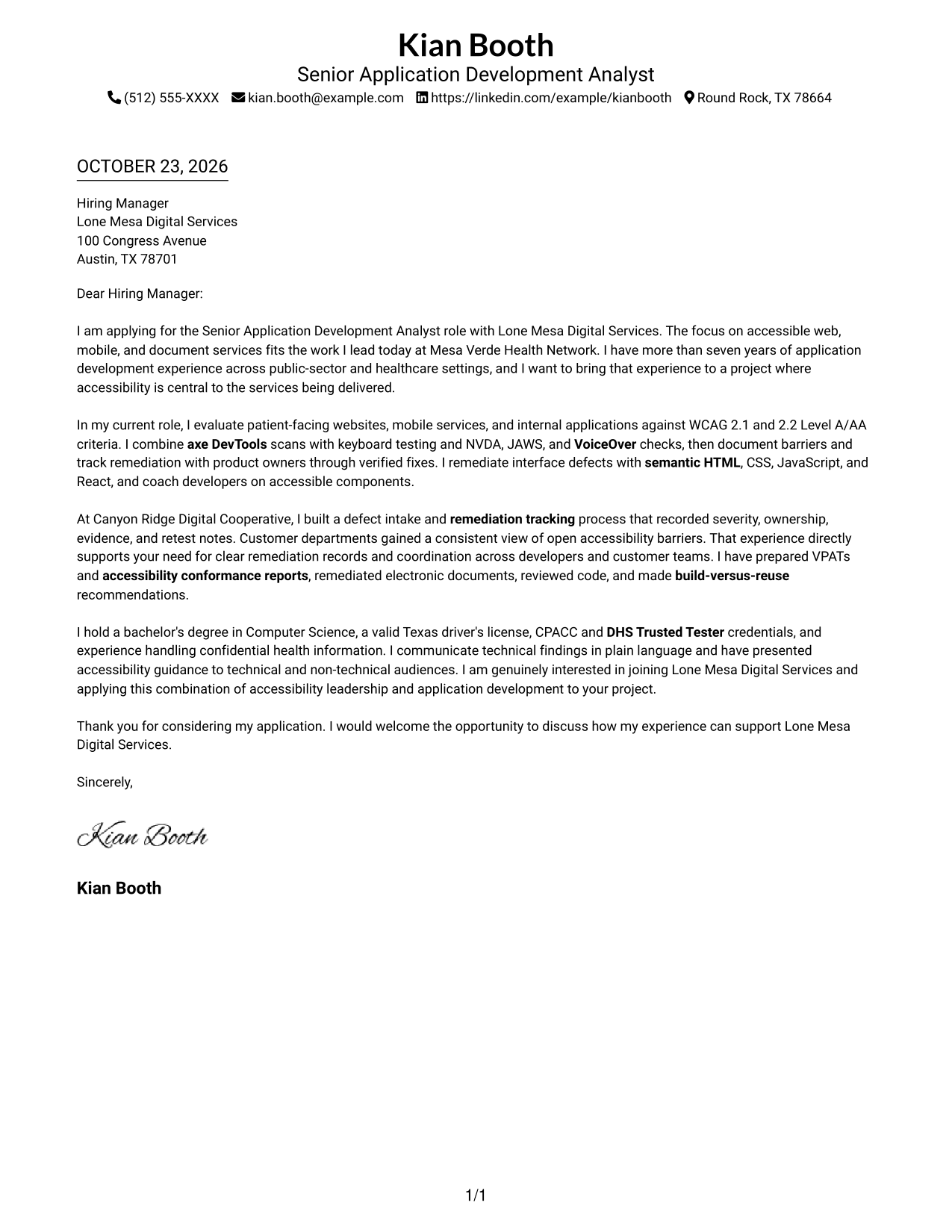
The Simple One Column Format keeps sender details in the header and the letter in one continuous column, a straightforward choice for readers who prefer a familiar reading path.
Why This Format Works
- Sender details stay in the header, apart from the letter's main message.
- One reading path helps reviewers follow the opening, evidence, and closing in order.
- Unheaded paragraphs keep attention on the message instead of argument labels.
Best For
- Single-column letter layouts
- Unheaded paragraph arguments
- Header-based contact details
- Direct opening-to-close reading
- Photo-free correspondence
#2 Two Column Format Cover Letter Example
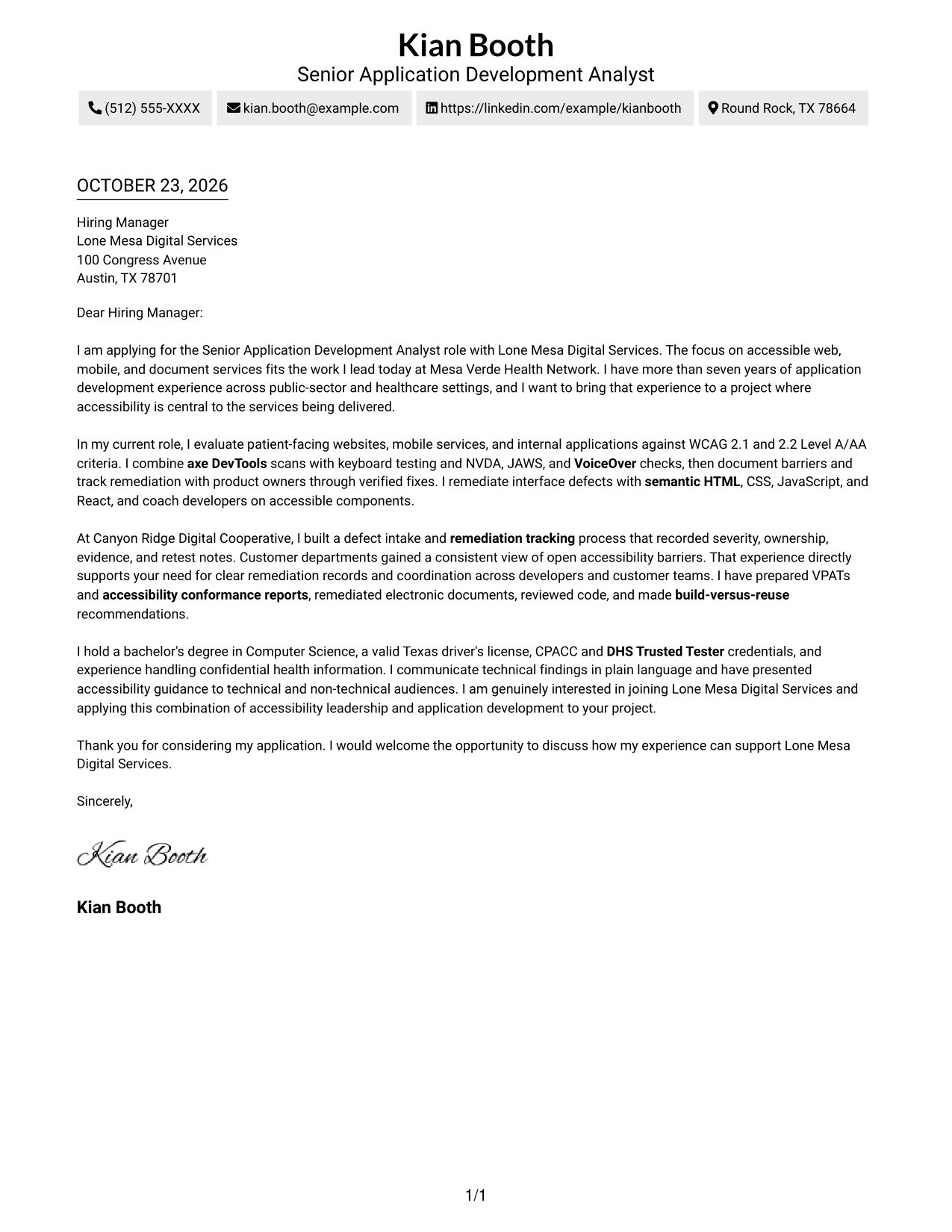
The Two Column Format places a contact sidebar beside one continuous letter column, keeping sender information apart from the message for readers who value a clear contact area.
Why This Format Works
- A contact sidebar keeps sender details separate from the continuous letter body.
- The single body column preserves a clear sequence from interest to closing.
- Without section headings, the paragraphs present motivation and evidence as a connected message.
Best For
- Contact sidebar layouts
- Continuous letter-body reading
- Easy-to-locate sender details
- Paragraph-based persuasion
- Letters without portrait images
#3 Photo Header Two Column Format Cover Letter Example
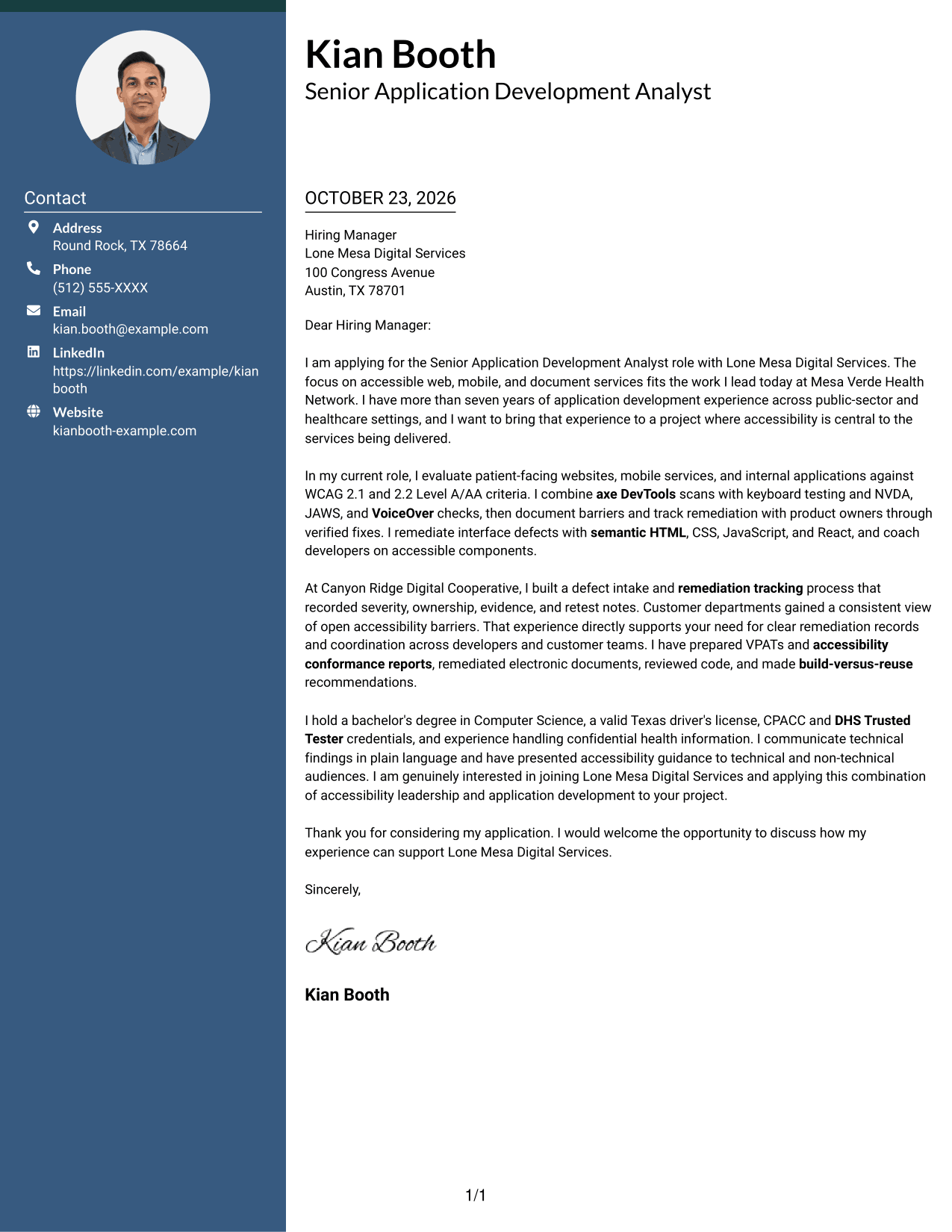
The Photo Header Two Column Format combines a photo and contact sidebar with one continuous letter column, a useful choice for readers who want a portrait included alongside clear contact details.
Why This Format Works
- Contact details remain apart from the letter, helping reviewers locate them quickly.
- One continuous body column keeps the opening, supporting points, and closing in sequence.
- The photo offers a visual option for letters that include a portrait.
Best For
- Two-column contact separation
- Letters with a portrait
- Continuous letter arguments
- Quick access to sender details
- Applications with paragraph-based evidence
#4 One Column Format with Photo Cover Letter Example
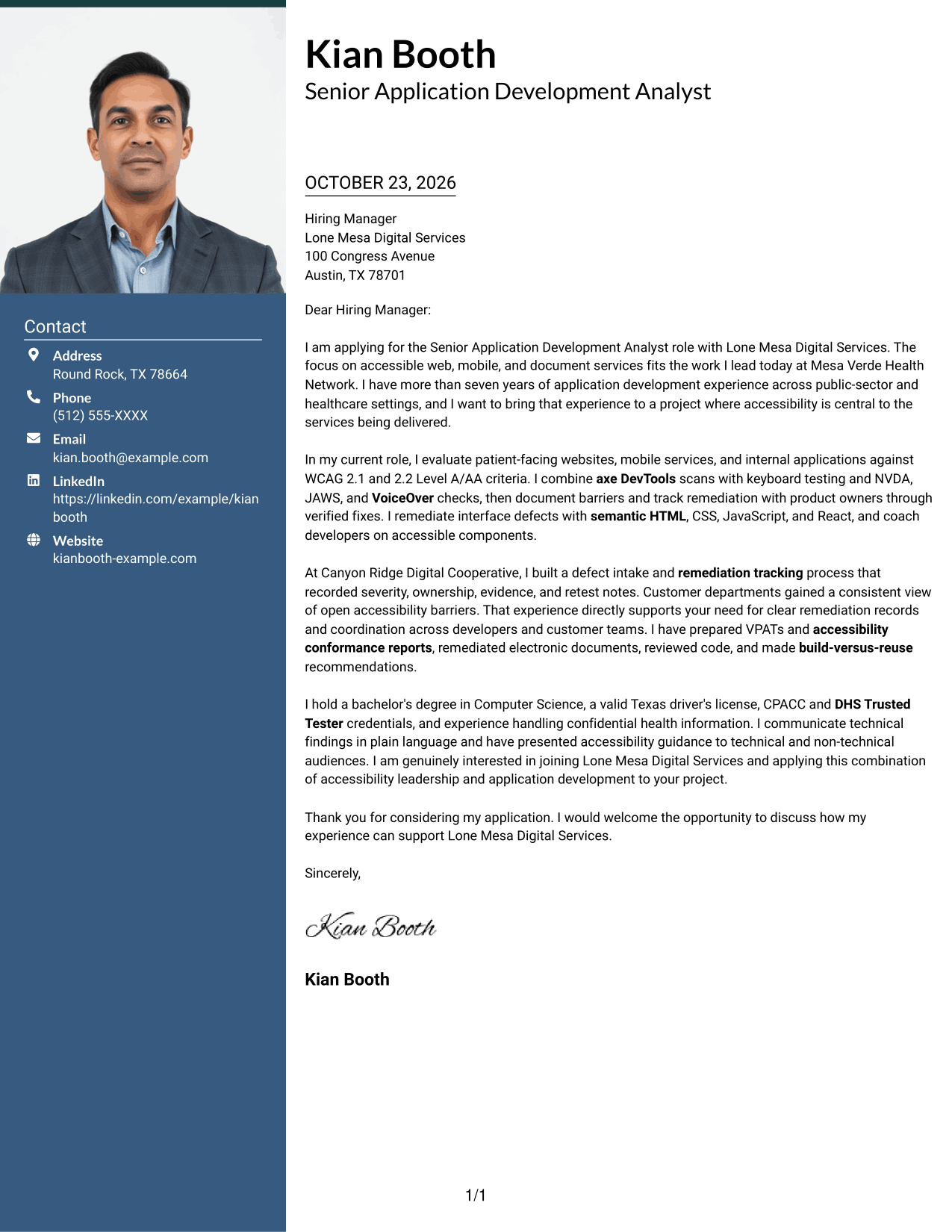
The One Column Format with Photo keeps the letter in a single column and includes a photo, a practical option for readers who want a portrait with a direct reading path.
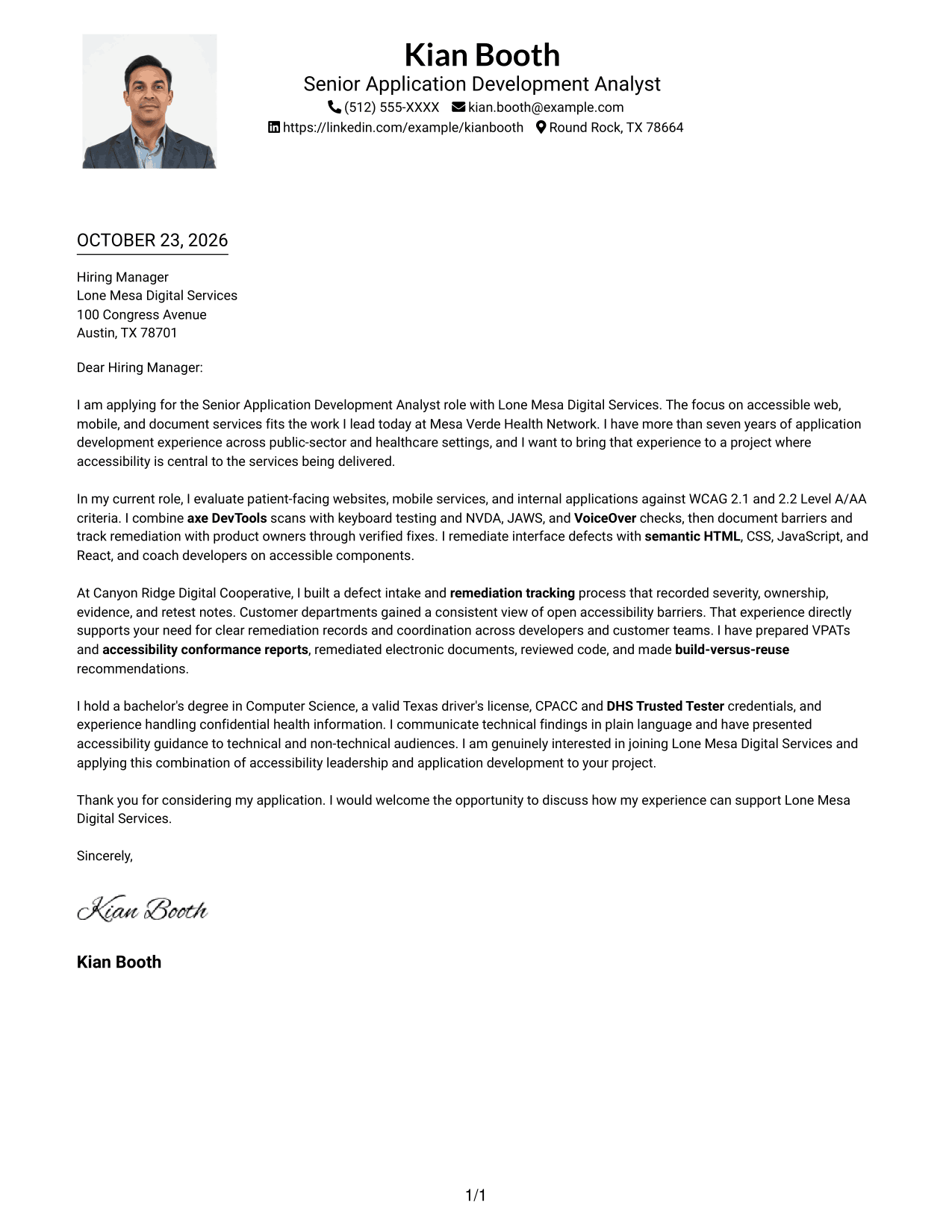
Why This Format Works
- One column gives the letter a direct path from greeting through its closing.
- Sender details remain in the header, apart from the message's continuous paragraphs.
- The photo adds a portrait element while the letter stays in one column.
Best For
- Single-column letter layouts
- Portrait-inclusive correspondence
- Header-based sender details
- Unheaded paragraphs
- Opening-to-close reading
#5 Simple Two Column Format Cover Letter Example
The Simple Two Column Format sets sender details in a sidebar beside one continuous letter body, a good fit when contact information should be easy to distinguish from the message.
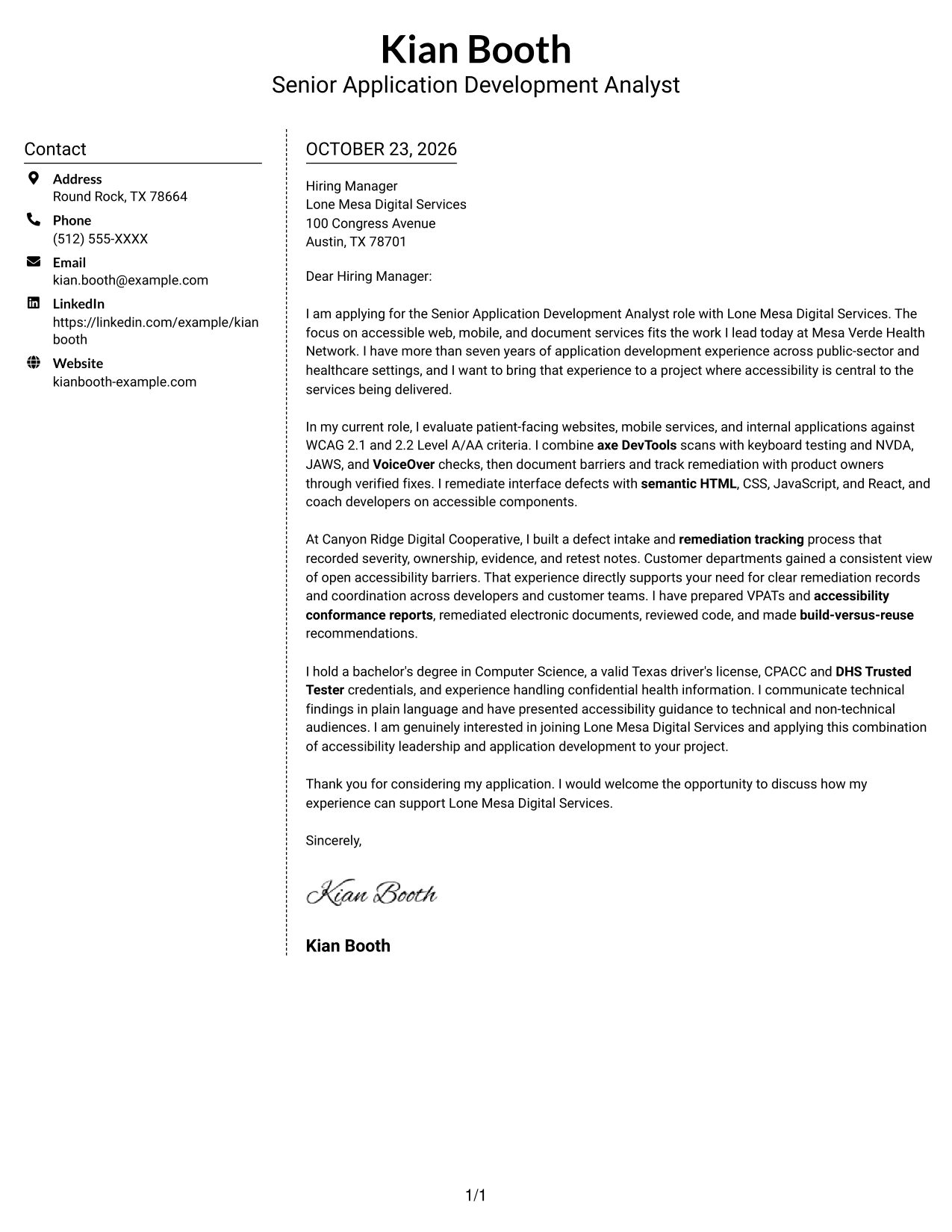
Why This Format Works
- Contact details occupy a sidebar, leaving the letter itself in a single body column.
- The continuous body carries the message from motivation to closing without section labels.
- Unheaded paragraphs keep attention on the message rather than named argument stages.
Best For
- Contact details beside letter text
- One-column letter bodies
- Paragraph-led persuasion
- No-photo correspondence
- Messages organized as prose
#6 Modern Icon Format Cover Letter Example
The Modern Icon Format pairs a contact sidebar with one letter column, using icons as contact cues and header accents rather than labels for the letter's argument.
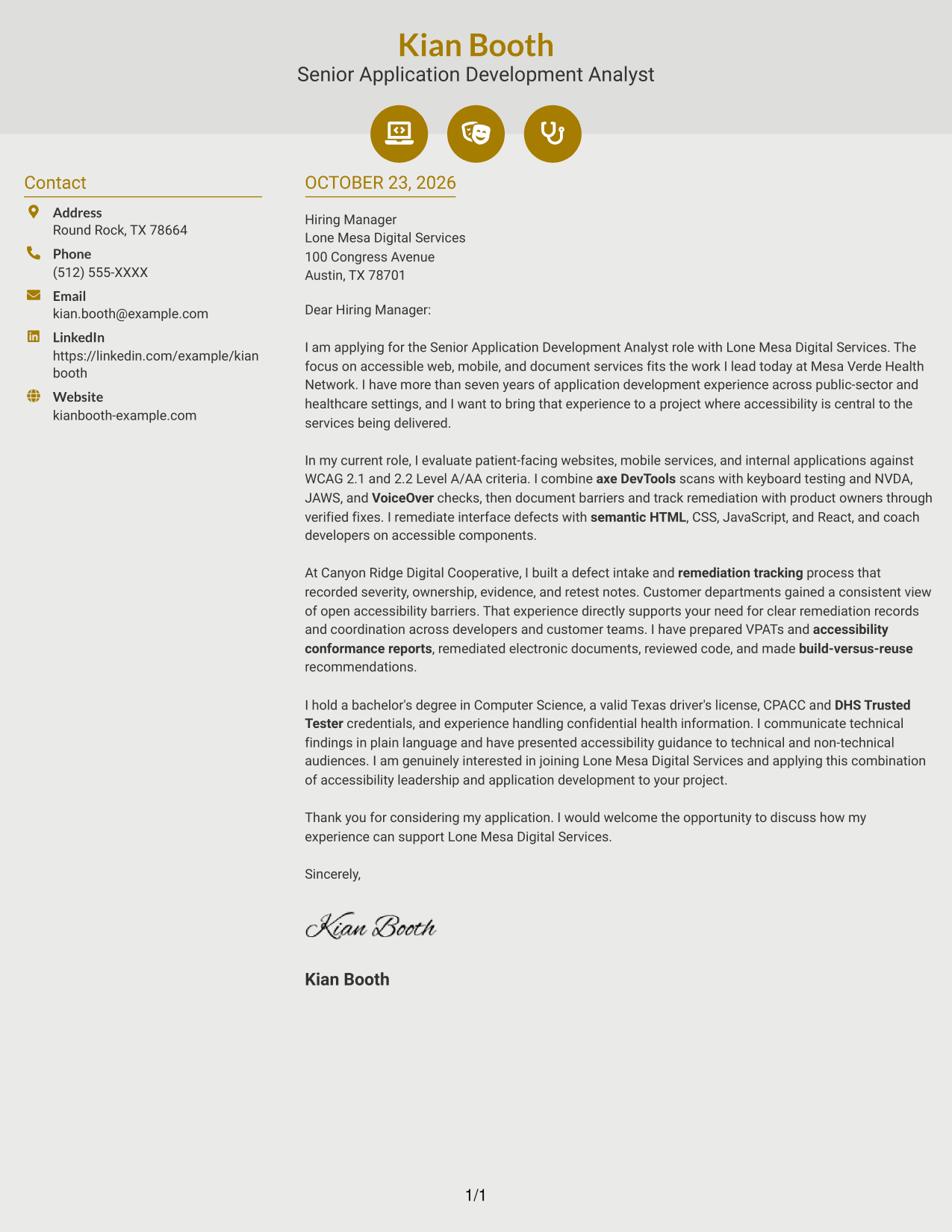
Why This Format Works
- Contact icons offer visual cues for sender details, not labels for the letter's argument.
- The sidebar separates contact information from the single, continuous body column.
- An uninterrupted letter body keeps the opening, evidence, and closing in reading order.
Best For
- Icon-cued contact details
- Two-column letter layouts
- Uninterrupted letter prose
- Decorative header accents
- No-photo correspondence
#7 Creative Two Tone Format Cover Letter Example
The Creative Two Tone Format places contact information in a sidebar beside one continuous letter column, helping keep the sender's details distinct from the message.
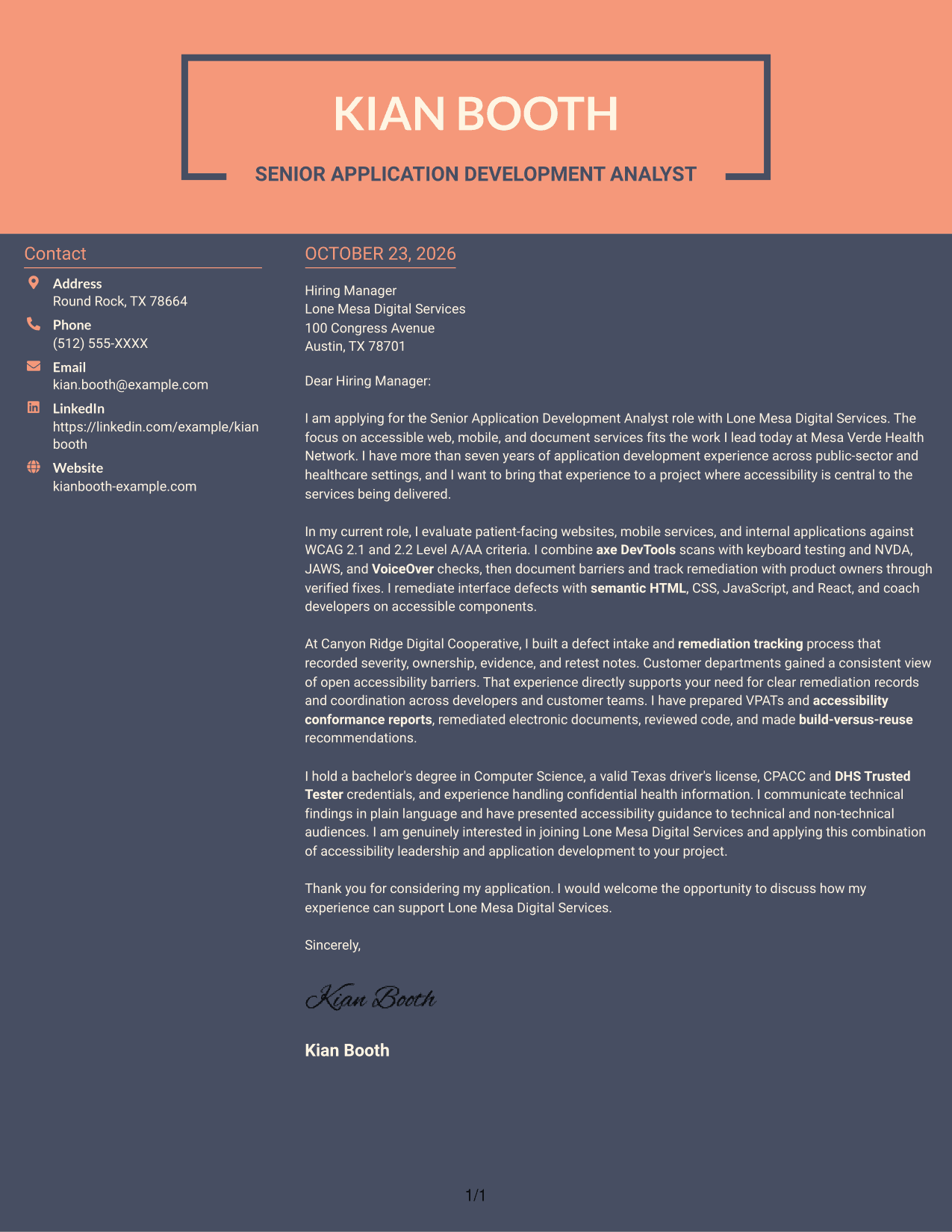
Why This Format Works
- Contact information has its own sidebar, while the letter remains in one body column.
- One continuous body keeps the opening, supporting points, and closing together as a message.
- With no section headings, the paragraphs present a connected, personal voice.
Best For
- Sidebar contact presentation
- One-column letter body
- Photo-free applications
- Paragraph-based persuasion
- Digital accessibility applications
Why Use ResumeInMinutes for a Senior Application Development Analyst - Digital Accessibility Cover Letter
ResumeInMinutes gives you a starting point for presenting your interest, relevant accessibility experience, and fit for this application development role. Compare the image preview, then open the example in the editor to customize it.
- Clear writing styles
- Readable formatting
- Role-focused customization
- Cover letter examples
- Professional layouts
- Editor-based customization
Keep your message direct, support your claims with relevant examples, and show how your approach to digital accessibility connects with the position.
See Also
- 7 Senior Application Development Analyst - Digital Accessibility Resume Templates with Example
- 7 Application Analyst Specialist Resume Templates with Example
- 7 Senior Application Analyst - Epic Environments Resume Templates with Example
- 7 Senior Business Analyst - Application Support Governance Resume Templates with Example
- 7 Service Desk Analyst - Federal Application Support Resume Templates with Example
- 7 Development Analyst - Laboratory Analysis Resume Templates with Example
- 33 Accounts Payable Analyst - Invoice Processing Resume Templates with Example 2026 (ATS-Optimized)
- 33 Accounts Payable Analyst Resume Templates with Example 2026 (ATS-Optimized)
- 7 Senior Business Analyst - Application Support Governance Cover Letter Templates with Example
- 7 Service Desk Analyst - Federal Application Support Cover Letter Templates with Example
Frequently Asked Questions
What should a Senior Application Development Analyst - Digital Accessibility cover letter include?
Explain your interest in the role, then give relevant evidence of accessible application work. You might discuss testing, assistive technology checks, remediation, accessibility documentation, or communication with technical and non-technical teams, if those reflect your experience.
How can I describe accessibility testing in my letter?
Briefly name the type of service you assessed, the testing approach you used, and how you helped address findings. Mention tools or assistive technologies only when you have used them yourself.
How can I connect my experience to the employer's needs?
Choose one or two examples that match the role, such as tracking accessibility barriers or explaining technical findings clearly. Show how that work can support accessible web, mobile, or document services.
How do I compare the cover letter examples?
Review the PNG image preview to see the page presentation, then use the editor link to view or customize the example.
Should I include every accessibility tool I know?
No. Focus on the tools and methods most relevant to the position, and include them only when they are part of your own experience. Keep the letter centered on how your work supports accessible services.




