
7 Senior Application Development Analyst - Digital Accessibility Resume Templates with Example
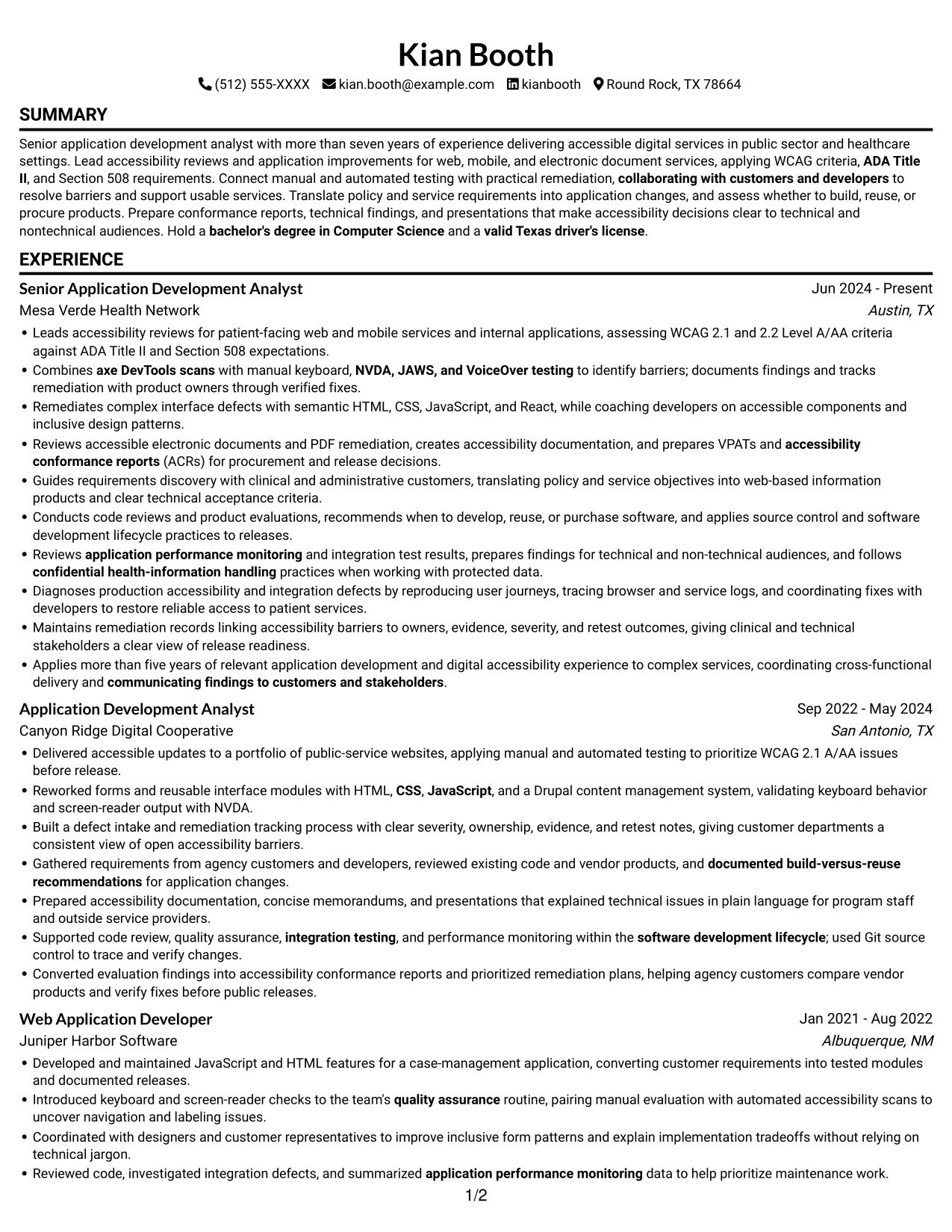
This guide shows you how to build a clear, focused resume for a Senior Application Development Analyst - Digital Accessibility role. Use the examples to organize your evidence and present your technical strengths in a way that is easy to review.
A strong resume connects accessibility work to application development. Show how you assess WCAG 2.1 and 2.2 Level A/AA criteria, test with assistive technologies, track fixes, and help teams deliver accessible web, mobile, and electronic document services.
The guide explains resume sections, ATS keywords, and practical ways to describe results. The same resume is presented in 7 layouts, so you can compare the image previews and open an example in the editor.
What Makes a Great Senior Application Development Analyst - Digital Accessibility Resume in 2026
A strong resume makes accessibility expertise and application development easy to find. Clear sections and focused achievement bullets help reviewers see how you assess barriers, guide remediation, and support reliable services.
Use relevant terms such as WCAG 2.1 and 2.2, ADA Title II, Section 508, axe DevTools, NVDA, JAWS, VoiceOver, semantic HTML, and VPATs. Add context and outcomes to show how you used these skills in testing, remediation, and release work.
Note: Resume examples are for educational purposes only. Use only information that accurately reflects your experience and qualifications. References to real organizations do not imply affiliation or endorsement.
#1 Simple One Column Format Resume Example
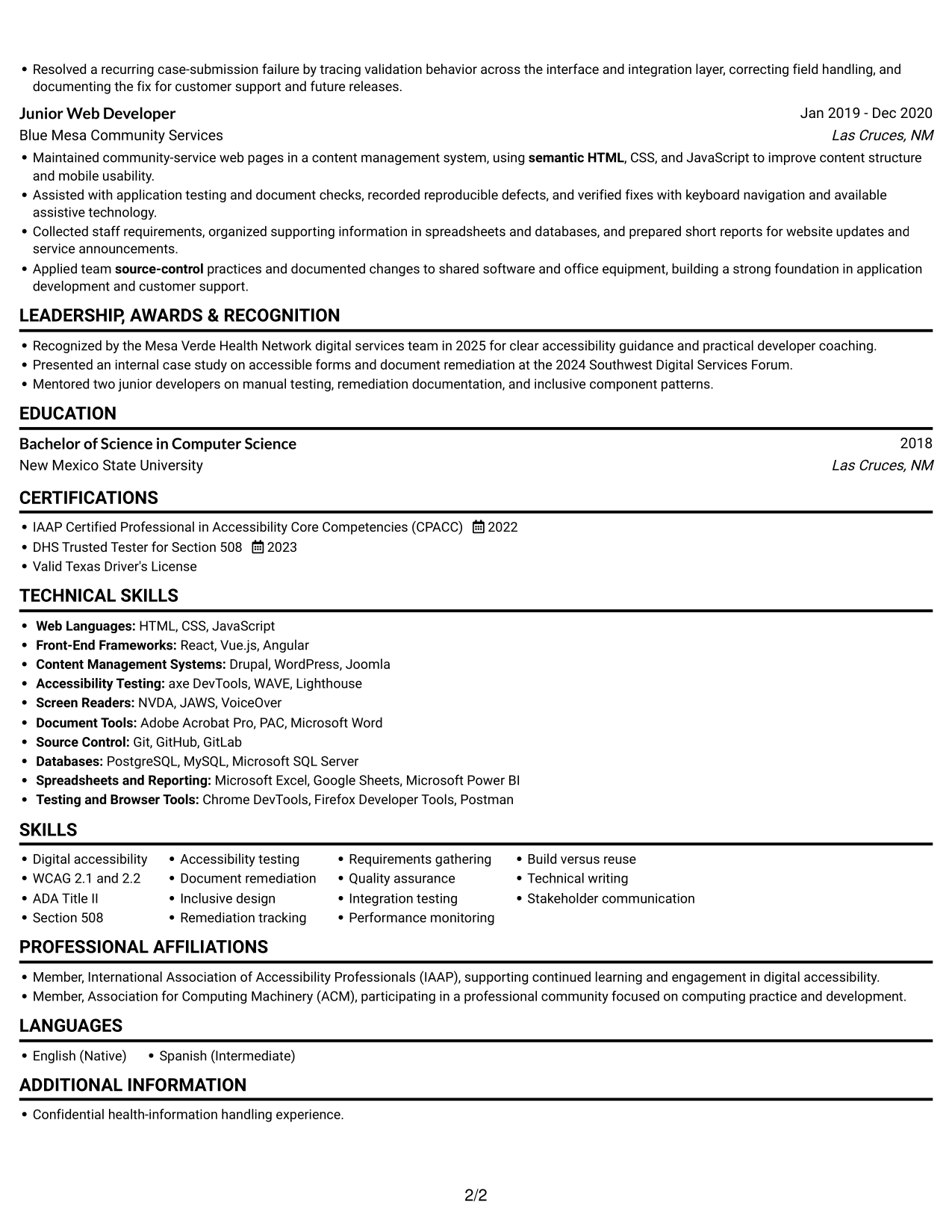
A single-column body keeps experience and supporting sections in one reading path, helping reviewers follow career progression from role to role.
Why This Format Works
- One reading path helps reviewers follow career progression from role to role.
- Experience bullets stay in sequence, so readers can compare responsibilities across roles.
- Education and credentials fit within the same linear review of the resume.
Best For
- Chronological work histories
- Single-path recruiter review
- Detailed experience records
- ATS-focused document review
- Skills and credentials in sequence
Resume Keywords
- assessing WCAG 2.1 and 2.2 Level A/AA criteria against ADA Title II and Section 508 expectations
- digital accessibility
- ADA Title II
- Section 508
- axe DevTools scans
- manual keyboard
- NVDA, JAWS, and VoiceOver testing
- Reviews accessible electronic documents and PDF remediation
- prepares VPATs and accessibility conformance reports (ACRs)
- VPATs
- Maintains remediation records linking accessibility barriers to owners, evidence, severity, and retest outcomes
- inclusive design
- semantic HTML
- CSS
- JavaScript
#2 Simple Two Column Format Resume Example
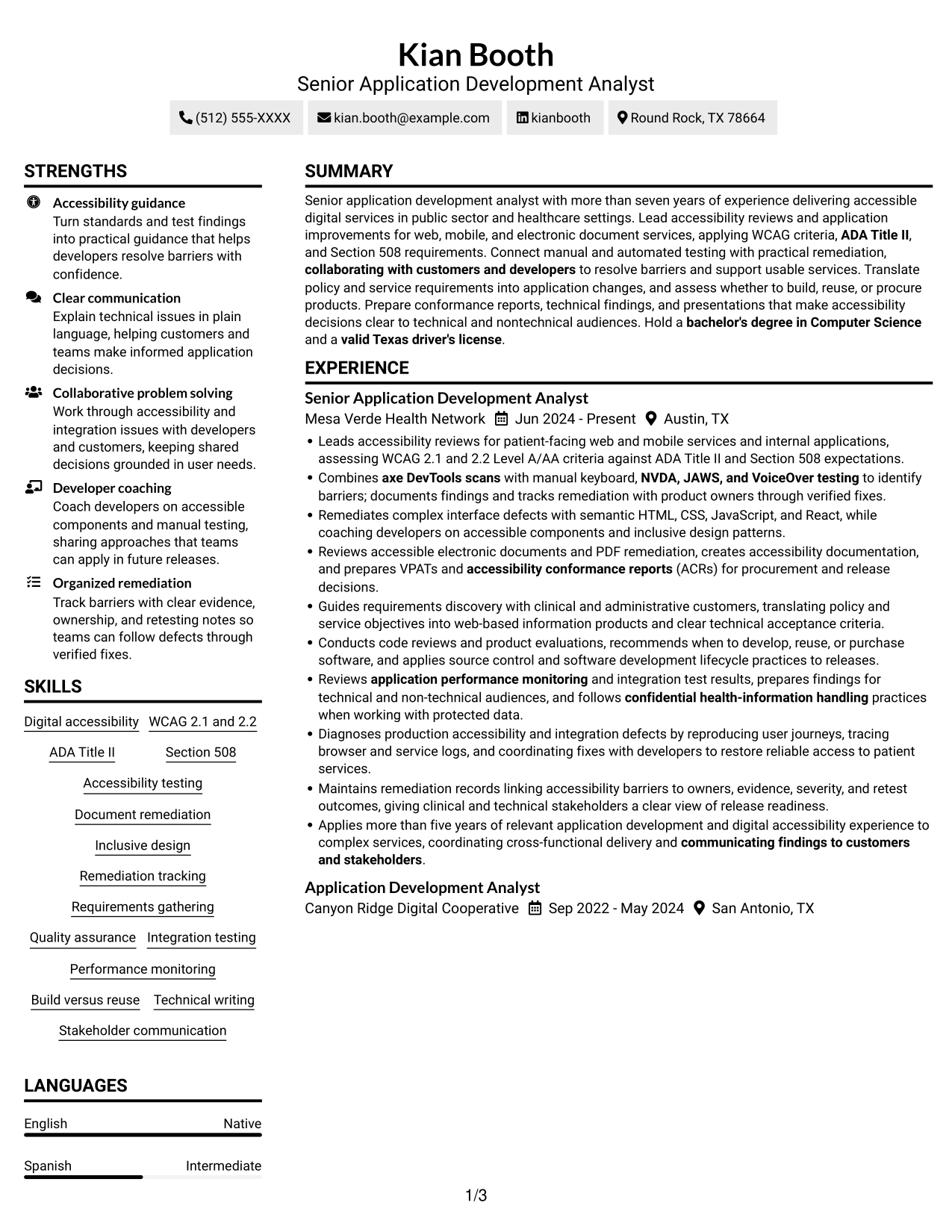
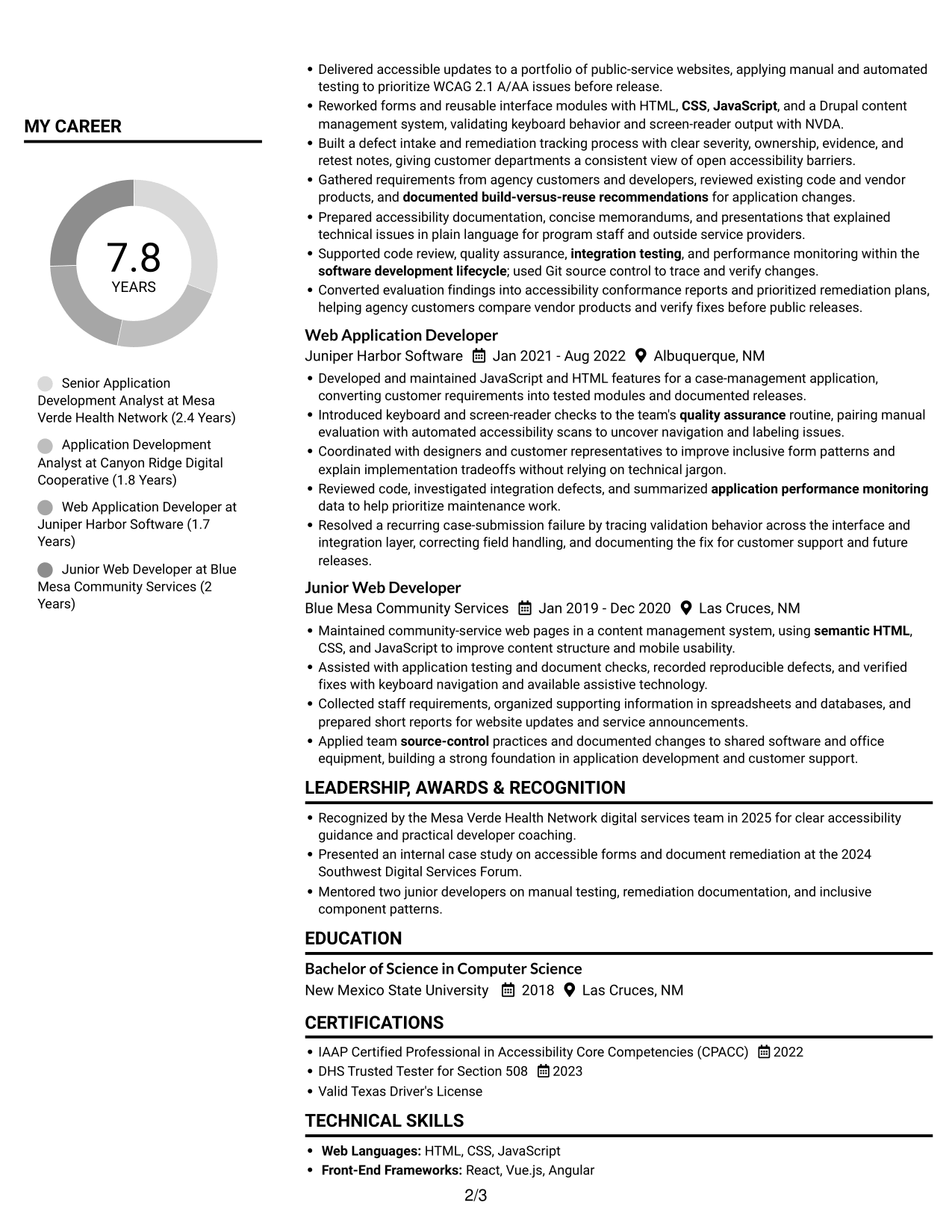
A two-column body places resume content in parallel areas, helping reviewers scan a broad record without following one long text stream.
Why This Format Works
- Section grouping helps reviewers find education and certifications without rereading work history.
- Career entries are easier to compare when role details share a clear sequence.
- A separate area for skills supports a focused review of qualifications.
Best For
- Side-by-side content review
- Broad resume records
- Quick access to key sections
- Grouped skills and credentials
- Readers comparing work history
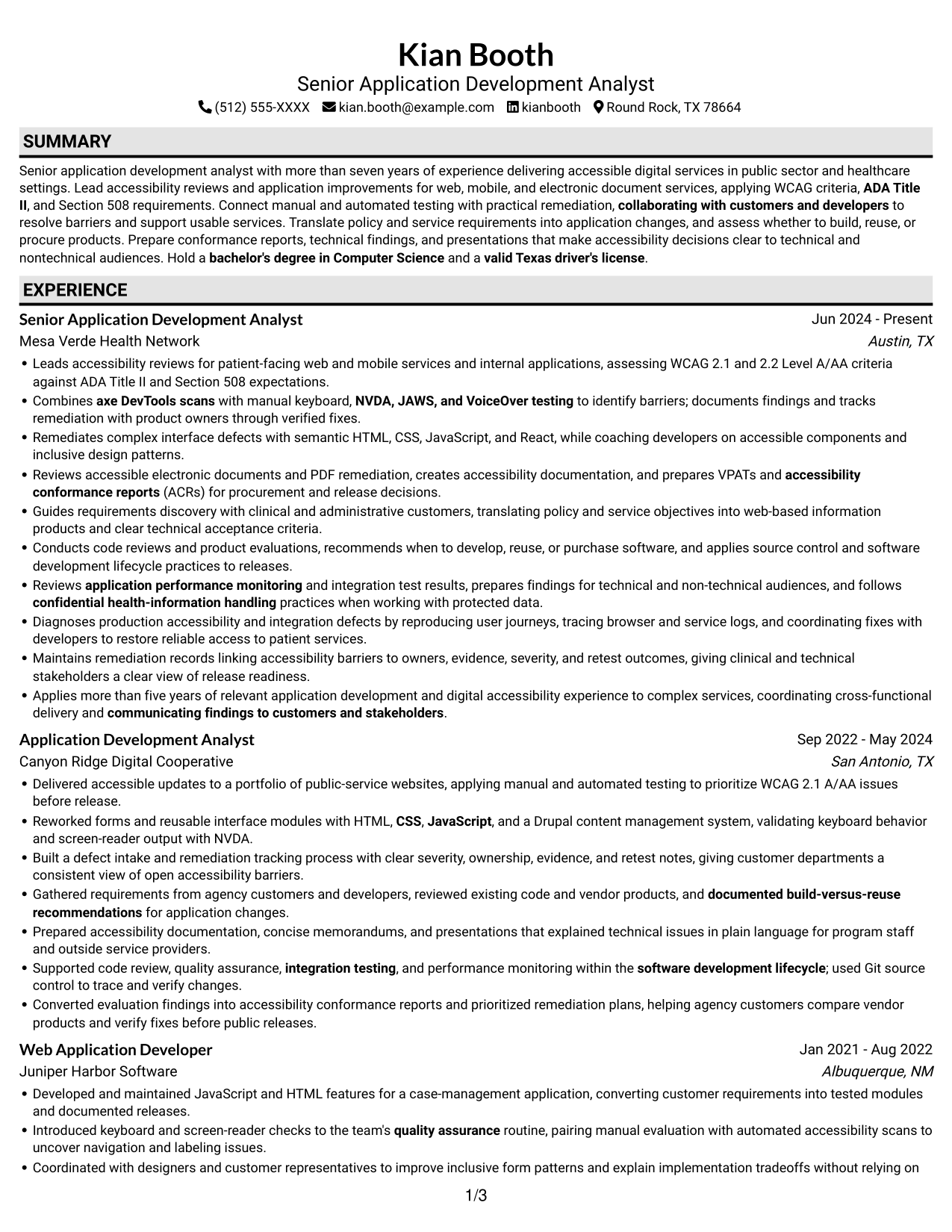
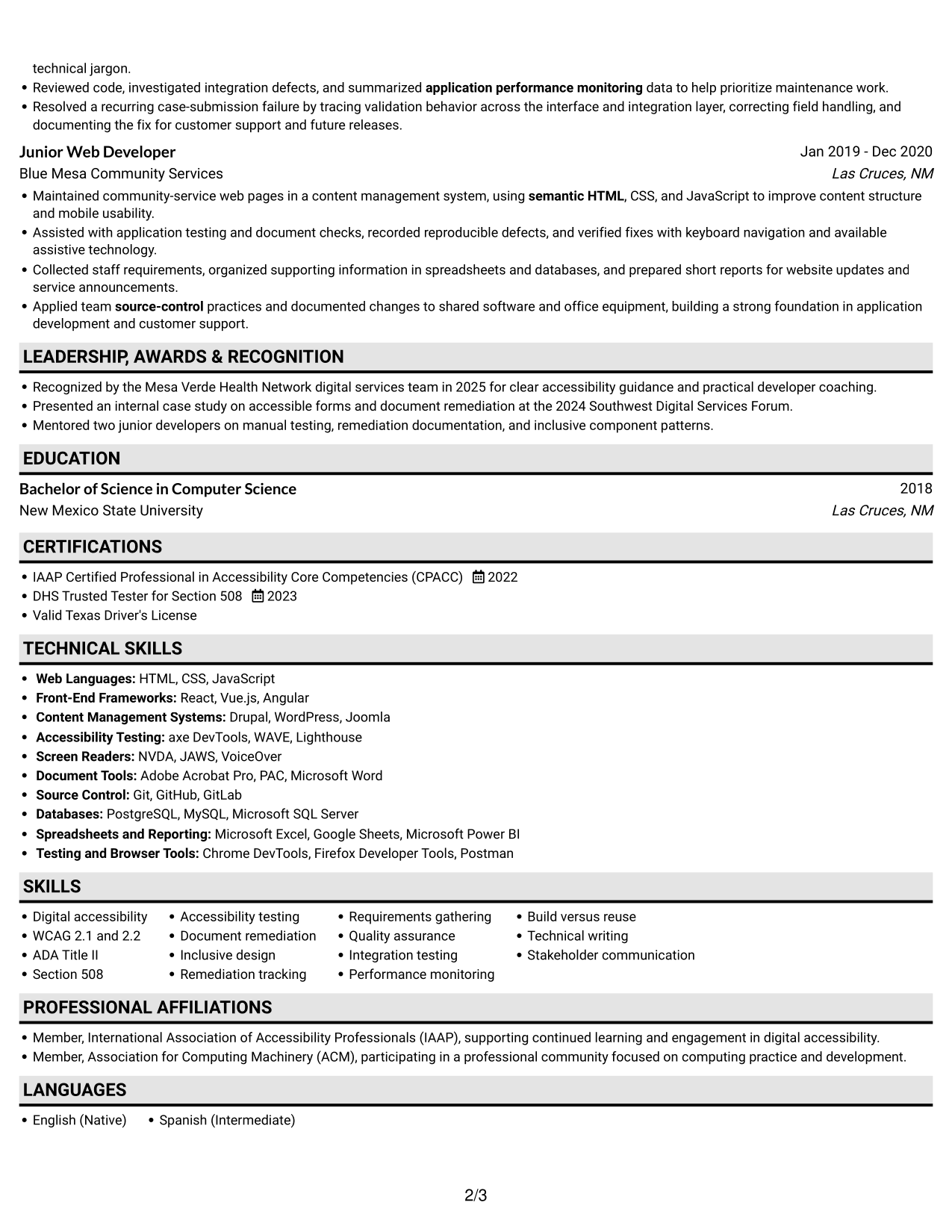
#3 Plain One Column with Shaded Labels Resume Example
The one-column body keeps each resume section in a shared sequence, making experience, skills, and education straightforward to locate.
Why This Format Works
- A single reading path helps reviewers follow experience entries in their listed order.
- Skills and education are easy to locate within the section sequence.
- Credentials and recognition stay part of one predictable resume review.
Best For
- Section-by-section review
- Career history in sequence
- Text-first resume reading
- Detailed section content
- Readers seeking direct navigation
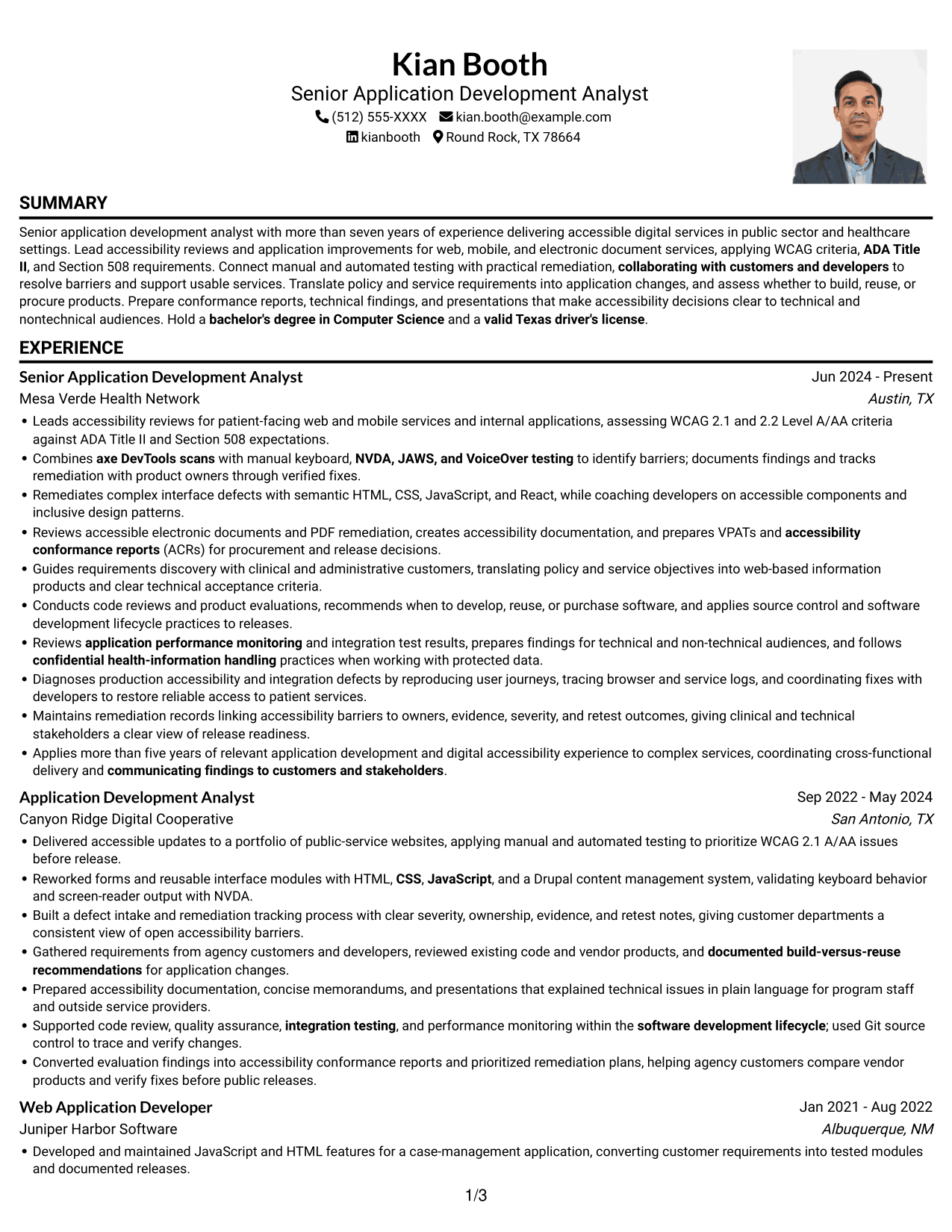
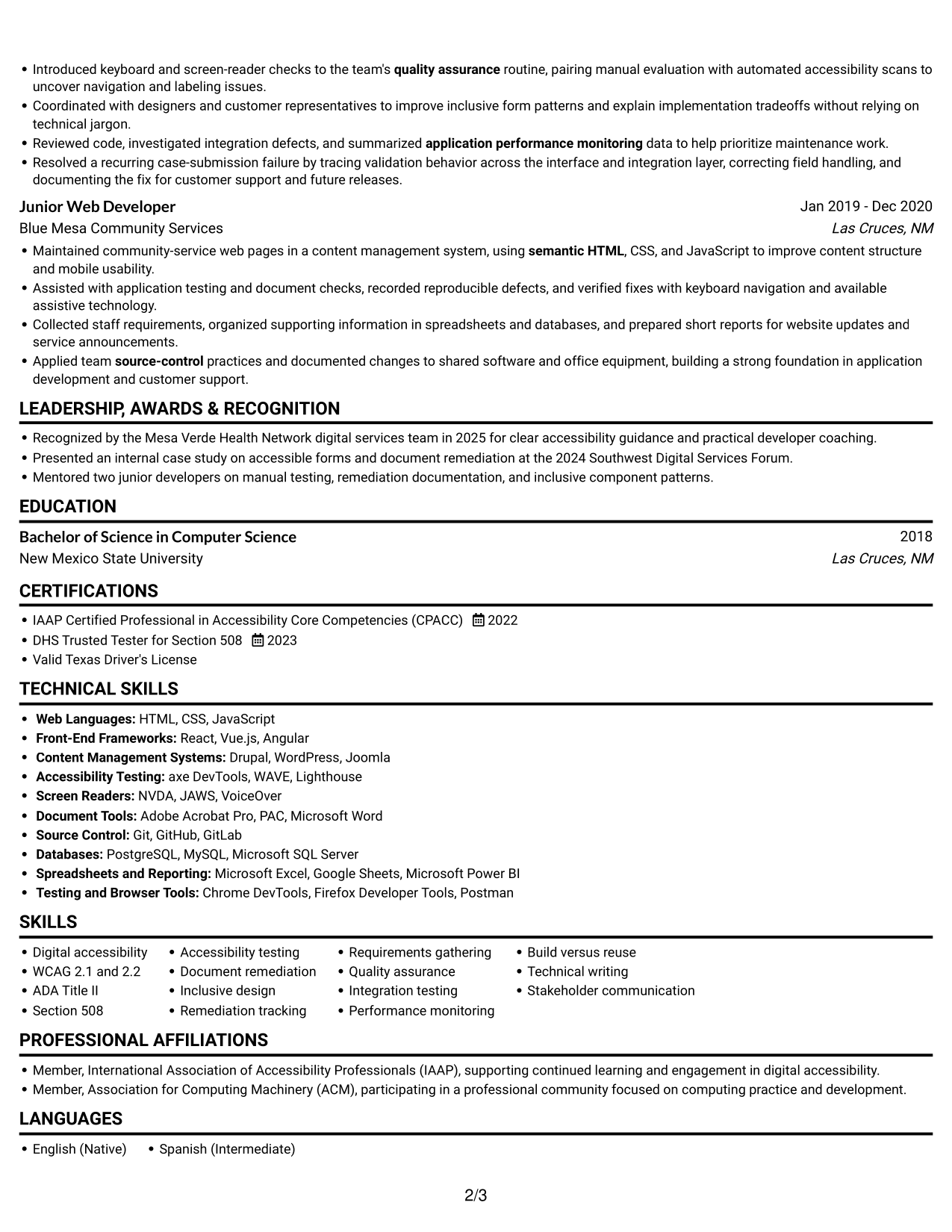
#4 One Column Format with Photo Right Resume Example
A portrait at the right pairs with a single-column body, offering a visible profile while keeping resume content on one reading path.
Why This Format Works
- The single-column body keeps work history in a clear reading sequence.
- Skills and education can be reviewed within the same vertical flow.
- A steady section order helps readers move from experience to credentials.
Best For
- Right-side portrait preference
- Single-path resume review
- Chronological experience details
- Skills and education in sequence
- Documents with a visible profile
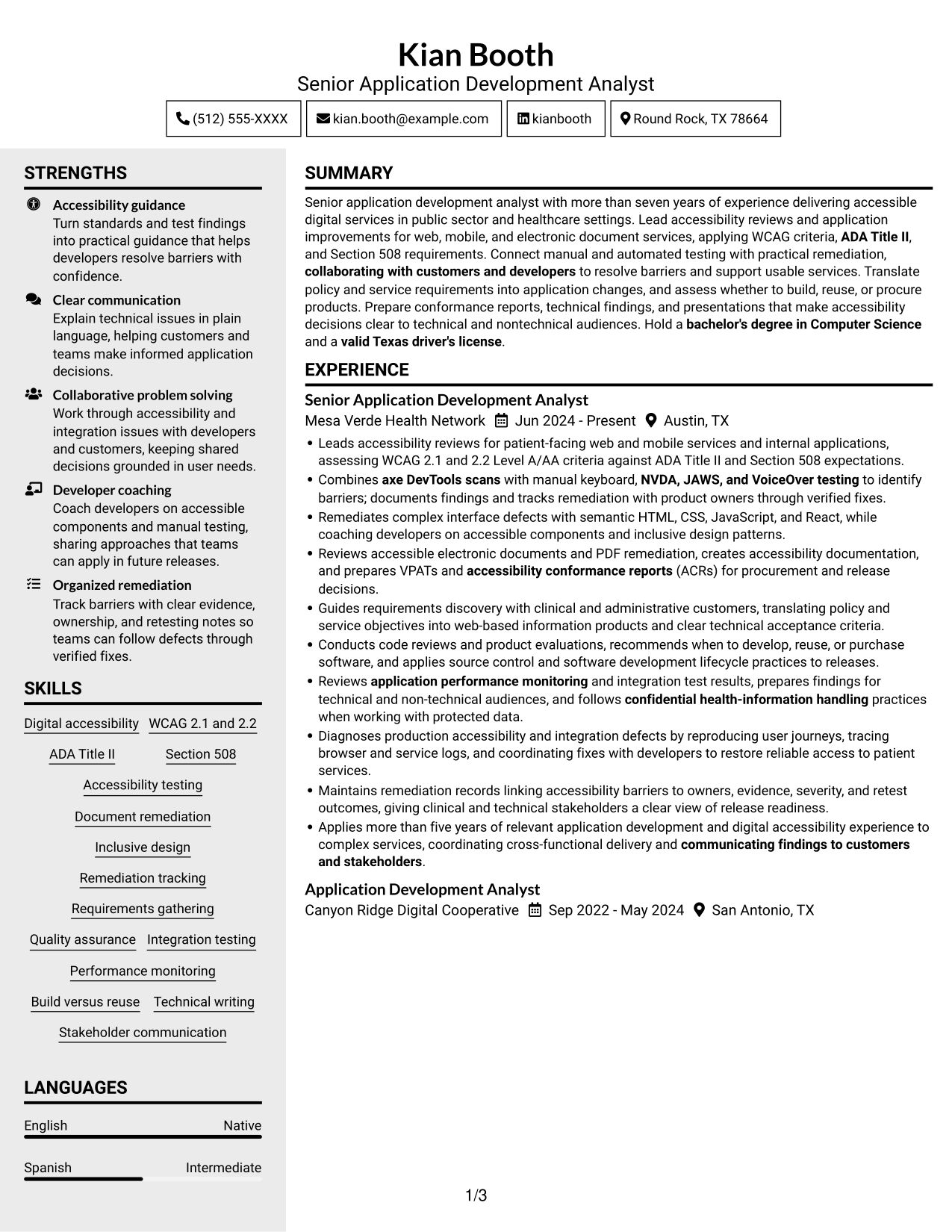
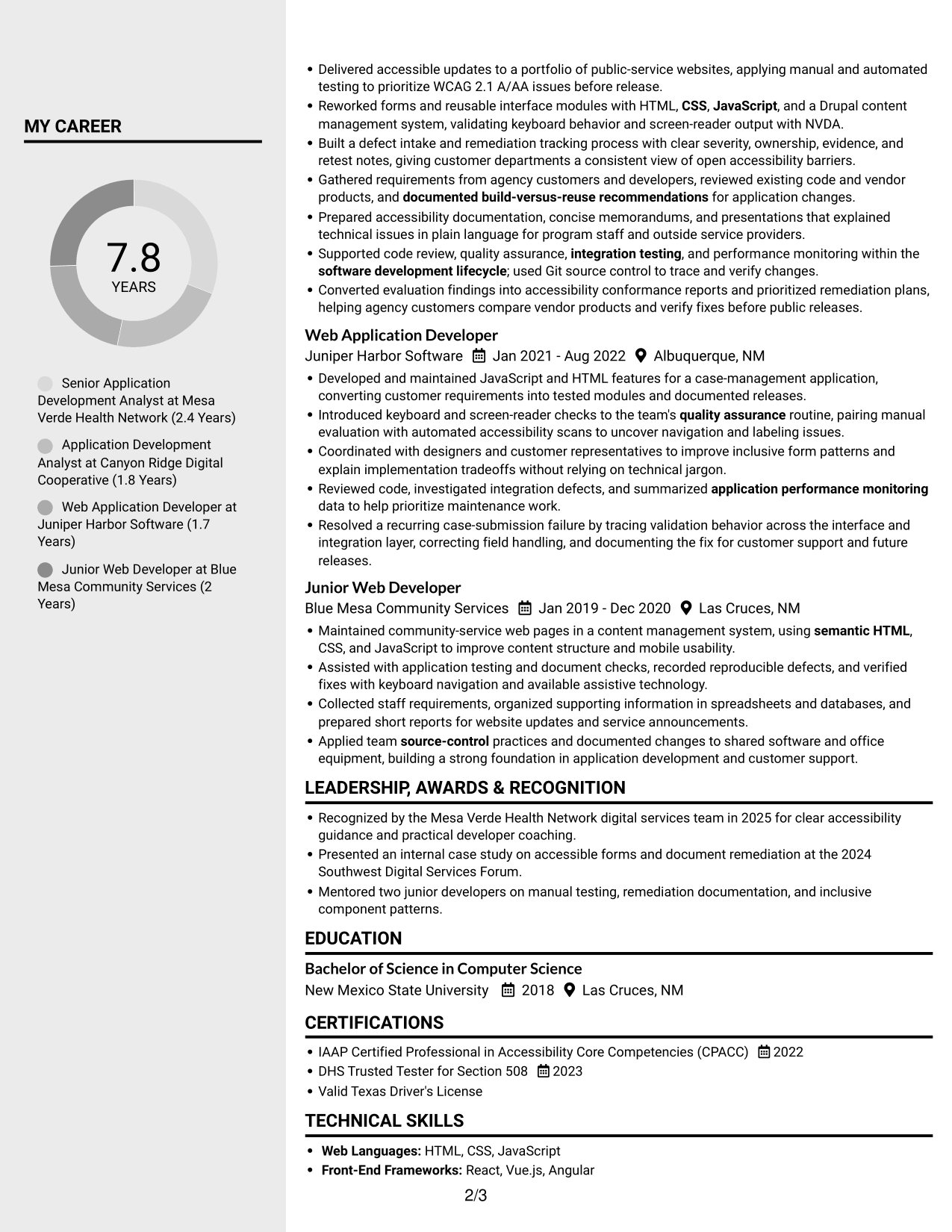
#5 Clean Two Column Sidebar Format Resume Example
A two-column body sets a sidebar beside the main content, giving reviewers a compact way to move between career history and supporting details.
Why This Format Works
- The section layout helps reviewers locate education without searching through every experience entry.
- A sidebar offers a distinct place for supporting resume details.
- Grouped content helps readers return to skills after reviewing career history.
Best For
- Sidebar-based information grouping
- Compact resume organization
- Quick reference to supporting details
- Work history with related sections
- Readers scanning varied credentials
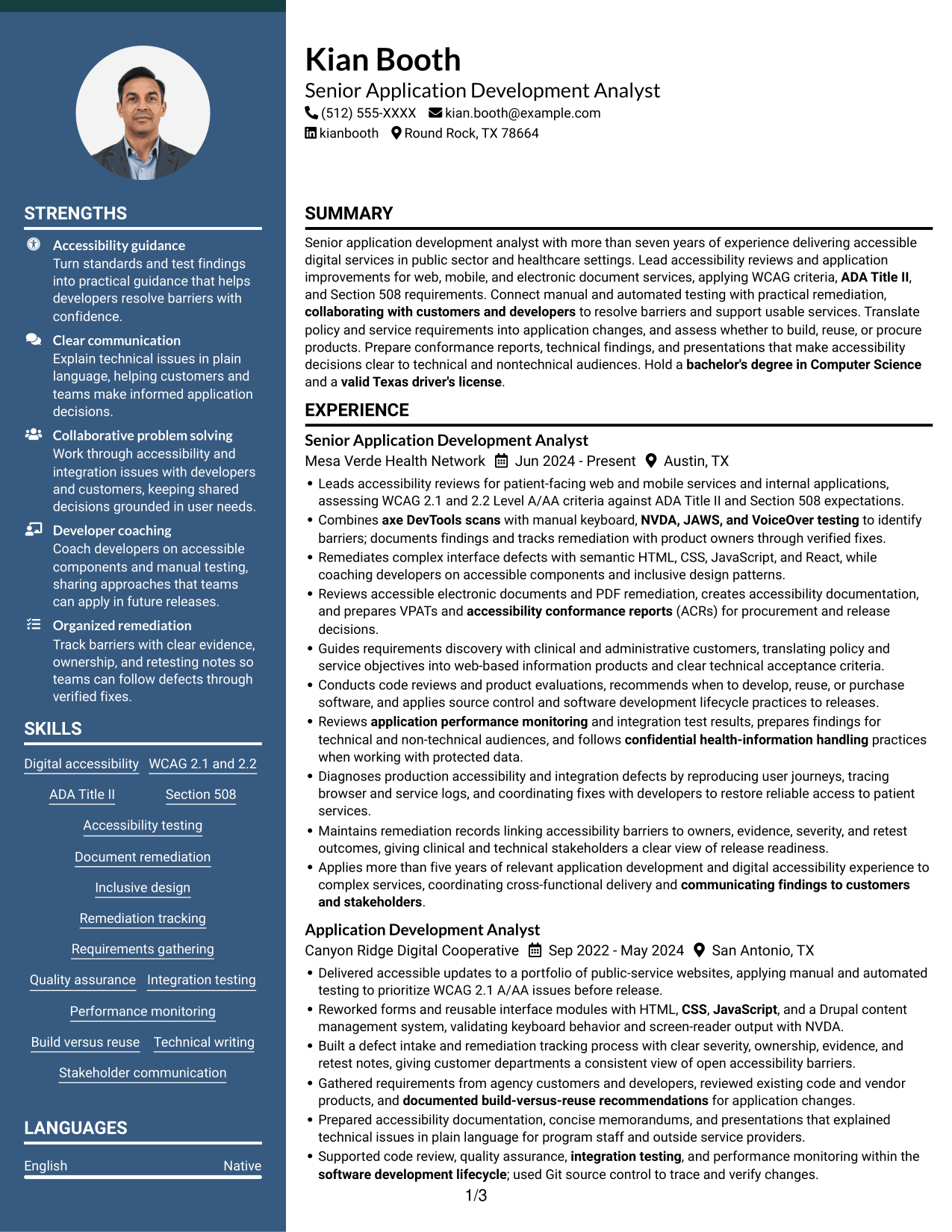
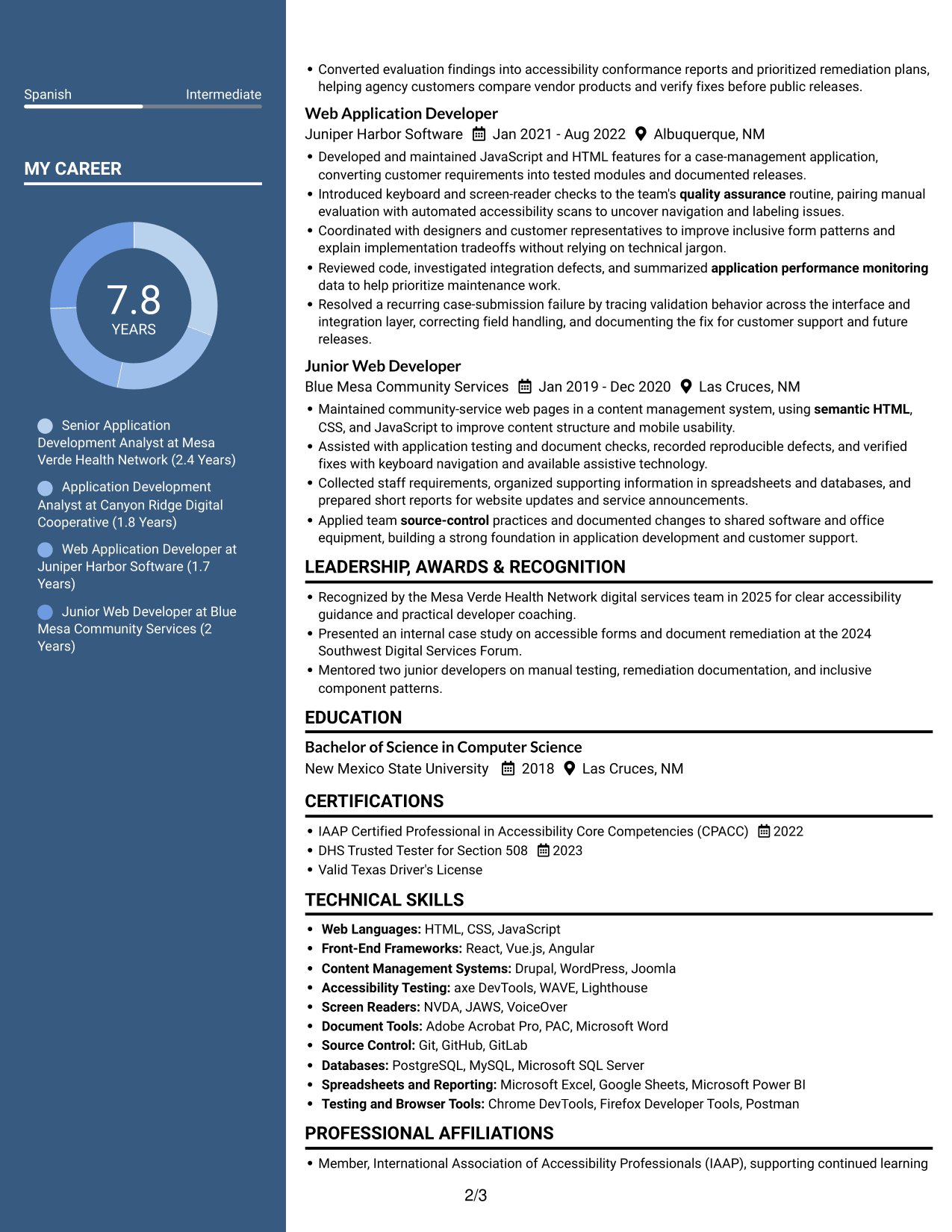
#6 Two Column Format Resume Example
Two parallel content areas make this format useful when reviewers need to move between career history and supporting resume sections.
Why This Format Works
- Section separation helps readers return to key qualifications after reviewing career progression.
- Education and certifications remain easy to locate during a focused review.
- Grouped technical skills provide a quick reference alongside broader resume content.
Best For
- Parallel content review
- Resume sections with distinct needs
- Quick checks of education and credentials
- Grouped technical information
- Readers moving between content areas
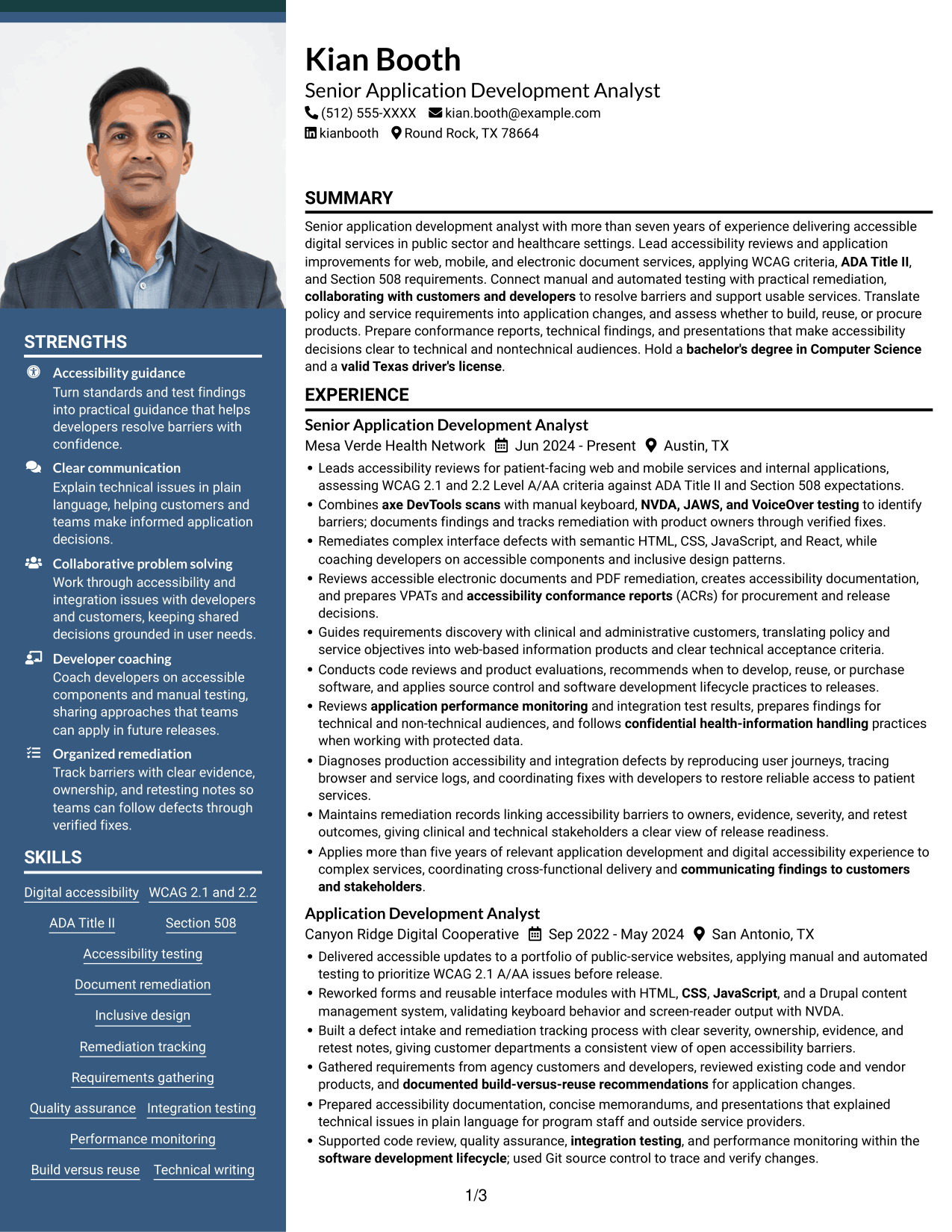
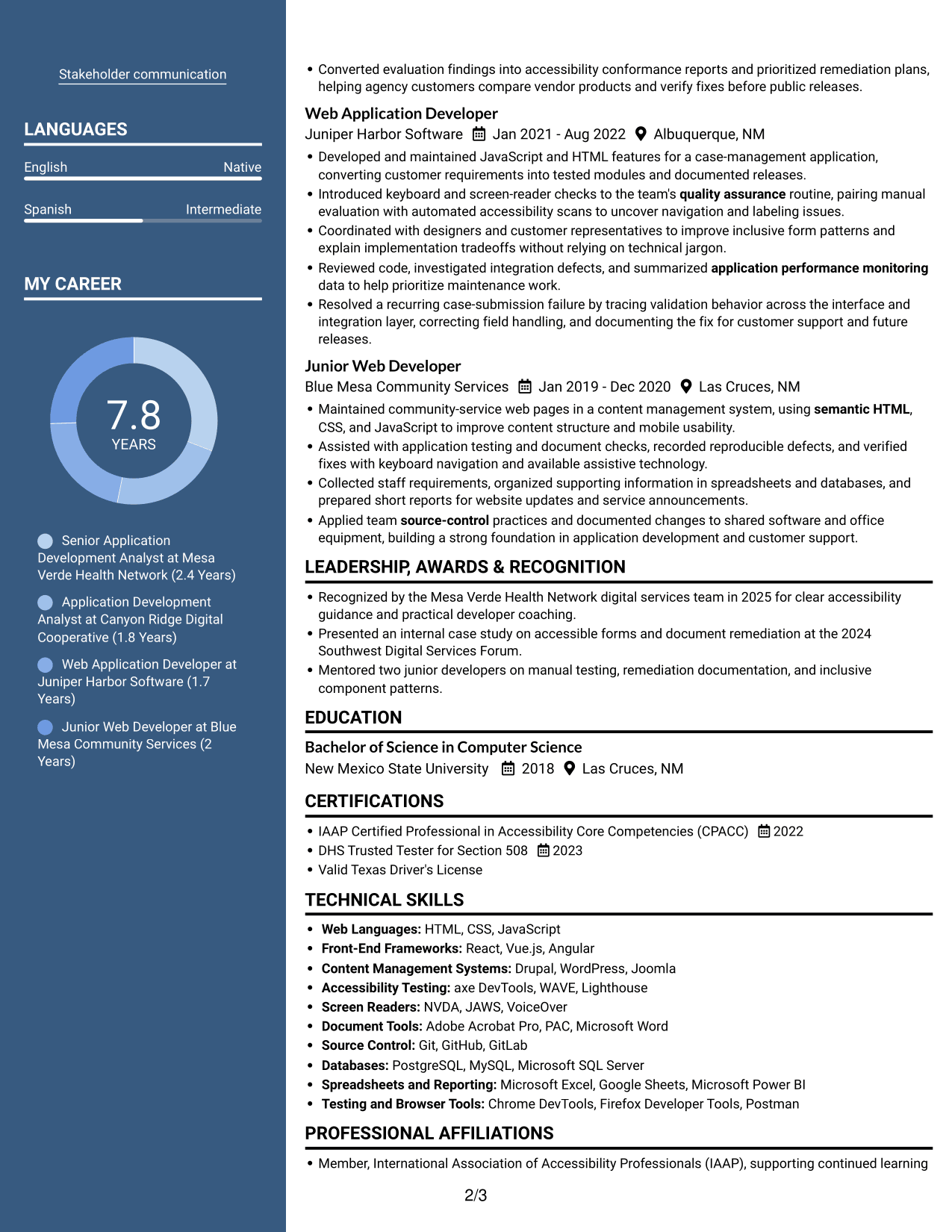
#7 Photo Header Two Column Format Resume Example
A photo header sits above the two-column body, combining a visible profile with divided space for resume sections.
Why This Format Works
- The two-column body gives experience and supporting sections distinct reading areas.
- Section grouping helps reviewers find education and credentials during a quick scan.
- The photo header keeps the profile visually separate from career details.
Best For
- Photo-led header preference
- Two-column section organization
- Fast review of varied resume details
- Distinct areas for experience and qualifications
- Documents with a visible profile
Why Build Your Senior Application Development Analyst - Digital Accessibility Resume with ResumeInMinutes
ResumeInMinutes helps you organize your experience, skills, certifications, and technical tools in a resume that is simple to scan and adjust. Compare image previews, then open an example in the editor to explore its layout.
- Resume layout options
- Clear section structure
- Role-specific keyword guidance
- Skills and tools organization
- Experience-focused resume examples
- Resume customization support
Bring together accessibility testing, application work, remediation records, and clear technical communication. Focus each bullet on your actions and the results they supported.
See Also
- 7 Application Analyst Specialist Resume Templates with Example
- 7 Senior Application Analyst - Epic Environments Resume Templates with Example
- 7 Senior Business Analyst - Application Support Governance Resume Templates with Example
- 7 Service Desk Analyst - Federal Application Support Resume Templates with Example
- 7 Development Analyst - Laboratory Analysis Resume Templates with Example
- 33 Accounts Payable Analyst - Invoice Processing Resume Templates with Example 2026 (ATS-Optimized)
- 33 Accounts Payable Analyst Resume Templates with Example 2026 (ATS-Optimized)
- 7 AI Operations Adoption and Enablement Analyst Resume Templates with Example
- 7 Senior Application Development Analyst - Digital Accessibility Cover Letter Templates with Example
- 7 Senior Business Analyst - Application Support Governance Cover Letter Templates with Example
Frequently Asked Questions
Are these Senior Application Development Analyst - Digital Accessibility resume templates ATS-friendly?
The examples use clear headings and organized resume sections. Include relevant terms such as WCAG, Section 508, manual and automated testing, assistive technologies, remediation tracking, and accessibility conformance reports where they match your experience.
Are these different resumes?
No. The page shows one resume example in a range of visual layouts. Compare the image previews to find a format that presents the information clearly.
What should this resume include?
Include a focused summary, relevant experience, technical skills, education, and certifications. Add specific examples of accessibility reviews, application improvements, document remediation, and verified fixes.
Which resume layout works well for this role?
A clean layout with standard headings and a clear section order helps people and ATS tools find key details. Keep skills easy to scan and use concise bullets to explain your work and results.
How can I show accessibility testing experience?
Name the standards and testing methods you have used, such as WCAG criteria, keyboard checks, axe DevTools, NVDA, JAWS, or VoiceOver. Explain how you recorded barriers, coordinated remediation, and retested fixes.
Should I include a photo on my resume?
For U.S. applications, a resume without a photo is generally the safer choice. Use the space for relevant skills, experience, and achievements instead.




