
7 Senior Architect - Data Center Design Cover Letter Templates with Example
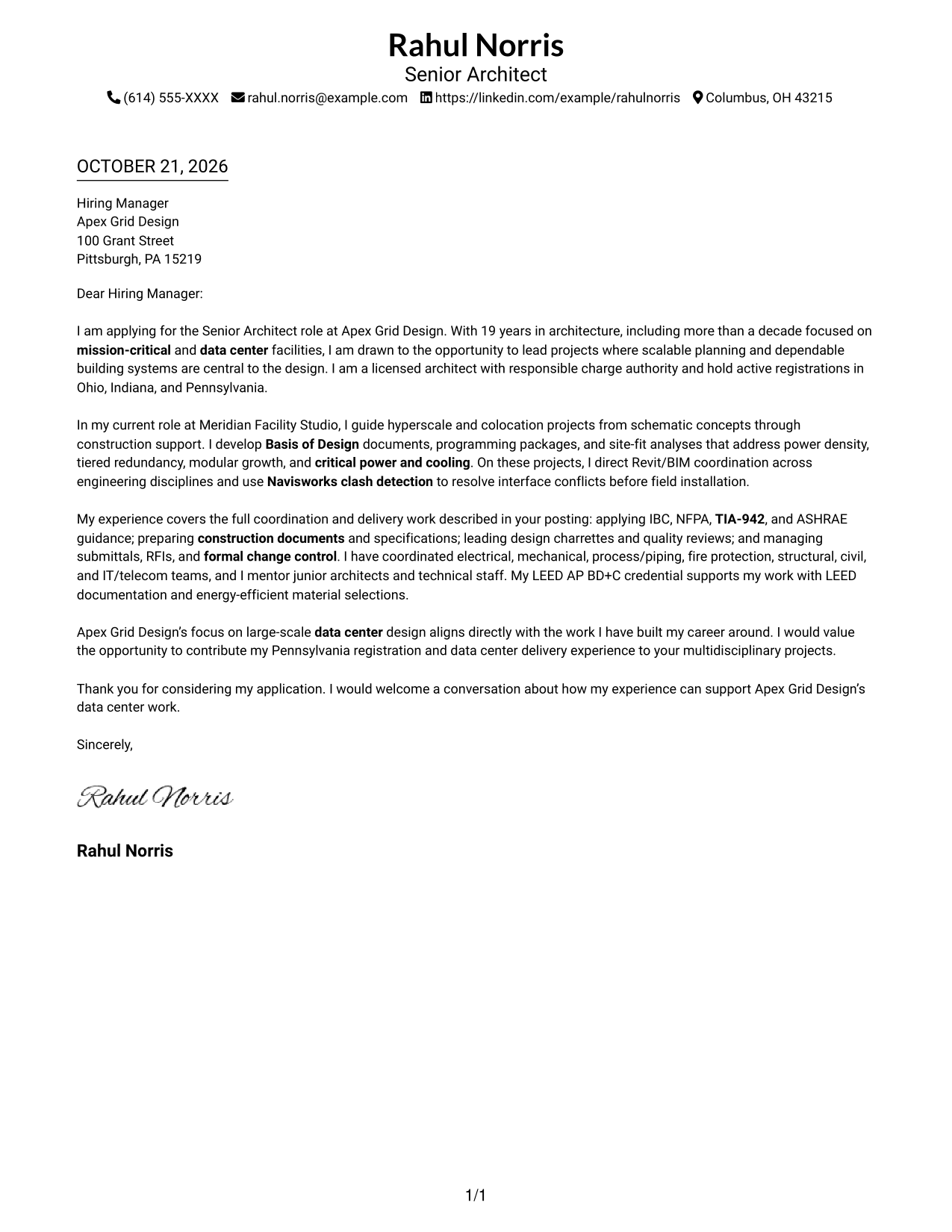
This practical guide helps you create a Senior Architect - Data Center Design cover letter, with seven layouts that show how a clear case for role fit can strengthen your message.
What Makes a Great Senior Architect - Data Center Design Cover Letter in 2026
A strong letter shows how your design leadership supports reliable, scalable data center facilities. Start with your interest in the role, then connect your approach to the needs of mission-critical design.
Use clear evidence, such as Basis of Design work, multidisciplinary coordination, and construction-phase decisions. Link that evidence to the employer's priorities for facility performance, team alignment, and sustainable design.
The featured example follows a focused progression from role interest to relevant experience and employer alignment, which you can adapt while choosing a presentation that suits the employer and communication context.
#1 Simple One Column Format Cover Letter Example
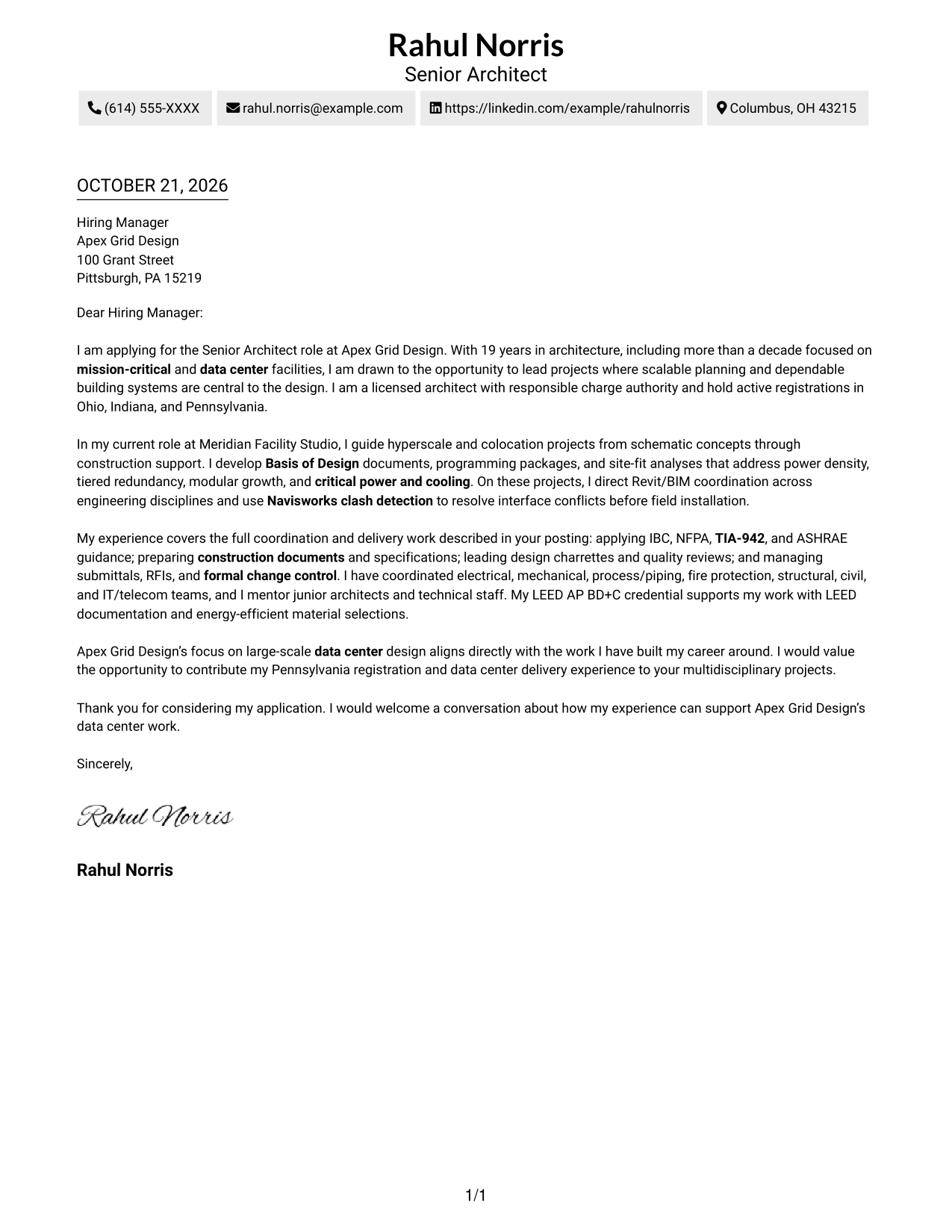
The single-column arrangement gives this letter a direct, uncluttered reading path.
Why This Format Works
- Sender details stay in the header, making contact information easy to locate.
- Continuous paragraphs carry the opening, supporting points, and close as one letter.
- A single column gives every paragraph a consistent place in the reading order.
Best For
- Single-column letter layouts
- Continuous persuasive correspondence
- Letters with several supporting paragraphs
- Easy-to-find contact information
- Traditional business communication
#2 Two Column Format Cover Letter Example
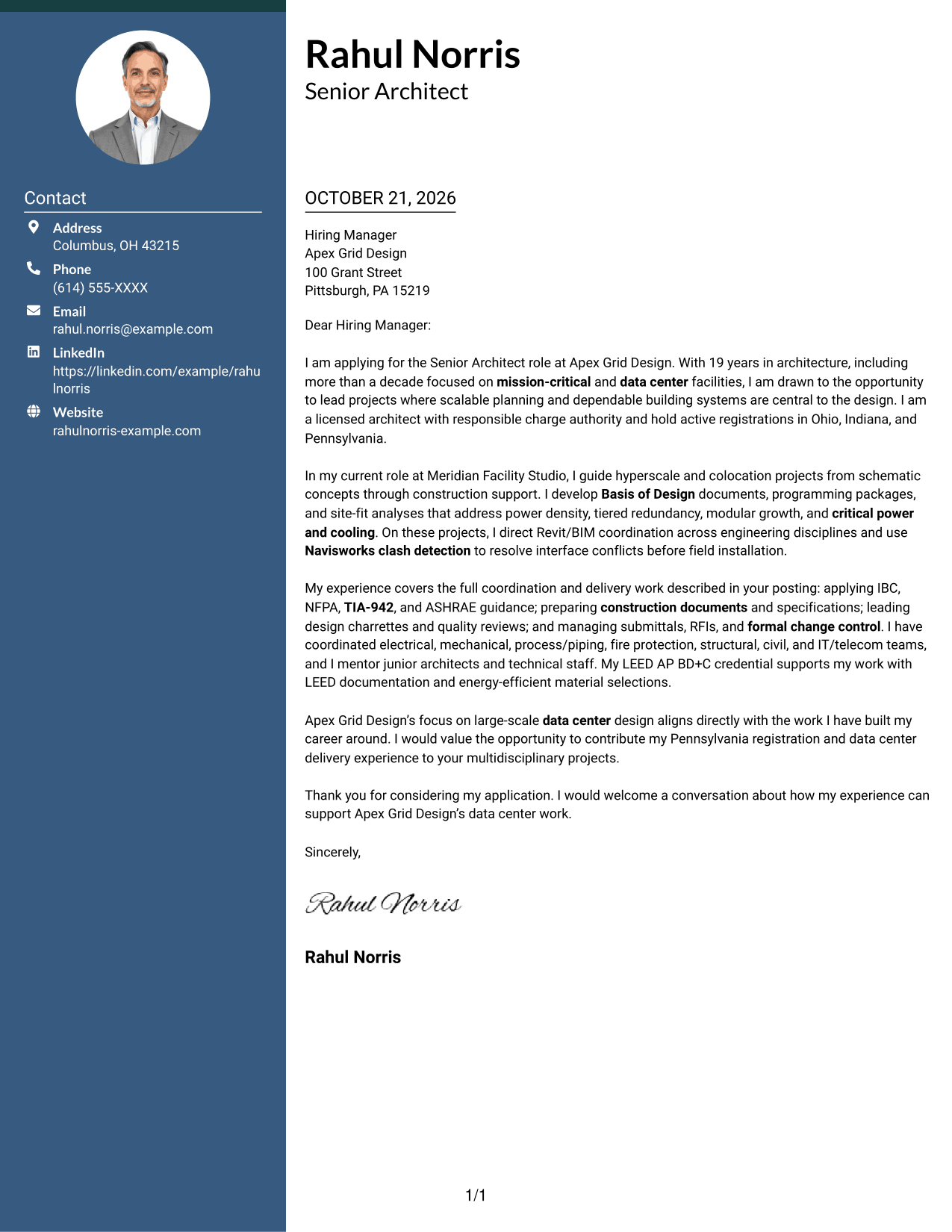
A contact sidebar sits beside the continuous letter body, keeping correspondence details separate from the message.
Why This Format Works
- The contact sidebar separates sender details from the letter's main message.
- Continuous paragraphs let the case for fit develop without argument headings.
- The side-by-side layout makes contact information distinct from the body text.
Best For
- Letters needing a contact sidebar
- Separate contact and message areas
- Continuous business correspondence
- Applications with detailed supporting paragraphs
- Readers who prefer clear page divisions
#3 Photo Header Two Column Format Cover Letter Example
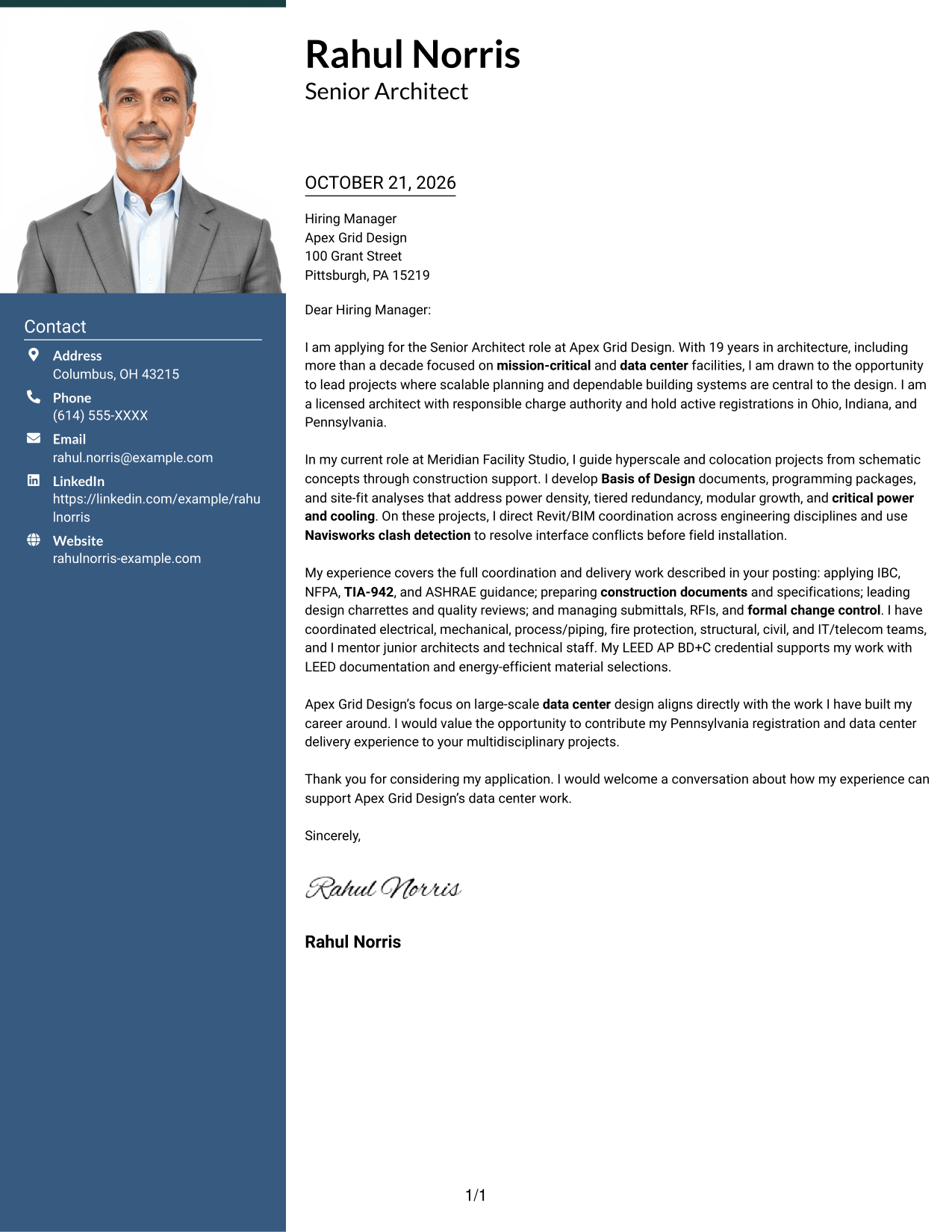
A photo in the header adds a personal visual element, while the contact sidebar and letter body retain distinct places.
Why This Format Works
- The contact sidebar keeps sender details apart from the continuous letter body.
- The letter's paragraphs remain together, preserving a natural opening-to-close progression.
- A photo in the header offers a clear visual choice for the page.
Best For
- Letters with a photo header
- Contact details beside the message
- Continuous application correspondence
- Personal visual presentation
- Letters with multiple supporting paragraphs
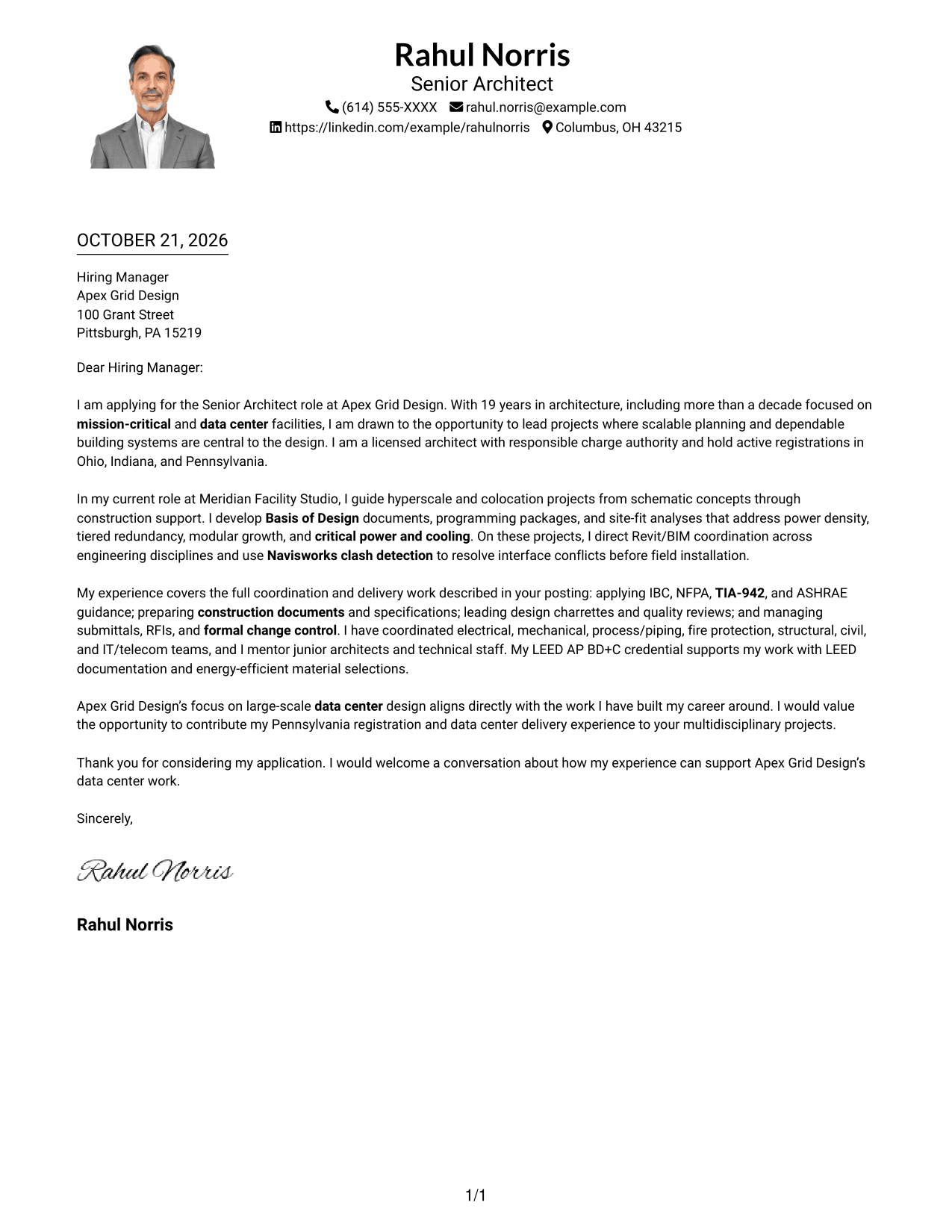
#4 One Column Format with Photo Cover Letter Example
The photo joins a one-column page, preserving a simple presentation for the continuous letter.
Why This Format Works
- Sender details remain in the header, away from the letter's main paragraphs.
- The uninterrupted body keeps the opening, evidence, and closing in one sequence.
- A single-column layout gives each paragraph a straightforward reading order.
Best For
- One-column letters with a photo
- Continuous letter narratives
- Simple page reading order
- Personal header presentation
- Applications with connected supporting points
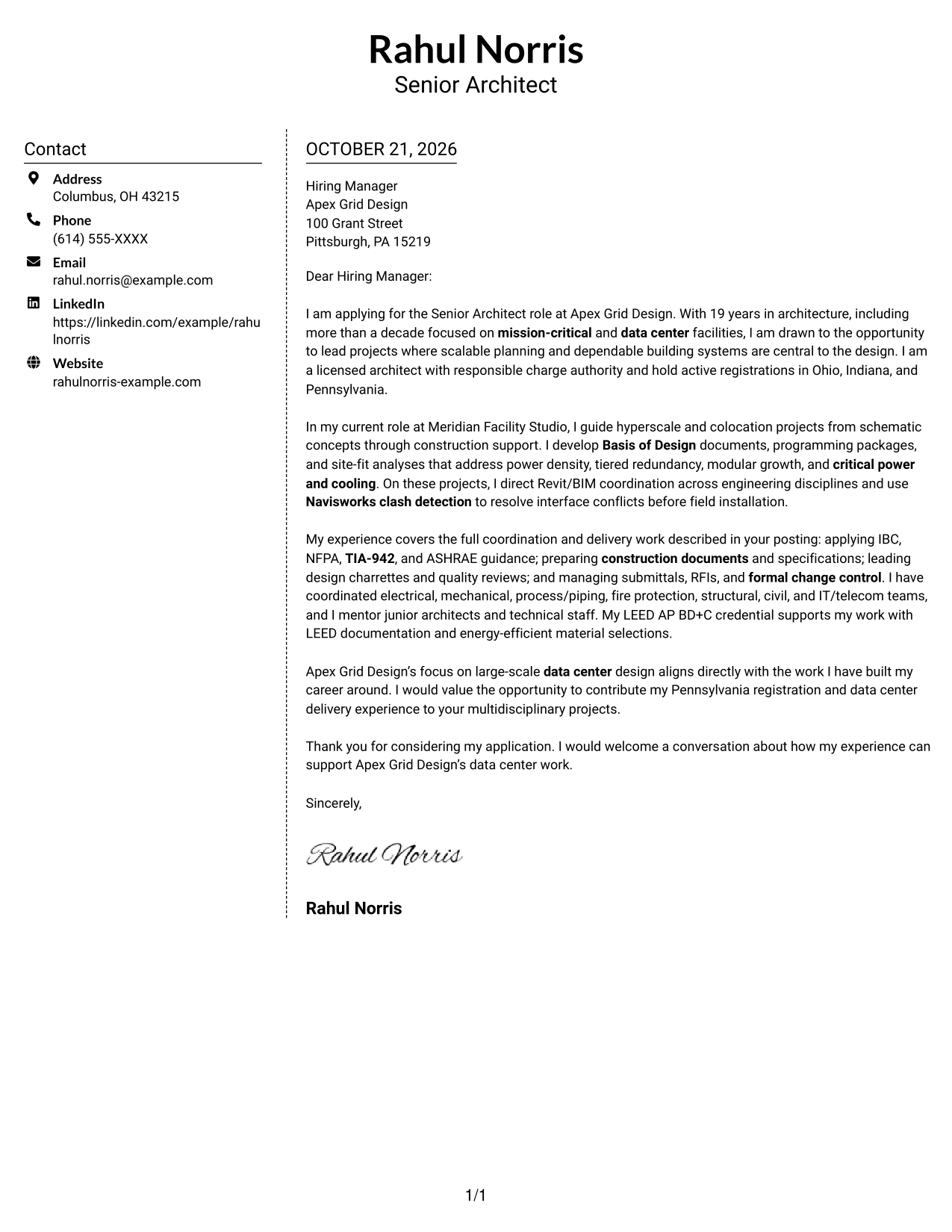
#5 Simple Two Column Format Cover Letter Example
The contact sidebar provides a separate place for sender details beside the letter's continuous message.
Why This Format Works
- Contact details occupy a sidebar, leaving the letter body as one continuous text area.
- The uninterrupted paragraphs let readers follow the message from opening through closing.
- Distinct contact and body areas make the page's reading order easy to follow.
Best For
- Letters with separated contact details
- One continuous letter message
- Clear distinction between sender and message
- Business applications with several paragraphs
- Readers who value straightforward organization
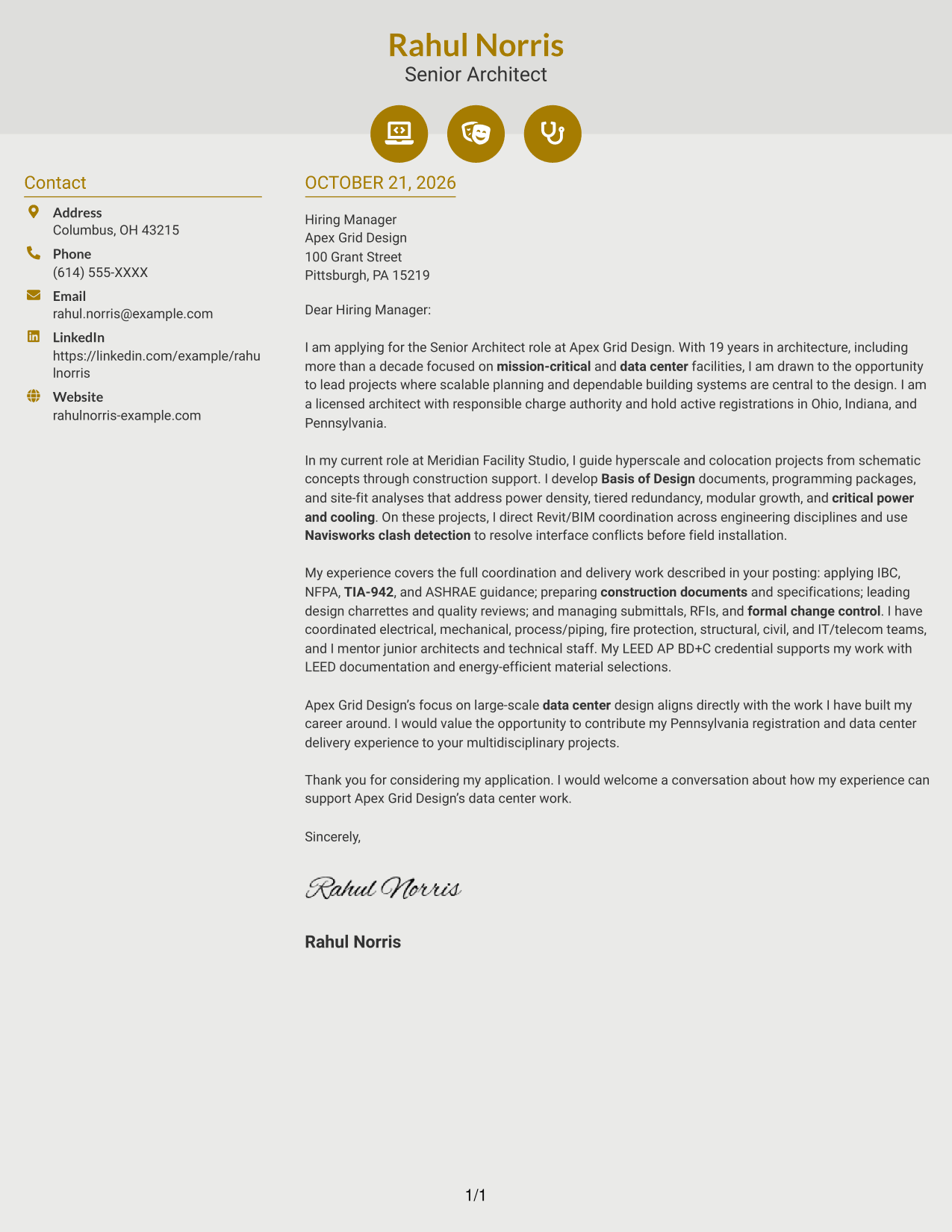
#6 Modern Icon Format Cover Letter Example
Contact icons add visual cues to the sidebar, while the letter remains a continuous body beside it.
Why This Format Works
- Icons cue contact details without assigning labels to the letter's argument.
- The sidebar keeps sender information distinct from the continuous message.
- One connected body lets motivation and supporting points read in sequence.
Best For
- Icon-led contact details
- Letters with a contact sidebar
- Continuous application messages
- Quick access to sender information
- A modest decorative touch
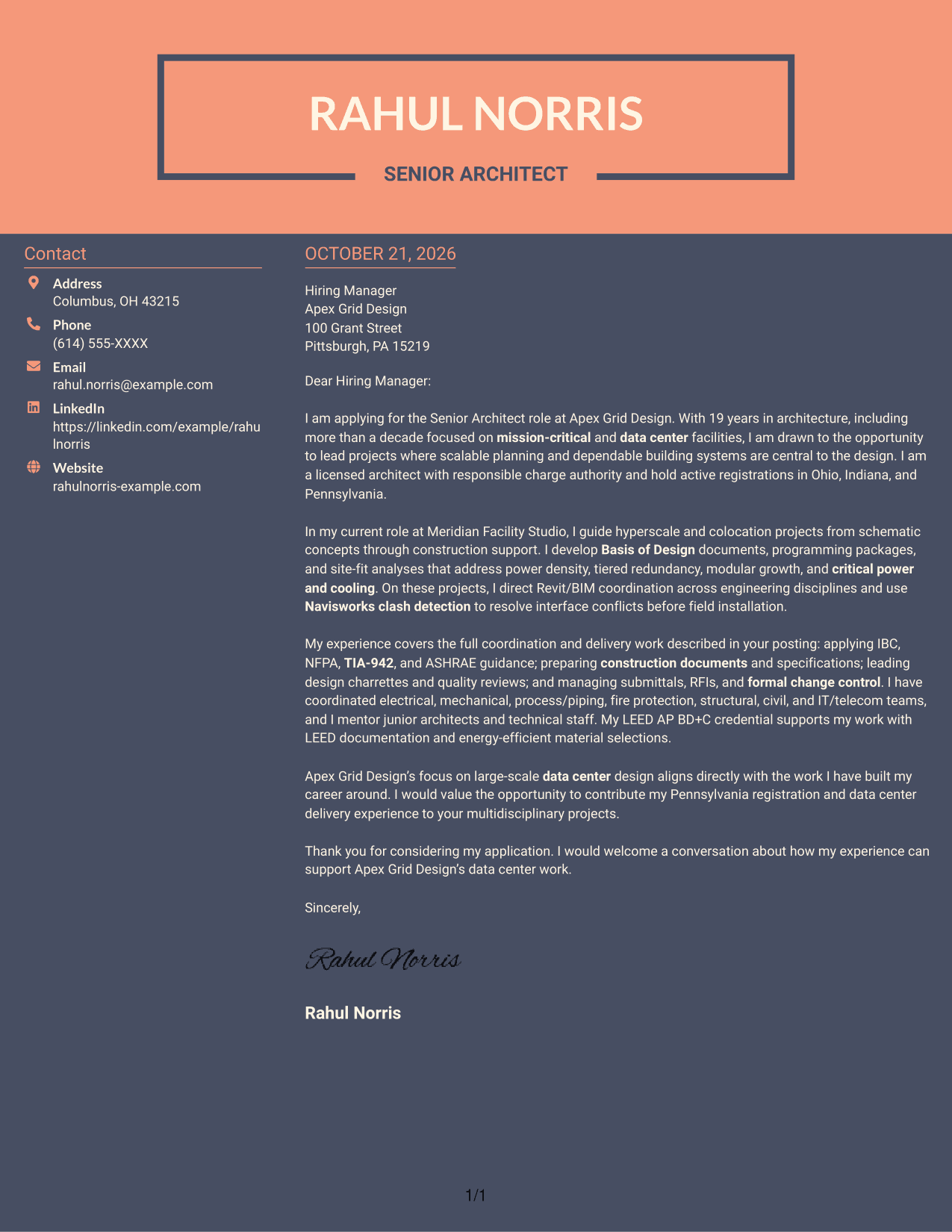
#7 Creative Two Tone Format Cover Letter Example
The contact sidebar gives sender details a separate area beside the continuous letter, supporting a clearly divided page layout.
Why This Format Works
- The sidebar keeps contact information separate from the letter's main text.
- A continuous body carries the message without headings between its paragraphs.
- The two-column arrangement distinguishes sender details from the letter itself.
Best For
- Side-by-side contact and letter areas
- Unbroken letter paragraphs
- Distinct page zones
- Applications with a focused message
- Readers who prefer separated details
See Also
- 7 Architect - Data Center Design Resume Templates with Example
- 7 Senior Architect - Data Center Design Resume Templates with Example
- 7 Entry Level Architect - Data Centers Resume Templates with Example
- 7 Senior Project Architect - Data Centers Resume Templates with Example
- 7 Design Architect - Advanced Facilities Resume Templates with Example
- 7 Junior Architect - Sustainable Building Design Resume Templates with Example
- 33 Mechanical Design Architect, CAD/ AutoCAD Resume Templates with Example 2026 (ATS-Optimized)
- 33 Advisory Data Architect-Senior Manager Resume Templates with Example 2026 (ATS-Optimized)
- 7 Architect - Data Center Design Cover Letter Templates with Example
- 7 Entry Level Architect - Data Centers Cover Letter Templates with Example
Frequently Asked Questions
What should a Senior Architect - Data Center Design cover letter emphasize?
Focus on how you lead data center design from early planning through construction. Explain how your decisions support modular growth, tiered redundancy, critical power and cooling, and coordinated delivery.
How can I show that my experience fits a data center design role?
Choose specific examples of Basis of Design documents, site-fit analysis, multidisciplinary model coordination, or construction-phase support. Describe the decisions you led and how they helped the project move forward.
Which technical details belong in the letter?
Mention standards and tools that relate directly to your experience and the role, such as IBC, NFPA, TIA-942, ASHRAE guidance, Revit/BIM, and Navisworks clash detection. Use them to support a clear point about your design or coordination work.
How should I explain my interest in the employer?
Connect the employer's data center work to the kind of design leadership you want to contribute. Keep the explanation specific to its focus on large-scale facilities and coordinated, sustainable solutions.
What is the best way to close the cover letter?
Restate your interest and briefly connect your background to the role's needs. End with a courteous invitation to discuss how you could contribute to the team's data center work.




