
7 Senior Consultant - Epic Patient Access Cover Letter Templates with Example
This practical guide to the Senior Consultant - Epic Patient Access cover letter presents seven layouts to help you show role fit and client-focused impact.
What Makes a Great Senior Consultant - Epic Patient Access Cover Letter in 2026
A strong Senior Consultant - Epic Patient Access cover letter opens with clear interest and connects Epic patient access consulting experience to the role’s configuration, testing, and client communication needs.
Use brief evidence such as RTE query chaining, benefit filing, referral workflows, and workqueue improvements. Link those examples to the employer’s client work, then close with a clear, professional next step.
The featured example moves from interest in the role to relevant evidence, employer alignment, and a clear closing. Adapt this focused progression while choosing a presentation that fits the employer and the communication context.
#1 Simple One Column Format Cover Letter Example
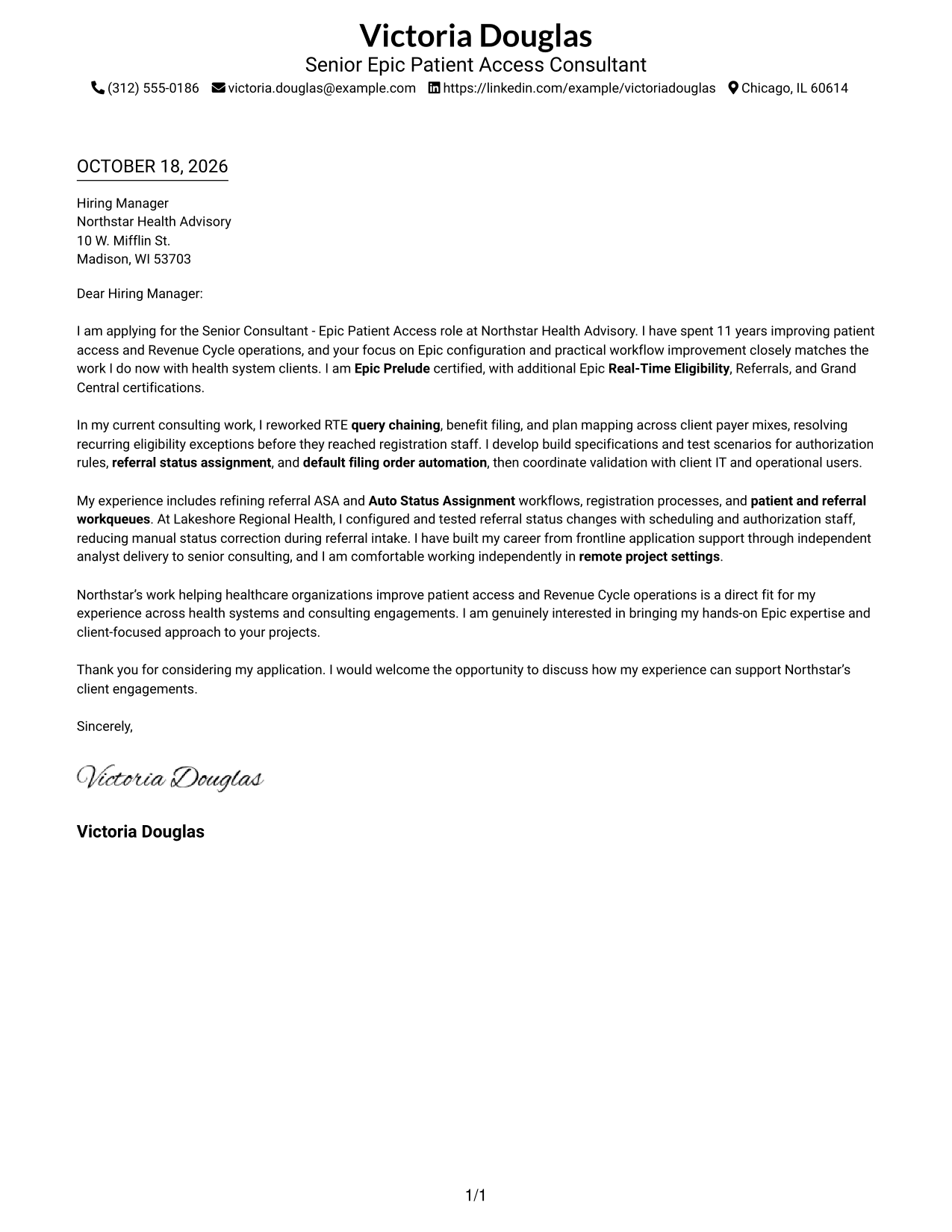
A single-column layout keeps sender details in the header and the letter body on one direct reading path.
Why This Format Works
- A single reading path helps reviewers follow the greeting, case, and closing in order.
- Header contact details stay visible without competing with the letter's message.
- The absence of body headings keeps the message direct rather than divided into labeled sections.
Best For
- Single-column reading order
- Continuous cover-letter paragraphs
- Header-based contact information
- Text-first application materials
- Letters without a contact sidebar
#2 Two Column Format Cover Letter Example
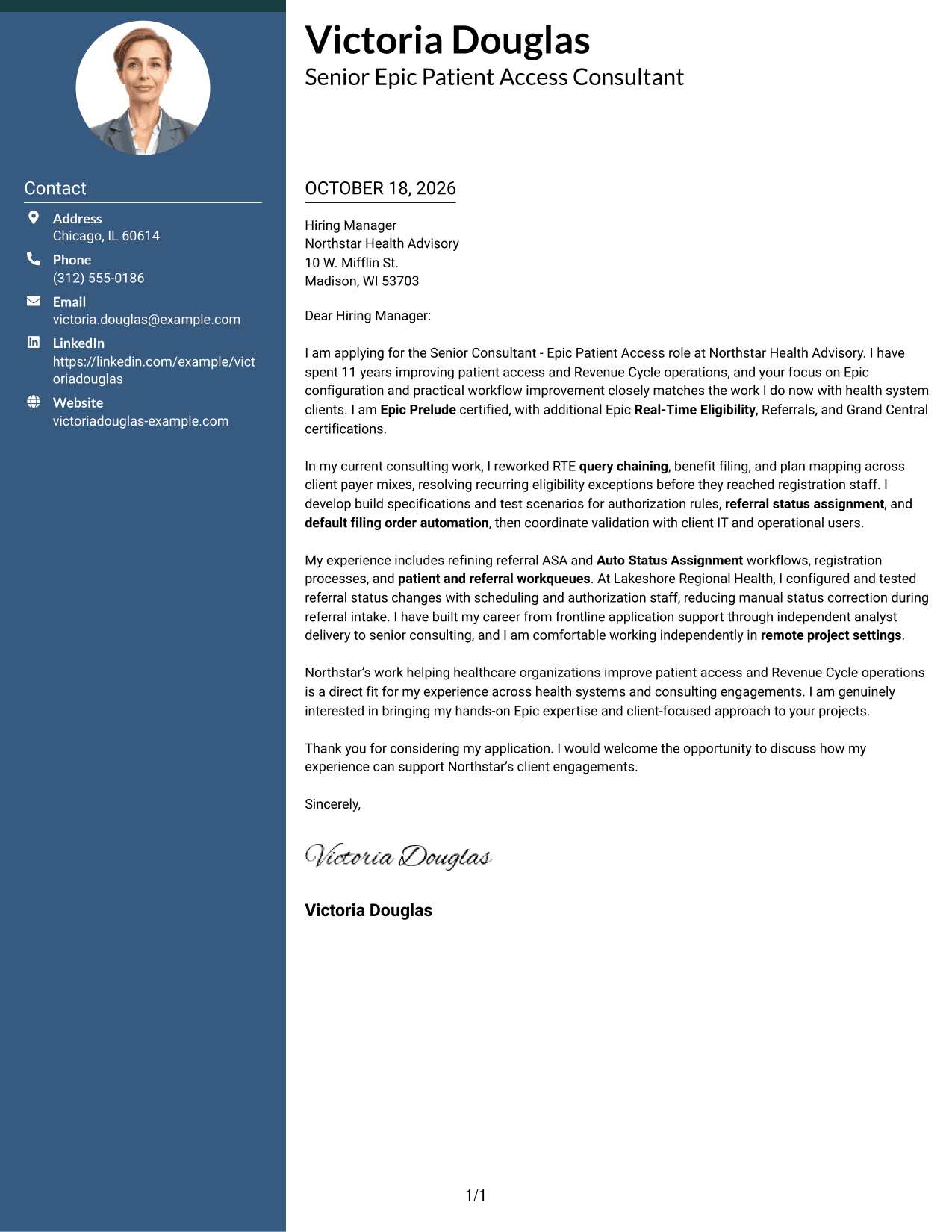
A contact sidebar sits beside one continuous letter body, keeping sender details apart from the message.
Why This Format Works
- The contact sidebar separates sender details from the letter's argument for easy reference.
- One continuous body lets the opening, supporting points, and close read in sequence.
- No headings interrupt the letter's direct message or divide it into labeled stages.
Best For
- Contact sidebar navigation
- Quick sender-information reference
- Continuous message paragraphs
- Two-area document organization
- Letters needing easy contact access
#3 Photo Header Two Column Format Cover Letter Example
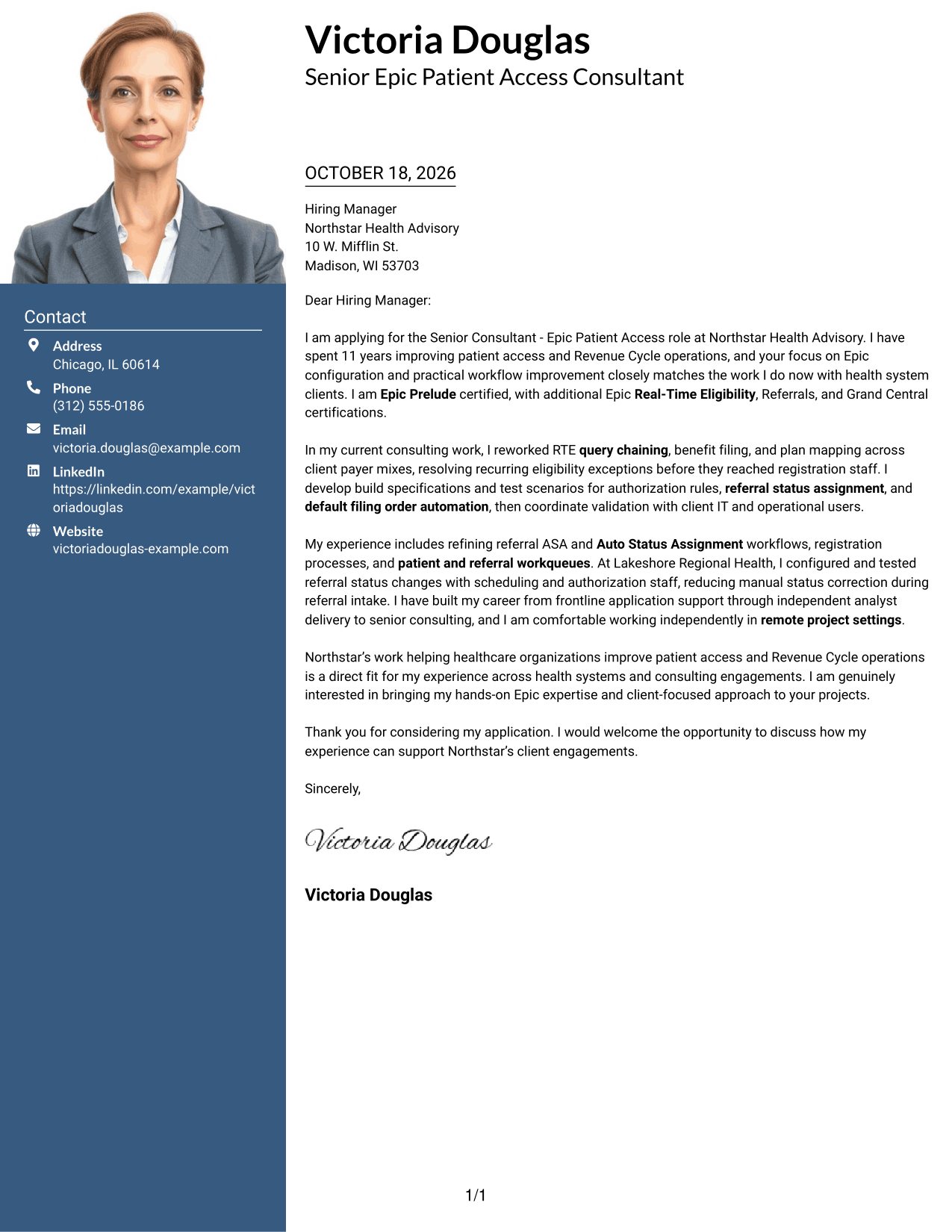
This two-column format includes a photo and contact sidebar beside one continuous letter body.
Why This Format Works
- The contact sidebar keeps sender information distinct from the letter's central message.
- A continuous letter body lets the opening, evidence, and closing read as one message.
- The photo offers a personal visual introduction without changing the letter's argument.
Best For
- Photo-inclusive application materials
- Sidebar-based contact details
- One-body-column reading
- A personal visual introduction
- Continuous persuasive letters
#4 One Column Format with Photo Cover Letter Example
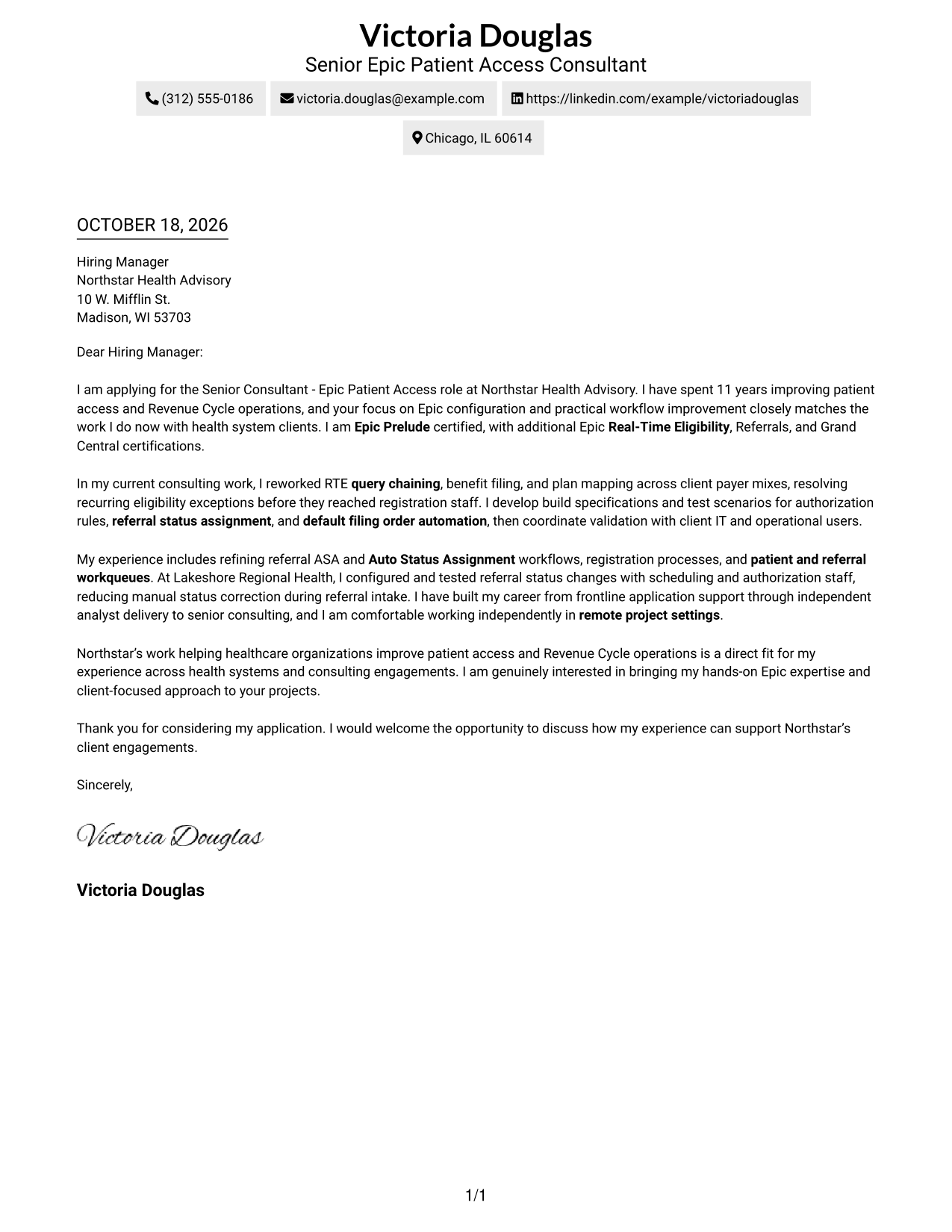
The one-column layout includes a photo while keeping the letter body on a single reading path.
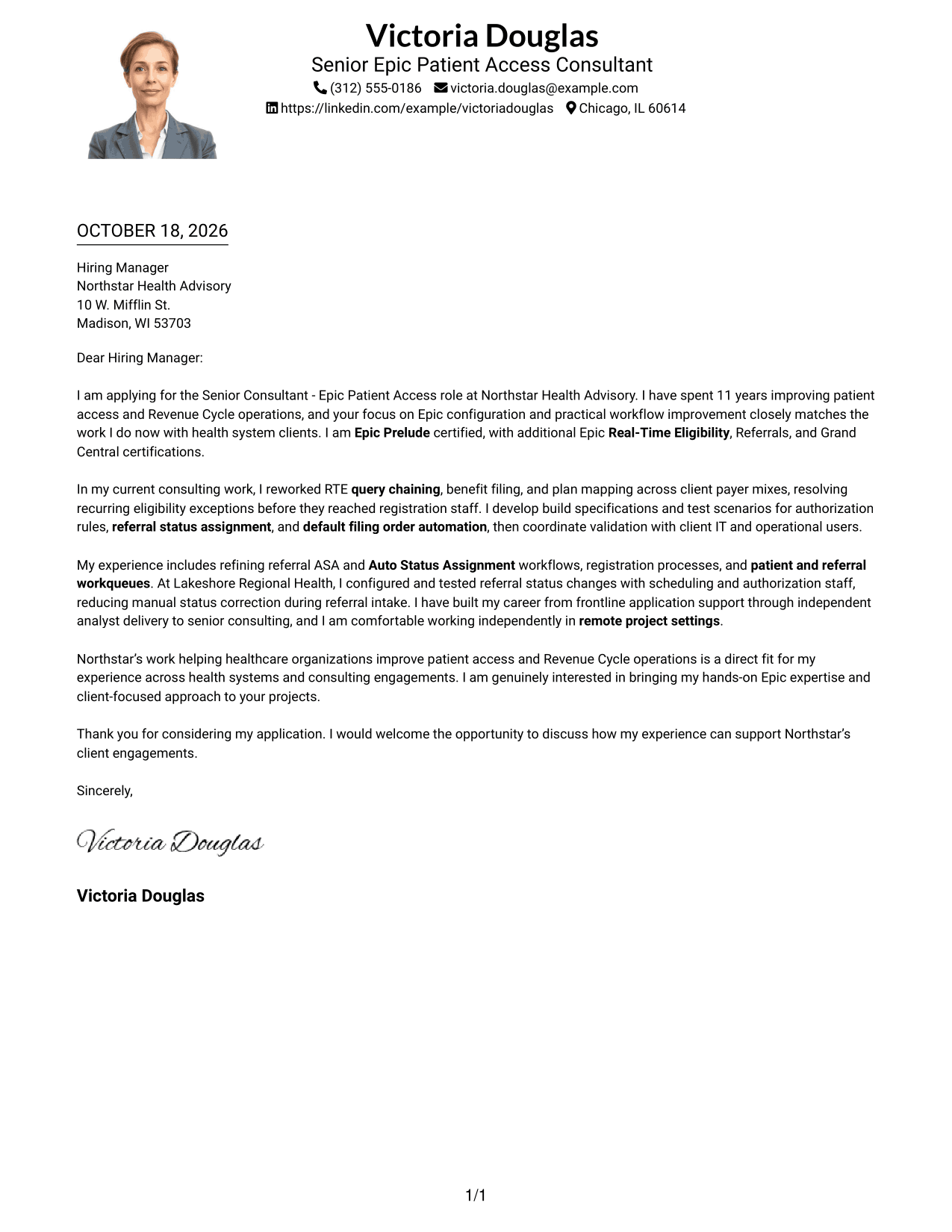
Why This Format Works
- A single reading path helps reviewers follow the letter from greeting through closing.
- Header contact details remain easy to find alongside the photo.
- Without body headings, the message reads as a connected personal letter.
Best For
- Photo-inclusive letter layouts
- Single-column message reading
- Header contact information
- Direct greeting-to-closing order
- Applications with a personal photo
#5 Simple Two Column Format Cover Letter Example
A contact sidebar and one continuous letter body give this two-column format a clear separation between details and message.
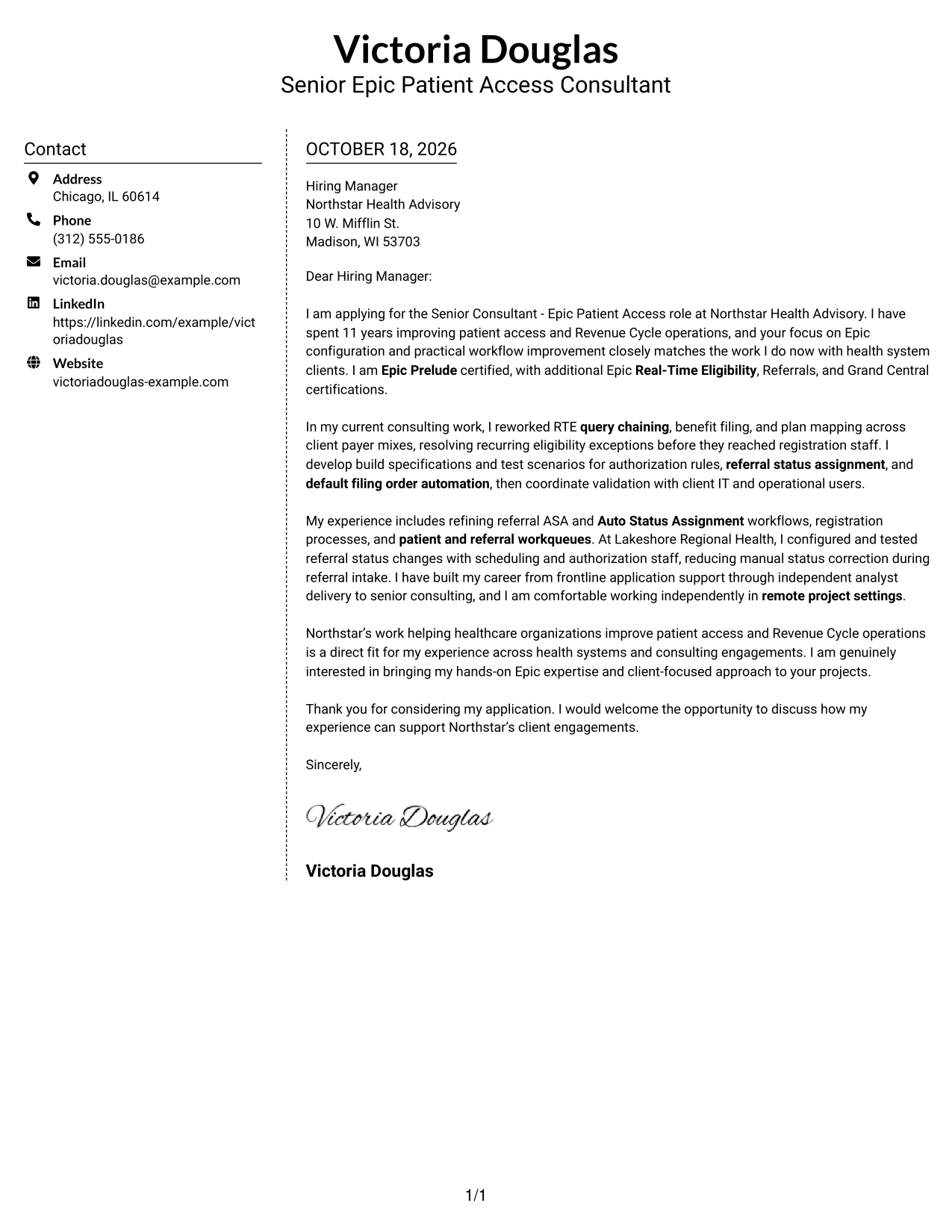
Why This Format Works
- Sender details sit apart from the message, making contact information easy to locate.
- The letter body stays in one sequence, so its main points build naturally.
- The contact sidebar supports quick reference without turning the argument into separate sections.
Best For
- Separate contact and message areas
- Quick sender-detail lookup
- Sequential letter-body reading
- Two-column document organization
- Applications without a photo
#6 Modern Icon Format Cover Letter Example
Contact icons add visual cues to the sidebar, while one continuous letter body carries the message.
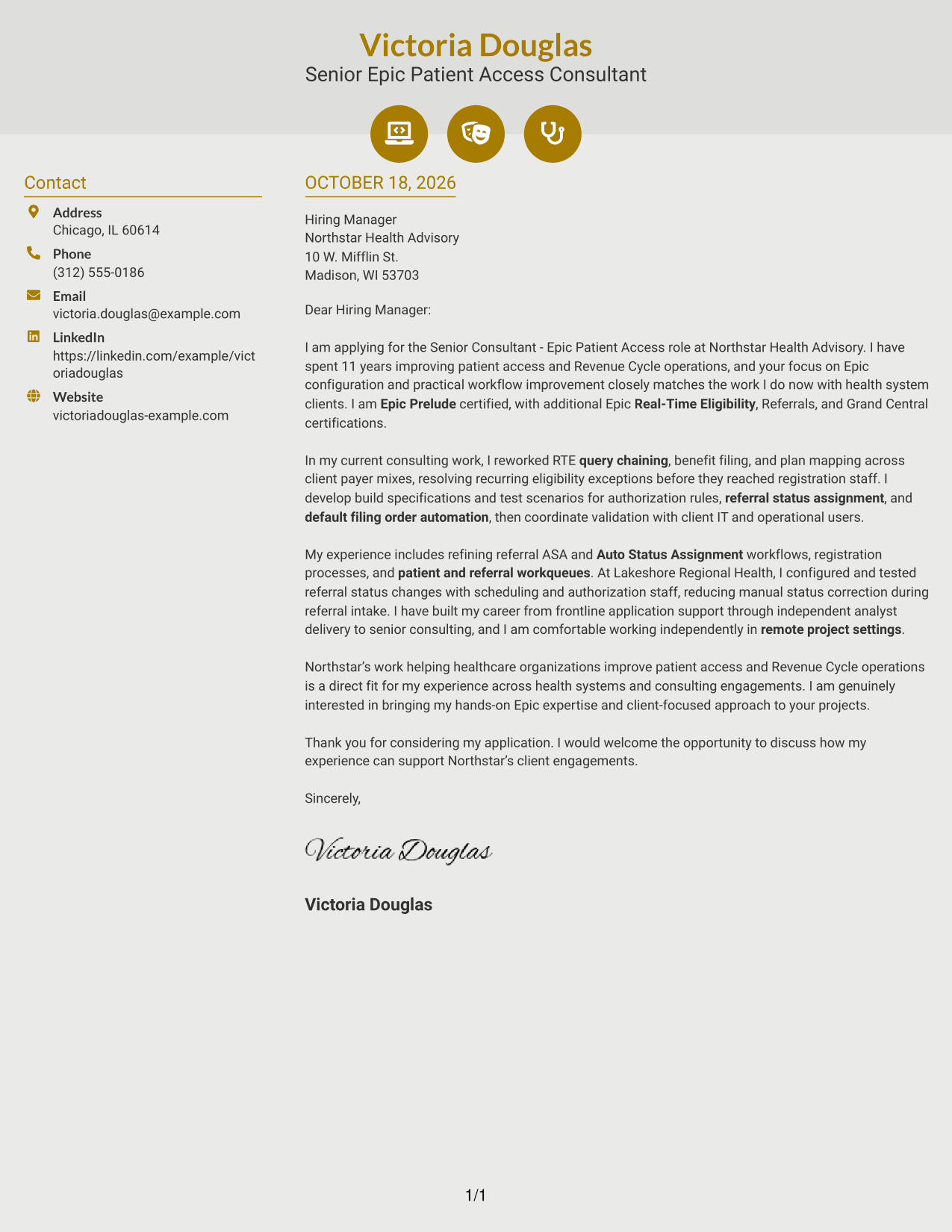
Why This Format Works
- Contact icons help distinguish sender details from the main letter text.
- The single letter body keeps the opening, supporting case, and close in order.
- Icons serve as contact cues, not labels for the letter's argument.
Best For
- Icon-cued contact details
- Sidebar contact reference
- Continuous letter messaging
- Two-column reading order
- Letters with clear contact cues
#7 Creative Two Tone Format Cover Letter Example
A contact sidebar beside one continuous letter body separates sender information from the message in this two-column format.
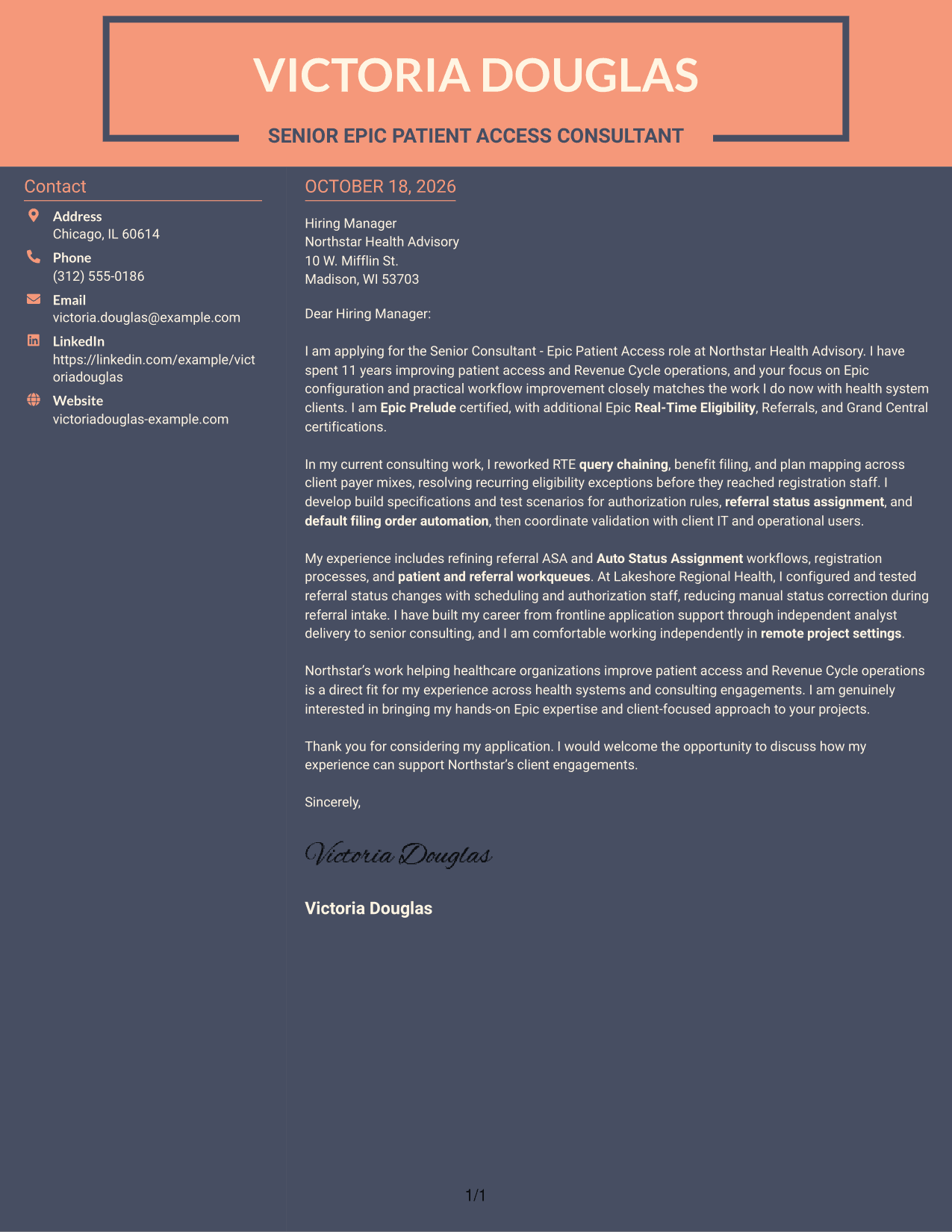
Why This Format Works
- The sidebar gives sender details a separate place beside the letter's message.
- A continuous body keeps the case moving from the opening to the closing.
- The letter's paragraphs remain together rather than split across parallel body columns.
Best For
- Sidebar-based contact organization
- Continuous cover-letter paragraphs
- Separate sender-detail reference
- Two-column reading order
- Photo-free letter layouts
Why Use ResumeInMinutes for a Senior Consultant - Epic Patient Access Cover Letter
Review the PNG previews to compare presentation options, then open an example in the editor to review or customize its letter format.
- PNG image previews
- Examples available in the editor
- Role-focused cover letter guidance
- Clear presentation options
- Employer-aligned writing ideas
- Cover letter examples
Use the examples to shape a direct opening, support your fit with relevant Epic patient access work, and close with a clear statement of interest.
See Also
- 7 Senior Consultant - Epic Patient Access Resume Templates with Example
- 33 AI Engineer Consultant Resume Templates with Example 2026 (ATS-Optimized)
- 33 Business Processes Chief Consultant - Regulated Manufacturing Resume Templates with Example
- 7 Clinical Data Audit Consultant Resume Templates with Example
- 7 Consultant - Databases Resume Templates with Example
- 7 Consultant - Energy Providers Resume Templates with Example
- 33 Cybersecurity Senior Consultant Resume Templates with Example 2026 (ATS-Optimized)
- 7 Enterprise Implementation Consultant Resume Templates with Example
- 30+ AI Engineer Consultant Cover Letter Templates with Example 2026
- 7 Clinical Data Audit Consultant Cover Letter Templates with Example
Frequently Asked Questions
What should a Senior Consultant - Epic Patient Access cover letter include?
State your interest in the role, then connect your Epic Prelude and Real-Time Eligibility experience to patient access workflow needs. Use a specific example of configuration, testing, referral processes, or workqueue improvements, and close with a clear next step.
How can I show my fit for this Epic patient access consulting role?
Describe relevant work in terms of the problem, your actions, and the result. For example, explain how you handled RTE query chaining, benefit filing, or plan mapping, and how you worked with client IT or operational teams to validate changes.
Should I mention remote consulting in my cover letter?
If you have worked independently in remote project settings, give a brief example of how you coordinated work, testing, or client communication. Keep the focus on how you support project progress and client needs.
How do I choose a cover letter layout?
Compare the PNG image previews for clear, readable presentation. You can open an example in the editor to review its format and customize the presentation for the employer and communication context.
Do these examples show different cover letters or different presentations?
The examples present cover letter formats that readers can compare. Keep the message focused on the role, relevant evidence, employer alignment, and a professional close, then choose a presentation that suits the application.




