
7 Senior Consultant - Epic Patient Access Resume Templates with Example
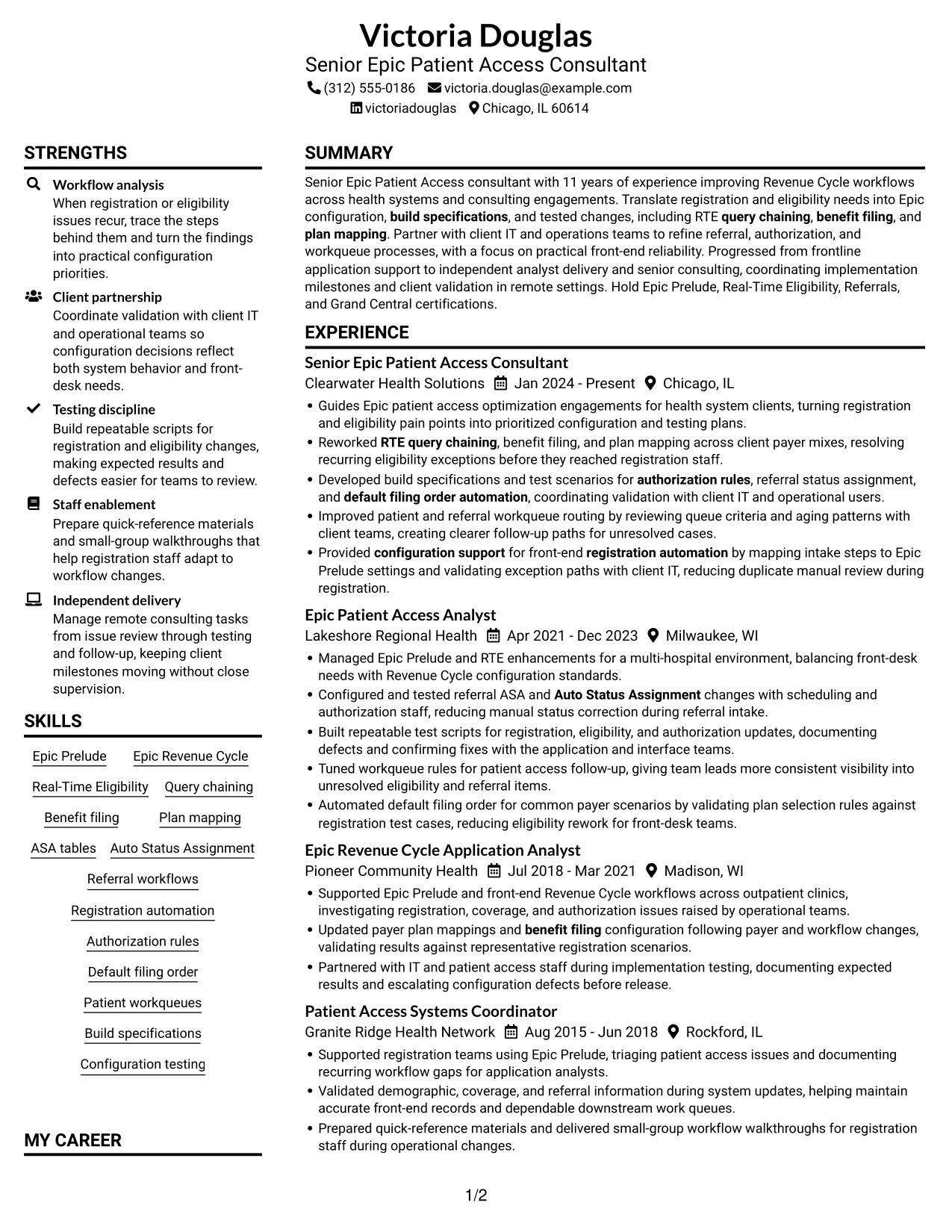
This guide shows you how to build a Senior Consultant - Epic Patient Access resume that presents your consulting value clearly. You will learn how to organize relevant experience and choose a format that makes your evidence easy to review.
Strong resumes connect Epic Prelude and Real-Time Eligibility work to the needs of patient access teams. Show how you handle query chaining, benefit filing, plan mapping, build specifications, testing, and referral or authorization workflows.
Compare the example across 7 layouts, review the image previews, and open a version in the editor to customize it. The guide also explains how to use clear sections, role-specific terms, and measurable results without adding claims you cannot support.
What Makes a Great Senior Consultant - Epic Patient Access Resume in 2026
A strong resume makes consulting work easy to assess. Use clear sections and concise bullets to show how you improve Epic patient access workflows and support reliable implementation.
Include relevant terms such as Epic Prelude, RTE, query chaining, plan mapping, ASA tables, Auto Status Assignment, and workqueue optimization. Where possible, add verified results that show the effect of your configuration and testing work.
Note: Resume examples are for educational purposes only. Use only information that accurately reflects your experience and qualifications. References to real organizations do not imply affiliation or endorsement.
#1 Plain Two Column Format Resume Example
The Plain Two Column Format uses two parallel content areas, a practical choice when reviewers need to see career history and supporting information together.
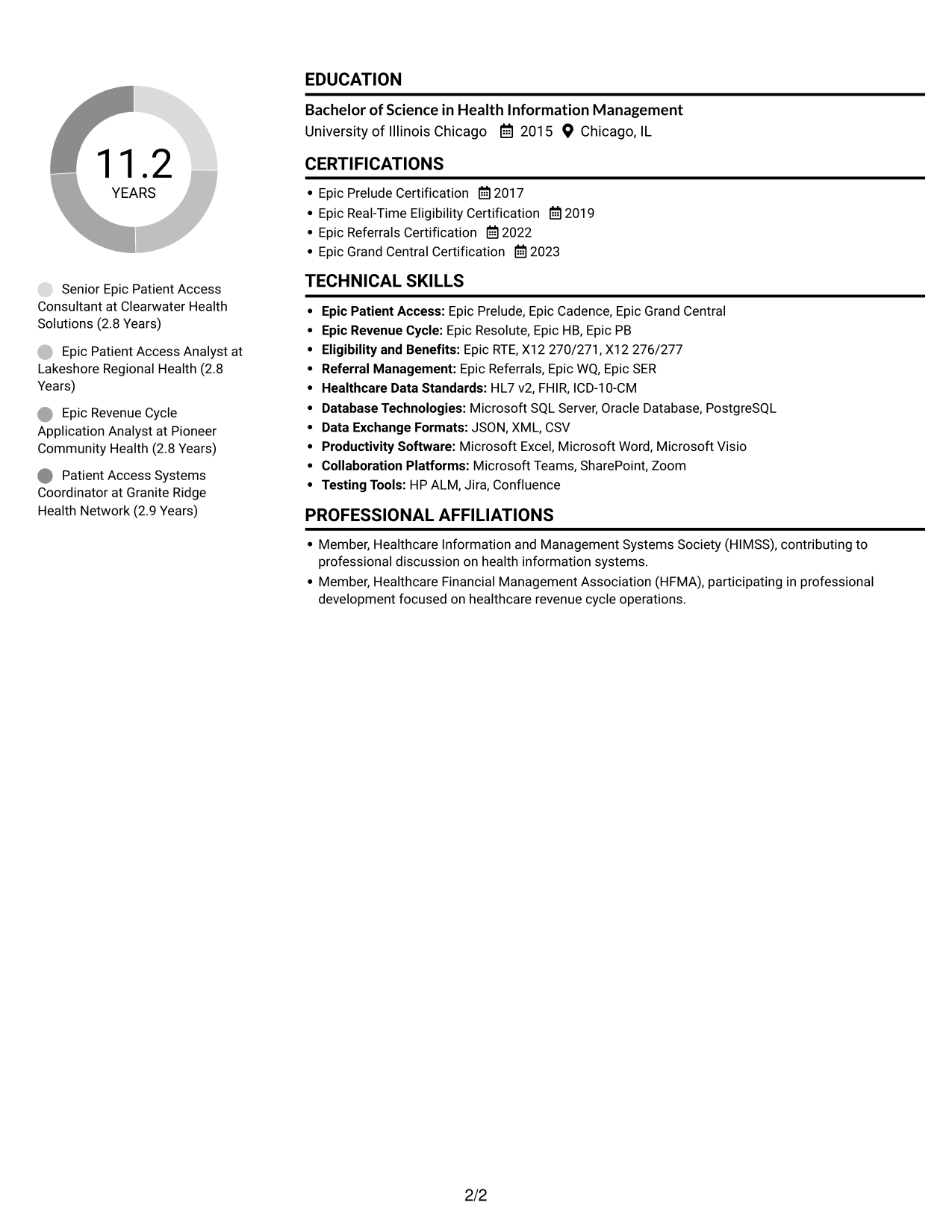
Resume Snapshot
- 11 years across patient access and Revenue Cycle work
- Epic Prelude, Real-Time Eligibility, Referrals, and Grand Central certifications
- Career growth from frontline support to senior consulting
- Bachelor of Science in Health Information Management
Why This Format Works
- Separate content areas give experience, skills, and credentials clear places within the resume.
- Section labels help reviewers locate education and certifications without reading every experience bullet.
- The two-column reading path lets reviewers move between major sections while keeping the overall structure clear.
Best For
- Resumes with several supporting sections
- Readers who prefer parallel content areas
- Career histories paired with credentials
- Quick review of skills and education
- Professional documents with varied evidence
Resume Keywords
- Epic Prelude Certification
- RTE
- Query chaining
- Benefit filing
- Plan mapping
- Build specifications
- configuration support
- Configuration testing
- Auto Status Assignment
- Referral workflows
- Registration automation
- Authorization rules
- default filing order automation
- Epic Referrals Certification
#2 Simple One Column Format Resume Example
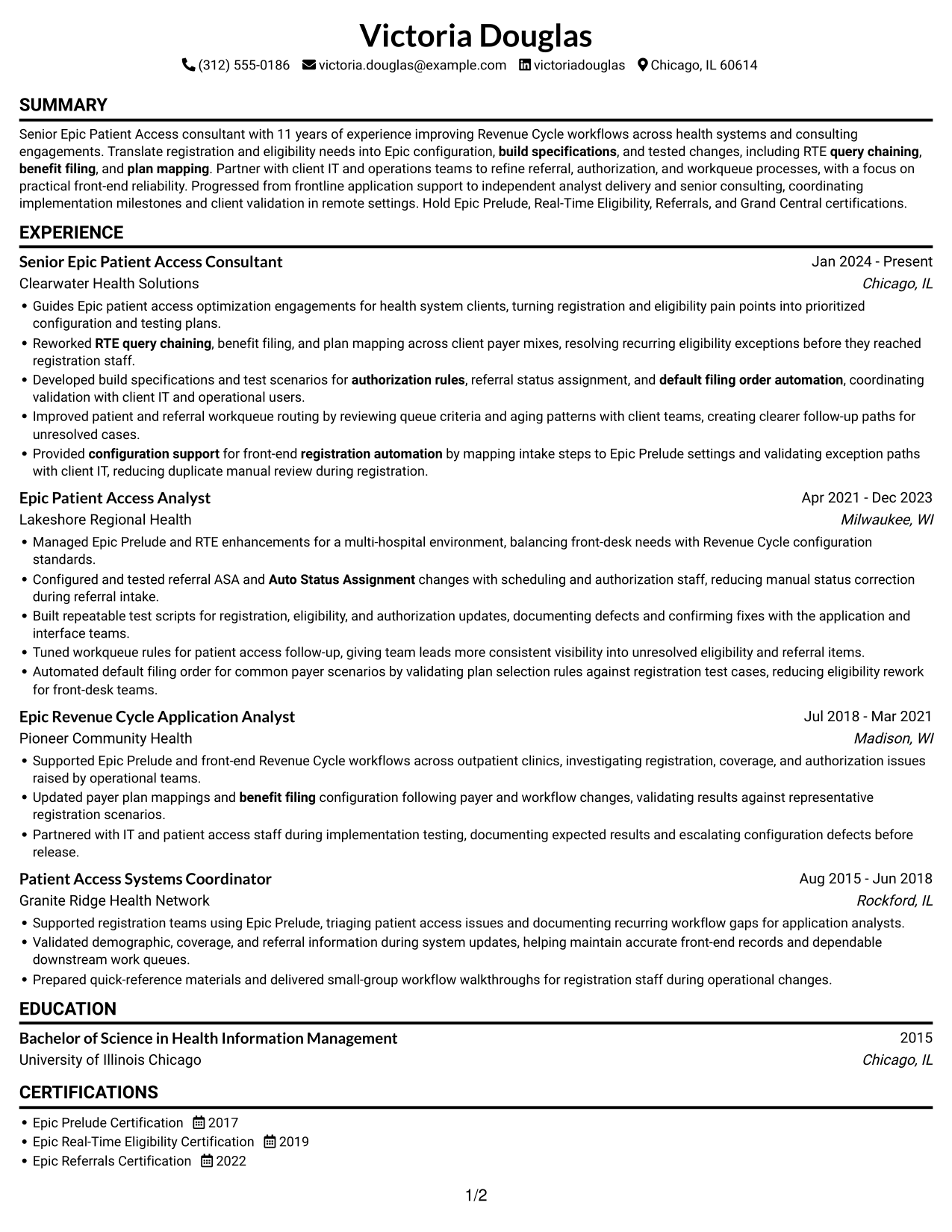
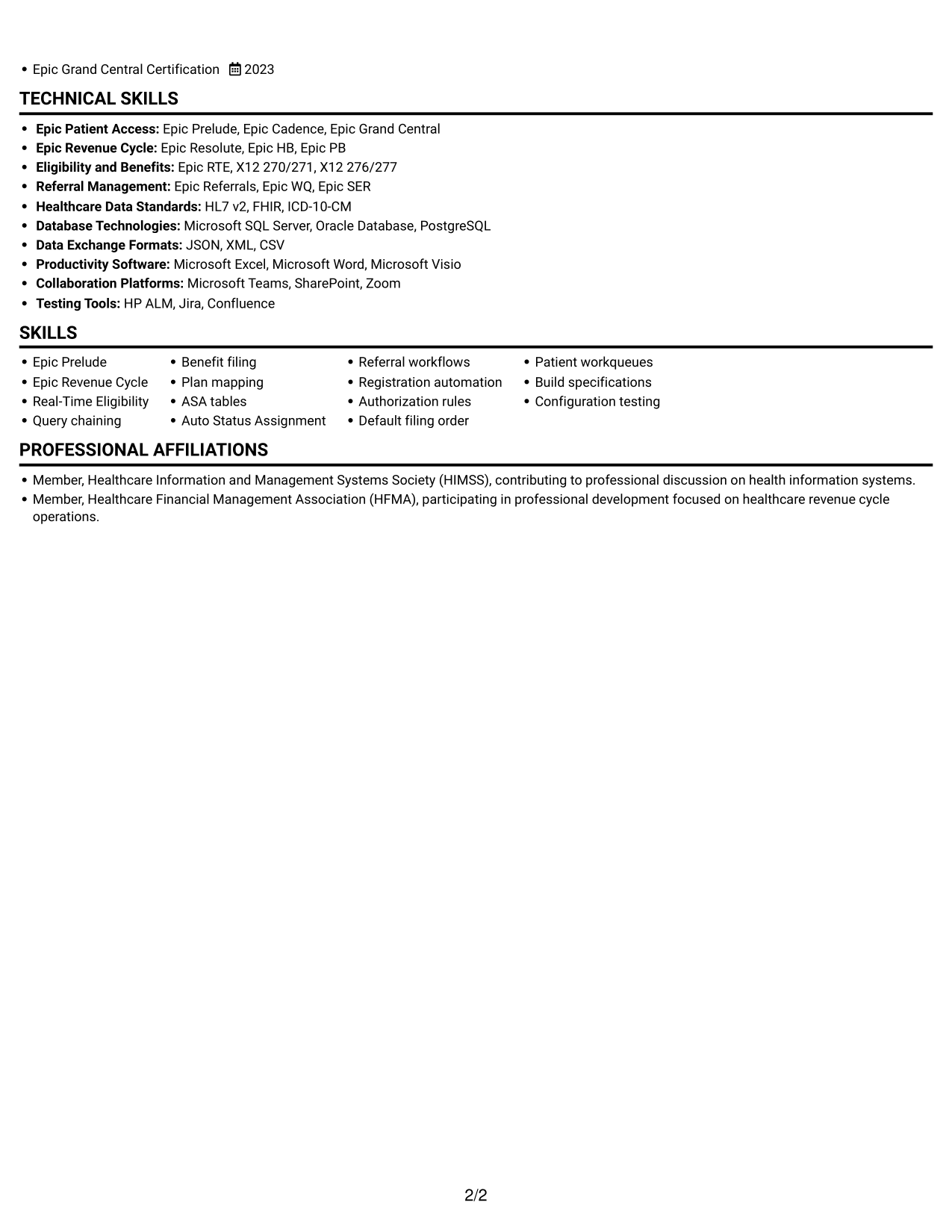
The Simple One Column Format keeps the resume in one vertical reading path, which helps reviewers follow career progression from role to role.
Why This Format Works
- A single reading path keeps the career timeline easy to follow from one role to the next.
- Experience bullets appear in sequence, helping reviewers trace the growth of responsibilities over time.
- Skills, education, and certifications remain part of the same clear section order.
Best For
- A straightforward career timeline
- Readers who prefer linear reading
- Resumes with detailed experience entries
- Sections reviewed in a fixed order
- Simple document navigation
#3 Clean Two Column Sidebar Format Resume Example
The Clean Two Column Sidebar Format places resume information in two distinct areas, a useful option for readers who want a clear division between career details and supporting sections.
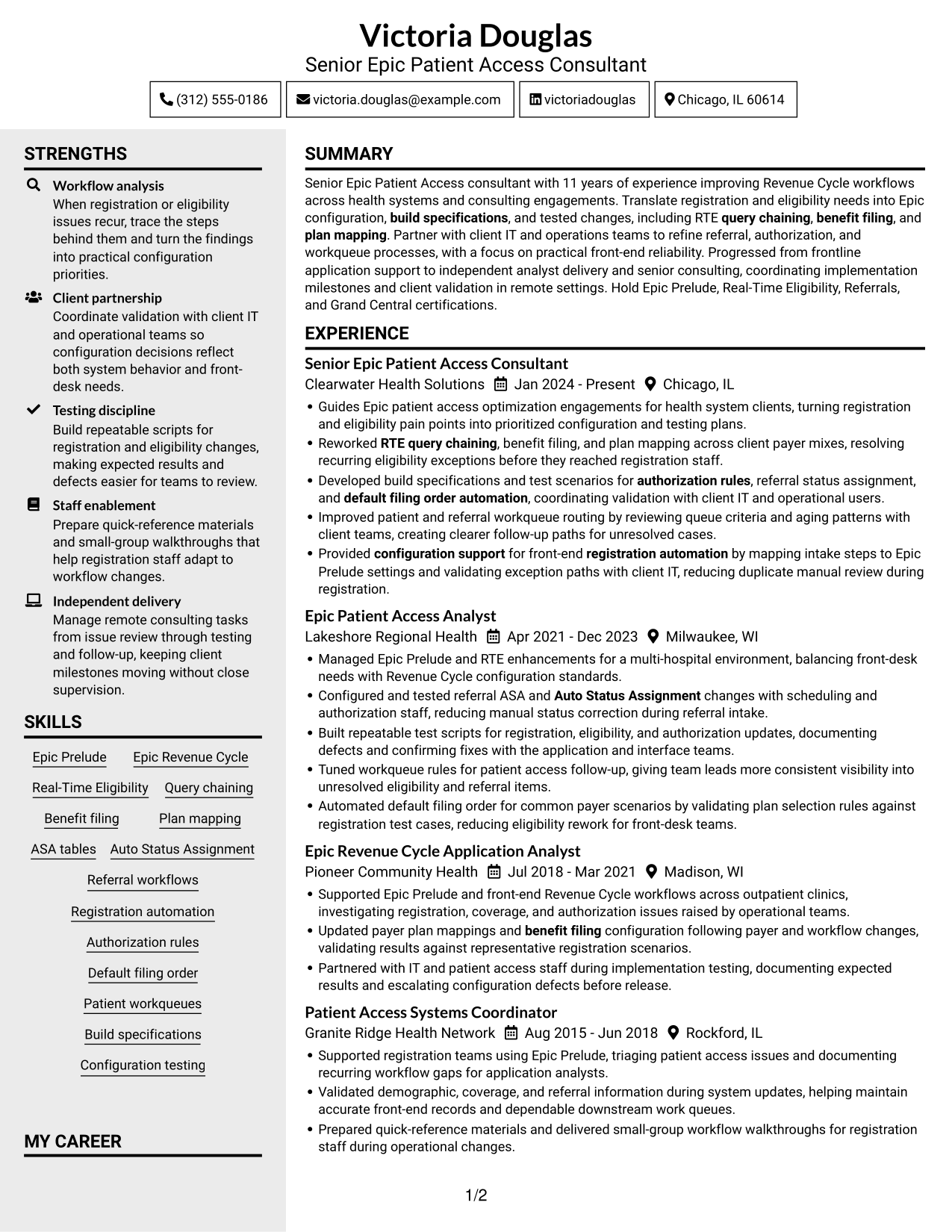
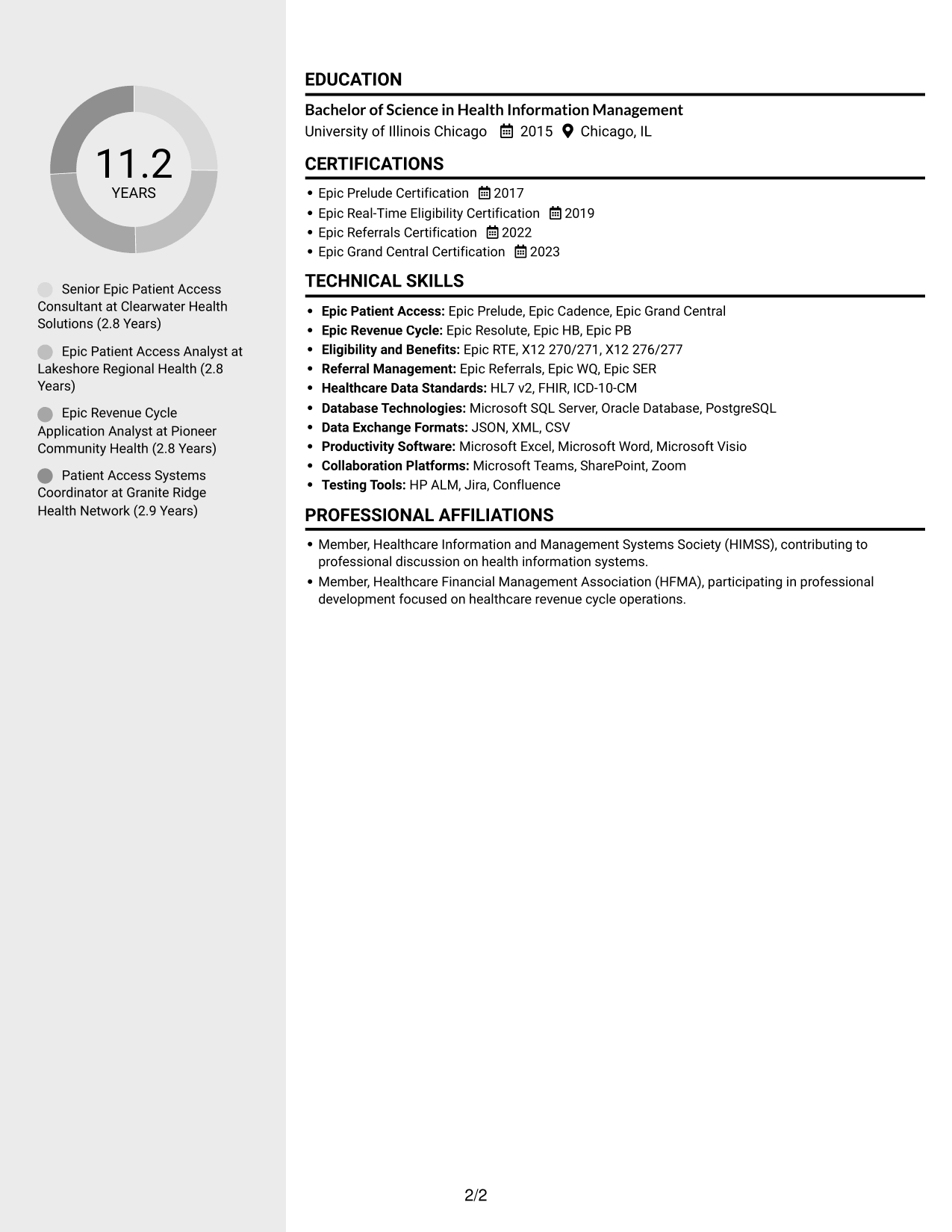
Why This Format Works
- Two content areas help reviewers move between career history and supporting qualifications.
- The section structure gives education and certifications a clear place apart from experience bullets.
- Separate reading areas can make a resume with varied information easier to navigate.
Best For
- Career history with supporting qualifications
- Readers who want clear content divisions
- Resumes with education and credentials
- Several distinct resume sections
- Quick movement between information areas
#4 Two Column Format Resume Example
The Two Column Format organizes the resume in two parallel areas, making it a useful choice when readers need to compare career history with other qualifications.
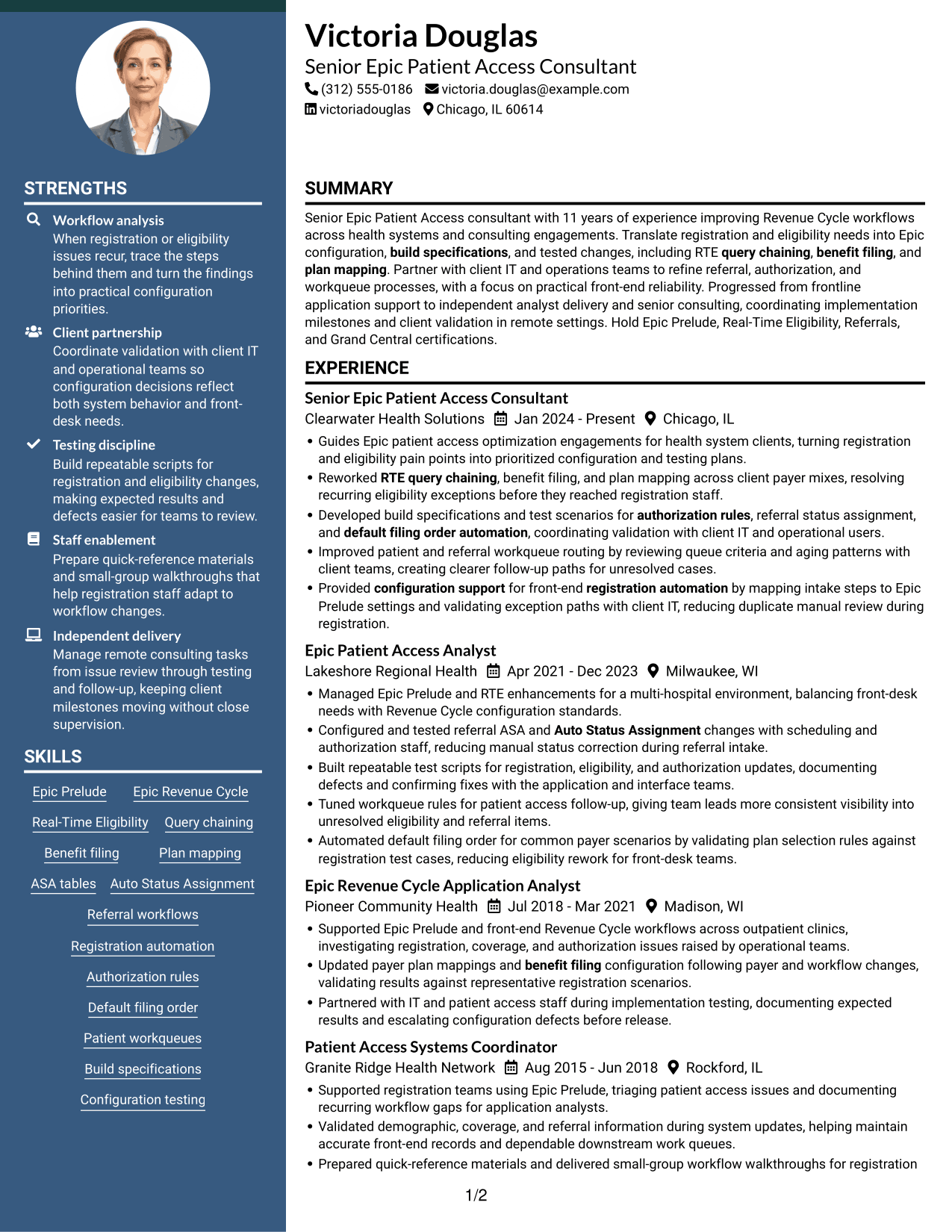
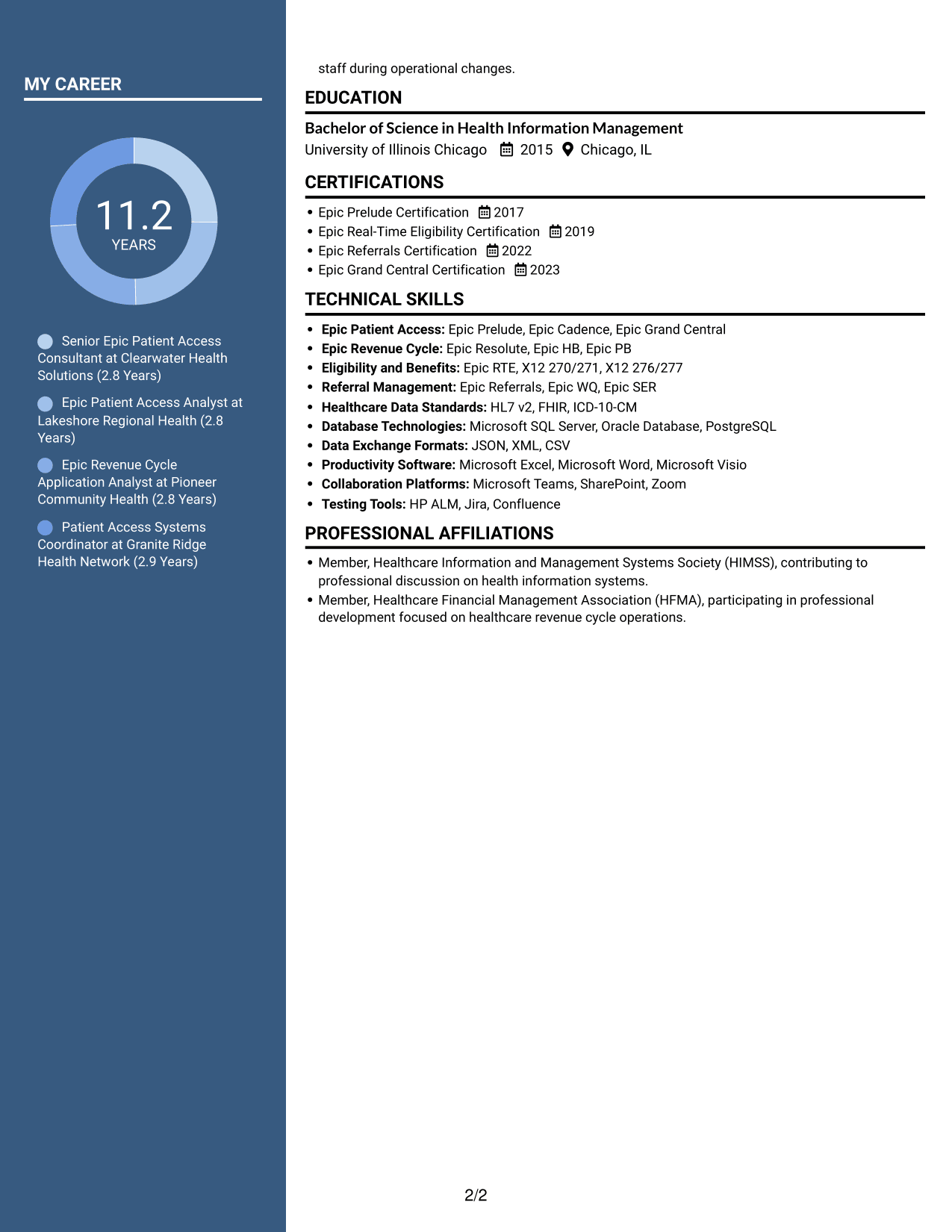
Why This Format Works
- Parallel content areas let reviewers compare experience with qualifications without losing the section structure.
- Clear divisions help readers find education and certifications alongside the career record.
- Separate areas give skills a distinct place in a resume with detailed experience.
Best For
- Experience paired with other qualifications
- Readers comparing resume sections
- Detailed career records
- Skills and credentials alongside experience
- Applications needing clear section separation
#5 Photo Header Two Column Format Resume Example
The Photo Header Two Column Format combines a photo in the header with a two-column resume body, a fitting choice when a portrait is part of the preferred presentation.
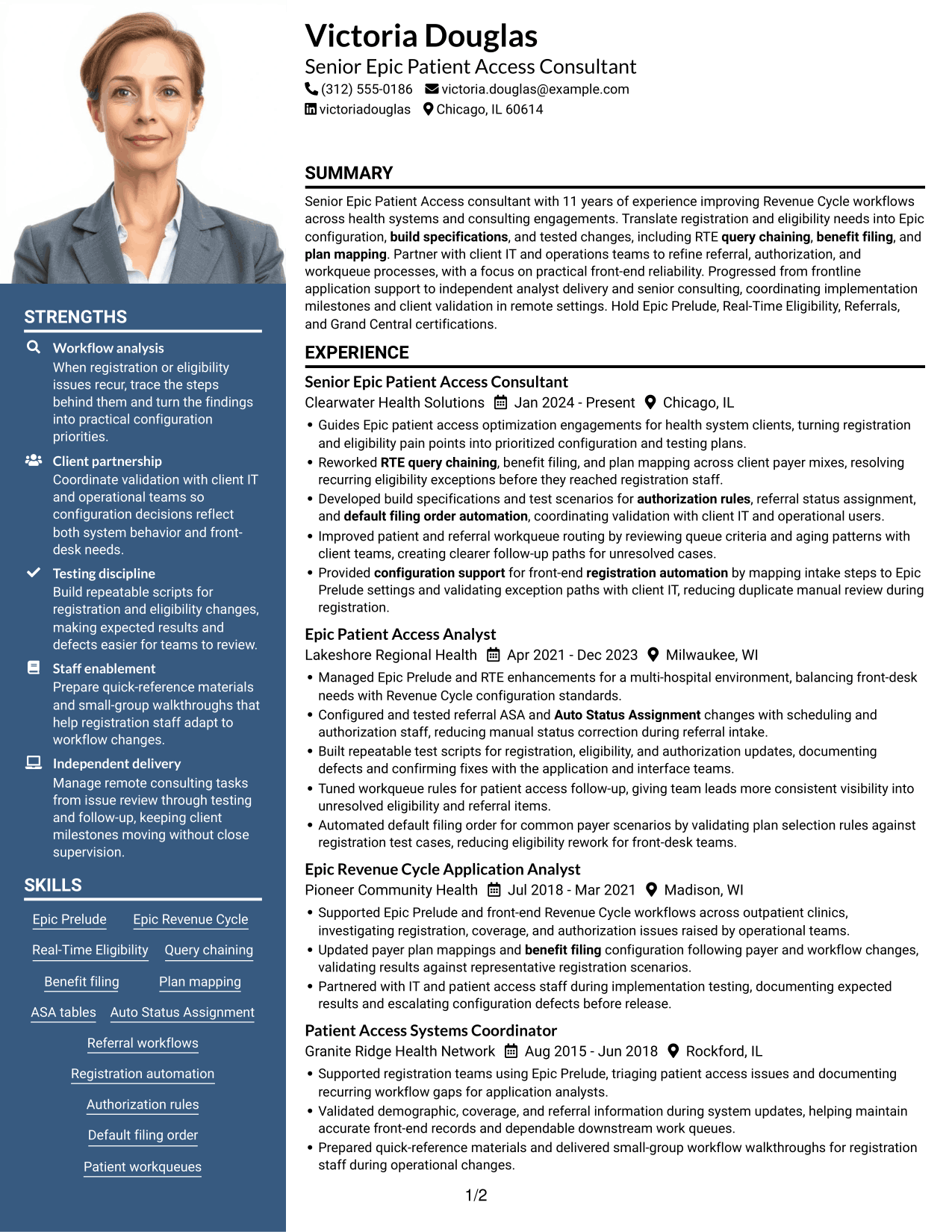
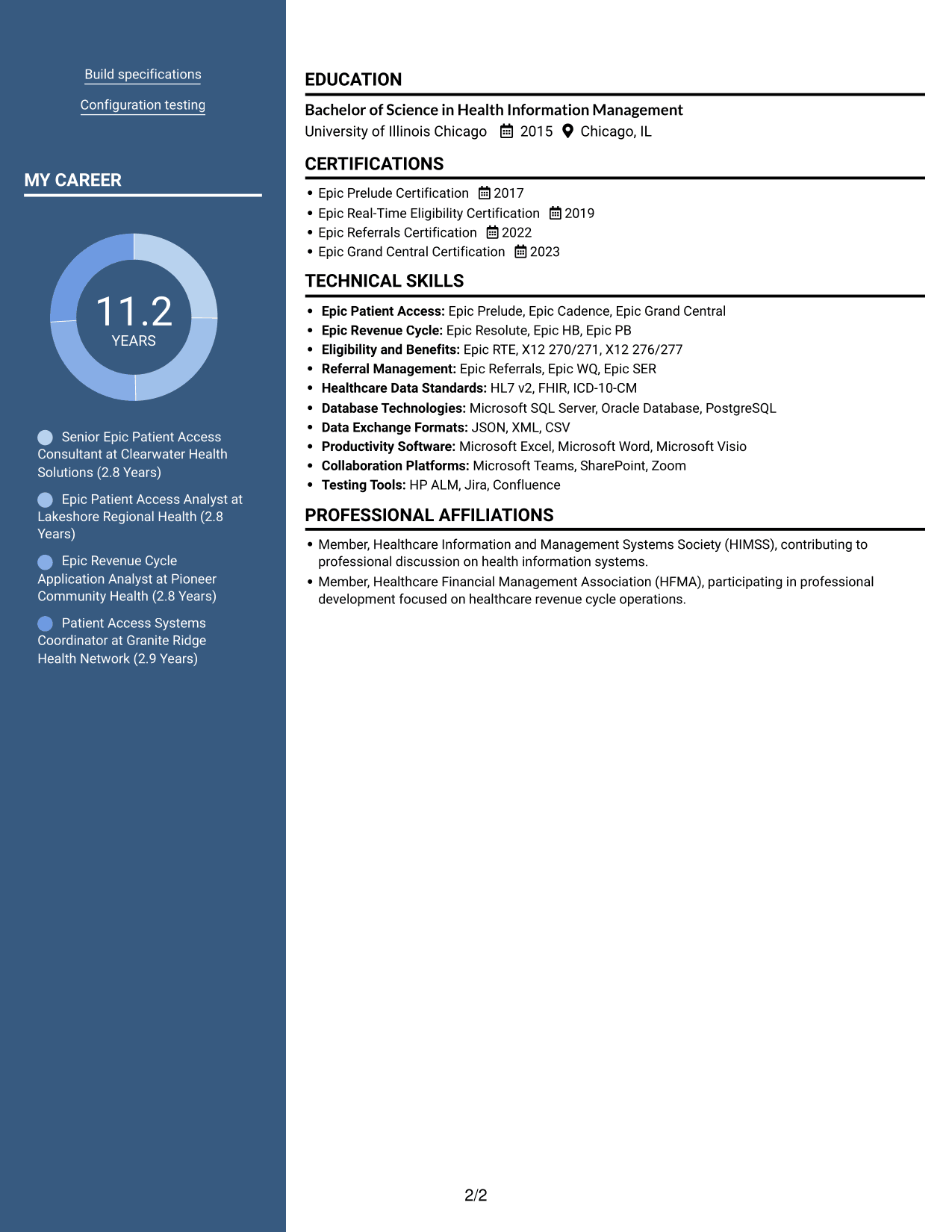
Why This Format Works
- The two-column body gives experience and supporting sections distinct areas for review.
- A photo in the header presents a visual identifier without taking the place of resume evidence.
- Section divisions help reviewers locate education and credentials within the document.
Best For
- Resume presentation with a portrait
- Two-column content organization
- Experience alongside supporting sections
- Readers who prefer visual identification
- Documents with several qualification areas
#6 Colored Two Column Format Resume Example
The Colored Two Column Format uses two parallel areas to organize resume content, a practical option for readers who want distinct sections in a compact view.
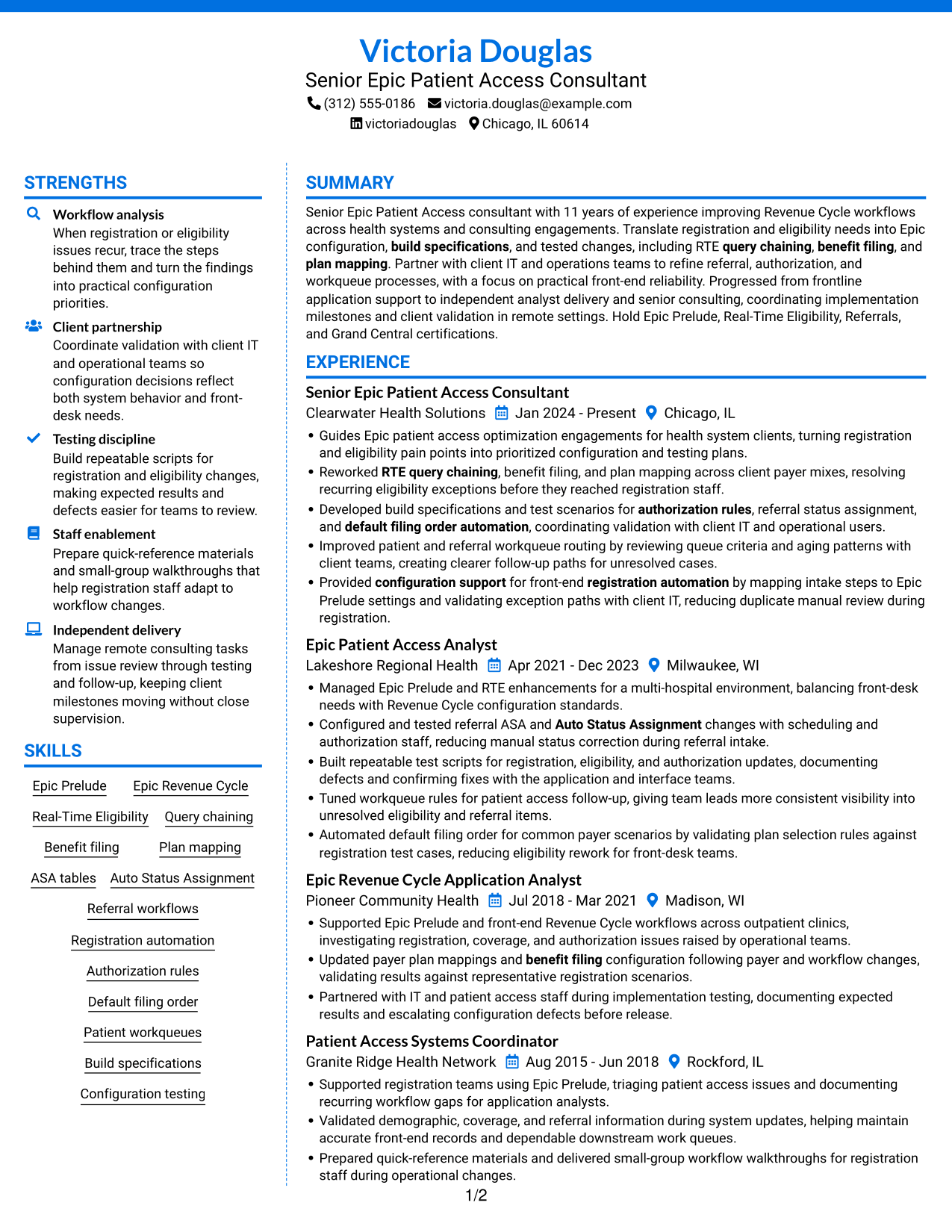
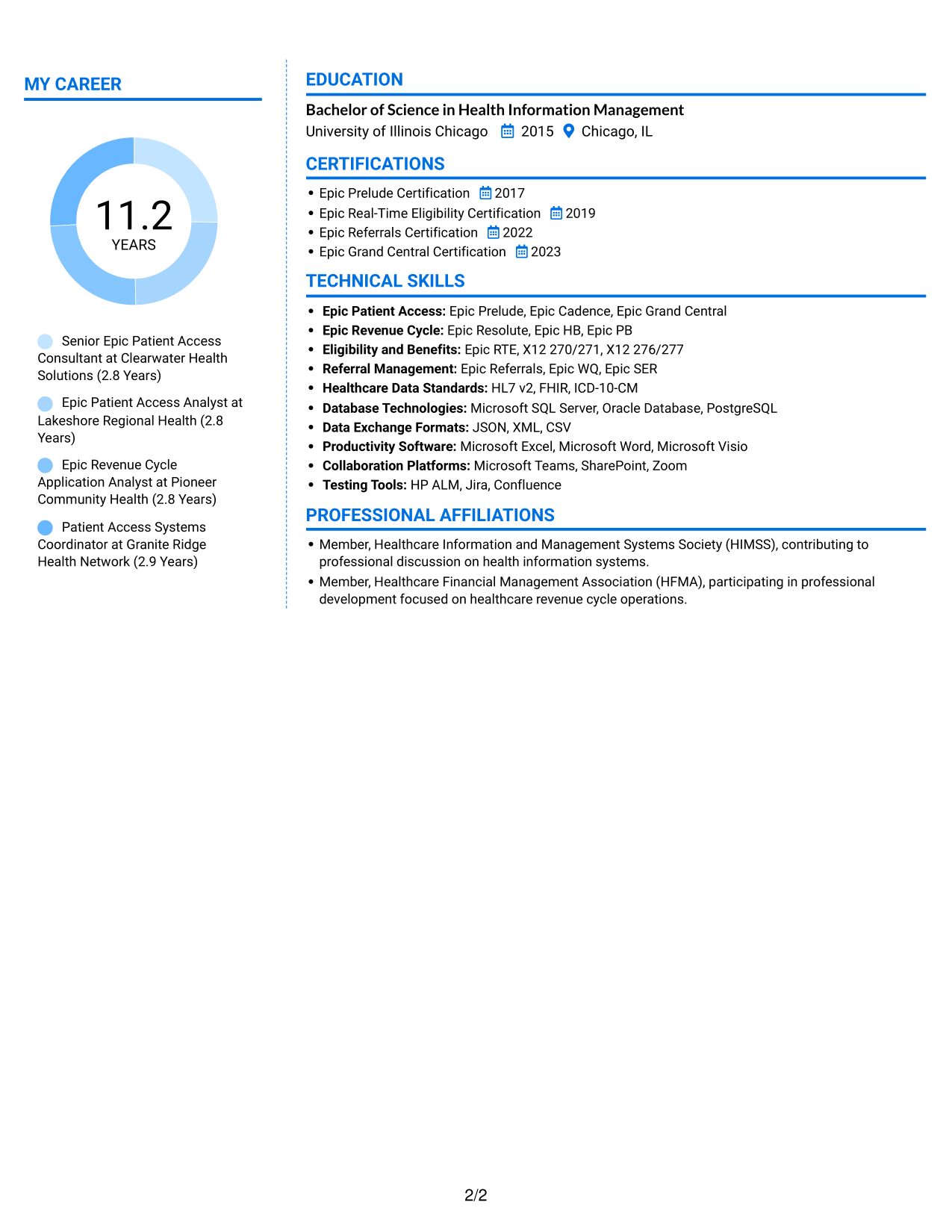
Why This Format Works
- The two-column structure separates career information from supporting qualifications for easier navigation.
- Reviewers can find education and certifications without searching through all experience details.
- Distinct content areas help skills remain easy to locate in a detailed resume.
Best For
- Compact view of varied sections
- Readers who prefer parallel areas
- Detailed experience with supporting information
- Skills and credentials easy to locate
- Resumes with clear information groups
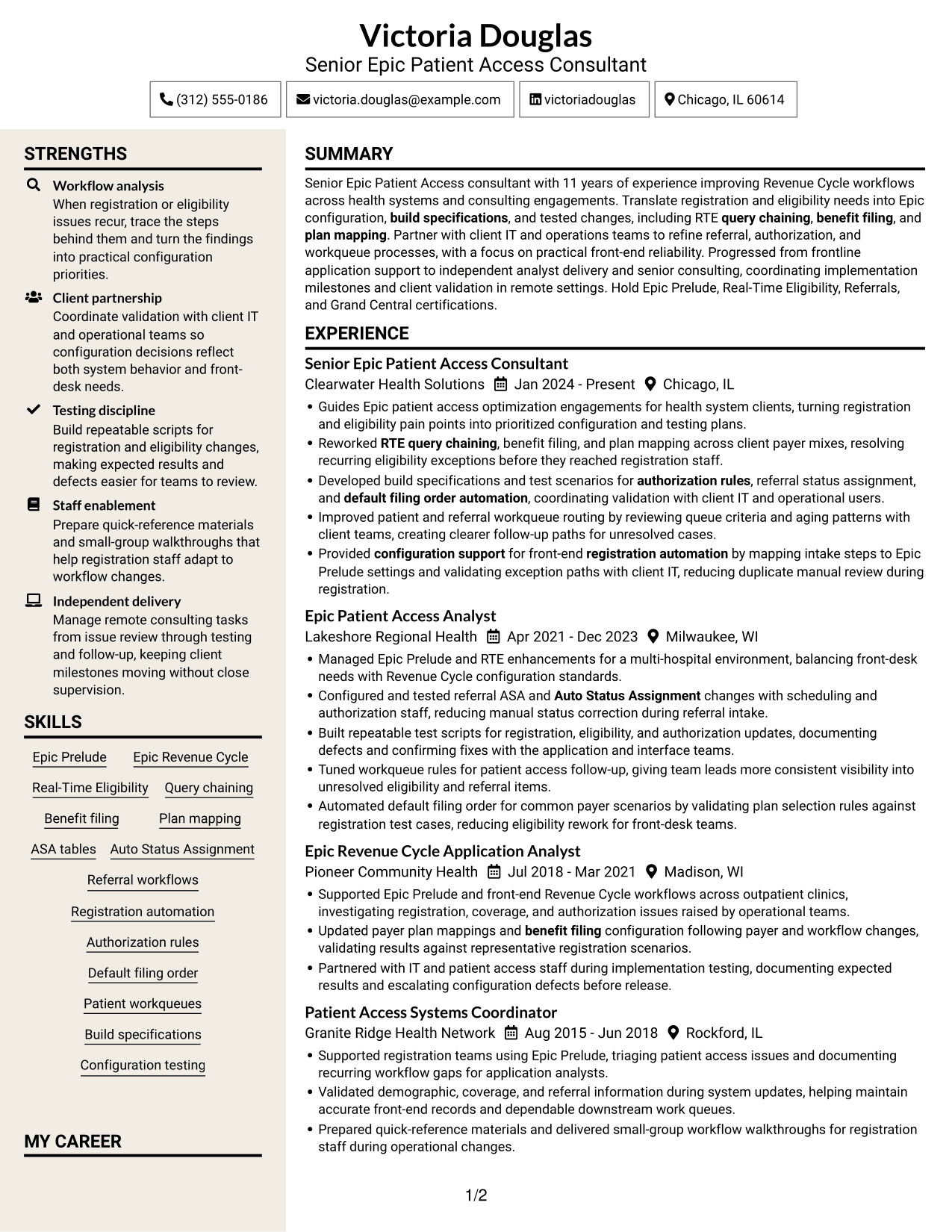
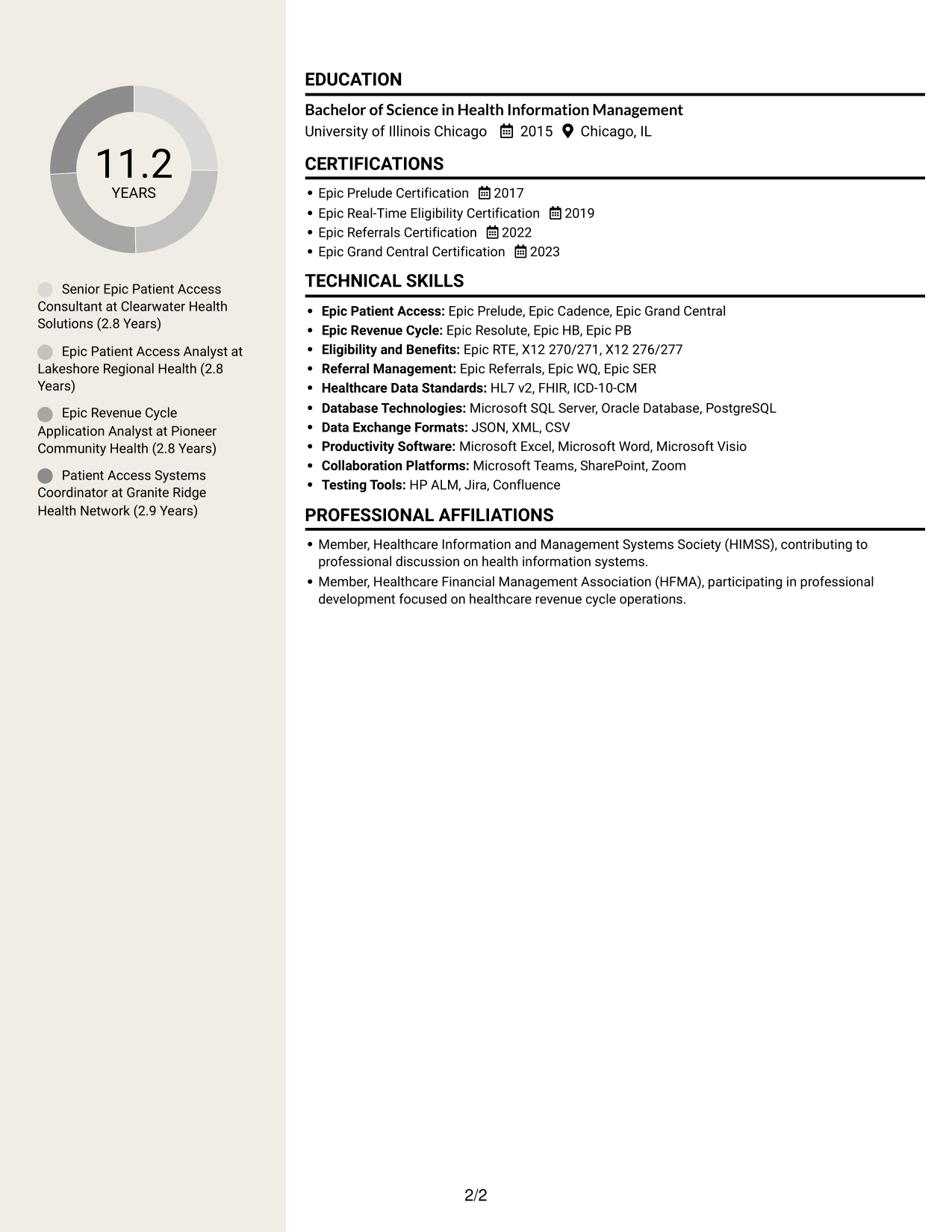
#7 Stylish Two Column Designer Format Resume Example
The Stylish Two Column Designer Format presents resume content in two columns, a useful choice when reviewers need separate areas for career details and qualifications.
Why This Format Works
- Separate columns give career history and supporting information clear areas within the resume.
- The section structure helps reviewers move from experience to education and certifications.
- Skills can be reviewed apart from the career timeline while remaining part of one document.
Best For
- Career details with separate qualifications
- Readers who value divided content areas
- Skills apart from the career timeline
- Experience and education in one document
- Resumes with several section types
Why Build Your Senior Consultant - Epic Patient Access Resume with ResumeInMinutes
ResumeInMinutes helps you organize your Epic patient access experience, technical skills, and certifications in a resume that is easy to scan and tailor.
- Multiple resume layouts
- Clear, ATS-readable sections
- Role-specific keyword guidance
- Organized skills and experience
- PNG image previews
- Resume editing in the editor
Use the examples to present your Epic configuration, client collaboration, testing, and workflow improvements with clear evidence and accurate details.
See Also
- 33 AI Engineer Consultant Resume Templates with Example 2026 (ATS-Optimized)
- 33 Business Processes Chief Consultant - Regulated Manufacturing Resume Templates with Example
- 7 Clinical Data Audit Consultant Resume Templates with Example
- 7 Consultant - Databases Resume Templates with Example
- 7 Consultant - Energy Providers Resume Templates with Example
- 33 Cybersecurity Senior Consultant Resume Templates with Example 2026 (ATS-Optimized)
- 7 Enterprise Implementation Consultant Resume Templates with Example
- 7 Financial Sales Consultant - Investment Products Resume Templates with Example
- 7 Senior Consultant - Epic Patient Access Cover Letter Templates with Example
- 30+ AI Engineer Consultant Cover Letter Templates with Example 2026
Frequently Asked Questions
Are these Senior Consultant - Epic Patient Access resume templates ATS-friendly?
The examples use readable headings and clear sections to support resume scanning. Add relevant terms such as Epic Prelude, RTE, build specifications, and configuration testing where they match your experience.
Does this page show different candidates or layouts?
It shows one resume example in different layouts. Compare the image previews, then open an example in the editor to customize it.
What should a Senior Consultant - Epic Patient Access resume include?
Include a focused summary, relevant consulting and system experience, Epic skills, education, and certifications. Use concise bullets to explain work with RTE, referral and authorization processes, build specifications, testing, and workqueues.
Which resume layout works well for this role?
Choose a layout with clear headings and enough room for technical skills and achievement bullets. A simple structure can help readers and applicant tracking systems find key details.
How can I show impact if I do not have exact metrics?
Describe the issue, the configuration or process change you supported, and the result you can verify. Do not add numbers unless you can support them with reliable evidence.
Should I include a photo on my resume?
For U.S. applications, a resume without a photo is usually a practical choice. Follow local standards if you are applying in a region where photos are expected.




