
7 Senior Director, Product Development - Intelligent Transportation Systems Cover Letter Templates with Example
This guide helps you write a Senior Director, Product Development - Intelligent Transportation Systems cover letter that links product leadership to transit needs, with seven layouts to compare.
What Makes a Great Senior Director, Product Development - Intelligent Transportation Systems Cover Letter in 2026
A strong letter connects product strategy and full-lifecycle leadership to the needs of intelligent transportation and transit operations. Its opening should state your interest, while the body shows how your judgment supports customers and reliable service.
Use specific evidence, such as setting portfolio KPIs or assessing AI opportunities before advancing a limited pilot. Then explain how your approach to governance, risk, and team development aligns with the employer’s needs.
The featured example moves from role interest to specific transit product evidence, then shows broader leadership strengths and closes with a clear next step; adapt that focused progression while choosing a presentation suited to the employer and communication context.
#1 Simple One Column Format Cover Letter Example
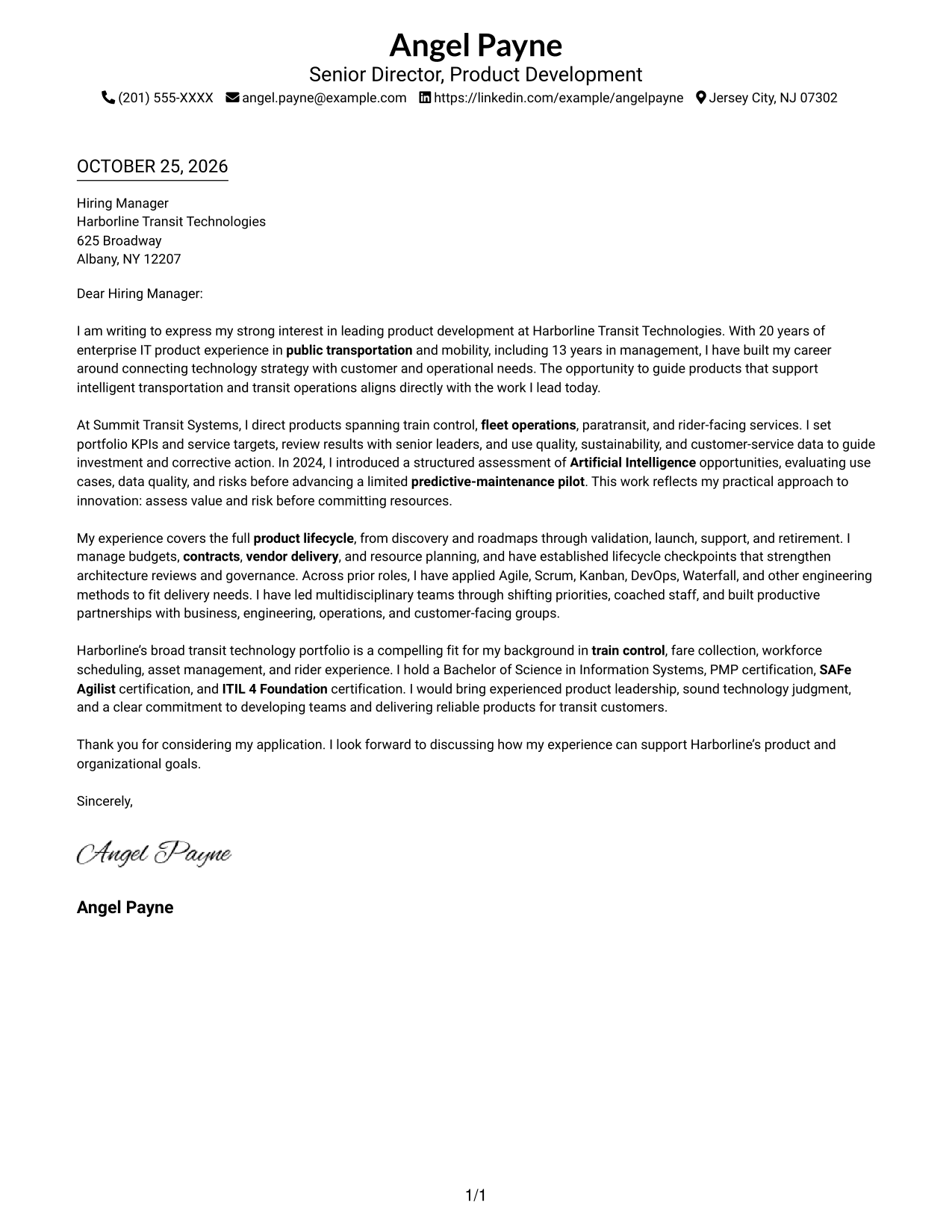
The Simple One Column Format places sender details in the header above one continuous letter body, so the opening, evidence, and closing follow a direct reading path.
Why This Format Works
- Header-based contact details give readers a clear place to find sender information.
- One body column lets the opening, evidence, and close read in sequence.
- The photo-free page suits readers who prefer a text-led application letter.
Best For
- Single-column reading preference
- Header-based contact details
- Continuous paragraph letters
- Photo-free correspondence
- Direct employer correspondence
#2 Two Column Format Cover Letter Example
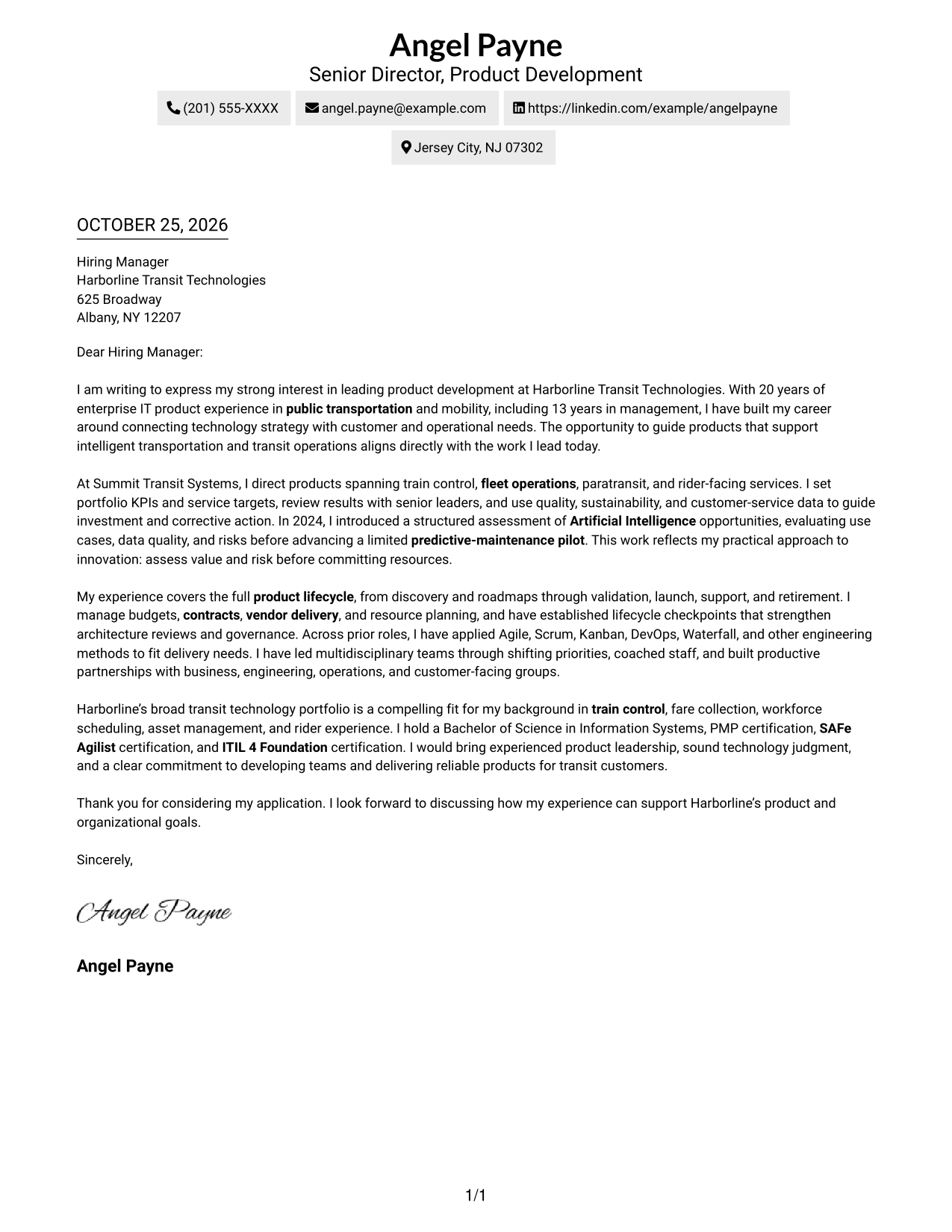
The Two Column Format places a contact sidebar beside one continuous letter body, keeping practical details separate from the opening-to-close message.
Why This Format Works
- Sender details have a dedicated sidebar, separate from the employer-facing message.
- The opening, evidence, and closing remain together in one body column.
- Readers can refer to contact information beside the letter without dividing its argument.
Best For
- Sidebar contact details
- One-column message body
- Transit leadership applications
- Detailed employer-fit letters
- Letters with multiple evidence points
#3 Photo Header Two Column Format Cover Letter Example
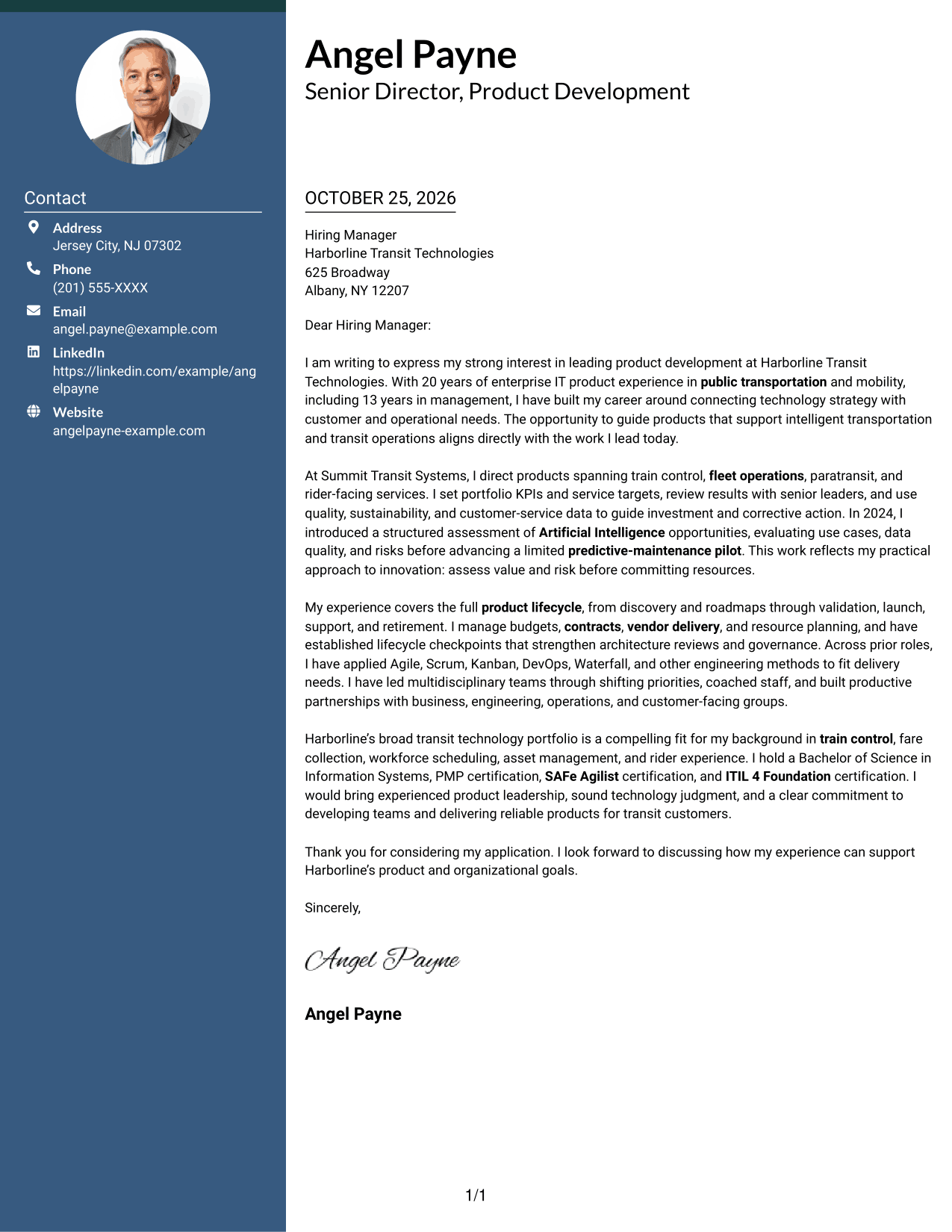
The Photo Header Two Column Format pairs a photo and contact sidebar with one continuous letter body, offering a visual option while keeping the message in its own reading area.
Why This Format Works
- The contact sidebar gives sender details a distinct place beside the letter.
- One body column keeps the opening, supporting evidence, and close together.
- A photo offers a visual option for readers who prefer one in correspondence.
Best For
- Photo-inclusive application letters
- Contact details in a sidebar
- Continuous persuasive paragraphs
- Evidence-rich leadership letters
- Senior product leadership applications
#4 One Column Format with Photo Cover Letter Example
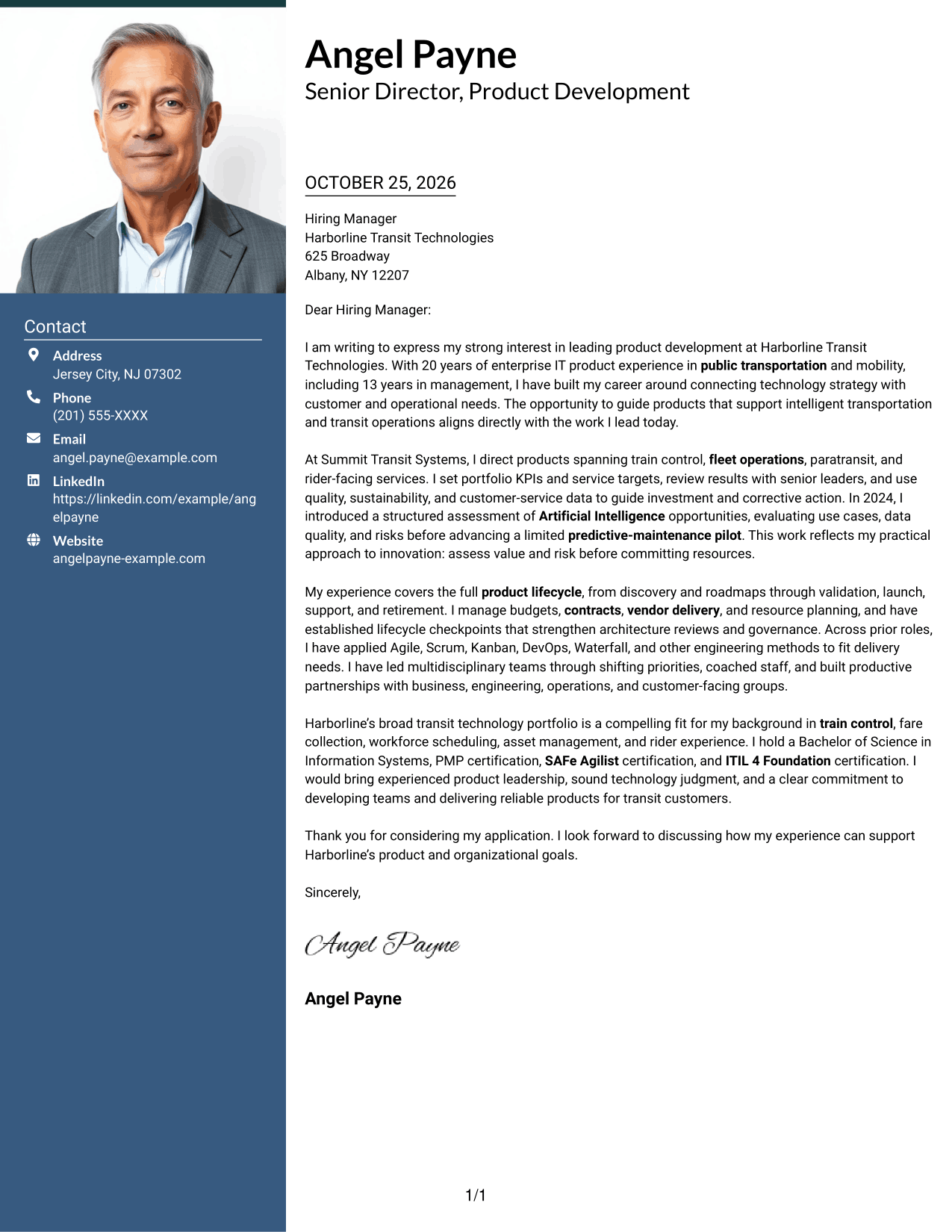
The One Column Format with Photo combines sender details in the header, a photo, and one continuous letter body for a direct, personal presentation.
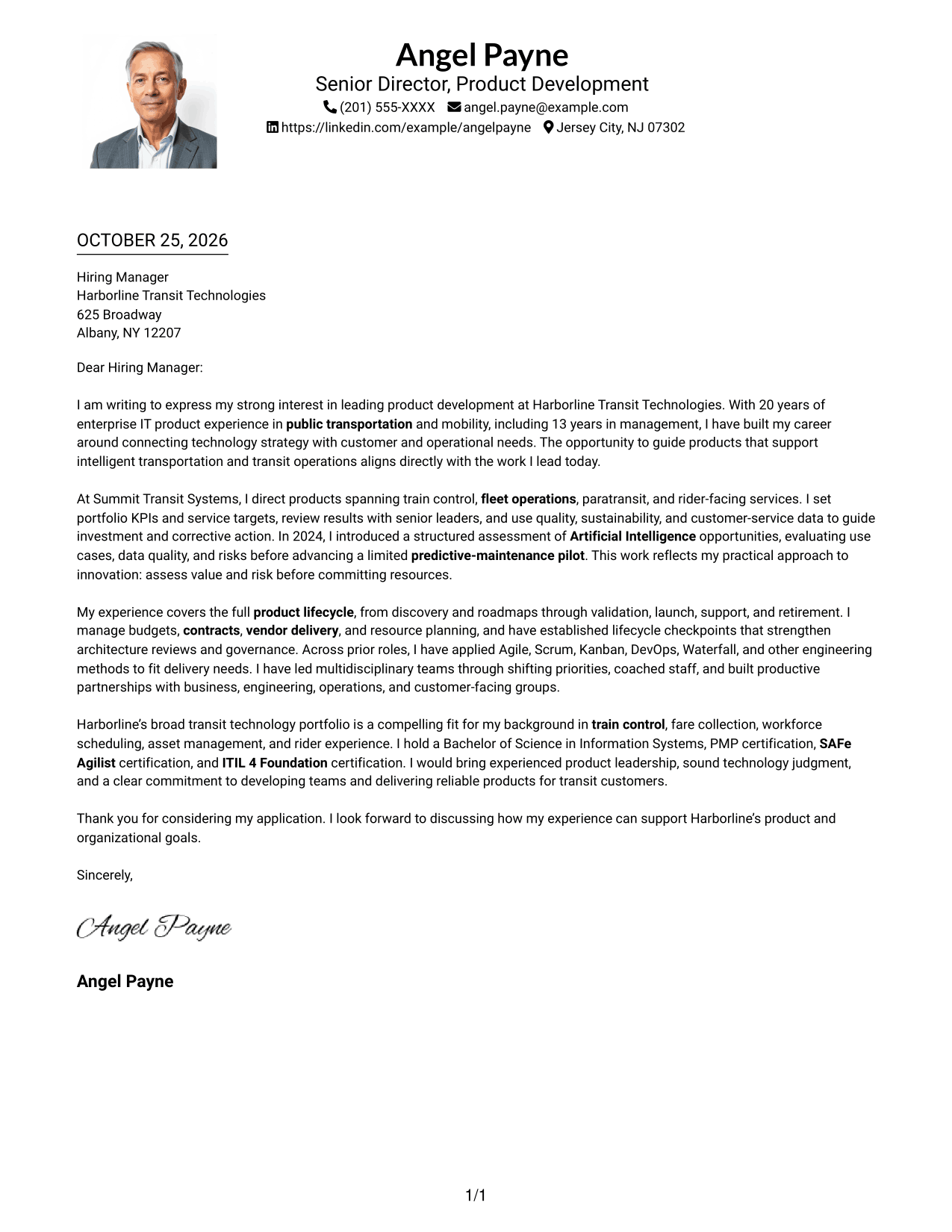
Why This Format Works
- Header-based sender details stay distinct from the letter’s persuasive paragraphs.
- The single body column keeps each paragraph in a clear reading order.
- A photo adds a visual element for readers who prefer image-inclusive letters.
Best For
- One-column message reading
- Photo-inclusive correspondence
- Header-based sender information
- Paragraph-led employer fit
- Direct letter presentation
#5 Simple Two Column Format Cover Letter Example
The Simple Two Column Format places a contact sidebar beside one continuous letter body, giving correspondence details a separate area while the message stays together.
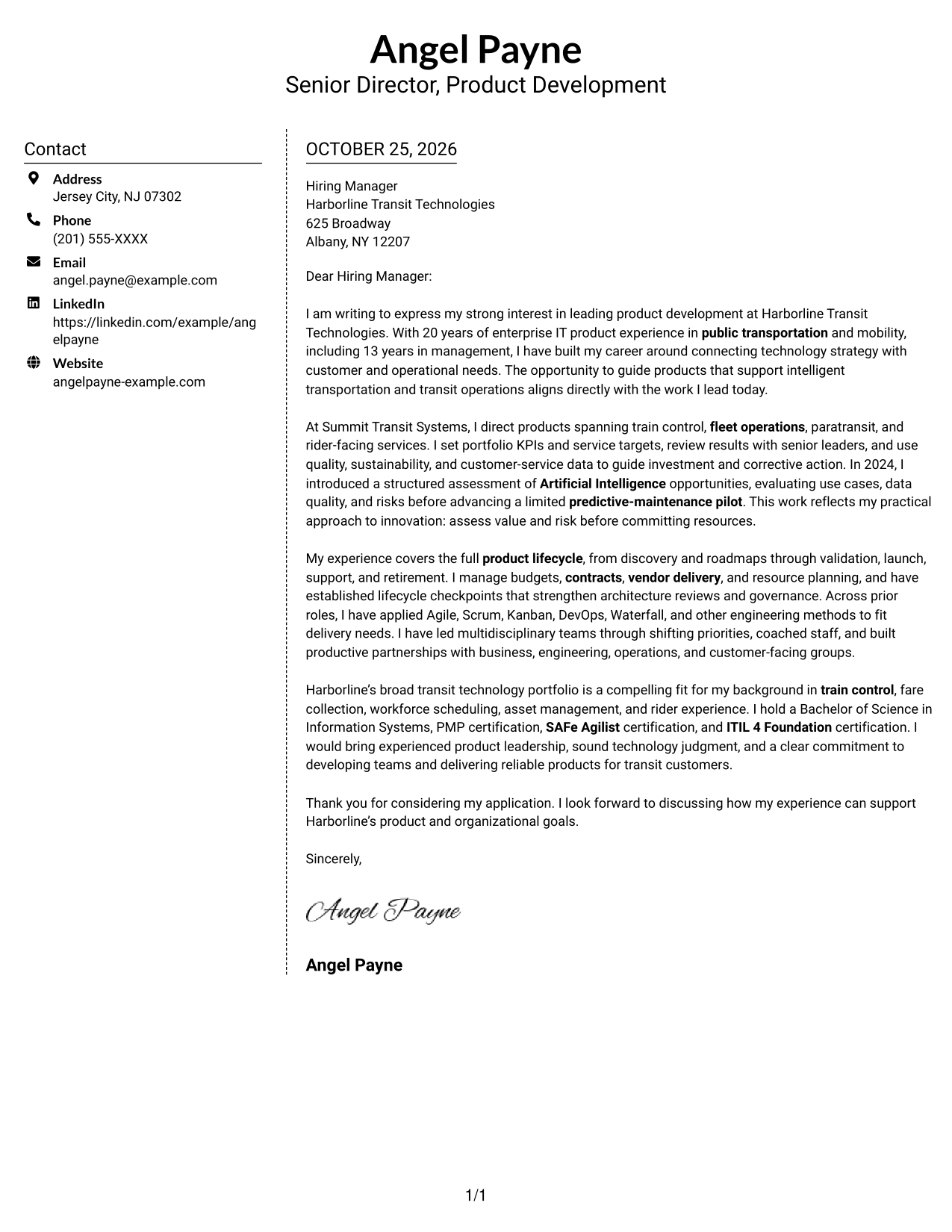
Why This Format Works
- A separate contact sidebar makes sender information easy to locate.
- The letter’s opening, evidence, and closing stay in one body column.
- Contact details sit beside the message, not within its persuasive paragraphs.
Best For
- Sidebar-based contact presentation
- One-column letter body
- Multi-paragraph employer fit
- Contact details apart from prose
- Leadership application correspondence
#6 Modern Icon Format Cover Letter Example
The Modern Icon Format uses two columns, with contact details in a sidebar beside one continuous letter body; icons cue contact information, not stages of the argument.
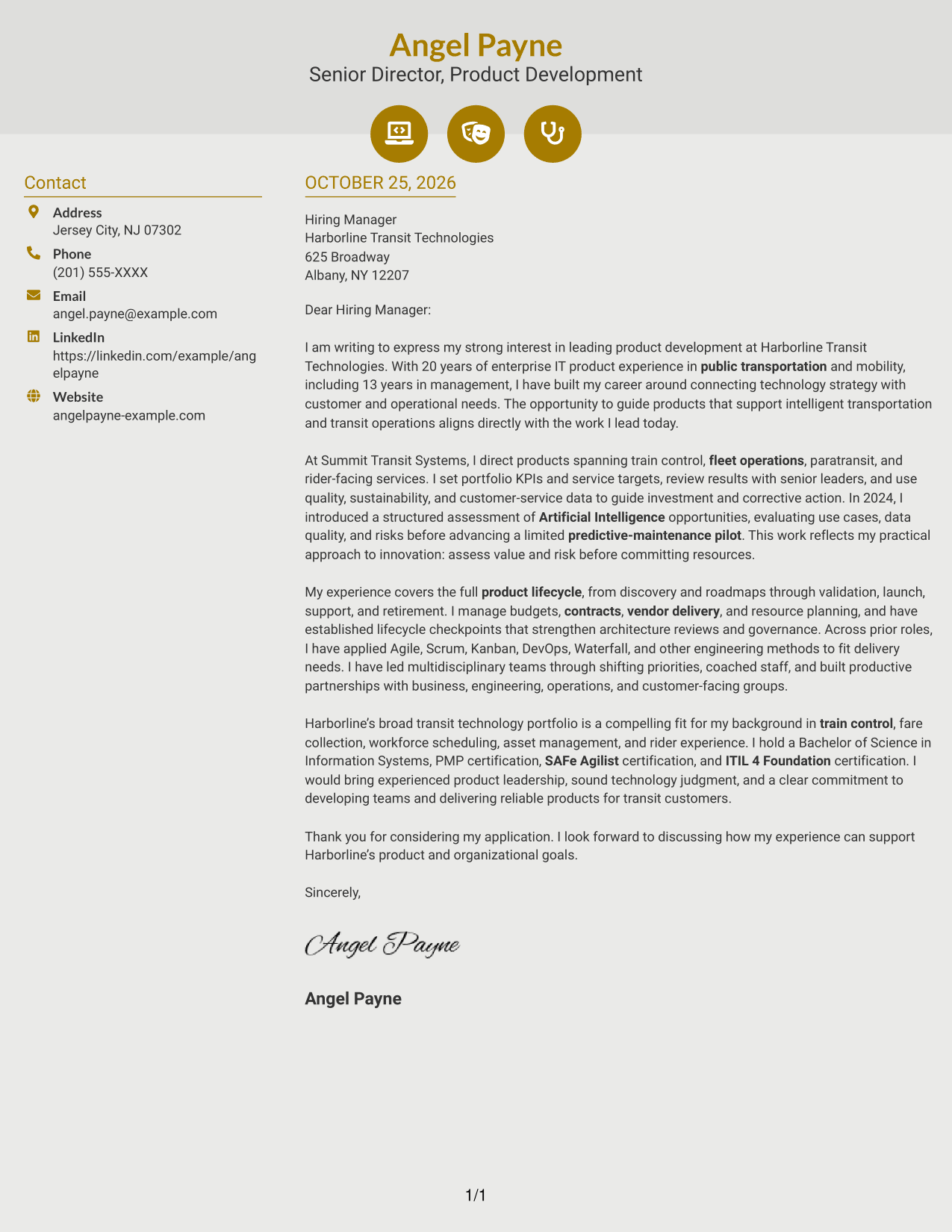
Why This Format Works
- Contact icons help distinguish contact details from the letter’s persuasive content.
- The sidebar keeps sender information separate from the continuous letter body.
- One body column lets readers follow the message from opening through closing.
Best For
- Icon-cued contact details
- Two-column page organization
- Continuous letter arguments
- Distinct contact and message areas
- Visual contact presentation
#7 Creative Two Tone Format Cover Letter Example
The Creative Two Tone Format places contact details in a sidebar beside one continuous letter body, separating sender information from the employer-focused message.
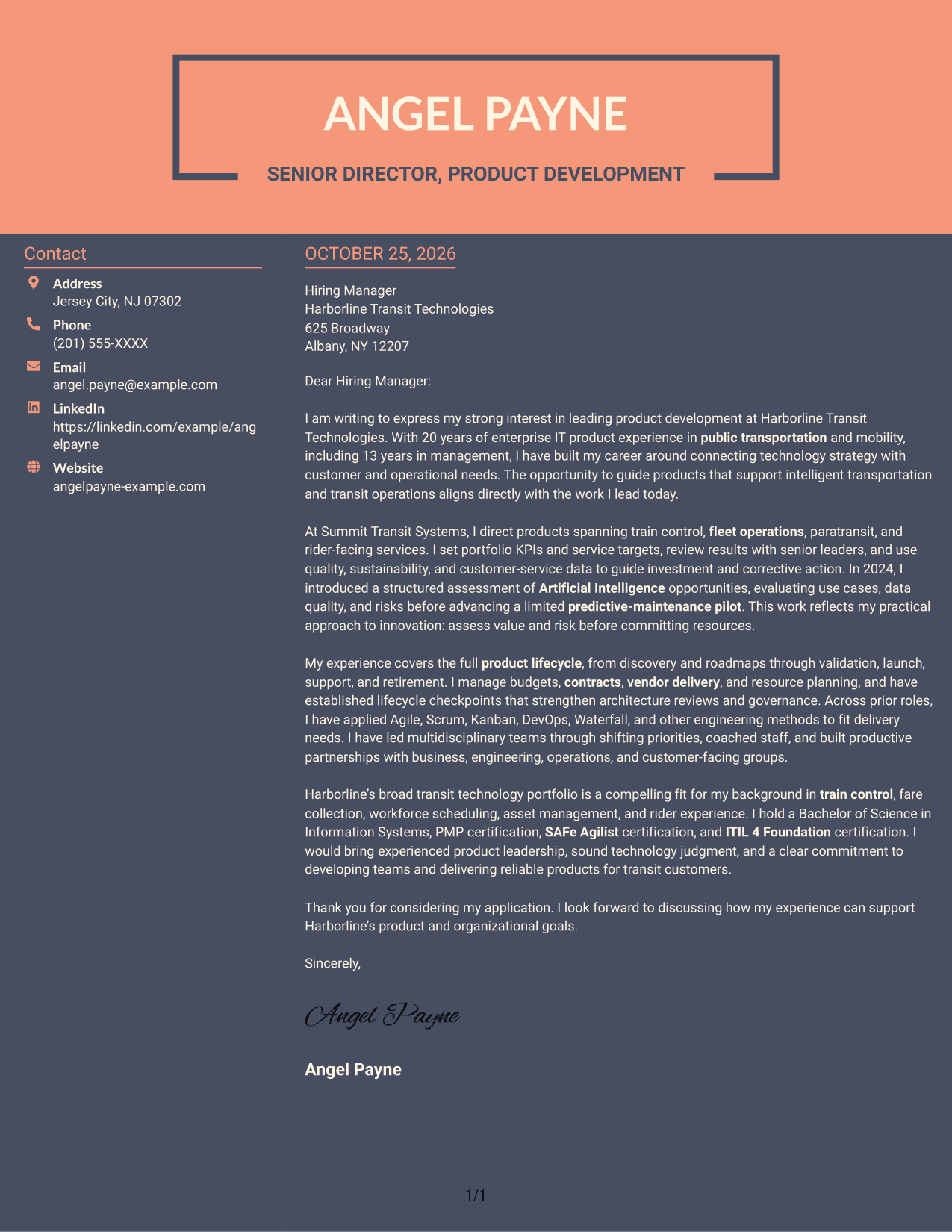
Why This Format Works
- The contact sidebar gives sender information its own place beside the letter.
- Opening, supporting evidence, and closing remain in one continuous body column.
- The separate areas distinguish correspondence details from the case for fit.
Best For
- Contact sidebar organization
- Single-column message reading
- Employer-fit narratives
- Multi-paragraph application letters
- Separate sender and message areas
See Also
- 7 Senior Director, Product Development - Intelligent Transportation Systems Resume Templates with Example
- 7 Director of Business Systems Product Management Resume Templates with Example
- 33 Assistant Director of Development - Athletics Fundraising Resume Templates with Example
- 7 Associate Director for Academic, Career, and Professional Development Resume Templates with Example
- 7 Development Director - Fundraising Resume Templates with Example
- 7 Women's Basketball Director of Player Development Resume Templates with Example
- 7 Director, Digital/Technical Product Management Resume Templates with Example
- 7 Director of Product Management - Corporate Payments Resume Templates with Example
- 7 Director of Product Management - Corporate Payments Cover Letter Templates with Example
- 30+ Director of Product Management Cover Letter Templates with Example 2026
Frequently Asked Questions
How should I connect product leadership to an Intelligent Transportation Systems role?
Show how your product decisions link customer needs, operational demands, and technology strategy. Examples involving train control, fleet operations, paratransit, or rider-facing services can make that connection clear when they reflect your experience.
What should the opening paragraph say?
State your interest in the role and give a clear reason your product leadership fits the work. Keep the opening focused, then use the body to support your fit with relevant evidence.
How can I describe Artificial Intelligence experience accurately?
Be precise about what you assessed and what followed. For example, describe evaluating use cases, data quality, and risks before advancing a limited predictive-maintenance pilot, without presenting an assessment as a completed rollout.
How should I show experience across the product lifecycle?
Briefly name the stages most relevant to the role, such as discovery, validation, launch, support, and retirement. Add evidence of how lifecycle checkpoints, governance, or performance reviews informed decisions.
Should I use a photo on my cover letter?
For U.S. applications, a no-photo cover letter is usually the safer choice. Choose a clear, professional presentation that supports easy reading.
How can I view and compare the cover letter examples?
Review the PNG image previews to compare the visual presentation, then use the editor link to open an example and customize it for the role.




