
7 Senior Enablement Program Associate - Technical Solutions Enablement Cover Letter Templates with Example
This practical guide helps you write a focused Senior Enablement Program Associate - Technical Solutions Enablement cover letter and explore seven layouts.
What Makes a Great Senior Enablement Program Associate - Technical Solutions Enablement Cover Letter in 2026
A strong letter connects your interest in global enablement to the work of supporting customer-facing teams. It makes clear how you can coordinate programs and help partners act on priorities.
Use specific evidence, such as tracking engagement, measuring adoption, or turning team feedback into recommendations. Link that evidence to BrightGauge Cloud’s focus on Support, Customer Success, and Sales Engineering.
The featured example moves from role interest to program evidence, relevant experience, and a clear close, giving you a focused progression to adapt while choosing a presentation that suits the employer and communication context.
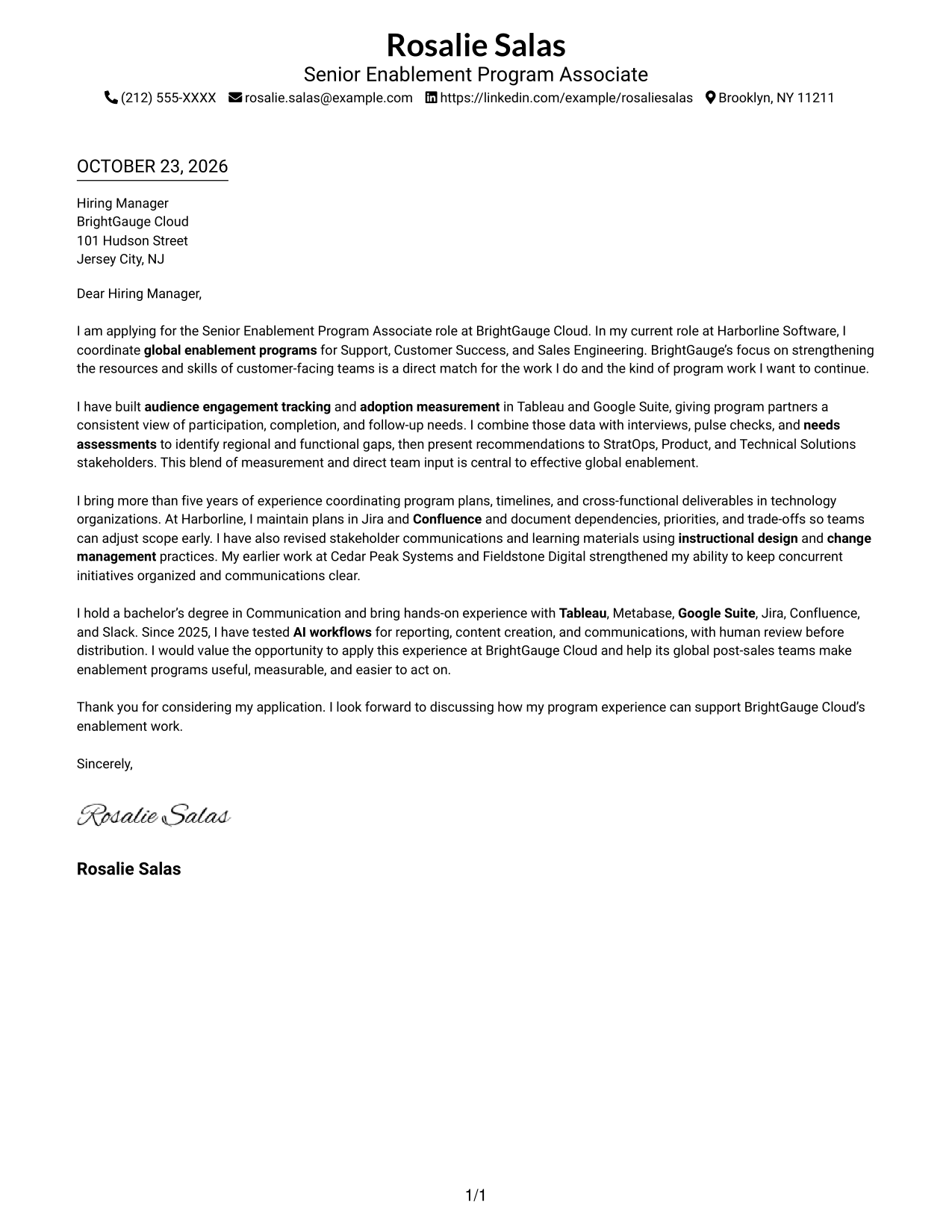
#1 Simple One Column Format Cover Letter Example
A single-column page keeps the letter on one direct reading path, making it a clear choice for a focused application.
Why This Format Works
- Sender details in the header give readers a clear place to find contact information.
- The letter moves from opening to closing without splitting its paragraph flow.
- Motivation and supporting evidence stay within the letter, without argument section headings.
Best For
- Letters with a direct reading path
- Applications with several evidence paragraphs
- Header-based sender contact details
- Company-specific opening motivation
- A continuous closing argument
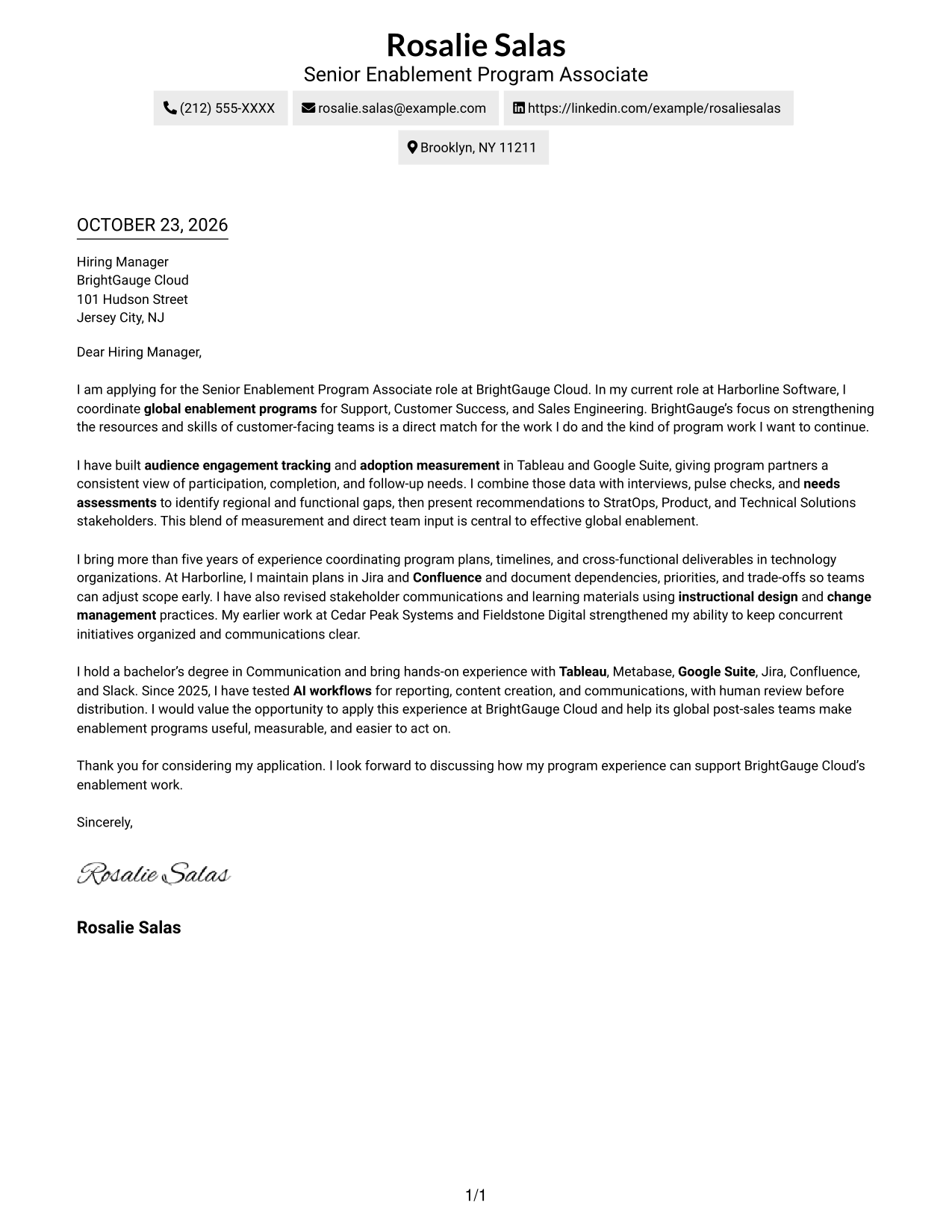
#2 Two Column Format Cover Letter Example
A contact sidebar sits beside one continuous letter body, a useful choice when sender details should remain separate from the message.
Why This Format Works
- The contact sidebar gives readers a distinct place to locate sender information.
- Opening, supporting evidence, and closing remain together in one letter body.
- The message uses paragraphs rather than headings to make its case.
Best For
- Contact details apart from letter text
- Applications with multiple evidence paragraphs
- A continuous persuasive message
- Quick access to sender information
- Company-focused motivation
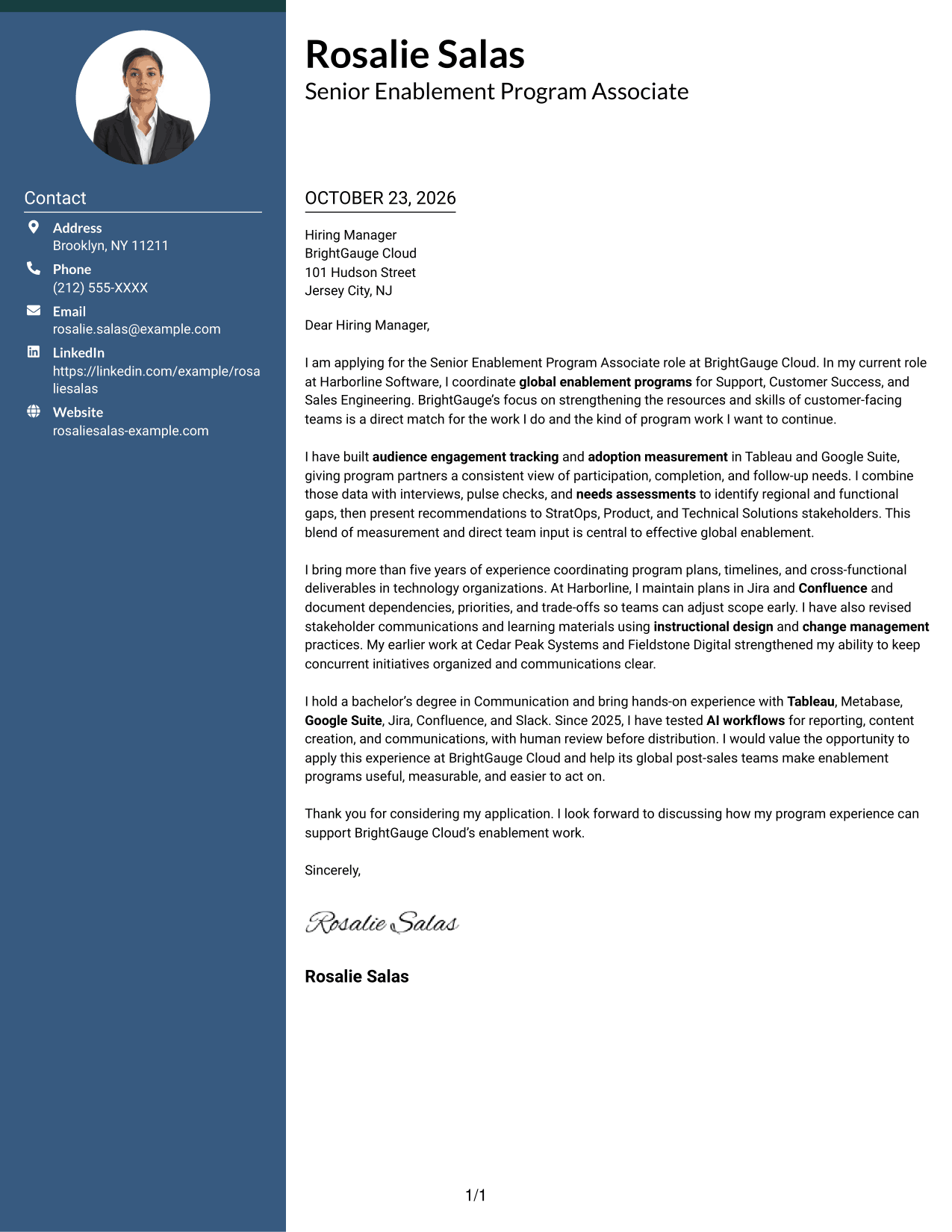
#3 Photo Header Two Column Format Cover Letter Example
A photo in the header adds a portrait to the two-column layout, while the letter remains one continuous body.
Why This Format Works
- The portrait adds a personal visual element without breaking the letter body.
- The contact sidebar keeps sender details distinct from the message.
- The opening, evidence, and closing follow one continuous paragraph sequence.
Best For
- Photo-inclusive application materials
- Contact details beside the message
- Letters with connected evidence paragraphs
- A continuous opening-to-close argument
- A portrait in the header
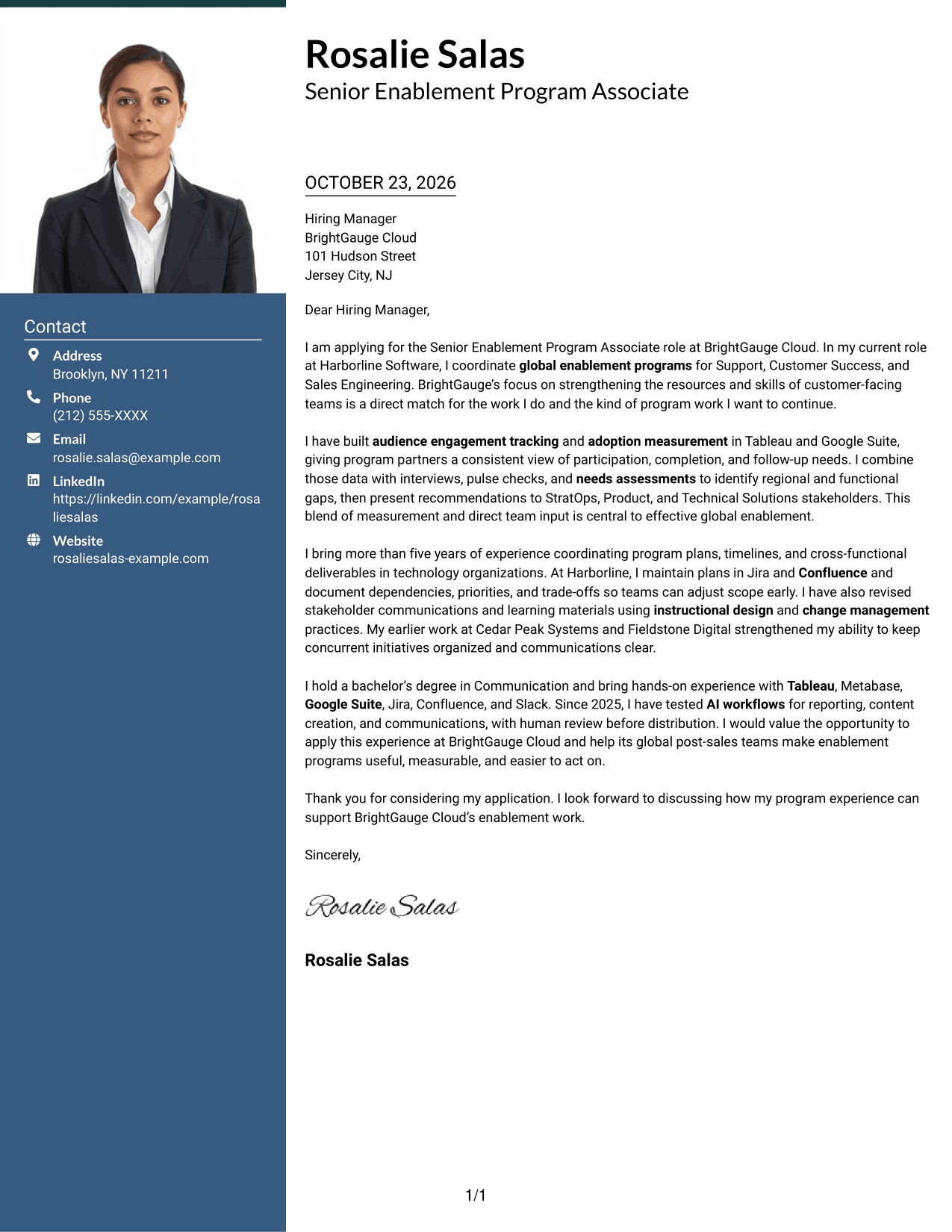
#4 One Column Format with Photo Cover Letter Example
A single-column letter pairs sender details in the header with a photo, for readers who want a portrait without dividing the message.
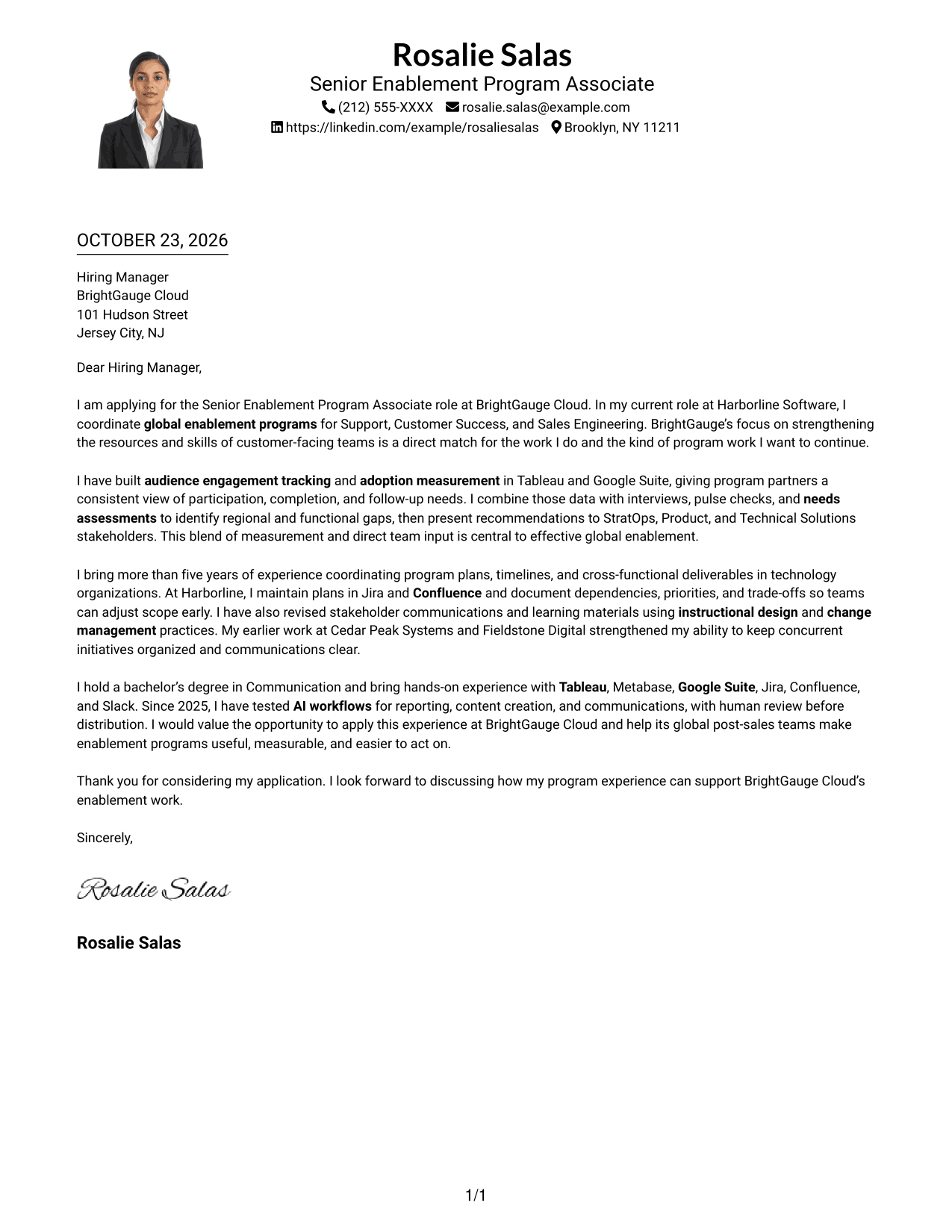
Why This Format Works
- Header-based contact details are easy to find before readers begin the letter.
- The photo adds a personal visual touch without changing the paragraph structure.
- The argument stays in one body, from the opening through the close.
Best For
- Photo-inclusive letters with one reading path
- Sender details in the header
- Applications with a personal introduction
- Several connected evidence paragraphs
- A portrait with a continuous message
#5 Simple Two Column Format Cover Letter Example
The two-column page places contact information beside, not within, the continuous letter, keeping the argument together.
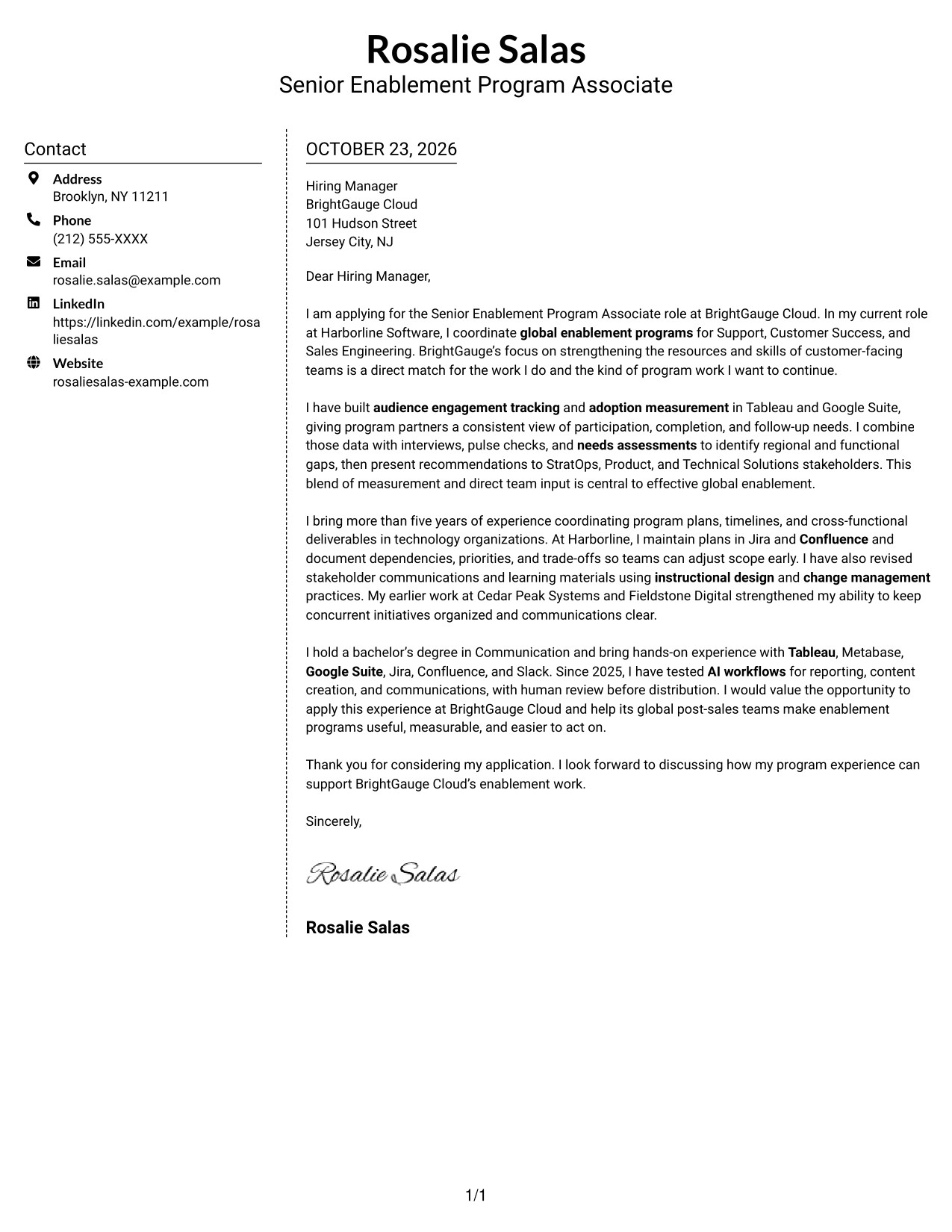
Why This Format Works
- A separate contact area gives sender details a clear location beside the letter.
- The main message keeps its opening, evidence, and closing in one body.
- Paragraphs carry the case without headings that divide its argument.
Best For
- Contact-led page organization
- Letters with one connected argument
- Multi-paragraph application messages
- Sender information kept at hand
- Role-specific company interest
#6 Modern Icon Format Cover Letter Example
Icons cue contact details in the sidebar, while the letter stays in one continuous body, a practical choice for an icon-led contact area.
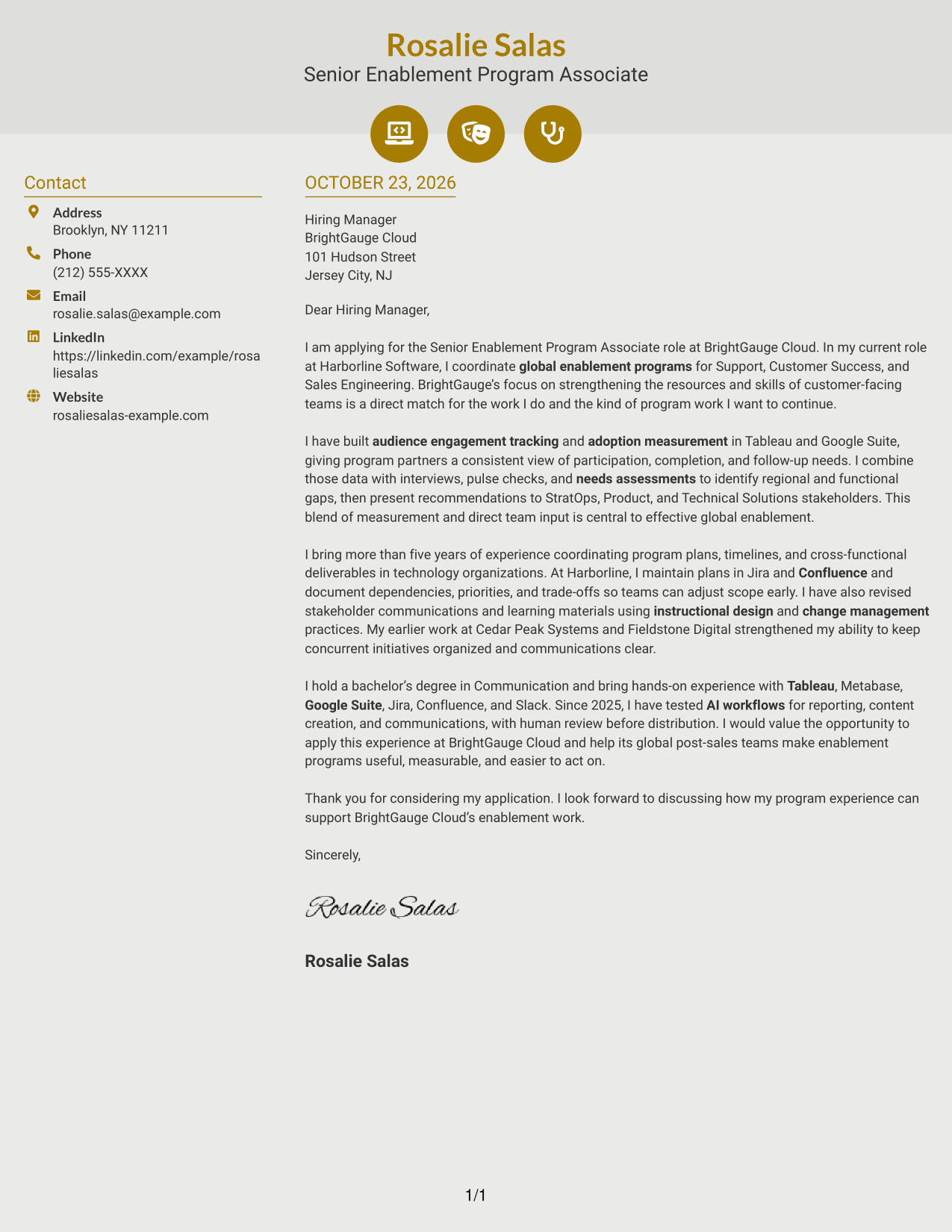
Why This Format Works
- Contact icons help distinguish sender details from the letter text.
- One continuous body keeps the persuasive message in its natural order.
- Decorative header accents offer a visual choice without labeling argument sections.
Best For
- Icon-cued contact information
- Separate contact and letter areas
- Uninterrupted persuasive paragraphs
- Applications with multiple evidence points
- Decorative header accents
#7 Creative Two Tone Format Cover Letter Example
Contact details occupy a sidebar beside the letter's continuous paragraphs, giving readers a clear place to find sender information.
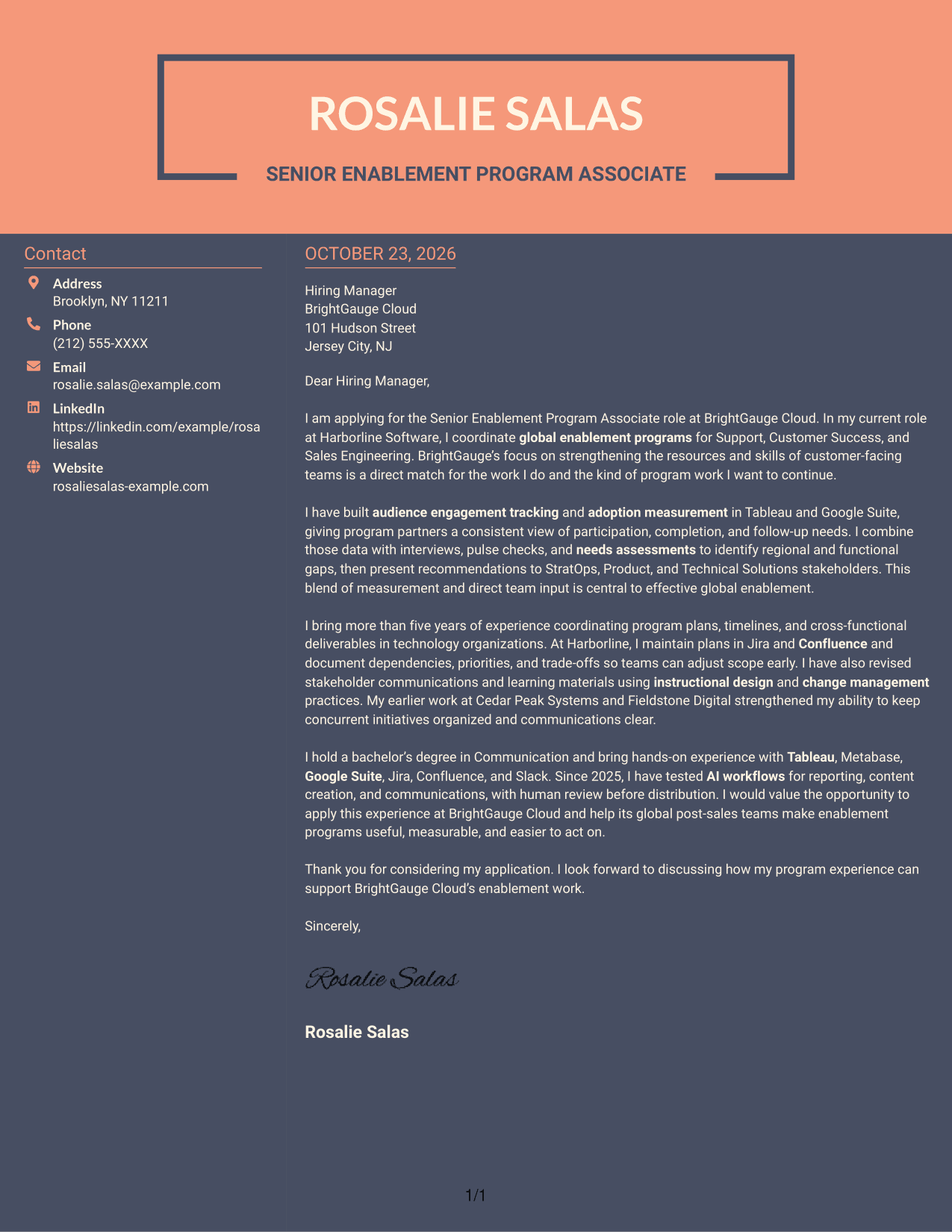
Why This Format Works
- Sender details remain available in a contact area beside the message.
- The continuous letter body keeps the opening, evidence, and close together.
- Without argument headings, the paragraphs carry the persuasive sequence.
Best For
- Sidebar-based contact information
- Applications with a connected case
- Letters with several evidence paragraphs
- A clear opening and closing
- Company-specific motivation
See Also
- 7 Senior Enablement Program Associate - Technical Solutions Enablement Resume Templates with Example
- 7 Senior Risk Program Manager - Fraud & Disputes Enablement Resume Templates with Example
- 7 Technical Enablement Manager - Semiconductor Validation Resume Templates with Example
- 7 AI Operations Adoption and Enablement Analyst Resume Templates with Example
- 7 Business Analysis Manager - Innovation and Technology Enablement Resume Templates with Example
- 7 Data Engineer - Data Enablement Resume Templates with Example
- 7 Sales Enablement Manager Resume Templates with Example
- 33 Distinguished Technical Program Manager Resume Templates with Example 2026 (ATS-Optimized)
- 7 Senior Risk Program Manager - Fraud & Disputes Enablement Cover Letter Templates with Example
- 7 Technical Enablement Manager - Semiconductor Validation Cover Letter Templates with Example
Frequently Asked Questions
What should I highlight in a Senior Enablement Program Associate - Technical Solutions Enablement cover letter?
Show how your program coordination, engagement tracking, adoption measurement, and stakeholder communication relate to the role. Use examples you can explain clearly and connect them to the needs of global, customer-facing teams.
How can I make the opening paragraph specific to BrightGauge Cloud?
Name the role and connect your interest to BrightGauge Cloud’s stated focus on strengthening the skills, resources, and tools used by Support, Customer Success, and Sales Engineering teams.
How should I describe program data in my letter?
Explain what you tracked, how you used the findings, and how you shared them with partners. For example, you can discuss audience participation, completion, follow-up needs, and recommendations based on data and team feedback.
How should I choose a cover letter presentation?
Compare the image previews for readability and tone, then open an example in the editor to view or customize it. Choose a clear presentation that fits the employer and the way you want to communicate.
How can I show alignment with the role without repeating the job description?
Select a few relevant examples and explain their value. You might describe maintaining program plans in Jira and Confluence, gathering team input, or using Tableau and Google Suite to report engagement and adoption.




