
7 Senior Enablement Program Associate - Technical Solutions Enablement Resume Templates with Example
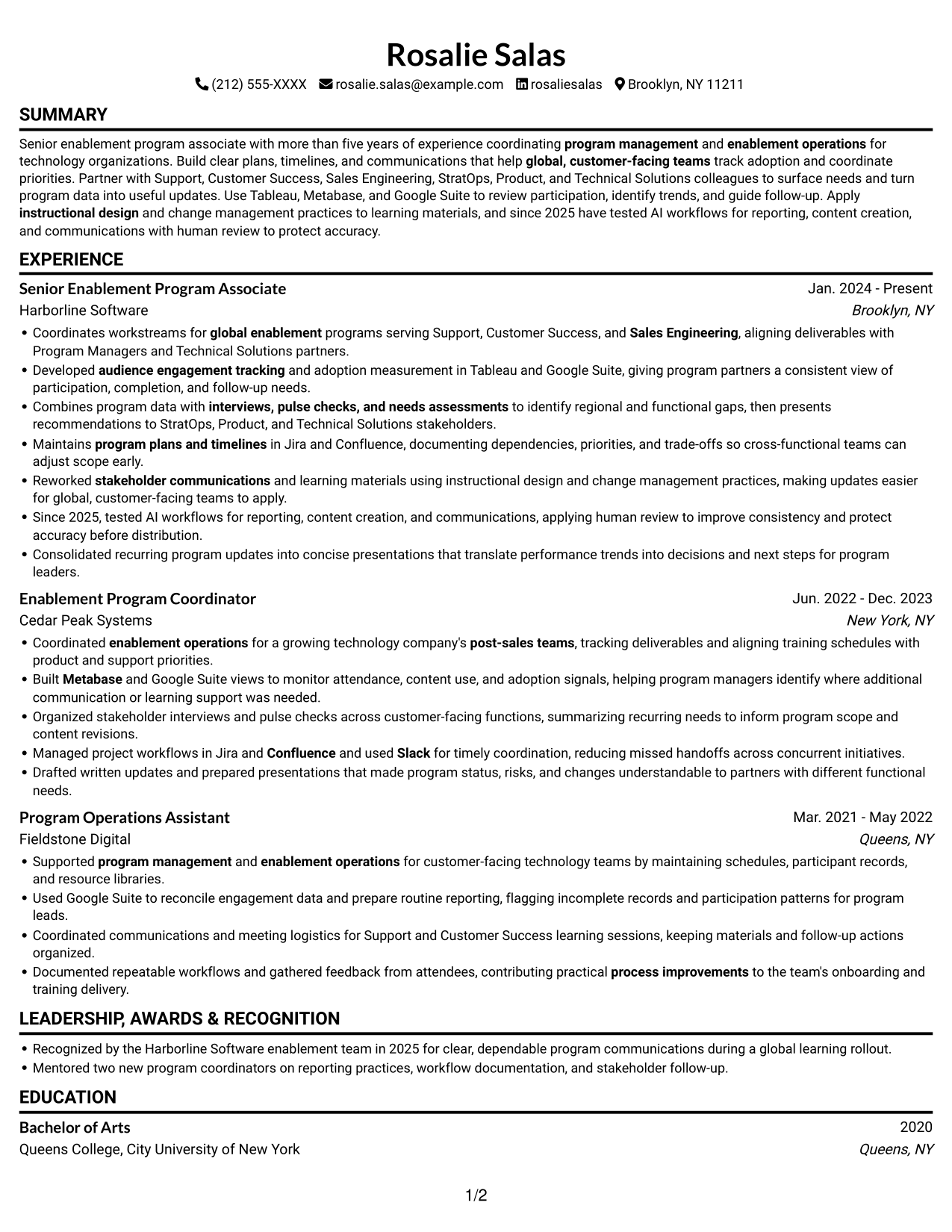
This guide shows you how to build a Senior Enablement Program Associate - Technical Solutions Enablement resume that presents your program work clearly and helps reviewers find relevant evidence. You will learn how to organize your experience and choose a professional format that supports quick review.
For this role, connect global enablement work to clear outcomes in program coordination, adoption measurement, stakeholder communication, and data analysis. Highlight relevant tools such as Tableau, Metabase, Google Suite, Jira, Confluence, and Slack where your experience supports them.
Explore one resume example presented in 7 layouts, with image previews that let you compare the designs and open an example in the editor.
What Makes a Great Senior Enablement Program Associate - Technical Solutions Enablement Resume in 2026
A strong resume makes program ownership easy to see. Use clear sections and concise bullets to show how you coordinate workstreams, track adoption, and keep cross-functional partners informed.
Support each claim with specific evidence, such as program plans, engagement data, presentations, or process improvements. Include relevant keywords and tools, including Tableau, Metabase, Google Suite, Jira, Confluence, and Slack, when they match your experience.
Note: Resume examples are for educational purposes only. Use only information that accurately reflects your experience and qualifications. References to real organizations do not imply affiliation or endorsement.
#1 Simple One Column Format Resume Example
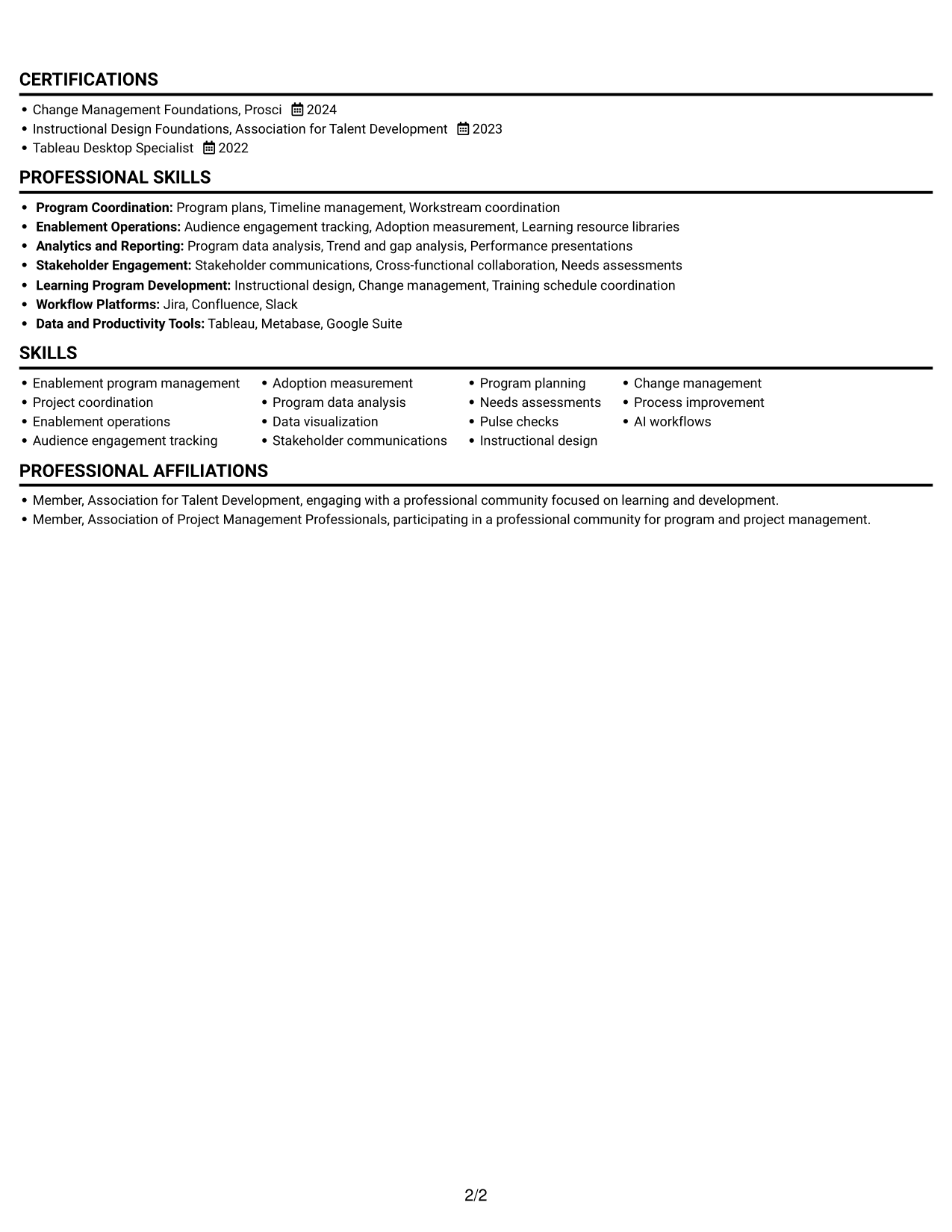
The one-column layout gives the resume a clear top-to-bottom path, helping reviewers follow experience and supporting sections in sequence.
Why This Format Works
- One continuous reading path keeps career progression and experience easy to follow.
- Clear section breaks help reviewers locate skills, education, and credentials.
- Full-width text gives achievement bullets room for concise, readable detail.
Best For
- Chronological career histories
- Achievement-rich experience sections
- Skills, education, and credentials together
- Top-to-bottom recruiter review
- Resumes with several supporting sections
Resume Keywords
- Bachelor of Arts
- program management
- Coordinates workstreams for global enablement programs serving Support, Customer Success, and Sales Engineering
- enablement operations
- audience engagement tracking
- adoption measurement
- program plans and timelines
- stakeholder communications
- Cross-functional collaboration
- Program data analysis
- Metabase
- Trend and gap analysis
- Consolidated recurring program updates into concise presentations
- interviews, pulse checks, and needs assessments
- Managed project workflows in Jira and Confluence and used Slack for timely coordination
#2 Simple Two Column Format Resume Example
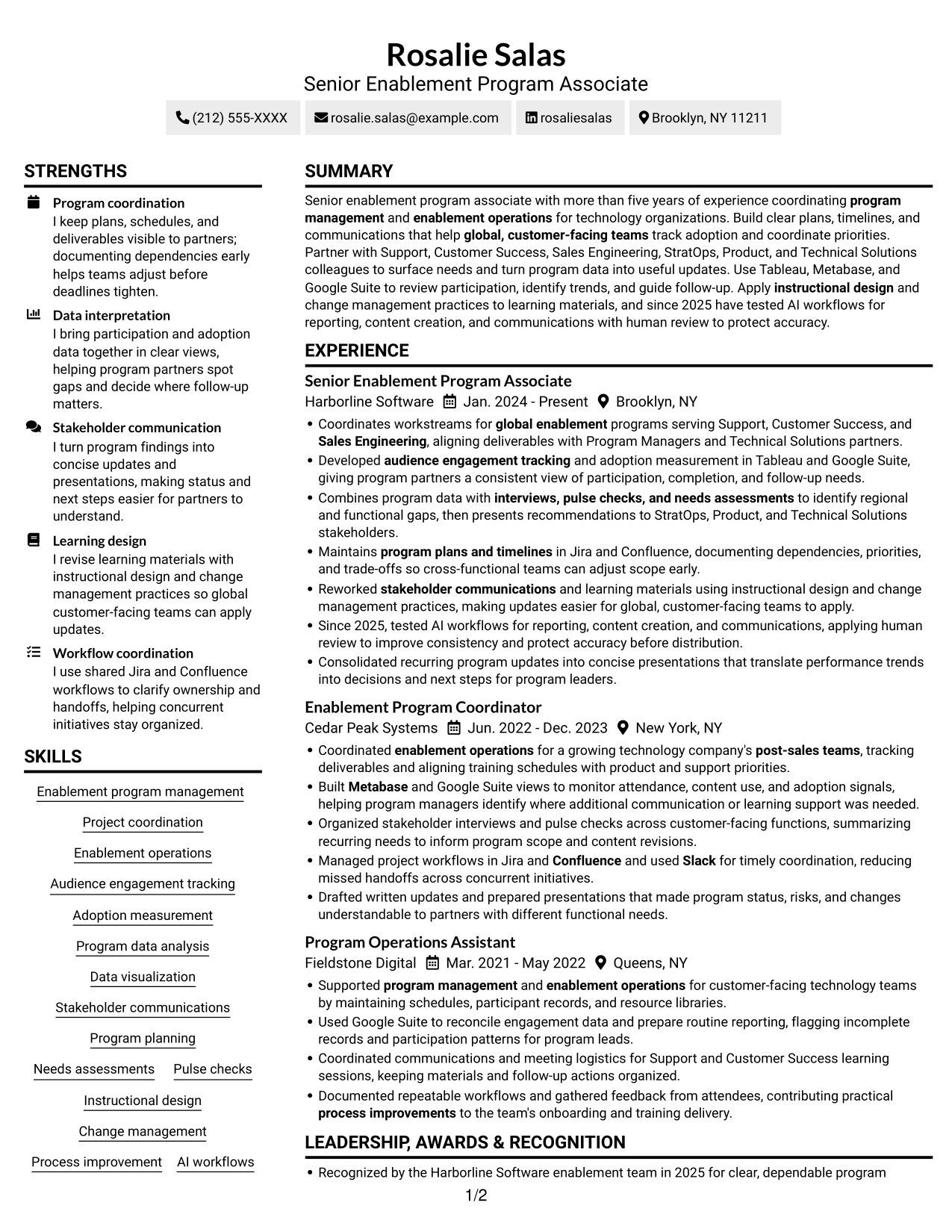
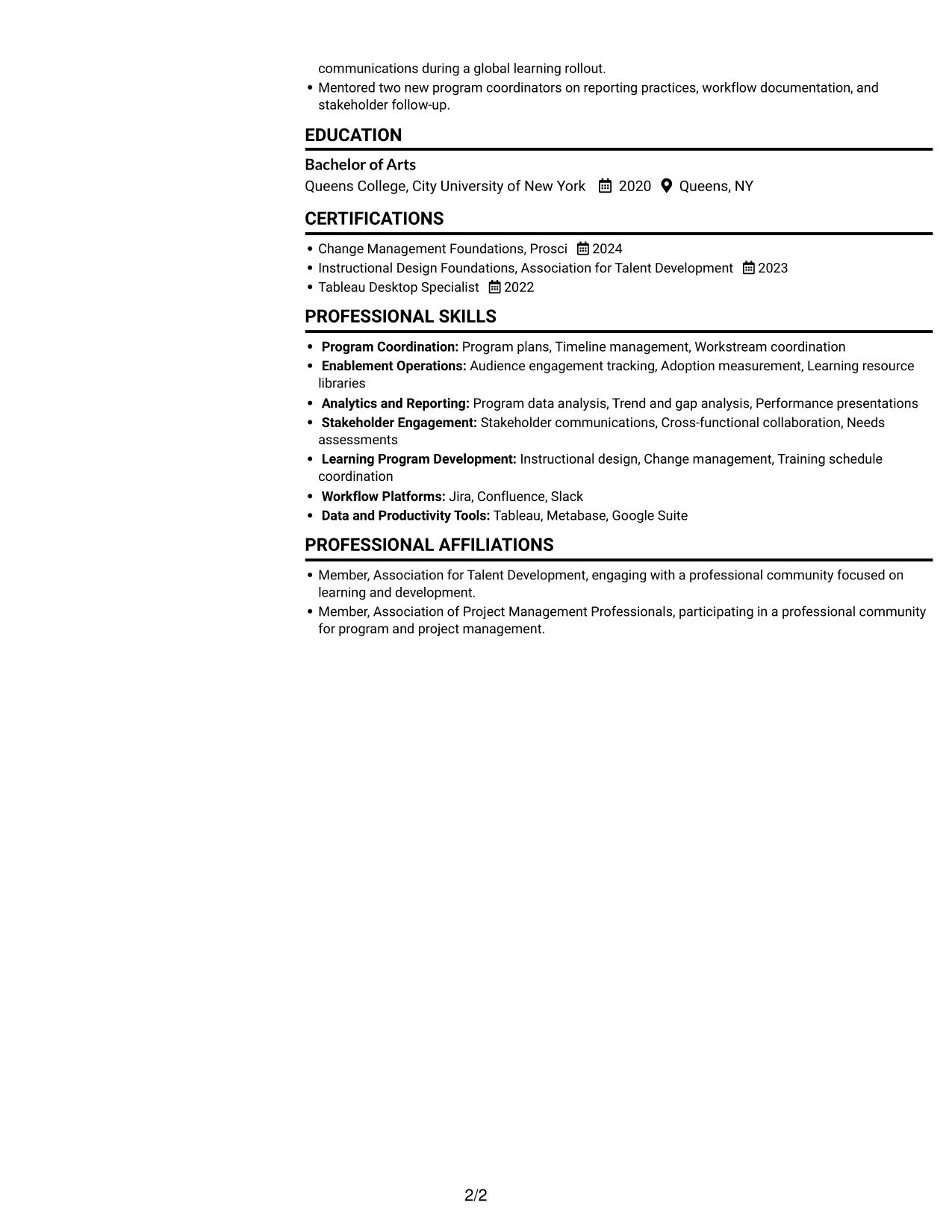
The two-column layout presents resume content in parallel areas, a practical choice when readers need a structured view of experience and qualifications.
Why This Format Works
- Parallel content areas let reviewers compare experience with supporting qualifications.
- Defined reading order helps career history and education remain easy to trace.
- Compact sections keep skills and credentials visible alongside broader resume content.
Best For
- Side-by-side resume content
- Career histories with supporting sections
- Skills and credentials in one view
- Section-to-section review
- Structured detail across resume areas
#3 Plain One Column with Shaded Labels Resume Example
The one-column layout keeps resume sections in a direct reading sequence, which helps reviewers follow career history without switching between content areas.
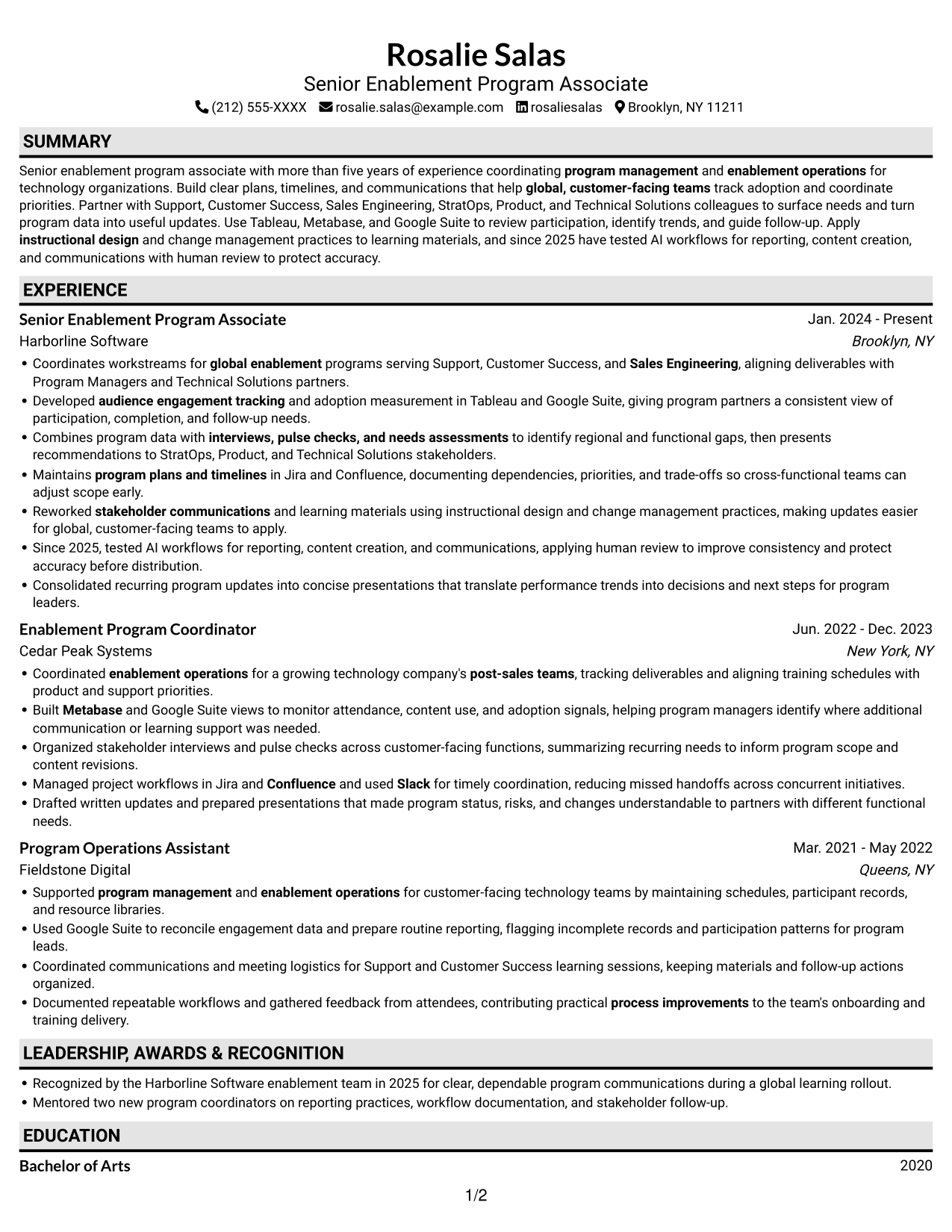
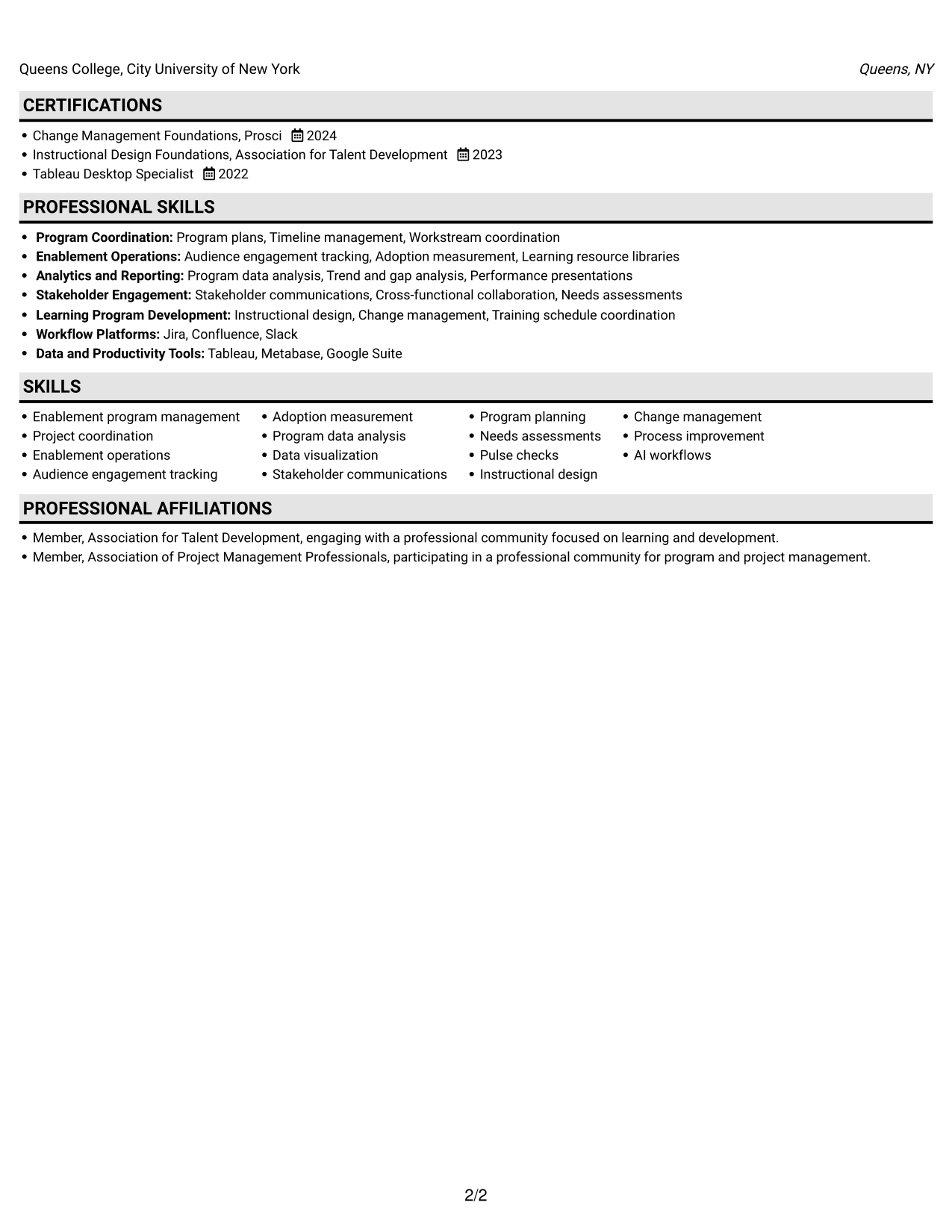
Why This Format Works
- Top-to-bottom sequencing makes changes in career history simple to track.
- Separate resume sections bring skills, education, and certifications into a clear sequence.
- Unbroken text width allows achievement bullets to retain their full context.
Best For
- Direct review of career progression
- Experience sections with detailed bullets
- Sequential education and credentials
- Single-path document reading
- Resumes with clearly grouped sections
#4 One Column Format with Photo Right Resume Example
A photo accompanies the one-column resume, offering a portrait-inclusive presentation while keeping the text in a single reading sequence.
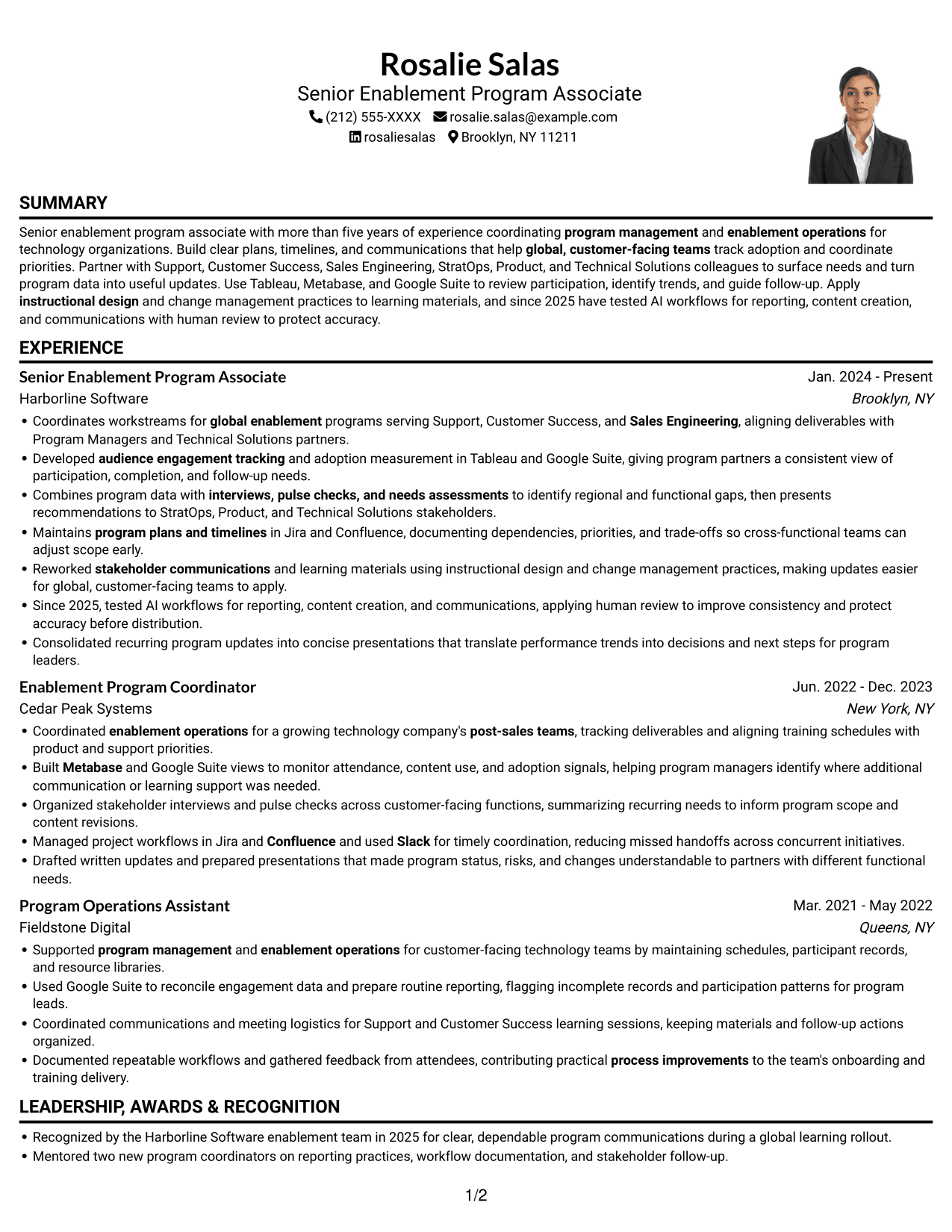
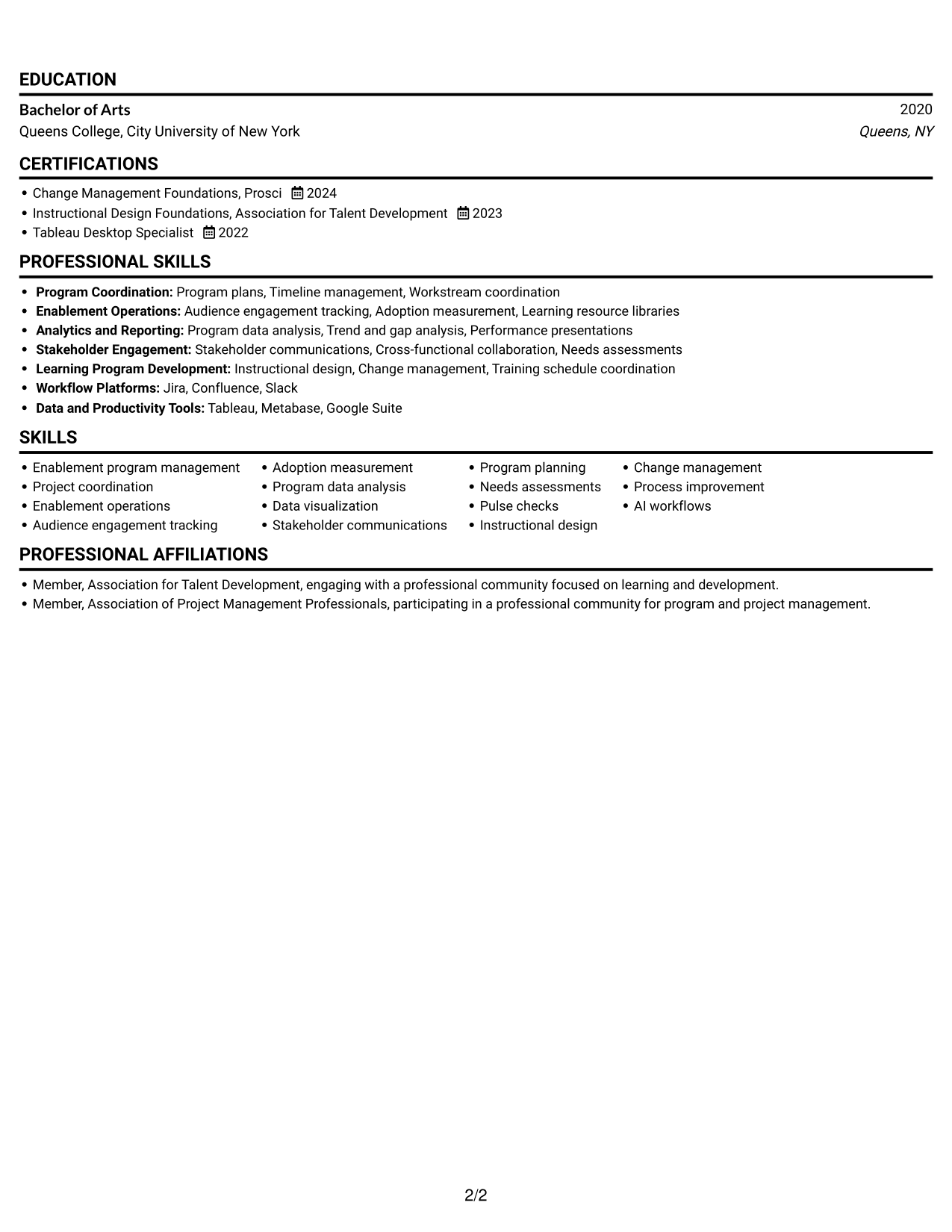
Why This Format Works
- Continuous text keeps experience and achievements in a familiar top-to-bottom order.
- Section divisions make education and certifications easier to locate during review.
- The portrait adds a personal visual element without dividing the resume text.
Best For
- Portrait-inclusive resume presentation
- Single-path content review
- Chronological experience histories
- Full-width achievement bullets
- Skills and credentials in one document
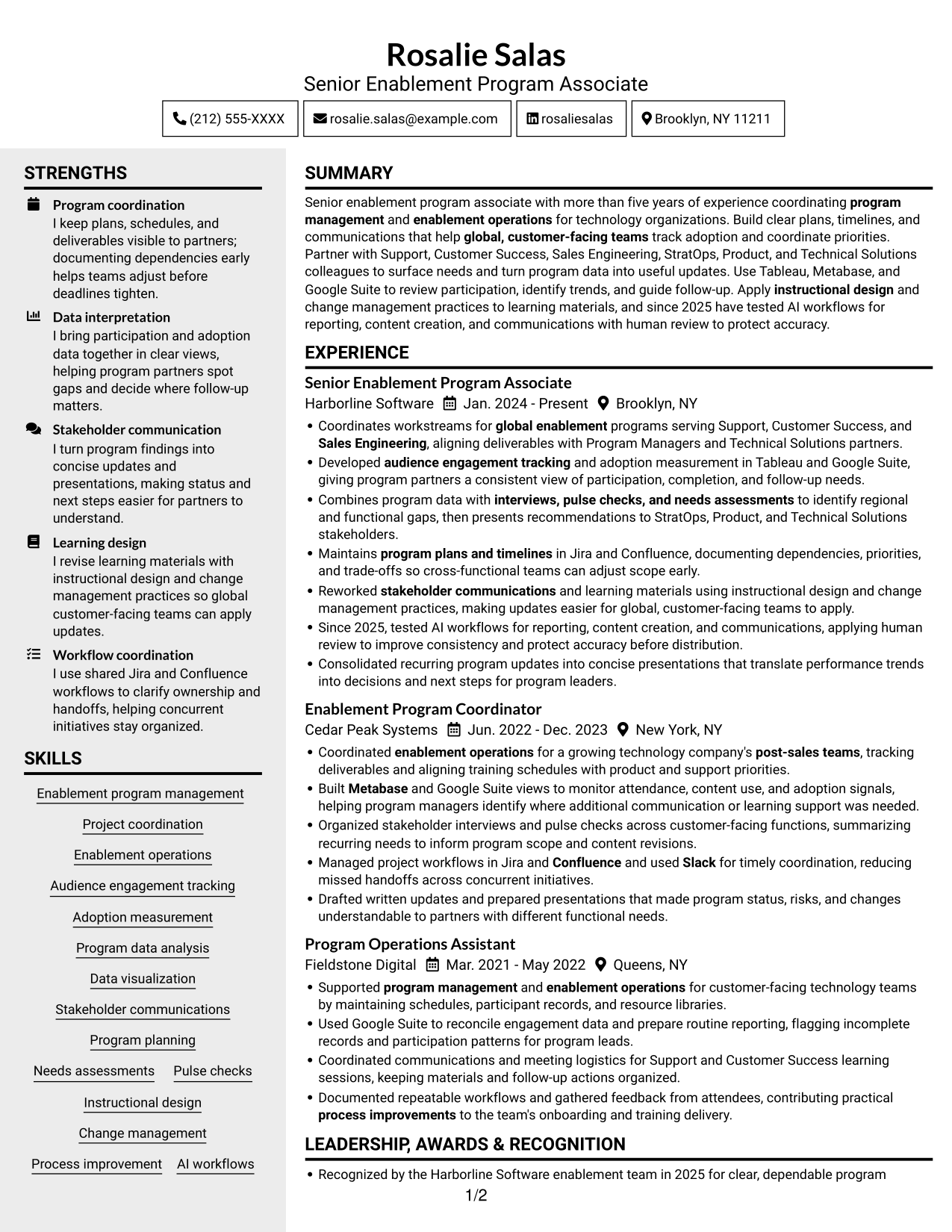
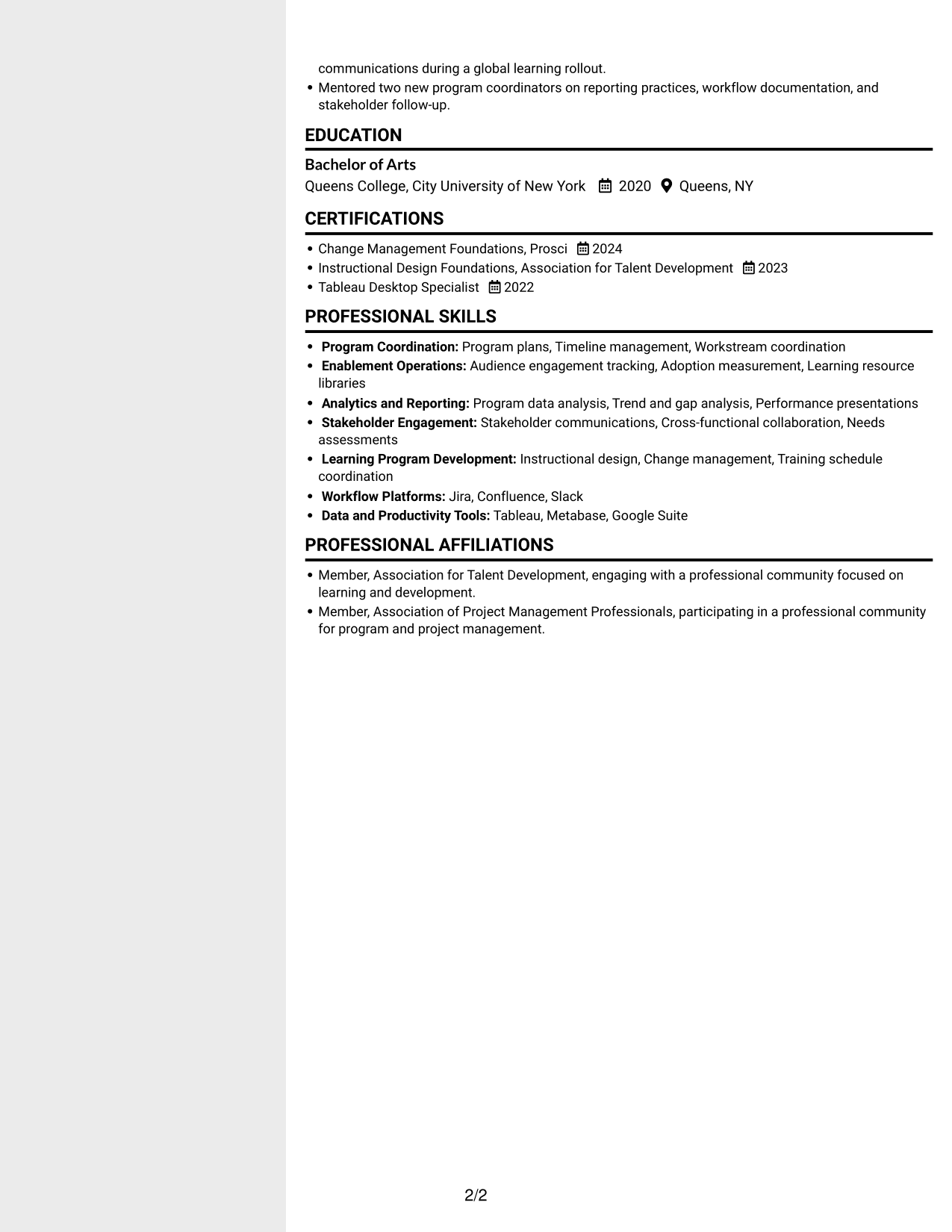
#5 Clean Two Column Sidebar Format Resume Example
The two-column layout offers distinct areas for resume content, useful when readers want to move between detailed experience and supporting information.
Why This Format Works
- Separate reading areas help reviewers find skills while keeping experience in view.
- Grouped sections make education and credentials easier to scan within the resume.
- Achievement bullets remain distinct from other supporting qualifications.
Best For
- Resume content in separate areas
- Experience with supporting qualifications
- Quick location of skills and credentials
- Varied section lengths
- Side-by-side information review
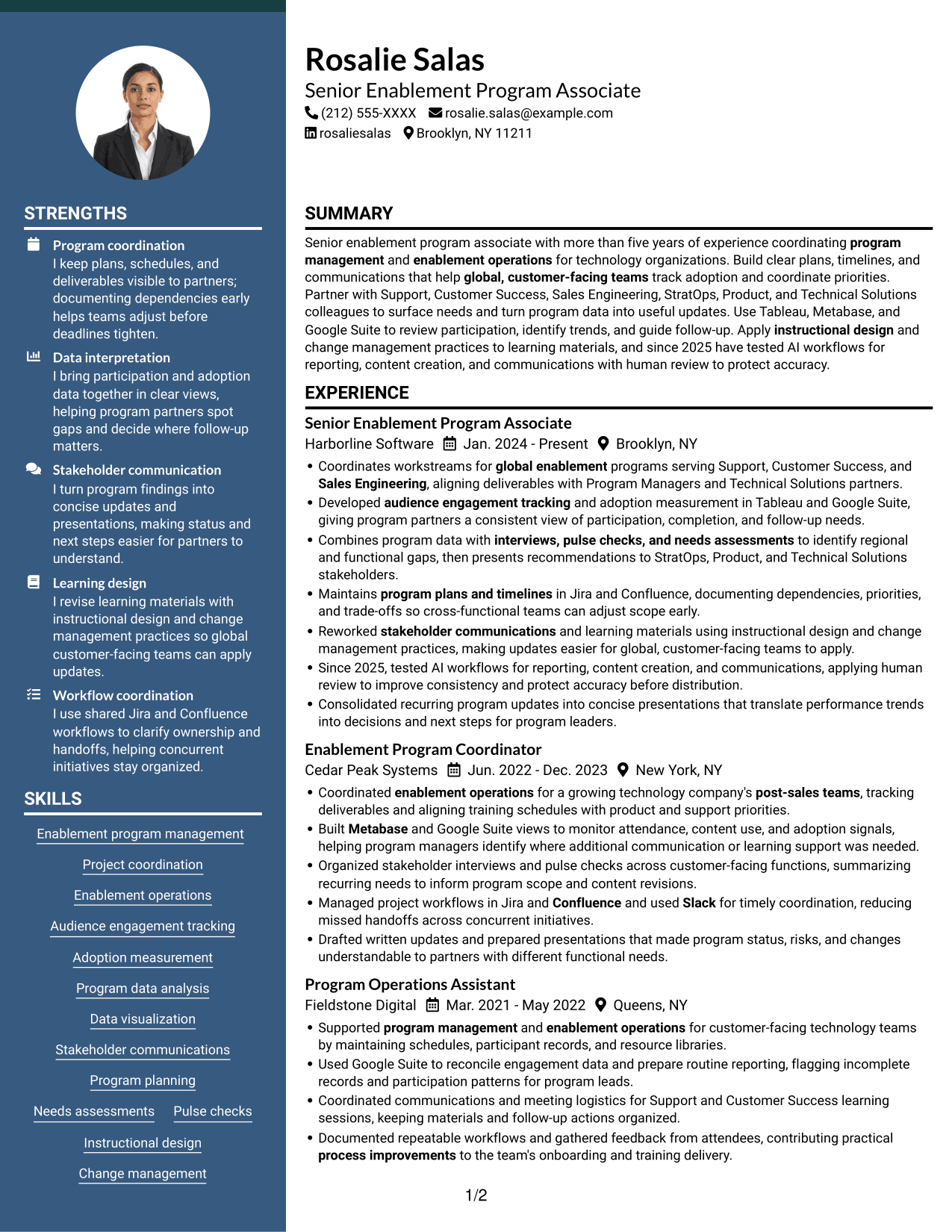
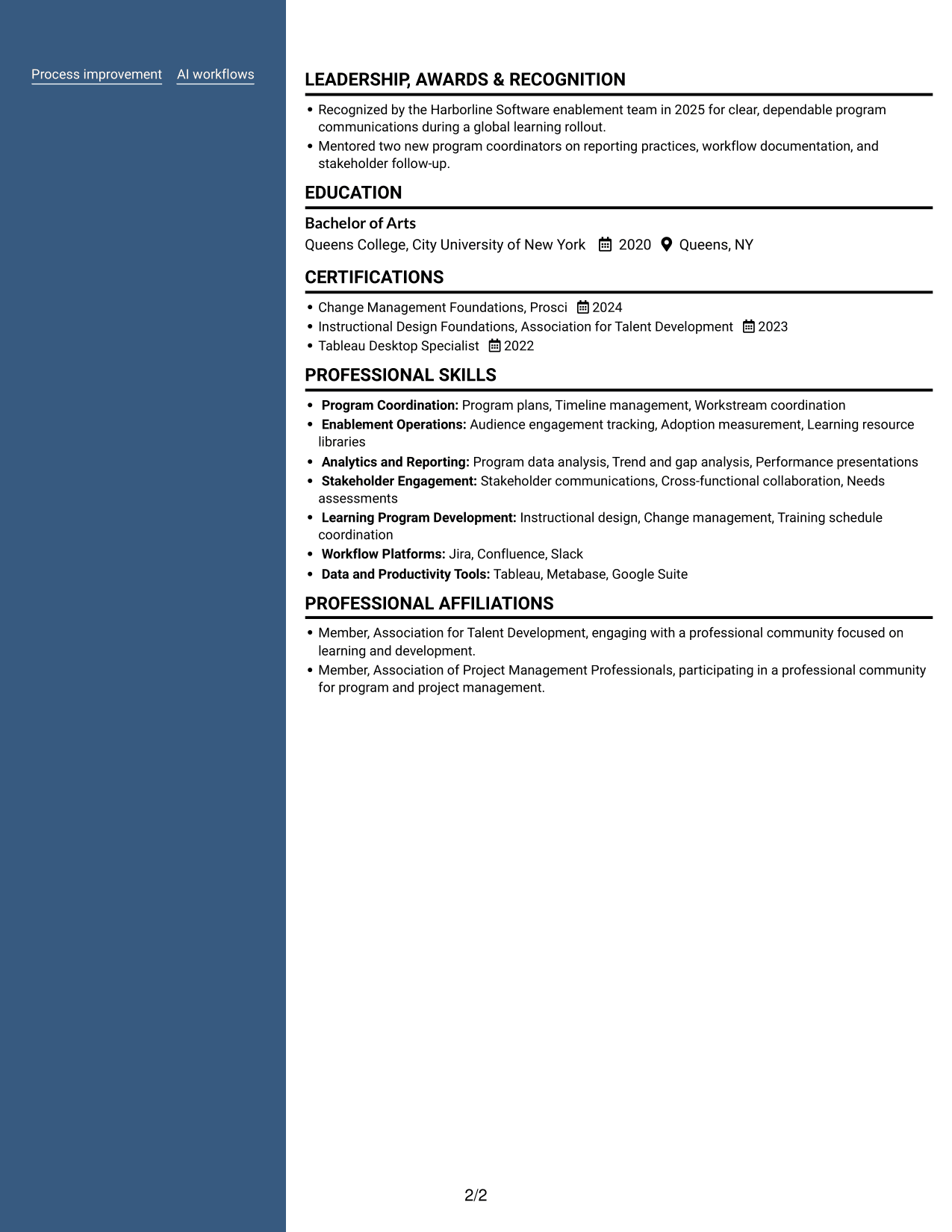
#6 Two Column Format Resume Example
The two-column body organizes resume content across two areas, a useful option for presenting experience and related sections in a compact view.
Why This Format Works
- Distinct content areas help reviewers move between career history and supporting details.
- Grouped sections make skill, education, and credential information easier to scan.
- Shorter text lines can make dense achievement bullets easier to read.
Best For
- Two-area resume organization
- Dense experience details
- Skills alongside education and credentials
- Short-line reading preference
- Multiple resume sections in one view
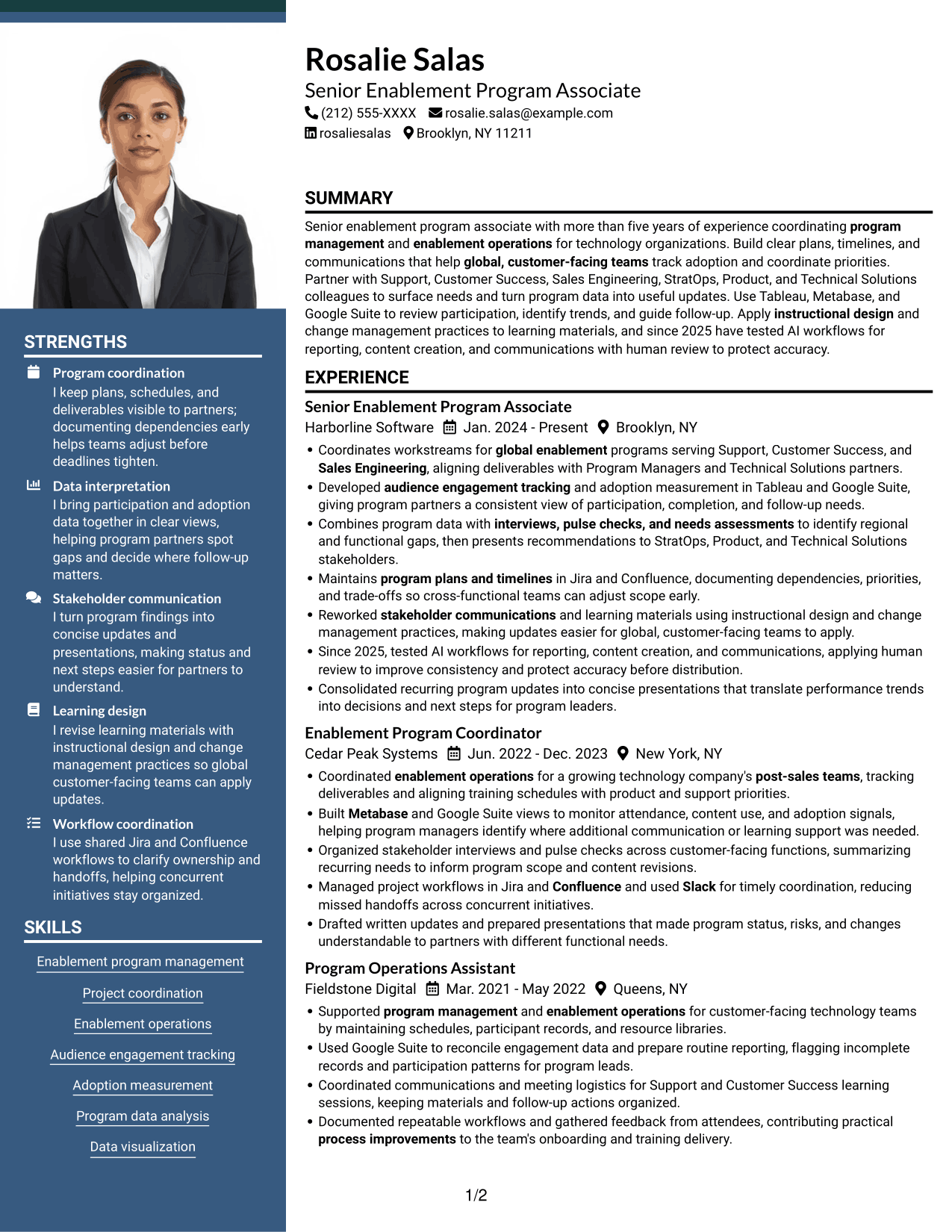
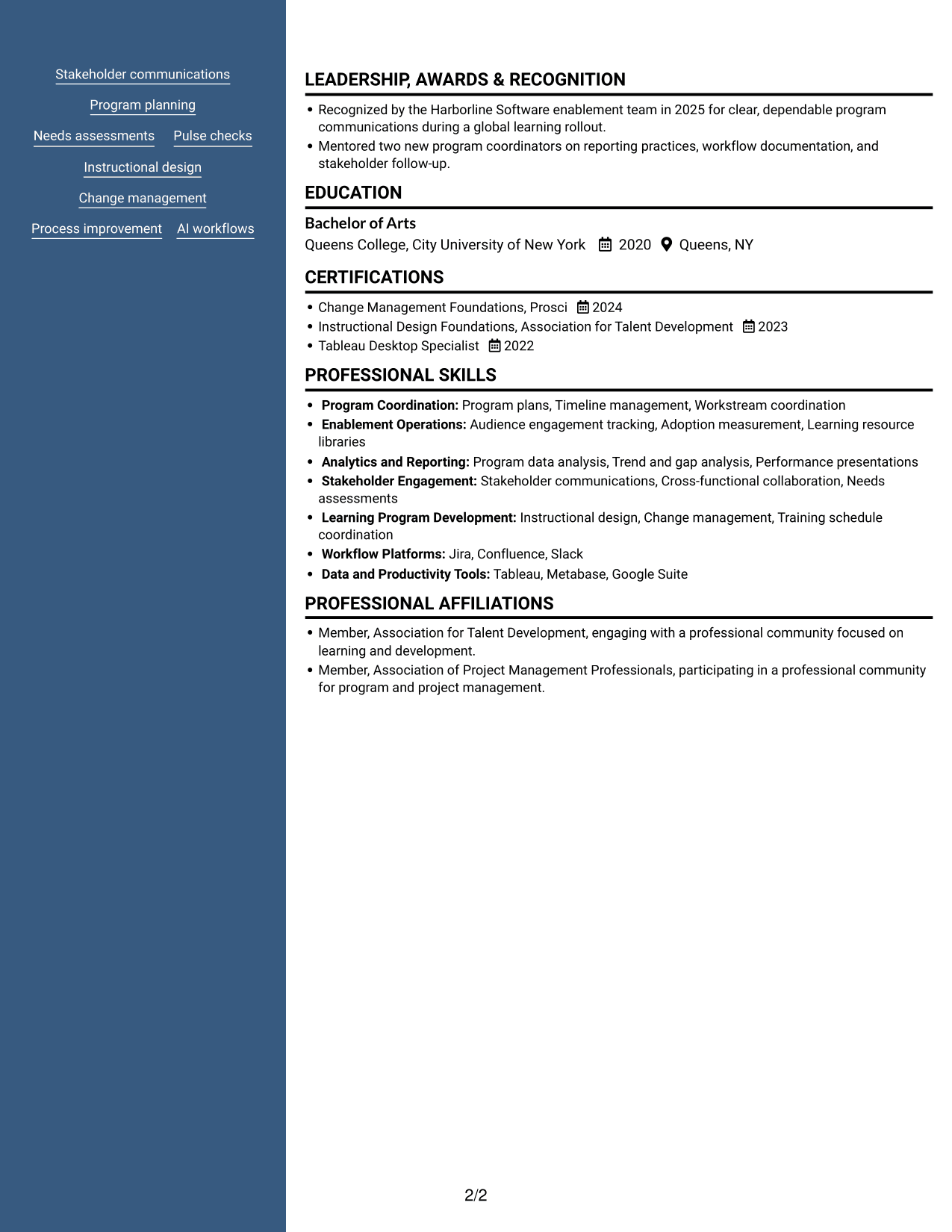
#7 Photo Header Two Column Format Resume Example
A photo accompanies the two-column resume, combining a portrait-inclusive presentation with separate areas for reviewing the document's content.
Why This Format Works
- Two reading areas make it easier to move between experience and qualifications.
- Section separation gives education and credentials a clear place in the review.
- The photo adds a visual point of identification without changing the content structure.
Best For
- Portrait-inclusive resume design
- Two-area content review
- Experience paired with supporting sections
- Visible education and credential details
- Readers who prefer divided content
Why Build Your Senior Enablement Program Associate - Technical Solutions Enablement Resume with ResumeInMinutes
ResumeInMinutes helps you arrange your experience, skills, education, and certifications in a clear resume. Compare image previews, then open an example in the editor to customize its content and presentation.
- Professional resume layouts
- Clear section structure
- Role-relevant keyword guidance
- Organized skills and experience
- Image previews for comparison
- Resume customization in the editor
Keep the focus on the work most relevant to technical solutions enablement. Show how your planning, analytics, and communication help global customer-facing teams coordinate and improve program delivery.
See Also
- 7 Senior Risk Program Manager - Fraud & Disputes Enablement Resume Templates with Example
- 7 Technical Enablement Manager - Semiconductor Validation Resume Templates with Example
- 7 AI Operations Adoption and Enablement Analyst Resume Templates with Example
- 7 Business Analysis Manager - Innovation and Technology Enablement Resume Templates with Example
- 7 Data Engineer - Data Enablement Resume Templates with Example
- 7 Sales Enablement Manager Resume Templates with Example
- 33 Distinguished Technical Program Manager Resume Templates with Example 2026 (ATS-Optimized)
- 7 Principal Technical Program Manager Resume Templates with Example
- 7 Senior Enablement Program Associate - Technical Solutions Enablement Cover Letter Templates with Example
- 7 Senior Risk Program Manager - Fraud & Disputes Enablement Cover Letter Templates with Example
Frequently Asked Questions
Are these Senior Enablement Program Associate - Technical Solutions Enablement resume templates ATS-friendly?
They use clear headings and organized sections that make key details easier to scan. Include relevant terms from the role, such as enablement operations, adoption measurement, program planning, and stakeholder communications, where they accurately describe your experience.
Are these separate resume examples?
The guide presents one resume example in several visual layouts. Compare the image previews to see how each design organizes the same type of resume information, then open an example in the editor.
What should this resume include?
Include a focused summary, relevant experience, education, skills, and certifications. Use concise bullets to show program coordination, adoption tracking, data analysis, stakeholder updates, and process improvements.
Which resume format works well for this role?
Choose a clean format with familiar headings and a clear order for experience, skills, and education. A straightforward layout helps reviewers and applicant tracking systems find important details.
How can I show program results when I do not have many metrics?
Use the evidence available, such as participation tracking, completed deliverables, clearer handoffs, or documented process changes. Explain your role and the value of the work without inventing numbers.
Should I include a photo on my resume?
For U.S. applications, a resume without a photo is generally the safer choice. Use a photo only when it is customary or requested in your location or field.




