
7 Senior Implementation Consultant - Talent Acquisition Software Cover Letter Templates with Example
This practical guide helps you create a Senior Implementation Consultant - Talent Acquisition Software cover letter and compare seven layouts to choose a clear way to show role fit.
What Makes a Great Senior Implementation Consultant - Talent Acquisition Software Cover Letter in 2026
A strong cover letter links customer goals to the work of planning and delivering complex talent acquisition software implementations. It should explain your interest in the role and show how you communicate with customers and stakeholders.
Use relevant examples to show how you guide launches, resolve implementation roadblocks, and explain technical details in clear terms. Connect that evidence to the employer’s needs, including system configuration, data migration, training, and customer handoff when these match your experience.
The featured example follows a focused progression from interest and role fit to specific implementation evidence and a clear close. Adapt that flow while choosing a presentation that suits the employer and communication context.
#1 Simple One Column Format Cover Letter Example
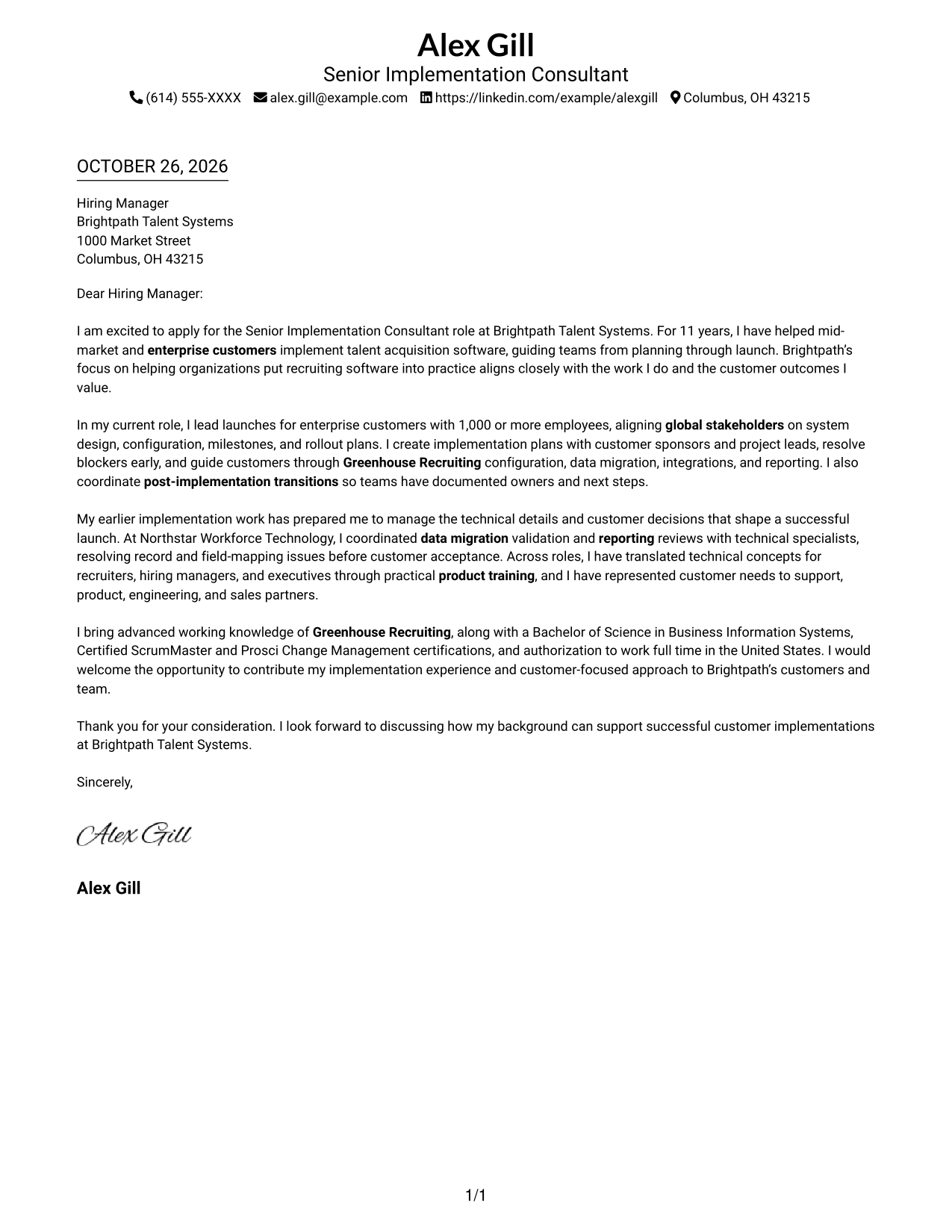
A single-column page keeps sender details in the header and presents the letter as one direct reading path.
Why This Format Works
- Sender details remain separate from the message, so contact information is easy to locate.
- One body column carries motivation, evidence, and closing in a clear sequence.
- Readers who prefer a familiar letter presentation can follow the text without column changes.
Best For
- Single-column letter reading
- Paragraph-led persuasion
- Header-based contact details
- Direct opening-to-close flow
- Text-first application materials
#2 Two Column Format Cover Letter Example
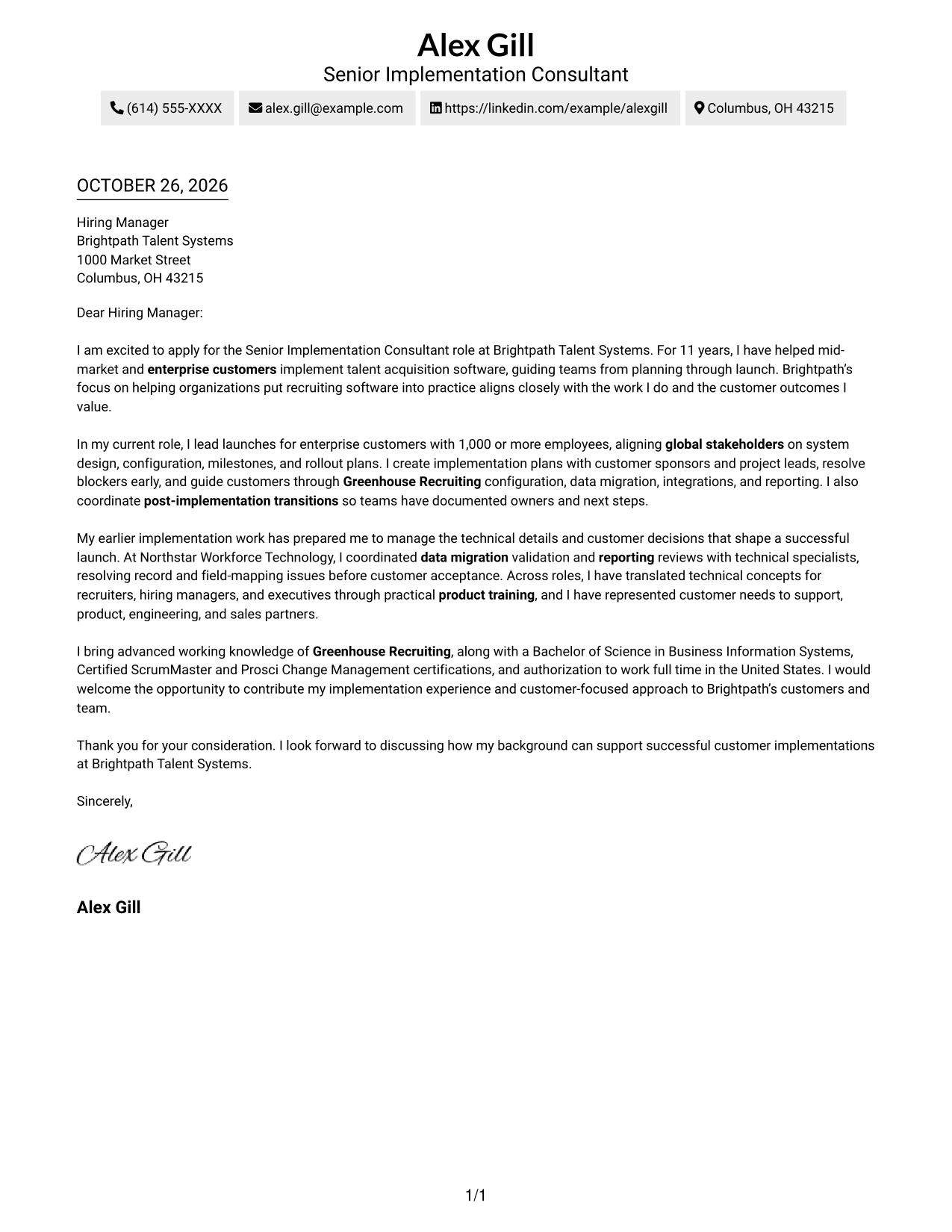
A contact sidebar sits beside one continuous letter body, keeping sender details apart from the message.
Why This Format Works
- The sidebar makes contact details easy for reviewers to find.
- A single body column lets the letter's argument unfold in sequence.
- The side-by-side page suits readers who prefer clearly separated contact and message areas.
Best For
- Contact details apart from prose
- One-column argument flow
- Motivation-led applications
- Evidence-rich correspondence
- Side-by-side page preference
#3 Photo Header Two Column Format Cover Letter Example
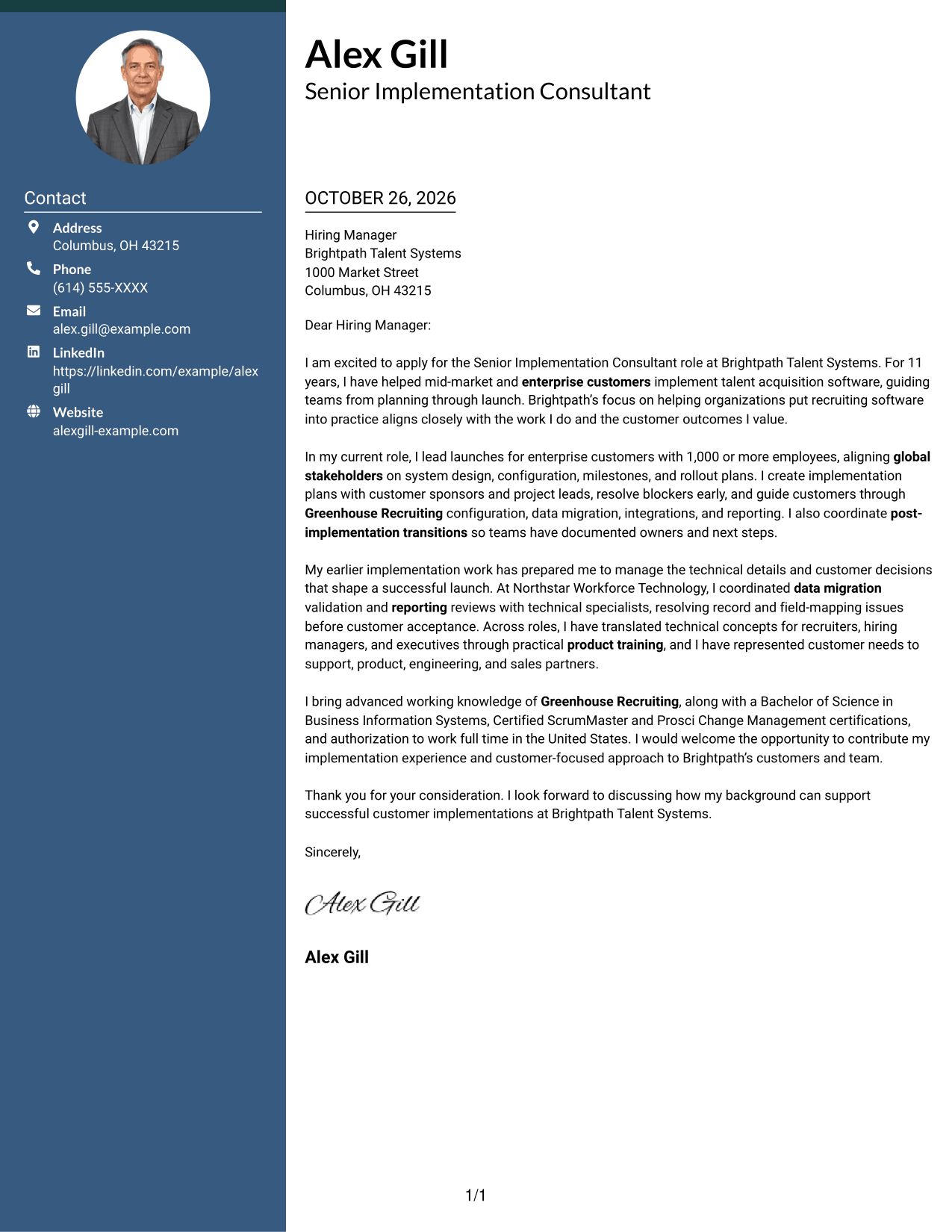
A photo header and contact sidebar add a personal visual touch to this two-column page while keeping the letter in one continuous body.
Why This Format Works
- The portrait adds a visual element without changing the letter's argument.
- Contact details sit beside the message, giving reviewers a clear route through the page.
- One letter column preserves the progression from motivation through evidence to closing.
Best For
- Portrait-inclusive correspondence
- Contact details beside the letter
- Continuous persuasive paragraphs
- Personal header preference
- Motivation and evidence in sequence
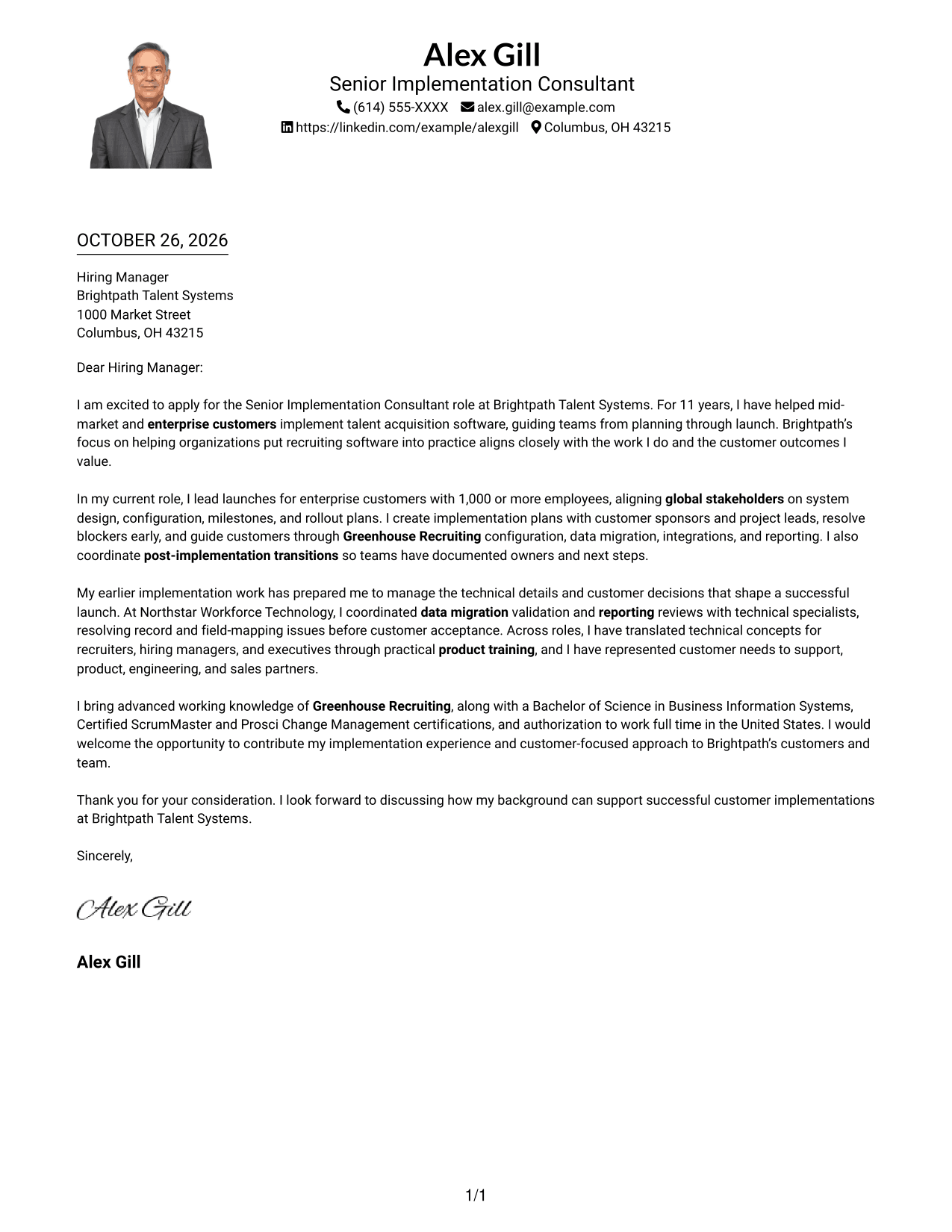
#4 One Column Format with Photo Cover Letter Example
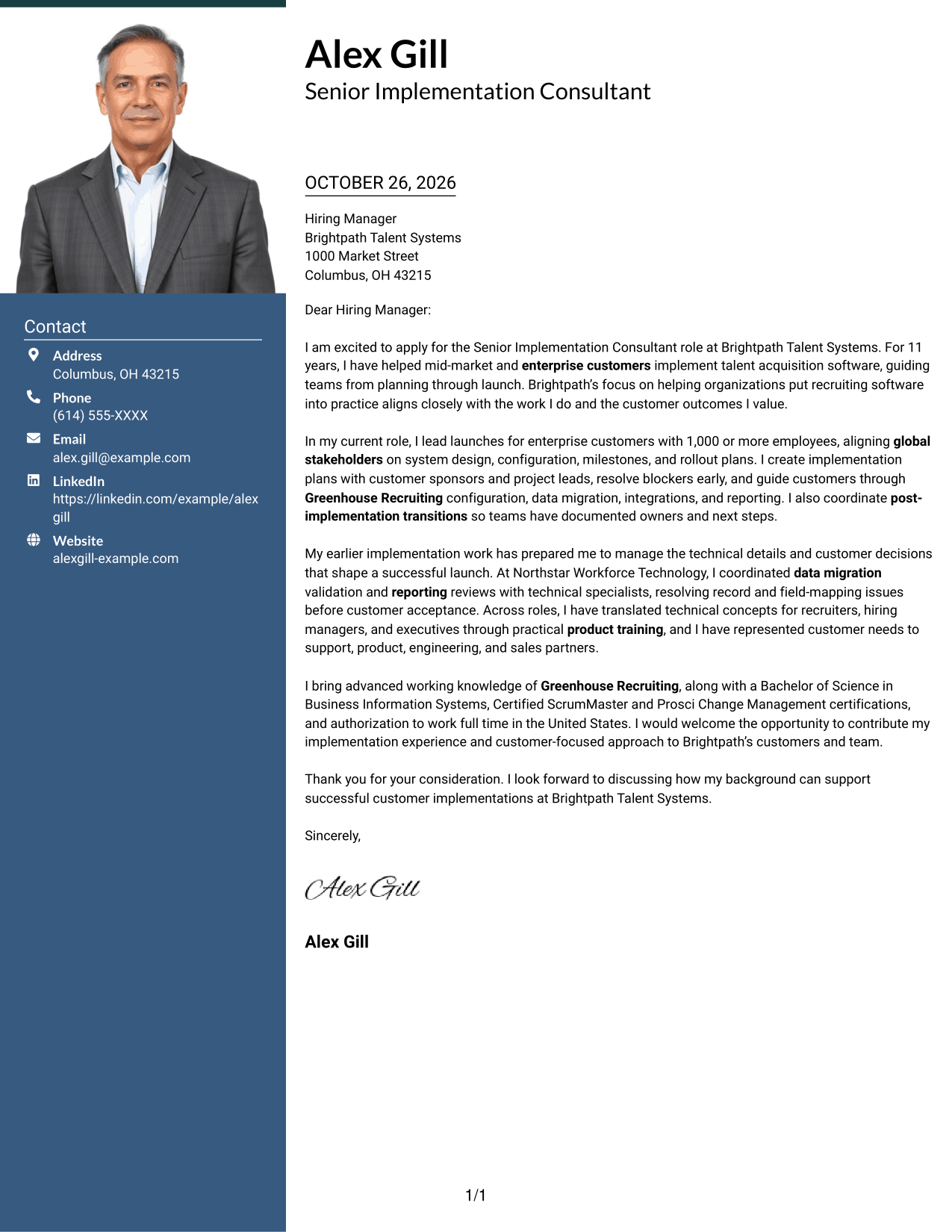
This one-column layout includes a photo and sender details in the header, keeping the letter body in a single reading path.
Why This Format Works
- A single body column carries the letter from its opening through its closing.
- Header contact details stay distinct from the message itself.
- The photo offers a personal visual detail for readers who prefer a portrait.
Best For
- Photo-inclusive applications
- Single-column message structure
- Header-based contact details
- Opening-to-close reading order
- Paragraph-focused motivation
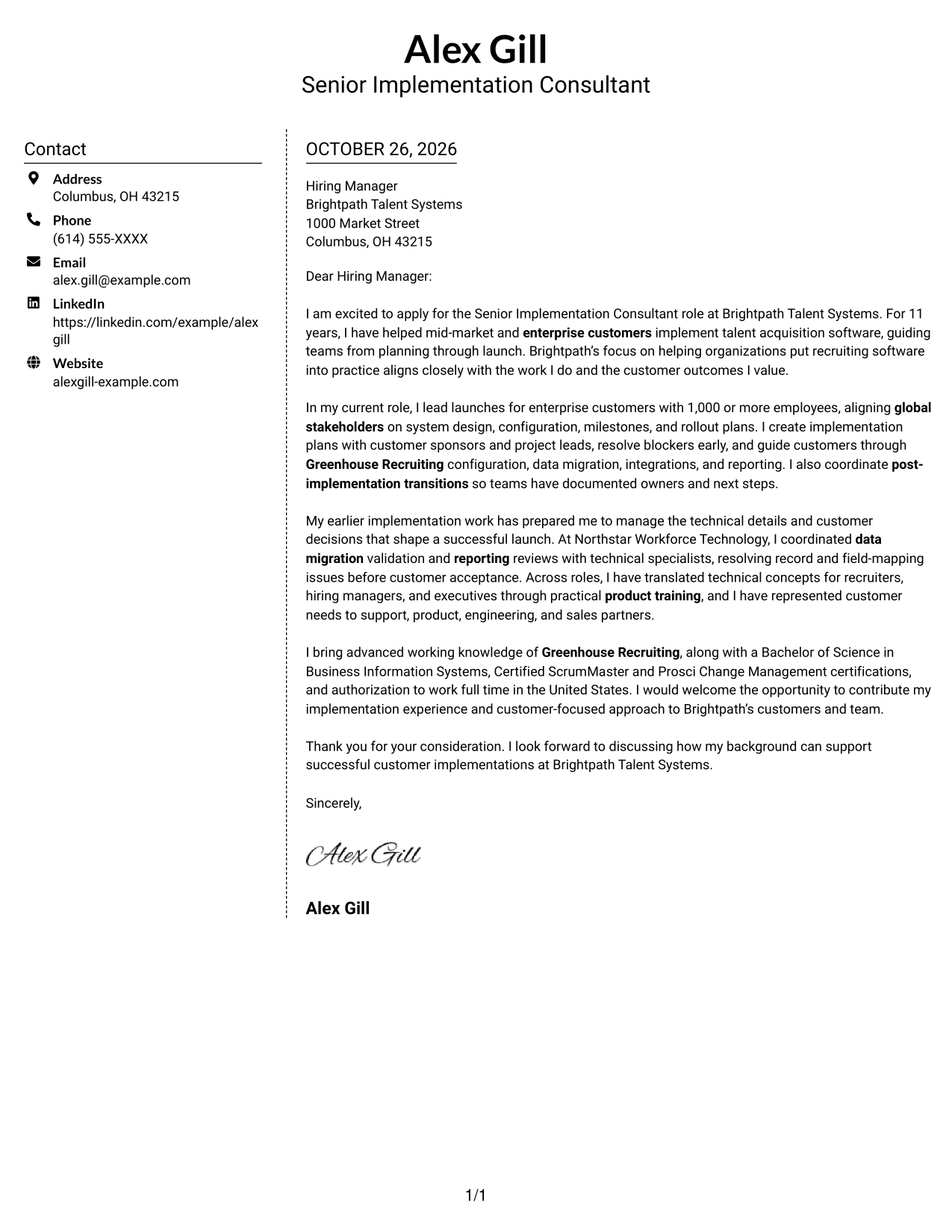
#5 Simple Two Column Format Cover Letter Example
A contact sidebar beside one letter column separates sender details from the message without splitting the argument.
Why This Format Works
- The sidebar gives contact information a separate place beside the letter.
- Reviewers can follow the body from opening to closing without parallel text.
- The simple two-part arrangement suits readers who want a clear page structure.
Best For
- Contact information beside the message
- One-column letter arguments
- Straightforward page organization
- Paragraph-based employer fit
- Clear contact access
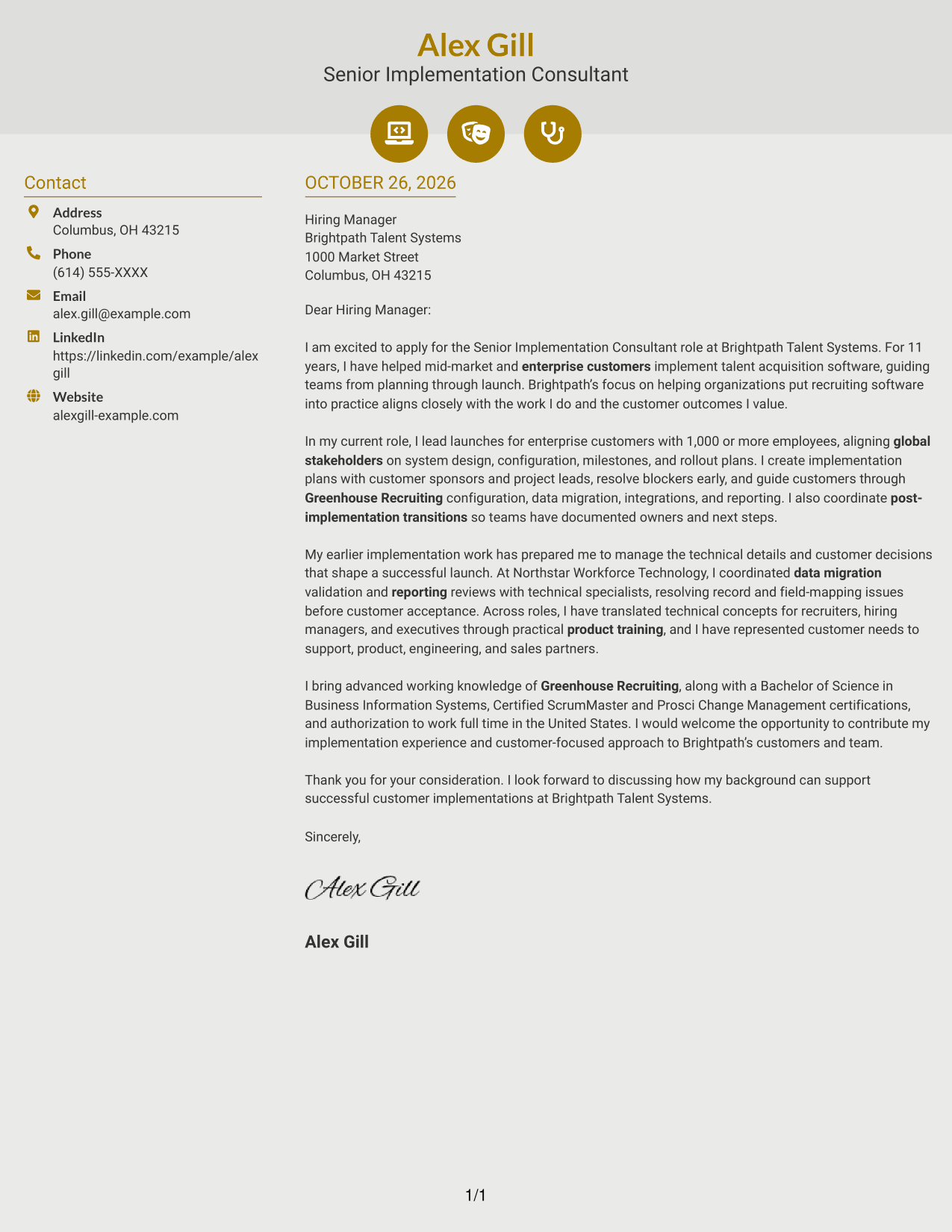
#6 Modern Icon Format Cover Letter Example
Contact icons add visual cues beside the details in a two-column page, while the letter remains one continuous body.
Why This Format Works
- Icons help reviewers recognize contact details without labeling parts of the letter.
- The sidebar keeps sender information apart from the message.
- A single letter column preserves the flow from motivation to closing.
Best For
- Icon-marked contact details
- Two-column page preference
- Continuous letter arguments
- Distinct contact and message areas
- Motivation-led correspondence
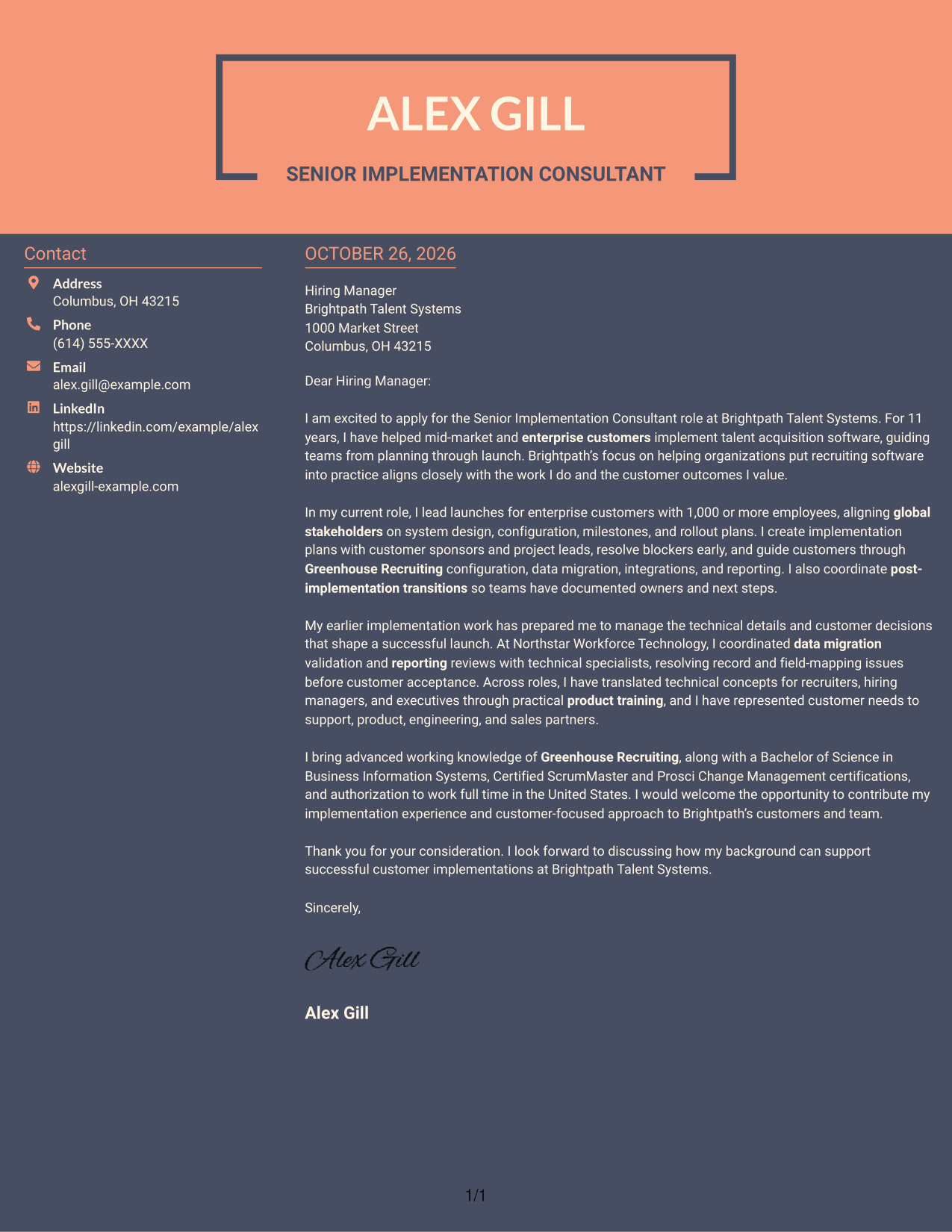
#7 Creative Two Tone Format Cover Letter Example
A contact sidebar beside the letter body gives this two-column page a clear separation between sender details and the message.
Why This Format Works
- The sidebar keeps contact information distinct from the application message.
- A single body column lets readers follow the letter's argument in order.
- Two separate areas suit readers who want contact details apart from the correspondence.
Best For
- Sidebar-based contact details
- Sequential letter reading
- Distinct message and contact areas
- Motivation-focused applications
- Two-column layout preference
See Also
- 7 Senior Implementation Consultant - Talent Acquisition Software Resume Templates with Example
- 7 Enterprise Implementation Consultant Resume Templates with Example
- 7 Senior Implementation Consultant - Stock Plan Services Resume Templates with Example
- 7 Senior Clinical Education Consultant - Utilization Management Software Resume Templates with Example
- 33 AI Engineer Consultant Resume Templates with Example 2026 (ATS-Optimized)
- 7 Business Architecture Consultant - Enterprise Information Management Resume Templates with Example
- 33 Business Processes Chief Consultant - Regulated Manufacturing Resume Templates with Example
- 7 Change Management and Adoption Consultant Resume Templates with Example
- 7 Senior Implementation Consultant - Stock Plan Services Cover Letter Templates with Example
- 7 Senior Clinical Education Consultant - Utilization Management Software Cover Letter Templates with Example
Frequently Asked Questions
What should a Senior Implementation Consultant - Talent Acquisition Software cover letter emphasize?
Show how you plan customer implementations, guide system setup, and help teams move toward launch. Explain how you communicate with customer leaders and technical partners, using examples that match your own experience.
How can I show that I can manage complex customer implementations?
Describe a relevant launch and your role in setting milestones, coordinating stakeholders, resolving blockers, or supporting the handoff. Be clear about the actions you took and the outcome you helped achieve.
Should I mention Greenhouse Recruiting in my cover letter?
Mention Greenhouse Recruiting if you have relevant experience with it. Explain how that knowledge helped you support configuration, training, or customer needs. Do not present familiarity as hands-on experience if you have not used the platform.
How do I explain technical implementation work to a nontechnical reader?
Use direct language and describe why the work mattered to the customer. For example, explain how you coordinated data migration or reporting reviews to prepare the team for launch, rather than relying on technical terms alone.
How should I choose a cover letter style?
Choose a clear format that fits the employer and the way you will communicate with its team. Keep the opening, supporting examples, interest in the role, and closing easy to follow.




