
7 Senior Implementation Consultant - Talent Acquisition Software Resume Templates with Example
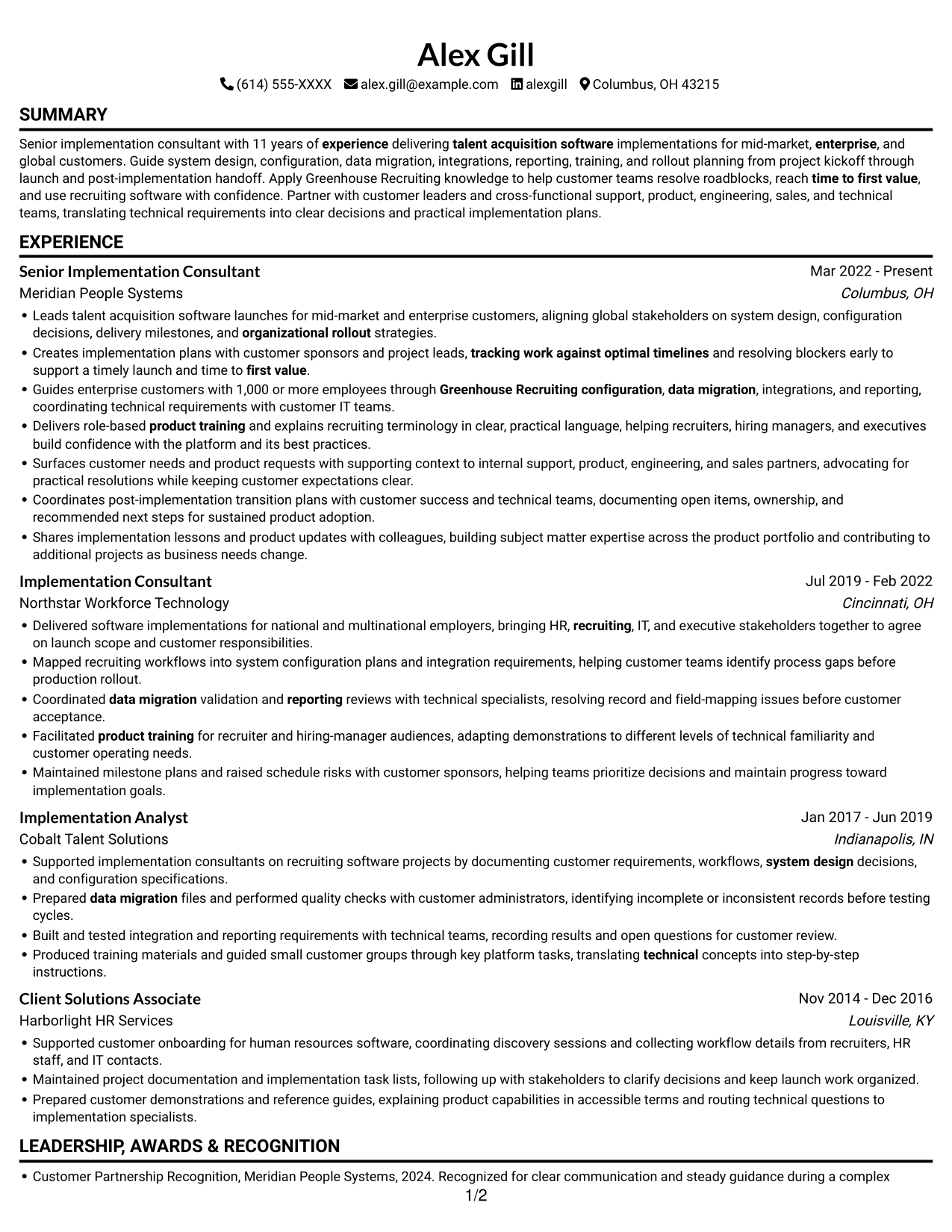
This guide shows you how to build a Senior Implementation Consultant - Talent Acquisition Software resume that presents your experience clearly and supports your next career step. You will learn how to organize implementation work so recruiters can quickly see your scope and results.
Strong resumes connect customer needs with clear evidence of system design, configuration, data migration, integrations, reporting, training, and rollout planning. Use concise bullets to show how you guided stakeholders, resolved blockers, and supported time to first value.
The example is presented in 7 layouts as PNG image previews. Compare the formats, then open an example in the editor to view or customize it.
What Makes a Great Senior Implementation Consultant - Talent Acquisition Software Resume in 2026
A strong resume makes implementation scope, customer partnership, and delivery responsibilities easy to scan. Focus experience bullets on decisions, actions, and outcomes across the customer launch.
Add relevant terms such as Greenhouse Recruiting, system configuration, data migration, integrations, reporting, product training, stakeholder coordination, and post-implementation handoff. Support them with specific examples from your work.
Note: Resume examples are for educational purposes only. Use only information that accurately reflects your experience and qualifications. References to real organizations do not imply affiliation or endorsement.
#1 Simple One Column Format Resume Example
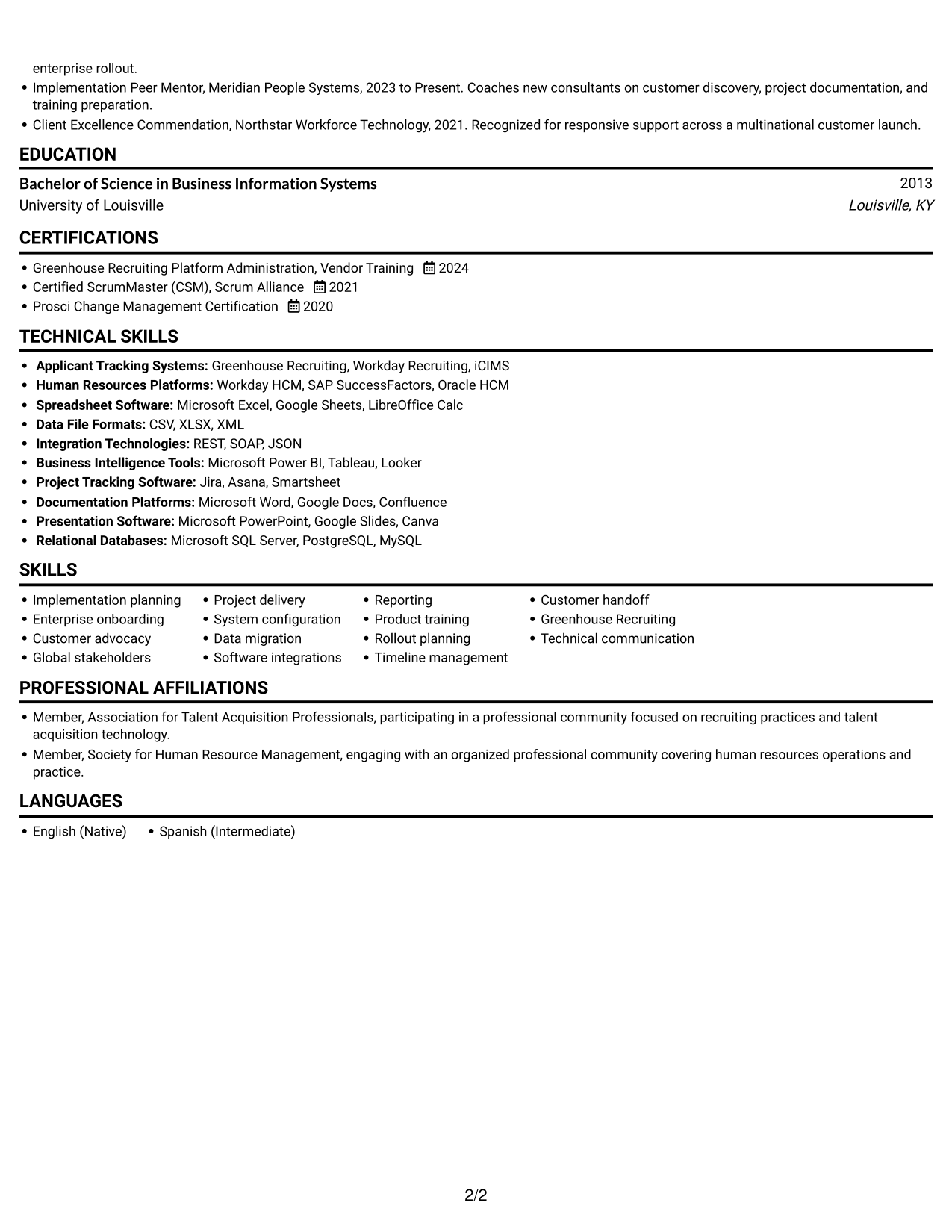
The Simple One Column Format keeps resume sections in one vertical path, giving reviewers a familiar way to scan experience, skills, education, certifications, and tools.
Why This Format Works
- Experience entries can stay in sequence, helping reviewers follow career progression.
- Skills and tools are easy to locate without scanning a second column.
- Education and certifications remain part of the same direct reading path.
Best For
- Chronological experience review
- Single-path section reading
- Experience-led resume reviews
- Combined skills and credential review
- Text-first resume presentation
Resume Keywords
- Senior implementation consultant with 11 years of experience delivering talent acquisition software implementations for mid-market, enterprise, and global customers.
- talent acquisition software
- bringing HR, recruiting, IT, and executive stakeholders together
- Creates implementation plans with customer sponsors and project leads, tracking work against optimal timelines and resolving blockers early to support a timely launch and time to first value.
- system design
- Greenhouse Recruiting configuration
- data migration
- Software integrations
- reporting
- product training
- Leads talent acquisition software launches for mid-market and enterprise customers, aligning global stakeholders on system design, configuration decisions, delivery milestones, and organizational rollout strategies.
- tracking work against optimal timelines
- time to first value
- Apply Greenhouse Recruiting knowledge to help customer teams resolve roadblocks
- Guide system design, configuration, data migration, integrations, reporting, training, and rollout planning from project kickoff through launch and post-implementation handoff.
#2 Simple Two Column Format Resume Example
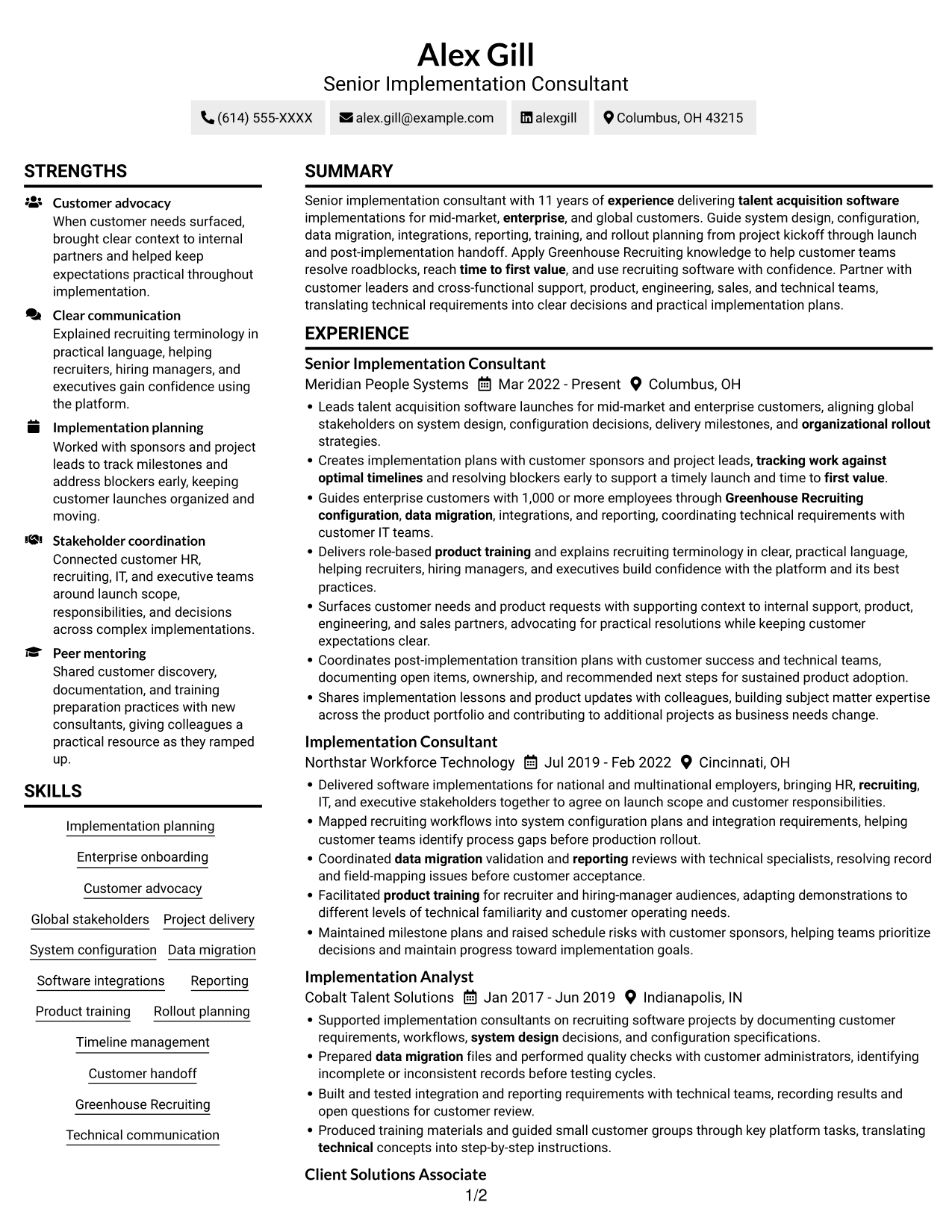
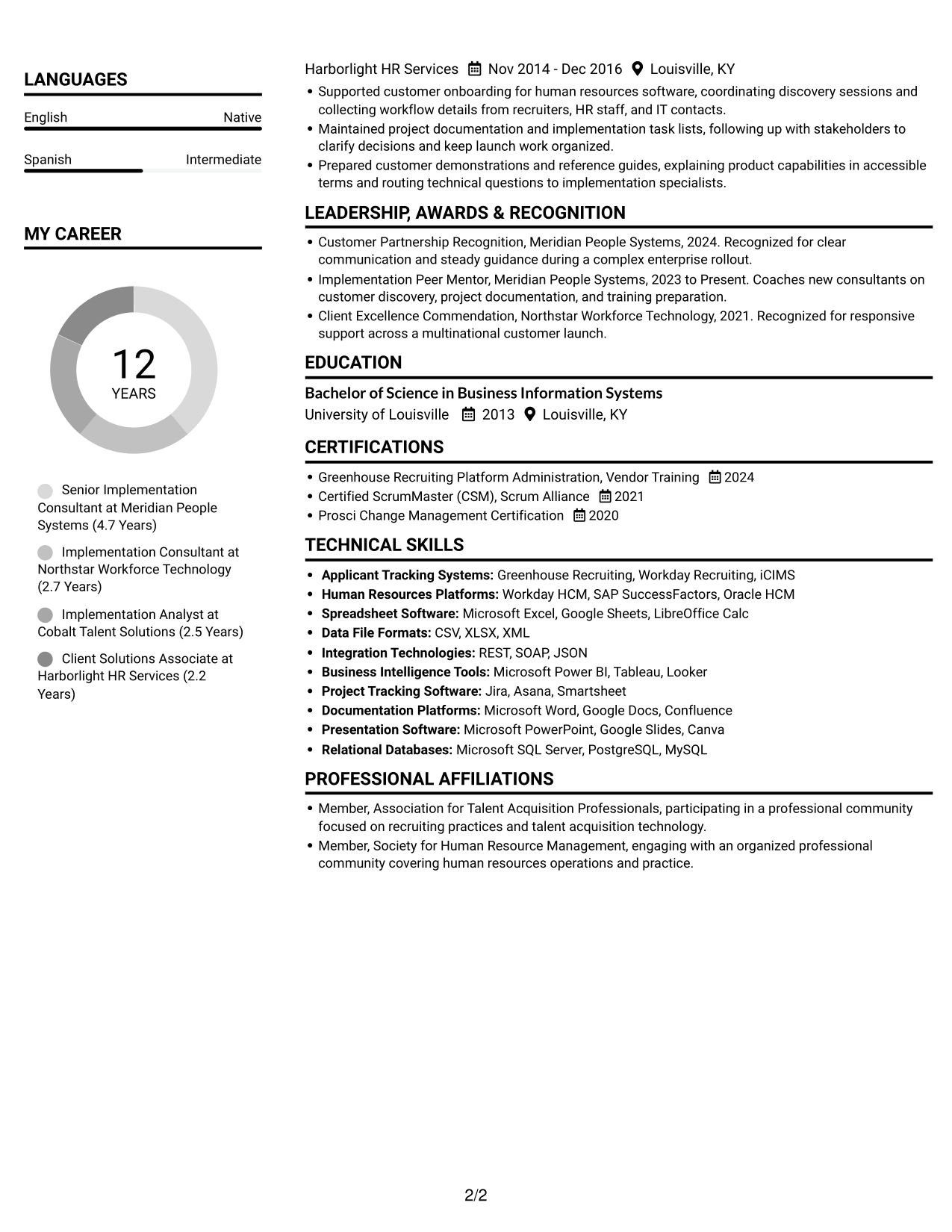
The Simple Two Column Format places resume content in two columns, giving reviewers a side-by-side view of experience and supporting sections.
Why This Format Works
- Separate content areas help reviewers find experience and supporting details.
- Skills can be located apart from longer employment entries during targeted reviews.
- Education and credentials remain visible as distinct resume sections.
Best For
- Side-by-side section access
- Experience with supporting details
- Skills and tools visibility
- Resumes with varied section types
- Non-photo resume presentation
#3 Plain One Column with Shaded Labels Resume Example
The Plain One Column with Shaded Labels format keeps resume content in one vertical column, so reviewers can move through each section without switching columns.
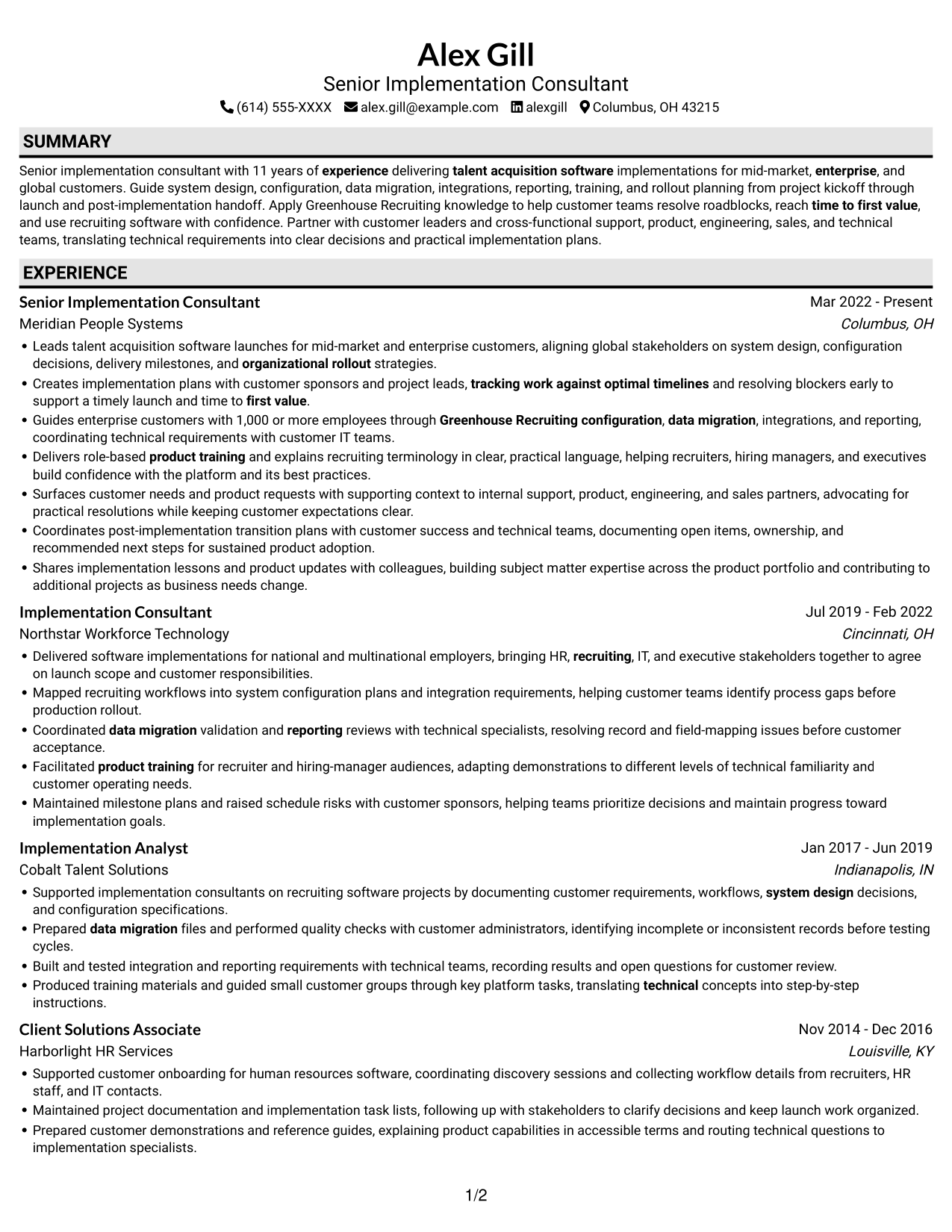
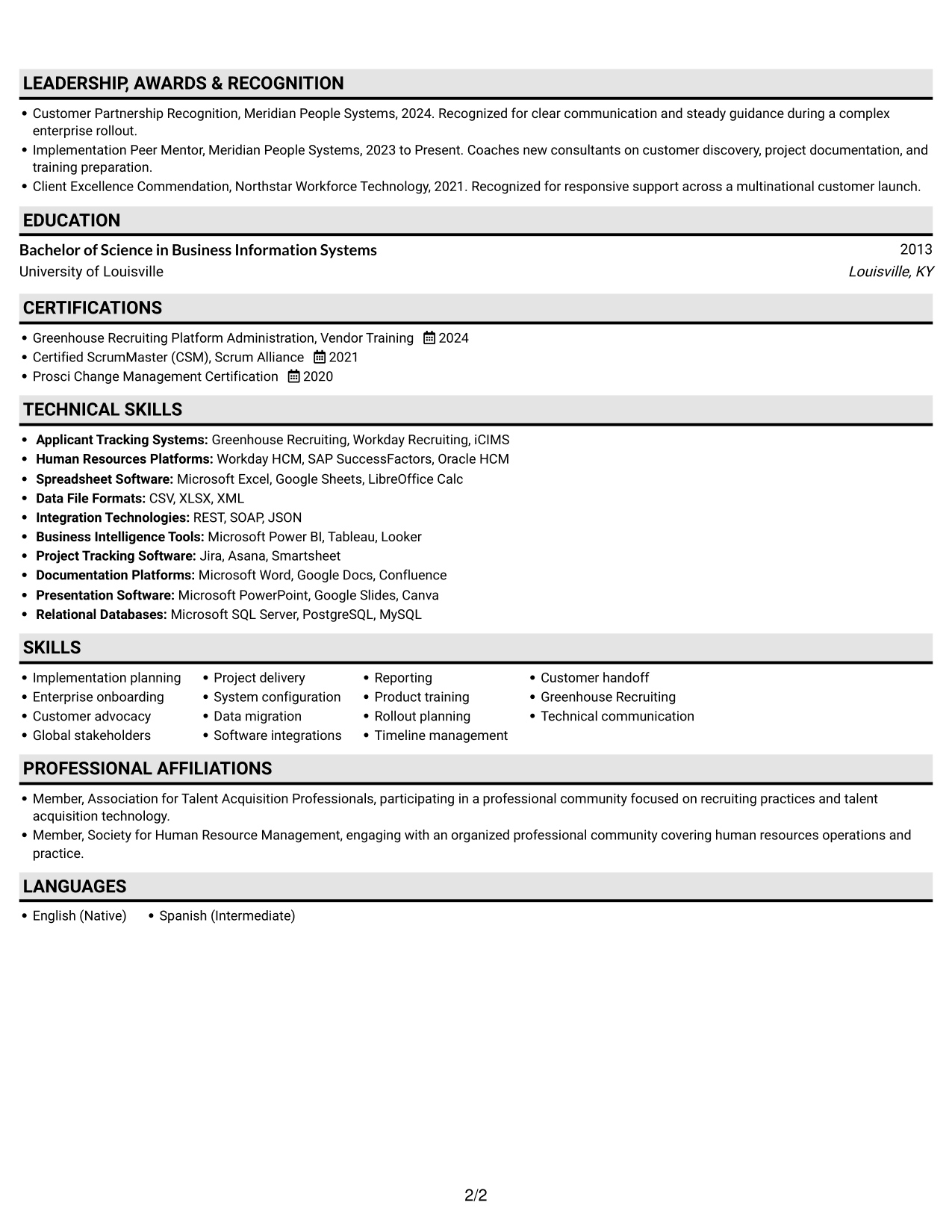
Why This Format Works
- A single reading path keeps career history together for an in-order review.
- Skills and tools can be checked without crossing between content columns.
- Education and credentials fit into the same vertical structure as experience.
Best For
- One-column section navigation
- In-order career history review
- Skills checked alongside experience
- Education and credential review
- Resumes without a portrait
#4 One Column Format with Photo Right Resume Example
The One Column Format with Photo Right places a photo at the right and keeps resume content in one column, preserving a clear path through experience and qualifications.
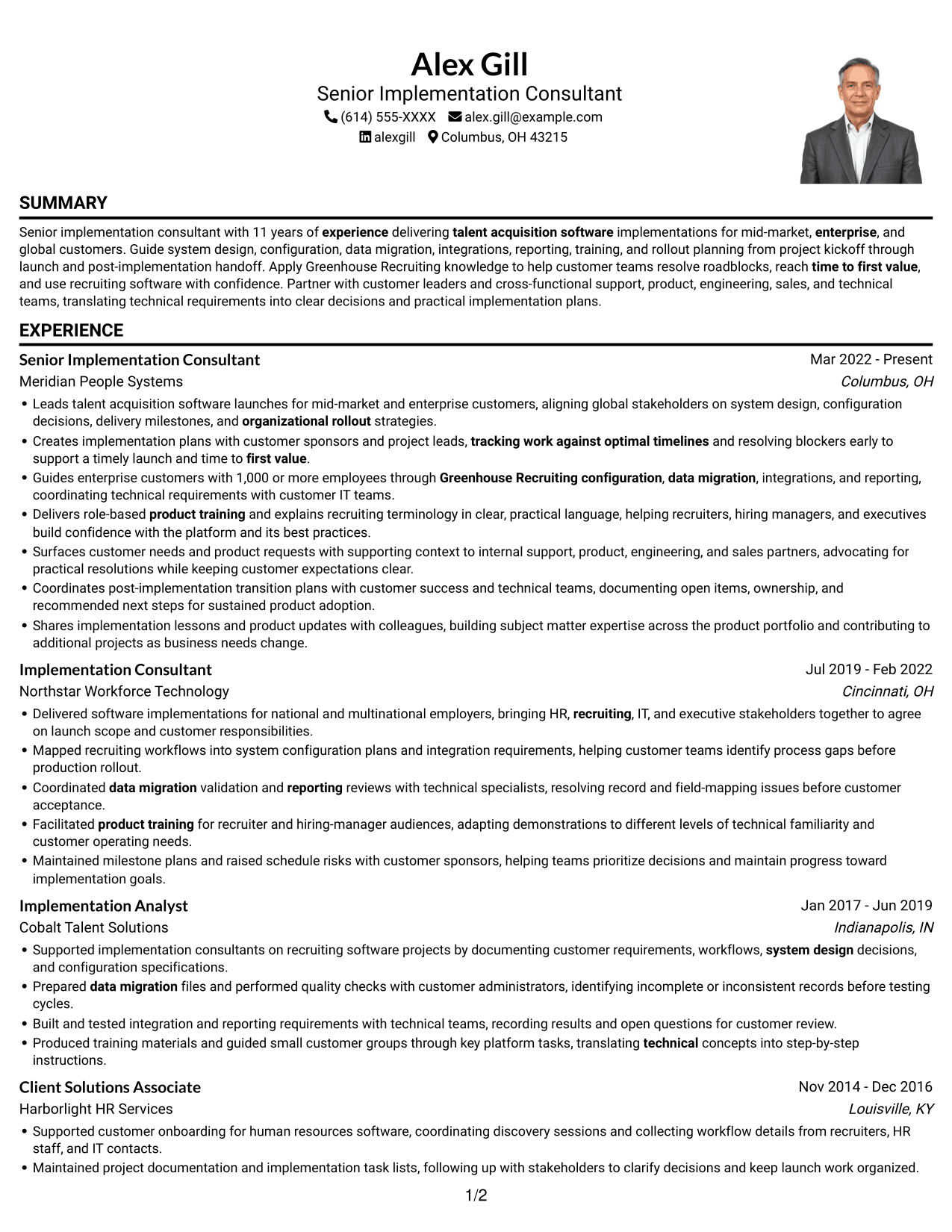
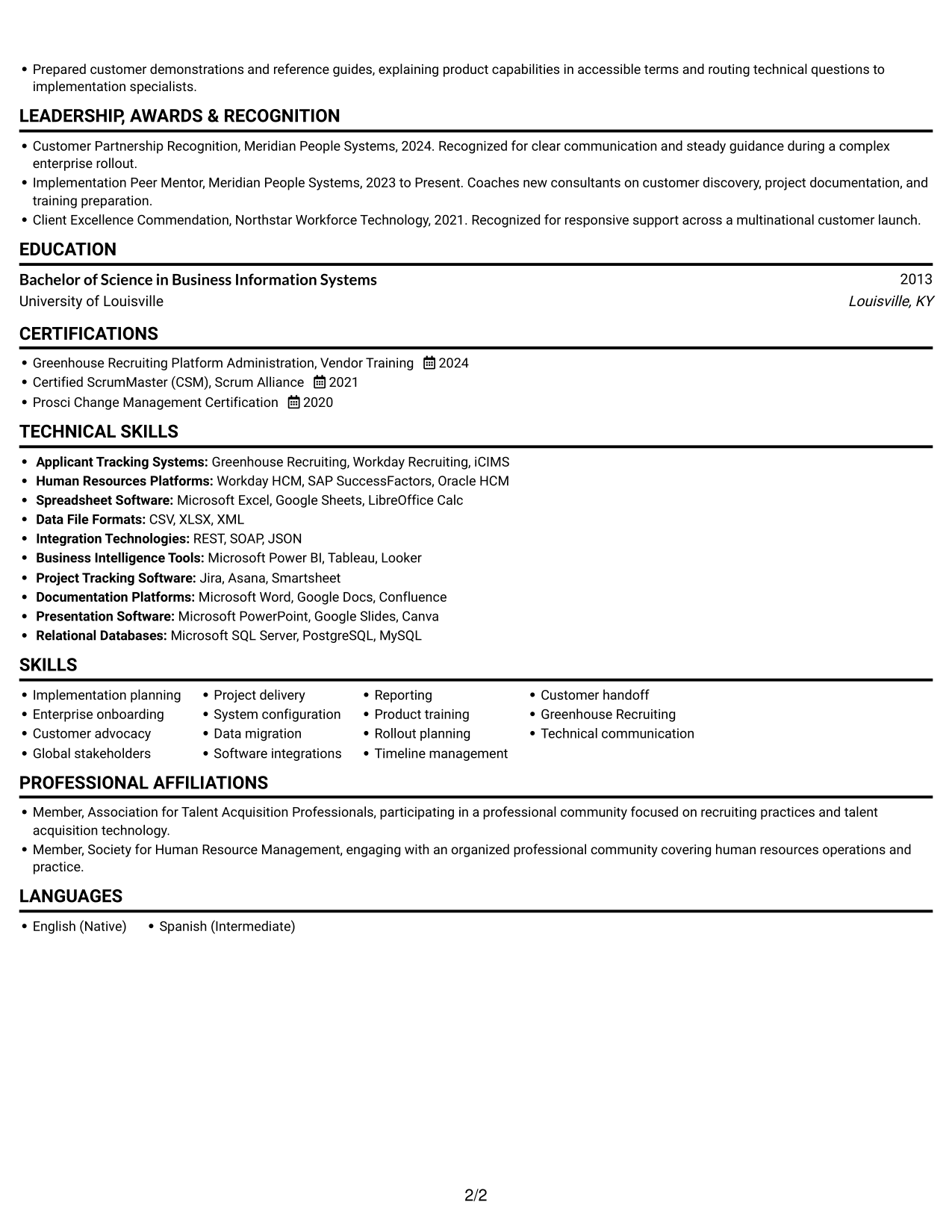
Why This Format Works
- The one-column body lets reviewers follow experience without tracking across columns.
- Skills and tools stay within the same vertical reading area.
- Education and certifications remain easy to locate within the resume.
Best For
- Right-side photo preference
- Single-column resume reading
- In-order experience review
- Skills and qualifications together
- Portrait-inclusive resume presentation
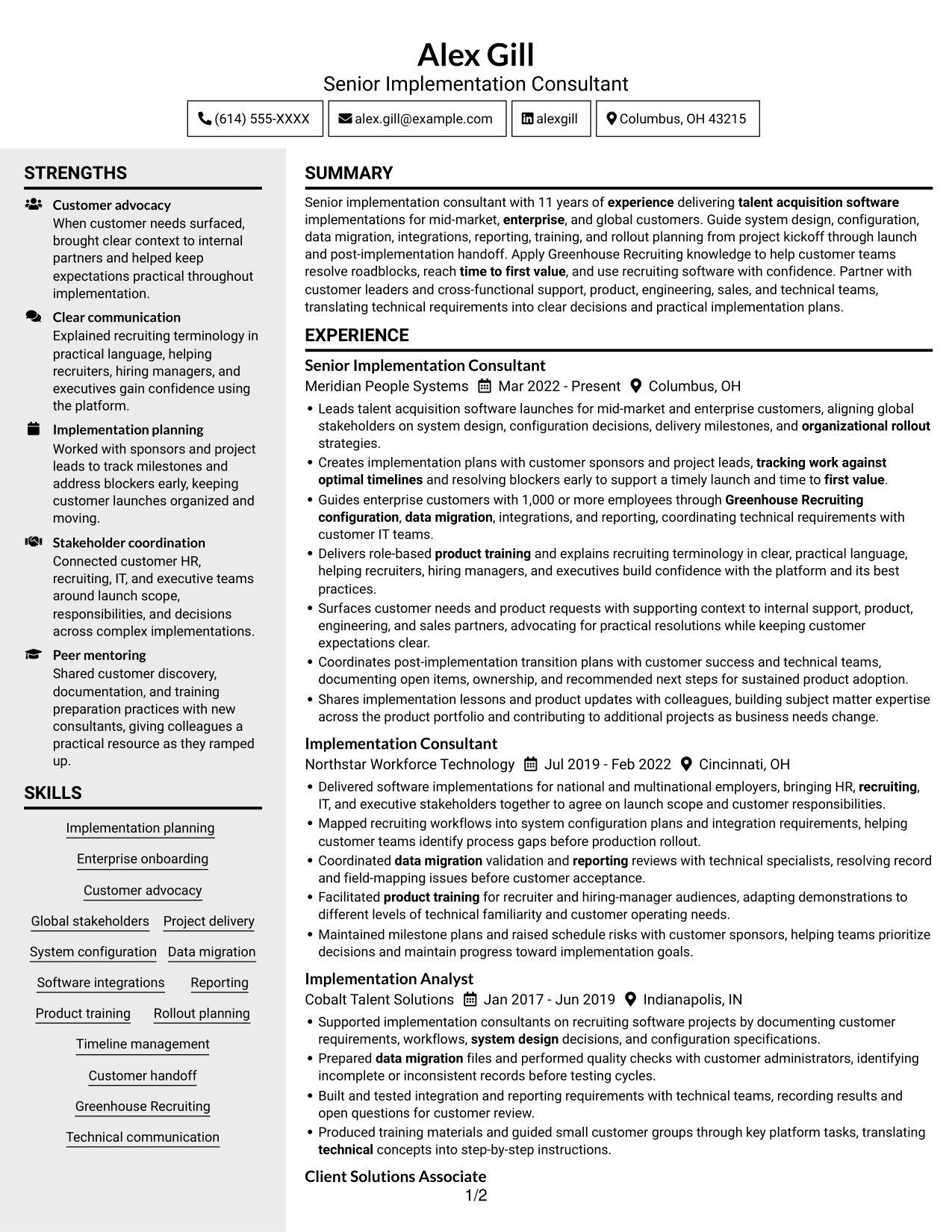
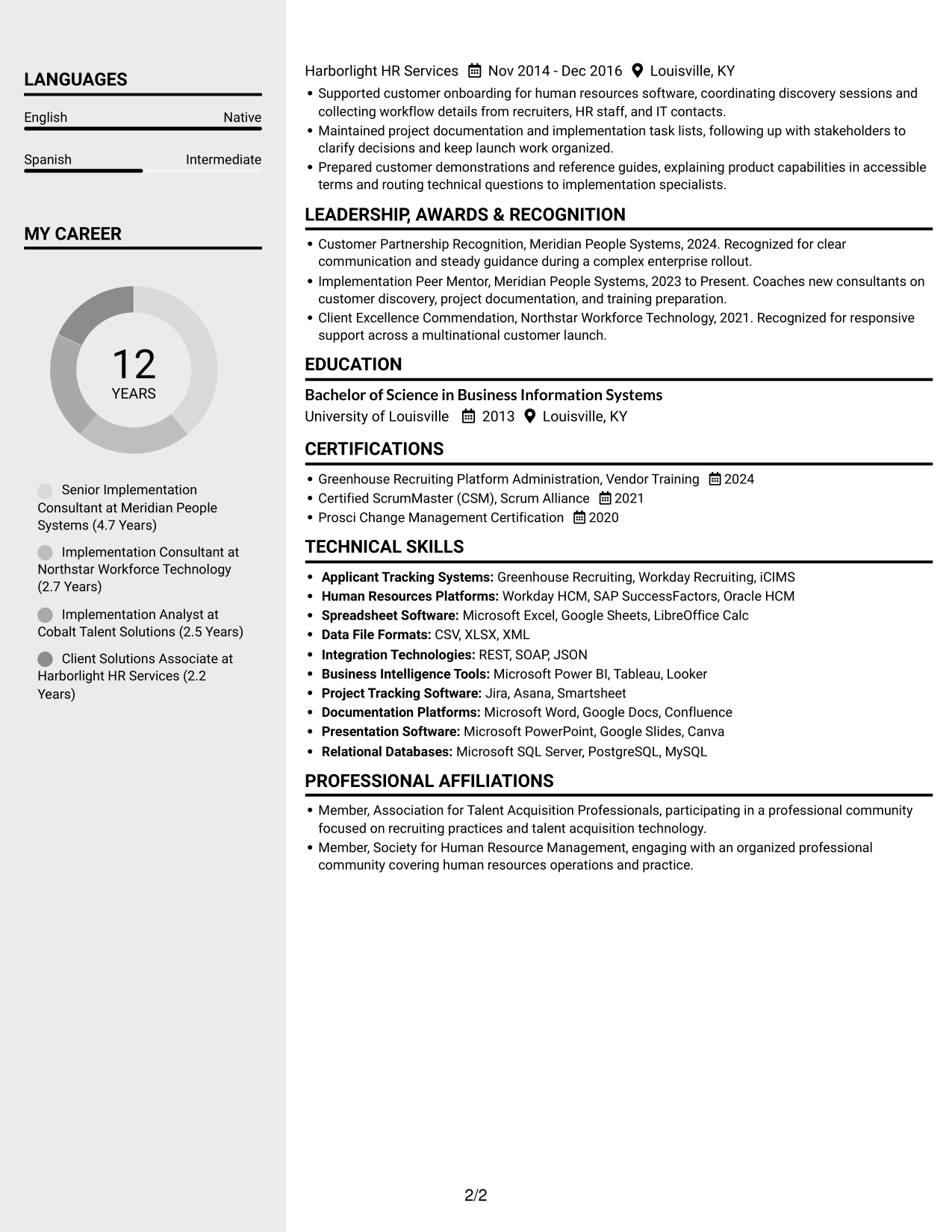
#5 Clean Two Column Sidebar Format Resume Example
The Clean Two Column Sidebar Format uses two content columns, giving reviewers distinct areas to scan experience and supporting resume sections.
Why This Format Works
- Two content areas make experience and other resume sections easy to distinguish.
- Reviewers can find skills without losing the thread of career history.
- Education and certifications have their own place in the section structure.
Best For
- Two-column section organization
- Distinct experience and skills areas
- Quick access to qualifications
- Education and certification details
- No-photo resume layouts
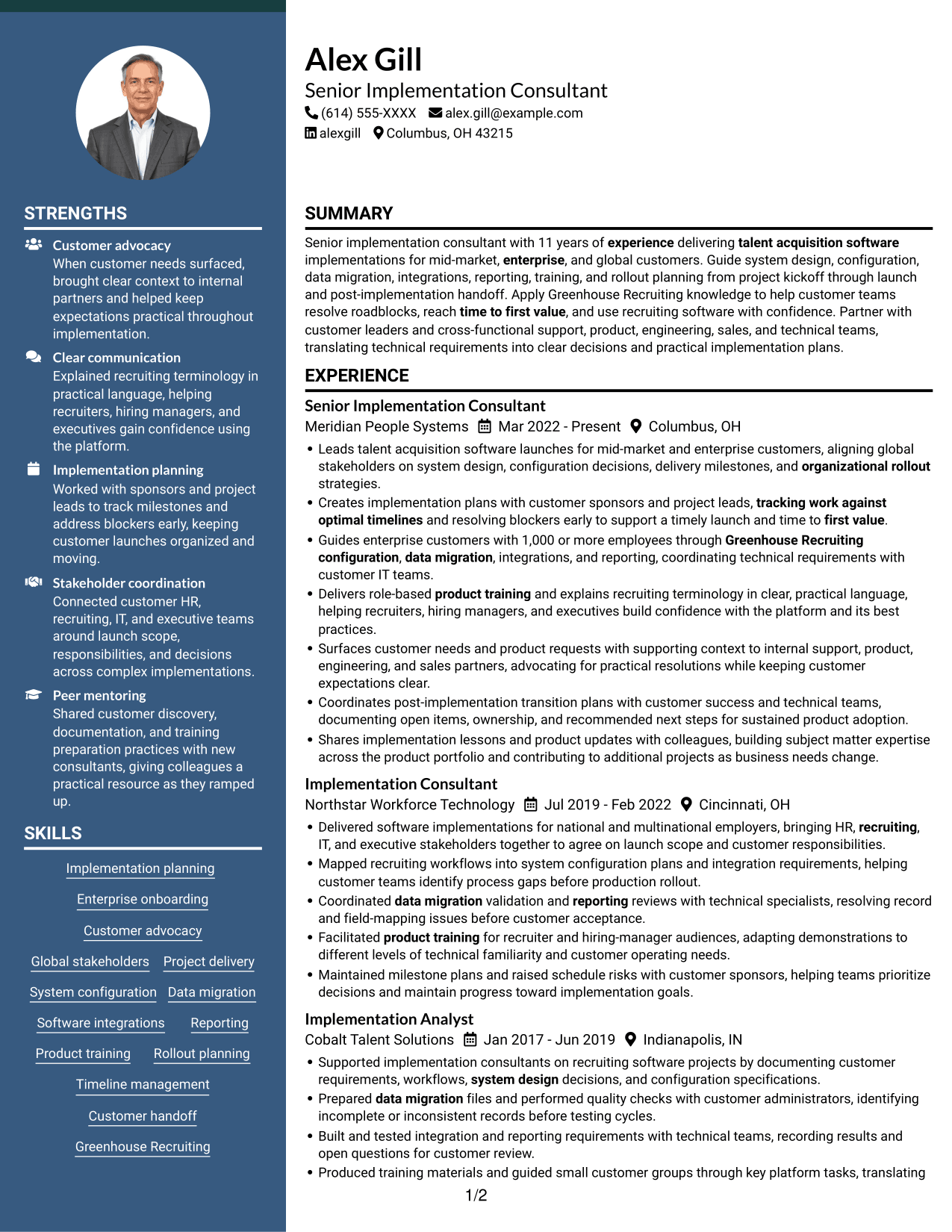
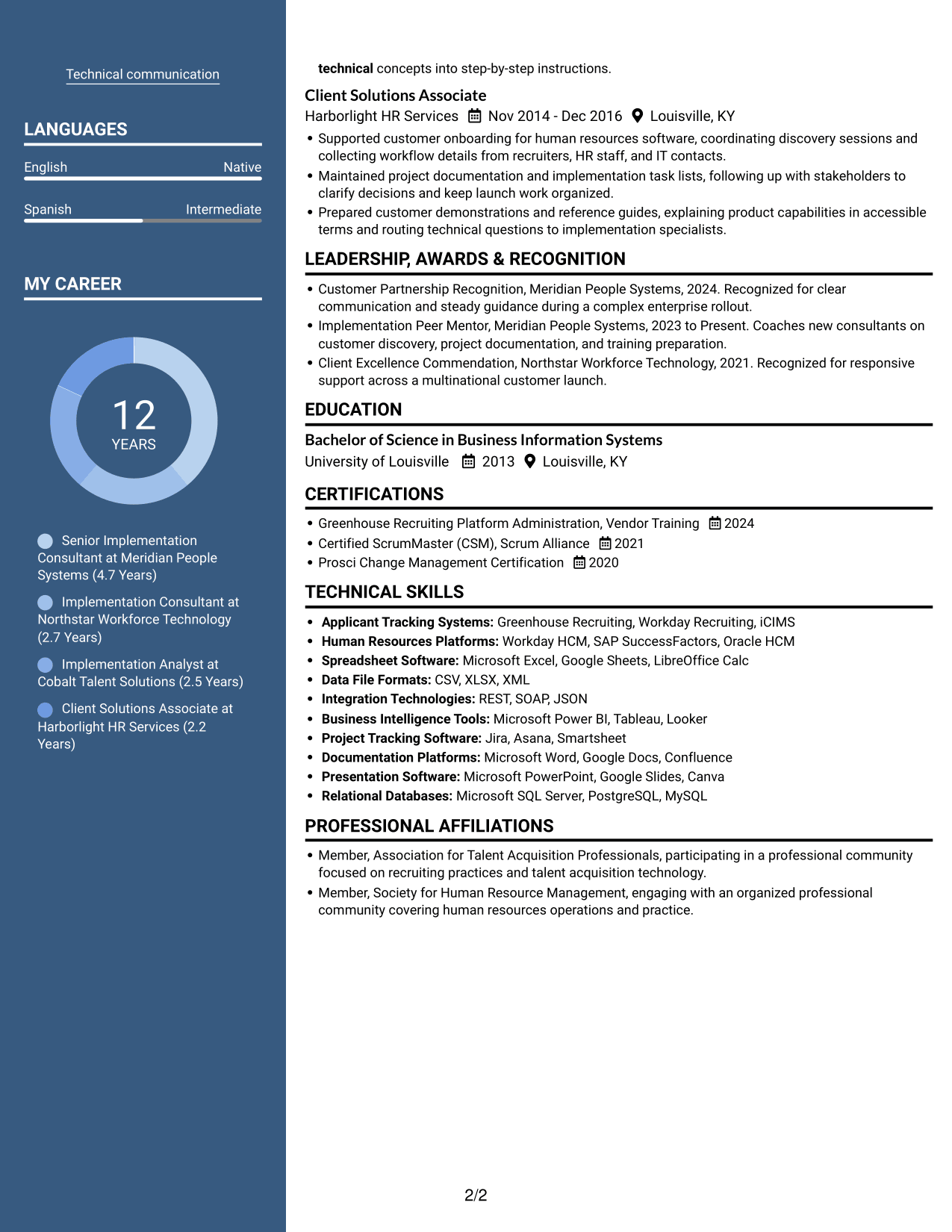
#6 Two Column Format Resume Example
The Two Column Format places resume sections side by side, helping reviewers compare career history with skills, education, credentials, and tools.
Why This Format Works
- Side-by-side sections let reviewers move between experience and qualifications directly.
- Skills and tools can be checked without leaving the overall resume view.
- Education and credentials remain distinct from the employment timeline.
Best For
- Side-by-side section comparison
- Career history with qualifications
- Visible skills and tools
- Distinct education details
- Resumes without a photo
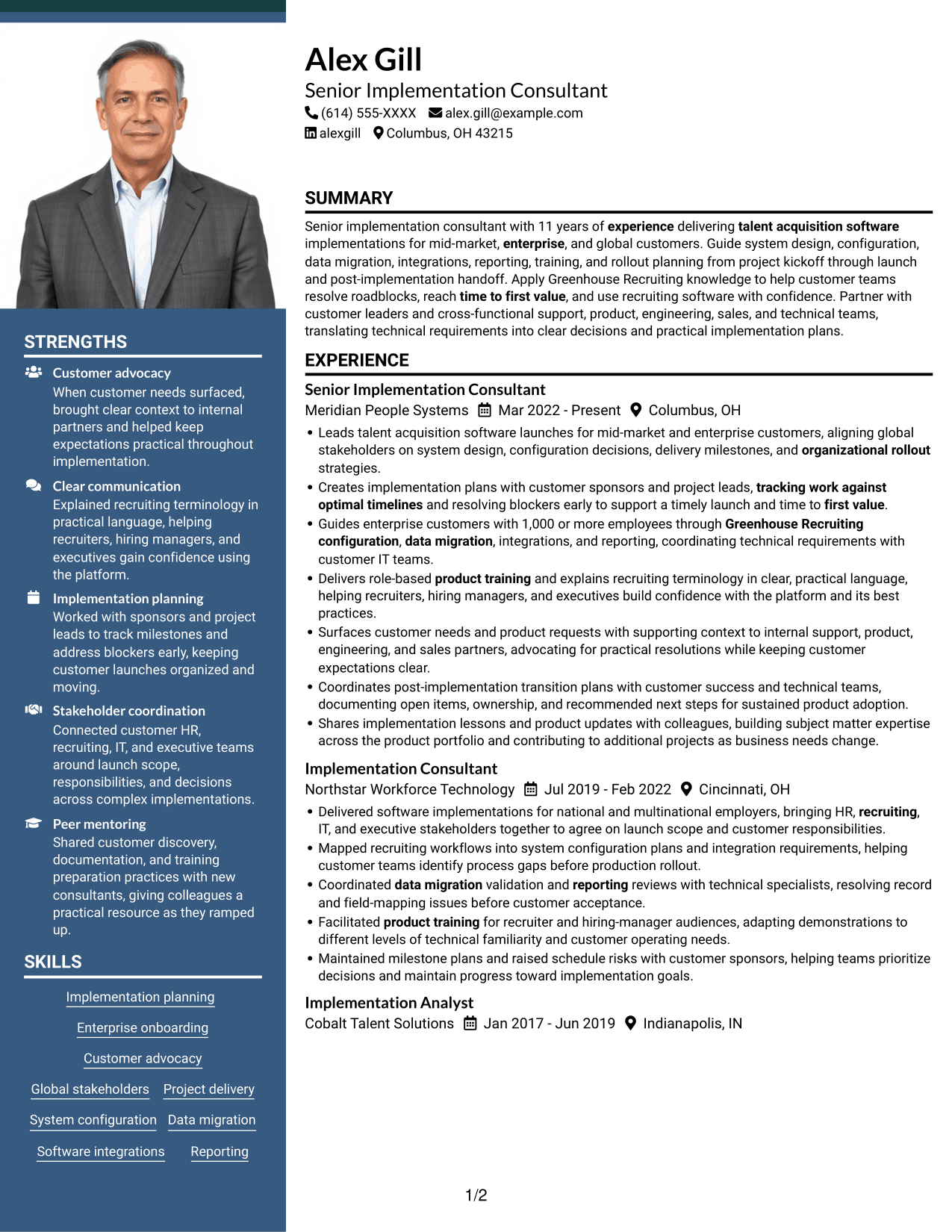
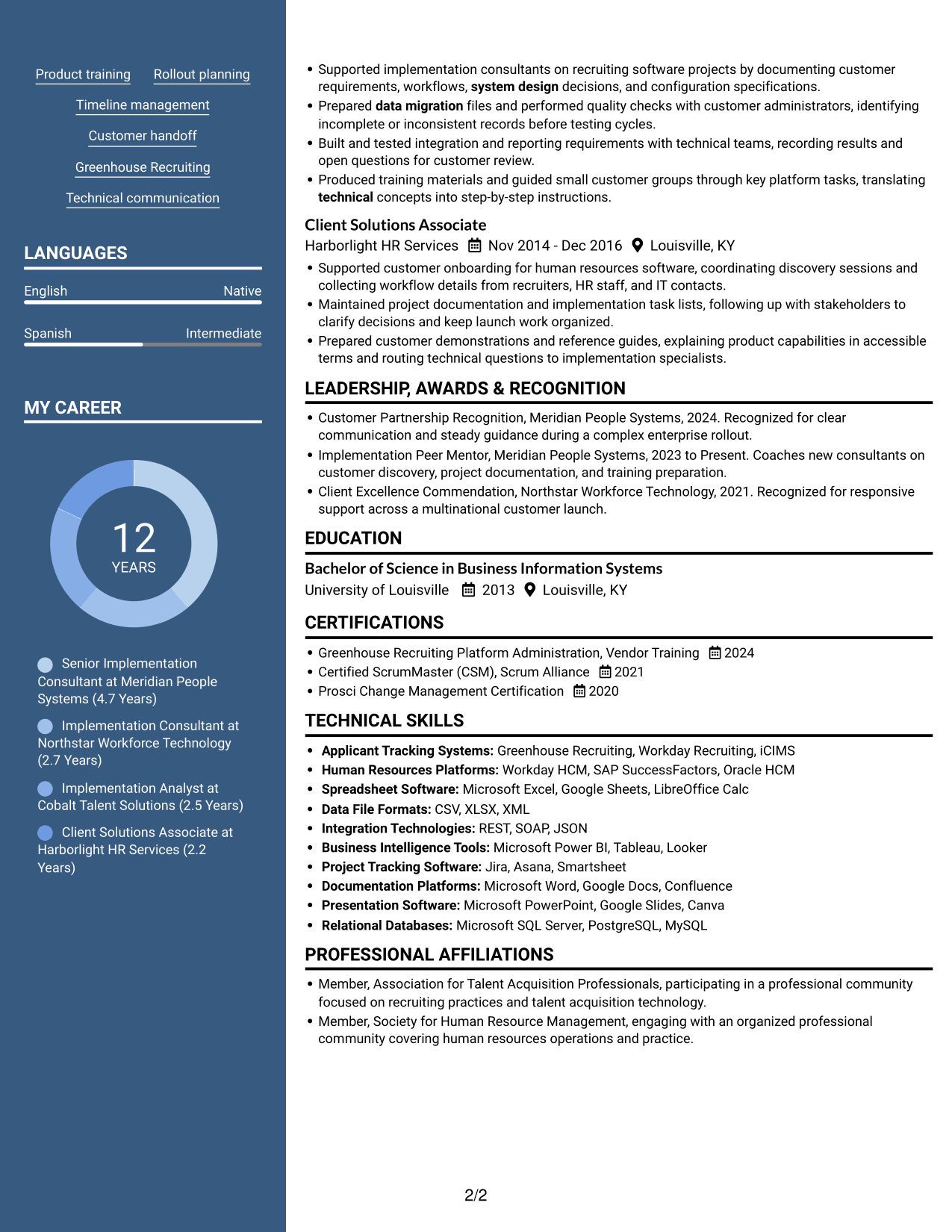
#7 Photo Header Two Column Format Resume Example
The Photo Header Two Column Format places a photo in the header and uses two columns for resume content, offering a distinct photo presentation with separate reading areas.
Why This Format Works
- Separate columns help reviewers distinguish experience from other resume sections.
- Skills and tools can be found without scanning every employment entry.
- Education and certifications remain easy to spot within the document.
Best For
- Photo in the resume header
- Two-column content organization
- Skills separate from experience
- Quick review of credentials
- Portrait-inclusive resume presentation
Why Build Your Senior Implementation Consultant - Talent Acquisition Software Resume with ResumeInMinutes
ResumeInMinutes helps you organize implementation experience into a clear resume. Compare image previews, then open an example in the editor to view or customize its sections.
- ATS-friendly section structure
- Relevant keyword guidance
- Experience and achievement organization
- Skills and tools sections
- Clear, scannable layouts
- Resume customization in the editor
Keep the focus on customer implementations, technical coordination, and launch results. Use concrete details to show how you planned work, guided users, and helped customers move from setup to adoption.
See Also
- 7 Enterprise Implementation Consultant Resume Templates with Example
- 7 Senior Implementation Consultant - Stock Plan Services Resume Templates with Example
- 7 Senior Clinical Education Consultant - Utilization Management Software Resume Templates with Example
- 33 AI Engineer Consultant Resume Templates with Example 2026 (ATS-Optimized)
- 7 Business Architecture Consultant - Enterprise Information Management Resume Templates with Example
- 33 Business Processes Chief Consultant - Regulated Manufacturing Resume Templates with Example
- 7 Change Management and Adoption Consultant Resume Templates with Example
- 7 Clinical Data Audit Consultant Resume Templates with Example
- 7 Senior Implementation Consultant - Talent Acquisition Software Cover Letter Templates with Example
- 7 Senior Implementation Consultant - Stock Plan Services Cover Letter Templates with Example
Frequently Asked Questions
Are these Senior Implementation Consultant - Talent Acquisition Software resume templates ATS-friendly?
The layouts use clear headings and organized sections to support scanning. Include relevant terms such as Greenhouse Recruiting, implementation planning, system configuration, data migration, integrations, reporting, and product training where they match your experience.
Does the page show one resume example or several?
It presents one resume example through PNG image previews in different layouts. Compare the previews, then open an example in the editor to view or customize it.
What should a Senior Implementation Consultant - Talent Acquisition Software resume include?
Include a focused summary, relevant skills, work experience, education, and certifications. Use experience bullets to explain implementation scope, customer and technical coordination, training, and measurable results when available.
Which resume layout works well for this role?
Choose a layout with clear section headings and enough room for detailed experience bullets. A simple structure helps readers find implementation scope, tools, and outcomes quickly.
How can I show complex implementation work clearly?
Break each bullet into the action you took, the customer or project need, and the result. Name relevant work such as configuration, data migration, integrations, training, or launch planning, and include verified measures when available.
Should I include a photo on my resume?
Include a photo only if it is customary or expected in your country, region, or industry. For U.S. applications, a no-photo resume is generally the safer choice.




