
30+ Senior IT Penetration Tester Cover Letter Templates with Example 2026
This practical guide shows you how to create a focused Senior IT Penetration Tester cover letter that connects your security assessment background to the needs of a consulting employer. You will learn how to present your value clearly without repeating your entire professional history.
An effective letter for this role should explain how you approach scoped testing, communicate verified risk, and help clients act on technical findings. It should also show sound judgment, careful evidence handling, and the ability to work with both technical teams and executive audiences.
In this guide, you will see a practical Senior IT Penetration Tester cover letter example, learn how to write a strong opening and body, and see how to close with clear motivation and employer alignment. The document is presented in 33 layouts so you can choose a professional format that suits the employer and communication context.
What Makes a Great Senior IT Penetration Tester Cover Letter in 2026
Strong cover letters for this position are specific, evidence-based, and closely connected to the consulting work described in the job posting. The letter should make it easy for the reader to understand how the applicant can support an engagement from planning through reporting.
- Experience scoping assessments and documenting rules of engagement
- Practical testing across networks, web applications, APIs, Active Directory, cloud, and Microsoft 365
- Clear reporting, client communication, and prioritized remediation guidance
Rather than listing every tool or repeating the application, an effective cover letter explains:
- Why the applicant is interested in offensive security consulting
- How validated findings and reproducible evidence support client decisions
- How the applicant can contribute to AI-enabled application testing, SOC collaboration, and remediation work
Relevant details for this role may include Kali Linux, Nmap, Nessus/Tenable, Burp Suite, Metasploit, BloodHound, Python, PowerShell, Bash, Azure, Microsoft 365, Splunk, Microsoft Sentinel, GitHub, OSCP, and OWASP Top 10 for LLM Applications. Use only the tools and qualifications that accurately reflect your own background.
The templates below show how one focused, professional Senior IT Penetration Tester cover letter can be presented in different communication styles while keeping the message clear and relevant.
The featured example follows a focused progression from role interest and relevant testing experience to client communication, technical judgment, and a professional close. Readers can adapt that progression while choosing a presentation suited to the employer and communication context.
#1 Cover Letter Example: Text/Fang Style
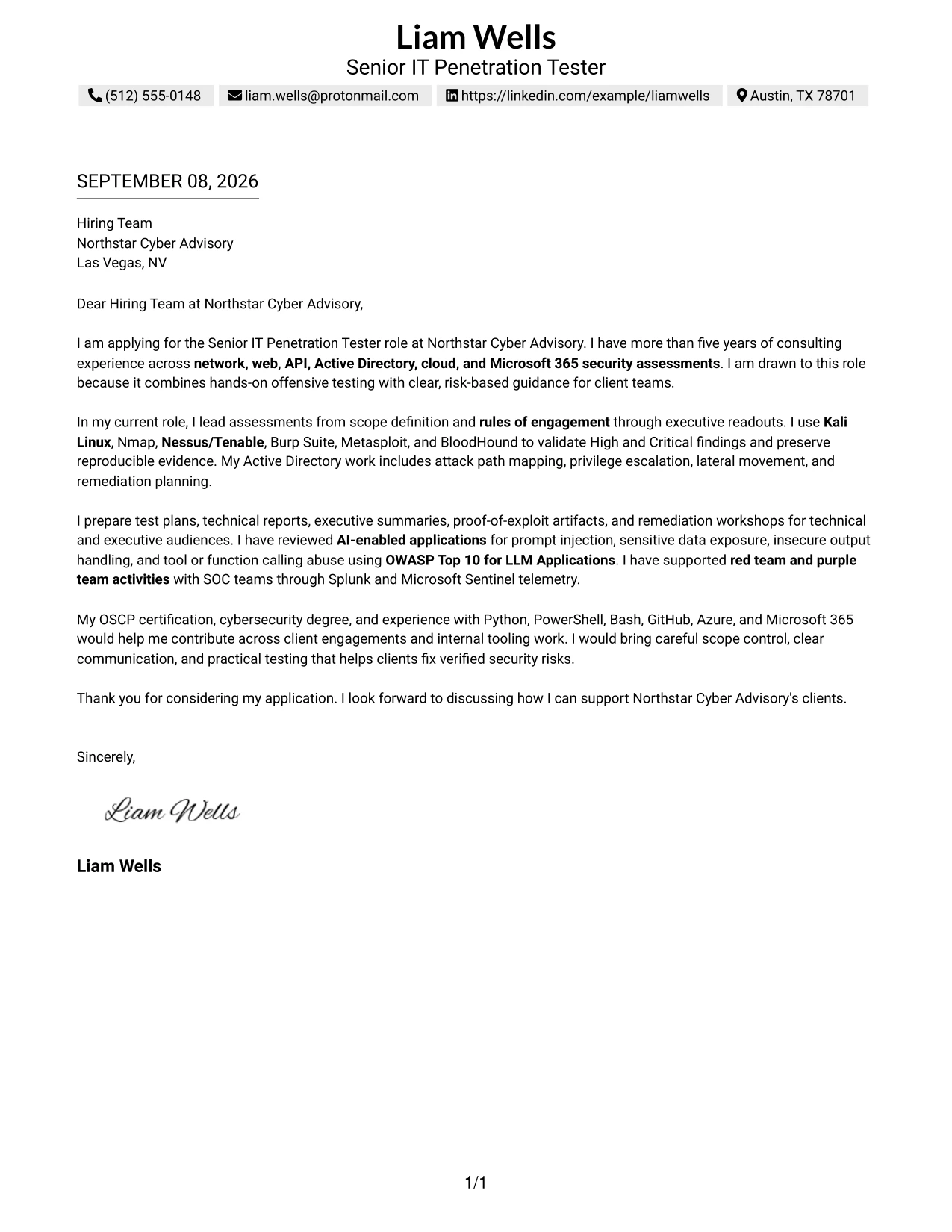
The Text/Fang Style uses a centered, single-column structure that keeps the letter easy to follow from greeting to closing. Its restrained presentation gives the opening motivation, evidence of fit, and final call to action a clear order.
Liam Wells’s letter follows that order with a direct application statement, consulting experience across several assessment areas, and specific evidence from current work. It connects tools and testing methods to client communication, remediation guidance, and Northstar Cyber Advisory’s consulting needs.
Cover Letter Snapshot
- Direct opening for the Senior IT Penetration Tester role
- More than five years of consulting security assessment experience
- Evidence across Active Directory, web, API, cloud, and Microsoft 365 testing
- Clear connection between offensive testing and risk-based client guidance
Why This Cover Letter Works
- The opening names the target role and explains why the combination of offensive testing and client guidance is attractive.
- The body presents relevant experience before listing supporting tools, so the reader sees the value of the work first.
- Specific examples such as attack path mapping and validation of High and Critical findings make the claims credible.
- The letter shows that technical testing is followed by practical remediation planning.
- References to AI-enabled application testing and OWASP Top 10 for LLM Applications align with stated role priorities.
- The communication style is professional and measured, which suits consulting work with technical and executive audiences.
- The closing reinforces scope control, clear communication, and practical security improvement without adding unsupported claims.
Keywords for This Cover Letter
- Senior IT Penetration Tester
- rules of engagement
- Active Directory attack path mapping
- Burp Suite and Metasploit
- AI-enabled application testing
- risk-based remediation guidance
#2 Cover Letter Example: Two Column Format
Readers can move from the contact and greeting area to the main argument quickly, while the two-column structure separates supporting details from the letter’s central message. For this Senior IT Penetration Tester application, that division can keep motivation, evidence, and closing points visible without making the letter feel crowded.
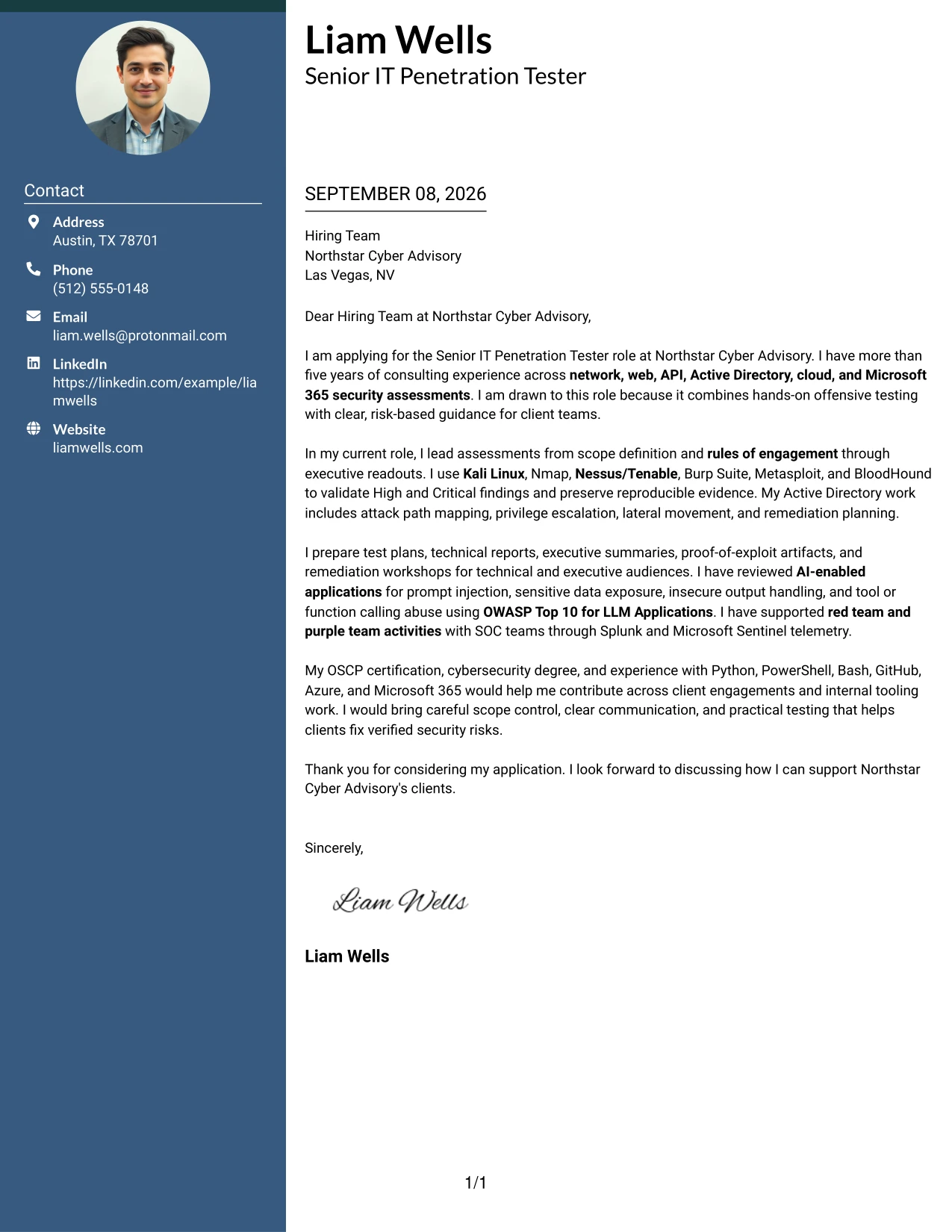
Why the Two Column Format Works for a Cover Letter
- The main column can carry the opening, motivation, and strongest evidence of role fit.
- A secondary column can hold contact details or a short set of supporting strengths without interrupting the narrative.
- Separated content areas help readers locate technical coverage quickly during an initial review.
- The format can accommodate several assessment areas while preserving a clear persuasive sequence.
- Short blocks make complex work easier to explain without turning the letter into a list of isolated keywords.
- The structure supports a concise tone for a consulting role that requires organized client communication.
- A focused closing can remain prominent because the supporting information does not compete with it.
Best For
- Applicants who need to present several related testing areas in a controlled space
- Cover letters that combine a short motivation statement with detailed supporting evidence
- Readers who prefer quick access to contact information and core application points
- Applications where scope, delivery, and communication responsibilities all need mention
- Technical professionals who want separate areas for methods and client-facing outcomes
- Letters that must stay concise while still addressing network, application, and cloud work
- Review situations where a recruiter may scan the page before reading the full argument
#3 Cover Letter Example: Photo Header Two Column Format
Evidence of client impact receives priority in this application, with the letter able to lead with validated findings, clear reporting, and practical remediation guidance. The Photo Header Two Column Format places that evidence beside a distinct header area, giving the application a clear introduction while keeping the persuasive content organized.
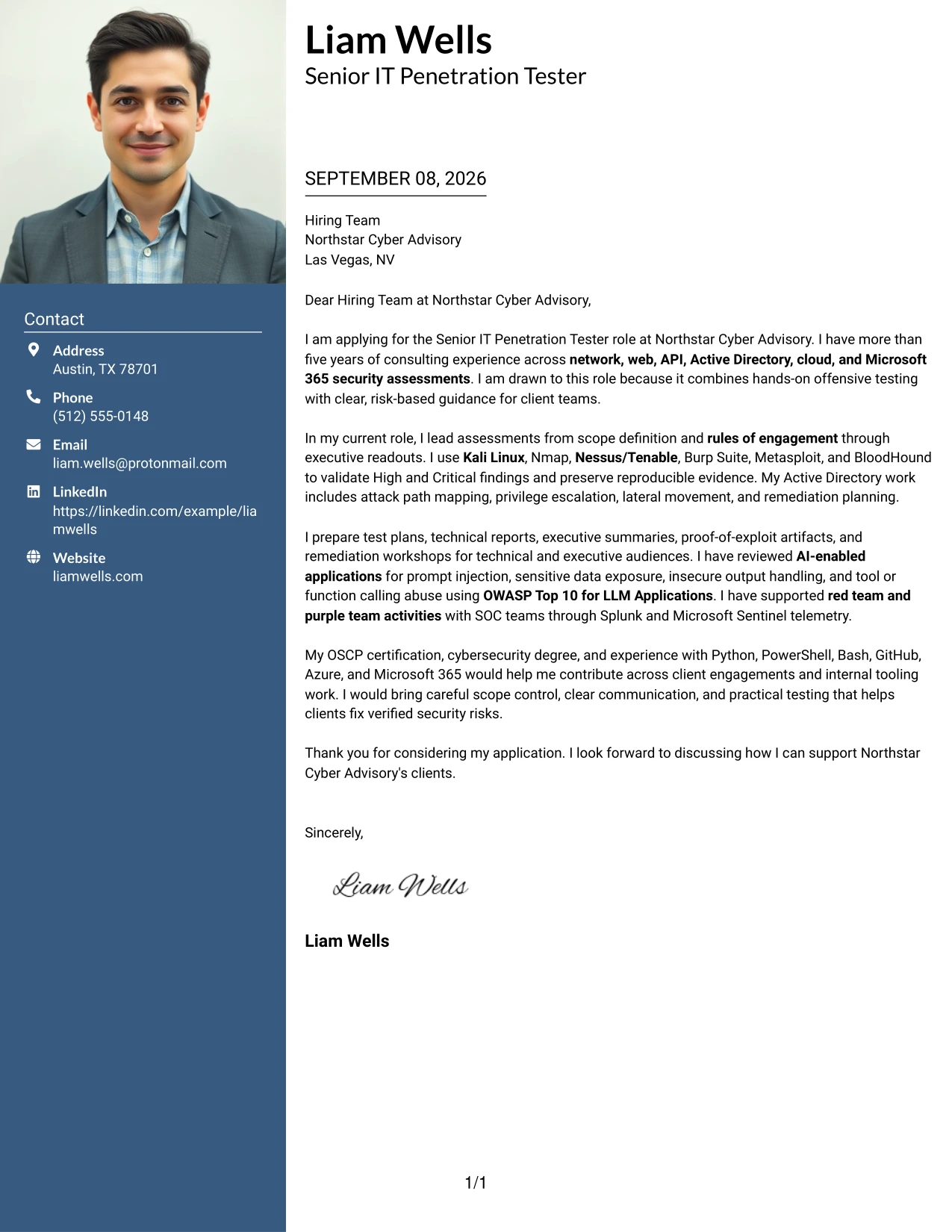
Why the Photo Header Two Column Format Works for a Cover Letter
- The header creates an immediate point of identification before the reader reaches the detailed argument.
- The main letter area can explain how testing experience supports the employer’s consulting objectives.
- A separate column can group engagement scope, communication strengths, and relevant technical coverage.
- The format works well when the applicant has several forms of evidence but needs a controlled hierarchy.
- Validated findings and reproducible evidence can receive more attention than broad personal claims.
- The two-column arrangement supports a professional transition from technical detail to client value.
- A concise closing can confirm interest and readiness for discussion without repeating the body.
Best For
- Applicants whose strongest case depends on concrete assessment evidence
- Applications that need a distinct introduction before a detailed persuasive message
- Professionals presenting technical delivery alongside client-facing communication
- Letters with several evidence types, such as reports, retesting, and executive readouts
- Consulting applications where trust and professional presentation matter
- Readers who benefit from a clear separation between the main argument and supporting facts
- Candidates who want the document to balance personal introduction with verified work outcomes
#4 Cover Letter Example: Simple One Column Format
Balanced spacing gives each part of the application room to work: the opening establishes interest, the middle proves alignment, and the closing invites a conversation. The Simple One Column Format supports that progression with a straightforward reading path for a Senior IT Penetration Tester cover letter.
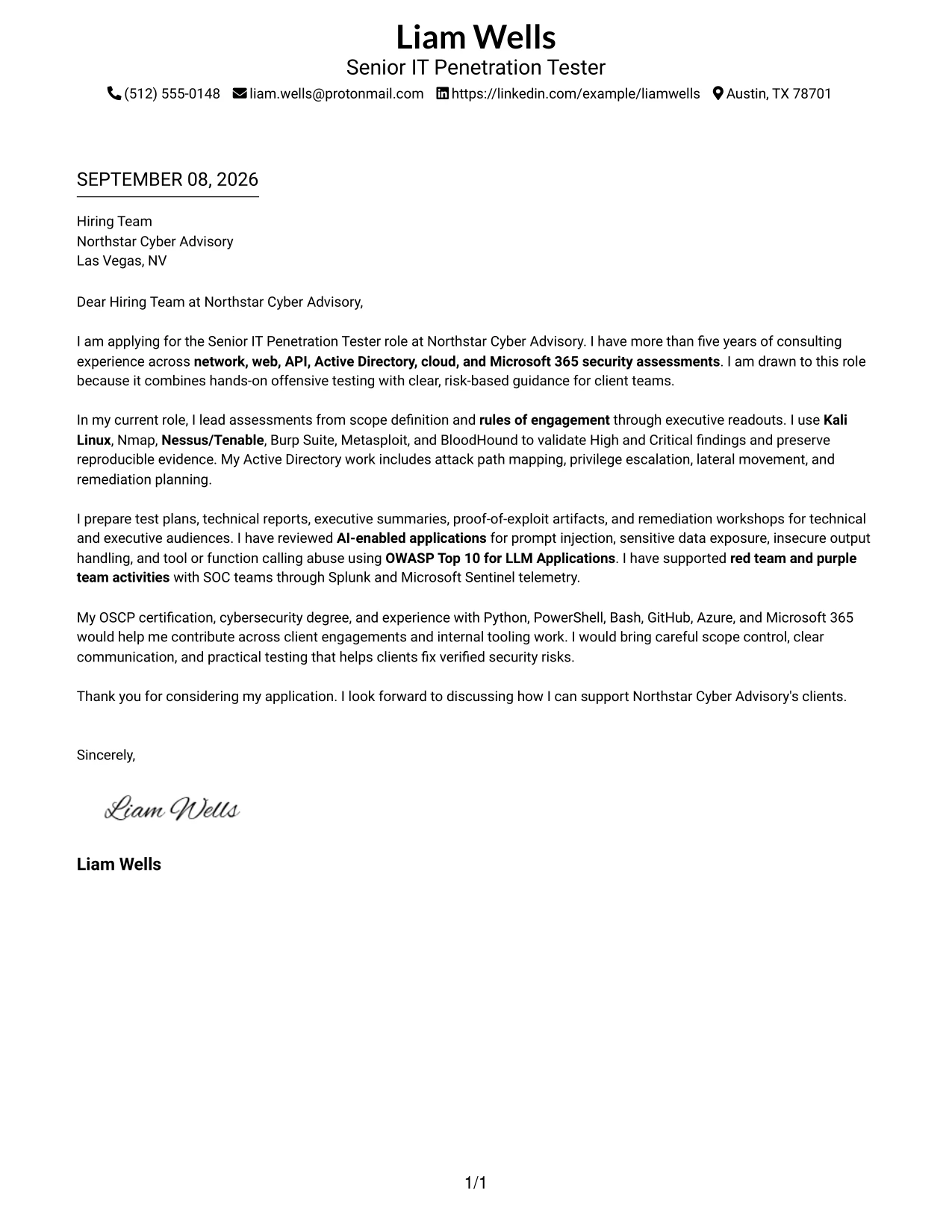
Why the Simple One Column Format Works for a Cover Letter
- The single reading path makes the motivation statement easy to find at the start.
- Each body paragraph can address one part of the employer’s need without visual distraction.
- The format gives technical examples enough space to remain understandable to non-technical readers.
- A simple structure supports a calm and credible communication style for consulting work.
- The letter can move naturally from assessment delivery to reporting and remediation support.
- Consistent spacing helps the closing feel like a conclusion rather than another evidence block.
- The design is practical when the main goal is a clear argument instead of a highly visual presentation.
Best For
- Applications where a direct, uninterrupted letter is the main priority
- Applicants who need to explain motivation before presenting technical evidence
- Roles that require a steady transition from testing work to client recommendations
- Letters intended for readers who value familiar page organization
- Messages with a small number of strong examples rather than many short details
- Professional applications where clarity is more important than decorative structure
- Cover letters that need room for a complete opening, body, and closing
#5 Cover Letter Example: One Column Format with Photo
A practical application review benefits from a clear introduction followed by one continuous account of fit. The One Column Format with Photo combines that sequence with a prominent visual header, while the letter itself can explain consulting experience, technical evidence, and interest in Northstar Cyber Advisory without breaking the narrative.
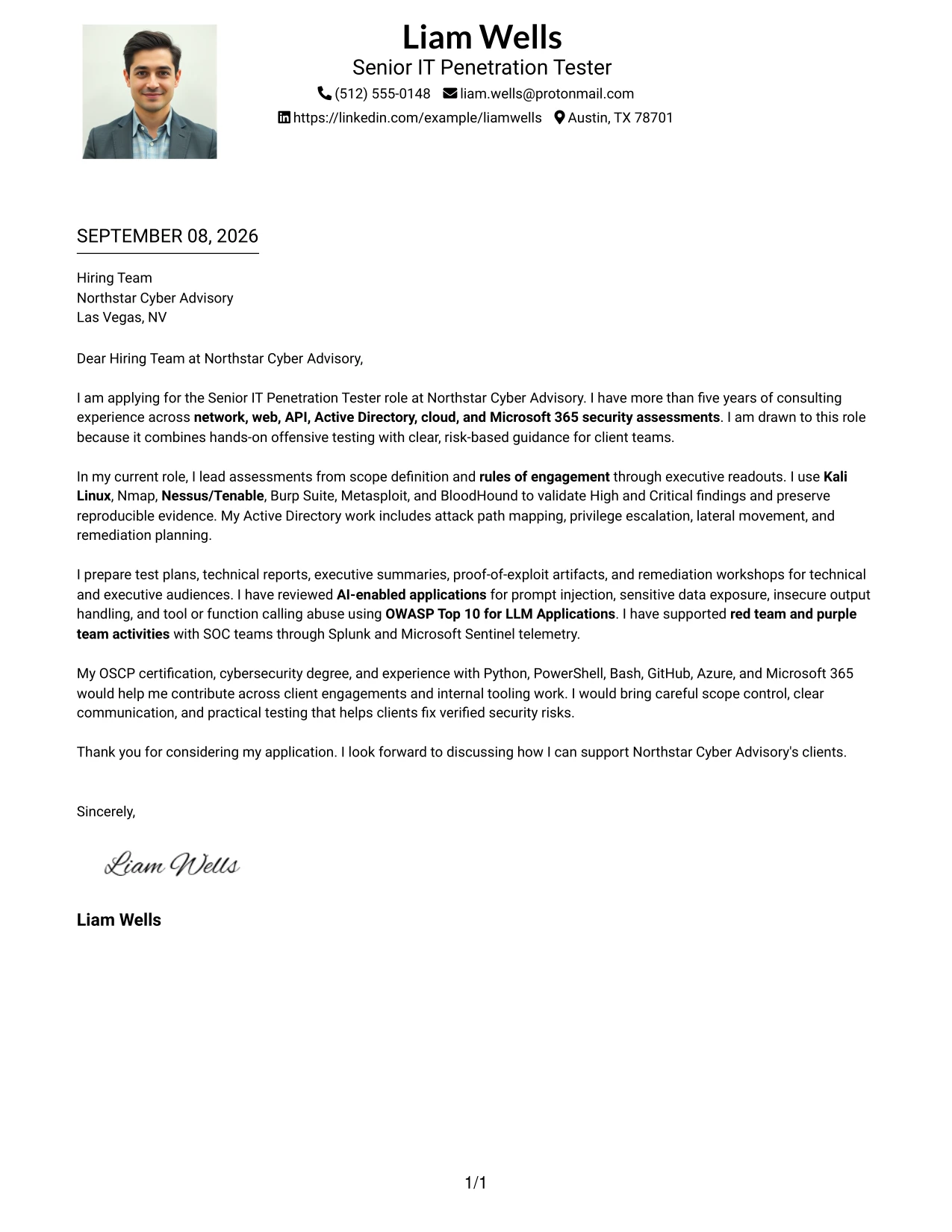
Why the One Column Format with Photo Works for a Cover Letter
- The prominent header can establish a clear professional identity before the reader begins the letter.
- One column keeps motivation, evidence, and employer fit in a logical order.
- The format gives the applicant room to explain technical work in complete, readable sentences.
- A continuous narrative can connect testing methods to the client outcomes they support.
- The visual introduction is balanced by a focused body, so presentation does not replace substance.
- The closing remains easy to locate because the letter follows one consistent path.
- This arrangement suits applications where personal presentation and detailed communication both matter.
Best For
- Applicants who want a strong visual introduction with a continuous written message
- Applications where personal presentation should support, not replace, professional evidence
- Letters that explain several testing responsibilities in a single connected narrative
- Professionals who need space for motivation, technical alignment, and closing interest
- Client-facing roles where approachability and clear communication are important
- Cover letters reviewed as complete pages rather than short text extracts
- Applicants who prefer a traditional letter flow with a more prominent opening area
#6 Cover Letter Example: One Column Format with Photo Right
A restrained visual hierarchy keeps the applicant’s introduction distinct while directing attention to the written case for fit. In the One Column Format with Photo Right, the right-side image supports recognition, and the main column can explain how assessment delivery, reporting, and remediation experience meet the role’s needs.
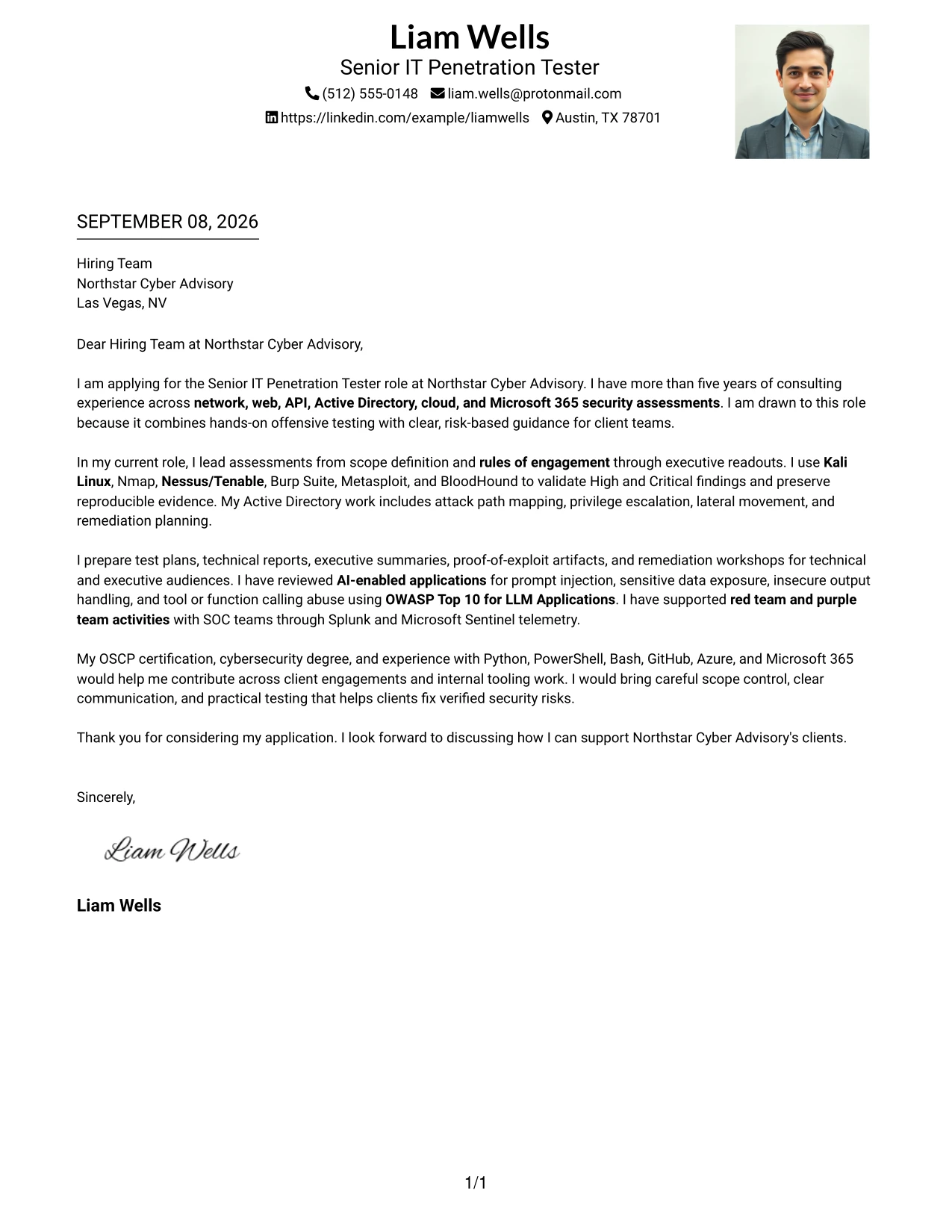
Why the One Column Format with Photo Right Works for a Cover Letter
- The side image leaves the main reading path available for the motivation and evidence.
- A clear primary column helps the employer follow the argument without switching between several text areas.
- The layout can connect technical examples to the communication skills required in consulting.
- The visual balance gives the opening and closing a defined place on the page.
- The body can discuss client coordination, scope control, and reporting as related parts of one contribution.
- A side-positioned introduction can add distinction while preserving a professional tone.
- The format is useful when the letter needs both an identifiable presentation and a detailed role-alignment message.
Best For
- Applicants who want visual distinction without interrupting the main letter text
- Client-facing applications that need a clear written case for trust and fit
- Letters where role alignment should remain the strongest visual priority
- Professionals combining technical delivery with executive and stakeholder communication
- Applications that benefit from a stable main column and a defined introduction area
- Readers who prefer to complete the argument from top to bottom
- Cover letters that need to present several responsibilities without a dense page
#7 Cover Letter Example: Simple Two Column Format
The Simple Two Column Format organizes the letter into a primary message and a supporting area, making it easier to separate persuasion from selected evidence. Its clear structure can present motivation, client communication, and technical alignment without requiring the reader to search through a long block of text.
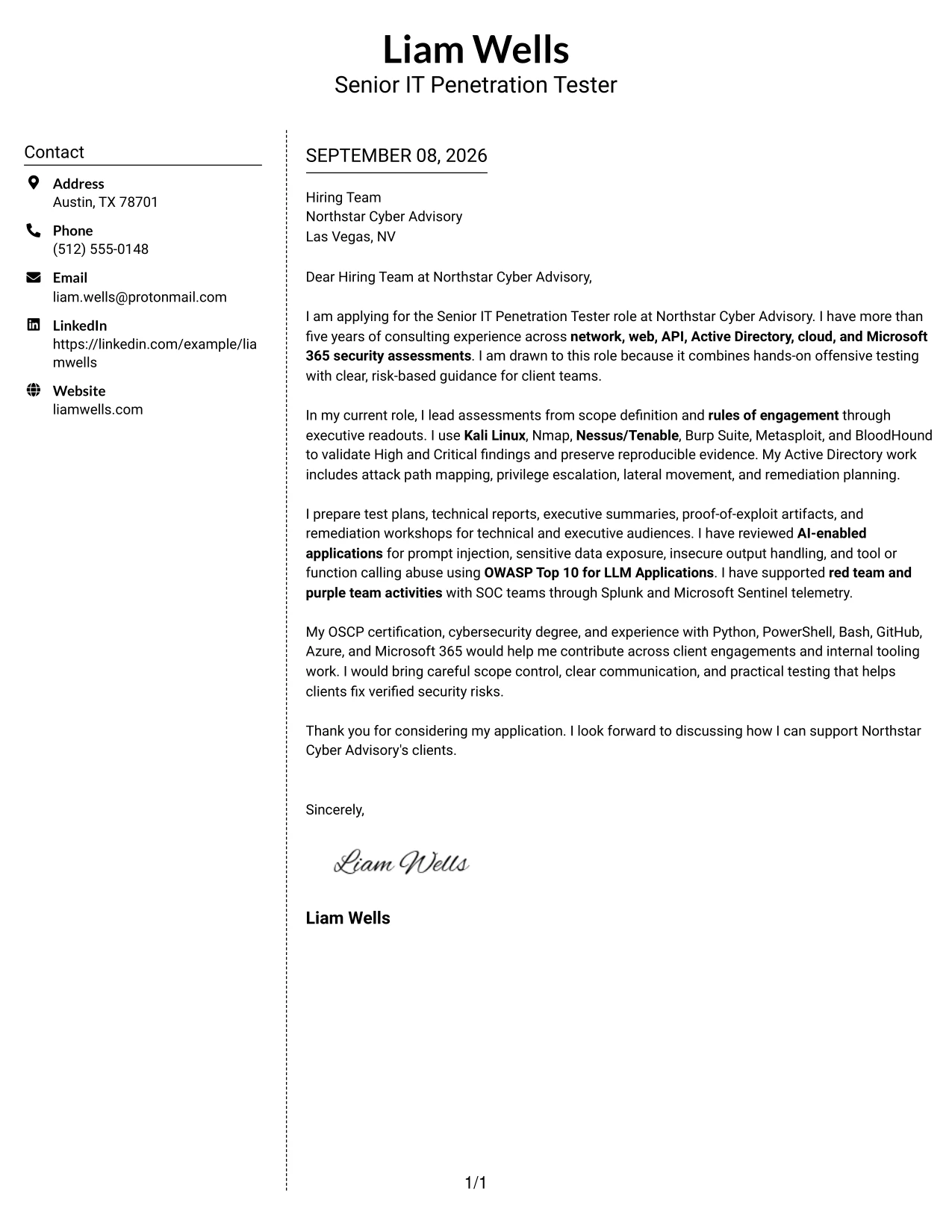
Why the Simple Two Column Format Works for a Cover Letter
- A primary column can carry the personal introduction and reason for applying.
- A supporting column can summarize selected evidence that reinforces the central argument.
- The structure helps readers distinguish motivation from proof of technical fit.
- Short, clearly separated areas make a complex consulting role easier to address.
- The letter can show both hands-on testing and the ability to explain results to clients.
- A restrained two-column design keeps the communication professional and easy to scan.
- The final paragraph can focus on interest and next steps rather than repeating supporting details.
Best For
- Applicants who need to divide the main message from selected supporting evidence
- Letters that must address both personal motivation and technical role alignment
- Applications with a few strong proof points that deserve quick visibility
- Professionals explaining hands-on work alongside client presentation responsibilities
- Readers who scan supporting information before reading the full letter
- Messages that need structure but should avoid a highly decorative appearance
- Cover letters where concise organization strengthens the persuasive case
#8 Cover Letter Example: Stylish Two Column Designer Format
Readers can first identify the main application message and then review the supporting details placed beside it. The Stylish Two Column Designer Format gives that movement a stronger visual hierarchy, which can help a detailed security consulting letter show scope, communication, and technical alignment in a controlled way.
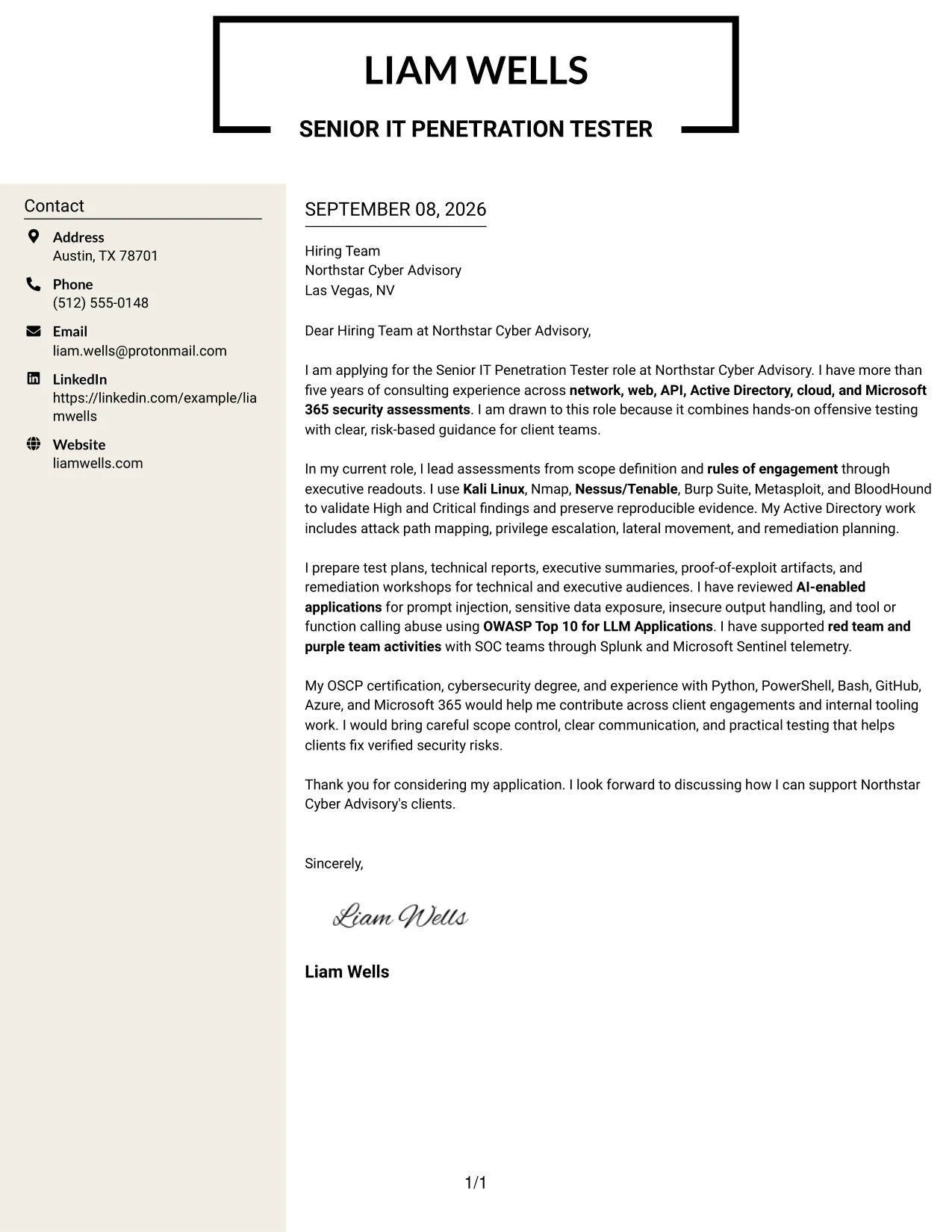
Why the Stylish Two Column Designer Format Works for a Cover Letter
- The main area can state the applicant’s interest and strongest reason for fit without delay.
- A designed sidebar can hold supporting details that would otherwise interrupt the letter’s flow.
- The arrangement supports a high volume of relevant evidence while preserving a clear main argument.
- Separate areas help distinguish client outcomes from the methods used to achieve them.
- The format can make several engagement types easier to review at a glance.
- A polished hierarchy supports a confident tone when the applicant is addressing a senior-level role.
- The closing can remain brief because the supporting column carries selected context.
Best For
- Applicants with several relevant evidence points that need visible organization
- Applications where a strong main argument should sit beside supporting detail
- Senior professional letters that must cover broad consulting responsibilities
- Readers who review technical scope and communication strengths as separate concerns
- Messages that benefit from a designed hierarchy without losing written substance
- Cover letters with enough content to require careful grouping and prioritization
- Applicants who want the document to signal organization before the reader reaches the closing
#9 Cover Letter Example: Colored Two Column Format
Validated security work should lead the argument because it gives the employer a concrete basis for judging fit. The Colored Two Column Format can place that evidence in the main area and use a contrasting secondary area for motivation, communication strengths, or selected context, creating a clear distinction between proof and supporting detail.
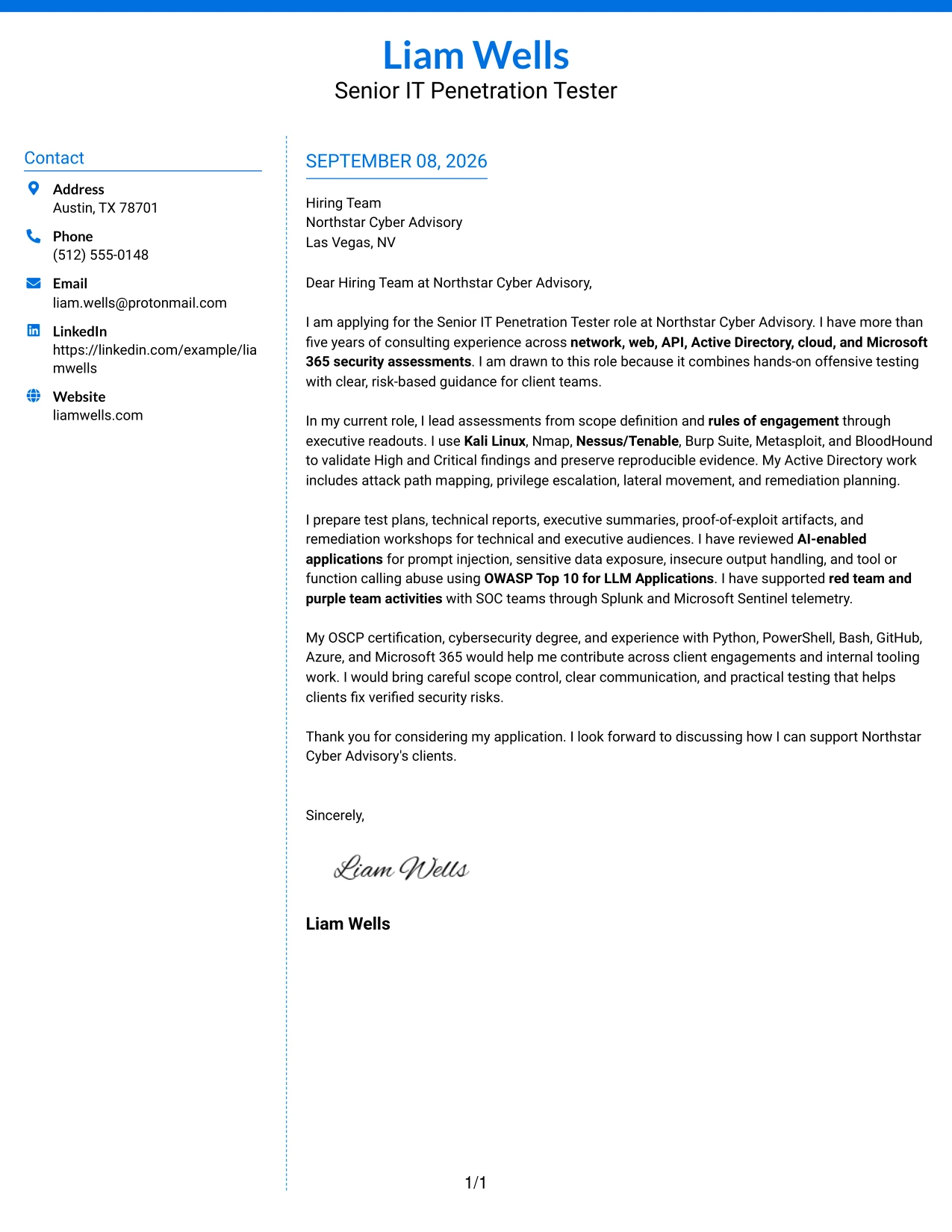
Why the Colored Two Column Format Works for a Cover Letter
- The main area can lead with verified assessment work rather than broad statements of interest.
- Color separation helps the reader distinguish evidence from background or supporting context.
- The format supports a direct explanation of how technical findings become practical recommendations.
- A secondary area can reinforce communication, coordination, and employer fit without competing with the proof.
- The structure makes it easier to present both hands-on testing and client-facing delivery.
- A clear visual contrast can guide attention to the strongest examples first.
- The closing can return to motivation after the letter has established credibility.
Best For
- Applicants whose strongest qualification is demonstrated assessment evidence
- Letters that need a visible distinction between proof and supporting context
- Technical professionals explaining how findings lead to practical recommendations
- Applications combining hands-on delivery with coordination across client stakeholders
- Readers who need to identify the most persuasive evidence quickly
- Cover letters where visual grouping improves the order of technical examples
- Messages that should establish credibility before making a broader employer-fit case
#10 Cover Letter Example: Creative Two Tone Format
A practical application needs enough visual separation to clarify the message without weakening its professional purpose. The Creative Two Tone Format uses two restrained areas to distinguish the opening and supporting information, allowing Liam Wells’s letter to present motivation, consulting evidence, and Northstar Cyber Advisory fit in a measured sequence.
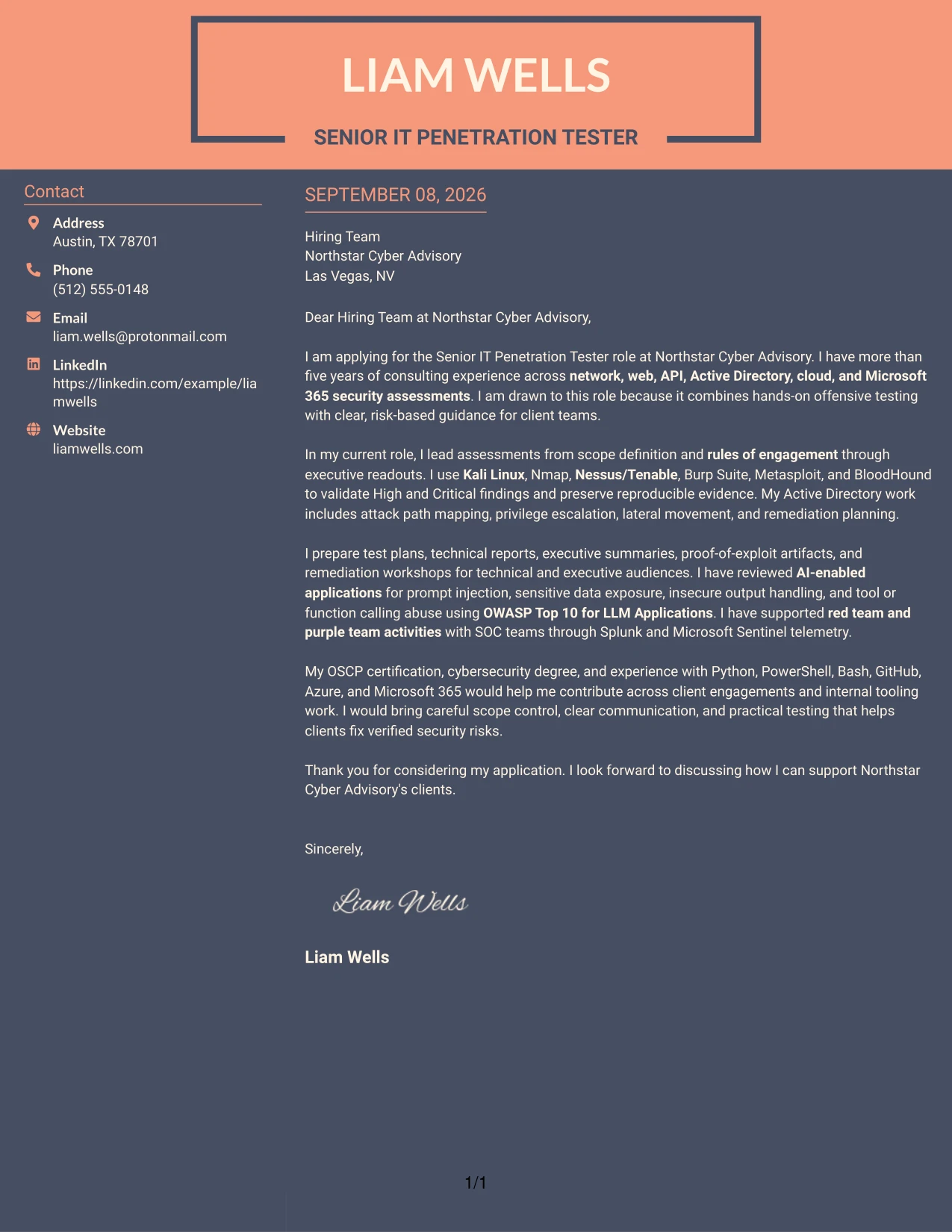
Why the Creative Two Tone Format Works for a Cover Letter
- The two-tone treatment can separate the introduction from the detailed body while keeping both connected.
- A clear opening helps the employer understand the reason for applying before reviewing technical evidence.
- The body can show how testing, reporting, and remediation work support client outcomes.
- Visual contrast gives supporting information a defined role instead of allowing it to crowd the main message.
- The format suits a confident but controlled communication style for a senior consulting application.
- A concise closing can use the remaining visual space to reinforce interest and readiness to discuss fit.
- The design adds distinction while preserving the formal structure expected in a professional letter.
Best For
- Applications that need visual separation but still require a formal letter structure
- Applicants presenting motivation and supporting evidence as clearly related parts
- Professional services letters where organization should be visible at first review
- Messages that combine technical delivery with a concise employer-fit statement
- Readers who prefer a defined opening and body rather than one dense text block
- Applicants seeking a distinct presentation without relying on decorative complexity
- Cover letters where controlled contrast helps guide attention across the page
#11 Cover Letter Example: Modern Icon Format
A practical application review works best when the reader can identify the purpose, evidence, and next step with little effort. The Modern Icon Format uses small visual cues with a single-column structure, helping the cover letter present motivation, technical alignment, and client communication in a clean and current way.
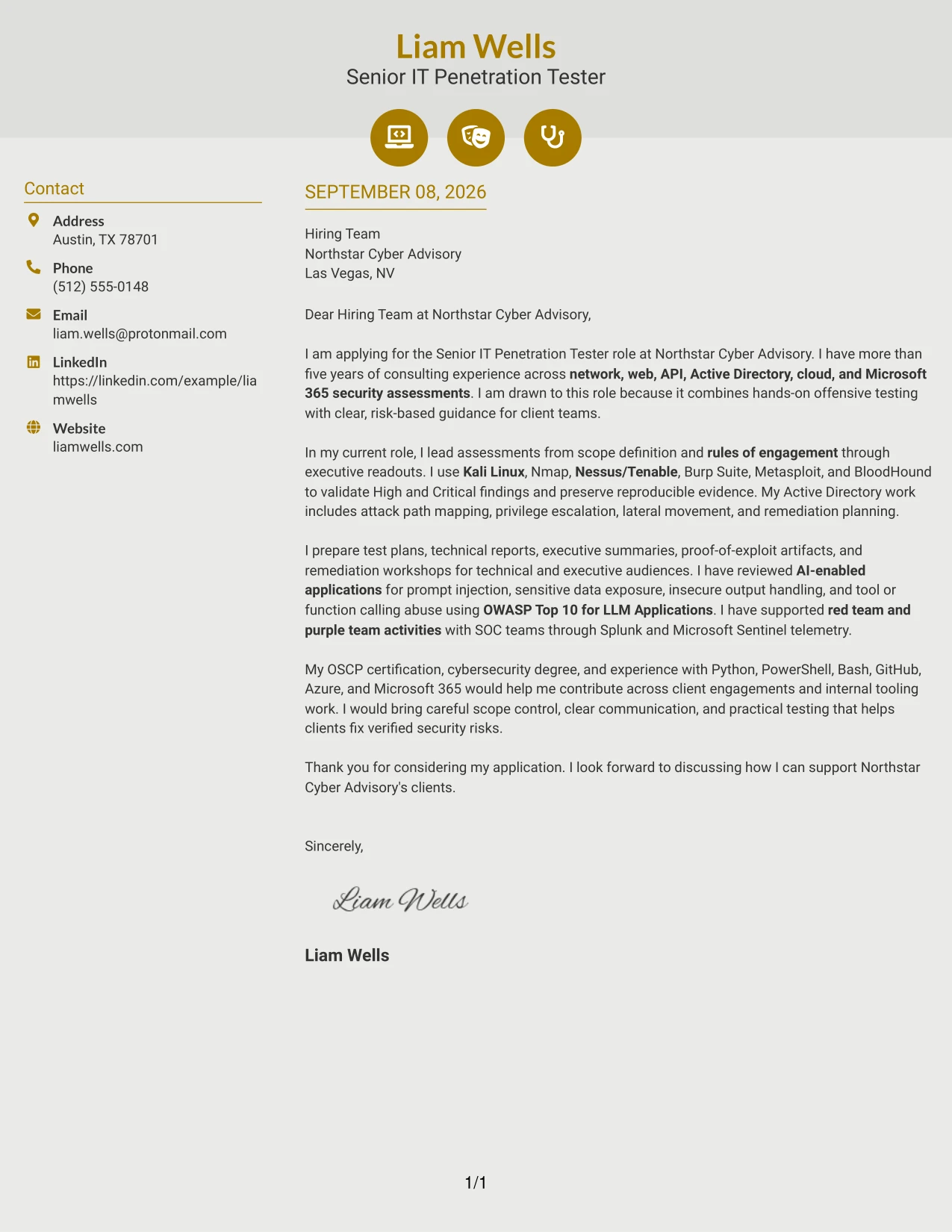
Why the Modern Icon Format Works for a Cover Letter
- Visual cues can help separate the greeting, main argument, and closing without adding long headings.
- The single-column flow keeps the persuasive message easy to read from beginning to end.
- The letter can connect security assessment evidence to the employer’s client service expectations.
- Icons can mark supporting details while the written paragraphs carry the real explanation.
- The format supports a modern impression without requiring an informal communication style.
- Clear sections help the reader move from motivation to proof and then to a professional close.
- It is useful when presentation should feel current but the application still needs a complete written argument.
Best For
- Applicants who want a current presentation with a straightforward reading path
- Applications where small visual cues can clarify the order of the message
- Professionals combining technical evidence with client communication requirements
- Letters that need clear separation between motivation, proof, and next steps
- Readers who appreciate organized visual markers alongside complete written explanations
- Cover letters that should feel modern while retaining a professional tone
- Applicants seeking a clean format for a focused employer-fit argument
#12 Minimal Header Format Cover Letter Example
A restrained header gives the reader a direct path from the opening motivation to the supporting evidence. This format keeps the application focused on Northstar Cyber Advisory, the Senior IT Penetration Tester role, and the value of combining hands-on testing with practical risk guidance.
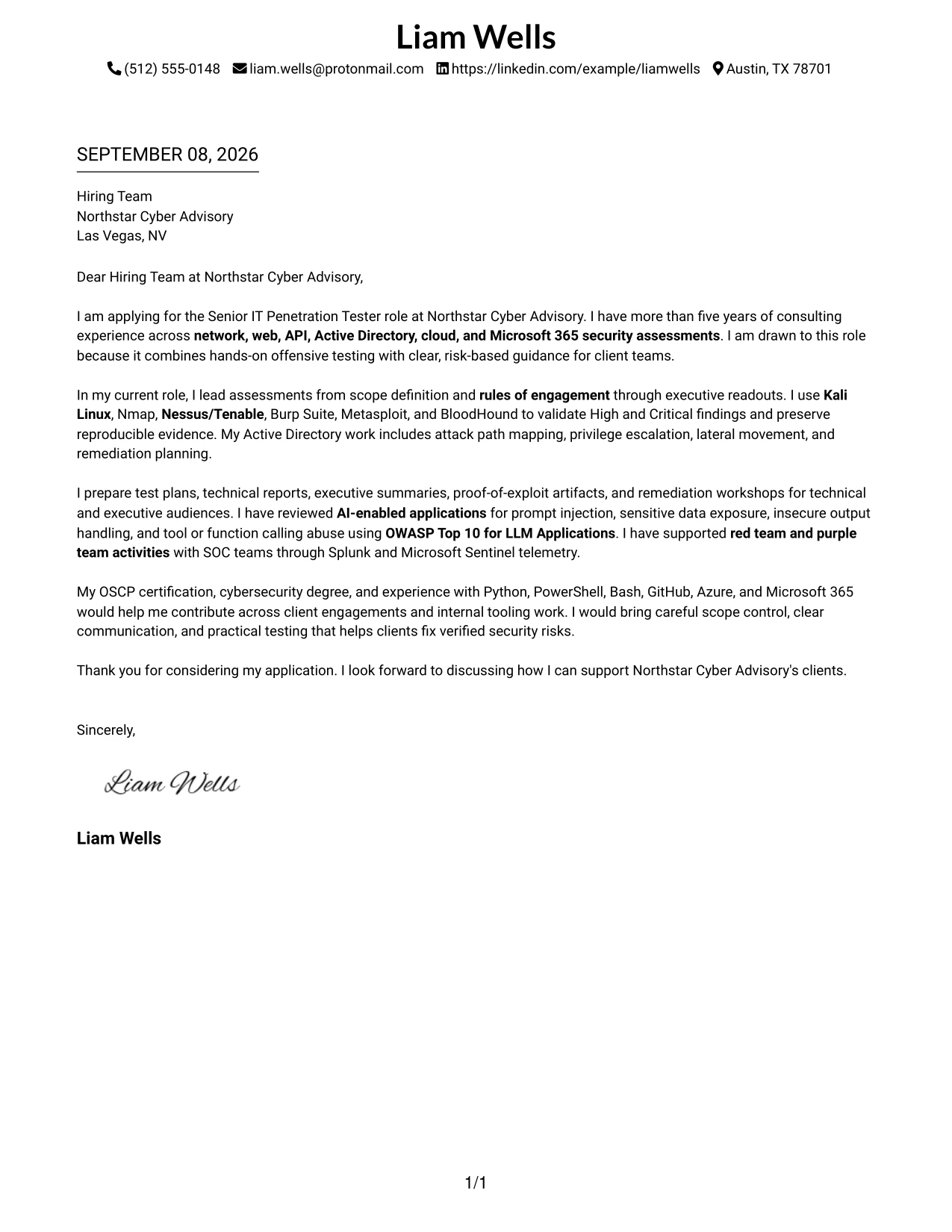
Why This Cover Letter Works
- The simple header keeps attention on the greeting and opening purpose.
- The introduction connects more than five years of consulting experience to the role.
- The body presents network, web, API, Active Directory, cloud, and Microsoft 365 testing as relevant evidence.
- The letter explains how scope definition and rules of engagement support controlled delivery.
- The technical examples show validated findings and reproducible evidence rather than unsupported claims.
- The closing links OSCP certification, scripting experience, and client communication to employer needs.
- The plain presentation supports a professional tone without distracting from motivation or fit.
Best For
- Applications that need a direct opening and a restrained visual presentation
- Cover letters where motivation and role alignment should appear before detailed evidence
- Readers who prefer one clear path through the letter
- Consulting applications that require a formal and dependable communication style
- Applicants presenting several related assessment areas without visual clutter
- Letters that must balance technical credibility with executive-level clarity
#13 Clean Two Column Sidebar Format Cover Letter Example
The Clean Two Column Sidebar Format separates contact and application details from the main letter narrative. That structure lets a reader confirm the target role and key context quickly, then follow the motivation, technical evidence, and closing fit in a well-defined central sequence.
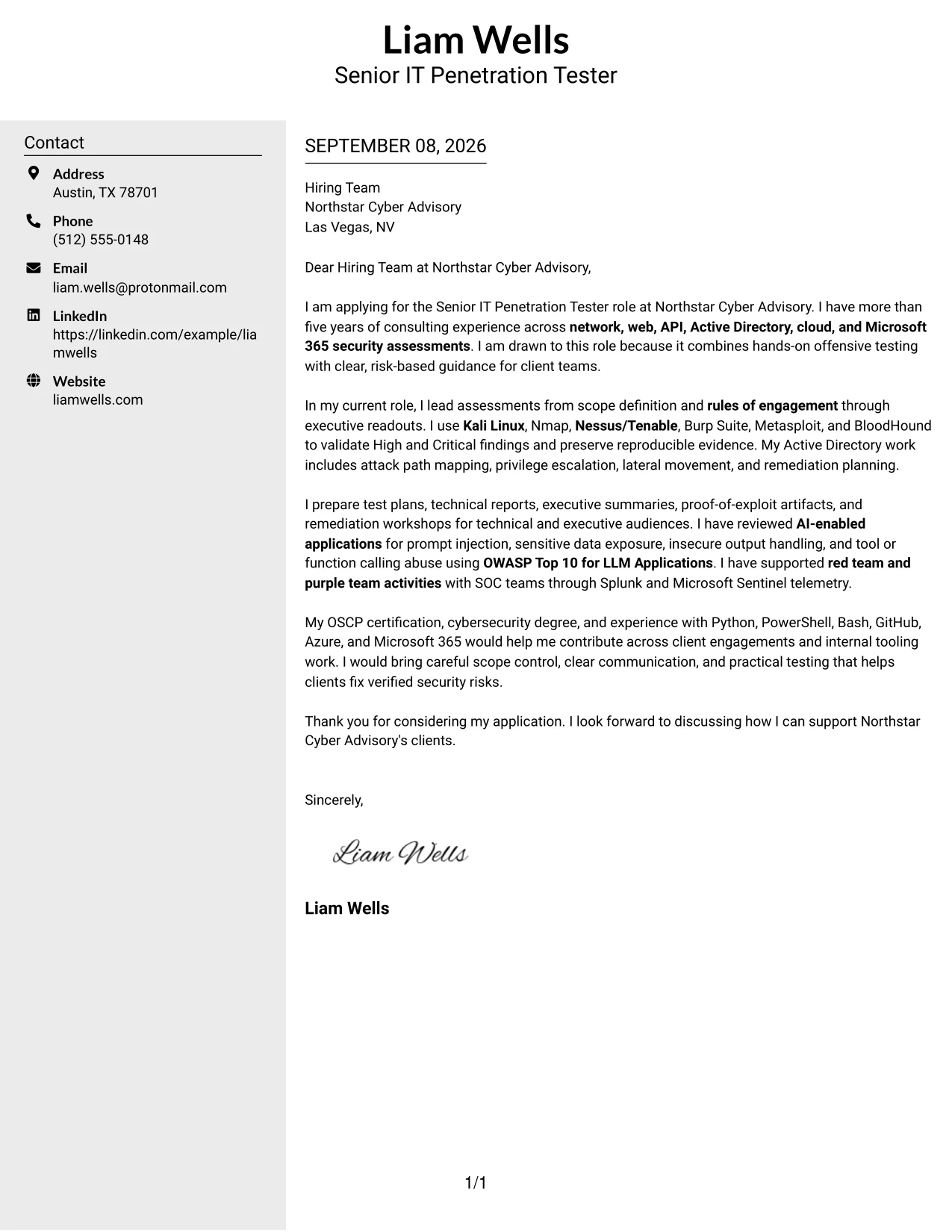
Why This Cover Letter Works
- The sidebar creates a distinct location for essential contact and recipient information.
- The main column gives the opening enough space to explain interest in the consulting role.
- Separate visual areas help the reader distinguish context from persuasive evidence.
- The letter can present tools such as Kali Linux, Burp Suite, and BloodHound without interrupting the narrative.
- The two-column structure supports a clear transition from testing experience to client communication.
- The closing remains easy to locate after the evidence and employer-fit statements.
- The format adds organization while keeping the tone professional and controlled.
Best For
- Readers who want contact details separated from the persuasive letter body
- Applications with several technical examples that need clear visual grouping
- Cover letters that move from motivation to evidence in distinct stages
- Professional services submissions where recipient details must remain easy to find
- Applicants combining technical testing evidence with client-facing communication
- Letters reviewed quickly by readers who benefit from strong content separation
#14 Plain Two Column Format Cover Letter Example
Readers can move from the application purpose to the supporting evidence without losing the main thread. The Plain Two Column Format gives related information a practical place while the letter explains assessment experience, risk communication, and interest in Northstar Cyber Advisory.

Why This Cover Letter Works
- The straightforward structure supports quick movement between contact context and letter content.
- The opening states the target role and explains why the work is attractive.
- The body groups technical experience into a readable account of consulting delivery.
- The format gives reporting, executive readouts, and remediation guidance a clear supporting position.
- The letter can show both offensive testing depth and professional communication.
- The closing reinforces scope control, practical testing, and client value.
- The plain design keeps the reader focused on the argument rather than decoration.
Best For
- Applications with a moderate amount of supporting content
- Readers who prefer a familiar two-part page structure
- Letters that need room for both motivation and technical evidence
- Submissions where reporting and client discussion deserve visible support
- Applicants presenting several assessment environments in a controlled sequence
- Review settings where simple navigation matters more than visual effect
#15 Modern Full Background Two Column Format Cover Letter Example
Validated security findings receive priority because they demonstrate how testing becomes useful client advice. The Modern Full Background Two Column Format gives that evidence a strong visual setting while the letter connects exploit validation, remediation planning, and clear communication to the target role.
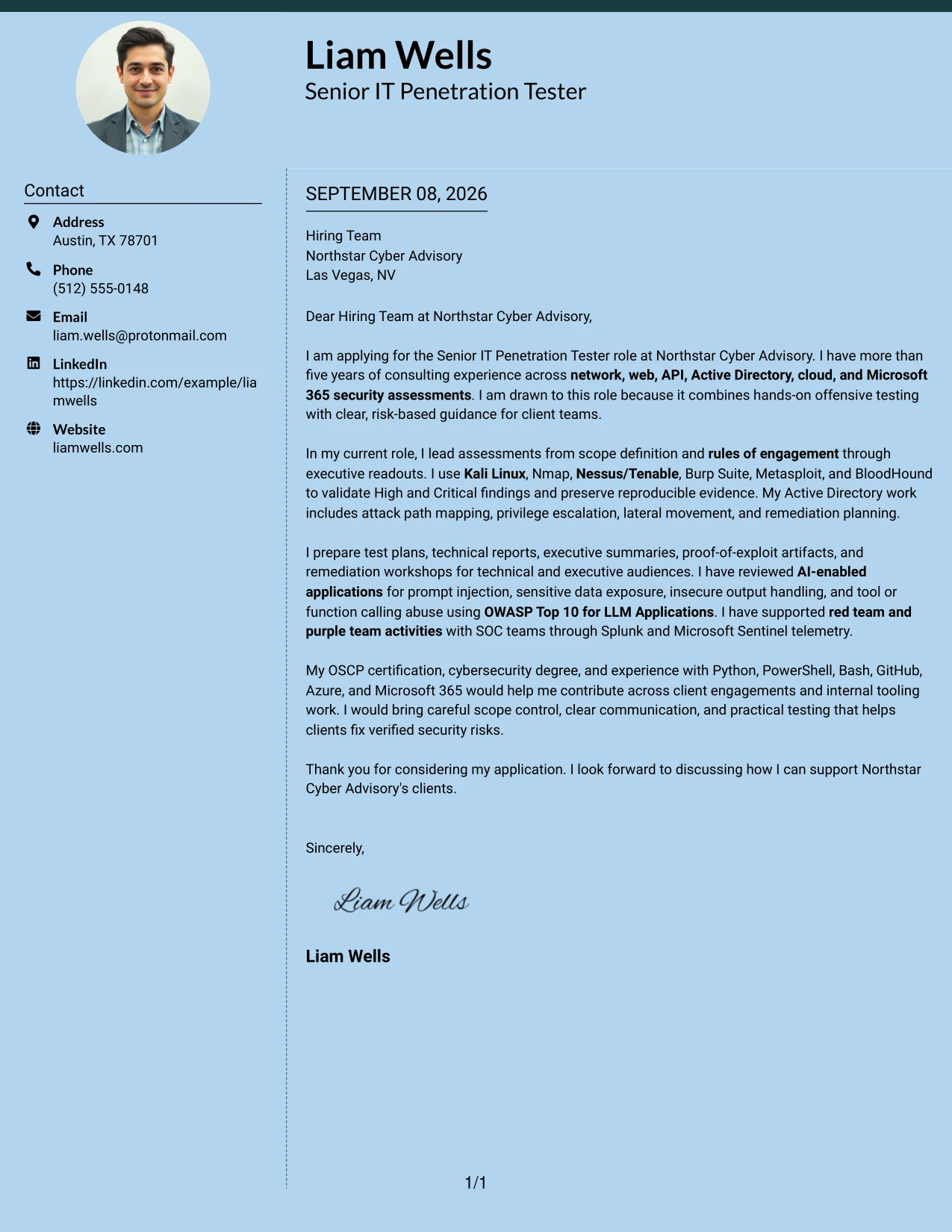
Why This Cover Letter Works
- The opening leads with practical assessment experience rather than a general career statement.
- The two-column structure gives verified findings and communication evidence separate visual weight.
- The letter explains how High and Critical findings are validated end to end.
- Active Directory attack paths, privilege escalation, and lateral movement provide concrete evidence of capability.
- AI-enabled application testing adds a current and relevant example of risk analysis.
- The reporting discussion shows how technical results become prioritized remediation guidance.
- The format gives strong evidence presence while retaining a professional application tone.
Best For
- Applications where verified testing evidence should lead the reader's review
- Cover letters that must show both technical depth and practical recommendations
- Submissions with distinct evidence for infrastructure, application, and AI security work
- Readers who respond well to clear visual emphasis around major proof points
- Consulting roles that require findings to be explained to technical and executive audiences
- Applicants who need to connect testing results with remediation decisions
#16 Dark Mode Two Column Format Cover Letter Example
The letter balances a visually strong presentation with the practical needs of a consulting application. The Dark Mode Two Column Format can separate role motivation from detailed evidence, helping the reader understand both the testing contribution and the client-facing setting in which it is delivered.
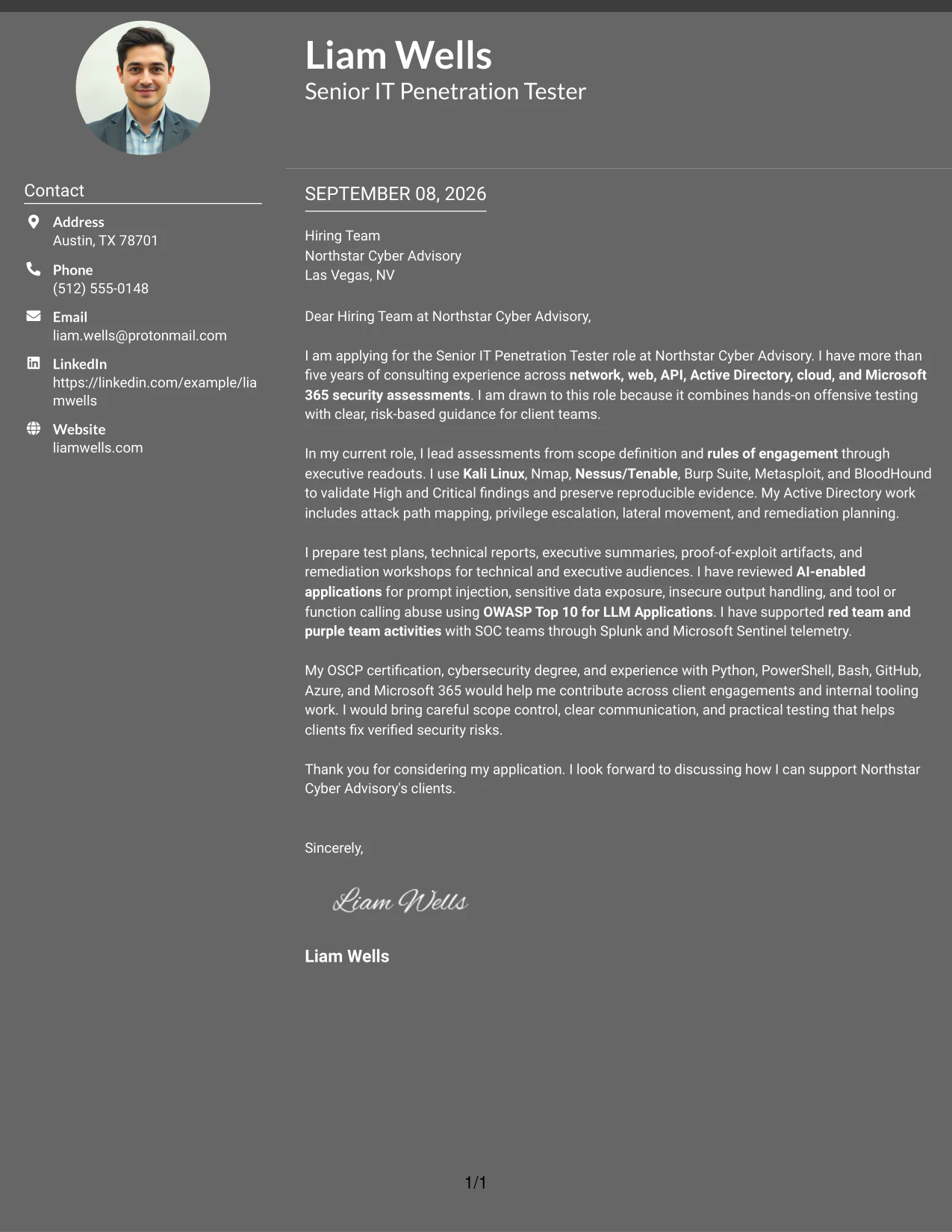
Why This Cover Letter Works
- The opening establishes a clear reason for pursuing the role.
- Balanced columns keep motivation, evidence, and employer fit from competing for attention.
- The body shows experience across networks, applications, identity, cloud, and Microsoft 365.
- The letter explains how rules of engagement protect scope and client trust.
- Reporting and executive readouts demonstrate communication beyond technical execution.
- The closing presents careful scope control and practical testing as contributions to the employer.
- The format gives a distinctive appearance while preserving a structured argument.
Best For
- Applications that need a distinctive presentation without losing clear organization
- Readers reviewing both technical capability and consulting judgment
- Cover letters with separate motivation and evidence themes
- Submissions where confidentiality and controlled delivery should be emphasized
- Applicants who need to present broad assessment coverage in a balanced way
- Roles that involve communication with technical and executive stakeholders
#17 Dark Mode Box Header Format Cover Letter Example
For an application that must establish purpose immediately, a contained header can frame the recipient, role, and opening message before the supporting paragraphs begin. The Dark Mode Box Header Format gives the letter a firm visual entry while the content remains focused on consulting delivery and employer fit.
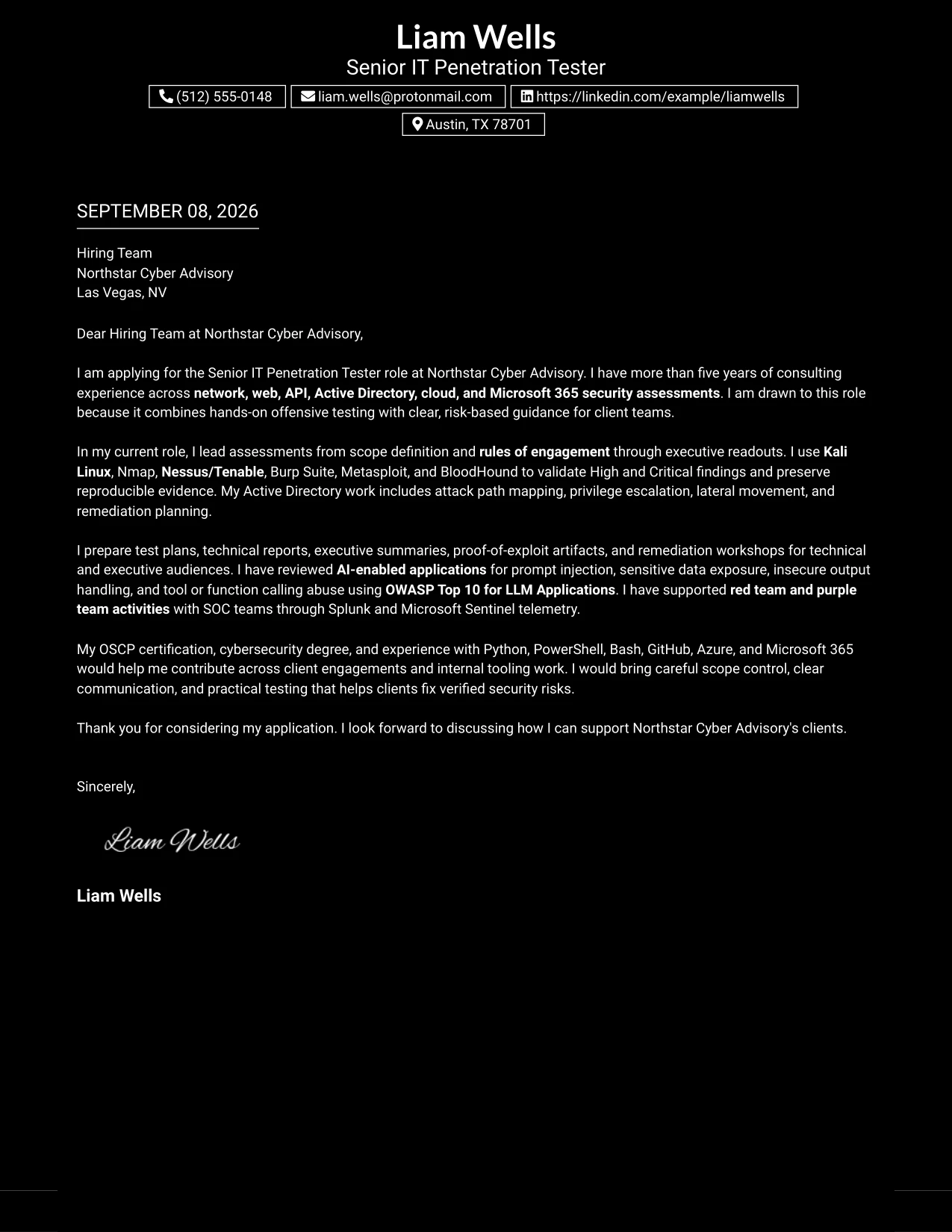
Why This Cover Letter Works
- The boxed header makes the target application context easy to identify.
- A single-column body gives the motivation and evidence a steady reading order.
- The letter moves from broad assessment experience to specific testing examples.
- The body connects technical findings to remediation guidance that clients can use.
- The closing reinforces professional communication and responsible evidence handling.
- The format suits a letter where the opening must be prominent but not lengthy.
- The restrained content structure keeps visual character from replacing persuasive substance.
Best For
- Applications where the role and recipient should be immediately visible
- Letters that need one uninterrupted reading path from opening to closing
- Submissions with a concise but evidence-rich body
- Professional environments that value a firm and organized first impression
- Applicants explaining technical work through a single persuasive narrative
- Readers who prefer prominent context followed by orderly supporting paragraphs
#18 Elegant Full Background Two Column Format Cover Letter Example
A polished visual hierarchy can support a measured explanation of motivation, evidence, and professional fit. The Elegant Full Background Two Column Format presents the application with composure while the letter highlights consulting experience, careful assessment practice, and clear remediation discussions.
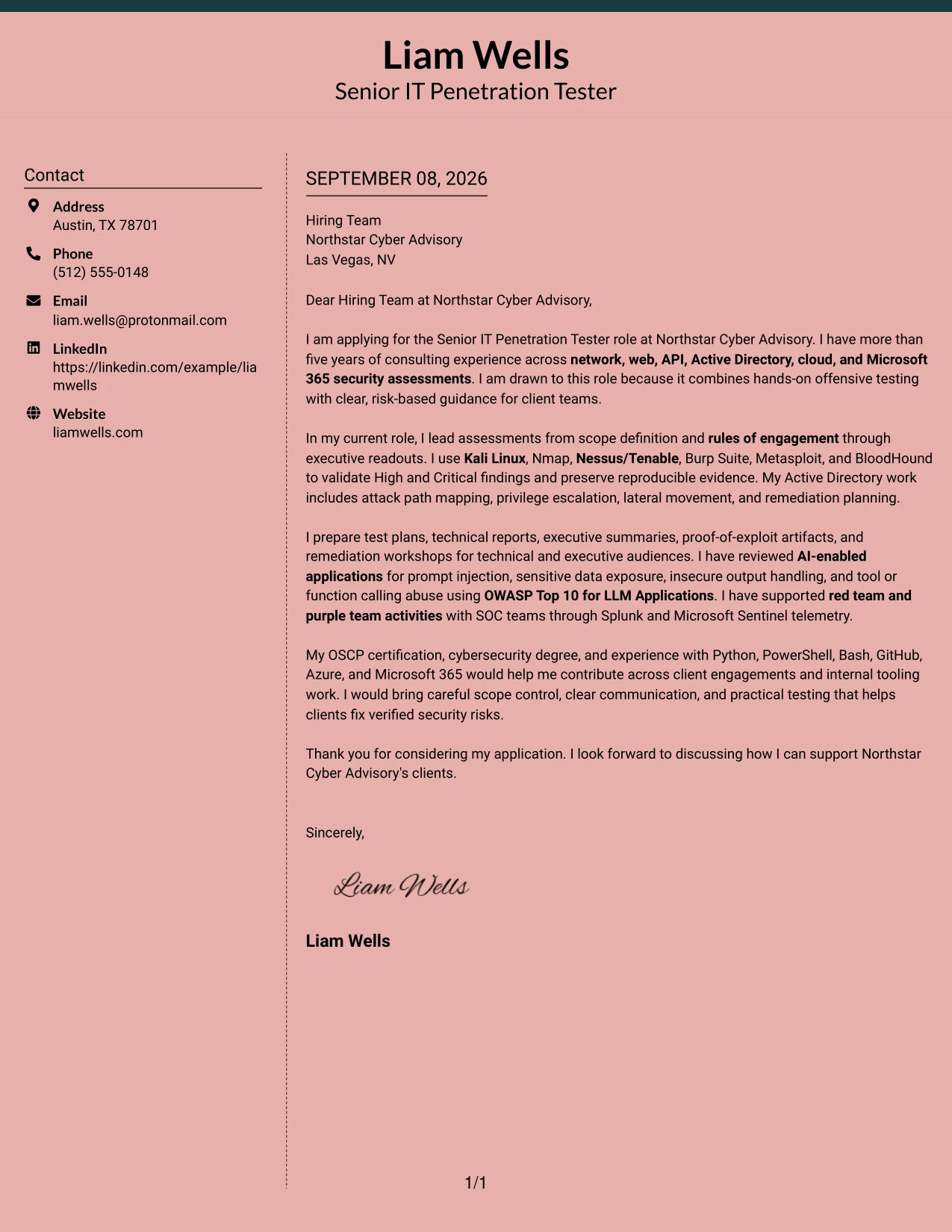
Why This Cover Letter Works
- The opening presents interest in the role with a calm and professional tone.
- Two columns allow the letter to distinguish application context from supporting evidence.
- The experience discussion covers the full assessment cycle from scope to executive readout.
- The technical examples are tied to client outcomes instead of appearing as isolated tool references.
- The letter shows care in evidence handling, confidentiality, and retesting.
- The final paragraph connects certification and scripting experience to internal tooling work.
- The visual hierarchy supports employer fit without overstating claims.
Best For
- Applications that call for a polished and composed presentation
- Readers who value a clear separation between context and supporting evidence
- Letters explaining a full consulting engagement from planning through readout
- Submissions where confidentiality and evidence quality support credibility
- Applicants combining technical assessment work with internal improvement efforts
- Professional roles where measured communication is central to employer fit
#19 Plain One Column with Highlighted Date Format Cover Letter Example
The Plain One Column with Highlighted Date Format establishes a familiar letter structure and gives the application date a clear point of reference. Its single reading path supports a methodical explanation of motivation, consulting experience, and the practical value offered to Northstar Cyber Advisory.
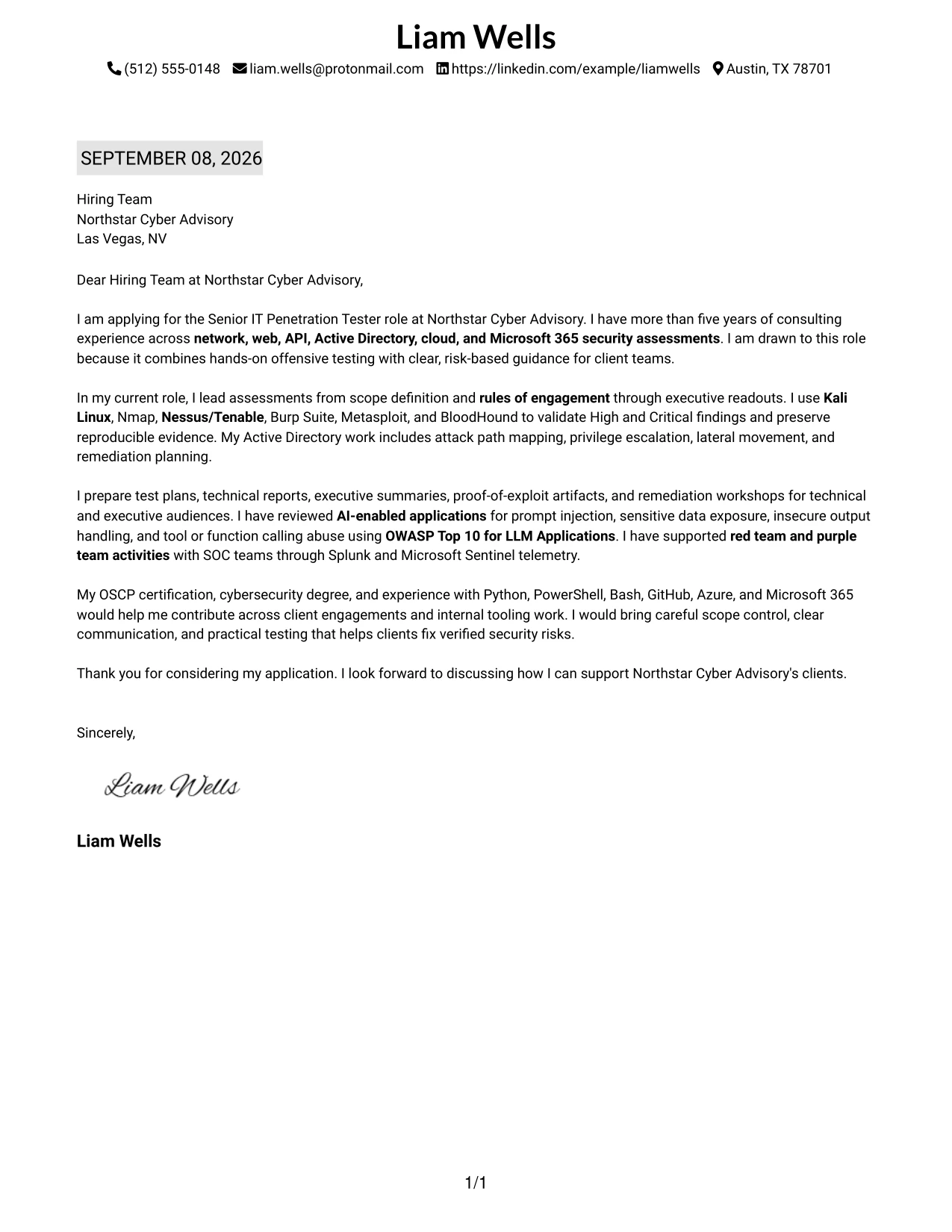
Why This Cover Letter Works
- The familiar format lets the reader begin with the application context immediately.
- A highlighted date adds useful document orientation without interrupting the message.
- The one-column sequence supports a natural opening, evidence section, and closing.
- The letter presents experience in a measured progression from scope to testing to reporting.
- Specific examples show how findings are reproduced and prepared for remediation.
- The closing returns to employer fit rather than adding unrelated detail.
- The format is clear enough for formal correspondence and detailed enough for technical evidence.
Best For
- Formal applications that benefit from a familiar letter structure
- Readers who need an obvious date and straightforward document context
- Cover letters with a clear beginning, middle, and closing argument
- Submissions where chronological reading supports the communication goal
- Applicants presenting detailed testing evidence in a traditional format
- Professional correspondence that should feel organized and dependable
#20 Bold Color Header Professional Format Cover Letter Example
The reader first sees the application context, then moves into a focused explanation of evidence and fit. The Bold Color Header Professional Format uses a strong header to identify the role while the single-column body gives Liam Wells' consulting experience, communication approach, and technical contribution room to develop.
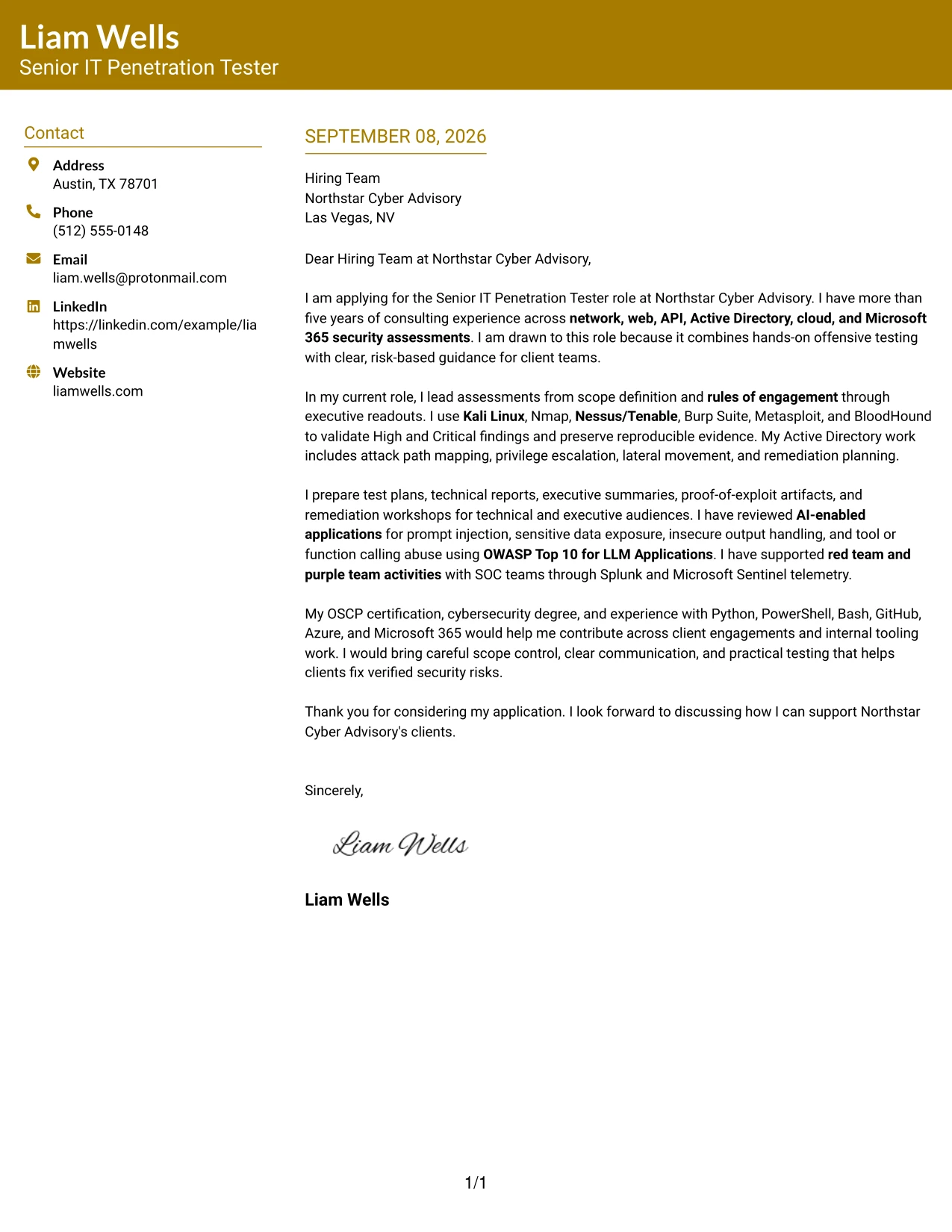
Why This Cover Letter Works
- The prominent header identifies the application before the detailed message begins.
- The body keeps motivation, technical evidence, and closing fit in one continuous path.
- The letter explains experience with scope definition, rules of engagement, and concurrent delivery.
- The evidence includes validated findings, Active Directory attack paths, and AI application testing.
- Client reporting and executive communication show the ability to translate risk clearly.
- The final paragraph connects OSCP certification and scripting to the employer's tooling needs.
- The format combines professional emphasis with a readable content sequence.
Best For
- Applications where the role should be identified at a glance
- Readers who prefer a strong opening followed by one continuous narrative
- Letters with substantial evidence that should remain in a single content stream
- Professional submissions balancing technical detail with client communication
- Applicants who need to connect certifications and tooling to employer needs
- Review settings where clear hierarchy matters more than multiple content panels
#21 Photo Header Color Sidebar Format Cover Letter Example
Validated assessment work should lead the message because it gives the employer a concrete basis for evaluating fit. The Photo Header Color Sidebar Format places that evidence within a distinct header and sidebar treatment, while the letter explains how technical testing, client reporting, and professional presence support the role.
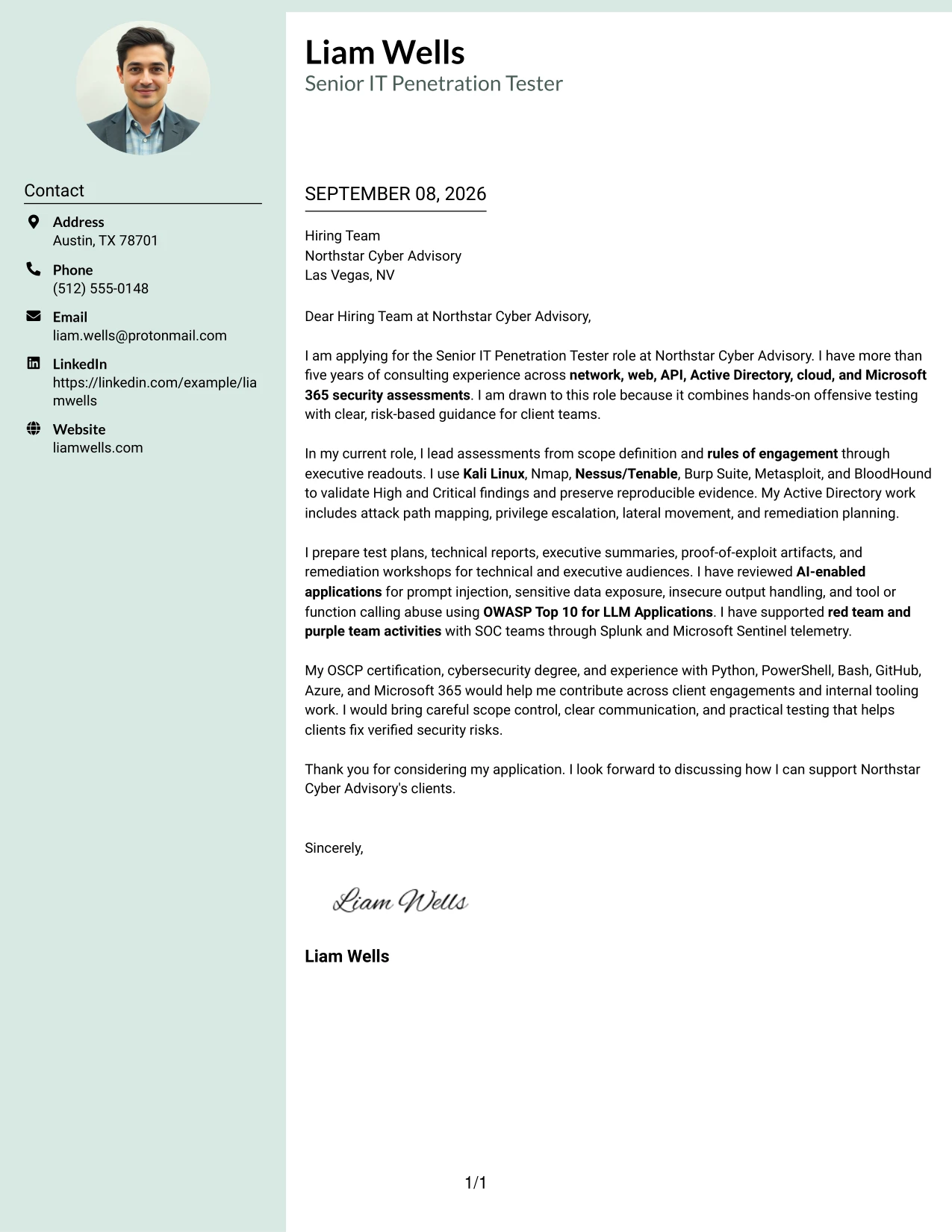
Why This Cover Letter Works
- The opening prioritizes hands-on evidence that matches the responsibilities of the role.
- The photo header can provide a personal point of recognition when appropriate for the application context.
- The sidebar separates identifying details from the main persuasive message.
- The body shows experience validating findings across network, web, API, identity, and cloud environments.
- The letter explains how technical results are converted into remediation guidance.
- Red team, purple team, and SIEM experience add evidence of collaborative client work.
- The format combines personal presentation with a focused account of professional value.
Best For
- Applications where a personal visual introduction is appropriate
- Readers who value clear separation between identity details and letter content
- Cover letters led by strong evidence of hands-on assessment work
- Client-facing roles where professional presence supports the written message
- Submissions that combine technical delivery with collaborative security work
- Applicants presenting broad evidence while keeping the main argument easy to follow
#22 Top Left Header Color Accent Format Cover Letter Example
A balanced page gives the opening, supporting evidence, and closing fit enough room without making any one element dominate. The Top Left Header Color Accent Format supports a practical application message about penetration testing, client communication, and the ability to contribute to Northstar Cyber Advisory's engagements.
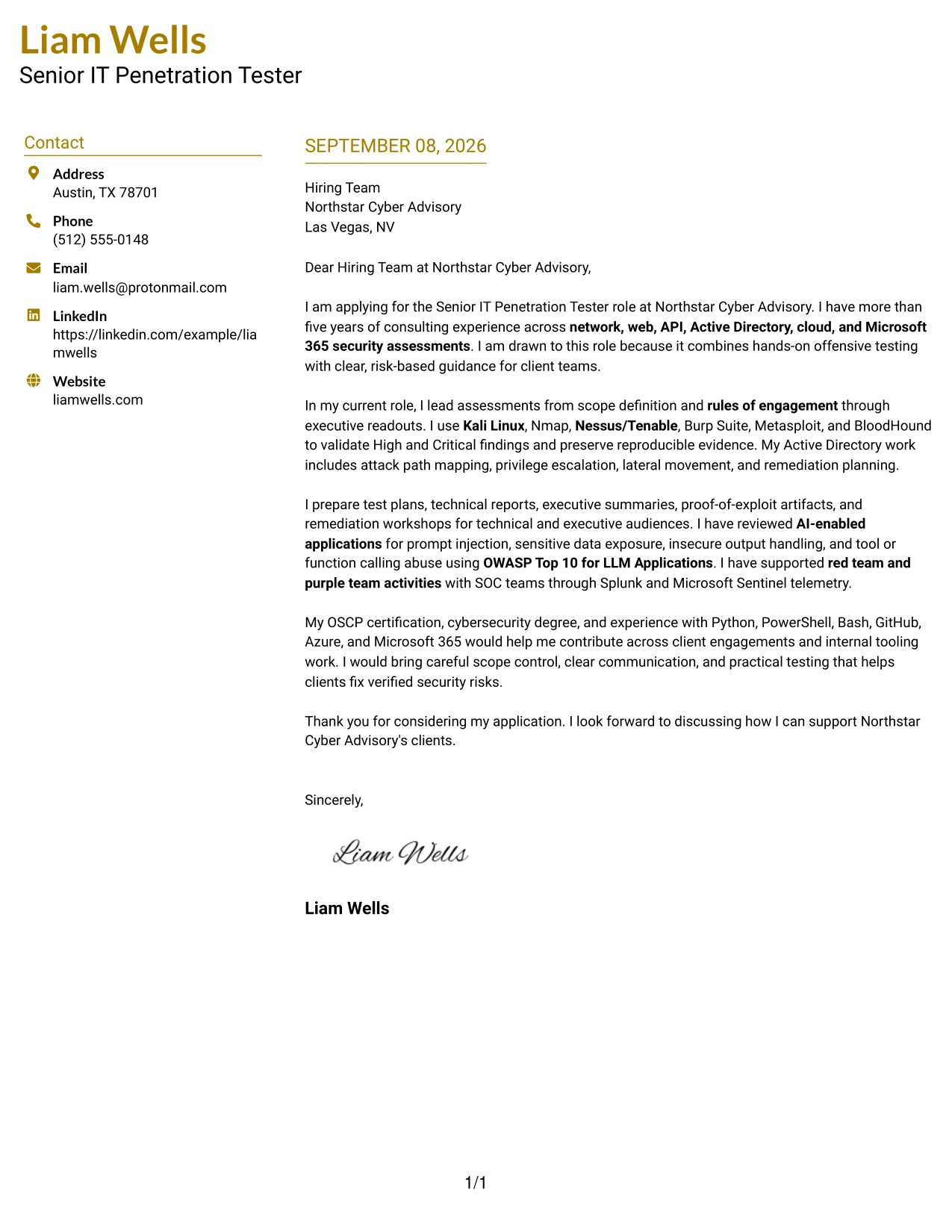
Why This Cover Letter Works
- The top-left header establishes the application context in a natural starting position.
- The page balance helps the opening motivation remain visible beside detailed evidence.
- The letter links broad assessment coverage to the employer's consulting responsibilities.
- Technical examples are followed by explanation of client reporting and remediation workshops.
- The structure makes the transition from evidence to employer fit easy to follow.
- The closing emphasizes clear communication, scope control, and practical risk reduction.
- The accent treatment adds distinction while preserving a serious professional tone.
Best For
- Applications that need a balanced page with a clear starting point
- Readers who prefer restrained visual emphasis around the main letter content
- Cover letters connecting broad technical coverage to consulting responsibilities
- Submissions where evidence and employer fit should receive similar attention
- Applicants explaining findings, reporting, and remediation in one coherent message
- Professional applications that need distinction without a highly decorative structure
#23 Cover Letter Example: Centered Header Classic Two Column Format
For a Senior IT Penetration Tester application, a centered header gives contact details a clear starting point while the two-column structure keeps the letter visually organized. The letter can open with interest in Northstar Cyber Advisory, then present consulting experience, scope control, offensive testing, client reporting, and remediation guidance in a logical reading order. The balanced arrangement supports a professional tone without distracting from motivation and employer fit.
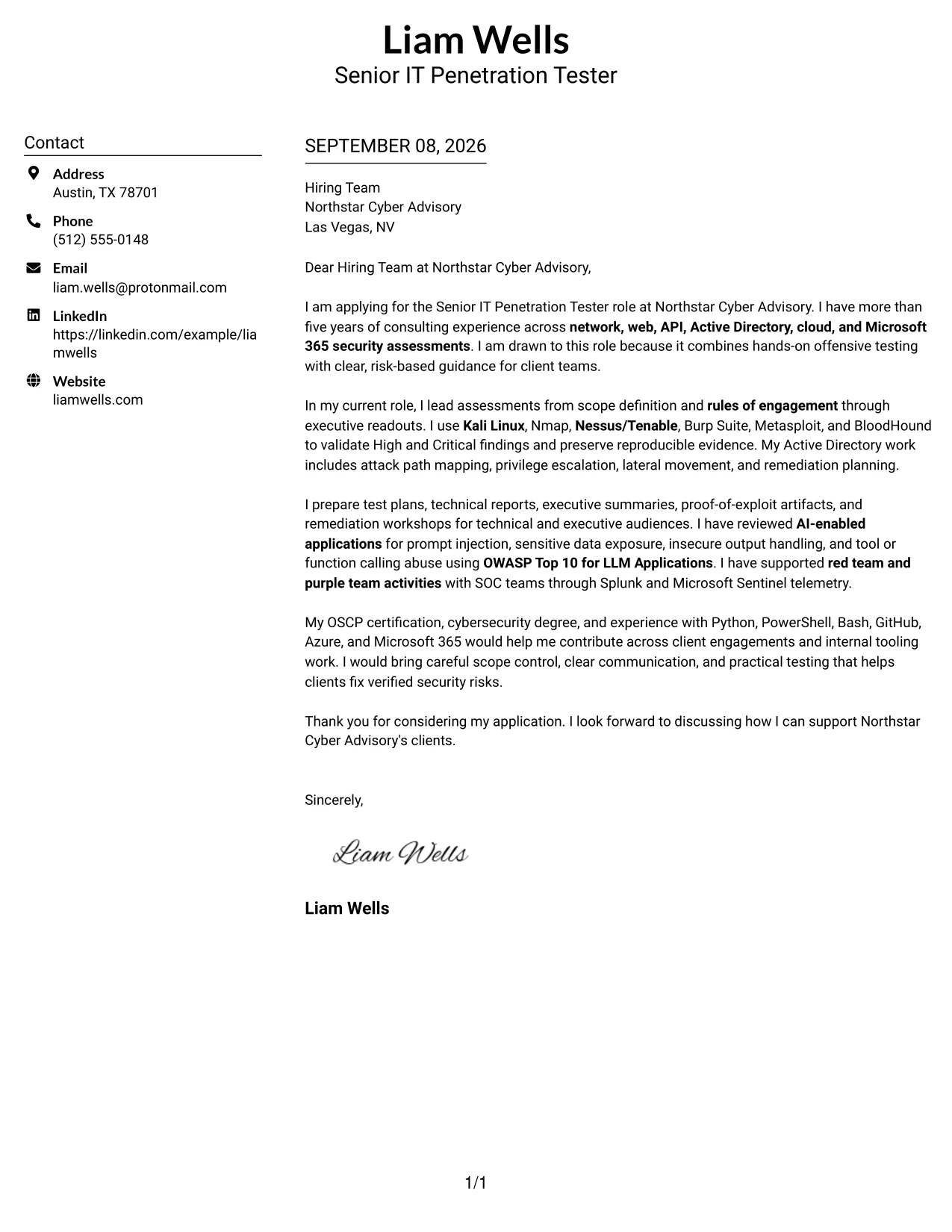
Why the Centered Header Classic Two Column Format Works for a Cover Letter
- The centered header makes the sender and recipient details easy to locate.
- Two columns help separate contact information from the main letter content.
- A clear opening can connect the candidate's experience to Northstar Cyber Advisory's consulting work.
- The body can explain hands-on testing and client communication without sounding like a list of claims.
- The format supports a measured, professional tone for a senior consulting application.
- Short paragraphs can show how technical findings become practical remediation guidance.
- The clean structure gives the closing request and contact details a clear final position.
Best For
- Applicants who want a balanced two-column presentation with a strong contact area.
- Cover letters that need to connect motivation, experience, and employer fit in a compact space.
- Professional services applications where client communication matters as much as technical work.
- Letters that present several related assessment areas without creating dense blocks of text.
- Readers who prefer clear separation between contact details and persuasive content.
- Applications that need a formal appearance while still allowing concise, readable paragraphs.
- Candidates explaining both technical evidence and practical business value.
- Roles where a polished first impression should support, rather than replace, the written message.
#24 Cover Letter Example: Left Aligned Header Clean Two Column Format
A restrained visual hierarchy lets the reader move from the sender details to the greeting, evidence, and closing with little effort. The left-aligned header supports a direct opening about consulting experience and interest in Northstar Cyber Advisory, while the clean two-column arrangement gives related points room to sit together. This makes it easier to connect penetration testing, client presentations, and risk-based guidance to the employer's needs.
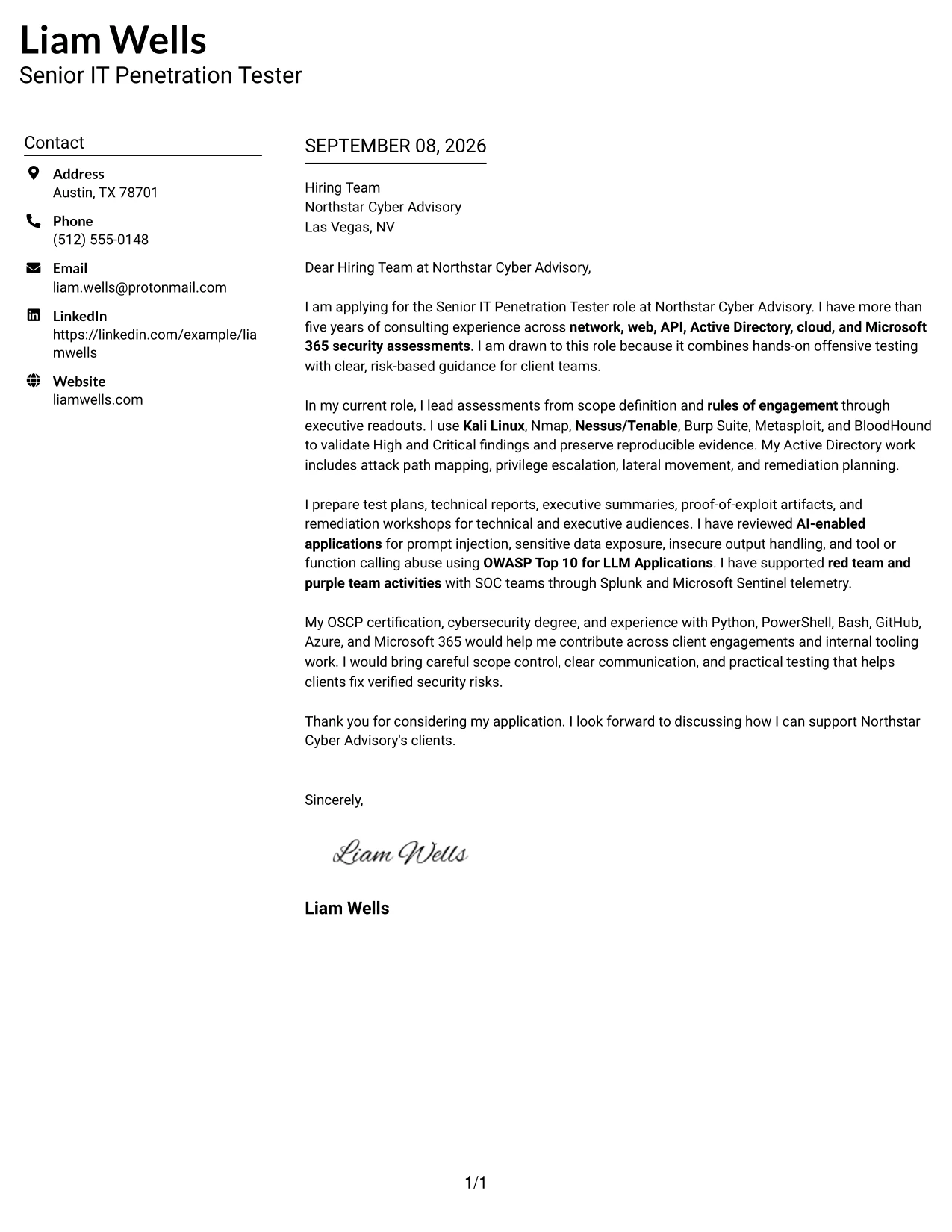
Why the Left Aligned Header Clean Two Column Format Works for a Cover Letter
- Left alignment creates a familiar reading path from the first line to the closing.
- The clean header keeps attention on the reason for applying.
- Two columns allow technical experience and communication strengths to remain distinct but connected.
- The format supports a direct explanation of fit for a consulting environment.
- A focused body can describe rules of engagement, validated findings, and client guidance in plain language.
- The restrained design suits a letter that must sound confident without excessive visual emphasis.
- The closing can reinforce interest in Northstar Cyber Advisory and invite further discussion.
Best For
- Applicants who want the reader to follow a simple, conventional reading path.
- Letters that must align several technical capabilities with one clear target role.
- Consulting applications where scope, delivery, and stakeholder communication should appear together.
- Candidates who need room to explain why their experience matches the employer's work.
- Readers who value a clean format with limited visual interruption.
- Applications that combine practical testing evidence with a clear statement of motivation.
- Cover letters for roles requiring both independent work and client-facing communication.
#25 Cover Letter Example: Accent Divider Modern Two Column Format
The Accent Divider Modern Two Column Format gives the letter a defined structure: an opening establishes motivation, the central message presents relevant evidence, and the closing confirms interest. Dividers can guide the reader between these parts without replacing the prose. For this application, the letter can move from network and application assessments to Active Directory work, AI-enabled application testing, and clear remediation communication.
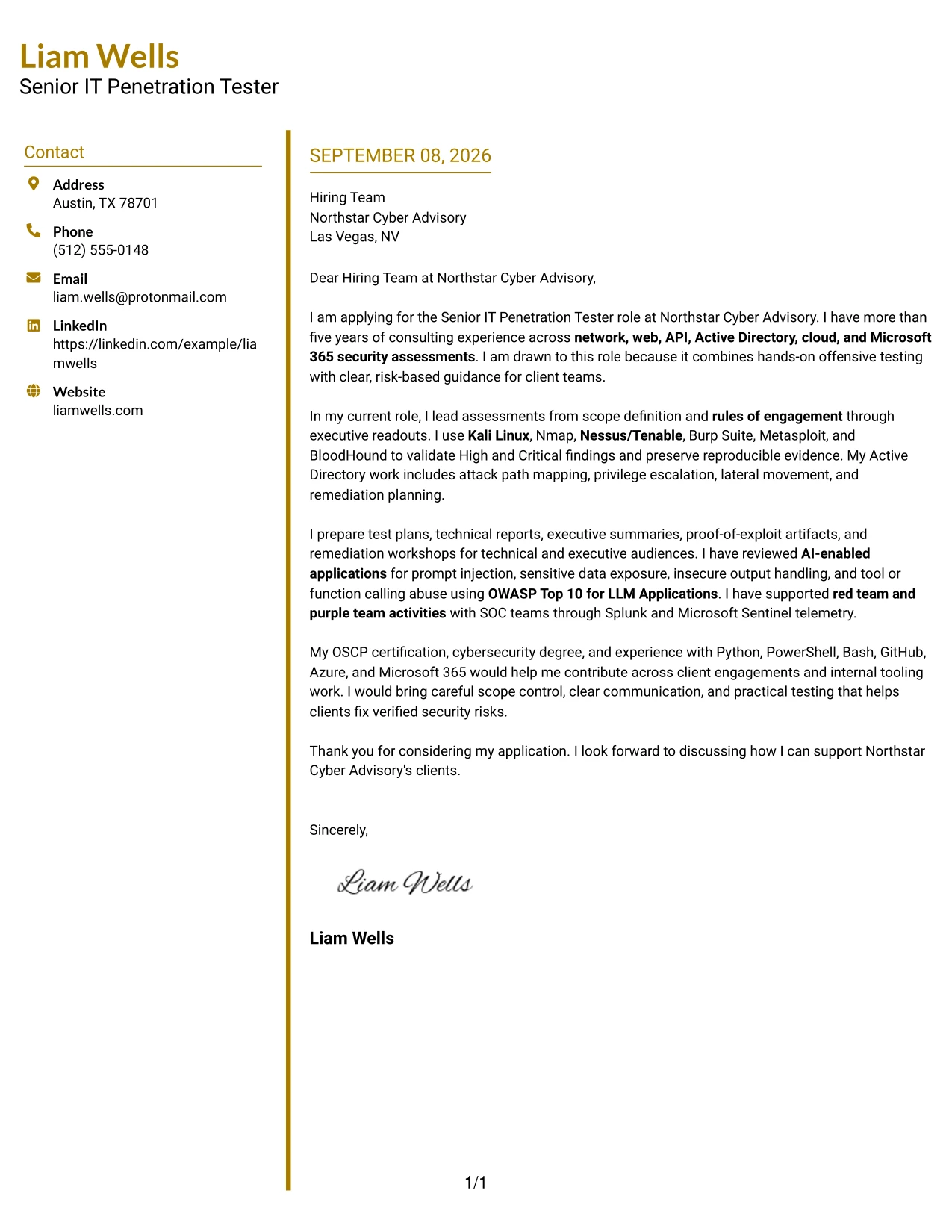
Why the Accent Divider Modern Two Column Format Works for a Cover Letter
- Dividers create visible transitions between motivation, evidence, and closing.
- The opening can explain why offensive security consulting is a strong fit.
- The body can group related experience instead of presenting disconnected statements.
- A two-column structure supports quick review while preserving a persuasive narrative.
- The letter can show how testing tools support verified findings and useful client decisions.
- The format gives technical and communication evidence equal visual importance.
- A defined ending helps the writer close with confidence and a clear invitation to talk.
Best For
- Letters that contain several evidence themes and need clear visual separation.
- Applicants who want a modern structure while keeping the message professional.
- Applications where motivation, technical scope, and client value should be reviewed in sequence.
- Candidates explaining a broad testing background without using long, crowded paragraphs.
- Readers who scan for distinct points before reading the full letter.
- Consulting roles that require a balance of technical proof and persuasive communication.
- Cover letters that benefit from visible movement from interest to evidence to closing.
#26 Cover Letter Example: Shaded Labels Clean Two Column Format
A reader can move through the letter by using the labeled areas as quiet signposts: contact details, greeting, motivation, supporting evidence, and closing. The shaded labels help organize a substantial consulting message without making it feel crowded. This is useful when the letter must explain assessment delivery, authenticated testing, reporting, retesting, and communication with both technical and executive audiences.
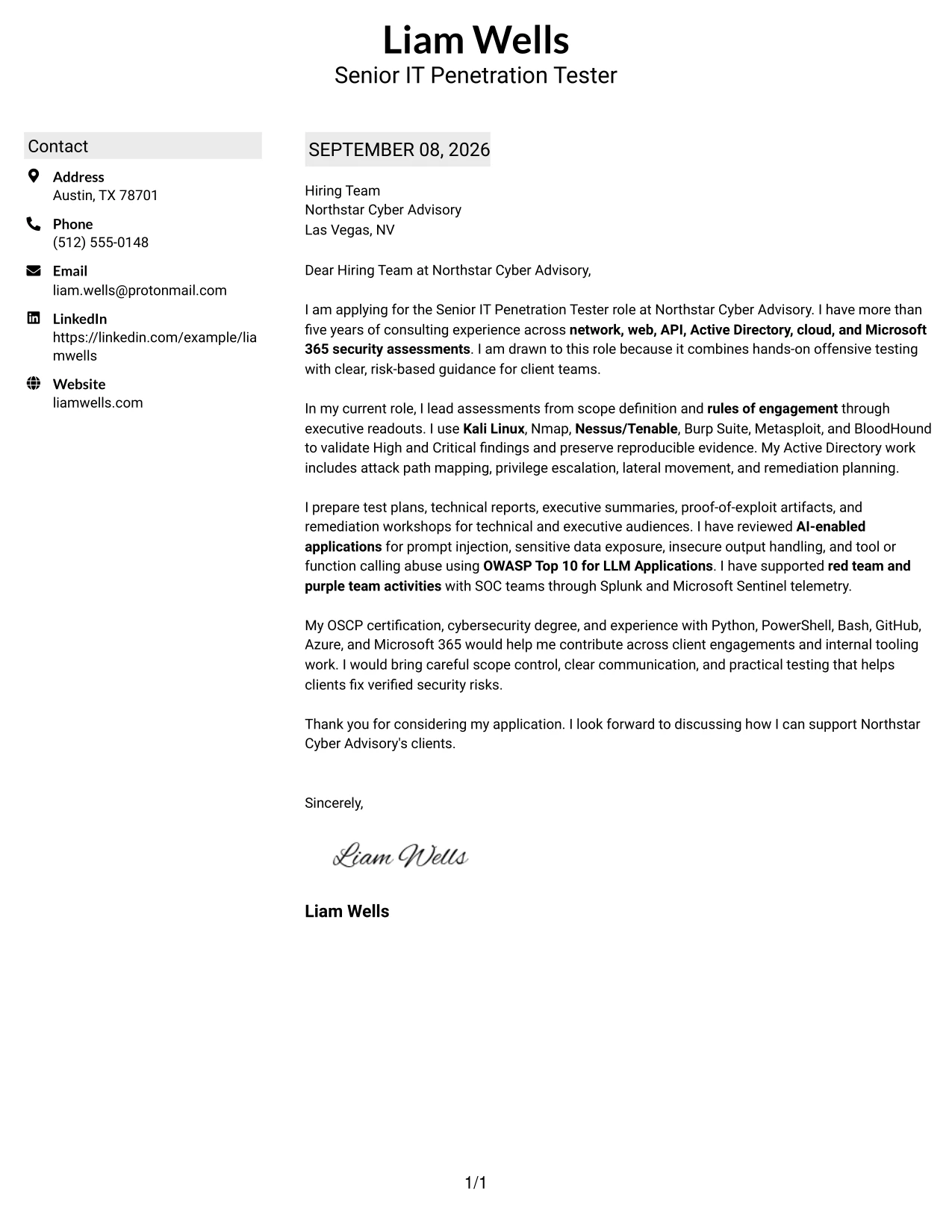
Why the Shaded Labels Clean Two Column Format Works for a Cover Letter
- Labels help readers identify the purpose of each part of the letter.
- The shaded treatment adds structure without competing with the written message.
- Two columns can hold multiple evidence points while keeping each area distinct.
- The format supports a clear explanation of how experience matches the employer's duties.
- A labeled body can connect testing activity to risk-based recommendations.
- The visual order helps readers return to important details during review.
- The closing remains easy to find after a detailed but focused explanation.
Best For
- Applicants with several relevant evidence areas to explain in a limited space.
- Letters that need clear signposts for motivation, experience, and employer fit.
- Professional services applications involving testing, reporting, retesting, and workshops.
- Readers who review documents by scanning labeled areas before reading closely.
- Candidates who want technical and client-facing evidence to remain easy to separate.
- Applications where a substantial message needs strong visual control.
- Cover letters that must show breadth without allowing the content to feel unstructured.
#27 Cover Letter Example: Photo Header Color Accent International Format
The strongest evidence should lead the message: more than five years of consulting assessments, scope and rules-of-engagement experience, validated High and Critical findings, and clear client guidance. A single-column flow keeps those points connected, while the color accents and photo header add a personal introduction. Used appropriately, the presentation can support a confident international-style introduction while the letter itself remains focused on Northstar Cyber Advisory's role requirements.
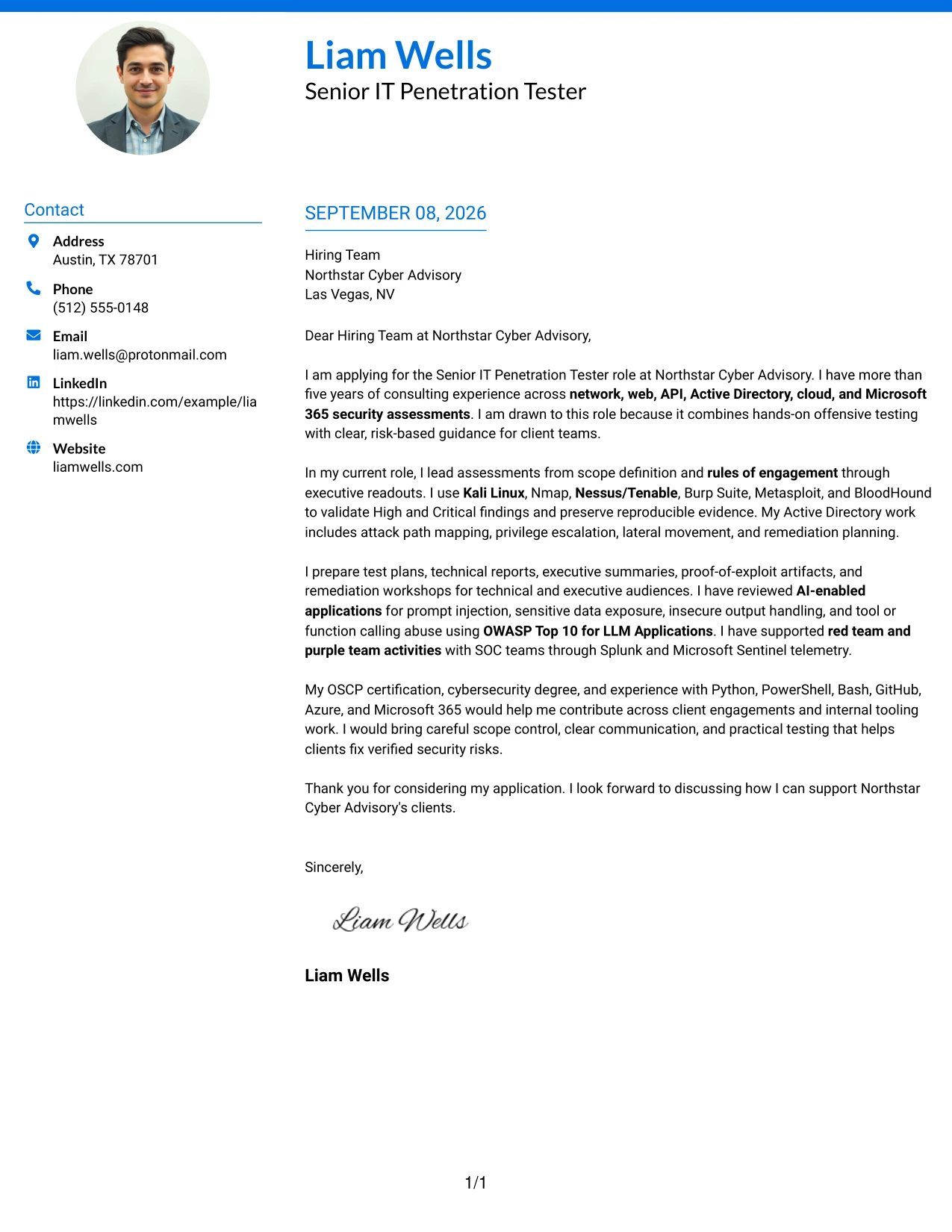
Why the Photo Header Color Accent International Format Works for a Cover Letter
- The opening can place the most relevant professional evidence before secondary details.
- A single column keeps the persuasive message easy to follow from greeting to close.
- The photo header can provide a personal introduction when the application context supports it.
- Color accents can distinguish the header without overwhelming the letter's content.
- The body can explain consulting delivery, validated findings, and client communication in sequence.
- The format supports a polished introduction for organizations with an international or relationship-focused presentation style.
- The closing can return attention to practical contribution and employer fit.
Best For
- Applicants using a personal presentation style where a photo is appropriate and expected.
- International or relationship-focused applications that value a recognizable introduction.
- Letters where the strongest qualifications should appear early in one continuous reading path.
- Candidates connecting broad consulting experience to a clear employer need.
- Applications that benefit from a polished header but still require detailed written evidence.
- Roles involving client relationships, presentations, and trusted professional communication.
- Cover letters that need a personal visual introduction alongside a formal message.
#28 Cover Letter Example: Large Profile Photo International Two Column Format
Balanced space is important when a letter combines a large profile image with a detailed professional case. The two-column arrangement can give the visual introduction a defined area while reserving the main reading path for motivation, relevant assessments, client communication, and fit. For this application, the written content should remain specific about offensive testing, evidence handling, and practical risk guidance.
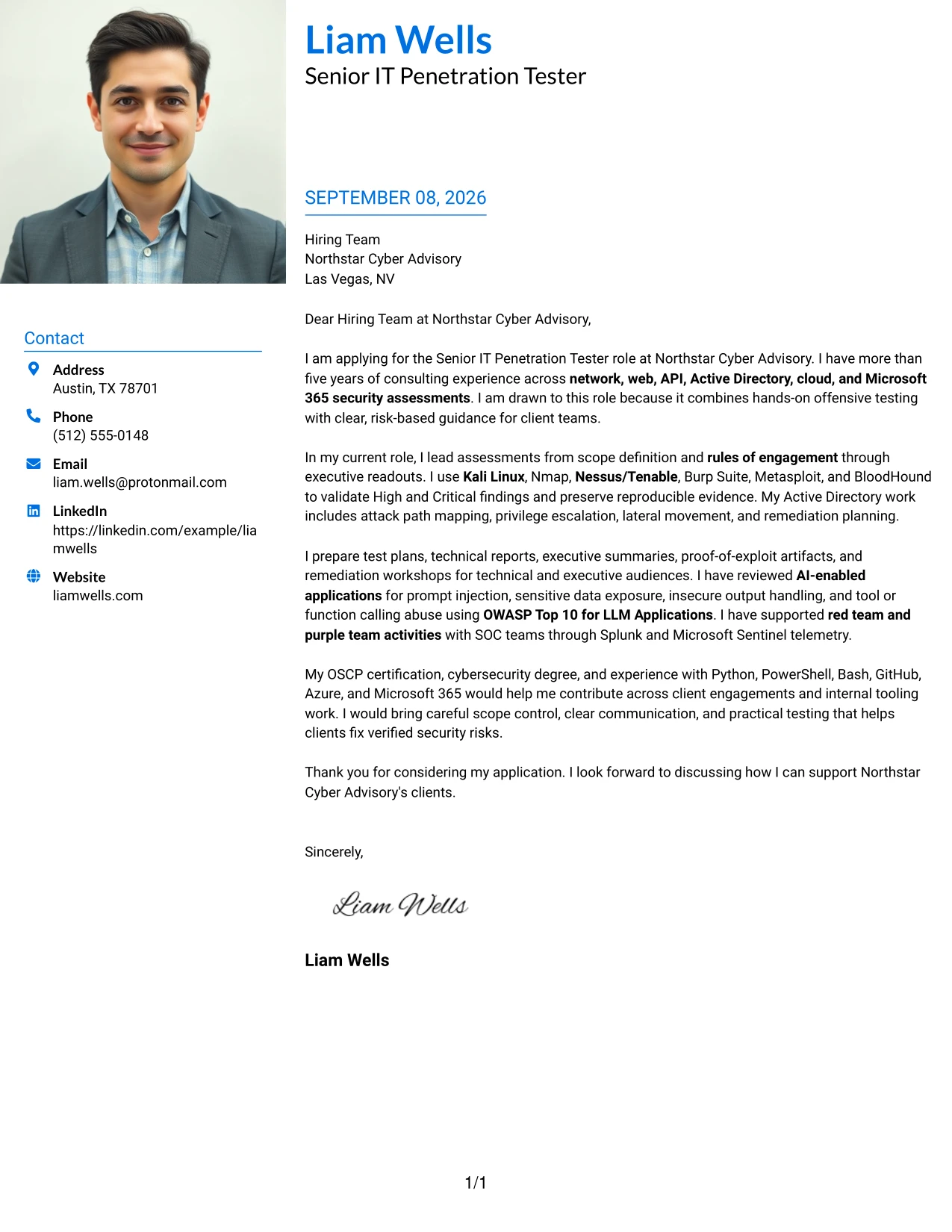
Why the Large Profile Photo International Two Column Format Works for a Cover Letter
- The large profile image creates a clear personal introduction when that presentation is suitable.
- Two columns prevent the visual element from taking over the complete message.
- The main text can establish motivation before presenting supporting evidence.
- The format provides room to connect assessment breadth with client-facing responsibilities.
- A defined text area helps explain technical work in language suitable for mixed audiences.
- The letter can show professionalism and relationship awareness alongside hands-on capability.
- The closing can reinforce interest without competing with the visual header.
Best For
- Applicants who need a prominent personal introduction for an appropriate international application.
- Letters where visual identity and written qualifications should occupy separate areas.
- Client-facing roles that place value on trust, presentation, and clear communication.
- Applications that need to present broad technical evidence without losing a balanced page.
- Candidates explaining both hands-on assessment work and practical stakeholder support.
- Readers who prefer a distinct visual entry point followed by an organized message.
- Cover letters where a large visual element is acceptable within the application context.
#29 Cover Letter Example: One Column Boxed Contact Header Format
For a consulting application that must be read quickly and carefully, a boxed contact header creates a firm starting point and a single column keeps the message in one uninterrupted path. The letter can state interest in the role, explain the match between assessment experience and client needs, and close with a concise account of communication and remediation strengths. This straightforward presentation keeps persuasion at the center.
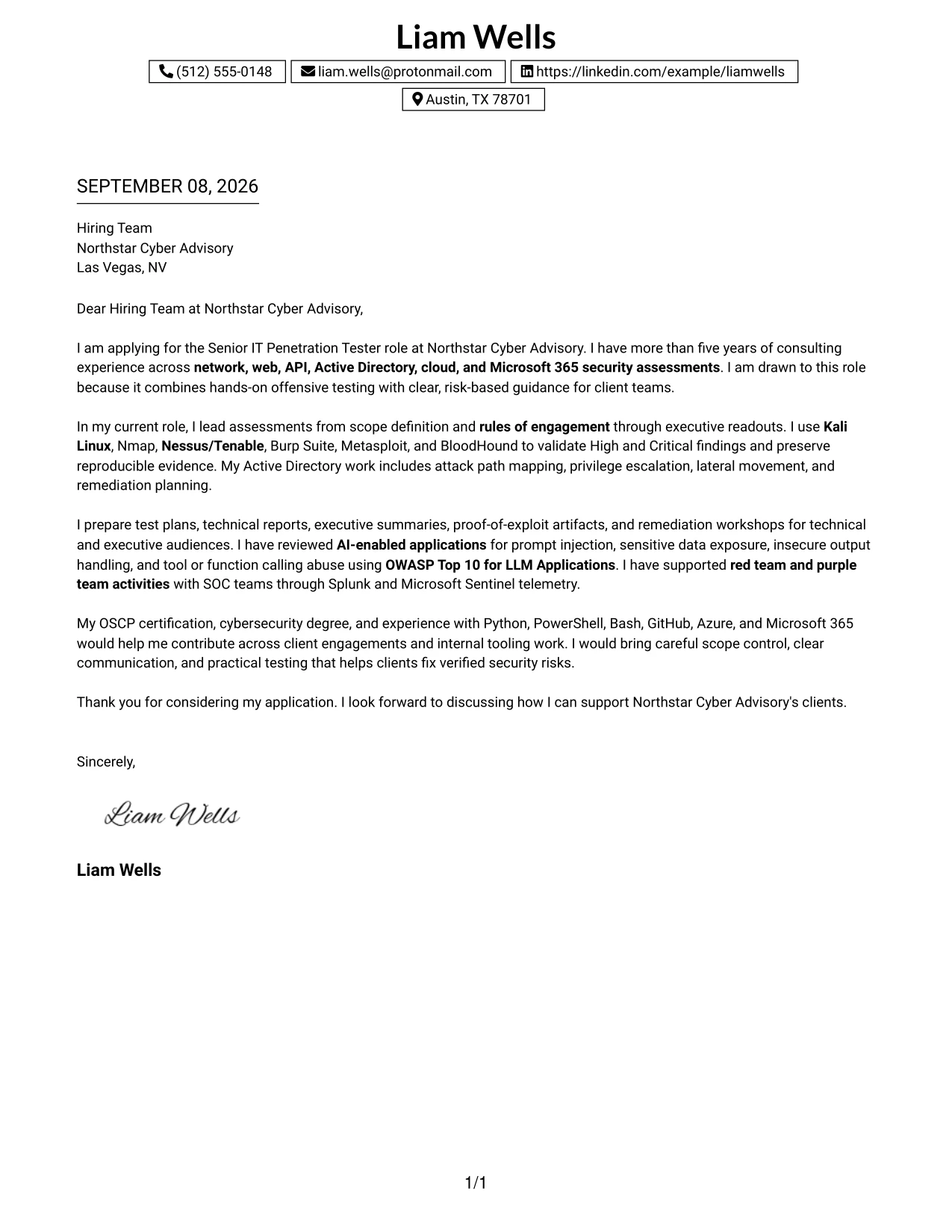
Why the One Column Boxed Contact Header Format Works for a Cover Letter
- The boxed header separates contact information from the persuasive message.
- One-column reading supports a natural progression from opening to closing.
- The letter can present motivation before moving into supporting technical evidence.
- A single path helps readers understand how experience relates to client outcomes.
- The format suits clear explanations of reports, executive readouts, and remediation workshops.
- The structured header adds polish without requiring decorative content throughout the page.
- The closing remains prominent and easy to locate.
Best For
- Applicants who want a direct one-column letter with a clearly defined contact area.
- Applications reviewed by readers who prefer conventional document flow.
- Consulting roles where motivation and client value should appear before detailed evidence.
- Candidates who need to explain technical work in a concise, connected narrative.
- Letters that include reporting, presentations, and remediation support as major themes.
- Readers who want a polished format without columns or complex visual movement.
- Applications where a strong opening and clear closing matter more than decoration.
#30 Cover Letter Example: One Column Shaded Contact Header Format
A shaded contact header gives the letter a calm visual hierarchy, while the single column keeps every argument in the order the reader expects. The opening can connect Liam Wells's consulting background to Northstar Cyber Advisory's need for practical offensive testing, followed by evidence of scope control, technical validation, reporting, and client collaboration. The restrained treatment leaves the content responsible for making the case.
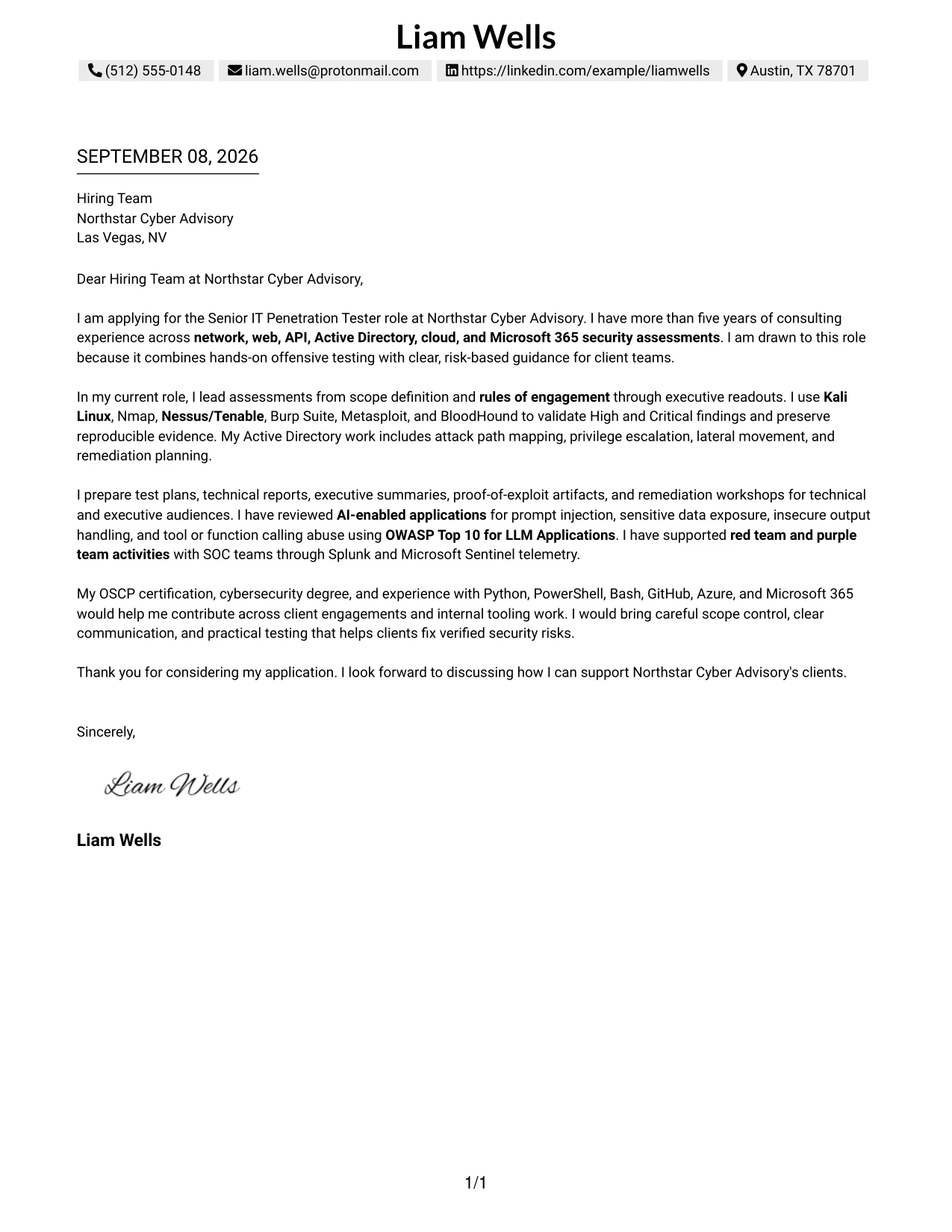
Why the One Column Shaded Contact Header Format Works for a Cover Letter
- The shaded header establishes a professional entry point without taking attention from the message.
- A single column makes the relationship between each paragraph easy to follow.
- The opening can state clear interest in the employer and target role.
- The body can align testing experience with consulting delivery and communication duties.
- The format supports a calm, confident tone for a senior application.
- Technical evidence can be explained in terms of client risk and useful action.
- The final paragraph can make the request for discussion feel natural and direct.
Best For
- Applicants seeking a calm, professional presentation with a clear contact area.
- Letters that need one continuous narrative from motivation through employer fit.
- Consulting applications where technical work must be explained in client-focused language.
- Candidates who want visual emphasis limited to the header and key page structure.
- Readers who prefer familiar one-column documents with gentle section contrast.
- Applications that combine scope management, testing evidence, and stakeholder communication.
- Cover letters where a measured tone should support a confident senior-level case.
#31 Cover Letter Example: Boxed Contact Header with Job Title Format
The format places the job title near the contact information, so the reader understands the application context before reaching the main message. From there, the letter can follow a simple structure: interest in the employer, evidence of relevant assessment delivery, and a closing focused on contribution. That order is well suited to a Senior IT Penetration Tester application involving client engagements, clear reporting, and reusable security tooling.
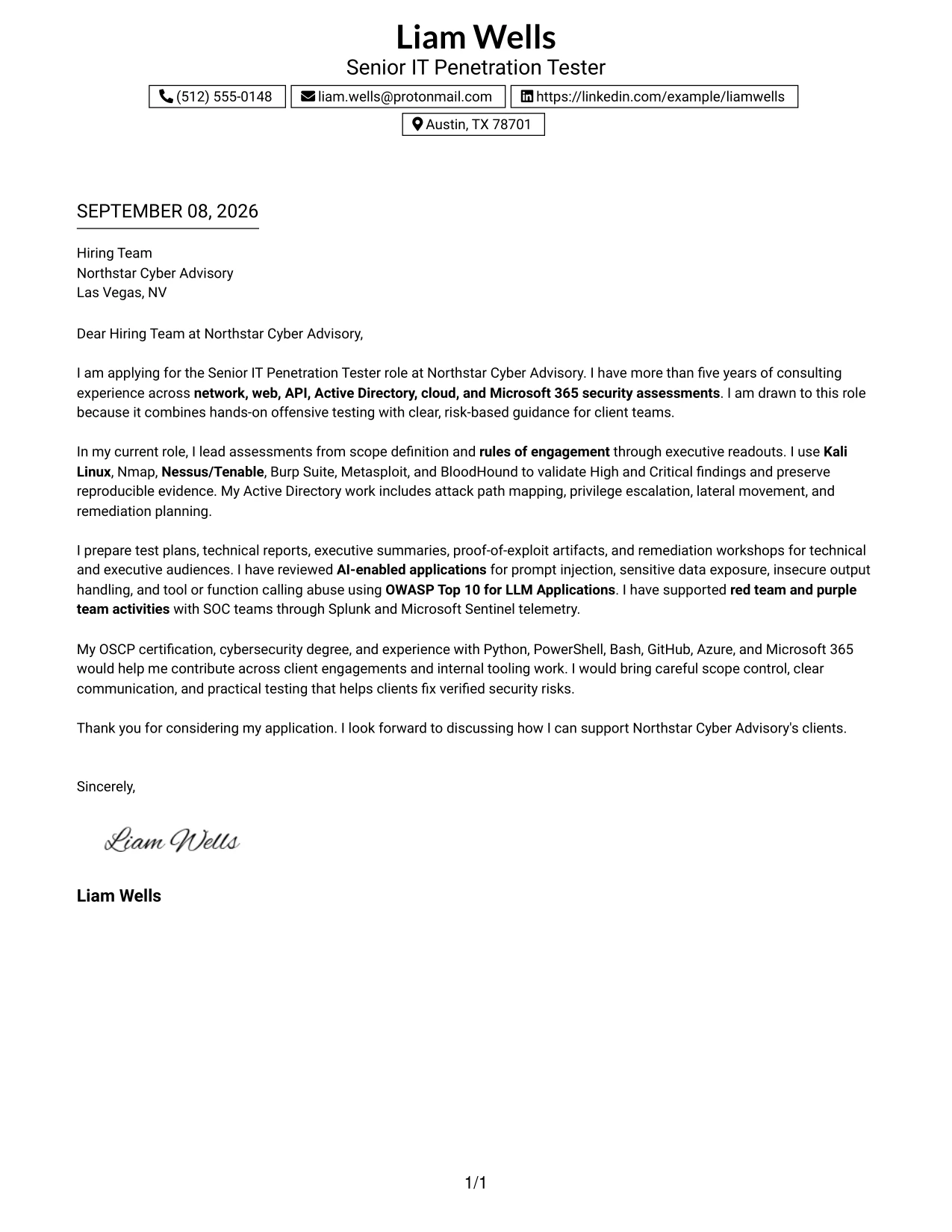
Why the Boxed Contact Header with Job Title Format Works for a Cover Letter
- The boxed header identifies the applicant's contact details and target role at once.
- The job title gives the reader immediate context for the letter's purpose.
- A single-column body supports a clear persuasive sequence.
- The opening can connect professional motivation to the employer's consulting work.
- The evidence section can cover testing, reporting, and remediation without scattered transitions.
- The format makes it easy to explain both client delivery and internal tooling contributions.
- A focused closing can restate interest and readiness for discussion.
Best For
- Applicants who want the target role visible before the reader reaches the body.
- Letters that need immediate context for a specific opening.
- Applications combining client delivery with internal tooling or process contributions.
- Candidates presenting several qualifications in a short, orderly narrative.
- Readers who scan the header first and then review evidence in sequence.
- Professional services applications where role clarity and concise communication are important.
- Cover letters that need a strong connection between the stated role and the supporting message.
#32 Cover Letter Example: Plain Professional Layout with Job Title & Shaded Date
The reader can move from the dated application context to the job title, greeting, evidence, and closing in a familiar professional order. This plain layout is useful for a detailed letter because it gives the message room to explain consulting assessments, rules of engagement, validated findings, AI-enabled application testing, and client communication without visual competition. The shaded date adds organization while preserving a formal tone.
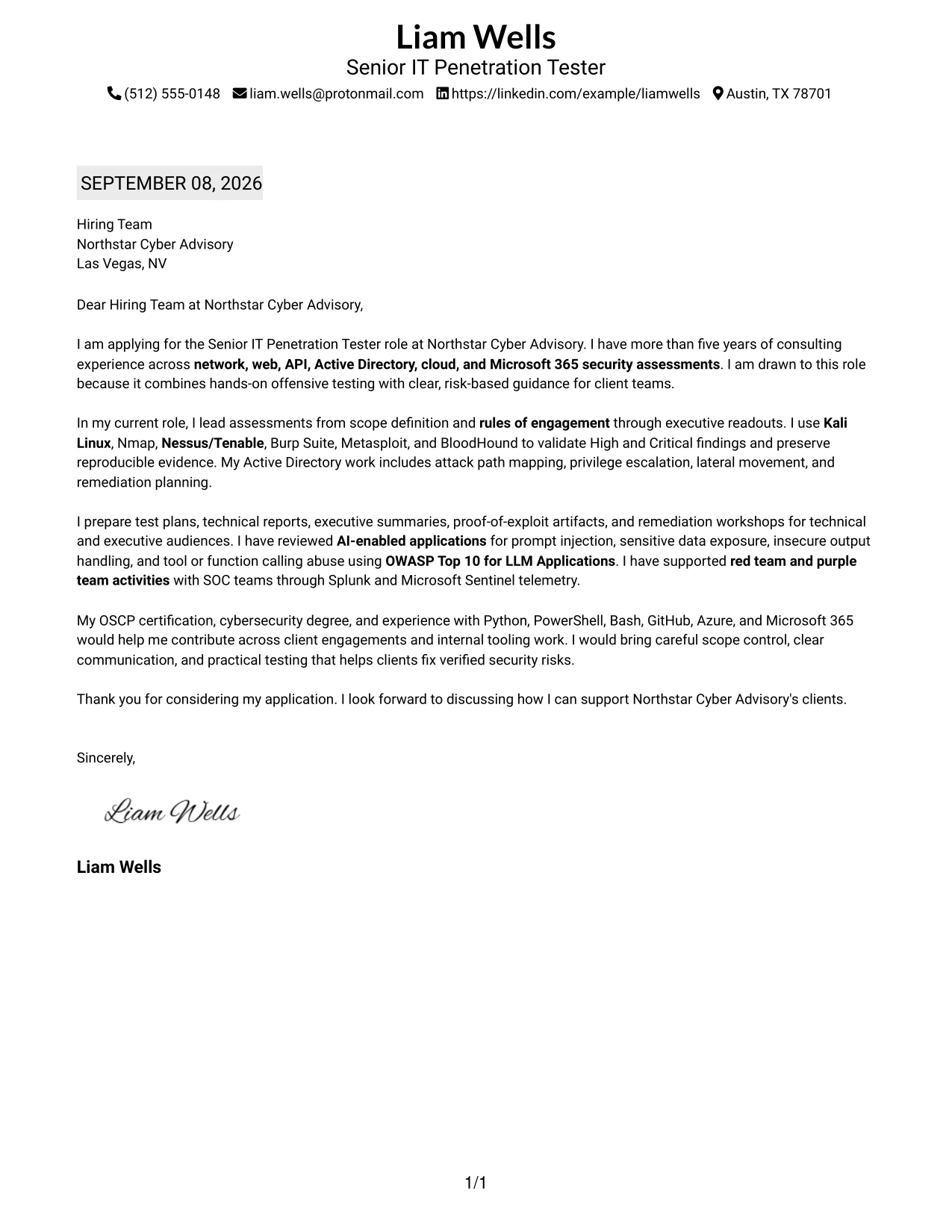
Why the Plain Professional Layout with Job Title & Shaded Date Works for a Cover Letter
- The date and job title establish application context at the start.
- A familiar order helps readers review the letter without learning a new visual system.
- The open body provides room for several connected evidence points.
- The format supports a formal explanation of motivation and employer fit.
- Technical topics can be translated into client outcomes through complete, readable paragraphs.
- The plain presentation is appropriate when professionalism should be clear and understated.
- The closing can remain direct after a detailed account of relevant experience.
Best For
- Applicants who prefer a conventional professional letter with clear application details.
- Applications requiring enough space to explain broad consulting responsibilities.
- Candidates presenting technical evidence through complete paragraphs rather than compact fragments.
- Readers who value dates, role context, and a predictable review order.
- Cover letters connecting testing, reporting, and client communication in one narrative.
- Roles where understated presentation supports credibility and careful communication.
- Applications that need detail without decorative elements competing with the message.
#33 Cover Letter Example: Two-Line Contact Header with Underlined Date Format
The evidence should answer the employer's main questions early: can the candidate deliver scoped assessments, validate meaningful risk, and explain results clearly? A two-line contact header and underlined date keep the introduction orderly, leaving the single-column body to develop those answers. The letter can then connect network, web, API, Active Directory, cloud, and Microsoft 365 work to Northstar Cyber Advisory's client-focused expectations.
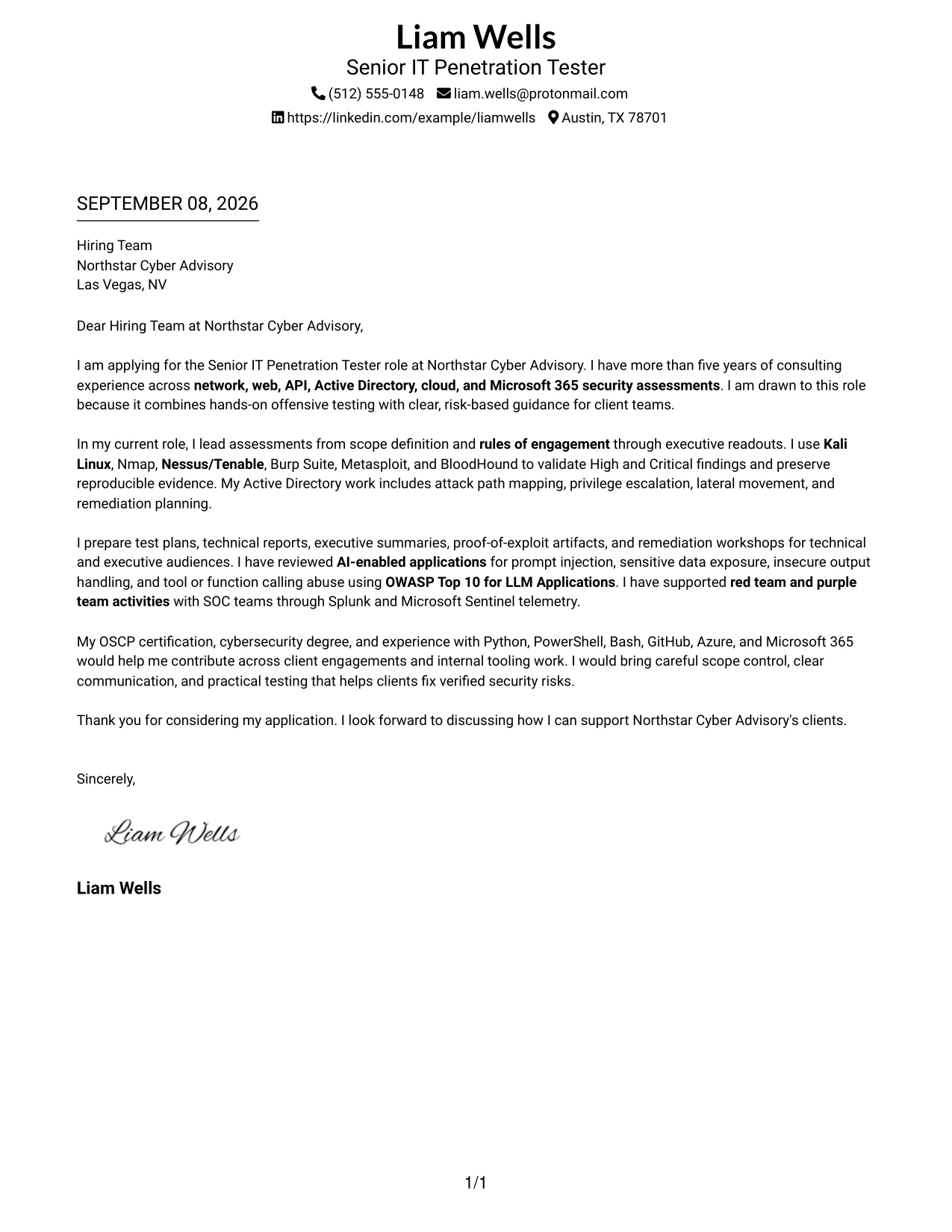
Why the Two-Line Contact Header with Underlined Date Format Works for a Cover Letter
- The two-line header presents contact information in a compact, readable form.
- The underlined date separates application details from the message that follows.
- The opening can lead with evidence that responds to the employer's core needs.
- A single-column body keeps the argument connected from technical work to client value.
- The format supports clear discussion of scope, validation, reporting, and remediation.
- The restrained design lets precise language carry the letter's persuasive force.
- The closing can confirm interest without adding unnecessary visual complexity.
Best For
- Applicants who want a compact header with strong attention on written evidence.
- Letters that should lead with capability and then explain motivation and fit.
- Applications covering several assessment environments in a single readable narrative.
- Candidates who need to connect technical validation with clear client communication.
- Readers who prefer simple date treatment and an uninterrupted body flow.
- Professional services roles where precision, organization, and practical guidance are central.
- Cover letters that make a focused case without relying on decorative presentation.
Why Use ResumeInMinutes for a Senior IT Penetration Tester Cover Letter
ResumeInMinutes helps security professionals shape a targeted cover letter without starting from a blank page. You can organize your message around role fit, consulting experience, technical credibility, employer alignment, and clear communication.
- Professional writing styles
- Clean, readable formatting
- Job-description-based customization
- Fast cover letter generation
- Professional templates
- Cover letter and application support
Whether you are highlighting network and web testing, Active Directory attack path analysis, AI-enabled application reviews, or client-facing reporting, you can create a polished cover letter that keeps the employer's priorities in view.
See Also
- 33 Senior IT Penetration Tester Resume Templates with Example 2026 (ATS-Optimized)
- 33 Associate Penetration Tester Resume Templates with Example 2026 (ATS-Optimized)
- 33 Entry-Level Penetration Tester Resume Templates with Example 2026 (ATS-Optimized)
- 33 Junior Penetration Tester Resume Templates with Example 2026 (ATS-Optimized)
- 33 Lead Penetration Tester Resume Templates with Example 2026 (ATS-Optimized)
- 33 Penetration Tester Intern Resume Templates with Example 2026 (ATS-Optimized)
- 33 Penetration Tester Resume Templates with Example 2026 (ATS-Optimized)
- 33 Penetration Tester, VP Resume Templates with Example 2026 (ATS-Optimized)
- 30+ Associate Penetration Tester Cover Letter Templates with Example 2026
- 30+ Entry-Level Penetration Tester Cover Letter Templates with Example 2026
Frequently Asked Questions
Are these Senior IT Penetration Tester cover letter templates ATS-friendly?
Yes. The templates use clear formatting and support relevant language for penetration testing, client reporting, network and web assessments, Active Directory, cloud, Microsoft 365, and risk-based remediation.
Are these 33 different cover letters?
No. The guide uses one Senior IT Penetration Tester cover letter example presented in 33 different layouts and design styles. You can adapt the wording and choose the presentation that fits the application.
Can I download the templates as PDFs?
Yes. Each style includes a free PDF download so you can review the presentation and select a format for your Senior IT Penetration Tester application.
Which cover letter style is best for a Senior IT Penetration Tester?
A clean, professional format is usually the best choice for consulting and cybersecurity applications. Choose a layout that keeps the opening, evidence of role fit, client communication, and closing easy to read.
What should a Senior IT Penetration Tester cover letter emphasize?
Emphasize relevant assessment scope, rules of engagement, validated findings, evidence handling, client reporting, remediation guidance, and communication with technical and executive audiences. Add tools such as Kali Linux, Burp Suite, Nmap, Nessus/Tenable, Metasploit, or BloodHound only when they reflect your experience.
Should I mention certifications in my cover letter?
Yes, when they support the target role. An OSCP certification is especially relevant for this position. Keep the reference brief and connect it to the practical testing and client work you can perform.
Can I customize these cover letter templates?
Yes. Customize the opening, evidence, motivation, employer alignment, closing, layout, and PDF format for your Senior IT Penetration Tester application. Keep each claim accurate and specific to your background.




