
33 Senior IT Penetration Tester Resume Templates with Example 2026 (ATS-Optimized)
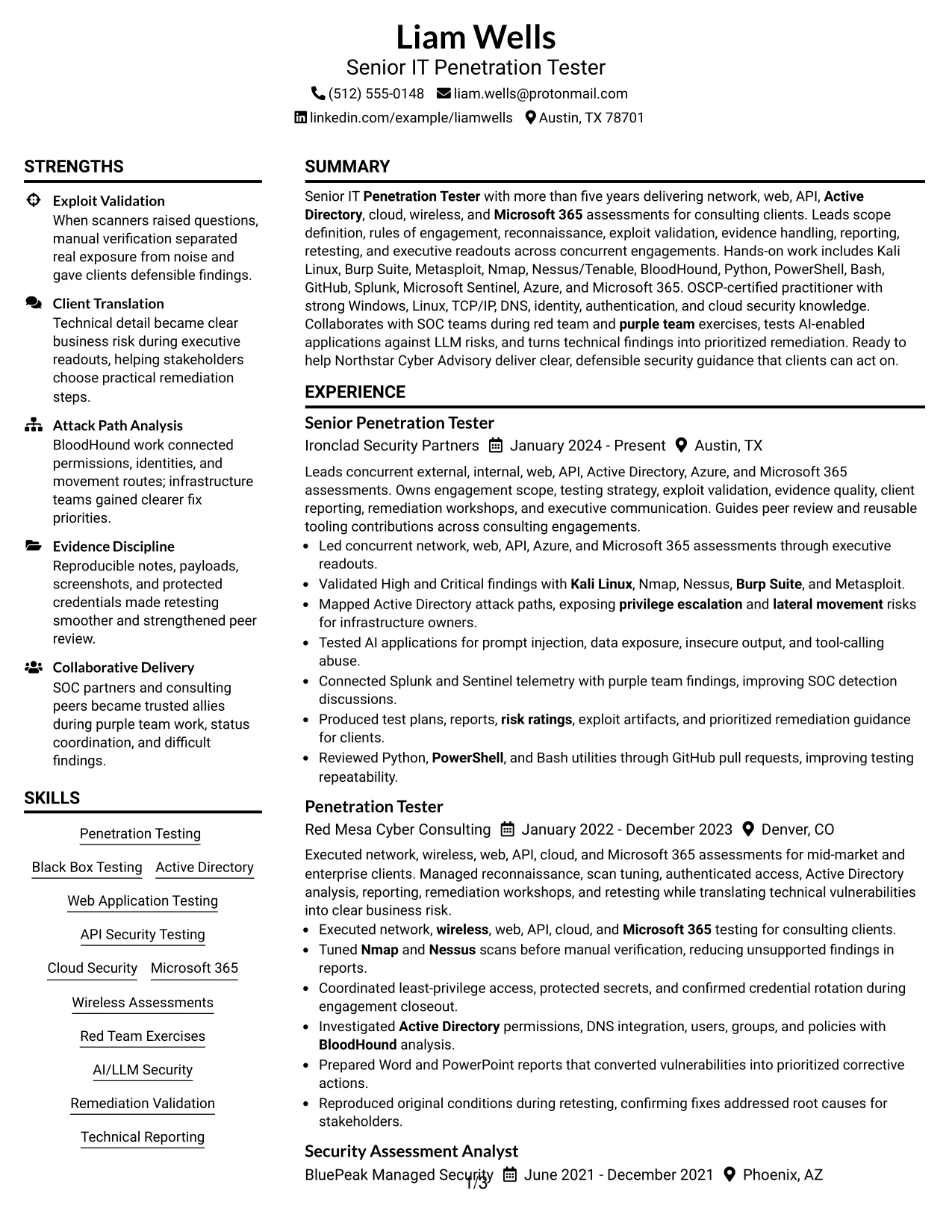
This guide shows you how to build a clear, focused Senior IT Penetration Tester resume for professional security consulting work. You will learn how to organize technical evidence so recruiters and security teams can review your qualifications quickly.
Strong resumes for this role connect penetration testing experience with scope definition, rules of engagement, exploit validation, evidence handling, reporting, and remediation. They can also present work across network, wireless, web, API, Active Directory, cloud, Microsoft 365, red team, purple team, and AI-enabled application assessments.
The guide presents one Senior IT Penetration Tester resume in 33 layouts, with examples of ATS-friendly structure, technical skills, certifications, projects, measurable results, and tools such as Kali Linux, Burp Suite, Metasploit, Nmap, Nessus/Tenable, BloodHound, Python, PowerShell, Bash, Azure, Splunk, and Microsoft Sentinel.
What Makes a Great Senior IT Penetration Tester Resume in 2026
A strong resume is structured for fast review and shows disciplined testing, clear reporting, client communication, and practical remediation guidance. It should connect security assessments to validated findings, risk ratings, retesting, and executive readouts.
Use relevant keywords such as Active Directory, web and API security, cloud and Microsoft 365 assessments, Kali Linux, Burp Suite, Nmap, Nessus/Tenable, BloodHound, OSCP, SIEM, and OWASP Top 10 for LLM Applications where they accurately reflect your background.
The examples shown below are intentionally detailed to demonstrate a range of experiences, skills, accomplishments and relevant keywords. We prefer detailed resumes as they provide more context to the hiring managers and also help the ATS systems identify relevant qualifications and score your resume better for a match. But the length of a resume is an individual choice. If you want a one page resume, just keep the most relevant experience and information for the job.
#1 Plain Two Column Format Resume Example
The Plain Two Column Format places contact details and supporting skills in one area while giving experience, projects, and education a clear main column. For a Senior IT Penetration Tester resume, this structure separates tools such as Burp Suite, Nmap, and BloodHound from evidence such as validated findings, attack path analysis, and client reporting.
The balanced columns support quick scanning without removing technical detail. Strong section labels, concise bullets, and visible keywords help both ATS software and human reviewers find penetration testing, Active Directory, cloud, API, and AI security experience.
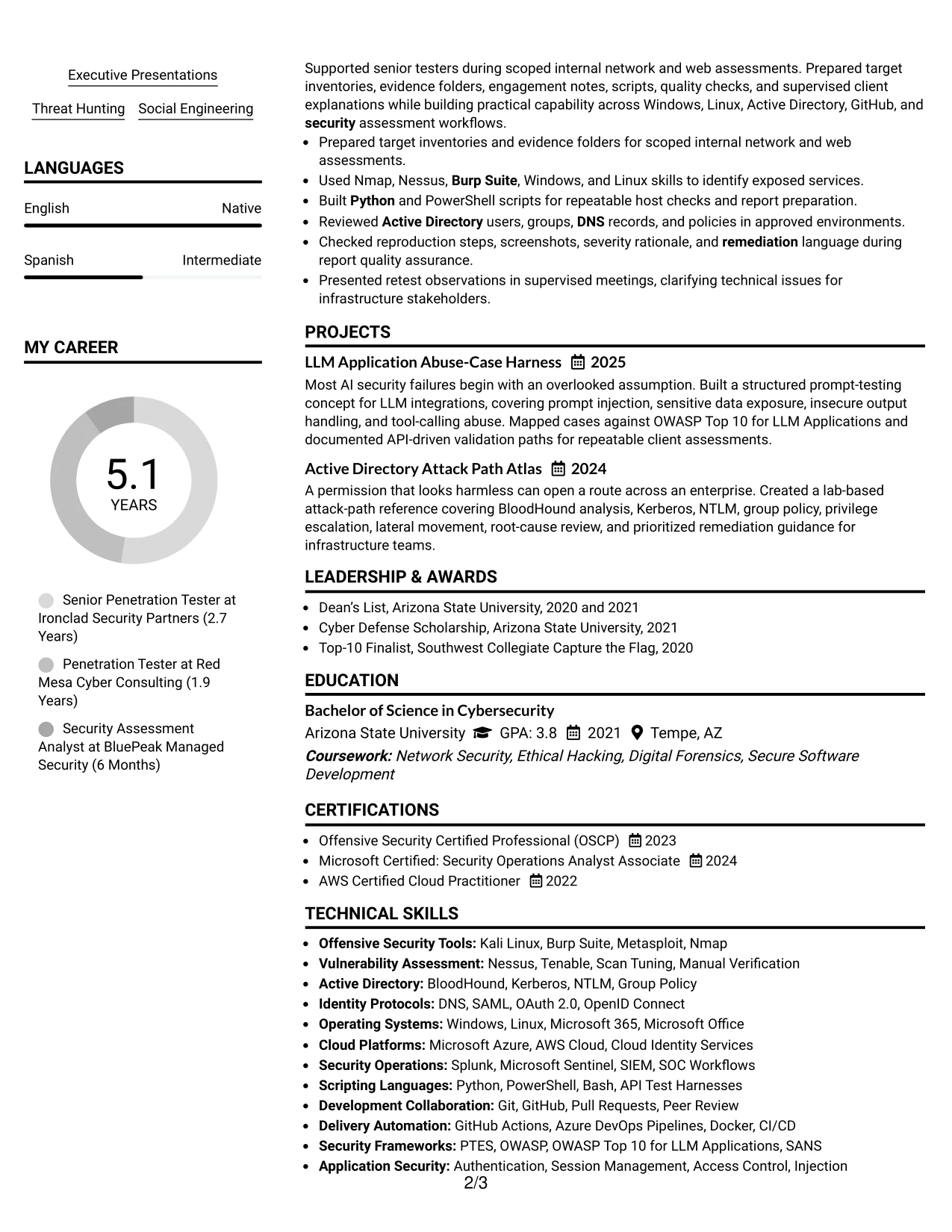
Resume Snapshot
- Professional summary connects five-plus years of assessment delivery with scope definition, exploit validation, reporting, and executive readouts.
- Experience bullets show network, web, API, Active Directory, Azure, Microsoft 365, and AI-enabled application testing.
- Technical skills group offensive tools, identity protocols, scripting languages, SIEM platforms, and security frameworks.
- Certifications and education add OSCP, Microsoft security training, AWS Cloud Practitioner, and a Cybersecurity degree.
Why the Plain Two Column Format Works for a Resume
- The main column gives work history enough width for detailed achievement bullets.
- The supporting column keeps tools and certifications easy to locate during a fast review.
- Separate sections make ATS-relevant terms visible without repeating them in every bullet.
- Short bullets can show validated exploitability, remediation, retesting, and evidence handling.
- The hierarchy supports a clear path from professional summary to experience, projects, skills, and education.
- The format balances technical breadth with measurable and defensible security evidence.
Resume Keywords
- Cyber
- Security
- Penetration Tester
- Black Box Testing
- Microsoft 365
- AWS Cloud
- Wireless
- Active Directory
- Web Application Testing
- API Security Testing
- Red Team
- purple team
- Kali Linux
- Nessus
- Tenable
#2 Simple One Column Format Resume Example
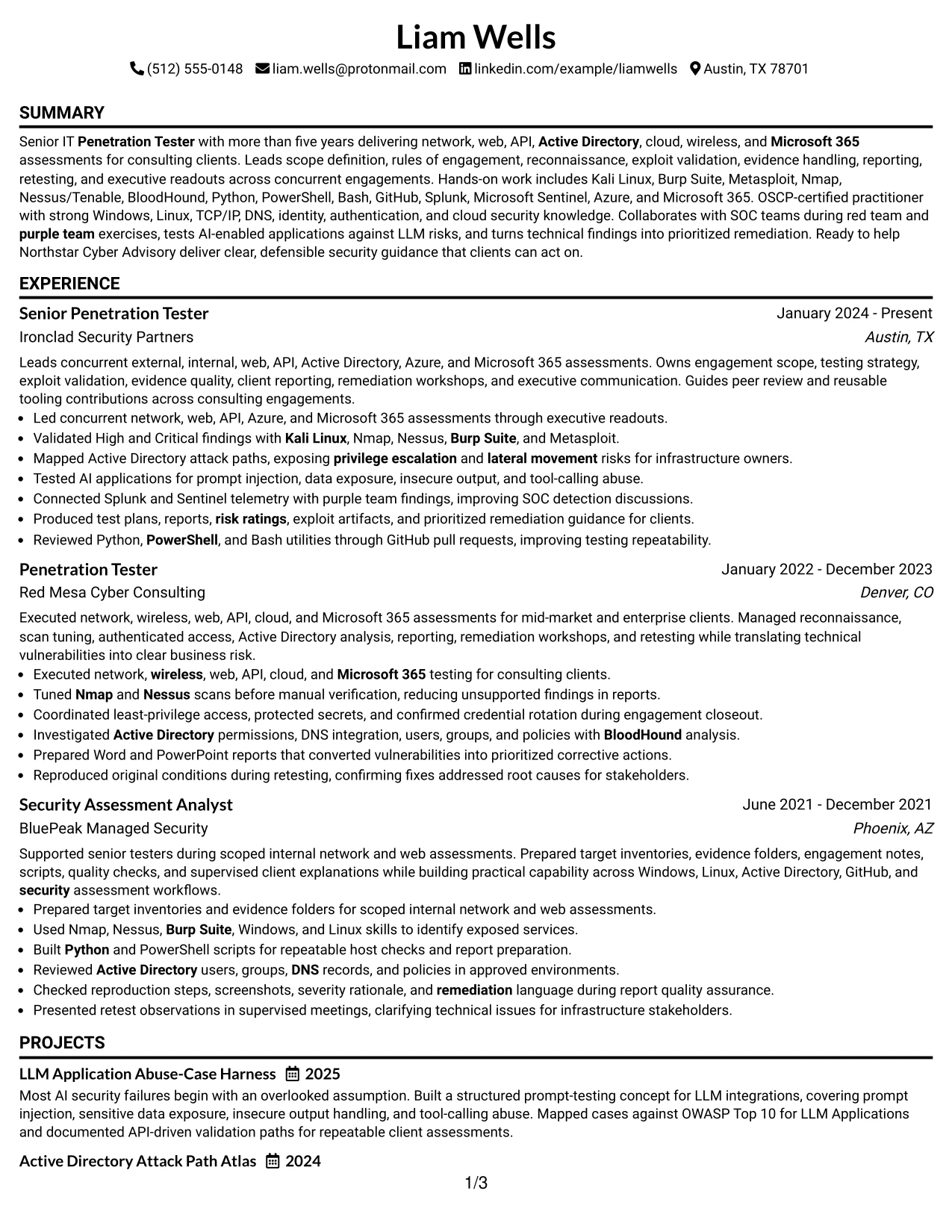
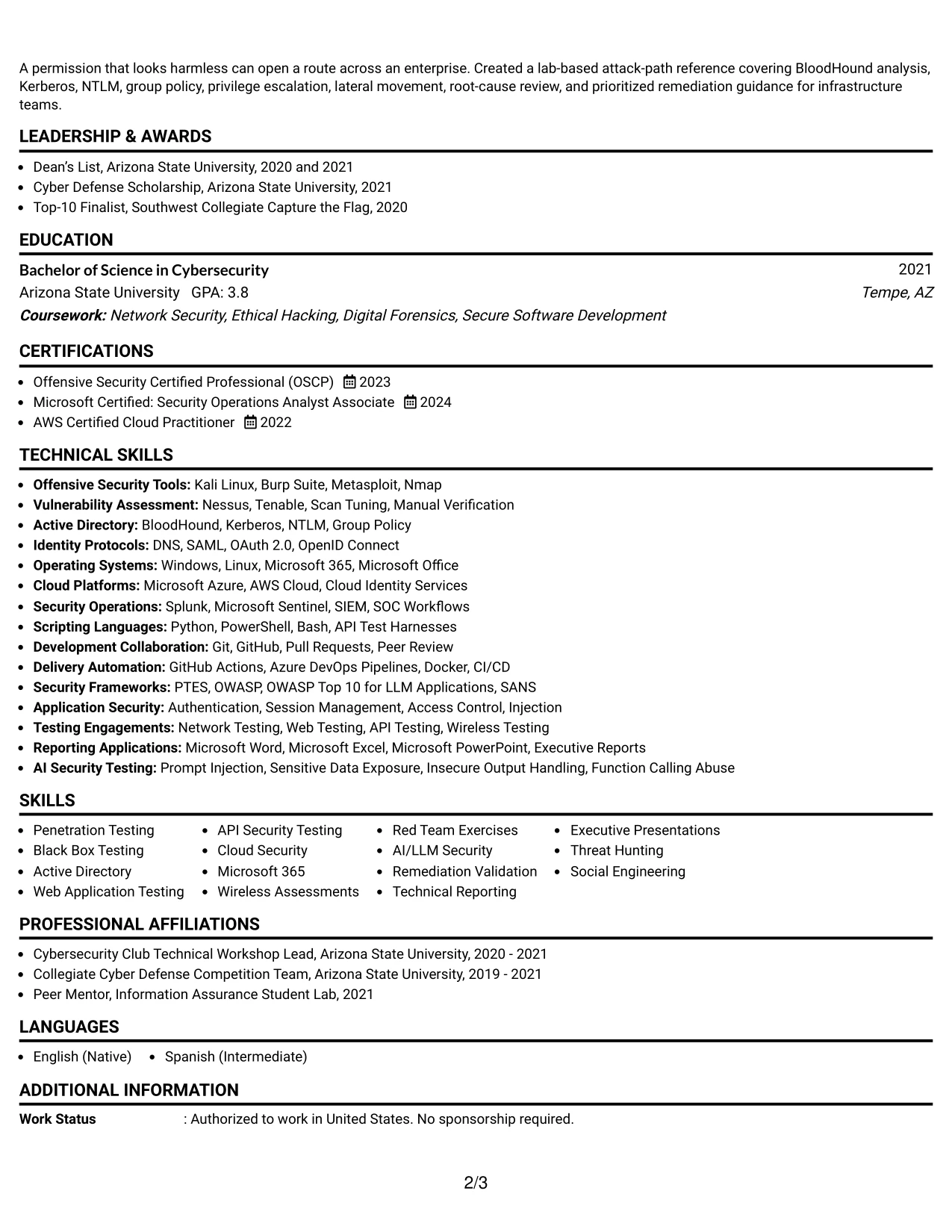
A recruiter moves from the contact header to the summary, then through experience, skills, certifications, projects, and education in one uninterrupted path. The Simple One Column Format makes that sequence easy to follow for a Senior IT Penetration Tester resume with substantial consulting history.
The single reading flow gives each bullet full line width. That space supports precise descriptions of reconnaissance, authenticated testing, attack path mapping, remediation validation, and client deliverables while keeping dates, employers, and role titles easy to verify.
Why the Simple One Column Format Works for a Resume
- One reading path reduces the chance that dates or job titles are missed.
- Full-width bullets allow technical findings and remediation actions to remain specific.
- The structure handles several roles without forcing experience into narrow columns.
- A clear order supports ATS parsing for summary, experience, skills, and certifications.
- Projects can follow employment history and show focused work on LLM security and Active Directory.
- The format gives reporting, retesting, and client presentation evidence room to stand out.
Best For
- Resumes with several detailed consulting engagements
- Candidates who need full-width bullets for technical evidence
- Applications where ATS parsing and straightforward section order matter
- Documents that combine work history with projects and certifications
- Reviewers who compare dates, employers, and responsibilities quickly
- Longer skills lists covering tools, protocols, platforms, and frameworks
- Resumes that need room for remediation and retesting details
- Applications that benefit from a clean print and PDF reading path
#3 Clean Two Column Sidebar Format Resume Example
Validated security evidence receives priority in this resume: exploit confirmation, reproducible proof, attack paths, and remediation results appear beside a compact skills sidebar. The Clean Two Column Sidebar Format lets a reviewer connect each technical claim with the tools and methods used to support it.
The main column can hold experience and project bullets, while the sidebar groups Kali Linux, Burp Suite, BloodHound, scripting, SIEM platforms, and certifications. This separation keeps evidence readable and prevents a long tool list from obscuring actual assessment work.
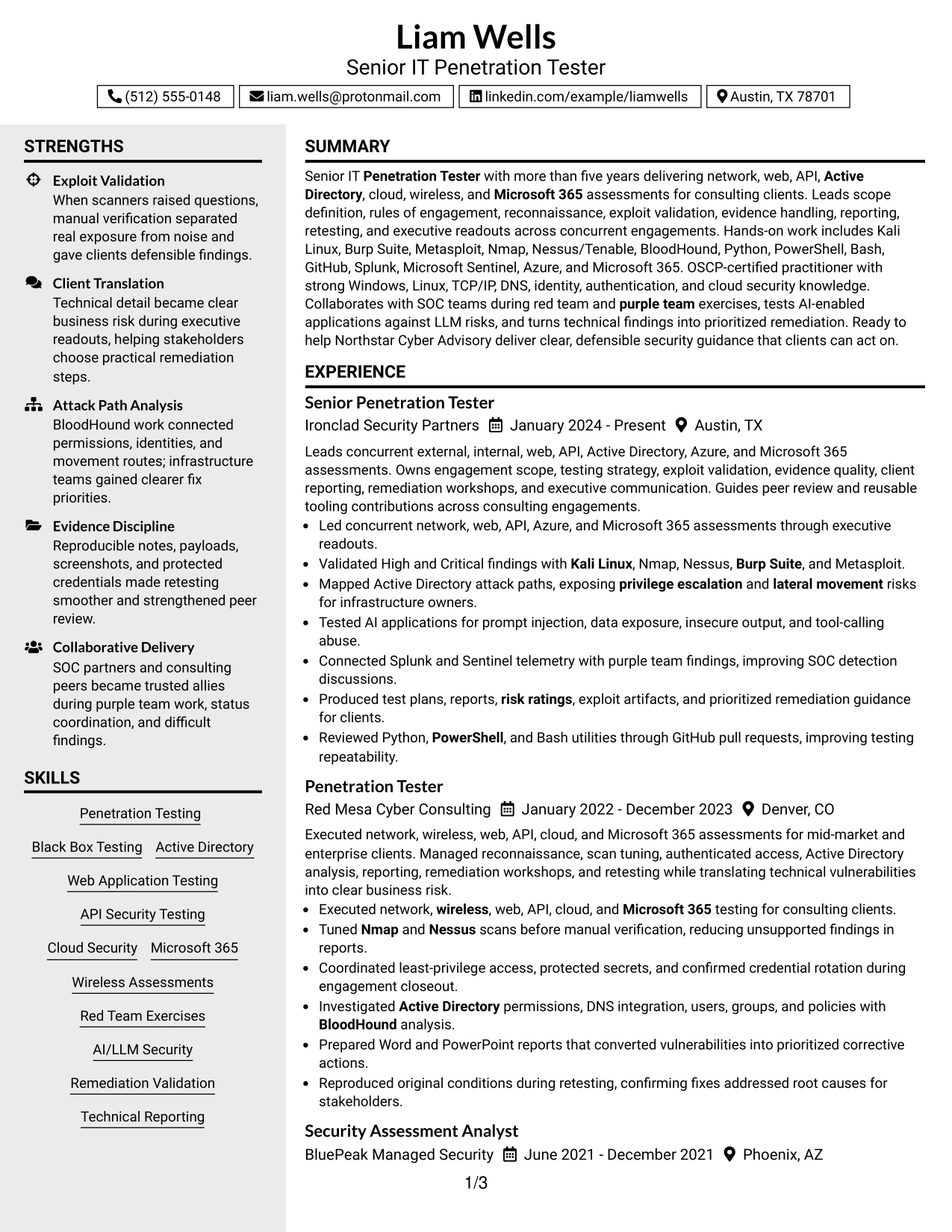
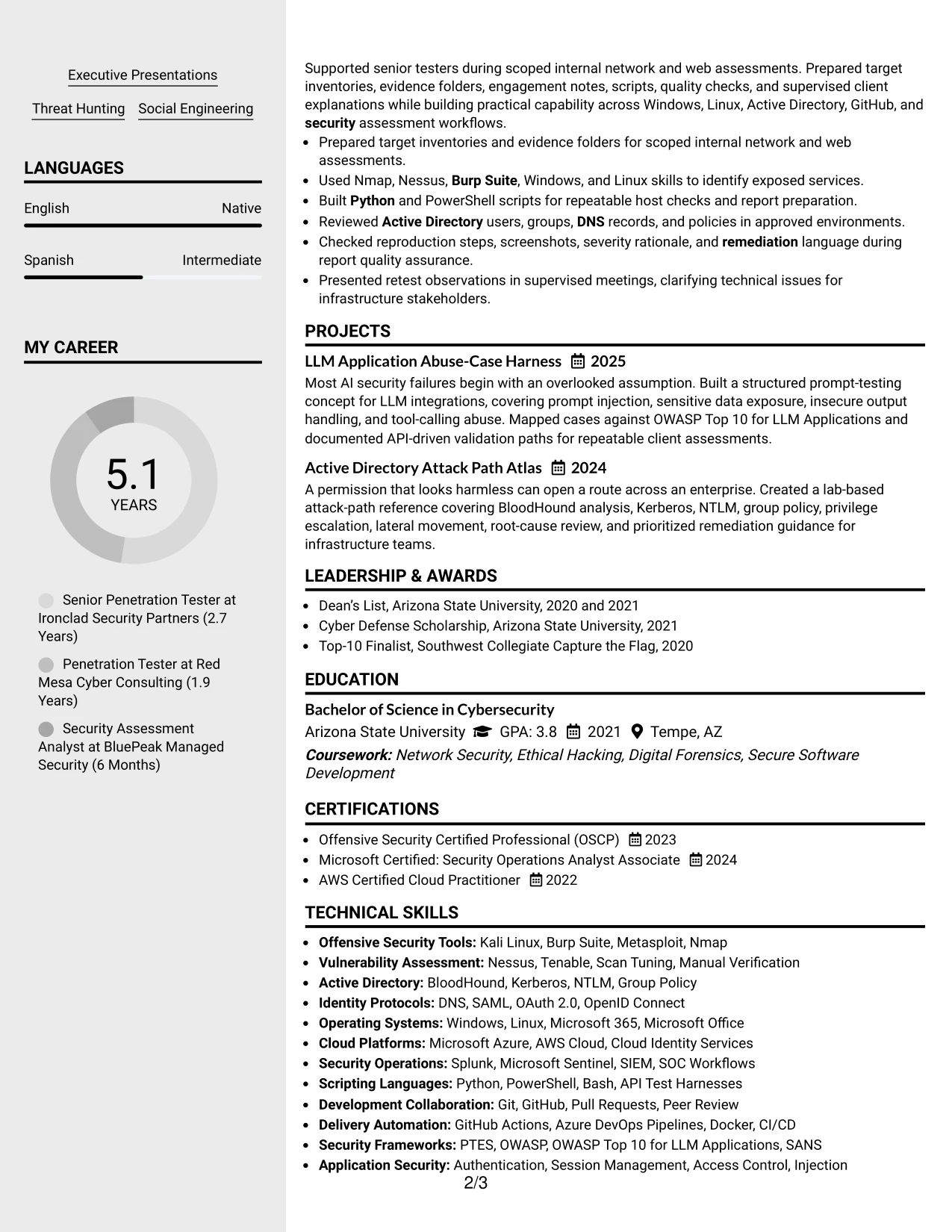
Why the Clean Two Column Sidebar Format Works for a Resume
- The main content area gives validated findings and proof-of-exploit work visual priority.
- A sidebar gathers tools without interrupting the sequence of experience bullets.
- Attack path mapping and remediation guidance can be tied to clear role dates.
- Projects provide a focused place for AI security and identity analysis evidence.
- Grouped skills make relationships between tools, platforms, and testing methods easier to review.
- The structure supports detailed evidence while keeping the overall page orderly.
Best For
- Resumes led by validated vulnerabilities and reproducible evidence
- Candidates presenting both assessment results and a broad toolset
- Documents that need a compact area for certifications and technical skills
- Applications where project work strengthens the evidence record
- Reviewers assessing attack paths, remediation, and retesting capability
- Technical profiles that combine offensive tools with SIEM experience
- Resumes where a sidebar can reduce repetition in experience bullets
#4 Two Column Format Resume Example
Content is balanced between a focused experience column and a supporting column for skills, certifications, projects, and education. The Two Column Format suits a consulting resume that must show both broad assessment coverage and enough detail about delivery, reporting, and client discussions.
The structure helps a reviewer compare technical scope with professional services output. Experience bullets can explain network, web, API, cloud, and Microsoft 365 work, while the adjacent column surfaces OSCP, scripting, SIEM tools, frameworks, and relevant academic preparation.
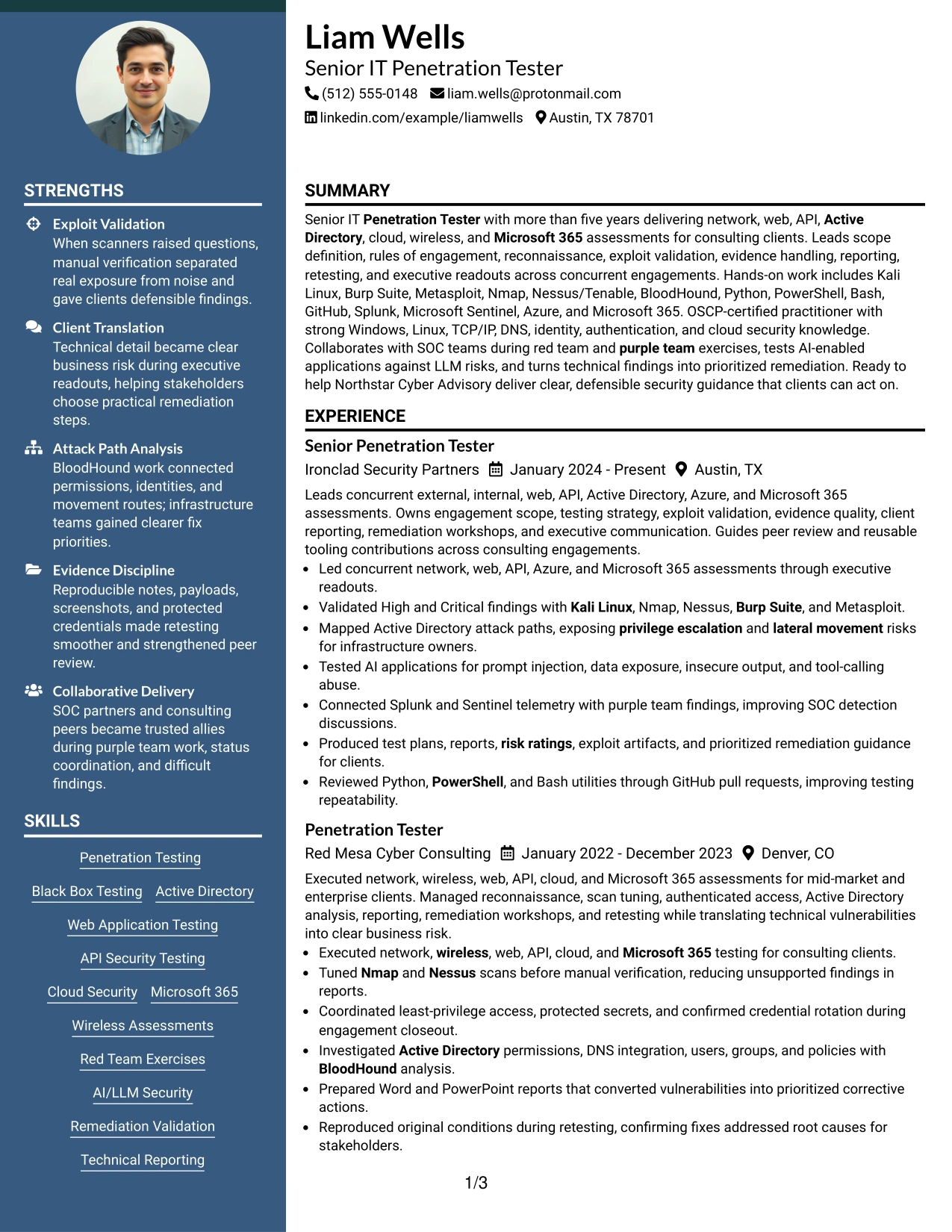
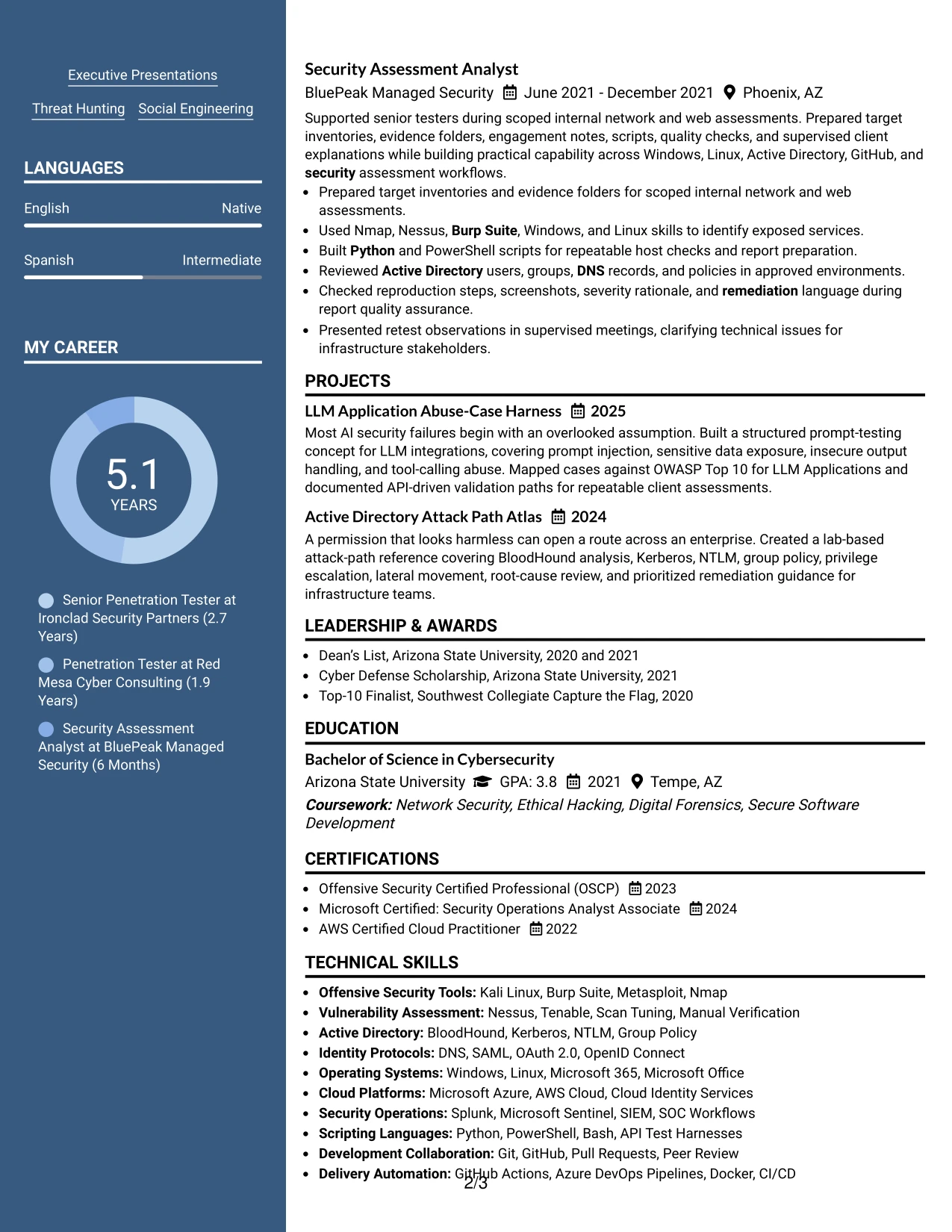
Why the Two Column Format Works for a Resume
- The layout balances technical scope with consulting deliverables.
- A dedicated skills area makes required tools and protocols easy to locate.
- Experience bullets retain room for scope, validation, reporting, and retesting details.
- Projects can show specialized work without competing with employment history.
- Education and certifications remain visible while the main column carries career evidence.
- The format supports both quick keyword checks and a deeper review of assessment methods.
- Clear visual grouping helps connect technical work with client-facing results.
Best For
- Consulting resumes that must show delivery and technical coverage together
- Applications combining employment history with focused security projects
- Candidates with substantial tool, protocol, and framework information
- Documents that need separate areas for experience and qualifications
- Reviewers comparing assessment scope with reporting responsibilities
- Resumes that include certifications without reducing experience detail
- Applications requiring visible evidence of client communication and retesting
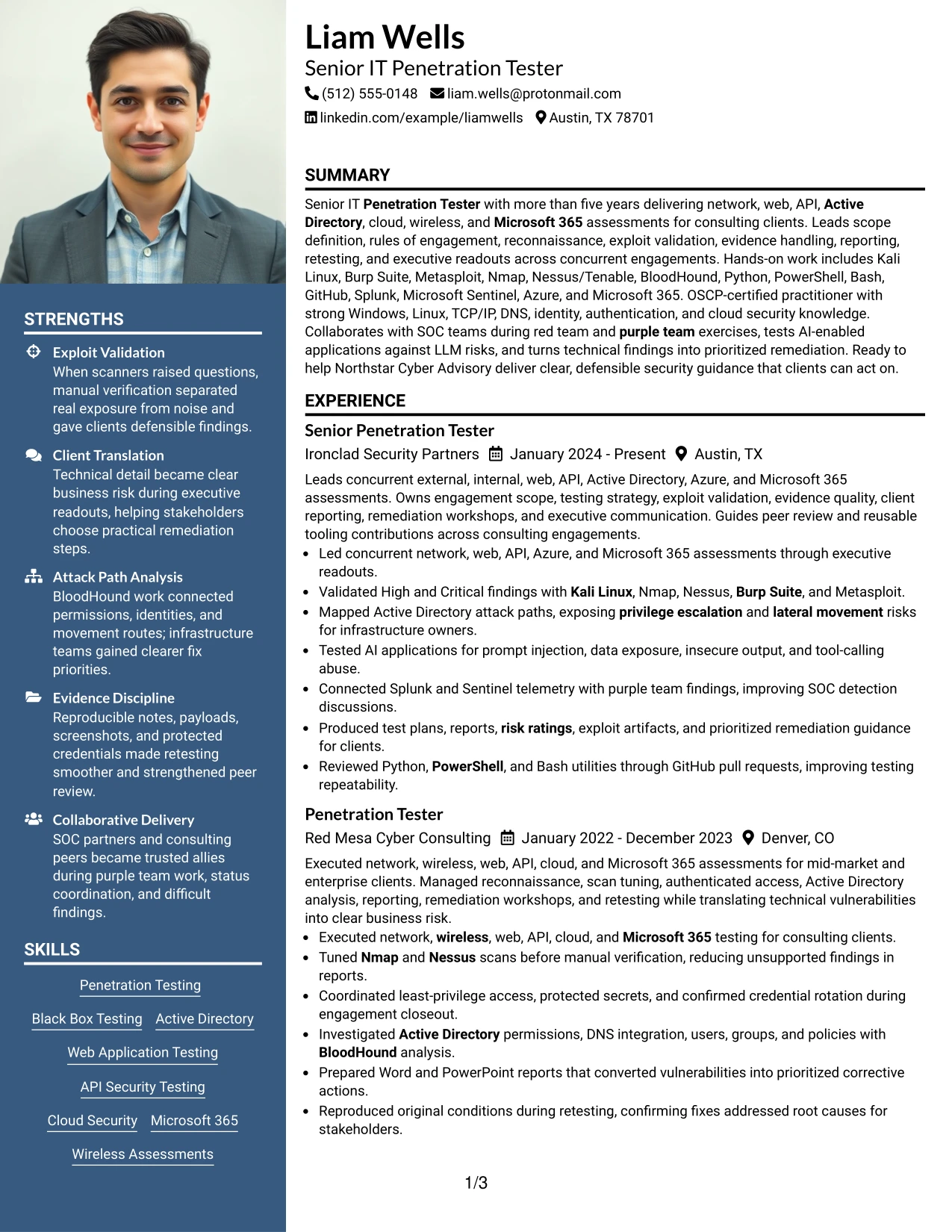
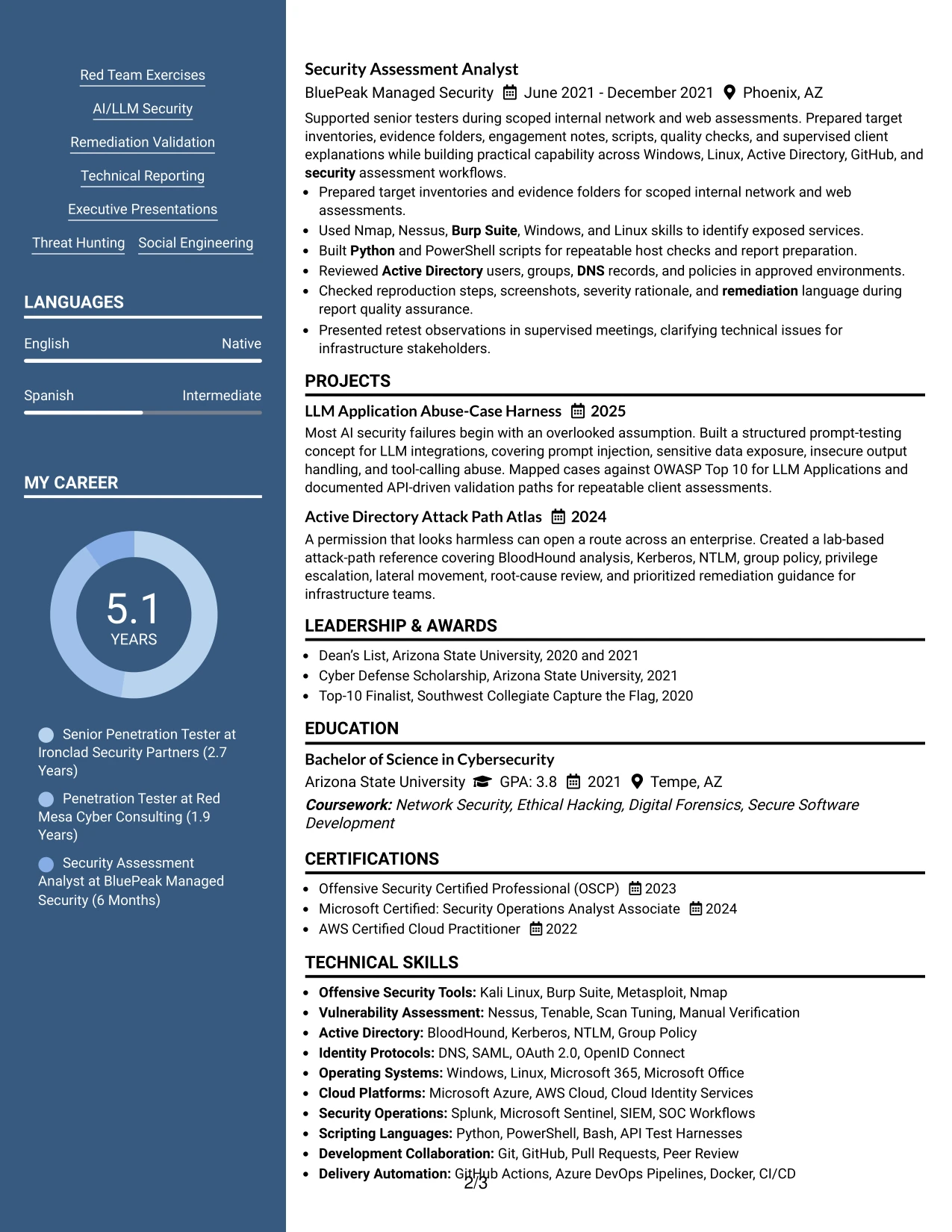
#5 Photo Header Two Column Format Resume Example
For an application that accepts a more personal visual introduction, the header creates immediate identity while the two columns organize technical content below it. The Photo Header Two Column Format can present contact details and a professional photo at the top, followed by assessment experience, skills, certifications, and projects.
The visual header should remain restrained so the resume still emphasizes evidence. Clear bullets can cover exploit validation, Active Directory attack paths, AI-enabled application testing, SOC collaboration, and prioritized remediation, while the second column keeps tools and credentials easy to scan.
Why the Photo Header Two Column Format Works for a Resume
- The header gives the document a distinct visual entry point for settings where a professional photo is appropriate.
- Two columns keep technical skills and certifications separate from detailed experience.
- The main column supports clear bullets about testing scope and validated risk.
- A restrained photo area prevents visual identity from competing with security evidence.
- Projects can add depth without disrupting the employment timeline.
- Grouped tools make a broad offensive security toolkit easier to review.
- The format combines personal presentation with a structured technical hierarchy.
Best For
- Applications where a professional photo is accepted by local hiring practice
- Candidates seeking a distinctive header while keeping technical content organized
- Resumes that need separate space for tools, certifications, and experience
- Documents with a broad assessment scope and several focused projects
- Review settings where visual identity supports an established professional profile
- Candidates who want evidence-led bullets beneath a recognizable header
- PDF resumes that benefit from clear two-column grouping
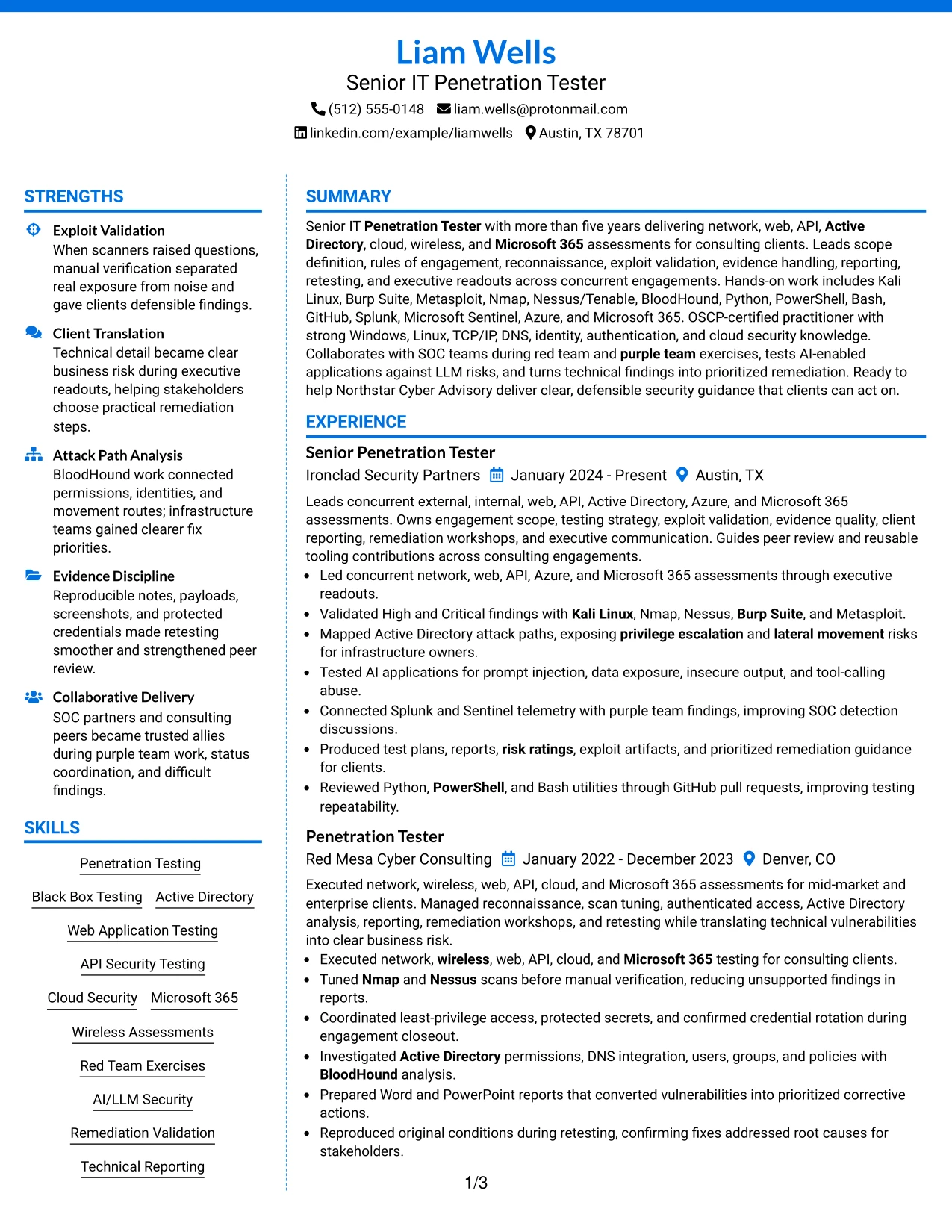
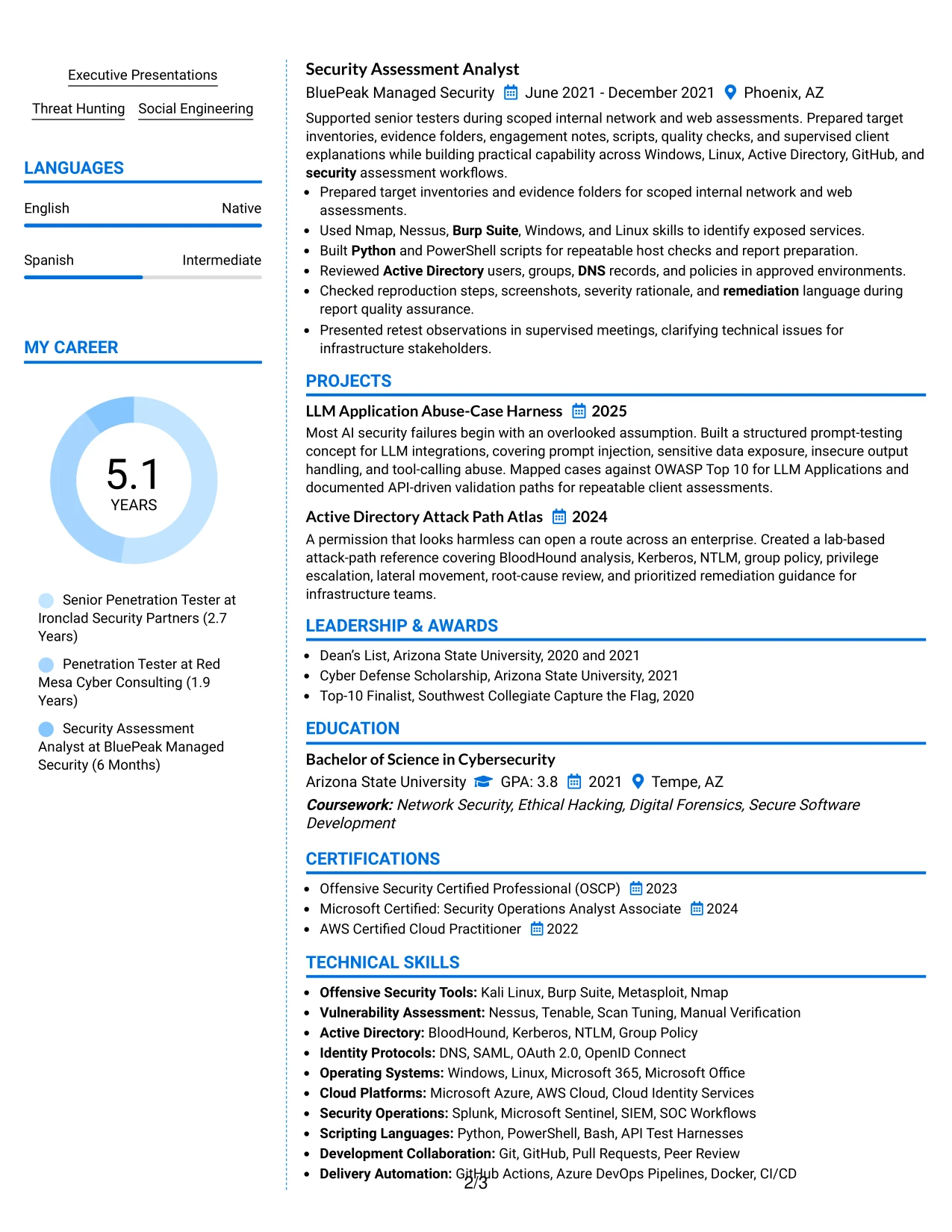
#6 Colored Two Column Format Resume Example
A restrained color hierarchy gives the resume a clear visual impression without changing the evidence standard. The Colored Two Column Format can use color for section labels, dates, and the supporting sidebar while keeping experience bullets focused on assessment scope, validated risk, and remediation.
For a Senior IT Penetration Tester resume, the visual treatment should reinforce role alignment rather than decorate the page. The content can emphasize network and application testing, Active Directory analysis, cloud and Microsoft 365 assessments, scripting, reporting, and OSCP certification.
Why the Colored Two Column Format Works for a Resume
- Color can guide the eye toward role title, section labels, and employment dates.
- The two-column structure separates technical qualifications from detailed evidence.
- A restrained palette keeps a security-focused resume professional and readable.
- Bullets can show both hands-on testing and client-facing reporting.
- The sidebar gives certifications and tools a consistent visual home.
- Clear hierarchy helps reviewers connect role requirements with documented experience.
Best For
- Resumes needing modest visual distinction without a complex design
- Applications where role alignment should be visible at a glance
- Candidates combining hands-on testing with reporting and presentations
- Documents that benefit from color-coded section navigation
- Reviewers scanning a broad mix of platforms, tools, and security methods
- PDF applications where sidebar grouping improves readability
- Professional profiles that need visual polish while preserving ATS-friendly text
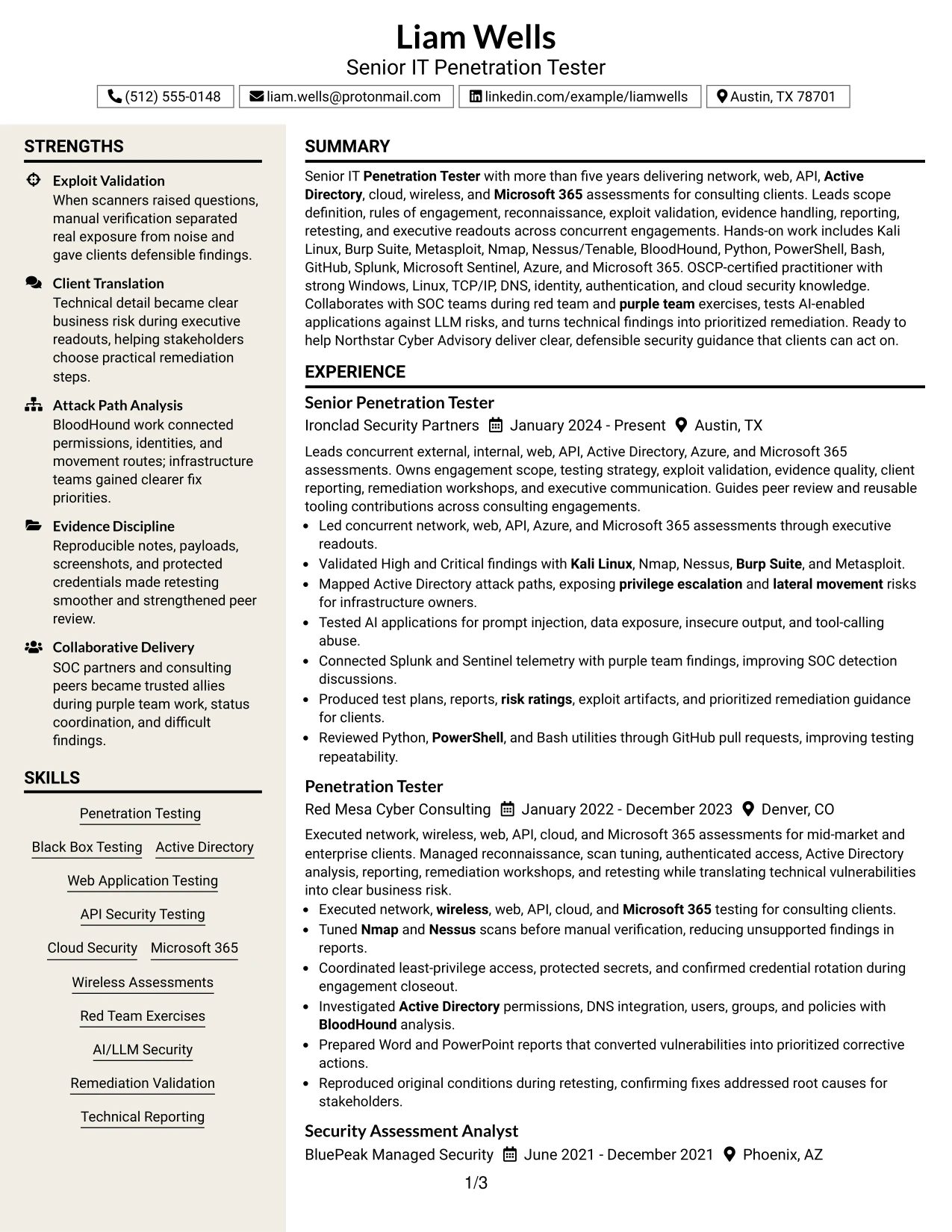
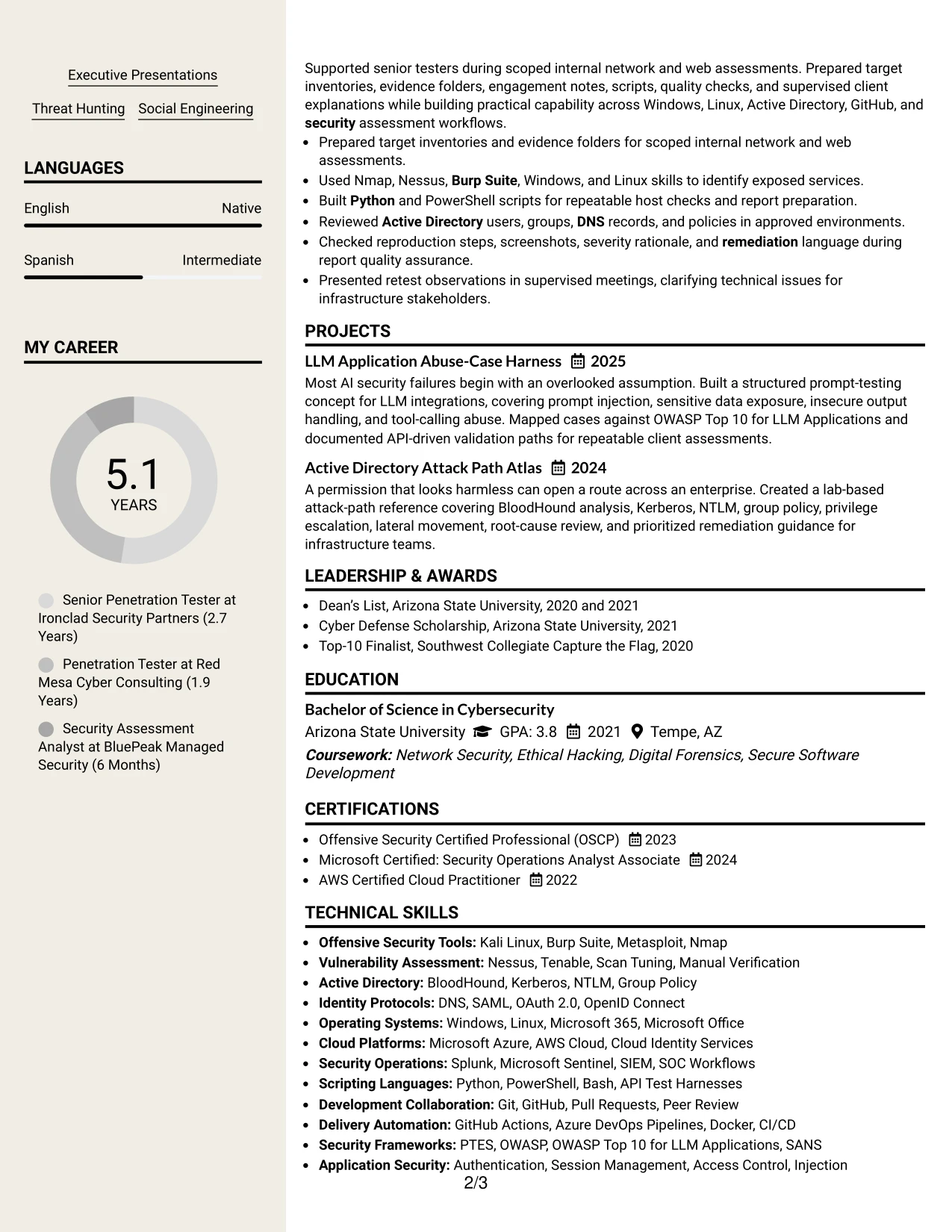
#7 Stylish Two Column Designer Format Resume Example
The Stylish Two Column Designer Format organizes the resume through strong section markers and a deliberate split between evidence and supporting details. The main area can carry achievement bullets, projects, and employment history, while the side area presents skills, certifications, education, and selected tools.
Its designer treatment should serve scan-and-structure needs, not replace substance. The strongest content remains specific: High and Critical finding validation, reproducible evidence, attack path mapping, AI application tests, SOC telemetry review, and remediation workshops.
Why the Stylish Two Column Designer Format Works for a Resume
- Distinct section markers help reviewers locate experience and qualifications quickly.
- The main column gives high-value security evidence a clear reading order.
- The supporting column reduces clutter around tools, certifications, and education.
- Projects can demonstrate focused technical work beside formal employment history.
- Visual grouping helps separate testing methods from client delivery responsibilities.
- The format supports concise bullets without making the document feel crowded.
- A consistent hierarchy keeps design choices subordinate to ATS-readable content.
Best For
- Candidates wanting a polished structure around strong technical evidence
- Resumes with distinct project work that deserves separate visibility
- Documents combining detailed experience with compact qualification groups
- Reviewers who prefer clear visual markers during a fast scan
- Applications where attack validation and remediation should lead the page
- Profiles with many tools that need grouping instead of repetition
- PDF resumes that require design interest without sacrificing readable text
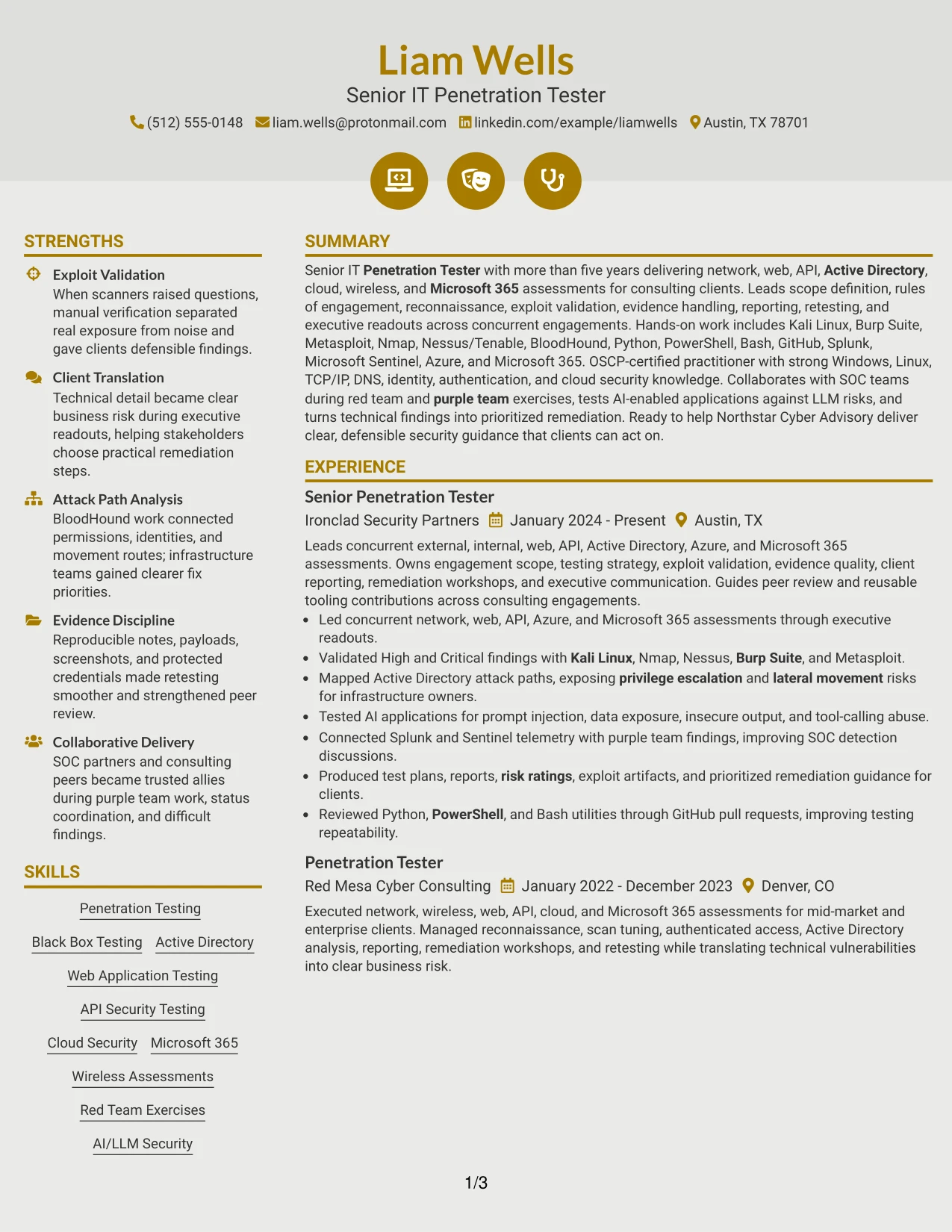
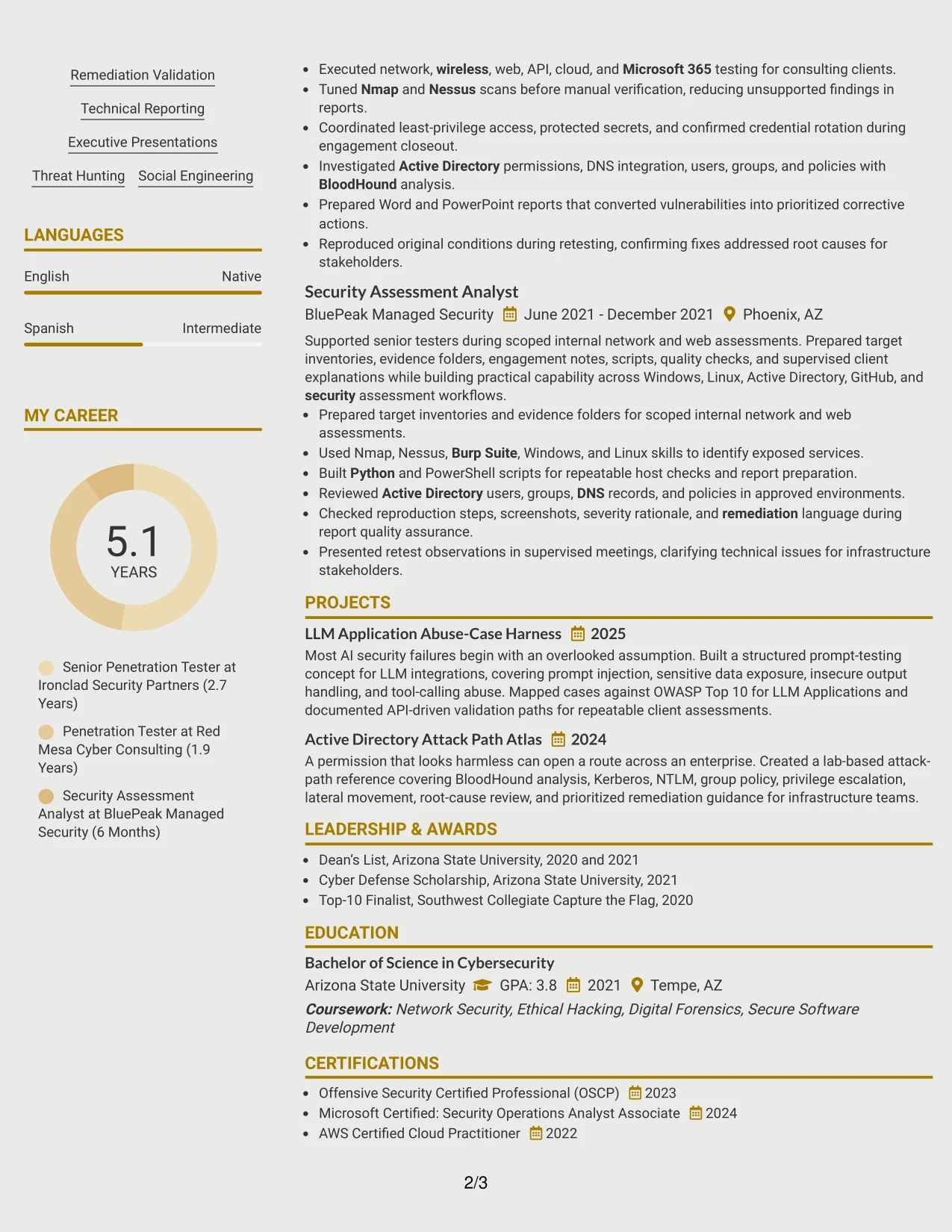
#8 Modern Icon Format Resume Example
Readers move through the Modern Icon Format in a single column, using small visual markers to distinguish experience, skills, projects, education, and certifications. That order supports a complete review of a Senior IT Penetration Tester resume without requiring the reader to move between side panels.
The one-column structure is useful when the content volume is high. Full-width bullets can describe concurrent assessments, scan tuning, manual verification, authenticated testing, attack path analysis, and executive reporting, while icons provide light navigation rather than replacing meaningful headings.
Why the Modern Icon Format Works for a Resume
- A single column preserves a predictable reading sequence for detailed work history.
- Icons can separate sections while familiar text headings support ATS parsing.
- Full-width bullets give technical actions and outcomes enough room.
- The format accommodates tools, protocols, certifications, and projects in one flow.
- Assessment scope and reporting responsibilities remain visible near each role.
- Visual markers add navigation without relying on decorative graphics alone.
- The structure works well when the resume includes both broad and specialized testing evidence.
Best For
- Resumes with high content volume across experience and technical skills
- Candidates who need full-width bullets for complex assessment work
- Applications where one continuous reading path improves review speed
- Documents combining certifications, projects, education, and employment history
- Reviewers who value light visual navigation with clear text labels
- Profiles covering multiple testing environments and reporting duties
- ATS-conscious resumes that still benefit from modest visual markers
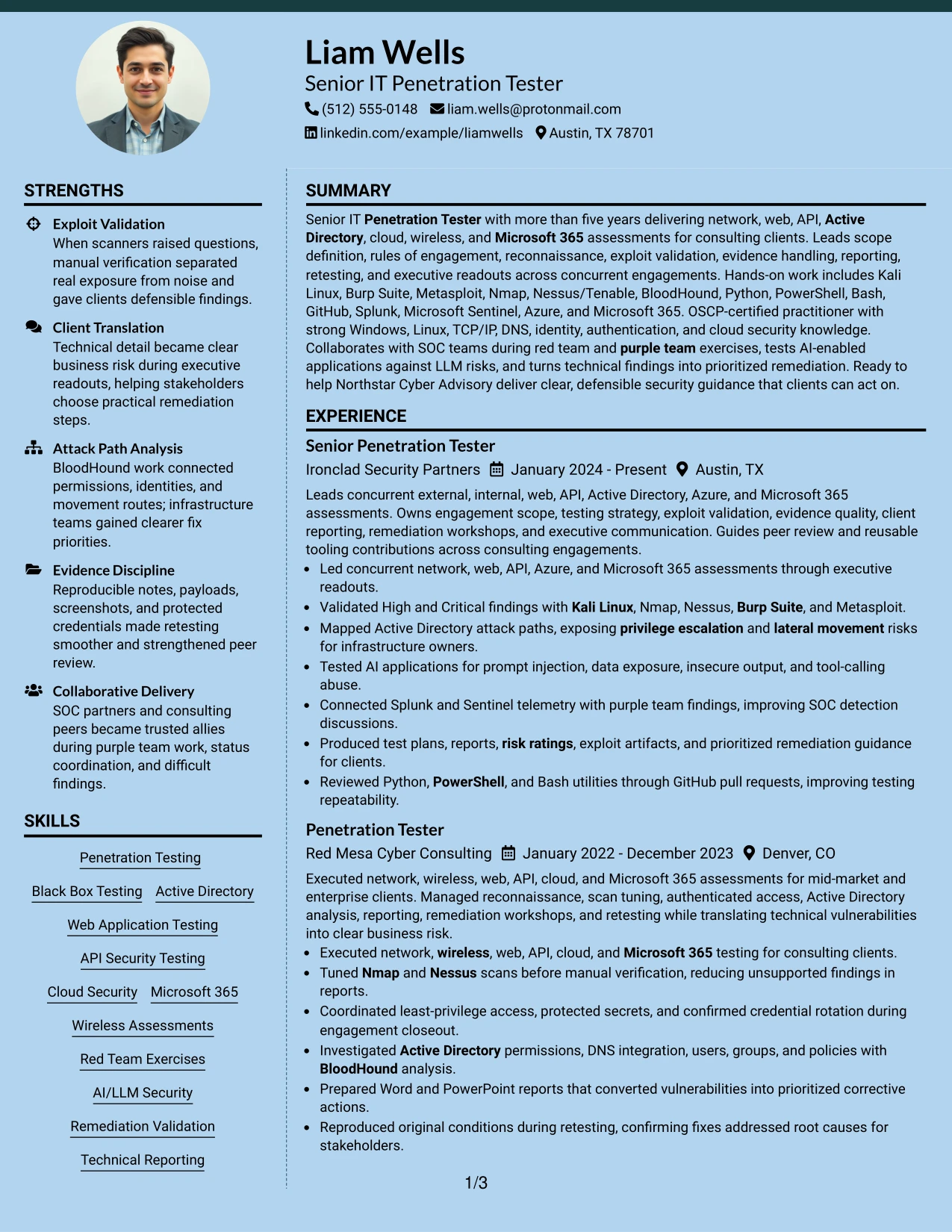
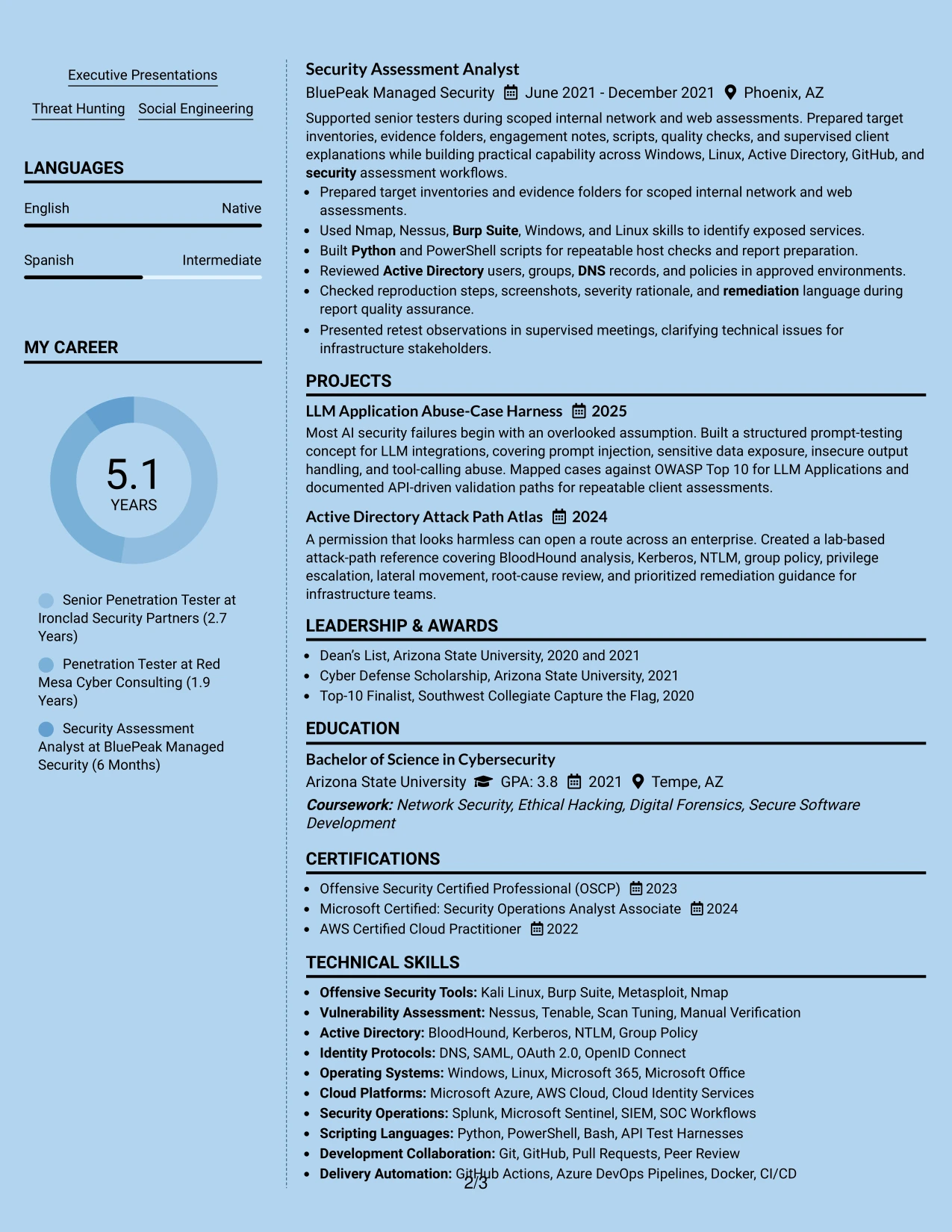
#9 Modern Full Background Two Column Format Resume Example
Validated evidence leads the reading experience: assessment actions, confirmed exploitability, attack paths, and remediation guidance should remain prominent against the modern background treatment. The Modern Full Background Two Column Format places that evidence in the main column and keeps tools, certifications, and supporting details grouped alongside it.
The background design can add visual separation, but text contrast and section order must remain strong. A reviewer should quickly find network, web, API, cloud, Active Directory, Microsoft 365, and AI security work, followed by the tools and credentials that support those claims.
Why the Modern Full Background Two Column Format Works for a Resume
- The main column gives confirmed findings and risk guidance first priority.
- A supporting column keeps tools and credentials available without crowding evidence.
- Strong contrast can preserve readability across a visually modern page.
- Experience bullets can connect assessment actions with remediation outcomes.
- Projects add technical depth while remaining separate from routine responsibilities.
- The layout supports broad testing coverage and specialized AI security work.
- Clear text hierarchy protects ATS and human review from the background treatment.
Best For
- Resumes where confirmed findings should lead the visual hierarchy
- Candidates presenting both broad assessment coverage and focused security projects
- Documents that need a modern background while preserving readable evidence
- Applications requiring visible tools, certifications, and remediation experience
- Reviewers comparing technical actions with risk and client guidance
- Profiles with enough content to benefit from a main column and support column
- PDF submissions where contrast and section order can be carefully checked
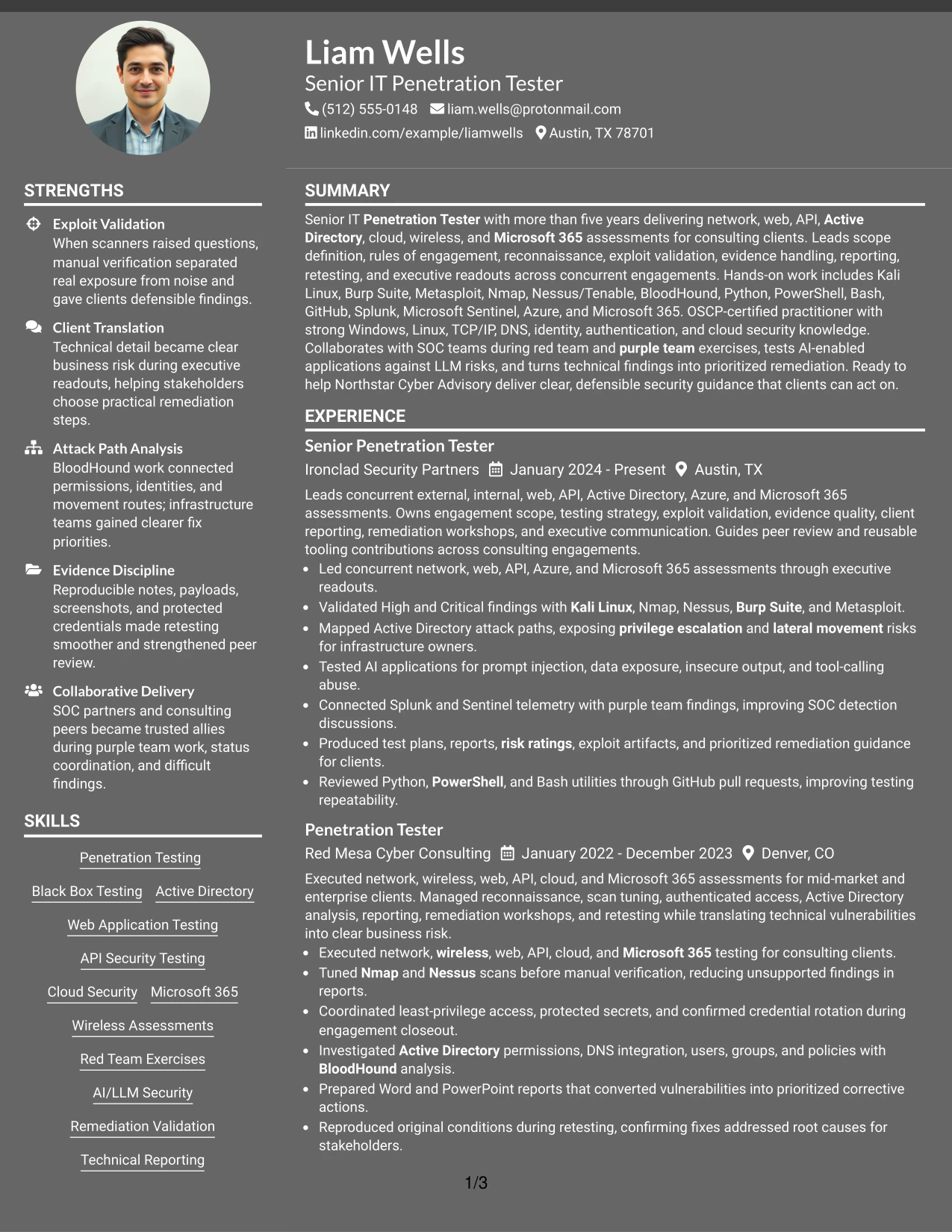
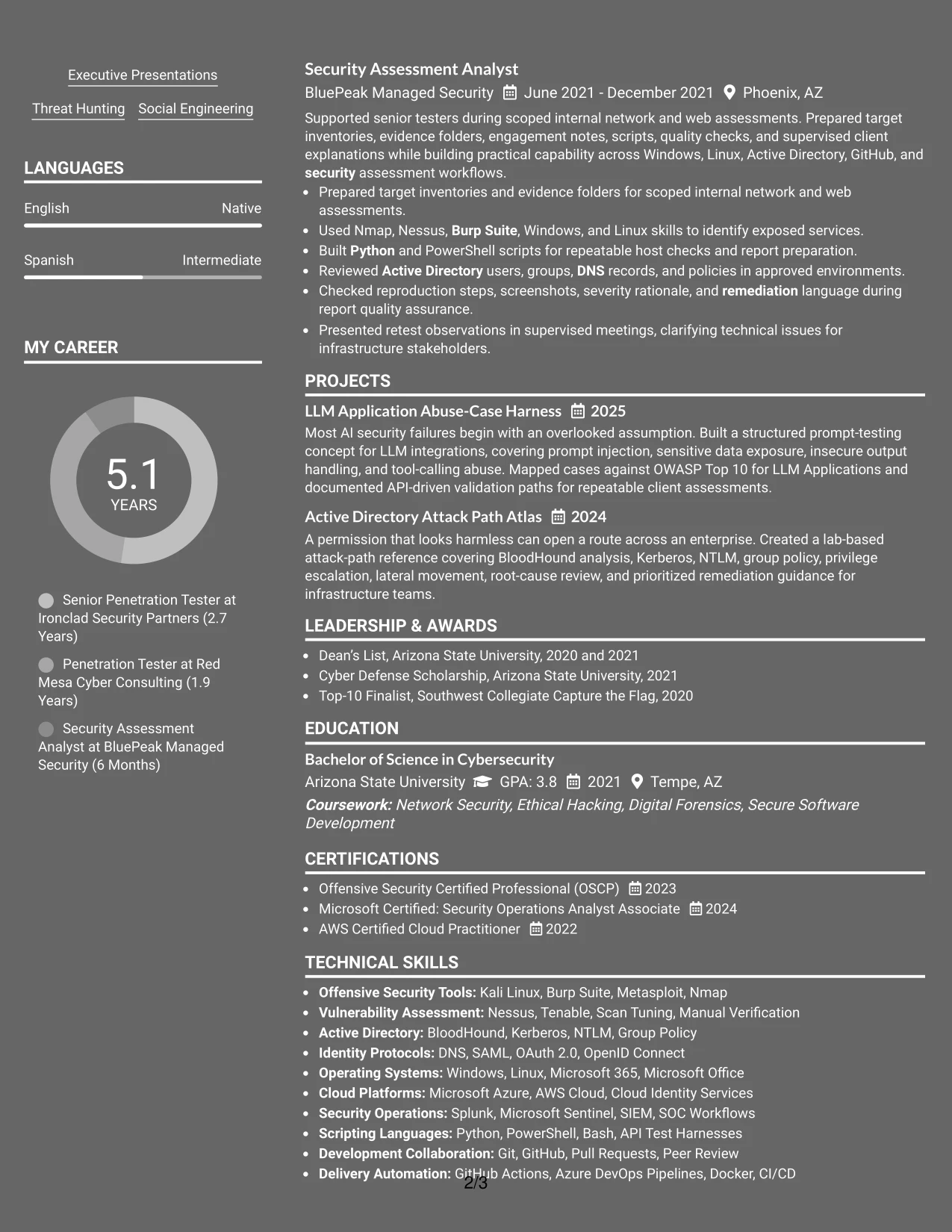
#10 Dark Mode Two Column Format Resume Example
Practical application needs come first: the resume must remain readable when reviewed on screen, exported to PDF, or scanned for required security terms. The Dark Mode Two Column Format distributes experience and evidence across one column while grouping tools, certifications, projects, and education in the other.
The dark treatment can create strong separation, but content hierarchy still does the work. Liam Wells's resume can use the main area for concurrent assessment delivery, validated High and Critical findings, attack path mapping, and client reporting, with the supporting area reserved for technical keywords and credentials.
Why the Dark Mode Two Column Format Works for a Resume
- Two columns give detailed consulting work and supporting qualifications separate space.
- A dark visual treatment can create clear section boundaries on screen.
- The main column keeps validation, reporting, and remediation evidence prominent.
- The supporting column makes tools, platforms, and certifications easy to find.
- Careful contrast supports digital reading without weakening section hierarchy.
- Projects can show specialized LLM and Active Directory work beside employment history.
- The format suits a polished PDF when text remains selectable and readable.
Best For
- Screen-first resume applications with a polished digital presentation
- Candidates who need separate areas for consulting evidence and technical keywords
- Documents combining detailed employment history with focused security projects
- Applications where validated findings and reporting must remain central
- Reviewers scanning a structured PDF on a laptop or monitor
- Profiles with broad tools and certifications that benefit from side grouping
- Candidates who can verify contrast, text selection, and PDF readability before submission
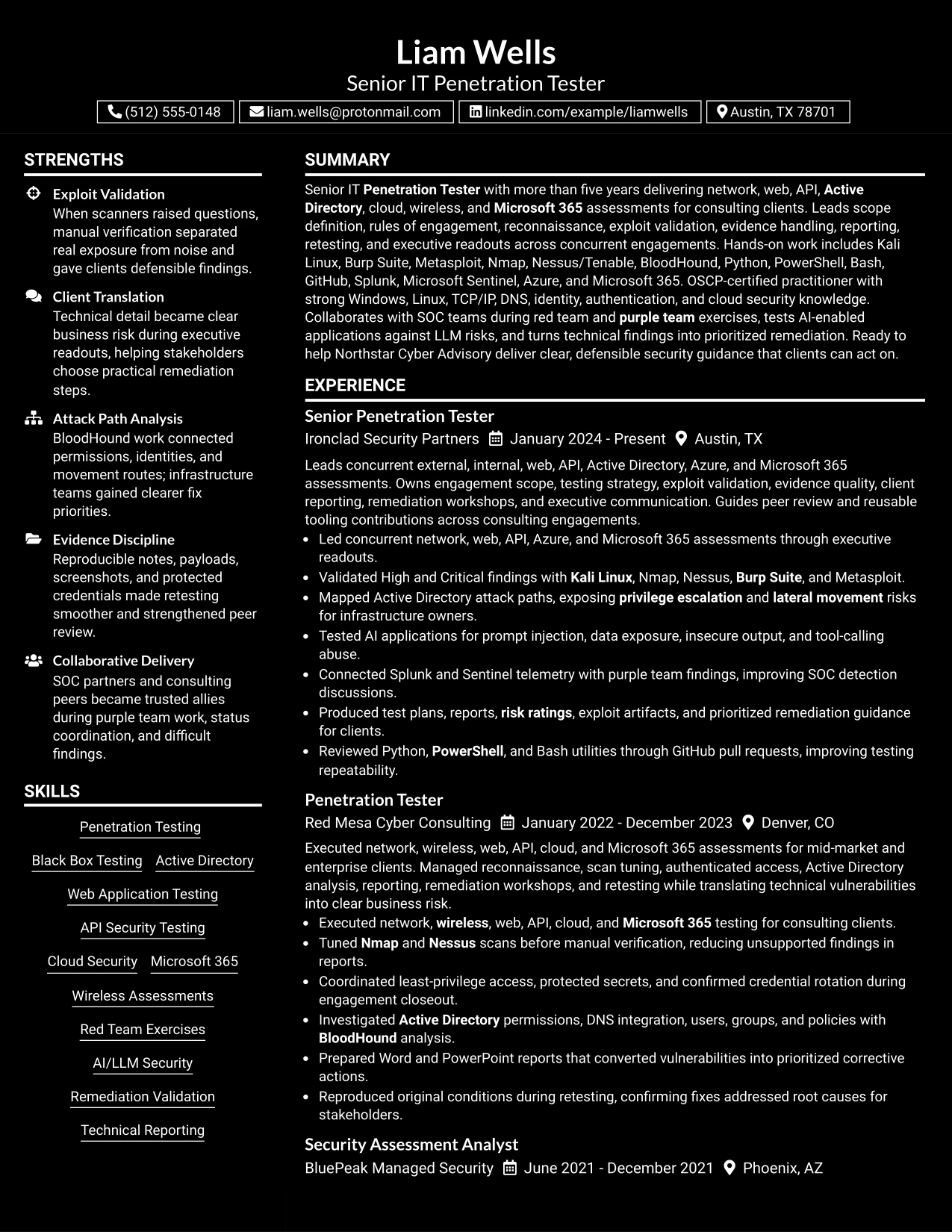
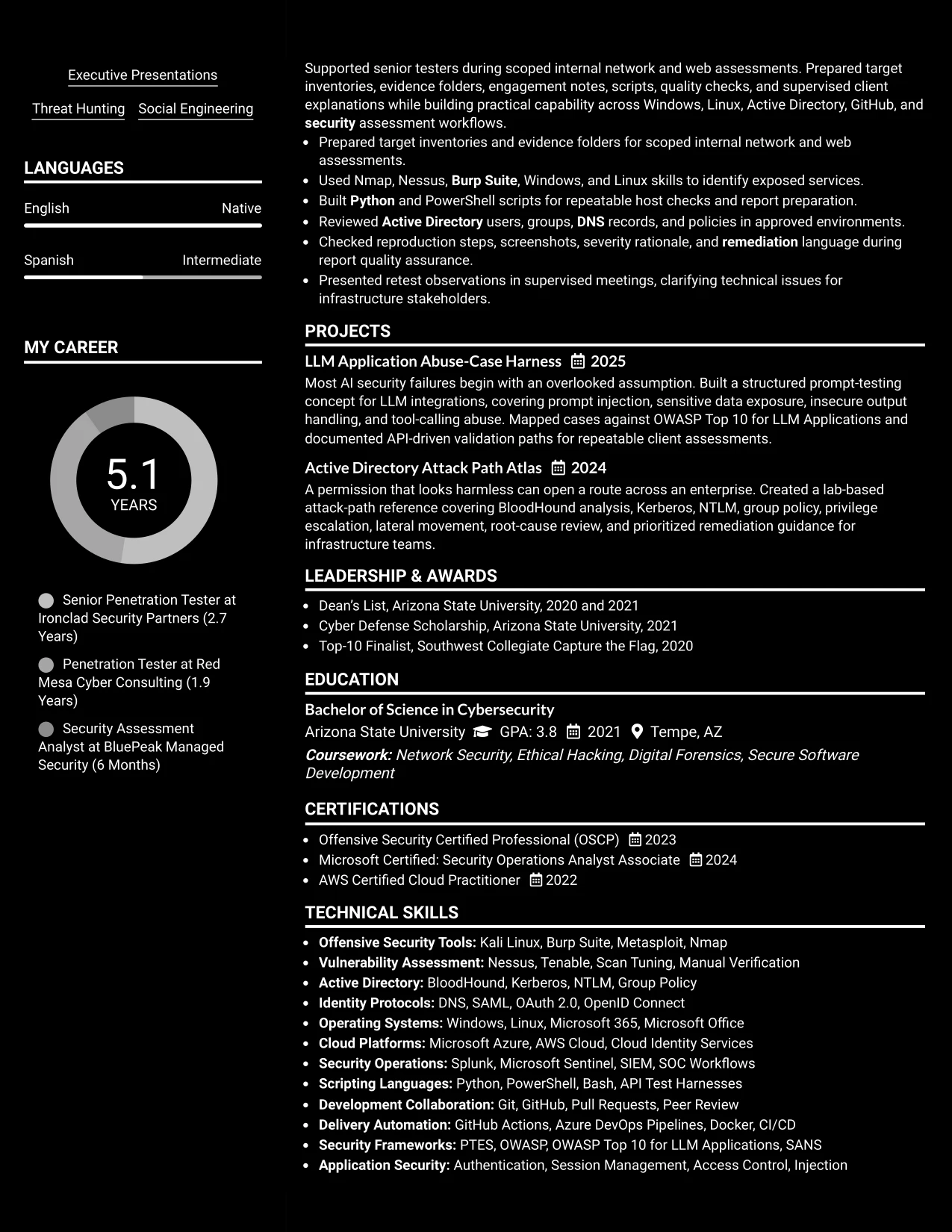
#11 Dark Mode Box Header Format Resume Example
A practical application can use the boxed header to establish the target role, contact details, and summary before the reader enters a single-column record of experience and qualifications. The Dark Mode Box Header Format keeps the page visually focused while giving each section enough width for technical resume content.
The main sequence can move from summary to experience, projects, skills, certifications, and education. That order supports detailed bullets about reconnaissance, manual verification, Active Directory, AI-enabled applications, SIEM collaboration, scripting, reports, and remediation without the complexity of multiple reading paths.
Why the Dark Mode Box Header Format Works for a Resume
- A boxed header gives the target role and contact details a clear starting point.
- One column keeps complex technical bullets in a stable reading order.
- Full-width sections support detailed evidence about assessment delivery.
- The format can present projects and certifications without narrowing experience text.
- Dark accents create visual focus while familiar headings preserve usability.
- Skills remain easy to scan when grouped beneath the experience record.
- The structure works well for a polished digital resume with substantial content.
Best For
- Digital applications needing a strong, compact role header
- Candidates who want full-width space for technical achievement bullets
- Resumes with detailed projects, certifications, and assessment experience
- Reviewers who prefer one stable path from summary through education
- Profiles that combine offensive security, SIEM, scripting, and reporting work
- Applications where a dark accent can add distinction without complex columns
- PDF resumes that need clear section breaks and readable long-form content
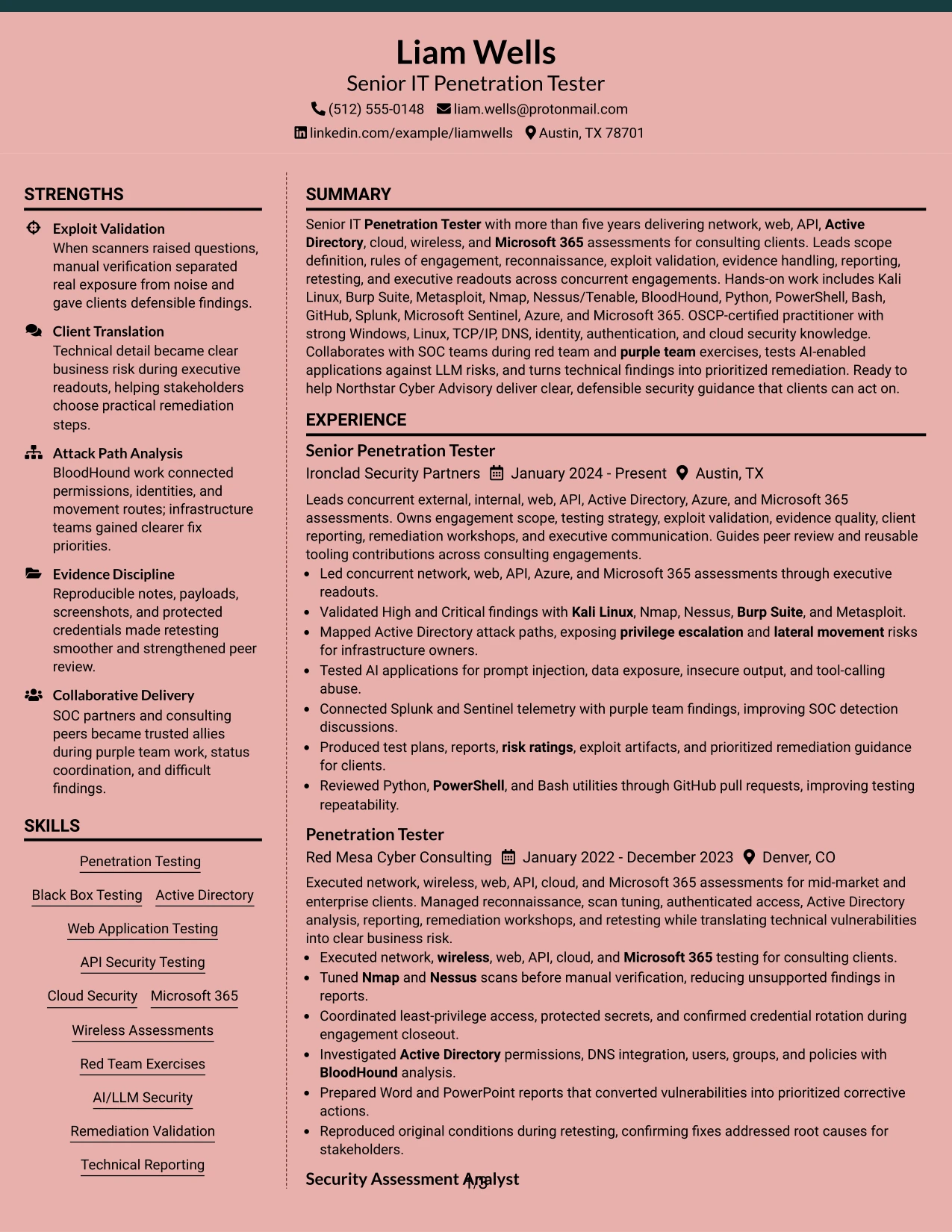
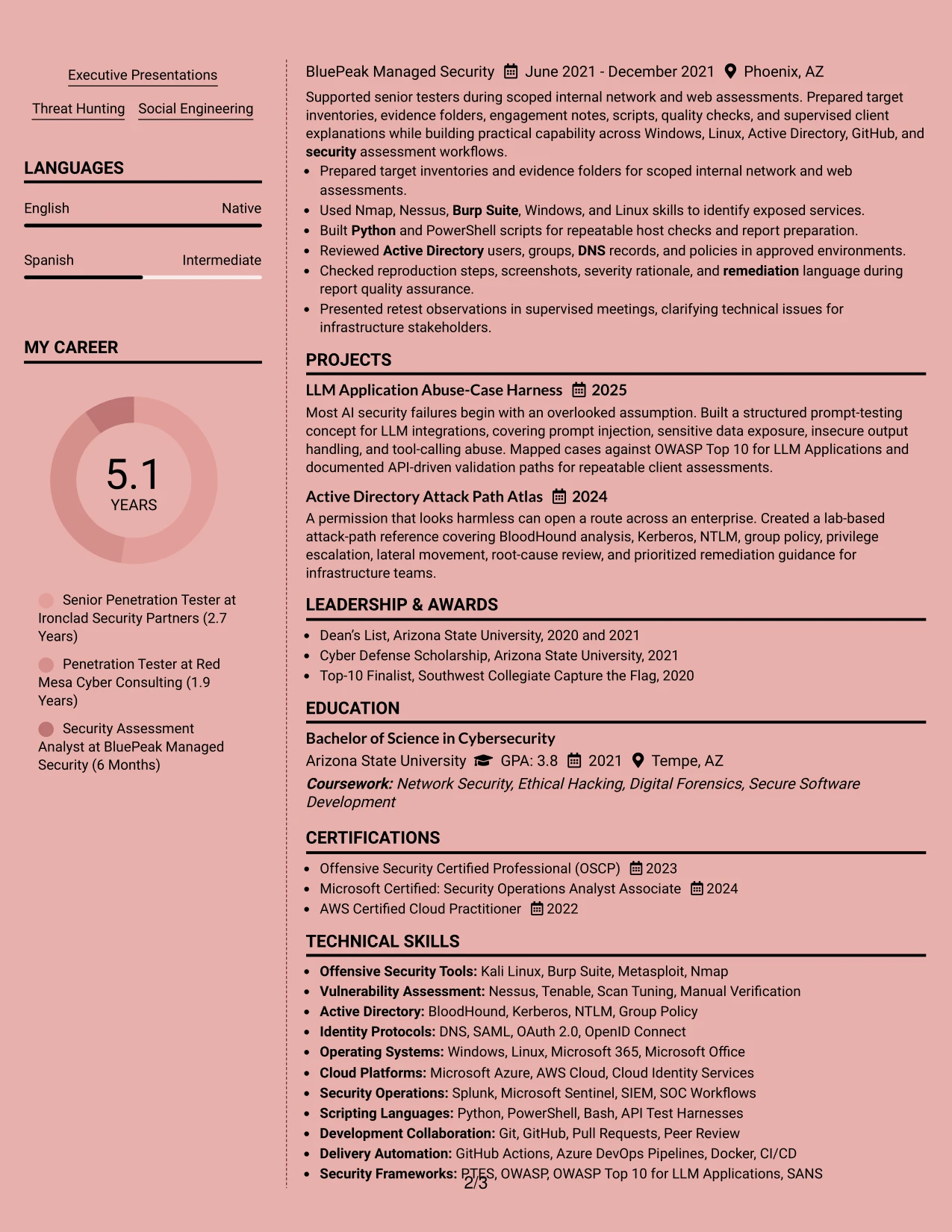
#12 Elegant Full Background Two Column Format Resume Example
A restrained visual hierarchy gives this resume a polished first impression while keeping the content easy to inspect. The two-column structure separates supporting skills, certifications, and tools from the main experience and project evidence.
The format suits a Senior IT Penetration Tester resume because it can show broad assessment coverage without losing the strongest proof points. Clear headings support ATS parsing, while focused bullets present exploit validation, Active Directory analysis, AI security testing, reporting, and remediation work.
Why the Elegant Full Background Two Column Format Works for a Resume
- Two columns create a clear distinction between core experience and supporting qualifications.
- The main column gives professional experience enough width for detailed achievement bullets.
- A compact side column can group tools such as Kali Linux, Burp Suite, Nmap, and BloodHound.
- Certifications and education remain visible without interrupting the work history.
- Strong section labels help readers find network, web, API, cloud, and Microsoft 365 testing evidence.
- The structure supports technical keywords while keeping the page visually ordered.
- A polished background treatment adds distinction without replacing standard resume hierarchy.
Best For
- Resumes that need to present broad assessment coverage in a controlled two-column structure.
- Candidates who want tools and certifications visible beside detailed work history.
- Applications where ATS-readable headings must coexist with a refined visual presentation.
- Professionals with several testing environments, delivery duties, and supporting credentials.
- Resumes that need room for projects without making the experience section feel crowded.
- Readers who prefer a quick qualifications scan before reviewing detailed evidence.
- Technical consulting applications that balance client delivery, documentation, and hands-on testing.
#13 Creative Two Tone Format Resume Example
The Creative Two Tone Format uses one clear content column with a controlled color change between visual areas. That structure keeps the resume linear, so readers can move from the summary to experience, projects, education, certifications, and skills without searching across panels.
For a Senior IT Penetration Tester resume, the design can highlight technical evidence in a familiar order. Bullets can show validated findings, attack path analysis, reporting, retesting, and tooling contributions, while the tone shift adds visual interest without hiding ATS-friendly text.
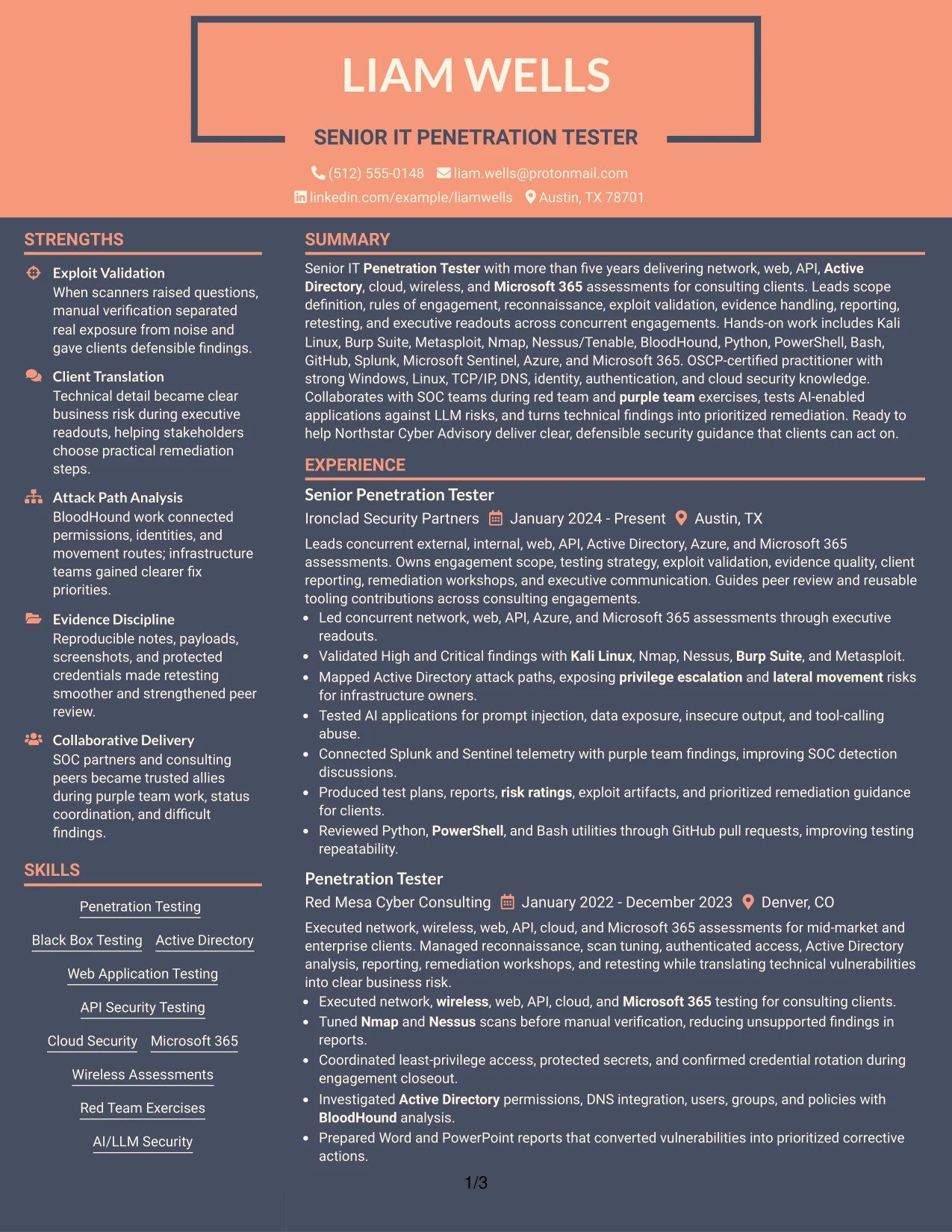
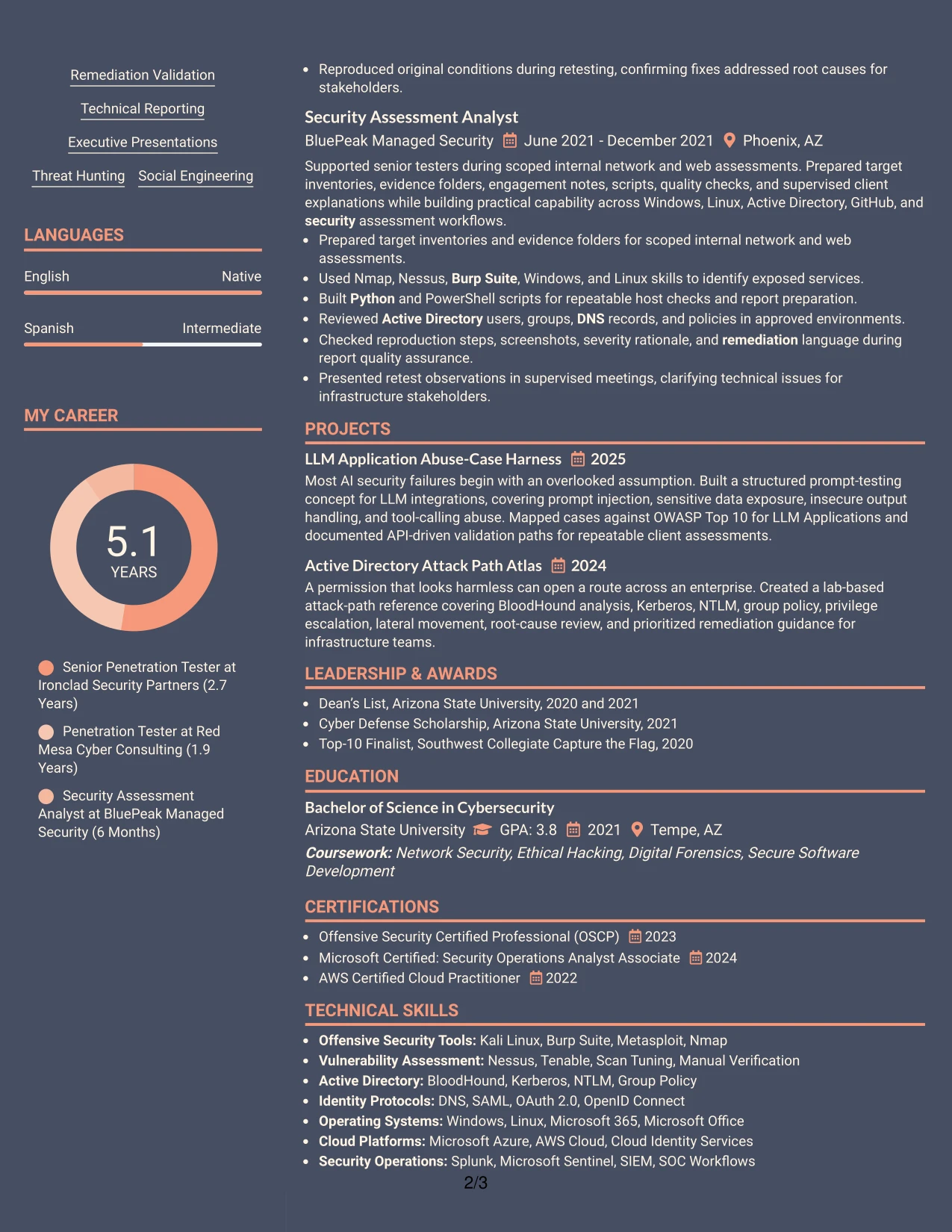
Why the Creative Two Tone Format Works for a Resume
- A single reading path supports quick review of the summary and employment history.
- Two restrained tones distinguish sections without creating separate content tracks.
- Experience bullets can carry detailed evidence while remaining easy to locate.
- Projects provide a natural place to show AI application testing and attack path work.
- Skills can list tools, protocols, platforms, and frameworks in searchable text.
- The format keeps education and certifications visible in the same document flow.
- Consistent headings reduce the risk that visual design will disrupt ATS interpretation.
Best For
- Resumes that need a creative touch while preserving a straightforward one-column reading order.
- Applications where experience bullets should remain the main source of evidence.
- Candidates combining consulting delivery, technical projects, and certification details.
- Documents that benefit from visual section separation without using side-by-side content.
- ATS-conscious resumes that still need a distinct but restrained presentation.
- Readers who prefer to assess qualifications from top to bottom.
- Technical roles where tools and frameworks should appear as supporting evidence rather than isolated graphics.
#14 Minimal Header Format Resume Example
Readers move from the centered header into the summary, recent experience, earlier experience, projects, and qualifications in a direct sequence. This order makes the most current work easy to find before the reader reaches supporting details.
The Minimal Header Format is useful for a Senior IT Penetration Tester resume with substantial experience and many technical keywords. A clean header preserves space for detailed bullets covering assessment scope, exploit validation, client reports, SIEM work, and remediation validation.
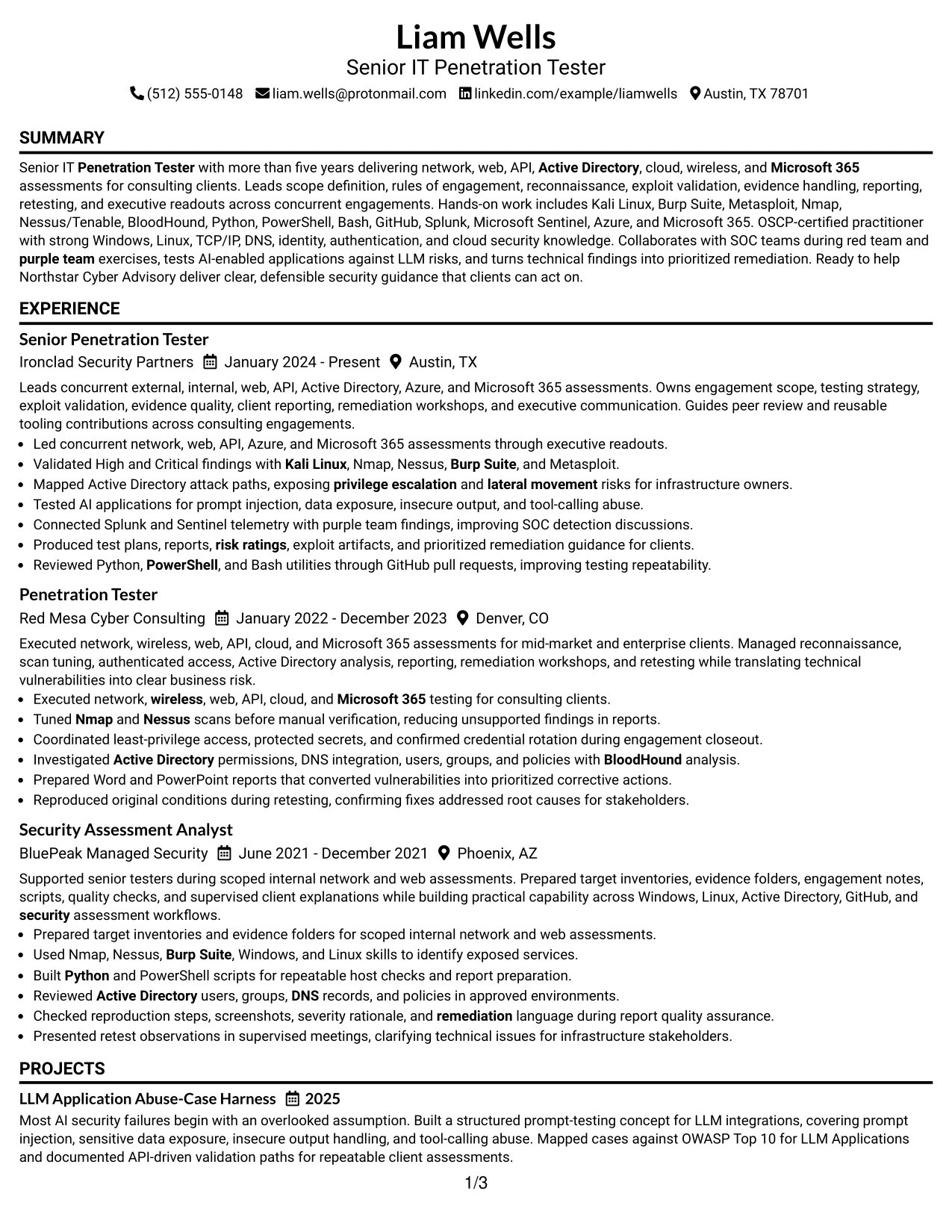
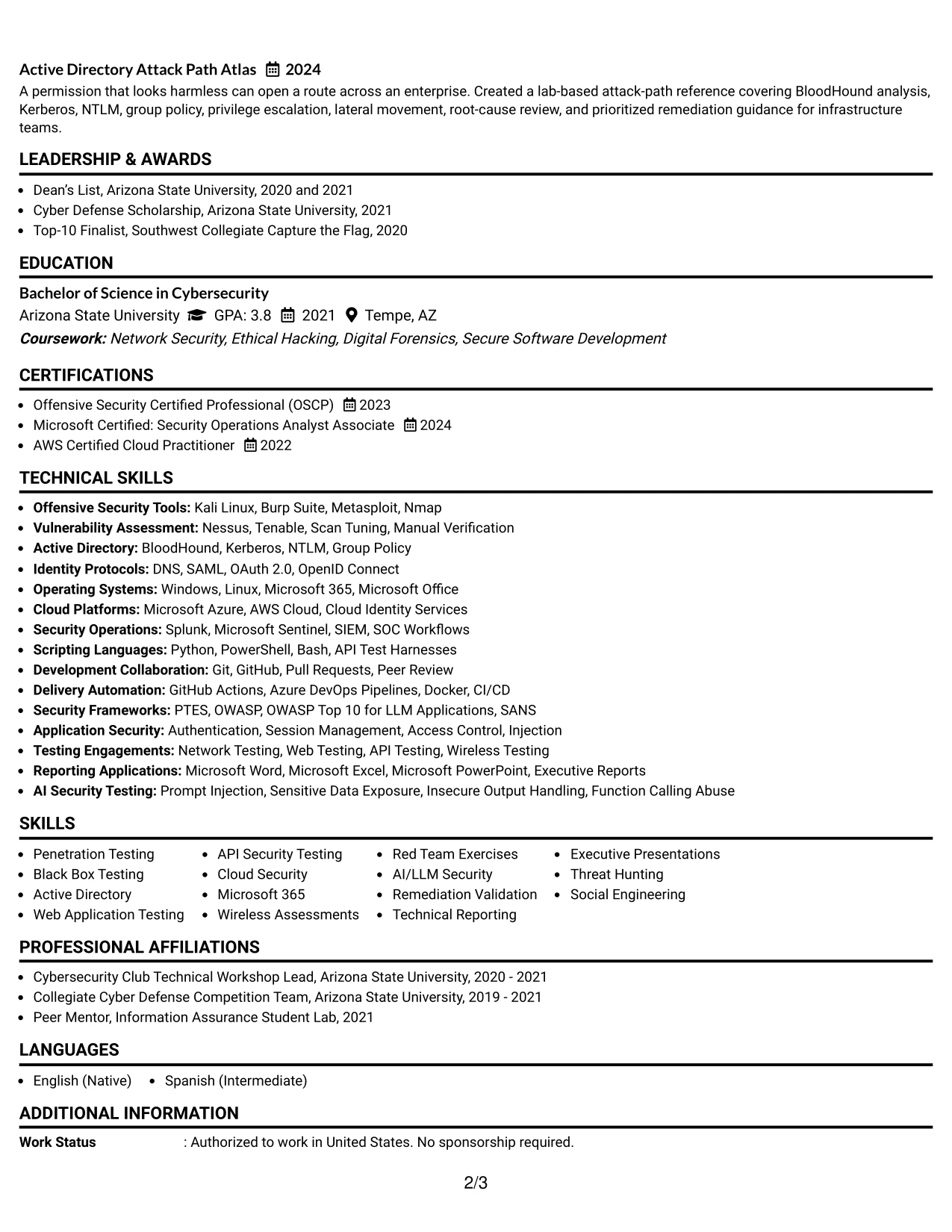
Why the Minimal Header Format Works for a Resume
- A compact header leaves more page space for professional experience.
- The linear structure makes recent roles and responsibilities easy to identify.
- Longer achievement bullets can explain testing methods and client deliverables clearly.
- Projects can add focused evidence without competing with employment history.
- A dedicated skills area can hold tools, protocols, platforms, and security frameworks.
- Certifications remain easy to verify near the education and skills sections.
- Simple spacing supports both human scanning and machine-readable text extraction.
Best For
- Resumes with a substantial work history that need maximum space for evidence.
- Applications where recent roles should appear immediately after the professional summary.
- Candidates presenting several tools, protocols, certifications, and project areas.
- Documents that rely on detailed bullets rather than decorative visual elements.
- ATS-focused submissions requiring a clean sequence of standard resume sections.
- Readers who want to follow one uninterrupted path through the document.
- Technical consulting resumes that must fit reporting, retesting, and client delivery details.
#15 Plain One Column with Shaded Labels Resume Example
Validated findings receive priority in this resume because they show what the work produced, not only which tools were used. Bullets can connect reconnaissance, manual verification, evidence collection, risk ratings, and remediation steps in a clear sequence.
The Plain One Column with Shaded Labels format places visual markers beside standard resume sections. For a Senior IT Penetration Tester resume, that structure supports evidence-rich descriptions of network, web, API, Active Directory, cloud, Microsoft 365, and AI-enabled application assessments.
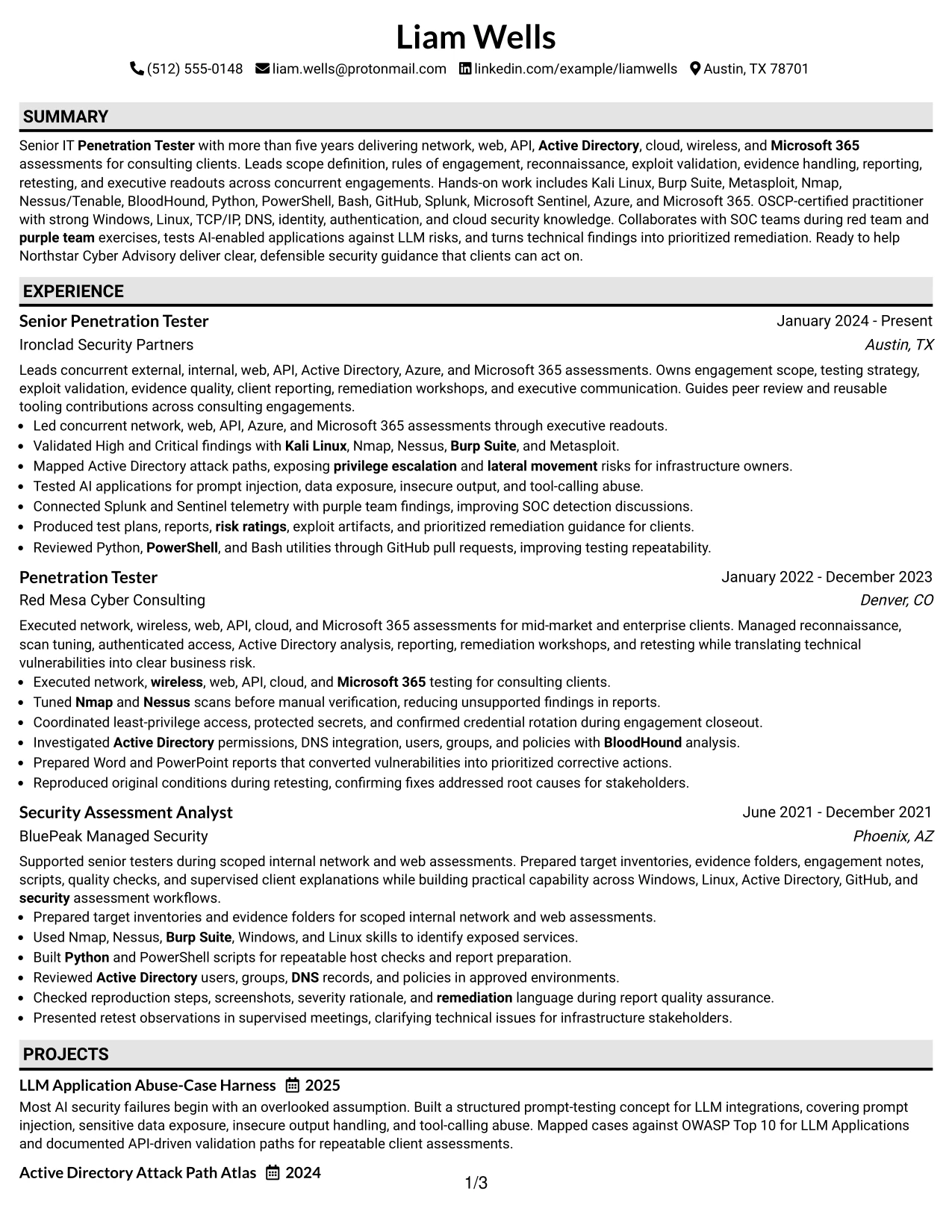
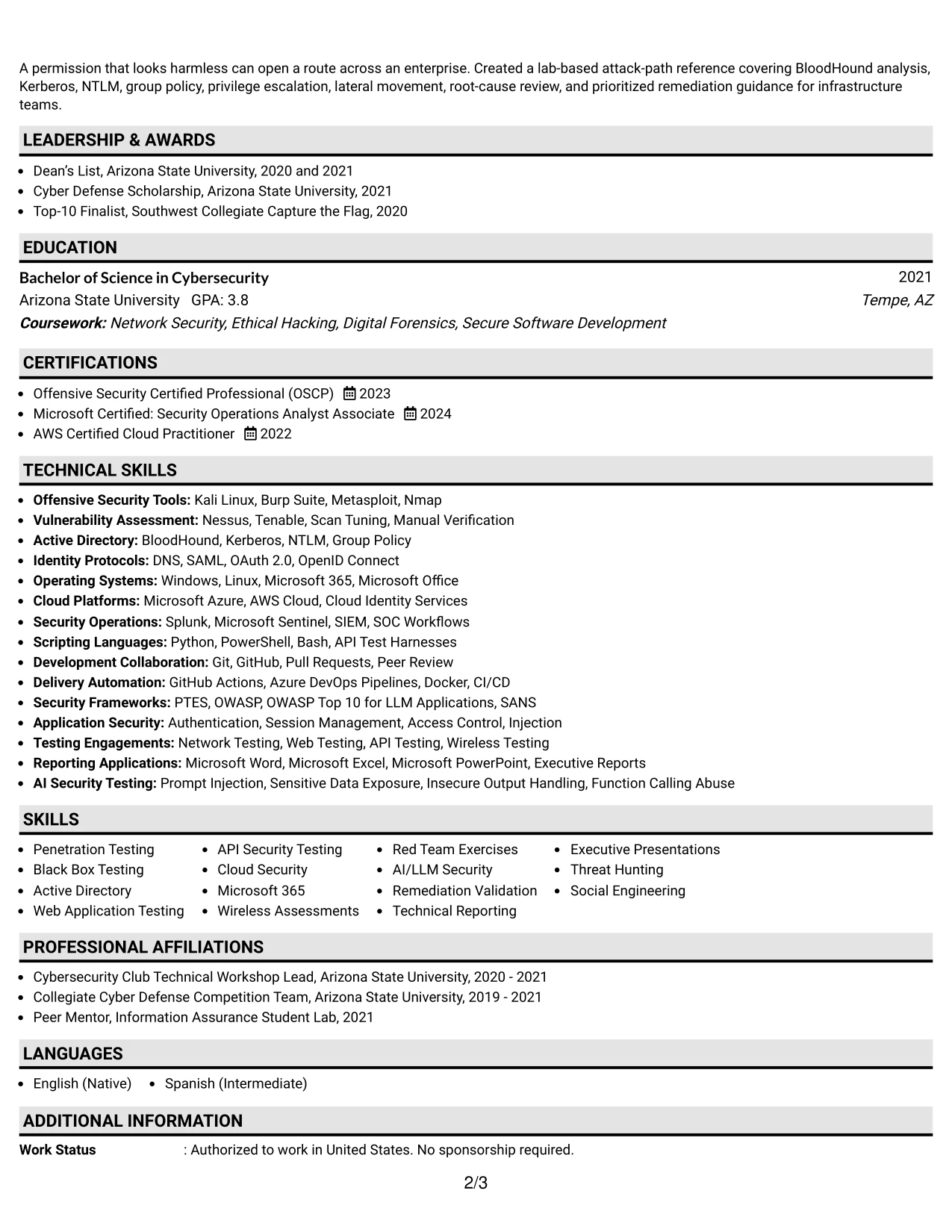
Why the Plain One Column with Shaded Labels Works for a Resume
- Shaded labels help readers locate experience, education, projects, and skills quickly.
- One column gives each achievement bullet a full line width for technical detail.
- Manual verification and confirmed exploitability can stand out from basic scan activity.
- Evidence handling, proof-of-exploit artifacts, and retesting fit naturally into work bullets.
- The design supports clear separation between responsibilities, tools, and outcomes.
- Standard text labels remain useful for ATS parsing and keyword matching.
- A plain presentation keeps attention on risk findings and practical remediation guidance.
Best For
- Resumes where confirmed findings and measurable work evidence should lead the review.
- Candidates who need full-width bullets for technical testing detail.
- Applications requiring clear separation of assessment methods, results, and remediation.
- Documents that include both client delivery records and internal tooling contributions.
- ATS submissions where shaded labels add guidance without replacing text headings.
- Readers comparing testing scope across multiple roles and engagement types.
- Technical resumes that must make evidence handling and retesting easy to verify.
#16 Text/Fang Style Resume Example
Content is balanced between detailed work evidence and compact supporting sections, giving the resume a calm and readable rhythm. The layout can hold substantial technical information without making every section compete for attention.
The Text/Fang Style works well when the application requires both depth and practical review speed. A Senior IT Penetration Tester resume can use the main area for engagement delivery and place skills, certifications, education, and projects in a measured supporting order.

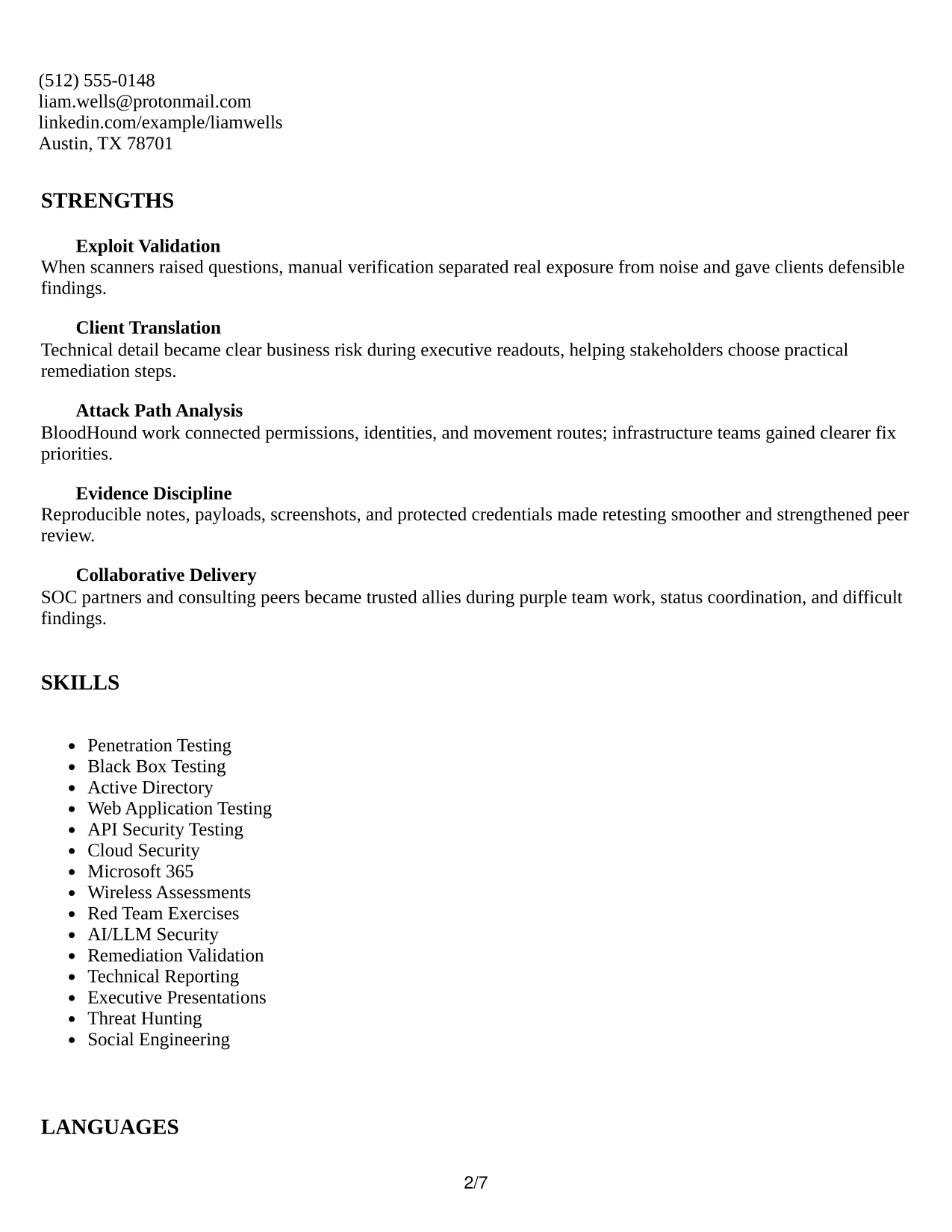
Why the Text/Fang Style Works for a Resume
- Balanced spacing helps detailed bullets remain readable across several roles.
- The structure supports a complete account of scoping, execution, reporting, and retesting.
- Technical tools can be grouped by purpose instead of scattered through the document.
- Project entries can show structured prompt testing and Active Directory research.
- Education and certifications remain visible without taking focus from experience.
- A consistent text treatment supports clear ATS extraction.
- The format works for applications that need both technical depth and professional restraint.
Best For
- Applications that require a complete account of testing from scope through retesting.
- Resumes combining client engagements with focused security research projects.
- Candidates who need room for tools, protocols, frameworks, and delivery methods.
- Documents where readable density matters more than decorative design.
- Professional services submissions that must show reports, workshops, and executive readouts.
- Readers evaluating technical depth alongside organization and documentation practice.
- Roles where practical remediation guidance should appear beside testing evidence.
#17 Bold Color Header Professional Format Resume Example
In a practical application, the top header can establish the target role and contact details before the reader reaches the evidence. The bold color band gives the resume a clear entry point while leaving the body available for standard sections and detailed bullets.
For a Senior IT Penetration Tester application, the format can pair a strong opening hierarchy with proof of client assessments, High and Critical finding validation, SIEM collaboration, and reusable scripting. The body remains professional and searchable rather than relying on color to explain qualifications.
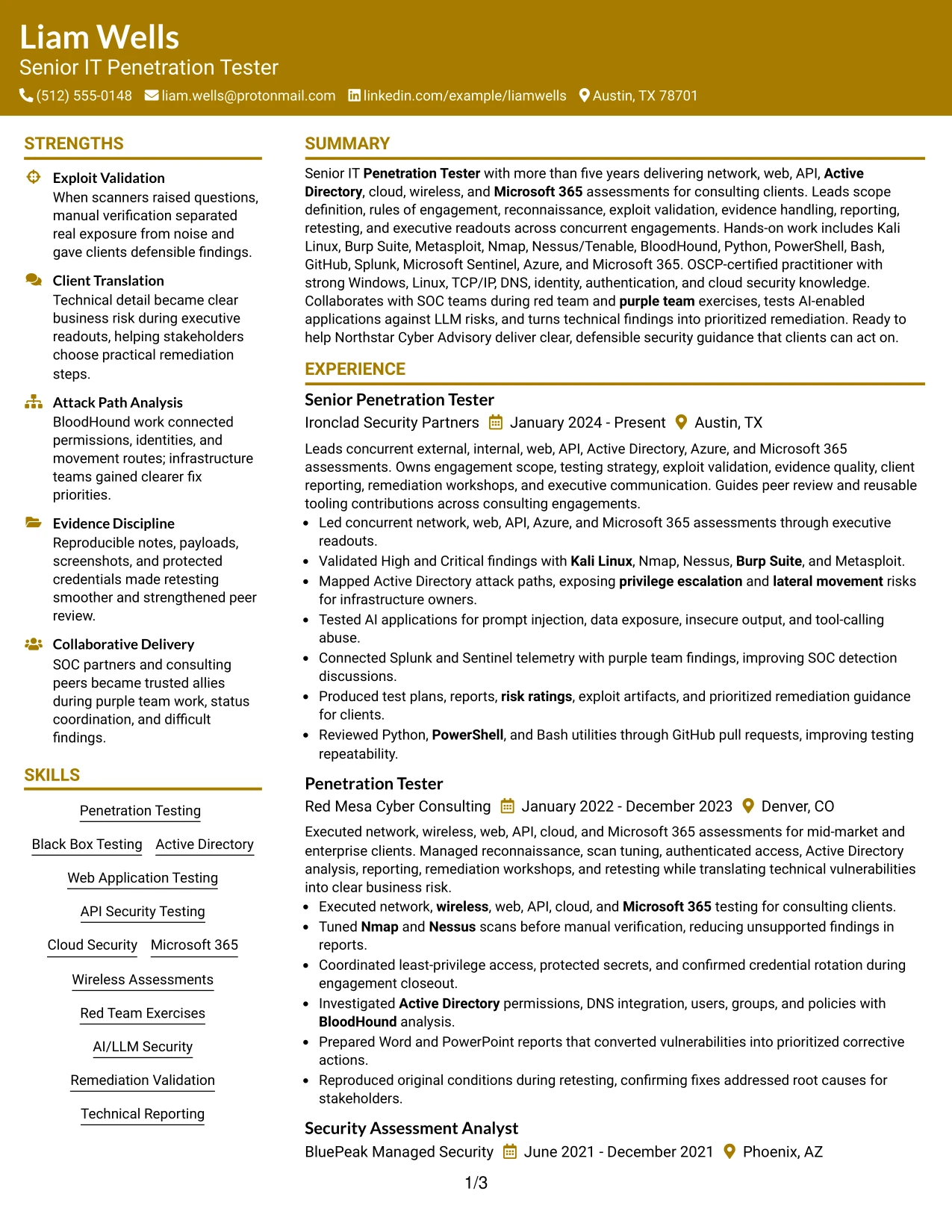
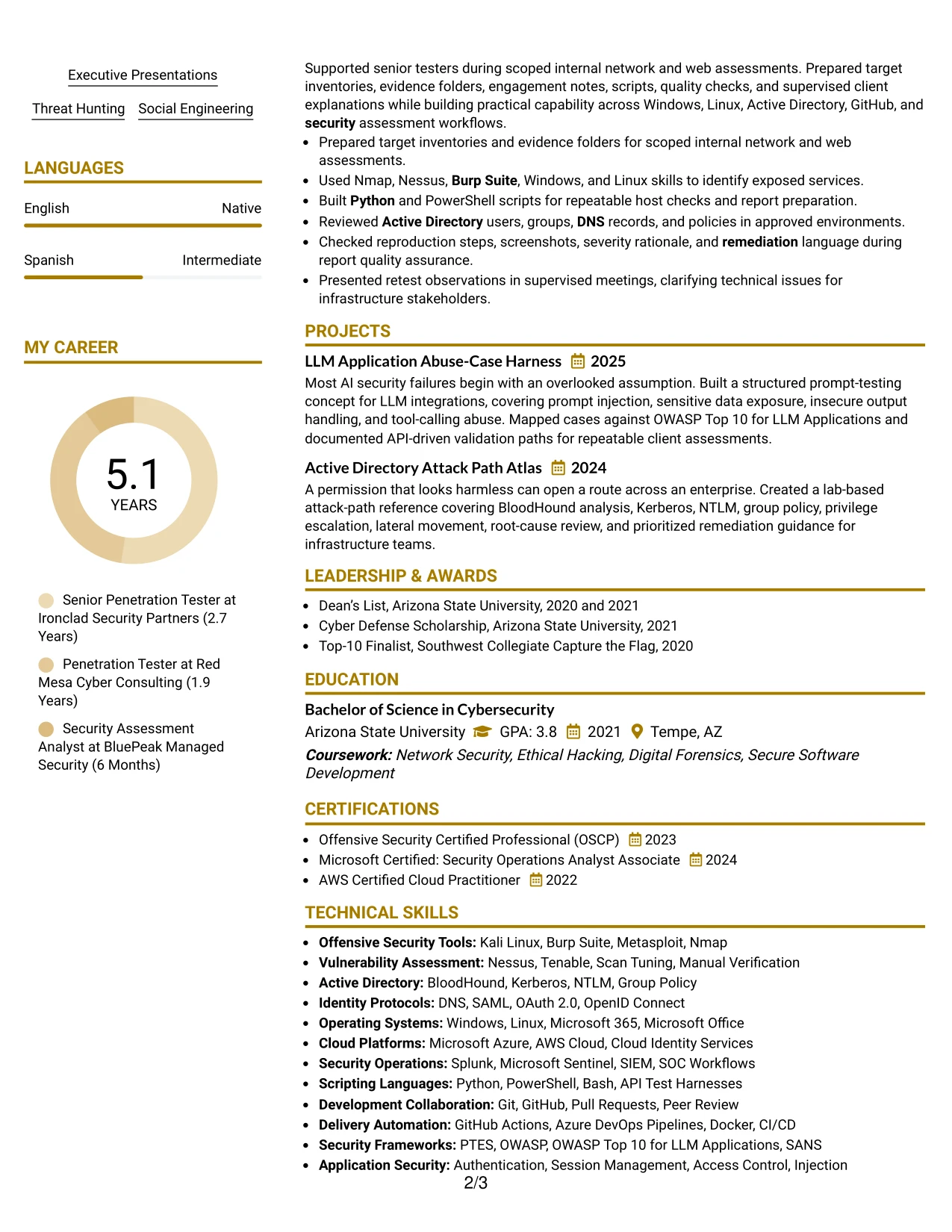
Why the Bold Color Header Professional Format Works for a Resume
- The prominent header makes the target role easy to identify at the start.
- A single-column body keeps work history and projects in a predictable order.
- Color concentrates visual attention at the top instead of interrupting technical bullets.
- The format leaves room for tools, certifications, and frameworks in searchable text.
- Client reporting and executive presentation evidence can be stated without visual clutter.
- Skills remain connected to the experience that demonstrates their use.
- The professional treatment adds distinction while preserving standard resume mechanics.
Best For
- Applications needing a strong first-page identity with a conventional content flow.
- Candidates who want visual emphasis at the header but detailed evidence in the body.
- Resumes that combine client assessments, reporting duties, and reusable tooling work.
- Submissions where the target role must be visible before technical qualifications.
- Readers who scan the header first and then review experience in order.
- Documents that need a polished look without relying on charts or decorative skill ratings.
- Technical consulting applications with clear sections for tools, certifications, and projects.
#18 Photo Header Color Sidebar Format Resume Example
A restrained color hierarchy and photo header give this resume a distinct personal presentation while the sidebar separates contact details and supporting qualifications from the main evidence. The visual treatment remains organized so the reader can move quickly into the work history.
For a Senior IT Penetration Tester resume, the main area can carry detailed assessment bullets, client reporting, attack path analysis, and AI security testing. The sidebar can hold certifications, key tools, and technical categories without taking space from the strongest experience evidence.
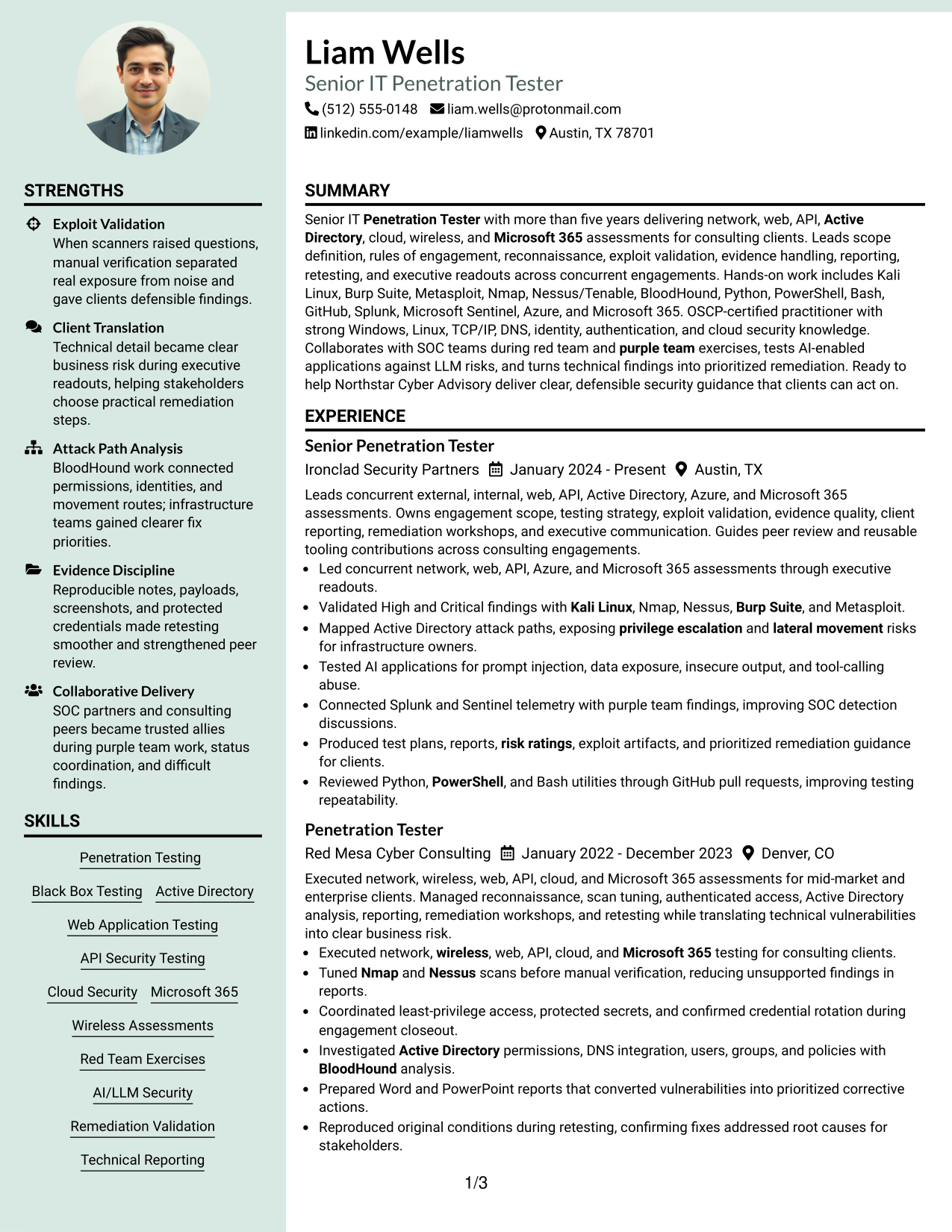
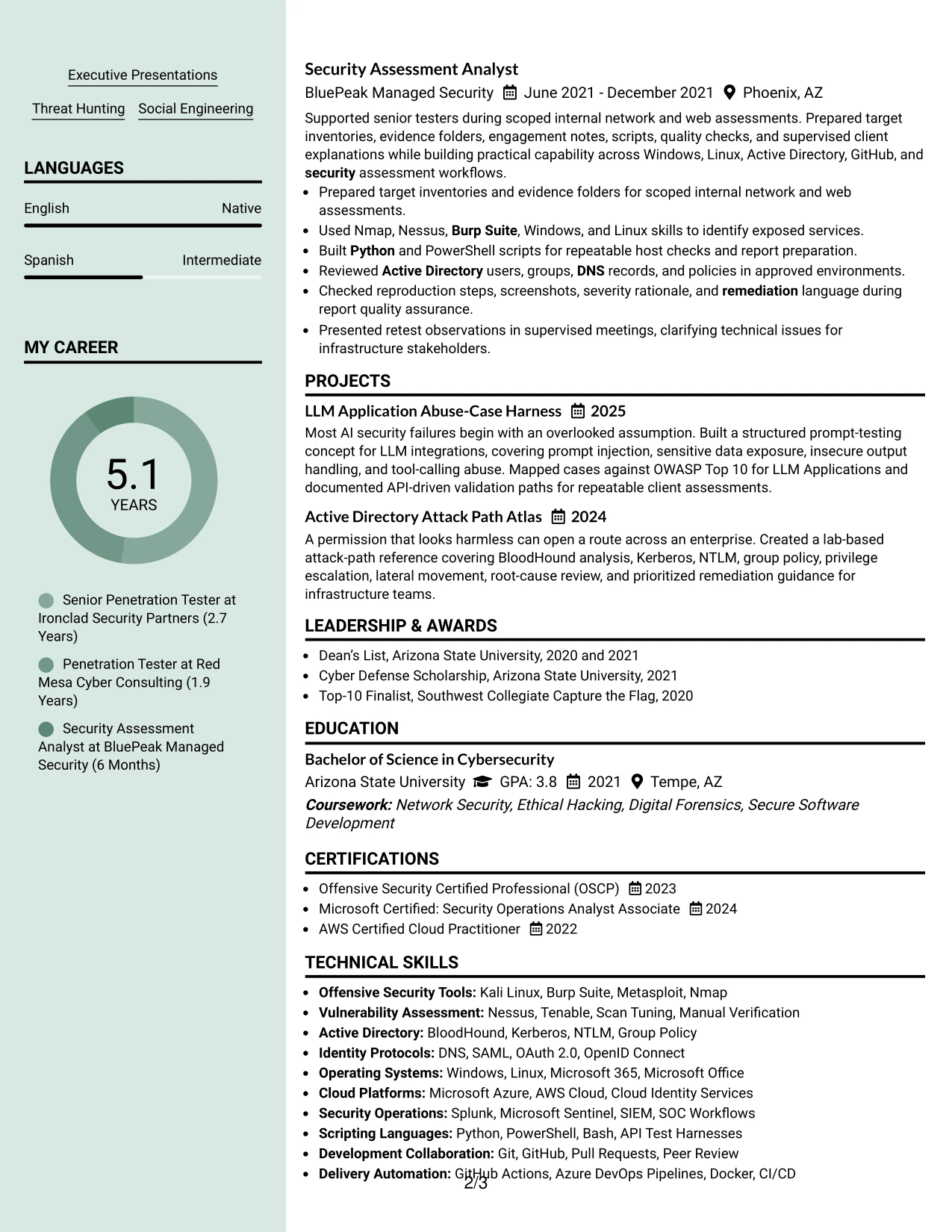
Why the Photo Header Color Sidebar Format Works for a Resume
- The photo header creates a clear personal identity at the top of the document.
- A color sidebar separates contact details and supporting qualifications from experience.
- The main column provides room for detailed assessment and delivery bullets.
- Certifications such as OSCP can remain visible without interrupting the work history.
- Tools and platforms can be grouped in the sidebar for quick reference.
- Projects can demonstrate AI security testing and attack path analysis in the main flow.
- The structure balances personal presentation with searchable resume content.
Best For
- Applications where a photo is appropriate and a distinct personal presentation is useful.
- Candidates who want supporting qualifications separated from detailed experience.
- Resumes combining extensive technical tools with client-facing delivery evidence.
- Documents that need a dedicated sidebar for certifications and contact information.
- Readers who value a quick visual identity before reviewing professional history.
- Applications where project work should remain prominent in the main content area.
- Professional profiles that can use a personal visual element without replacing text evidence.
#19 Top Left Header Color Accent Format Resume Example
The Top Left Header Color Accent Format starts with a compact identity block and a clear visual marker, then follows a familiar one-column sequence. Readers can scan the summary, experience, projects, education, certifications, and skills without switching between content areas.
This structure is effective for a Senior IT Penetration Tester resume that must balance technical breadth with quick review. Color can guide attention to headings, while the text explains assessment scope, validated findings, reporting quality, SOC collaboration, and scripting contributions.
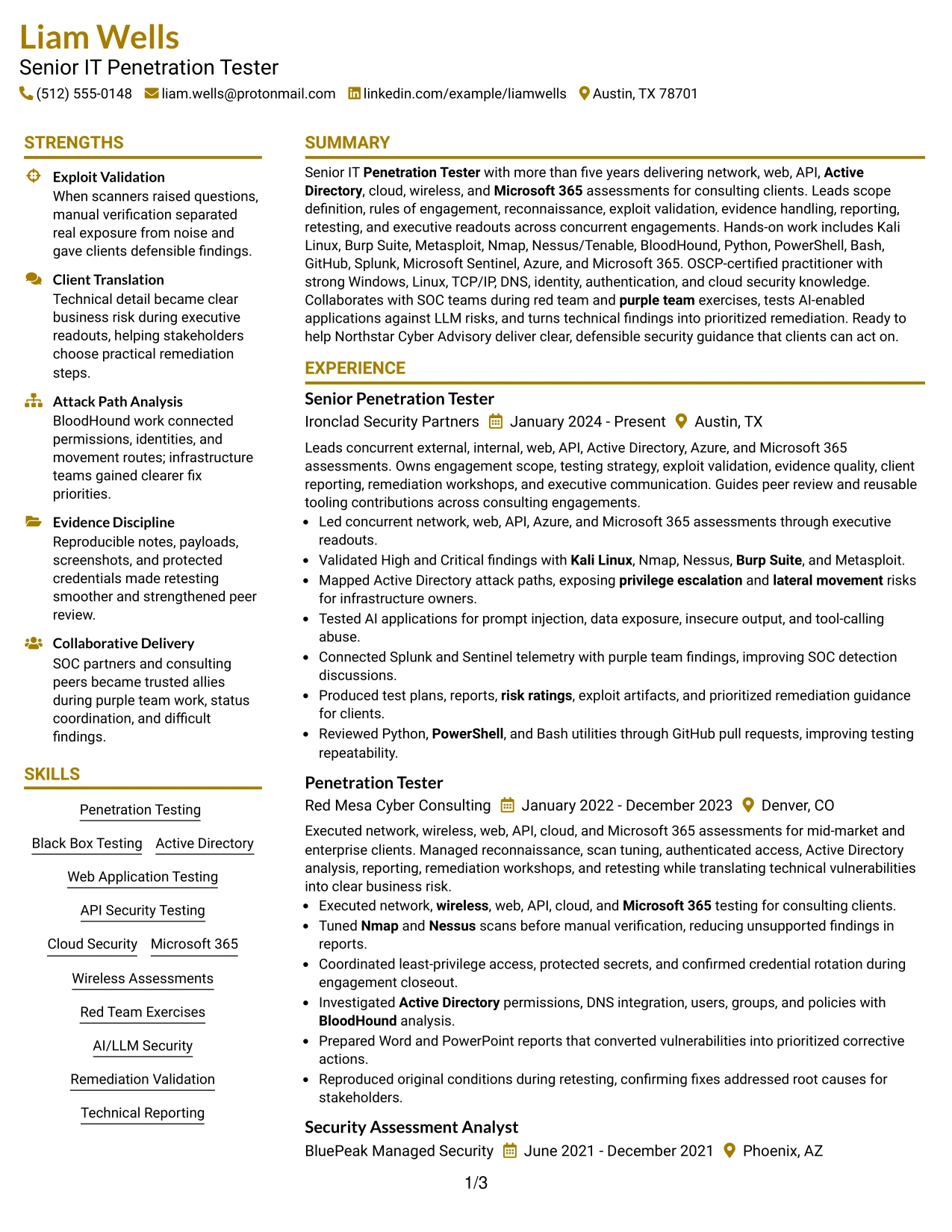
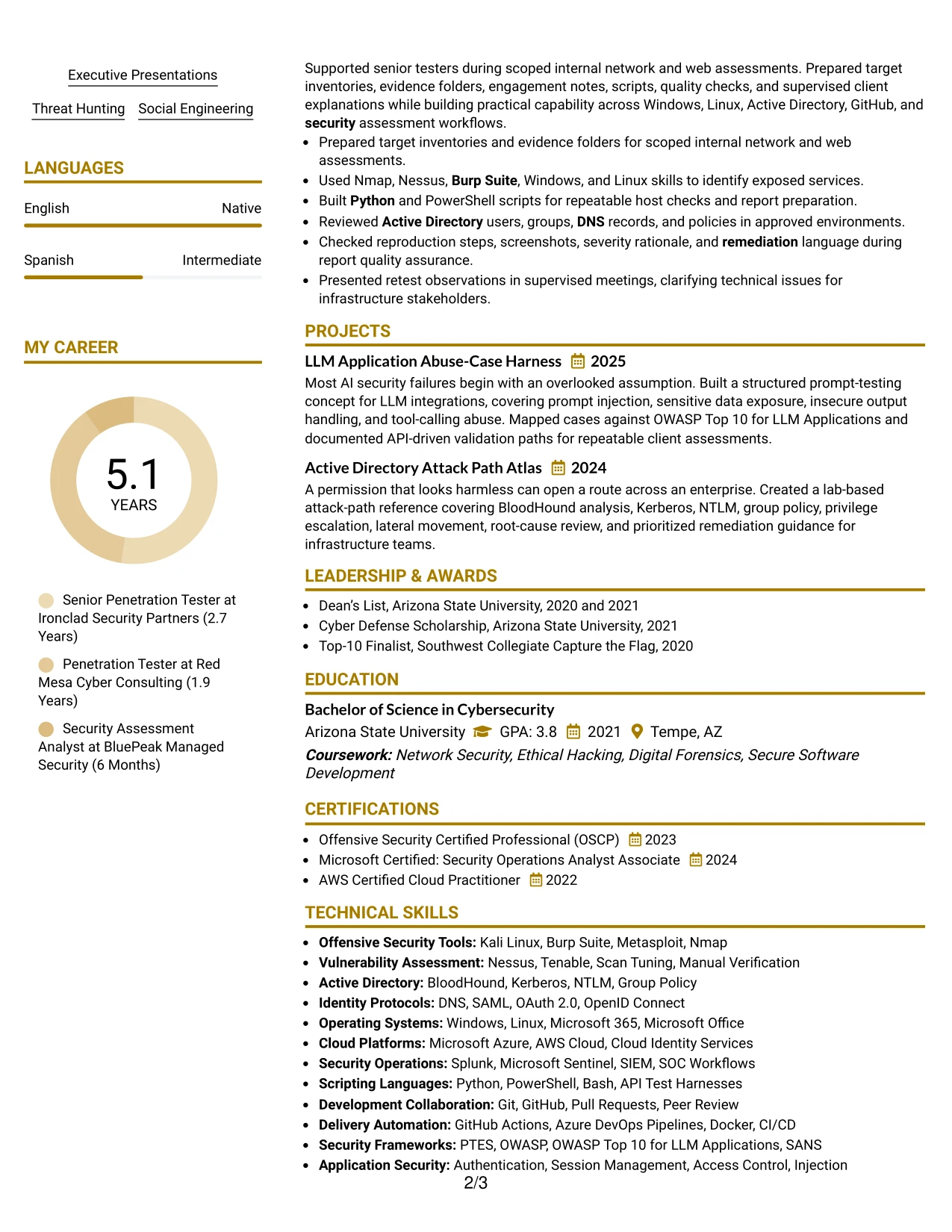
Why the Top Left Header Color Accent Format Works for a Resume
- The top-left header places the role and contact details where readers expect them.
- A single column supports a consistent scan from summary through skills.
- The accent helps separate sections without competing with achievement bullets.
- Experience entries can show testing scope, tools, and client deliverables together.
- Projects add focused evidence for AI-enabled application and Active Directory work.
- Certifications and education remain easy to locate near the end of the document.
- The format supports ATS-friendly text while offering modest visual distinction.
Best For
- Resumes needing a conventional one-column structure with a small visual accent.
- Applications where readers should move directly from the header into professional evidence.
- Candidates presenting a mix of consulting work, projects, certifications, and technical skills.
- Documents that need clear section boundaries without a large design treatment.
- ATS-aware submissions where standard text hierarchy remains the priority.
- Readers who prefer left-to-right scanning from a familiar top-left starting point.
- Technical applications requiring concise proof of testing, reporting, and collaboration.
#20 Centered Header Classic Two Column Format Resume Example
Readers can begin with the centered identity block, then compare the main experience column with supporting skills, education, projects, and certifications. This navigation pattern makes a large set of qualifications easier to review without placing every detail in one long list.
The Centered Header Classic Two Column Format gives Liam Wells room to present consulting engagement evidence beside technical categories. Full-width experience bullets can cover testing, reporting, retesting, and client communication, while the secondary column keeps tools and credentials visible.
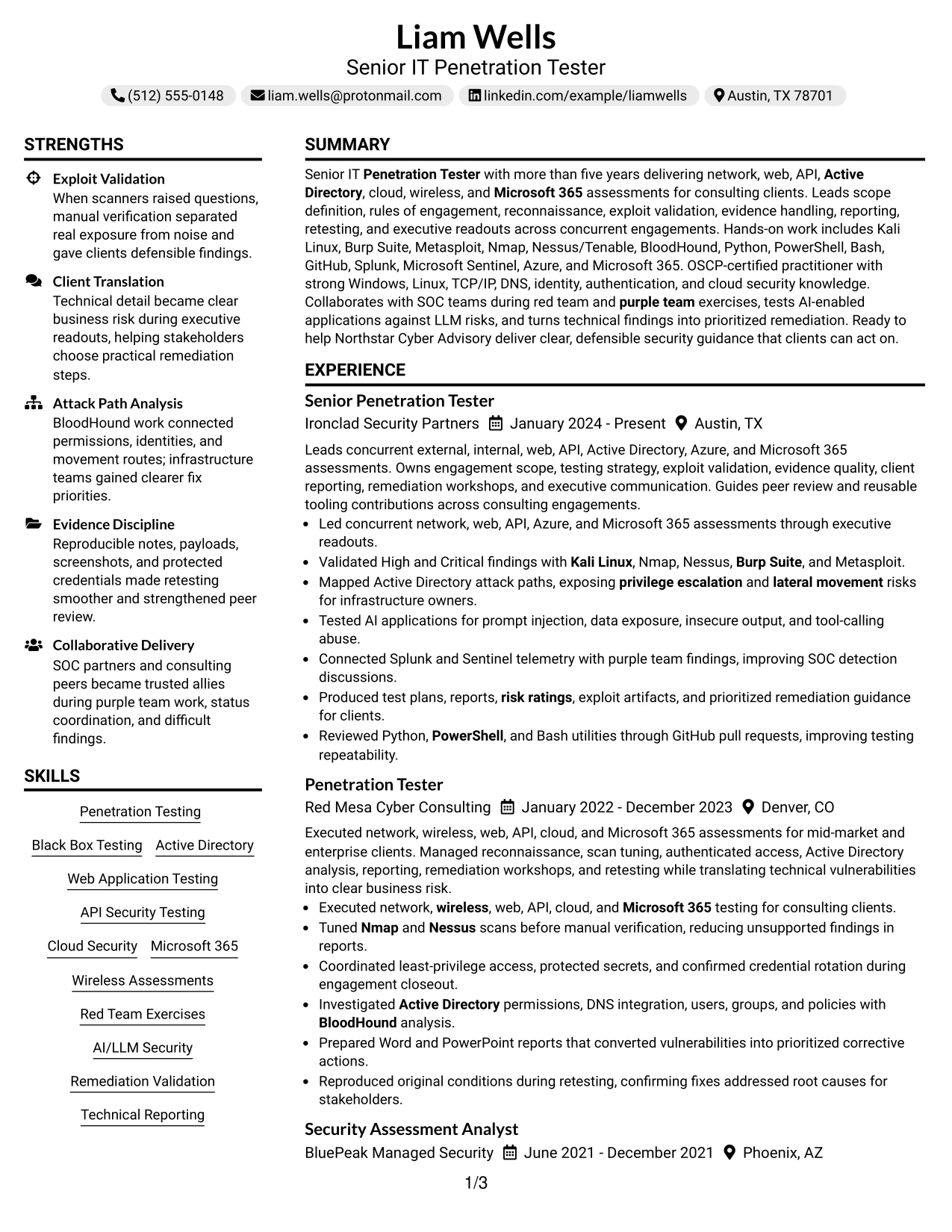
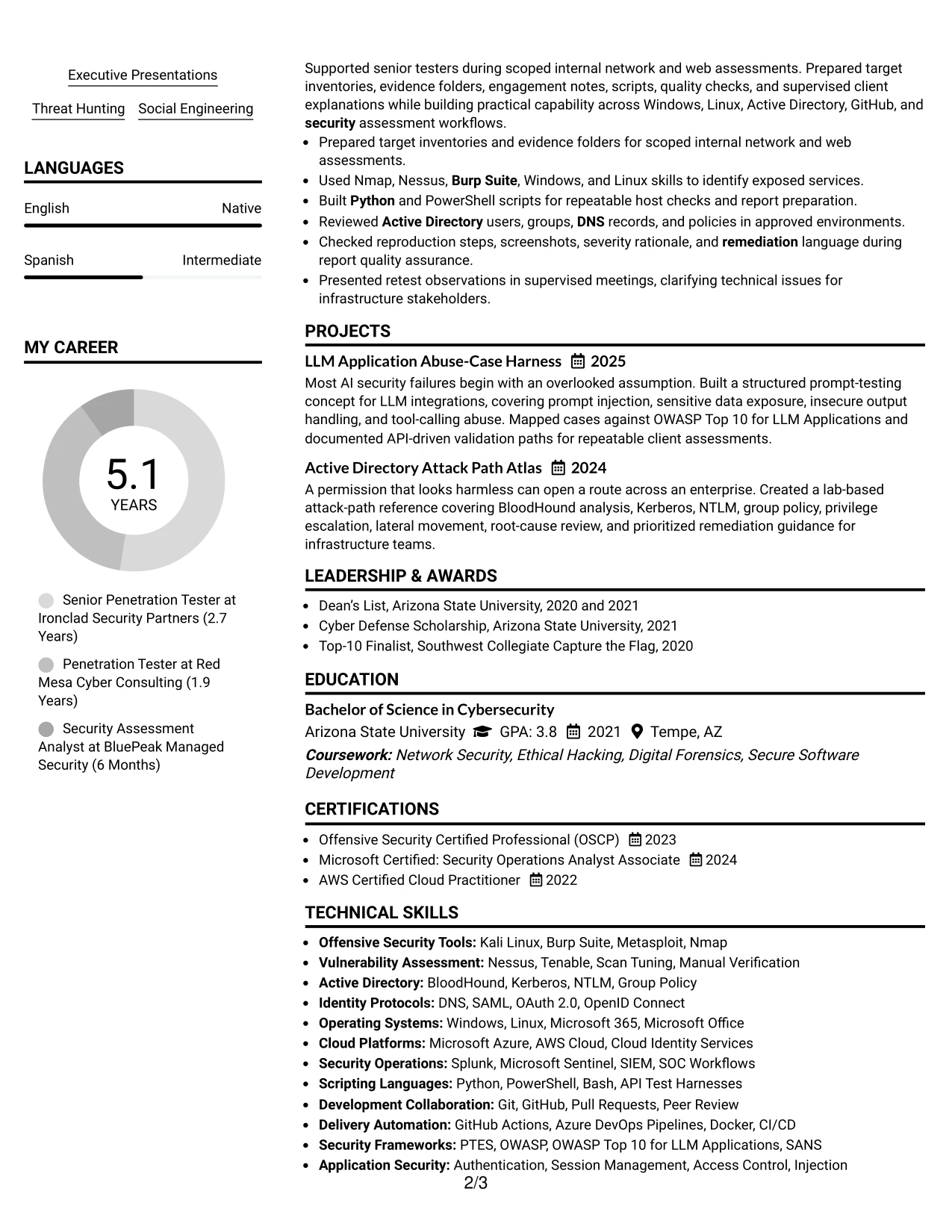
Why the Centered Header Classic Two Column Format Works for a Resume
- The centered header gives the document a balanced starting point.
- Two columns let readers compare detailed experience with supporting qualifications.
- The main column can carry complete bullets for concurrent security assessments.
- A secondary column can group tools, certifications, education, and activities.
- Projects remain visible without forcing the employment section into a narrow width.
- Bullet-led entries make testing actions and remediation results easy to scan.
- The format handles a high volume of technical keywords in organized categories.
Best For
- Resumes with enough experience and qualifications to benefit from two coordinated content areas.
- Applications where detailed work bullets should sit beside a compact technical inventory.
- Candidates presenting tools, certifications, projects, and education at the same time.
- Documents that need to show both client delivery and hands-on assessment work.
- Readers who compare role evidence with supporting credentials during the same scan.
- Technical submissions with many searchable terms that still require visual grouping.
- Professional resumes where a centered header can create a balanced opening.
#21 Left Aligned Header Clean Two Column Format Resume Example
Confirmed work evidence leads the review, with the left-aligned header keeping the target role and contact information immediately available. The two-column arrangement then places detailed experience beside concise supporting categories without weakening the evidence hierarchy.
For a Senior IT Penetration Tester resume, this format can connect specific tools and methods to the assessments that demonstrate them. Bullets can document exploit validation, Active Directory attack paths, authenticated testing, reporting, and remediation, while the secondary column holds certifications and skills.
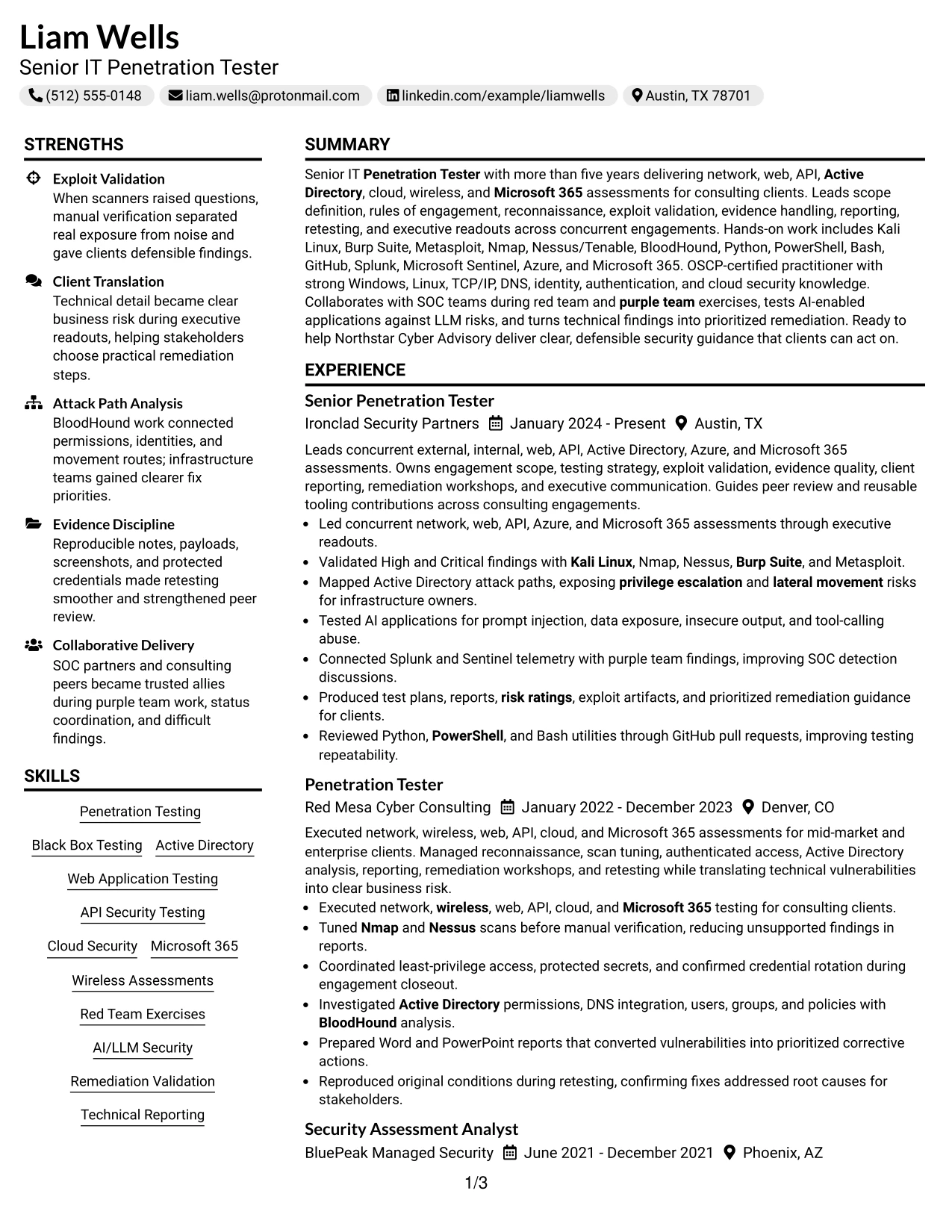
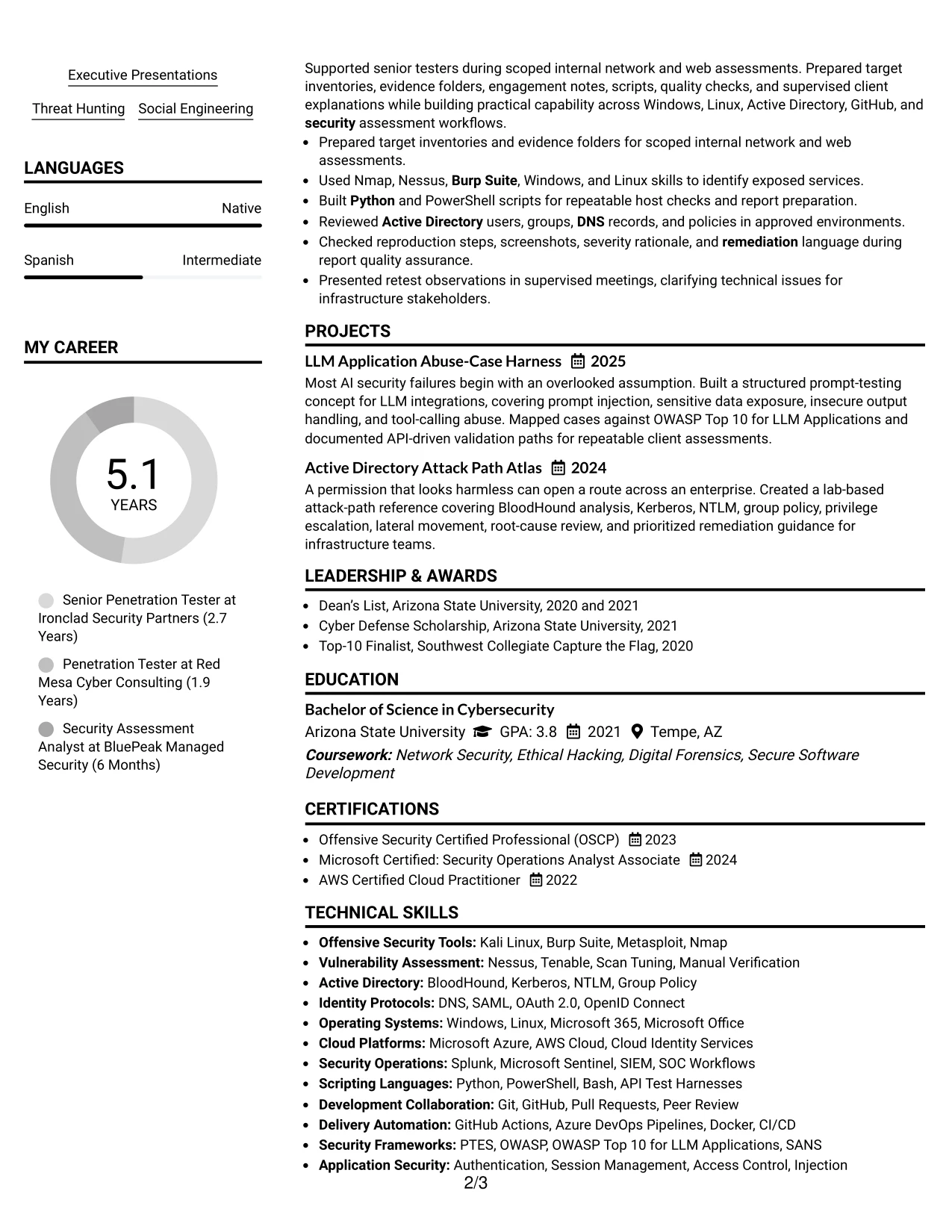
Why the Left Aligned Header Clean Two Column Format Works for a Resume
- A left-aligned header supports fast recognition of the role and contact details.
- The main column gives confirmed findings and client outcomes priority.
- The supporting column can group tools, platforms, protocols, and certifications.
- Two columns reduce repetition between the skills list and experience bullets.
- Experience entries can retain enough width for reproducible testing details.
- Projects and education can fit beside the main evidence in a controlled way.
- Clean typography keeps the document suitable for ATS review and human scanning.
Best For
- Resumes where verified testing evidence should appear before broad skills lists.
- Candidates who need separate areas for work history and technical qualification groups.
- Applications requiring detailed bullets about authenticated testing and remediation.
- Documents that combine professional experience with focused security projects.
- Readers who want the target role visible at the upper left before reviewing evidence.
- ATS-conscious submissions using two columns without complex visual elements.
- Technical resumes where tools should support, not overshadow, demonstrated work.
#22 Simple Two Column Format Resume Example
Content is distributed between a detailed experience area and a compact qualification area, creating a practical balance for review. The simple two-column structure keeps dense technical information organized while allowing the reader to compare work evidence with tools, education, and certifications.
For a Senior IT Penetration Tester resume, the format supports a clear account of assessment delivery, reporting, retesting, and security research. Small visual markers can guide the scan, but the core value remains in the searchable bullets and grouped keywords.
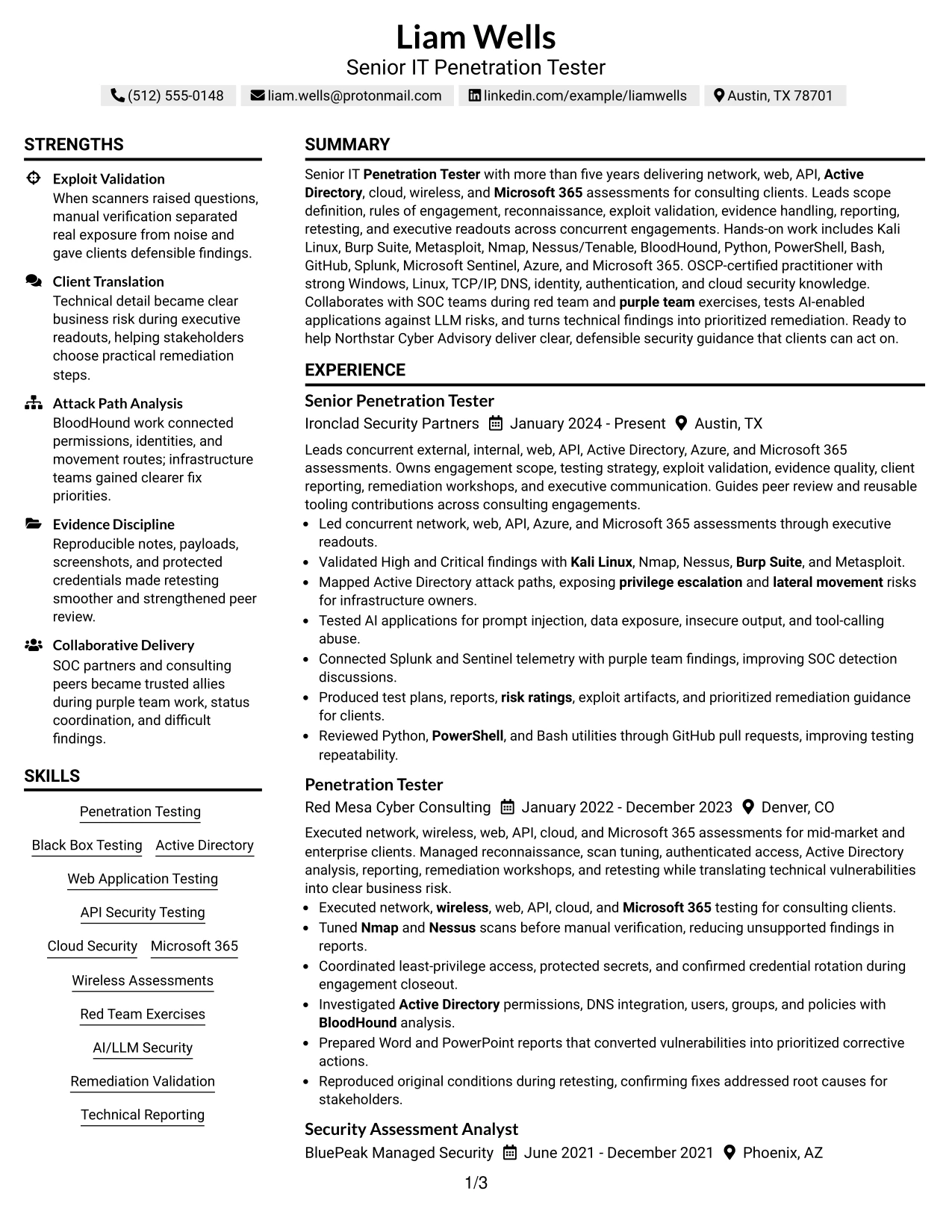
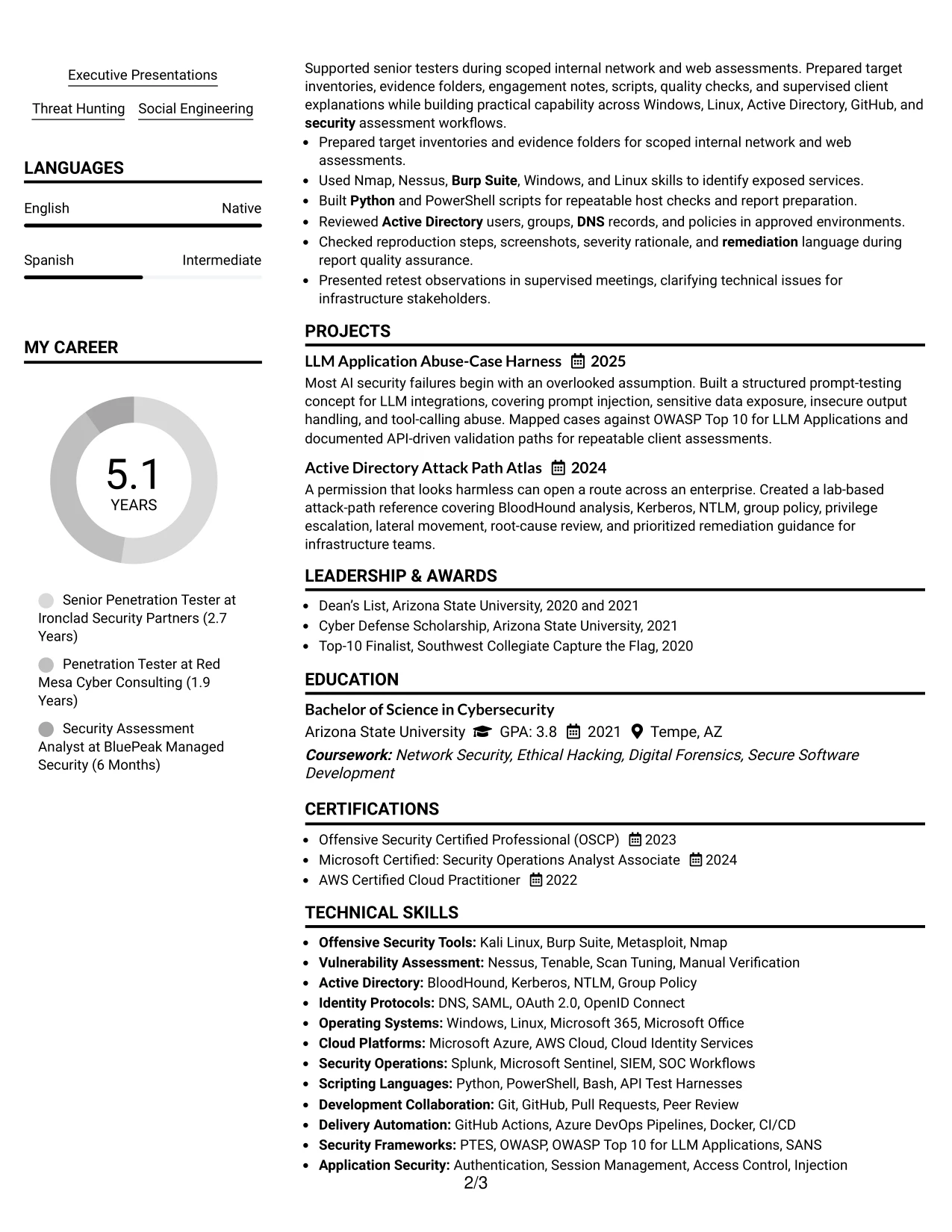
Why the Simple Two Column Format Works for a Resume
- Balanced columns make extensive technical content easier to organize.
- The main area supports detailed bullets about assessments and client deliverables.
- The secondary area can group skills, certifications, education, and activities.
- Simple markers help readers move between related resume sections.
- Projects can add evidence without interrupting the employment timeline.
- The format keeps tools connected to the broader qualification summary.
- A straightforward design supports both ATS processing and human review.
Best For
- Applications needing a practical balance between work history and supporting qualifications.
- Candidates with several tools, certifications, projects, and technical categories to present.
- Resumes where assessment delivery should remain the strongest source of evidence.
- Documents that need organized space for education and activities beside experience.
- Readers who prefer compact grouping without decorative panels or complex navigation.
- ATS-aware submissions that still benefit from two-column information management.
- Technical consulting resumes covering testing, reporting, retesting, and remediation work.
#23 Accent Divider Modern Two Column Format Resume Example
For a senior penetration testing application, a two-column page can help separate contact details, tools, certifications, and core skills from detailed consulting experience. Accent dividers create clear section boundaries while keeping the main evidence easy to follow.
The resume gives strong space to validated findings, Active Directory attack paths, AI application testing, client reporting, and remediation work. Short bullet points support quick review, while the structure still leaves room for education, certifications, projects, and technical tools.
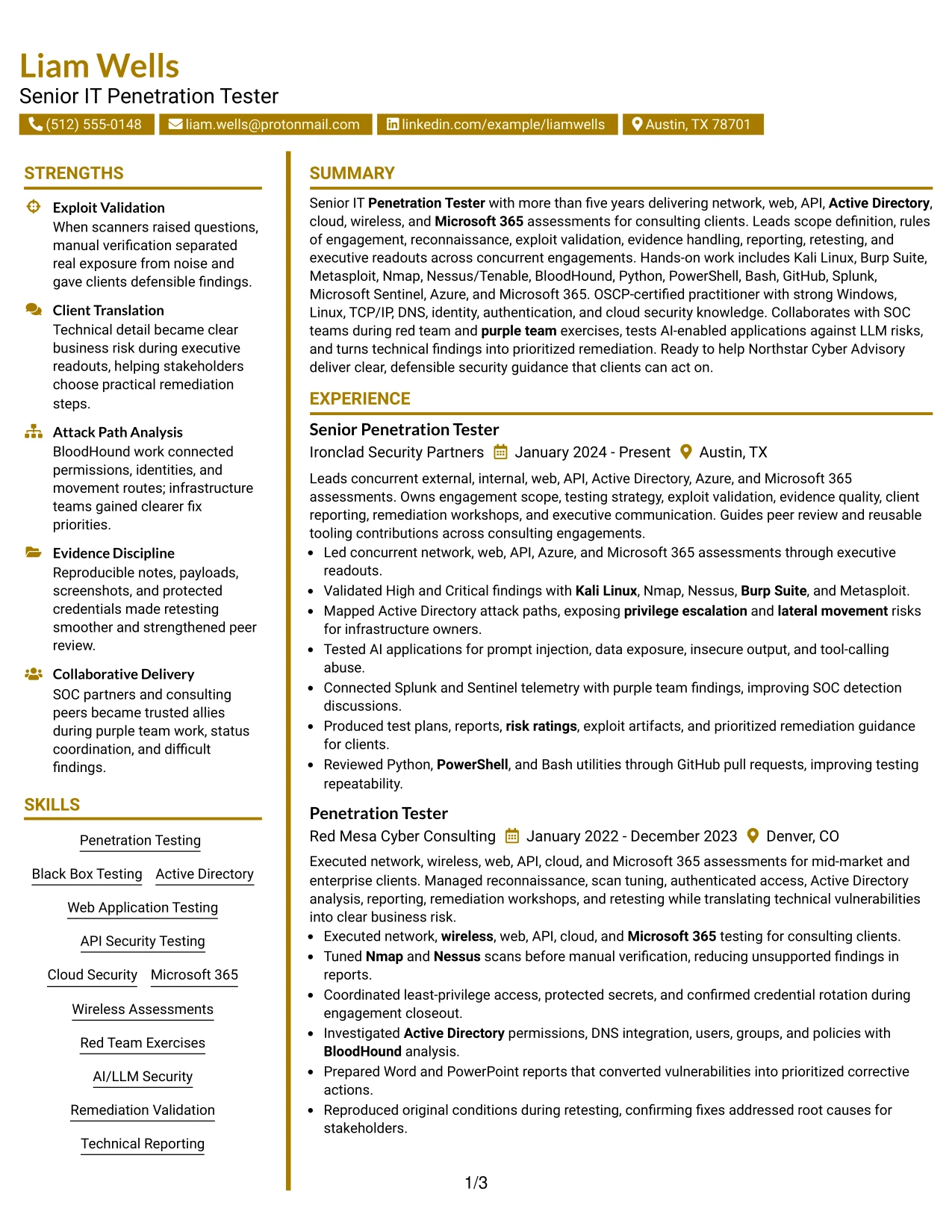
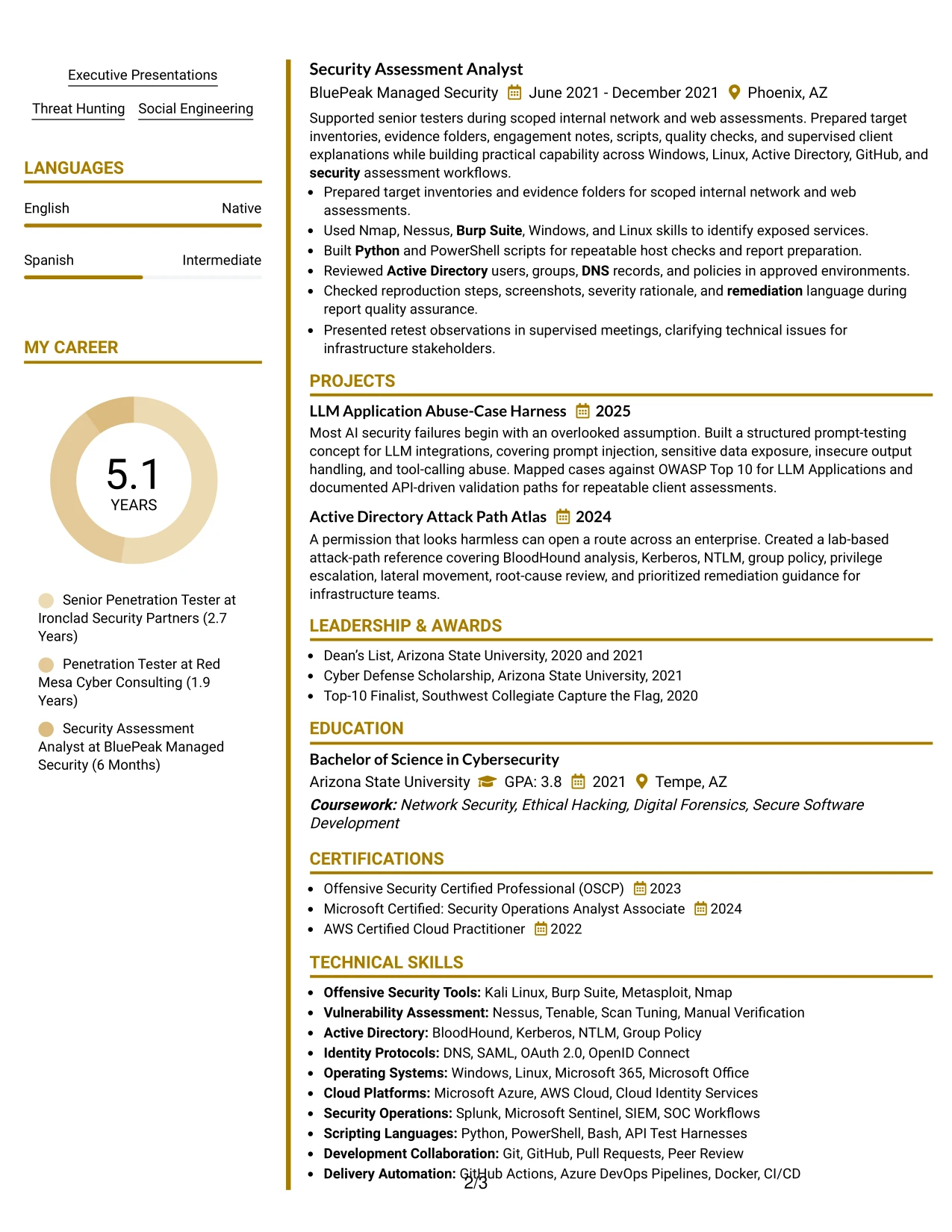
Why the Accent Divider Modern Two Column Format Works for a Resume
- The two-column structure separates supporting details from the main career record.
- Accent dividers make sections such as Skills, Experience, Education, and Certifications easy to locate.
- The main column gives measurable attention to exploit validation, reporting, and remediation evidence.
- Compact side content can hold tools such as Kali Linux, Burp Suite, Nmap, and BloodHound.
- Short bullets help readers scan multiple consulting engagements without losing technical detail.
- Clear hierarchy supports both recruiter review and a detailed technical assessment.
- The format balances dense security keywords with readable spacing and strong visual order.
Best For
- Applicants who need a clear split between technical tools and detailed experience.
- Resumes that must show both consulting delivery and hands-on security evidence.
- Readers who want to find certifications, frameworks, and platforms quickly.
- Applications with several assessment types, including network, web, API, cloud, and Microsoft 365 work.
- Candidates who need compact organization without reducing the detail in achievement bullets.
- Documents that benefit from visible separation between summary content and career history.
- Professional resumes where clean section boundaries improve review across concurrent engagements.
#24 Shaded Labels Clean Two Column Format Resume Example
A restrained visual hierarchy helps a reviewer identify the target role, security specialties, and recent assessment work without searching through dense text. Shaded labels provide consistent markers for each section and keep the page organized.
This resume format supports a role-aligned presentation of network, web, API, cloud, Active Directory, and Microsoft 365 testing. The experience section can carry detailed bullets, while the second column groups certifications, tools, frameworks, and supporting capabilities.
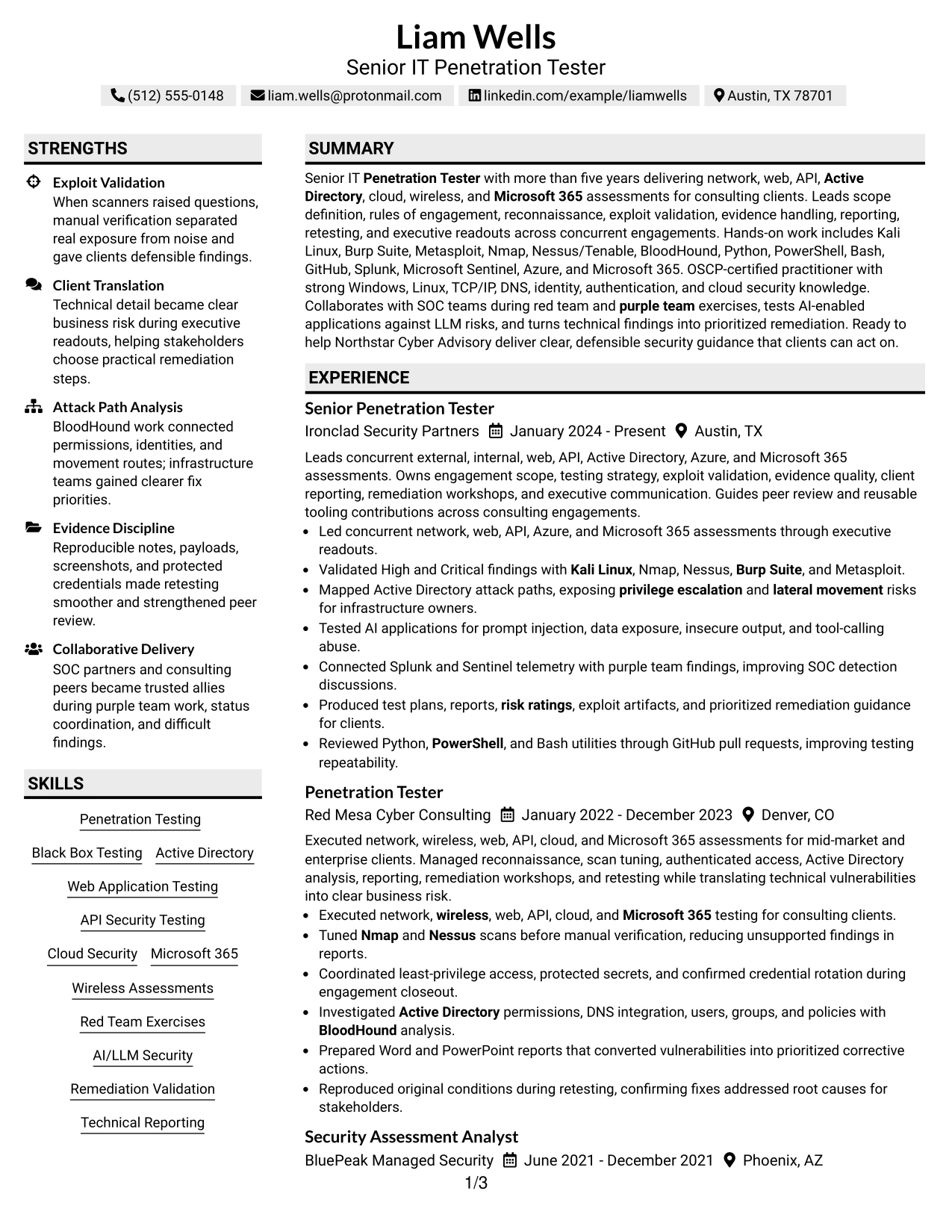
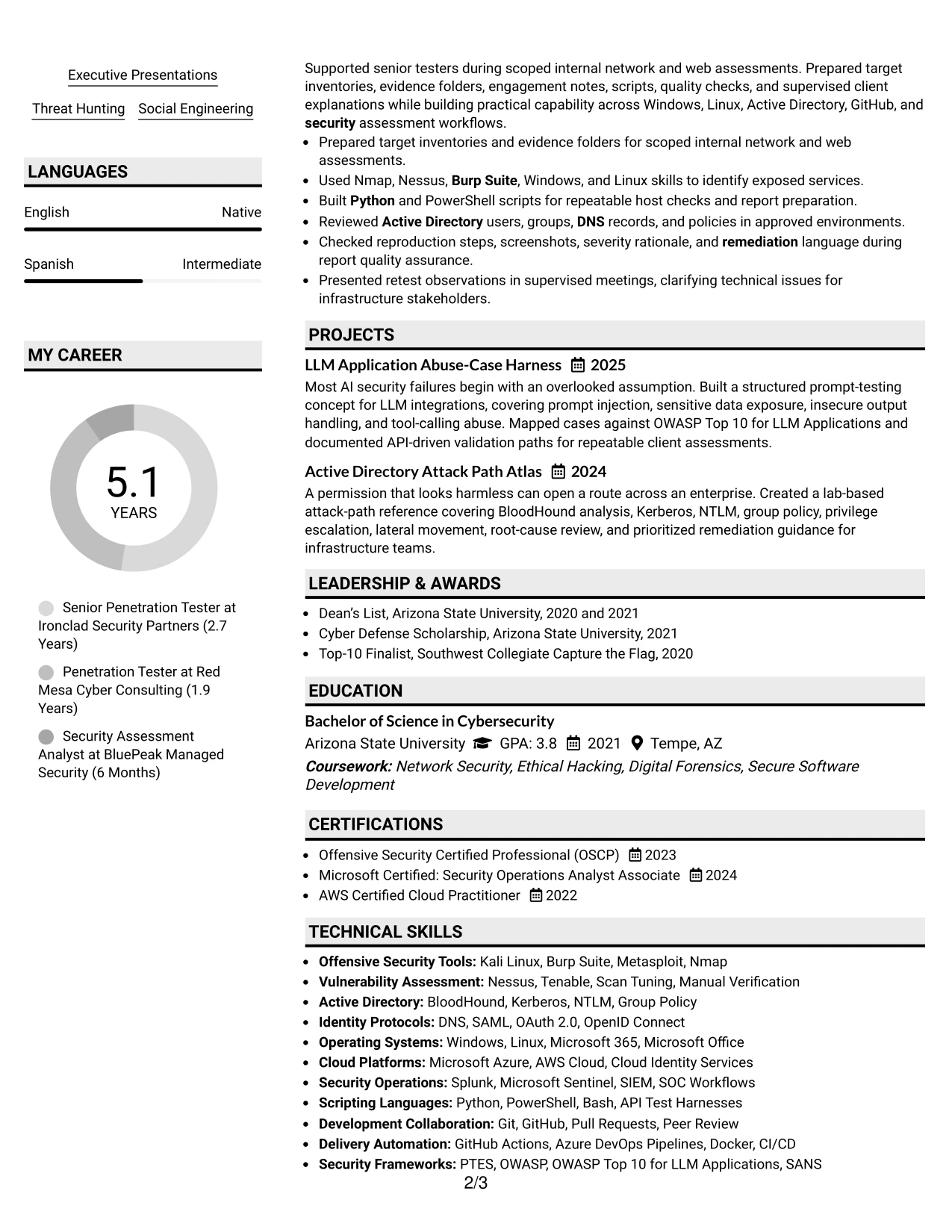
Why the Shaded Labels Clean Two Column Format Works for a Resume
- Shaded labels give every major section a consistent visual starting point.
- The two-column design makes role-related keywords visible early in the review.
- Detailed experience bullets can show scope definition, testing, reporting, and retesting.
- A separate skills area can group tools, identity protocols, scripting languages, and SIEM platforms.
- The clean presentation keeps technical content readable without decorative distractions.
- Section labels help connect certifications and frameworks to the evidence shown in experience.
- The format supports a direct match between the resume and a senior penetration testing job description.
Best For
- Resumes that need strong alignment with a specific security testing position.
- Applications where technical keywords must be easy to locate during an initial scan.
- Documents that combine broad assessment coverage with focused role evidence.
- Candidates presenting tools, certifications, and frameworks beside detailed experience.
- Review processes that benefit from repeated section markers and predictable navigation.
- Professional services resumes that must show testing, reporting, and stakeholder delivery together.
- Readers comparing several technical capability groups within one compact page.
#25 Photo Header Color Accent International Format Resume Example
The Photo Header Color Accent International Format places the professional heading first, followed by a clear sequence of summary, experience, skills, education, and certifications. A restrained color accent adds distinction while the photo area remains separate from the evidence that supports the application.
For this penetration testing resume, a single-column flow keeps assessment history and technical results together. Readers can move from senior consulting responsibilities to earlier testing work, then review OSCP certification, projects, tools, and security frameworks in a logical order.
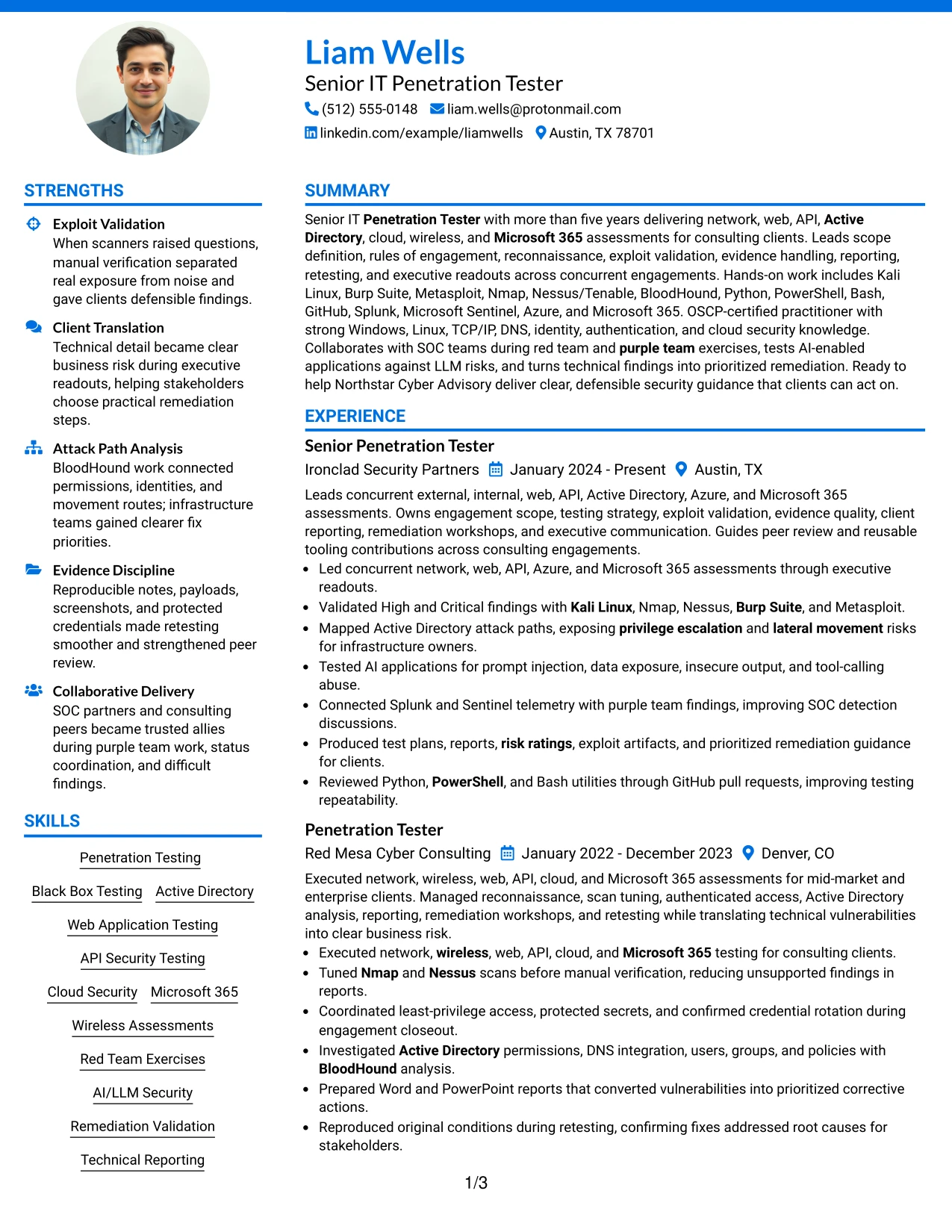
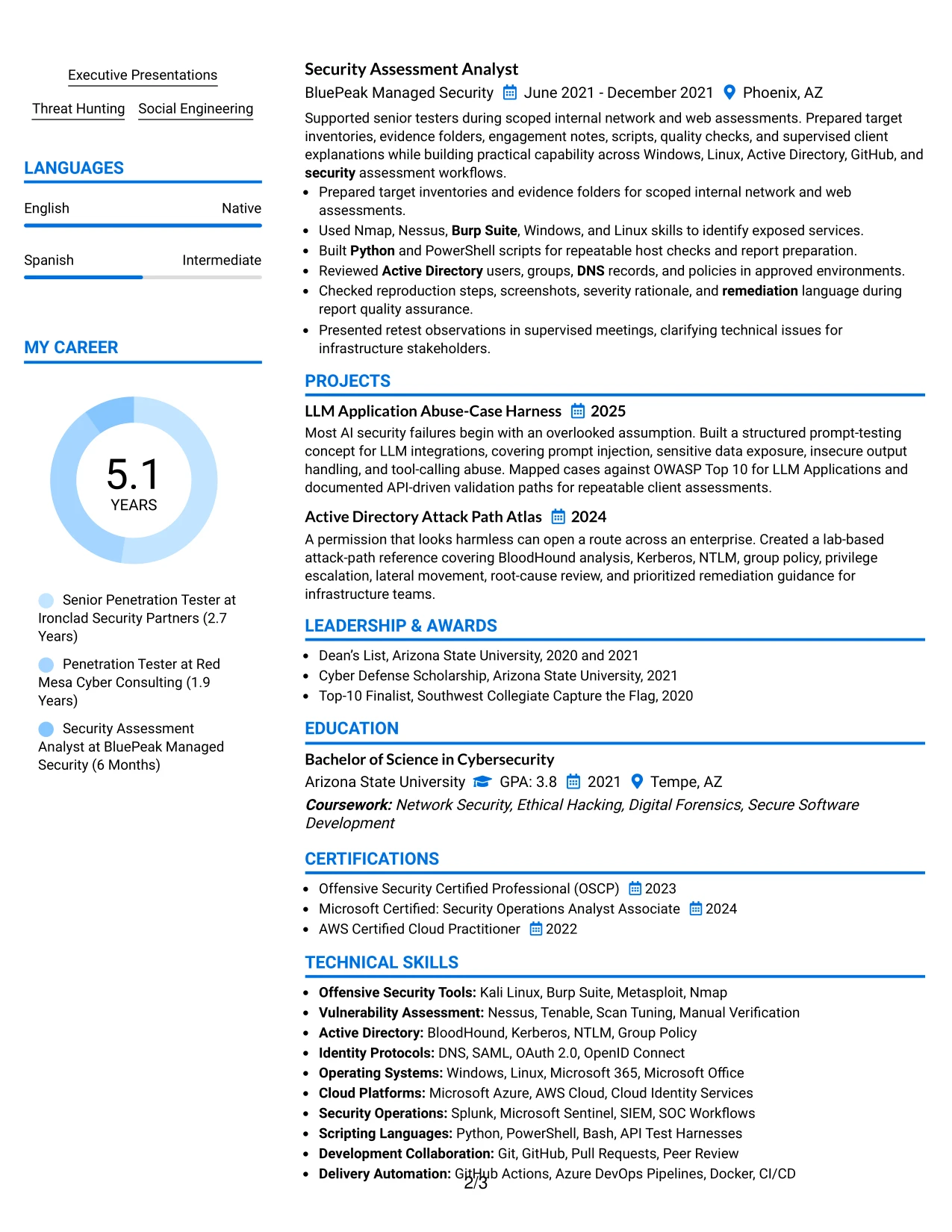
Why the Photo Header Color Accent International Format Works for a Resume
- A single-column sequence supports straightforward top-to-bottom resume scanning.
- The header gives the target role and contact details a clear first position.
- Color accents help distinguish sections without interrupting the evidence flow.
- Experience bullets can present assessment scope, exploit validation, and client reporting in order.
- Skills and certifications remain easy to find after the work history.
- The format gives projects such as AI security testing a natural place below core experience.
- A photo area can be kept visually separate so technical qualifications remain the focus.
Best For
- Resumes intended for review in settings where a photo header is accepted and useful.
- Applicants who want one continuous reading path from summary through experience.
- Documents that need to present international-style contact and profile information clearly.
- Applications with a detailed career history followed by certifications and technical projects.
- Readers who prefer sequential evidence over side-by-side content blocks.
- Candidates combining professional history with a broad tools and framework list.
- Layouts where restrained color improves section recognition without competing with resume evidence.
#26 Large Profile Photo International Two Column Format Resume Example
Readers can begin with the heading and summary, then use the two columns to move between detailed experience and supporting qualifications. The larger profile area gives the page a strong entry point, while the content hierarchy keeps work evidence more important than decoration.
This structure suits a resume with several assessment domains and a substantial technical toolkit. One column can carry engagement results and client deliverables; the other can organize certifications, projects, platforms, scripting, identity protocols, and security operations tools.
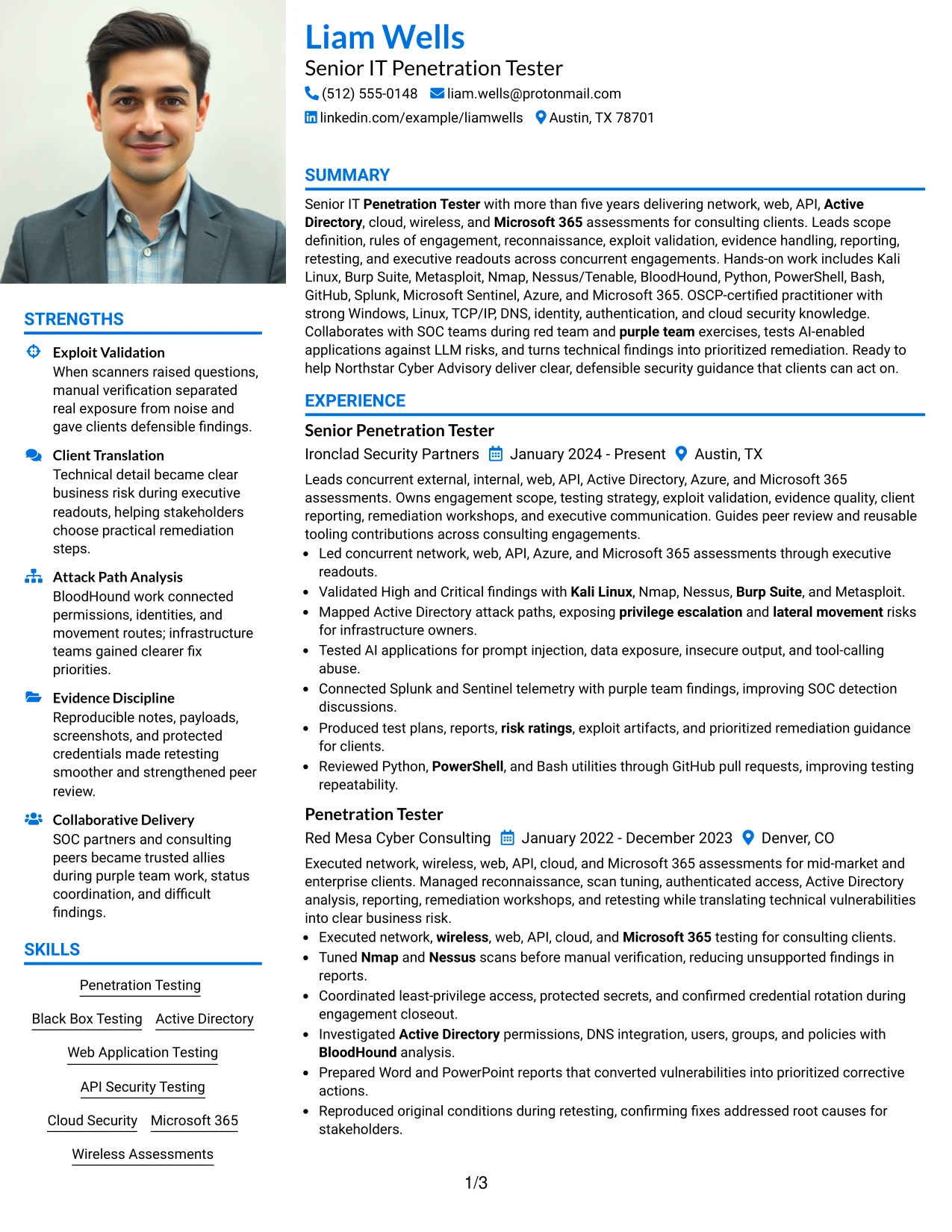
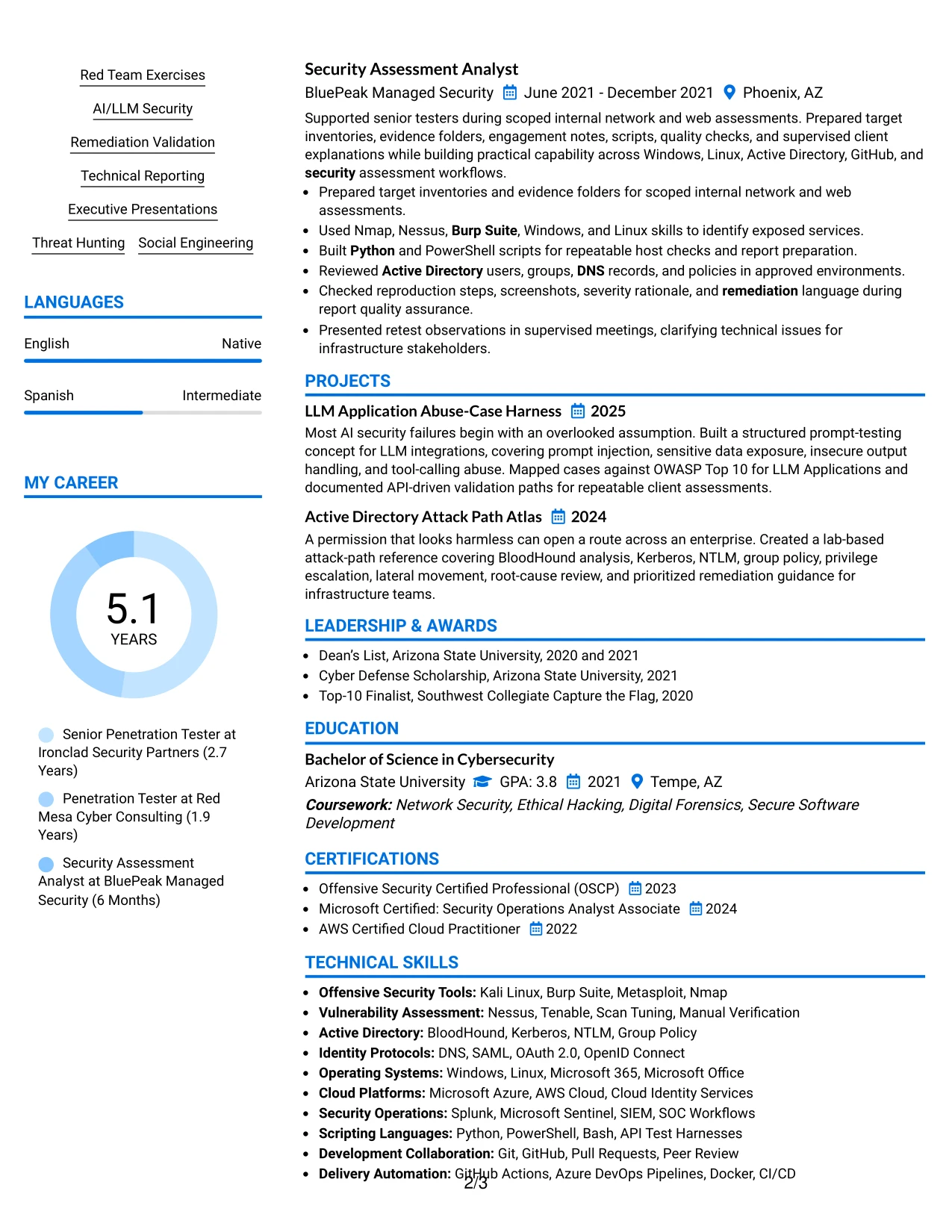
Why the Large Profile Photo International Two Column Format Works for a Resume
- Two columns allow a broad technical profile to fit beside detailed work history.
- The larger profile area creates a clear visual starting point for the document.
- Experience bullets can retain detail about attack paths, testing methods, and remediation.
- Supporting content can group certifications, projects, tools, and security frameworks efficiently.
- The format works well when several testing environments must appear without excessive page length.
- A clear column relationship helps readers connect technical capabilities with practical evidence.
- The photo area remains distinct from the sections used to evaluate qualifications.
Best For
- Applicants with a high volume of relevant tools, platforms, and security methods.
- Resumes that must show multiple assessment types alongside detailed engagement delivery.
- Documents needing room for projects, certifications, identity protocols, and scripting skills.
- Reviewers who want supporting qualifications available beside the main experience record.
- Applications where a photo-led header is appropriate for the intended submission context.
- Candidates presenting both technical execution and executive reporting responsibilities.
- Layouts that need to contain substantial evidence while preserving a defined visual entry point.
#27 One Column Format with Photo Resume Example
Validated security evidence receives the strongest position in this resume structure. A single column lets each engagement, result, certification, and project appear in a direct sequence, while the photo header adds a separate visual identifier.
The format is effective for showing penetration testing scope from reconnaissance through executive readout. Bullets can cover High and Critical finding validation, Active Directory attack paths, AI-enabled application risks, SIEM review, scripting, and remediation retesting without forcing the reader to change columns.

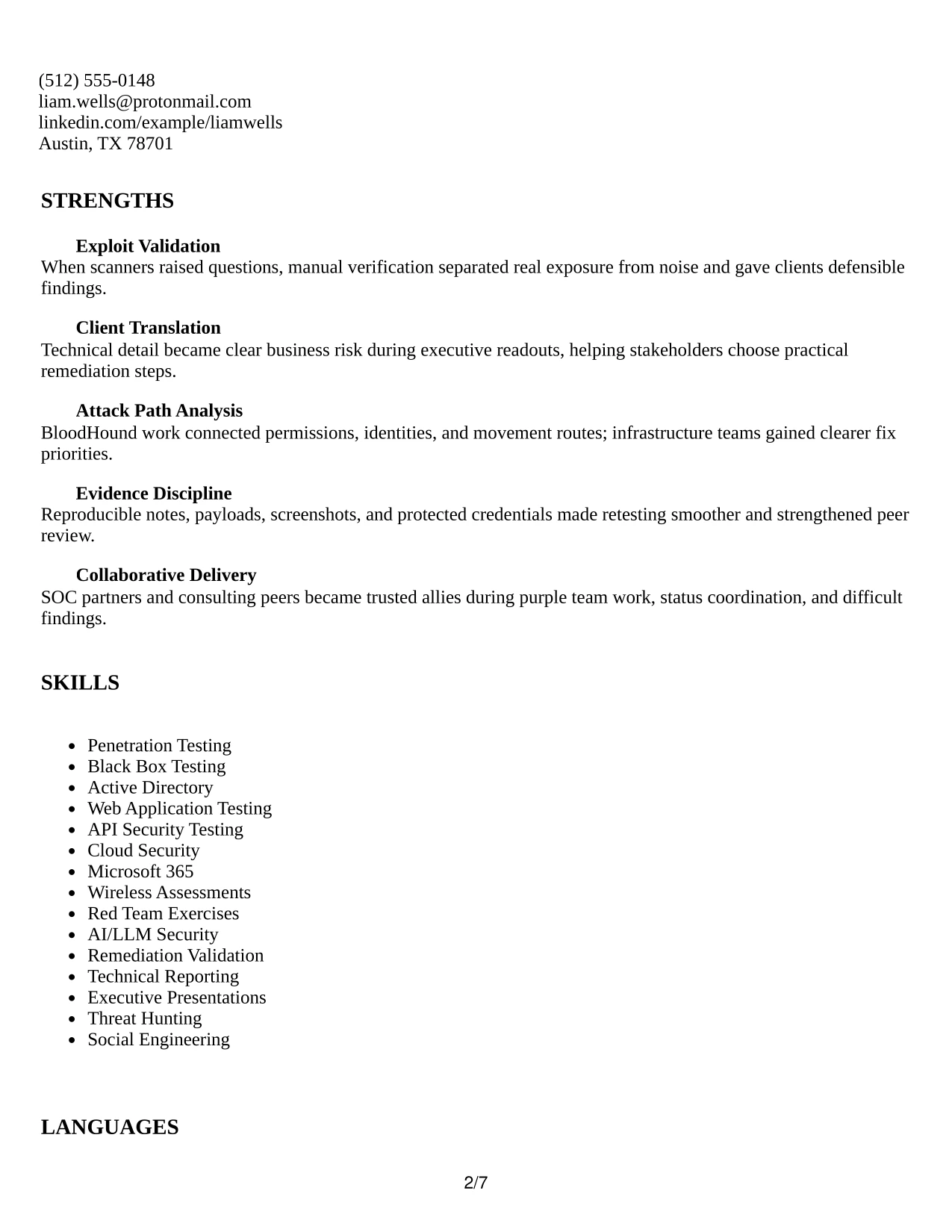
Why the One Column Format with Photo Works for a Resume
- The single column keeps each evidence point in a predictable reading order.
- Experience bullets can explain testing methods, findings, and remediation without side-column compression.
- The format supports a clear progression from summary to work history, skills, education, and certifications.
- Technical tools can appear close to the achievements that demonstrate their use.
- Projects and awards can be added without disrupting the main career sequence.
- A photo header creates visual identity while the work evidence remains central.
- This structure is suitable for showing both technical depth and client-facing delivery.
Best For
- Resumes where verified findings and concrete testing work should lead the review.
- Applications that need a simple sequence for detailed engagement bullets.
- Candidates showing a mix of assessment execution, reporting, and remediation validation.
- Documents with projects or awards that need to follow the main evidence naturally.
- Readers who prefer one-column navigation over separate information panels.
- Submissions where a photo header is suitable but technical content must remain prominent.
- Professional profiles that connect tools directly to the work completed with them.
#28 One Column Format with Photo Right Resume Example
Balanced spacing gives the heading, contact details, and main resume content room to breathe while the photo remains on the right side. The one-column body keeps the review path stable and prevents visual elements from interrupting technical evidence.
This format works well for a practical application that requires broad testing coverage and clear delivery proof. The resume can move from summary to consulting experience, then to skills, certifications, education, projects, and leadership activities in a measured sequence.
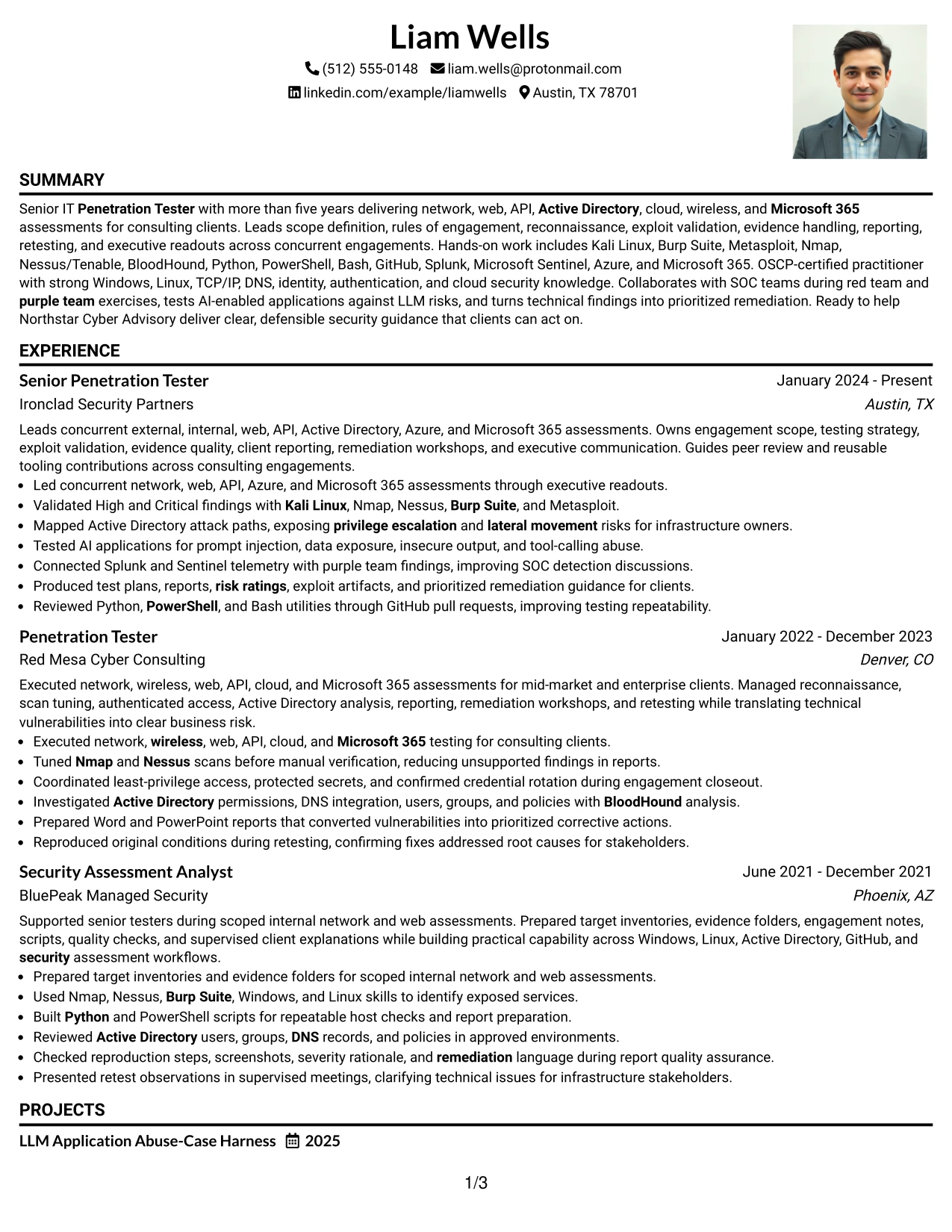
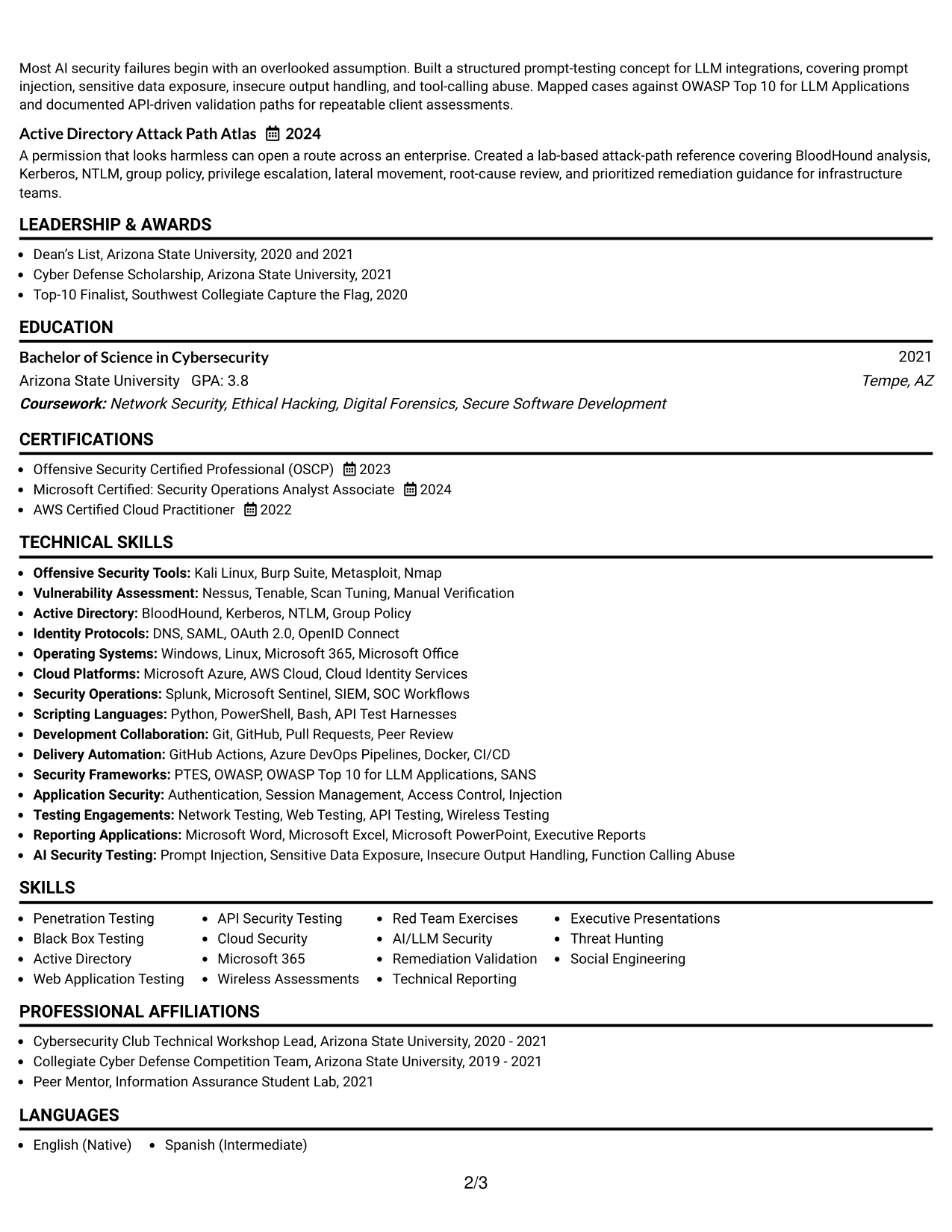
Why the One Column Format with Photo Right Works for a Resume
- Right-side photo placement preserves the left-to-right reading path for resume content.
- Balanced spacing helps separate dense technical bullets into manageable groups.
- The one-column body presents experience, skills, and education in a stable order.
- The format gives client reporting and executive presentation evidence enough room to remain clear.
- Certifications and projects can follow the work history without competing for side-column space.
- A consistent section width supports clean ATS-oriented text review, subject to final file testing.
- The layout creates a professional balance between visual identity and application evidence.
Best For
- Applications where a right-side photo is suitable and the main content should remain dominant.
- Resumes needing a calm, sequential presentation for broad consulting experience.
- Candidates who want detailed bullets to retain full line width.
- Documents that include work history, certifications, projects, and leadership activities.
- Readers who scan from the summary through evidence in a predictable order.
- Submissions where spacing and section rhythm matter as much as content density.
- Profiles that need to show technical breadth without using a second content column.
#29 One Column Boxed Contact Header Format Resume Example
A practical application review benefits from a compact contact header followed by a full-width evidence trail. The boxed header separates contact details from the professional summary, so the reader can move quickly into experience and technical qualifications.
The one-column structure is well suited to a senior penetration testing resume with detailed bullets. It keeps assessment scope, validated findings, attack-path analysis, reporting, certifications, and tools in one consistent stream that is easy to print, share, and review.
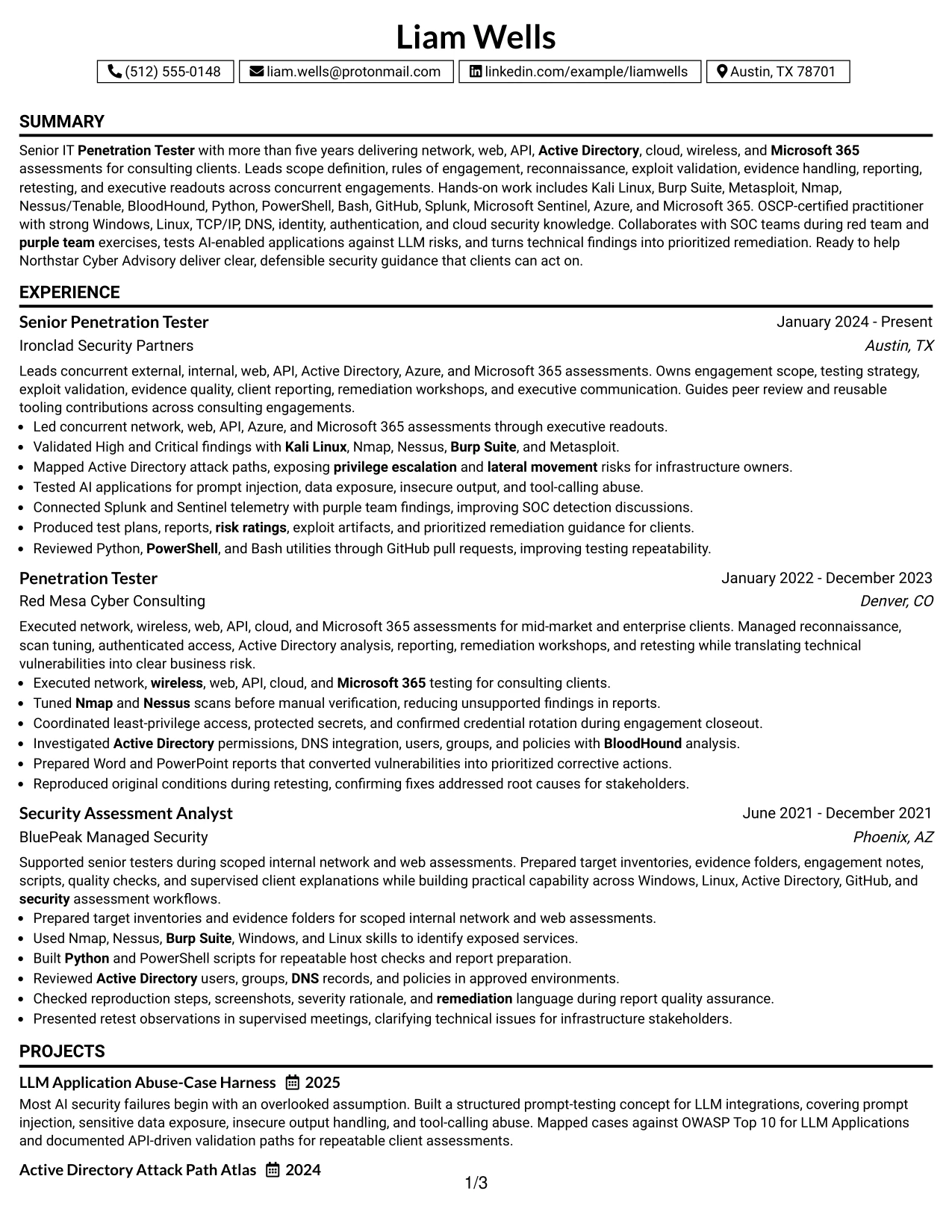
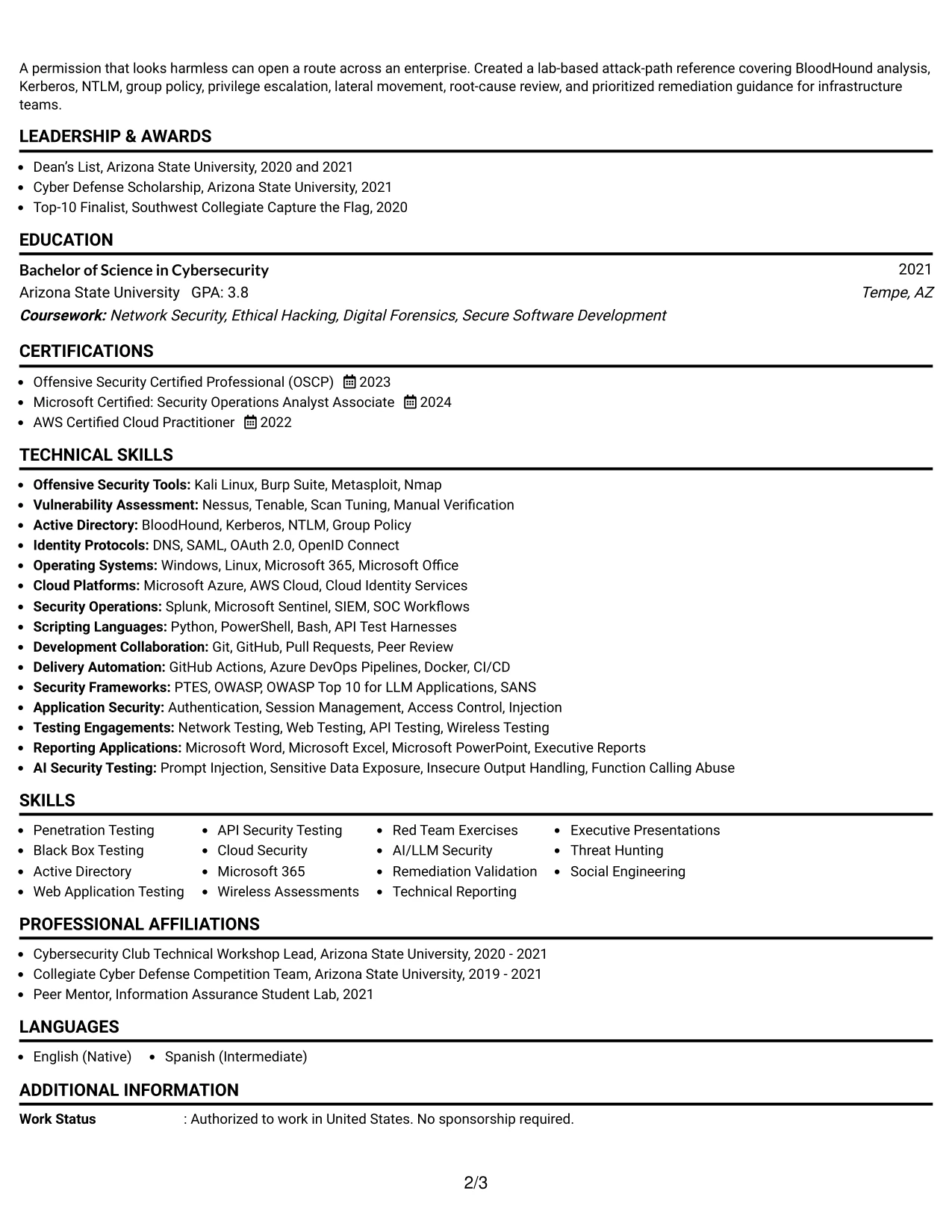
Why the One Column Boxed Contact Header Format Works for a Resume
- The boxed contact area makes essential details easy to identify at the top.
- A full-width body gives experience bullets room for reproducible technical evidence.
- One-column navigation supports quick review across several consulting positions.
- The layout keeps tools and skills close to the summary and work history.
- Certifications, education, and projects can be added without a competing side panel.
- Clear separation between contact information and qualifications improves page organization.
- The restrained structure supports both digital review and a clean printed resume.
Best For
- Resumes that need a clearly separated contact block before detailed evidence.
- Applications with long experience bullets that benefit from full page width.
- Candidates presenting multiple assessment areas in a continuous professional record.
- Documents that must remain easy to print, share, and review across devices.
- Readers who prefer a direct path from contact details to summary and experience.
- Profiles combining certifications, projects, and technical tools without a second column.
- Submissions where practical organization is more important than decorative styling.
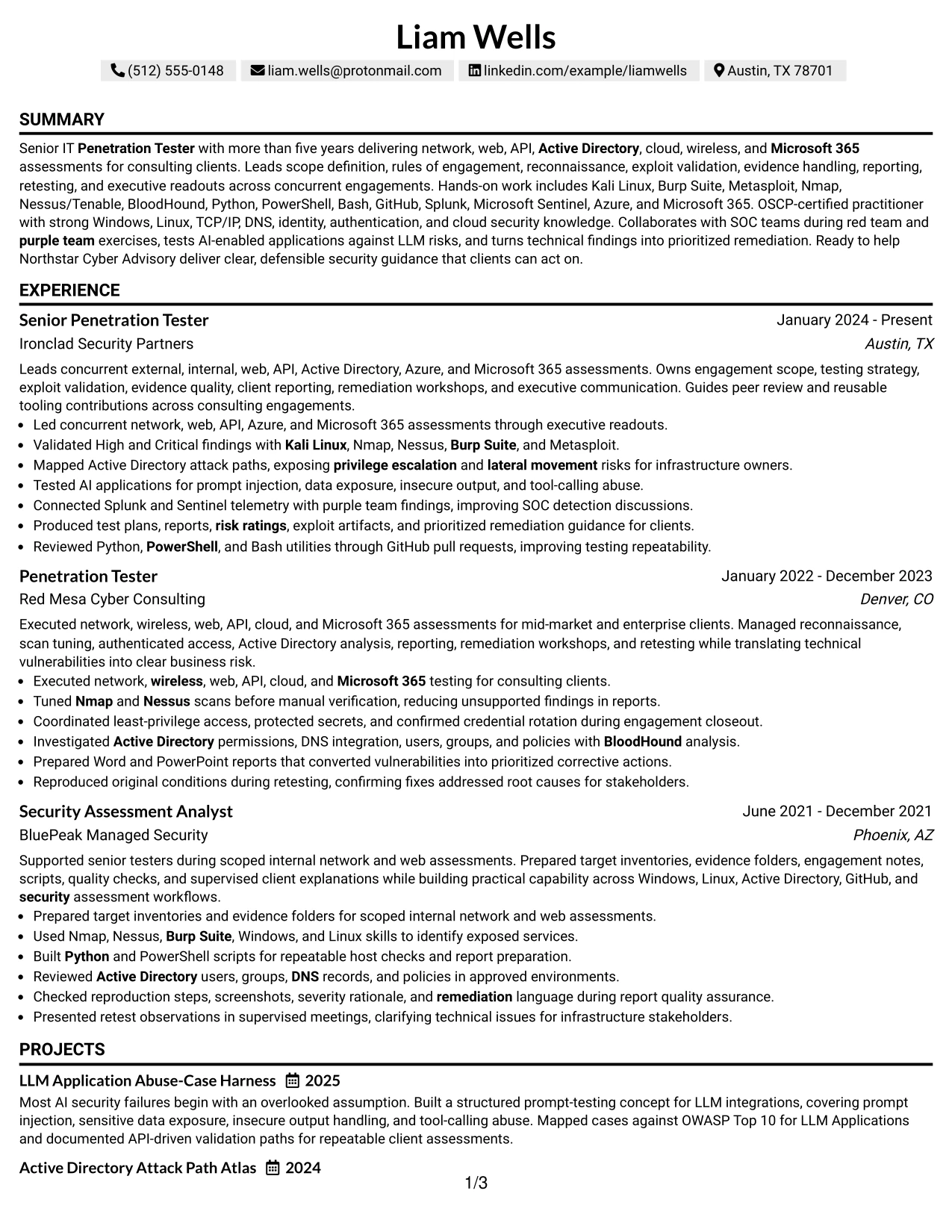
#30 One Column Shaded Contact Header Format Resume Example
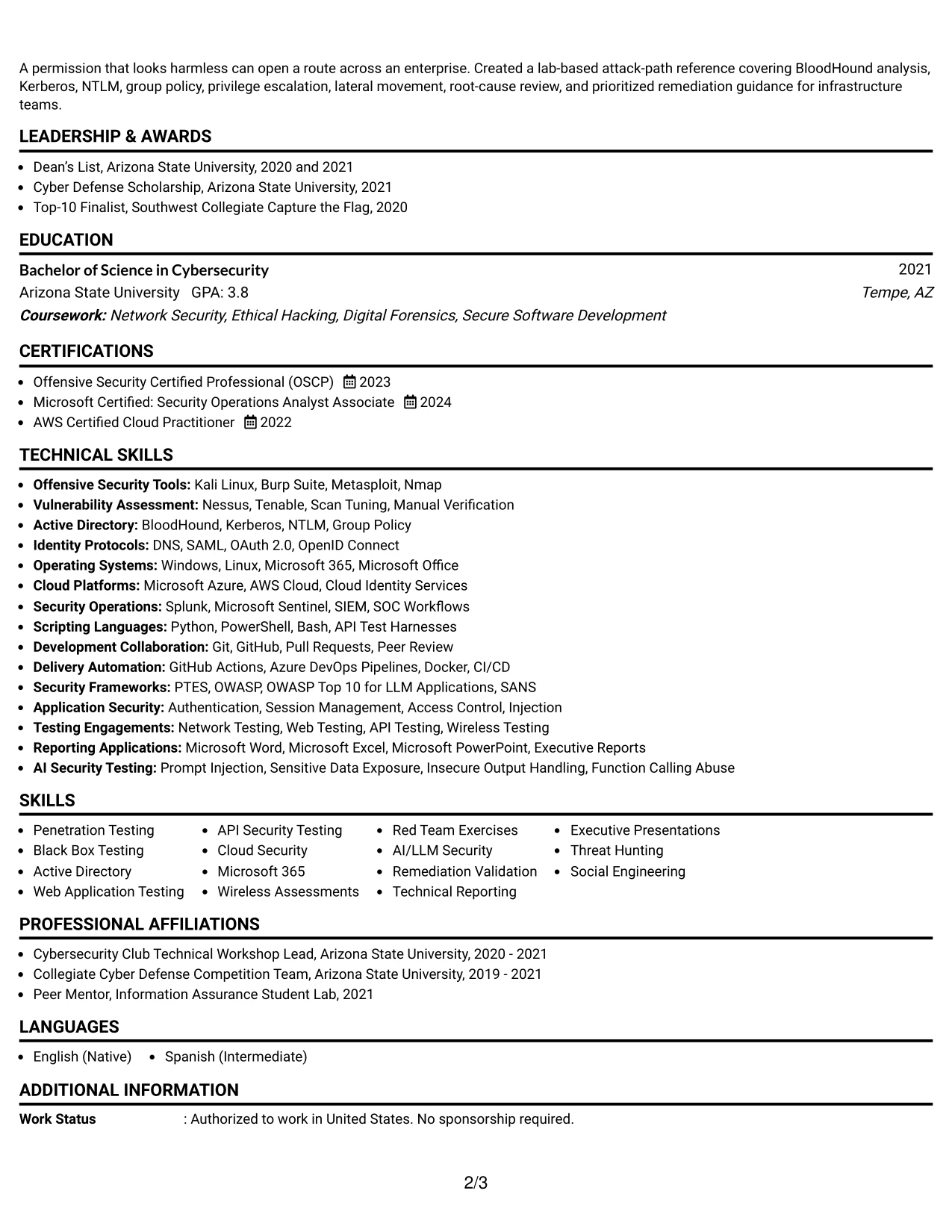
A quiet visual hierarchy gives Liam Wells’s resume a professional first impression without taking attention away from its technical record. The shaded contact header establishes the document identity, while consistent sections guide the reader through the summary, experience, skills, education, and certifications.
The role alignment is especially clear in the evidence sequence: consulting assessments, High and Critical finding validation, Active Directory analysis, AI application testing, SOC collaboration, and reusable scripting. Shaded labels make each group easy to locate during a targeted resume review.
Why the One Column Shaded Contact Header Format Works for a Resume
- The shaded header clearly separates contact information from the qualification record.
- A single column keeps role evidence in a straightforward review sequence.
- Section labels make penetration testing, reporting, certifications, and skills easy to find.
- The format supports strong keyword placement without creating a crowded visual field.
- Detailed bullets can show both technical execution and client-facing delivery.
- The hierarchy helps connect tools such as Burp Suite and BloodHound to documented work.
- Its restrained presentation suits a professional services resume with broad assessment coverage.
Best For
- Resumes seeking a polished, role-focused presentation with a clear contact header.
- Applications where a single reading path supports fast review of relevant evidence.
- Candidates matching a senior security testing role across network, web, API, and cloud work.
- Documents that need visible labels for experience, skills, certifications, and education.
- Readers who value quiet styling and direct access to technical qualifications.
- Professional services submissions combining client delivery with hands-on security testing.
- Profiles where keyword clarity must coexist with a clean and controlled page structure.
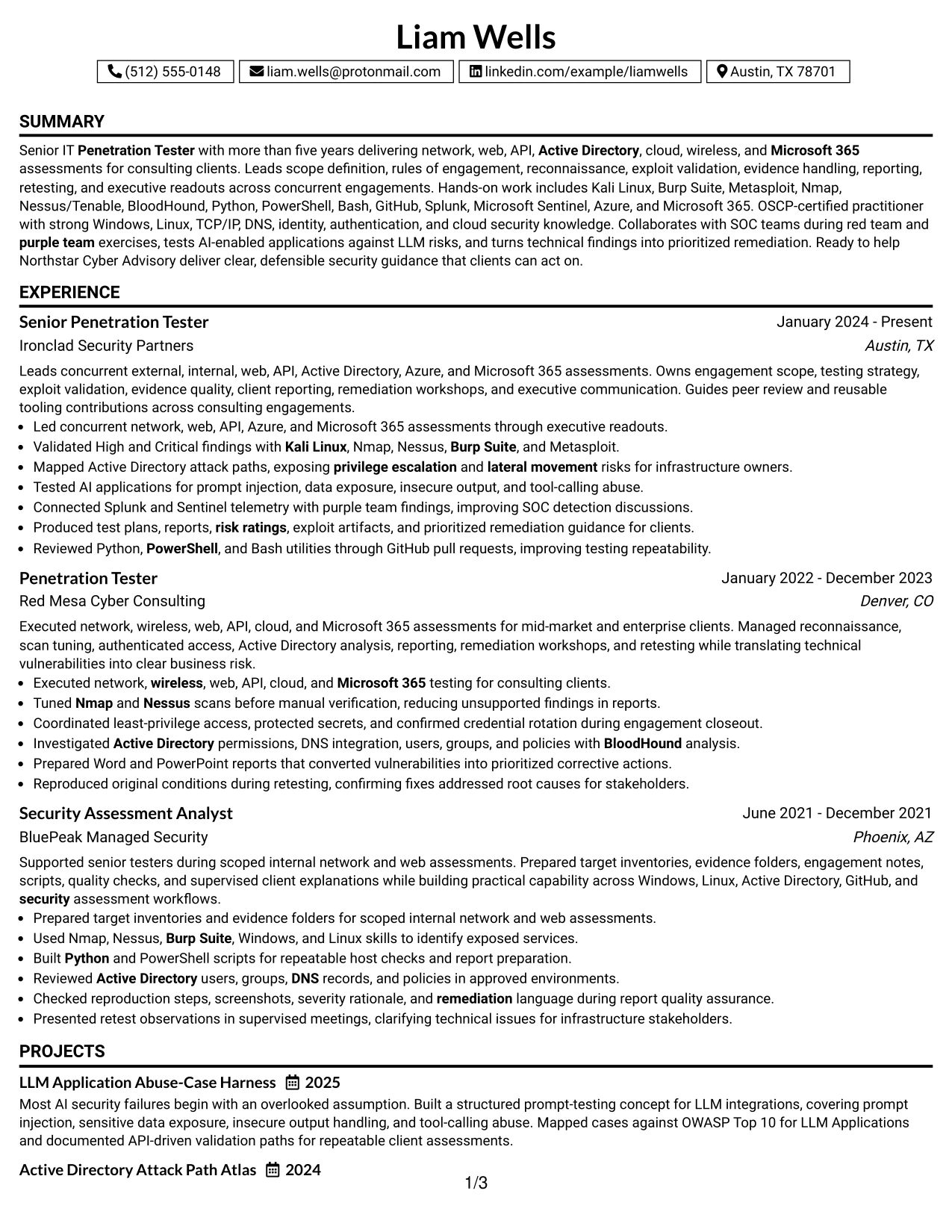
#31 Boxed Contact Header with Job Title Format Resume Example
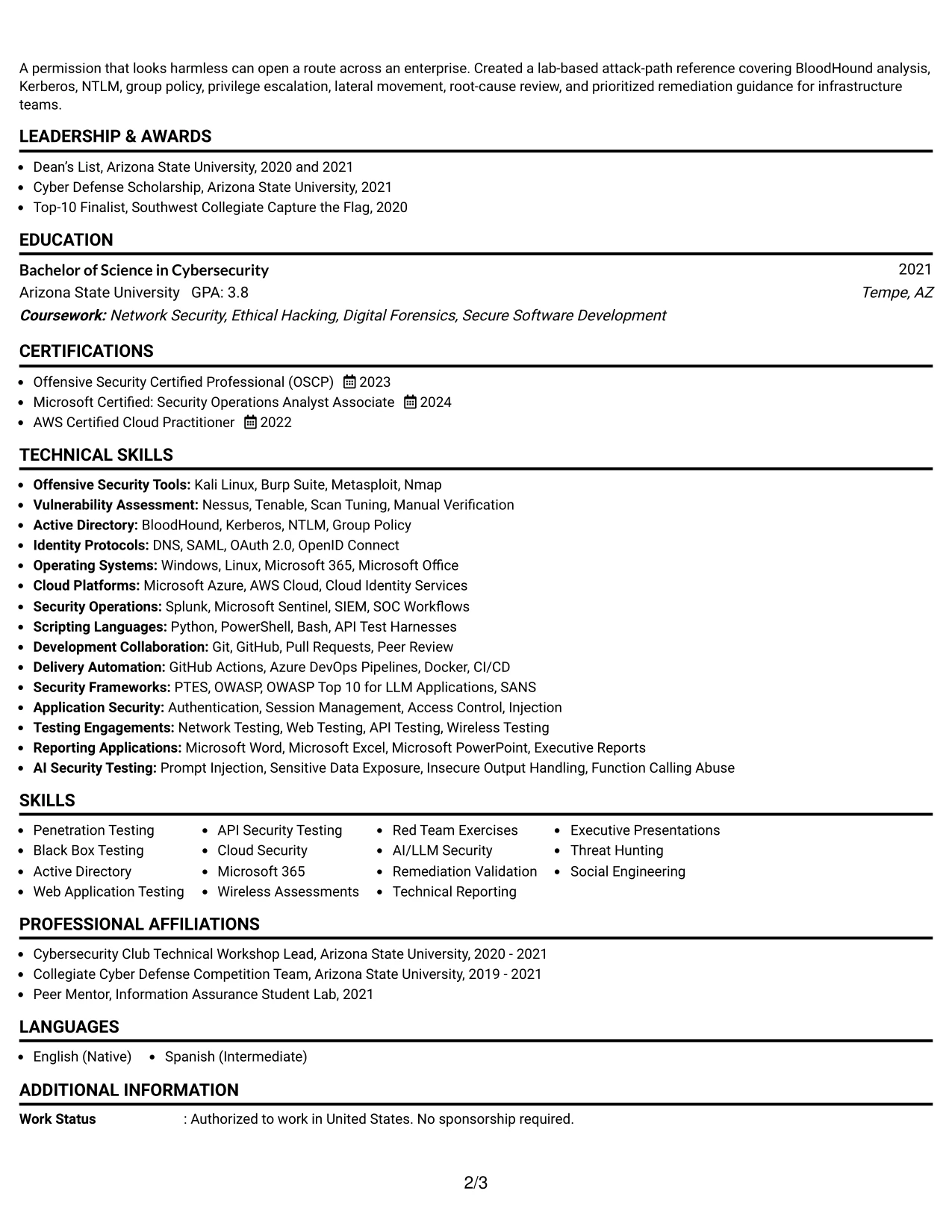
The Boxed Contact Header with Job Title Format starts with a direct professional identity, then moves into the summary and supporting evidence. The boxed header gives the target position a defined place before the reader reaches experience, skills, education, and certifications.
For this resume, the structure keeps the job title connected to practical proof. Bullets can show scope definition, rules of engagement, manual exploit validation, attack-path mapping, executive reporting, remediation workshops, and peer-reviewed tooling work.
Why the Boxed Contact Header with Job Title Format Works for a Resume
- The job title appears in a prominent header position for immediate context.
- A boxed contact area keeps contact details separate from the career narrative.
- The single-column flow makes the summary and experience easy to scan in order.
- Experience bullets can connect technical methods to client deliverables and results.
- Skills and certifications remain visible without breaking the main evidence sequence.
- The format gives rules of engagement, reporting, and retesting work a clear place in the record.
- A defined header improves orientation when the resume is reviewed quickly.
Best For
- Resumes where the target job title should be clear before any detailed content.
- Applications that need a strong identity block followed by full-width evidence.
- Candidates presenting structured engagement delivery from scope through executive readout.
- Documents that combine technical tools with reporting and stakeholder-facing responsibilities.
- Readers who want the role context established before reviewing career history.
- Professional profiles where certifications and skills should support, not overshadow, experience.
- Submissions that benefit from a firm header and predictable section order.
#32 Plain Professional Layout with Job Title and Shaded Labels Resume Example
Readers can begin with the job title and summary, then follow shaded labels down through experience, skills, certifications, education, and projects. The plain professional treatment reduces visual noise, which gives technical bullets more room to explain assessment scope and results.
A high-volume security resume benefits from this steady structure. The content can include multiple employers, broad testing environments, detailed tools, identity protocols, scripting languages, SIEM platforms, and AI security work while keeping each category easy to find.
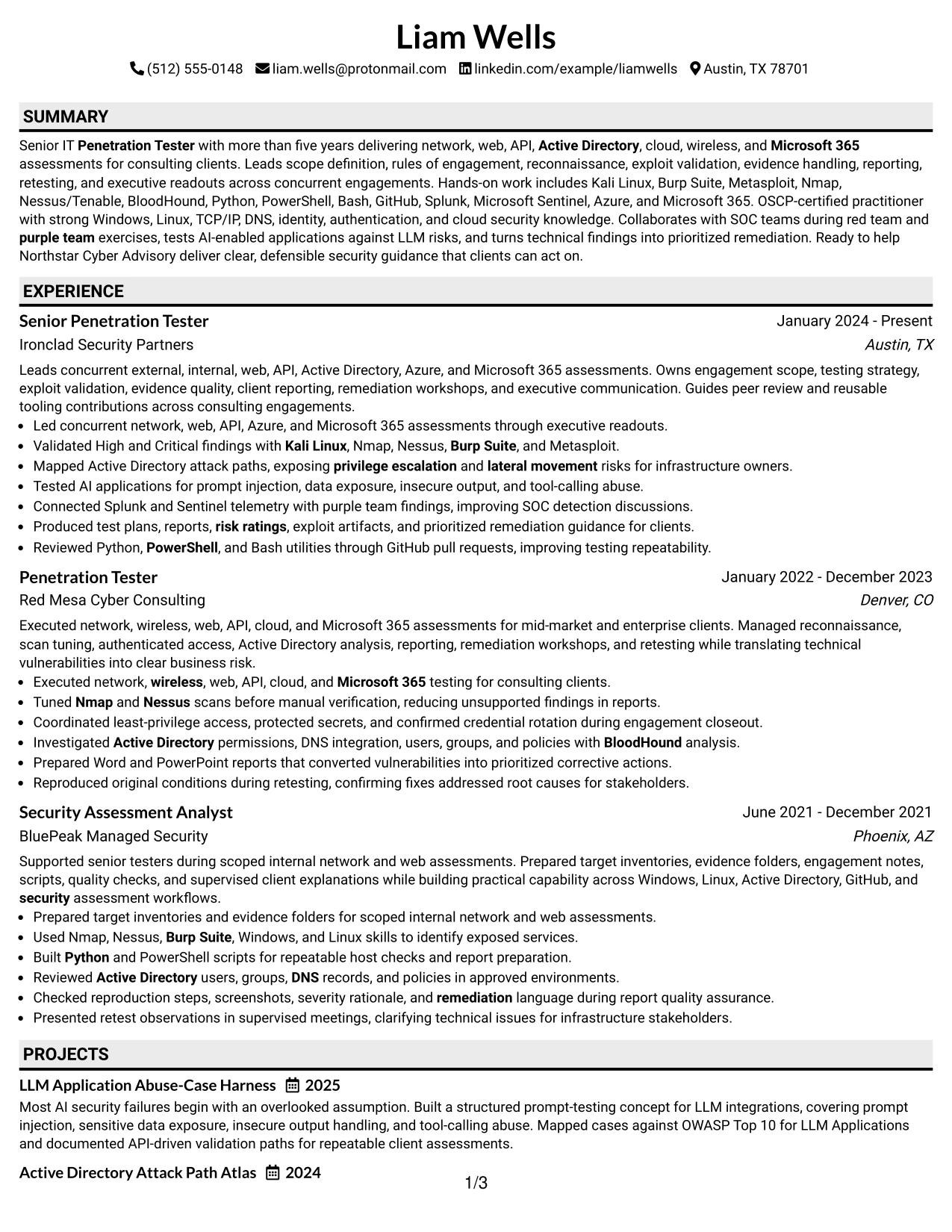
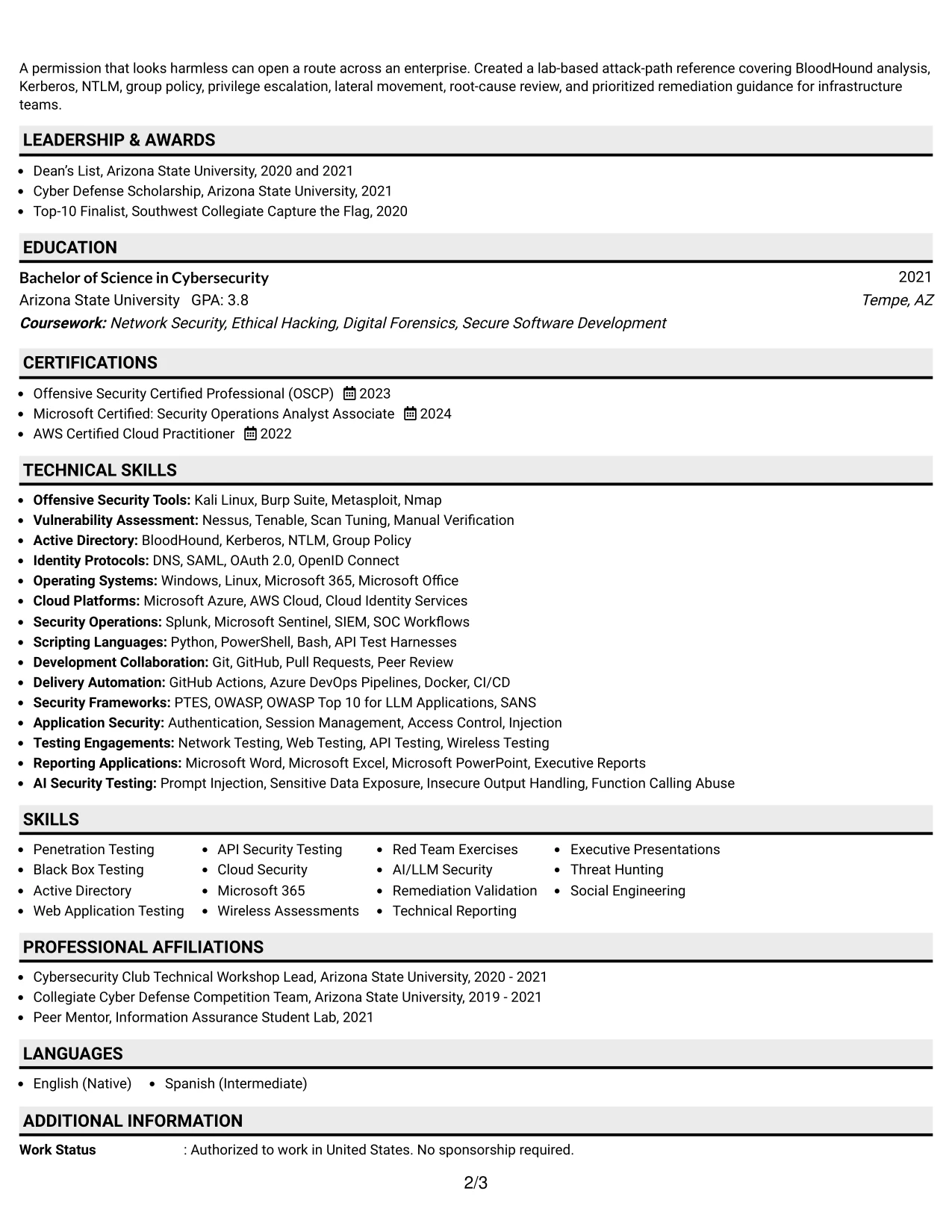
Why the Plain Professional Layout with Job Title and Shaded Labels Works for a Resume
- The job title provides immediate context before the detailed content begins.
- Shaded labels help readers navigate a long, information-rich resume.
- The plain presentation leaves more attention for experience bullets and technical evidence.
- A single column supports complete descriptions of testing, reporting, and remediation work.
- Large skill groups can be organized without relying on decorative graphics.
- Projects and certifications can be placed in a clear sequence after core experience.
- The format is useful when content volume matters more than visual embellishment.
Best For
- Resumes with substantial technical content that need calm, predictable navigation.
- Applications combining several employers with broad assessment coverage.
- Candidates who need room for tools, identity protocols, scripting, and SIEM experience.
- Documents where job title visibility should precede a detailed professional summary.
- Readers reviewing long skills and certification lists alongside full experience bullets.
- Profiles that include projects, reporting work, and remediation evidence in addition to testing.
- Submissions where content volume and clear labels are the main presentation priorities.
#33 Classic One Column Resume Format Resume Example
Validated technical evidence receives priority in this classic structure. The one-column sequence lets the resume lead with a focused summary, then present consulting experience, testing results, tools, certifications, education, and projects without competing layout panels.
A traditional page is a strong choice for a senior penetration testing application because it keeps the professional record easy to verify. Clear bullets can document network and application assessments, High and Critical finding validation, Active Directory risks, reporting, retesting, and security automation.

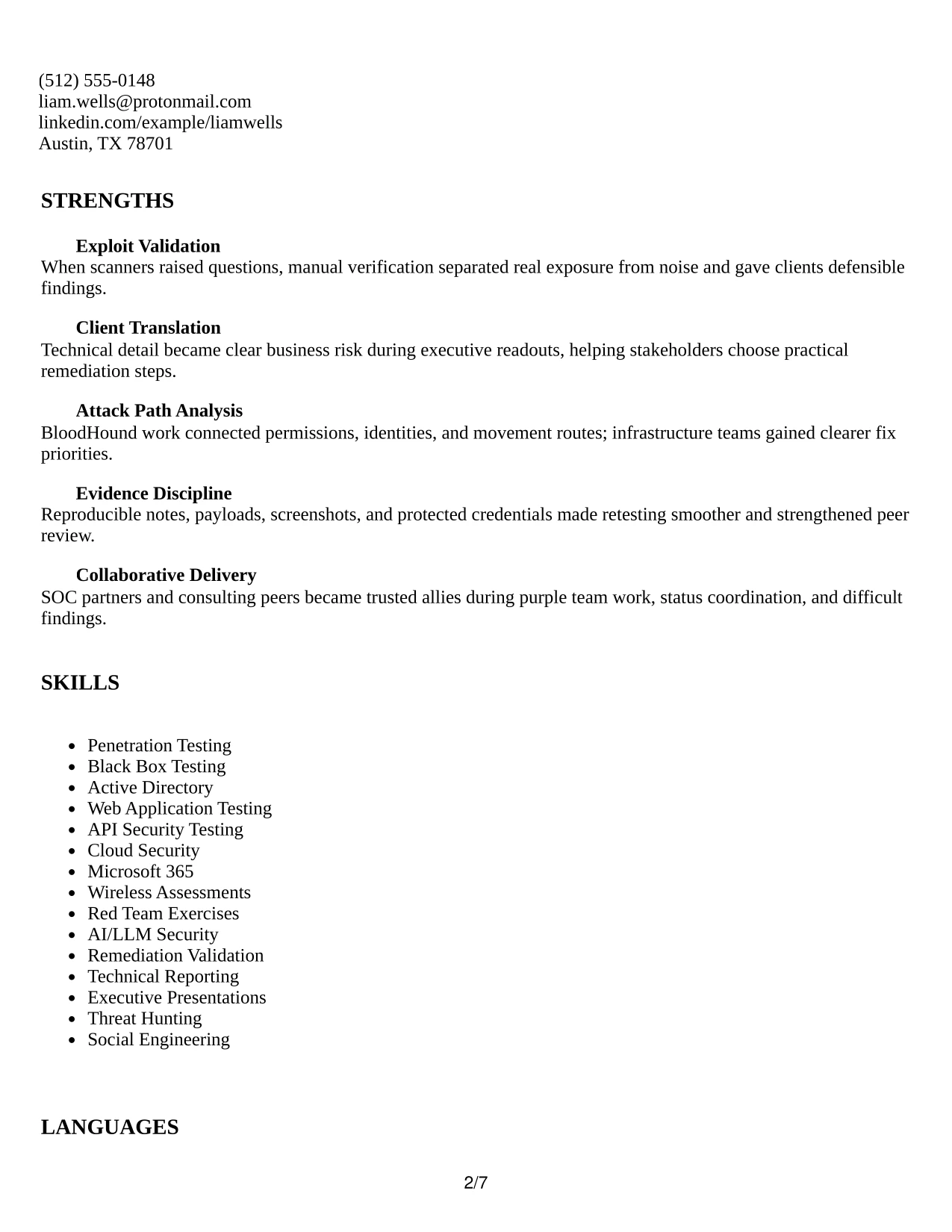
Why the Classic One Column Resume Format Works for a Resume
- The classic sequence makes the professional record simple to verify.
- One-column reading keeps evidence points in a consistent order.
- Experience bullets can show scope, execution, findings, and remediation without compression.
- The format supports familiar sections for skills, certifications, education, and projects.
- Technical keywords remain readable because the page avoids complex visual structures.
- A traditional hierarchy works well for both recruiter scanning and detailed review.
- The layout gives measurable and specific work evidence more importance than decoration.
Best For
- Resumes where documented testing evidence should be the first priority.
- Applications that benefit from a familiar, conservative information order.
- Candidates showing complete engagement work from reconnaissance through retesting.
- Documents requiring clear sections for tools, certifications, education, and projects.
- Readers who prefer full-width bullets and a direct top-to-bottom review.
- Professional services profiles where credibility depends on verifiable delivery details.
- Submissions that need a dependable structure for technical and client-facing achievements.
Why Build Your Senior IT Penetration Tester Resume with ResumeInMinutes
ResumeInMinutes helps security professionals present complex assessment work in a clear resume structure. You can organize penetration testing experience, technical tools, certifications, projects, education, and client deliverables without losing important technical detail.
- ATS-friendly resume formats
- Clear security-focused section structure
- Targeted penetration testing keywords
- Organized tools and technical skills
- Readable project and certification sections
- Customizable resume content and layouts
Use the formats to show how your work supports network, web, API, Active Directory, cloud, Microsoft 365, AI security, red team, and purple team engagements. Keep each section focused on evidence, scope, tools, findings, communication, and remediation outcomes that you can support.
See Also
- 33 Associate Penetration Tester Resume Templates with Example 2026 (ATS-Optimized)
- 33 Entry-Level Penetration Tester Resume Templates with Example 2026 (ATS-Optimized)
- 33 Junior Penetration Tester Resume Templates with Example 2026 (ATS-Optimized)
- 33 Lead Penetration Tester Resume Templates with Example 2026 (ATS-Optimized)
- 33 Penetration Tester Intern Resume Templates with Example 2026 (ATS-Optimized)
- 33 Penetration Tester Resume Templates with Example 2026 (ATS-Optimized)
- 33 Penetration Tester, VP Resume Templates with Example 2026 (ATS-Optimized)
- 33 Senior Penetration Tester Resume Templates with Example 2026 (ATS-Optimized)
- 30+ Senior IT Penetration Tester Cover Letter Templates with Example 2026
- 30+ Associate Penetration Tester Cover Letter Templates with Example 2026
Frequently Asked Questions
Are these Senior IT Penetration Tester resume templates ATS-friendly?
Yes. They use clear headings and readable structures that help ATS software and recruiters identify penetration testing experience, tools, certifications, and security keywords.
Are these various resumes?
No. This guide presents one Senior IT Penetration Tester resume example in distinct formats and design styles.
What should a Senior IT Penetration Tester resume include?
Include a focused summary, penetration testing experience, assessment types, technical tools, Active Directory and application security skills, certifications, projects, education, reporting work, and remediation or retesting results.
Can I download the resume templates as PDFs?
Yes. Each resume design offers a free PDF download so you can review the layout and choose a format for your Senior IT Penetration Tester resume.
Which resume style is best for a Senior IT Penetration Tester position?
A simple one-column or balanced two-column format is usually effective. Choose a layout with clear section headings, readable text, and enough space for technical skills, findings, tools, certifications, and experience bullets.
How can I show penetration testing achievements on my resume?
Describe the assessment scope, testing methods, tools, validated findings, evidence, client deliverables, and remediation results. Use measurable outcomes when you can support them, but do not add unsupported metrics.
Should I include a photo on my resume?
For U.S. applications, a no-photo resume is usually the safer choice. Use a photo only when it is customary or specifically expected in your region or application process.
Can I customize these resume templates?
Yes. You can edit the resume text, sections, skills, keywords, projects, certifications, and layout to match your Senior IT Penetration Tester background.




