
7 Senior Life Sciences Analyst - AI Model Training Cover Letter Templates with Example
This practical guide helps you shape a Senior Life Sciences Analyst - AI Model Training cover letter through seven layouts, with clear advice for presenting role fit.
What Makes a Great Senior Life Sciences Analyst - AI Model Training Cover Letter in 2026
A strong letter shows how life sciences judgment can improve AI product quality. It connects careful model evaluation and clear communication with the needs of the role.
Use relevant evidence, such as response scoring, preference analysis, or data quality work, when it reflects your background. Explain how that evidence can help the employer deliver useful, reliable products.
The featured example moves from role motivation to evidence of AI evaluation and data analysis, then closes with a clear statement of contribution; adapt that progression and choose a presentation suited to the employer and communication context.
#1 Simple One Column Format Cover Letter Example
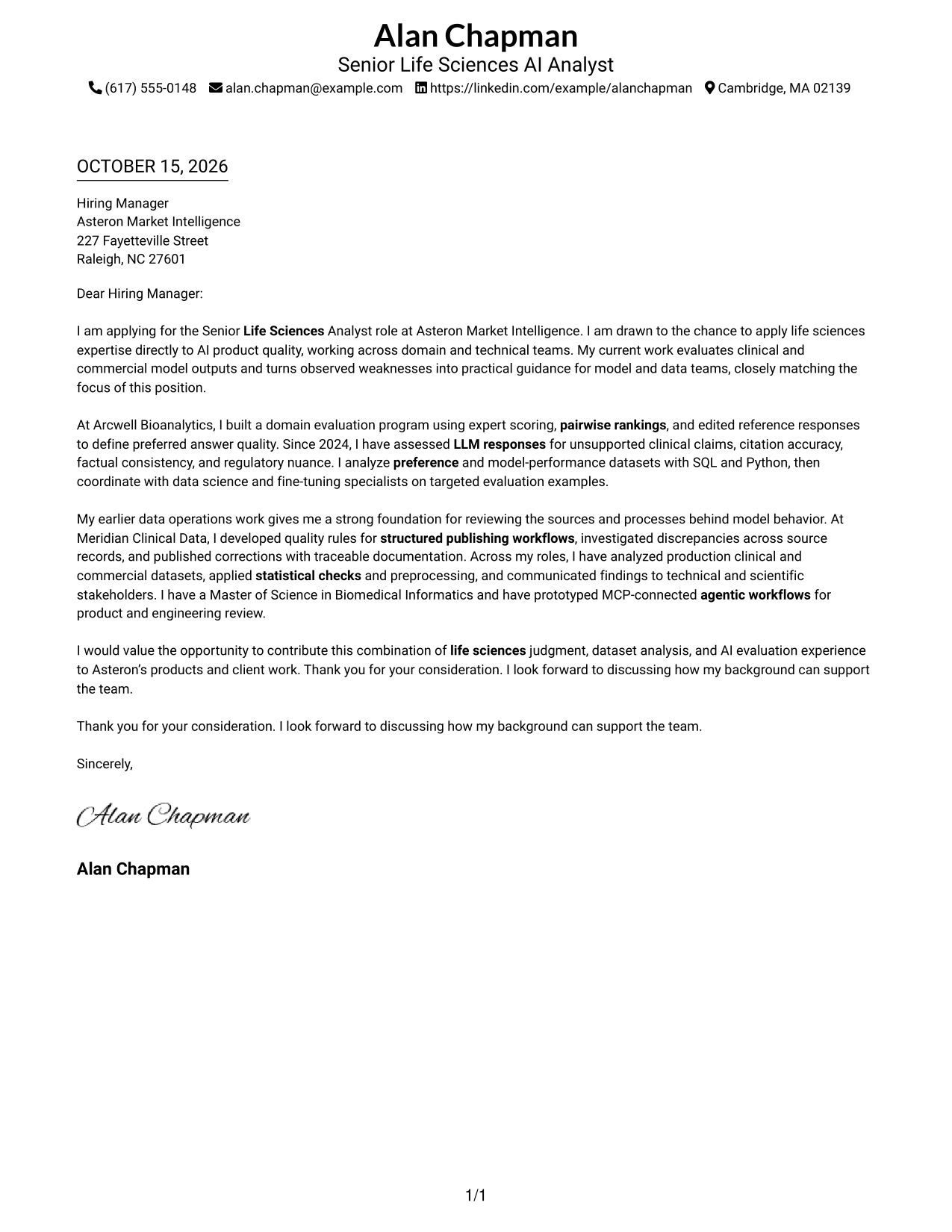
A single-column layout places sender details in the header and keeps the letter body in one reading path for a direct presentation.
Why This Format Works
- Sender details and letter text share one reading path, keeping contact information easy to locate.
- A single column lets reviewers follow the opening, supporting points, and closing in order.
- Without a portrait, the page keeps its visual focus on the written message.
Best For
- Single-column reading preference
- Header-based contact details
- Text-focused application materials
- Photo-free presentation
- Unheaded letter paragraphs
#2 Two Column Format Cover Letter Example
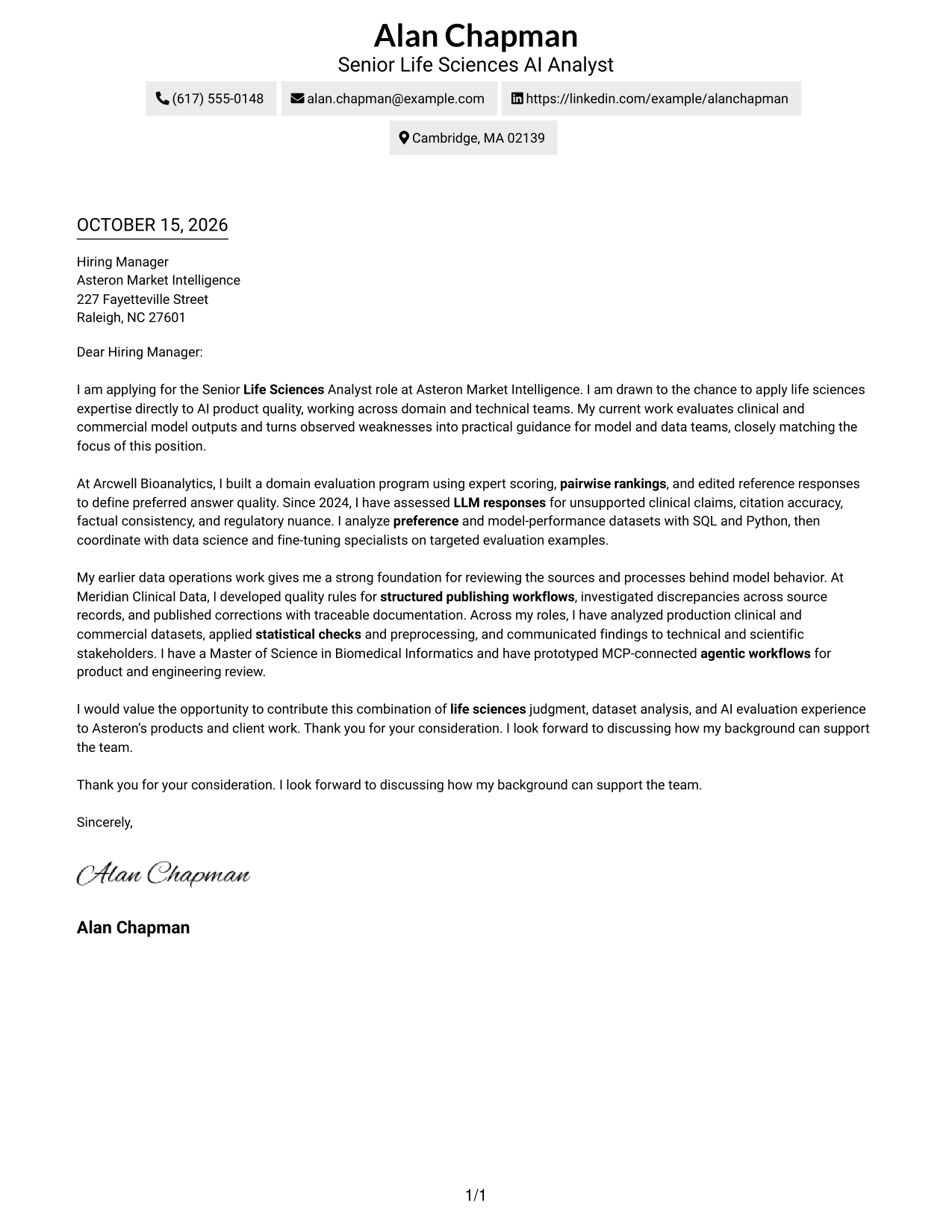
A contact sidebar sits beside one continuous letter body, separating sender information from the message while keeping the paragraphs together.
Why This Format Works
- The contact sidebar keeps sender details apart from the message for quick reference.
- One continuous body lets readers follow the argument from opening through closing.
- The no-photo layout suits a preference for a text-led page.
Best For
- Two-column page preference
- Quick access to sender details
- Continuous paragraph-based persuasion
- Photo-free visual style
- Text-focused employer correspondence
#3 Photo Header Two Column Format Cover Letter Example
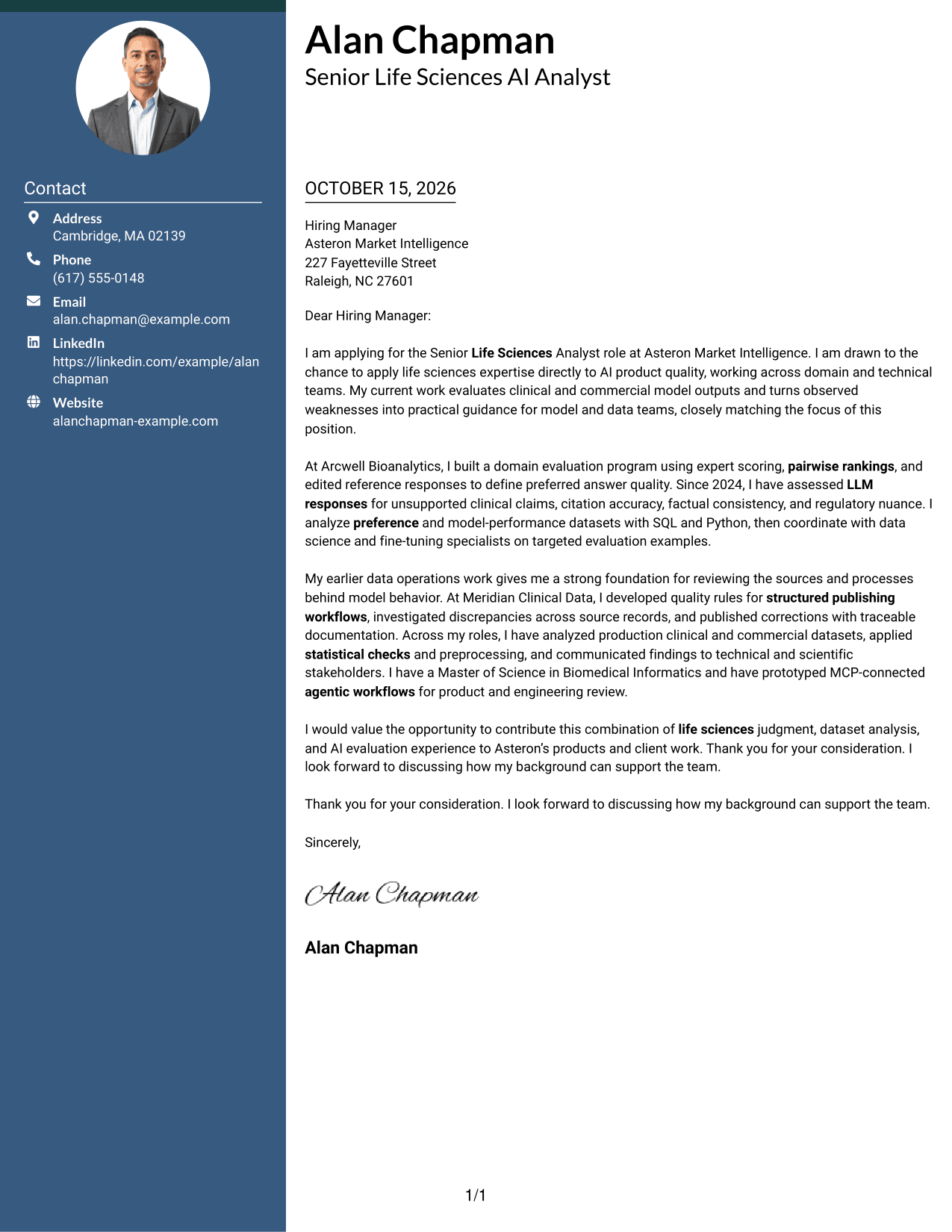
A photo in the header adds a visual point of identification, while the contact sidebar and continuous letter body keep their separate roles.
Why This Format Works
- Contact details remain separate from the message in the accompanying sidebar.
- The letter body stays continuous, preserving the intended order of its paragraphs.
- A header photo adds a personal visual element without changing the letter's message.
Best For
- Portrait-inclusive applications
- Two-column page preference
- Sidebar-based contact details
- Continuous letter paragraphs
- Photo-forward correspondence
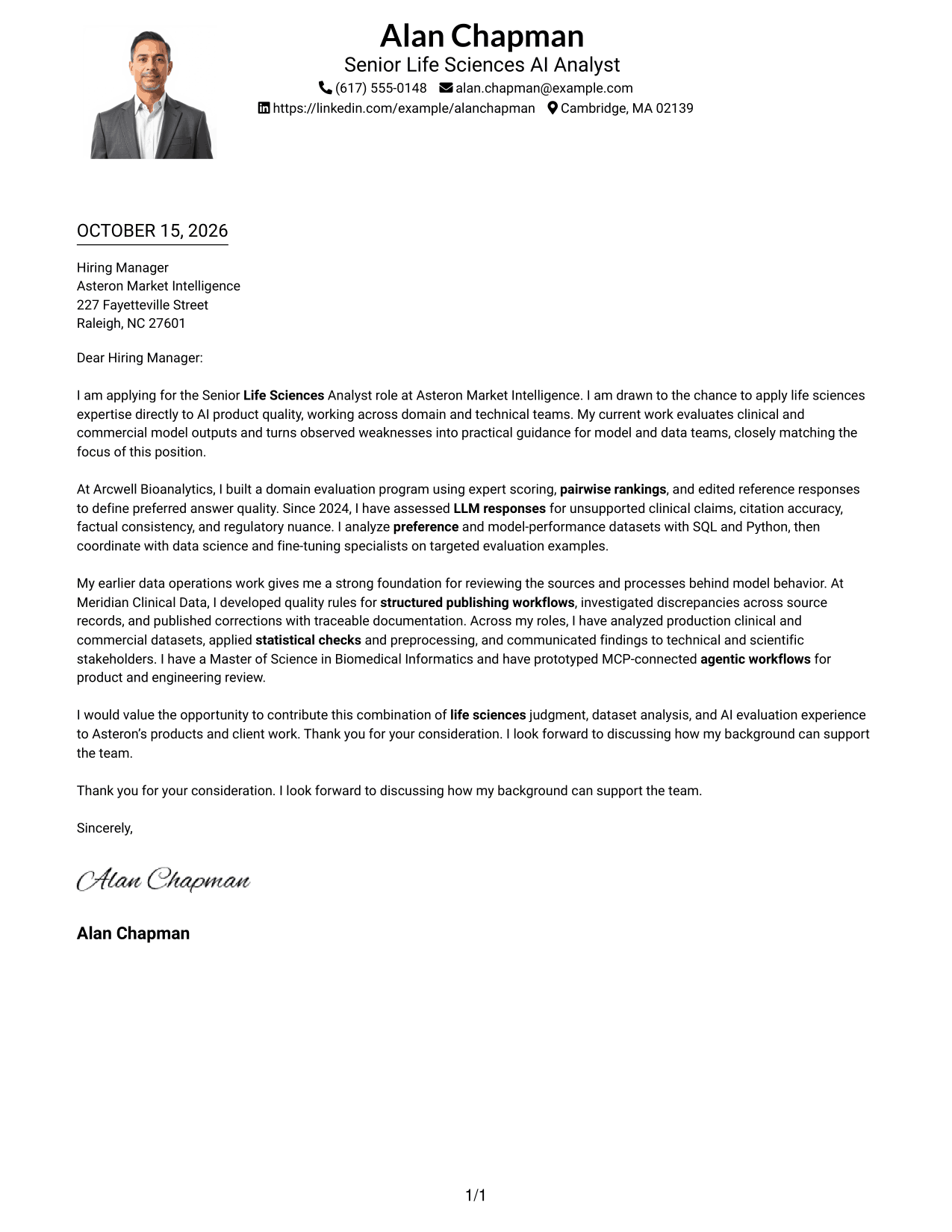
#4 One Column Format with Photo Cover Letter Example
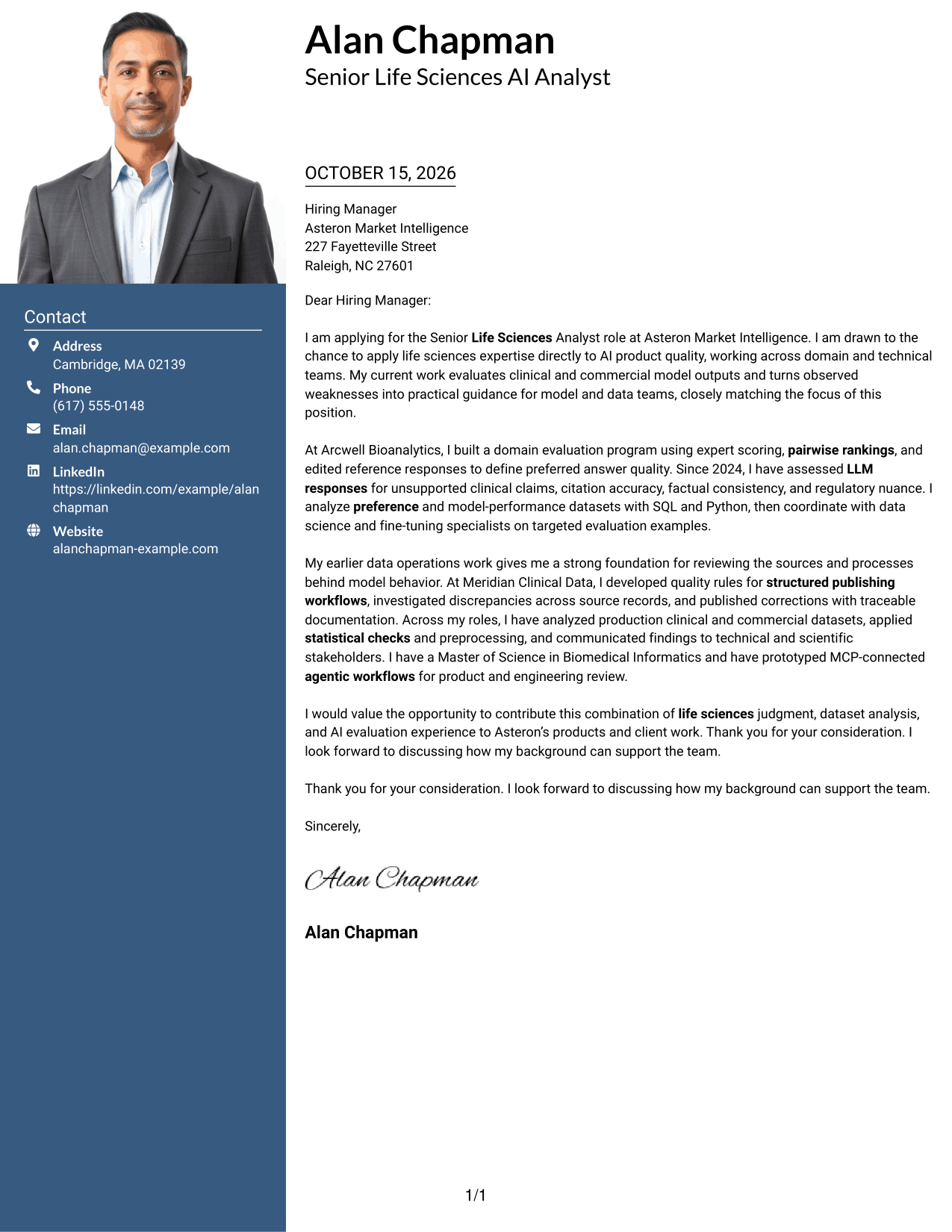
The portrait shares the header with sender details, and the one-column letter body keeps the message in a single reading path.
Why This Format Works
- One-column reading order carries the message from its opening through its closing.
- Sender details remain in the header, apart from the continuous letter text.
- The portrait offers a clear visual point of identification in the header.
Best For
- One-column reading preference
- Header portrait presentation
- Continuous letter paragraphs
- Photo-inclusive applications
- Direct written communication
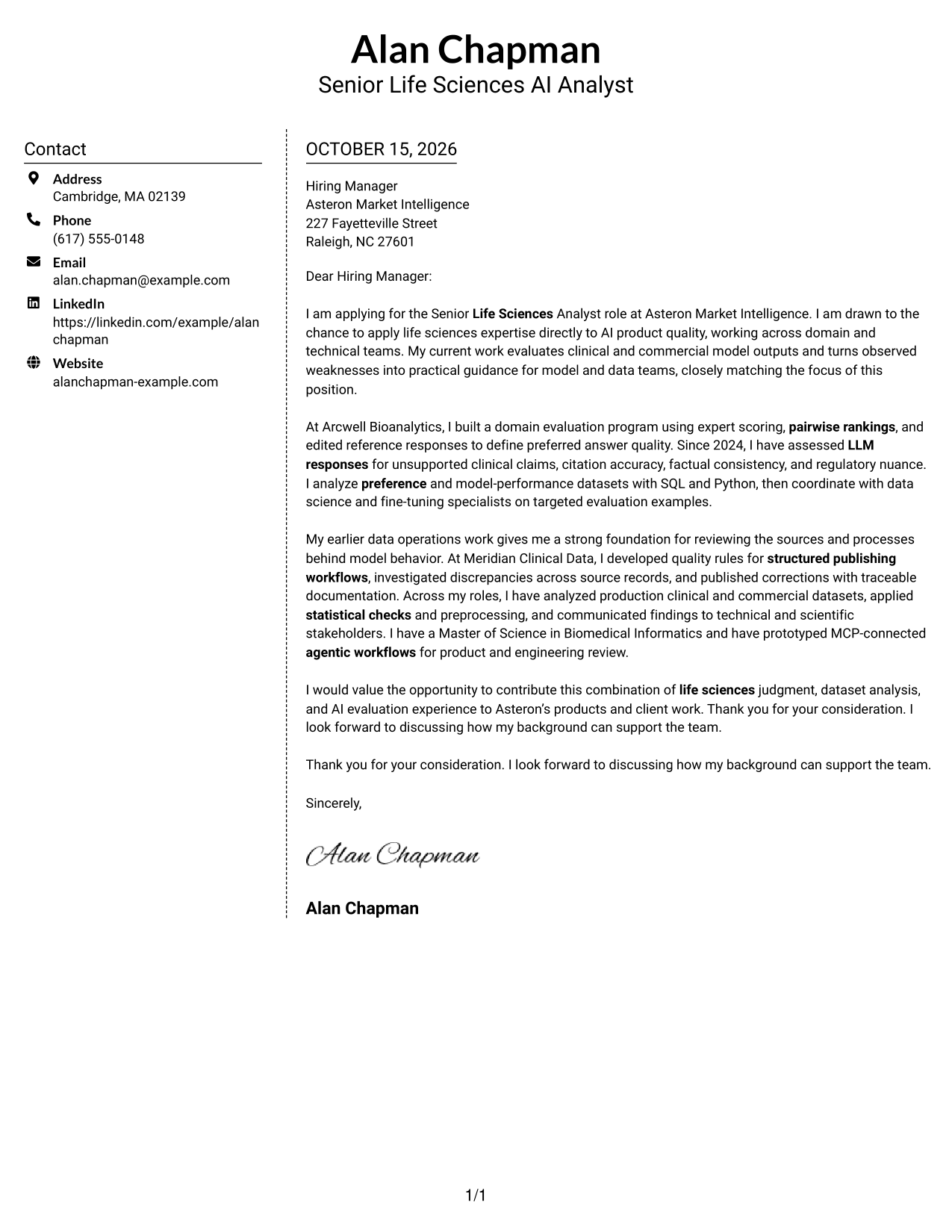
#5 Simple Two Column Format Cover Letter Example
A contact sidebar sits next to the continuous letter body, giving sender details and the message separate areas without a photo.
Why This Format Works
- Sender contact details have their own sidebar, leaving the body for the letter.
- Readers can follow the message as continuous paragraphs rather than parallel text.
- The photo-free presentation keeps the page centered on written communication.
Best For
- Separate contact and message areas
- Continuous paragraph-based letters
- Photo-free visual preference
- Easy sender detail lookup
- Written-first application materials
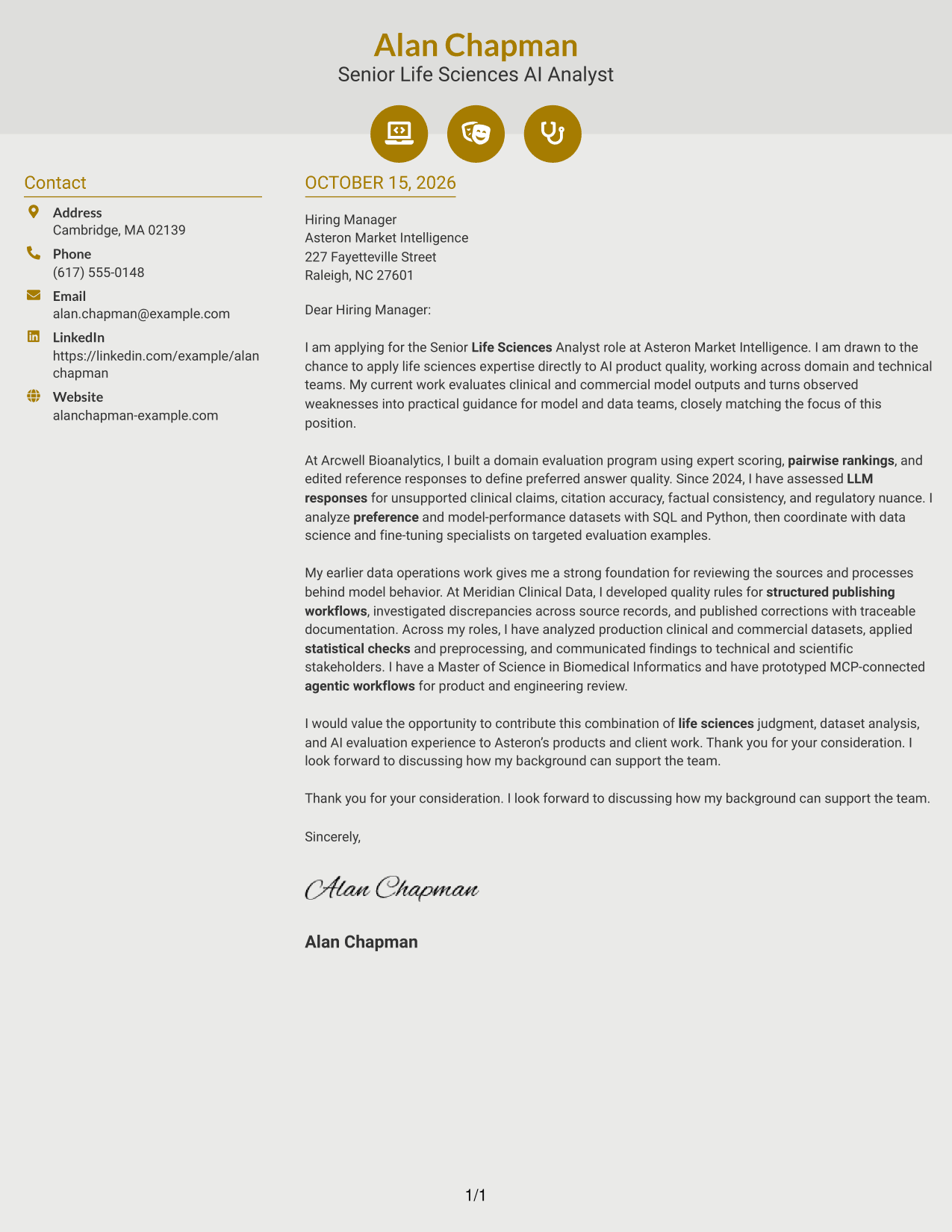
#6 Modern Icon Format Cover Letter Example
Contact icons add visual cues in the sidebar, while the letter itself remains a single continuous body beside it.
Why This Format Works
- Icons provide visual cues for contact details, not for stages of the letter.
- A dedicated sidebar separates sender information from the continuous message.
- The body retains a single reading sequence from opening to closing.
Best For
- Icon-marked contact details
- Two-column page organization
- Continuous letter body
- Photo-free visual style
- Quick contact reference
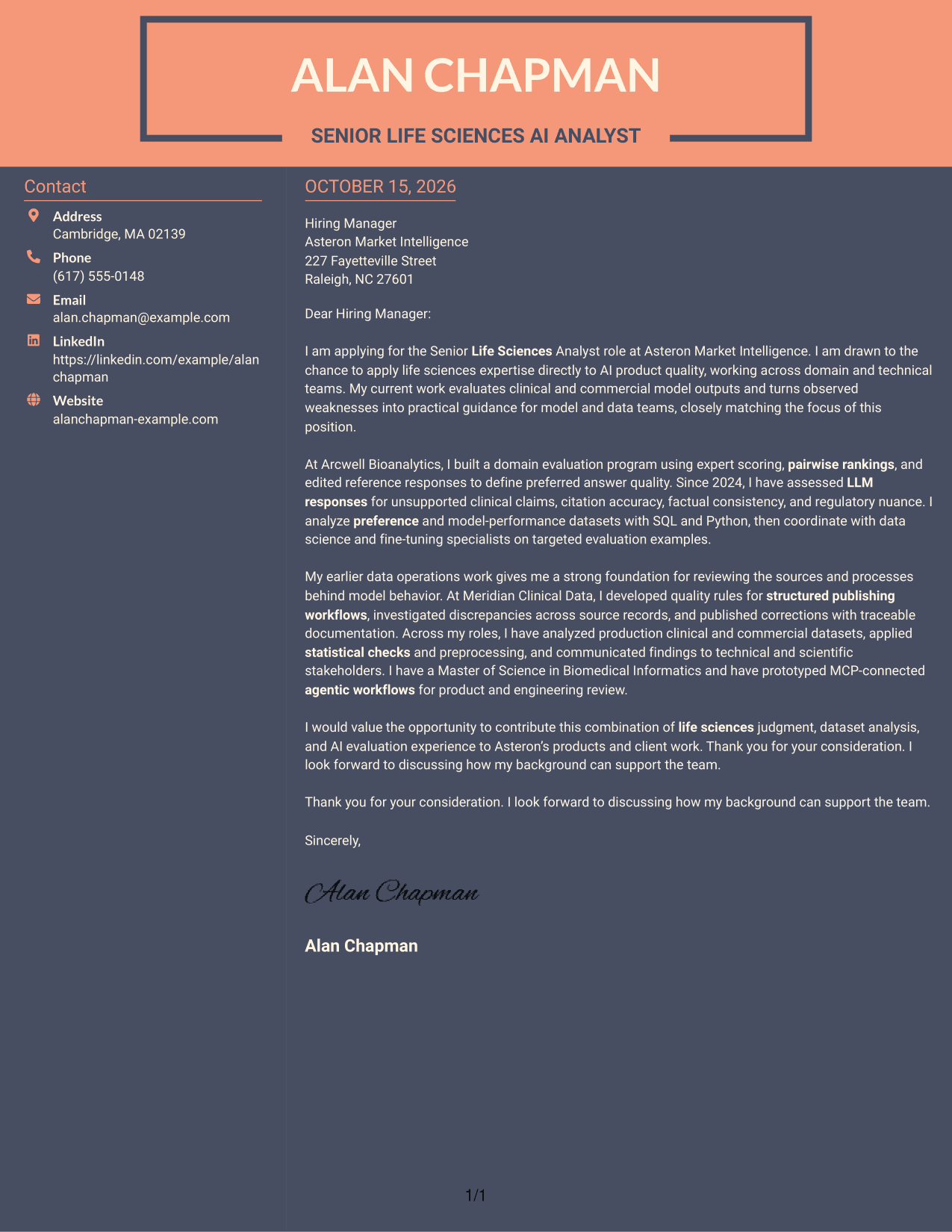
#7 Creative Two Tone Format Cover Letter Example
A two-column layout places contact details beside one continuous letter body, giving the sender information and message distinct areas.
Why This Format Works
- Contact details sit beside the letter body, separating sender information from the message.
- One continuous letter body keeps the opening, support, and closing in reading order.
- The photo-free treatment gives readers a text-focused visual choice.
Best For
- Two-column page preference
- Contact details beside the message
- Uninterrupted letter paragraphs
- Photo-free application materials
- Text-centered correspondence
Explore Senior Life Sciences Analyst - AI Model Training Cover Letter Examples
Compare the image previews to see how each presentation handles the opening, supporting evidence, and closing. When a layout fits your communication needs, open its example in the editor to customize the letter.
See Also
- 7 Senior Life Sciences Analyst - AI Model Training Resume Templates with Example
- 7 Principal Data Science Analyst - Healthcare AI Resume Templates with Example
- 33 Lead Data Science Analyst Resume Templates with Example 2026 (ATS-Optimized)
- 33 Data Analyst - AI Trainer Resume Templates with Example 2026 (ATS-Optimized)
- 33 Generative AI Analyst Resume Templates with Example 2026 (ATS-Optimized)
- 33 Accounts Payable Analyst - Invoice Processing Resume Templates with Example 2026 (ATS-Optimized)
- 33 Accounts Payable Analyst Resume Templates with Example 2026 (ATS-Optimized)
- 33 All Source Intelligence Analyst - Intelligence Analysis Resume Templates with Example
- 7 Principal Data Science Analyst - Healthcare AI Cover Letter Templates with Example
- 30+ Lead Data Science Analyst Cover Letter Templates with Example 2026
Frequently Asked Questions
What should the opening paragraph say for this role?
State the position you are applying for and give a clear reason for your interest. Connect that motivation to the role’s focus on life sciences expertise and AI product quality.
How can I show fit for a Senior Life Sciences Analyst - AI Model Training position?
Choose evidence that matches your own experience, such as evaluating model responses, reviewing clinical or regulatory content, analyzing preference data, or improving data quality. Explain the value of that work in plain terms.
Should I mention SQL, Python, or MCP-connected workflows?
Mention these only when you have used them and they support your case. For example, explain how SQL or Python helped you examine model-performance data, or describe an MCP-connected workflow prototype and its purpose.
How should I close the cover letter?
Briefly restate the contribution you can make, thank the reader, and invite a conversation. Keep the tone confident and professional.
How do I choose a cover letter presentation?
Choose a clear, easy-to-read style that fits the employer and the way you want to communicate. Compare the image previews, then open a suitable example in the editor to customize it.




