
7 Senior Order Management Analyst - SaaS Billing Operations Cover Letter Templates with Example
This practical guide to a Senior Order Management Analyst - SaaS Billing Operations cover letter shows how to present role fit and motivation across seven layouts.
What Makes a Great Senior Order Management Analyst - SaaS Billing Operations Cover Letter in 2026
A strong letter connects accurate contract-to-invoice work with the role’s needs, such as complex order review, billing issue resolution, UAT, and close support.
Use clear examples of your contribution, then link them to the employer’s priorities. Show how your communication and follow-through help teams resolve issues and improve order-to-cash work.
The featured example moves from role fit to cross-team issue resolution, then to testing, close work, and a clear closing. Adapt this focused progression to your own evidence, choosing a presentation that suits the employer and communication context.
#1 Simple One Column Format Cover Letter Example
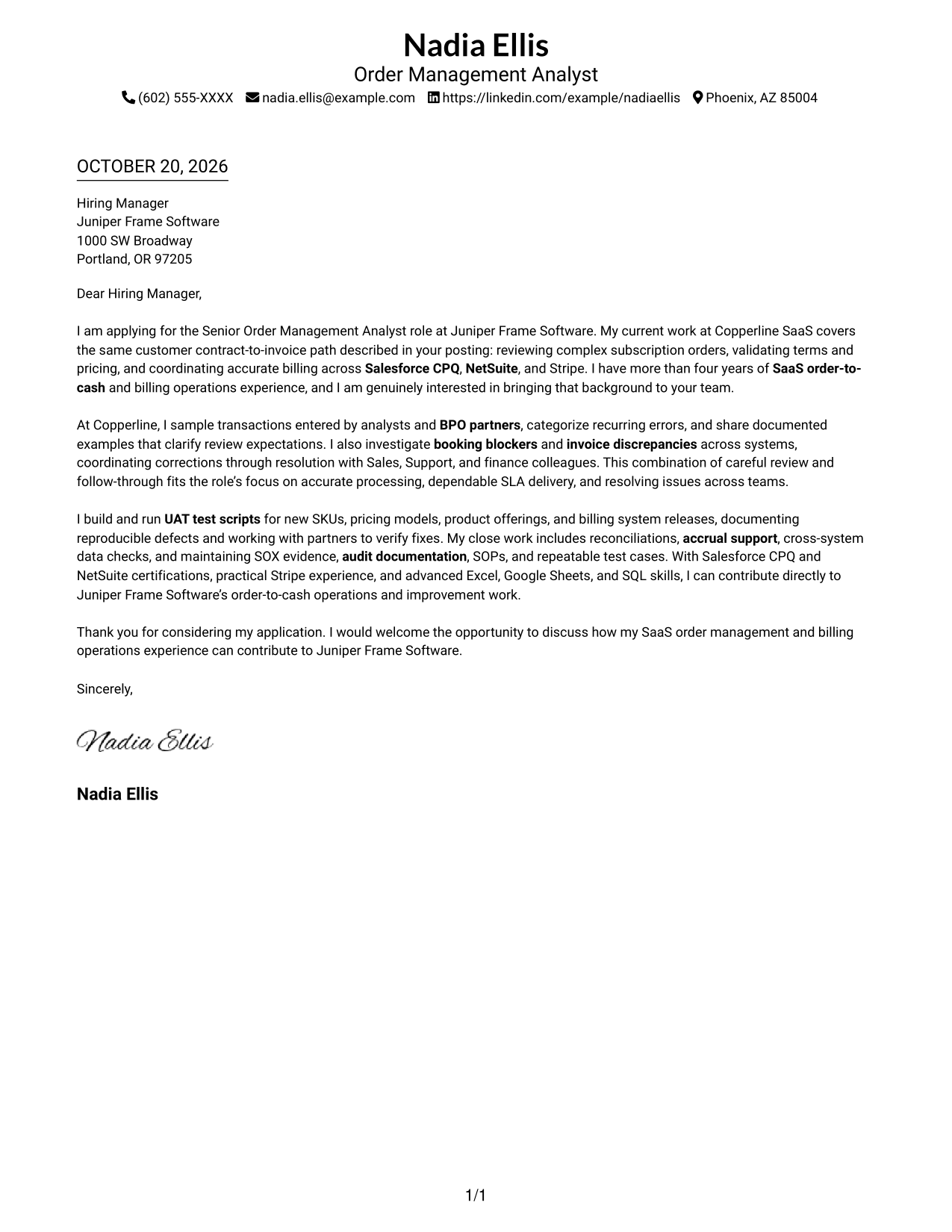
The Simple One Column Format keeps sender details in the header and the letter in one column, giving the message a direct reading path.
Why This Format Works
- Sender details stay in the header, keeping contact information easy to locate.
- One column gives the opening, supporting paragraphs, and close a direct reading order.
- Without a portrait, the page keeps its visual focus on the letter text.
Best For
- Single-column letter drafts
- Header-based contact details
- Linear paragraph reading
- Text-first application materials
- Direct opening-to-close messages
#2 Two Column Format Cover Letter Example
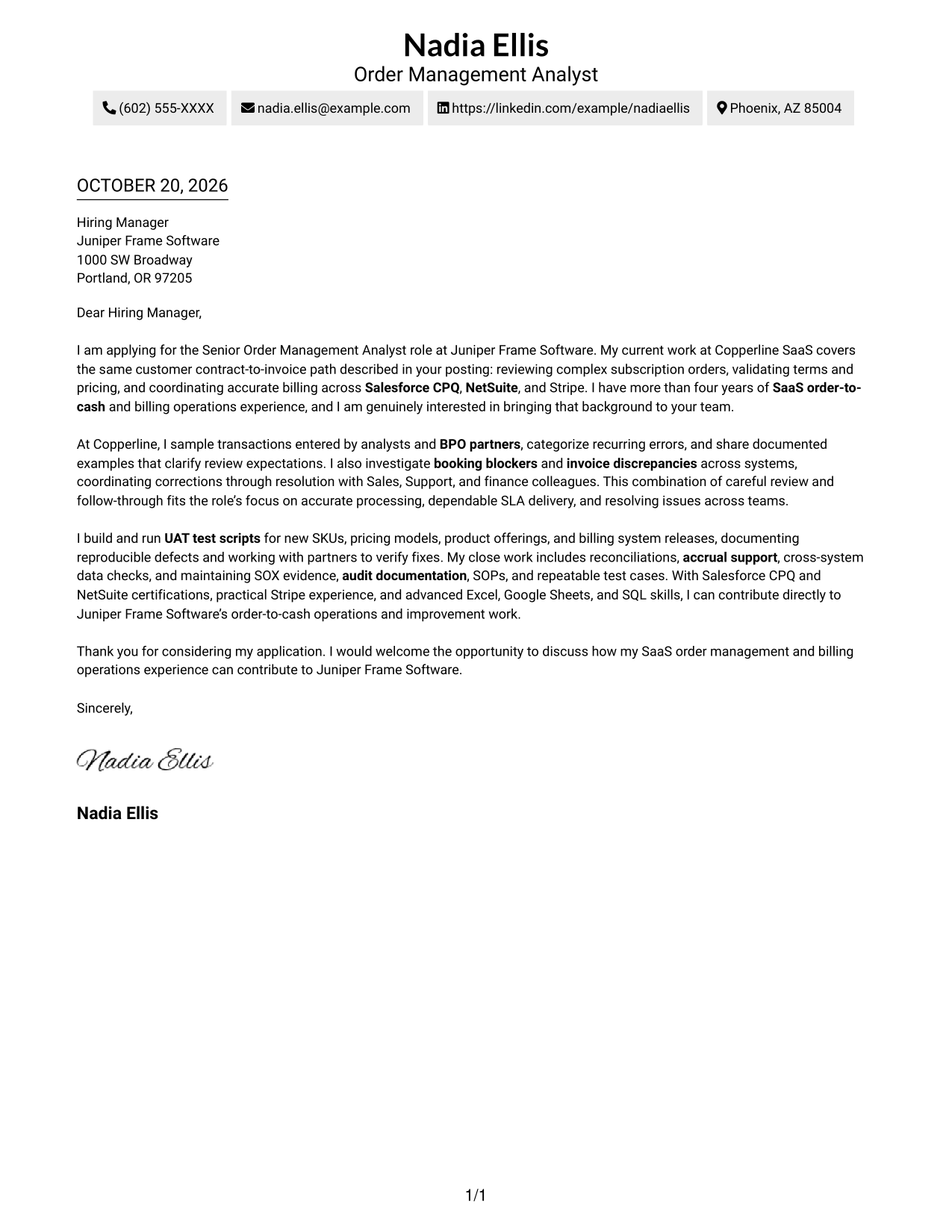
The Two Column Format places contact details beside a single continuous letter body, separating contact information from the message without splitting its argument.
Why This Format Works
- The contact sidebar keeps sender information apart from the letter's message.
- One continuous body presents the opening, role fit, and closing in sequence.
- A photo-free presentation suits readers who prefer the message without a portrait.
Best For
- Several sender contact methods
- Contact-sidebar preference
- Continuous paragraph arguments
- Portrait-free correspondence
- Straightforward letter reading
#3 Photo Header Two Column Format Cover Letter Example
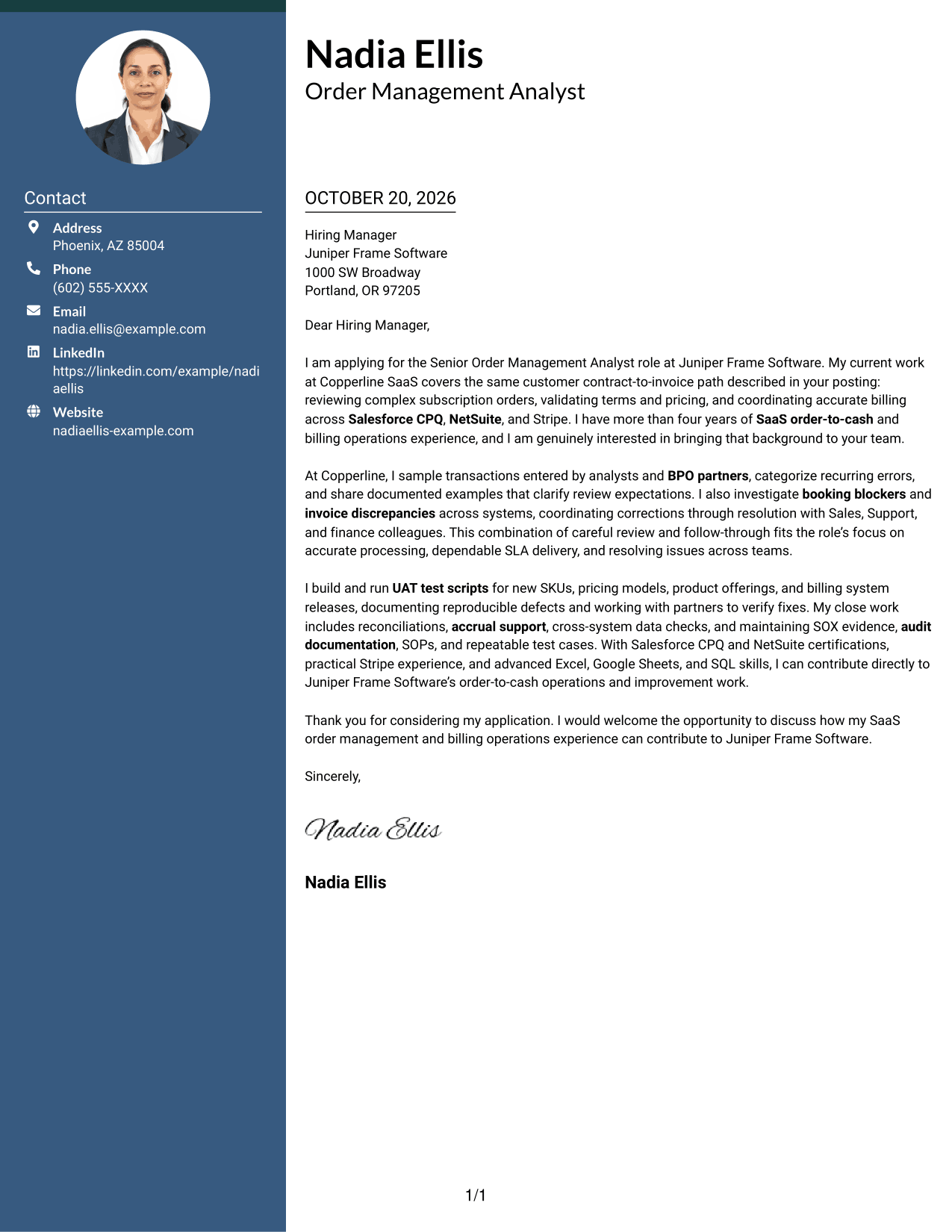
The Photo Header Two Column Format pairs a portrait with a contact sidebar while keeping the letter in one continuous body.
Why This Format Works
- The portrait adds a personal visual element while leaving the letter body continuous.
- Contact details sit beside the message, apart from the letter's argument.
- The body keeps the opening, supporting paragraphs, and closing in one sequence.
Best For
- Portrait-inclusive correspondence
- Sidebar contact presentation
- Continuous letter paragraphs
- Visual personal introduction
- Side-by-side contact and message
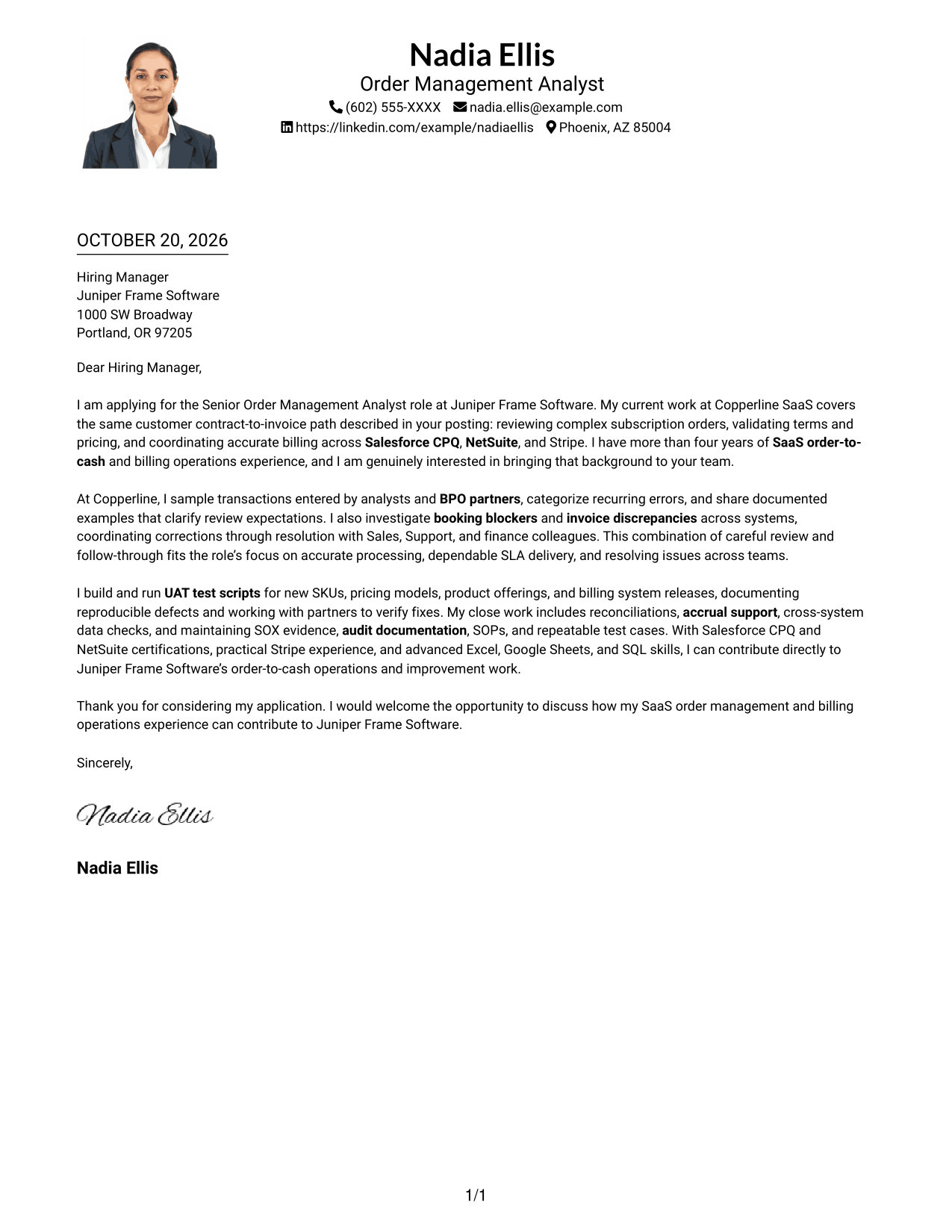
#4 One Column Format with Photo Cover Letter Example
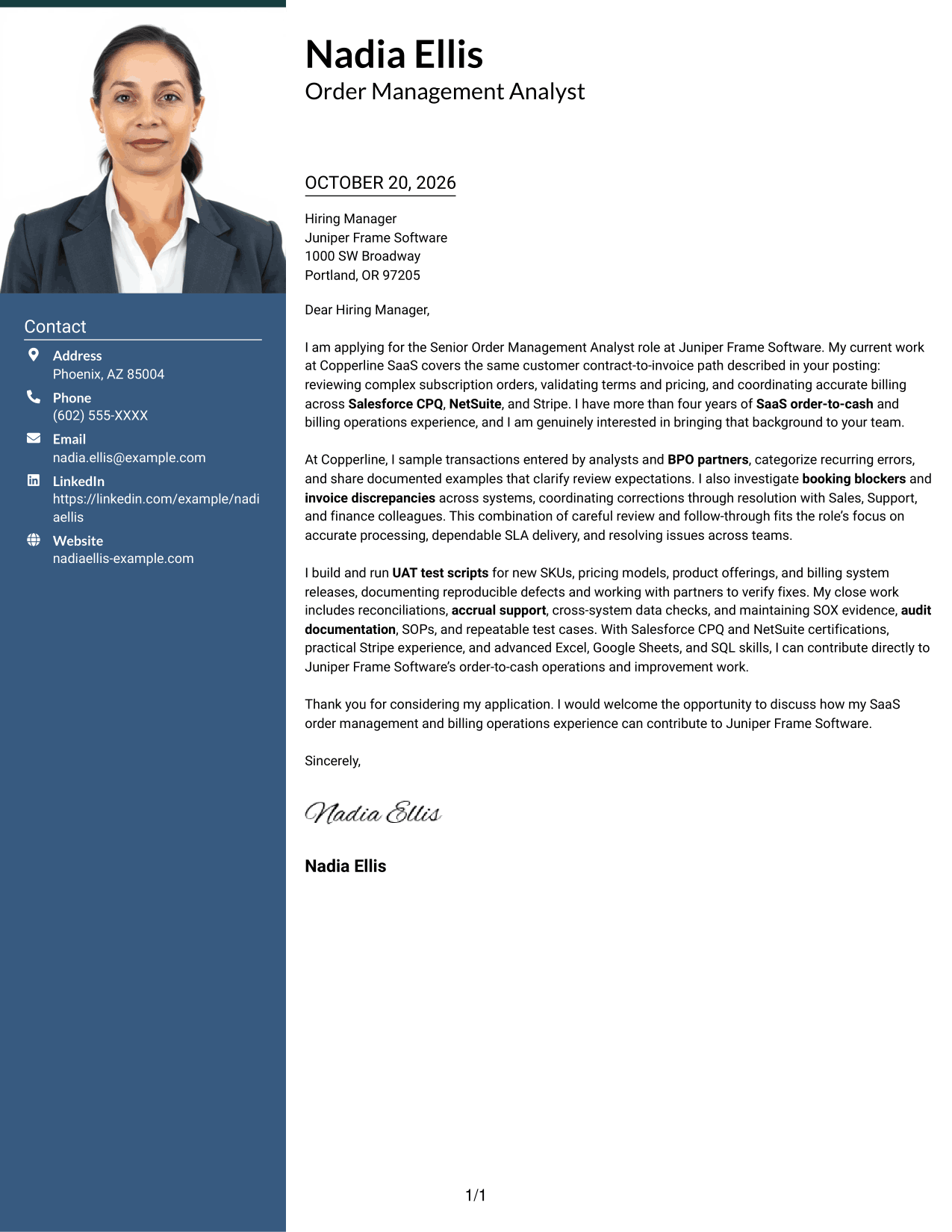
The One Column Format with Photo includes a portrait alongside a single-column letter, preserving a straightforward path through the message.
Why This Format Works
- A single column keeps the opening, supporting points, and close in sequence.
- Sender details appear in the header, separate from the letter's argument.
- The portrait adds a visible personal element without dividing the message.
Best For
- Single-column correspondence
- Portrait-inclusive applications
- Header-based contact details
- Direct paragraph sequence
- Personal visual introduction
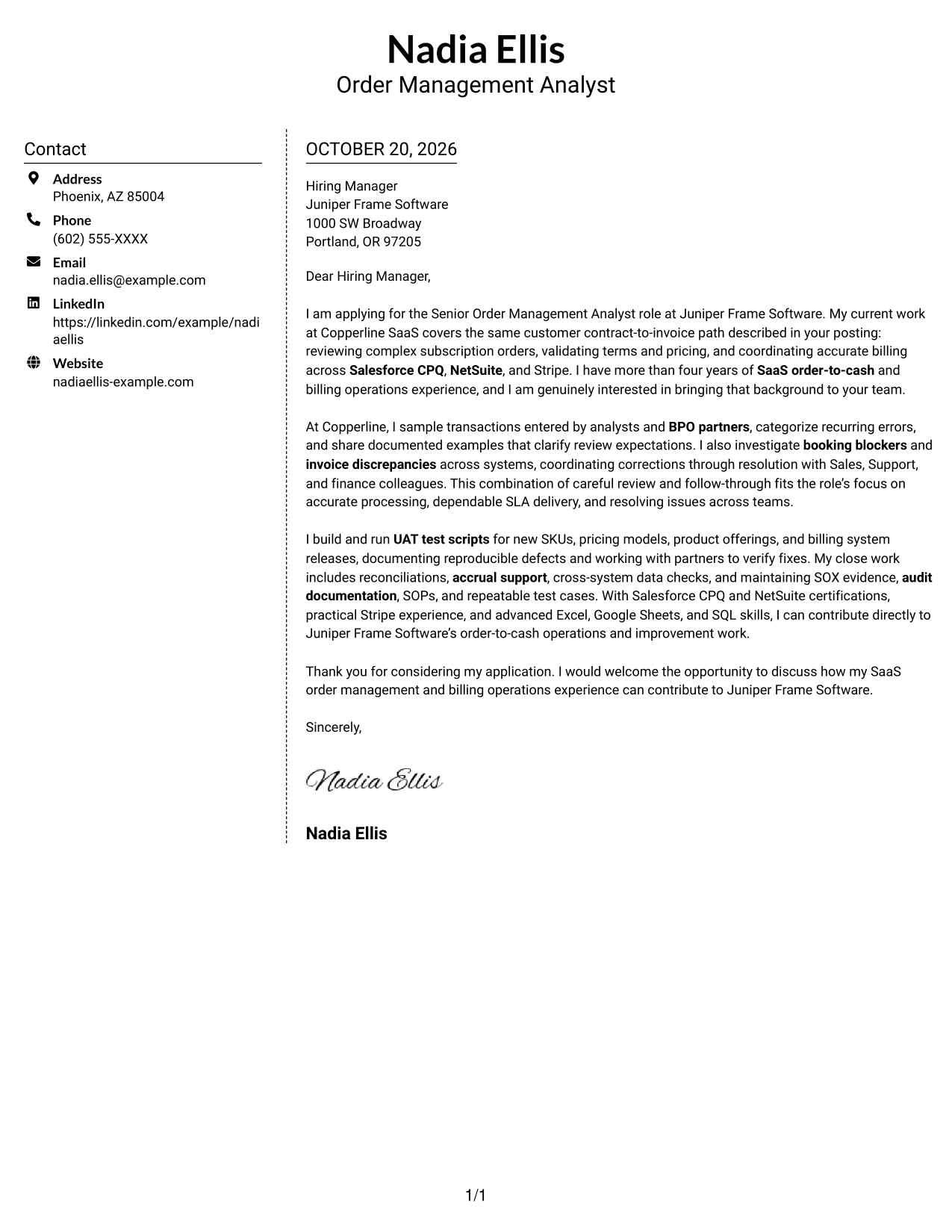
#5 Simple Two Column Format Cover Letter Example
The Simple Two Column Format sets the contact sidebar apart from one continuous letter body, keeping sender details distinct from the message.
Why This Format Works
- The sidebar gives contact details a separate place beside the letter.
- The continuous body lets the message move from greeting through closing.
- A portrait-free layout keeps the page focused on written content.
Best For
- Separate contact and message areas
- Uninterrupted letter paragraphs
- Portrait-free application materials
- Two-column correspondence
- Text-focused presentation
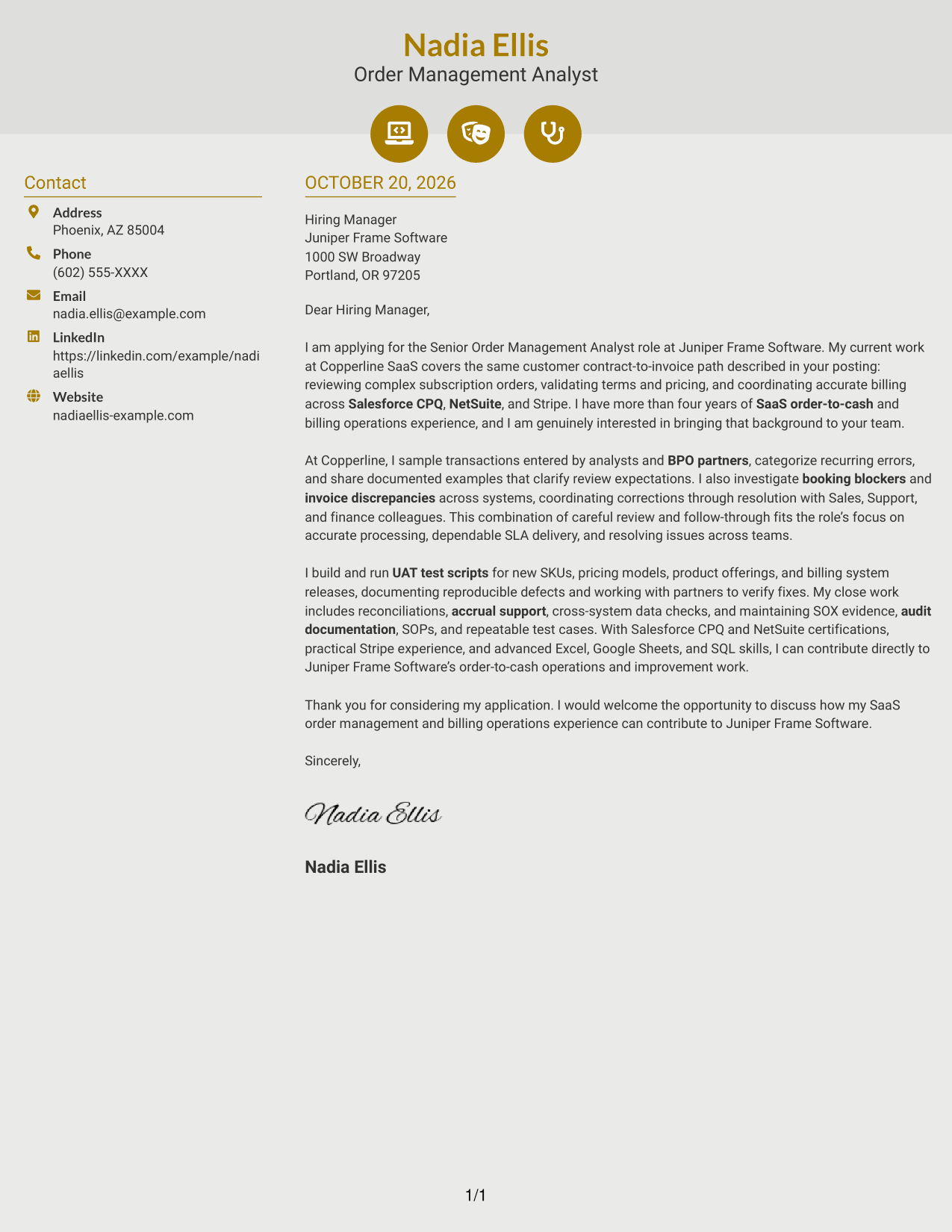
#6 Modern Icon Format Cover Letter Example
Modern Icon Format uses icons as contact cues beside one continuous letter body, helping distinguish contact details without labeling the argument.
Why This Format Works
- Contact icons help readers spot key details in the sidebar.
- The two-column layout separates contact information from the letter text.
- The letter remains one continuous argument from greeting through closing.
Best For
- Icon-cued contact information
- Side-by-side letter layout
- Uninterrupted message body
- Several sender contact channels
- Photo-free document preference
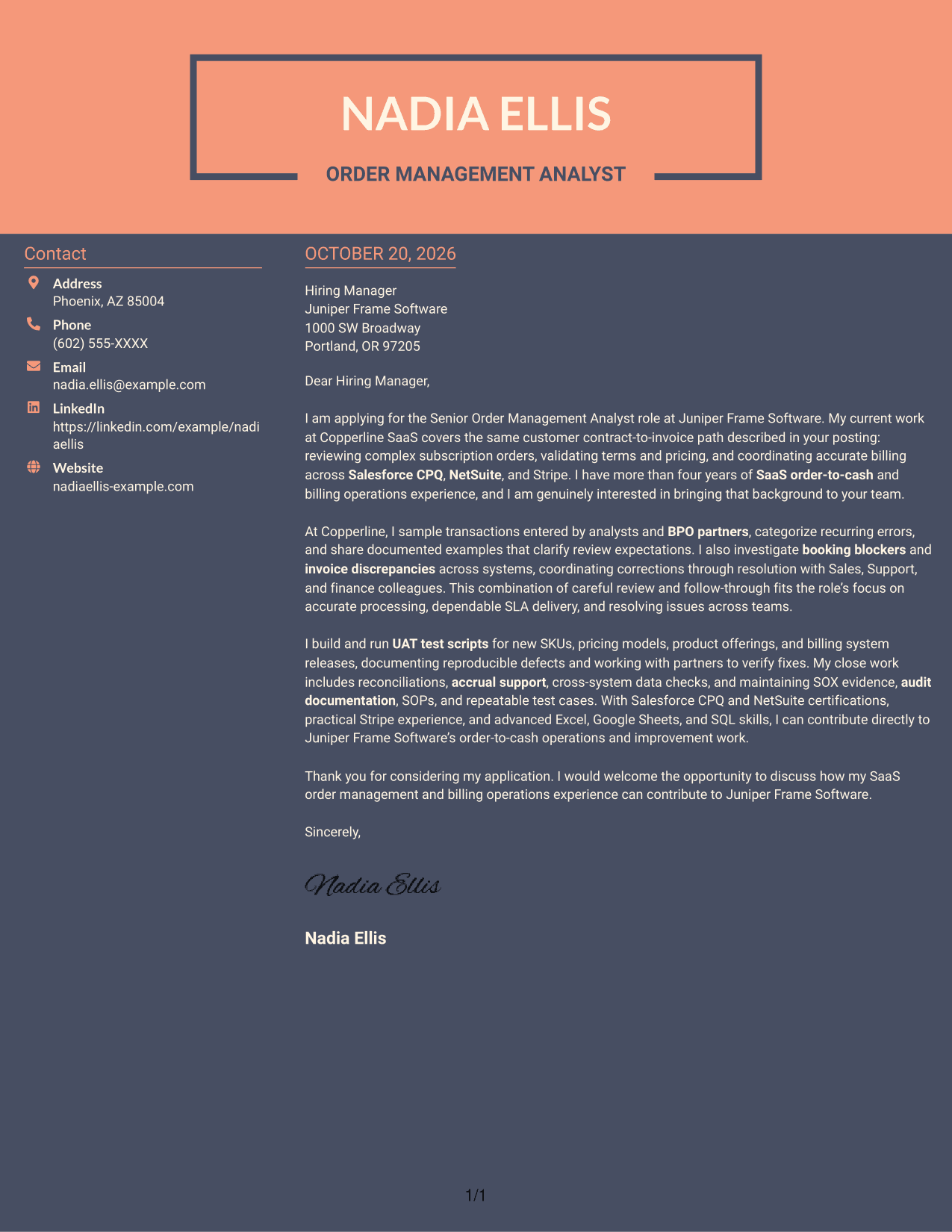
#7 Creative Two Tone Format Cover Letter Example
Creative Two Tone Format places a contact sidebar beside one continuous letter body, keeping sender details separate from the letter's message.
Why This Format Works
- Contact details have a separate place alongside the letter body.
- The continuous message keeps its opening, supporting points, and closing together.
- With no portrait, attention stays on the written letter.
Best For
- Distinct contact and message areas
- Continuous letter paragraphs
- Photo-free correspondence
- Letters with a direct narrative
- Text-centered application materials
Why Use ResumeInMinutes for a Senior Order Management Analyst - SaaS Billing Operations Cover Letter
ResumeInMinutes lets you review a cover letter image preview, then open an example in the editor to customize its content and presentation.
- Clear cover letter formats
- Role-focused writing
- Employer-specific customization
- Simple editor access
- Professional presentation
- Cover letter examples
Use the example to frame your experience with SaaS order review, billing questions, cross-system checks, and process improvements in a clear, focused letter.
See Also
- 7 Senior Order Management Analyst - SaaS Billing Operations Resume Templates with Example
- 33 Medical Billing Coding Analyst Resume Templates with Example 2026 (ATS-Optimized)
- 7 AI Operations Adoption and Enablement Analyst Resume Templates with Example
- 33 Analyst - Cybersecurity Operations Resume Templates with Example 2026 (ATS-Optimized)
- 33 Data Analyst, Operations Resume Templates with Example 2026 (ATS-Optimized)
- 7 Facilities Operations Analyst - Data Center Operations Resume Templates with Example
- 33 Legal Operations Analyst - Corporate Governance Resume Templates with Example 2026 (ATS-Optimized)
- 7 Management Analyst IV - Medicaid Managed Care Operations Resume Templates with Example
- 30+ Medical Billing Coding Analyst Cover Letter Templates with Example 2026
- 7 AI Operations Adoption and Enablement Analyst Cover Letter Templates with Example
Frequently Asked Questions
What should a Senior Order Management Analyst - SaaS Billing Operations cover letter emphasize?
Show how you review orders, support accurate billing, investigate booking or invoice issues, and work with other teams. Include relevant examples of testing, close activities, or controls when they reflect your experience.
How can I show experience with SaaS billing systems?
Name systems you have used, such as Salesforce CPQ, NetSuite, or Stripe, and explain how you used them to support order review, billing, reconciliation, or issue resolution. Include only tools and tasks that match your background.
How should I tailor the letter to an employer?
Connect your experience to the employer’s stated needs, such as accurate order processing, reliable SLA delivery, or stronger controls. Explain why that work interests you without adding claims you cannot support.
What is a clear structure for this cover letter?
Open with your interest and direct role fit. Use the body to support that fit with specific evidence, then close by thanking the reader and inviting a conversation.
Should I use a photo on my cover letter?
For U.S. applications, a no-photo format is usually a suitable choice. Follow the employer’s instructions and local application norms.




