
7 Senior Performance Analyst - KPI Reporting and Business Analysis Cover Letter Templates with Example
This practical guide to a Senior Performance Analyst - KPI Reporting and Business Analysis cover letter presents seven layouts to help you show clear evidence of reporting, analysis, and role fit.
What Makes a Great Senior Performance Analyst - KPI Reporting and Business Analysis Cover Letter in 2026
A strong letter connects KPI reporting, forecast comparisons, and trend analysis to the needs of business and program leaders. It should make your interest in the role clear.
Use specific examples to show how you validate results, explain findings, and support sound decisions. Connect that evidence to the employer’s focus on reliable reporting and better performance.
The featured application moves from interest and role fit to current reporting work, related analysis experience, and a focused close; adapt that progression while choosing a presentation that suits the employer and communication context.
#1 Simple One Column Format Cover Letter Example
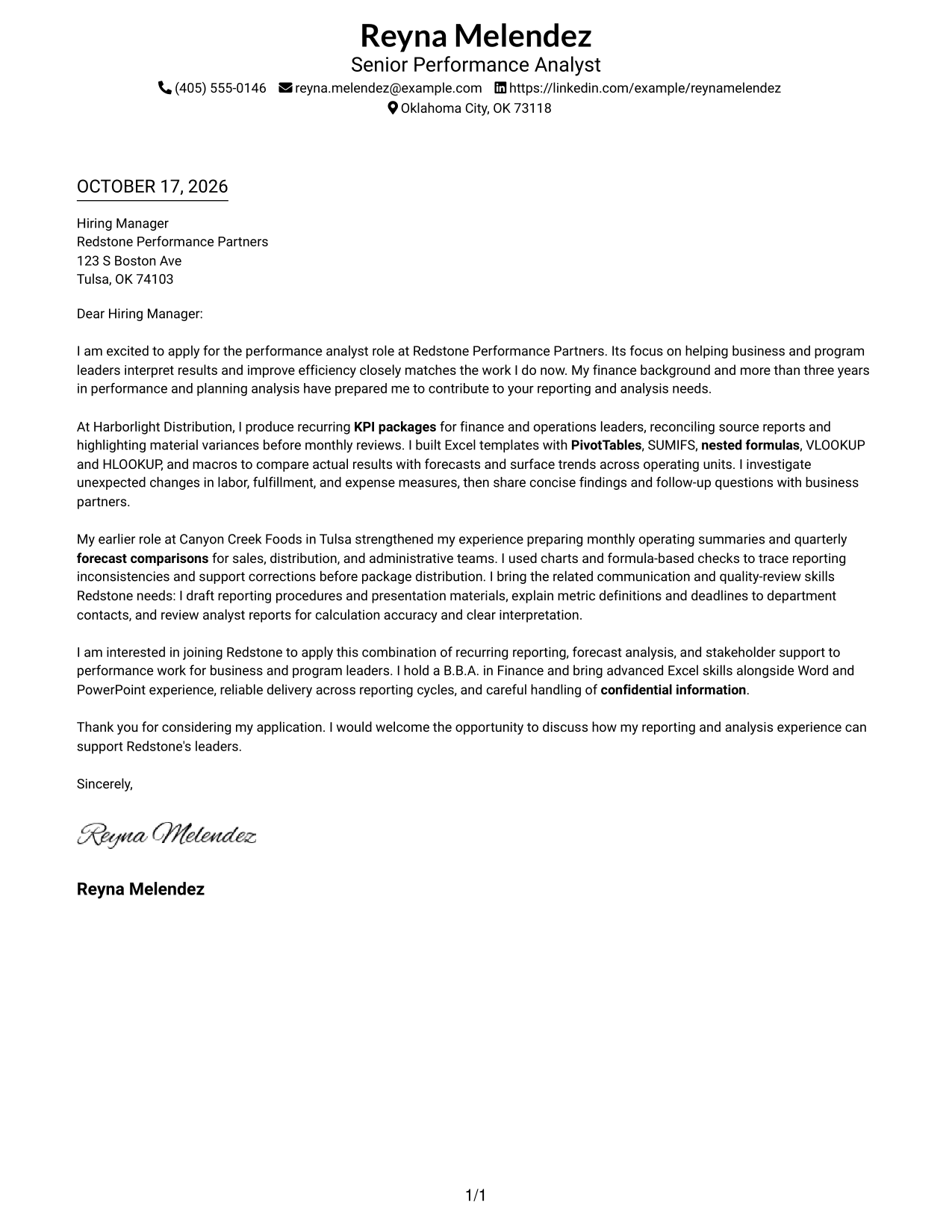
The Simple One Column Format places sender details in the header above one continuous letter body, giving the message a direct reading path.
Why This Format Works
- Sender details stay in the header, apart from the letter's main message.
- A single reading path lets reviewers follow the greeting, supporting points, and close.
- Continuous paragraphs keep the message together from its opening through its sign-off.
Best For
- Single-column letter preference
- Header-based contact lookup
- Direct opening-to-close reading
- Text-first application materials
- KPI reporting applications
#2 Two Column Format Cover Letter Example
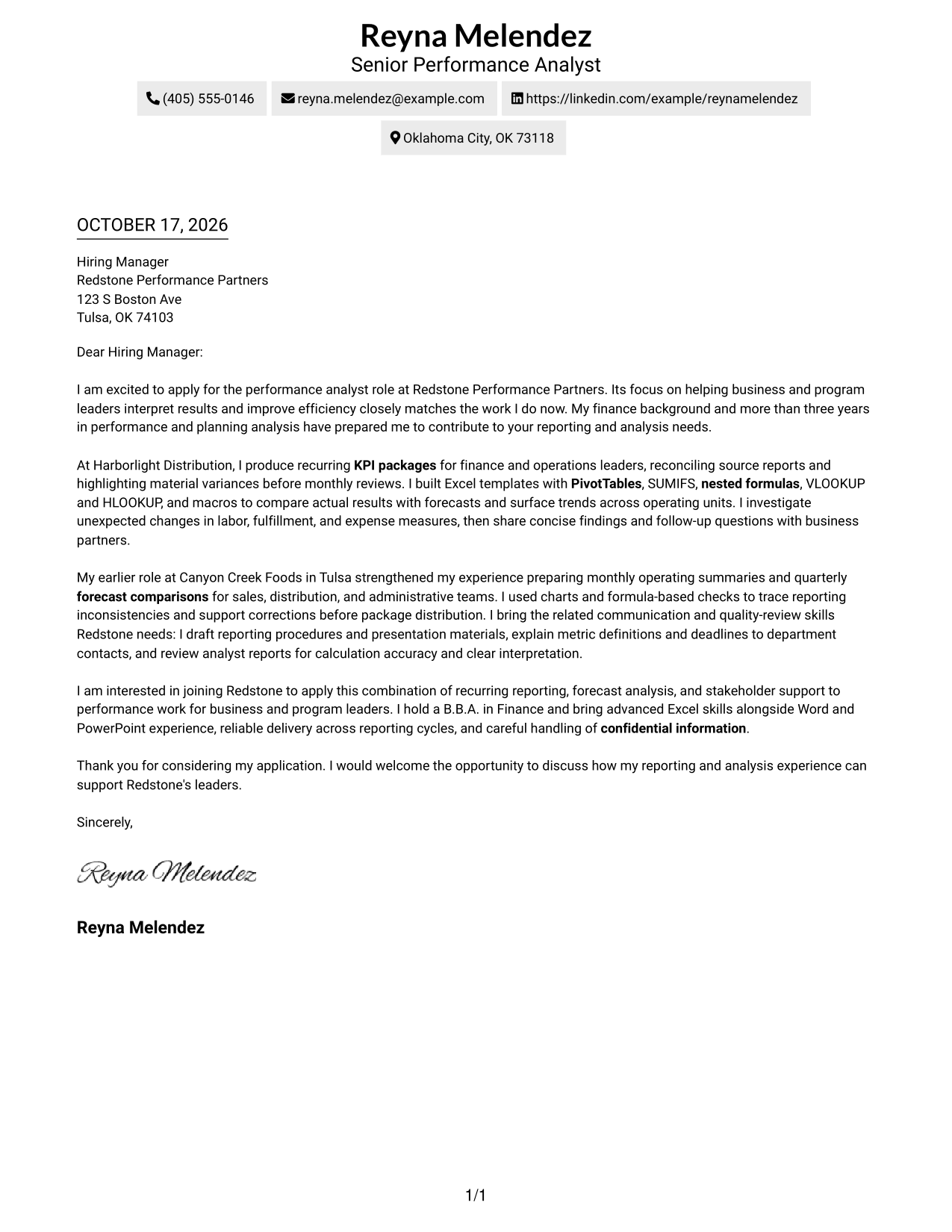
The Two Column Format places a contact sidebar beside one continuous letter body, keeping contact information distinct from the message.
Why This Format Works
- A reviewer can locate sender details in the sidebar without searching the letter.
- The body remains in one column, preserving a clear opening-to-close argument.
- Side-by-side areas keep contact information and letter text visible at once.
Best For
- Separate sender-contact reference
- Uninterrupted letter paragraphs
- Detailed contact information
- Business correspondence
- Forecast-analysis applications
#3 Photo Header Two Column Format Cover Letter Example
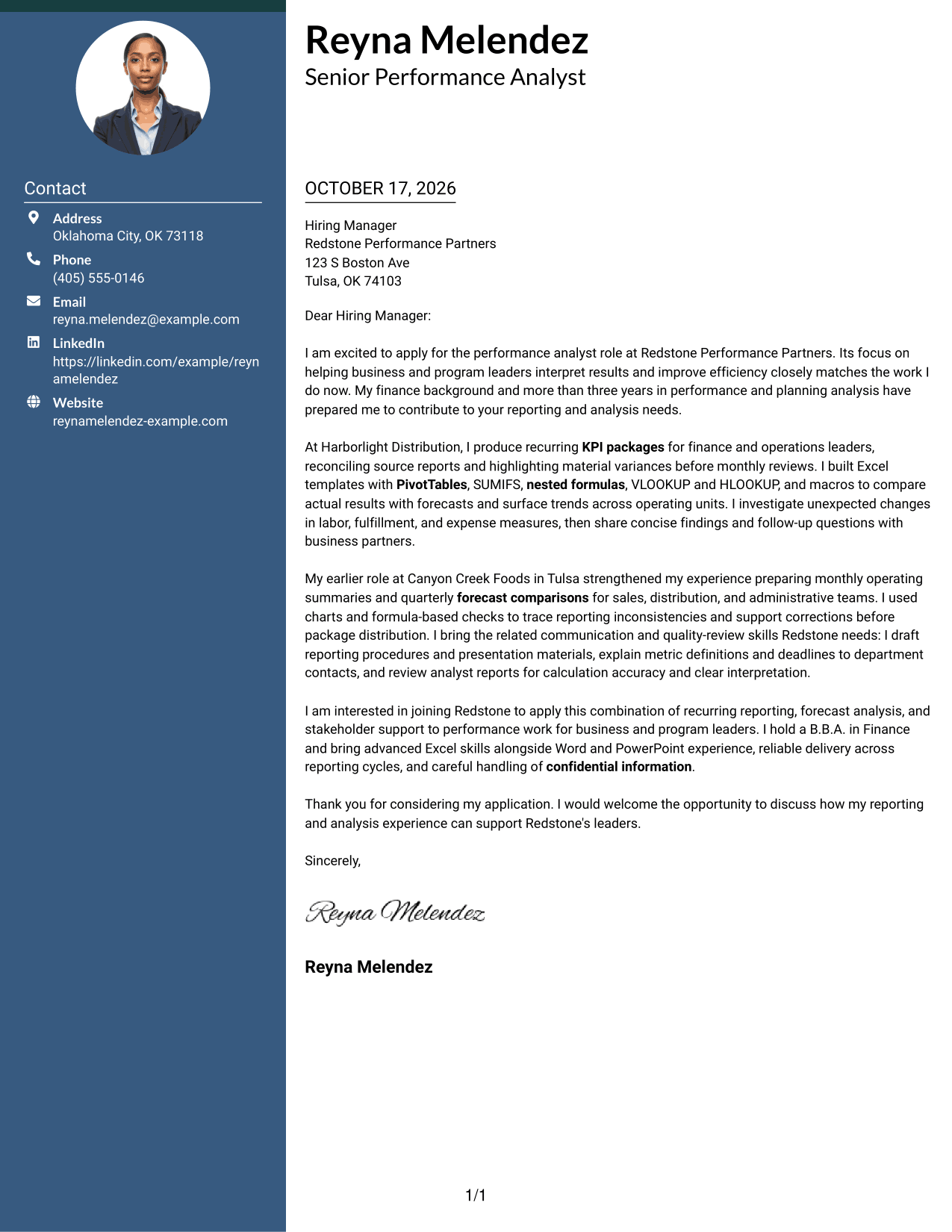
The Photo Header Two Column Format pairs a header photo and contact sidebar with one continuous letter body, for readers who prefer a portrait.
Why This Format Works
- The portrait appears in the header, a visual choice for photo-preferring applicants.
- Contact details remain in the sidebar, separate from the letter's main text.
- The letter body stays together, so its reasoning follows one clear sequence.
Best For
- Portrait-led header preference
- Contact details beside the message
- Continuous persuasive letter text
- Applications where a photo is preferred
- Business correspondence
#4 One Column Format with Photo Cover Letter Example
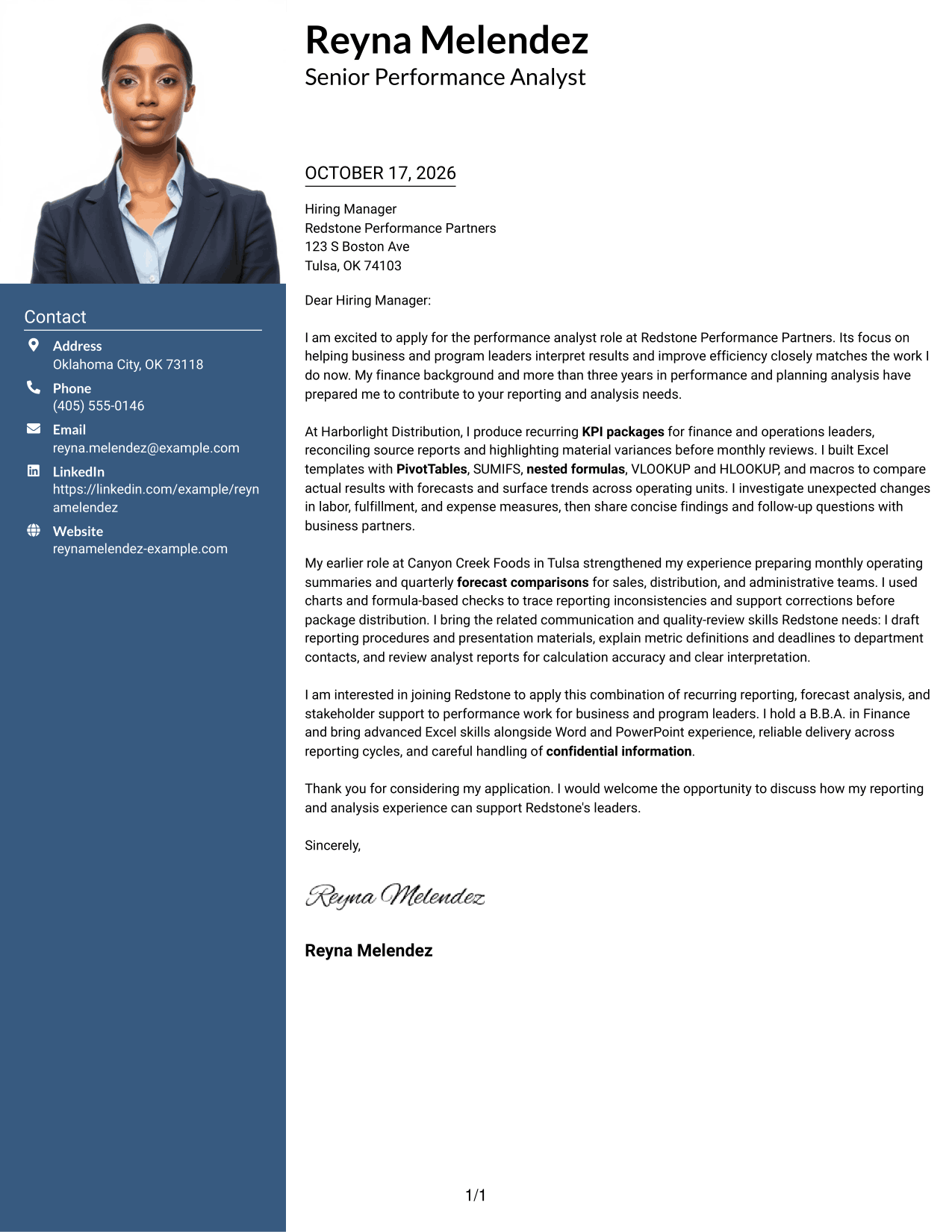
The One Column Format with Photo keeps the letter in one column and includes a photo in the header, offering a portrait with a direct reading path.
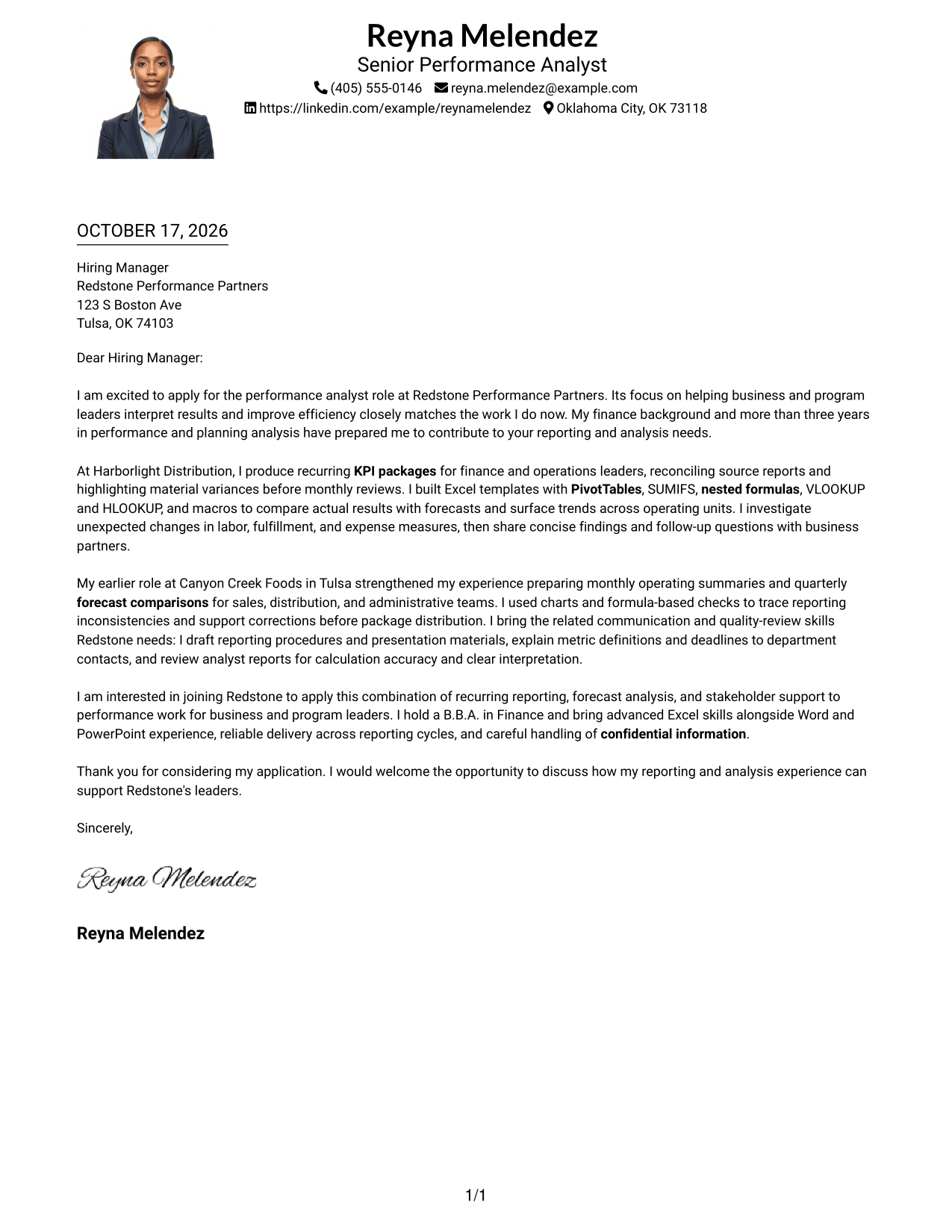
Why This Format Works
- A single body column lets reviewers follow the letter in its written order.
- The header photo adds a portrait without dividing the letter's message.
- Sender details in the header remain apart from the continuous letter text.
Best For
- One-column letter preference
- Portrait in the header
- Direct letter reading order
- Text-centered business correspondence
- KPI reporting applications
#5 Simple Two Column Format Cover Letter Example
The Simple Two Column Format sets a contact sidebar beside the continuous letter body, giving sender details a separate place.
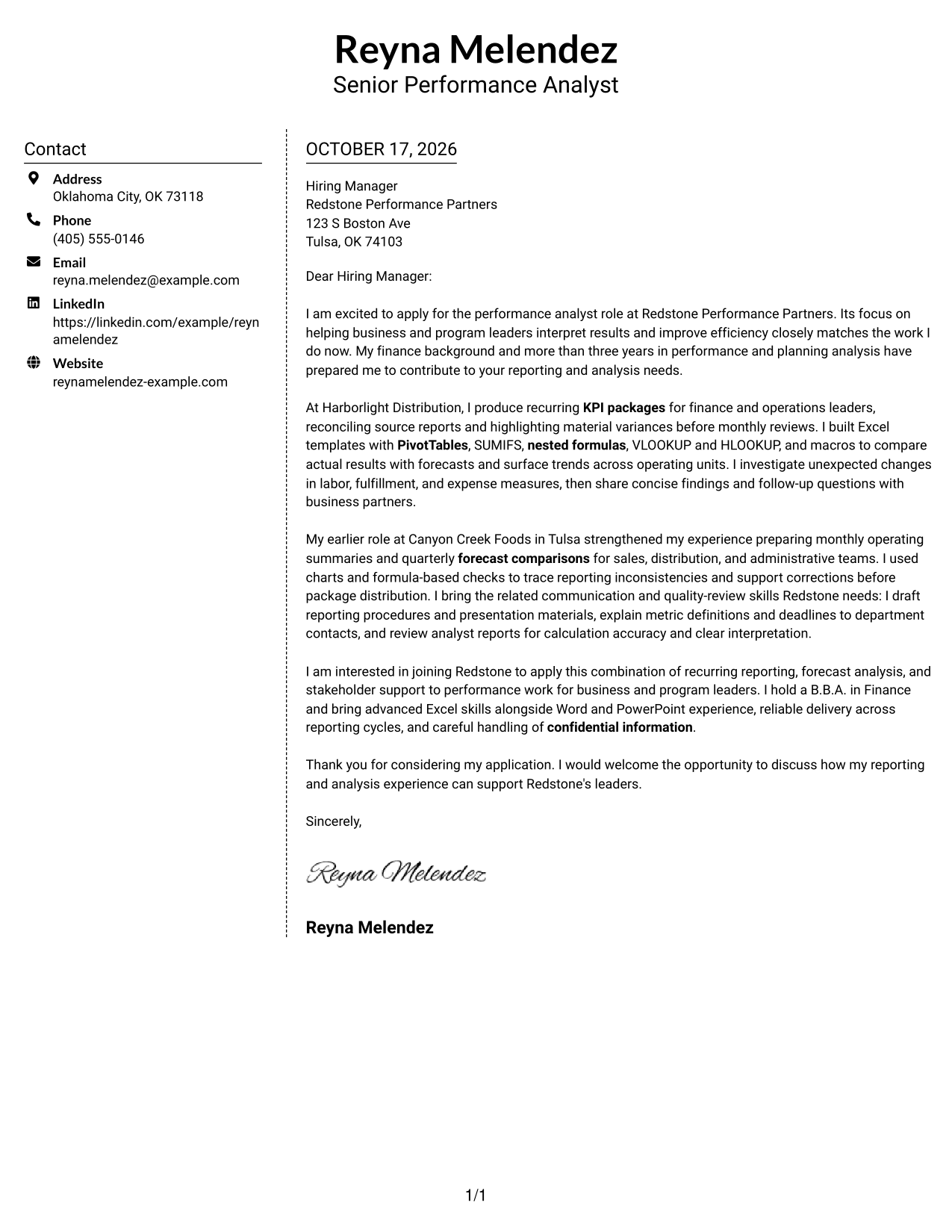
Why This Format Works
- The sidebar gives contact information its own area beside the letter.
- The message remains one continuous body, rather than parallel argument columns.
- Reviewers can read the letter in order while contact details stay separate.
Best For
- Separate contact-information area
- One continuous letter body
- Side-by-side information preference
- Business application letters
- Forecast-comparison correspondence
#6 Modern Icon Format Cover Letter Example
The Modern Icon Format uses two columns for a contact sidebar and a continuous letter body, with icons serving as contact cues.
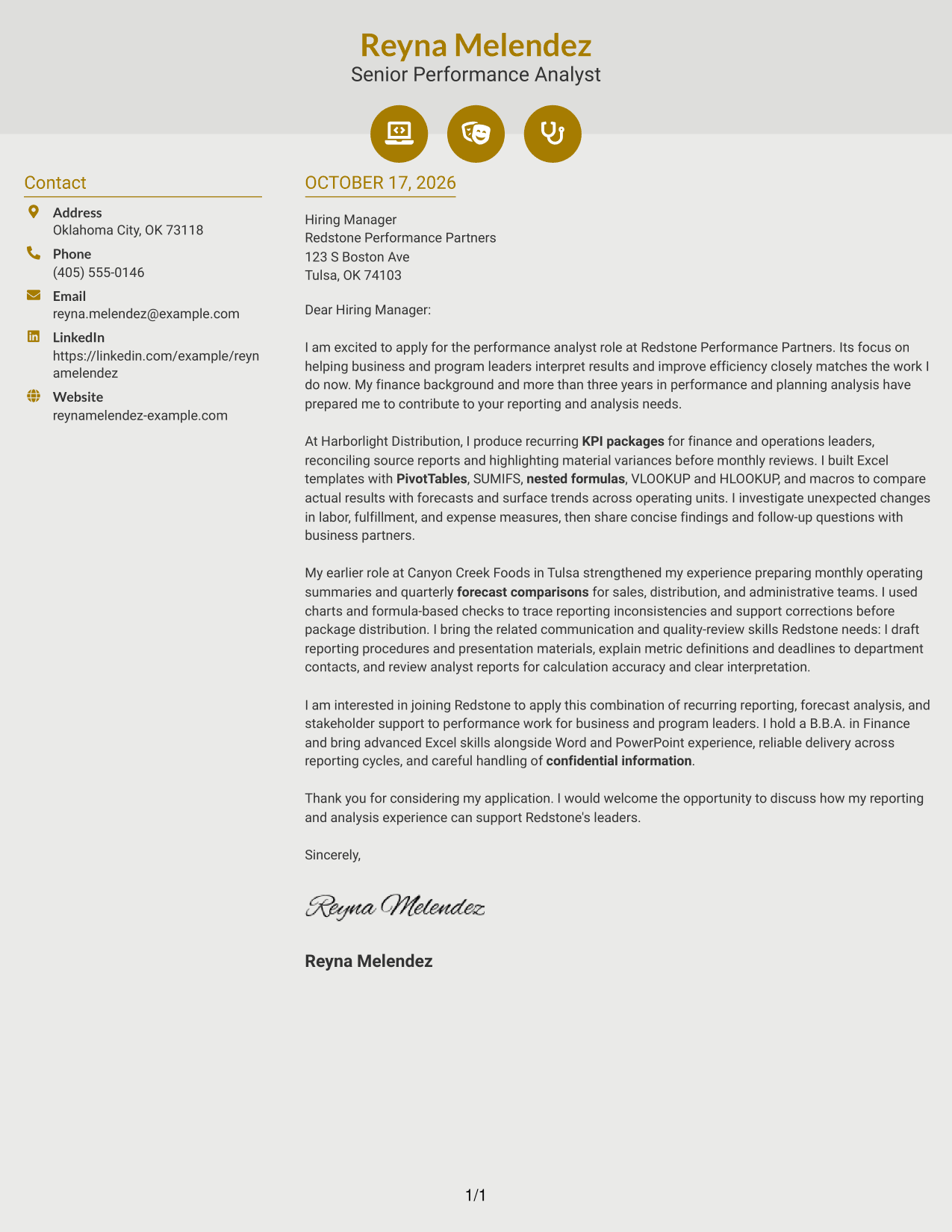
Why This Format Works
- Icons act as contact cues, not labels for parts of the letter argument.
- The sidebar keeps sender details apart from the continuous message.
- One letter body preserves the natural order from greeting to close.
Best For
- Icon-based contact cues
- Contact sidebar preference
- Continuous business letters
- Clear greeting-to-close reading
- KPI reporting correspondence
#7 Creative Two Tone Format Cover Letter Example
The Creative Two Tone Format places a contact sidebar beside one continuous letter body, separating contact details from the written message.
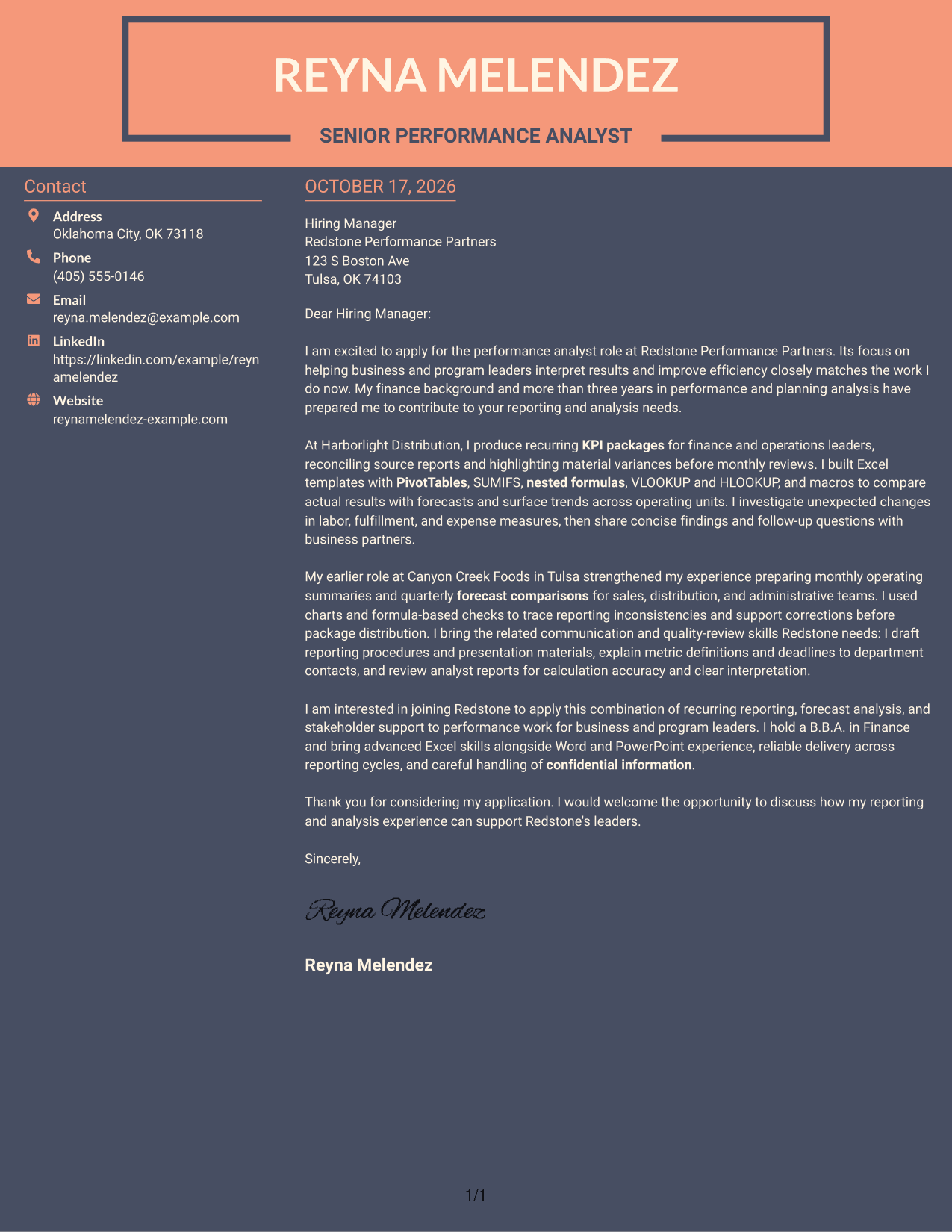
Why This Format Works
- The contact sidebar provides a distinct place to find sender details.
- The letter stays in one body, so its message reads in sequence.
- Separate areas keep contact information from interrupting the prose.
Best For
- Sidebar-based contact details
- Sequential letter reading
- Contact information apart from prose
- Business correspondence
- Forecast-analysis applications
See Also
- 7 Senior Performance Analyst - KPI Reporting and Business Analysis Resume Templates with Example
- 7 Data & Performance Analyst Resume Templates with Example
- 7 Analyst, Reporting & Analytics Resume Templates with Example
- 33 Senior Cybersecurity Power BI Reporting Analyst Resume Templates with Example 2026 (ATS-Optimized)
- 33 All Source Intelligence Analyst - Intelligence Analysis Resume Templates with Example
- 7 Development Analyst - Laboratory Analysis Resume Templates with Example
- 33 Senior Financial Planning & Analysis Analyst Resume Templates with Example 2026 (ATS-Optimized)
- 33 Business Analyst, Intern Resume Templates with Example 2026 (ATS-Optimized)
- 30+ Senior Cybersecurity Power BI Reporting Analyst Cover Letter Templates with Example 2026
- 30+ Senior Financial Planning & Analysis Analyst Cover Letter Templates with Example 2026
Frequently Asked Questions
What should a Senior Performance Analyst cover letter emphasize?
Show how your reporting and analysis help leaders understand results. Give clear examples of KPI reporting, forecast comparisons, trend analysis, and communication with stakeholders when they match your experience.
How does the featured example show role fit?
It connects recurring KPI packages and forecast analysis with data checks, concise findings, and support for business partners. It also explains the applicant’s interest in helping leaders use performance information.
How should I describe advanced Excel skills in my letter?
Name the Excel tools you have used, such as PivotTables, SUMIFS, nested formulas, VLOOKUP and HLOOKUP, macros, or charts. Add a brief example of how those tools helped you compare results, check data, or explain trends.
How can I show that my analysis supports business decisions?
Describe a finding you shared, how you explained its meaning, and what follow-up question or action it supported. Use only examples that reflect your own work.
Which cover letter style should I choose?
Choose a clear, readable layout that fits the employer and the way you want to communicate. Compare the image previews, then open an example in the editor to review its presentation.




