
7 Senior Performance Analyst - KPI Reporting and Business Analysis Resume Templates with Example
This guide shows you how to create a Senior Performance Analyst - KPI Reporting and Business Analysis resume that presents your results clearly and supports a quick review. You will learn how to organize relevant experience and build a focused resume for this role.
Strong resumes connect KPI reporting, forecast comparisons, and trend analysis to business decisions. Use clear experience bullets to show how you validate data, explain variances, and support reporting needs.
Compare the resume example in 7 layouts using the PNG previews, then open an example in the editor to customize its content. The guidance also covers ATS-friendly sections, role-specific keywords, and ways to present Excel skills such as PivotTables, SUMIFS, nested formulas, VLOOKUP, HLOOKUP, macros, and charts.
What Makes a Great Senior Performance Analyst Resume in 2026
A strong resume makes KPI reporting, forecast analysis, and business findings easy to scan. Use concise bullets to show how you check results, explain trends, and help leaders make informed decisions.
Include relevant skills such as Microsoft Excel, PivotTables, SUMIFS, nested formulas, VLOOKUP, HLOOKUP, macros, and charting. Add keywords like data validation, variance analysis, reporting packages, and stakeholder communication where your experience supports them.
Note: Resume examples are for educational purposes only. Use only information that accurately reflects your experience and qualifications. References to real organizations do not imply affiliation or endorsement.
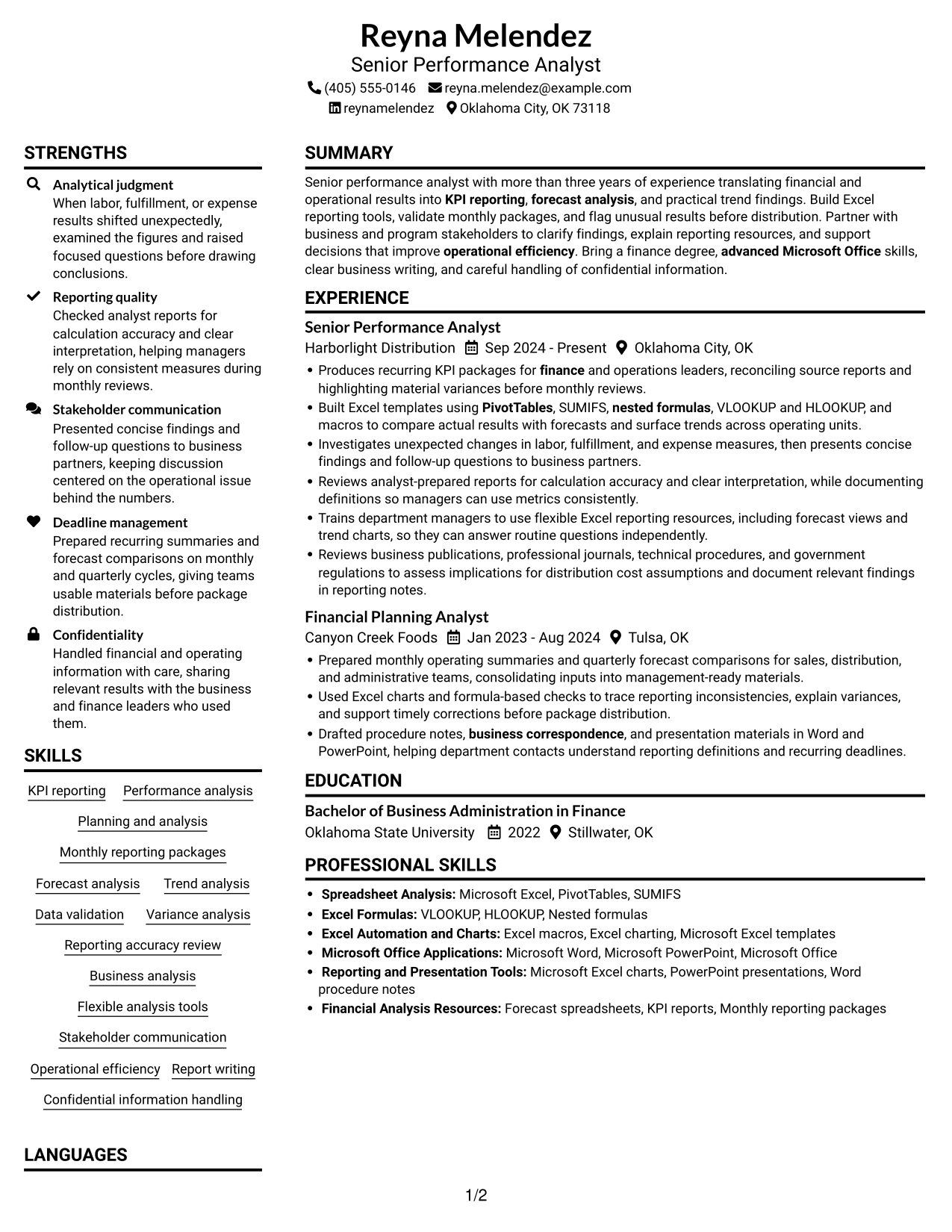
#1 Plain Two Column Format Resume Example
The Plain Two Column Format places resume content in two columns, letting reviewers see the work history alongside supporting sections.

Resume Snapshot
- Senior performance analyst with more than three years of experience
- Bachelor of Business Administration in Finance, Oklahoma State University, 2022
- Advanced Microsoft Excel, including PivotTables, SUMIFS, nested formulas, lookups, macros, and charts
- Recurring KPI packages, forecast comparisons, and trend analysis
Why This Format Works
- Two columns let reviewers compare experience and supporting sections within one resume.
- Role dates and employers make career progression easy to trace.
- Separate space for education and skills keeps those details easy to locate.
Best For
- Experience with supporting resume sections
- Career histories with multiple roles
- Education and skills in one document
- Readers comparing sections quickly
- Text-first, no-photo resumes
Resume Keywords
- KPI reporting
- Performance analysis
- Planning and analysis
- Monthly reporting packages
- Forecast analysis
- Trend analysis
- Data validation
- Variance analysis
- Reporting accuracy review
- Business analysis
- Flexible analysis tools
- Stakeholder communication
- Operational efficiency
- Microsoft Excel
- PivotTables
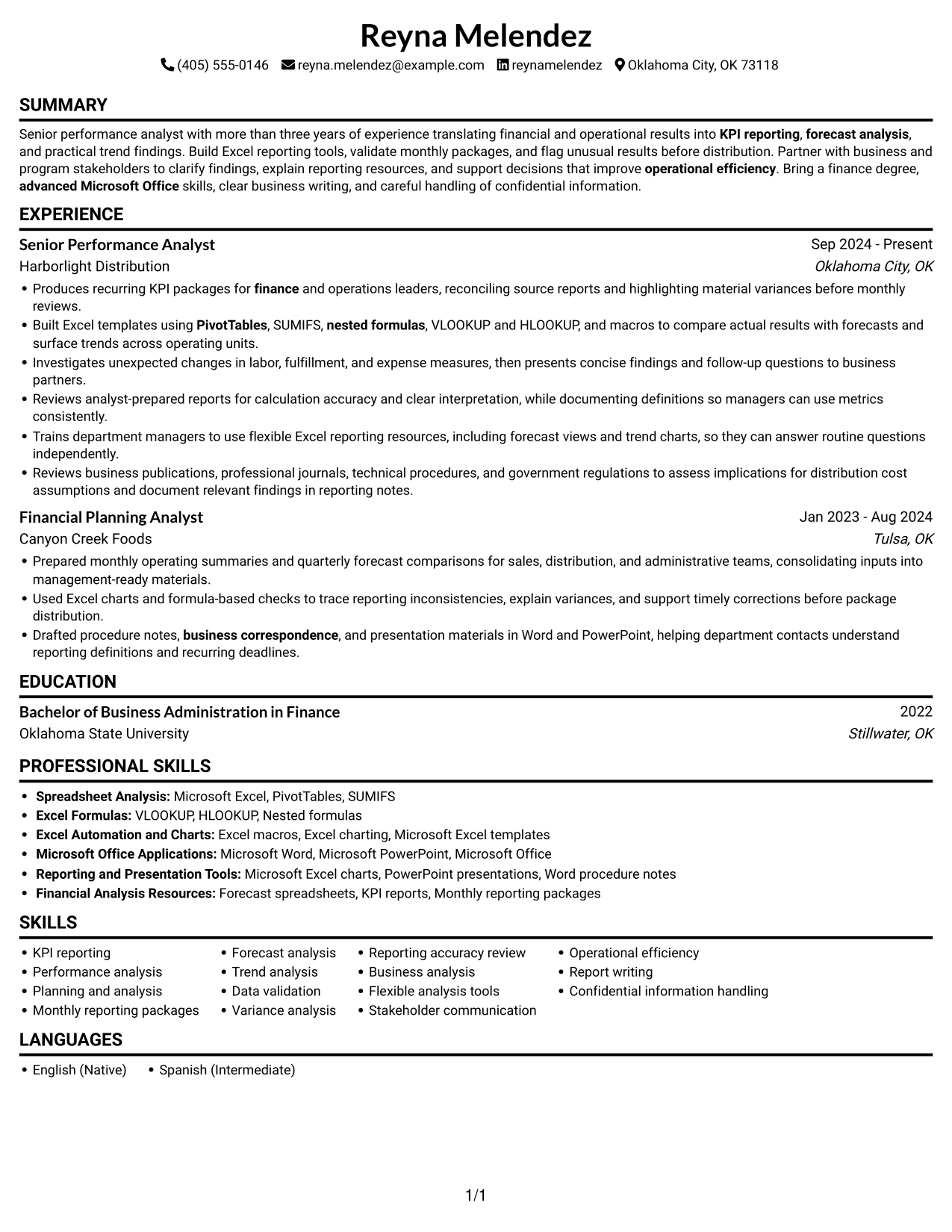
#2 Simple One Column Format Resume Example
The Simple One Column Format keeps resume content in a single vertical sequence, giving reviewers a direct path through experience, skills, and education.
Why This Format Works
- A single reading path helps reviewers follow roles in date order.
- Education, skills, and experience remain in one clear sequence.
- A linear section order makes qualifications and work history straightforward to review.
Best For
- Single-path resume review
- Detailed role descriptions
- Chronological work history
- Text-first document preference
- Simple section sequence
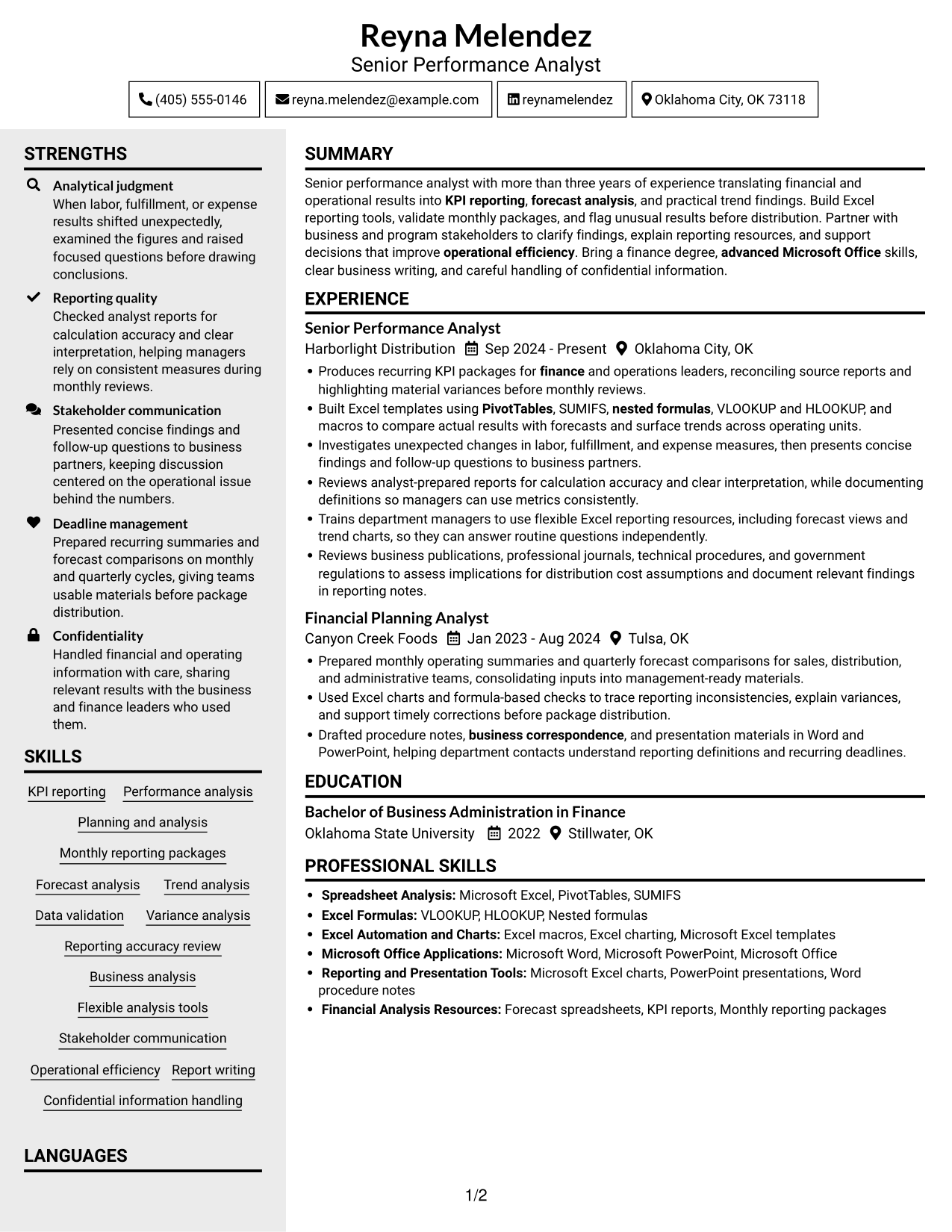
#3 Clean Two Column Sidebar Format Resume Example
The Clean Two Column Sidebar Format uses two columns to help reviewers move between work history and supporting resume sections.

Why This Format Works
- Two columns let reviewers move between work history and supporting details.
- Role dates keep career progression easy to trace across positions.
- Education and skills stay visible as reviewers check the experience record.
Best For
- Resume sections needing separate review
- Multiple experience entries
- Career history with supporting details
- Quick movement between resume sections
- Education alongside work history
#4 Two Column Format Resume Example
The Two Column Format presents resume content across two columns, giving reviewers a broad view and clear access to separate sections.

Why This Format Works
- Side-by-side columns let reviewers check experience and supporting qualifications together.
- Work-history dates make the order of career changes easy to follow.
- Education and skills are easy to revisit during a review of experience.
Best For
- Side-by-side section review
- Experience and education together
- Multiple employer entries
- Fast access to supporting details
- Readers comparing resume sections
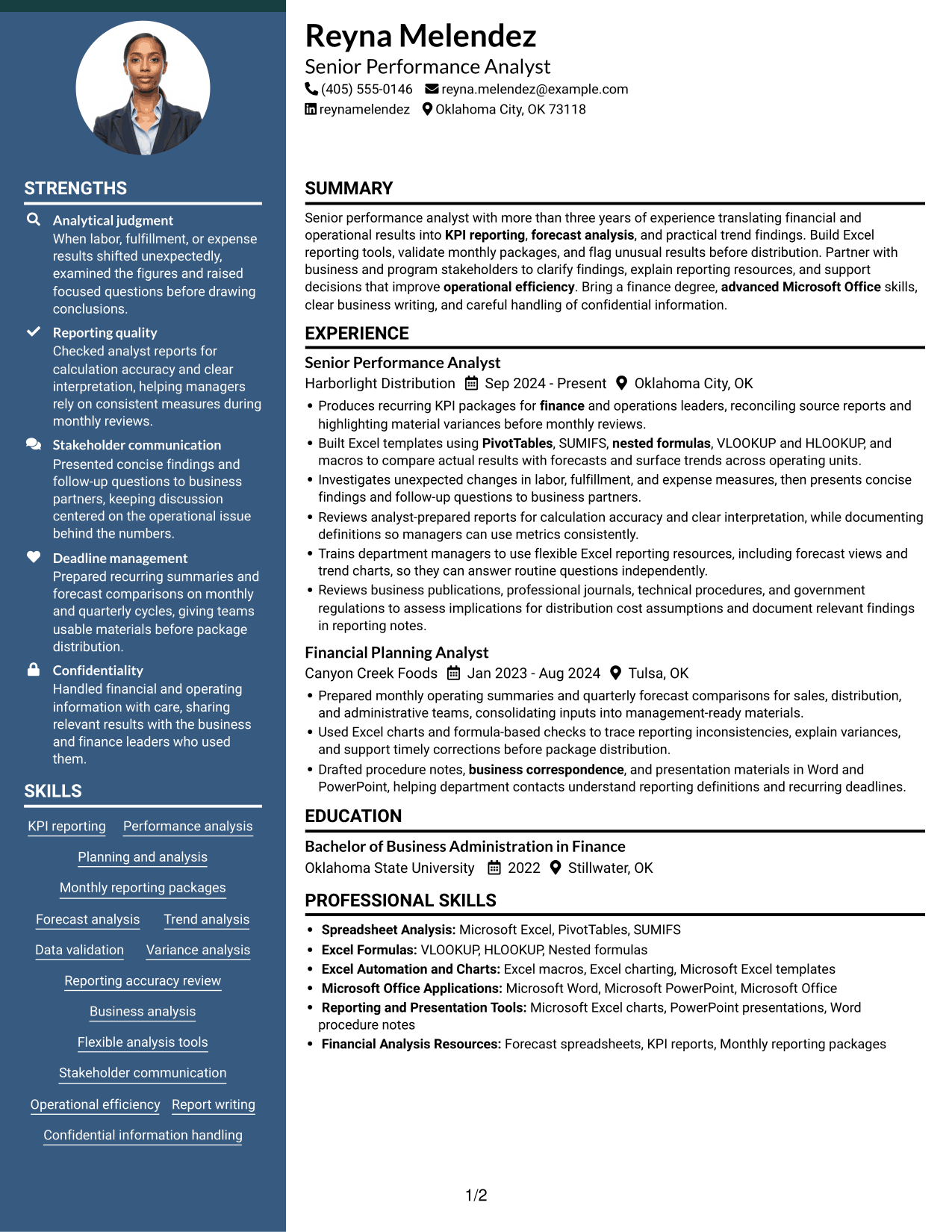
#5 Photo Header Two Column Format Resume Example
The Photo Header Two Column Format pairs a header portrait with a two-column resume body, keeping the photo apart from detailed content.
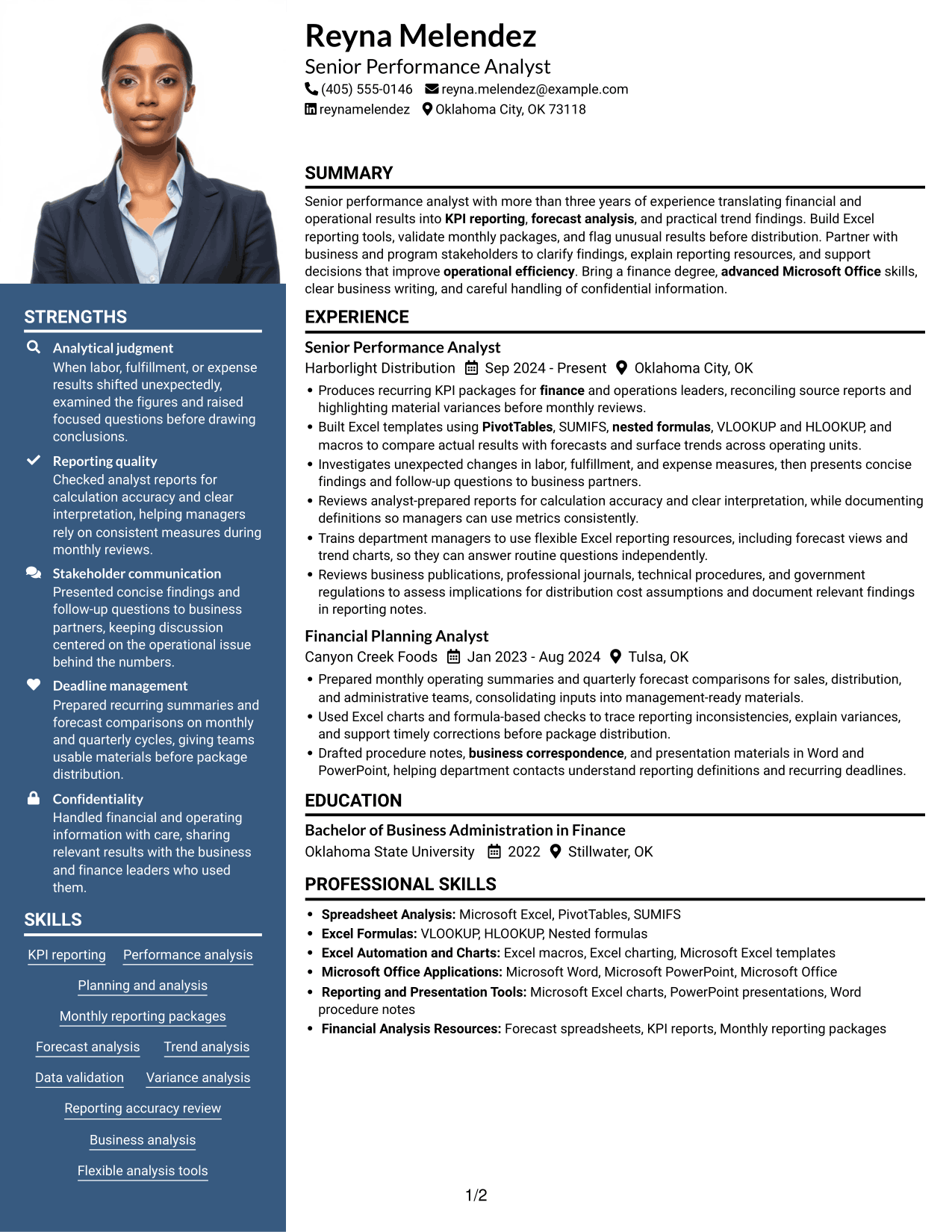

Why This Format Works
- Two columns keep work history and supporting sections available for parallel review.
- Employer and date details help readers follow role progression clearly.
- Education and skills remain distinct from the detailed work history.
Best For
- Header portrait with detailed content
- Two-column resume body
- Experience alongside supporting sections
- Resume with several content areas
- Photo-forward document preference
#6 Colored Two Column Format Resume Example
The Colored Two Column Format arranges resume information in two columns, helping reviewers move between work history and related sections.
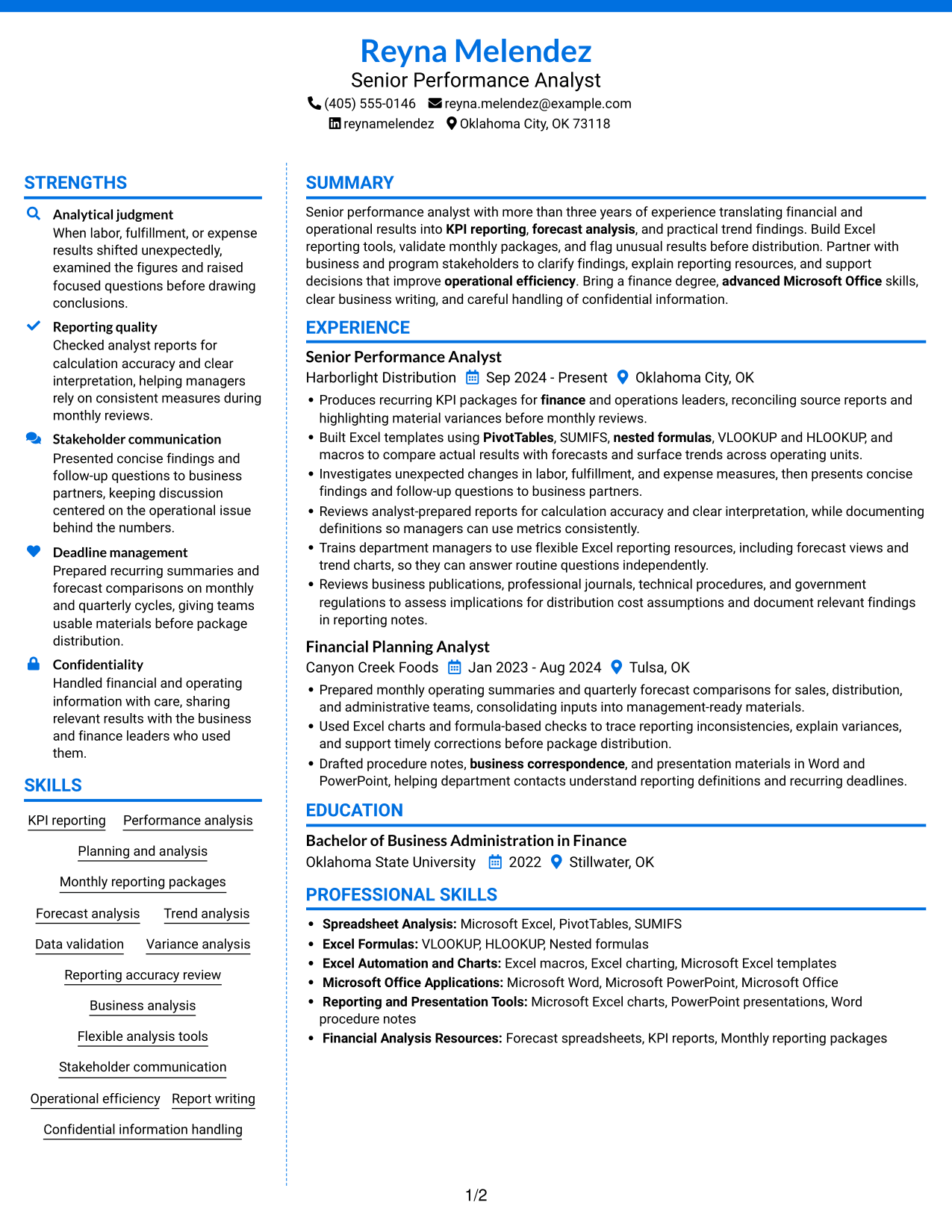

Why This Format Works
- Work history and supporting sections remain easy to compare across two columns.
- Role dates create a clear timeline for reviewing career progression.
- Separate resume areas help readers return to education and skills quickly.
Best For
- Distinct work and supporting sections
- Career histories with multiple roles
- Education and skills in one resume
- Readers revisiting key resume details
- Two-column reading preference
#7 Stylish Two Column Designer Format Resume Example
The Stylish Two Column Designer Format uses two columns to give resume sections distinct reading areas while keeping experience easy to locate.
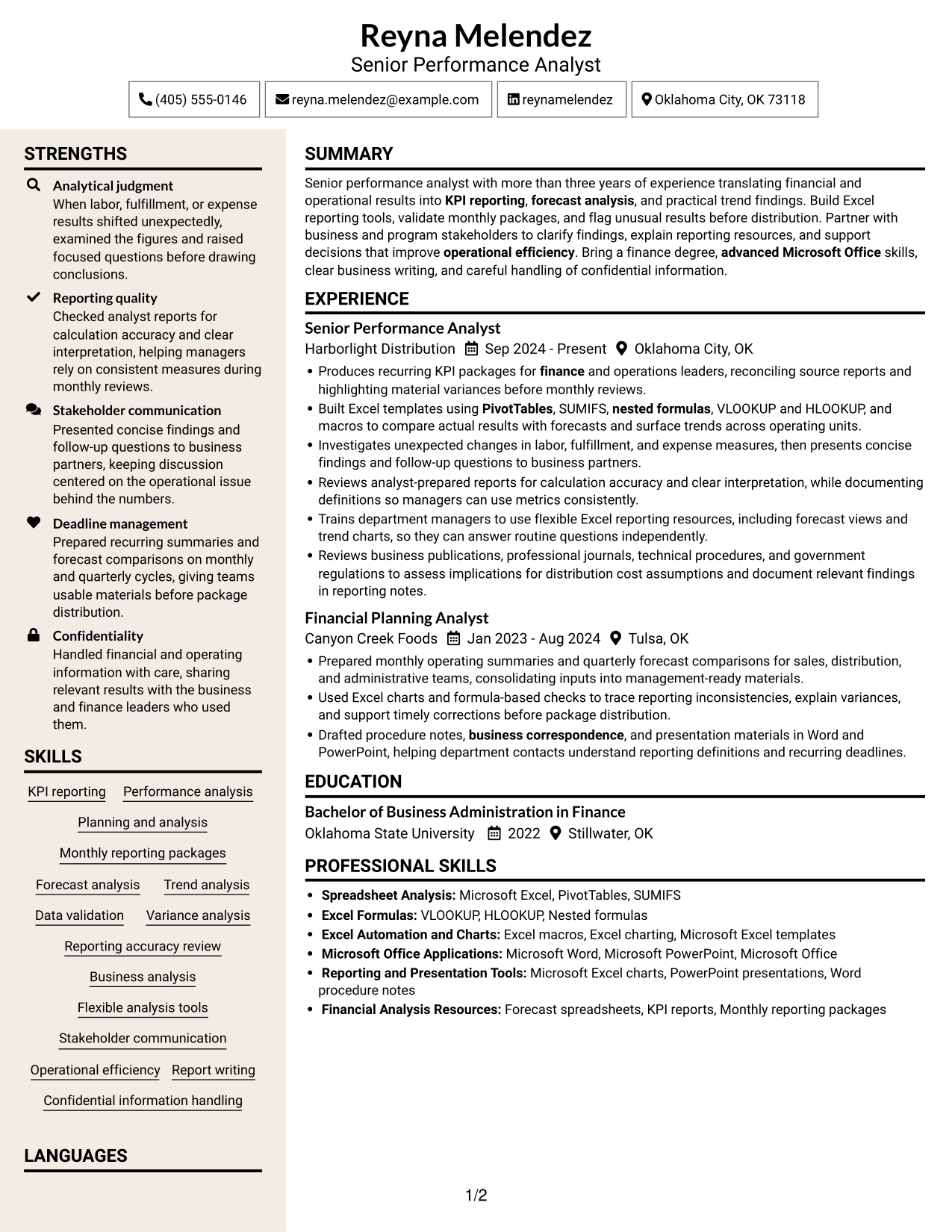

Why This Format Works
- Experience and supporting details remain in view for a connected review.
- Role order helps reviewers understand career progression without losing section context.
- Skills and education are easy to revisit beside the work history.
Best For
- Experience with related resume details
- Career progression across positions
- Skills and education beside work history
- Readers reviewing several resume sections
- Two-column content organization
See Also
- 7 Data & Performance Analyst Resume Templates with Example
- 7 Analyst, Reporting & Analytics Resume Templates with Example
- 33 Senior Cybersecurity Power BI Reporting Analyst Resume Templates with Example 2026 (ATS-Optimized)
- 33 All Source Intelligence Analyst - Intelligence Analysis Resume Templates with Example
- 7 Development Analyst - Laboratory Analysis Resume Templates with Example
- 33 Senior Financial Planning & Analysis Analyst Resume Templates with Example 2026 (ATS-Optimized)
- 33 Business Analyst, Intern Resume Templates with Example 2026 (ATS-Optimized)
- 33 Business Analyst - Lending & PM Tools Resume Templates with Example 2026 (ATS-Optimized)
- 7 Senior Performance Analyst - KPI Reporting and Business Analysis Cover Letter Templates with Example
- 30+ Senior Cybersecurity Power BI Reporting Analyst Cover Letter Templates with Example 2026
Frequently Asked Questions
Are these Senior Performance Analyst resume templates ATS-friendly?
They use clear sections and readable headings to support resume scanning. Include relevant terms such as KPI reporting, forecast analysis, data validation, variance analysis, and Microsoft Excel when they match your background.
Does this page show one resume in different layouts?
Yes. The examples present a resume in different visual layouts, so you can compare the page previews and choose a format that makes your skills and experience easy to review.
What should a Senior Performance Analyst resume include?
Include a focused summary, relevant experience, education, skills, and tools. Use accomplishment bullets to explain KPI reporting, forecast comparisons, data checks, trend findings, and the business value of your work.
Which resume layout works well for KPI reporting and business analysis?
Choose a layout with clear headings and enough space for concise experience bullets and technical skills. A simple structure can help recruiters scan your reporting work and help applicant tracking systems read your sections.
How can I show Excel skills on a performance analyst resume?
Name the Excel tools you use, such as PivotTables, SUMIFS, nested formulas, VLOOKUP, HLOOKUP, macros, and charts. When possible, connect each skill to a reporting task or analysis result in your experience bullets.
Should I include a photo on my resume?
For U.S. applications, a resume without a photo is usually the safer choice. Use the space for relevant analysis, reporting, and business results instead.




