
7 Senior Product Business Analyst - Wealth Planning Cover Letter Templates with Example
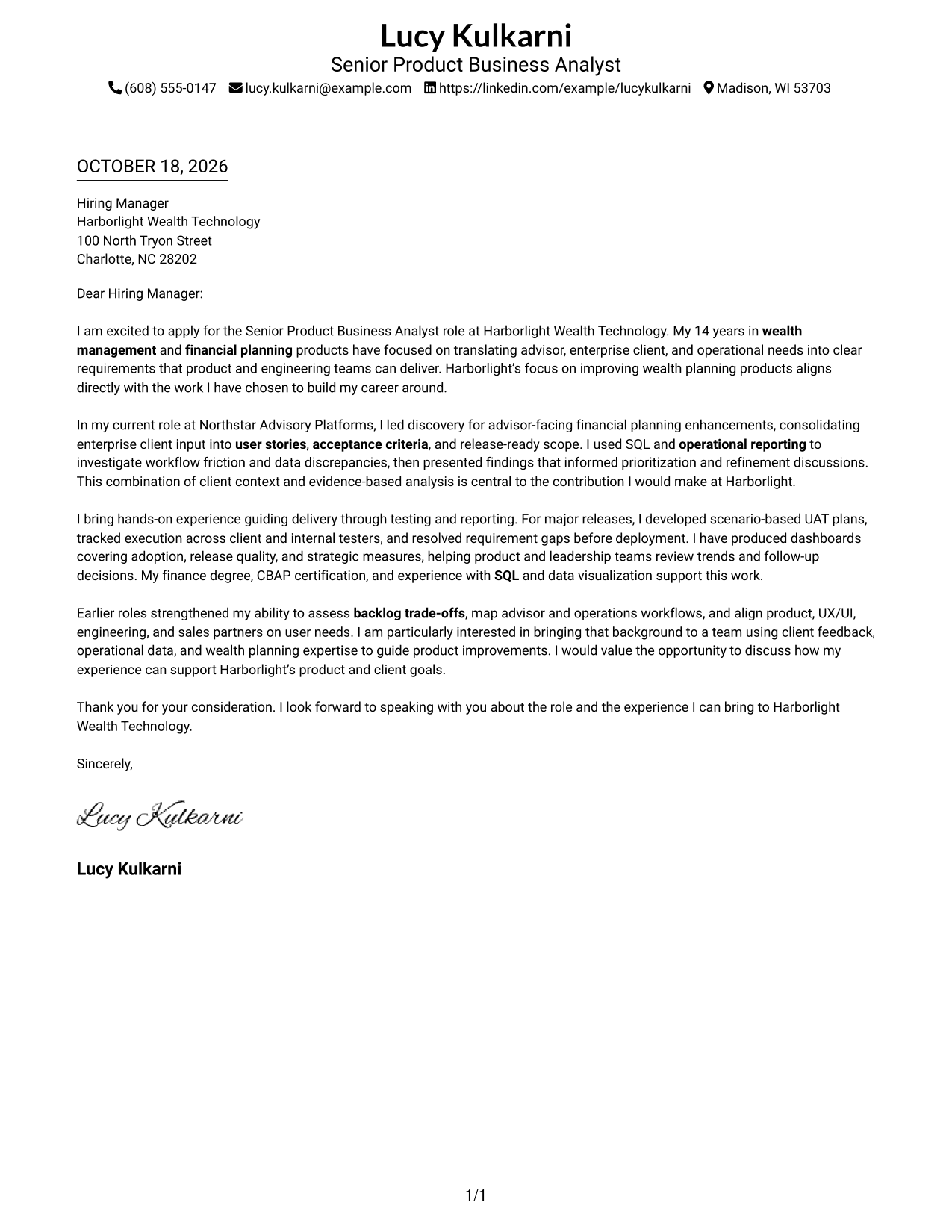
This practical guide helps you shape a Senior Product Business Analyst - Wealth Planning cover letter, with seven layouts to compare and adapt for clear, persuasive communication.
What Makes a Great Senior Product Business Analyst - Wealth Planning Cover Letter in 2026
A strong letter connects your interest in wealth planning products with the role’s work: turning client and business needs into clear requirements and supporting reliable product delivery.
Use specific evidence, such as discovery, SQL analysis, UAT, reporting, or backlog decisions, when it reflects your experience. Link that evidence to the employer’s product goals and explain the value you can bring.
The featured example moves from role motivation to discovery and analysis, delivery evidence, and a clear close. Adapt that focused progression while choosing a presentation that fits the employer and the communication context.
#1 Simple One Column Format Cover Letter Example
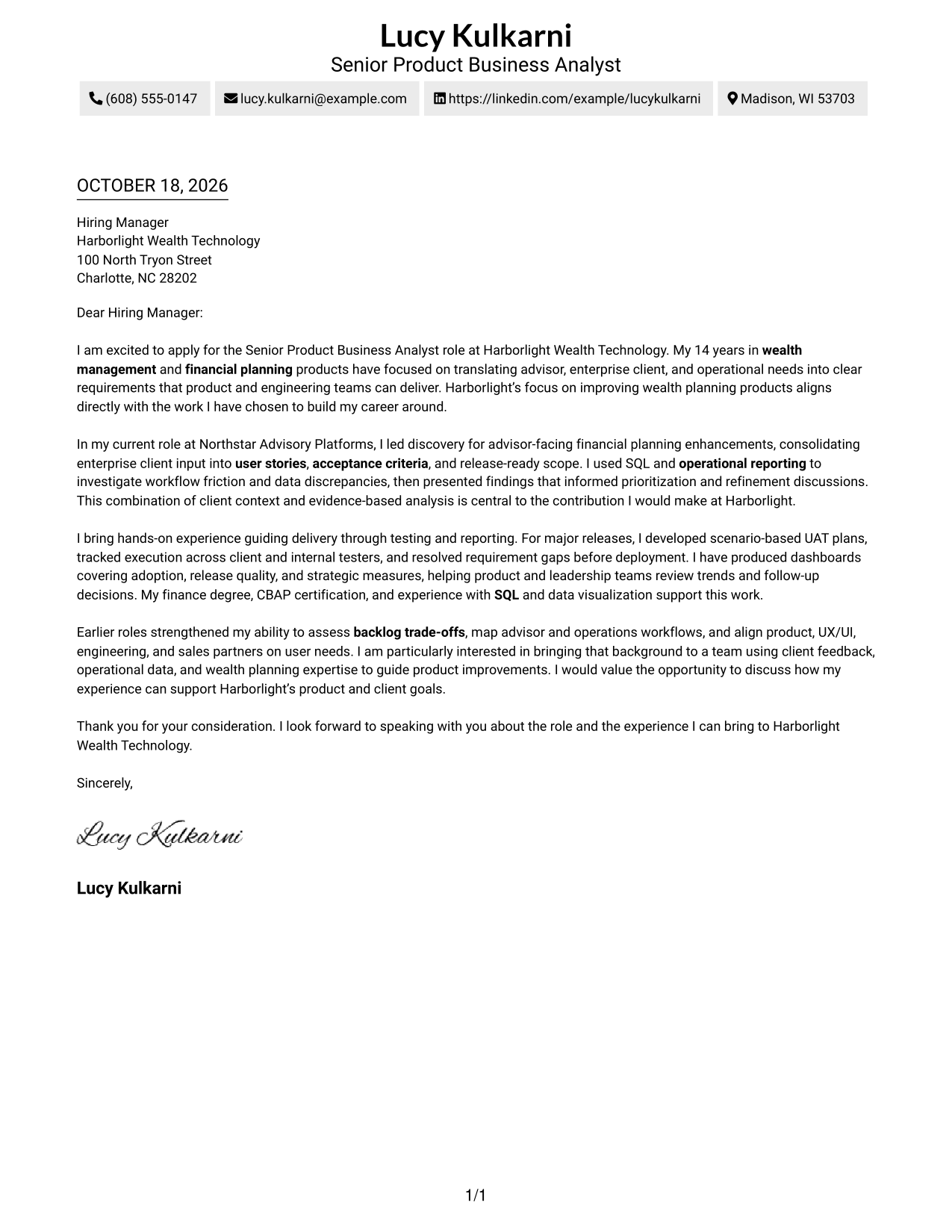
The Simple One Column Format places sender details in the header and keeps the letter body in one direct reading path.
Why This Format Works
- Header contact details leave the letter paragraphs to carry the full message.
- One reading column lets reviewers follow motivation, evidence, and closing in order.
- Paragraphs stay connected without headings that might interrupt the letter's argument.
Best For
- One-column letter reading
- Header-based sender details
- Paragraph-led persuasion
- Letters without argument headings
- Photo-free correspondence
#2 Two Column Format Cover Letter Example
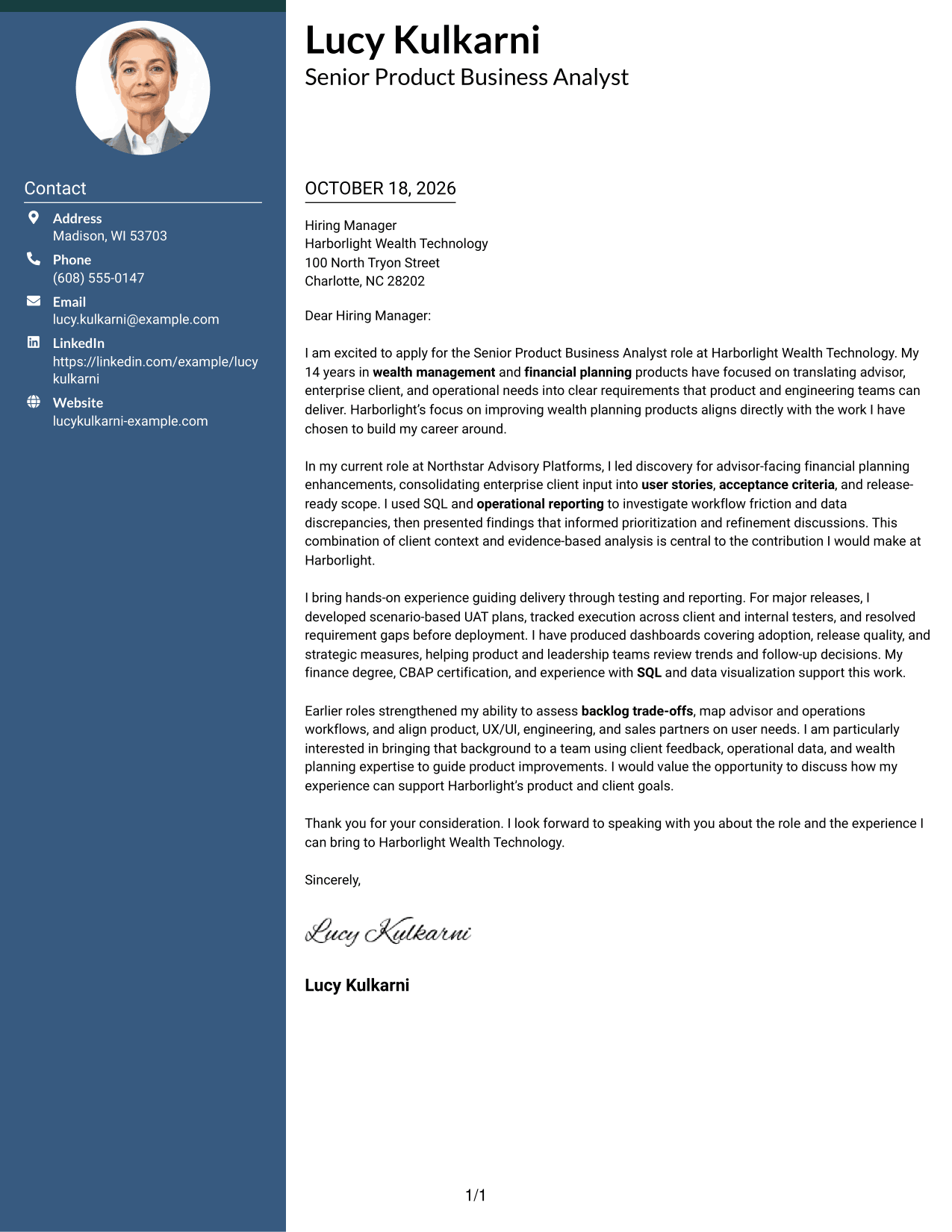
The Two Column Format sets sender contact details apart from a single continuous letter body, making contact information easy to locate.
Why This Format Works
- Contact details sit apart from the message, making sender information easy to find.
- One body column preserves the order of the opening, evidence, and closing.
- Photo-free styling suits readers who prefer a restrained letter presentation.
Best For
- Side-by-side contact details
- One-column letter bodies
- Photo-free correspondence
- Paragraph-based employer letters
- Letters prioritizing written content
#3 Photo Header Two Column Format Cover Letter Example
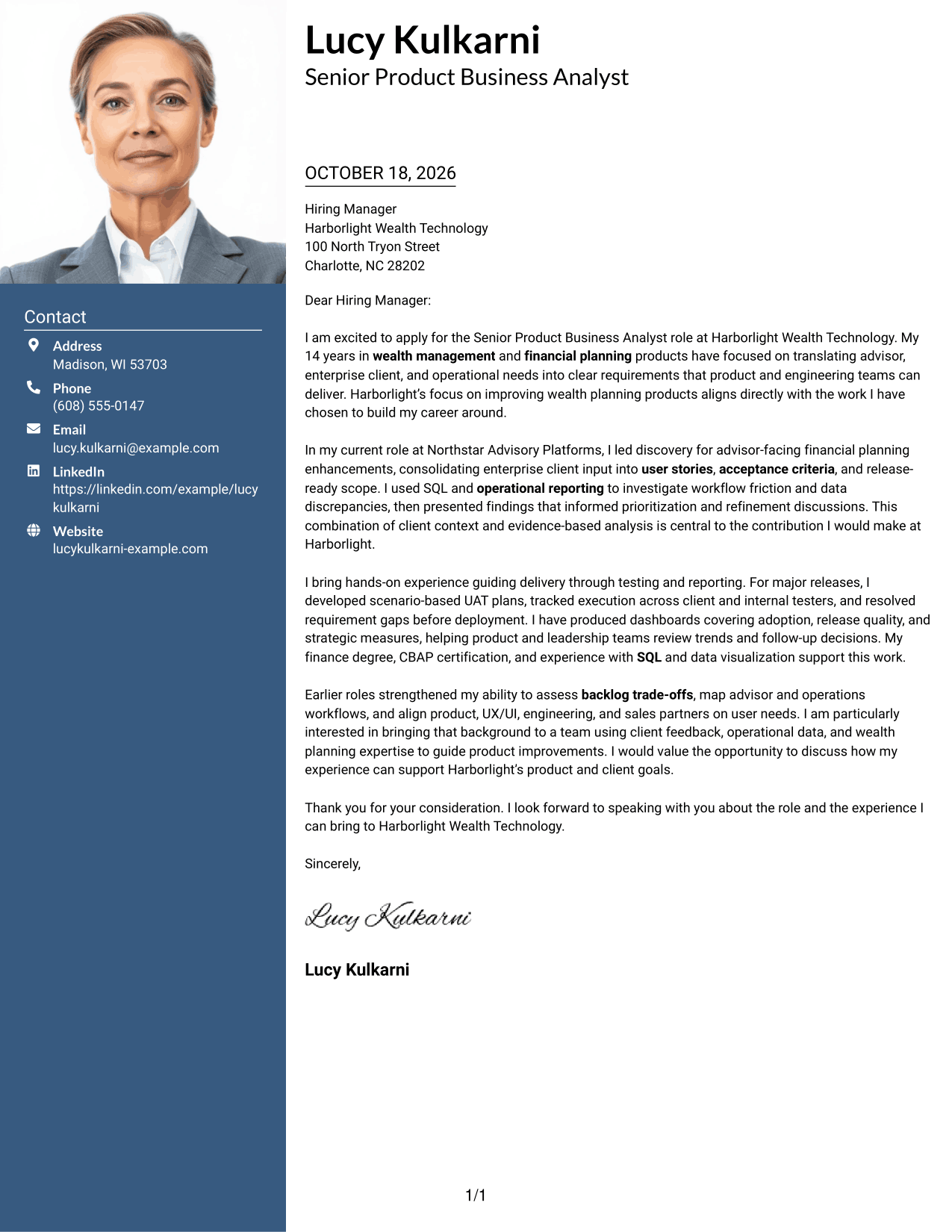
The Photo Header Two Column Format pairs a portrait with a contact sidebar, while the letter stays in one continuous column.
Why This Format Works
- Contact details remain separate while the letter body stays in one column.
- Reviewers can follow the opening, evidence, and closing in paragraph order.
- The portrait adds a personal visual element without dividing the written case.
Best For
- Portrait-inclusive applications
- Separate sender contact details
- Single-column letter bodies
- Personal visual presentation
- Employer-focused cover letters
#4 One Column Format with Photo Cover Letter Example
The One Column Format with Photo combines a portrait with a single-column letter, keeping every paragraph in one reading path.
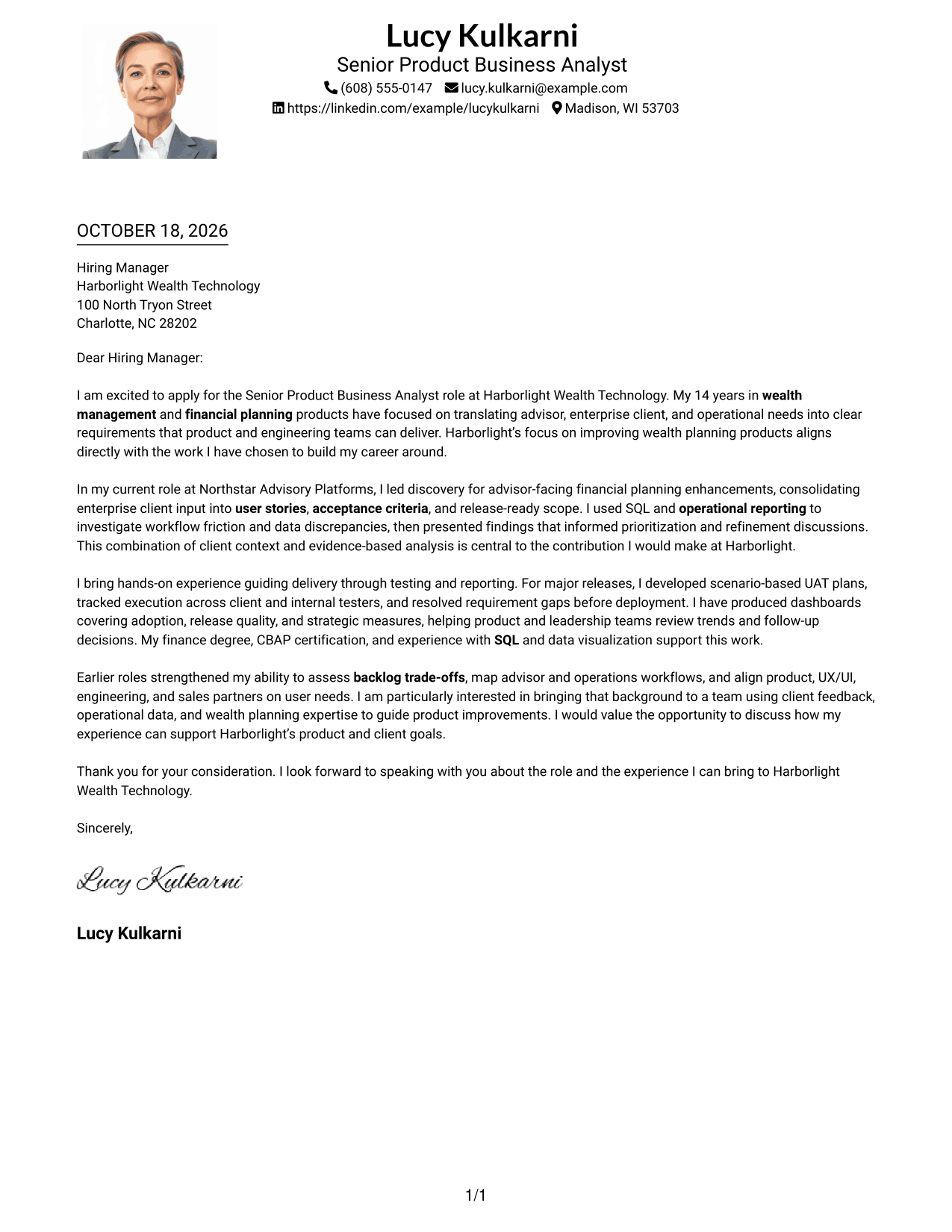
Why This Format Works
- Header contact details leave the main column open for the full letter.
- Opening, supporting points, and closing remain together in one reading path.
- The portrait adds visual presence without breaking the continuous body.
Best For
- Portrait-inclusive letters
- Single-column correspondence
- Header-based contact details
- Continuous argument paragraphs
- Letters without a contact sidebar
#5 Simple Two Column Format Cover Letter Example
The Simple Two Column Format keeps sender contact details in a sidebar beside one continuous letter body.
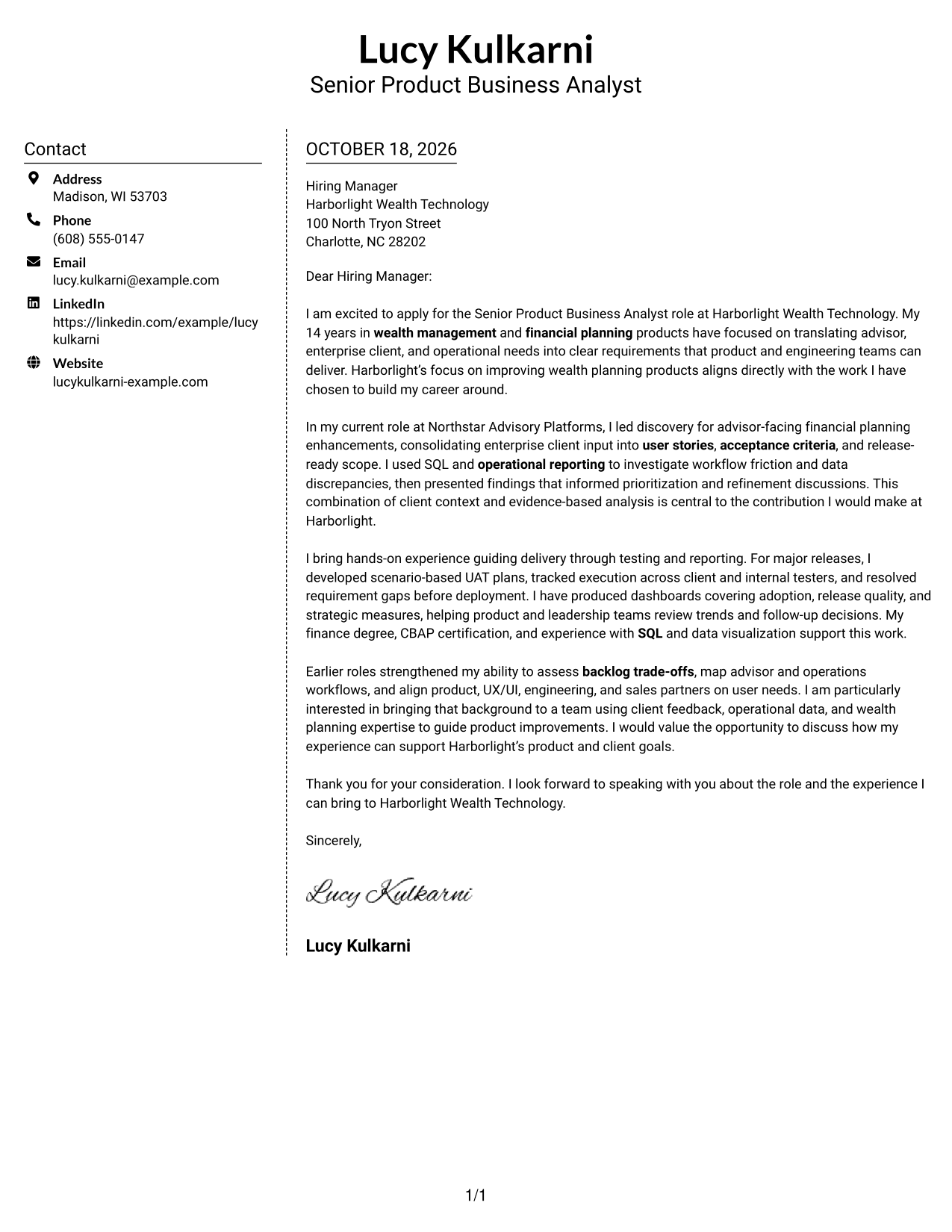
Why This Format Works
- Sender information has its own area beside the letter's continuous body.
- One body column keeps the argument in its intended paragraph sequence.
- Without a portrait, the design keeps attention on written communication.
Best For
- Separate contact and message areas
- Single-column argument flow
- Photo-free letter design
- Paragraph-based persuasion
- Employer-directed correspondence
#6 Modern Icon Format Cover Letter Example
The Modern Icon Format uses icons as contact cues alongside a separate contact sidebar and one continuous letter body.
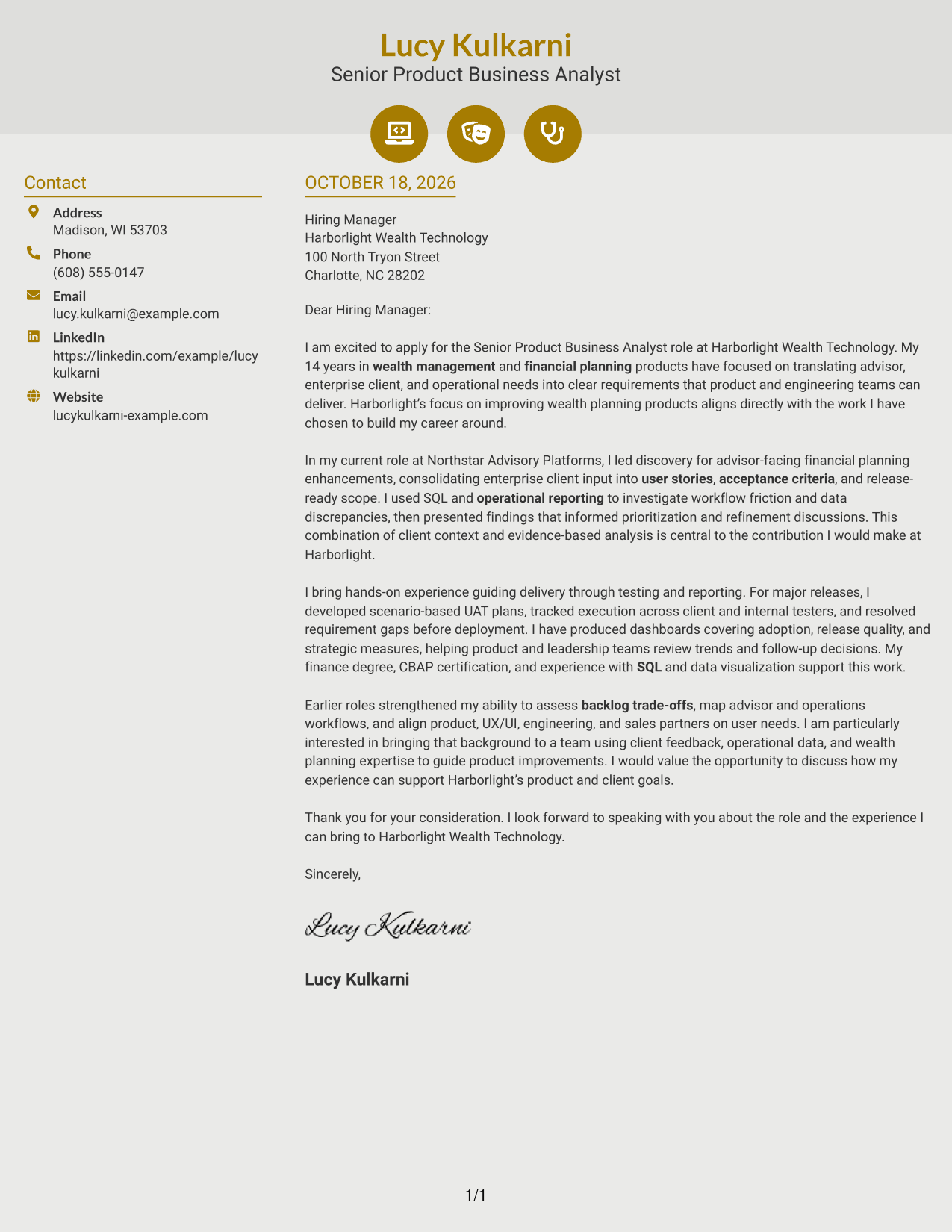
Why This Format Works
- Contact cues help reviewers distinguish sender information from the letter text.
- Persuasive paragraphs remain together in one body column.
- Decorative header accents add visual character without marking argument stages.
Best For
- Icon-cued contact details
- Separate contact and message areas
- Single-column letter body
- Letters with continuous paragraphs
- Visual accents in the header
#7 Creative Two Tone Format Cover Letter Example
The Creative Two Tone Format pairs a contact sidebar with a continuous letter body, keeping sender details outside the persuasive text.
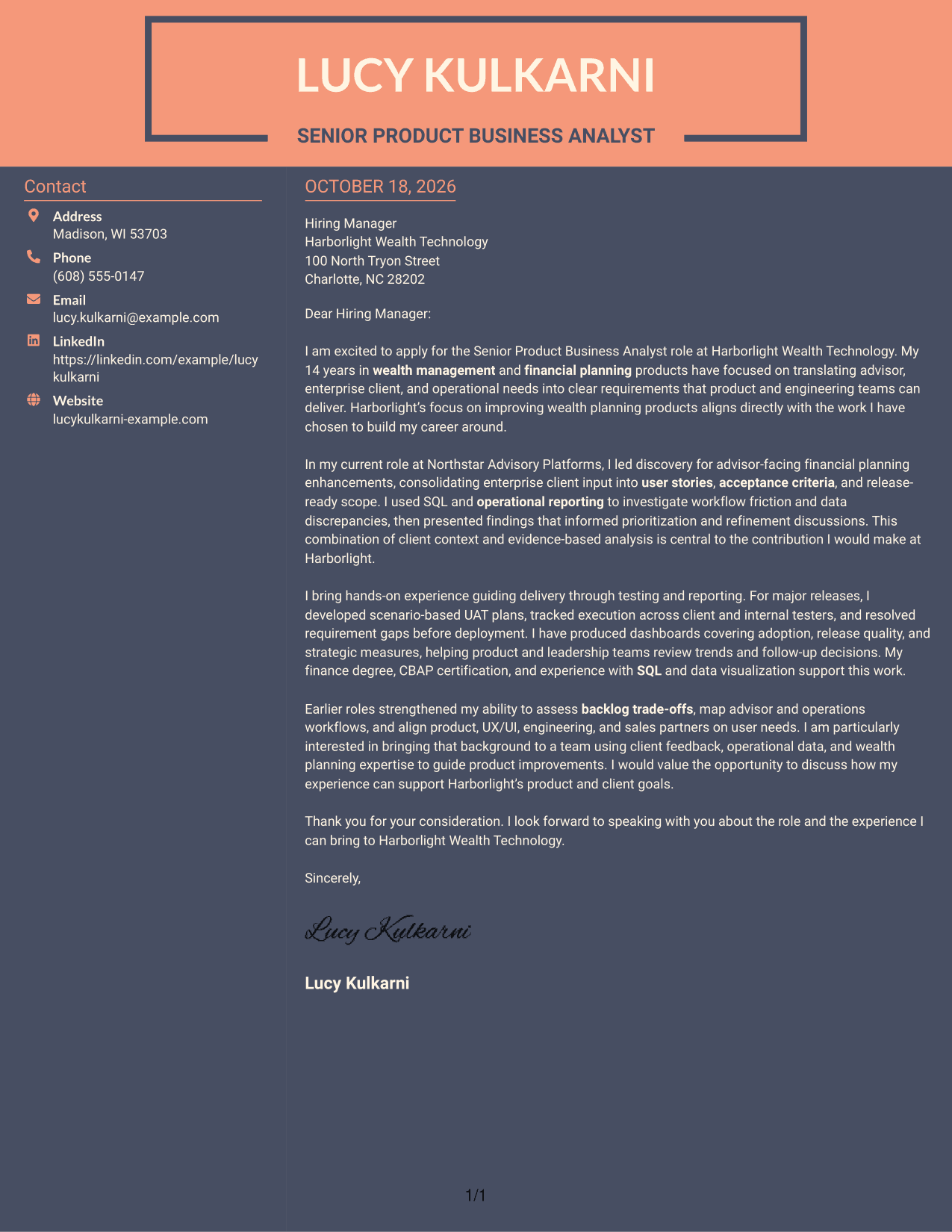
Why This Format Works
- The sidebar gives sender details a distinct place beside the letter.
- Opening, evidence, and closing remain part of one continuous body.
- The photo-free layout suits a focus on written communication.
Best For
- Side-by-side contact details
- Continuous letter body
- Photo-free correspondence
- Paragraph-led applications
- Letters with direct company motivation
See Also
- 7 Senior Product Business Analyst - Wealth Planning Resume Templates with Example
- 33 Business Analyst, Intern Resume Templates with Example 2026 (ATS-Optimized)
- 33 Business Analyst - Lending & PM Tools Resume Templates with Example 2026 (ATS-Optimized)
- 33 Business Data Analyst I Resume Templates with Example 2026 (ATS-Optimized)
- 7 Business Intelligence Analyst - Sales, Purchasing, and Inventory Resume Templates with Example
- 33 Business Intelligence and Data Analyst Resume Templates with Example 2026 (ATS-Optimized)
- 33 Business Intelligence (BI) Developer / Business Systems Analyst Resume Templates with Example 2026 (ATS-Optimized)
- 33 Business Intelligence Data Analyst Resume Templates with Example 2026 (ATS-Optimized)
- 30+ Business Analyst, Intern Cover Letter Templates with Example 2026
- 30+ Business Data Analyst I Cover Letter Templates with Example 2026
Frequently Asked Questions
What should a Senior Product Business Analyst - Wealth Planning cover letter emphasize?
Show how you turn wealth planning and client needs into clear requirements. Use relevant examples of discovery, user stories, prioritization, SQL analysis, reporting, or user acceptance testing to make your fit clear.
How should I explain my interest in a wealth planning product role?
Connect your interest to the work itself, such as improving advisor workflows or helping product teams use client feedback and operational data. Add a specific employer or product detail when you can support it.
How can I show that I can communicate with both business and technical teams?
Give a brief example of how you clarified a business need, documented requirements, or resolved different interpretations. State who needed the information and how your communication helped move the work forward.
Which cover letter style works for this role?
Choose a clear, readable presentation that suits the employer and the way you will communicate. Keep the opening, evidence in the body, and closing easy to follow.
Should I mention SQL, dashboards, and UAT in my letter?
Mention them when they are relevant to your own experience and the role. Briefly explain how your analysis, reporting, or testing work helped clarify a decision or support delivery.




