
7 Senior Product Business Analyst - Wealth Planning Resume Templates with Example
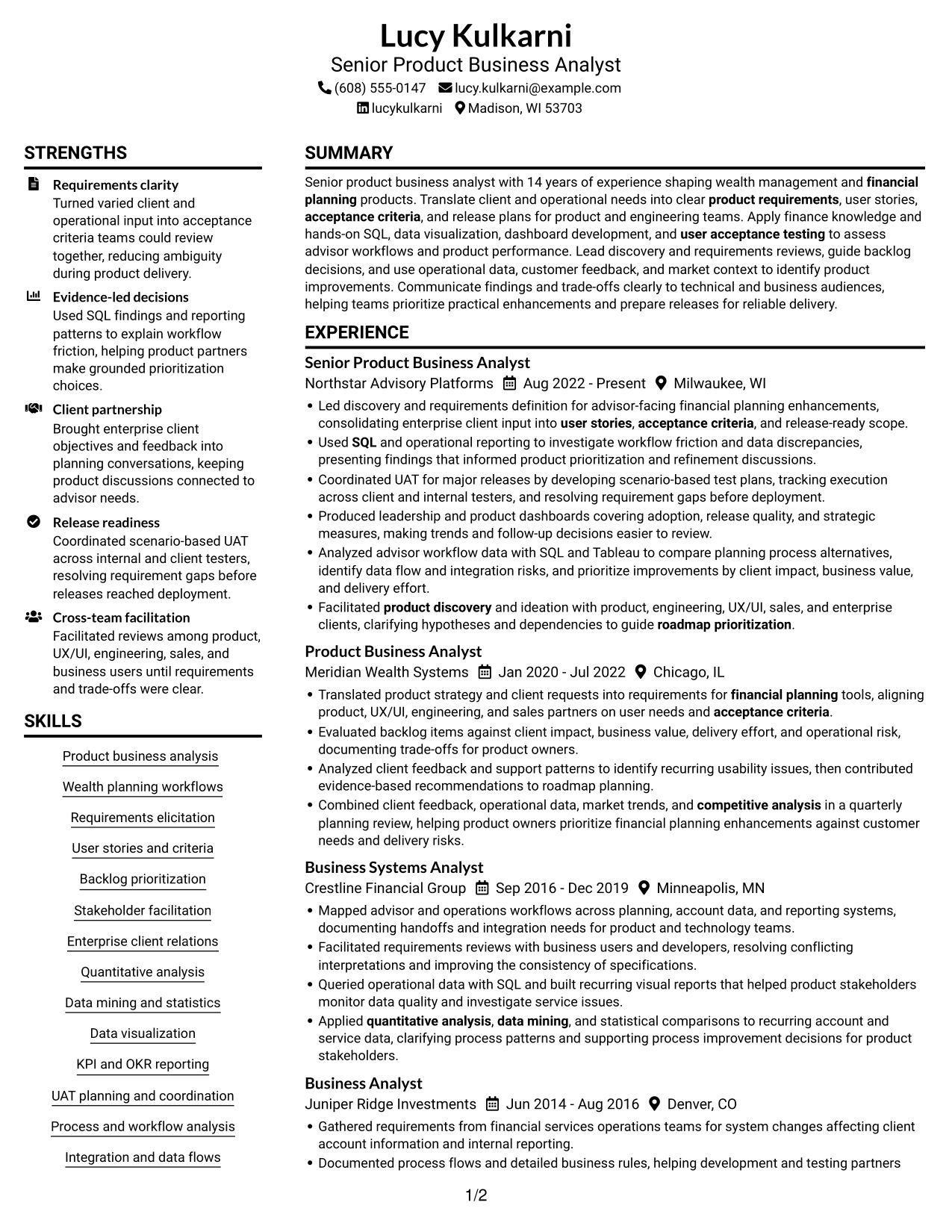
This guide shows you how to create a clear, focused resume for a Senior Product Business Analyst - Wealth Planning role. It explains how to present your experience so product teams and recruiters can quickly understand your value.
Learn how to organize requirements work, advisor workflow analysis, and release support into concise resume sections and achievement bullets. The guidance also covers role-specific terms such as SQL, user stories, acceptance criteria, backlog prioritization, and user acceptance testing.
The resume example is presented in 7 layouts, so you can compare the image previews and choose a format that fits your content. Open an example in the editor to view or customize it.
What Makes a Great Senior Product Business Analyst - Wealth Planning Resume in 2026
A strong resume makes product discovery, requirements work, and release support easy to scan. Use clear sections and concise bullets to show how you turn client and operational needs into practical product decisions.
Include relevant terms such as wealth planning workflows, SQL, user stories, acceptance criteria, backlog prioritization, data visualization, and UAT. Support each skill with specific work examples and measurable results when available.
Note: Resume examples are for educational purposes only. Use only information that accurately reflects your experience and qualifications. References to real organizations do not imply affiliation or endorsement.
#1 Plain Two Column Format Resume Example
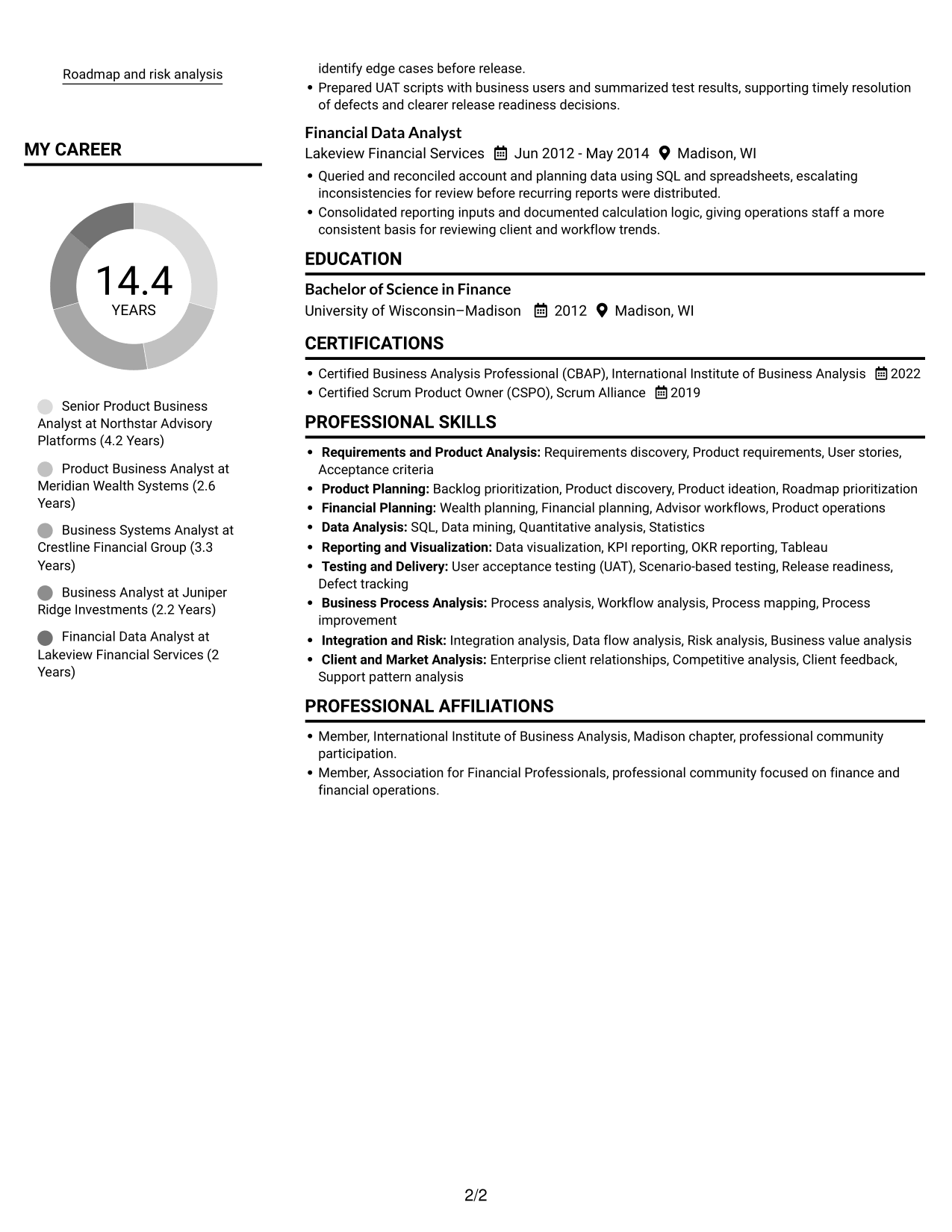
The Plain Two Column Format places resume content in two columns and omits a photo, offering a compact way to scan sections.
Resume Snapshot
- 14 years of experience in product business analysis
- Wealth management and financial planning product work
- Bachelor of Science in Finance
- CBAP and CSPO certifications
Why This Format Works
- Two reading areas help reviewers distinguish career history from supporting resume sections.
- Skills and credentials are easier to locate without interrupting the experience sequence.
- Education and certification details have room apart from the work history.
Best For
- Side-by-side section organization
- Resumes with substantial experience history
- Skills and credentials alongside work history
- Quick section-by-section review
- Photo-free resume presentation
Resume Keywords
- Requirements discovery
- product requirements
- User stories
- acceptance criteria
- Backlog prioritization
- SQL
- Wealth planning
- financial planning
- Data mining
- Quantitative analysis
- statistics
- Data visualization
- user acceptance testing
- product discovery
- roadmap prioritization
#2 Simple One Column Format Resume Example
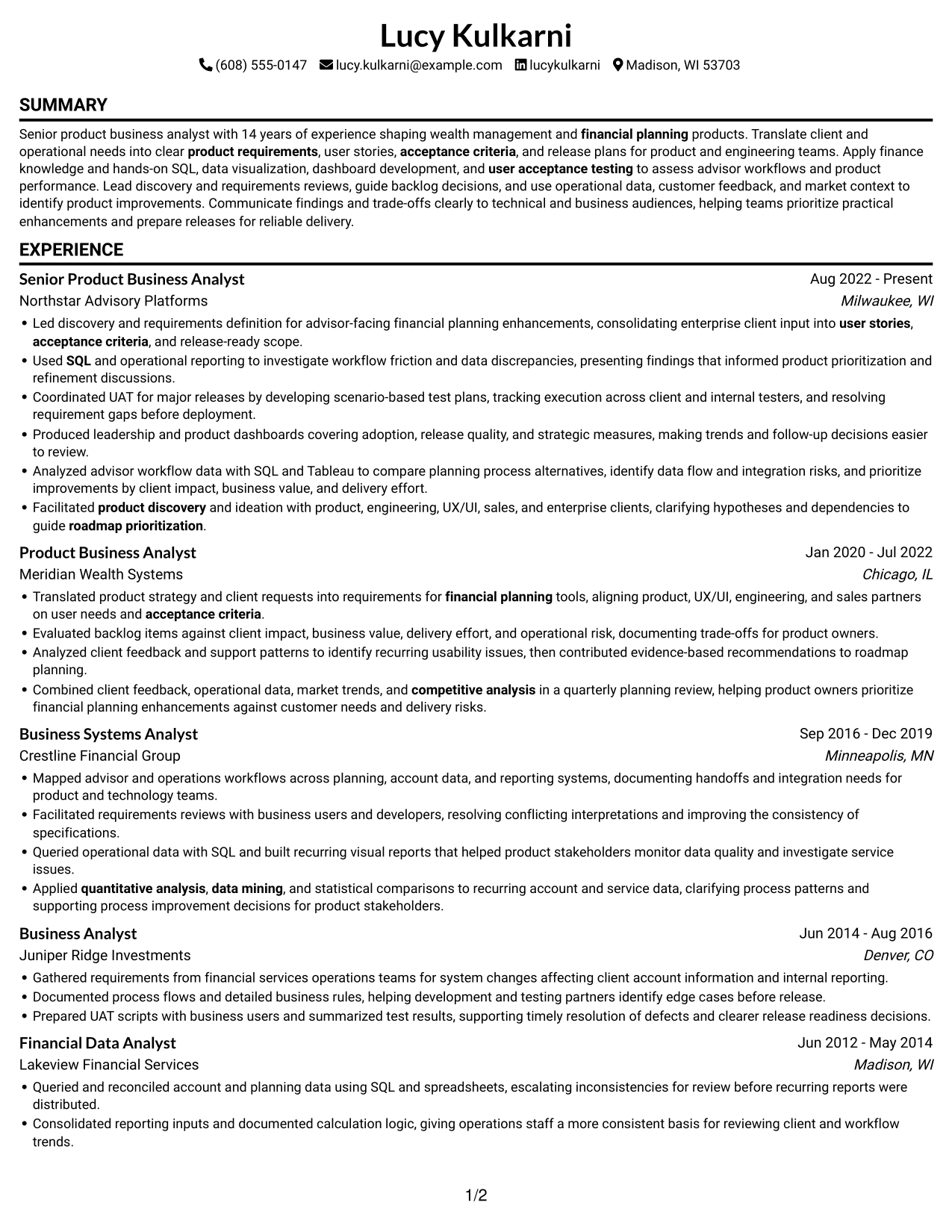
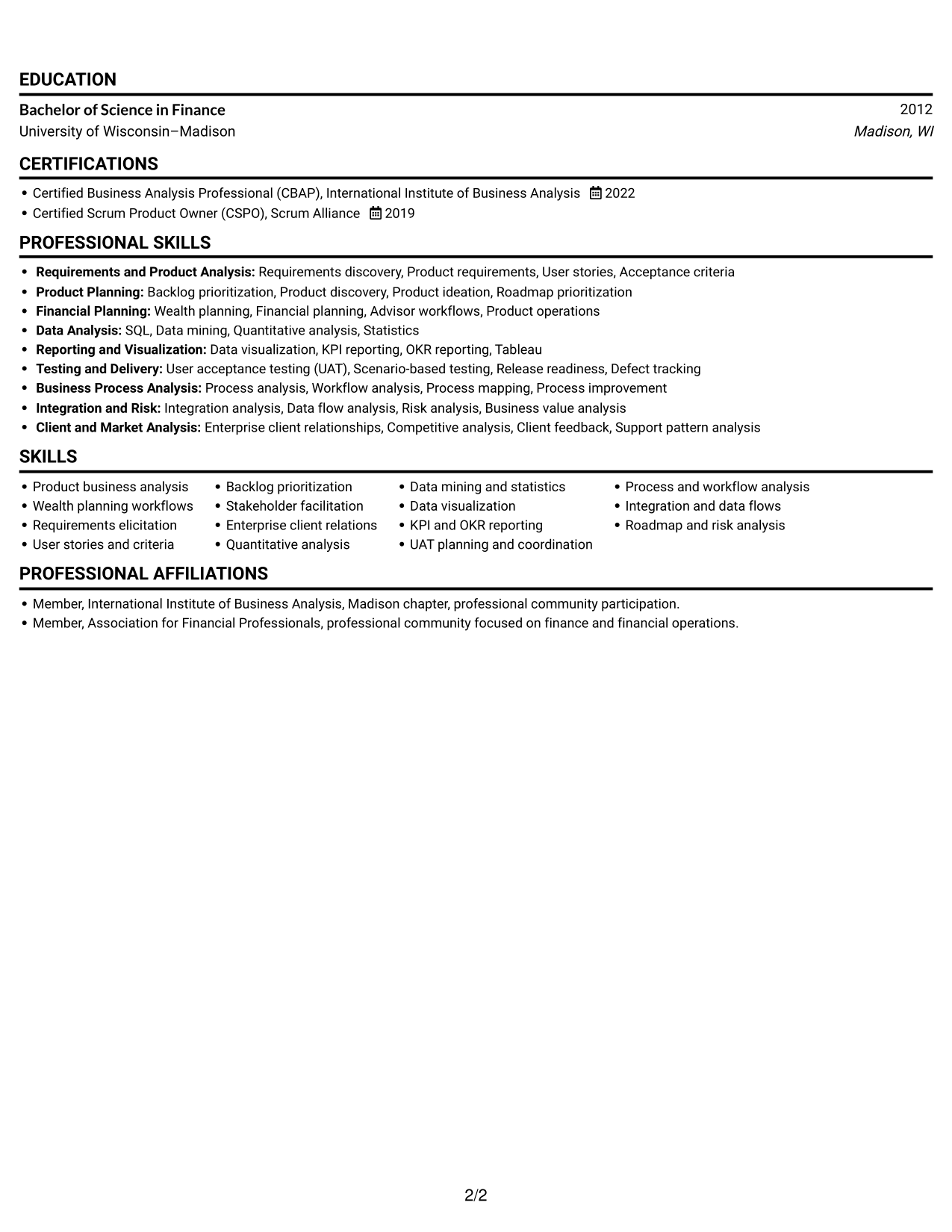
With a single-column body and no photo, the Simple One Column Format keeps the resume in one top-to-bottom reading path.
Why This Format Works
- A vertical reading path makes career dates and role changes easy to follow.
- Work history reads in sequence without a second content column beside it.
- Skills, education, and credentials stay within the same straightforward scan.
Best For
- Top-to-bottom resume reading
- Chronological career histories
- A single content stream
- Straightforward section navigation
- Photo-free resume presentation
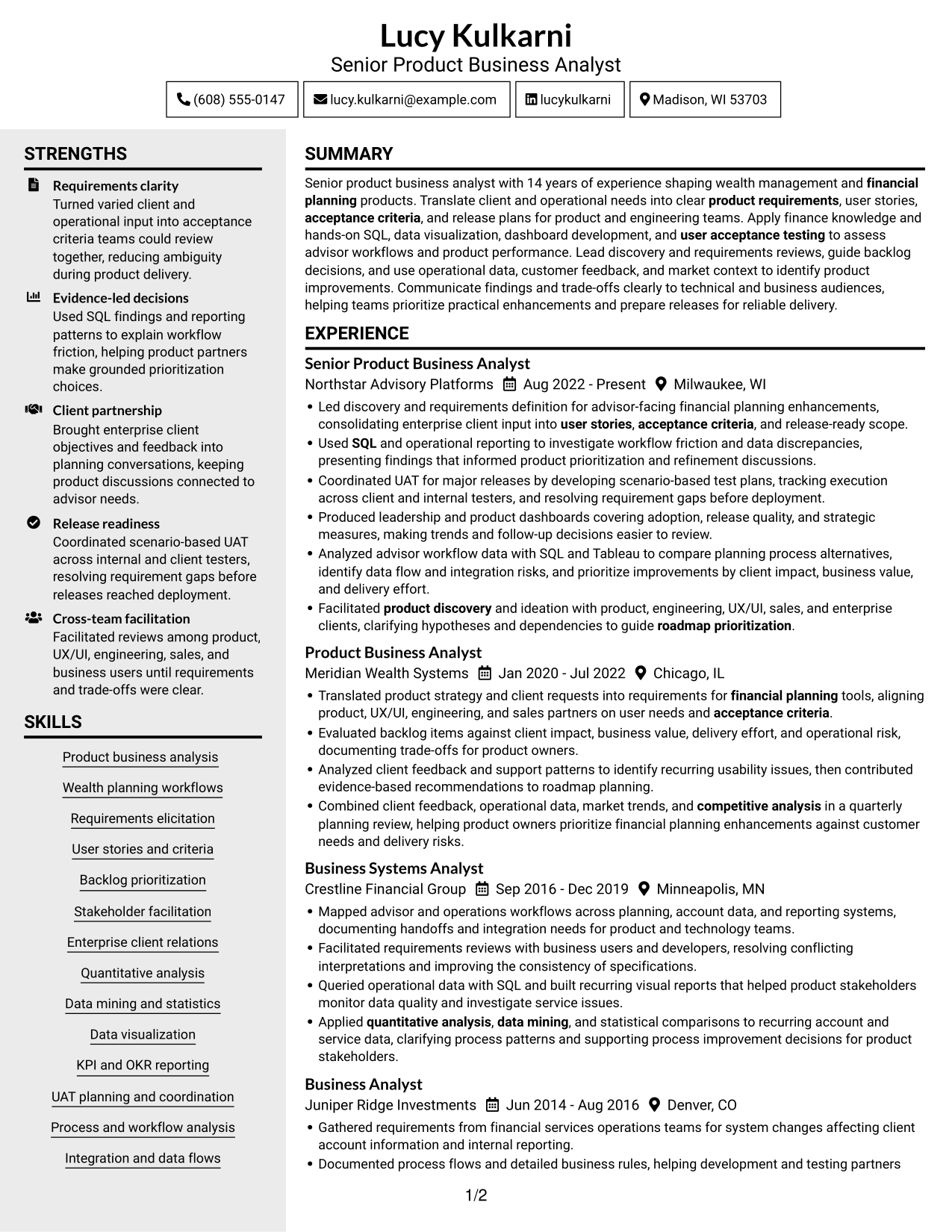
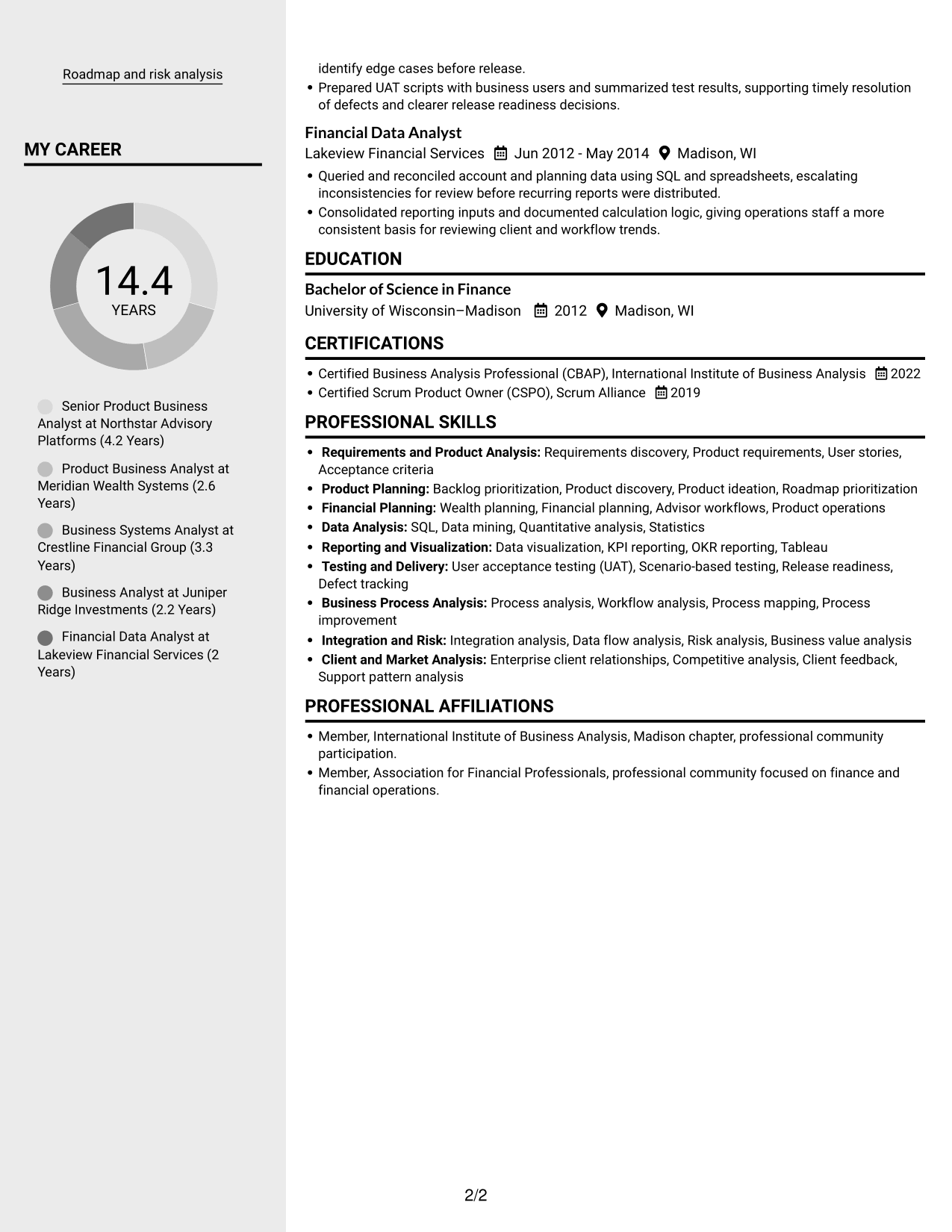
#3 Clean Two Column Sidebar Format Resume Example
The Clean Two Column Sidebar Format divides resume content across two columns, giving reviewers separate areas to scan.
Why This Format Works
- Separate reading areas help reviewers move between experience and supporting sections.
- The section structure gives skills and credentials a distinct place in the resume.
- Education and work history can be reviewed as related but separate content.
Best For
- Distinct resume content areas
- Experience paired with supporting details
- Skills and credential sections
- Readers comparing section groups
- Photo-free resume presentation
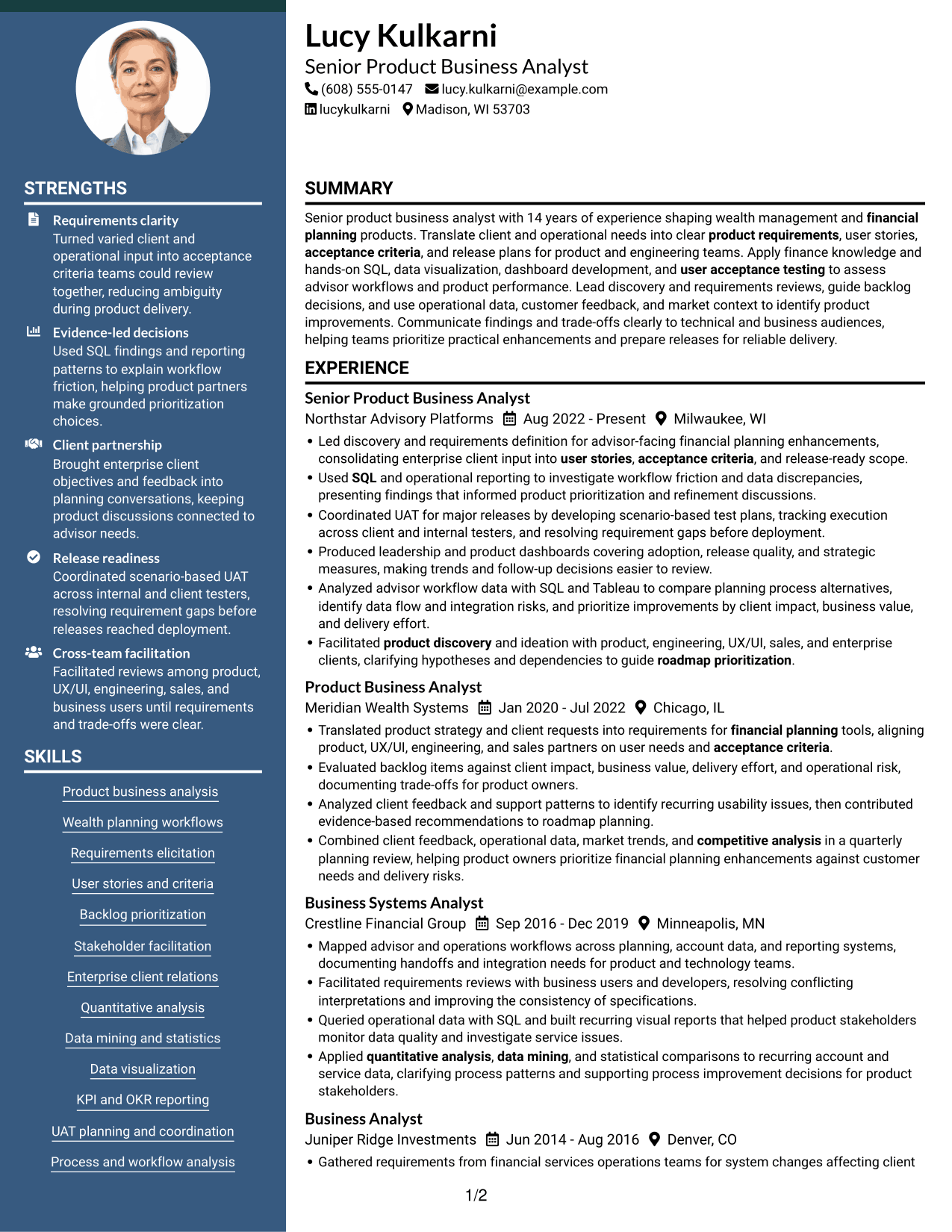
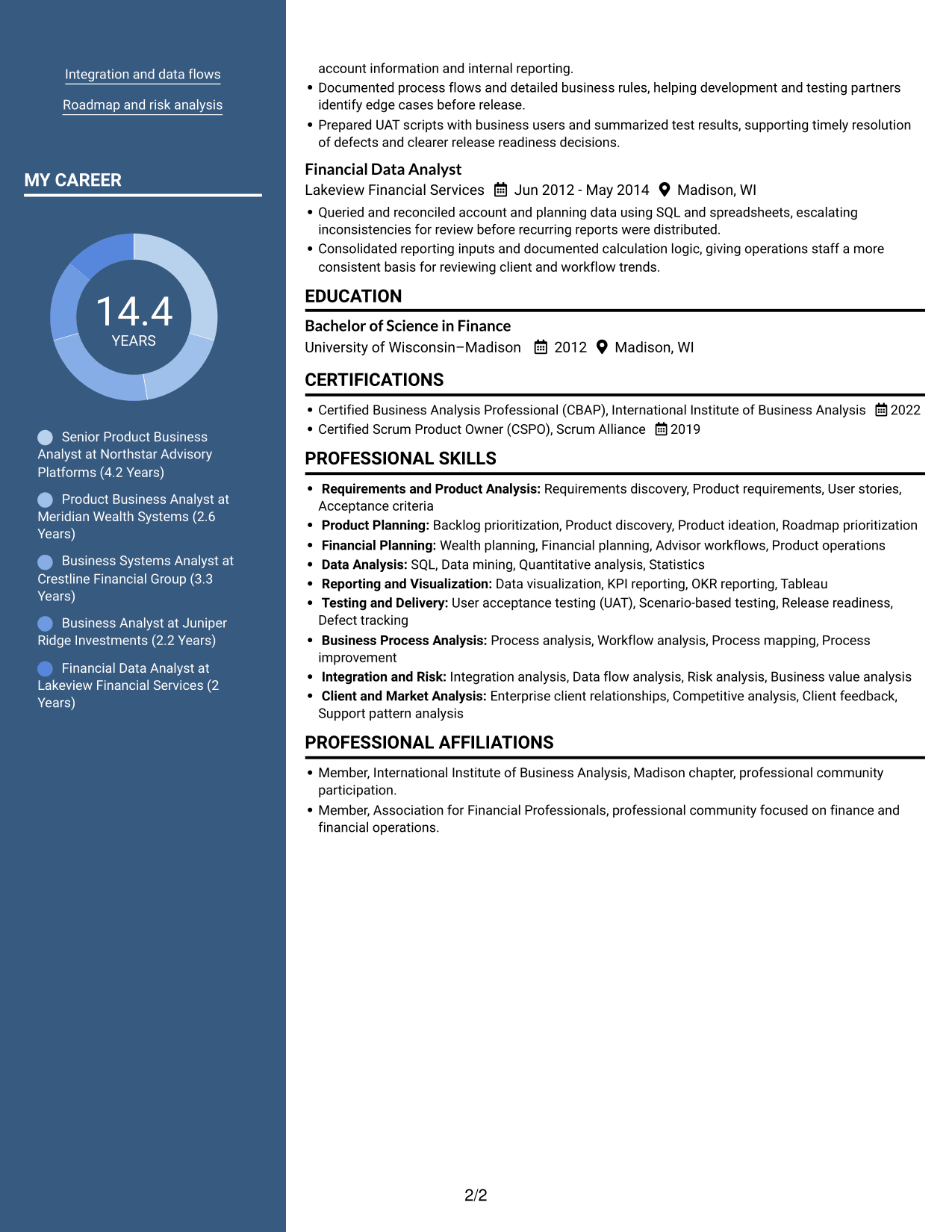
#4 Two Column Format Resume Example
The Two Column Format sets resume sections in two side-by-side columns, a practical choice for readers who prefer grouped information.
Why This Format Works
- The parallel columns let reviewers scan different resume sections without following one long page-wide line.
- Career progression remains easy to track within the experience section.
- Grouped sections help readers return to education or credentials during review.
Best For
- Parallel section groups
- Career progression review
- Grouped education and experience
- Readers who scan by section
- Photo-free resume presentation
#5 Photo Header Two Column Format Resume Example
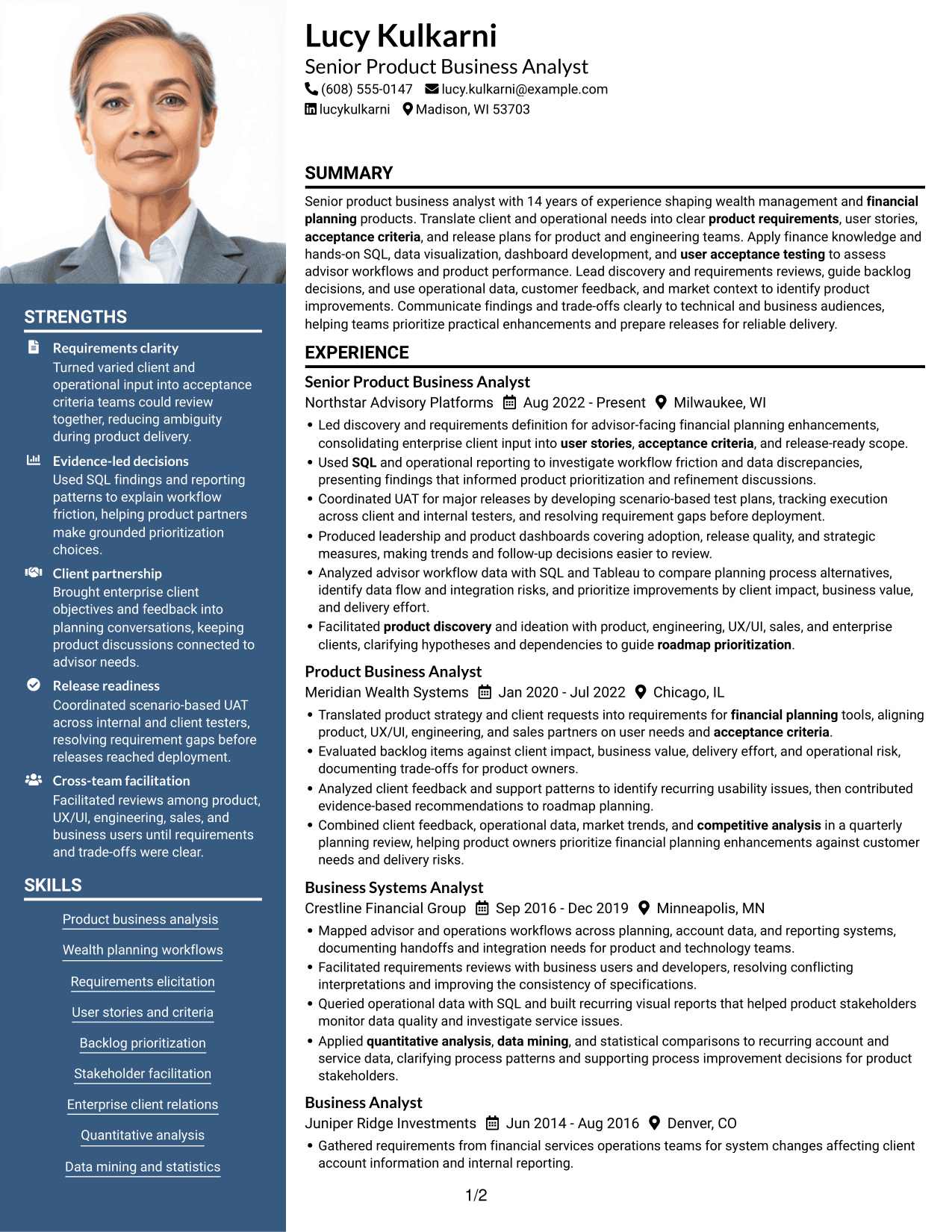
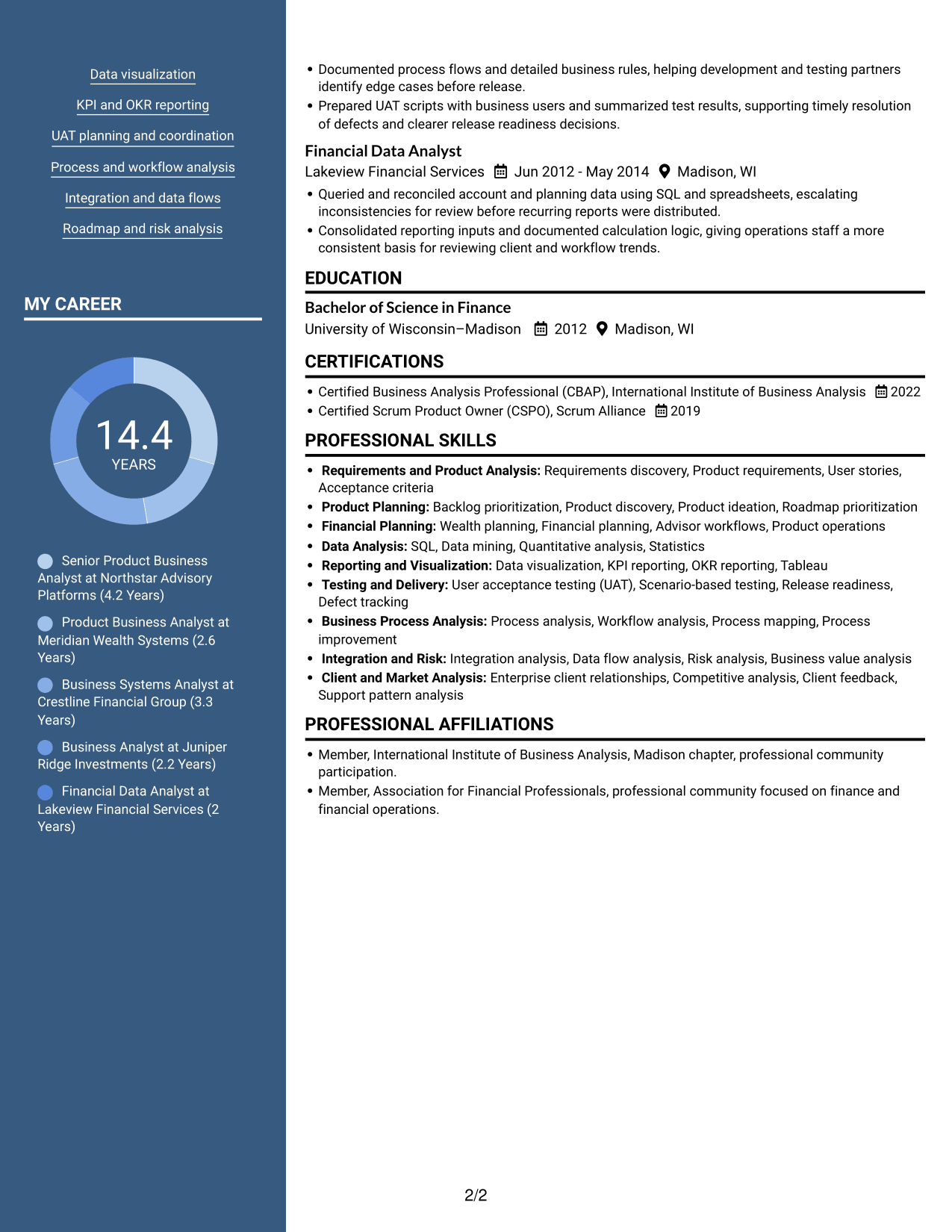
A photo header paired with a two-column body defines the Photo Header Two Column Format, combining a visible portrait with grouped resume sections.
Why This Format Works
- The two-column body separates experience from supporting sections for a more organized review.
- Reviewers can follow career history while locating education and credentials in another section.
- A visible portrait offers a clear personal identifier in the header.
Best For
- Resume with a portrait
- Two-column section grouping
- Experience beside supporting details
- Personal identification in the header
- Readers who prefer visual context
#6 Colored Two Column Format Resume Example
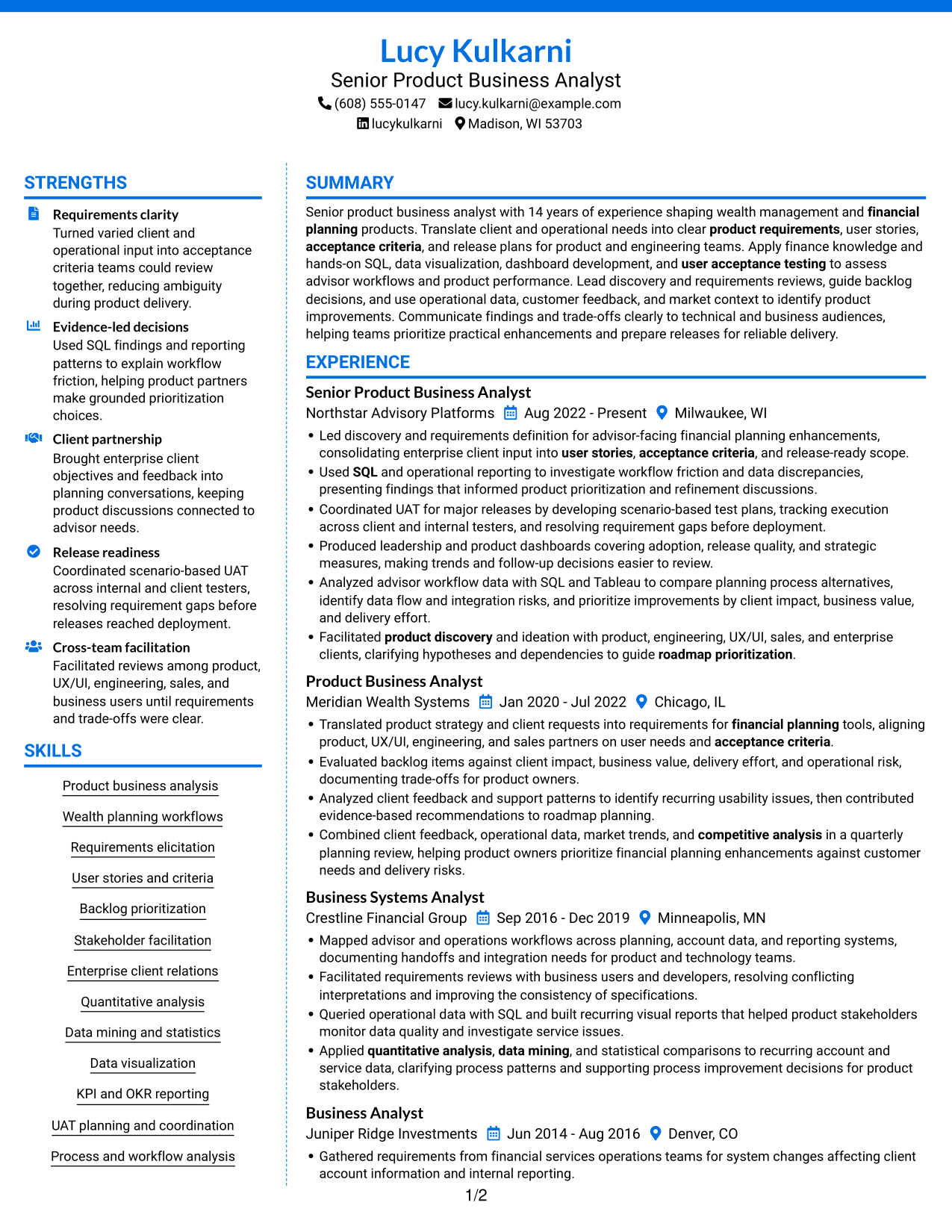
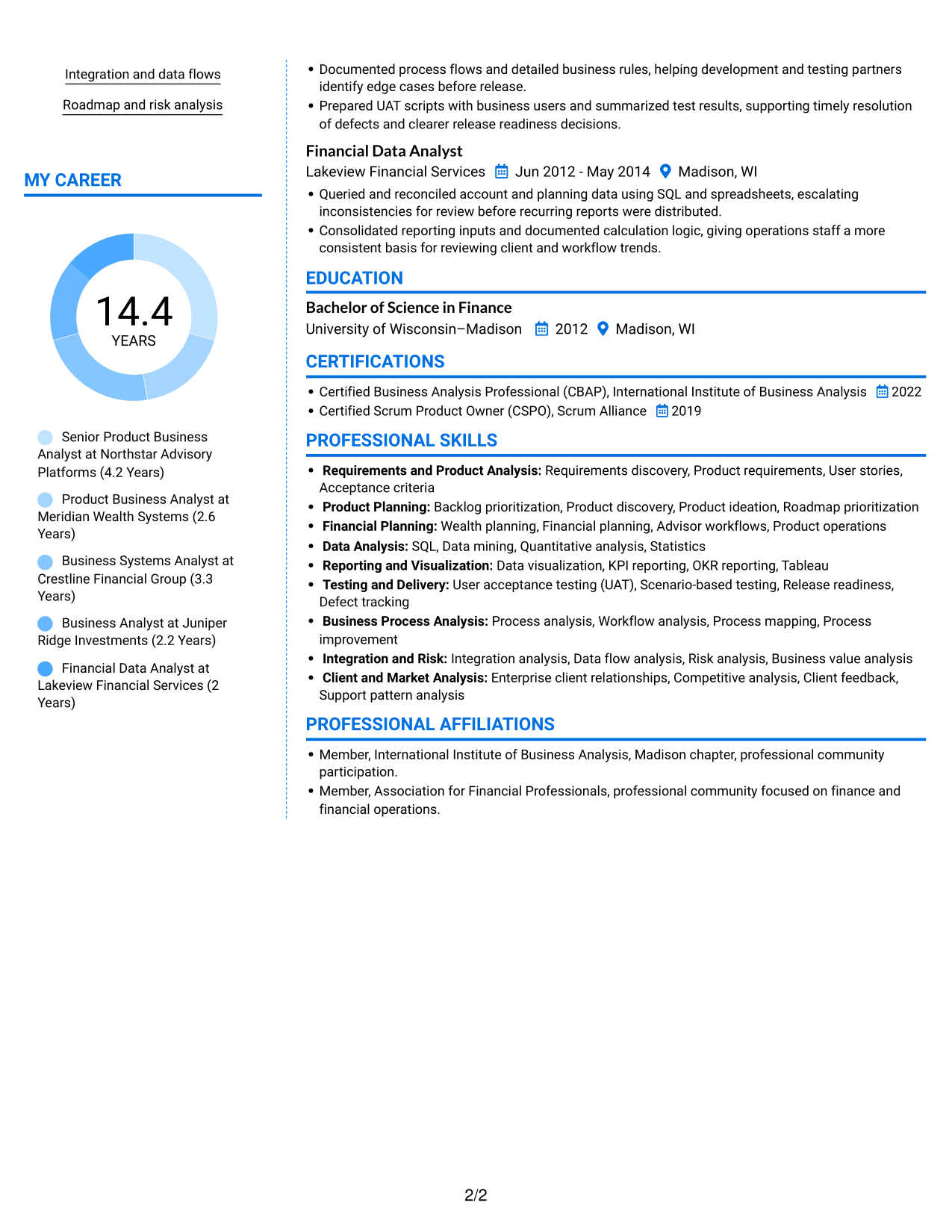
The Colored Two Column Format uses a two-column body, helping reviewers scan separate areas of resume content.
Why This Format Works
- The two-column reading order helps separate work history from other resume sections.
- Skills and credentials can be found without searching through every experience entry.
- Education remains a distinct part of the review alongside career details.
Best For
- Two-column resume organization
- Separate work and supporting sections
- Skills and credentials review
- Education alongside career details
- Photo-free resume presentation
#7 Stylish Two Column Designer Format Resume Example
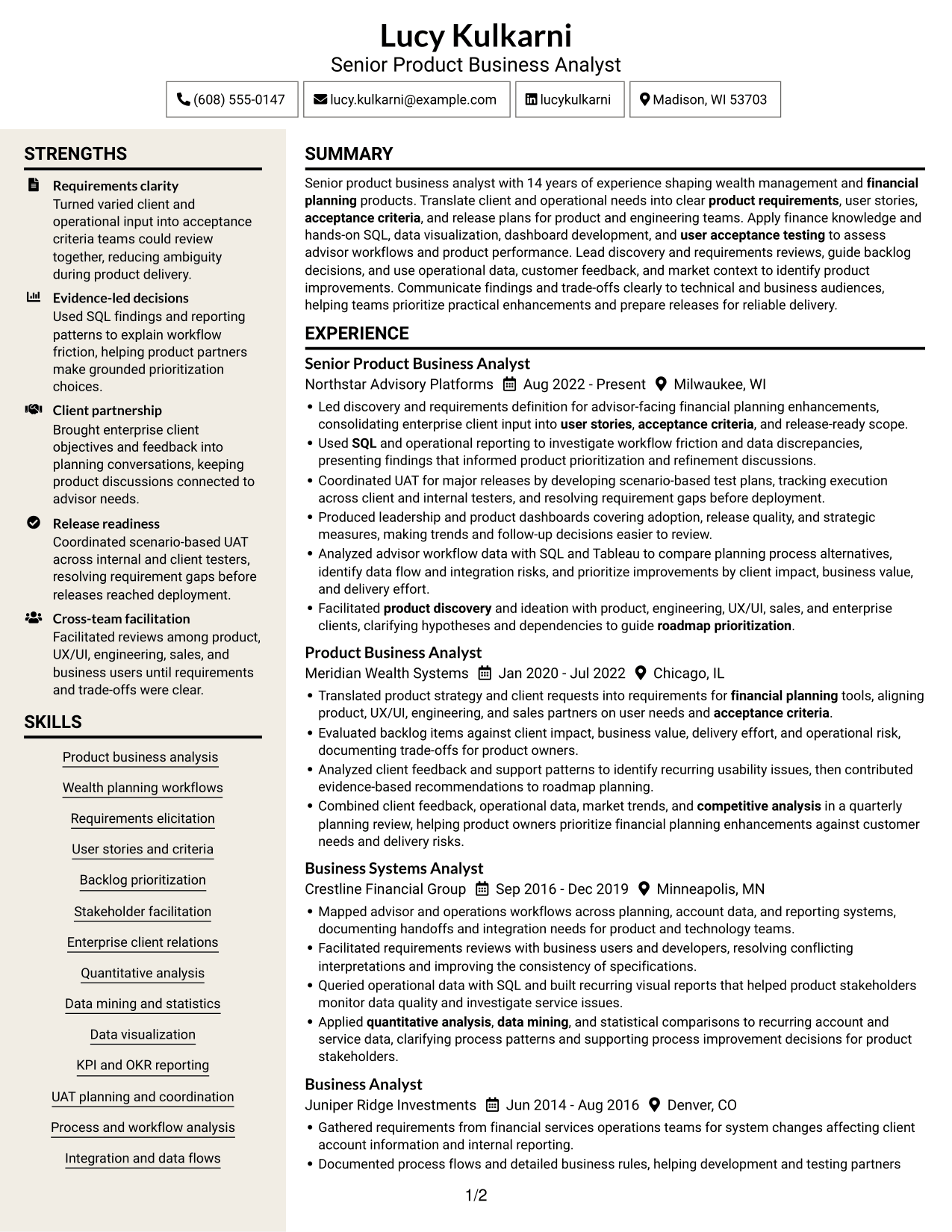
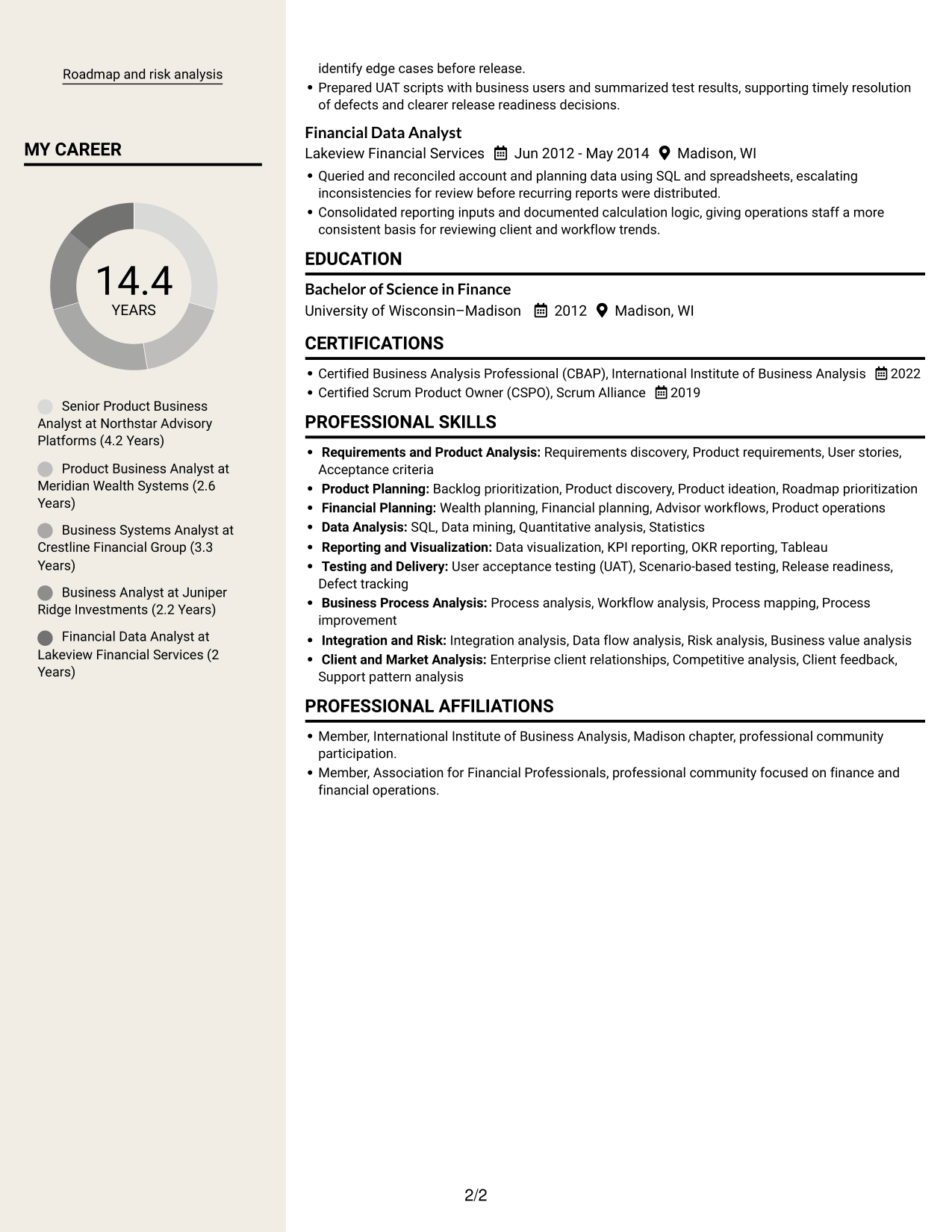
The Stylish Two Column Designer Format presents the resume in two columns, for readers who want information arranged in parallel areas.
Why This Format Works
- Parallel content areas let reviewers move between career history and other resume sections.
- The work history can be followed as a sequence of roles and dates.
- Separate sections help readers locate skills, education, and credentials during a focused review.
Best For
- Parallel resume content areas
- Role and date review
- Experience with supporting sections
- Readers who scan by category
- Photo-free resume presentation
See Also
- 33 Business Analyst, Intern Resume Templates with Example 2026 (ATS-Optimized)
- 33 Business Analyst - Lending & PM Tools Resume Templates with Example 2026 (ATS-Optimized)
- 33 Business Data Analyst I Resume Templates with Example 2026 (ATS-Optimized)
- 7 Business Intelligence Analyst - Sales, Purchasing, and Inventory Resume Templates with Example
- 33 Business Intelligence and Data Analyst Resume Templates with Example 2026 (ATS-Optimized)
- 33 Business Intelligence (BI) Developer / Business Systems Analyst Resume Templates with Example 2026 (ATS-Optimized)
- 33 Business Intelligence Data Analyst Resume Templates with Example 2026 (ATS-Optimized)
- 7 Business Systems Analyst - Curriculum Systems Specialist Resume Templates with Example
- 7 Senior Product Business Analyst - Wealth Planning Cover Letter Templates with Example
- 30+ Business Analyst, Intern Cover Letter Templates with Example 2026
Frequently Asked Questions
Are these Senior Product Business Analyst - Wealth Planning resume templates ATS-friendly?
They use readable sections and straightforward resume layouts. Include relevant terms such as requirements discovery, SQL, wealth planning, user stories, and user acceptance testing where they accurately describe your experience.
Does this guide show one resume in different layouts?
Yes. It presents one role-focused resume example in several visual layouts. Compare the image previews, then open an example in the editor to view or customize it.
What should a Senior Product Business Analyst - Wealth Planning resume include?
Include a focused summary, relevant experience, education, certifications, and skills. Highlight requirements discovery, client and stakeholder work, backlog decisions, data analysis, dashboards, and UAT when supported by your experience.
Which resume layout works well for this role?
Choose a layout with clear headings and an easy-to-follow experience section. A simple structure helps recruiters scan your requirements work, analysis, and release contributions, and makes key information easier for applicant tracking systems to read.
How can I show the impact of my business analysis work?
Write bullets that explain the need, the action you took, and the result. Add measurable details when you have them, such as changes in adoption, release quality, data accuracy, or workflow efficiency.
Should I include a photo on my resume?
For U.S. applications, a resume without a photo is usually the safer choice. Focus the available space on relevant experience, skills, education, and certifications.




