
7 Senior Python Developer - Data Masking Cover Letter Templates with Example
This practical guide to a Senior Python Developer - Data Masking cover letter shows how seven layouts can help you present your fit clearly.
What Makes a Great Senior Python Developer - Data Masking Cover Letter in 2026
A strong letter connects your interest in data masking with the role’s need for reliable Python microservices, repeatable obfuscation, and clear API communication.
Support your fit with specific evidence, such as integrating the Delphix Masking Tool or validating masked data. Explain how your experience meets the employer’s needs and why the work interests you.
The featured example moves from interest in the role to direct evidence, broader alignment, and a clear close. Adapt this focused progression while choosing a presentation that suits the employer and communication context.
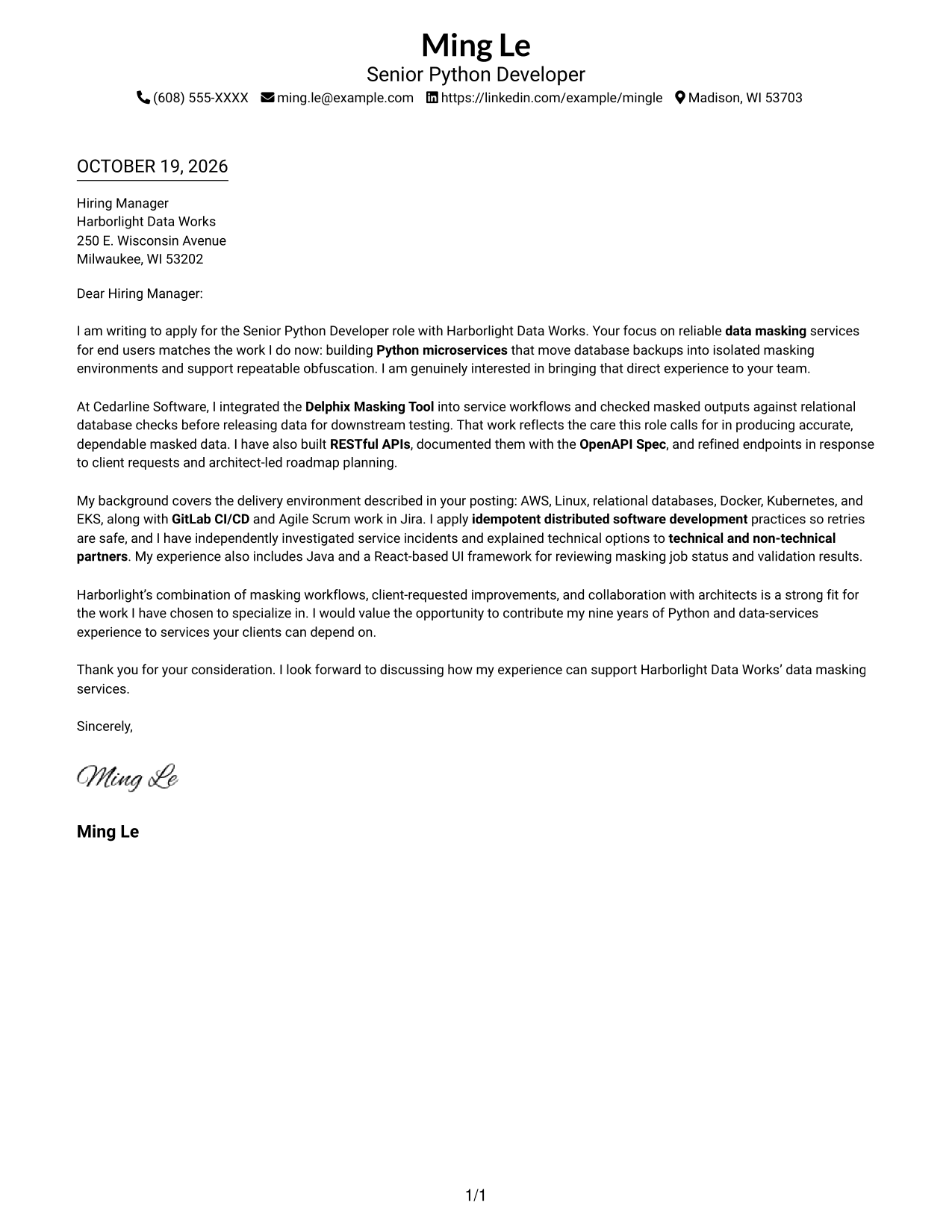
#1 Simple One Column Format Cover Letter Example
The simple one-column letter keeps sender details in the header and the message in one direct reading path.
Why This Format Works
- The single-column body lets reviewers follow motivation, evidence, and closing in sequence.
- Sender details stay in the header, apart from the message itself.
- Unheaded paragraphs let role interest lead naturally into supporting examples.
Best For
- Direct opening-to-close reading
- Header-based contact details
- Unheaded letter paragraphs
- Single-column page preference
- Photo-free application materials
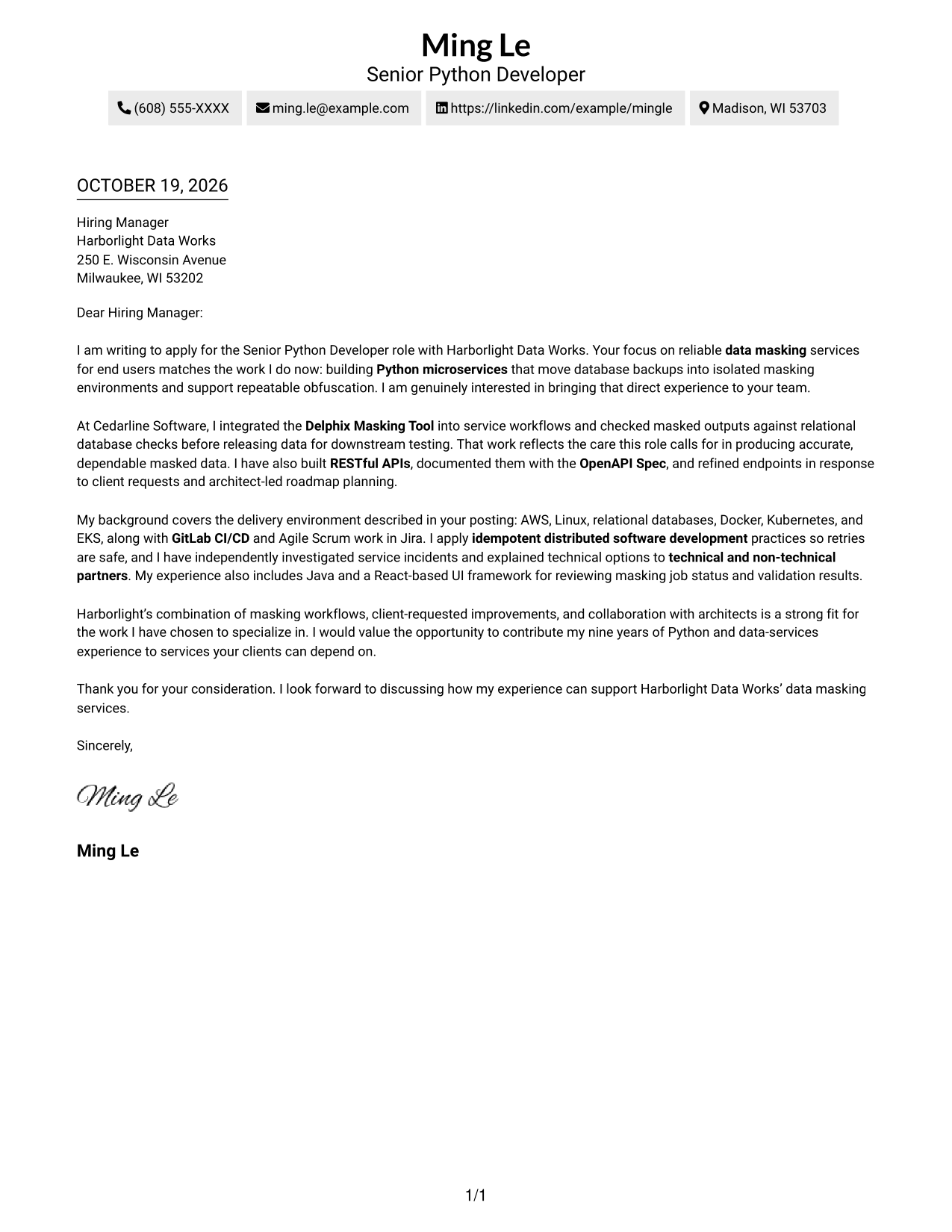
#2 Two Column Format Cover Letter Example
A contact sidebar sits beside one continuous letter body, making this two-column format useful when sender details should remain separate.
Why This Format Works
- Sidebar contact details give reviewers a clear reference point beside the message.
- The continuous body carries motivation and evidence in their intended paragraph order.
- The paragraph sequence moves from role interest to evidence and company fit.
Best For
- Sidebar contact lookup
- Multi-paragraph cover letters
- Paragraph-led persuasion
- Several sender contact channels
- Photo-free application materials
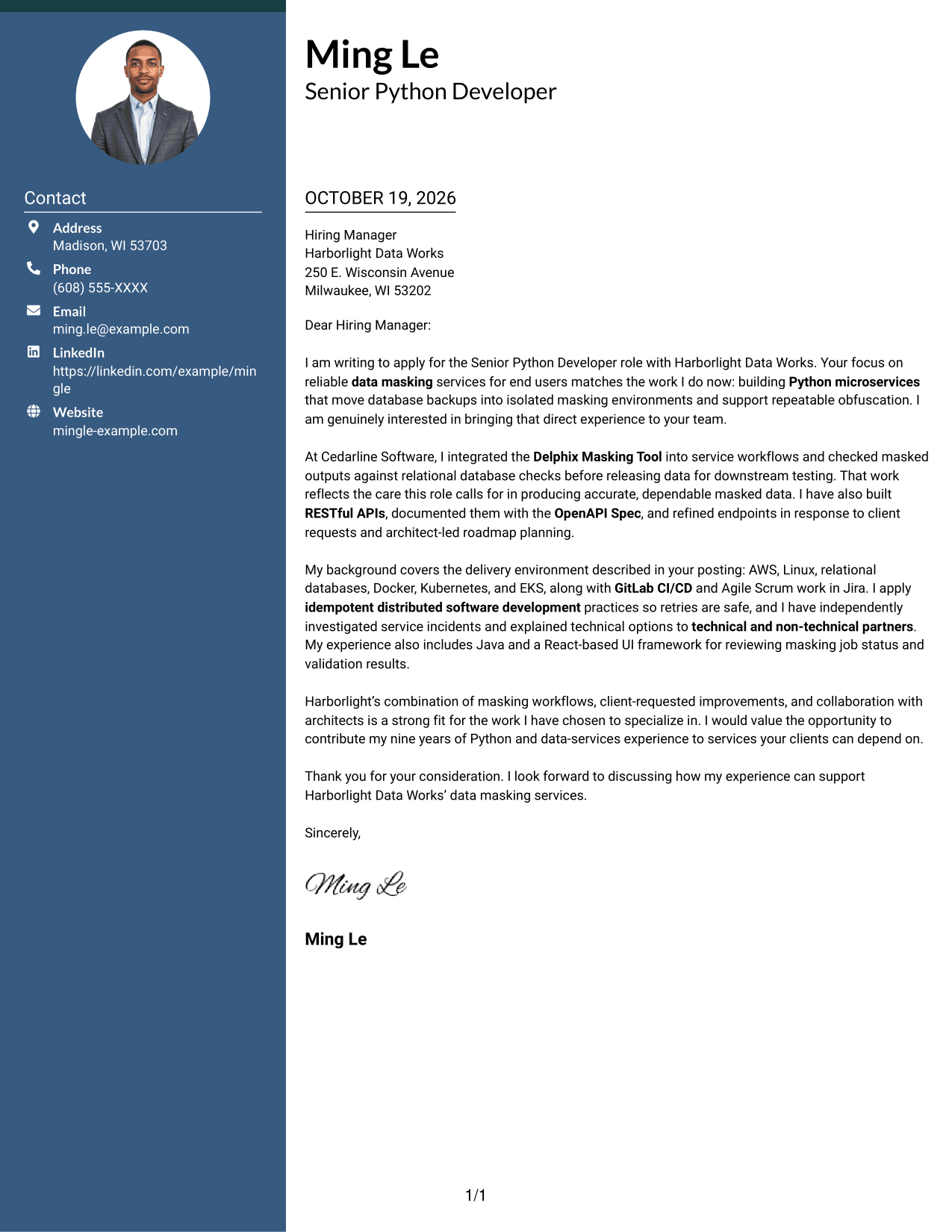
#3 Photo Header Two Column Format Cover Letter Example
A portrait accompanies the contact sidebar and continuous letter body, adding a personal visual element without splitting the message.
Why This Format Works
- The portrait adds a personal visual element without dividing the letter body.
- The sidebar keeps sender contact details apart from the employer-directed message.
- One continuous body preserves the intended order of motivation, evidence, and closing.
Best For
- Portrait-inclusive applications
- Sidebar contact details
- Continuous letter arguments
- Multi-paragraph messages
- Personal visual presentation
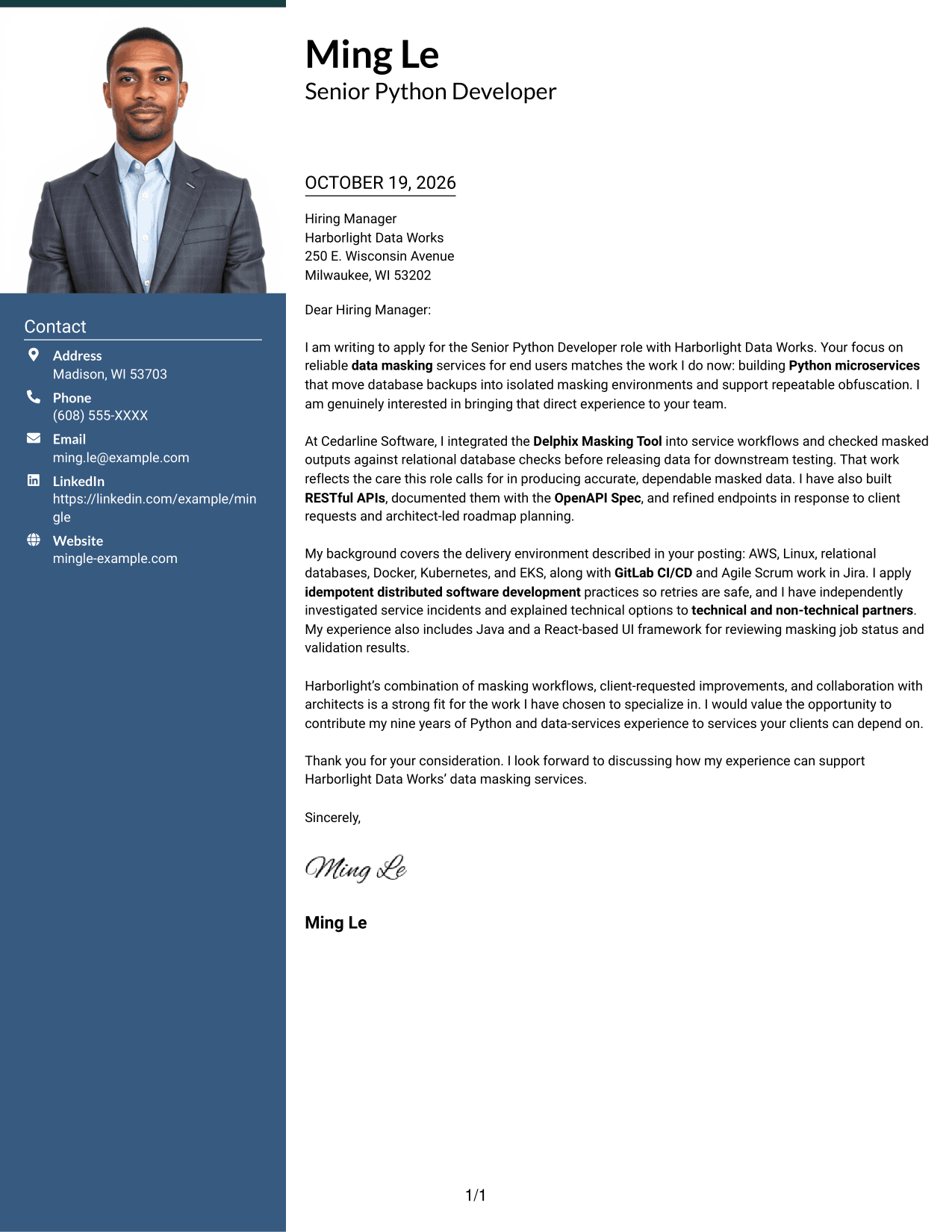
#4 One Column Format with Photo Cover Letter Example
The one-column letter pairs a portrait with a single reading path for readers who want a visible photo without a sidebar.
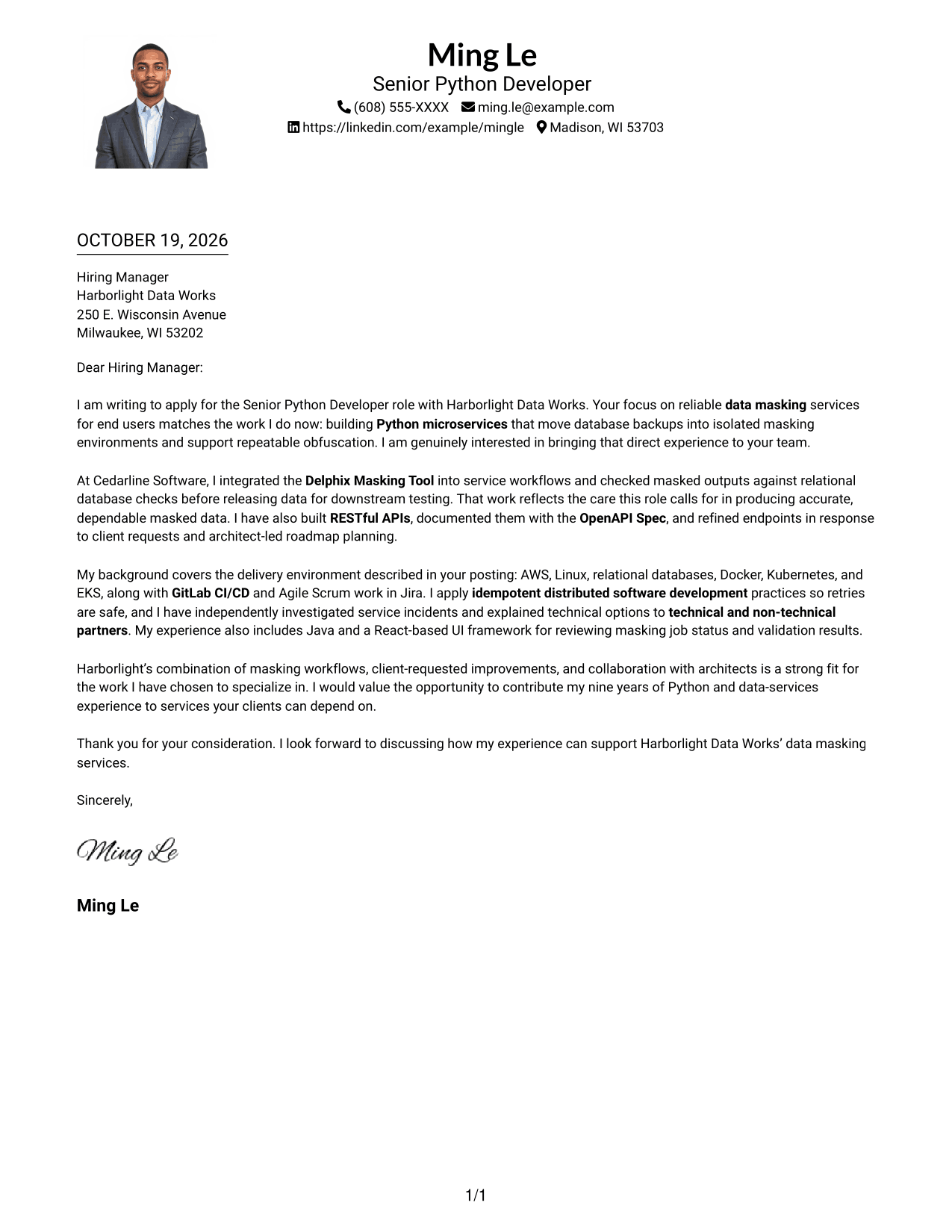
Why This Format Works
- A portrait adds a personal visual element while the letter remains one continuous body.
- The single-column reading path keeps opening, evidence, and closing in sequence.
- Sender details in the header remain apart from the employer-directed paragraphs.
Best For
- Portrait-inclusive letters
- Single-column reading
- Header-based contact details
- Unheaded letter paragraphs
- Direct argument flow
#5 Simple Two Column Format Cover Letter Example
The simple two-column layout places contact details beside, not within, the continuous letter body.
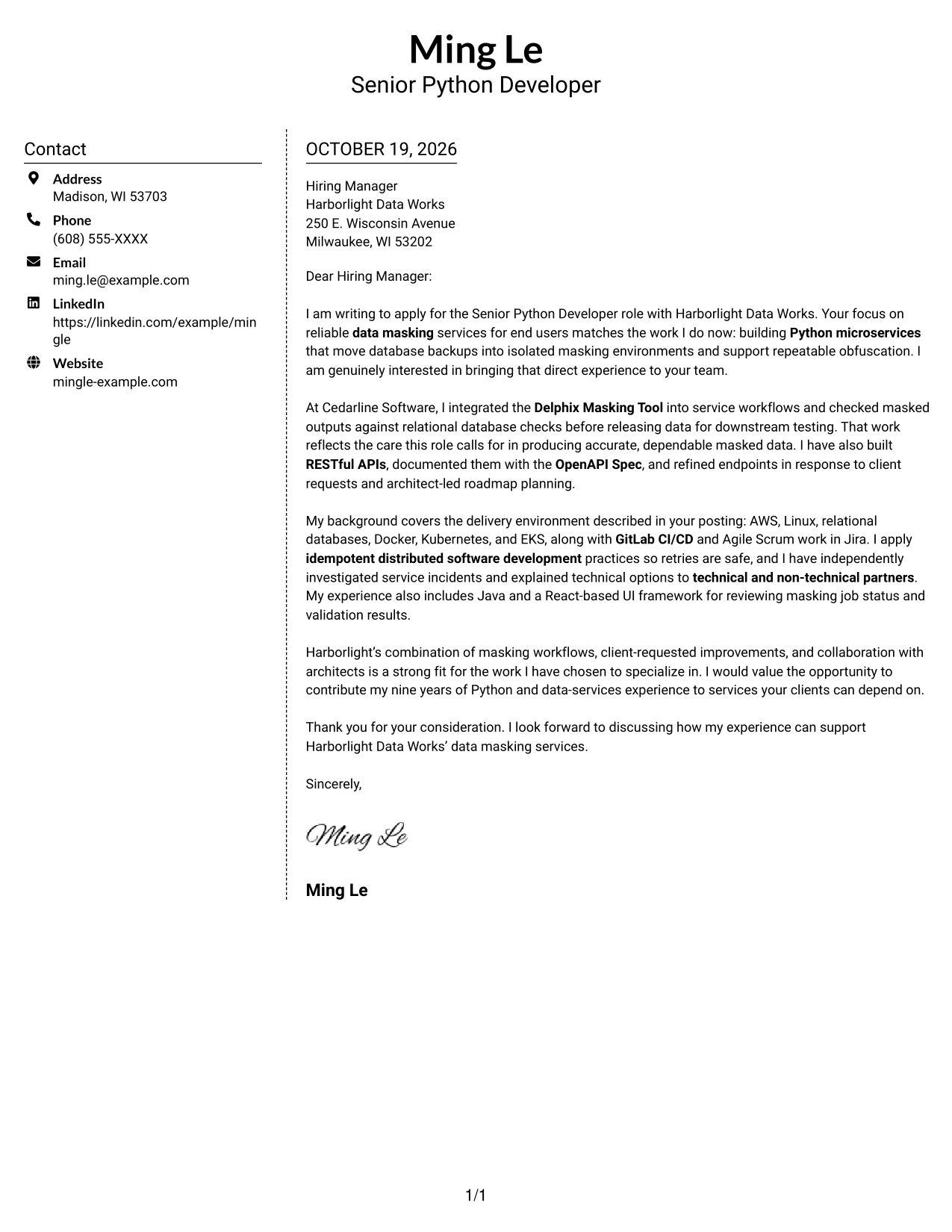
Why This Format Works
- The contact sidebar gives sender details a clear location beside the message.
- The letter's paragraphs stay together rather than forming parallel argument columns.
- Reviewers can follow the message from opening through closing in its original order.
Best For
- Side-by-side contact access
- Continuous letter paragraphs
- Multi-paragraph cover letters
- Unheaded argument structure
- Photo-free applications
#6 Modern Icon Format Cover Letter Example
Contact icons provide visual cues for sender details, while the two-column layout keeps them separate from the continuous letter body.
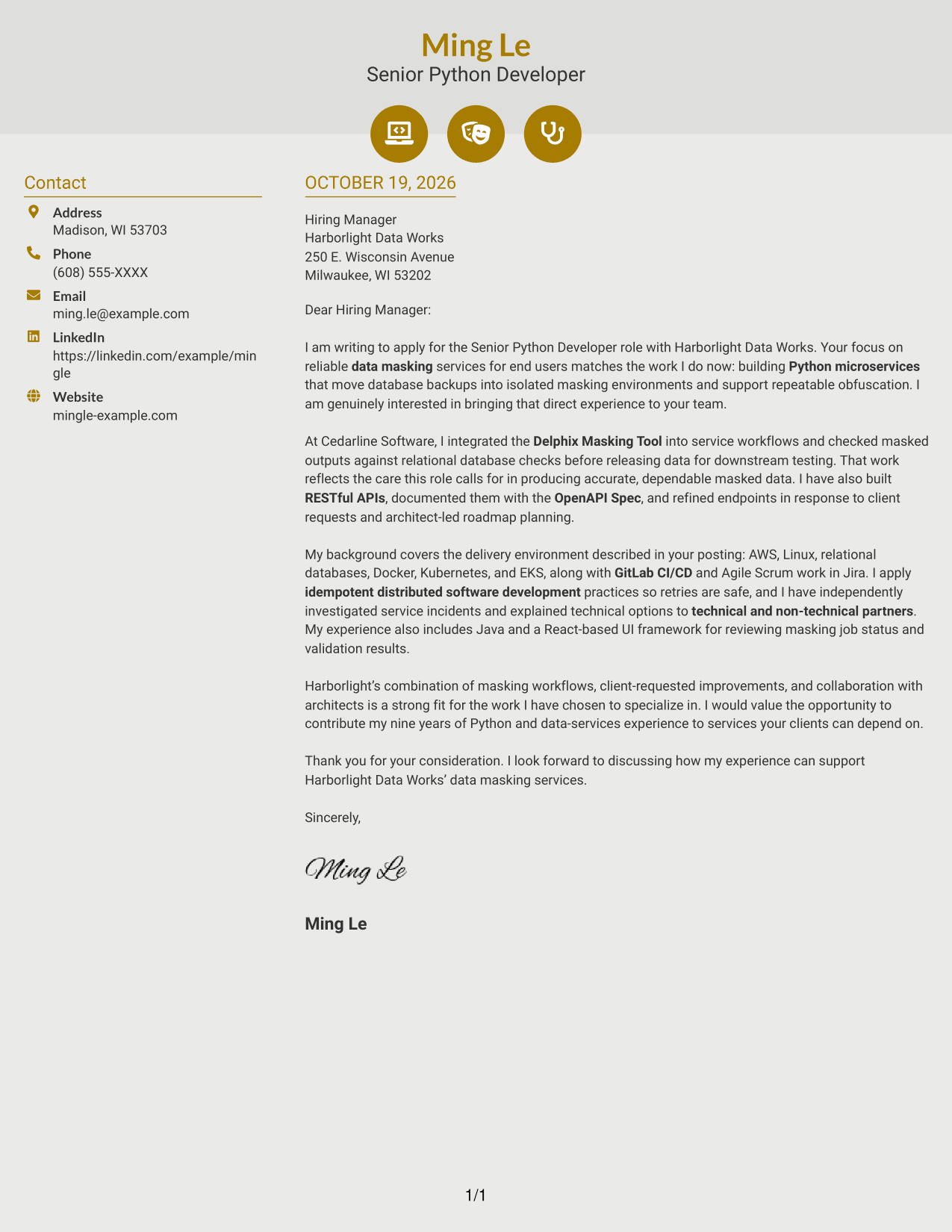
Why This Format Works
- Contact icons help distinguish sender details without labeling parts of the letter argument.
- The sidebar keeps contact information separate from the employer-focused message.
- A continuous letter body preserves the intended flow from interest to closing.
Best For
- Icon-cued contact details
- Sidebar contact access
- Uninterrupted letter reading
- Paragraph-based persuasion
- Photo-free applications
#7 Creative Two Tone Format Cover Letter Example
The two-column arrangement keeps sender details beside the continuous letter, a practical choice when contact information should stay distinct from the message.
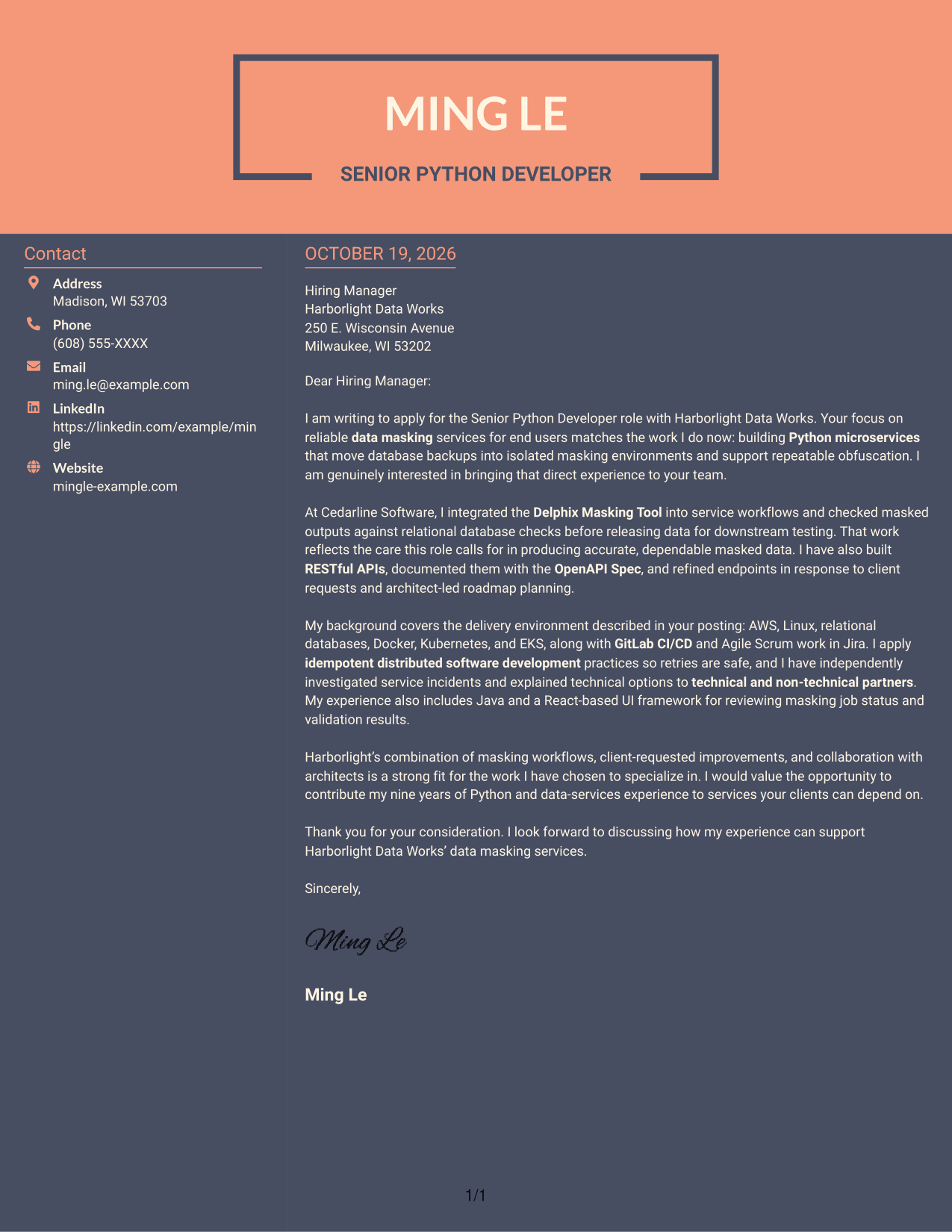
Why This Format Works
- The contact sidebar gives reviewers a separate place to find sender details.
- A single letter body keeps motivation, evidence, and closing in sequence.
- Unheaded paragraphs let the employer-directed message develop without artificial breaks.
Best For
- Separate contact information
- Continuous argument flow
- Unheaded letter paragraphs
- Multi-paragraph messages
- Photo-free application materials
See Also
- 7 Senior Python Developer - Data Masking Resume Templates with Example
- 7 Junior Python Developer - Data Engineering Resume Templates with Example
- 33 Entry-Level Python Developer Resume Templates with Example 2026 (ATS-Optimized)
- 33 Junior Python Developer Resume Templates with Example 2026 (ATS-Optimized)
- 33 Mid-Level Python Developer with AWS Resume Templates with Example 2026 (ATS-Optimized)
- 33 Python Developer - Associate Resume Templates with Example 2026 (ATS-Optimized)
- 7 Python Developer Intern - DevOps Automation Resume Templates with Example
- 33 Senior Python Developer Resume Templates with Example 2026 (ATS-Optimized)
- 7 Junior Python Developer - Data Engineering Cover Letter Templates with Example
- 30+ Entry-Level Python Developer Cover Letter Templates with Example 2026
Frequently Asked Questions
What should a Senior Python Developer - Data Masking cover letter emphasize?
Show how your Python service work relates to reliable data masking. You can discuss relevant experience with microservices, the Delphix Masking Tool, RESTful APIs, and validating masked data when those details reflect your background.
Does this page show one example in different visual formats?
Yes. It presents one cover letter example in several visual formats, so you can compare how the same message looks with different layouts.
Which cover letter style suits a data masking role?
A clear, professional layout helps readers follow your opening, supporting evidence, and closing. Choose a style that fits the employer and makes your technical points easy to read.
How can I compare the cover letter examples?
Review the PNG image previews to compare the layouts. Use View in Editor to open an example and customize it for your application.
How can I show my fit without listing every skill?
Choose one or two relevant examples, such as a masking workflow or an API improvement. Explain what you did, how you checked the result, and how the work connects to the role.




