
7 Senior Security Engineer - Enterprise Security Cover Letter Templates with Example
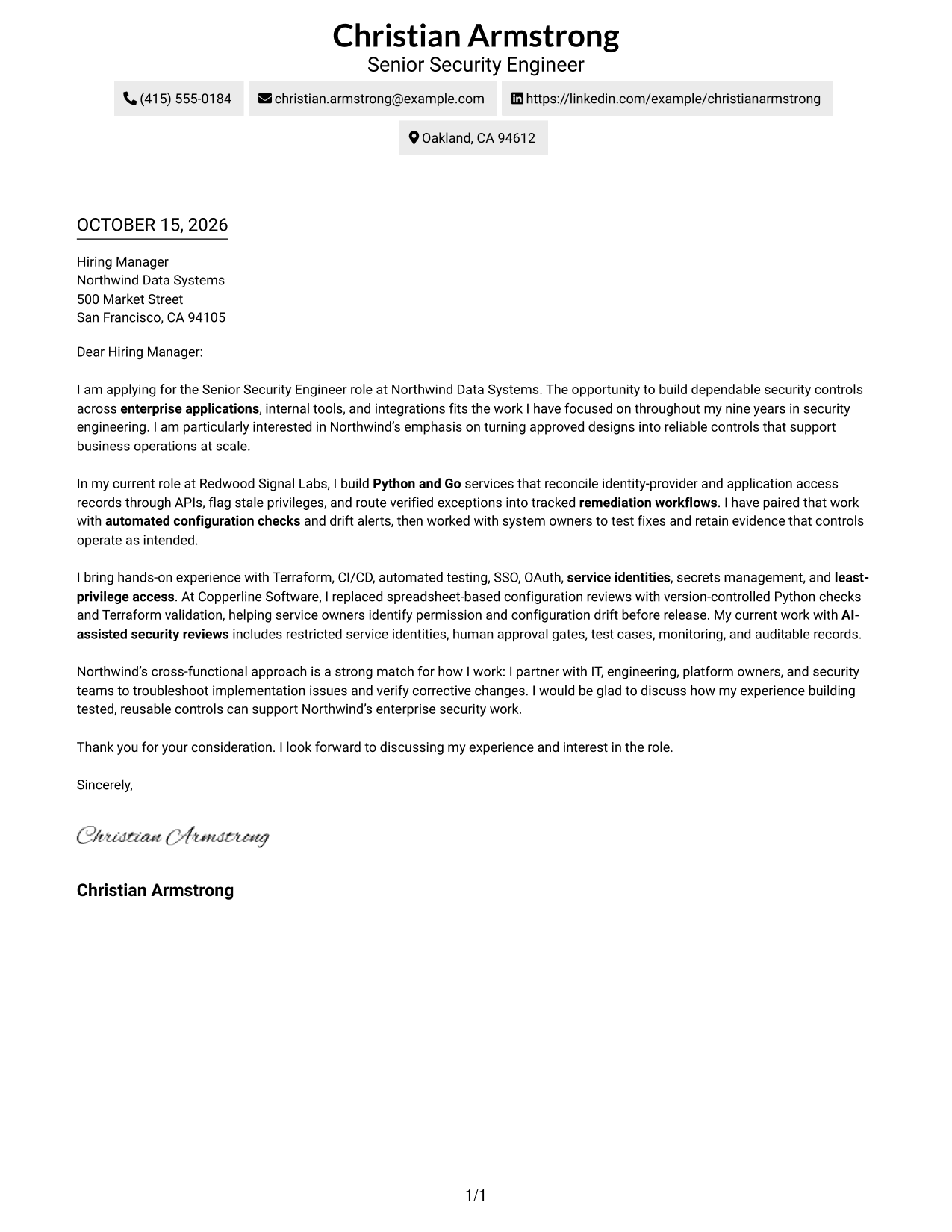
This practical guide to a Senior Security Engineer - Enterprise Security cover letter shows how to connect security-control experience to the role across seven layouts.
What Makes a Great Senior Security Engineer - Enterprise Security Cover Letter in 2026
A strong letter links enterprise security goals to clear evidence of building and improving dependable controls. Its opening shows role-specific interest, while the body explains the value you can bring.
Use examples such as access reviews, automated configuration checks, or tested remediation workflows to show how you solve security problems. Connect that evidence to the employer’s needs and explain how you work with IT, engineering, and platform teams.
The featured example moves from role interest to practical evidence, then to collaboration and a clear close. Adapt this focused progression while choosing a presentation that suits the employer and the communication context.
#1 Simple One Column Format Cover Letter Example
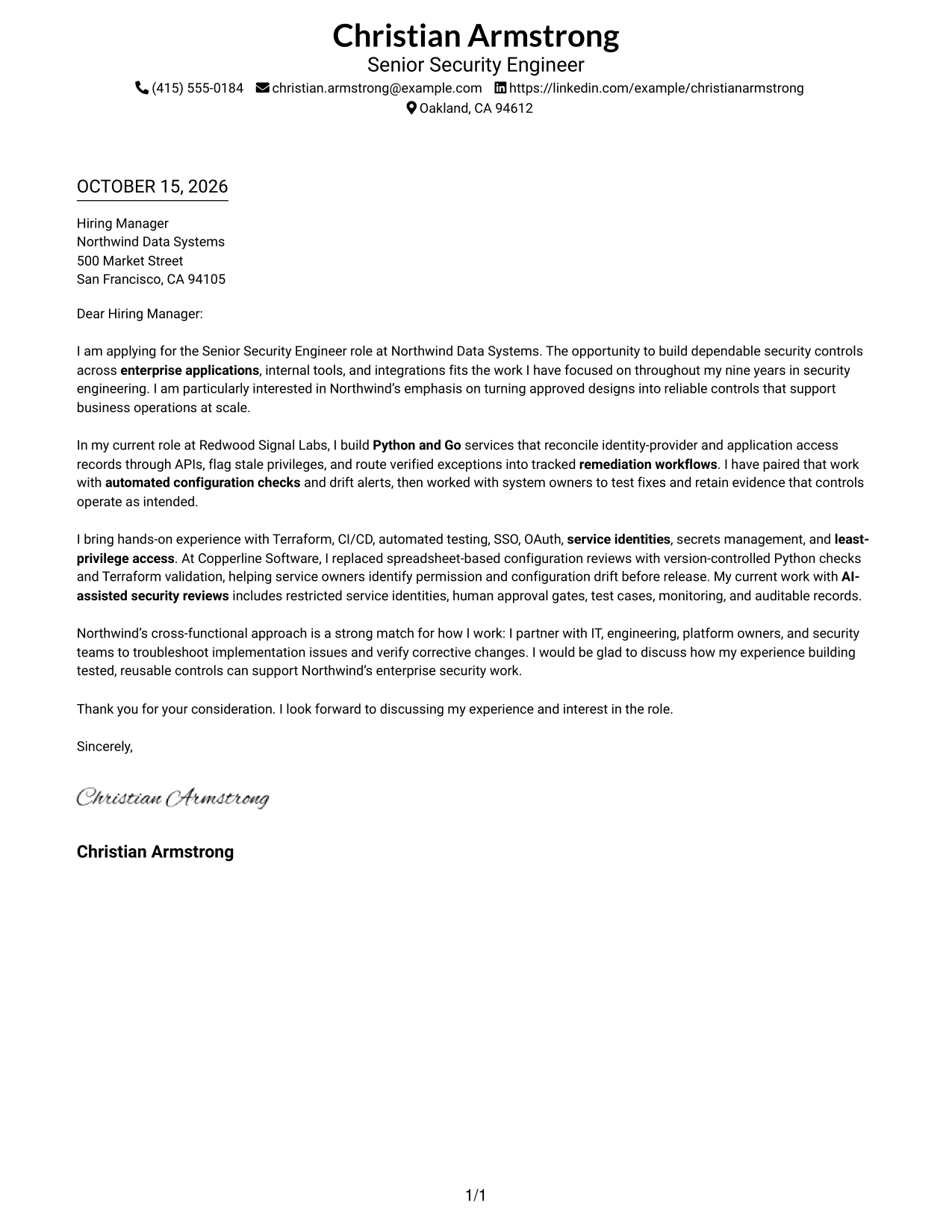
The Simple One Column Format places sender details in the header above one continuous body, keeping the letter in a familiar layout.
Why This Format Works
- The opening, supporting points, and close form a natural persuasive sequence.
- Sender and recipient details stay easy to locate in the header.
- Without argument headings, the letter retains a familiar correspondence style.
Best For
- Single-column letter reading
- Header-based contact details
- Traditional business correspondence
- Unlabeled argument paragraphs
- Letters with several body paragraphs
#2 Two Column Format Cover Letter Example
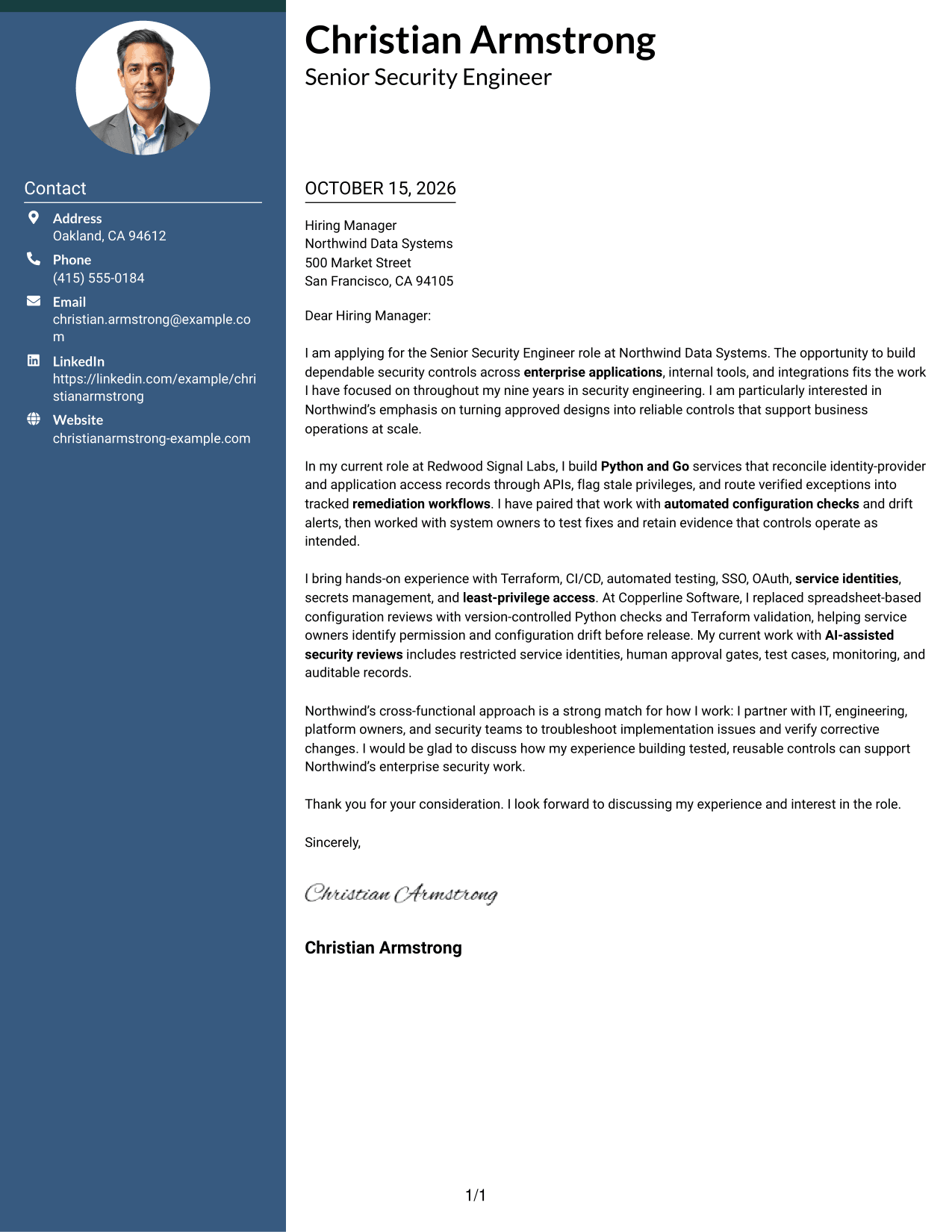
The Two Column Format places a contact sidebar beside one continuous letter body, giving correspondence details their own area.
Why This Format Works
- The reader can follow the letter from stated interest through evidence to closing.
- Contact details have a distinct place outside the letter paragraphs.
- The body stays in standard paragraph form without argument-section labels.
Best For
- Side-by-side contact and letter areas
- Continuous persuasive prose
- Easy access to correspondence details
- Letters with several supporting paragraphs
- Readers who prefer a contact sidebar
#3 Photo Header Two Column Format Cover Letter Example
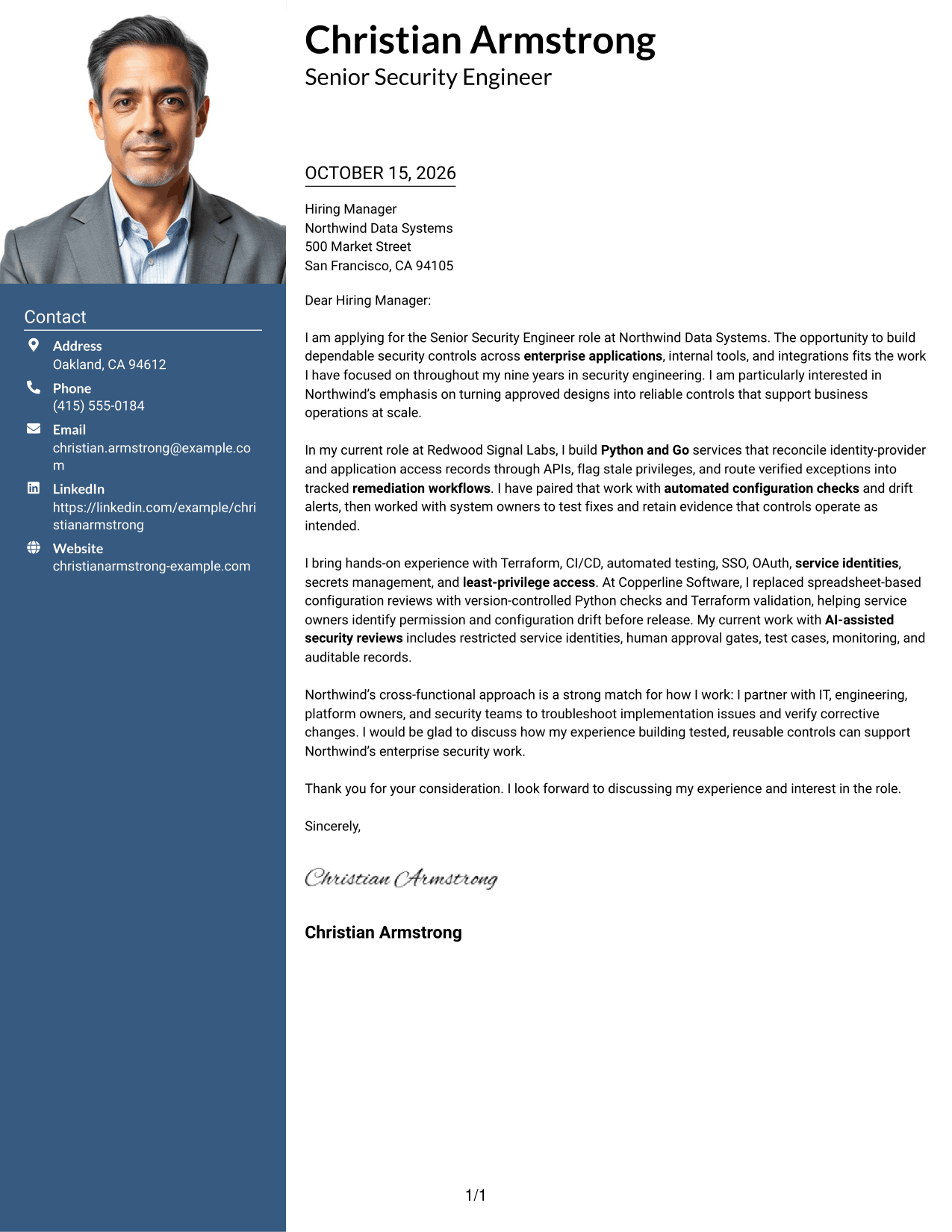
The Photo Header Two Column Format pairs a portrait with a contact sidebar, while the letter stays in one continuous body.
Why This Format Works
- A portrait adds a personal visual element without serving as proof of qualifications.
- The contact sidebar keeps correspondence details apart from the letter's message.
- The uninterrupted body lets readers follow the case for fit in order.
Best For
- Portrait-led contact presentation
- Side-by-side contact and letter areas
- Continuous letter arguments
- Letters with detailed supporting points
- Applications where a portrait is preferred
#4 One Column Format with Photo Cover Letter Example
The One Column Format with Photo pairs a portrait with one continuous letter body, keeping the correspondence in a single column.
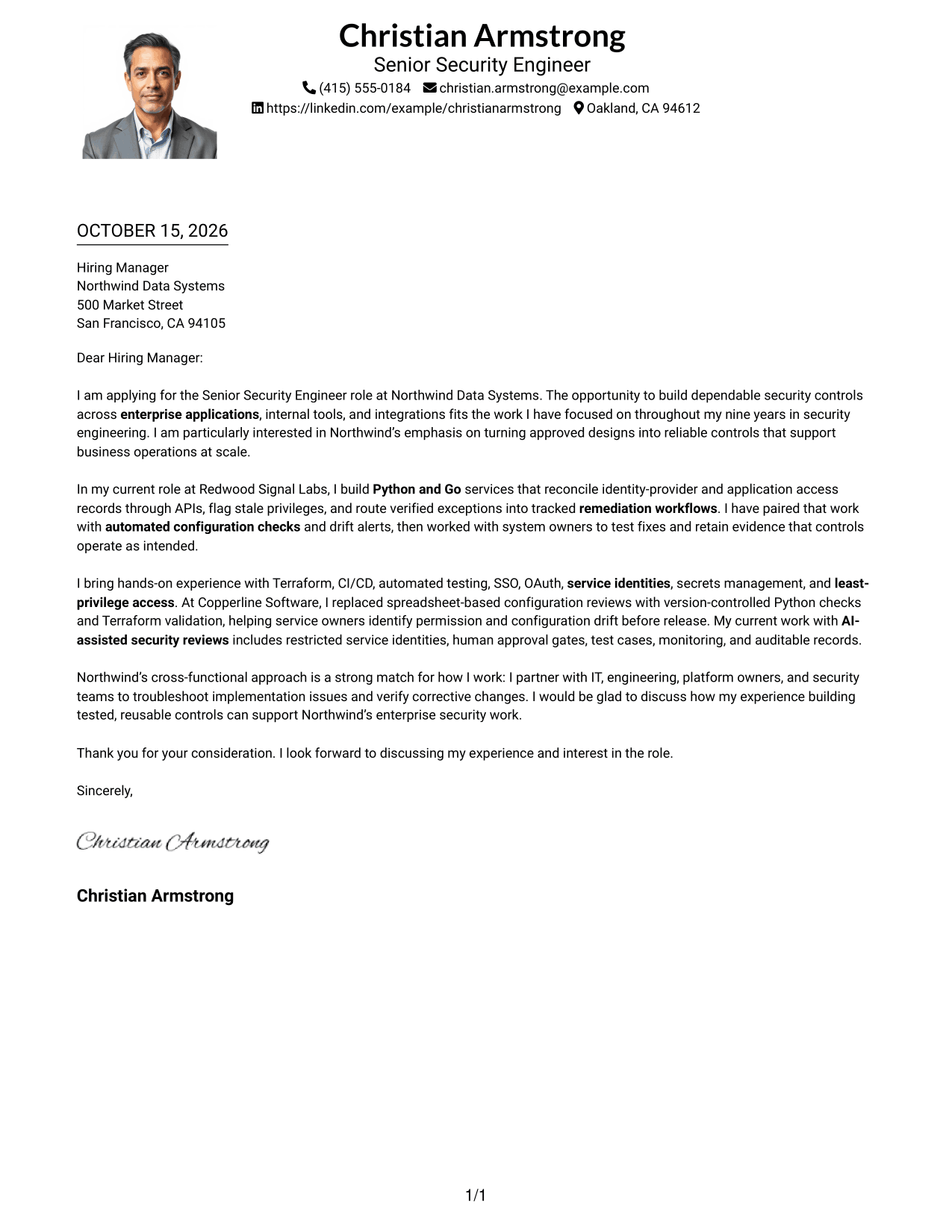
Why This Format Works
- The portrait serves as a visual identity cue, separate from claims about qualifications.
- Sender details in the header are easy to find before reading the letter.
- Paragraphs carry the message without headings that divide its argument.
Best For
- Single-column letter reading
- Portrait in the letter layout
- Header-based contact details
- Paragraph-led persuasion
- Readers who prefer a personal visual element
#5 Simple Two Column Format Cover Letter Example
The Simple Two Column Format sets contact details in a sidebar beside one continuous letter body, separating correspondence details from the message.
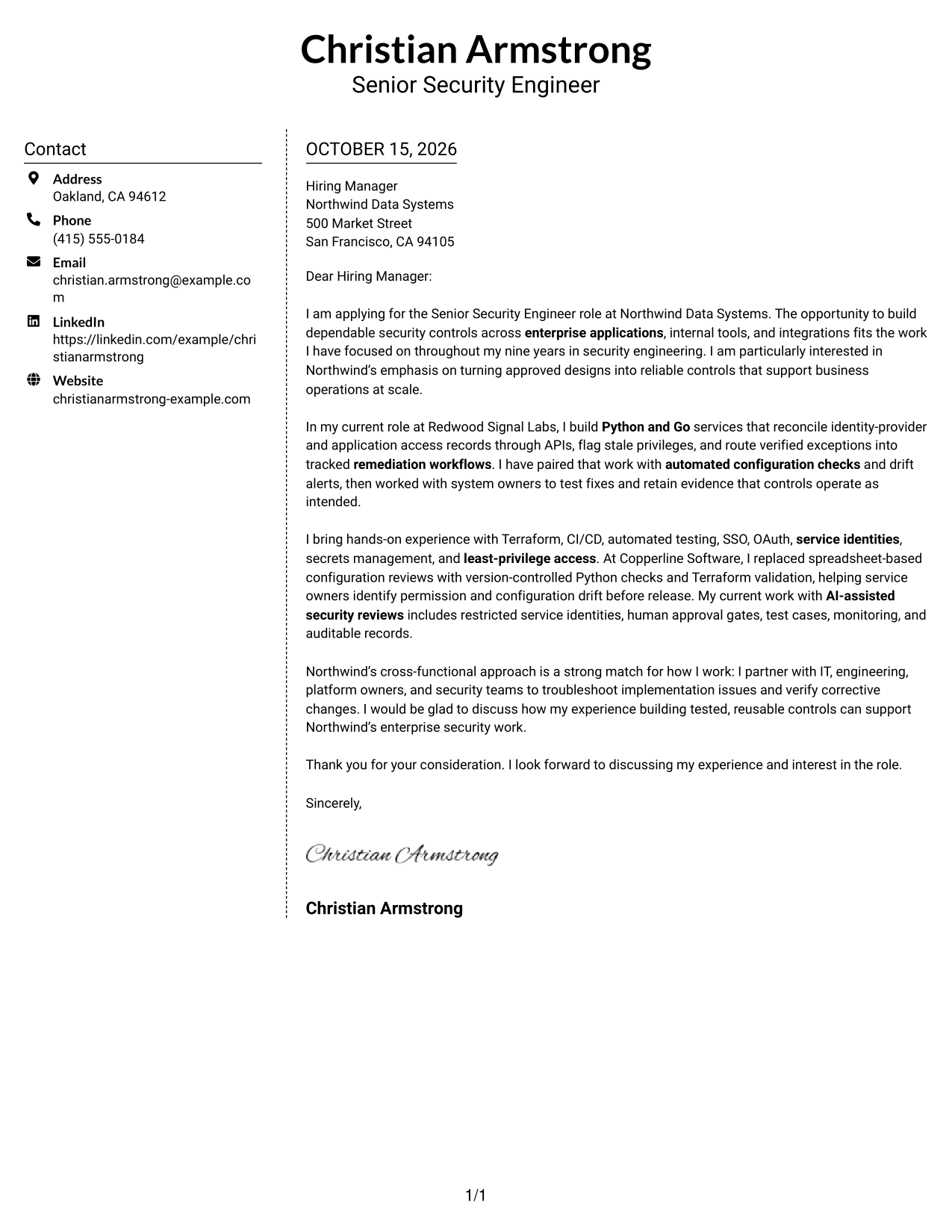
Why This Format Works
- The recipient can move through the letter's points in their intended sequence.
- Contact information remains visible in its own area beside the letter.
- The body uses continuous paragraphs rather than separate argument sections.
Best For
- A separate contact area
- Letters with a clear opening and close
- Continuous paragraph-based arguments
- Side-by-side page organization
- Frequent reference to contact details
#6 Modern Icon Format Cover Letter Example
The Modern Icon Format uses contact icons in a sidebar beside one continuous letter body, giving correspondence details a visual cue.
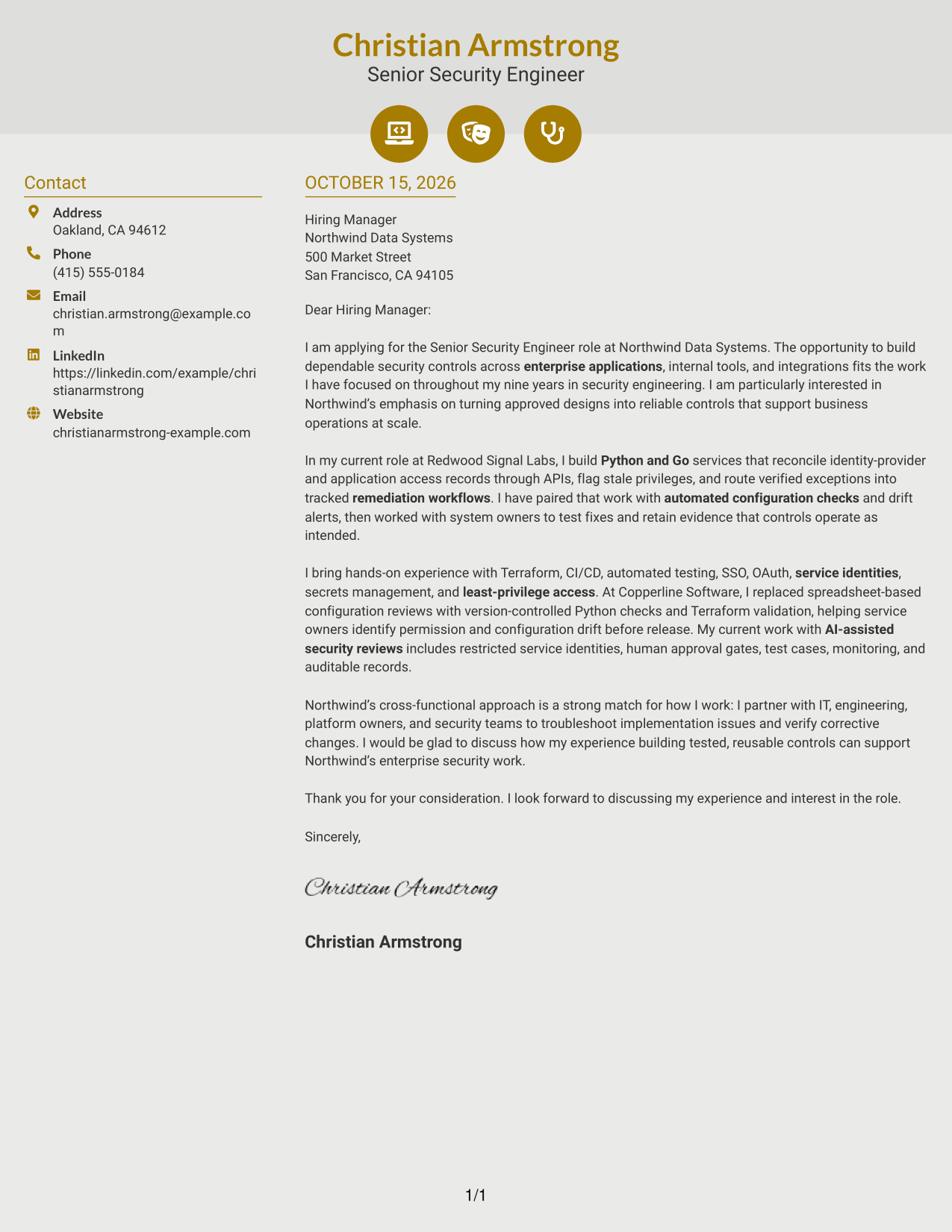
Why This Format Works
- The icons point to contact details, not to stages of the letter's argument.
- The main text follows a familiar paragraph flow from interest to closing.
- Contact information sits apart from the prose without splitting the message.
Best For
- Icon-guided contact details
- A separate contact sidebar
- Letters with a continuous argument
- Readers who prefer visual contact cues
- Paragraph-based business correspondence
#7 Creative Two Tone Format Cover Letter Example
The Creative Two Tone Format uses two columns for contact details and one continuous letter body, keeping correspondence information distinct from the message.
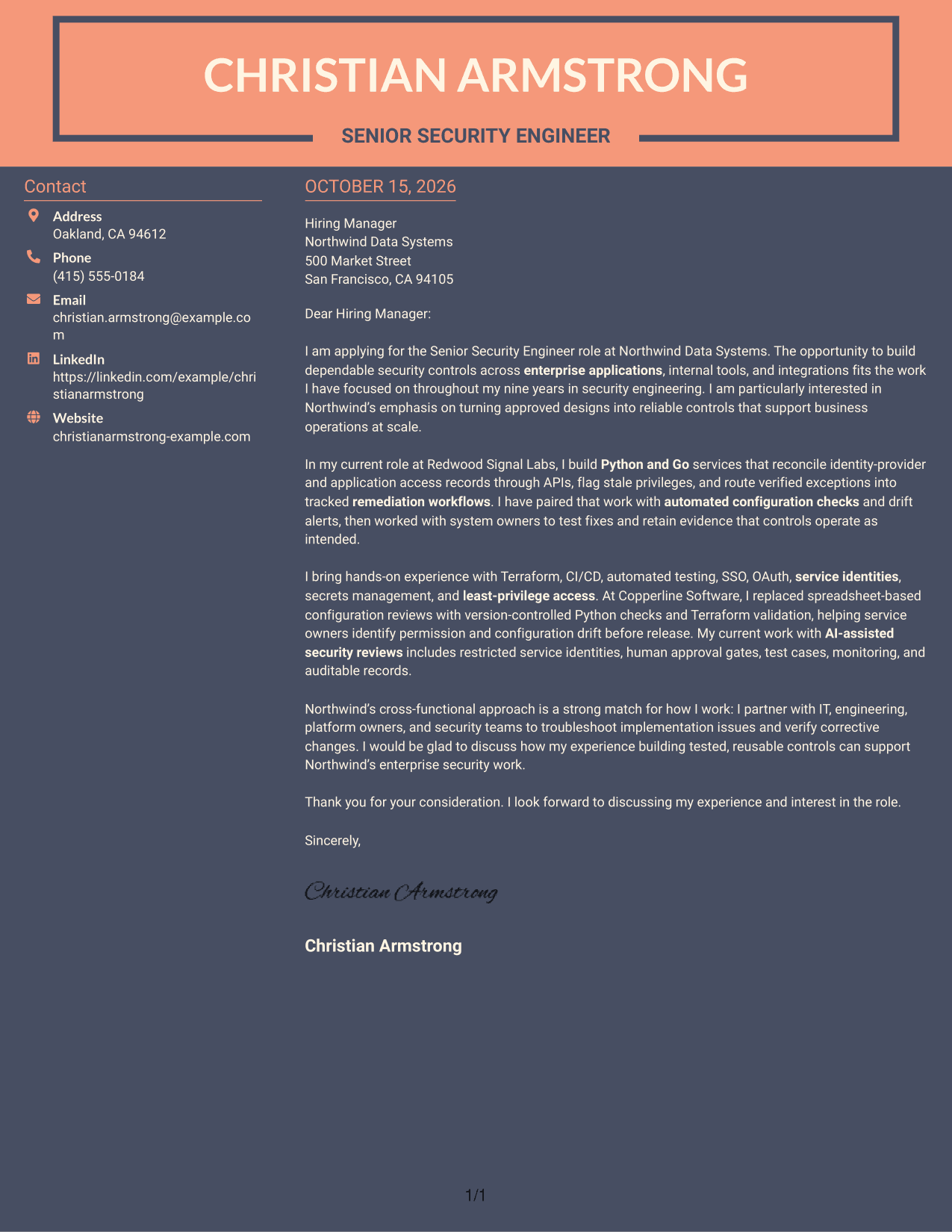
Why This Format Works
- Readers can follow the letter's message in a single, uninterrupted sequence.
- The contact area gives correspondence details a separate place from the prose.
- The body remains standard letter text without headings for argument stages.
Best For
- Distinct contact and message areas
- Letters with a steady argument flow
- Contact details outside the main prose
- Readers who prefer two-column layouts
- Continuous paragraph-based correspondence
See Also
- 7 Senior Security Engineer - Enterprise Security Resume Templates with Example
- 33 AI Automation Engineer, Security Resume Templates with Example 2026 (ATS-Optimized)
- 7 Application Engineer - Electronic Security Systems Resume Templates with Example
- 33 Cyber Security Engineer, Junior Resume Templates with Example 2026 (ATS-Optimized)
- 33 Cyber Security Engineer, VP Resume Templates with Example 2026 (ATS-Optimized)
- 7 Lead Engineer AI Security - Security Architecture Resume Templates with Example
- 33 Lead Engineer, Network Security Platform Resume Templates with Example 2026 (ATS-Optimized)
- 33 Lead Security Engineer, Purple Team Resume Templates with Example 2026 (ATS-Optimized)
- 30+ AI Automation Engineer, Security Cover Letter Templates with Example 2026
- 30+ Cyber Security Engineer, Junior Cover Letter Templates with Example 2026
Frequently Asked Questions
What should a Senior Security Engineer - Enterprise Security cover letter emphasize?
Show how you turn security requirements into controls that work in real systems. Explain your role in automation, access protection, configuration checks, and working with system owners to verify fixes.
What evidence can make this cover letter more persuasive?
Use specific examples that match the role. The featured letter describes Python and Go services for access reconciliation, Terraform validation, configuration drift alerts, and tracked remediation workflows.
How should I describe AI-assisted security work?
Be clear about the task and the safeguards. Relevant details may include restricted service identities, human approval, test cases, monitoring, and auditable records.
How should I choose a cover letter layout?
Choose a clear format that suits the employer and how the letter will be read. Compare the PNG image previews, then open an example in the editor to view or customize it.
How can I show that I work well across teams?
Give a short example of partnering with IT, engineering, platform owners, or security teams to resolve an implementation issue. Explain how you confirmed the change worked and helped keep the control reliable.




