
7 Senior Security Engineer - Enterprise Security Resume Templates with Example
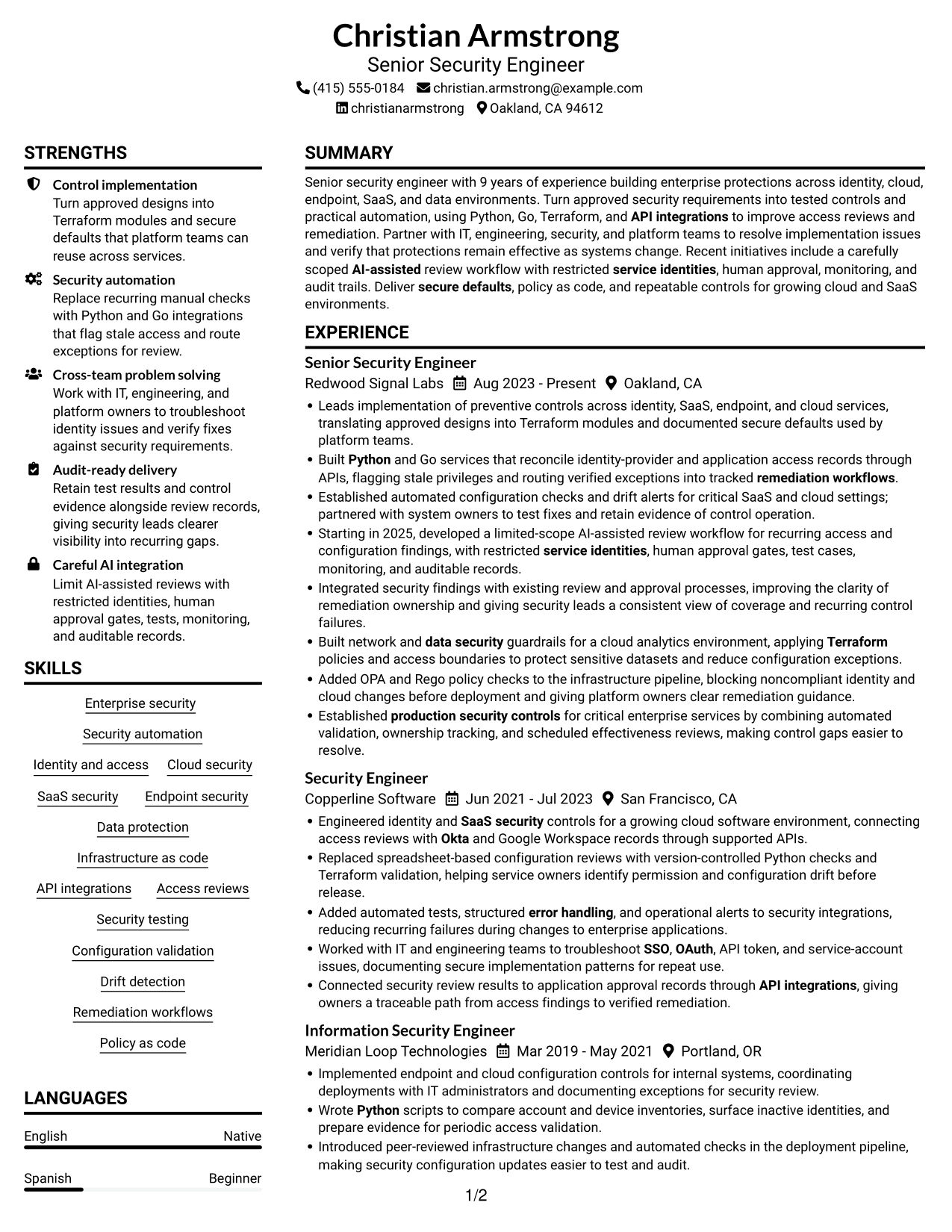
This guide shows you how to build a Senior Security Engineer - Enterprise Security resume that presents your work clearly and makes key evidence easy to find. You will learn how to organize your experience and choose a layout that supports a quick, focused review.
Strong resumes for this role connect security requirements to working controls. Show how you build automation, test protections, detect configuration drift, and help system owners complete remediation.
The example is presented in 7 layouts, with image previews you can compare before opening an example in the editor. Use the guidance to present relevant keywords such as Python, Go, Terraform, APIs, SSO, OAuth, least privilege, and AI-assisted security reviews in the right resume sections.
What Makes a Great Senior Security Engineer - Enterprise Security Resume in 2026
A strong resume makes production security work easy to scan. Use clear sections and achievement bullets to show how you implemented controls, improved automation, and verified that protections worked.
Match your skills to the role with accurate terms such as Python, Go, Terraform, API integrations, identity and access management, configuration validation, and remediation workflows. Add specific results where you can support them with evidence.
The examples shown below are intentionally detailed to demonstrate a range of experiences, skills, accomplishments and relevant keywords. We prefer detailed resumes as they provide more context to the hiring managers and also help the ATS systems identify relevant qualifications and score your resume better for a match. But the length of a resume is an individual choice. If you want a one page resume, just keep the most relevant experience and information for the job. Note: Resume examples are for educational purposes only. Use only information that accurately reflects your experience and qualifications. References to real organizations do not imply affiliation or endorsement.
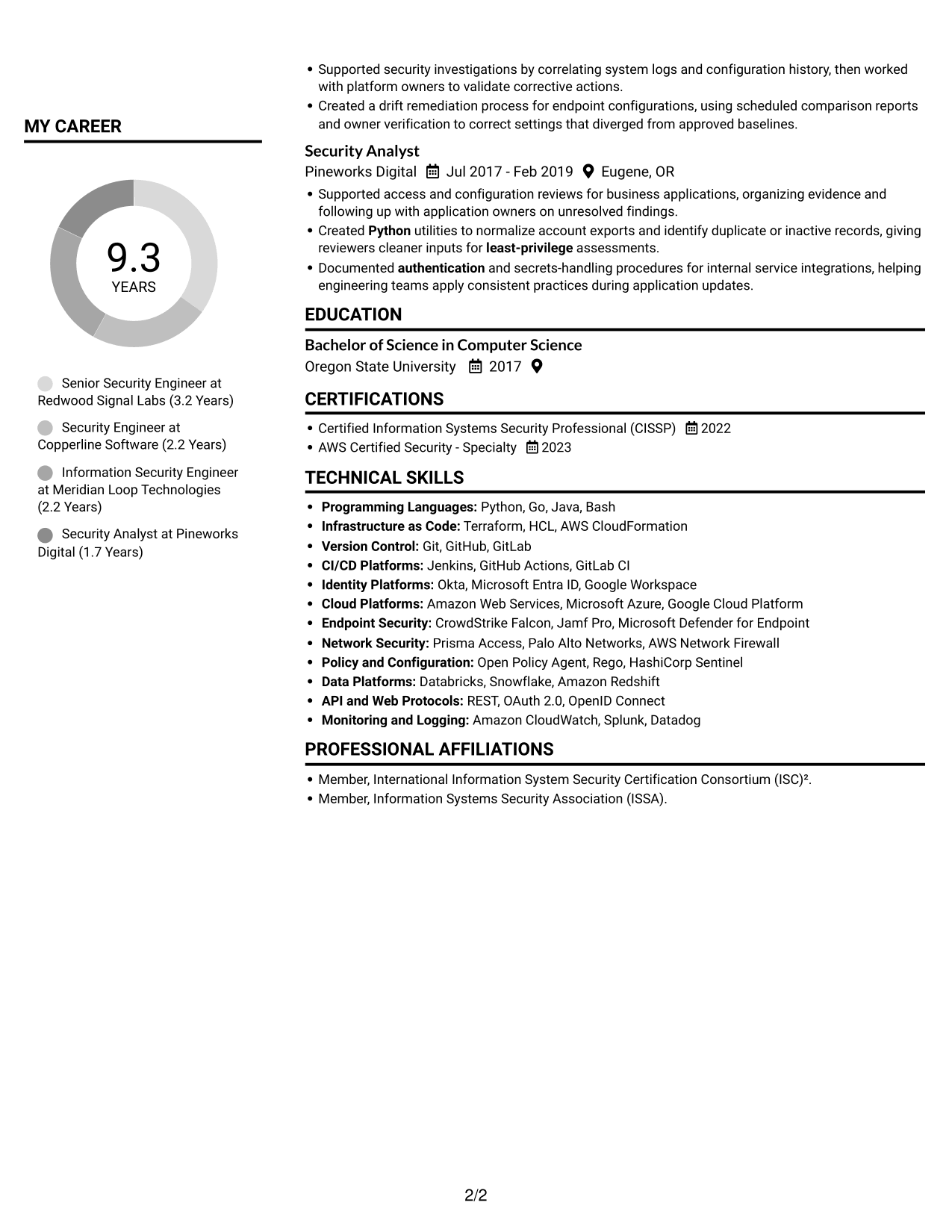
#1 Plain Two Column Format Resume Example
The Plain Two Column Format uses a two-column body to keep career history and supporting sections easy to review side by side.
Resume Snapshot
- 9 years of security engineering experience
- Enterprise protections across identity, cloud, endpoint, SaaS, and data
- Python, Go, Terraform, and API integrations
- CISSP and AWS Certified Security - Specialty
Why This Format Works
- Career history and supporting sections sit in separate columns for quick reference.
- Reviewers can compare experience with education and credentials without losing section context.
- Skills remain easy to locate apart from detailed employment bullets.
Best For
- Side-by-side section organization
- Detailed career histories
- Skills alongside work experience
- Quick section-to-section review
- Text-first application materials
Resume Keywords
- production security controls
- Security automation
- Python
- API integrations
- Infrastructure as code
- Terraform
- Version Control
- authentication
- SSO
- OAuth
- service identities
- least-privilege
- Configuration validation
- Remediation workflows
- AI-assisted
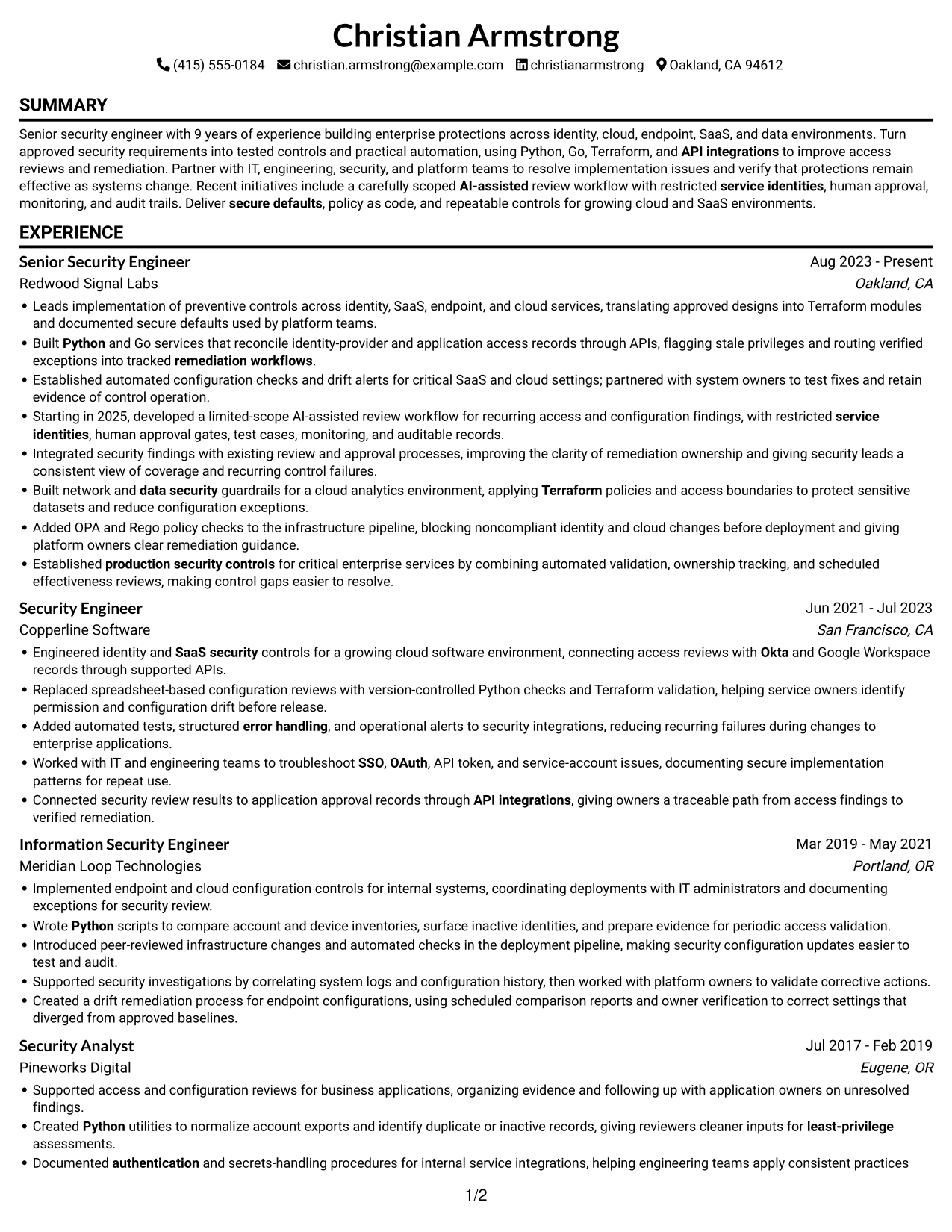
#2 Simple One Column Format Resume Example
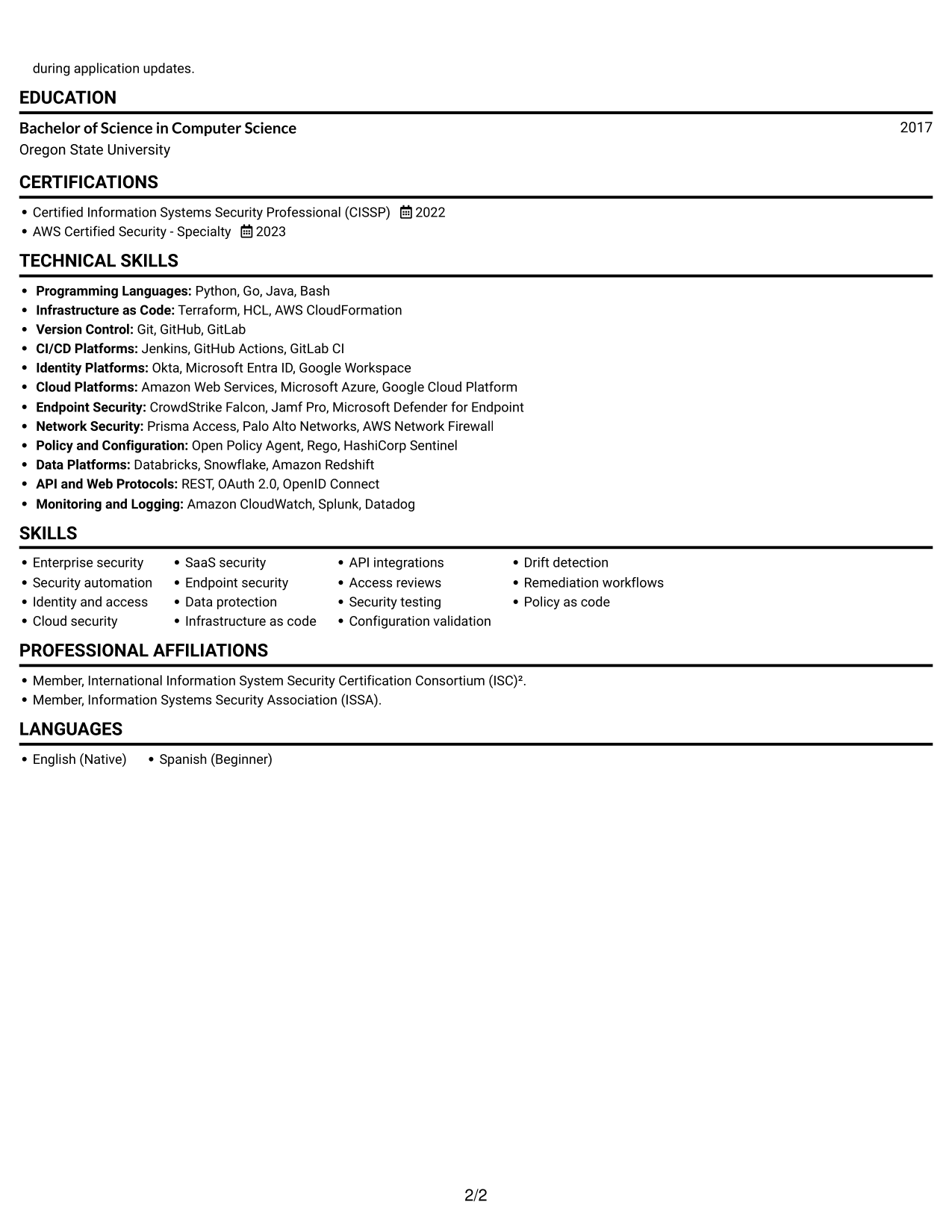
The Simple One Column Format keeps the resume in one vertical text flow, which suits readers who prefer a clear, direct path through each section.
Why This Format Works
- One-column reading keeps dated roles in a straightforward sequence for review.
- Skills, education, and credentials follow the same clear vertical reading path.
- Long experience entries stay in one text stream rather than split across columns.
Best For
- Linear resume reading
- Straightforward text parsing
- Chronological career histories
- Detailed experience entries
- A consistent section sequence
#3 Clean Two Column Sidebar Format Resume Example
The Clean Two Column Sidebar Format places resume content in two columns, giving readers a direct way to move between experience and supporting details.
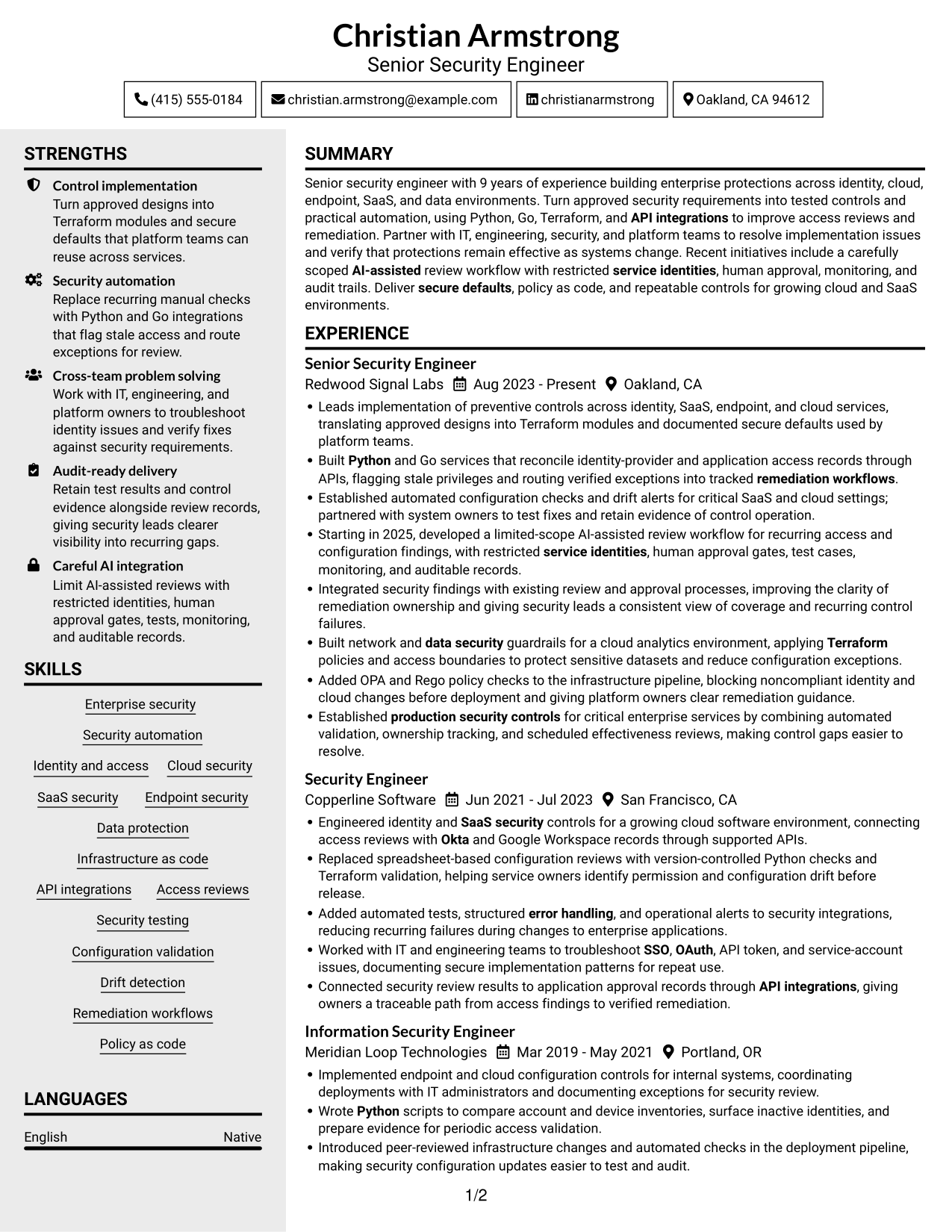
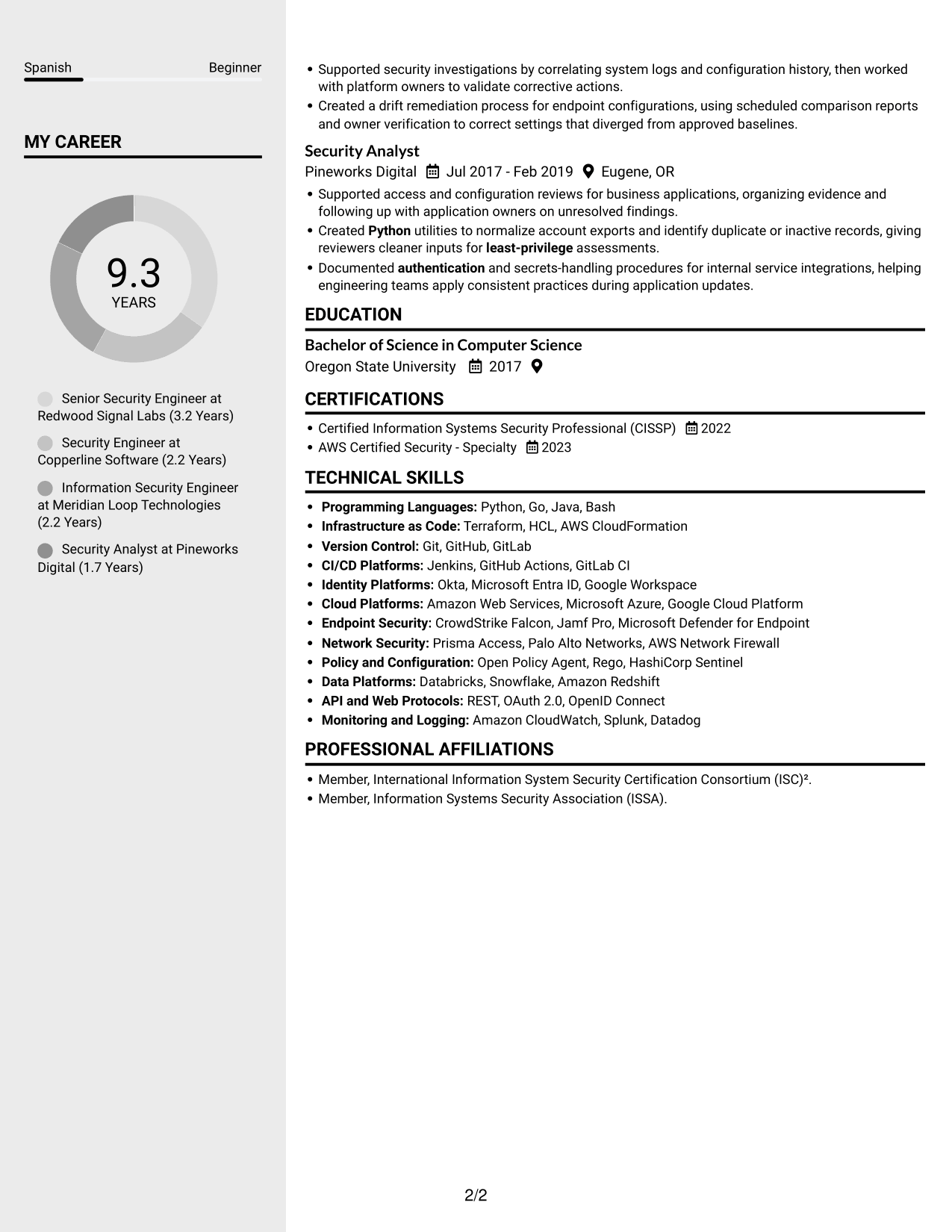
Why This Format Works
- Two-column grouping gives experience and supporting sections distinct places in the resume.
- Reviewers can find skills and credentials without scanning every job entry.
- Education stays visible as a separate part of the document's qualifications.
Best For
- Two-column section grouping
- Fast access to supporting details
- Career histories with several roles
- Skills and credentials near experience
- Readers comparing resume sections
#4 Two Column Format Resume Example
The Two Column Format organizes the resume body into two columns, helping reviewers refer to work history and other sections without following one long text stream.
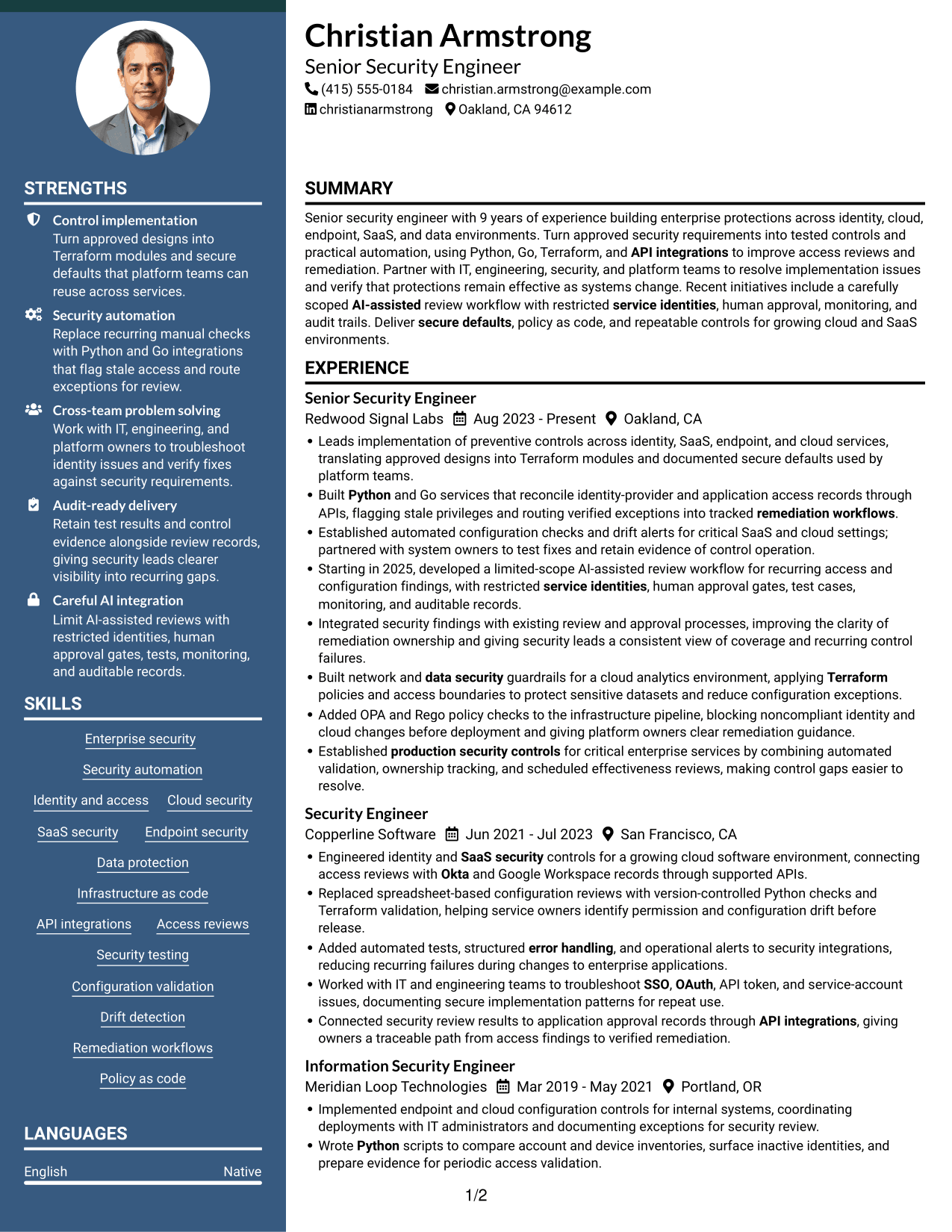
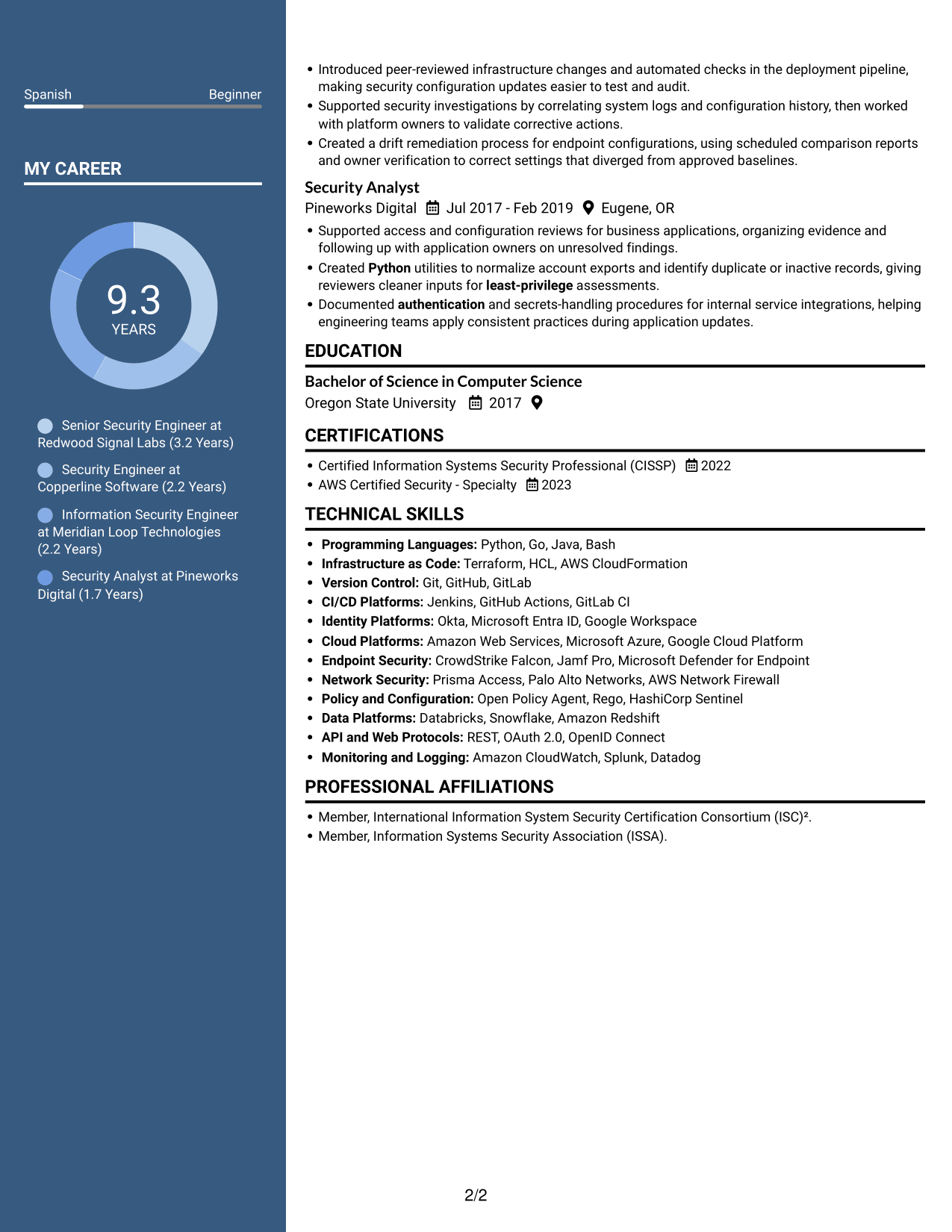
Why This Format Works
- Parallel sections help reviewers move between career history and supporting details.
- Experience entries remain distinct, making role dates easier to compare.
- Skills and education can be located without reading every work-history bullet.
Best For
- Parallel resume sections
- Quick review of role dates
- Experience with supporting credentials
- Skills separate from job details
- Side-by-side information access
#5 Photo Header Two Column Format Resume Example
The Photo Header Two Column Format combines a header portrait with a two-column resume body for readers who want a personal photo and clear section separation.
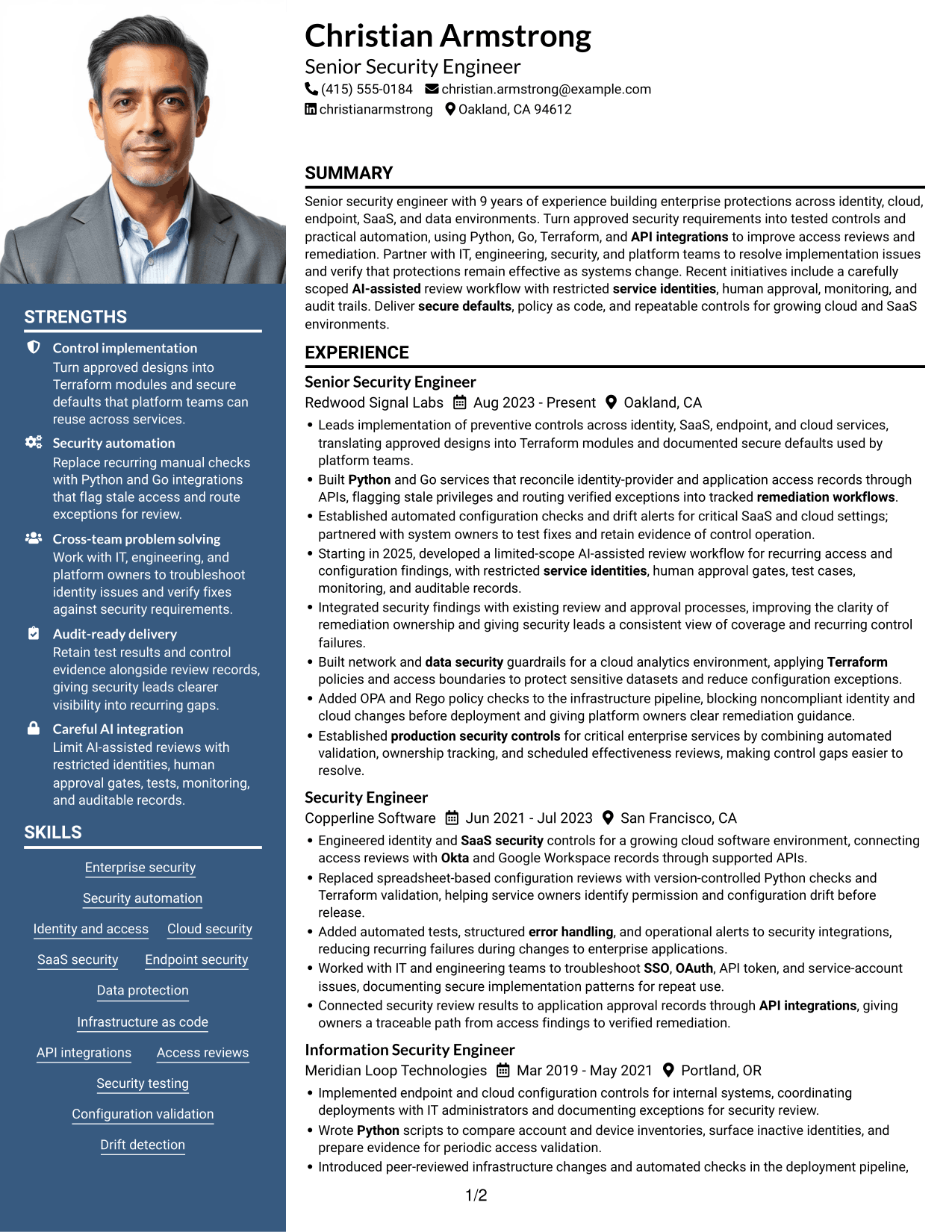
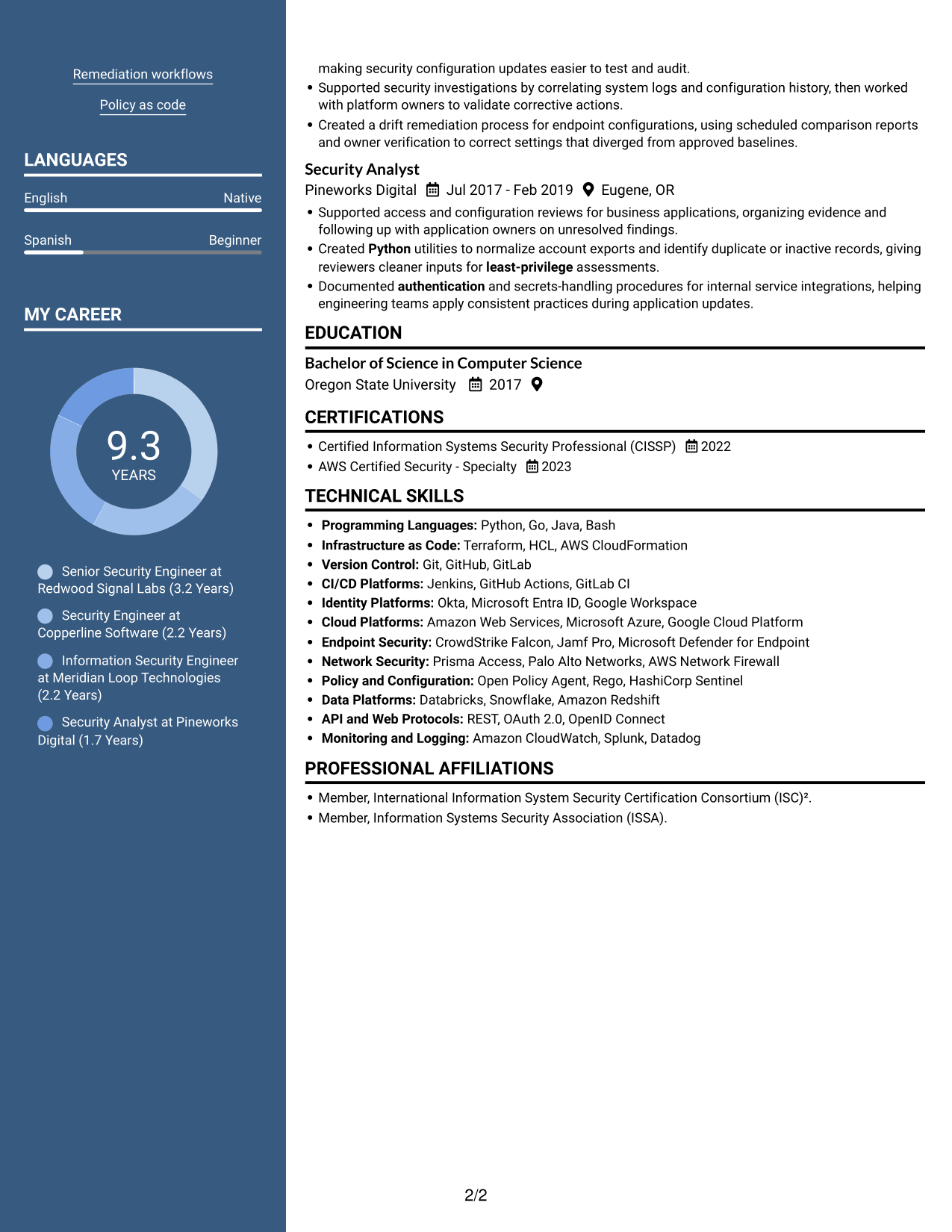
Why This Format Works
- The two-column body keeps career history and supporting resume sections visually distinct.
- A header portrait offers a clear personal identifier without changing the section reading order.
- Skills, education, and credentials remain separate from experience details for reference.
Best For
- Resumes that include a portrait
- Two-column section organization
- Career history with supporting credentials
- Visual identification in the header
- Skills and experience reviewed together
#6 Colored Two Column Format Resume Example
The Colored Two Column Format uses two columns to give resume sections separate reading areas, helping reviewers move between work history and qualifications.
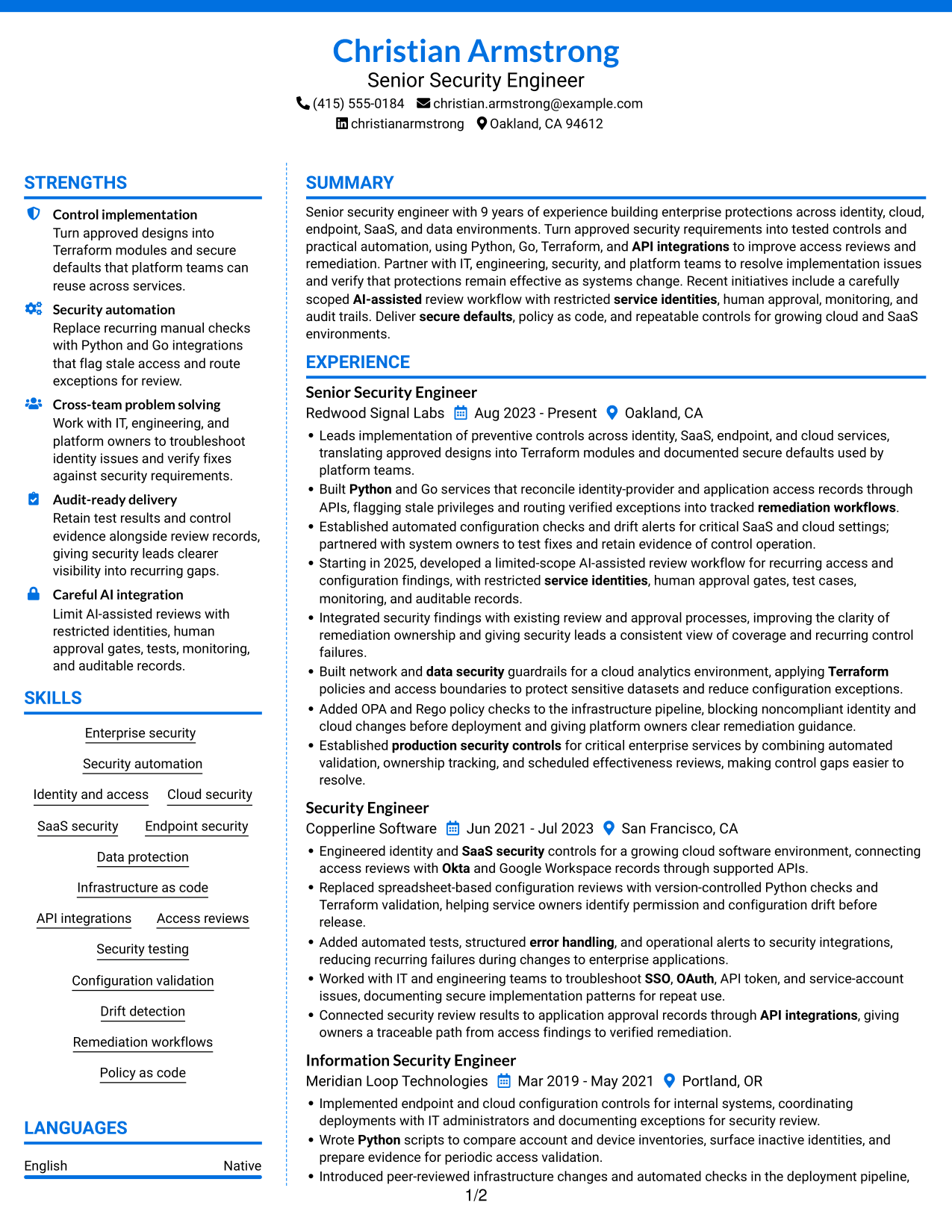
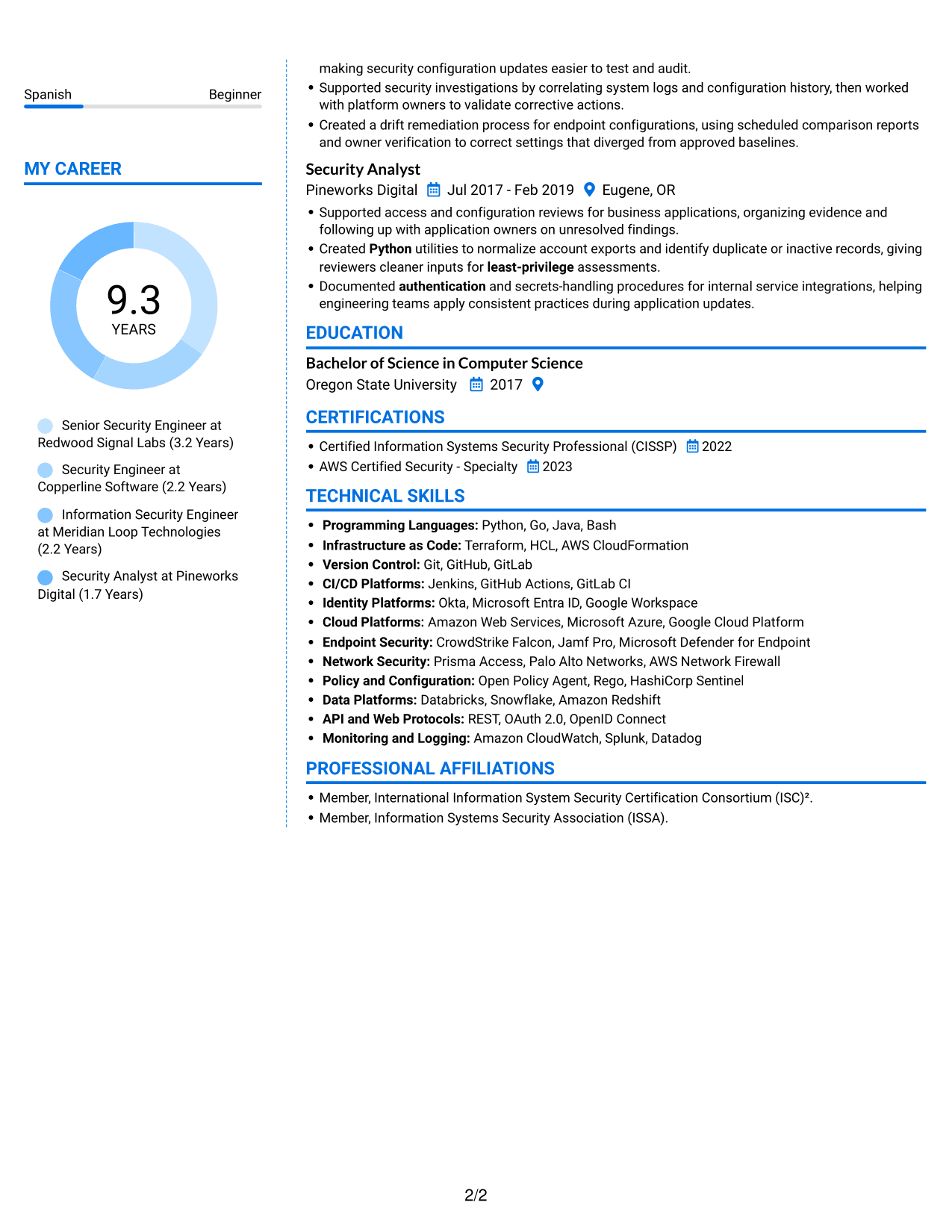
Why This Format Works
- Two-column organization gives career history and other resume sections separate reading areas.
- Reviewers can locate education and credentials without working through each role entry.
- Skills are easier to scan apart from detailed experience descriptions.
Best For
- Two-column reading preference
- Separate areas for resume sections
- Credentials alongside career history
- Skills apart from detailed job entries
- Quick access to education
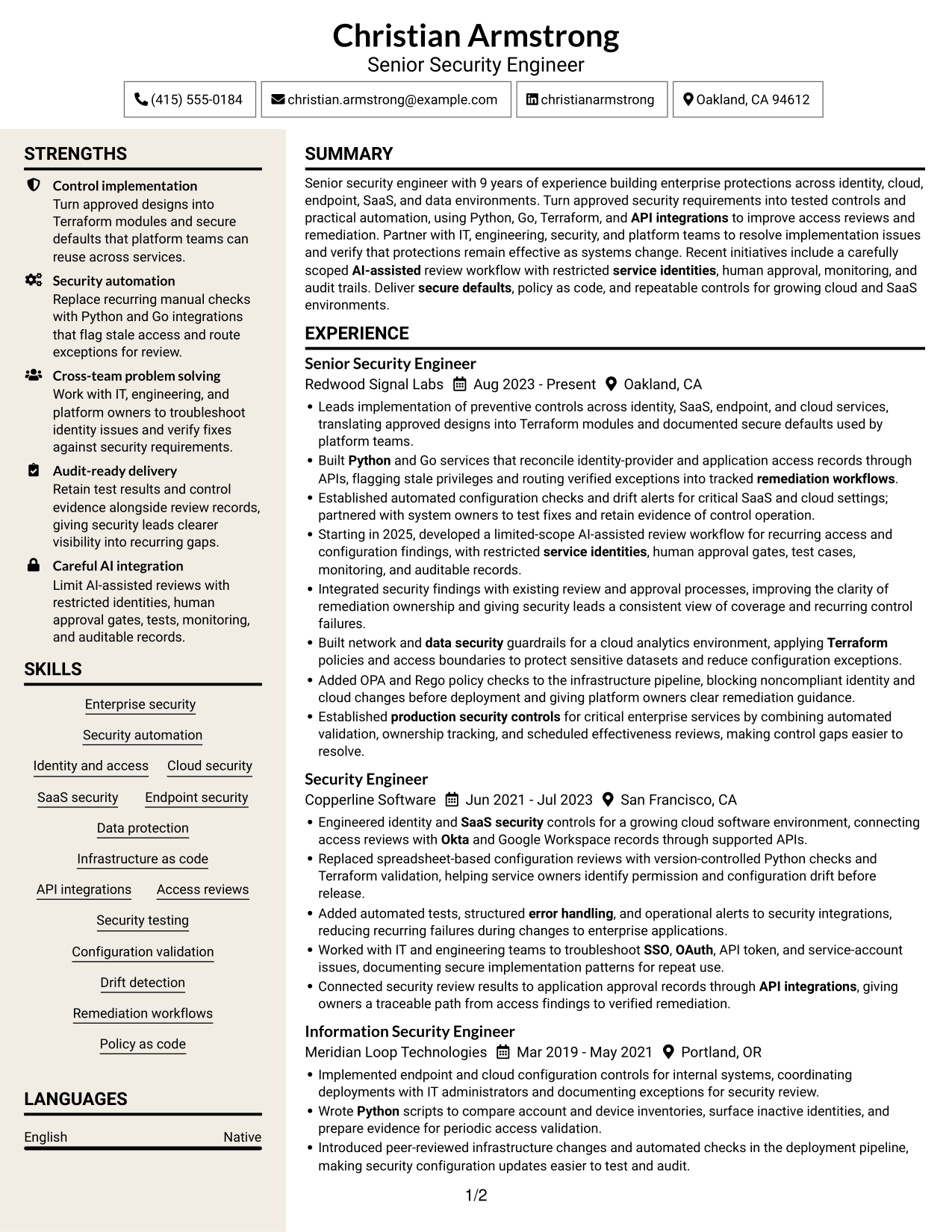
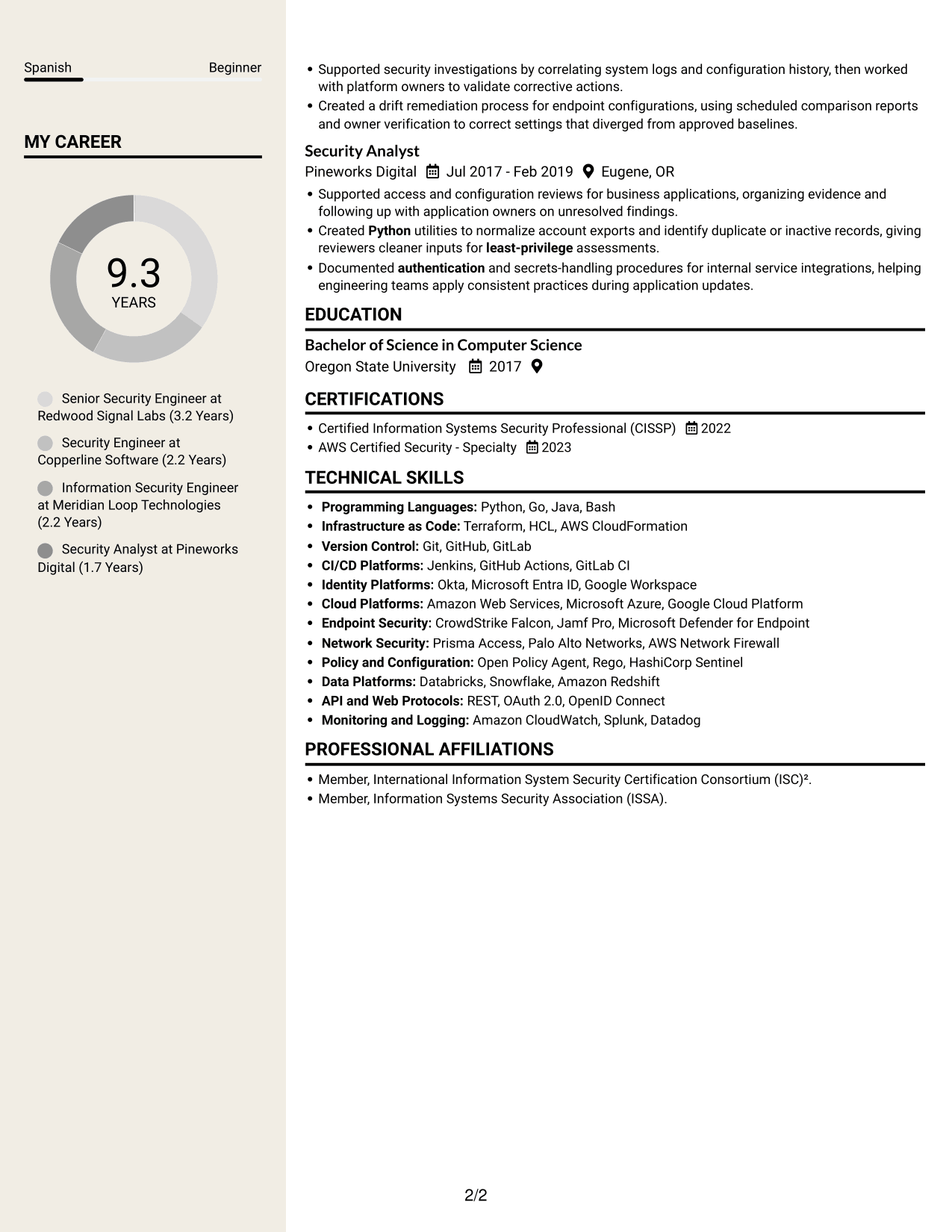
#7 Stylish Two Column Designer Format Resume Example
The Stylish Two Column Designer Format presents resume content in two columns, giving reviewers a choice between career details and supporting sections as they read.
Why This Format Works
- Two columns let reviewers move between experience and supporting sections as needed.
- Separate content areas help keep dated roles distinct from education and credentials.
- Skills can be reviewed without interrupting the career-history sequence.
Best For
- Two-column resume navigation
- Career details beside supporting sections
- Distinct role and education information
- Skills reviewed apart from job entries
- Readers who prefer grouped content
Why Build Your Senior Security Engineer - Enterprise Security Resume with ResumeInMinutes
ResumeInMinutes helps you organize security experience, technical skills, and results in a resume that is easy to review and adapt. Compare the image previews, then open an example in the editor to work with its structure.
- Clear resume layouts
- Readable section structure
- Relevant security keywords
- Organized skills and tools
- Space for measurable results
- Examples you can open in the editor
Build your resume around the controls you implemented, the automation you delivered, and the evidence that shows how your work improved security operations.
See Also
- 33 AI Automation Engineer, Security Resume Templates with Example 2026 (ATS-Optimized)
- 7 Application Engineer - Electronic Security Systems Resume Templates with Example
- 33 Cyber Security Engineer, Junior Resume Templates with Example 2026 (ATS-Optimized)
- 33 Cyber Security Engineer, VP Resume Templates with Example 2026 (ATS-Optimized)
- 7 Lead Engineer AI Security - Security Architecture Resume Templates with Example
- 33 Lead Engineer, Network Security Platform Resume Templates with Example 2026 (ATS-Optimized)
- 33 Lead Security Engineer, Purple Team Resume Templates with Example 2026 (ATS-Optimized)
- 7 Principal Cyber Security Engineer US Federal Resume Templates with Example
- 7 Senior Security Engineer - Enterprise Security Cover Letter Templates with Example
- 30+ AI Automation Engineer, Security Cover Letter Templates with Example 2026
Frequently Asked Questions
Are these Senior Security Engineer - Enterprise Security resume examples ATS-friendly?
The examples use readable sections and clear headings. Include accurate role terms such as Python, Terraform, API integrations, SSO, access reviews, and configuration validation where they match your experience.
Does this guide show one resume or several different examples?
It shows one resume example in different layouts. Compare the image previews, then open an example in the editor to review its structure.
What should a Senior Security Engineer - Enterprise Security resume include?
Include a focused summary, relevant experience, technical skills, education, and certifications. Use bullets to explain control implementation, security automation, testing, monitoring, and verified remediation.
Which resume layout works well for this role?
Choose a simple layout with clear headings and an easy-to-follow experience section. A clean structure helps readers find your skills, tools, and results, and makes the content easier for applicant tracking systems to read.
How can I show AI-assisted security work on my resume?
Describe the review or control task, then explain the safeguards you used. For example, mention restricted service identities, human approval, testing, monitoring, and audit records when they reflect your work.
Should I include a photo on my resume?
For U.S. applications, a resume without a photo is usually the safer choice. Use a photo only when it is expected in the place where you are applying.




