
7 Senior Solutions Architect - RFID and Vision Cover Letter Templates with Example
This practical guide to a Senior Solutions Architect - RFID and Vision cover letter presents seven layouts to help you explain your fit with clarity.
What Makes a Great Senior Solutions Architect - RFID and Vision Cover Letter in 2026
A strong letter connects customer needs to sound solution design across RFID, vision, scanning, and automation. It also makes your interest in the role clear.
Use specific evidence, such as guiding a pilot, shaping an architecture, or coordinating a delivery handoff. Link that work to the employer’s needs and explain the operational value in plain language.
The featured example follows a focused progression from role interest to technical evidence, delivery strengths, and a clear close. Adapt that approach to your own experience, then choose a presentation that suits the employer and communication context.
#1 Simple One Column Format Cover Letter Example
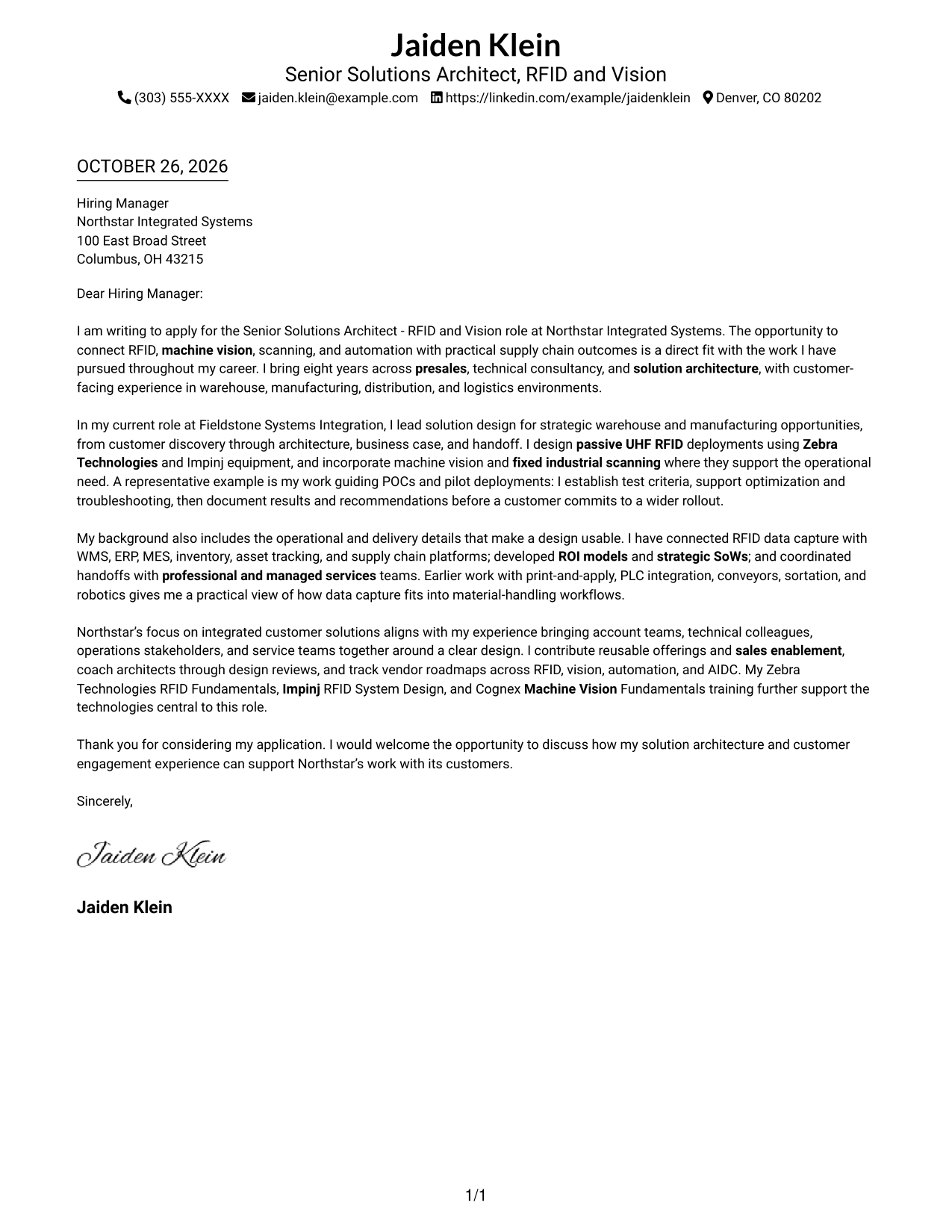
The single-column page keeps sender details in the header and the letter in one direct reading path, a practical choice for readers who prefer a simple layout.
Why This Format Works
- Sender details stay in the header, apart from the letter’s persuasive message.
- The body moves from opening to evidence and closing in one continuous sequence.
- A single reading column avoids competing paths through the application.
Best For
- Linear letter reading
- Header-based contact details
- Continuous paragraph correspondence
- Text-focused application materials
- No-photo letter layouts
#2 Two Column Format Cover Letter Example
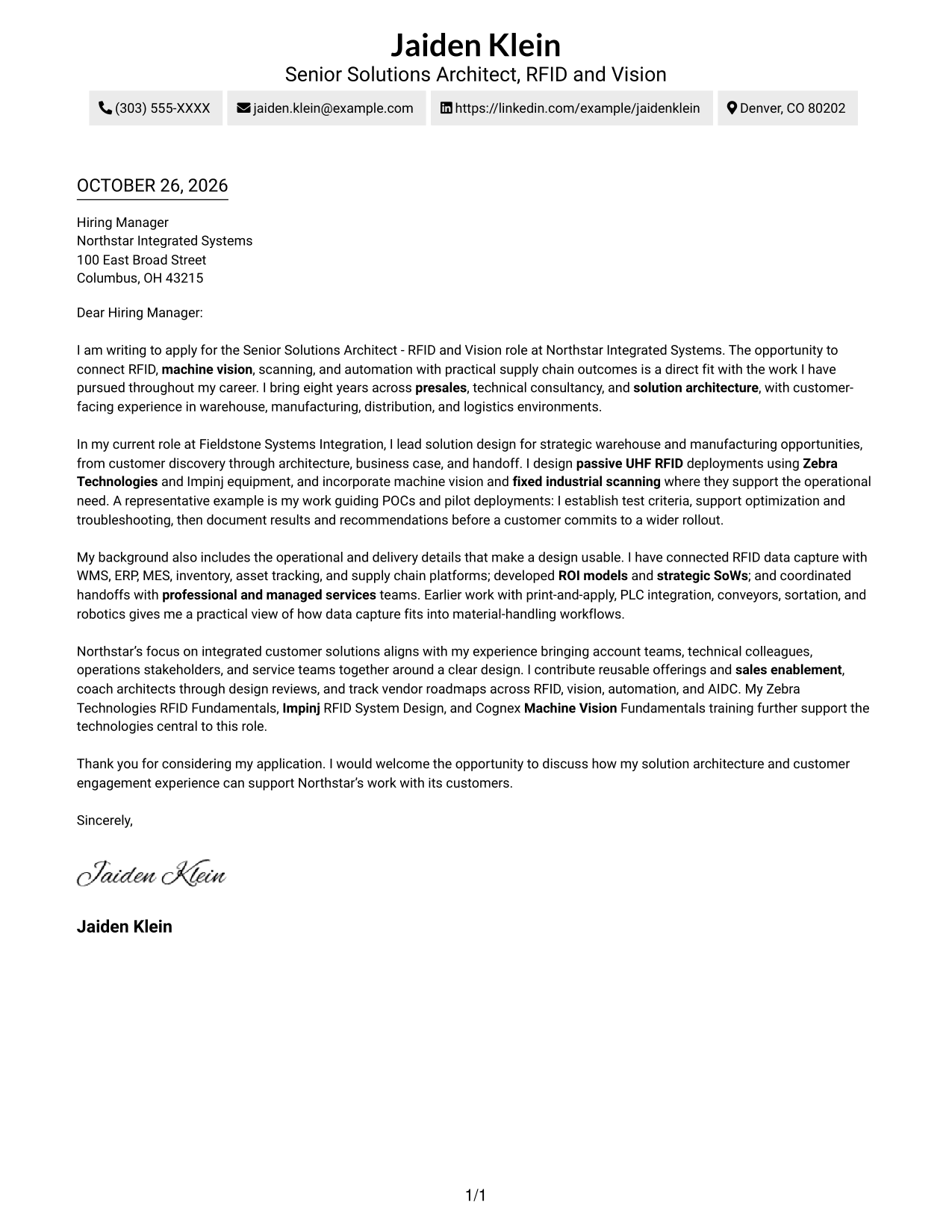
A contact sidebar beside one continuous letter body separates sender information from the message, a useful arrangement when both need a clear place on the page.
Why This Format Works
- The contact sidebar keeps sender details distinct from the letter’s message.
- One continuous body carries the argument from application through closing.
- Paragraphs remain in a single reading direction rather than splitting across columns.
Best For
- Separate contact and message areas
- One-direction letter reading
- Uninterrupted persuasive paragraphs
- Quick access to sender details
- No-photo correspondence
#3 Photo Header Two Column Format Cover Letter Example
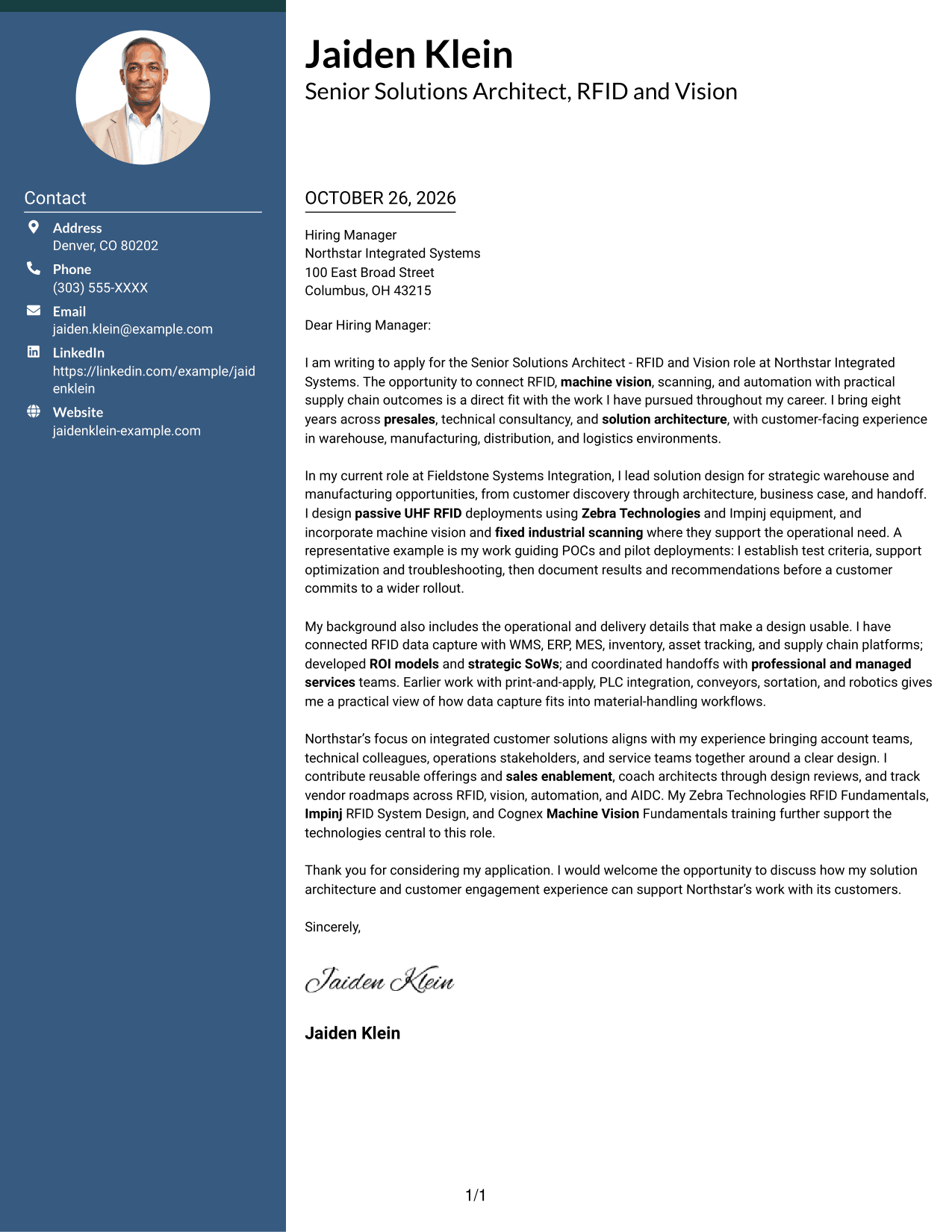
This two-column layout pairs a contact sidebar and continuous letter body with a photo, for correspondence that calls for a personal visual element.
Why This Format Works
- The photo adds a personal visual element without dividing the letter’s argument.
- A separate contact sidebar keeps sender details apart from the message.
- One continuous body preserves the letter’s progression from opening to close.
Best For
- Photo-inclusive correspondence
- Contact details beside the message
- Continuous letter arguments
- Personal visual presentation
- Two-column page organization
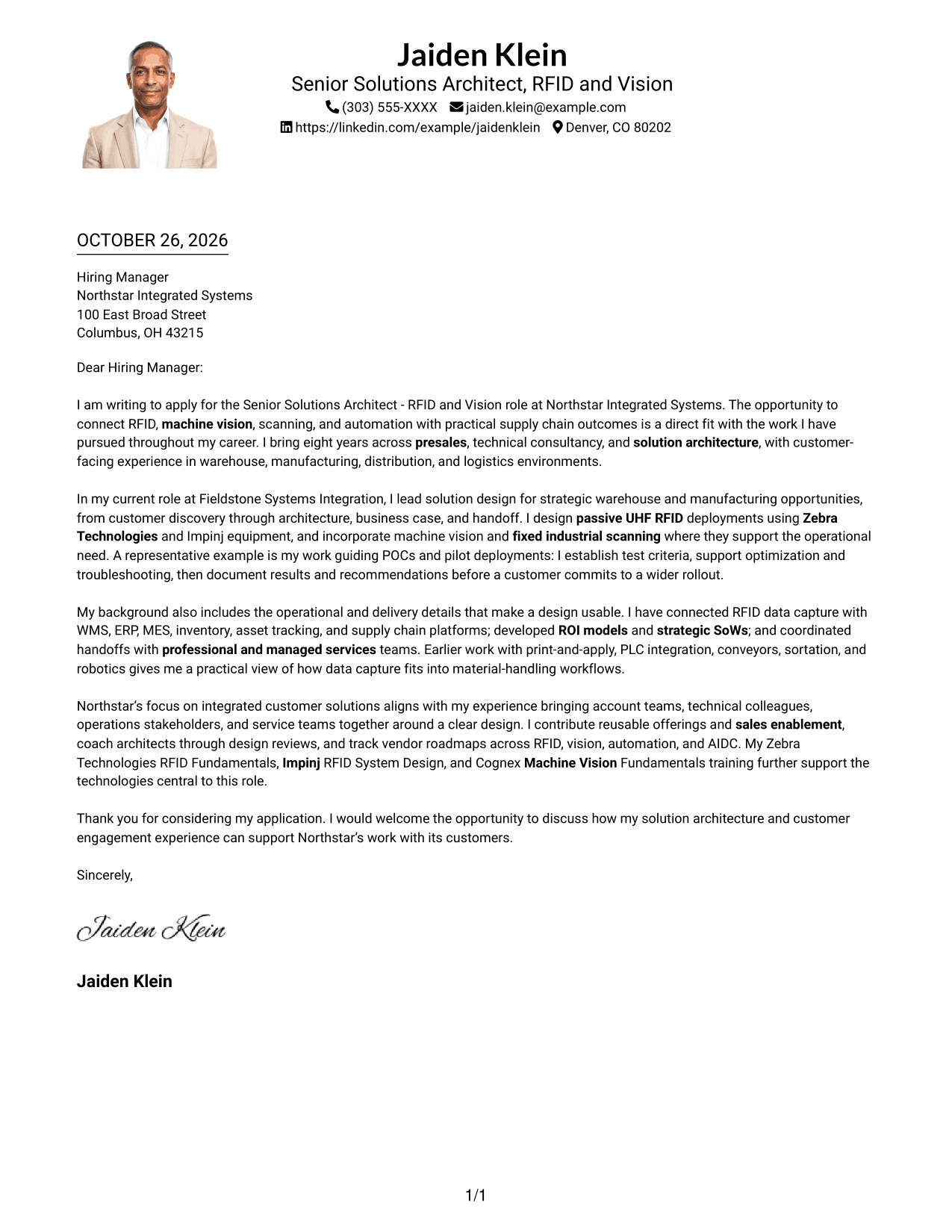
#4 One Column Format with Photo Cover Letter Example
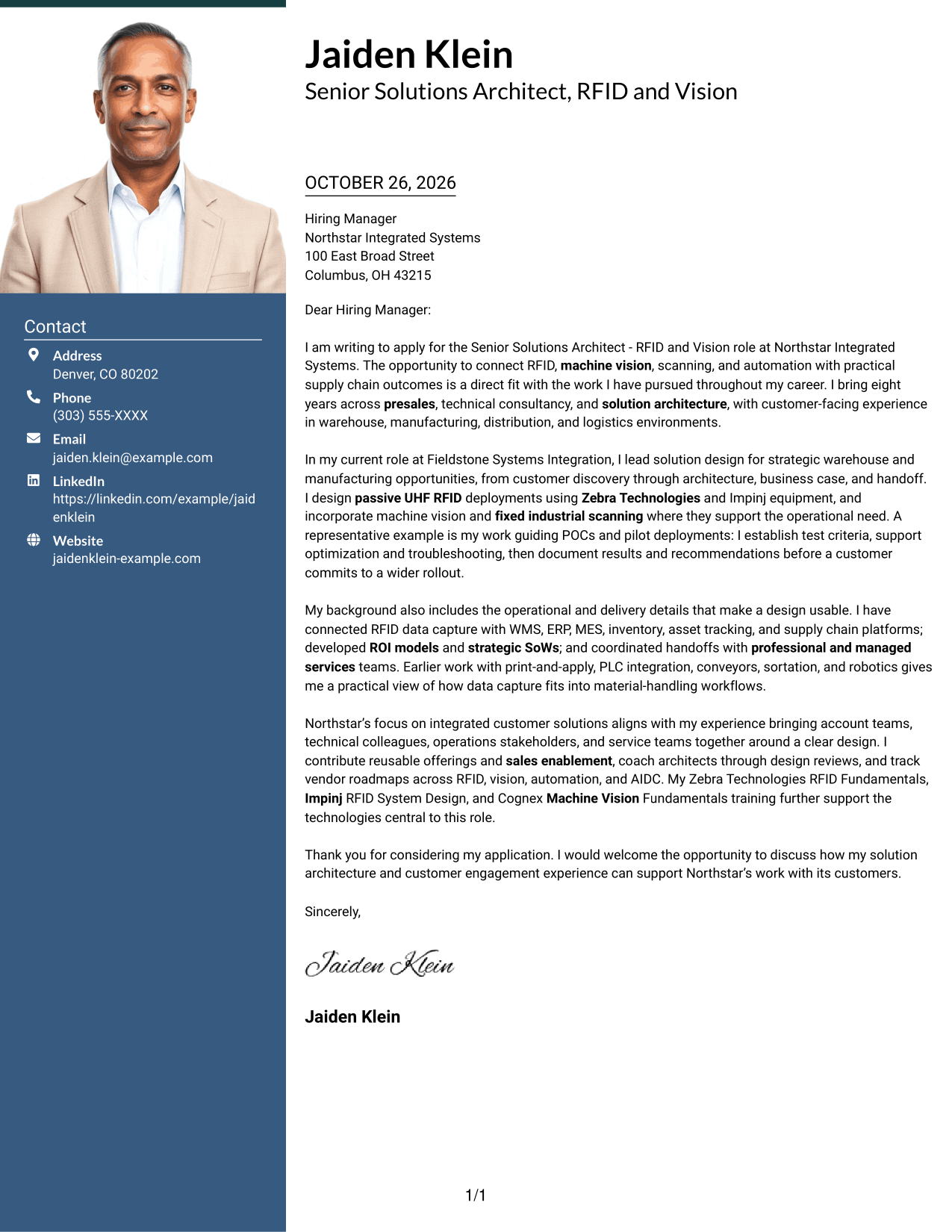
This one-column letter includes a photo, keeps sender details in the header, and presents the message as one continuous body for a personal yet direct reading experience.
Why This Format Works
- The photo provides a personal visual feature while the letter stays in one column.
- Header-based sender details remain separate from the message itself.
- The continuous body lets the reader follow the full argument in order.
Best For
- Single-column letter reading
- Photo-inclusive applications
- Header-based contact information
- One-piece paragraph correspondence
- Personal visual preference
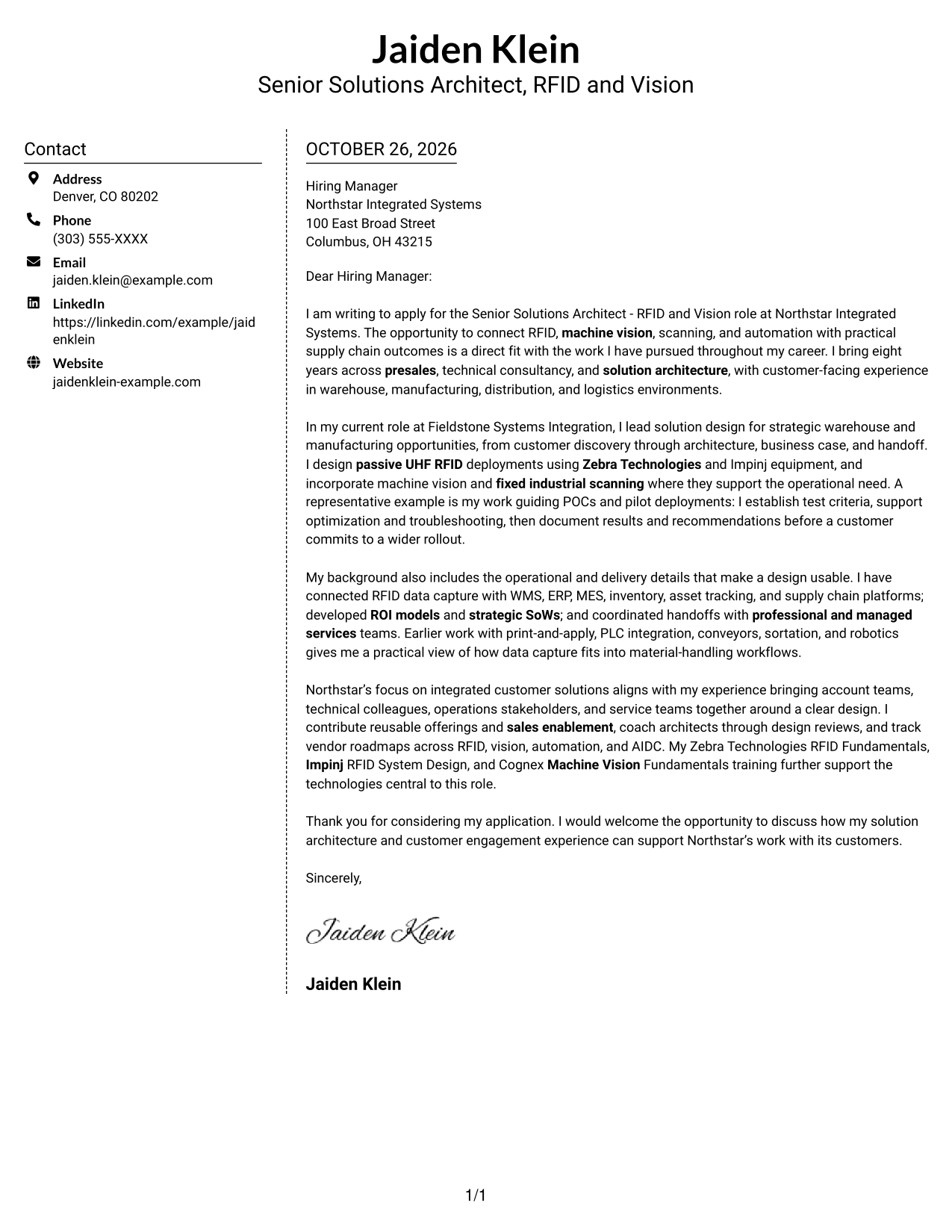
#5 Simple Two Column Format Cover Letter Example
The contact sidebar sits beside a single continuous letter body, a straightforward two-column choice for keeping correspondence and contact information visually distinct.
Why This Format Works
- Contact information has its own area beside the letter’s message.
- The body remains continuous, so the persuasive points stay together.
- Paragraph form keeps the application from reading like a labeled report.
Best For
- Distinct contact and message areas
- Continuous persuasive paragraphs
- Paragraph-led correspondence
- Side-by-side page organization
- No-photo letter formats
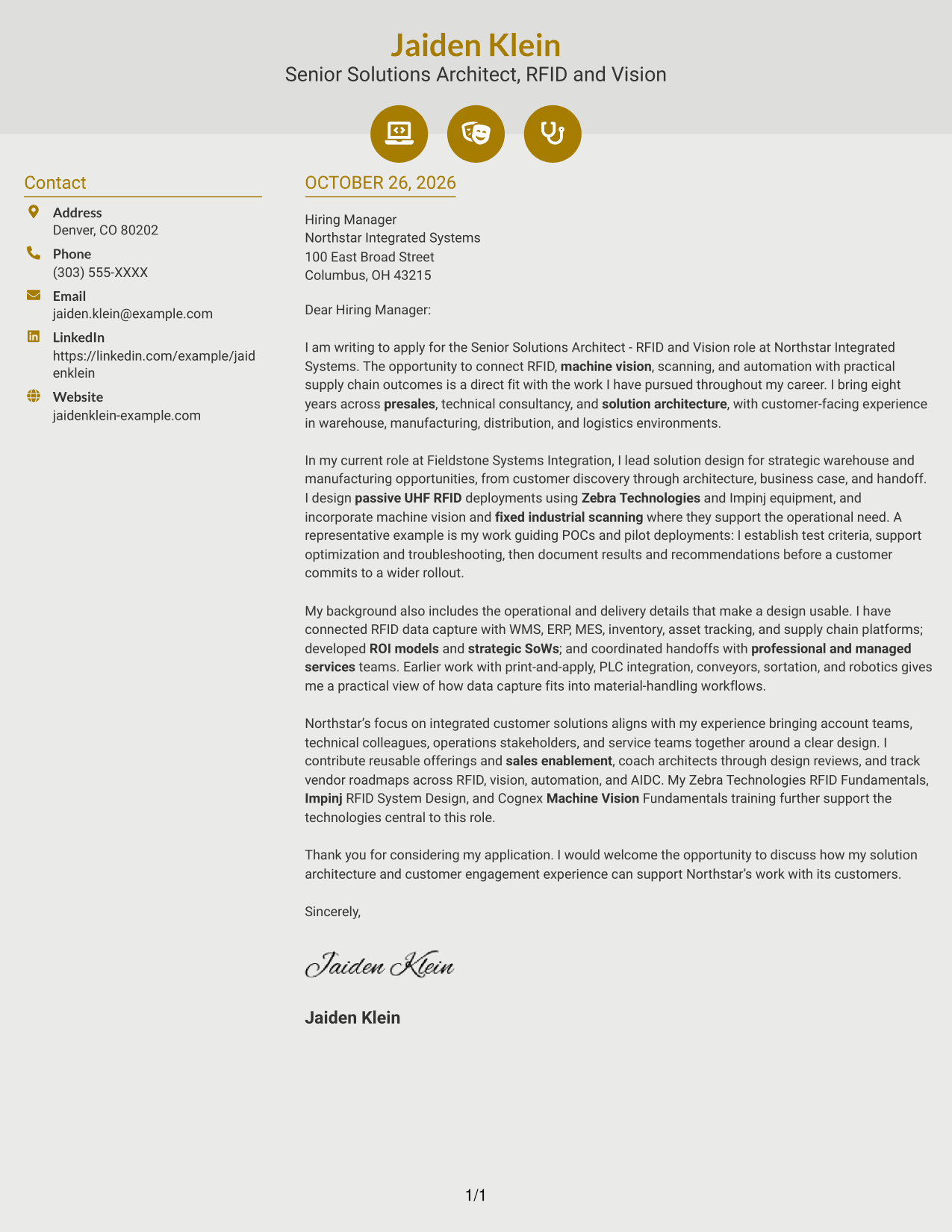
#6 Modern Icon Format Cover Letter Example
This two-column format uses icons as contact cues or header accents, while keeping all letter paragraphs together in one body.
Why This Format Works
- Contact icons help distinguish sender details from the letter’s message.
- The single letter body keeps the argument in a clear sequence.
- Header accents remain visual cues, not labels for letter paragraphs.
Best For
- Icon-supported contact details
- A continuous letter body
- Clear separation of message and contact
- Paragraph-based application writing
- No-photo correspondence
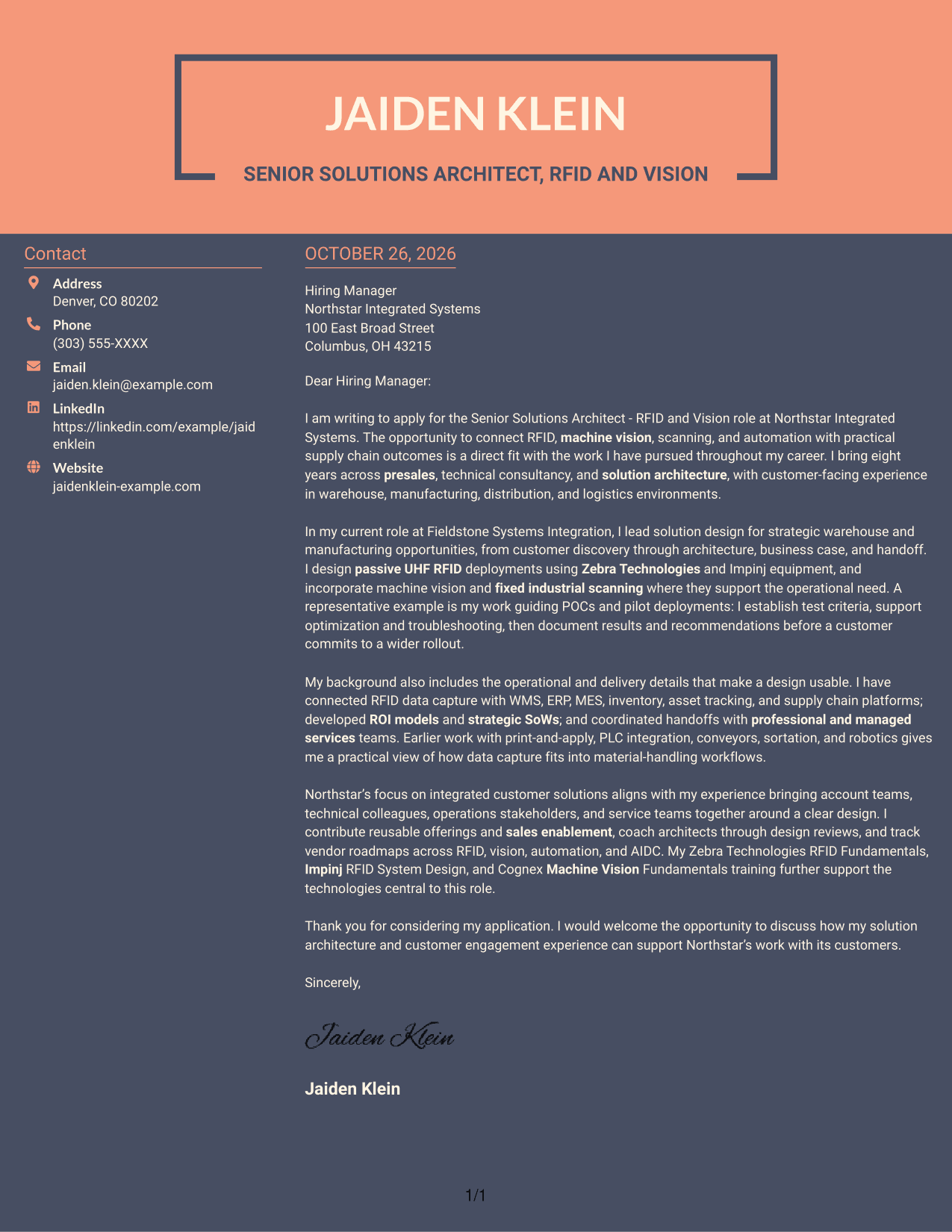
#7 Creative Two Tone Format Cover Letter Example
A contact sidebar beside one continuous letter body gives this two-column layout a distinct page structure while keeping the message in a single reading path.
Why This Format Works
- The sidebar gives sender details a separate place beside the letter.
- One continuous body keeps the opening, supporting points, and close together.
- Paragraphs remain unlabelled, preserving the familiar form of a letter.
Best For
- Side-by-side contact and message
- Single-path letter reading
- Unlabelled paragraph correspondence
- Distinct contact information
- No-photo application materials
See Also
- 7 Senior Solutions Architect - RFID and Vision Resume Templates with Example
- 7 Senior Solutions Architect - RFID and AIDC Resume Templates with Example
- 7 Agentic Solution Architect Resume Templates with Example
- 7 AI Application Solutions Architect - Generative AI Resume Templates with Example
- 7 AI Engineering Solutions Architect Resume Templates with Example
- 33 AI/ML Solutions Architect Resume Templates with Example 2026 (ATS-Optimized)
- 33 AI Solutions Architect Resume Templates with Example 2026 (ATS-Optimized)
- 7 Associate AI Solution Architect - Enterprise GenAI Resume Templates with Example
- 7 Senior Solutions Architect - RFID and AIDC Cover Letter Templates with Example
- 7 Agentic Solution Architect Cover Letter Templates with Example
Frequently Asked Questions
What should a Senior Solutions Architect - RFID and Vision cover letter emphasize?
Show how you turn customer needs into practical designs, communicate with technical and business stakeholders, and connect solution choices to measurable operational goals.
How can I describe RFID and vision experience in the letter?
Choose relevant examples, such as site surveys, read-zone planning, pilot work, machine vision, or fixed industrial scanning. Explain your role and the problem each effort addressed.
How should I show that a solution can move into delivery?
Describe how you document design decisions, risks, and test findings, then work with service or implementation teams during handoff. Keep the example accurate to your own experience.
How can I connect technical design to business value?
Explain the operational need first, then show how the proposed design supports accuracy, visibility, or efficiency. Use a business case or ROI example only when you can support it.
Should I include every technology I have used?
No. Focus on the technologies that matter most to the role and support them with a clear example. A few well-chosen details are easier to understand than a long list.
Should I use a photo on my cover letter?
Use a photo only when it is common or expected in your region or industry. For U.S. applications, a no-photo format is usually the safer choice.




