
7 Senior Strategic Solutions Architect - Life Insurance and Annuity Cover Letter Templates with Example
This practical guide helps you create a focused Senior Strategic Solutions Architect - Life Insurance and Annuity cover letter, with seven layouts to compare.
What Makes a Great Senior Strategic Solutions Architect - Life Insurance and Annuity Cover Letter in 2026
A strong letter connects your carrier architecture experience to the role’s need for strategic direction and practical delivery. Show how you guide discovery, integration choices, and modernization plans.
Use a clear example, such as leading architecture workshops or turning system findings into implementation plans. Link that evidence to the employer’s needs and explain how you communicate tradeoffs with business and technical teams.
The featured example moves from role fit to current responsibilities, a specific architecture example, and motivation for the opportunity. Adapt this focused progression to your own evidence, choosing a presentation that suits the employer and the communication context.
#1 Simple One Column Format Cover Letter Example
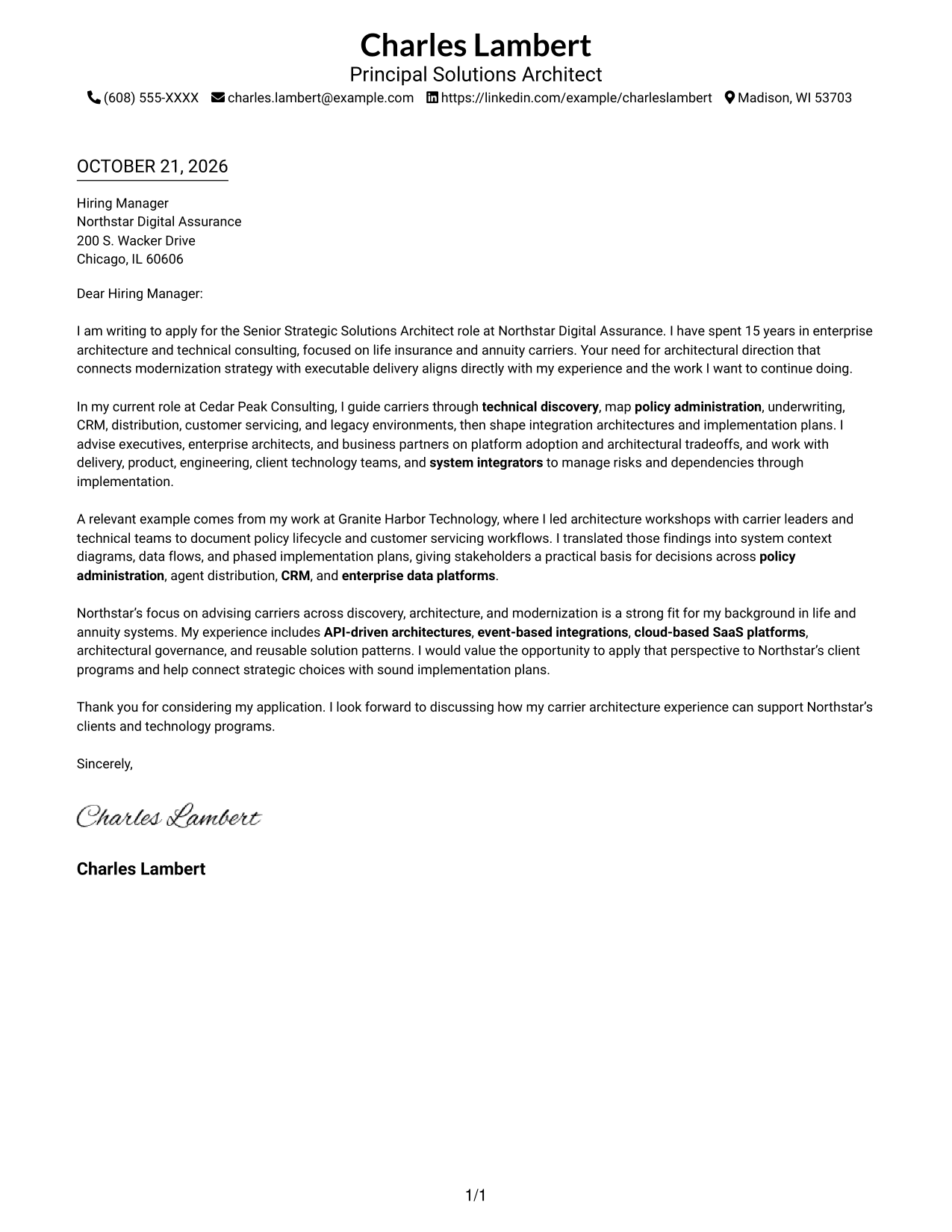
The Simple One Column Format places sender details in the header and keeps the letter body in one column for a familiar, direct reading path.
Why This Format Works
- Sender details remain in the header, apart from the letter's main message.
- Opening, motivation, examples, and closing follow one continuous paragraph sequence.
- One-column reading gives reviewers a familiar path through the correspondence.
Best For
- Single-column correspondence
- Header-based contact details
- Uninterrupted letter paragraphs
- Text-focused application materials
- Photo-free document preferences
#2 Two Column Format Cover Letter Example
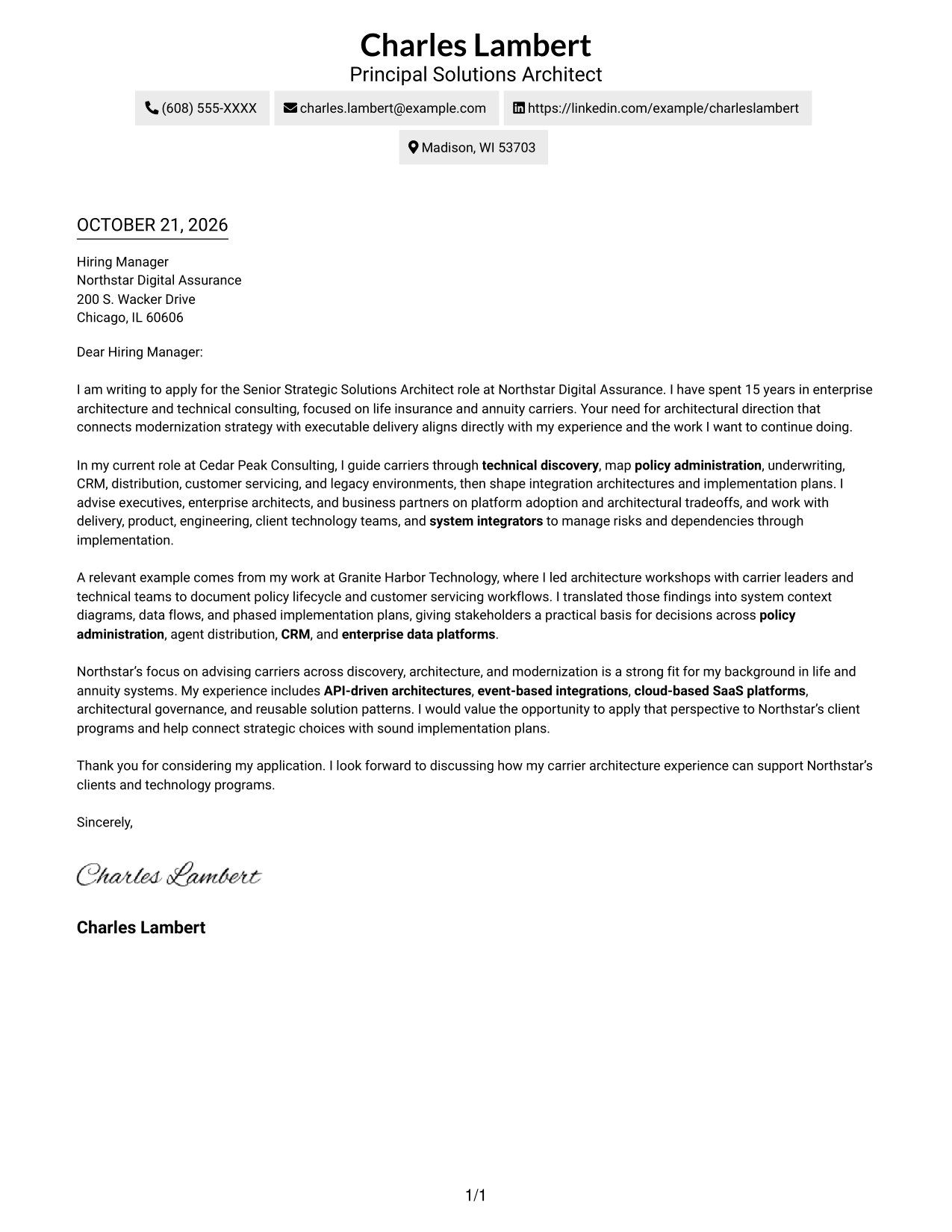
The Two Column Format keeps contact details in a sidebar beside one continuous letter body, separating correspondence details from the message.
Why This Format Works
- The sidebar groups sender contact details away from the central letter text.
- A single body column keeps motivation, supporting evidence, and closing in sequence.
- Distinct contact and message areas make the page's reading order easy to follow.
Best For
- Separated contact information
- Multiple sender contact fields
- Continuous paragraph reading
- Conventional application letters
- Photo-free correspondence
#3 Photo Header Two Column Format Cover Letter Example
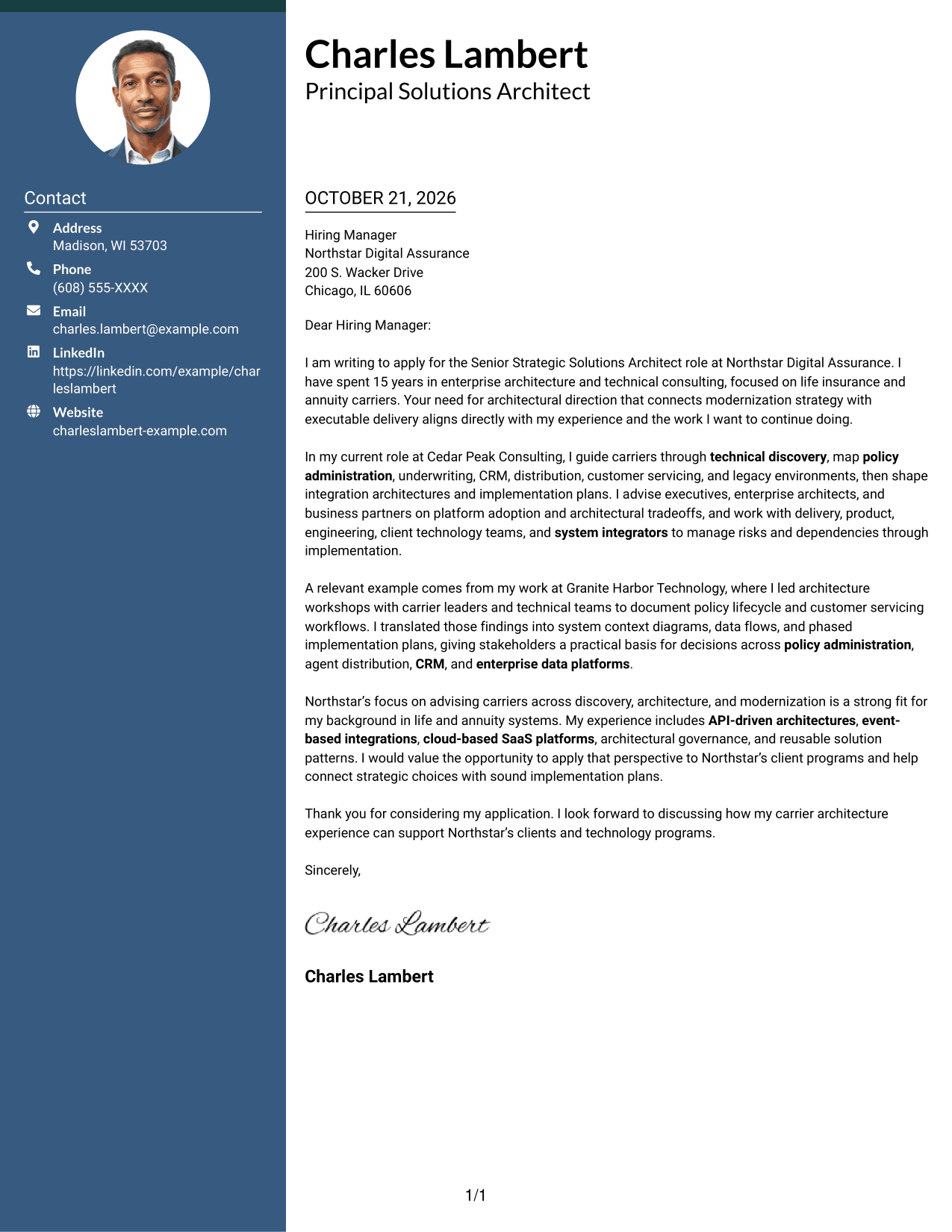
The Photo Header Two Column Format includes a photo with a contact sidebar and a continuous letter body, combining a personal visual element with clear contact access.
Why This Format Works
- The photo adds a visible personal element above the correspondence.
- A contact sidebar keeps sender details separate from the continuous letter body.
- One body column lets reviewers follow the argument without parallel text.
Best For
- Photo-inclusive applications
- Two-column page layouts
- Letters with several contact channels
- Single-body-column correspondence
- Formal employer communication
#4 One Column Format with Photo Cover Letter Example
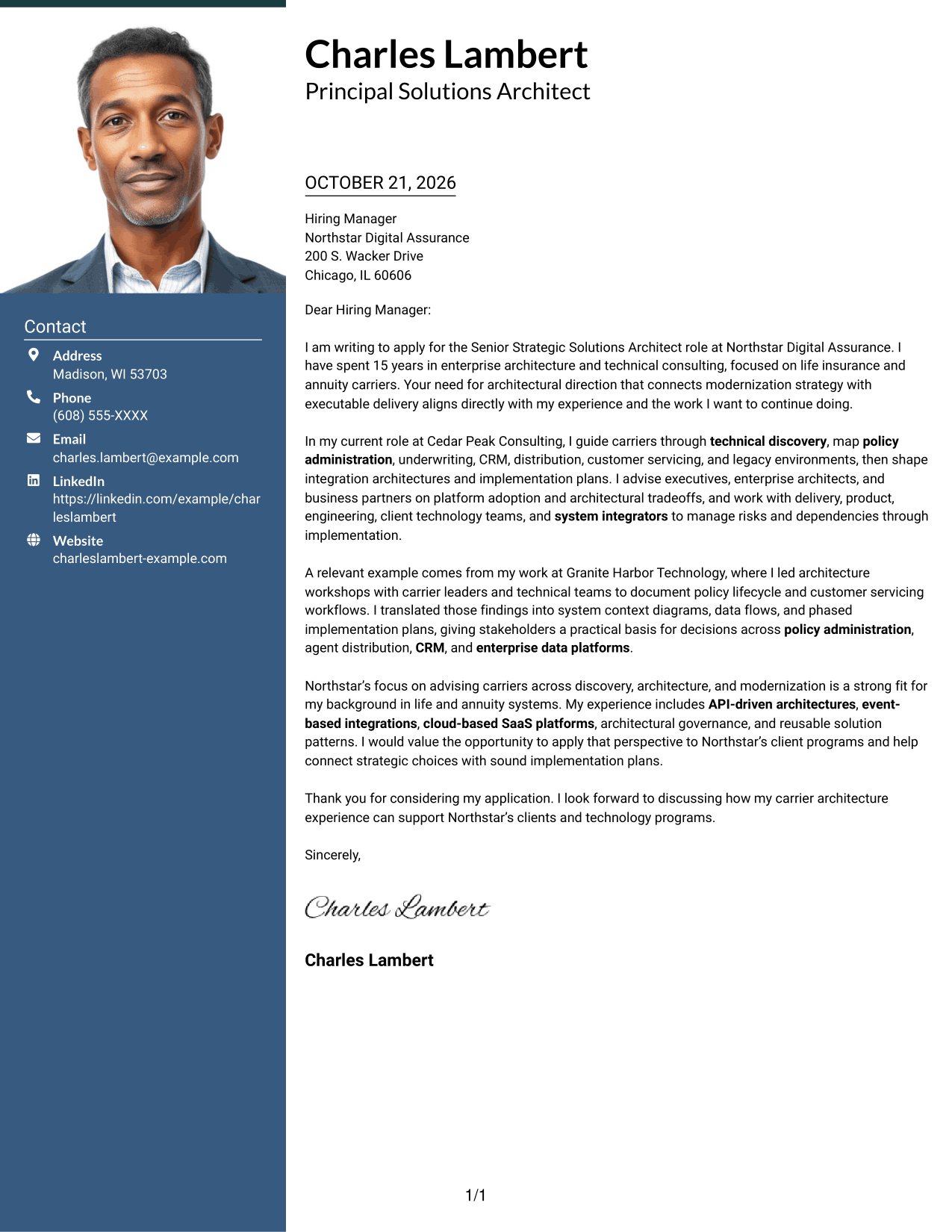
The One Column Format with Photo adds a portrait to a single-column letter, offering a personal visual element while keeping the message in one reading stream.
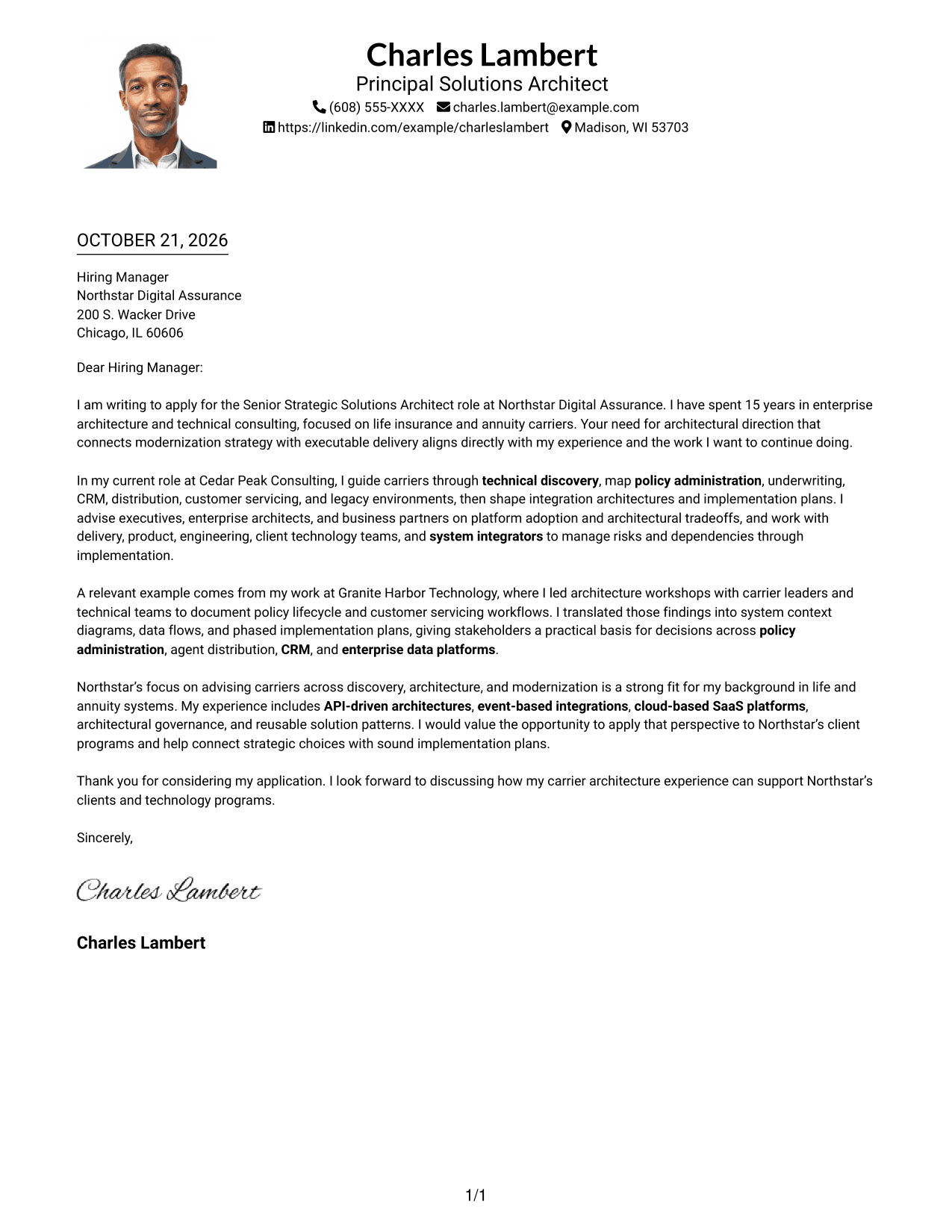
Why This Format Works
- The portrait adds a personal visual element while the letter stays in one column.
- Sender details appear apart from the continuous message, preserving a familiar letter flow.
- The single body column keeps the opening, evidence, and close in reading order.
Best For
- Portrait-inclusive letters
- Single-column page preference
- Direct paragraph-by-paragraph reading
- Header contact details
- Applications where a photo is preferred
#5 Simple Two Column Format Cover Letter Example
The Simple Two Column Format places sender contact details in a sidebar beside one continuous letter body, keeping contact information distinct from the correspondence.
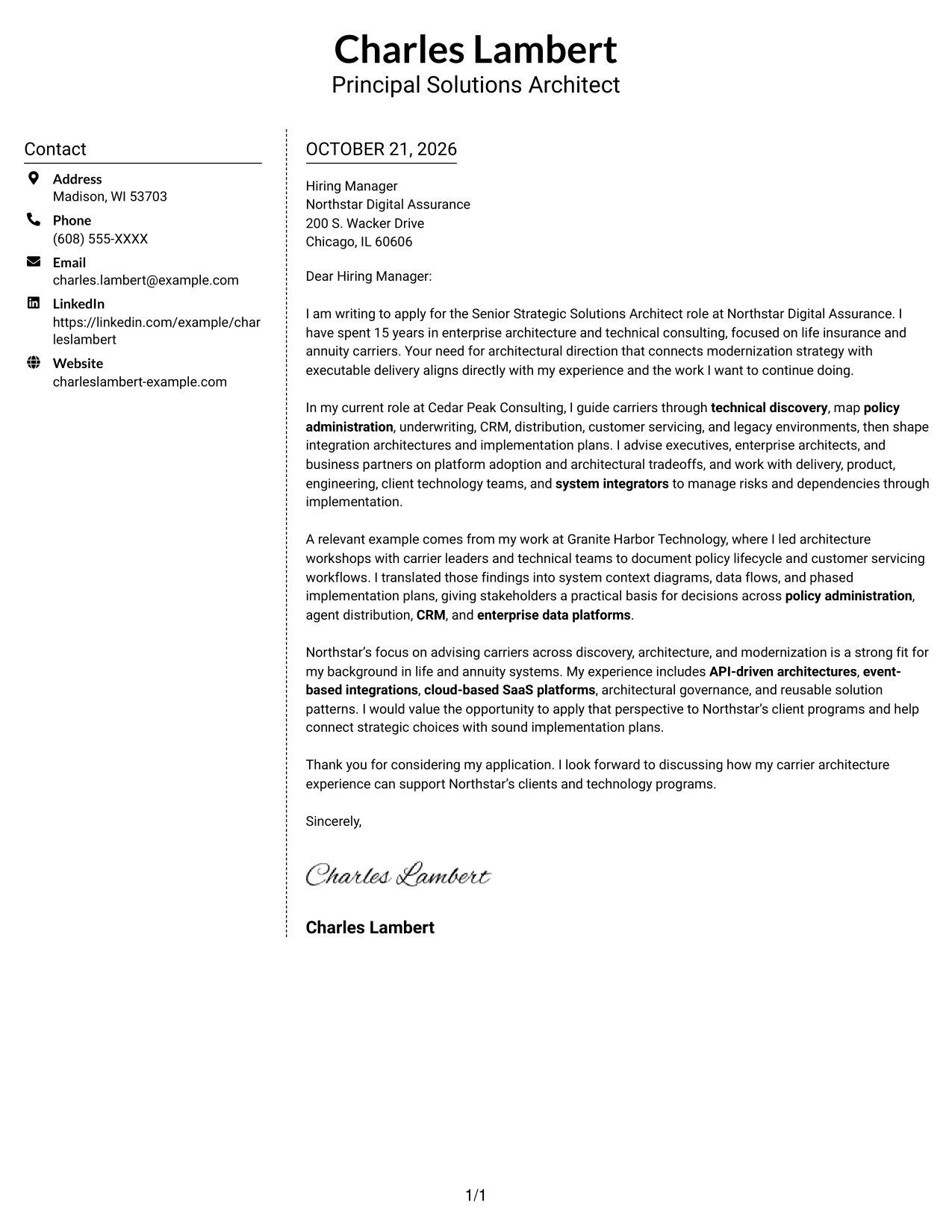
Why This Format Works
- The sidebar gathers contact details while leaving the letter body as one column.
- Motivation, supporting examples, and closing remain together in continuous paragraphs.
- Separate contact and message areas help reviewers find correspondence details quickly.
Best For
- Distinct contact and message areas
- Letters with several contact details
- Unbroken paragraph flow
- Simple page organization
- Photo-free application documents
#6 Modern Icon Format Cover Letter Example
The Modern Icon Format uses icons as contact cues in a two-column layout, while the letter itself remains one continuous body.
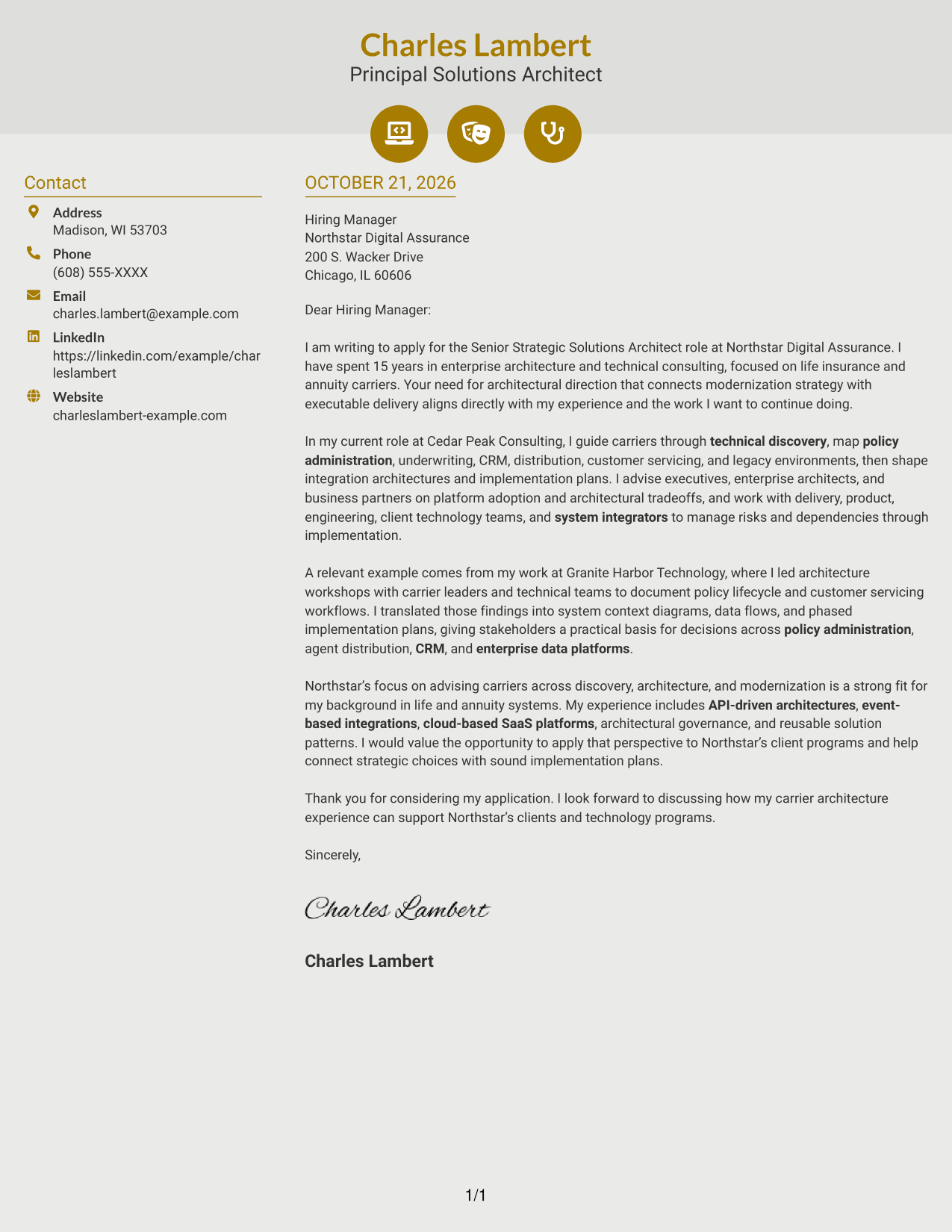
Why This Format Works
- Small icons cue contact details, not the letter's argument or qualifications.
- The sidebar keeps sender information apart from one continuous letter body.
- A single body column preserves the sequence from opening through closing.
Best For
- Icon-led contact details
- Two-column page organization
- Continuous letter text
- Quick access to sender information
- Photo-free correspondence
#7 Creative Two Tone Format Cover Letter Example
The Creative Two Tone Format places contact details in a sidebar beside one connected letter body, keeping personal information apart from the message.
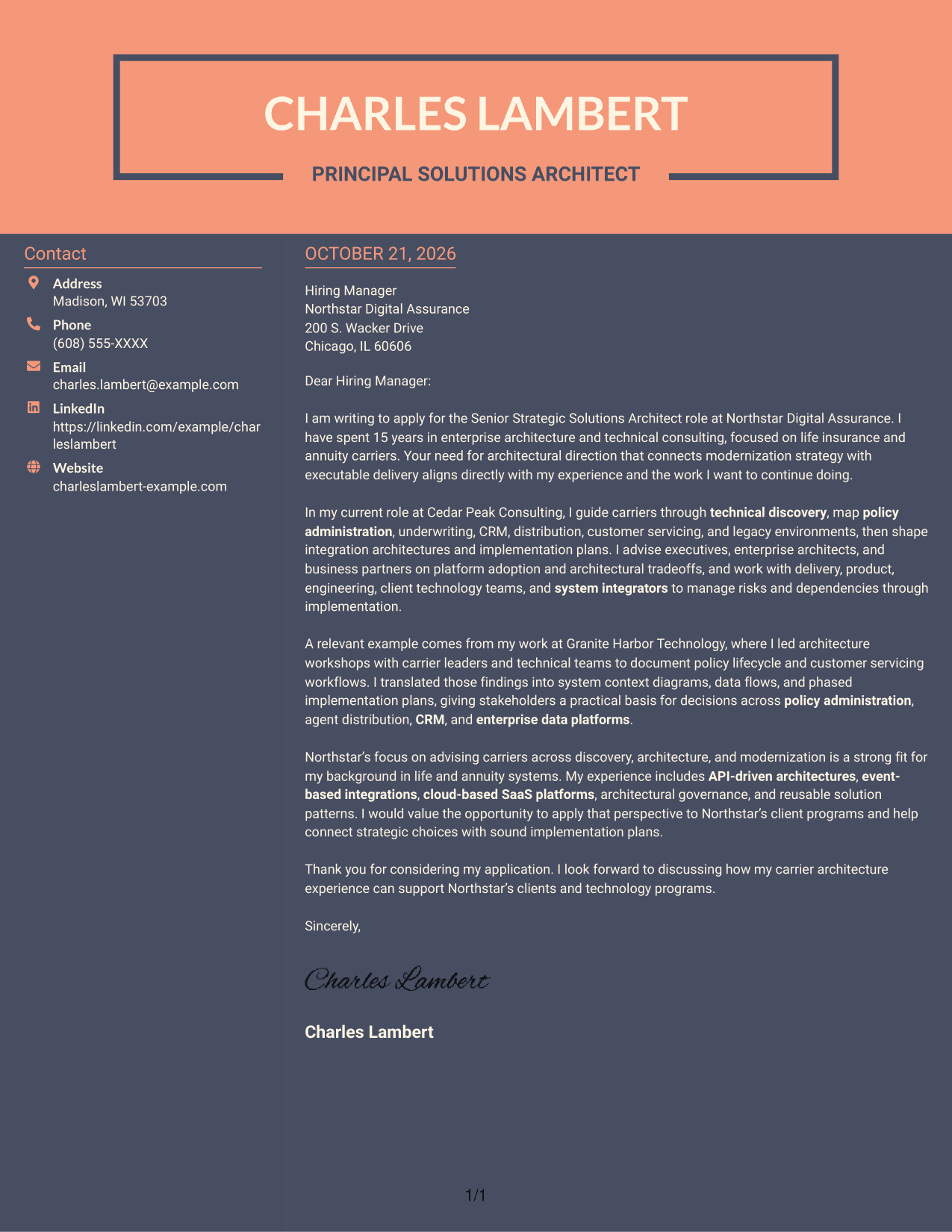
Why This Format Works
- Contact details sit apart from the letter's central message in the sidebar.
- The opening, motivation, supporting points, and close stay in one paragraph sequence.
- Reviewers can follow the letter without comparing parallel blocks of text.
Best For
- Sidebar-based contact details
- Continuous letter-body reading
- Two-column page preference
- Letters with clear paragraph breaks
- Photo-free professional correspondence
Why Use ResumeInMinutes for a Senior Strategic Solutions Architect - Life Insurance and Annuity Cover Letter
Compare image previews, then open an example in the editor to shape a clear letter around your architecture experience and interest in the role.
- Role-focused writing guidance
- Readable cover letter layouts
- Image previews to compare
- Examples you can customize in the editor
- Clear letter structure
- Guidance for connecting experience to employer needs
Use the example to make your opening direct, support your fit with relevant carrier architecture work, and close with a clear statement of interest.
See Also
- 7 Senior Strategic Solutions Architect - Life Insurance and Annuity Resume Templates with Example
- 7 Agentic Solution Architect Resume Templates with Example
- 7 AI Application Solutions Architect - Generative AI Resume Templates with Example
- 7 AI Engineering Solutions Architect Resume Templates with Example
- 33 AI/ML Solutions Architect Resume Templates with Example 2026 (ATS-Optimized)
- 33 AI Solutions Architect Resume Templates with Example 2026 (ATS-Optimized)
- 7 Associate AI Solution Architect - Enterprise GenAI Resume Templates with Example
- 7 AWS Cloud Solutions Architect Resume Templates with Example
- 7 Agentic Solution Architect Cover Letter Templates with Example
- 7 AI Application Solutions Architect - Generative AI Cover Letter Templates with Example
Frequently Asked Questions
What should a Senior Strategic Solutions Architect - Life Insurance and Annuity cover letter emphasize?
Connect your experience with carrier systems, architecture decisions, and modernization to the employer’s needs. Include how you turn complex technical issues into clear plans for business and technology teams.
Does this guide show multiple cover letter examples?
It presents one role-focused cover letter example in different layouts. Compare the image previews and select a presentation that fits the employer and communication context.
How can I make my cover letter specific to this role?
Choose a concrete example of technical discovery, integration planning, stakeholder advising, or architecture governance. Explain what you did and how it relates to the role’s focus on carrier modernization and executable solutions.
How should I explain complex architecture work to a hiring manager?
Use plain language and focus on the decisions your work helped stakeholders make. Briefly describe the systems or constraints involved, then show how you turned them into a practical architecture plan.
Should I include a photo on my cover letter?
For U.S. applications, a photo is usually not needed. A clear, professional letter without a photo keeps attention on your role fit and examples.




