
7 Senior Technical Support Specialist - Apple and macOS Systems Cover Letter Templates with Example
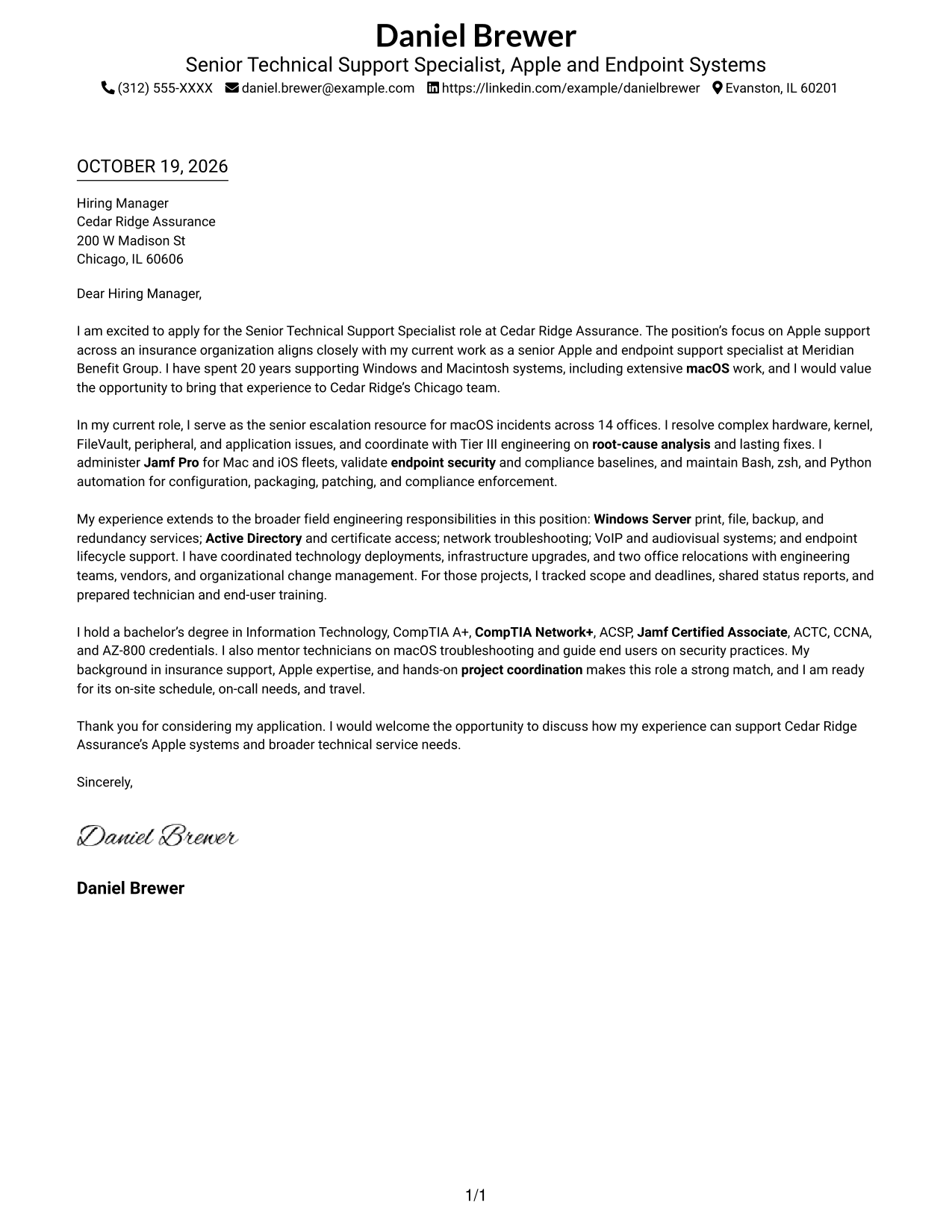
This practical guide helps you write a focused Senior Technical Support Specialist - Apple and macOS Systems cover letter, with 7 layouts to compare and adapt.
What Makes a Great Senior Technical Support Specialist - Apple and macOS Systems Cover Letter in 2026
A strong letter makes a clear case for your fit by connecting advanced Apple and macOS support with the wider field engineering work in this role. Start with a direct reason for applying, then show how your communication and judgment support dependable service.
Use specific evidence, such as Jamf Pro administration, macOS incident escalation, security checks, or scripting, to show how you work. Connect that experience to the employer’s needs, including Windows services, project coordination, and clear guidance for users and technicians.
The featured example moves from role motivation to Apple support evidence, broader field work, and a clear close. Adapt that focused progression while choosing a presentation that fits the employer and the communication context.
#1 Simple One Column Format Cover Letter Example
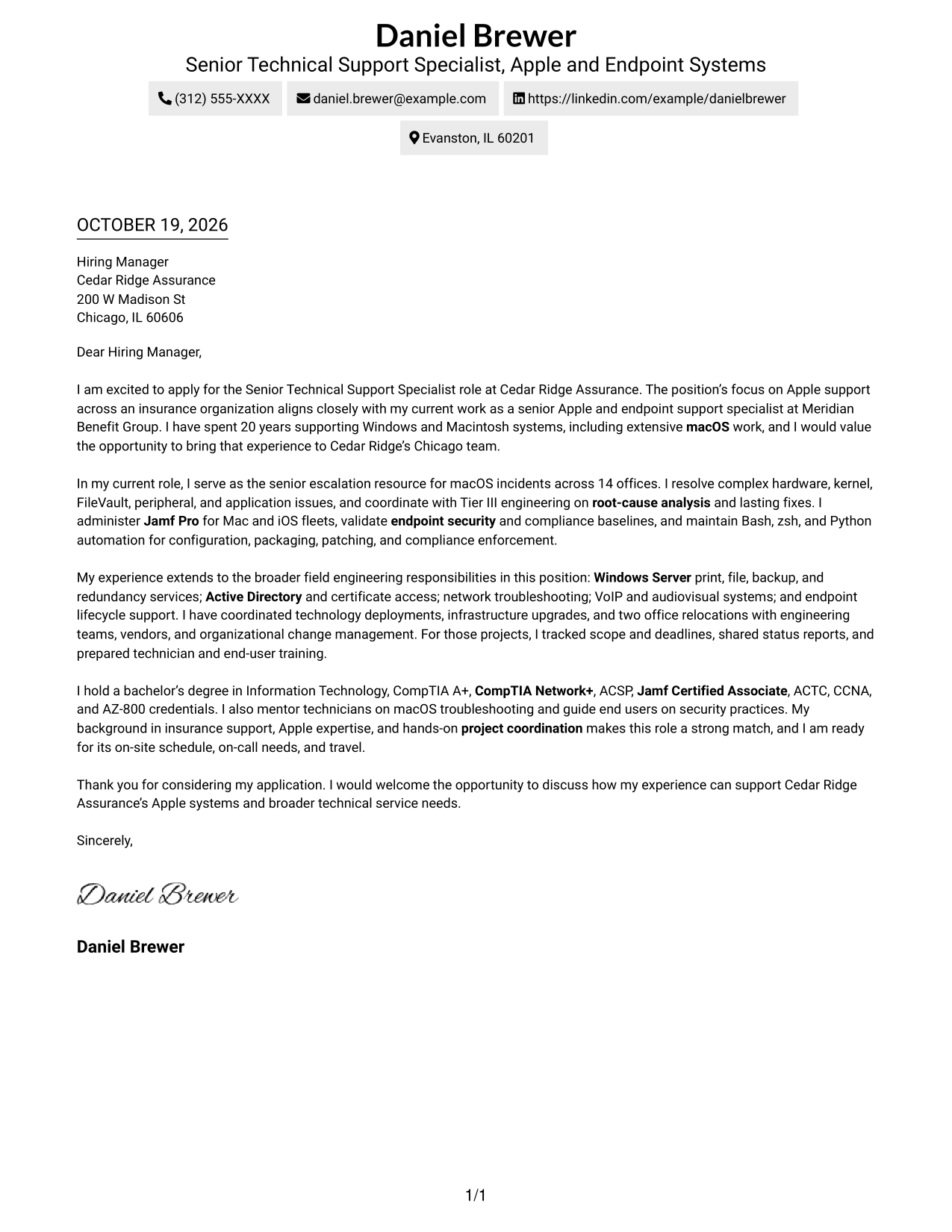
The Simple One Column Format keeps sender details in the header above one continuous letter body, a practical choice when a straightforward reading path matters.
Why This Format Works
- Sender details stay above the letter, keeping contact information easy to locate.
- One body column lets the opening, supporting points, and close read in sequence.
- Without a sidebar, the letter paragraphs use the available width.
Best For
- Single-column letter layouts
- Header-based contact details
- Letters with several evidence paragraphs
- Unheaded letter text
- Photo-free document presentation
#2 Two Column Format Cover Letter Example
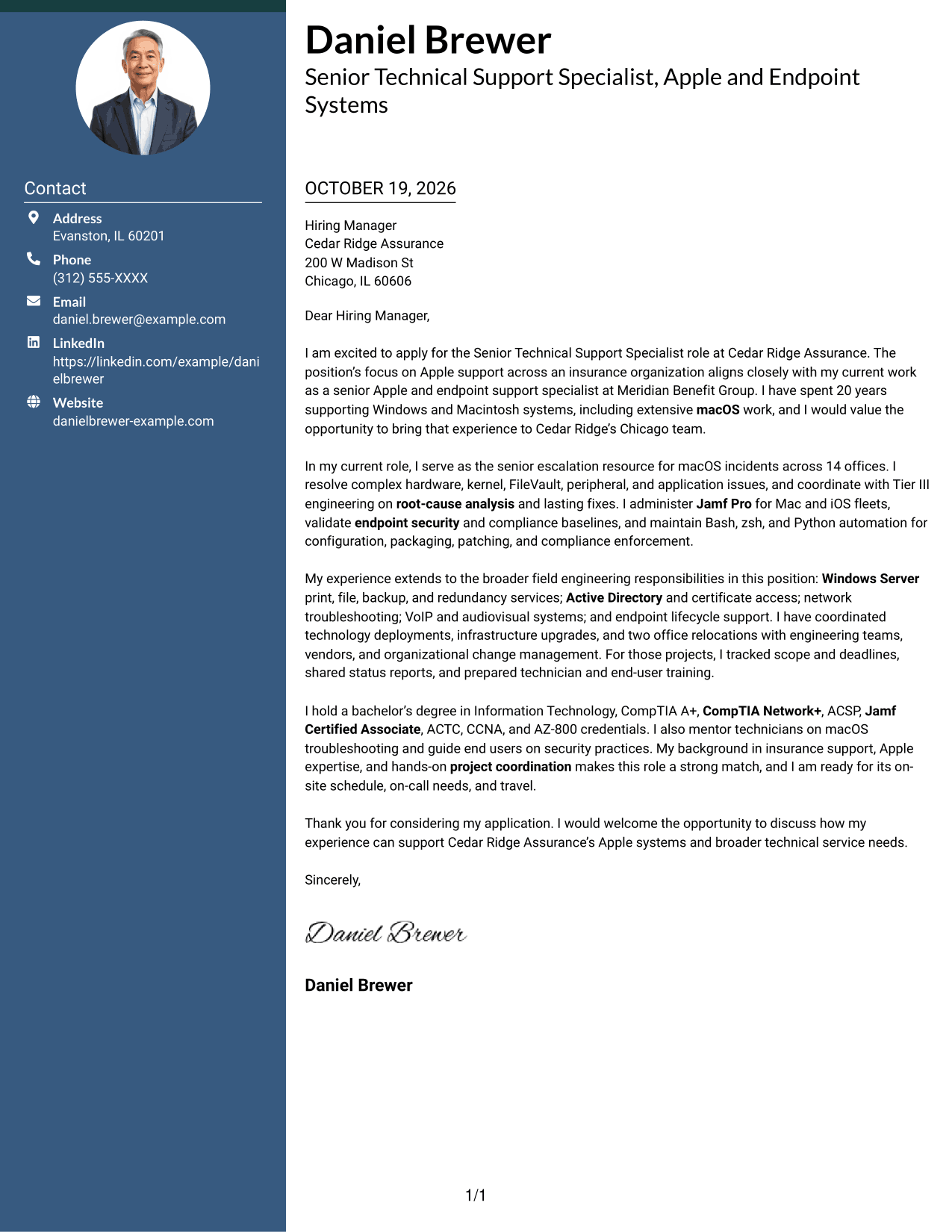
The Two Column Format places contact details in a sidebar beside one continuous letter body, keeping both visible without dividing the letter's argument.
Why This Format Works
- A contact sidebar separates sender details from the letter's persuasive paragraphs.
- The letter stays in one body column, keeping its opening and close in sequence.
- Side-by-side placement keeps contact details visible with the letter during review.
Best For
- Side-by-side contact placement
- One-column letter arguments
- Letters with detailed evidence
- Unheaded body paragraphs
- Text-led letter presentation
#3 Photo Header Two Column Format Cover Letter Example
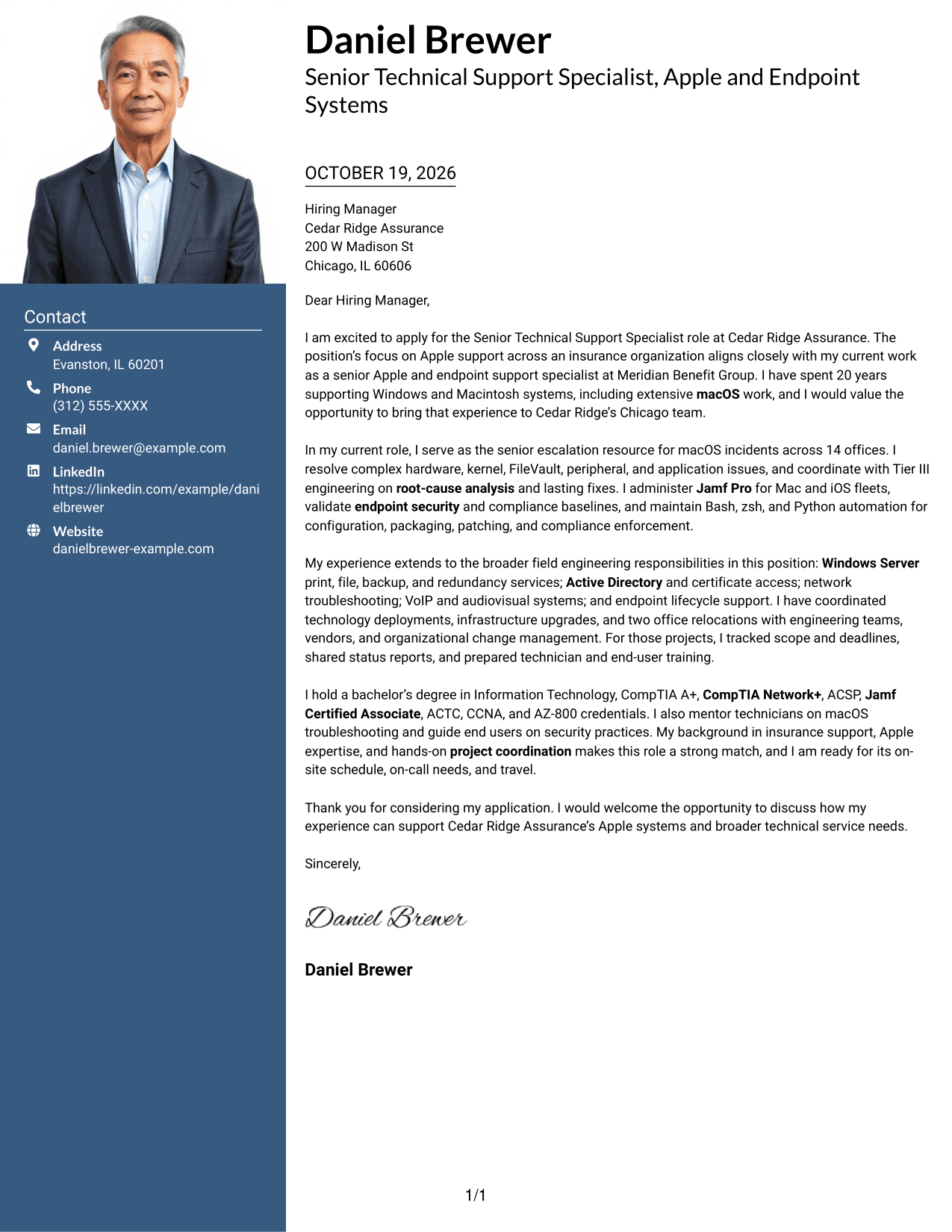
The Photo Header Two Column Format pairs a portrait with a contact sidebar beside one continuous letter body, for readers who want both visible.
Why This Format Works
- A portrait in the header adds a personal visual element to the two-column page.
- Contact details remain apart from the continuous letter body for quick reference.
- The single body column keeps motivation, evidence, and closing paragraphs in order.
Best For
- Portrait-inclusive correspondence
- Contact details beside the letter
- Letters with several evidence paragraphs
- Unheaded letter paragraphs
- Two-column page organization
#4 One Column Format with Photo Cover Letter Example
The One Column Format with Photo combines a portrait with a single letter column, a practical option for a simple page with a personal visual element.
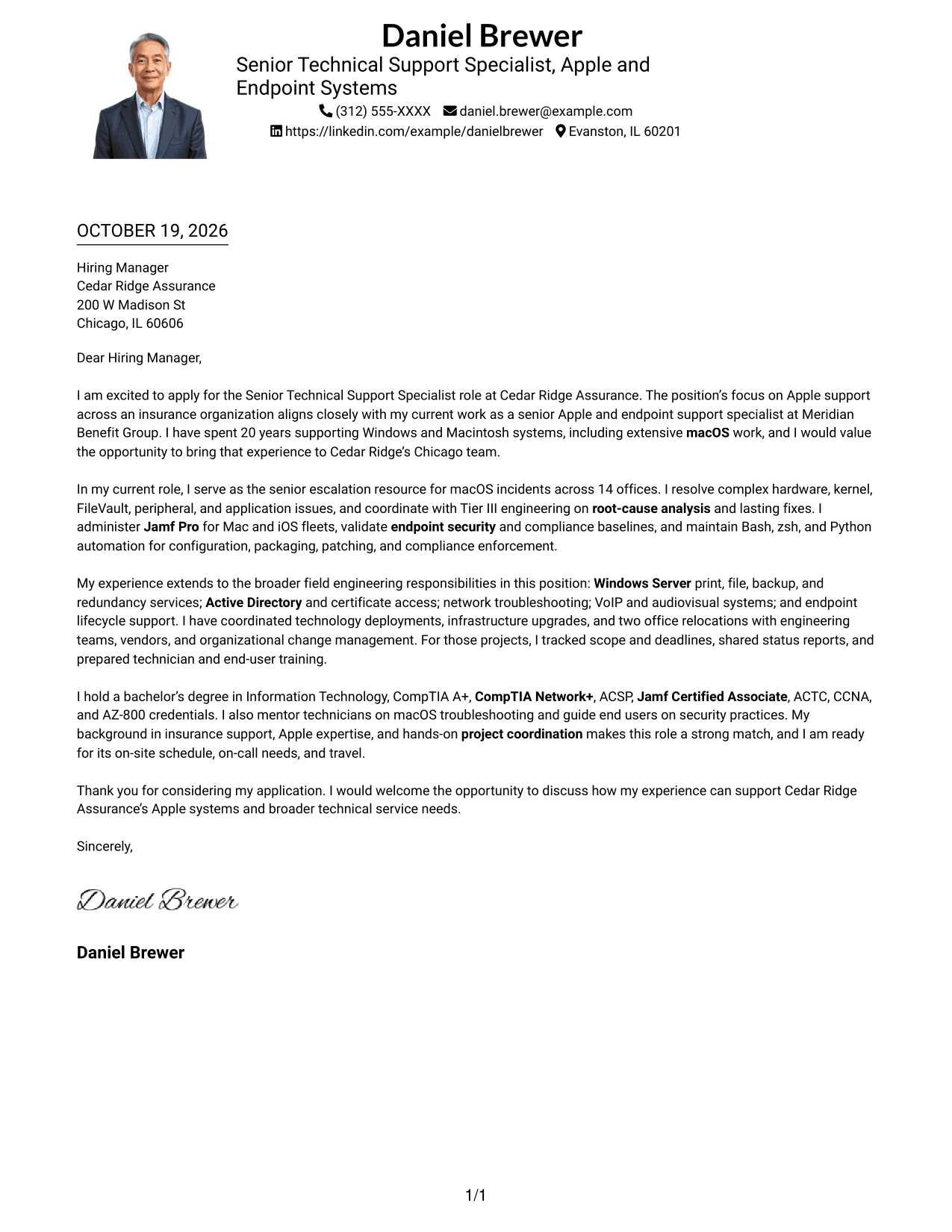
Why This Format Works
- The portrait adds a personal visual element without dividing the letter body.
- Sender details in the header keep contact information near the start of the page.
- One body column lets each paragraph build naturally toward the close.
Best For
- Portrait-inclusive letters
- Header-based sender details
- Single-column correspondence
- Letters with several evidence paragraphs
- Unheaded letter body text
#5 Simple Two Column Format Cover Letter Example
The Simple Two Column Format sets contact details in a sidebar and keeps the letter in one body column, offering a clear separation between contact information and the argument.
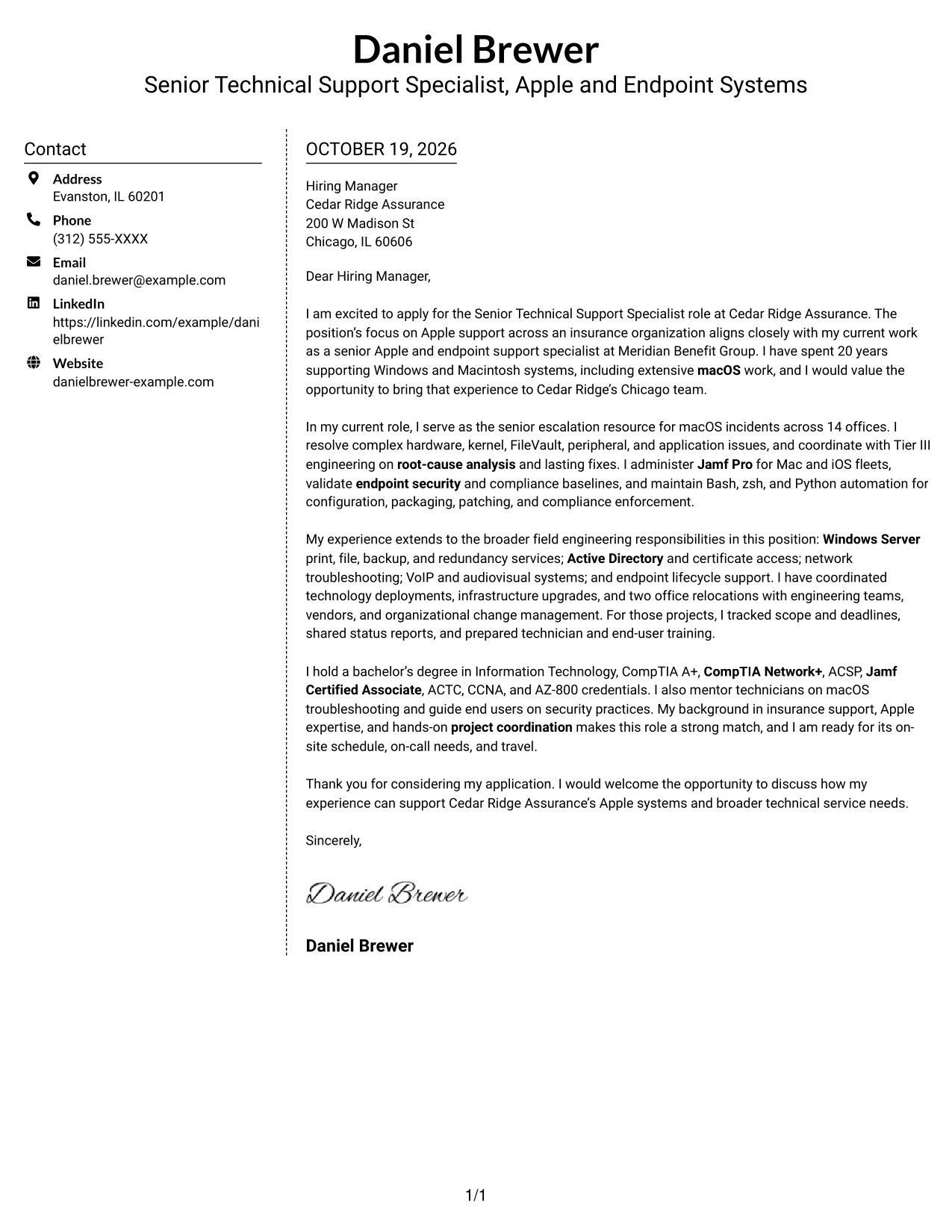
Why This Format Works
- The sidebar gives sender contact details a separate place beside the letter.
- One continuous body column keeps the letter's paragraphs in their intended order.
- A simple two-column arrangement presents contact information and letter text together.
Best For
- Sidebar contact presentation
- Continuous letter paragraphs
- Letters with detailed evidence
- Text without internal headings
- Photo-free correspondence
#6 Modern Icon Format Cover Letter Example
The Modern Icon Format uses a contact sidebar beside one continuous letter body, with icons serving as cues for contact details rather than argument sections.
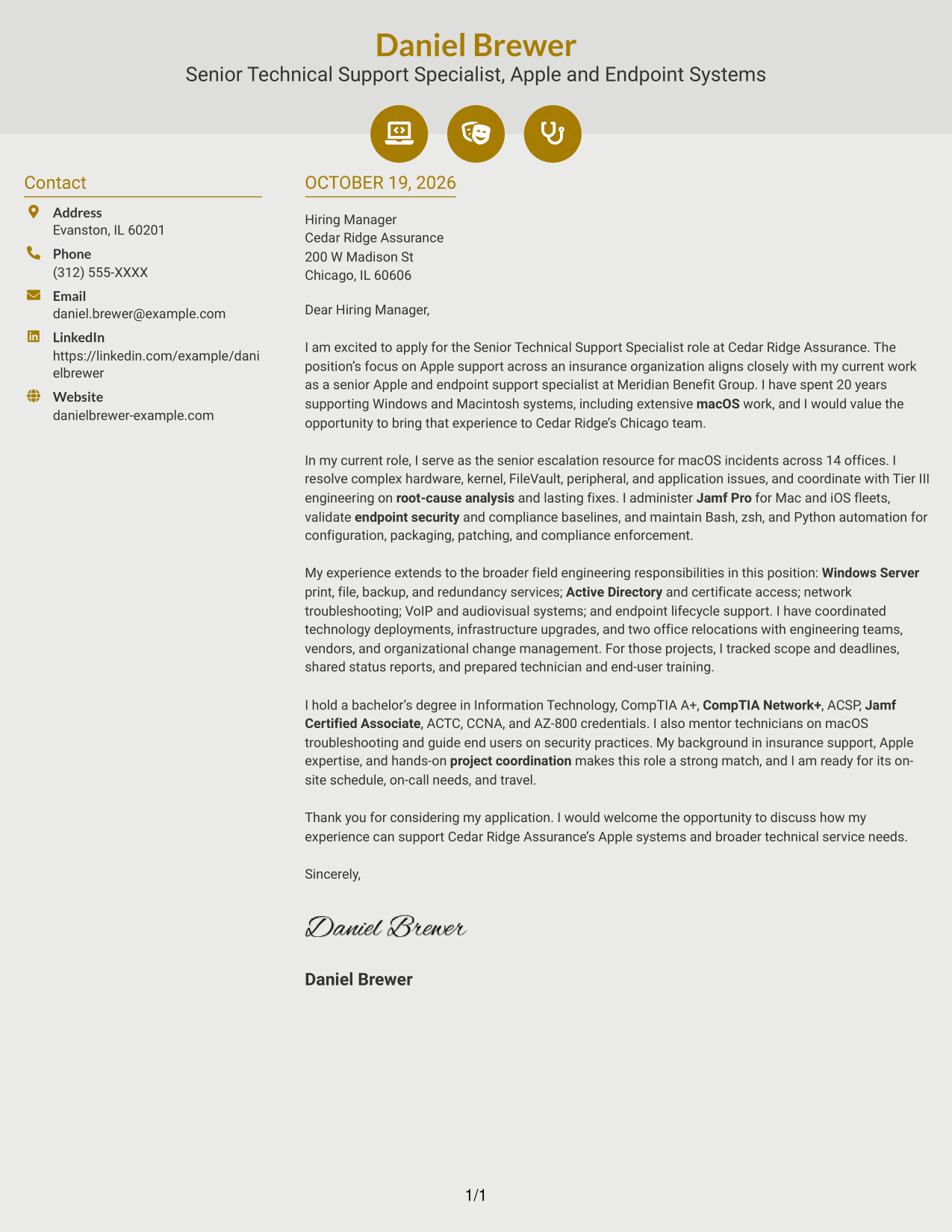
Why This Format Works
- Contact icons act as cues, helping readers locate sender details without labeling letter arguments.
- The sidebar keeps contact information distinct from the letter's uninterrupted paragraphs.
- A single body column preserves the sequence from opening through closing.
Best For
- Icon-marked contact details
- Side-by-side contact and letter
- Letters with several paragraphs
- Unheaded argument text
- Photo-free correspondence
#7 Creative Two Tone Format Cover Letter Example
The Creative Two Tone Format places a contact sidebar beside one uninterrupted letter body, a useful arrangement when contact details and the full argument should appear together.
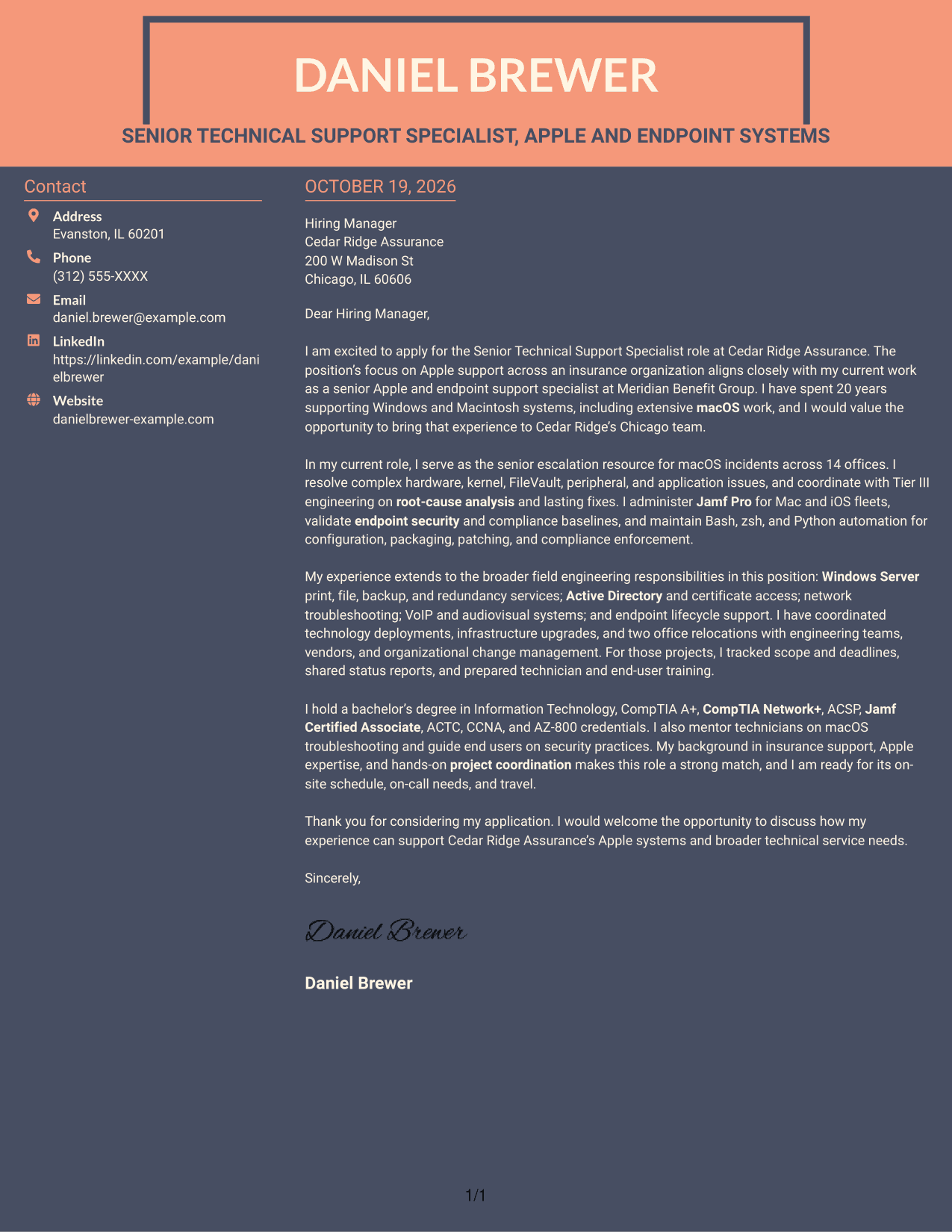
Why This Format Works
- The contact sidebar keeps sender information apart from the persuasive letter text.
- The body remains a single column, so the opening and close read as one argument.
- Contact details and letter paragraphs appear together without splitting the body.
Best For
- Contact information in a sidebar
- One-column letter arguments
- Letters with detailed evidence
- Text without internal headings
- Photo-free letter layouts
See Also
- 7 Senior Technical Support Specialist - Apple and macOS Systems Resume Templates with Example
- 7 IT Specialist I - Technical Support Resume Templates with Example
- 7 Senior Technical Support Engineer MI - I Resume Templates with Example
- 33 Technical Support Representative Resume Templates with Example 2026 (ATS-Optimized)
- 7 Technical Support Specialist Resume Templates with Example
- 7 Technical Product Manager (Systems) Resume Templates with Example
- 33 Business Systems Support Specialist 2 - Enterprise Applications Resume Templates with Example 2026 (ATS-Optimized)
- 33 Business Systems Support Specialist - Enterprise Applications Resume Templates with Example 2026 (ATS-Optimized)
- 30+ Technical Support Representative Cover Letter Templates with Example 2026
- 7 Automation Technical Service Representative - Packaging Equipment Cover Letter Templates with Example
Frequently Asked Questions
What should a Senior Technical Support Specialist - Apple and macOS Systems cover letter emphasize?
Explain your fit for advanced Apple support and the wider technical duties. Use relevant examples of macOS troubleshooting, enterprise MDM, endpoint security, scripting, or field project support, and connect them to the role.
How can I make this cover letter specific to the employer?
Refer to the employer’s stated support needs and explain why the work interests you. Show how your experience with Apple systems and broader field support relates to those needs without repeating the job description.
How should I describe complex macOS support work?
Keep the explanation direct. Name the type of issue, describe your role in investigating or resolving it, and mention the result when you can support it with a clear example.
Can I compare image previews and customize an example in the editor?
Yes. Review the PNG preview to see the letter’s layout, then use the editor link to view or customize the example.
Should I include every technical skill in my cover letter?
No. Choose the details that best support your fit for this role. Focus on a few useful examples, such as Apple support, Jamf administration, security work, scripting, or project coordination, and keep the letter easy to scan.




