
7 Service Desk Lead - Federal IT Support Cover Letter Templates with Example
This practical guide helps you create a Service Desk Lead - Federal IT Support cover letter by comparing seven layouts for clear, role-specific communication.
What Makes a Great Service Desk Lead - Federal IT Support Cover Letter in 2026
A strong letter connects service desk leadership to reliable federal user support, clear communication, and service-level results. Its opening should show your interest in leading secure, responsive support operations.
Use specific evidence of coaching technicians, managing ticket workflows, and improving service. Connect your experience with the employer’s needs, including security practices, reporting, or budget oversight when relevant.
The featured example moves from role motivation to team leadership, operational results, and a clear close. Adapt this focused progression and choose a presentation that fits the employer and the communication context.
#1 Simple One Column Format Cover Letter Example
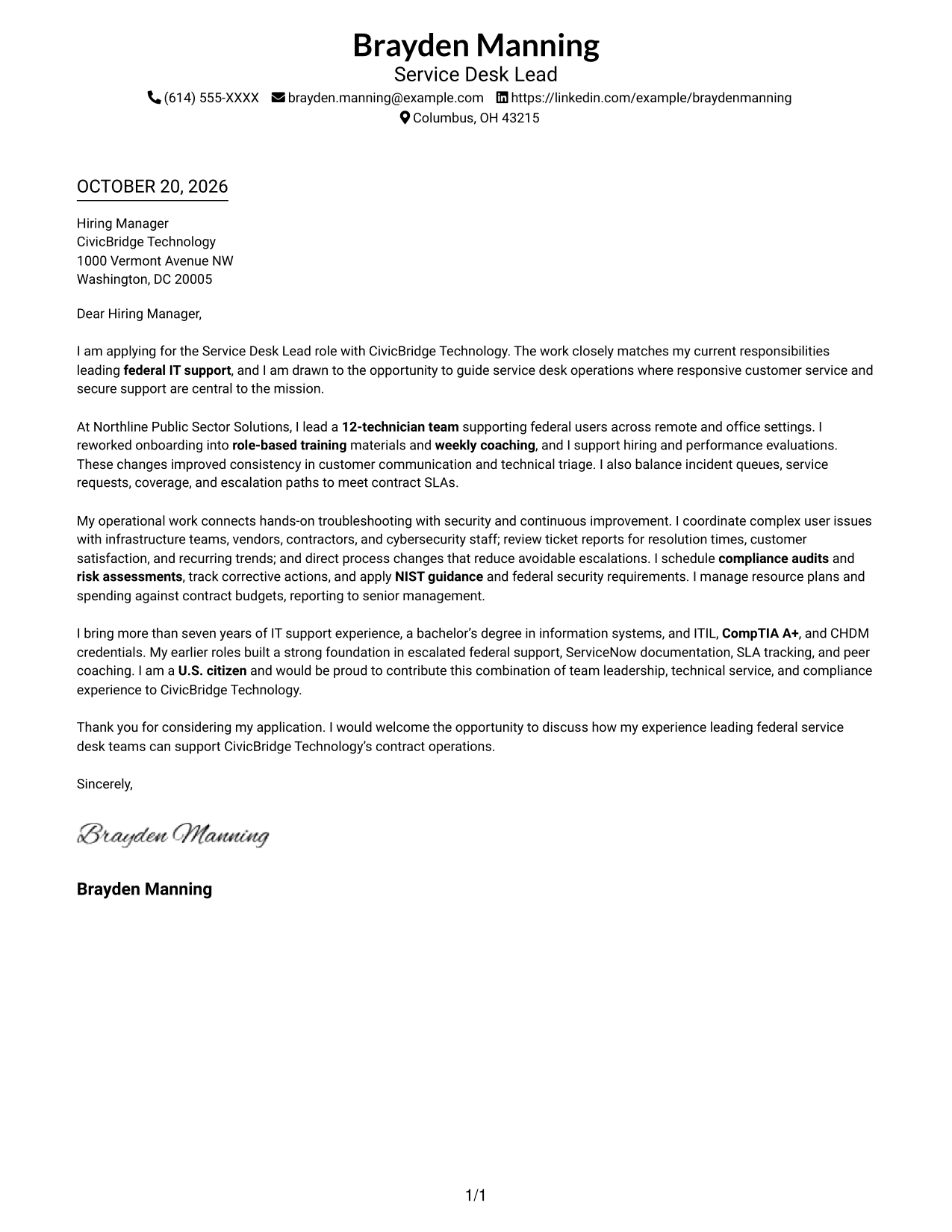
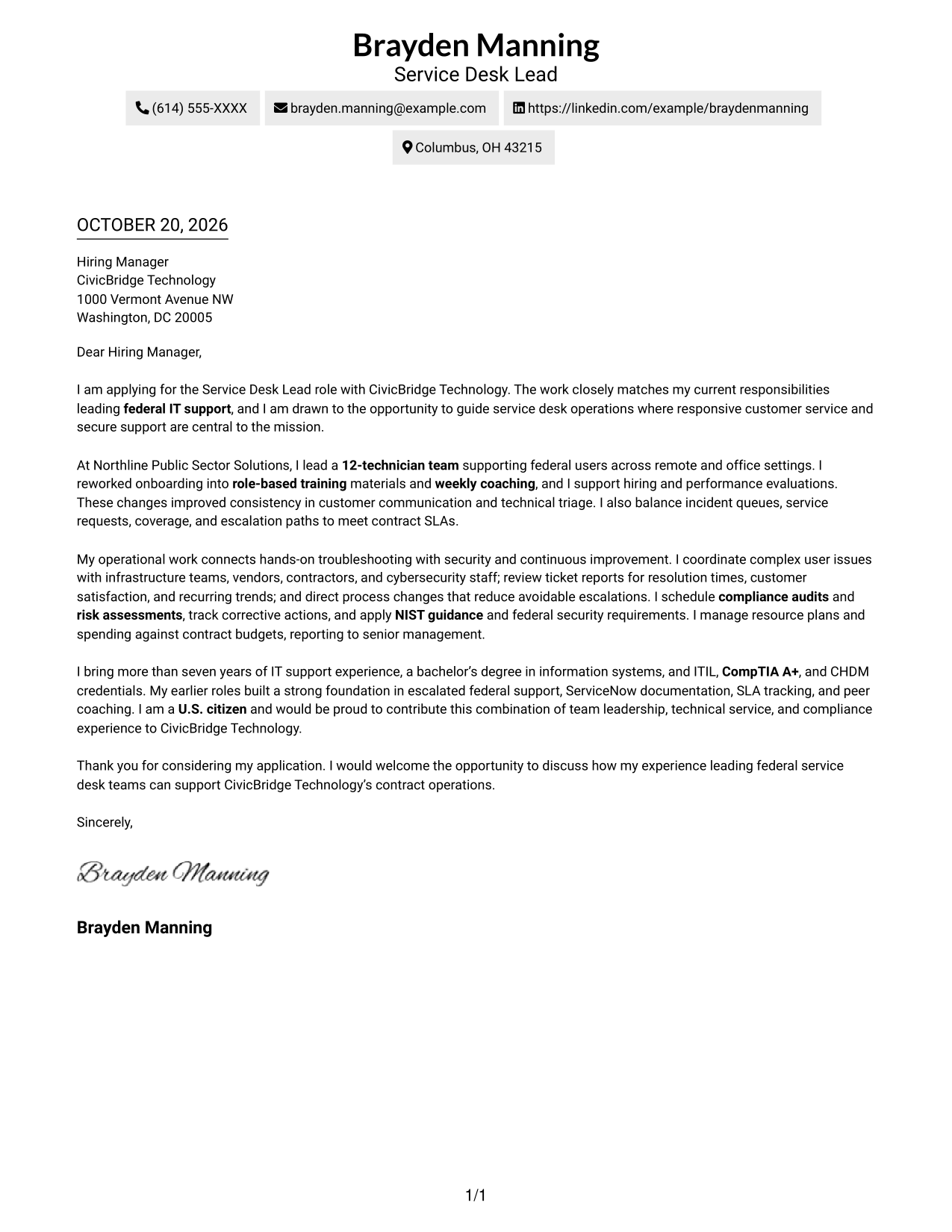
A single-column layout keeps sender details in the header and gives the letter one direct reading path.
Why This Format Works
- The single-column arrangement gives the letter one clear reading path.
- Header-based contact details stay distinct from the persuasive message.
- Paragraphs carry motivation and supporting evidence without extra section labels.
Best For
- Single-column reading preference
- Paragraph-based letter copy
- Header-based contact details
- Text-forward application materials
- Correspondence without a portrait
#2 Two Column Format Cover Letter Example
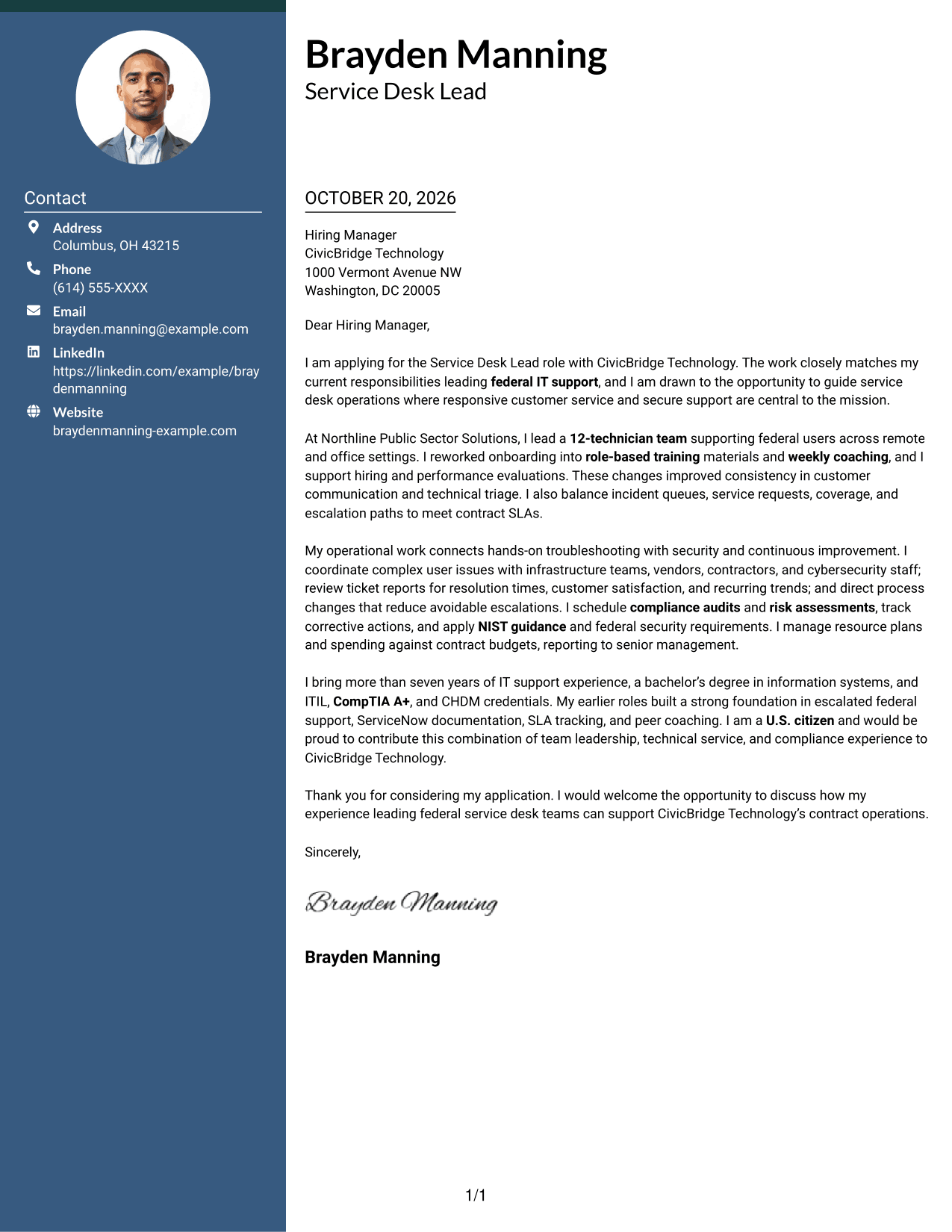
A contact sidebar sits beside one continuous letter body, keeping contact information apart from the message.
Why This Format Works
- Contact details sit apart from the message in a dedicated sidebar.
- One letter column keeps the opening, evidence, and close in order.
- The two-column page offers a side-by-side visual style for correspondence.
Best For
- Contact-sidebar organization
- Single-column letter body
- Two-column page preference
- Photo-free correspondence
- Paragraph-led application letters
#3 Photo Header Two Column Format Cover Letter Example
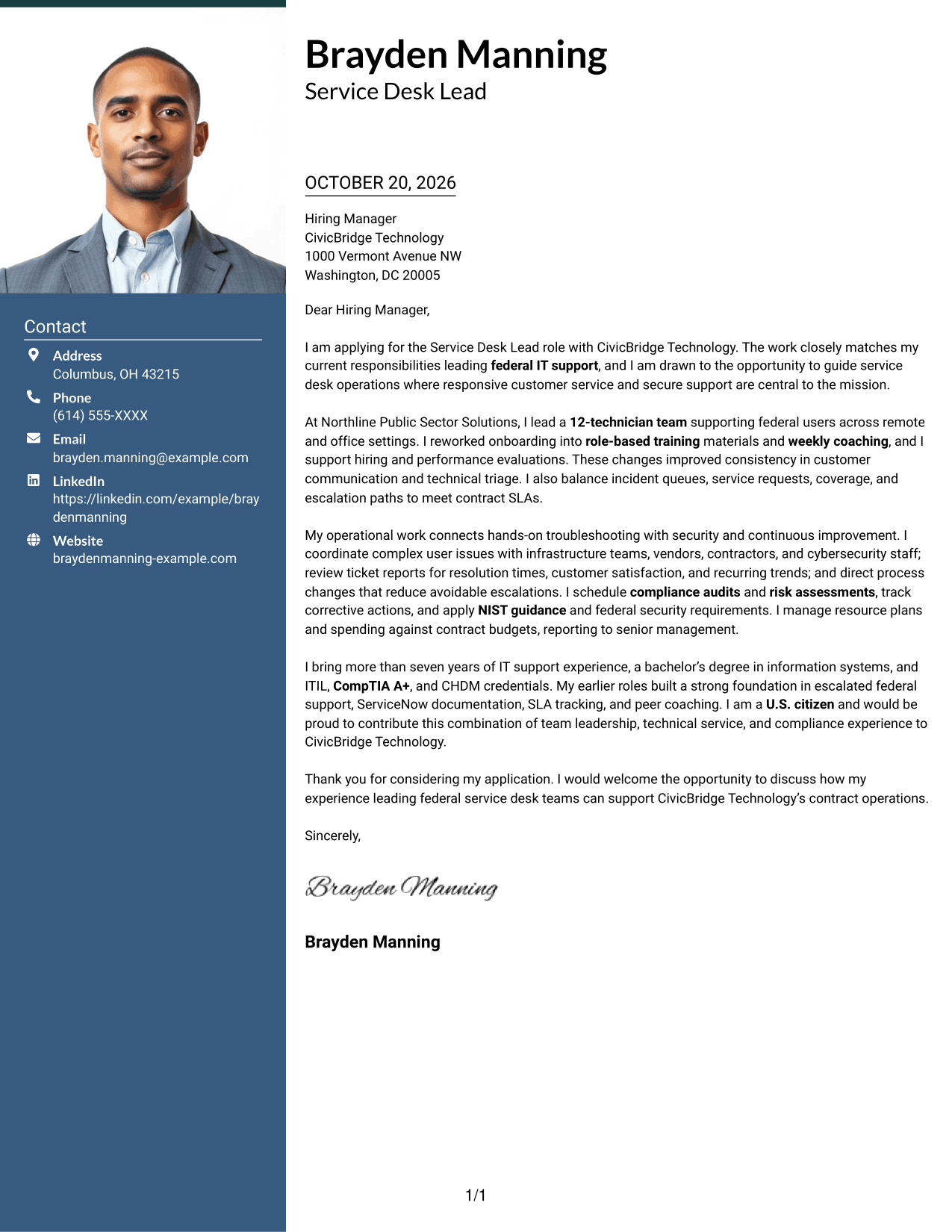
The photo header adds a portrait to the two-column layout, while the letter remains one continuous body.
Why This Format Works
- Contact information remains in a sidebar beside the uninterrupted letter body.
- A header portrait offers a visual choice without changing the letter's structure.
- Opening, evidence, and closing remain in one column for a steady sequence.
Best For
- Portrait-inclusive correspondence
- Sidebar contact reference
- Single-column letter body
- Continuous paragraph style
- Two-column page preference
#4 One Column Format with Photo Cover Letter Example
This one-column format includes a photo and keeps the letter body on a single reading path.
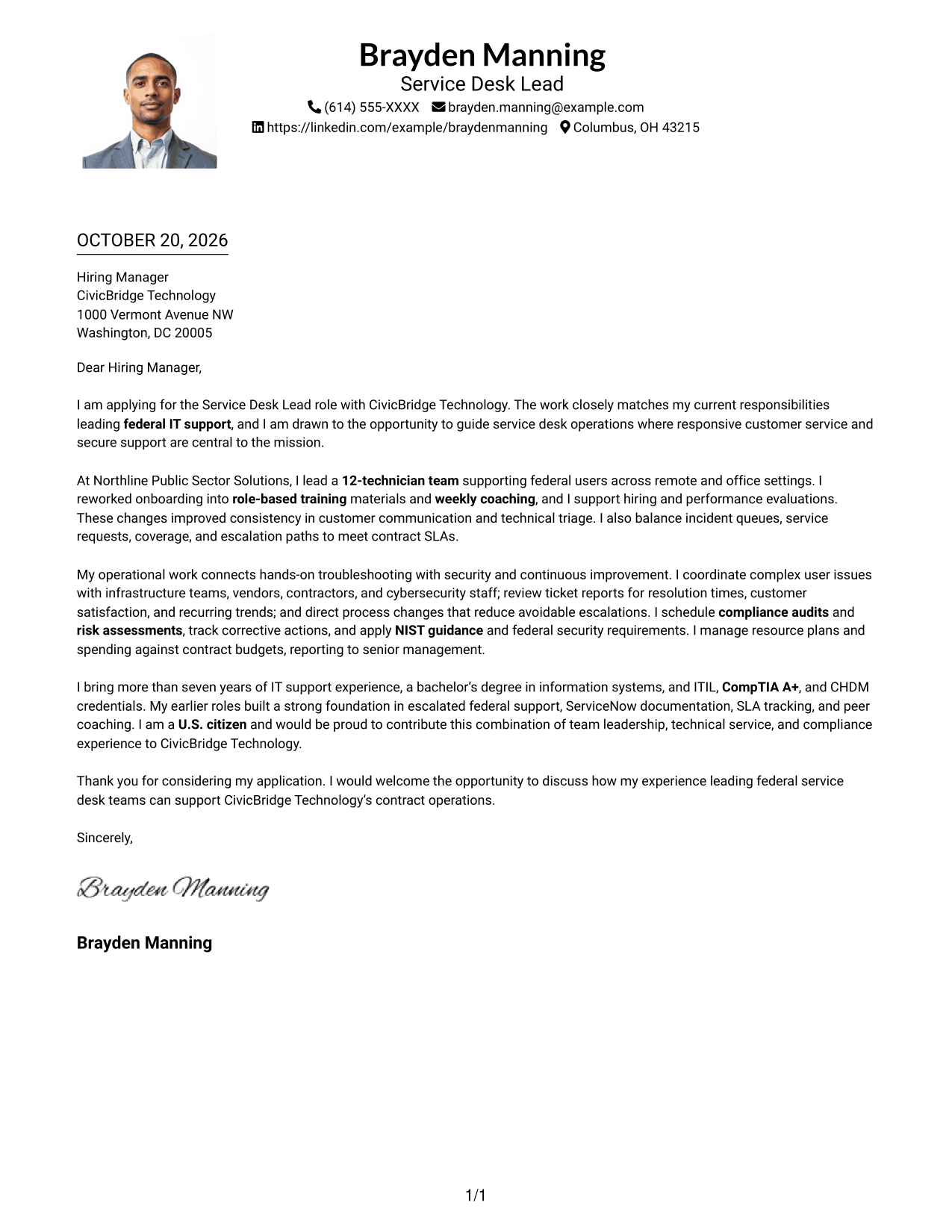
Why This Format Works
- The photo provides a portrait-based visual choice without changing the letter's structure.
- Header contact details remain apart from the letter's paragraphs.
- One body column keeps the message sequence easy to follow.
Best For
- One-column correspondence
- Portrait-bearing letters
- Header-based contact details
- Continuous paragraph copy
- Single-path reading preference
#5 Simple Two Column Format Cover Letter Example
A contact sidebar and a single letter column keep sender details separate from the continuous correspondence.
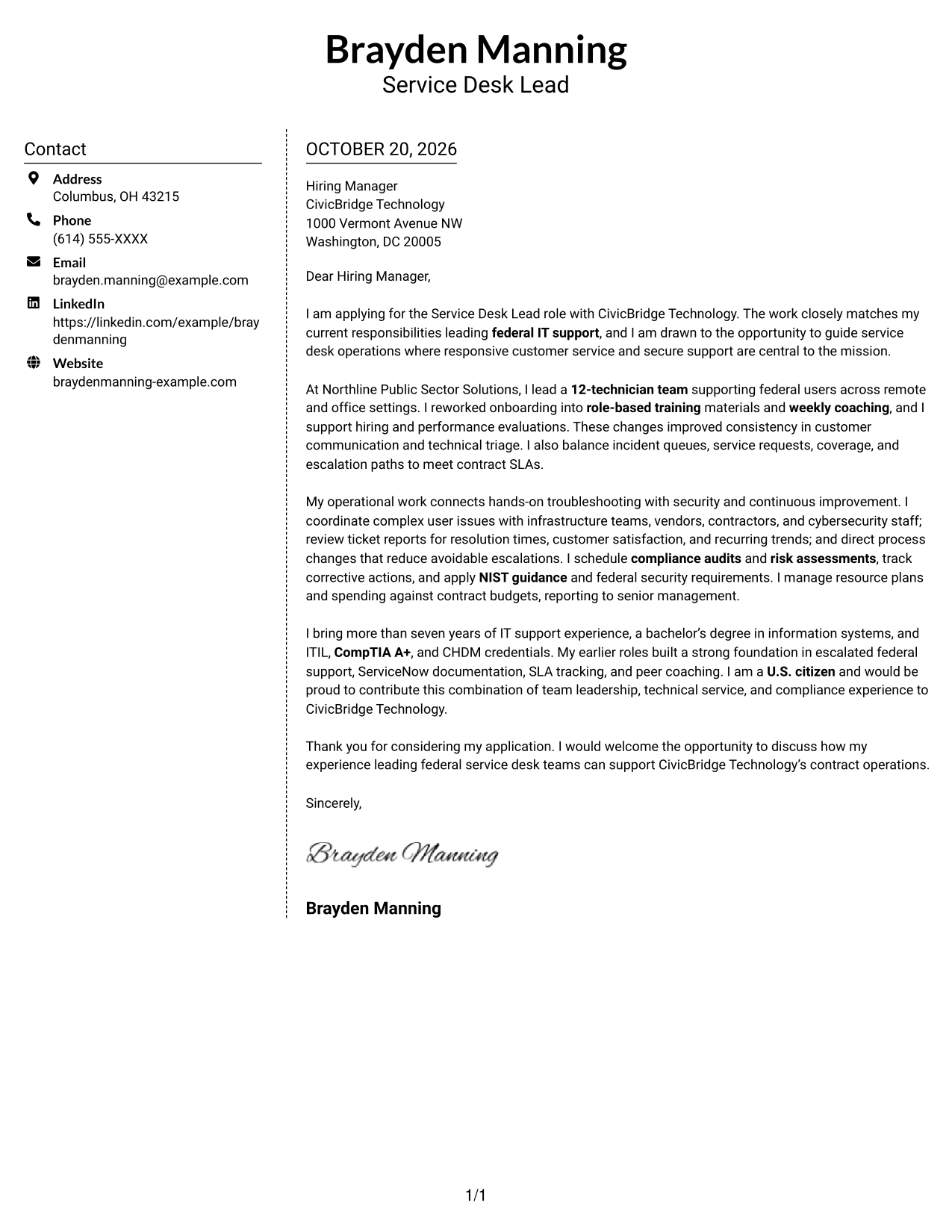
Why This Format Works
- Contact details have their own sidebar beside the letter's continuous paragraphs.
- Readers can follow the message in order within one body column.
- Two-column organization offers a side-by-side page style without splitting the letter.
Best For
- Separate contact reference
- Uninterrupted letter paragraphs
- Side-by-side page preference
- Letters with an unheaded body
- Photo-free correspondence
#6 Modern Icon Format Cover Letter Example
The two-column layout pairs a contact sidebar with one continuous letter body, and icons cue contact details.
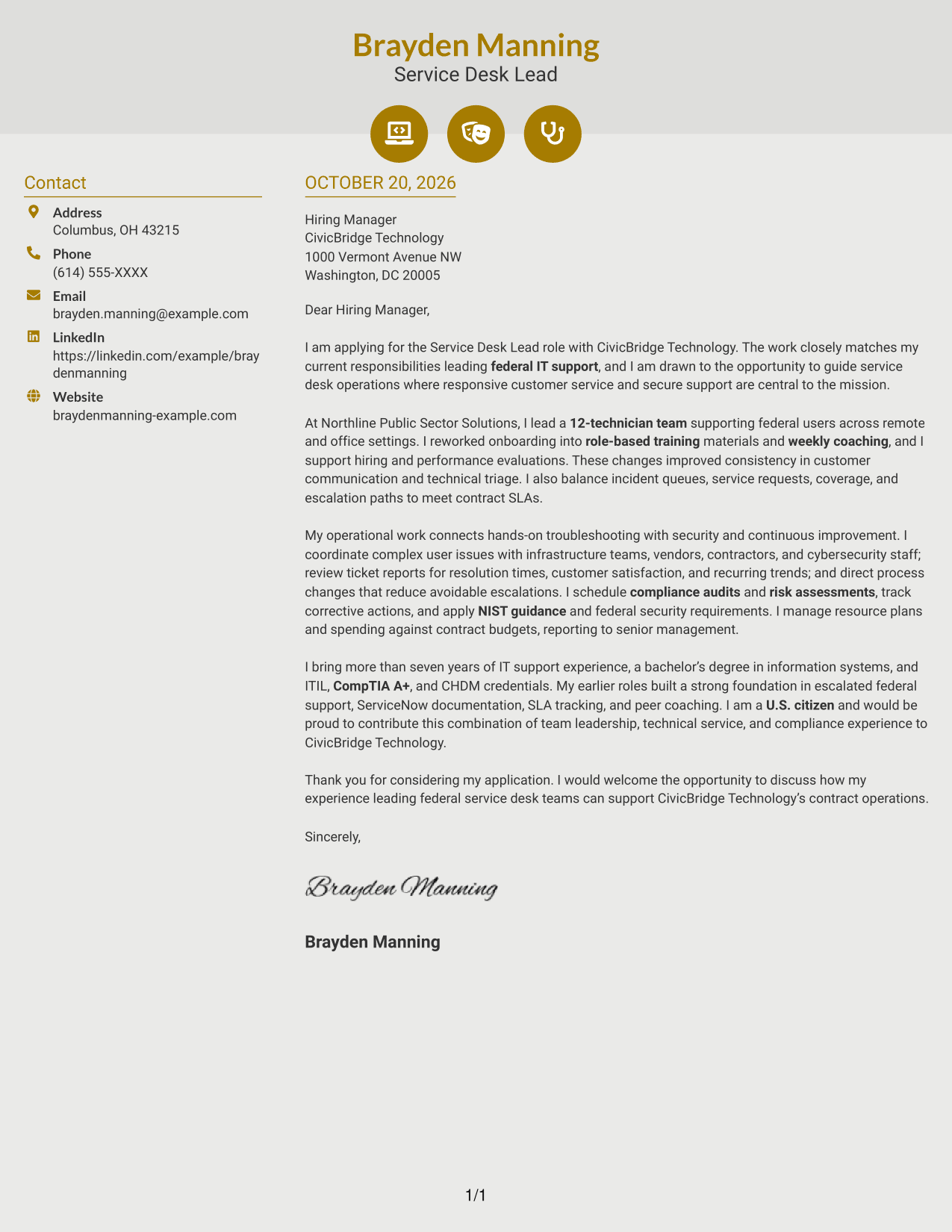
Why This Format Works
- Contact icons help readers identify sender details in the sidebar.
- The letter's single body column keeps its argument in paragraph order.
- The paired layout offers a distinct page structure for the correspondence.
Best For
- Icon-cued contact details
- Sidebar-based contact access
- Paragraph-ordered letter copy
- Two-column page organization
- No-photo correspondence
#7 Creative Two Tone Format Cover Letter Example
A contact sidebar sits beside one continuous letter body, giving sender details and correspondence separate places.
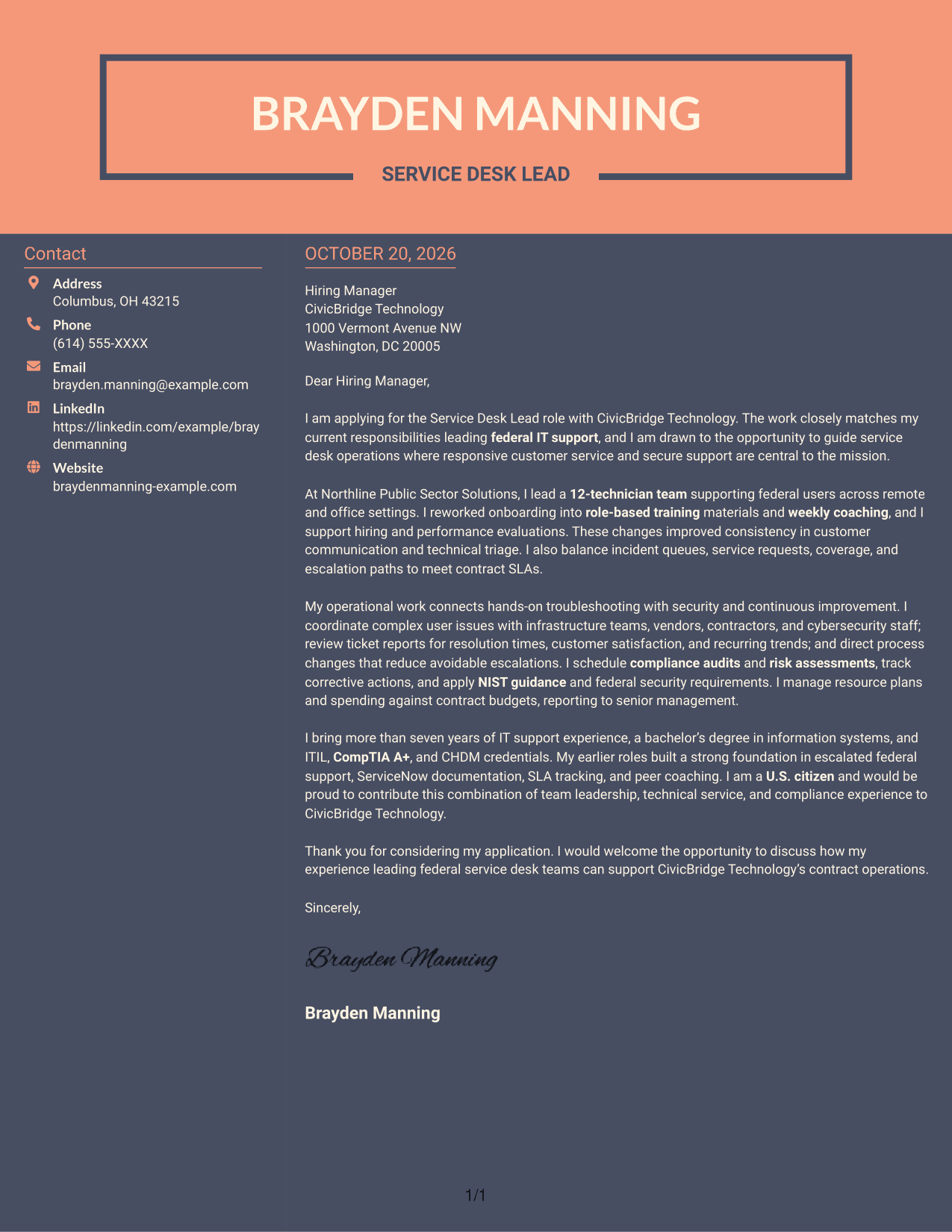
Why This Format Works
- Sender information stays separate from the correspondence in a dedicated sidebar.
- Opening, support, and closing paragraphs remain together in one letter column.
- The paired columns offer a distinct alternative to a single-column page.
Best For
- Separate sender details
- One-column letter text
- Continuous paragraph argument
- Side-by-side page preference
- Photo-free correspondence
See Also
- 7 Service Desk Lead - Federal IT Support Resume Templates with Example
- 7 Service Desk Analyst - Federal Application Support Resume Templates with Example
- 7 Senior Manager, Service Desk Resume Templates with Example
- 7 Service Desk Queue Specialist Resume Templates with Example
- 7 Front Desk Agent Resume Templates with Example
- 7 Front Desk Associate Resume Templates with Example
- 33 Medical Receptionist - Front Desk Resume Templates with Example 2026 (ATS-Optimized)
- 7 Office Assistant, Information Desk/Switchboard Operator Resume Templates with Example
- 7 Service Desk Analyst - Federal Application Support Cover Letter Templates with Example
- 7 Senior Manager, Service Desk Cover Letter Templates with Example
Frequently Asked Questions
What should a Service Desk Lead - Federal IT Support cover letter emphasize?
Show how you lead technicians, manage incidents and service requests, and keep support within contract SLAs. Include relevant evidence of secure federal IT operations, customer communication, and service improvements.
How can I make my cover letter specific to a federal service desk role?
Connect your experience to the role’s needs. When supported by your background, discuss NIST guidance, compliance reviews, risk assessments, coordination with cybersecurity teams, or service desk reporting.
How should I organize the opening, body, and closing?
Use the opening to name the role and explain your interest. Use the body to present relevant leadership and operational evidence, then close with a brief statement of interest in discussing your fit.
What cover letter style works well for this role?
Choose a clear, professional style with readable paragraphs and a simple visual order. Keep the focus on your message and make it easy for the hiring manager to follow your role fit.
How can I compare the cover letter examples?
Review the PNG preview to compare the visual presentation, then open an example in the editor to view or customize it for your application.




