
7 Software Engineer - AI-Enabled Mission Applications Cover Letter Templates with Example
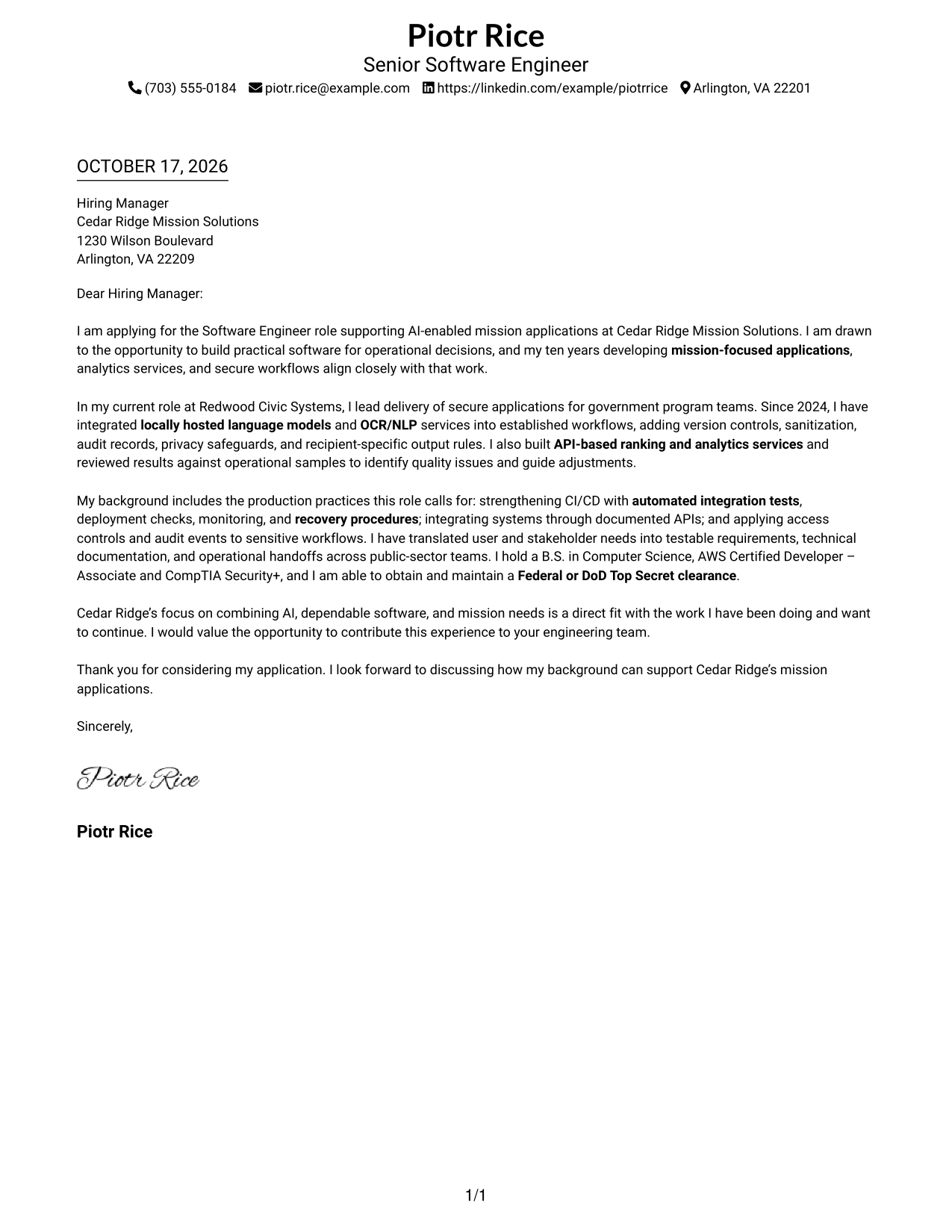
This practical guide helps you shape a focused Software Engineer - AI-Enabled Mission Applications cover letter across 7 layouts.
What Makes a Great Software Engineer - AI-Enabled Mission Applications Cover Letter in 2026
A strong letter connects your interest in mission-focused applications to the role’s need for dependable software and useful operational decisions. Its opening should state your fit clearly, then the body should show how your work supports that purpose.
Use specific evidence, such as integrating locally hosted language models and OCR/NLP into workflows, adding privacy and audit safeguards, and evaluating API-based ranking results. Close by linking that experience to the employer’s mission needs and the value you can contribute.
The featured example moves from role interest to specific evidence, then to supporting qualifications and a clear close. Adapt that progression while choosing a presentation that fits the employer and the communication context.
#1 Simple One Column Format Cover Letter Example
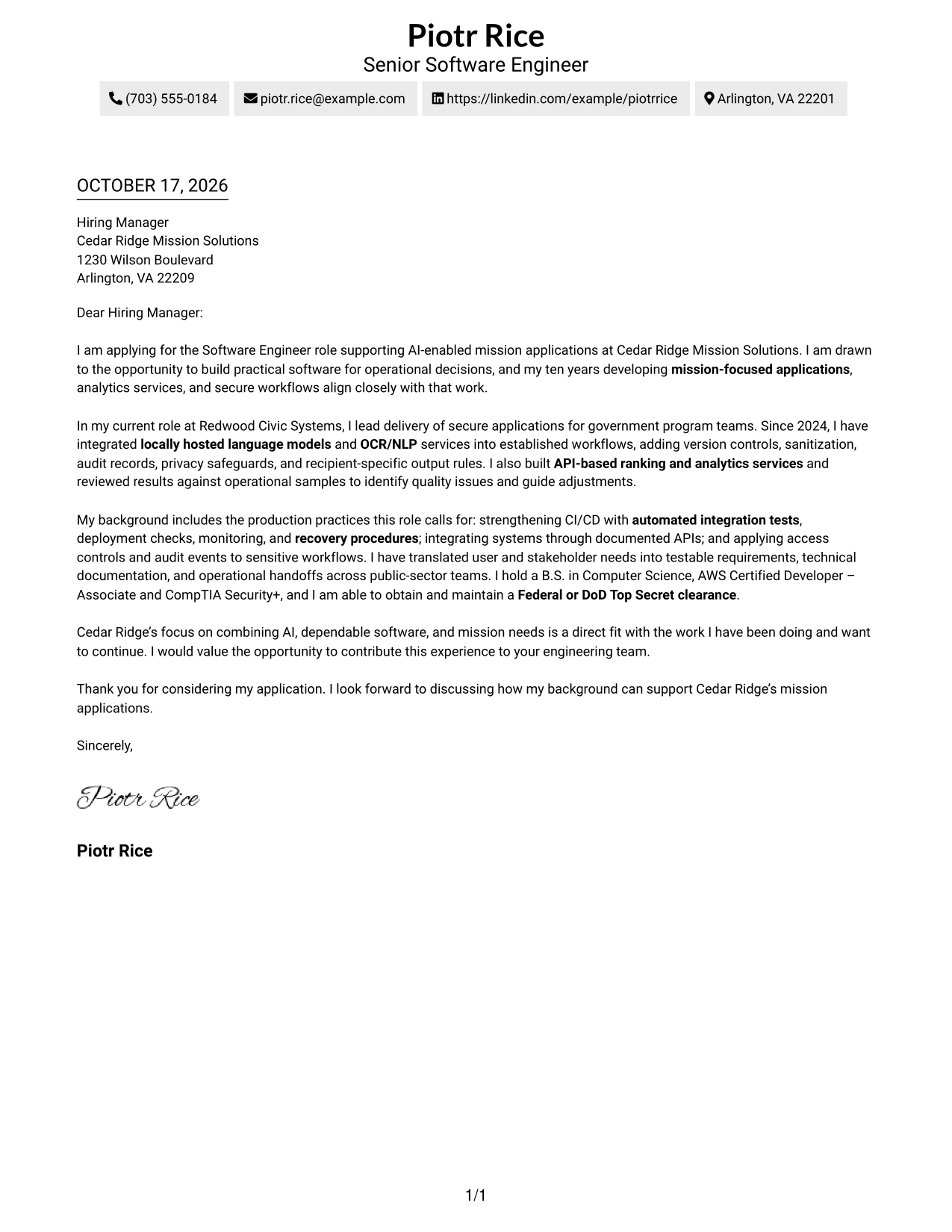
Simple One Column Format keeps sender details in the header and the letter in one column, giving the opening, evidence, and closing a direct reading path.
Why This Format Works
- Sender details stay in the header, keeping contact information apart from the letter’s message.
- One reading path lets reviewers follow motivation, supporting evidence, and the closing in order.
- Continuous paragraphs keep the application’s reasoning together without added section labels.
Best For
- Single-column letter reading
- Header-based contact details
- Continuous paragraph arguments
- Letters without body headings
- Photo-free document layouts
#2 Two Column Format Cover Letter Example
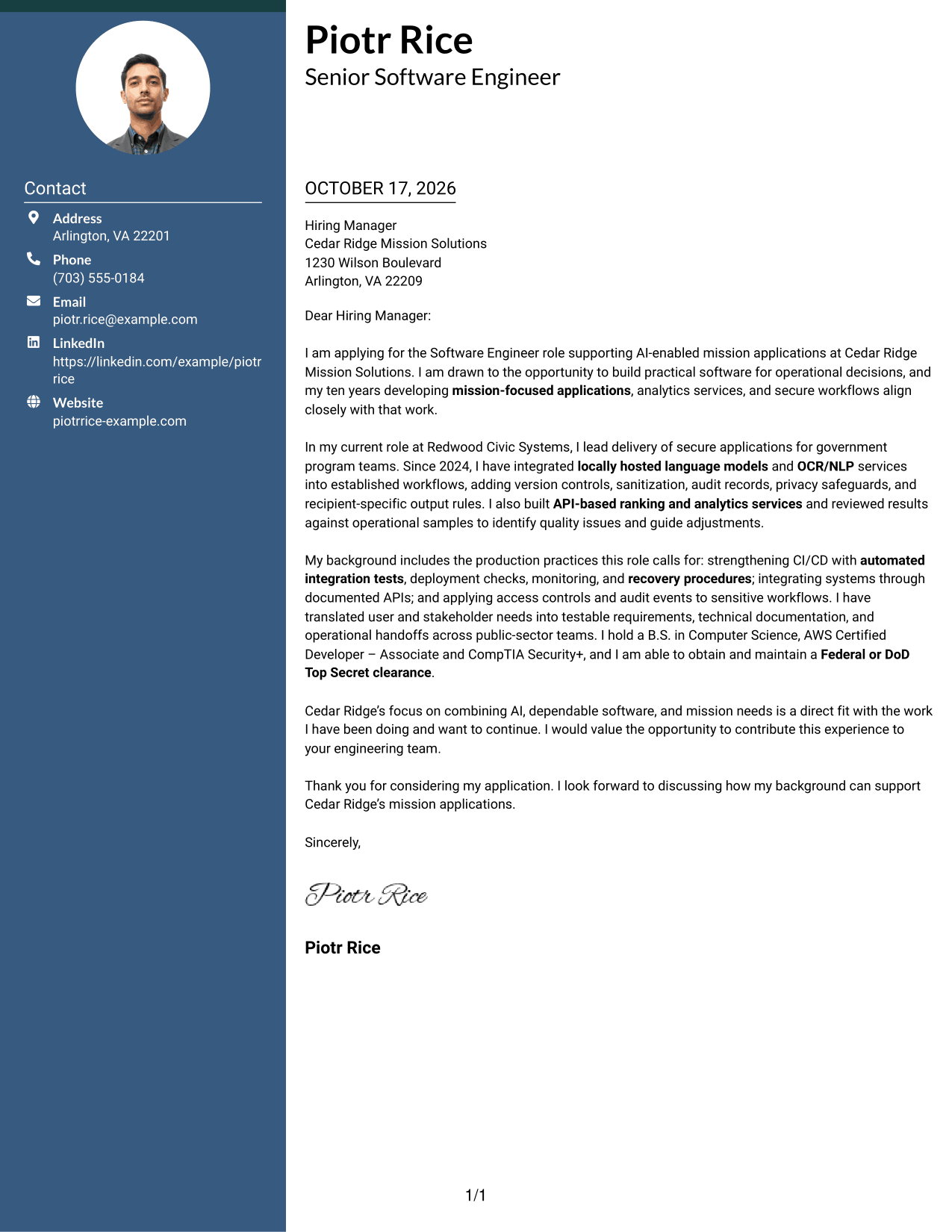
Two Column Format places a contact sidebar beside one continuous letter body, separating practical details from the message for a clear reading path.
Why This Format Works
- Contact information remains easy to locate without interrupting the letter’s paragraphs.
- Reviewers can follow the opening, evidence, and closing in one uninterrupted sequence.
- Keeping the message in one column avoids splitting its argument across parallel text.
Best For
- Contact details beside the letter
- Continuous paragraph arguments
- A clear contact area
- Letters without body headings
- One-direction reading order
#3 Photo Header Two Column Format Cover Letter Example
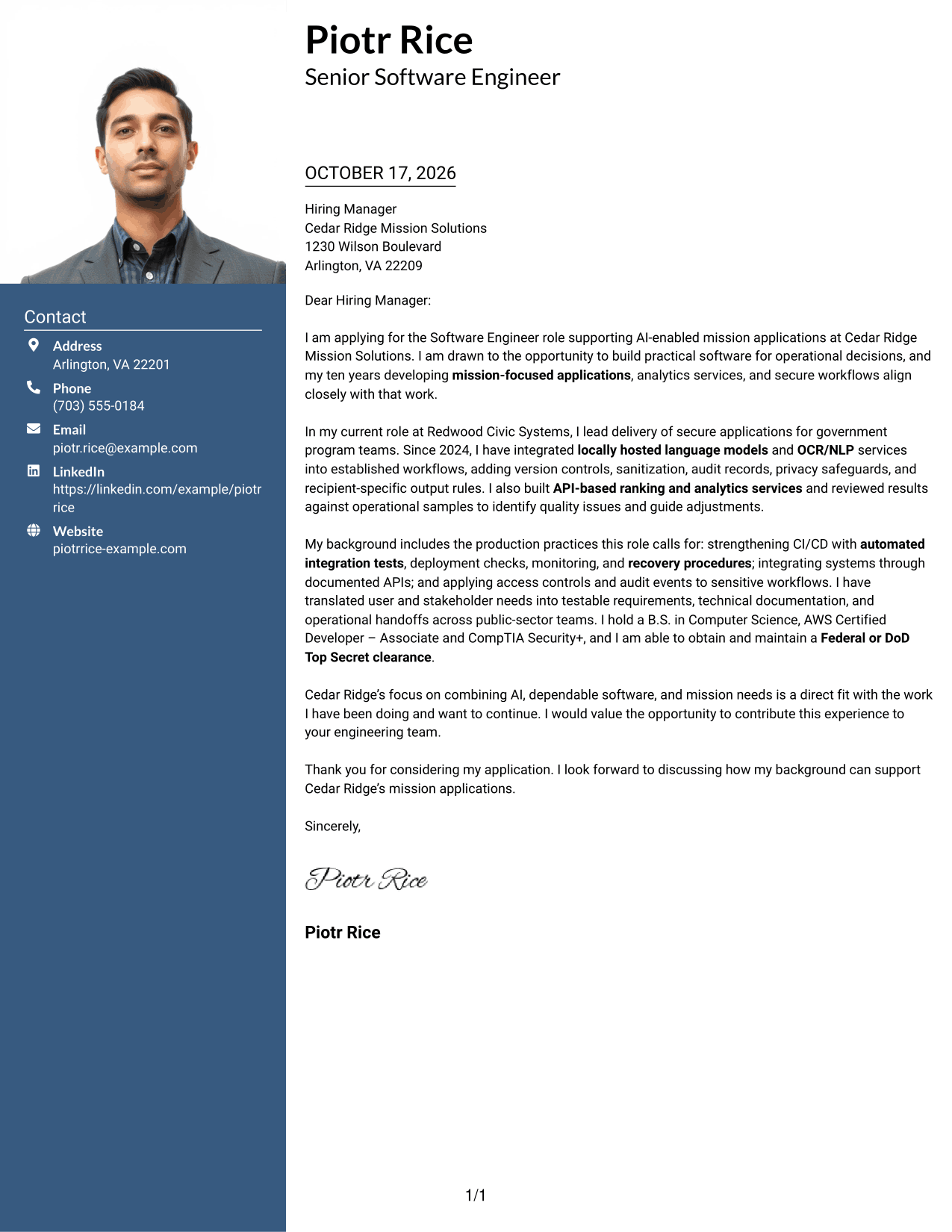
Photo Header Two Column Format pairs a portrait with a contact sidebar and one continuous letter body, suiting readers who want a visible photo without splitting the message.
Why This Format Works
- A portrait adds a visible personal element to the contact presentation.
- The sidebar keeps sender details apart from the letter’s argument.
- One continuous body lets reviewers read the opening, evidence, and closing in sequence.
Best For
- Letters with a visible portrait
- Contact details beside the message
- Continuous paragraph arguments
- A separate contact area
- Uninterrupted letter reading
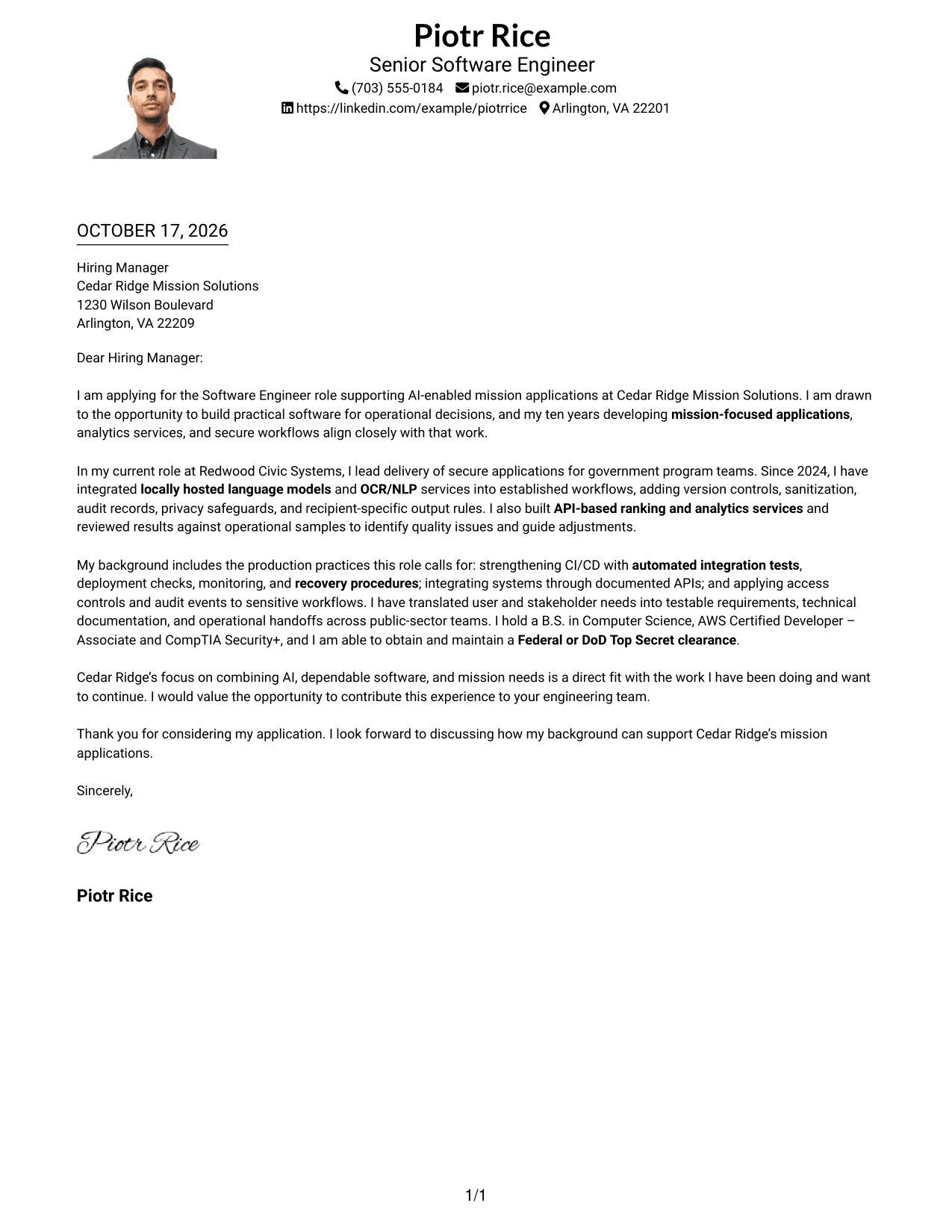
#4 One Column Format with Photo Cover Letter Example
One Column Format with Photo presents a portrait with sender details in the header, while the letter stays in one continuous column for a direct reading path.
Why This Format Works
- The portrait adds a visual point of identification without changing the letter’s message.
- Header-based contact details stay separate from the continuous body text.
- A single reading path keeps the opening, evidence, and closing in order.
Best For
- Letters with a header portrait
- Single-column letter reading
- Contact details above the message
- Continuous paragraph arguments
- Letters without body headings
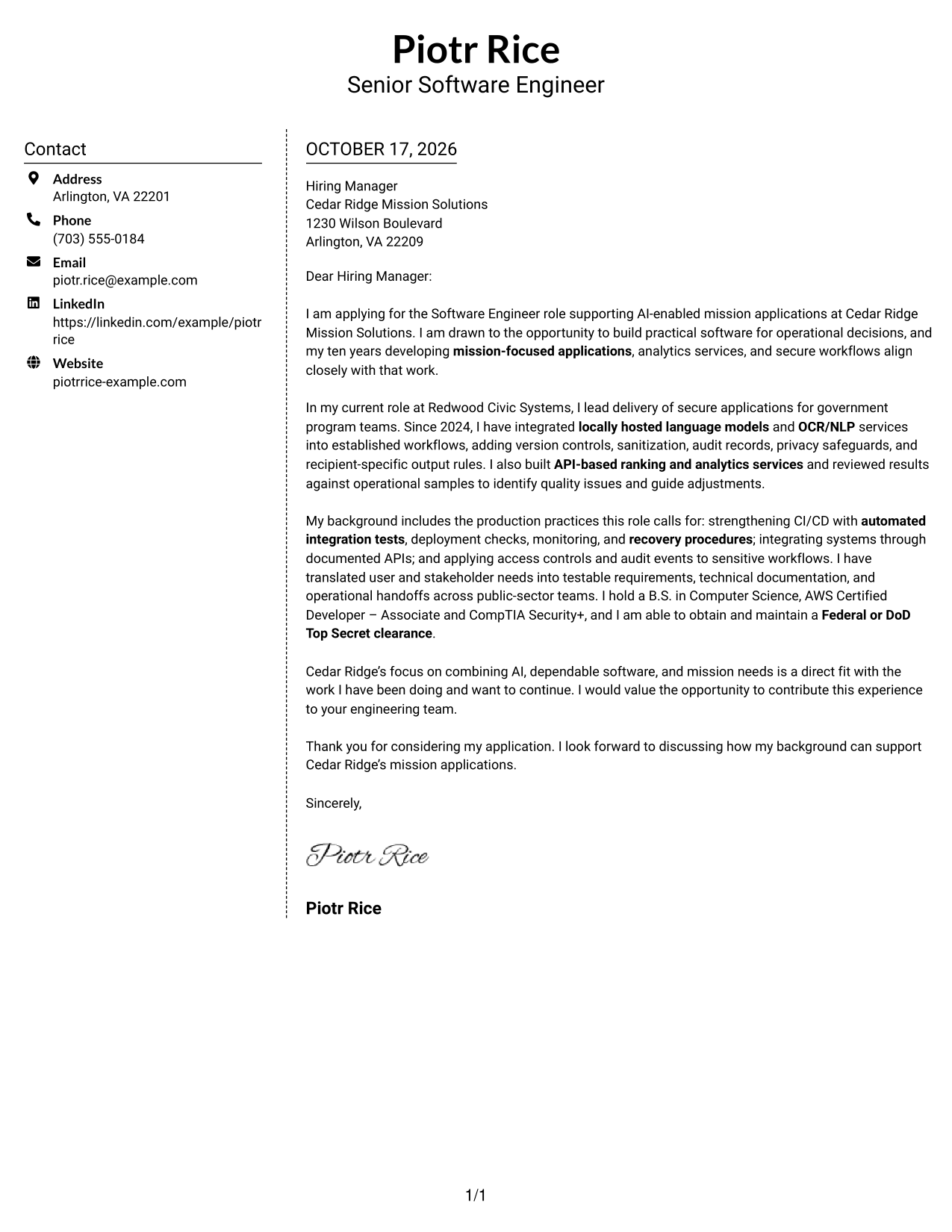
#5 Simple Two Column Format Cover Letter Example
Simple Two Column Format sets contact details in a sidebar beside one continuous letter body, a practical choice when contact information should remain distinct from the message.
Why This Format Works
- The sidebar gives contact details a separate place beside the letter.
- The body remains continuous, so the argument does not break into columns.
- Reviewers can read the opening, supporting points, and close in order.
Best For
- Contact information in a sidebar
- One continuous letter body
- Letters with no body headings
- A distinct contact area
- Sequential paragraph reading
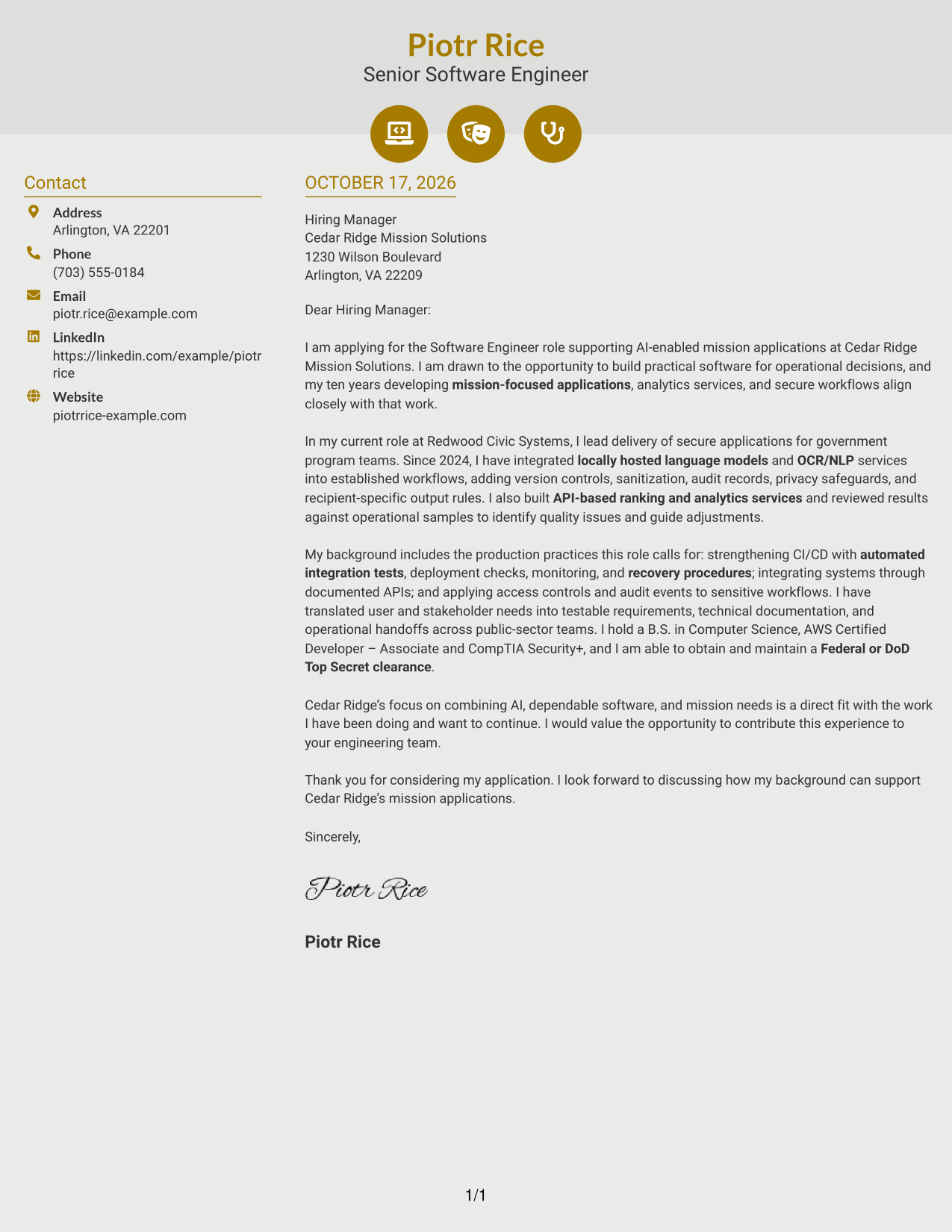
#6 Modern Icon Format Cover Letter Example
Modern Icon Format uses contact cues in a sidebar beside one continuous letter body, helping distinguish contact details while keeping the message together.
Why This Format Works
- Contact icons provide visual cues for sender details, not for the letter’s argument.
- The sidebar separates contact information from the message itself.
- A single body column keeps the opening, evidence, and closing in sequence.
Best For
- Icon cues for contact details
- Contact sidebar beside the letter
- Continuous paragraph arguments
- Letters without body headings
- A clear reading sequence
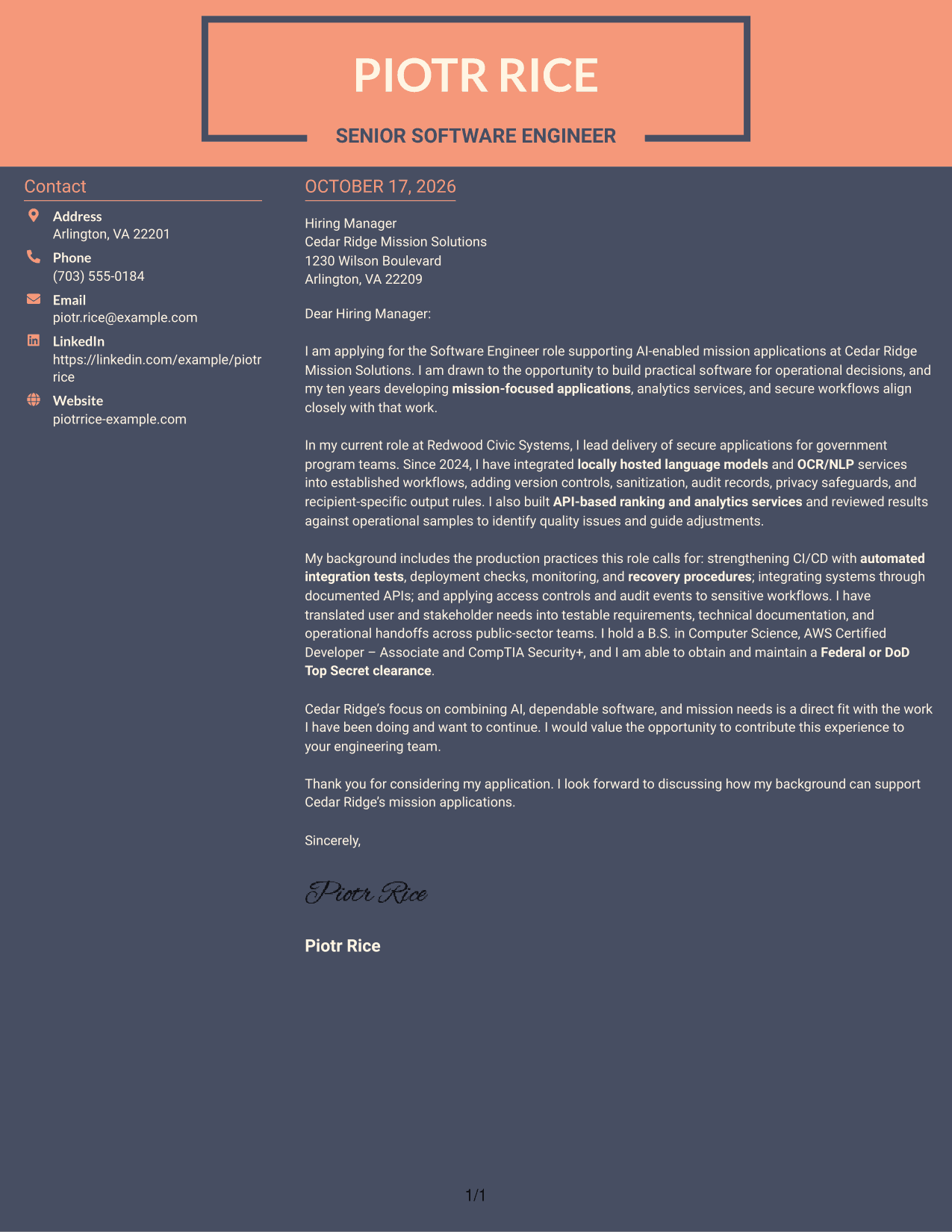
#7 Creative Two Tone Format Cover Letter Example
Creative Two Tone Format places a contact sidebar beside one continuous letter body, keeping practical details distinct from the message while preserving a single reading path.
Why This Format Works
- The contact sidebar keeps sender information apart from the letter’s paragraphs.
- Reviewers can follow the message from its opening through its closing.
- Keeping all paragraphs in one body column avoids a split argument.
Best For
- Contact details beside the message
- One-column letter body
- Continuous paragraph arguments
- A separate sender information area
- Letters without body headings
See Also
- 7 Software Engineer - AI-Enabled Mission Applications Resume Templates with Example
- 7 Software Engineer - AI-Enabled Mission Systems Resume Templates with Example
- 7 Principal Software Engineer - Application Lifecycle Resume Templates with Example
- 33 Senior Software Engineer - Application Platform Resume Templates with Example
- 7 Software Engineer II - Real-Time Applications Resume Templates with Example
- 33 AI Fullstack Software Engineer-Intern Resume Templates with Example 2026 (ATS-Optimized)
- 33 AI Fullstack Software Engineer Resume Templates with Example 2026 (ATS-Optimized)
- 33 AI Platform & Integrations Software Engineer Resume Templates with Example 2026 (ATS-Optimized)
- 7 Software Engineer - AI-Enabled Mission Systems Cover Letter Templates with Example
- 30+ AI Fullstack Software Engineer Cover Letter Templates with Example 2026
Frequently Asked Questions
What should the opening paragraph say for this role?
State your interest in the Software Engineer - AI-Enabled Mission Applications role and connect it to building dependable software for operational decisions. Keep the opening focused, then use the body to support your fit with clear examples.
What does the featured cover letter emphasize?
It describes integrating locally hosted language models and OCR/NLP into established workflows, adding privacy safeguards and audit records, and evaluating API-based ranking results. It also connects those examples to reliable releases and mission needs.
Which cover letter layout should I choose?
Choose a clear, readable presentation that fits the employer’s communication style and the way you want to present your message. Compare the image previews, then open an example in the editor if you want to view or customize it.
How can I show that my experience fits the role?
Use specific examples that show how you integrated applications, evaluated AI or analytics results, protected sensitive information, and supported reliable releases. Explain why that work matters for the role’s mission-focused needs.
Should I use a photo on my cover letter?
For U.S. applications, a cover letter without a photo is usually a suitable choice. A clean layout keeps attention on your message and the evidence you share.




