
7 Software Engineer - AI-Enabled Mission Applications Resume Templates with Example
This guide shows you how to build a Software Engineer - AI-Enabled Mission Applications resume that clearly presents your fit for the role. You will learn how to organize your experience and choose a layout that makes your engineering work easy to review.
A strong resume connects software delivery to mission needs with clear examples of application development, API integration, AI/ML evaluation, and reliable production workflows. Show how you protect sensitive data through access controls, audit records, privacy safeguards, and careful release practices.
The guide presents one resume example in 7 layouts, with PNG image previews to compare. Use the editor links to view or customize the example, then shape your resume around relevant skills such as Python, Java, OCR/NLP, ranking models, automated testing, and CI/CD.
What Makes a Great Software Engineer - AI-Enabled Mission Applications Resume in 2026
A clear resume puts relevant engineering experience, skills, and education where readers can find them quickly. Use concise bullets to show how your work supported reliable applications and operational decisions.
Include accurate role keywords such as AI/ML evaluation, locally hosted LLMs, OCR/NLP, REST APIs, CI/CD, automated testing, access controls, data governance, and production monitoring. Support them with specific work examples, not a keyword list alone.
Note: Resume examples are for educational purposes only. Use only information that accurately reflects your experience and qualifications. References to real organizations do not imply affiliation or endorsement.
#1 Simple One Column Format Resume Example
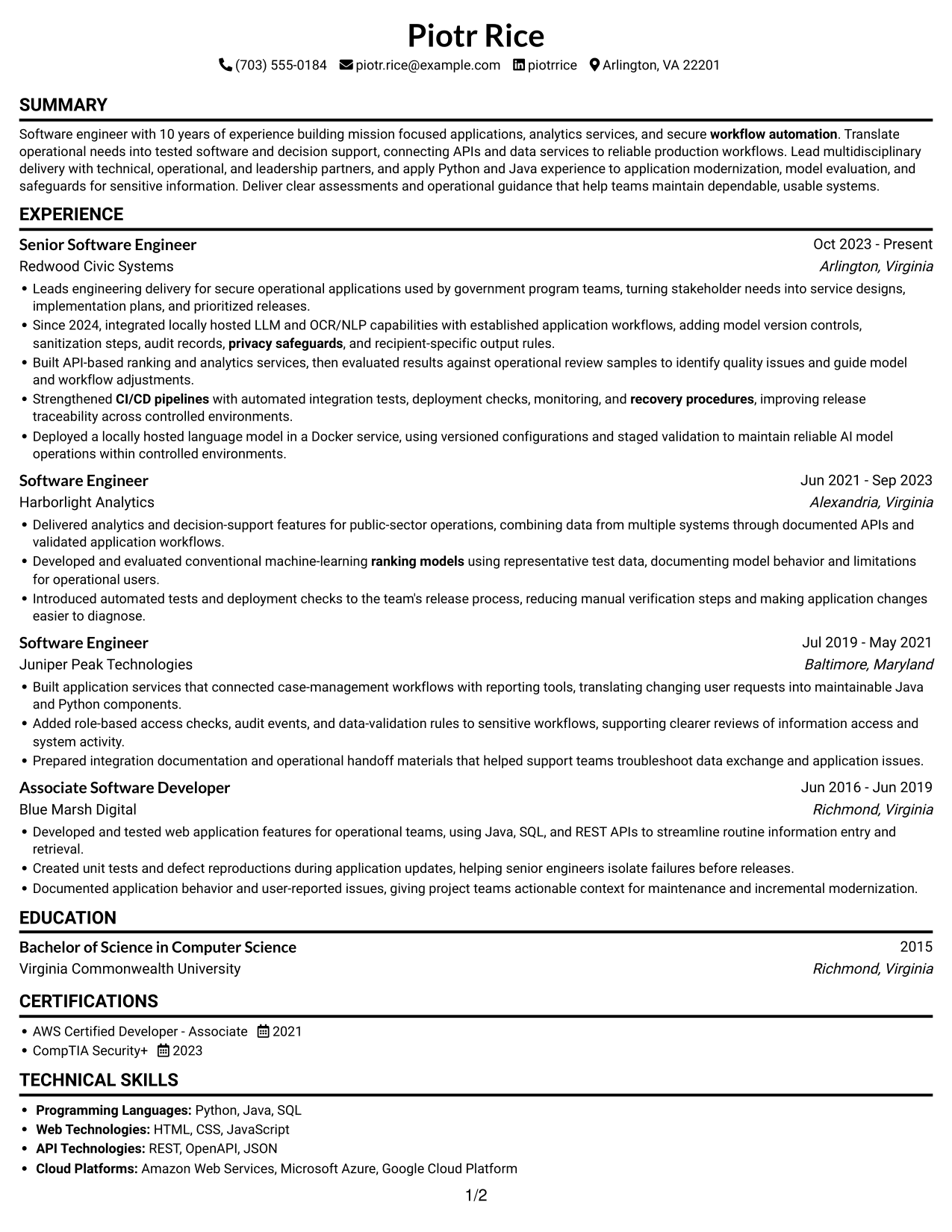
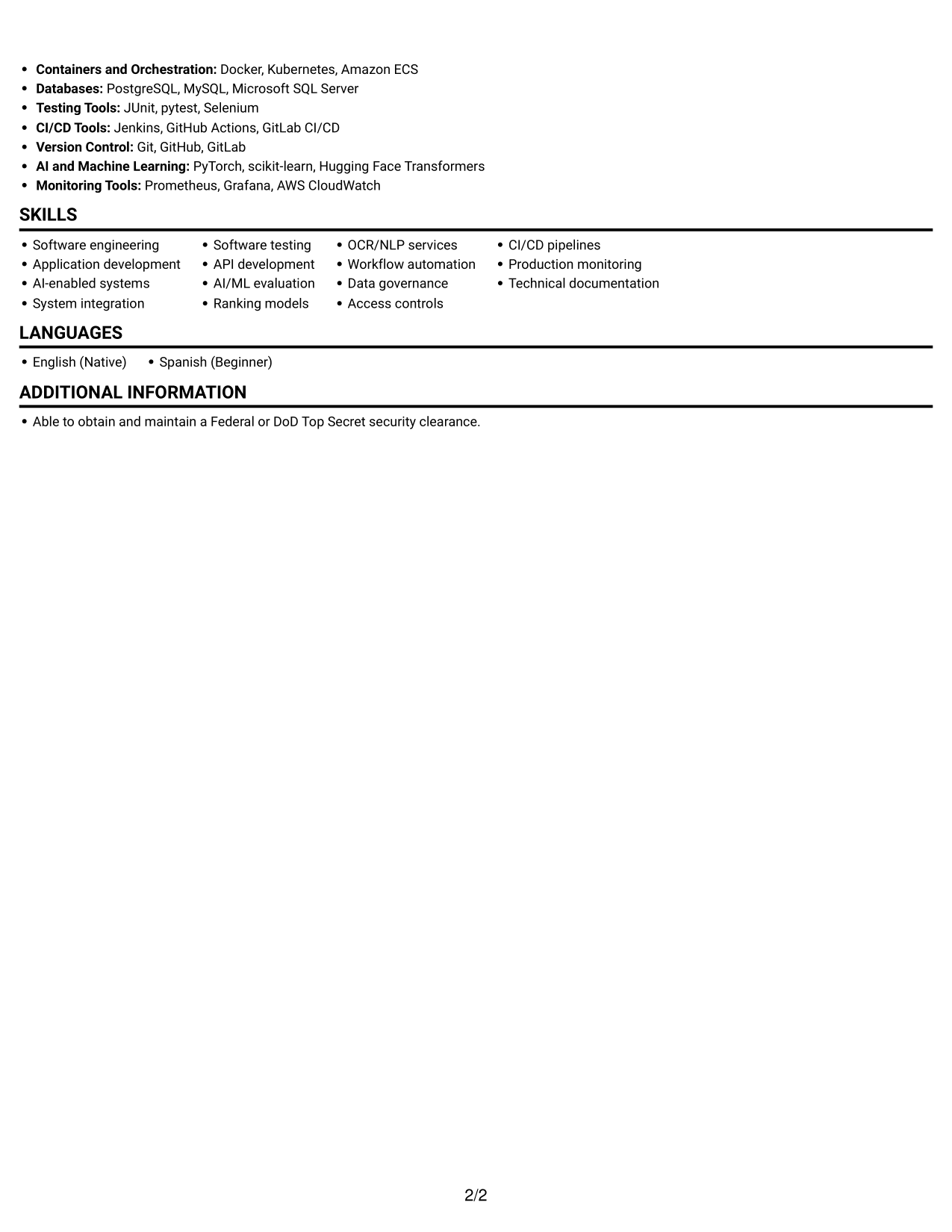
One column gives the resume a direct reading path, helping reviewers follow experience and supporting sections.
Why This Format Works
- Experience stays in one reading sequence, so career progression is easy to trace.
- Skills and education fit into the same clear hierarchy as work history.
- Full-width text gives achievement bullets room to explain outcomes without column breaks.
Best For
- Linear ATS reading
- Chronological experience histories
- Full-width achievement bullets
- Traditional resume structure
- Section-by-section review
Resume Keywords
- Software engineering
- Application development
- AI-enabled systems
- System integration
- Software testing
- API development
- OCR/NLP services
- ranking models
- CI/CD pipelines
- recovery procedures
- Production monitoring
- Data governance
- Access controls
- privacy safeguards
- workflow automation
#2 Simple Two Column Format Resume Example
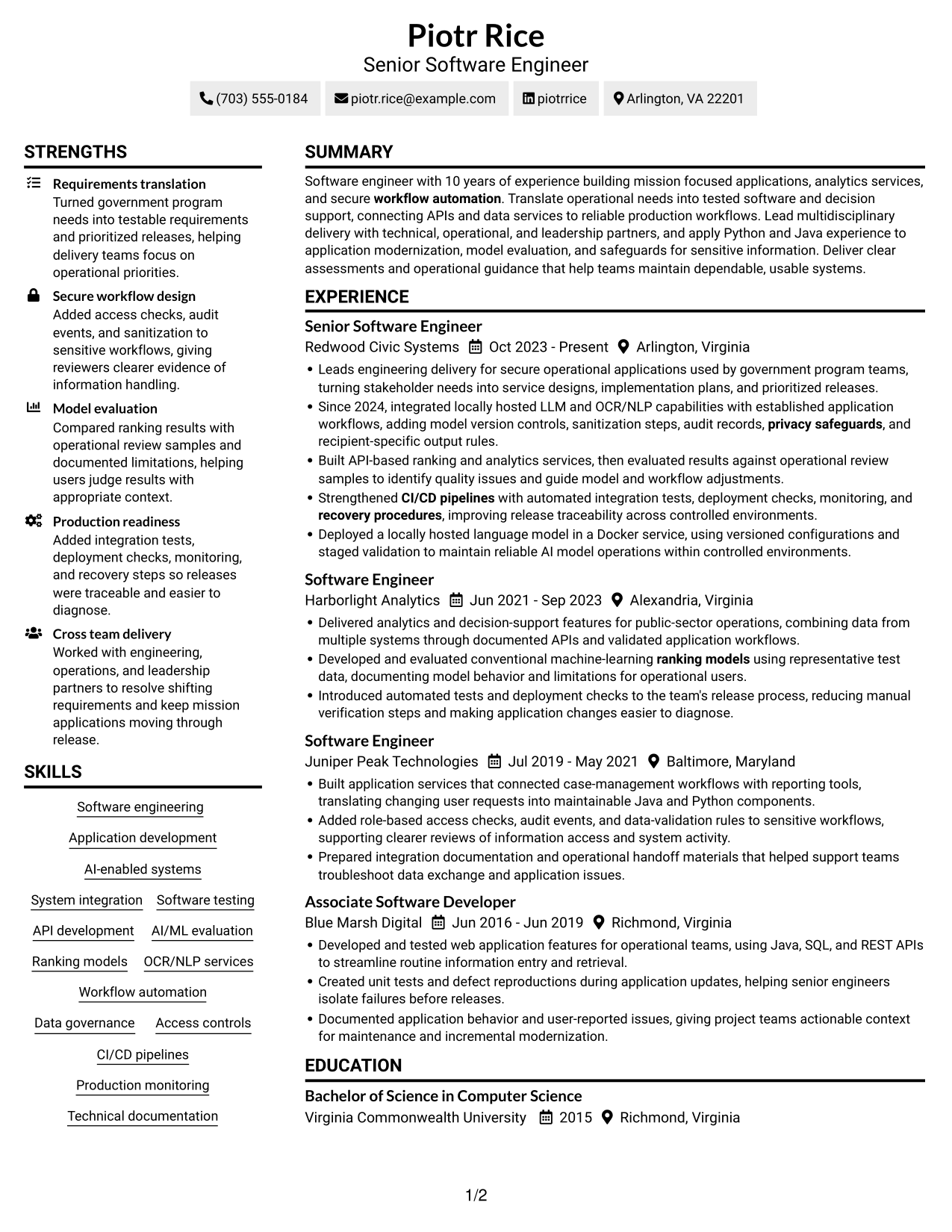
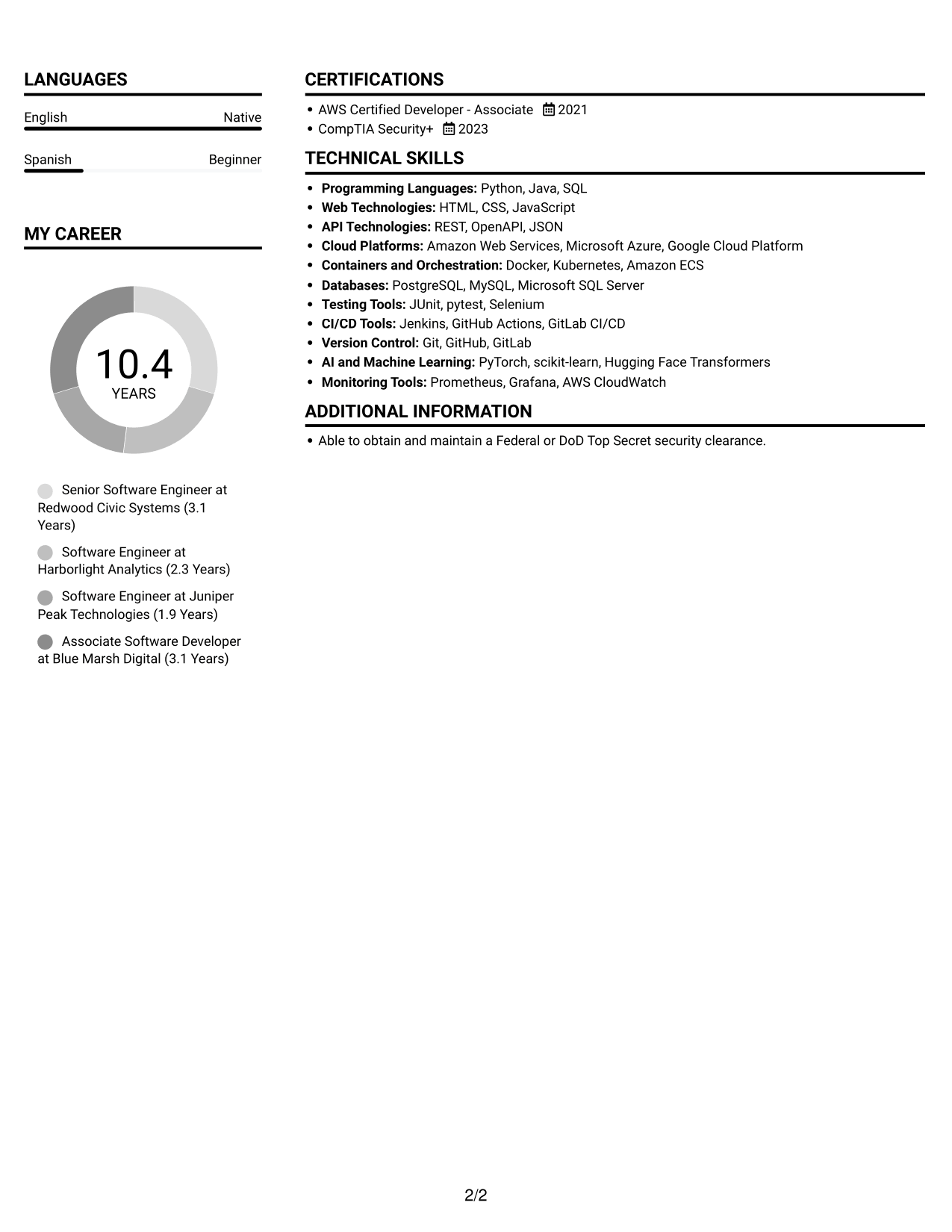
Two columns give resume sections parallel space, which can help reviewers compare experience with supporting information.
Why This Format Works
- Separate columns keep experience and supporting sections distinct during a quick scan.
- Section groupings help reviewers find education and credentials without losing the work history sequence.
- Skills can be scanned apart from experience details, reducing back-and-forth through long text.
Best For
- Side-by-side section review
- Resumes with several content areas
- Skills lists beside work history
- Quick navigation between sections
- Compact supporting details
#3 Plain One Column with Shaded Labels Resume Example
A single-column body keeps resume sections in one vertical sequence, giving reviewers a familiar reading order.
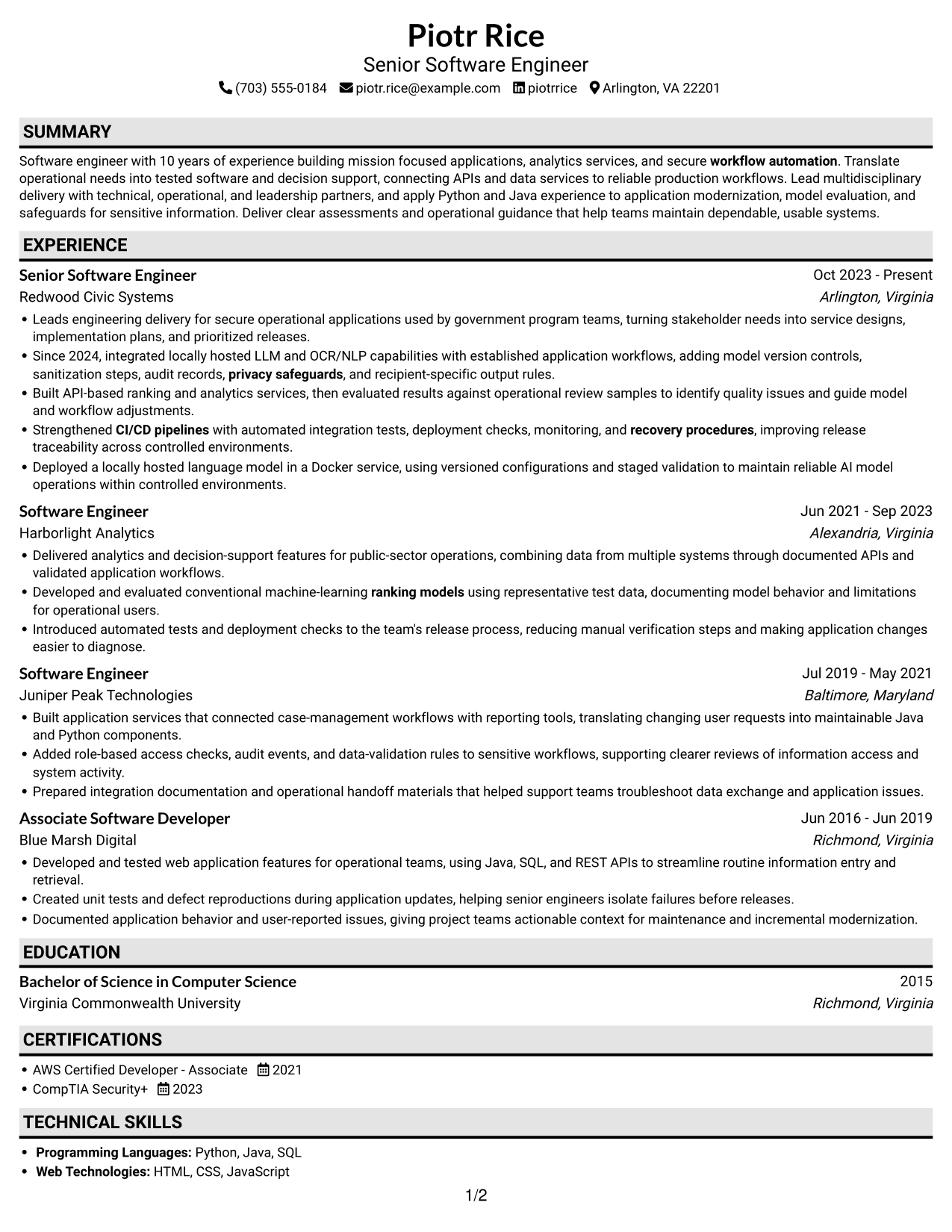
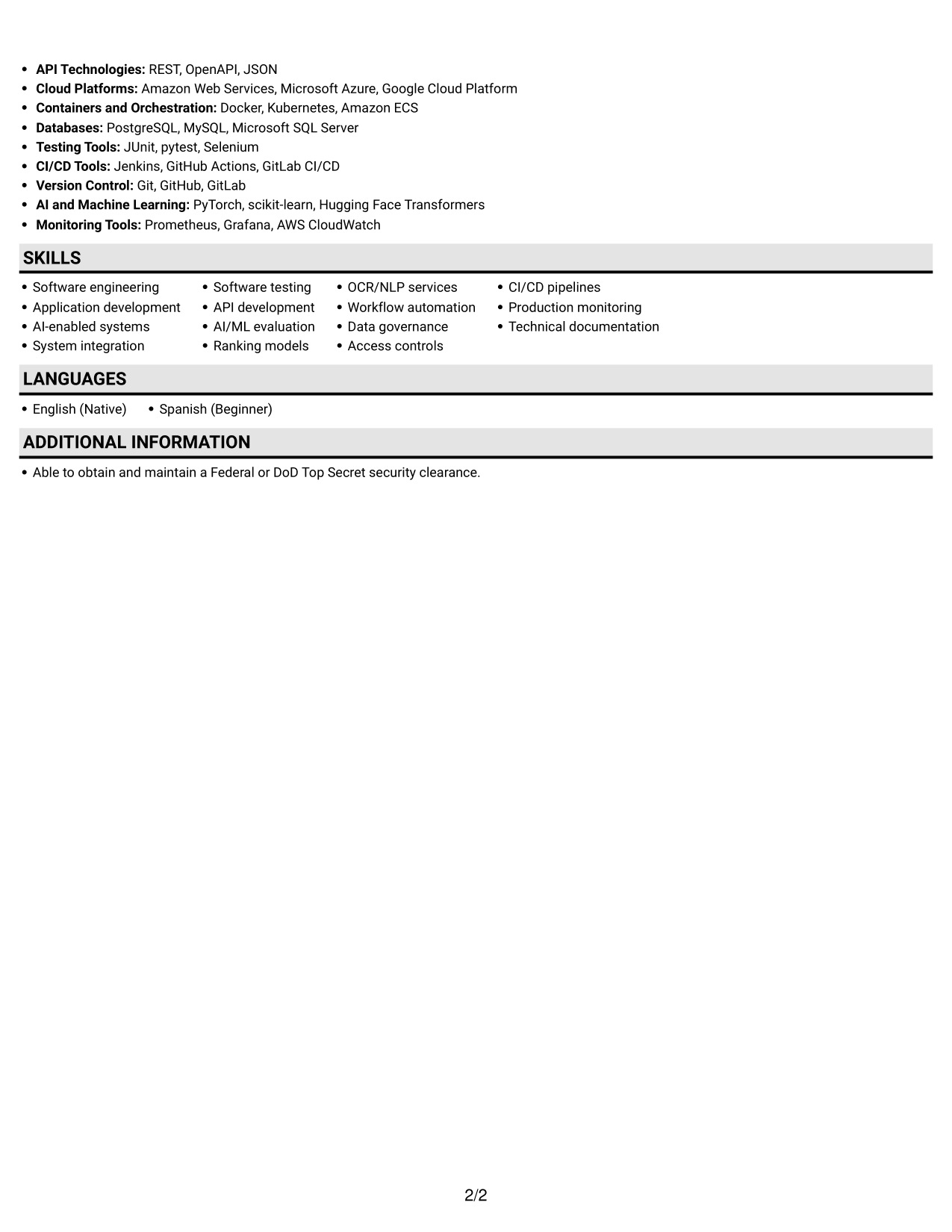
Why This Format Works
- One text path keeps dated roles in order and career progression clear.
- Skills, education, and credentials remain part of the same section sequence.
- Long experience bullets can use the full text width without crossing columns.
Best For
- A familiar reading order
- Chronological career records
- Detailed role descriptions
- Full-width resume text
- Simple section-by-section review
#4 One Column Format with Photo Right Resume Example
The one-column body pairs a direct reading path with a photo for resumes where a portrait is preferred.
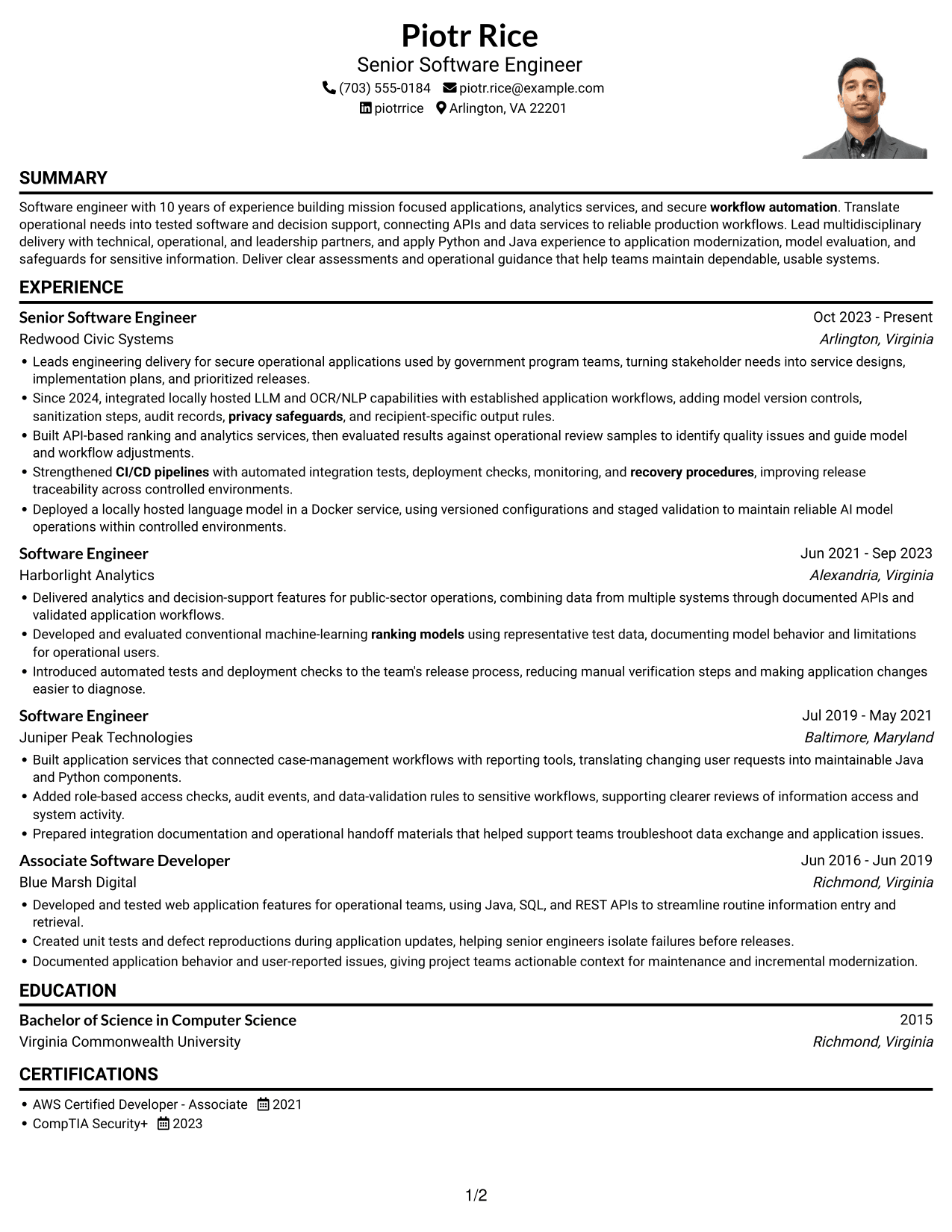
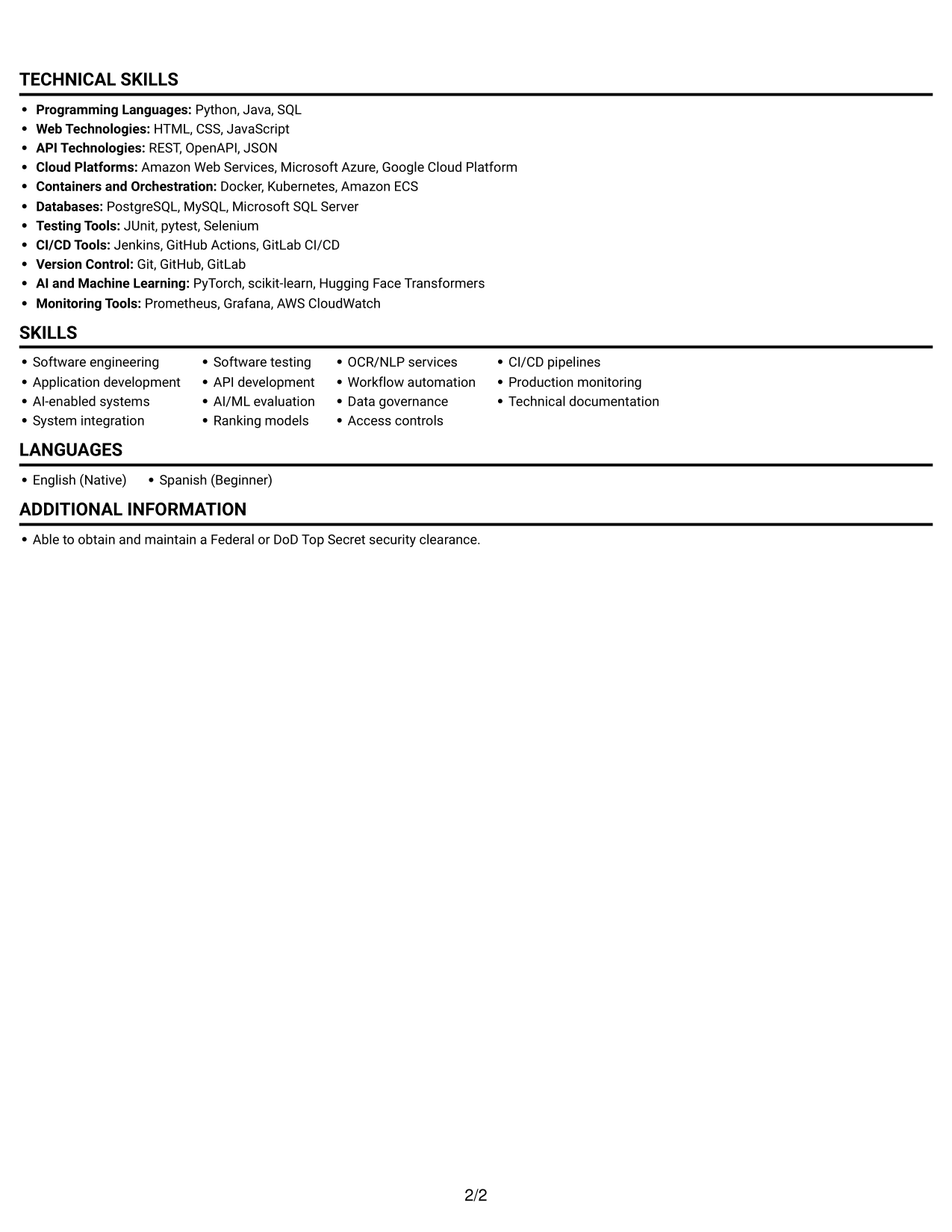
Why This Format Works
- The photo adds a personal visual element; experience and skills remain in the text.
- One-column reading keeps career history in a clear sequence from role to role.
- Full-width sections give education and credentials room without parallel columns.
Best For
- Resume reviews that include a portrait
- Single-path reading
- Chronological work histories
- Full-width experience details
- Text-led qualification review
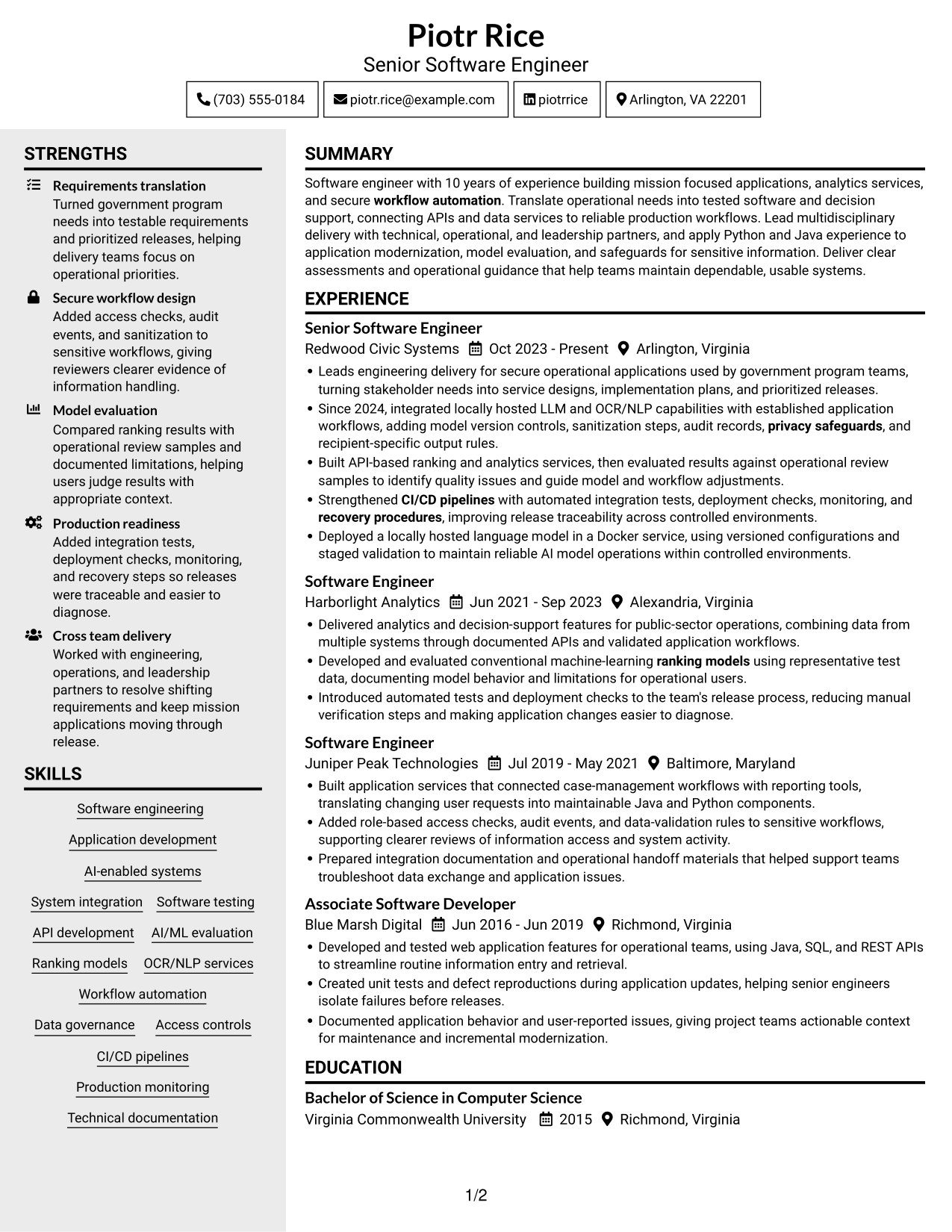
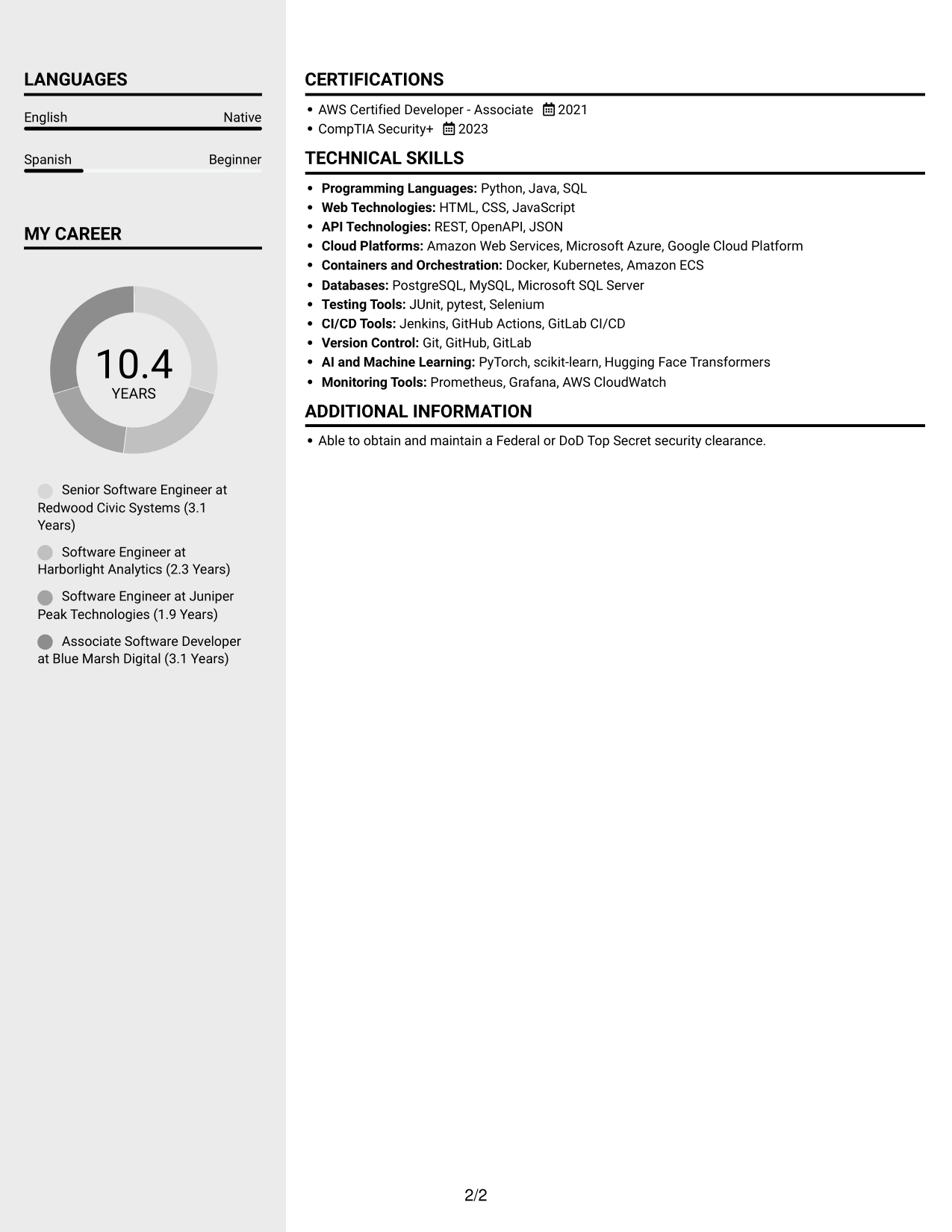
#5 Clean Two Column Sidebar Format Resume Example
Two columns organize resume information side by side, helping reviewers move between experience and supporting sections.
Why This Format Works
- Distinct column areas help reviewers locate education and credentials during a section scan.
- Experience and supporting details can be reviewed as separate parts of one resume.
- The two-column reading path gives skills a clear place beside broader career information.
Best For
- Side-by-side resume sections
- Easy movement between content areas
- Skills with supporting career details
- Education and experience in one view
- Section-focused recruiter review
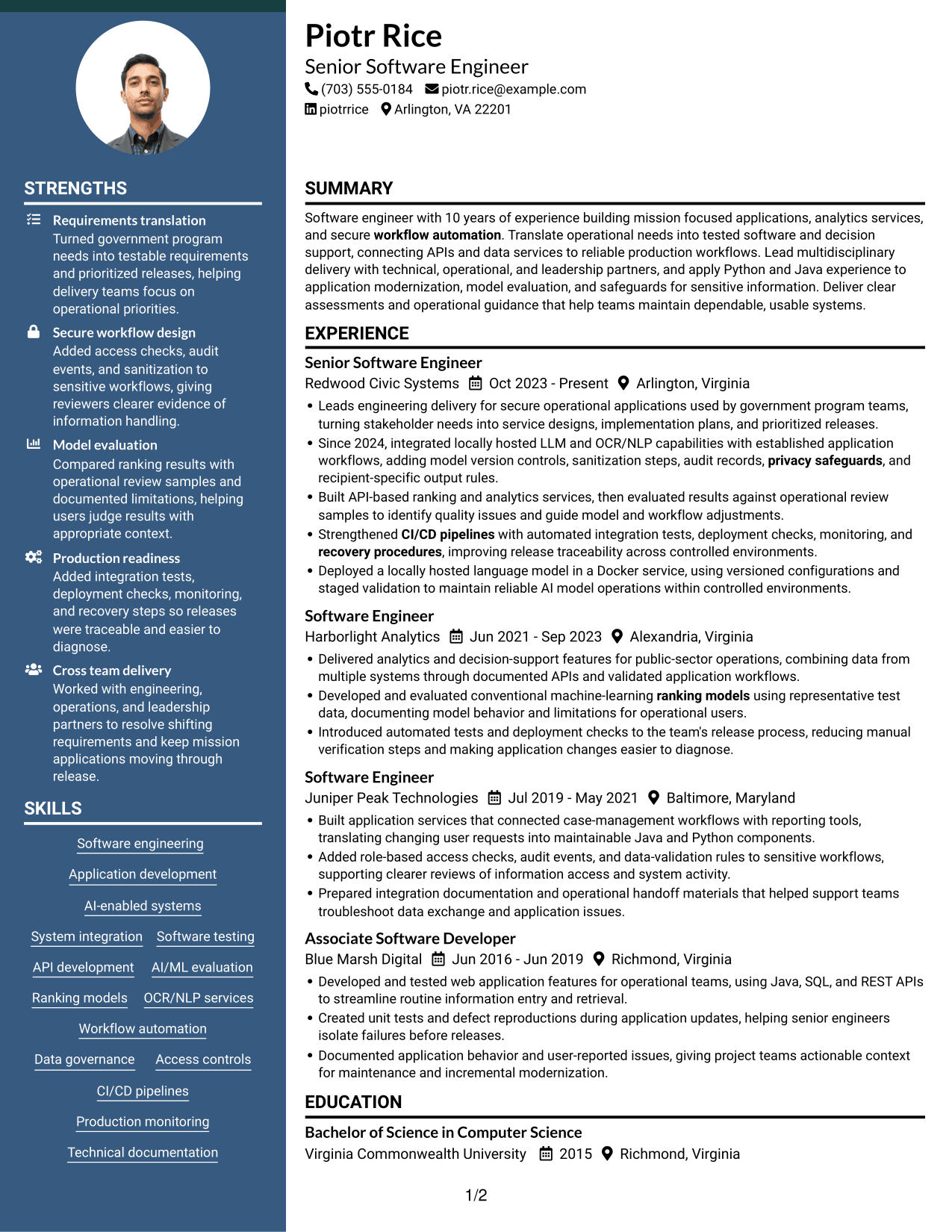
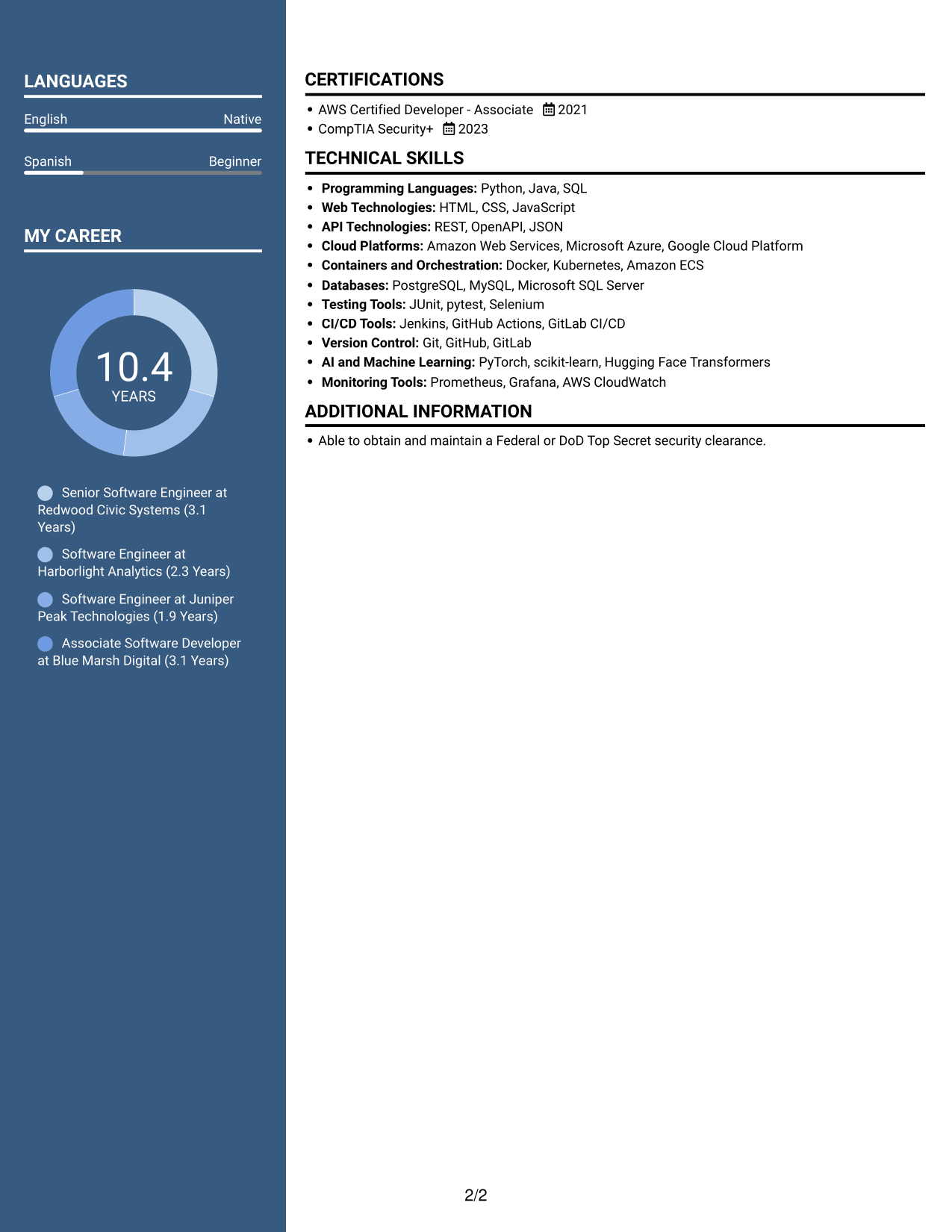
#6 Two Column Format Resume Example
A two-column body lets the resume present multiple information areas together, useful when reviewers need to scan sections in parallel.
Why This Format Works
- Parallel information areas let reviewers move between career history and other resume sections.
- Distinct sections make education and credentials easier to find during a focused review.
- The layout gives skills and experience separate visual space within the same document.
Best For
- Parallel section scanning
- Resumes with varied content
- Career history beside other sections
- Focused credential checks
- Skills and experience in one view
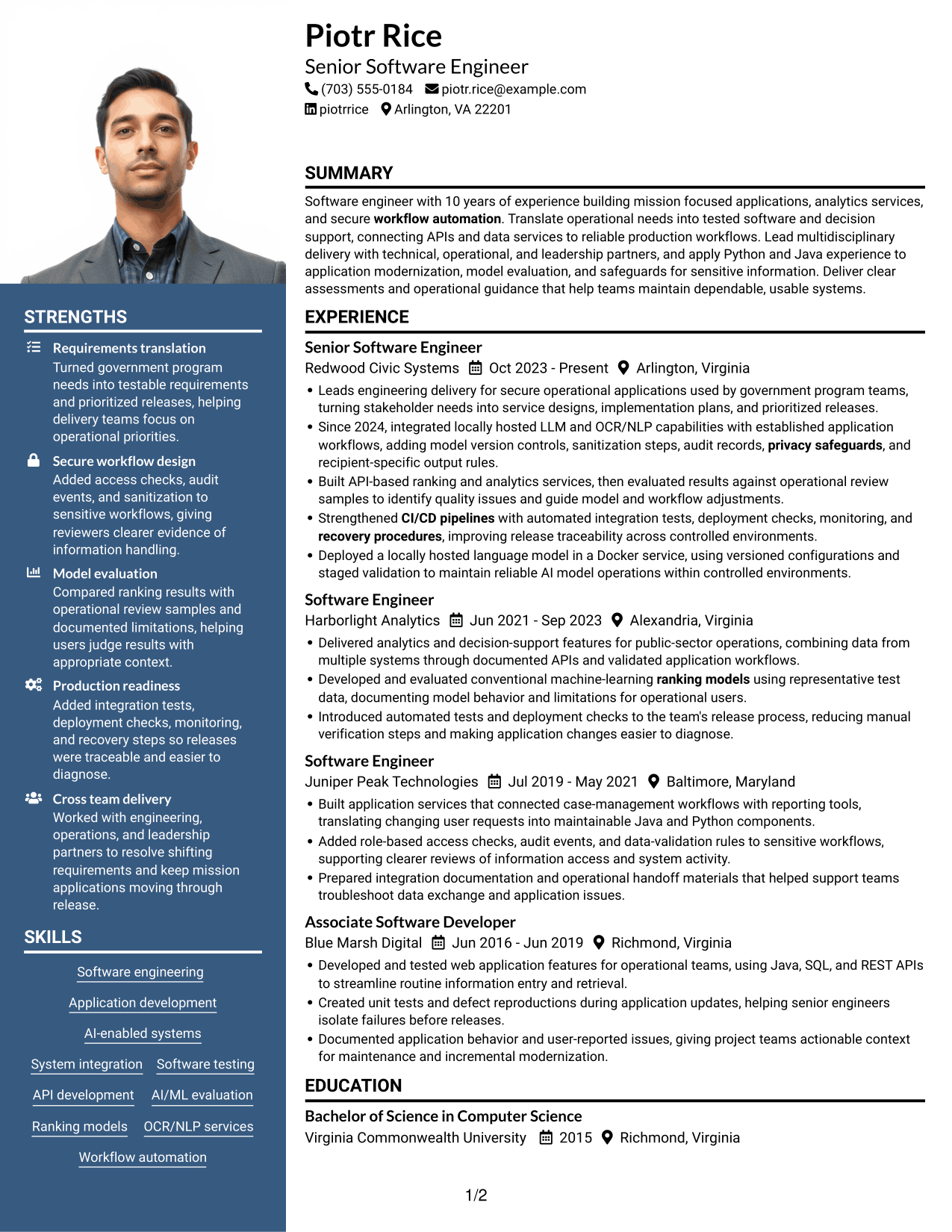
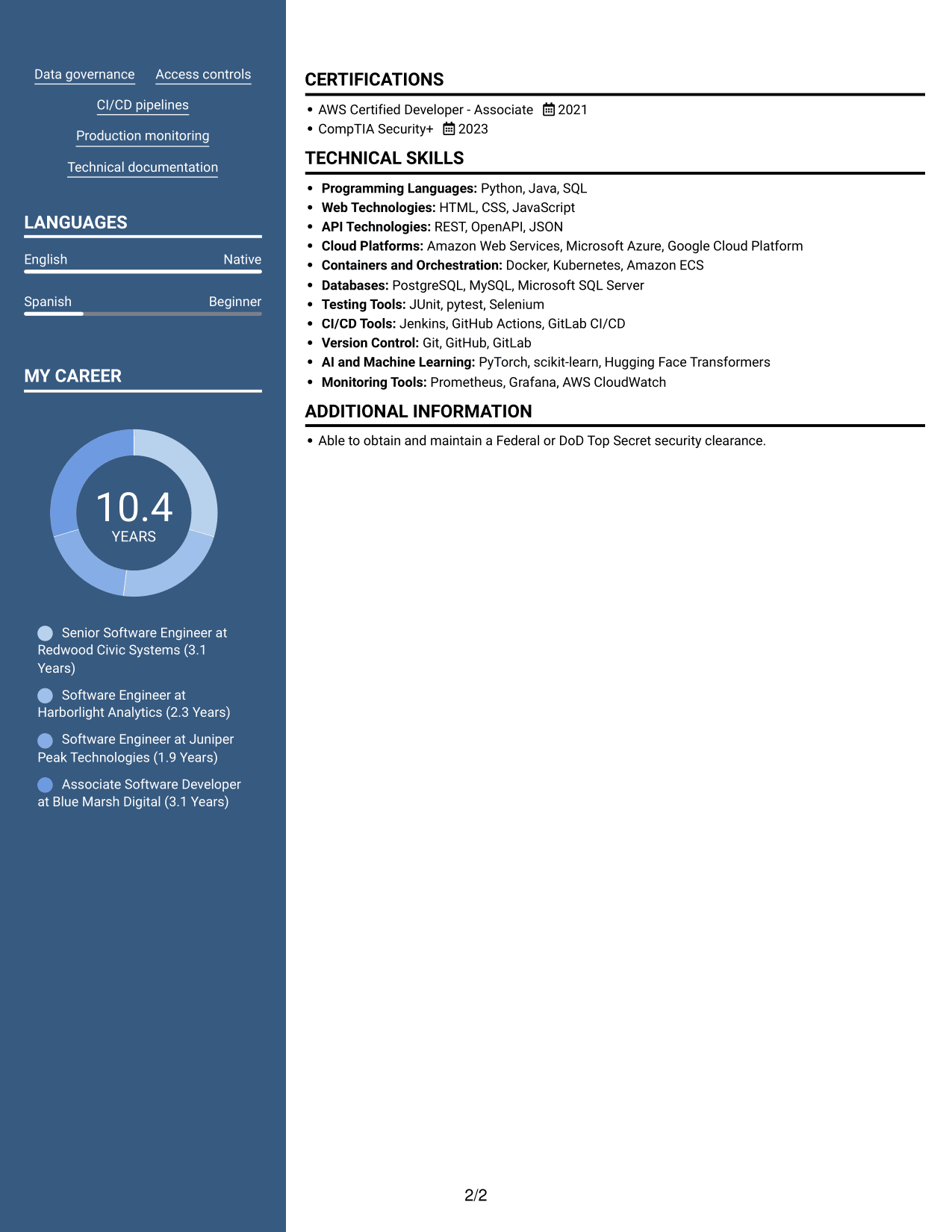
#7 Photo Header Two Column Format Resume Example
Two columns organize the resume body, while an included photo suits readers who prefer a portrait in the document.
Why This Format Works
- Two-column organization helps reviewers move between experience and supporting resume sections.
- An included photo provides a visual point of recognition without replacing written qualifications.
- Separate content areas give skills and education room alongside work history.
Best For
- Resume presentation with a portrait
- Two-column section navigation
- Skills alongside work history
- Experience with supporting details
- Readers who prefer visual identification
Why Build Your Software Engineer - AI-Enabled Mission Applications Resume with ResumeInMinutes
ResumeInMinutes lets you view an example and customize it in the editor. You can organize your experience, technical skills, education, certifications, and other relevant details in a readable resume.
- Professional resume layouts
- Clear section structure
- Relevant keyword guidance
- Experience and skills organization
- PNG image previews
- Resume editing in the editor
Keep your resume focused on this role. Show how your software engineering work connects APIs, analytics, AI-enabled functions, security safeguards, and production support to mission needs.
See Also
- 7 Software Engineer - AI-Enabled Mission Systems Resume Templates with Example
- 7 Principal Software Engineer - Application Lifecycle Resume Templates with Example
- 33 Senior Software Engineer - Application Platform Resume Templates with Example
- 7 Software Engineer II - Real-Time Applications Resume Templates with Example
- 33 AI Fullstack Software Engineer-Intern Resume Templates with Example 2026 (ATS-Optimized)
- 33 AI Fullstack Software Engineer Resume Templates with Example 2026 (ATS-Optimized)
- 33 AI Platform & Integrations Software Engineer Resume Templates with Example 2026 (ATS-Optimized)
- 33 AI Software Engineer Intern Resume Templates with Example 2026 (ATS-Optimized)
- 7 Software Engineer - AI-Enabled Mission Applications Cover Letter Templates with Example
- 7 Software Engineer - AI-Enabled Mission Systems Cover Letter Templates with Example
Frequently Asked Questions
Are these Software Engineer - AI-Enabled Mission Applications resume templates ATS-friendly?
The example uses clear section headings and readable resume content. Include relevant terms such as Python, Java, REST APIs, AI/ML evaluation, OCR/NLP, CI/CD, and access controls when they accurately describe your experience.
Are these different resumes?
No. The guide shows one Software Engineer - AI-Enabled Mission Applications resume example in several layouts, so you can compare the presentation of the same content.
What should a Software Engineer - AI-Enabled Mission Applications resume include?
Include a focused summary, relevant experience, technical skills, education, and certifications. Use concise bullets to explain application development, API integration, model evaluation, testing, release controls, and safeguards for sensitive data.
Which resume layout works well for this software engineering role?
Choose a layout with clear headings and a simple reading order. A single-column format can be easy for both people and applicant tracking systems to scan. Keep technical skills and work examples easy to find.
How can I show AI and machine-learning work on my resume?
Name the systems or methods you used, then describe your contribution. For example, explain model evaluation, locally hosted language models, OCR/NLP workflows, version controls, or monitoring only when those details match your experience.
Should I include a photo on my resume?
Include a photo only if it is customary or expected in your country, region, or industry. For U.S. applications, a resume without a photo is generally the safer choice.




