
30+ Software Engineer Intern - C# .NET Desktop Cover Letter Templates with Example 2026
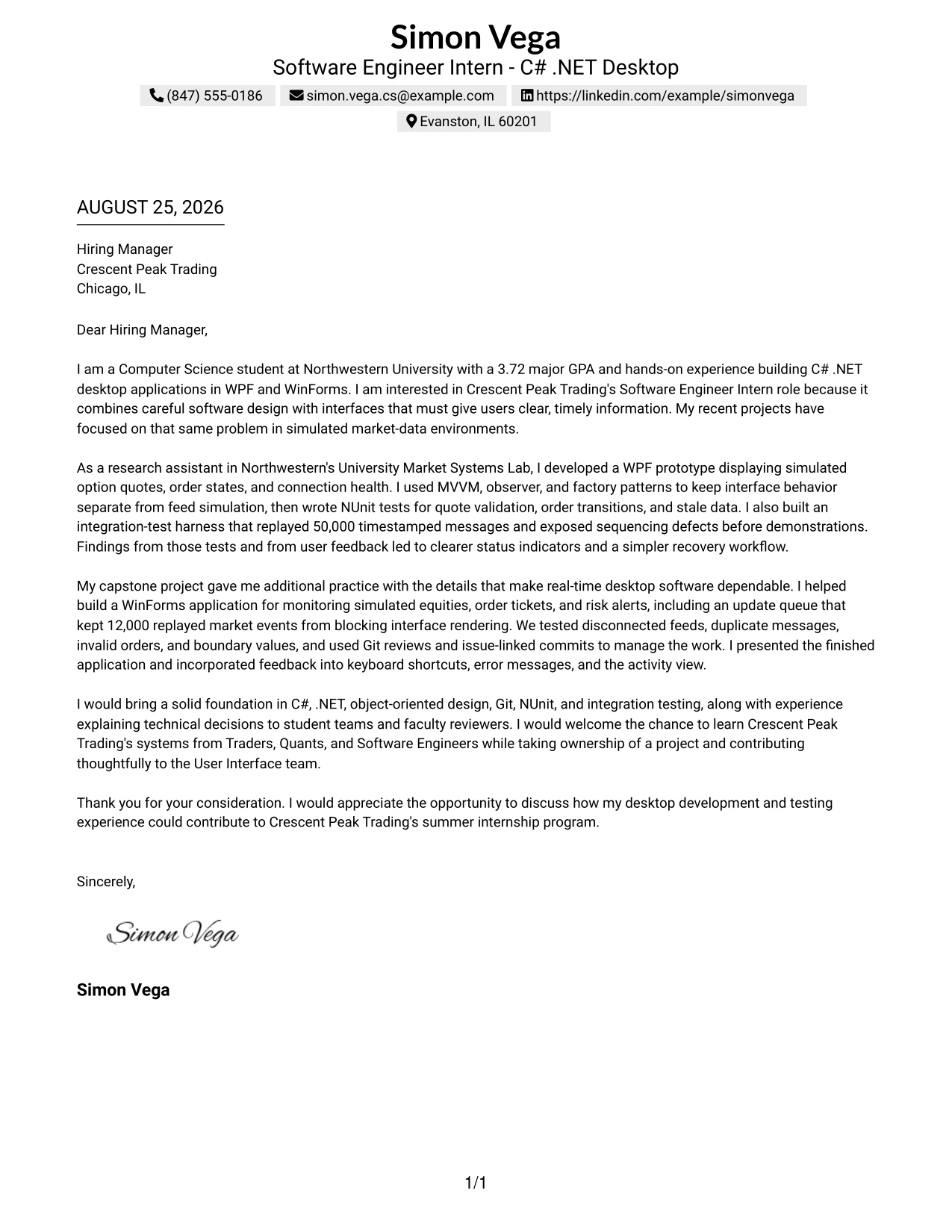
This practical guide helps you create a focused Software Engineer Intern - C# .NET Desktop cover letter. It shows how to present your interest, technical preparation, and potential value in a clear letter that supports your application.
You will learn how to open the letter with a direct connection to C# and .NET desktop development, choose evidence that supports your fit, and explain experience with WPF, WinForms, object-oriented design, Git, and testing without repeating your resume. You will also see how to communicate interest in real-time applications and financial-market software in a professional way.
The featured example demonstrates a clear progression from interest in the role to relevant technical evidence, collaboration, motivation, and a confident closing. It is presented in 33 layouts so you can choose a visual format that suits the employer and the communication context while keeping the message focused.
What Makes a Great Software Engineer Intern - C# .NET Desktop Cover Letter in 2026
A strong cover letter for this role is specific, easy to follow, and connected to the work described by the employer. The letter should make three points clear:
- Why C# .NET desktop software and user interfaces interest you
- How WPF, WinForms, design patterns, Git, and NUnit support your preparation
- How you communicate, test carefully, and work with technical teammates
Rather than listing every qualification, an effective letter explains:
- How your experience with simulated quotes, order states, and real-time updates relates to desktop application work
- How unit and integration testing helped you find validation, sequencing, and disconnected-feed problems
- Why you want to learn from Traders, Quants, and Software Engineers while contributing to a User Interface team
Useful role-specific details include C#, the .NET Framework, WPF, WinForms, object-oriented programming, MVVM, design patterns, Git, NUnit, unit testing, integration testing, Agile/Scrum, and analytical problem solving. Mention only the details that support the point of each paragraph.
The examples below show how one focused Software Engineer Intern - C# .NET Desktop cover letter can use different professional formats while keeping its opening, evidence, motivation, and closing easy to read.
The featured example follows a focused progression from role interest and relevant desktop development evidence to employer alignment and a professional close, which readers can adapt while choosing a presentation suited to the employer and communication context.
#1 Text/Fang Style Cover Letter Example
The Text/Fang Style gives the letter a direct, centered structure. Simon Vega’s opening quickly connects his Computer Science studies, 3.72 major GPA, and C# .NET desktop experience to Crescent Peak Trading’s Software Engineer Intern role. The body then presents evidence in a clear order: WPF and WinForms work, testing practice, real-time interface design, and teamwork.
This format supports a practical and confident message. The closing can return to the company’s User Interface team, the opportunity to learn from Traders and Software Engineers, and the value the applicant can bring through careful testing and clear technical communication.
Cover Letter Snapshot
- Target role: Software Engineer Intern - C# .NET Desktop
- Core fit: C#, .NET, WPF, WinForms, NUnit, Git, and integration testing
- Relevant evidence: 50,000-message integration-test replay and 12,000-event update queue
- Communication fit: technical presentations, design notes, and cross-functional teamwork
Why This Cover Letter Works
- The opening names the target role and gives the employer a clear reason to keep reading.
- The first body paragraph connects desktop interface work to the need for timely information in trading applications.
- The letter uses specific evidence instead of broad claims about software ability.
- Testing examples show care for dependable behavior, including stale data, sequencing defects, and invalid orders.
- References to MVVM, design patterns, and Git are placed within project stories, so they support the argument rather than interrupt it.
- The message explains interest in learning from Traders, Quants, and Software Engineers.
- The closing asks for a conversation and restates the contribution the applicant hopes to make.
Keywords to Reinforce
- Software Engineer Intern - C# .NET Desktop
- C# .NET
- WPF
- WinForms
- NUnit
- integration testing
- Git
- real-time trading applications
#2 Two Column Format Cover Letter Example
Readers can move from the contact and greeting area to the main message, then compare supporting points in a compact side-by-side structure. For this application, the letter can place the reason for interest and strongest desktop-development evidence in the main reading path while keeping testing, collaboration, and technical tools easy to locate. The Two Column Format works best when each short block adds a distinct reason to consider the applicant.
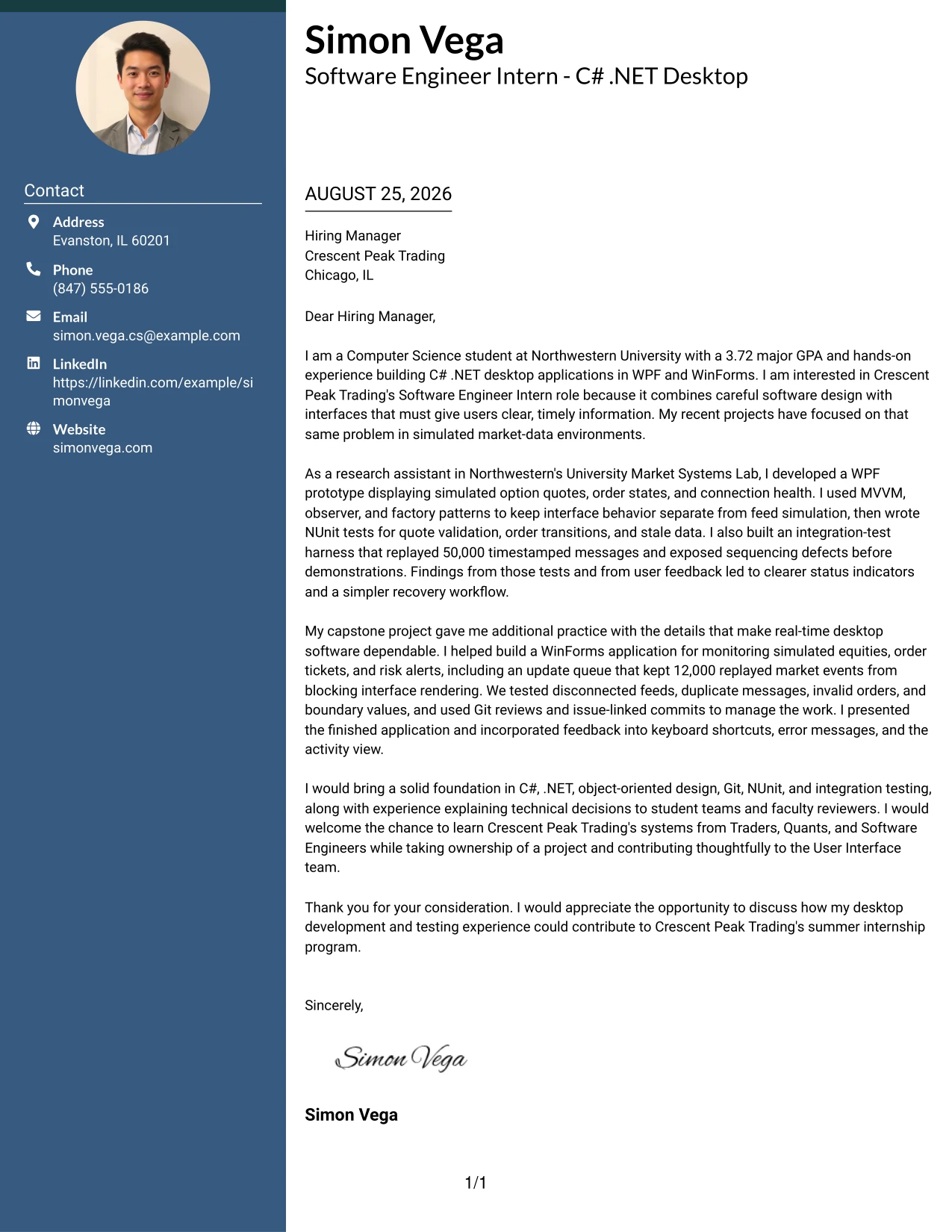
Why the Two Column Format Works for a Cover Letter
- The opening can state interest in Crescent Peak Trading without delaying the main point.
- Two reading paths help separate motivation from supporting evidence.
- Short blocks make the letter easier to review during an internship selection process.
- The main column can explain WPF and WinForms work in a natural story.
- A supporting column can point to NUnit, Git, integration testing, and design patterns.
- The structure supports a balanced discussion of technical ability and communication skills.
- Careful spacing keeps the letter persuasive rather than crowded with details.
Best For
- Applicants who need to present motivation and evidence in separate reading areas
- Letters that must show both technical preparation and willingness to learn
- Applications with several related examples that can be grouped without long paragraphs
- Readers who prefer to locate contact details and supporting points quickly
- A concise explanation of desktop interface work, testing, and teamwork
- Cover letters that benefit from a clear distinction between the main argument and secondary details
- Applications where a compact structure can support a focused one-page message
#3 Photo Header Two Column Format Cover Letter Example
The strongest evidence should appear early: the letter can lead with hands-on C# .NET desktop development, testing, and real-time interface work. A photo header and two-column structure create a clear introduction, while the body can connect the University Market Systems Lab and capstone experience to Crescent Peak Trading’s User Interface team. The format should keep the photo secondary to the written case for fit.
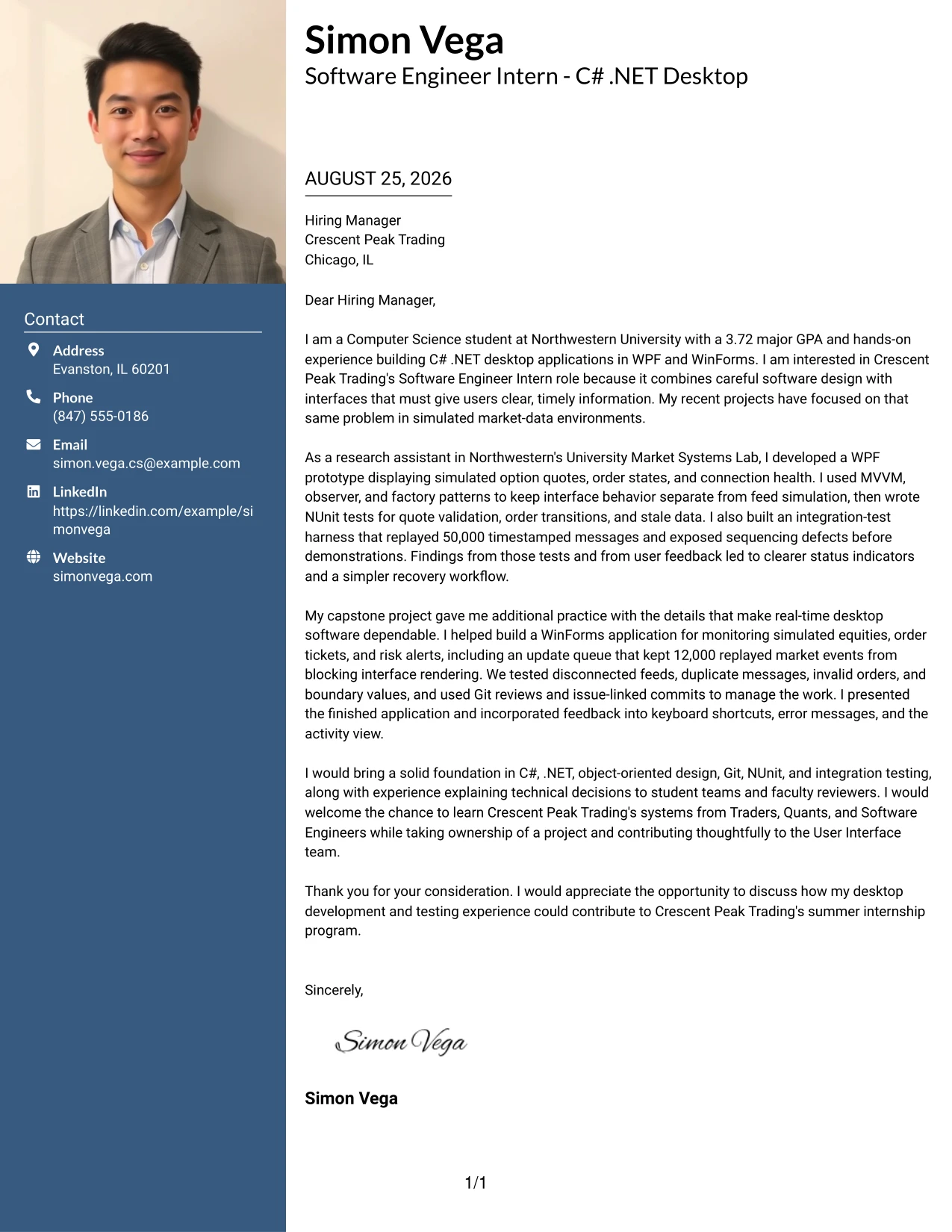
Why the Photo Header Two Column Format Works for a Cover Letter
- The opening can put the most relevant technical evidence near the top of the page.
- The two-column arrangement separates the personal introduction from detailed support.
- A restrained photo header can create a recognizable point of entry without replacing the written message.
- The letter can connect WPF and WinForms experience directly to the role’s desktop focus.
- Testing examples give the employer evidence of care, reliability, and problem solving.
- The body can show interest in collaboration with Traders, Quants, and Software Engineers.
- A focused closing keeps attention on contribution, learning, and the summer internship opportunity.
Best For
- Applicants whose written evidence should lead the page before supporting details
- Letters that need to balance a personal introduction with several project examples
- Applications where a recognizable header helps the document feel personal and organized
- Candidates who want to connect interface work with testing and user feedback
- One-page letters with distinct areas for motivation, evidence, and closing interest
- Readers who value quick access to both the main argument and supporting details
- A polished presentation where visual identity remains secondary to role alignment
#4 Simple One Column Format Cover Letter Example
Balanced spacing gives each part of the letter room to do one job: the opening explains interest, the body proves preparation, and the closing invites discussion. The Simple One Column Format is a strong choice for this application because it lets the reader follow the connection between C# .NET desktop projects, testing results, and the responsibilities of the internship without switching between areas.
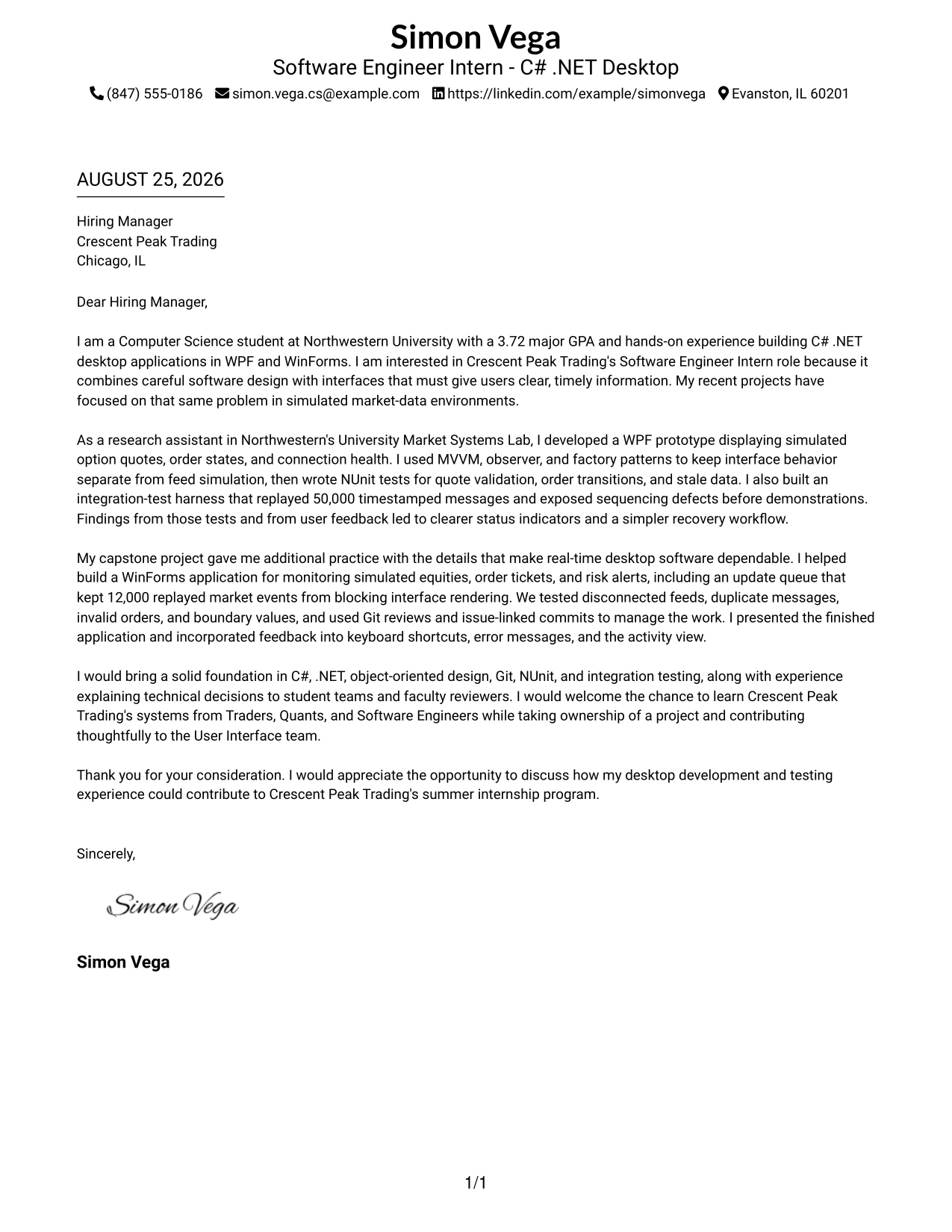
Why the Simple One Column Format Works for a Cover Letter
- A single reading path supports a natural letter sequence from motivation to evidence to closing.
- Open spacing makes technical details easier to understand.
- The opening can connect the applicant’s studies and project work to the company’s desktop applications.
- The body can develop one example before moving to the next.
- Testing and interface details remain part of a persuasive story instead of a detached list.
- The format gives communication and teamwork evidence enough room to be clear.
- A simple closing can end the letter with confidence and a direct request for conversation.
Best For
- Applications that need a calm, traditional reading path
- Letters where motivation should lead naturally into project evidence
- Readers who prefer generous spacing and clear paragraph boundaries
- Applicants explaining a small number of strong examples in depth
- One-page submissions that must remain easy to print and review
- Messages that combine technical preparation with a clear interest in the employer
- Cover letters where a straightforward presentation supports a careful, credible tone
#5 One Column Format with Photo Cover Letter Example
A practical application begins with a clear introduction, not with decoration. The One Column Format with Photo can place the applicant’s interest in Crescent Peak Trading above a focused account of desktop development, testing, and collaboration. Because the letter follows one reading path, the photo should remain a small supporting element while the written evidence carries the argument.
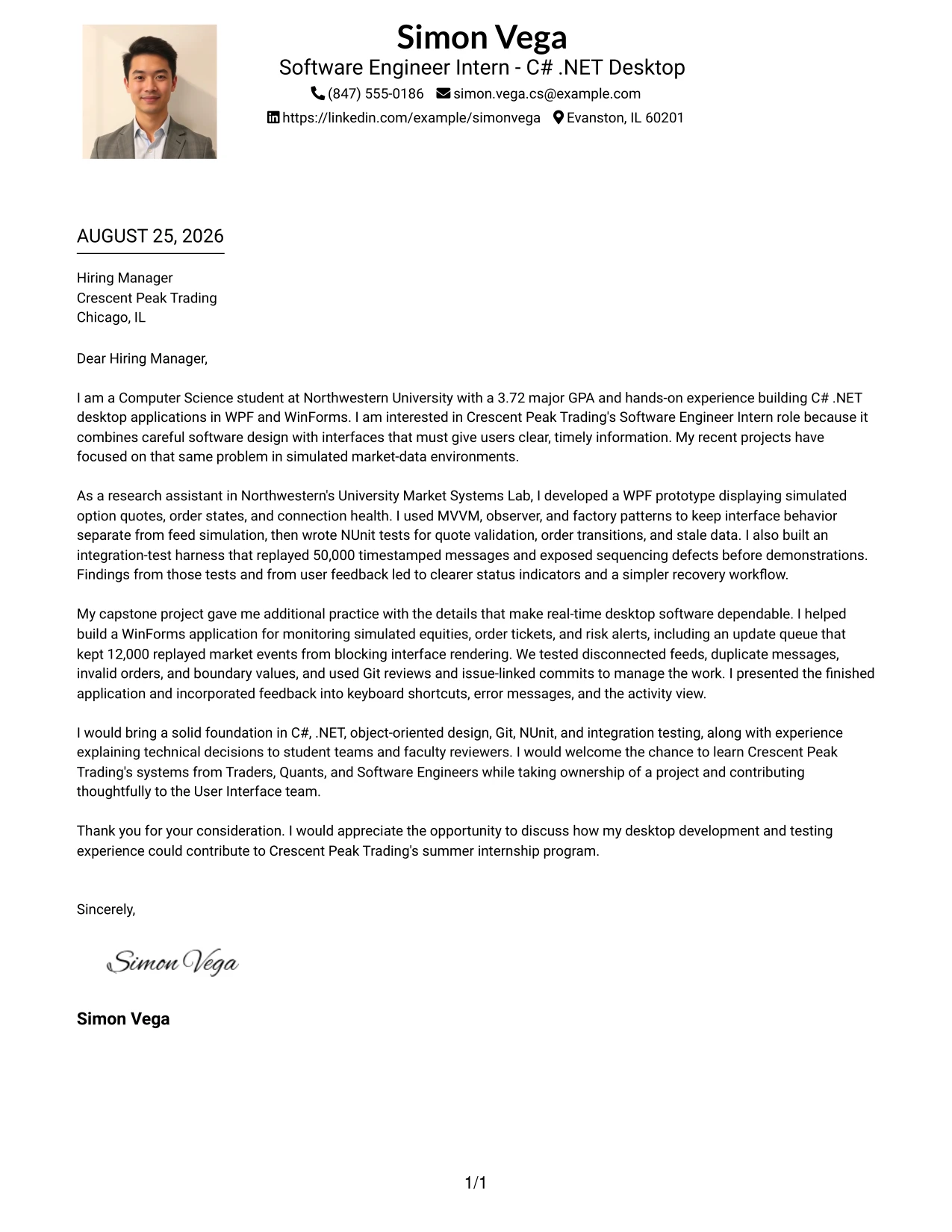
Why the One Column Format with Photo Works for a Cover Letter
- The first paragraph can identify the internship and explain the applicant’s reason for applying.
- A single column keeps the persuasion easy to follow from opening through closing.
- The photo can add personal recognition while remaining separate from the qualifications.
- Project evidence can show direct experience with C#, .NET, WPF, and WinForms.
- Testing examples help demonstrate dependable engineering habits.
- The letter can present communication experience through faculty and student-team presentations.
- The closing can connect the applicant’s preparation to the company’s summer program.
Best For
- Applications that benefit from a personal introduction and a simple reading path
- Letters where the applicant wants visual recognition without dividing the main message
- One-page submissions with a focused set of technical examples
- Candidates presenting both project evidence and a willingness to learn
- Readers who prefer paragraphs over multiple content panels
- Applications that need a polished but restrained personal presentation
- Cover letters where the written case for fit should remain the main focus
#6 One Column Format with Photo Right Cover Letter Example
A restrained visual hierarchy can place the image to the side while the written message keeps its usual priority. In the One Column Format with Photo Right, the letter can introduce interest in the Software Engineer Intern role, then build a steady case from market-systems research, real-time desktop projects, testing, and team communication. The right-side image should support recognition without interrupting that role-focused progression.
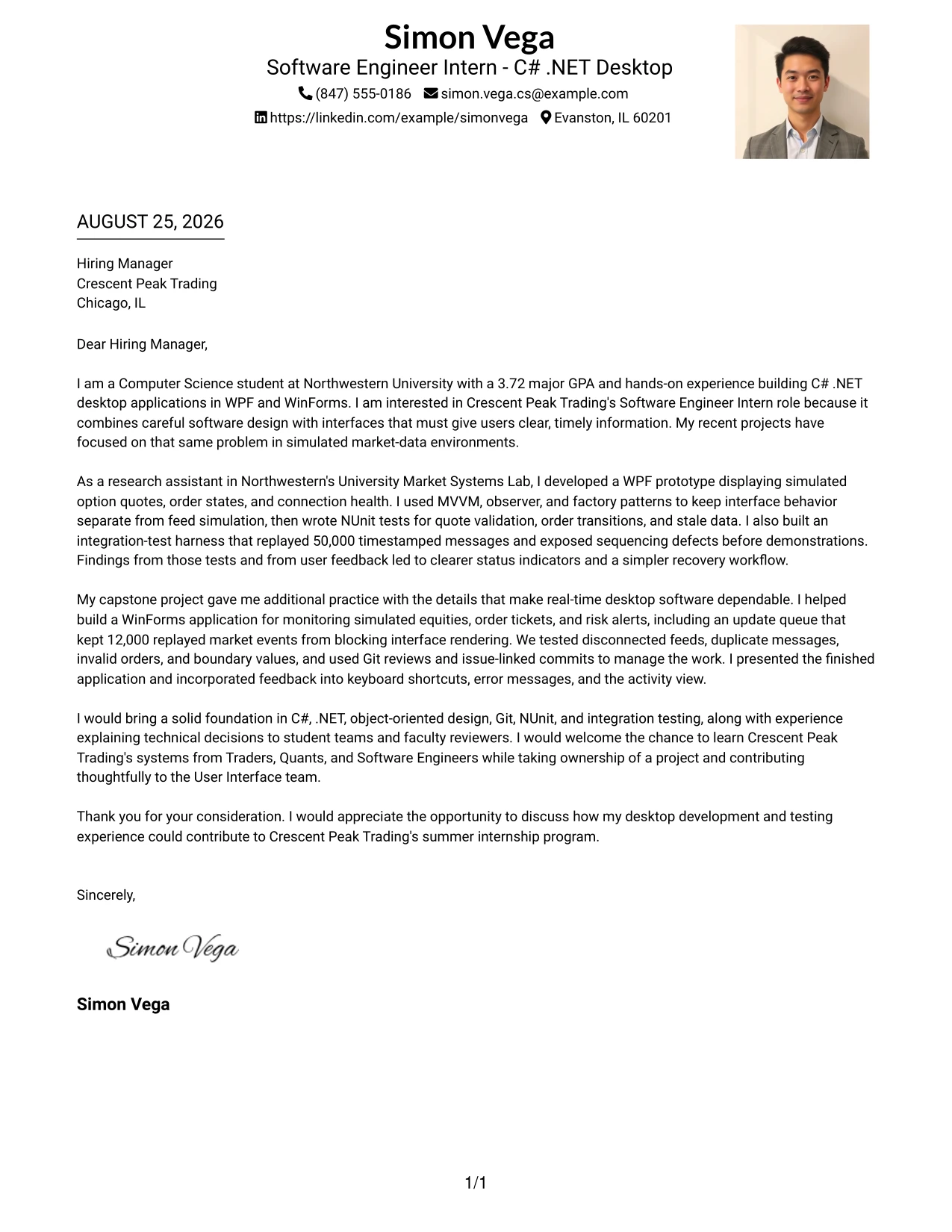
Why the One Column Format with Photo Right Works for a Cover Letter
- The visual balance leaves the written opening as the main point of entry.
- A single column gives the motivation and evidence a consistent order.
- The right-side photo can add a personal touch without breaking the letter’s paragraphs.
- The message can align WPF and WinForms experience with the User Interface team’s work.
- Examples of NUnit and integration testing make the technical case concrete.
- Presentation experience supports the claim that the applicant can explain project decisions.
- The final paragraph can show both readiness to contribute and interest in structured training.
Best For
- Applicants who want a personal visual element kept beside, rather than inside, the message
- Letters where role alignment should remain the strongest visual priority
- One-page applications with a sequential explanation of project work
- Readers who value a stable paragraph flow with a distinct header area
- Candidates combining desktop development evidence with presentation experience
- Applications that need a polished introduction but not a busy page
- Cover letters that close with a clear link between contribution and learning
#7 Simple Two Column Format Cover Letter Example
The Simple Two Column Format organizes the message into clear areas without adding visual complexity. One area can carry the letter’s motivation and main narrative, while the other highlights supporting evidence such as C# .NET, WPF, WinForms, testing, Git, and teamwork. This makes it easier to scan the application while preserving a professional, direct voice.
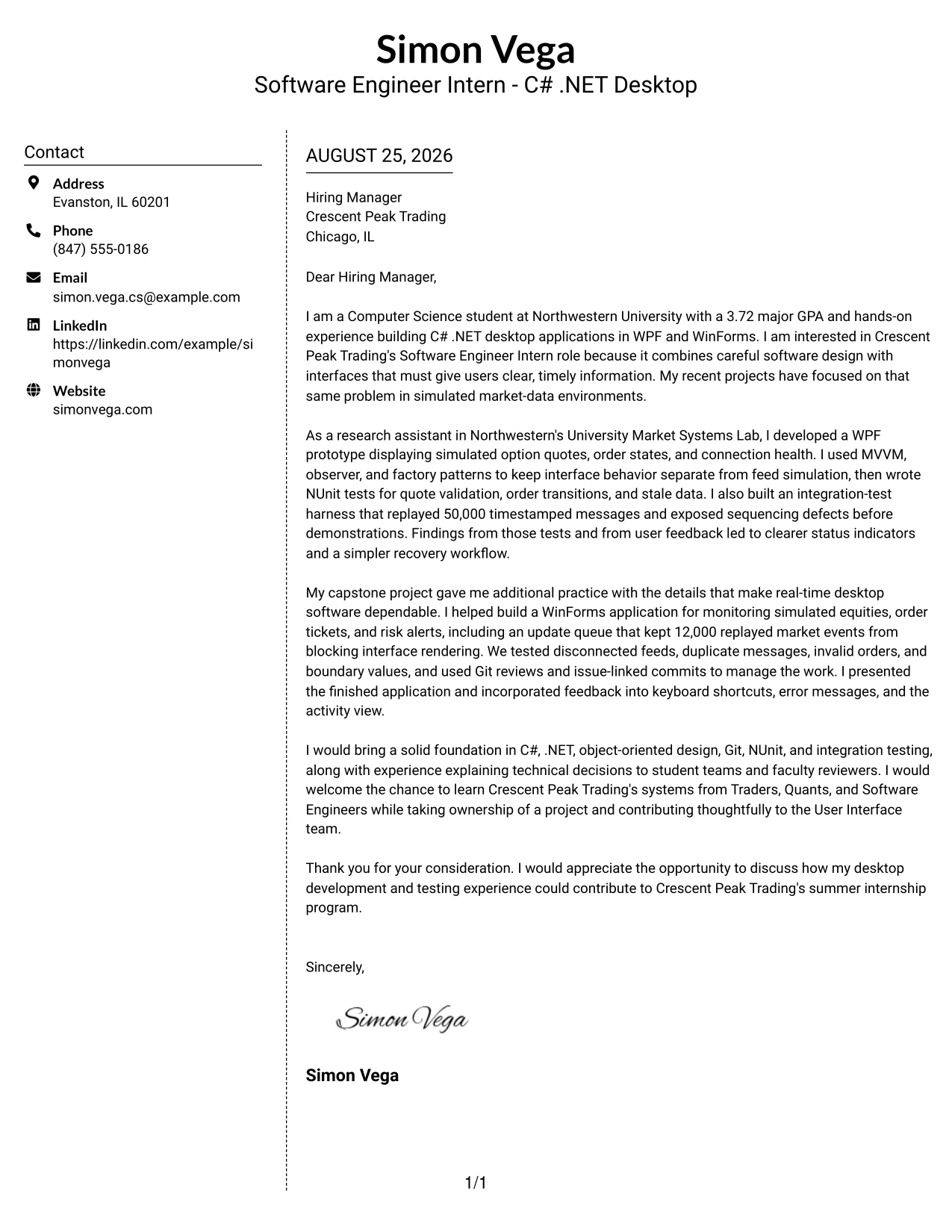
Why the Simple Two Column Format Works for a Cover Letter
- The structure distinguishes the central argument from supporting information.
- Simple columns help the reader locate technical evidence without losing the letter’s narrative.
- The opening can explain why real-time desktop interfaces interest the applicant.
- The main text can develop research and capstone examples with enough context.
- A supporting area can reinforce testing, version control, and communication evidence.
- The format avoids unnecessary visual detail, which keeps the employer fit clear.
- A concise closing can bring both columns back to one persuasive conclusion.
Best For
- Applicants who need clear separation between the main message and supporting points
- Letters with several short evidence blocks that should remain easy to scan
- Readers who prefer a simple two-area structure over dense paragraphs
- Applications combining technical tools with communication and teamwork evidence
- One-page documents that must show range without repeating the same point
- Candidates who want organization without a highly decorative presentation
- Cover letters where a short supporting panel can strengthen the central argument
#8 Stylish Two Column Designer Format Cover Letter Example
Readers can first identify the central reason for applying, then move to a side area for supporting proof. The Stylish Two Column Designer Format uses that movement to give Crescent Peak Trading a quick view of the applicant’s interest, followed by evidence from market-systems research, real-time interface work, NUnit testing, and Git collaboration. The design should guide attention, not compete with the message.
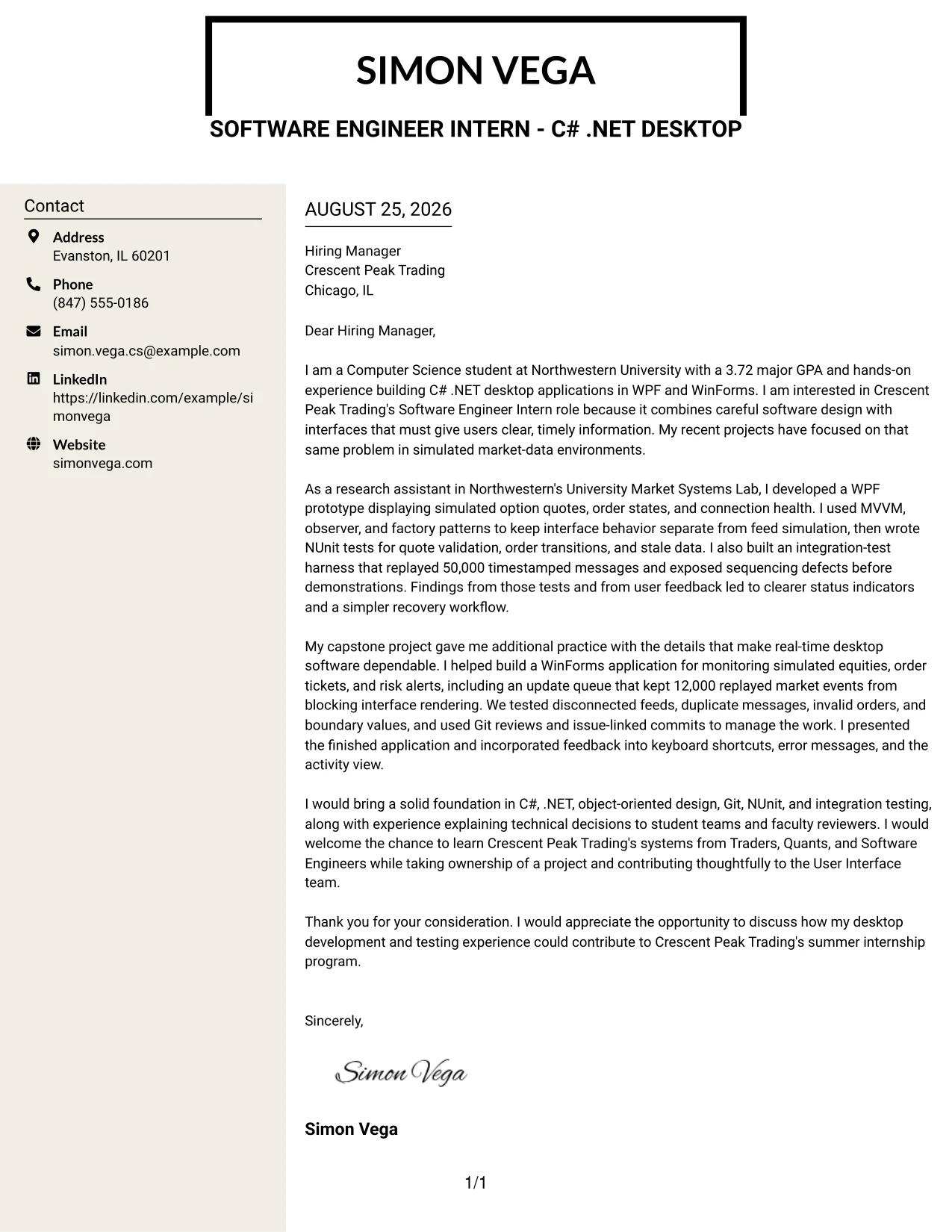
Why the Stylish Two Column Designer Format Works for a Cover Letter
- A clear main path keeps the employer’s need and the applicant’s motivation connected.
- The side area can hold concise supporting details for fast review.
- The format gives several technical examples a place without turning the letter into a list.
- Real-time interface work can be explained as evidence of role alignment.
- Testing and defect-replay examples add credibility to the claims about quality.
- Git collaboration and presentations show how the applicant works with others.
- A controlled designer treatment can make the letter memorable while keeping the language professional.
Best For
- Applications with enough evidence to support a main narrative and a side summary
- Readers who scan first and return for detail after finding the central argument
- Letters that need compact space for tools, testing practices, and collaboration evidence
- Candidates presenting project work with different kinds of supporting proof
- One-page messages that benefit from clear visual grouping
- Applicants seeking a polished design while keeping the employer fit easy to find
- Cover letters where a side area can reduce repetition in the main paragraphs
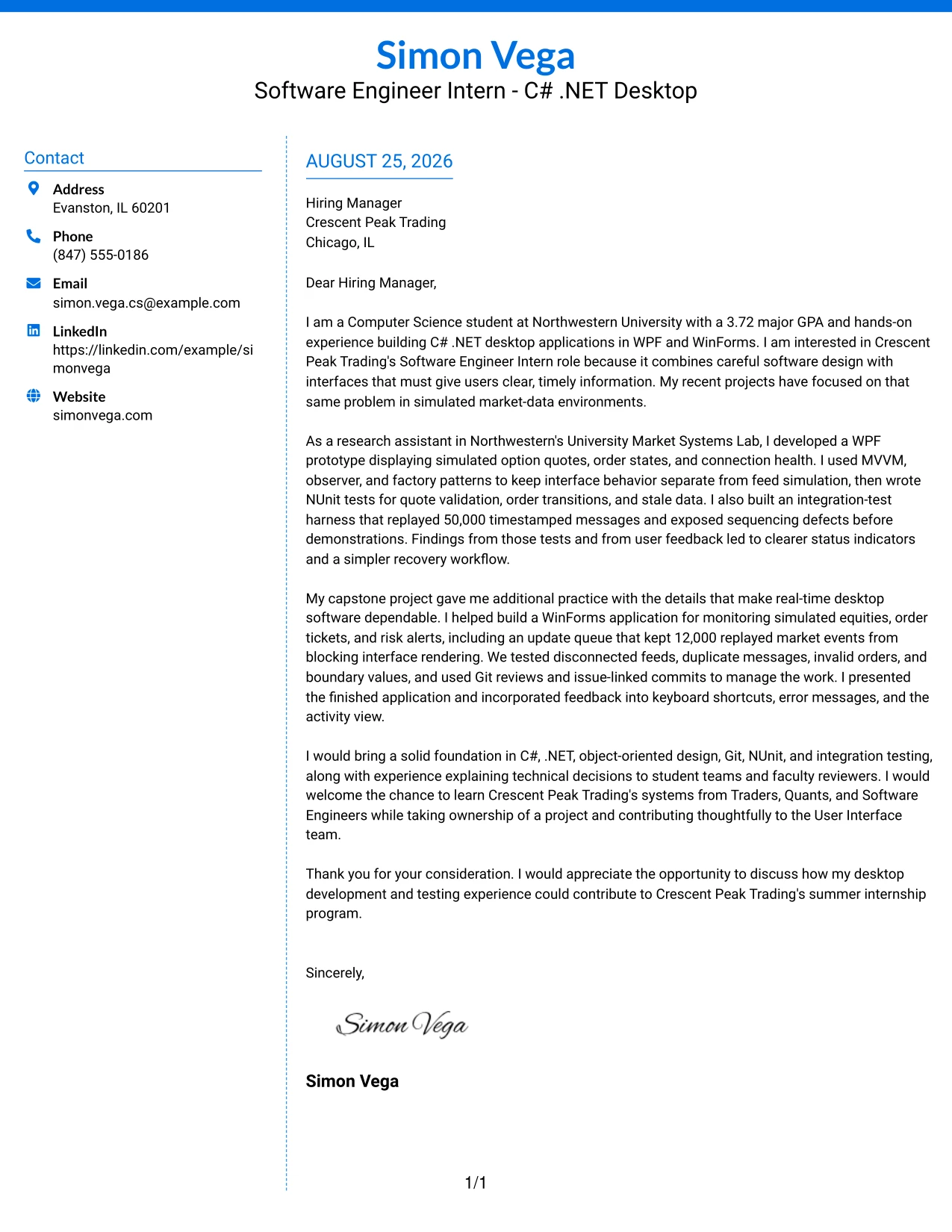
#9 Colored Two Column Format Cover Letter Example
Evidence of dependable work should receive priority in this application. The Colored Two Column Format can place the strongest proof—such as the 50,000-message integration-test harness, WPF market-data prototype, and 12,000-event update queue—where it is easy to notice, while a second area explains motivation and communication style. Color should separate ideas and improve recall, not replace specific examples.
Why the Colored Two Column Format Works for a Cover Letter
- The most persuasive technical evidence can receive a clear visual position.
- Two areas allow project proof and applicant motivation to remain distinct.
- Specific test scenarios make the claims about reliability believable.
- The WPF and WinForms examples align directly with the role’s desktop application work.
- The color treatment can help the reader remember separate evidence groups.
- Presentation and feedback examples add a human explanation of how the work improved.
- A focused closing can connect the evidence to contribution on the User Interface team.
Best For
- Applicants whose strongest case depends on several concrete results or test examples
- Letters that need separate areas for motivation and technical proof
- Readers who benefit from visual grouping during a quick first review
- Candidates explaining both dependable behavior and user-facing improvements
- Applications with evidence from more than one closely related project
- One-page documents where color can distinguish ideas without adding extra text
- Cover letters that need memorable organization but still require a professional tone
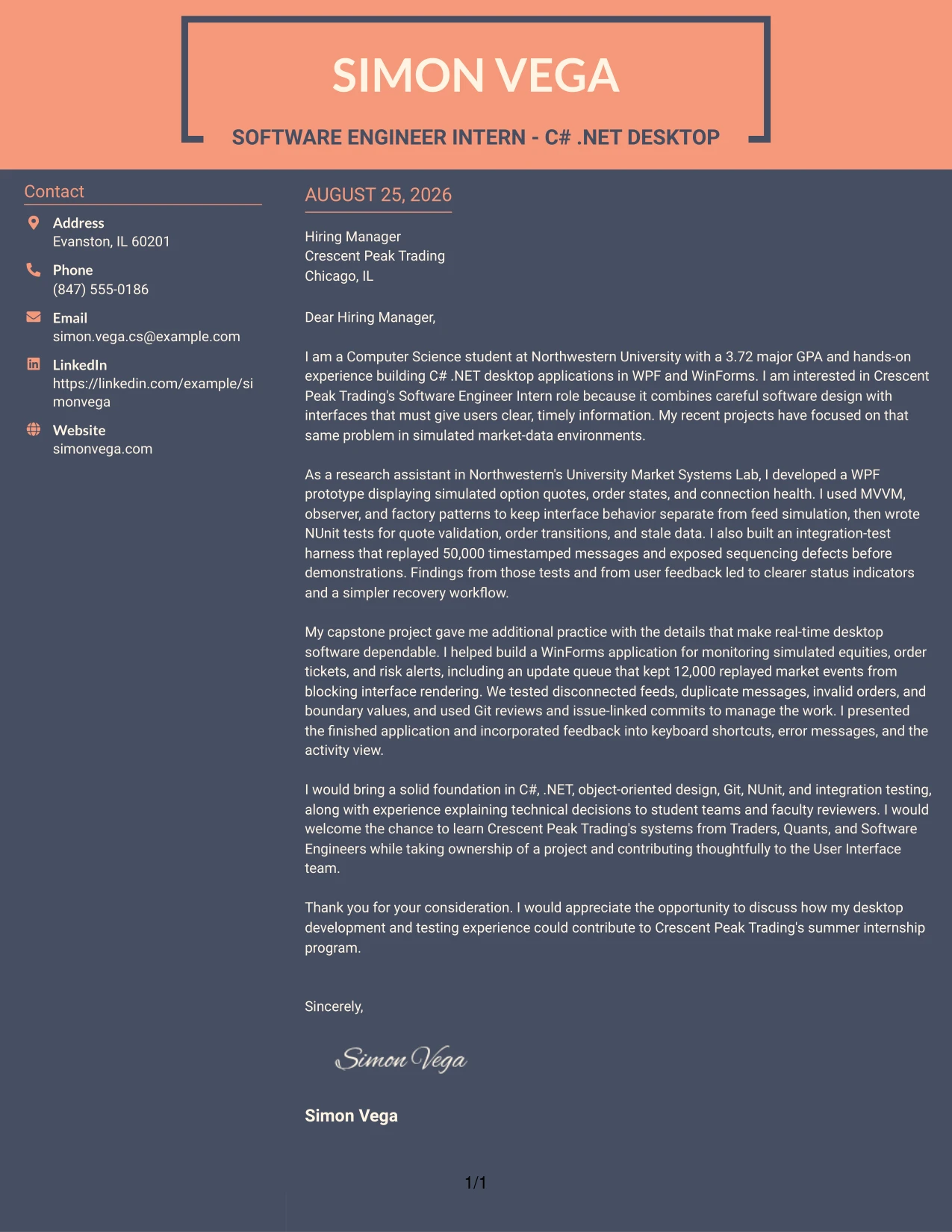
#10 Creative Two Tone Format Cover Letter Example
A practical application needs a clear balance between a confident introduction and enough evidence to support it. The Creative Two Tone Format can use two restrained visual tones to separate the opening, project story, and closing without breaking the single-column flow. For this letter, the message should move from interest in Crescent Peak Trading to C# .NET desktop experience, testing discipline, and readiness to collaborate.
Why the Creative Two Tone Format Works for a Cover Letter
- The single-column flow keeps the argument easy to follow.
- Two tones can distinguish the introduction from the supporting case without adding complex sections.
- The opening can connect the applicant’s studies to the internship’s real-time interface work.
- Research and capstone examples provide credible proof of preparation.
- Testing details show attention to robust software rather than only visual results.
- The message can explain interest in learning from Traders, Quants, and Software Engineers.
- A direct closing keeps the creative treatment subordinate to the request for discussion.
Best For
- Applications that need a distinct visual identity with a familiar reading order
- Letters where a small contrast in tone can separate introduction and evidence
- Applicants presenting two or three connected project examples
- Readers who want a creative page that remains quick to understand
- One-page messages balancing technical preparation with employer interest
- Candidates who prefer visual distinction without a multi-column structure
- Cover letters where a confident but controlled presentation supports persuasion
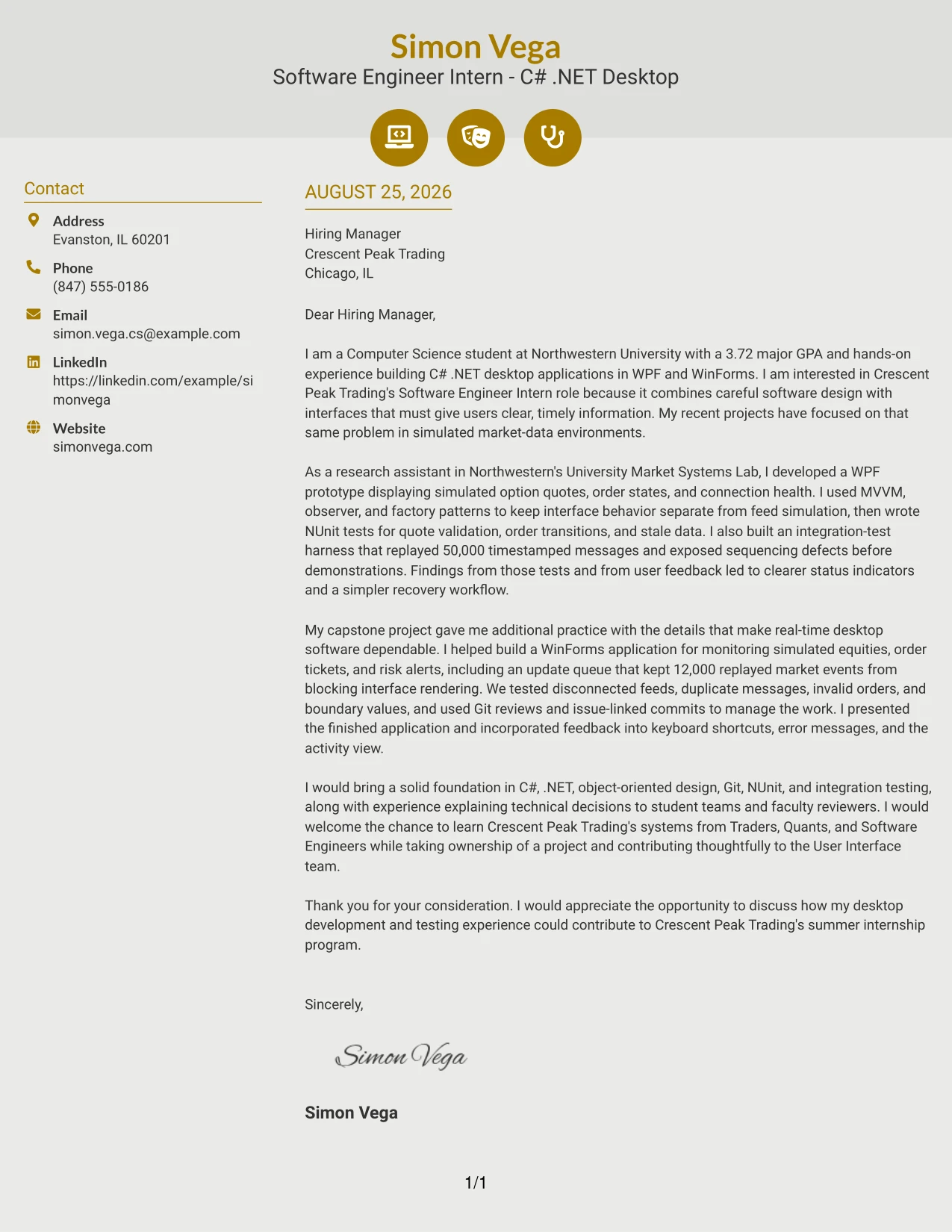
#11 Modern Icon Format Cover Letter Example
A practical application should help the reader identify the role, the reason for applying, and the strongest proof without delay. The Modern Icon Format can use small visual markers to guide the eye through those points while keeping the letter’s message concise. Here, the substance remains the applicant’s C# .NET desktop work, testing experience, real-time interface projects, and interest in Crescent Peak Trading’s collaborative team.
Why the Modern Icon Format Works for a Cover Letter
- Visual markers can guide the reader through motivation, evidence, and closing interest.
- A focused hierarchy keeps the target role visible without repeating it throughout the letter.
- The format can present technical examples in short, readable groups.
- WPF and WinForms work give the employer direct evidence of desktop development preparation.
- NUnit and integration testing support a persuasive quality-focused message.
- Project presentations show the ability to explain decisions to different audiences.
- A concise closing can turn the visual structure into a clear invitation to continue the conversation.
Best For
- Applicants who want visual cues to guide a short, focused letter
- Readers who review applications quickly and need clear points of entry
- Letters grouping motivation, project evidence, and communication proof
- Candidates who want technical details to remain easy to find without long paragraphs
- One-page applications with a small number of strong supporting examples
- Applications that benefit from a modern presentation while keeping language direct
- Cover letters where visual organization can reinforce a confident, concise message
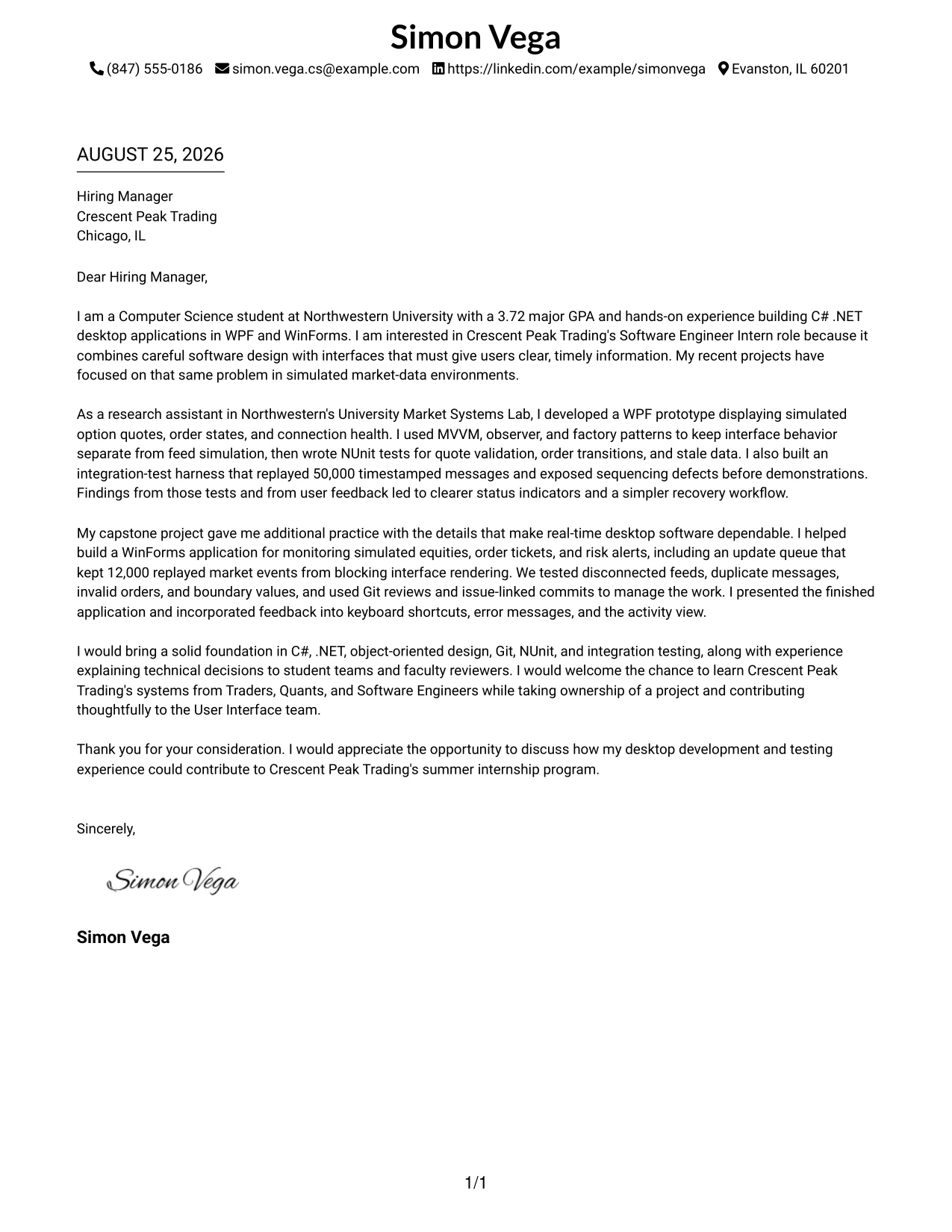
#12 Minimal Header Format Cover Letter Example
A restrained header gives the reader a clear starting point, while the one-column letter keeps attention on motivation, relevant experience, and fit for the Software Engineer Intern - C# .NET Desktop role. The body can connect WPF and WinForms work, NUnit testing, and interest in Crescent Peak Trading without visual distraction. This is useful when the message should feel direct, focused, and easy to read.
Why This Cover Letter Works
- The simple header makes the sender and recipient details easy to find.
- The opening connects the candidate's Computer Science studies and 3.72 major GPA to the internship.
- The first body section presents WPF experience with simulated option quotes, order states, and connection health.
- Testing evidence includes NUnit coverage and an integration harness that replayed 50,000 timestamped messages.
- A second body section shows WinForms work, responsive updates, and testing for invalid orders and disconnected feeds.
- The closing expresses interest in learning from Traders, Quants, and Software Engineers.
- The one-column reading path supports a clear, professional explanation of employer fit.
Best For
- Applications that need a direct connection between the opening, evidence, and closing.
- Readers who prefer one clear path through a short persuasive letter.
- Candidates who need to explain interest in a specific company without adding visual complexity.
- Letters that combine technical evidence with a sincere reason for applying.
- Internship applications where education and project experience should appear early.
- Communication that must remain focused during a quick first review.
- Applicants presenting several related examples without making the letter feel crowded.
#13 Clean Two Column Sidebar Format Cover Letter Example
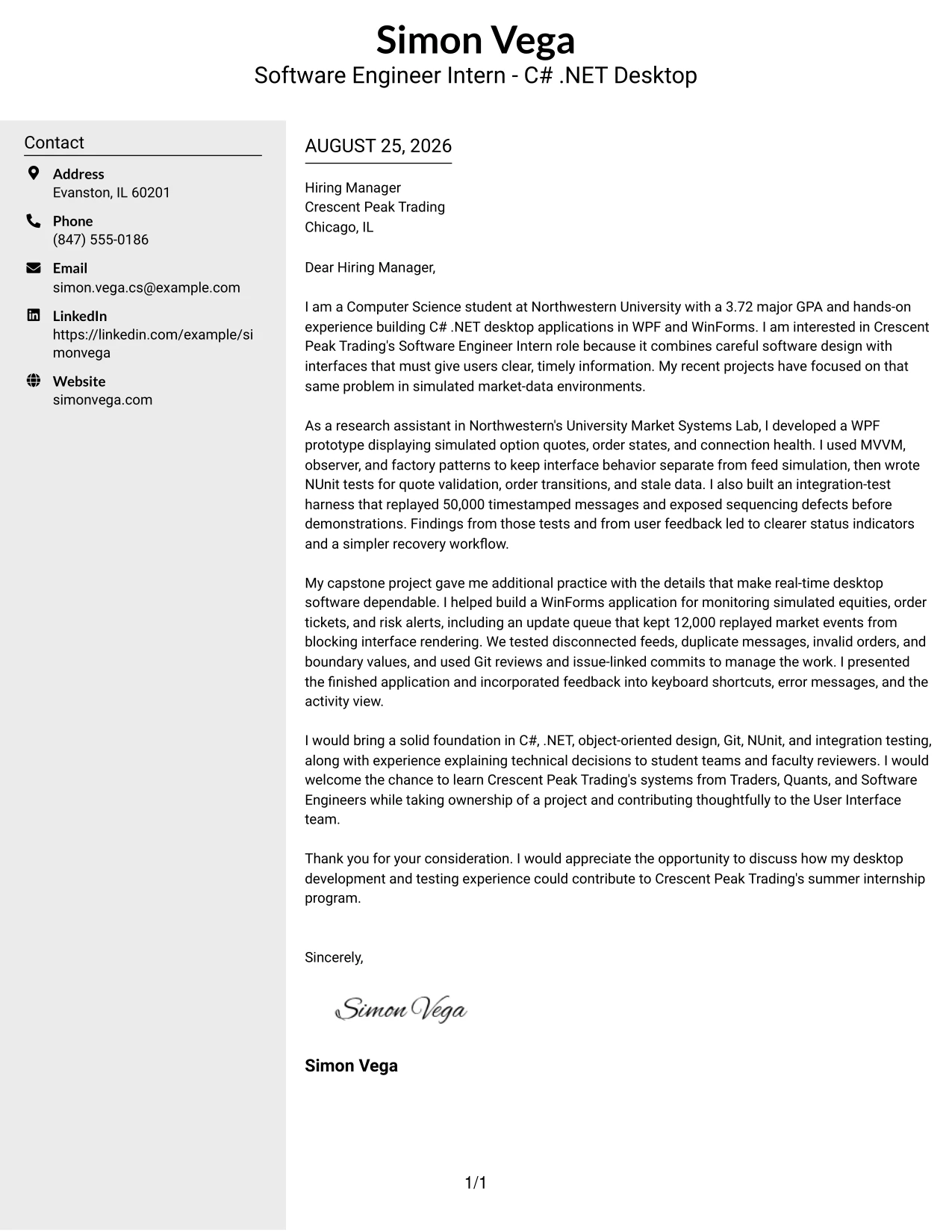
The Clean Two Column Sidebar Format places contact and application details in a compact side area while the main column carries the letter's argument. This separation lets the reader identify the sender quickly, then follow the opening, technical evidence, company interest, and closing in order. The letter can show C# .NET desktop work and team communication without turning the message into a list of disconnected facts.
Why This Cover Letter Works
- The sidebar separates practical contact details from the persuasive message.
- The main column gives the opening enough space to explain interest in Crescent Peak Trading.
- Project evidence is grouped by purpose instead of being scattered across the page.
- WPF, WinForms, MVVM, Git, and NUnit appear in sentences that explain how they were used.
- The letter links testing work to dependable real-time desktop applications.
- Team and presentation experience supports the claim of strong communication.
- The two-column structure improves navigation while keeping the letter readable.
Best For
- Applications with several contact or application details that should stay visible but secondary.
- Letters that need a strong distinction between supporting information and the main argument.
- Readers who scan first and then return to the central explanation.
- Candidates balancing technical examples with collaboration and presentation evidence.
- Short letters that benefit from a compact information area beside the message.
- Situations where multiple paragraphs need clear visual separation without extra length.
- Professional applications that require order and structure during a fast review.
#14 Plain Two Column Format Cover Letter Example
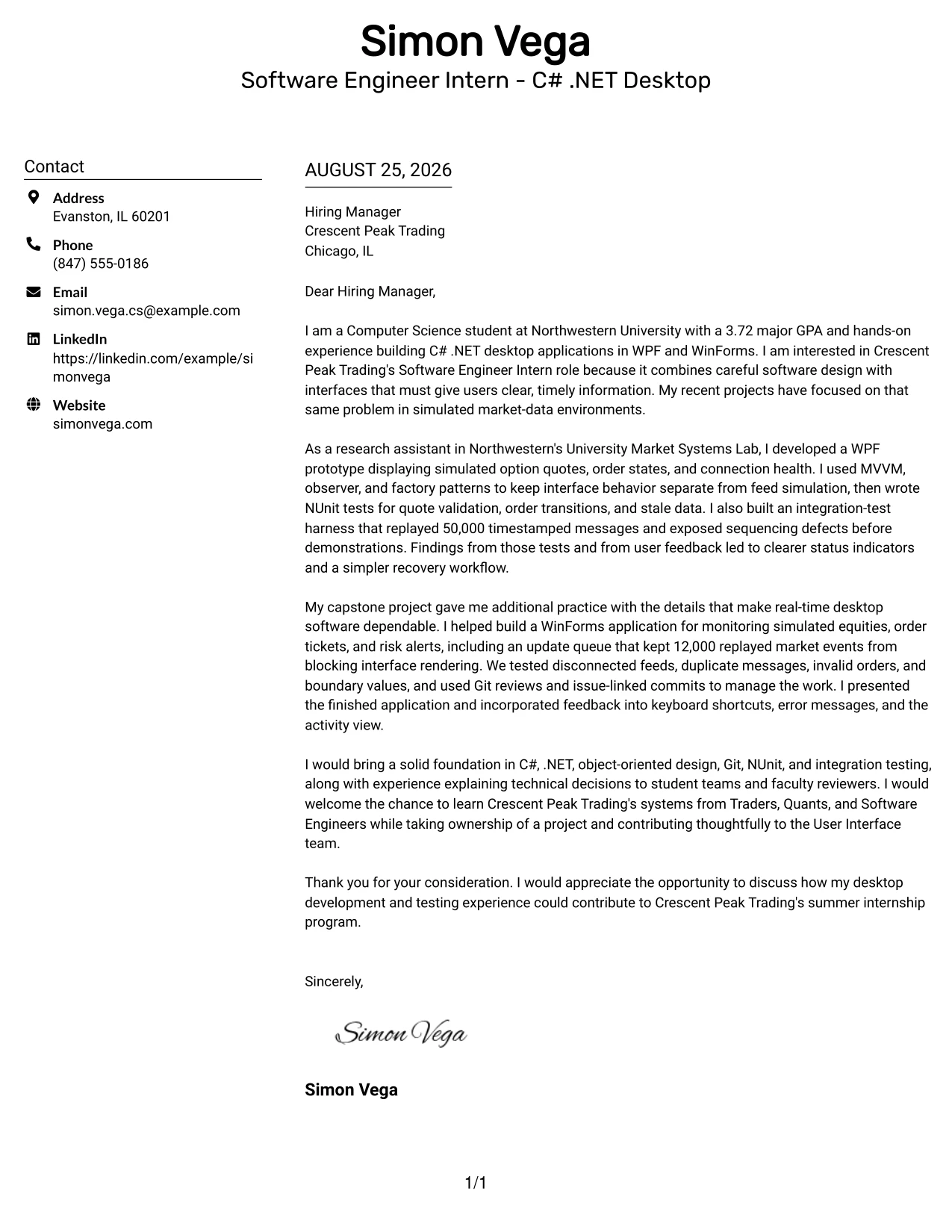
A recruiter first sees the contact area and the main message, then moves between them without losing the letter's central argument. The Plain Two Column Format supports a calm division of space: practical details remain easy to locate, while the body explains motivation, market-data projects, testing, and the value the candidate could bring to the User Interface team.
Why This Cover Letter Works
- The reader can confirm contact details without interrupting the main narrative.
- The opening states both technical preparation and a specific reason for interest in the company.
- The lab example supplies concrete evidence from a WPF market-systems prototype.
- The capstone example adds WinForms, update-queue, and error-handling experience.
- Testing details show care for invalid orders, duplicate messages, disconnected feeds, and boundary values.
- The final paragraph moves from current preparation to expected contribution and learning.
- Plain styling keeps the content volume manageable and the tone professional.
Best For
- Letters with two or three substantial evidence paragraphs.
- Applications where contact details must remain visible during review.
- Candidates who need room to explain both motivation and technical preparation.
- Readers who value a quiet layout over decorative emphasis.
- Messages that compare academic, research, and project-based experience.
- Applications requiring a balanced presentation of independent work and team contribution.
- Cover letters that should feel complete without becoming dense.
#15 Modern Full Background Two Column Format Cover Letter Example
Evidence receives priority in this letter: the WPF prototype, NUnit tests, 50,000-message replay, and WinForms capstone show preparation for real-time desktop development. The Modern Full Background Two Column Format gives those examples a strong visual frame while keeping motivation and employer fit visible. The result is a confident letter that connects documented work to Crescent Peak Trading's User Interface team.
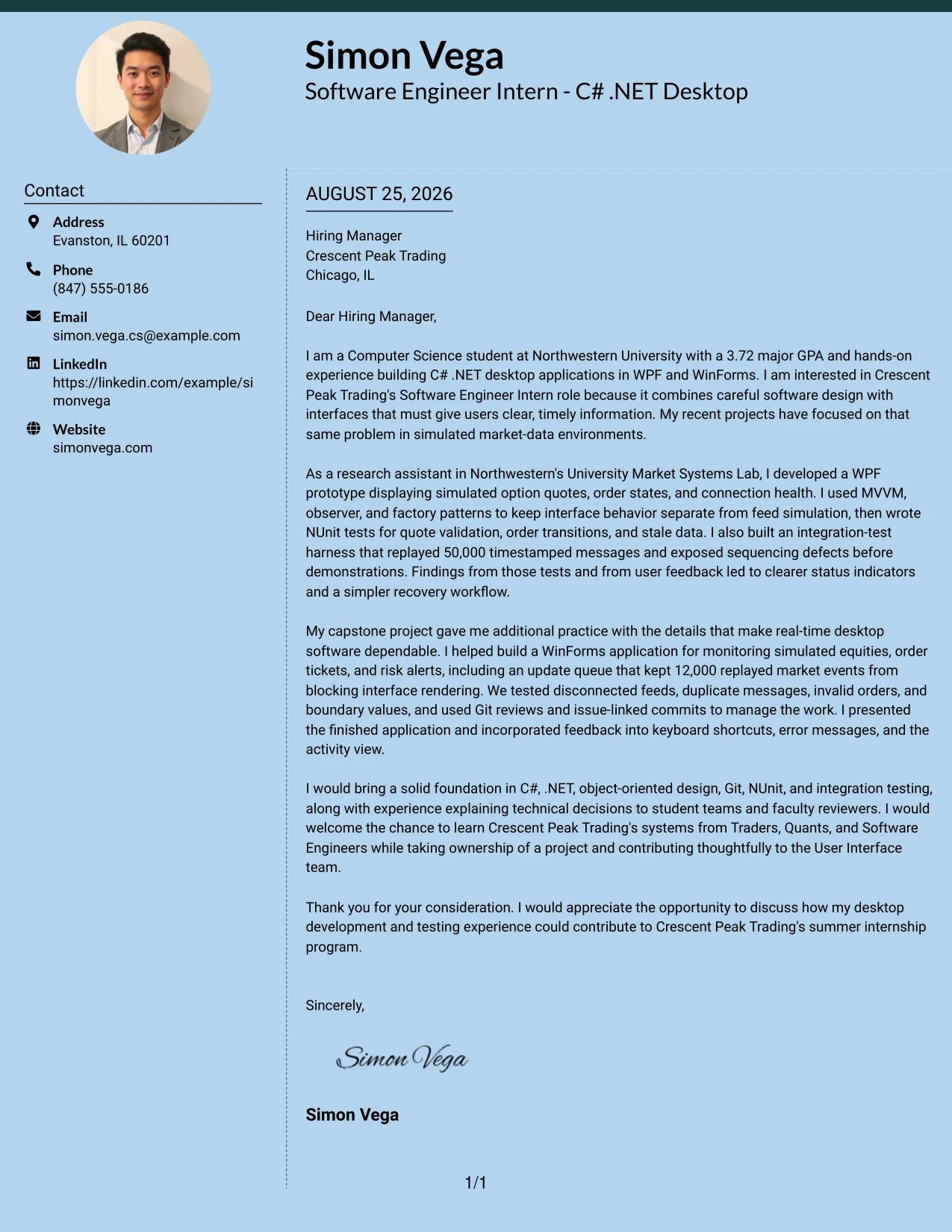
Why This Cover Letter Works
- The opening establishes a clear connection to C# .NET desktop application work.
- The research example demonstrates interface development for simulated option quotes and order states.
- Pattern use is explained as a way to separate interface behavior from feed simulation.
- The 50,000-message integration replay gives the testing discussion specific weight.
- The capstone paragraph broadens the evidence with WinForms and responsive event handling.
- The letter explains how feedback improved status indicators, shortcuts, and error messages.
- The closing presents the candidate as ready to contribute while continuing to learn.
Best For
- Applications where tested work should lead the reader's impression.
- Letters that need to present several concrete examples without losing a clear theme.
- Candidates whose strongest fit comes from research or project evidence.
- Roles involving dependable interfaces, data updates, and careful validation.
- Readers who respond well to a confident visual frame around substantial content.
- Messages that must connect technical results to user experience.
- Applications where evidence should carry more weight than broad personal claims.
#16 Dark Mode Two Column Format Cover Letter Example
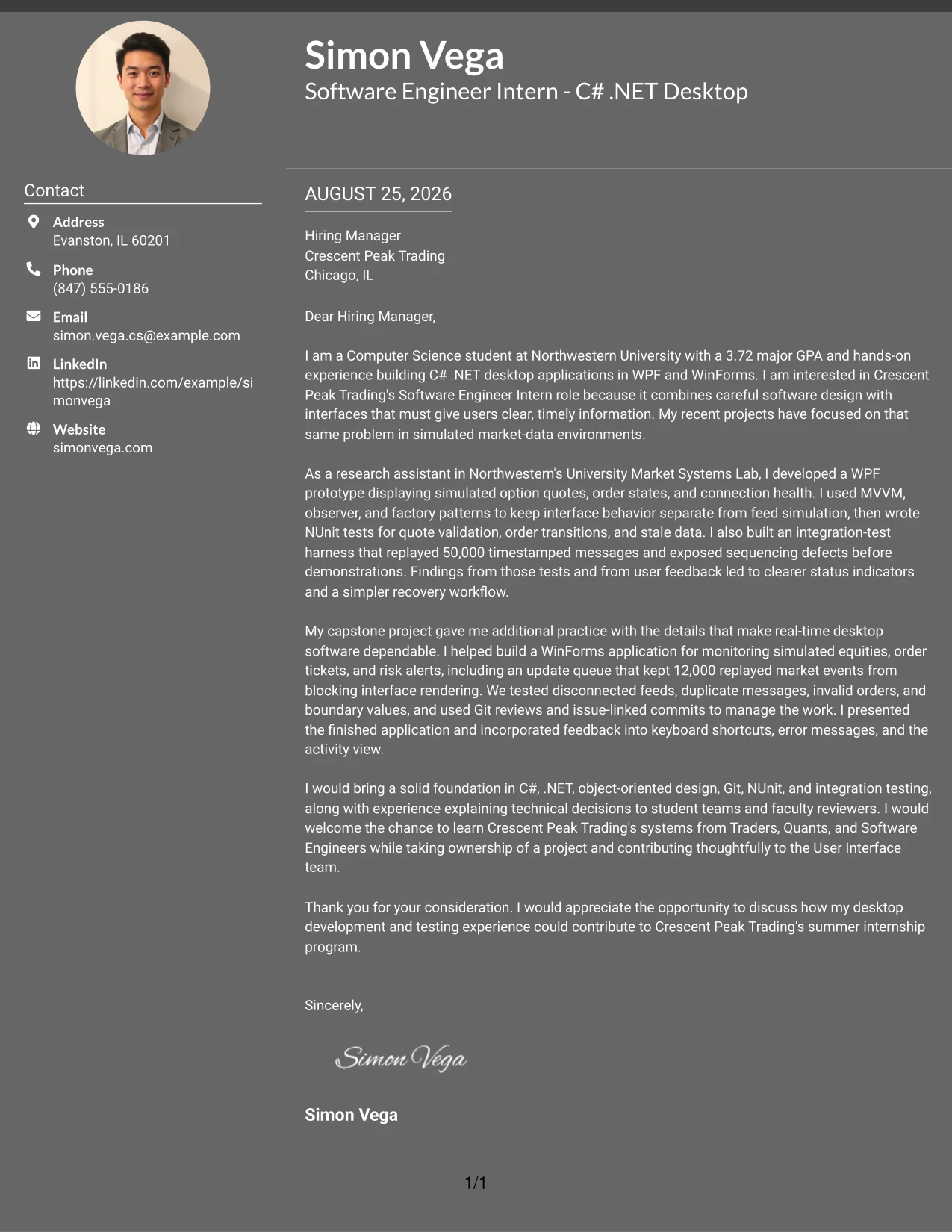
Balanced space helps this application handle two needs at once: it explains technical preparation and shows thoughtful interest in the internship. The Dark Mode Two Column Format can place contact details and supporting information beside a readable letter body, allowing the message to move from C# and .NET experience to testing, teamwork, and project ownership without feeling crowded.
Why This Cover Letter Works
- The layout gives the opening and closing enough room to sound personal rather than compressed.
- Technical examples are balanced with explanations of why the work mattered to users.
- The letter connects WPF and WinForms practice to Crescent Peak Trading's desktop applications.
- NUnit and integration testing show attention to software quality.
- Git reviews and issue-linked commits support the collaboration story.
- Presentation experience makes the communication claim specific and credible.
- The closing fits the internship's emphasis on ownership, training, and collaboration.
Best For
- Internship letters that must balance learning goals with evidence of readiness.
- Applications combining technical detail, teamwork, and communication in equal measure.
- Readers reviewing a letter on screen who benefit from clear content zones.
- Candidates with related lab and capstone work to connect in one narrative.
- Roles where project ownership and collaboration matter alongside implementation.
- Messages that need a modern presentation while keeping the argument easy to follow.
- Applicants who want a structured explanation of how they would grow in the role.
#17 Dark Mode Box Header Format Cover Letter Example
For a focused internship application, a boxed header can identify the sender, recipient, and role before the reader enters the main message. The Dark Mode Box Header Format then gives the letter a strong, single-column presentation. Its structure works well when motivation, two carefully chosen technical examples, and a concise closing should appear as one connected argument.
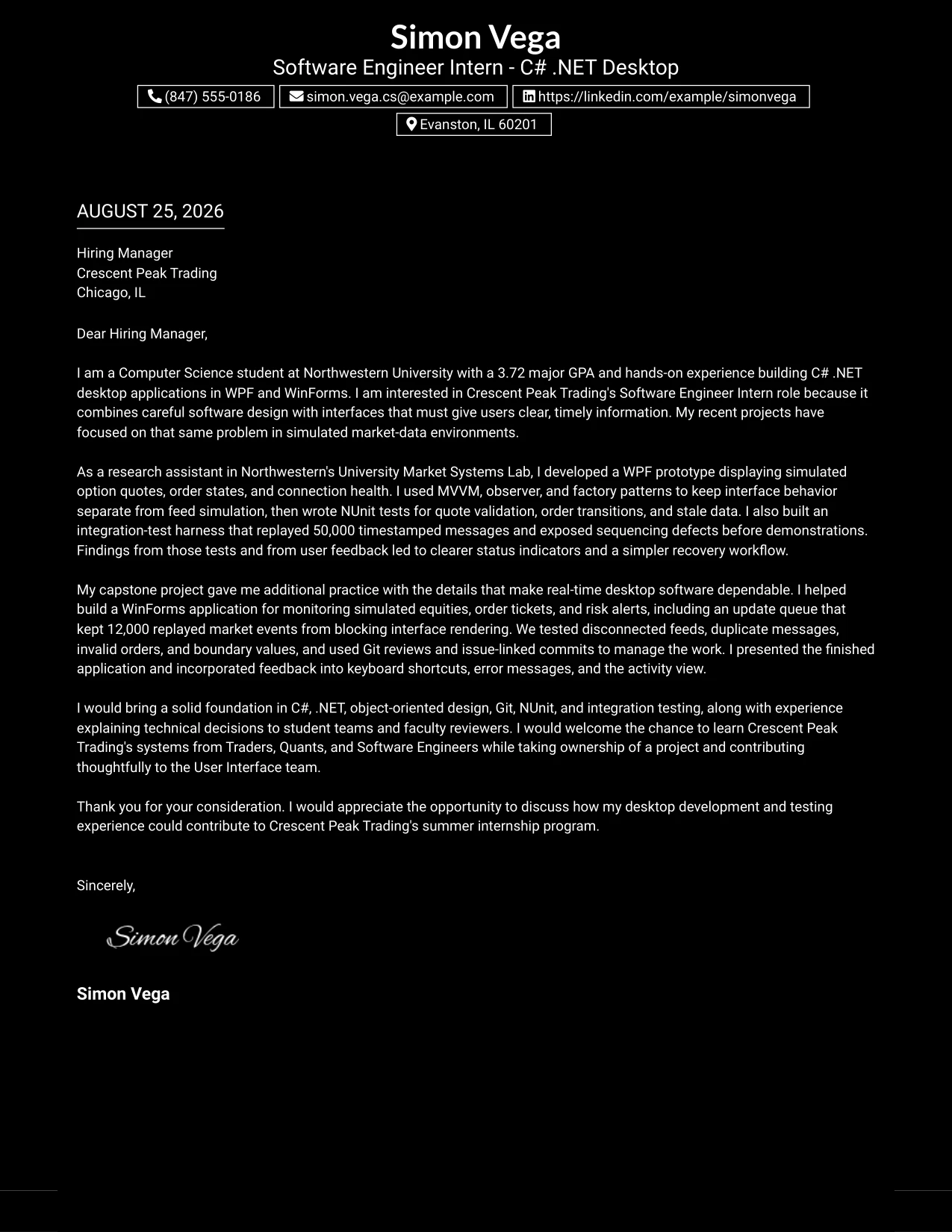
Why This Cover Letter Works
- The header establishes the application context immediately.
- The opening explains interest in interfaces that provide clear, timely information.
- The lab paragraph gives one substantial example instead of many shallow claims.
- The capstone paragraph adds independent evidence of WinForms, testing, and feedback use.
- The letter names Crescent Peak Trading's cross-functional environment directly.
- The final paragraph combines contribution, learning, and communication in a natural way.
- A single column keeps the persuasive sequence easy to follow.
Best For
- Applications that need the role and recipient to stand out before the body begins.
- Short letters built around two carefully selected examples.
- Candidates who want a strong first impression without adding side columns.
- Internship messages where motivation should remain visible from the start.
- Readers who prefer a continuous narrative with clear beginning and end.
- Letters that need to present technical evidence in a compact, polished frame.
- Applications where a memorable header can support, but not replace, the message.
#18 Elegant Full Background Two Column Format Cover Letter Example
A calm visual hierarchy gives the letter an assured tone while leaving the content in control. The Elegant Full Background Two Column Format supports a persuasive balance between the candidate's reason for applying and the proof behind that interest. It is a good setting for describing C# .NET desktop projects, careful testing, and a wish to learn from experienced market-technology teams.
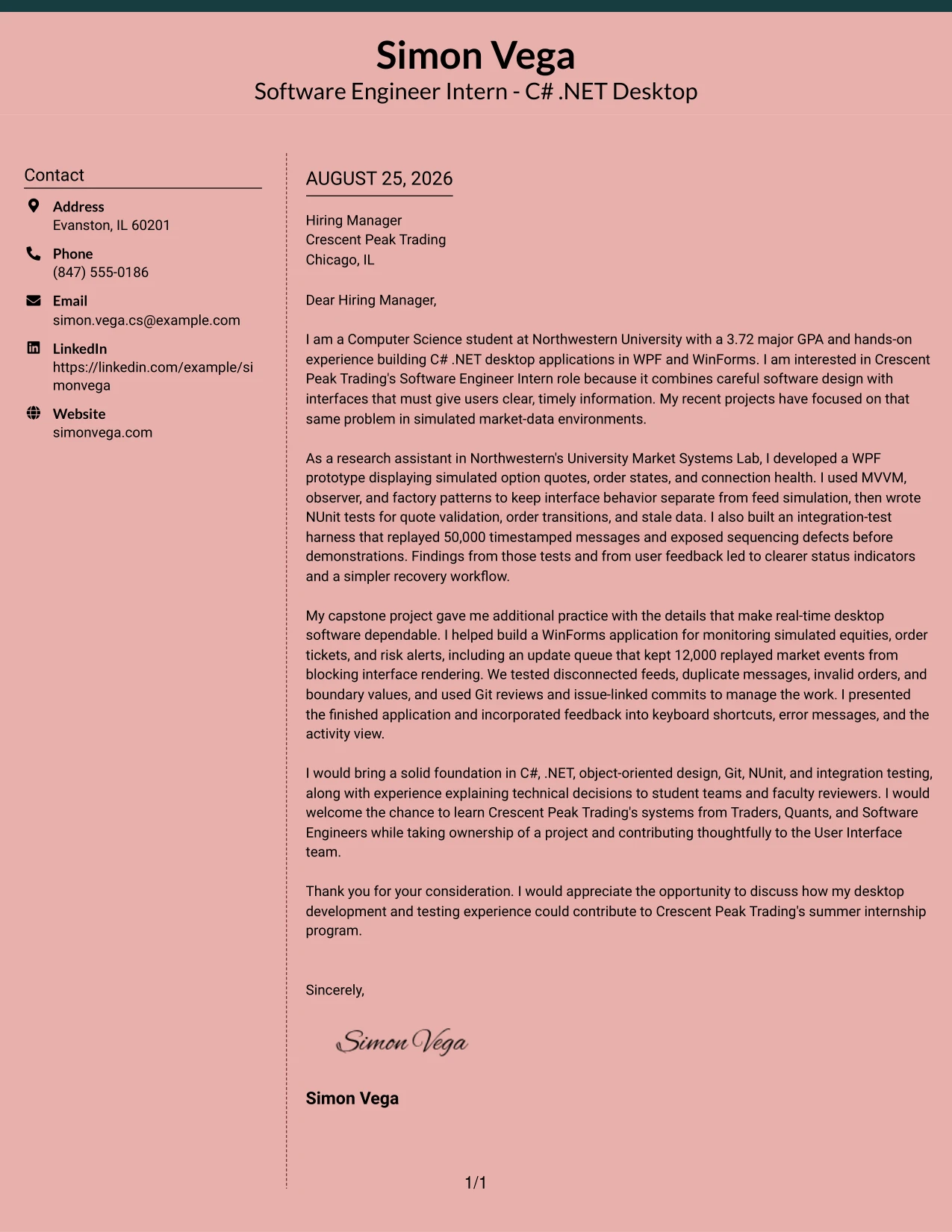
Why This Cover Letter Works
- The opening makes the company connection specific rather than generic.
- The research paragraph shows experience with quotes, order states, connection health, and stale data.
- The design-pattern discussion explains maintainability in practical terms.
- The capstone paragraph shows how testing and interface feedback shaped the final application.
- The letter presents analytical ability through sequencing, validation, and event-handling examples.
- Communication evidence appears through presentations to faculty and student teams.
- The closing is respectful, direct, and connected to the summer internship program.
Best For
- Applications that need a polished tone while keeping the message evidence-based.
- Letters connecting technical preparation with a clear reason for company interest.
- Candidates presenting research and academic projects as related preparation.
- Roles where maintainability, testing, and user communication belong in the same story.
- Readers who appreciate generous separation between supporting details and the main letter.
- Messages that should feel composed without sounding overly formal.
- Applications where the closing needs to reinforce both contribution and continued learning.
#19 Plain One Column with Highlighted Date Cover Letter Example
The Plain One Column with Highlighted Date Format gives the letter a familiar order: sender details, date, recipient, greeting, argument, and closing. Highlighting the date adds a small point of orientation without changing the communication strategy. The result is useful for a focused application that must show motivation, relevant evidence, and employer fit in a predictable sequence.
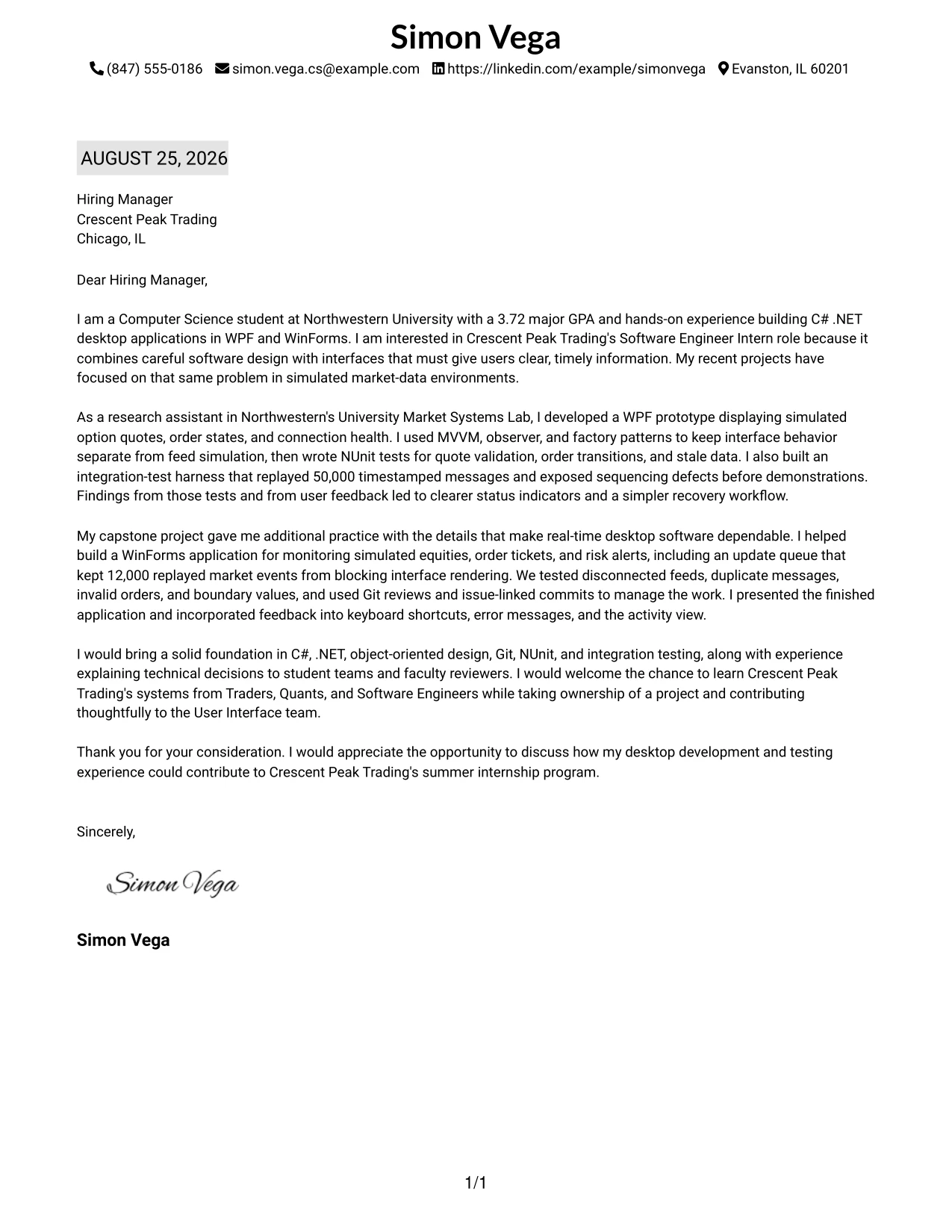
Why This Cover Letter Works
- The conventional order reduces effort for a recruiter reviewing the application.
- The date treatment helps distinguish the letter's formal application details.
- The opening ties the candidate's studies and GPA to the internship requirements.
- The body moves from WPF research work to WinForms capstone experience in a logical order.
- Testing examples make claims about reliability concrete.
- The company paragraph shows interest in working with Traders, Quants, and Software Engineers.
- The closing leaves the reader with a clear invitation to continue the conversation.
Best For
- Applications that benefit from a familiar business-letter sequence.
- Readers who look for date, recipient, greeting, and closing in expected places.
- Candidates who want content structure to matter more than visual decoration.
- Letters with a clear timeline from preparation to likely contribution.
- Internship applications where education, projects, and motivation must fit one page.
- Messages sent for a specific opening and date-sensitive application process.
- Applicants seeking a dependable format for formal employer communication.
#20 Bold Color Header Professional Format Cover Letter Example
The reader encounters the header first, then the greeting, opening, evidence, and closing in a direct vertical path. The Bold Color Header Professional Format gives that path a stronger visual entry while the letter remains centered on Simon Vega's motivation and preparation for Crescent Peak Trading. It suits a detailed application that needs enough room for research, capstone, testing, and communication evidence.
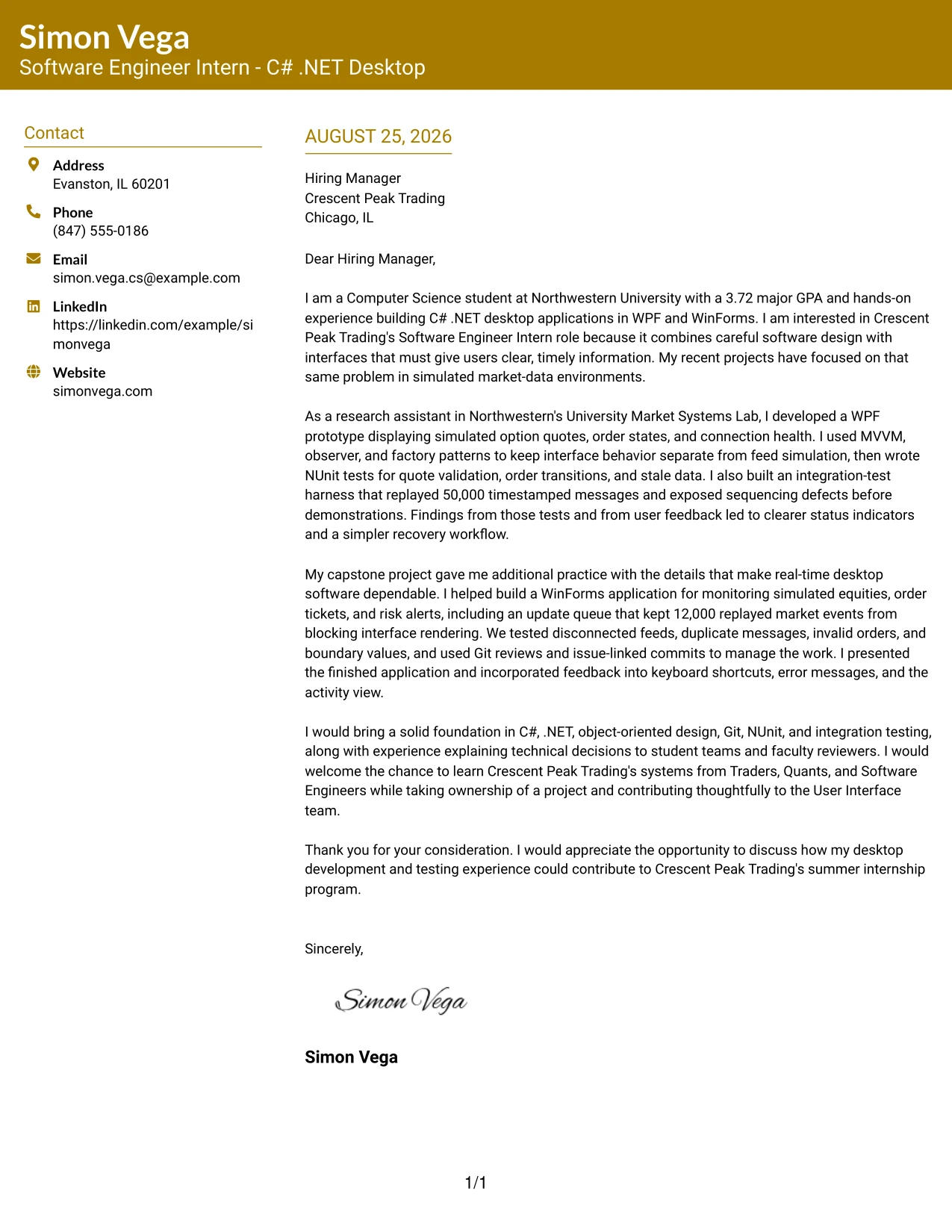
Why This Cover Letter Works
- The bold header helps the application stand out before the reader reaches the body.
- The opening identifies the role interest and the connection to real-time information needs.
- The research example demonstrates WPF, MVVM, NUnit, and integration testing together.
- The capstone example shows practical WinForms work and responsiveness under event replay.
- The letter explains how feedback improved the interface rather than merely naming feedback.
- The final paragraph links technical foundations to collaboration with Traders, Quants, and Software Engineers.
- The one-column structure preserves space for a detailed but coherent argument.
Best For
- Applications that need a noticeable first impression and a substantial body.
- Candidates with enough relevant evidence to support several full paragraphs.
- Readers who prefer a straightforward top-to-bottom review.
- Letters that must connect technical work with user-facing improvements.
- Internship applications where project ownership and presentation deserve space.
- Messages that benefit from a professional visual accent without side-column navigation.
- Applicants who want the header to signal confidence while the body proves fit.
#21 Photo Header Color Sidebar Format Cover Letter Example
Evidence leads the application: the header can introduce the sender, while the color sidebar supports quick orientation and the letter body explains the strongest proof of fit. The Photo Header Color Sidebar Format can add a professional personal element, but its persuasive value still comes from the WPF and WinForms work, testing discipline, and interest in Crescent Peak Trading's User Interface team.
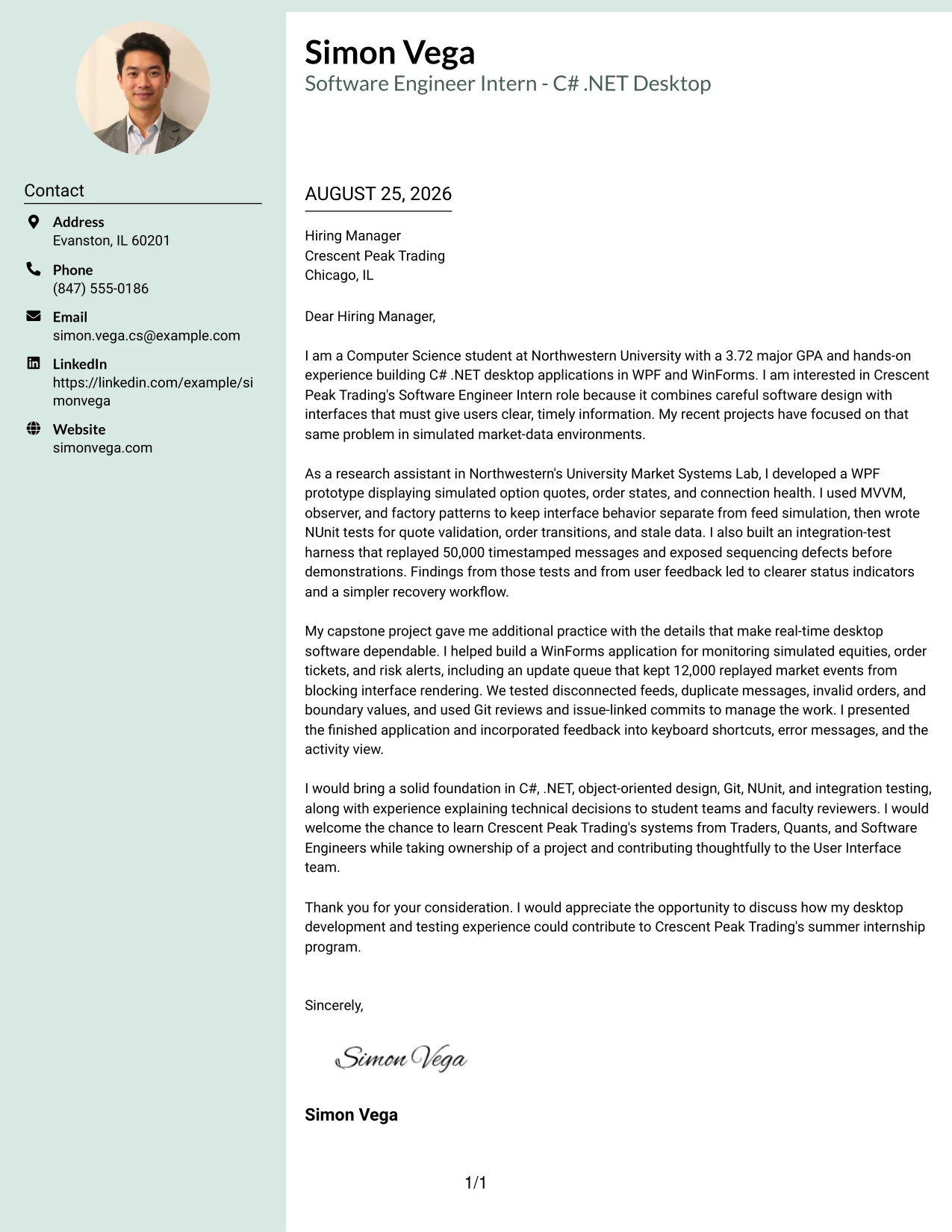
Why This Cover Letter Works
- The header combines identity and contact information in a prominent starting area.
- The opening states the technical foundation and the reason for applying.
- The research example shows direct work with simulated option quotes, order states, and connection health.
- The integration harness and NUnit tests provide concrete evidence of quality-focused development.
- The capstone paragraph adds responsive event handling and practical interface improvements.
- The letter connects presentation experience to the internship's end-of-program project presentation.
- The sidebar and personal image can support recognition while the written evidence carries the argument.
Best For
- Applications where a professional personal image is appropriate for the employer and context.
- Letters that need strong visual identity alongside detailed technical evidence.
- Candidates presenting research, capstone, and communication proof in one application.
- Readers who benefit from a prominent contact area and quick visual orientation.
- Roles where user-facing work and personal communication both matter.
- Applications that use a sidebar to separate supporting details from the central message.
- Applicants who can provide a polished, relevant image without distracting from the letter.
#22 Top Left Header Color Accent Format Cover Letter Example
Balanced spacing gives the application a measured rhythm: the top-left header identifies the sender, the accent guides the eye, and the body has room to explain motivation and evidence. The Top Left Header Color Accent Format works well when the letter should feel organized and approachable while still presenting C# .NET, desktop interface, testing, and collaboration experience with precision.
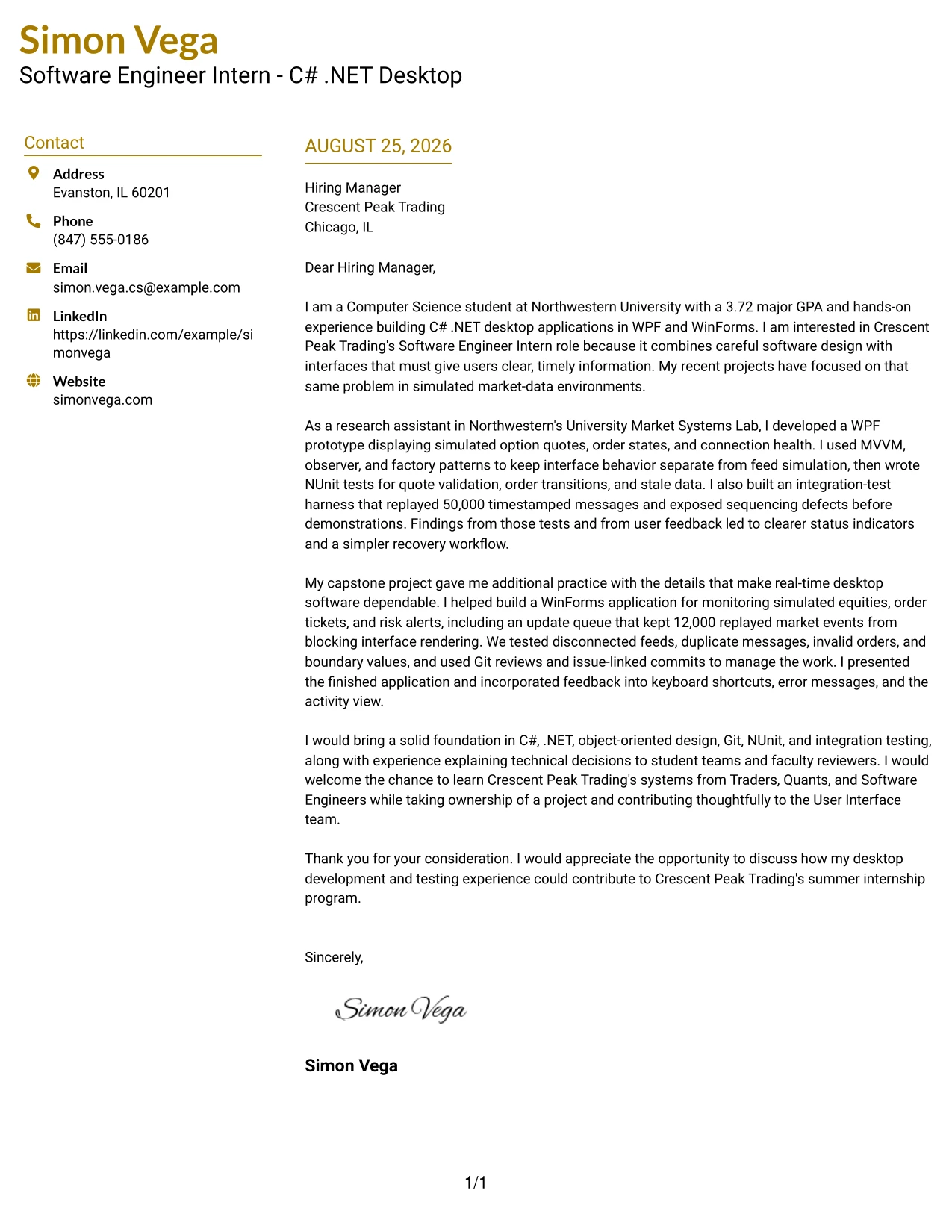
Why This Cover Letter Works
- The top-left header creates a clear entry point without taking over the page.
- The opening connects academic preparation to the needs of a real-time desktop User Interface team.
- The research paragraph gives evidence of WPF development, design patterns, and test coverage.
- The capstone paragraph adds WinForms, event management, Git, and feedback-driven changes.
- The letter explains the candidate's interest in learning financial-market systems through collaboration.
- The closing keeps the tone confident but appropriate for an internship application.
- Balanced spacing helps technical detail remain readable and persuasive.
Best For
- Applications that need a clear starting point and comfortable reading pace.
- Letters combining technical preparation with a thoughtful explanation of motivation.
- Candidates who want a professional accent without a heavily decorative design.
- Readers reviewing detailed evidence about interfaces, testing, and collaboration.
- Internship applications that should feel organized, open, and easy to approach.
- Messages where several paragraphs need visual breathing room.
- Applicants seeking a flexible format for company-specific persuasion.
#23 Cover Letter Example: Centered Header Classic Two Column Format
For an application that needs quick review, the Centered Header Classic Two Column Format gives the cover letter a calm, organized presentation. A centered contact area establishes a clear starting point, while two-column alignment separates contact details from the letter's persuasive message. The content can introduce interest in Crescent Peak Trading, connect C# .NET desktop work to the User Interface team, and close with a direct request to discuss the summer internship.
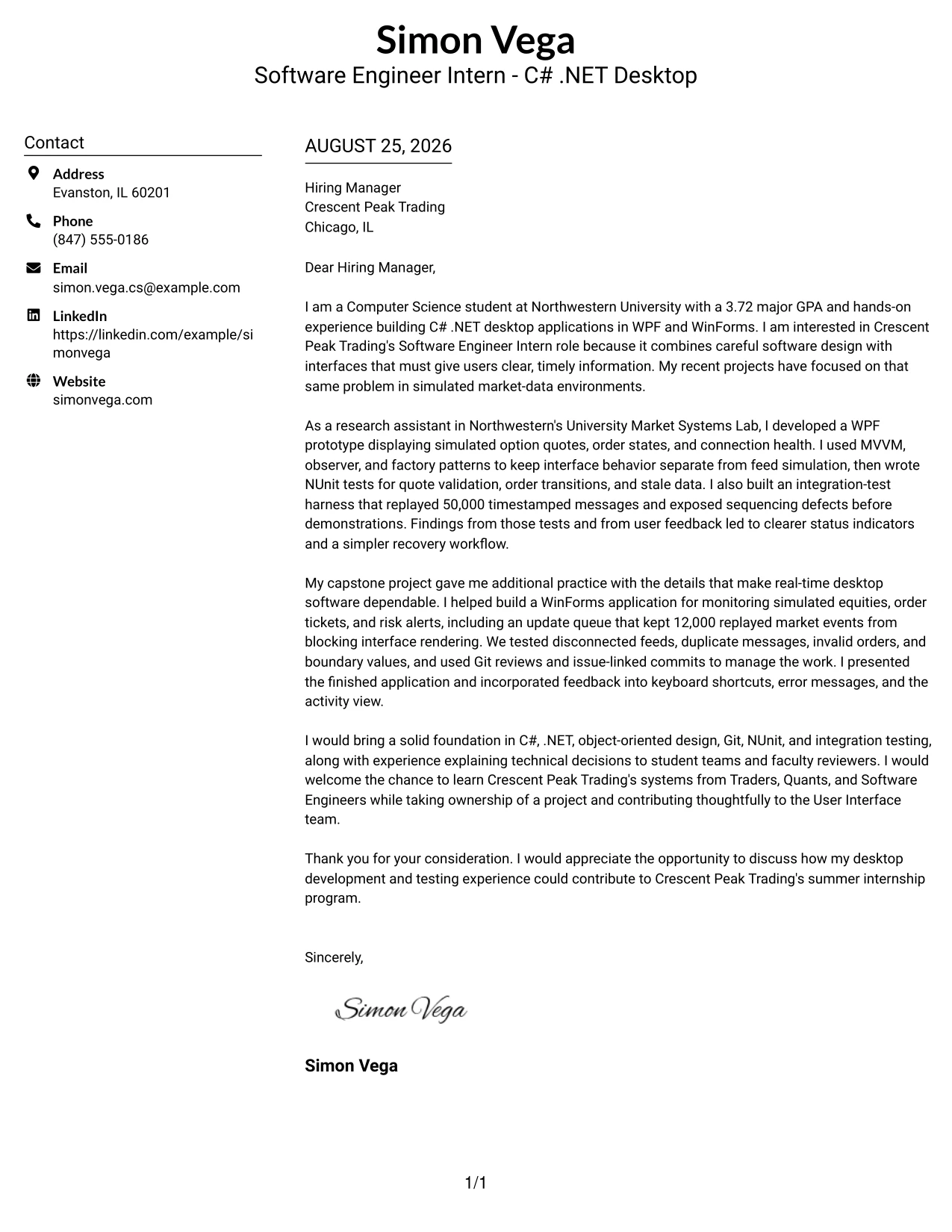
Why This Cover Letter Works
- The centered header makes the sender's details easy to locate.
- The two-column structure creates a clear boundary between contact information and letter content.
- The opening connects the application to Crescent Peak Trading's real-time trading systems.
- The body presents WPF and WinForms experience as relevant evidence.
- Testing work with NUnit and integration testing supports a careful engineering approach.
- References to Traders, Quants, and Software Engineers show awareness of the role's collaborative setting.
- The closing is professional, positive, and suited to an internship conversation.
Best For
- Applicants who want a balanced two-column presentation without visual clutter.
- Cover letters that need contact details to remain easy to find.
- Applications with several related points about motivation, evidence, and employer fit.
- Readers who prefer a centered introduction before moving into the letter.
- Technical candidates who need space to connect desktop development with a specific team.
- Internship applications where a clear, respectful tone matters.
- Letters that benefit from a structured transition from interest to supporting evidence.
#24 Cover Letter Example: Left Aligned Header Clean Two Column Format
A restrained visual hierarchy helps the reader move from the contact line to the greeting, then through the evidence and closing without interruption. The Left Aligned Header Clean Two Column Format supports that quiet flow while keeping the letter focused on fit. It gives the applicant room to explain interest in real-time desktop applications, show relevant C# .NET practice, and describe how testing and communication would support the User Interface team.
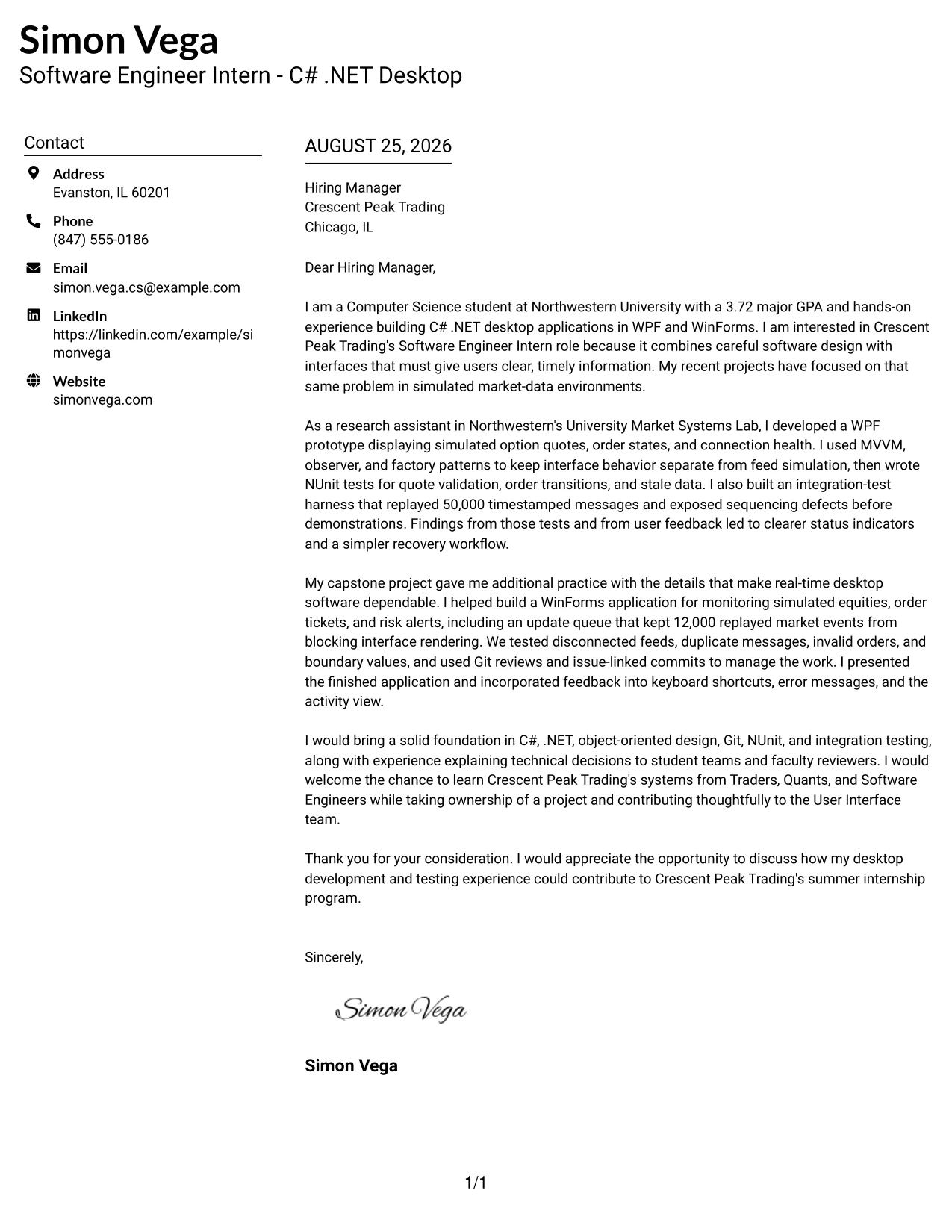
Why This Cover Letter Works
- The left-aligned header follows familiar business-letter reading habits.
- The clean two-column arrangement keeps supporting details separate from the main argument.
- The introduction explains why the company and role are appealing.
- The research-assistant example connects WPF development with market-data feedback.
- The capstone example adds WinForms, event handling, and testing evidence.
- The letter shows that technical decisions were explained to teams and faculty reviewers.
- The final paragraph links existing preparation with a willingness to learn from cross-functional colleagues.
Best For
- Applicants who want a quiet format that keeps attention on the message.
- Letters that must align academic or project work with a real workplace need.
- Readers who value familiar left-to-right navigation.
- Applications combining motivation with two strong examples of preparation.
- Technical roles where collaboration should appear alongside programming ability.
- Candidates who need a professional format for a focused company-specific letter.
- Cover letters that benefit from a clear separation between contact details and persuasive content.
#25 Cover Letter Example: Accent Divider Modern Two Column Format
The Accent Divider Modern Two Column Format organizes the letter with a visible break between the contact area and the persuasive message. That structure helps the reader identify the opening, supporting evidence, and closing in sequence. For this application, the letter can use that order to connect a 3.72 major GPA and desktop development work with Crescent Peak Trading's need for tested C# .NET interfaces.
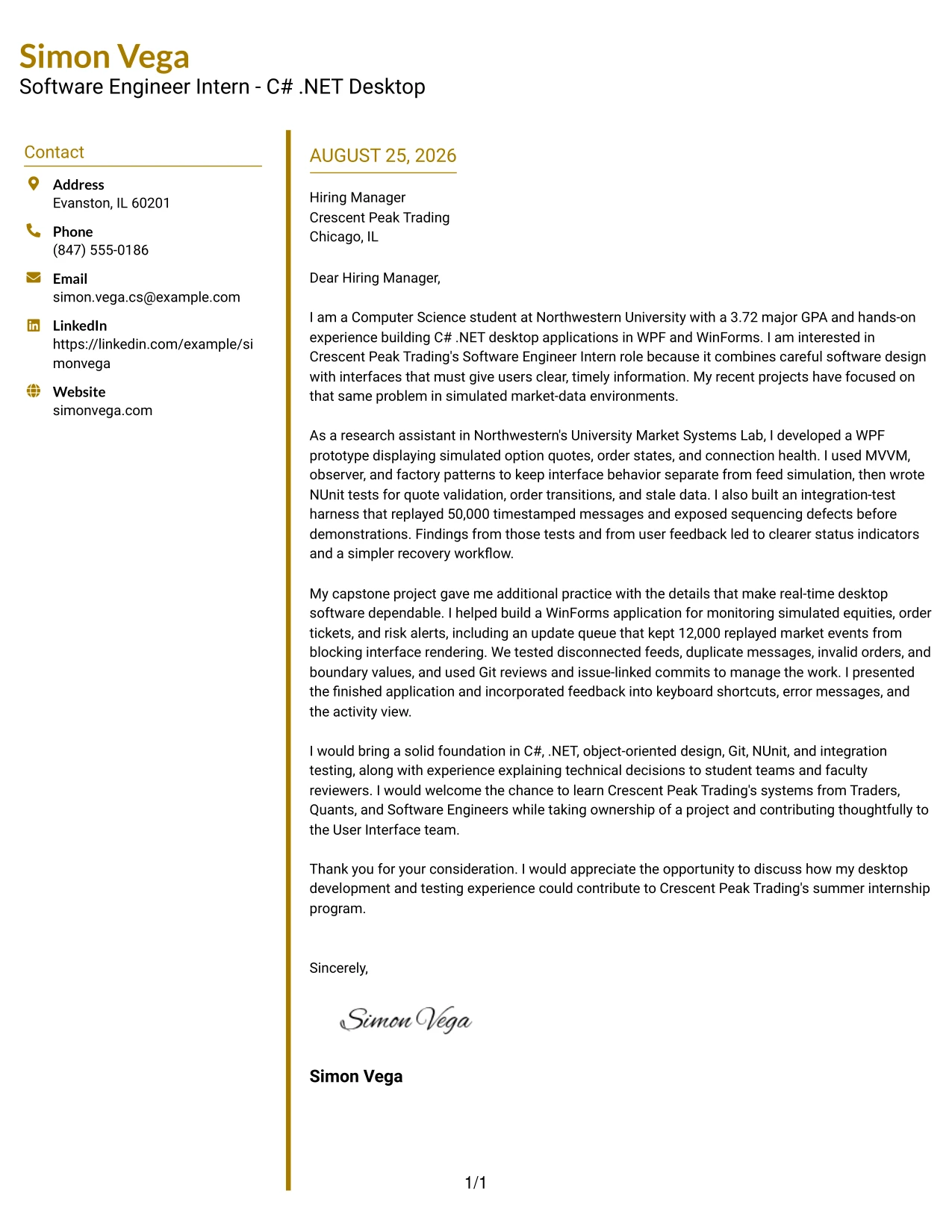
Why This Cover Letter Works
- The divider gives the letter a clear visual starting point.
- Two columns help distinguish personal details from the main communication.
- The opening states both academic preparation and interest in the employer.
- The middle paragraphs give priority to WPF, WinForms, and real-time interface work.
- NUnit tests and message-replay testing provide concrete support for reliability.
- The letter explains how feedback improved status indicators, recovery steps, and error messages.
- The closing returns to the internship and invites further discussion.
Best For
- Cover letters that need a clear visual break before the main message.
- Applications with a short opening followed by two evidence-rich body paragraphs.
- Readers who scan first and then read the strongest supporting details.
- Technical applicants presenting both interface work and software testing.
- Letters that must show a direct connection between preparation and team needs.
- Internship materials that benefit from modern organization without a distracting design.
- Messages where a distinct closing should remain easy to find.
#26 Cover Letter Example: Shaded Labels Clean Two Column Format
Recruiters can move through the letter by using the labeled areas as quiet guideposts: contact information first, then the greeting, motivation, evidence, and closing. The Shaded Labels Clean Two Column Format supports that sequence while giving a substantial application enough room to explain desktop development, testing practice, and interest in learning from Traders, Quants, and Software Engineers.
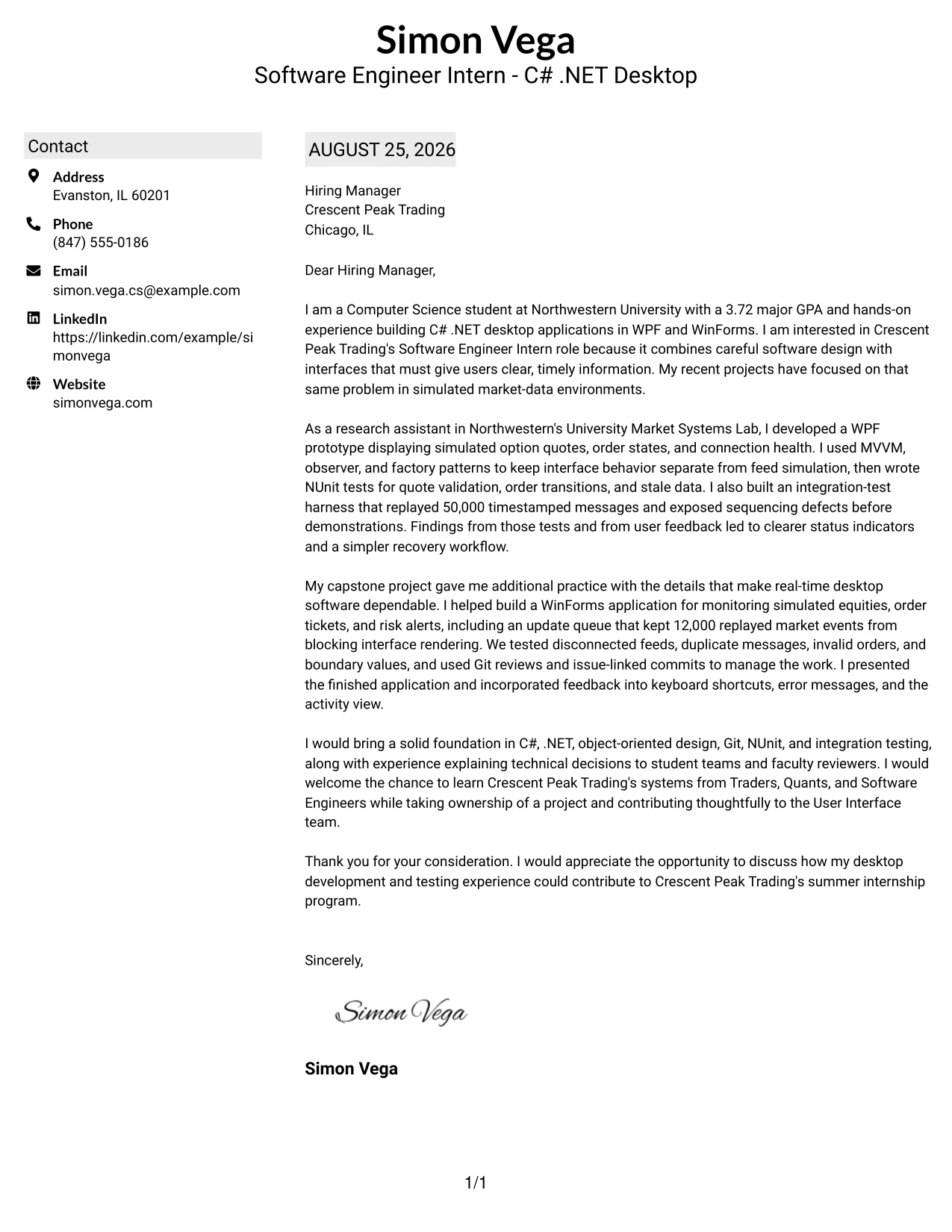
Why This Cover Letter Works
- Shaded labels help the reader identify each part of the communication.
- The two-column design preserves order without making the letter feel crowded.
- The first paragraph gives a specific reason for pursuing the internship.
- Research-lab work demonstrates experience with simulated option quotes and order states.
- The capstone example shows practical attention to rendering, invalid orders, and disconnected feeds.
- The letter presents Git reviews and issue-linked commits as evidence of team discipline.
- The closing expresses interest in contributing while continuing to learn.
Best For
- Letters with enough detail to need gentle navigation cues.
- Applicants presenting research work and a separate capstone example.
- Readers who prefer labeled organization over decorative design.
- Applications that must balance motivation, technical evidence, and collaboration.
- Technical internship letters with several testing and reliability details.
- Candidates explaining how feedback changed an interface or workflow.
- Cover letters where a two-column structure can hold supporting information without shortening the message.
#27 Cover Letter Example: Photo Header Color Accent International Format
The strongest evidence should lead the conversation: the candidate's hands-on C# .NET work, testing practice, and ability to explain technical choices. The Photo Header Color Accent International Format places that evidence within a single-column letter, with a visible header that can support a polished personal introduction. The message remains focused on Crescent Peak Trading, real-time desktop interfaces, and readiness to collaborate across technical and trading teams.
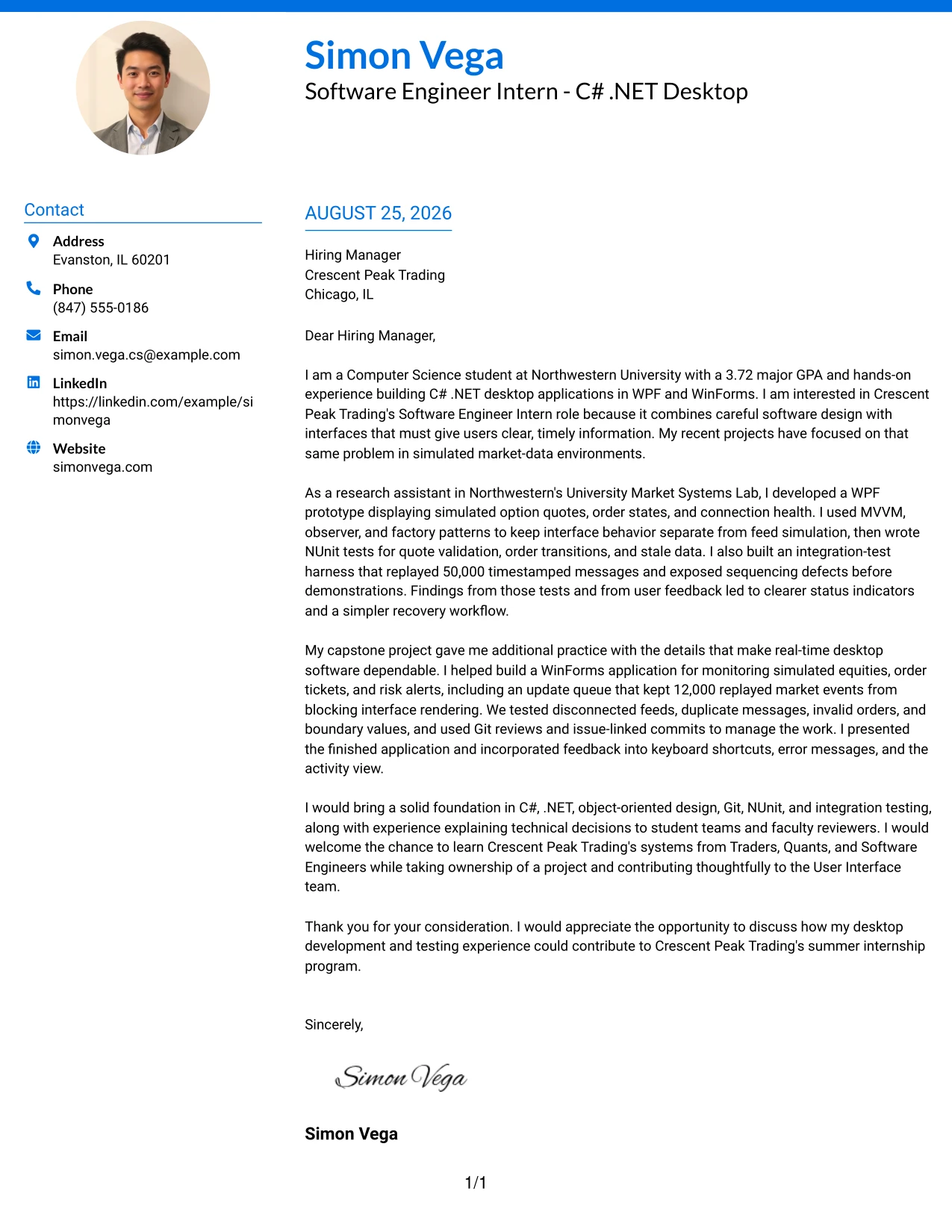
Why This Cover Letter Works
- The evidence-first opening gives the employer a reason to continue reading.
- A single column supports a natural progression from motivation to proof to closing.
- The header creates a memorable personal introduction when a photo is appropriate for the application.
- The research-lab example demonstrates WPF development for simulated market systems.
- The 50,000-message integration harness shows attention to sequencing defects and test depth.
- The capstone example adds WinForms, validation, and user-interface improvements.
- The final paragraph presents communication and learning as part of the candidate's fit.
Best For
- Applications where a personal introduction is useful alongside strong technical evidence.
- Single-column letters that should read smoothly from beginning to end.
- Candidates with concrete projects to present before discussing broader motivation.
- International or cross-border application contexts that allow a more personal header.
- Letters that need room for a detailed testing example and a separate collaboration example.
- Applicants who want visual color to support, not replace, the written argument.
- Roles where communication across technical and non-technical groups is important.
#28 Cover Letter Example: Large Profile Photo International Two Column Format
Balanced space matters when a letter must present both a personal introduction and substantial technical evidence. The Large Profile Photo International Two Column Format gives the header a strong visual presence while keeping the written message organized beside supporting contact details. Its application value comes from using that balance to explain motivation, market-systems projects, testing results, and interest in owning an internship project.
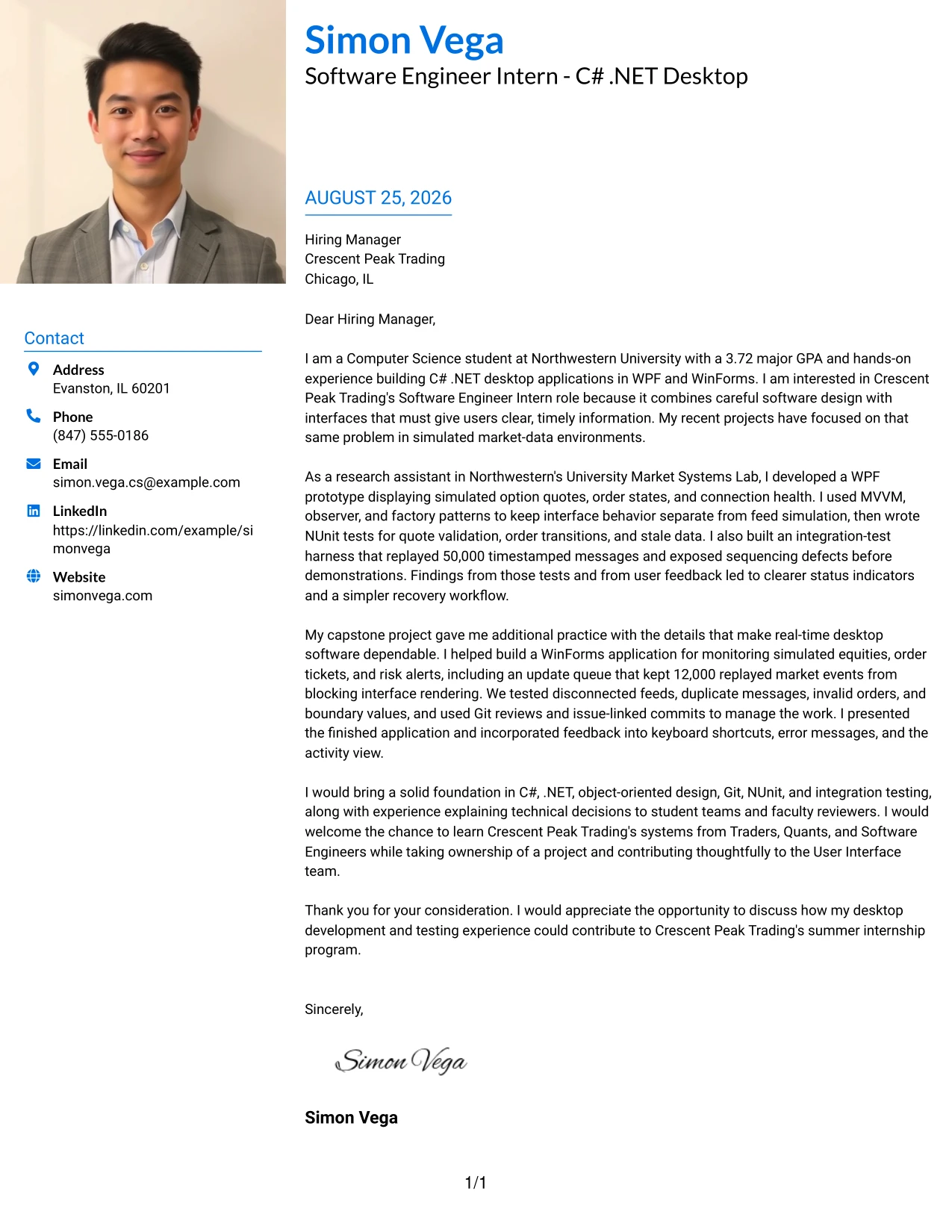
Why This Cover Letter Works
- The opening links the applicant's interest to the employer's real-time software environment.
- The large header area creates a clear personal introduction when a photo is suitable.
- Two-column organization prevents contact details from interrupting the letter's argument.
- The research-assistant paragraph gives evidence of MVVM, observer, and factory pattern use.
- The integration-test harness and 50,000 timestamped messages make the testing contribution specific.
- The capstone paragraph shows experience improving usability after a demonstration.
- The closing connects project ownership with collaboration and continued learning.
Best For
- Applications where a strong personal introduction is part of the communication goal.
- Letters that need to balance a prominent header with detailed written evidence.
- International-style materials where a photo may be accepted or useful.
- Applicants presenting research and capstone work in separate body sections.
- Messages that must explain both technical contribution and user-facing results.
- Roles involving frequent presentations, reviews, or cross-functional discussion.
- Cover letters where a two-column arrangement keeps supporting details from competing with the main text.
#29 Cover Letter Example: One Column Boxed Contact Header Format
A practical application letter benefits from a direct path: identify the sender, name the employer, explain the interest, present proof, and ask for a conversation. The One Column Boxed Contact Header Format follows that path in one readable column. It is well suited to a letter that must connect a Computer Science degree in progress with C# .NET desktop projects and careful software testing.
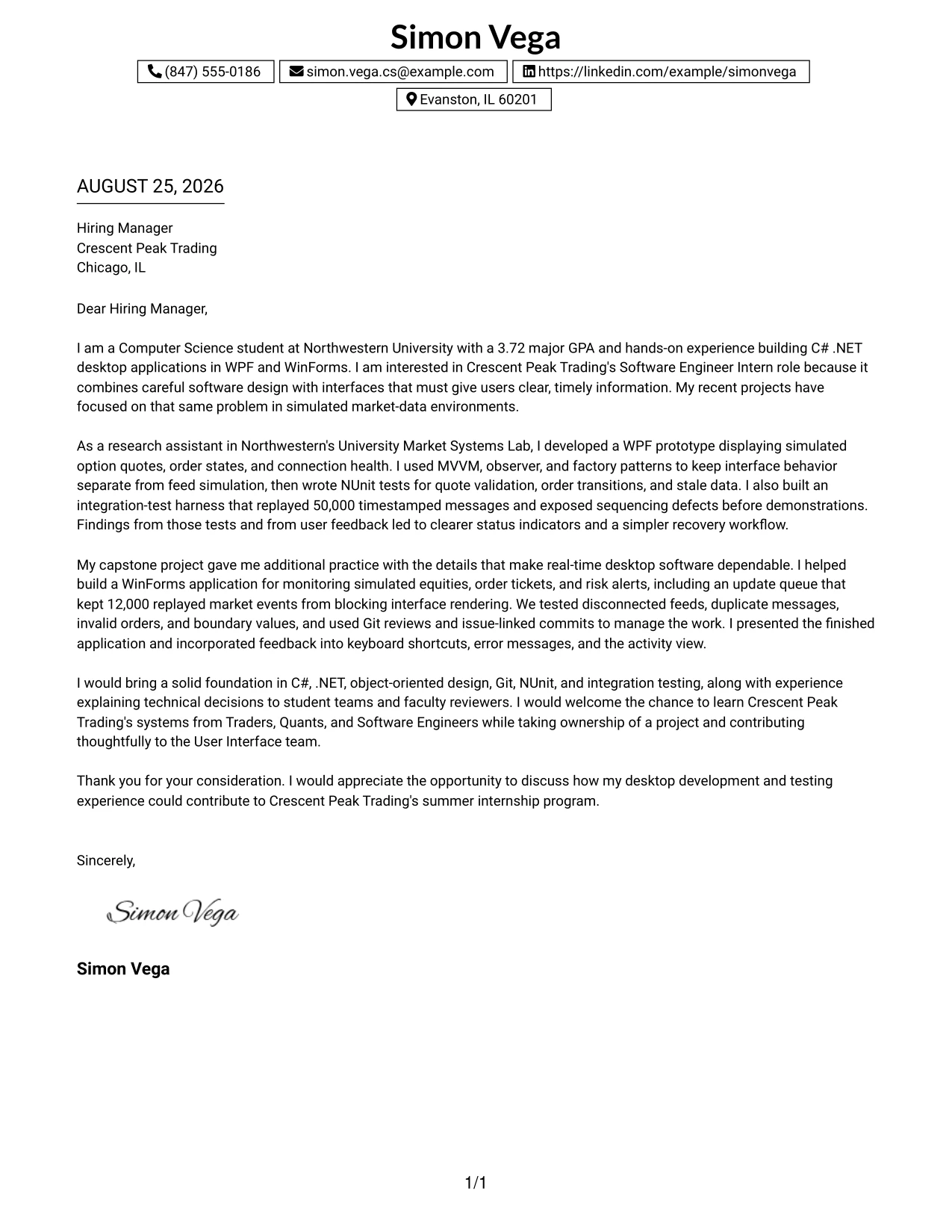
Why This Cover Letter Works
- The boxed contact area makes the sender and recipient details easy to confirm.
- One-column reading keeps the argument simple and continuous.
- The opening names the relevant academic preparation and reason for applying.
- The body uses research and capstone work as focused evidence rather than a long inventory.
- Testing examples show care with invalid orders, stale data, and disconnected feeds.
- The letter describes presentations and feedback to demonstrate clear communication.
- The closing gives the employer a direct next step without overstating the candidate's experience.
Best For
- Applicants who want the most direct business-letter reading path.
- Letters submitted in settings where simplicity and clarity are priorities.
- Applications with two or three strong examples that can be explained in full sentences.
- Readers who prefer contact information grouped in one visible box.
- Technical candidates who need to connect academic work to an internship without adding visual complexity.
- Cover letters where a focused opening and clear request are more useful than decoration.
- One-page communications that should remain comfortable to read on screen or in print.
#30 Cover Letter Example: One Column Shaded Contact Header Format
A quiet shaded header gives the reader a professional first impression, then leaves the page open for the reasons behind the application. The One Column Shaded Contact Header Format keeps the message aligned from greeting to closing. It can present Simon Vega's interest in Crescent Peak Trading with a clean explanation of desktop interface work, testing discipline, and readiness to learn in a collaborative environment.
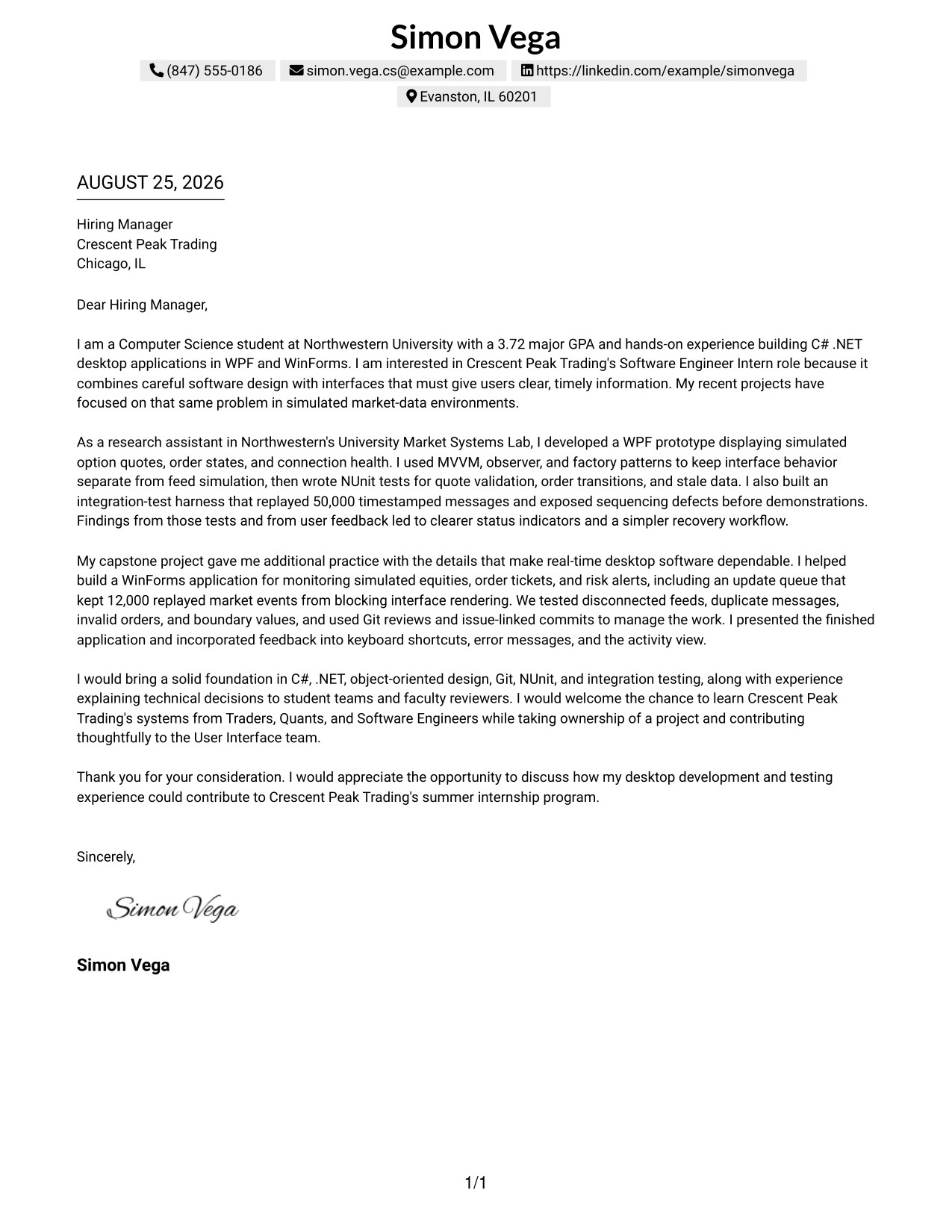
Why This Cover Letter Works
- The shaded contact area separates practical details from the personal message.
- The single-column flow supports a steady, professional reading pace.
- The opening identifies the employer-specific reason for applying.
- The research-lab evidence connects interface design with simulated option data and connection health.
- The capstone evidence shows dependable event handling and testing under difficult conditions.
- The letter explains technical choices in language that supports collaboration.
- The closing is courteous and leaves room for a follow-up conversation.
Best For
- Applicants seeking a professional format with a small amount of visual distinction.
- Letters that should keep the employer-specific motivation near the top.
- Readers who prefer a single uninterrupted column.
- Applications combining interface development with evidence of dependable testing.
- Candidates who need to show both technical focus and a cooperative working style.
- Internship letters that should sound prepared without sounding overly formal.
- Messages where a shaded contact header adds structure while the body remains the main focus.
#31 Cover Letter Example: Boxed Contact Header with Job Title Format
The Boxed Contact Header with Job Title Format makes the target position visible before the reader reaches the main argument. That structure gives the letter a firm frame: the application context is clear, and the body can concentrate on the evidence that supports it. Here, the message can connect C# .NET, WPF, WinForms, NUnit, and Git experience to the responsibilities of the Software Engineer Intern role.
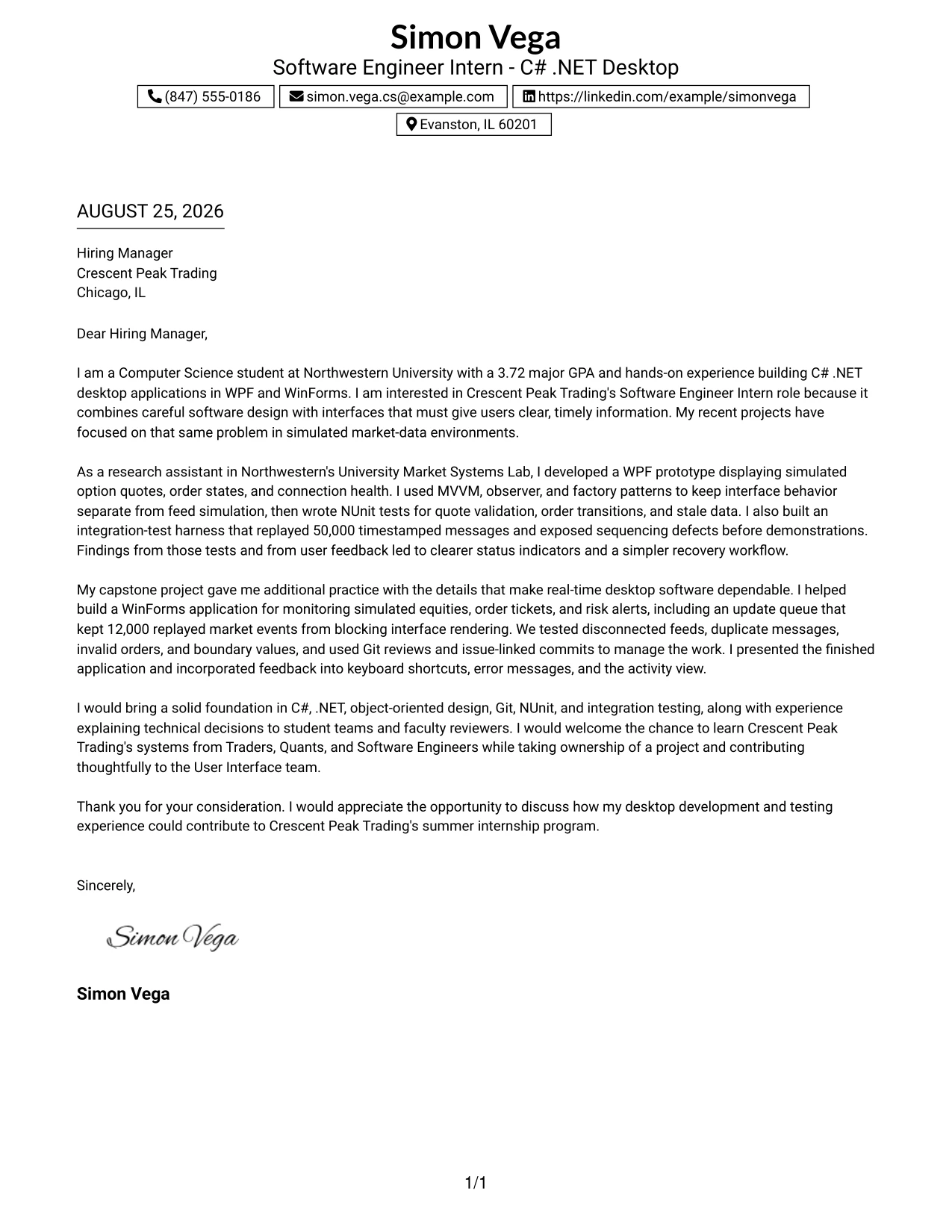
Why This Cover Letter Works
- The visible job title confirms the purpose of the letter immediately.
- The boxed header keeps contact and recipient details together.
- The opening explains the connection between desktop software and real-time user needs.
- The first evidence paragraph shows pattern-based design and test development.
- The second evidence paragraph demonstrates responsive updates and error handling.
- The letter includes collaboration through code reviews, presentations, and feedback.
- The closing reinforces interest in contributing to the User Interface team.
Best For
- Applications where the target position should be unmistakable at a glance.
- Letters that need a strong frame around contact and recipient details.
- Readers scanning several submissions for a specific opening.
- Technical applicants aligning several named tools with one role's responsibilities.
- Messages with two evidence paragraphs that should remain easy to distinguish.
- Internship applications where project ownership and team contribution both matter.
- Cover letters that benefit from a clear application label without extra visual elements.
#32 Cover Letter Example: Plain Professional Layout with Job Title & Shaded Date
The reader can follow this plain professional letter in a familiar order: date, recipient, greeting, reason for writing, evidence, and closing. The shaded date and visible job title add useful context without taking attention from the message. This makes the format a good choice for explaining how academic and project-based C# .NET experience can support Crescent Peak Trading's summer internship.
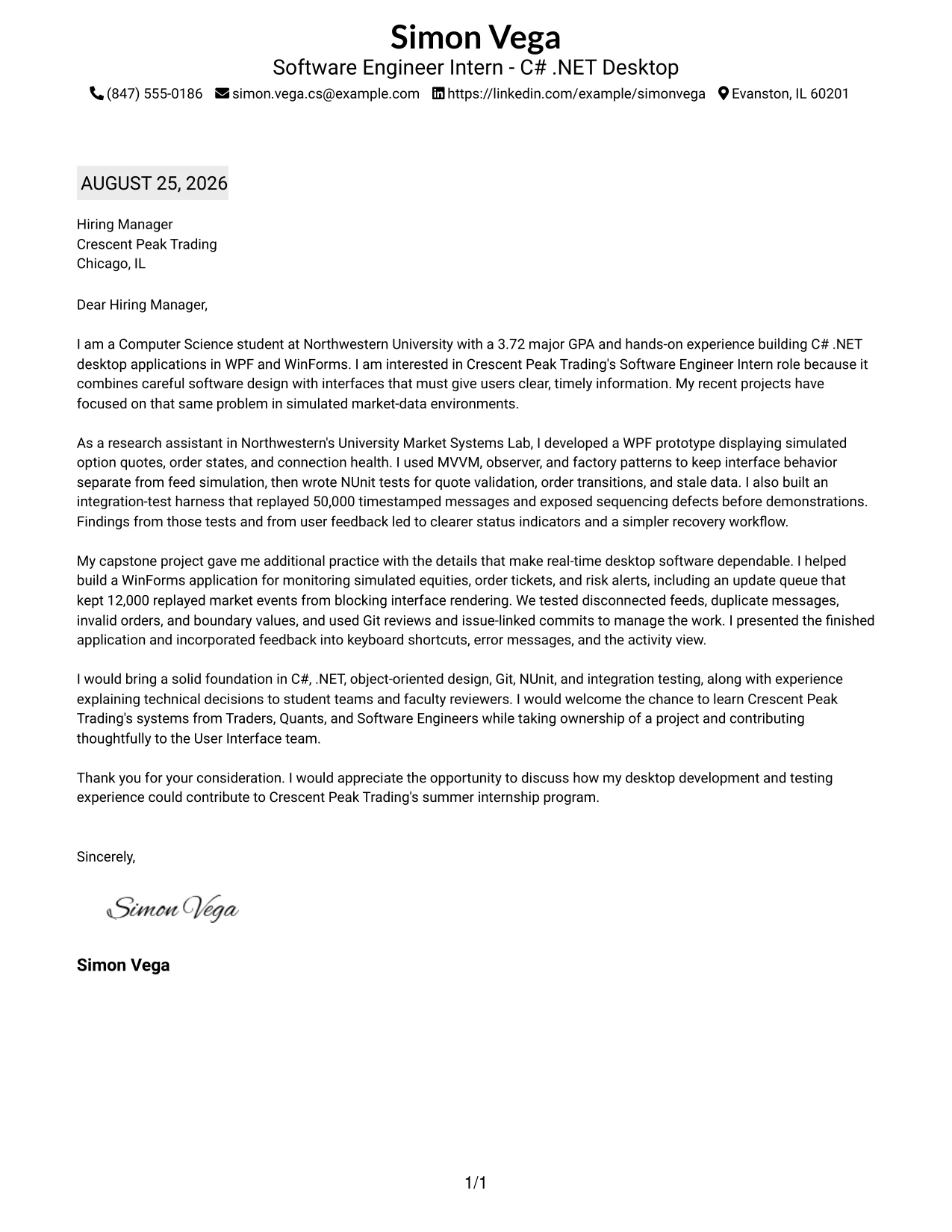
Why This Cover Letter Works
- The date and job title make the application context clear.
- The familiar order supports quick review by a hiring manager.
- The opening combines academic standing with a specific reason for company interest.
- The body presents research-lab work before adding capstone evidence.
- Details about 50,000 timestamped messages and 12,000 replayed events make the work concrete.
- The letter addresses testing, version control, communication, and user feedback together.
- The closing remains formal, brief, and appropriate for a first conversation.
Best For
- Applicants who want a traditional business-letter sequence.
- Letters where the date and target position should be easy to verify.
- Readers who value plain presentation over decorative formatting.
- Applications with a moderate amount of evidence across several paragraphs.
- Technical candidates explaining project scale without relying on a list format.
- Internship materials that need to sound prepared and straightforward.
- Cover letters intended for both screen review and conventional document printing.
#33 Cover Letter Example: Two-Line Contact Header with Underlined Date Format
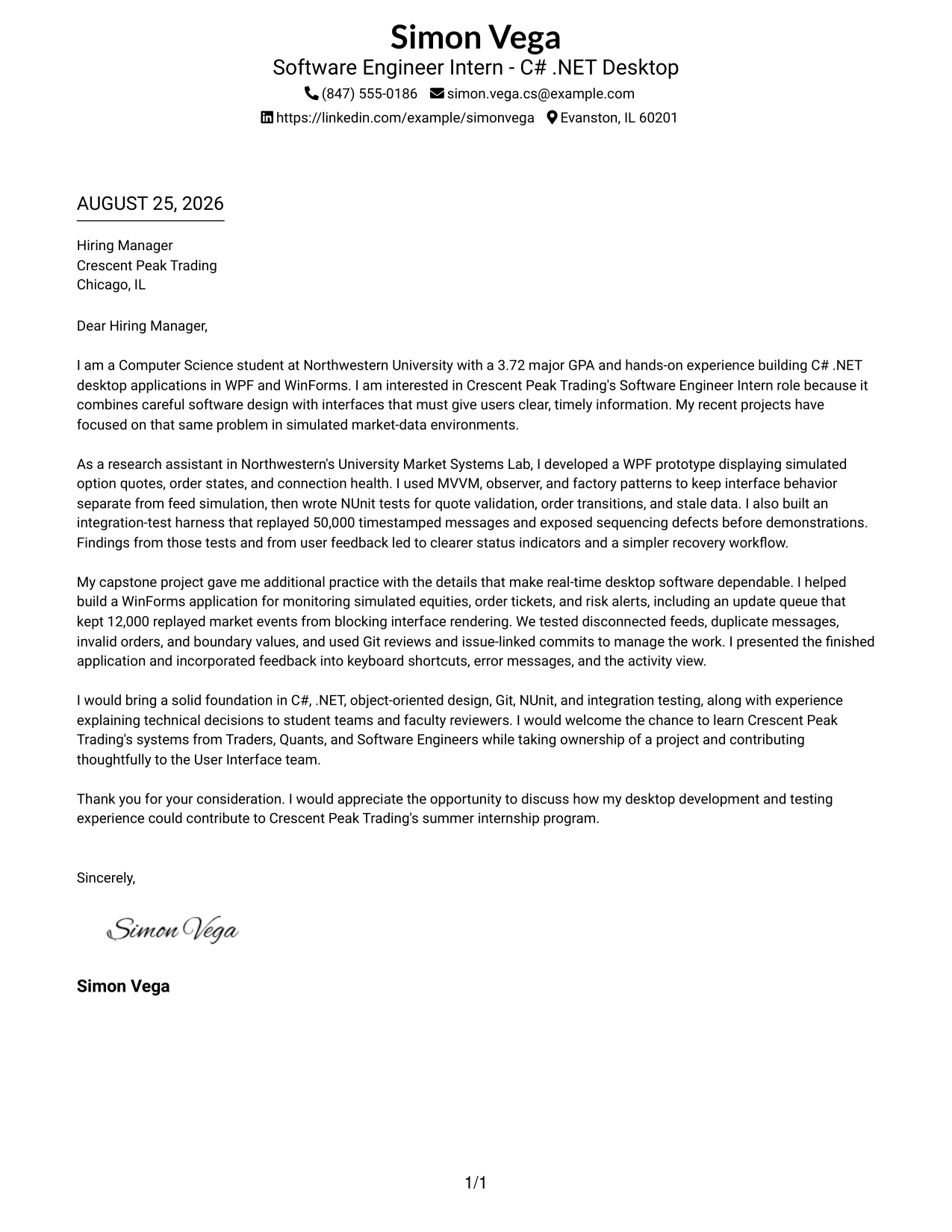
The most persuasive material appears early: the letter identifies relevant C# .NET desktop experience, explains interest in the employer, and then supports that interest with tested project work. The Two-Line Contact Header with Underlined Date Format keeps those points in a plain one-column sequence. Its simple presentation lets evidence such as WPF, WinForms, NUnit, and integration testing carry the communication.
Why This Cover Letter Works
- The two-line contact header provides essential details without using much space.
- The underlined date gives the letter a clear point of reference.
- The opening states motivation and relevant preparation together.
- The research-lab example shows work with quotes, order states, and connection health.
- The testing evidence demonstrates attention to validation, sequencing, and stale data.
- The capstone example adds teamwork, presentation, and user-focused improvements.
- The closing makes a respectful request to discuss potential contribution.
Best For
- Letters where evidence should appear before extended explanation.
- Applicants who need a compact, orderly contact header.
- Readers who prefer a plain format with clear date treatment.
- Technical applications supported by specific testing and interface examples.
- Candidates presenting both independent contribution and team-based work.
- Cover letters that must stay focused while still showing several forms of preparation.
- Messages where a simple visual structure allows the writing to make the strongest case.
Why Use ResumeInMinutes for a Software Engineer Intern - C# .NET Desktop Cover Letter
ResumeInMinutes helps applicants shape a role-specific cover letter without starting with a blank page. You can use the example as a guide, then adjust the language to reflect your own C# .NET desktop experience and motivation.
- Professional writing styles
- Clean, readable formatting
- Job-description-based customization
- Focused cover letter guidance
- Professional templates
- PDF download support
The result is a polished cover letter that can connect your desktop application work, testing habits, communication style, and interest in real-time trading software to the Software Engineer Intern - C# .NET Desktop role.
See Also
- 33 Software Engineer Intern - C# .NET Desktop Resume Templates with Example 2026 (ATS-Optimized)
- 33 AI Fullstack Software Engineer-Intern Resume Templates with Example 2026 (ATS-Optimized)
- 33 AI Fullstack Software Engineer Resume Templates with Example 2026 (ATS-Optimized)
- 33 AI Platform & Integrations Software Engineer Resume Templates with Example 2026 (ATS-Optimized)
- 33 AI Software Engineer Intern Resume Templates with Example 2026 (ATS-Optimized)
- 33 Applied AI/ML Software Engineer Resume Templates with Example 2026 (ATS-Optimized)
- 33 Backend Software Engineer Intern Resume Templates with Example 2026 (ATS-Optimized)
- 7 C, C++ Software Engineer II Resume Templates with Example
- 30+ AI Fullstack Software Engineer Cover Letter Templates with Example 2026
- 30+ AI Fullstack Software Engineer-Intern Cover Letter Templates with Example 2026
Frequently Asked Questions
Are these Software Engineer Intern - C# .NET Desktop cover letter templates easy to customize?
Yes. You can adapt the opening, technical evidence, motivation, employer connection, and closing for a C# .NET desktop application. Keep only the tools and experience that are accurate for you.
Is this one cover letter in different layouts?
Yes. The guide presents one focused Software Engineer Intern - C# .NET Desktop cover letter example in different professional layouts and visual styles. The message stays central while the presentation changes.
What should the opening paragraph say?
Open by naming the exact role and briefly connecting your interest to C# .NET desktop software. Then introduce one or two relevant strengths, such as WPF, WinForms, testing, or real-time interface work.
What evidence should I include in the body of the cover letter?
Choose evidence that supports the role. Examples include building WPF or WinForms applications, applying object-oriented design patterns, writing NUnit tests, using Git, handling real-time updates, and improving user feedback.
How can I show interest in a trading technology role?
Explain your interest in reliable, responsive desktop interfaces and real-time data. You can also show that you are ready to learn from Traders, Quants, and Software Engineers while contributing to a collaborative User Interface team.
Should I mention C#, .NET, WPF, WinForms, and NUnit?
Mention the technologies that you can discuss honestly and connect each one to a useful example. For instance, describe how you used WPF for an interface, C# for application logic, and NUnit for testing behavior.
Can I download these cover letter templates as PDFs?
Yes. Each style supports a professional PDF presentation. Review the final text carefully before downloading so the role name, employer details, contact information, and closing are correct.




