7 Specialist I Proctor - Testing Services Resume Templates with Example
This guide shows you how to build a Specialist I Proctor - Testing Services resume that is clear, focused, and easy to review. You will learn how to organize your evidence and compare professional resume formats.
Strong resumes for this role should make secure exam administration, candidate check-in, identity verification, bilingual service, confidential records, testing-room monitoring, and student information systems easy to find. Use clear section headings and concise bullets so both recruiters and applicant tracking systems can follow your experience.
The same complete resume example is presented in 7 layouts so you can compare reading order, section balance, and visual structure. Each example also includes practical format guidance and free PDF downloads.
What Makes a Great Specialist I Proctor - Testing Services Resume in 2026
A strong Specialist I Proctor - Testing Services resume is clear, careful, and easy to scan. It should show secure testing work, reliable customer service, and sound judgment without long blocks of text.
Use role-relevant terms such as exam administration, identity verification, video surveillance, confidential records, student information systems, bilingual Spanish, and issue resolution when they match your actual background.
The examples shown below are intentionally detailed to demonstrate a range of experiences, skills, accomplishments and relevant keywords. We prefer detailed resumes as they provide more context to the hiring managers and also help the ATS systems identify relevant qualifications and score your resume better for a match. But the length of a resume is an individual choice. If you want a one page resume, just keep the most relevant experience and information for the job. Note: Resume examples are for educational purposes only. Use only information that accurately reflects your experience and qualifications. References to real organizations do not imply affiliation or endorsement.
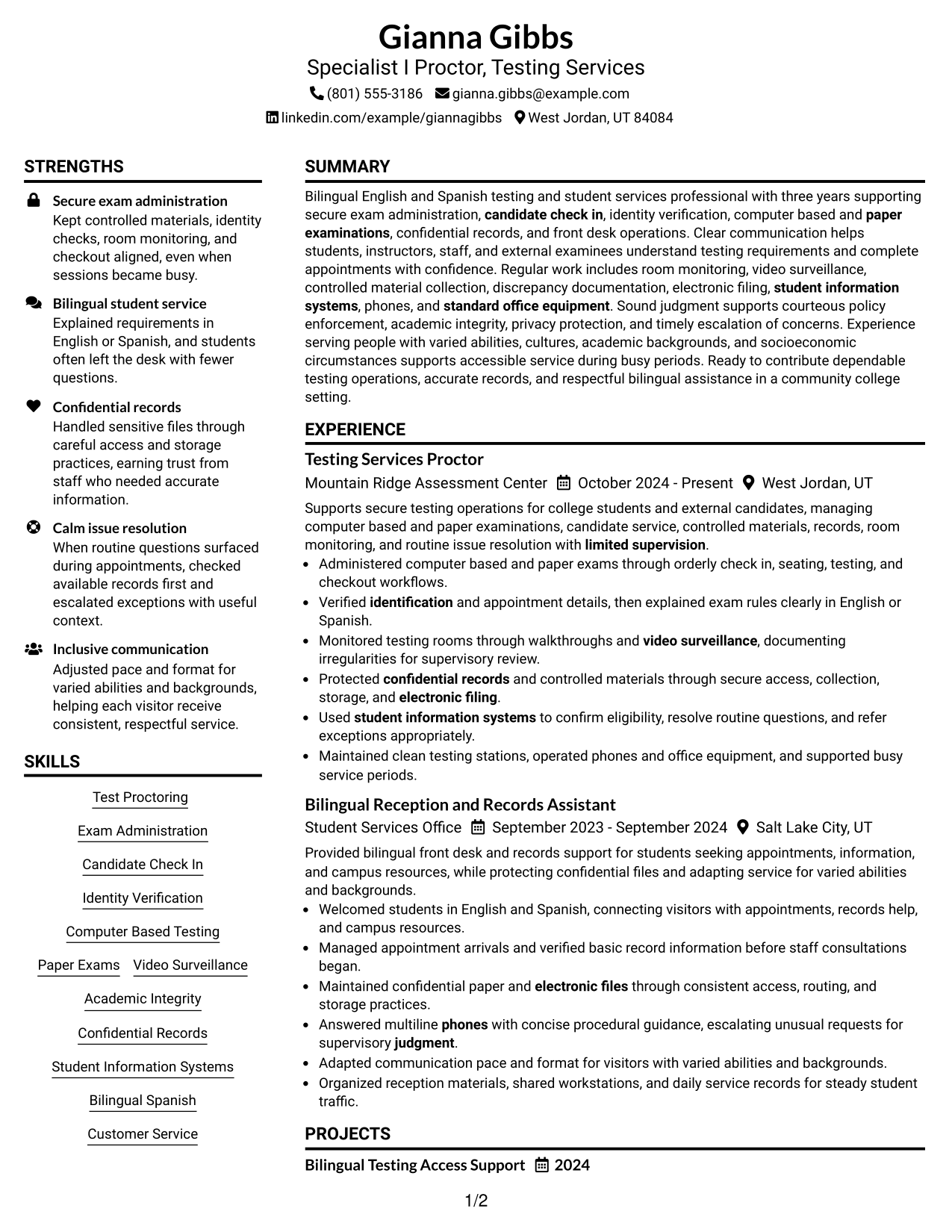
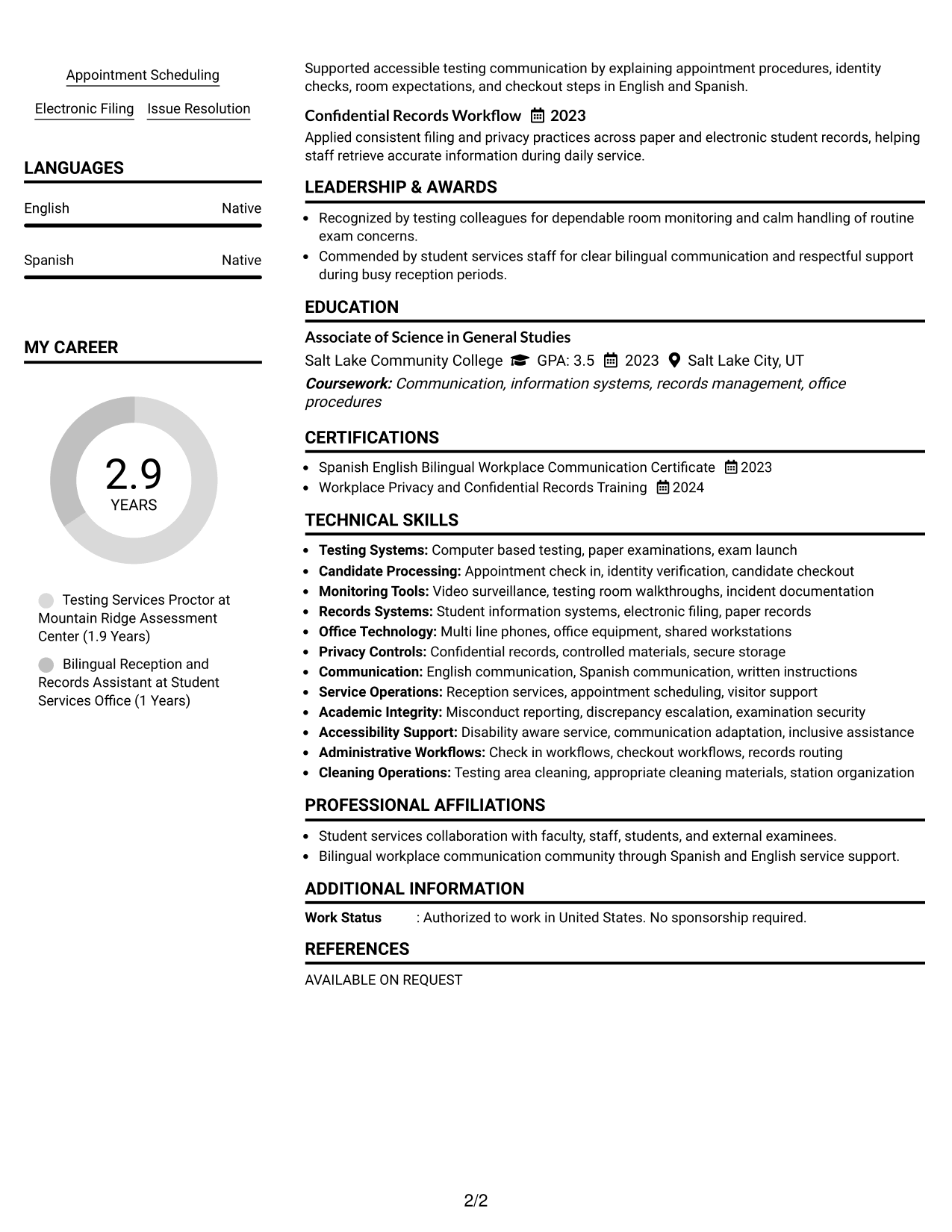
#1 Plain Two Column Format Resume Example
The Plain Two Column Format separates major resume sections into parallel areas, helping recruiters scan core qualifications without losing the overall reading order.
Resume Snapshot
- Bilingual English-Spanish testing and student services professional with three years of relevant experience
- Testing Services Proctor at Mountain Ridge Assessment Center since October 2024
- Associate of Science in General Studies from Salt Lake Community College, 2023
- Background includes secure exams, confidential records, student systems, and front-desk service
Why This Format Works
- Two columns separate skills and credentials from detailed experience without crowding.
- Parallel sections help recruiters compare experience, education, and supporting qualifications quickly.
- Clear section boundaries make career history and service strengths easy to locate.
Best For
- Balanced experience and skills
- Readers comparing several qualification areas
- Resumes with substantial supporting details
- Clear separation of core sections
- Specialist I Proctor - Testing Services applications
Resume Keywords
- Test Proctoring
- Exam Administration
- Candidate Check In
- Identity Verification
- Computer Based Testing
- Paper Exams
- Video Surveillance
- Academic Integrity
- Confidential Records
- Student Information Systems
- Bilingual Spanish
- Customer Service
- Appointment Scheduling
- Electronic Filing
- Issue Resolution
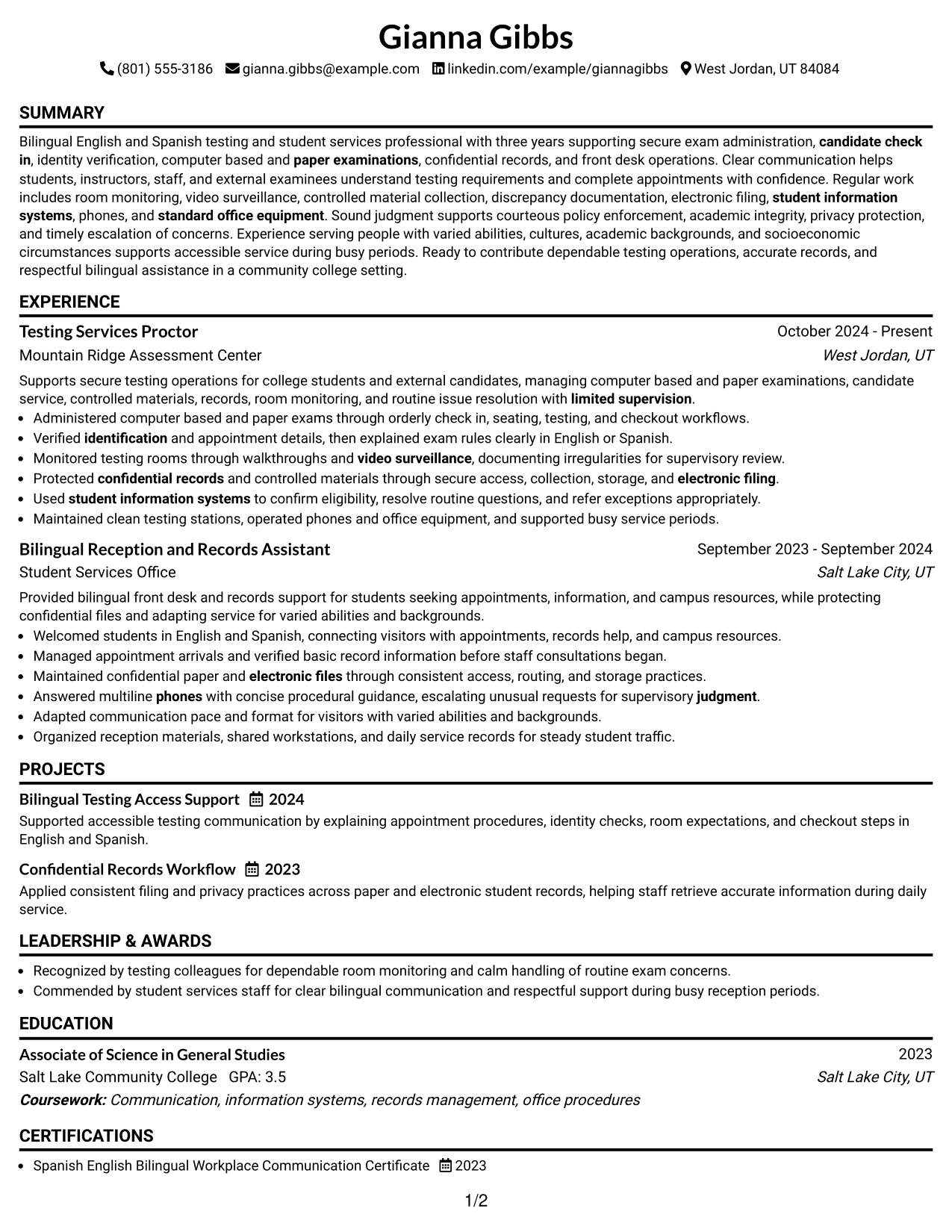
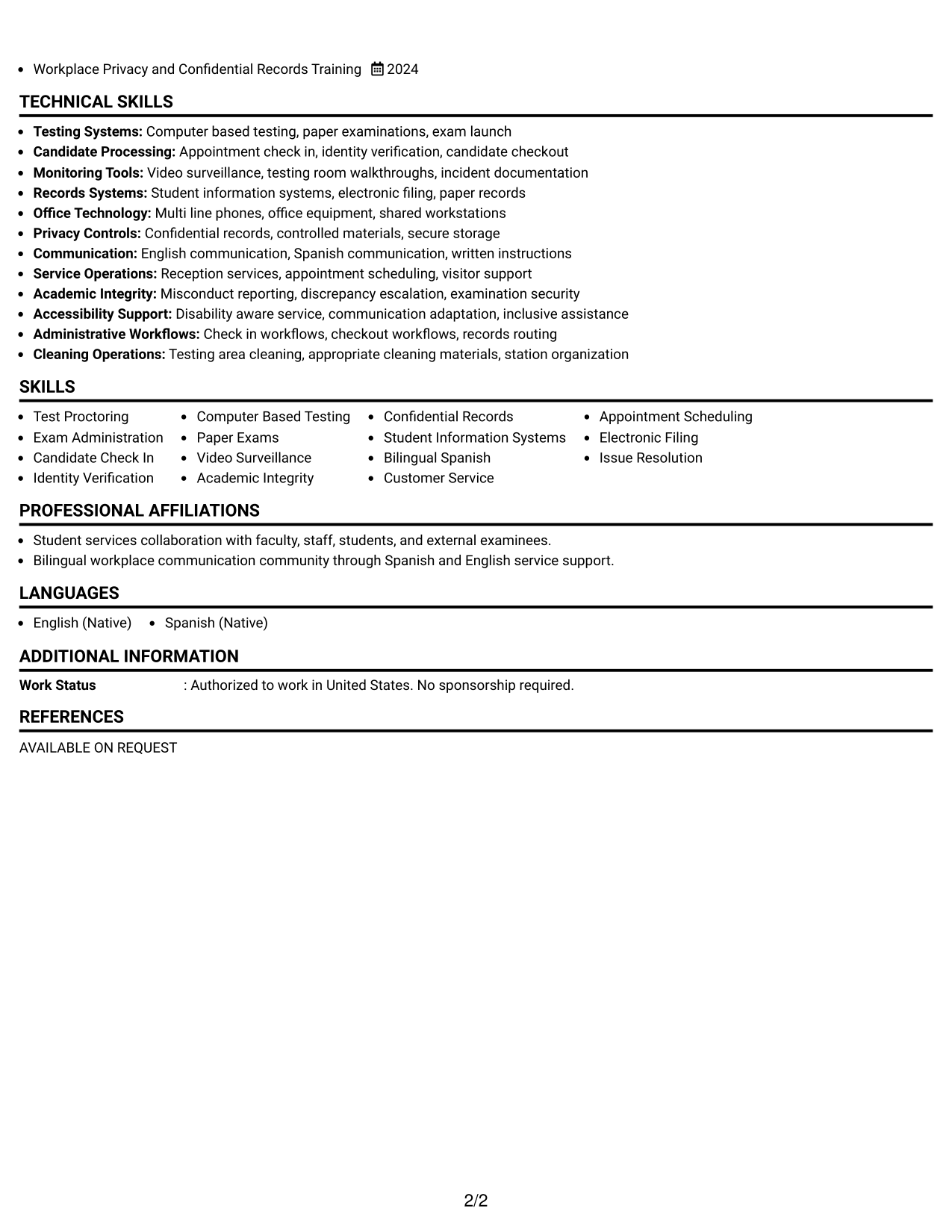
#2 Simple One Column Format Resume Example
The Simple One Column Format keeps every section in one direct sequence, helping recruiters follow the resume from summary through experience, skills, and education.
Why This Format Works
- One-column reading order keeps experience and education easy to follow.
- Full-width sections give detailed experience bullets room to remain readable.
- Straight vertical structure helps recruiters move through qualifications without side-to-side scanning.
Best For
- Linear reading order
- Experience-heavy resume content
- Simple recruiter scanning
- Clear section sequencing
- Traditional application settings
#3 Clean Two Column Sidebar Format Resume Example
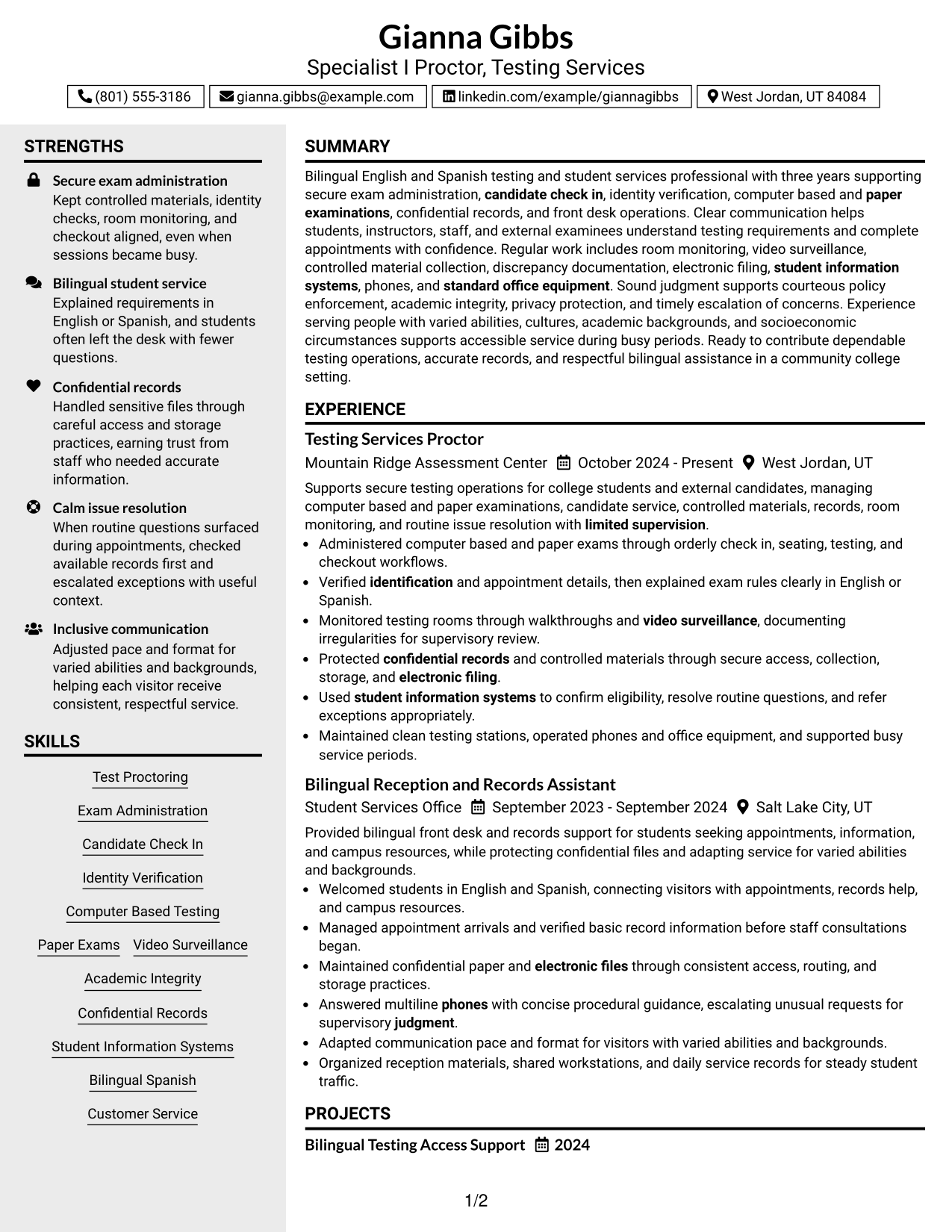
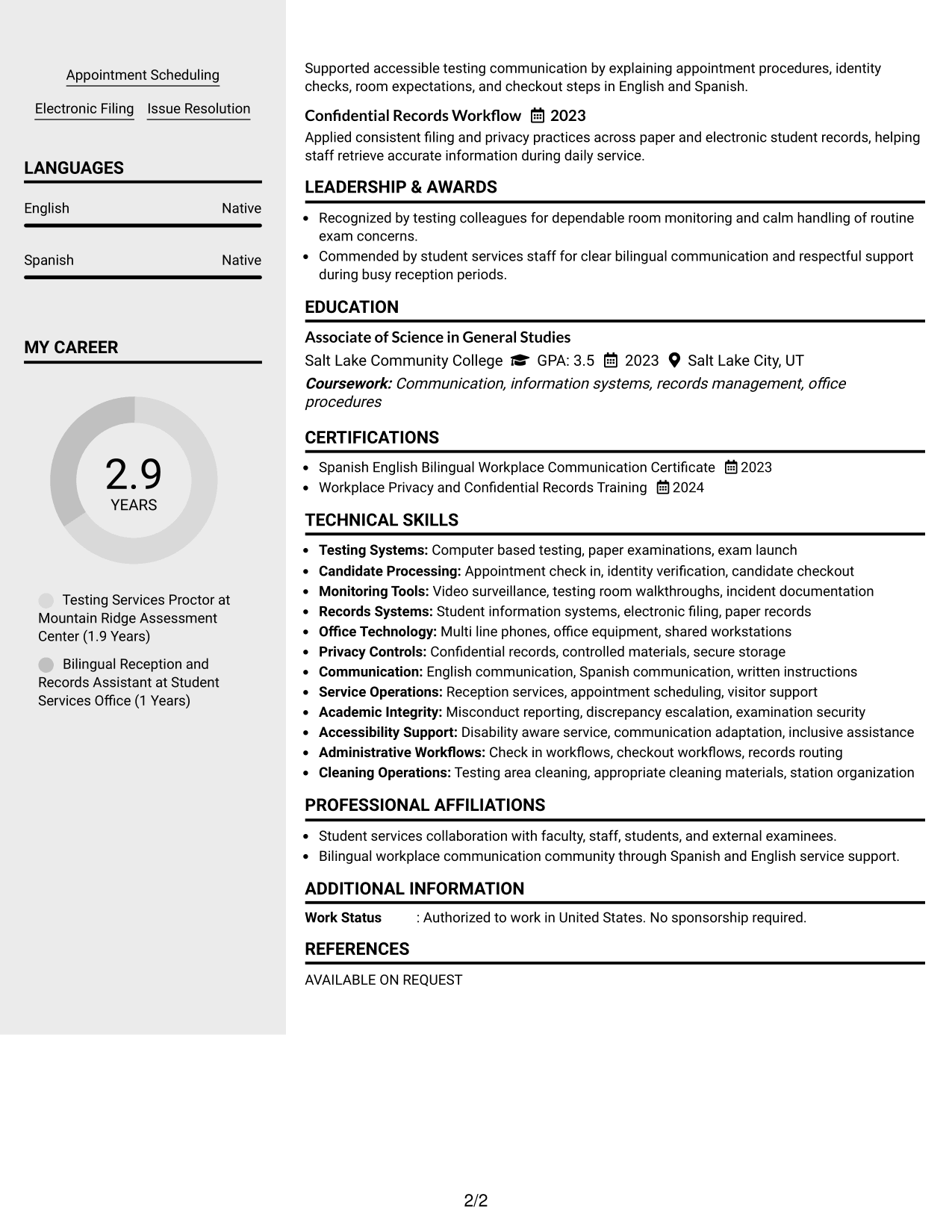
The Clean Two Column Sidebar Format uses a main content area with a supporting sidebar, helping recruiters distinguish detailed experience from shorter qualification sections.
Why This Format Works
- Main-column space supports fuller experience while the sidebar contains shorter sections.
- Sidebar separation makes skills and credentials easier to find during review.
- Distinct content zones help recruiters distinguish career history from supporting qualifications.
Best For
- Strong experience with compact skills
- Quick access to supporting qualifications
- Resumes with several short secondary sections
- Readers who prefer clear content zones
- Organized two-column presentation
#4 Two Column Format Resume Example
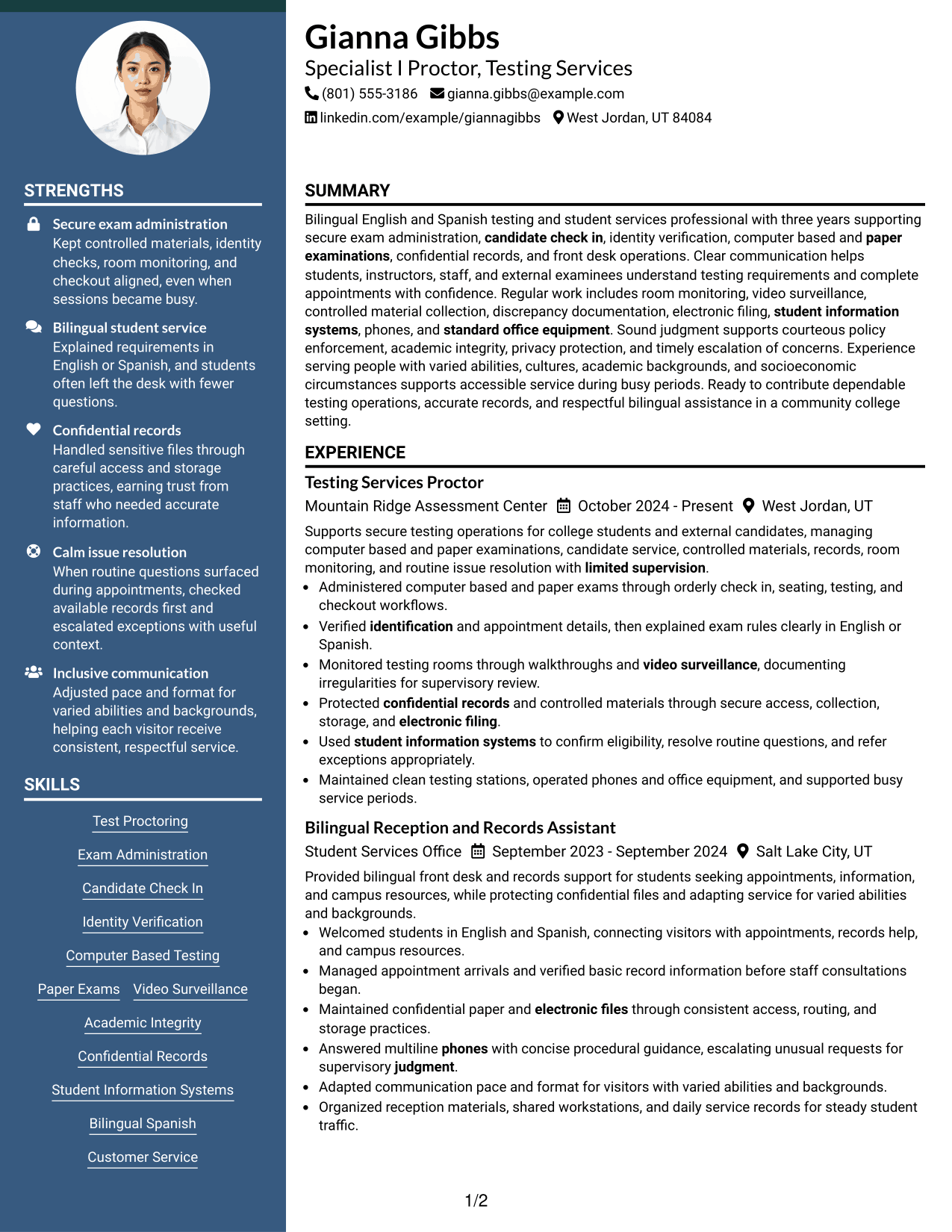
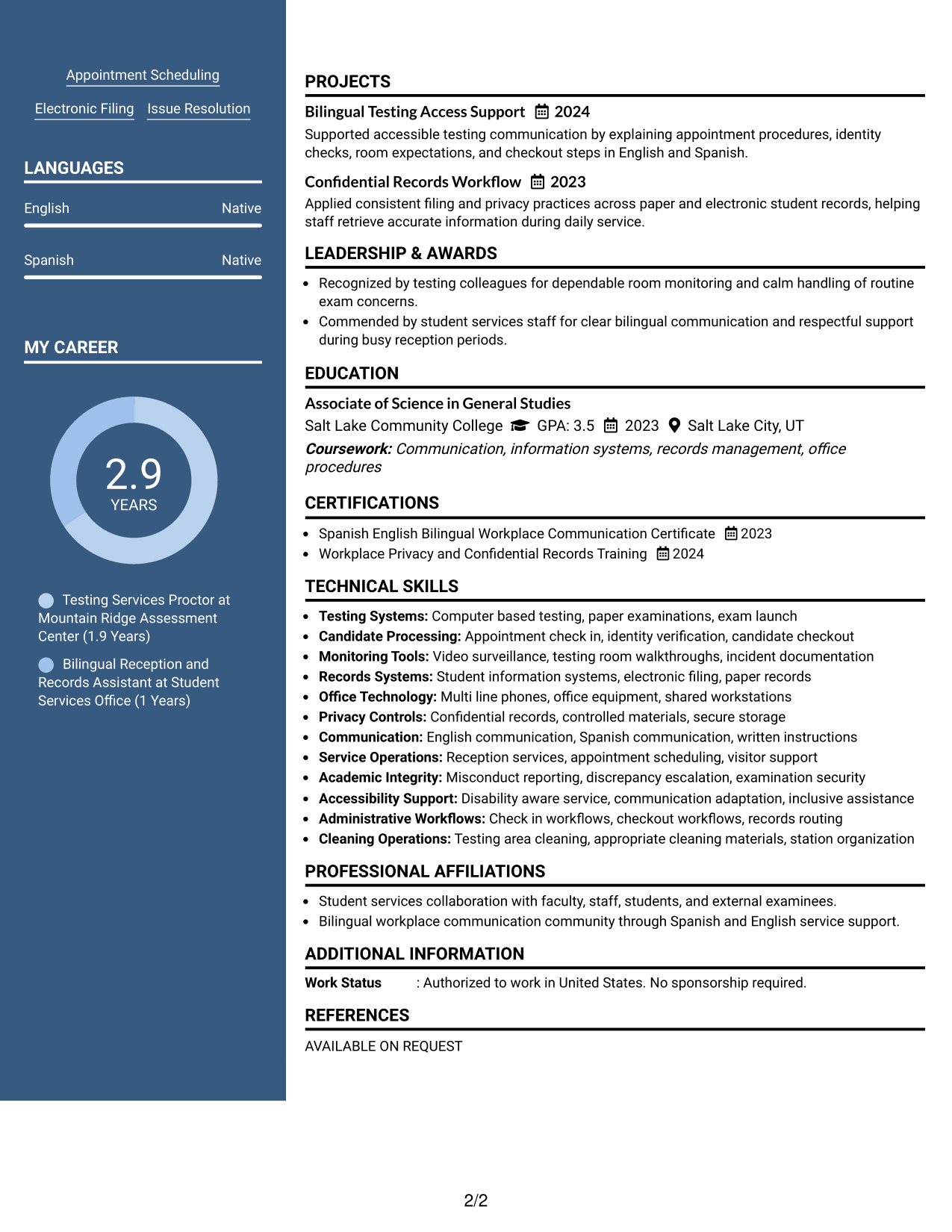
The Two Column Format divides resume content into two balanced areas, helping recruiters review detailed work history alongside skills, education, and other supporting sections.
Why This Format Works
- Balanced columns keep experience and supporting sections visible at the same time.
- Side-by-side organization reduces long vertical stretches of shorter resume content.
- Separate content areas help recruiters compare career evidence with qualifications efficiently.
Best For
- Evenly distributed resume content
- Several qualification categories
- Side-by-side section review
- Balanced visual organization
- Moderate supporting detail
#5 Photo Header Two Column Format Resume Example
The Photo Header Two Column Format combines a photo-based header with two body columns, helping recruiters scan organized resume sections beneath a strong personal header.
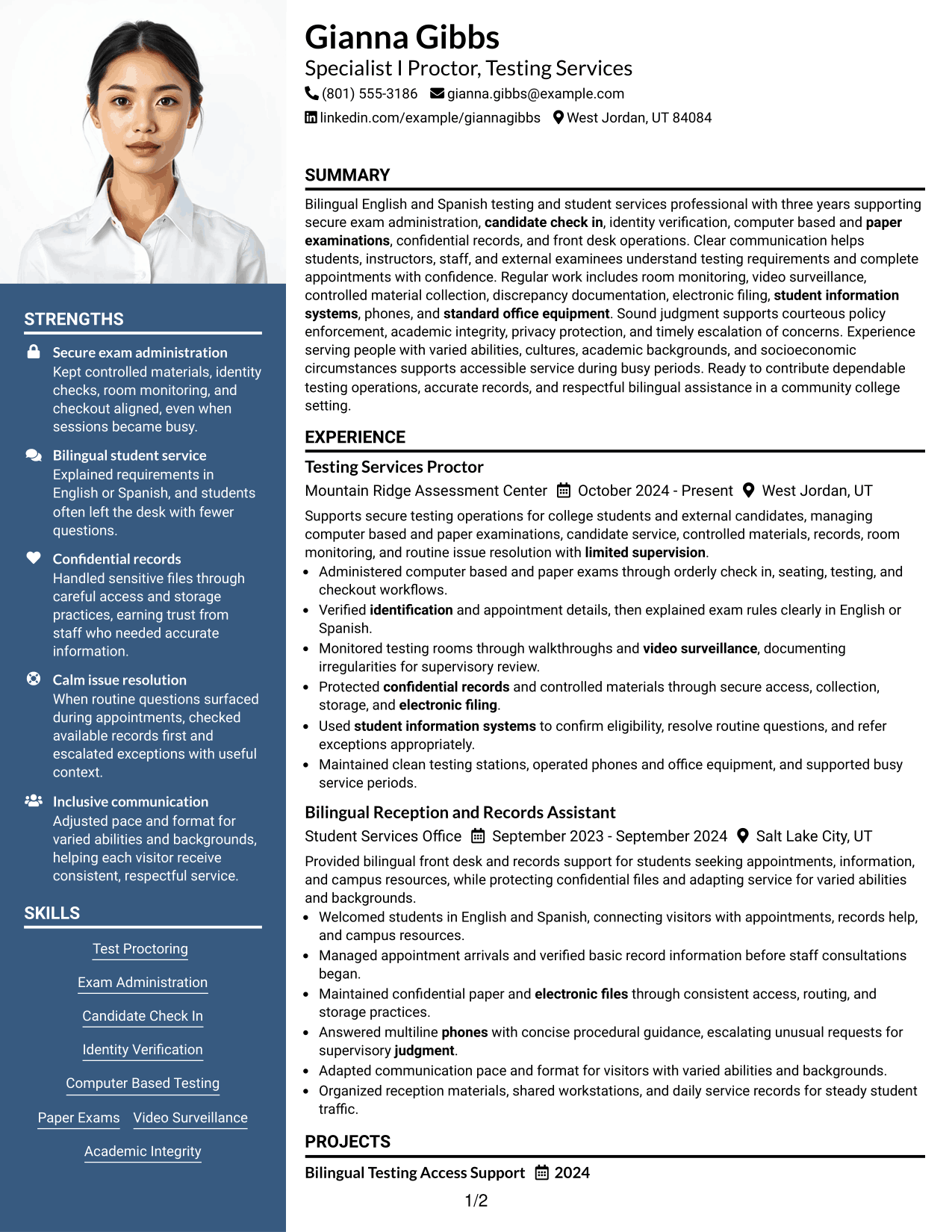
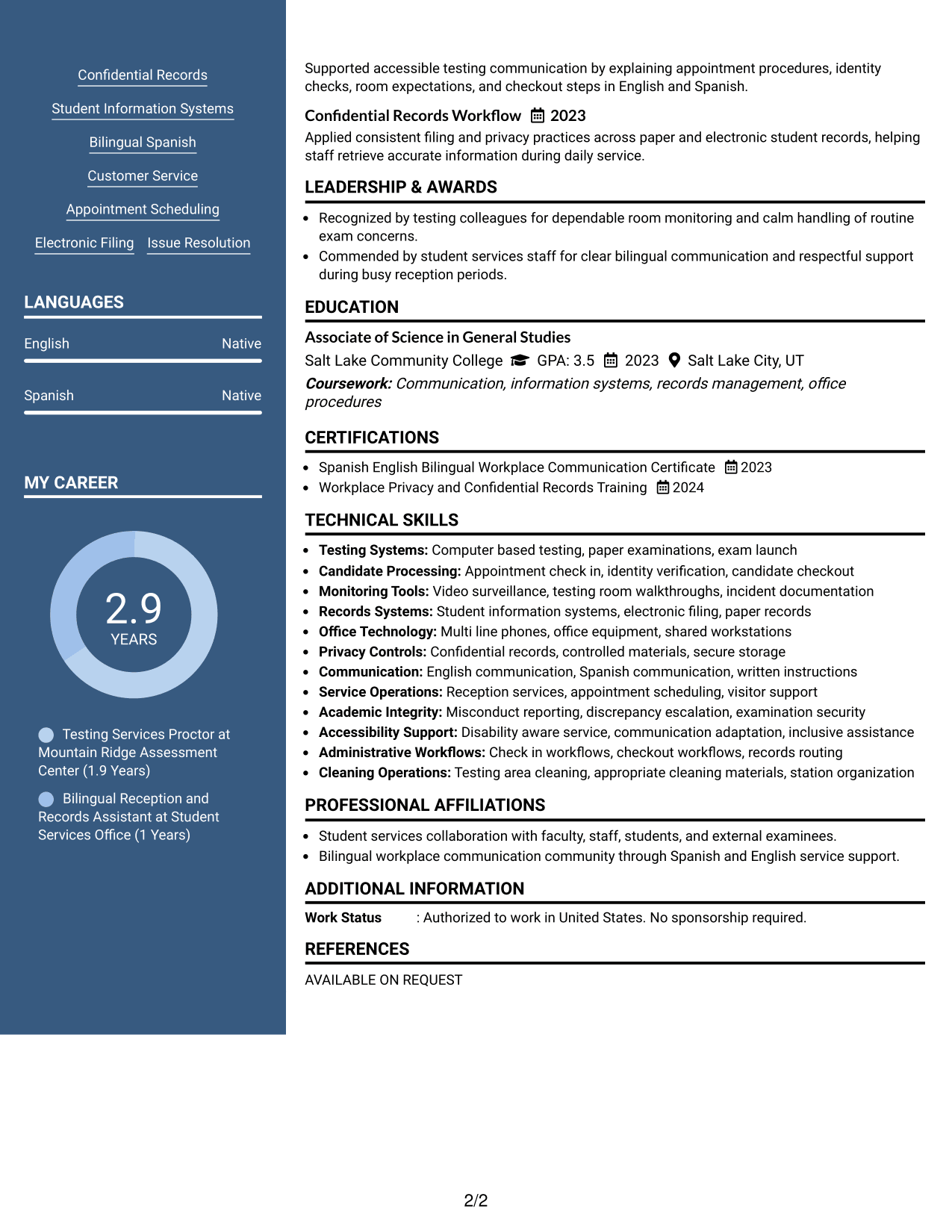
Why This Format Works
- Two body columns organize experience and supporting qualifications into distinct areas.
- Header separation keeps identity details apart from the main resume evidence.
- Column structure helps recruiters scan skills, education, and experience in parallel.
Best For
- Regions where resume photos are customary
- Applications allowing a professional photo
- Clear separation between header and content
- Two-column qualification review
- Resumes with varied supporting sections
#6 Colored Two Column Format Resume Example
The Colored Two Column Format uses color with a two-column body to create clear section separation, helping recruiters move between experience and supporting qualifications.
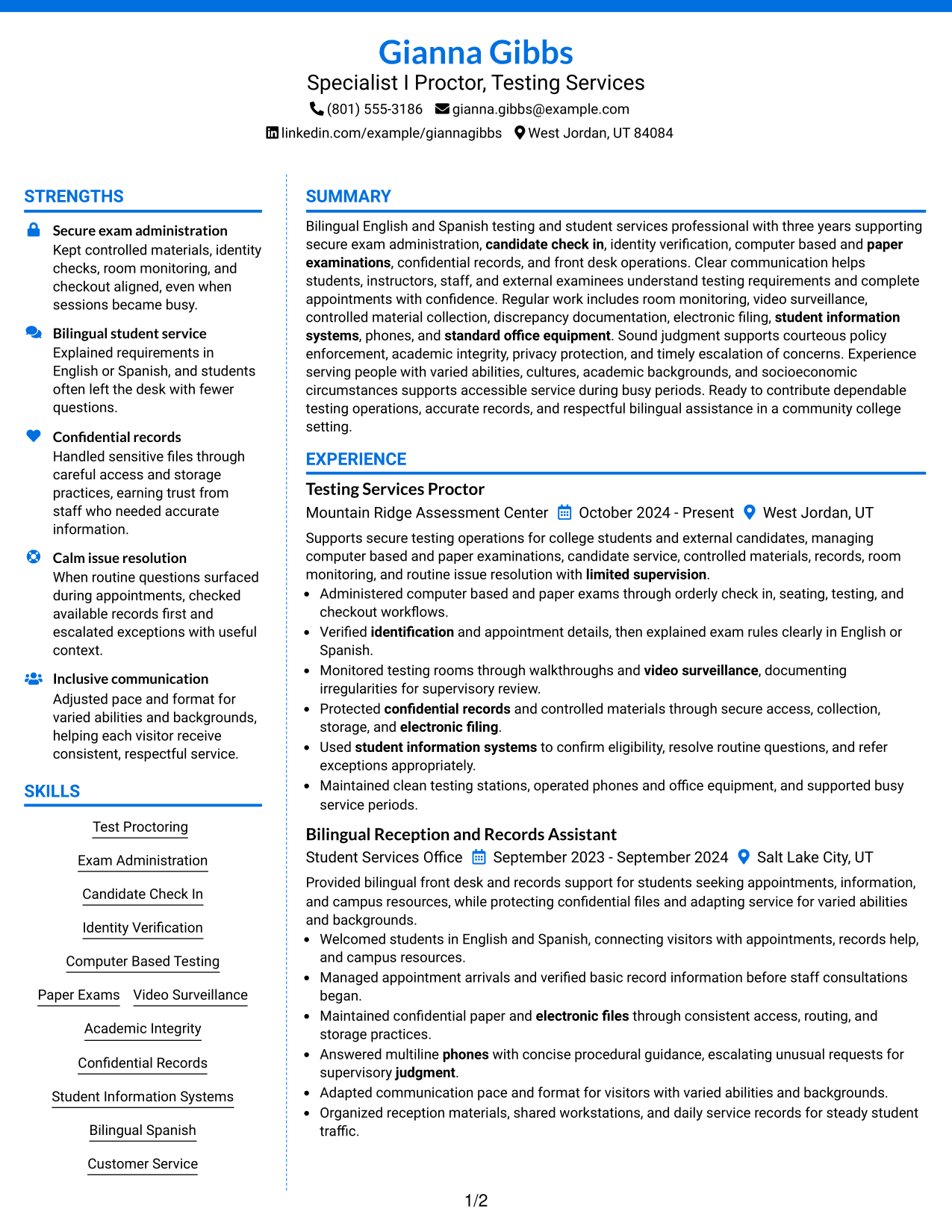
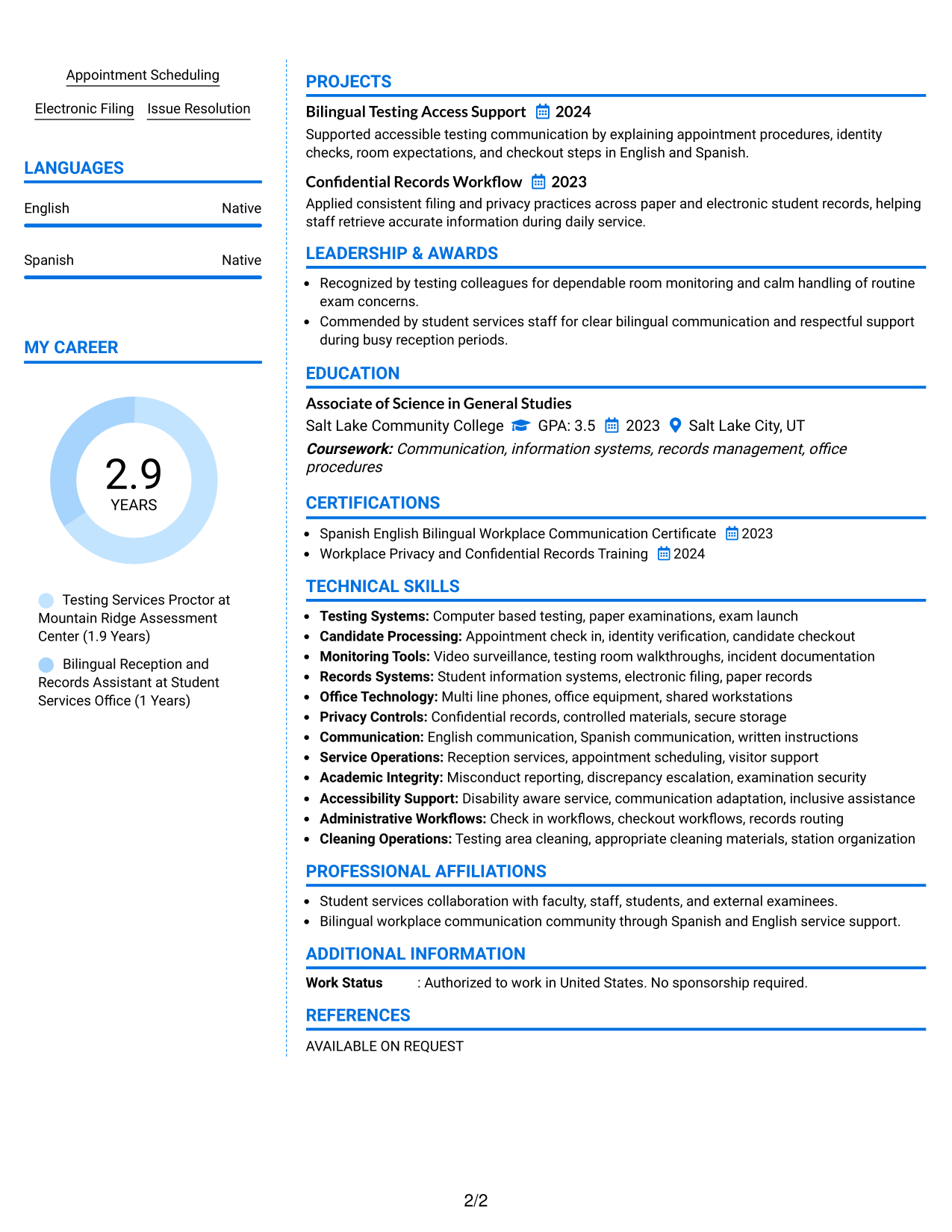
Why This Format Works
- Color helps section boundaries stand out while the two-column structure organizes content.
- Column separation gives experience and shorter qualification sections distinct reading spaces.
- Clear visual grouping helps recruiters locate education, skills, and career history quickly.
Best For
- Applications that allow restrained color
- Readers who value strong section separation
- Mixed long and short resume sections
- Visually distinct qualification groups
- Modern two-column organization
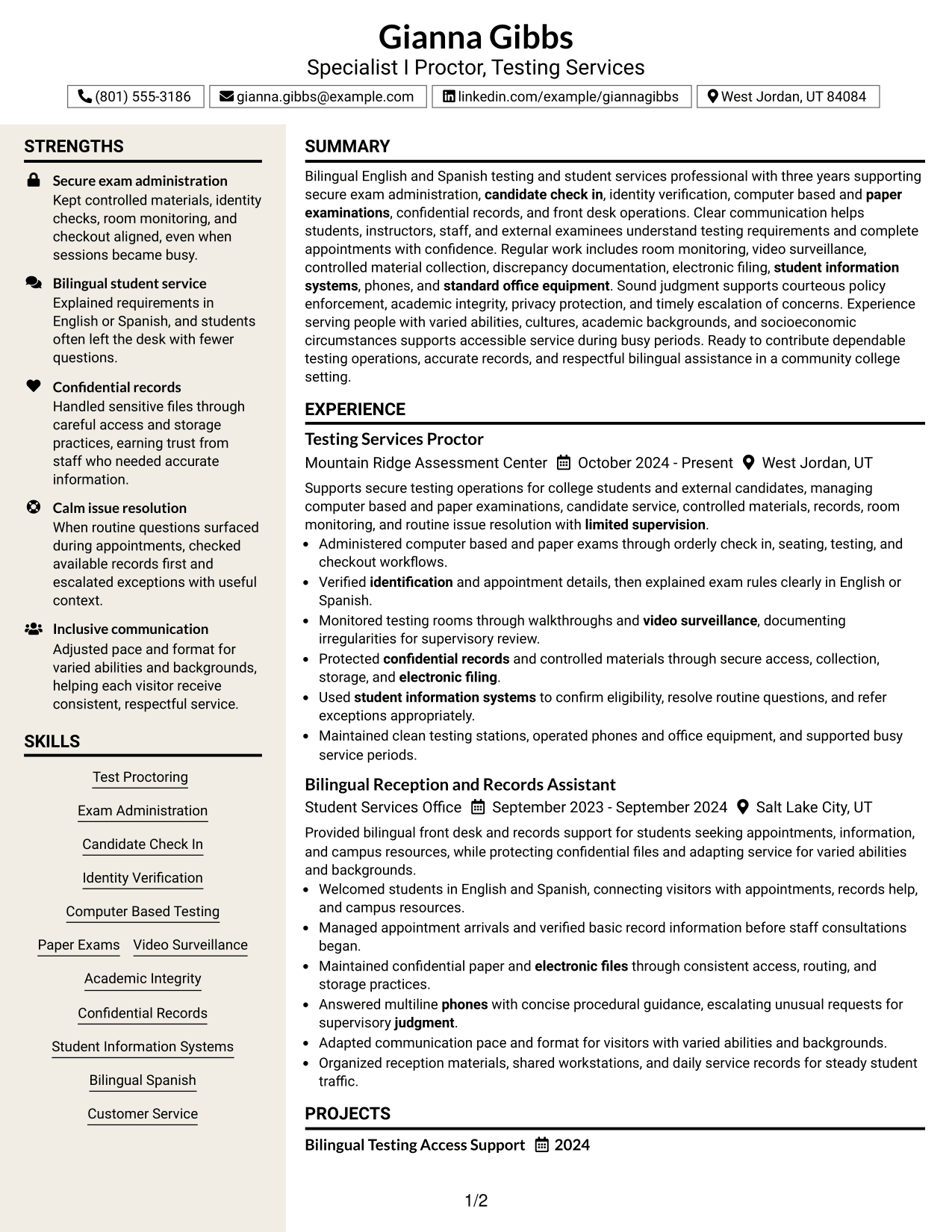
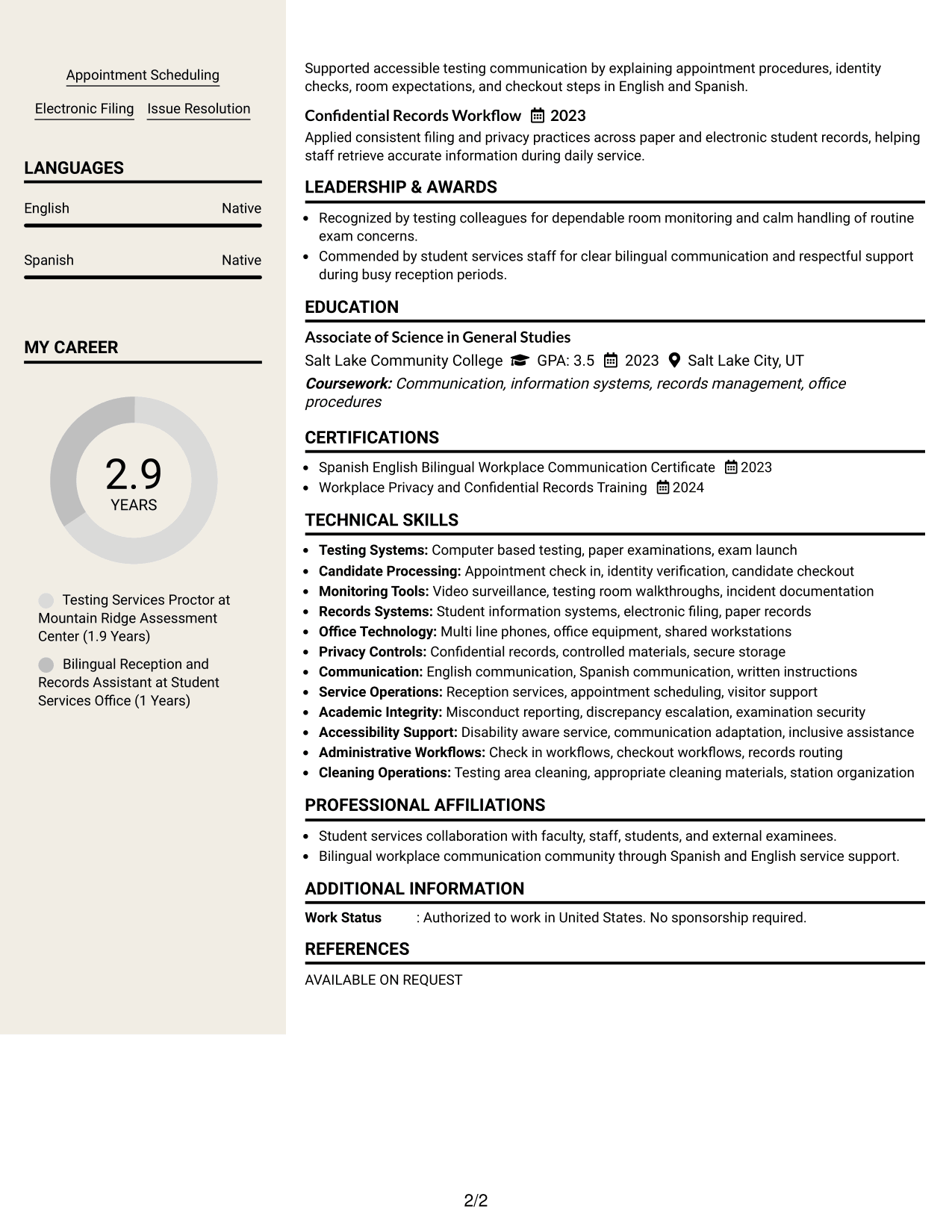
#7 Stylish Two Column Designer Format Resume Example
The Stylish Two Column Designer Format uses stronger visual styling within a two-column structure, helping recruiters distinguish major resume sections while scanning varied qualifications.
Why This Format Works
- Two-column organization separates detailed experience from compact supporting resume sections.
- Distinct section styling helps recruiters recognize changes between major content categories.
- Structured spacing keeps skills, education, and career history visually easy to follow.
Best For
- Applications welcoming stronger visual design
- Resumes with multiple content categories
- Readers needing obvious section changes
- Compact supporting information
- Professional content with modern styling
Why Build Your Specialist I Proctor - Testing Services Resume with ResumeInMinutes
ResumeInMinutes helps you turn testing, records, front-desk, and student service experience into a resume with clear sections and concise evidence.
- Multiple resume formats
- ATS-friendly section structure
- Role-focused keyword guidance
- Organized experience and skills sections
- Free PDF resume previews
- Easy resume customization
You can tailor the content around secure exam workflows, bilingual service, confidential records, office support, and the exact qualifications you can prove.
See Also
- 7 Registered Nurse III - Sheriff/Correctional Health Resume Templates with Example
- 7 Administrative Support II - Career Success Resume Templates with Example
- 7 Demand Planning Manager Resume Templates with Example
- 7 Campus Store Lead Assistant Resume Templates with Example
- 7 Payroll Specialist Resume Templates with Example
- 7 Survey Party Chief I - Land Surveying Resume Templates with Example
- 7 Contract Specialist - Contract Administration Resume Templates with Example
- 7 Research Assistant III - Proteomics and Phosphoproteomics Resume Templates with Example
- 7 Product Manager - Aerospace Product Lifecycle Resume Templates with Example
- 7 Lead Software Engineer - AI-Native Component Engineering Resume Templates with Example
Frequently Asked Questions
Are these Specialist I Proctor - Testing Services resume templates ATS-friendly?
Yes. The formats use clear section structure and readable headings. Your strongest ATS results still depend on using accurate role terms that match your real experience.
Are these different resumes?
No. This guide shows the same Specialist I Proctor - Testing Services resume example in different visual formats so you can compare layout choices.
What should a Specialist I Proctor - Testing Services resume include?
Include a focused summary, relevant experience, education, skills, testing systems, confidential-records work, customer service, and any supported bilingual or testing credentials.
Can I download the resume templates as PDFs?
Yes. Each resume design includes a free PDF download so you can review the layout before choosing a format.
Which resume style works well for a Specialist I Proctor - Testing Services application?
Choose a format with clear headings, logical reading order, and enough space for testing experience, records work, skills, and education. A simple one-column or well-organized two-column layout can both work when the content remains easy to scan.
How can I show testing security experience without making the resume too long?
Use short bullets that cover identity checks, room monitoring, controlled materials, discrepancy reporting, confidential files, and routine issue handling. Keep each bullet focused on one clear responsibility or result.
Should I include a photo on my resume?
For U.S. applications, a no-photo resume is usually the safer choice. Use a photo only when it is normal and appropriate for the location or application context.
Can I customize these resume templates?
Yes. You can adjust the text and design while keeping the content focused on the Specialist I Proctor - Testing Services role and your verified qualifications.