
7 Student Aide - Instructional Technology Cover Letter Templates with Example
A practical Student Aide - Instructional Technology cover letter should make your interest and role fit clear from the start. This guide shows how to shape a focused message that connects your communication strengths to the work.
Learn how to open with a clear reason for applying, choose relevant evidence, explain your motivation and connection to the employer, and close professionally. The examples draw on instructional guides, Blackboard Ultra support, Canva communications, Office 365 materials, and student service.
Explore one example presented in 7 layouts, each offering a different way to organize the same core message. Use the guidance to choose a presentation that suits the employer and the way you want to communicate.
What Makes a Great Student Aide - Instructional Technology Cover Letter in 2026
A strong letter links your interest in the role to clear communication, useful learning resources, and responsive support for students and faculty. Start with a direct opening, then explain why this work matters to you.
Use specific evidence, such as improving Blackboard Ultra directions, creating Canva materials, or preparing Office 365 guides. Show how your approach supports the employer’s instructional technology services and its community.
The featured Student Aide - Instructional Technology example follows a focused progression from interest, to relevant evidence, to employer alignment and a professional close. Adapt that flow while choosing a presentation that fits the employer and your communication context.
#1 Simple One Column Format Cover Letter Example
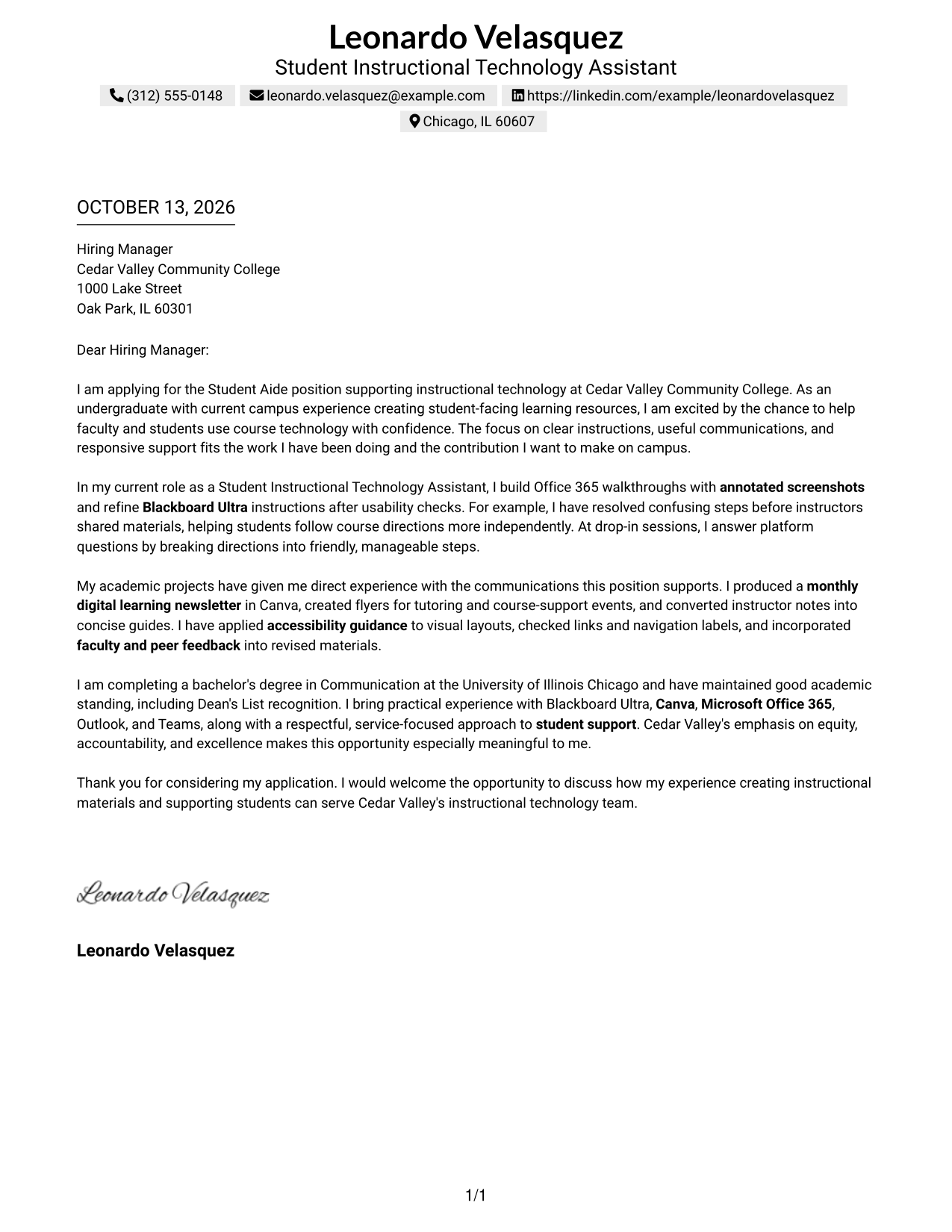
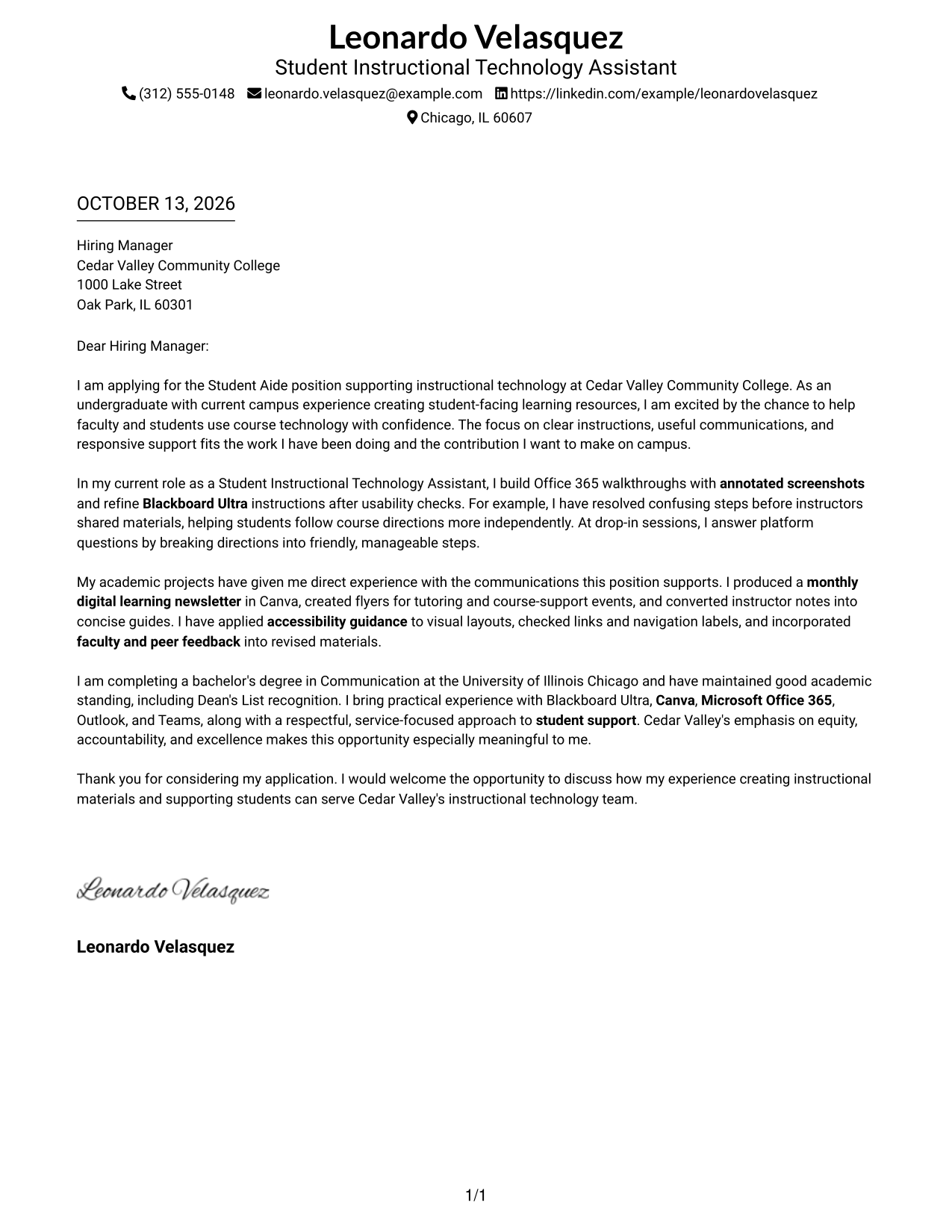
Simple One Column Format keeps the letter in one continuous reading path, so reviewers can follow its motivation, evidence, and closing in order.
Why This Format Works
- One continuous column keeps the opening, evidence, and closing in sequence.
- Full-width paragraphs let supporting evidence read as connected prose.
- Header contact details remain separate from the letter's persuasive message.
Best For
- Letters with a direct opening-to-close argument
- Full-width paragraph readability
- A single uninterrupted letter narrative
- Contact details kept within the header
- Traditional, text-focused applications
#2 Two Column Format Cover Letter Example
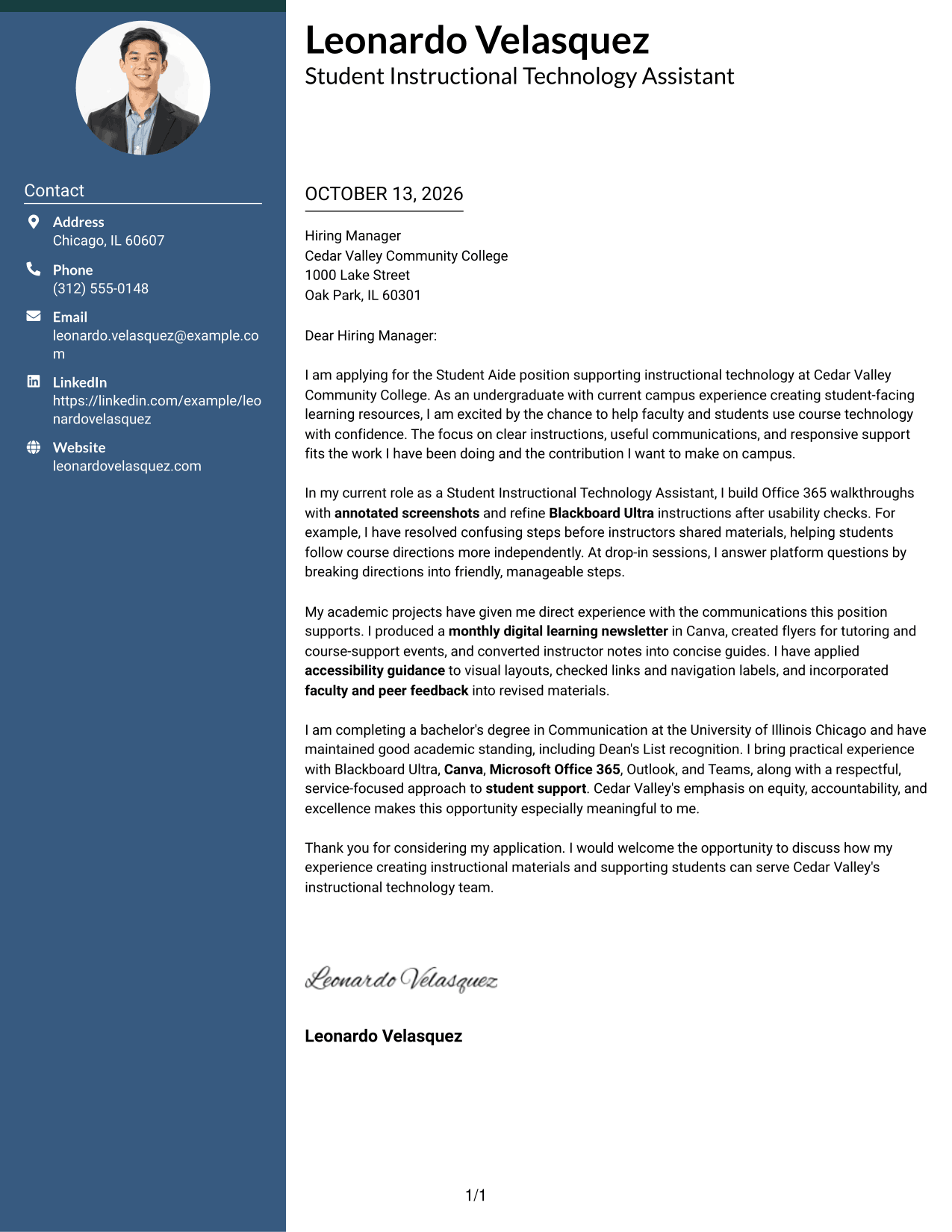
Two Column Format places a contact sidebar beside one continuous letter body, helping reviewers distinguish sender details from the message while following the case for fit.
Why This Format Works
- Separate contact details let reviewers find sender information without entering the letter's argument.
- One body column preserves the sequence from motivation through evidence to closing.
- The sidebar keeps contact details apart while the body carries the case for fit.
Best For
- Contact details beside a continuous letter body
- Fast access to sender information
- A separated contact and message area
- Paragraph-led motivation and evidence
- Clear contact navigation
#3 Photo Header Two Column Format Cover Letter Example
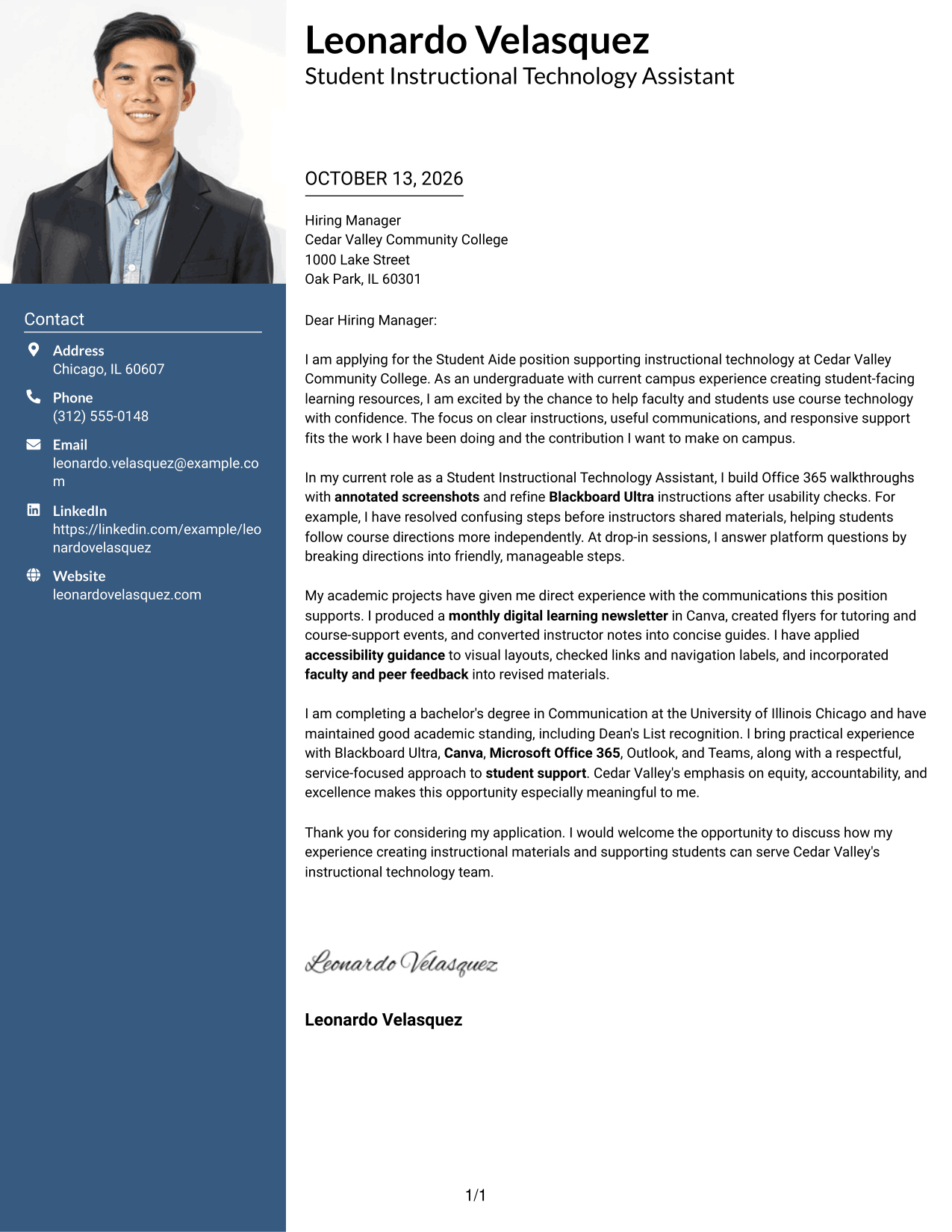
Photo Header Two Column Format pairs a photo header and contact sidebar with one continuous letter body, keeping sender information distinct as reviewers follow the letter's motivation, evidence, and closing.
Why This Format Works
- The sidebar separates contact details from the letter's motivation and evidence.
- One continuous body keeps supporting paragraphs connected from opening through closing.
- A separate contact area sits beside the full letter argument.
Best For
- Applications requesting a professional photo
- Contact details separate from letter text
- A photo paired with a full letter argument
- One clear path through letter paragraphs
- Distinct sender information and message
#4 One Column Format with Photo Cover Letter Example
One Column Format with Photo adds a visual identifier in the header while keeping the letter's opening, supporting evidence, and closing together in one readable column.
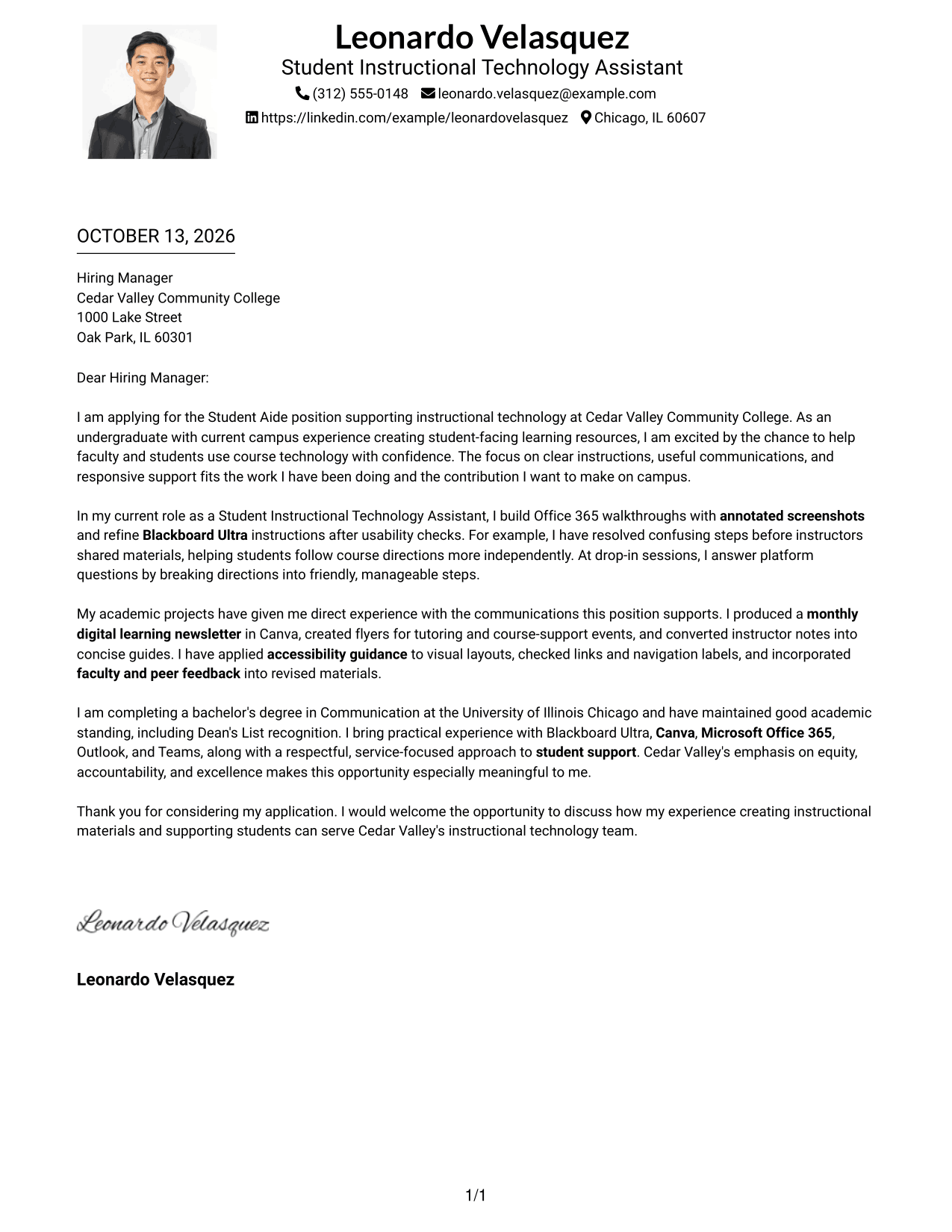
Why This Format Works
- One body column carries the opening, supporting evidence, and close in a steady order.
- The full-width text gives each paragraph room to explain the case for fit.
- Header details stay outside the argument, keeping the closing easy to find.
Best For
- Applications requesting a professional photo
- A single-column letter narrative
- Full-width supporting paragraphs
- Header details apart from the message
- Photo and letter text in one column
#5 Simple Two Column Format Cover Letter Example
Simple Two Column Format sets contact information in a sidebar and keeps the letter itself in one continuous body, so reviewers can move from sender details to the full argument without splitting its paragraphs.
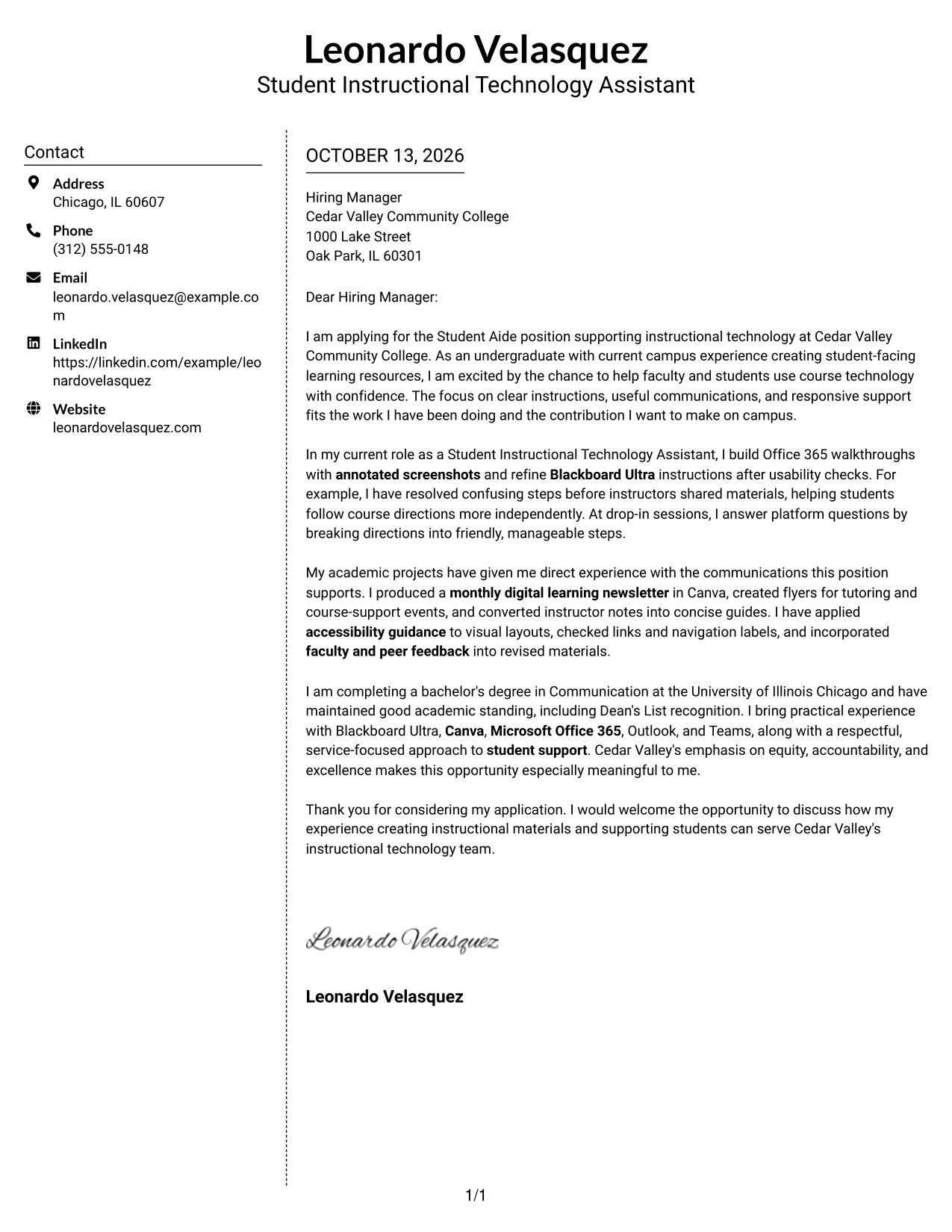
Why This Format Works
- The contact sidebar separates sender details from the body's motivation and evidence.
- One continuous body keeps the opening, proof, and close in their intended sequence.
- Clear separation helps reviewers move from contact information to the full case for fit.
Best For
- A contact sidebar beside letter paragraphs
- A continuous argument from opening to close
- Separate space for sender information
- Quick access to contact details
- A simple path through supporting evidence
#6 Modern Icon Format Cover Letter Example
Modern Icon Format uses icons as contact cues in a sidebar beside one continuous letter body, keeping sender details easy to locate without dividing the message.
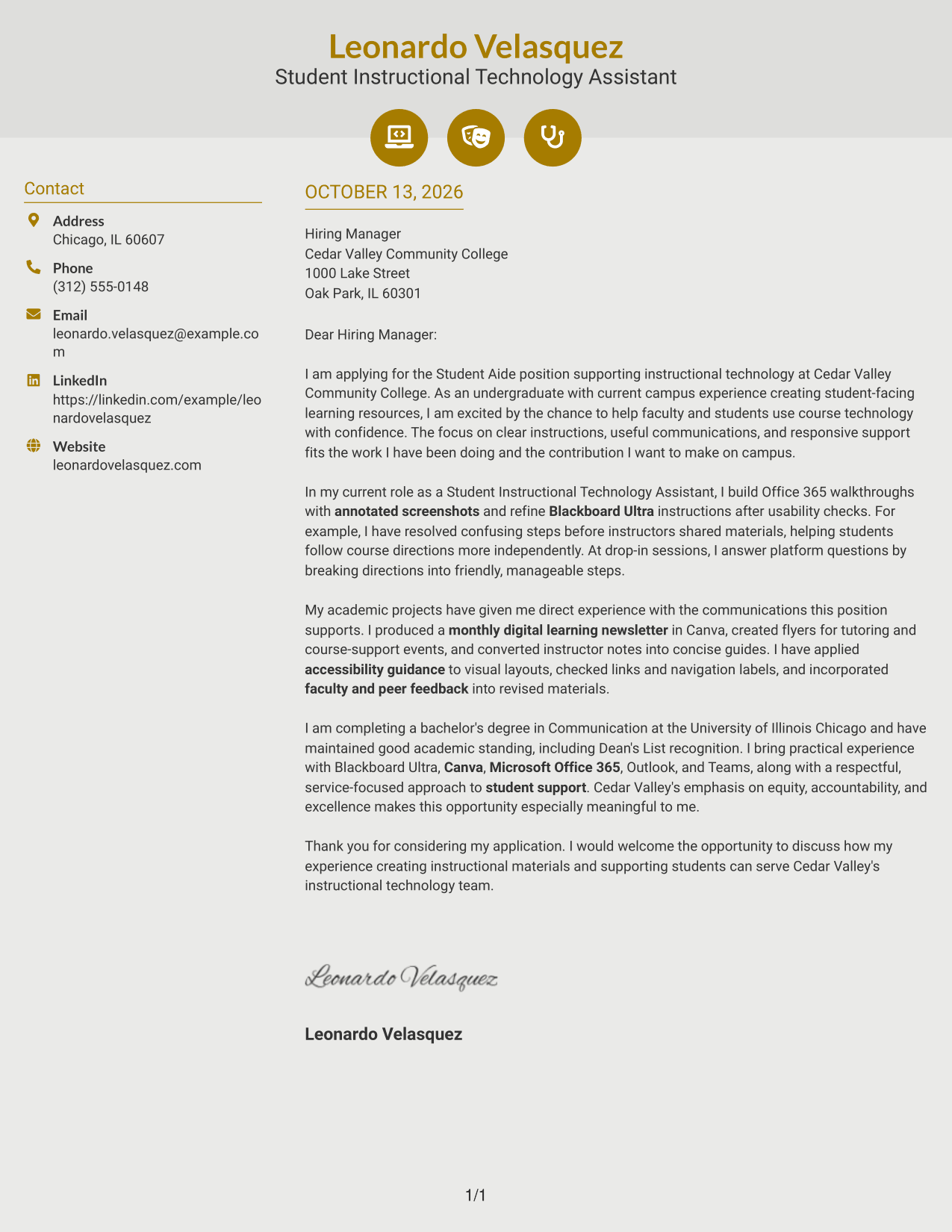
Why This Format Works
- Contact icons help reviewers locate sender details without interrupting the letter's argument.
- The uninterrupted body keeps motivation and supporting evidence in a clear sequence.
- Separate contact information leaves the closing tied to the preceding case for fit.
Best For
- Contact details with visual cues
- One continuous letter argument
- Quick navigation to sender information
- Motivation and evidence in sequence
- A distinct contact and message area
#7 Creative Two Tone Format Cover Letter Example
Creative Two Tone Format uses contrasting visual areas for the contact sidebar and continuous letter body, helping reviewers move from sender details to the letter's motivation, evidence, and closing.
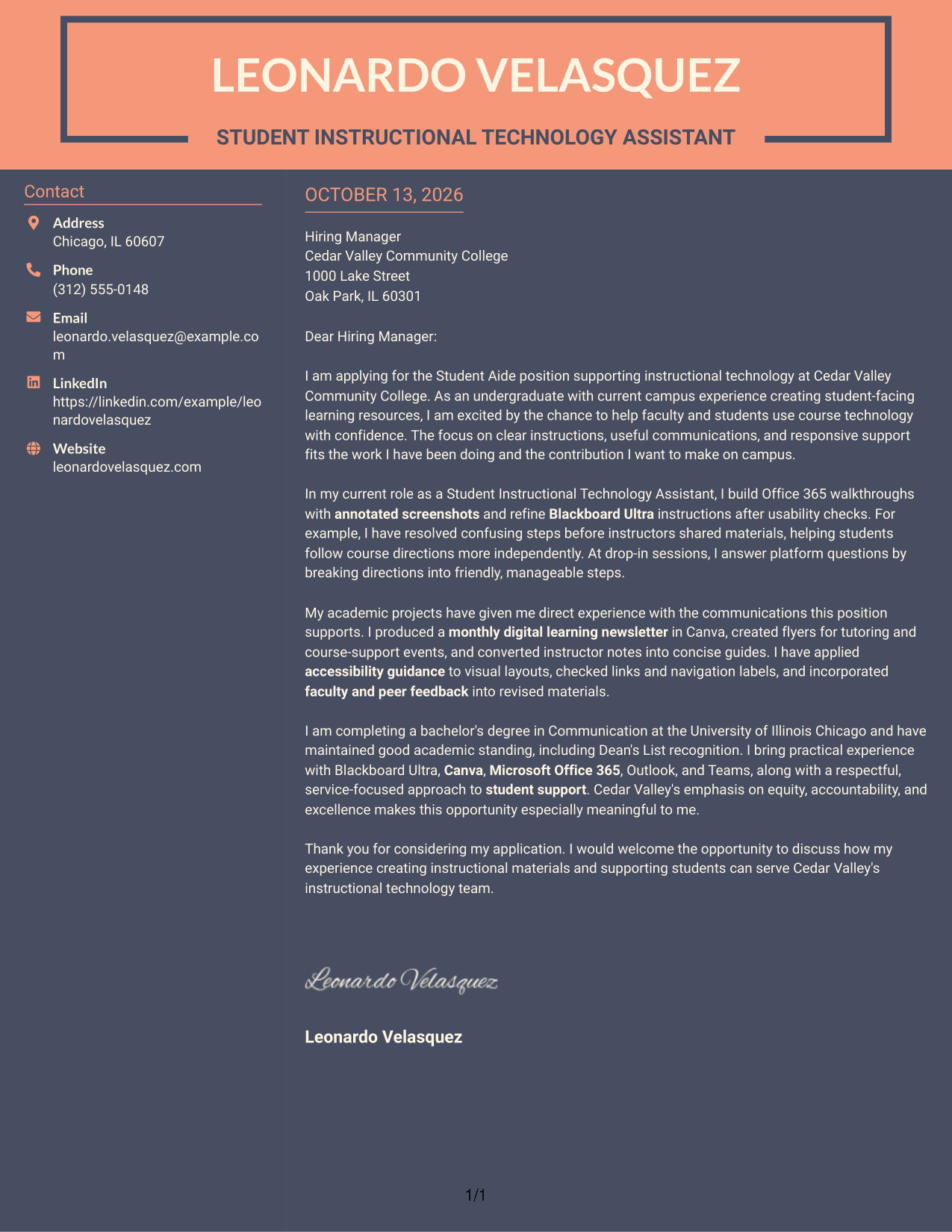
Why This Format Works
- The color boundary separates contact details from the body without splitting the argument.
- A single body column keeps motivation and evidence connected from paragraph to paragraph.
- The visual distinction helps reviewers move from sender information to the closing case for fit.
Best For
- A visible boundary between contact and letter
- One continuous body for the full argument
- Color distinction between information areas
- Paragraph-based motivation and evidence
- A visually distinct contact sidebar
Why Use ResumeInMinutes for a Student Aide - Instructional Technology Cover Letter
ResumeInMinutes helps you shape a clear, role-focused cover letter without starting from a blank page. Use the editor to present your experience with instructional resources and student support in a polished way.
- Writing style options
- Clear, readable layouts
- Role-focused customization
- Quick cover letter creation
- Professional templates
- Cover letter editing tools
Shape your message around the role’s focus on step-by-step guides, Canva communications, Microsoft Office 365 materials, accessibility, and friendly support for students and faculty.
See Also
- 7 Student Aide - Instructional Technology Resume Templates with Example
- 7 Student Aide - Early College Program Support Resume Templates with Example
- 33 Aide Hospital Service Resume Templates with Example 2026 (ATS-Optimized)
- 7 Classroom Aide - Head Start & Early Head Start Resume Templates with Example
- 33 CNA / Certified Nurse Aide Resume Templates with Example 2026 (ATS-Optimized)
- 7 Department of State Aide Resume Templates with Example
- 7 Domestic Services Aide Resume Templates with Example
- 7 Field Engineering Aide Resume Templates with Example
- 7 Student Aide - Early College Program Support Cover Letter Templates with Example
- 30+ Aide Hospital Service Cover Letter Templates with Example 2026
Frequently Asked Questions
What should a Student Aide - Instructional Technology cover letter include?
Open with your interest in the role, then connect relevant experience to learning guides, student communications, and responsive support. Close by expressing interest in contributing to the employer’s instructional technology services.
Are these cover letters or different versions of one example?
This guide presents one Student Aide - Instructional Technology cover letter example in different layouts. The sample shows how to organize your message, while the layout changes its visual presentation.
Which details can help show my fit for this role?
Use details that you can support, such as creating step-by-step Office 365 guides, testing Blackboard Ultra directions, designing Canva communications, or answering student questions. Explain what you did and how it helped readers or learners.
How can I show interest in an instructional technology position?
Explain why clear course communication and helpful technology support matter to you. Connect that motivation to the employer’s work and values without making claims you cannot support.
How should I describe my communication style?
Use a brief example that shows how you make information clear, respond respectfully, or adjust directions after feedback. Plain language and specific examples make your approach easy to understand.
Should I mention Blackboard Ultra, Canva, and Microsoft Office 365?
Yes, when you have used them and can explain how. Connect each tool to a task, such as checking course instructions, designing a flyer, or preparing a student guide.
How should I close my Student Aide - Instructional Technology cover letter?
Thank the reader for considering your application and restate your interest in supporting instructional technology services. Keep the tone professional and make a clear, courteous offer to discuss your fit.




