
7 Systems Development Engineer II - Physical Access Control Systems Cover Letter Templates with Example
This practical guide helps you write a Systems Development Engineer II - Physical Access Control Systems cover letter, with seven layouts to compare and adapt.
What Makes a Great Systems Development Engineer II - Physical Access Control Systems Cover Letter in 2026
A strong letter connects physical access control work with the secure systems and reliable operations this role supports. Make your opening clear about your interest, then show how your experience fits the position.
Use specific evidence, such as access-control integrations, Python automation, or secure deployment practices, when those details reflect your background. Link that evidence to the employer’s needs and explain why this work matters to you.
The featured example moves from interest in the role to relevant evidence and a focused closing, a progression you can adapt while choosing a presentation that fits the employer and communication context.
#1 Simple One Column Format Cover Letter Example
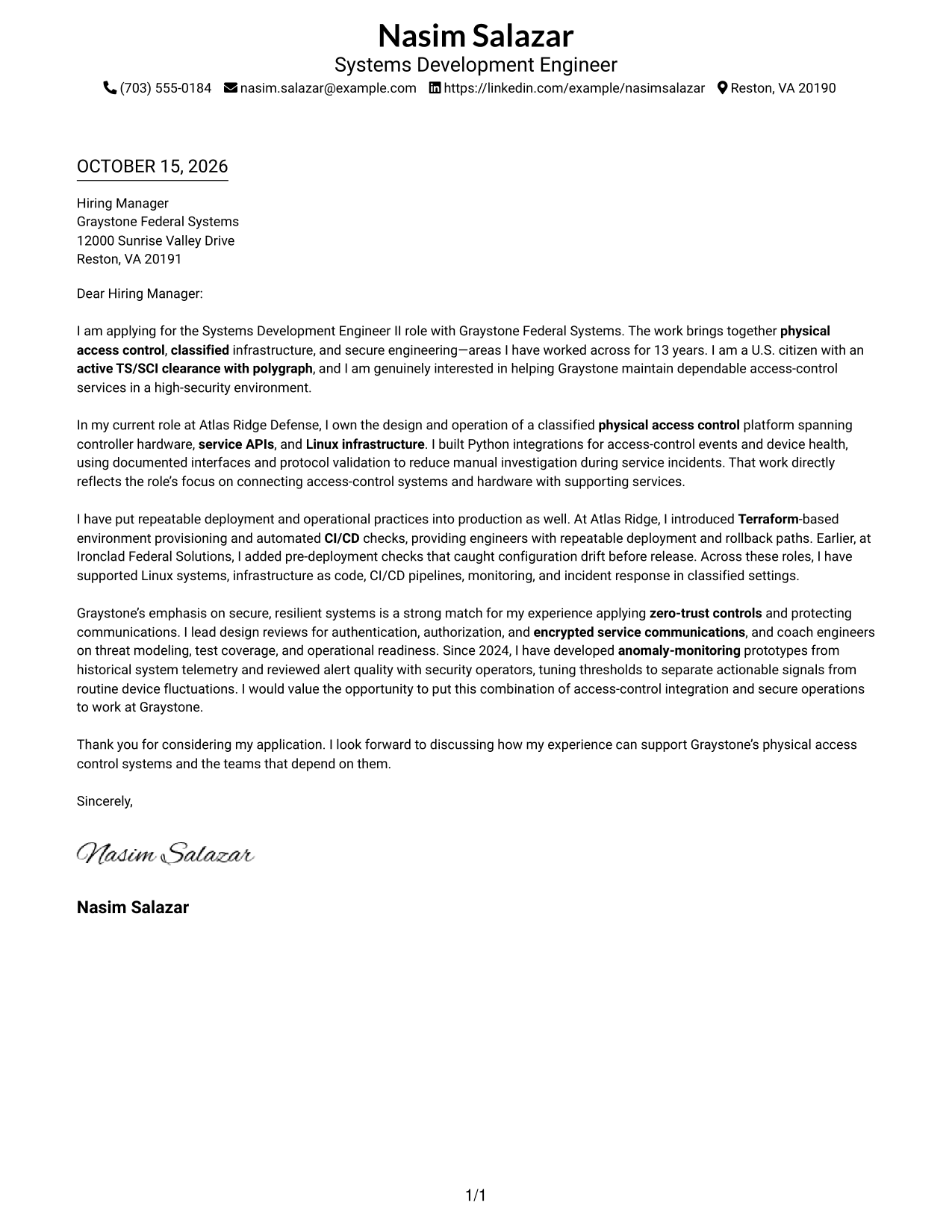
The Simple One Column Format presents the sender details and letter in one direct reading path, a practical choice for readers who prefer a straightforward page.
Why This Format Works
- Paragraph breaks carry the message from interest through evidence to the closing.
- Sender details remain in the header, easy to find without a separate contact area.
- One reading path keeps attention on the letter rather than parallel content.
Best For
- Single-path letter reading
- Paragraph-led persuasion
- Company-specific applications
- Straightforward sender identification
- Security engineering correspondence
#2 Two Column Format Cover Letter Example
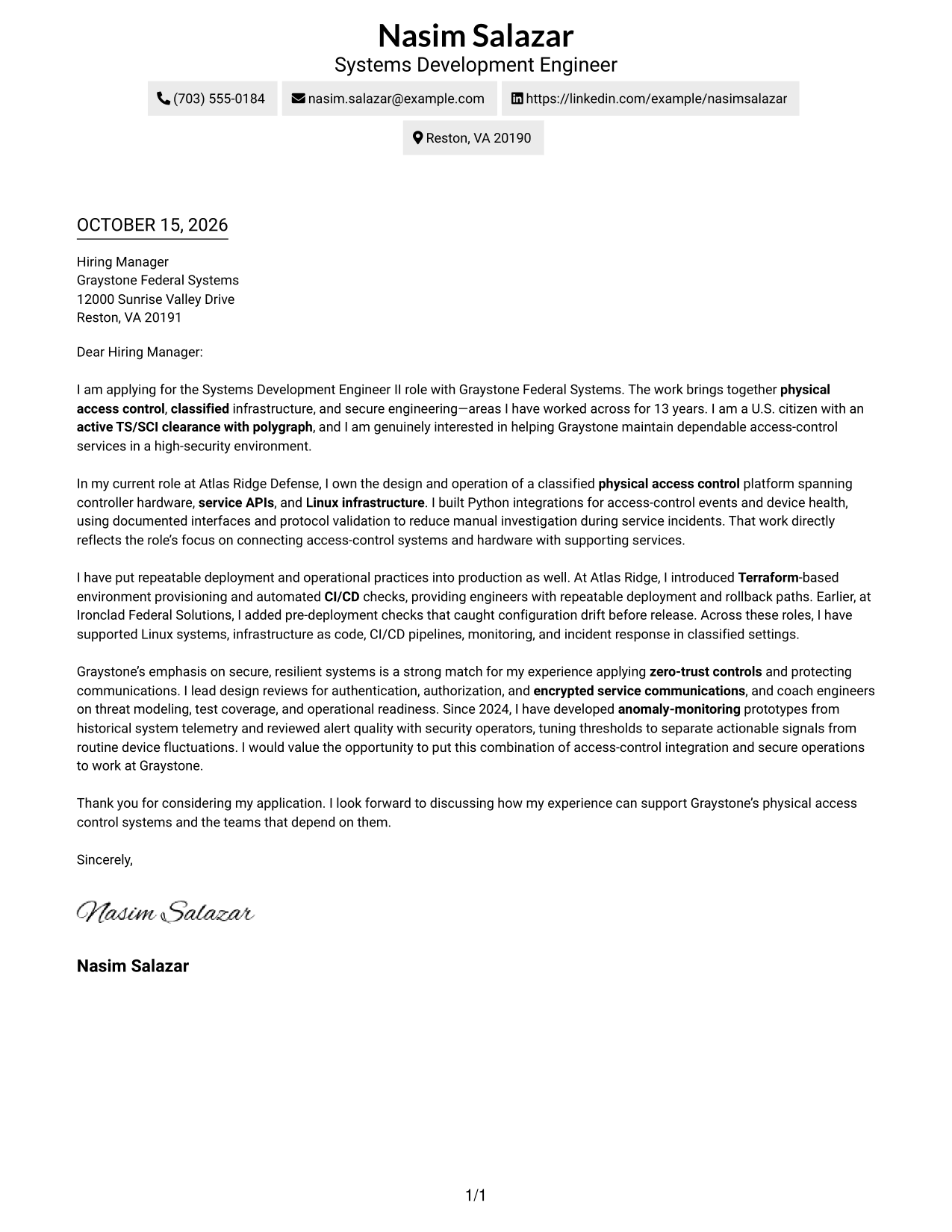
The Two Column Format places a contact sidebar beside one continuous letter body, giving sender information a separate place while keeping the message together.
Why This Format Works
- Contact details occupy their own sidebar, apart from the letter's message.
- The continuous body lets the reviewer follow motivation, evidence, and closing in order.
- Readers can refer to sender details beside the message without treating them as part of it.
Best For
- Separate sender contact block
- Several supporting paragraphs
- Company-focused opening
- Traditional letter sequence
- Side-by-side reading preference
#3 Photo Header Two Column Format Cover Letter Example
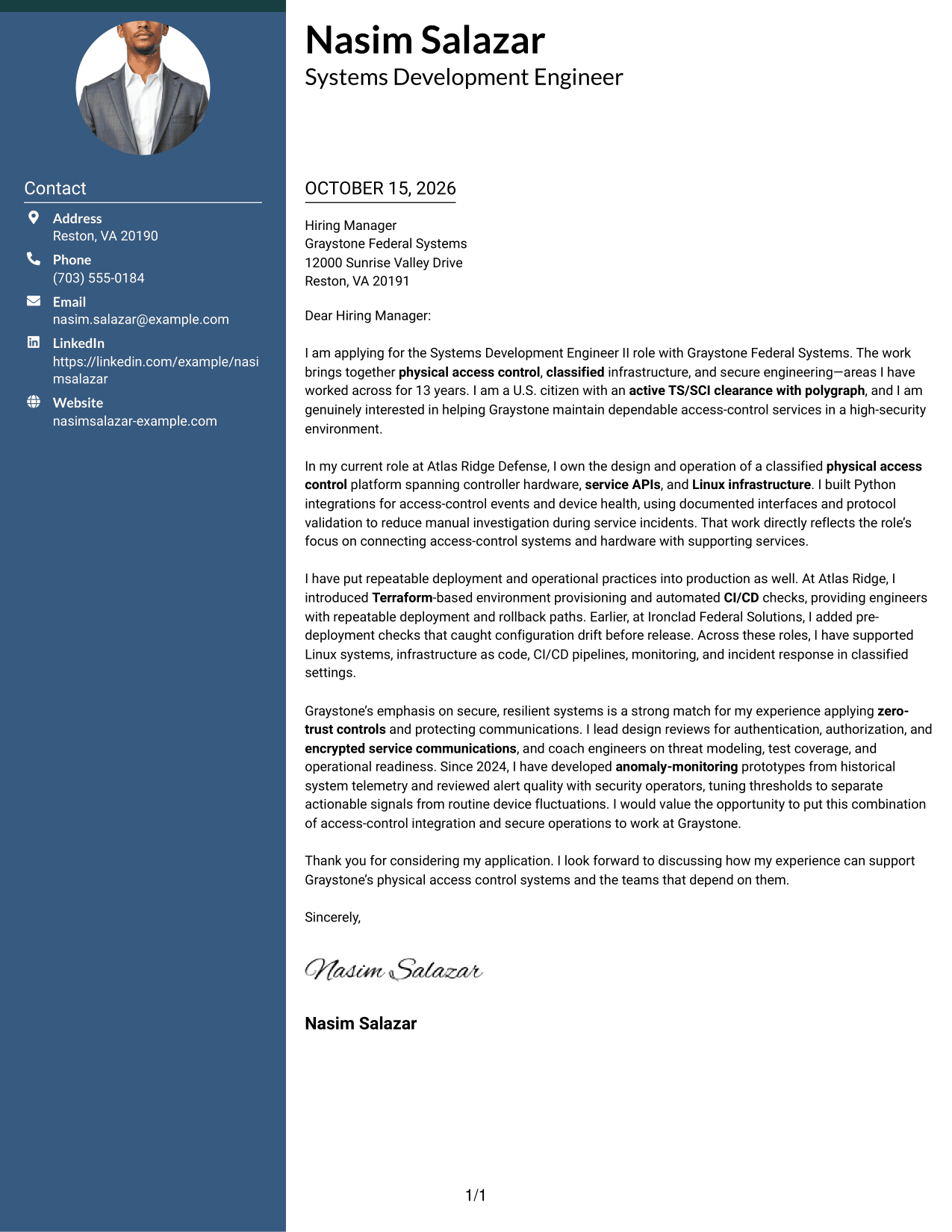
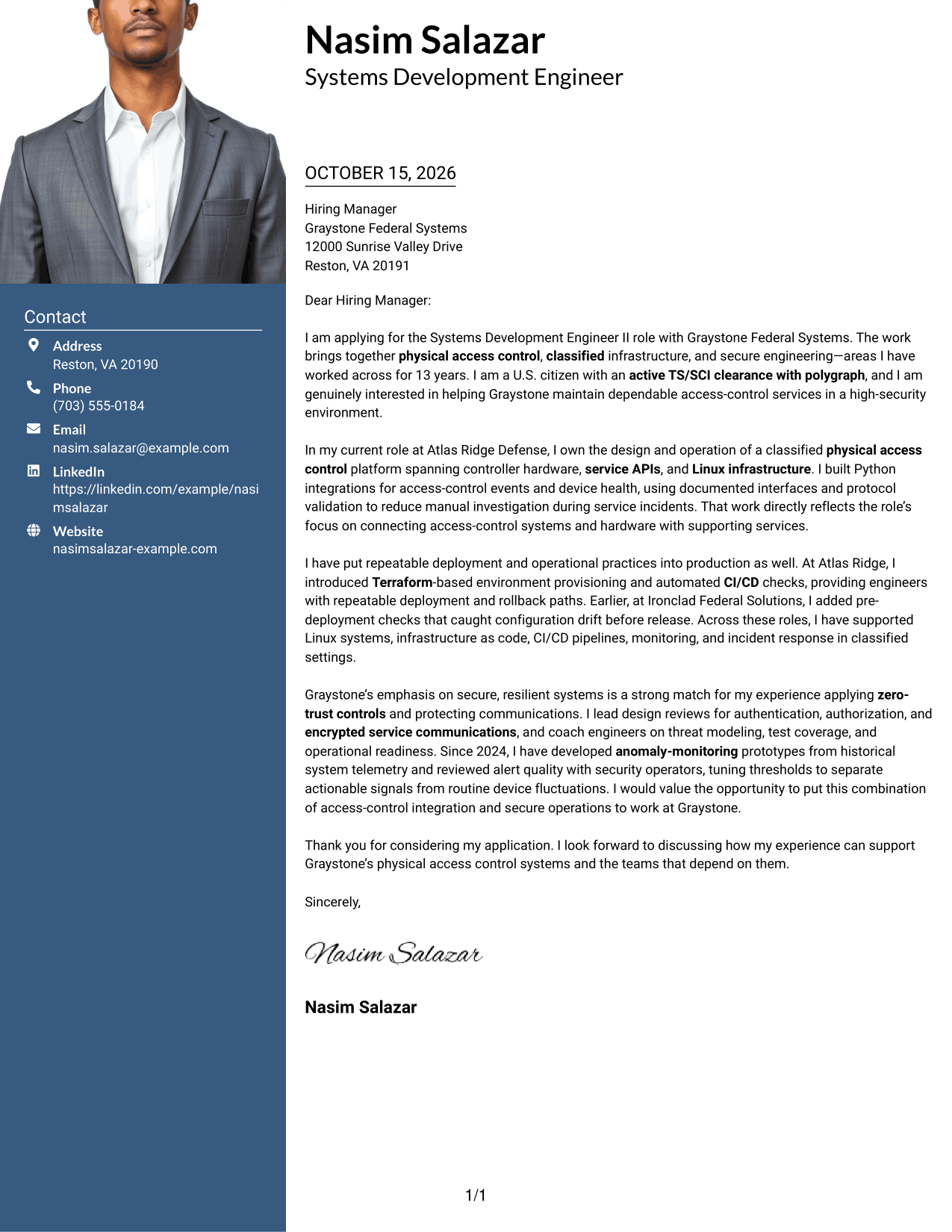
The Photo Header Two Column Format combines a photo header with a contact sidebar beside the continuous letter body, for readers who want a portrait in the page design.
Why This Format Works
- A portrait adds a personal visual element without changing the letter's argument.
- Contact details remain apart from the continuous letter body for quick reference.
- Paragraph order keeps motivation, evidence, and closing together in one message.
Best For
- Portrait-inclusive applications
- Two-area page organization
- Letters with role-specific motivation
- Formal hiring correspondence
- Visual preference for a photo
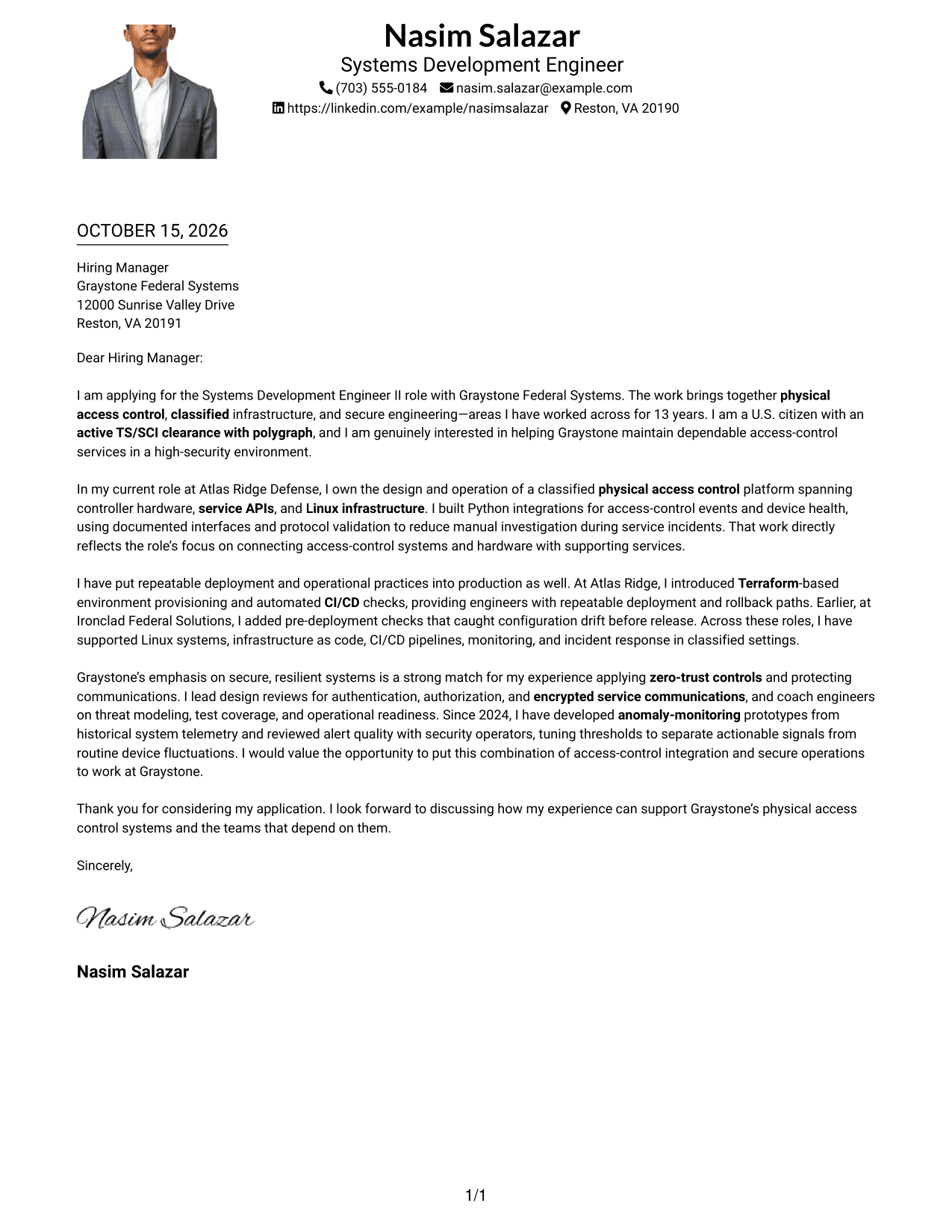
#4 One Column Format with Photo Cover Letter Example
The One Column Format with Photo pairs a portrait with a single-column letter, retaining a direct reading path for readers who prefer a photo in the design.
Why This Format Works
- A photo adds visual identification while the single-column page keeps a direct reading path.
- Sender details and letter paragraphs share one column, with no contact sidebar.
- The paragraphs retain a continuous sequence from opening interest to the closing.
Best For
- Portrait-inclusive letters
- Single-column correspondence
- Paragraph-led arguments
- Employer-specific applications
- Personal visual preference
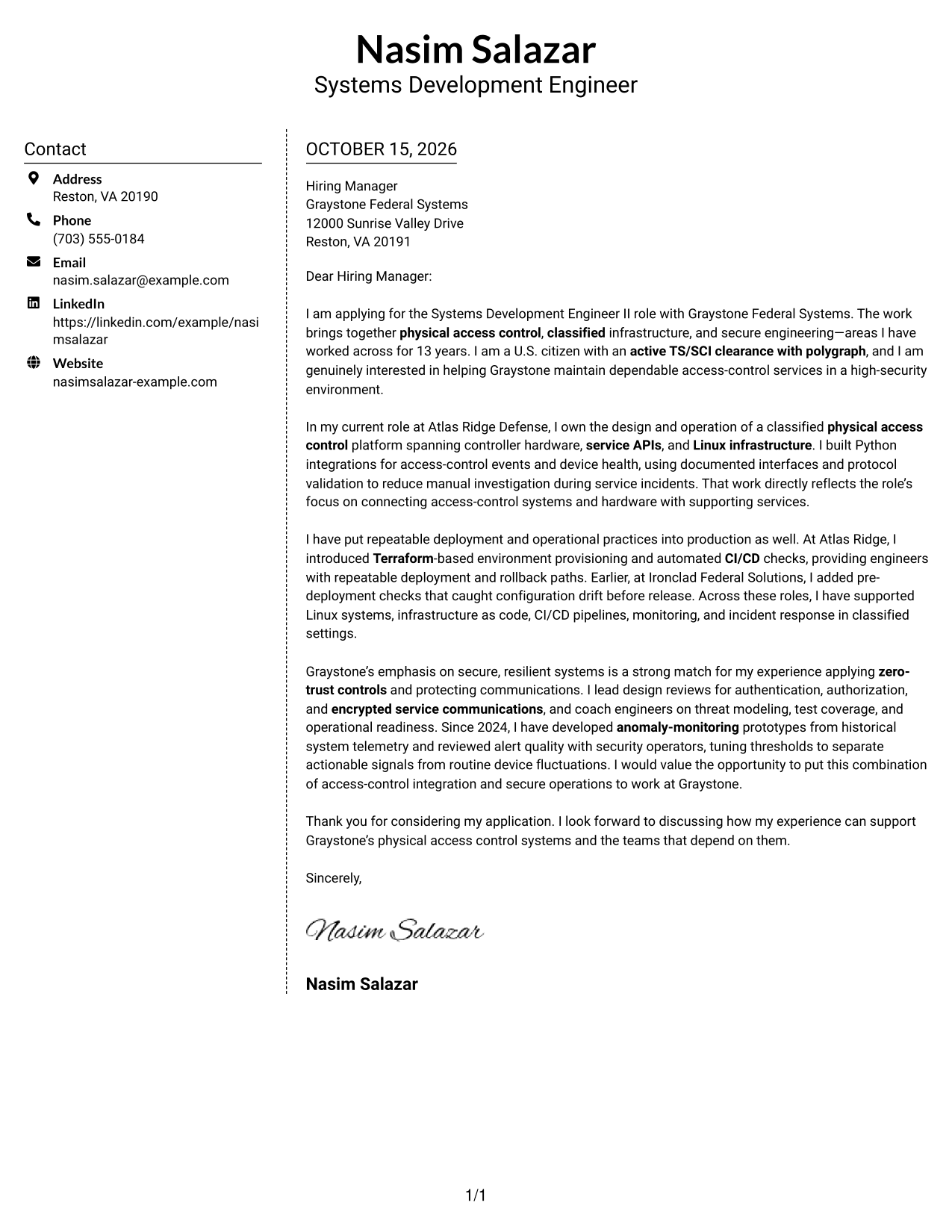
#5 Simple Two Column Format Cover Letter Example
The Simple Two Column Format sets a contact sidebar beside the continuous letter body, giving the page a clear side-by-side organization.
Why This Format Works
- A contact sidebar separates sender details from the message.
- All argument paragraphs remain together in a single letter body.
- Hiring managers can keep contact details in view while reading the full message.
Best For
- Contact details kept apart
- Evidence-rich correspondence
- Company-specific motivation
- Formal employer outreach
- Preference for two columns
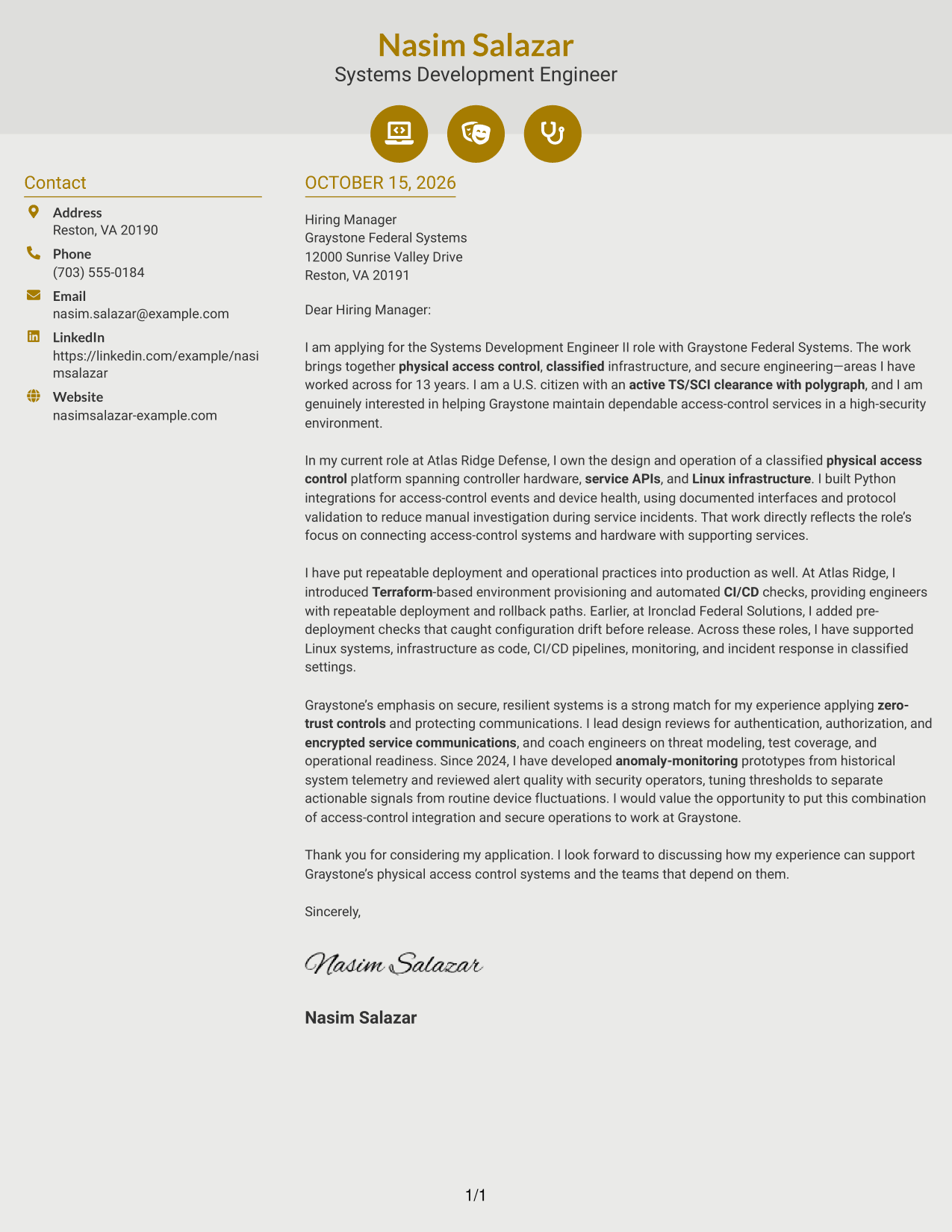
#6 Modern Icon Format Cover Letter Example
The Modern Icon Format uses two columns, with icons serving as contact cues or header accents rather than labels for the letter's argument.
Why This Format Works
- Contact icons help distinguish contact details from the letter's argument.
- The contact sidebar stays separate while the main letter reads as one continuous message.
- Decorative header accents add visual cues without labeling argument stages.
Best For
- Contact details with visual cues
- Two-column correspondence
- Letters with a clear closing
- Company-specific motivation
- Icon-accent preference
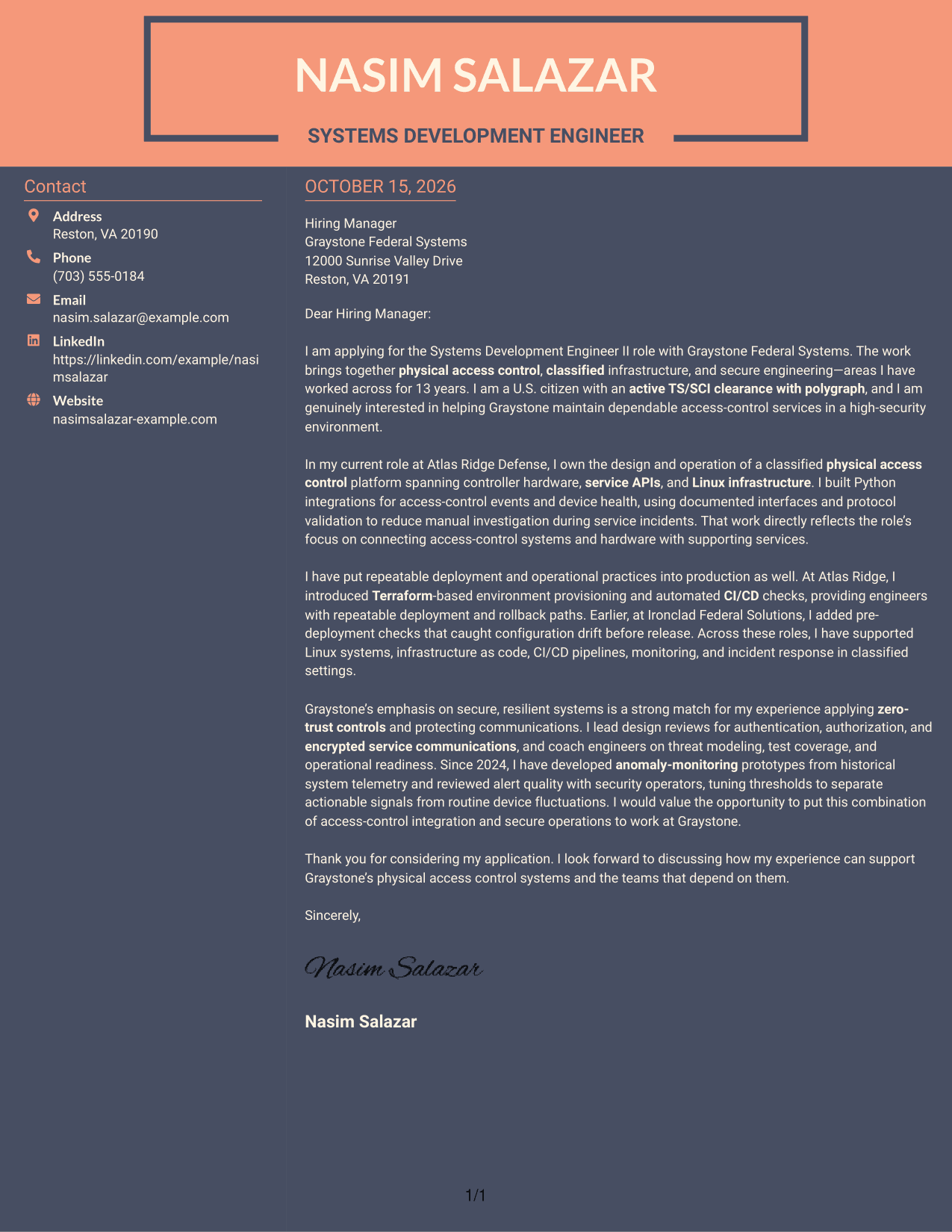
#7 Creative Two Tone Format Cover Letter Example
The Creative Two Tone Format places a contact sidebar beside one continuous letter body, a useful choice for readers who prefer information arranged side by side.
Why This Format Works
- Contact details sit in a sidebar, apart from the letter's continuous paragraphs.
- The full argument stays in one body, preserving a natural opening-to-close progression.
- The layout keeps sender information and the message within the same overall view.
Best For
- Distinct contact area
- Continuous letter narratives
- Evidence-rich correspondence
- Employer-focused openings
- Side-by-side page preference
Why Use ResumeInMinutes for a Systems Development Engineer II - Physical Access Control Systems Cover Letter
Review the image previews to compare how each letter presents its message, then open an example in the editor to customize it for the role. Keep your writing direct, and make each paragraph support your case for secure, dependable access-control services.
- Distinct presentation styles
- Readable letter layouts
- Examples for role-specific writing
- Editor access for customization
- Professional cover letter templates
- Preview images for comparison
For this role, focus on the connection between physical access control, secure infrastructure, and dependable service operations. Use examples that show how you communicate your contribution and interest.
See Also
- 7 Systems Development Engineer II - Physical Access Control Systems Resume Templates with Example
- 33 Brake System Development Engineer Resume Templates with Example 2026 (ATS-Optimized)
- 7 Software Development Engineer in Test, IS&T Customer Systems Resume Templates with Example
- 33 PLC Control Systems Engineer Resume Templates with Example 2026 (ATS-Optimized)
- 7 Senior Guidance, Navigation and Control (GNC) Engineer - Flight Control Systems Resume Templates with Example
- 7 Systems Software Engineer - Missile Defense Command and Control Resume Templates with Example
- 7 Development Engineer (GTO/SC) Co-Op Resume Templates with Example
- 7 Development Engineer (GTO/SC) Intern Resume Templates with Example
- 30+ Brake System Development Engineer Cover Letter Templates with Example 2026
- 30+ PLC Control Systems Engineer Cover Letter Templates with Example 2026
Frequently Asked Questions
What should a Systems Development Engineer II - Physical Access Control Systems cover letter emphasize?
Show how your experience relates to physical access control, secure infrastructure, and reliable service operations. Support your points with clear examples of integration, automation, or security work that you have actually done.
Do the examples show different cover letters or different layouts?
The guide presents one role-focused cover letter example in different layouts. Compare the image previews to see how the presentation changes, then open an example in the editor to customize it.
How can I explain my fit for a physical access control systems role?
Connect your relevant work to the role’s needs. For example, if it matches your experience, discuss system integrations, infrastructure automation, CI/CD checks, secure communications, or monitoring.
How can I show interest in a high-security engineering position?
Explain what interests you about supporting secure, dependable access-control services. Then connect that motivation to relevant experience, such as working with classified infrastructure or applying security controls, when accurate for you.
Should I include a photo on my cover letter?
For most U.S. applications, a cover letter without a photo is a clear and appropriate choice. Follow the employer’s instructions if they provide specific guidance.




