
7 Technical Solutions Manager - App Ads Cover Letter Templates with Example
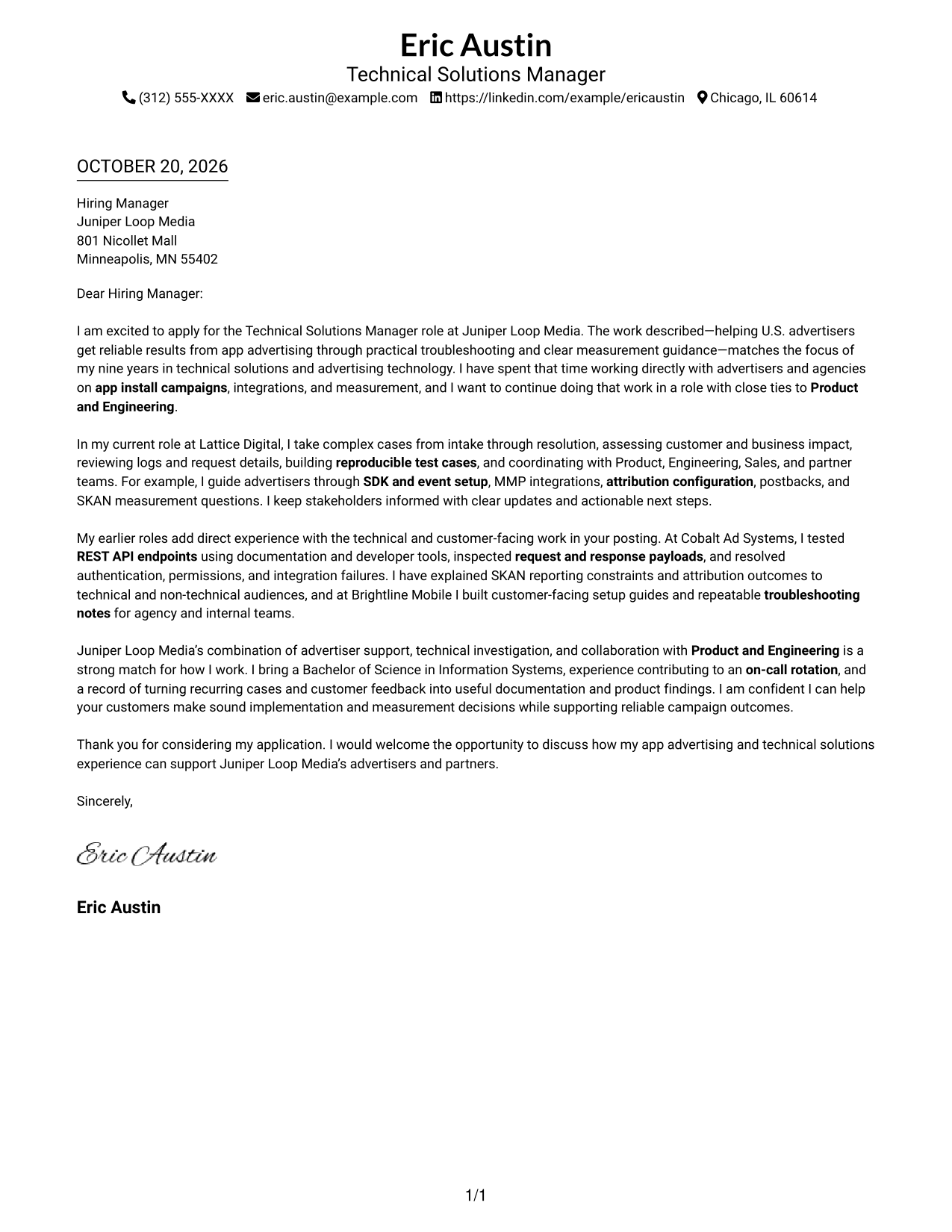
Use this practical guide to build a Technical Solutions Manager - App Ads cover letter, with seven layouts that show how to present your role fit clearly.
What Makes a Great Technical Solutions Manager - App Ads Cover Letter in 2026
A strong letter connects your interest in the role with clear evidence of customer-focused app advertising support. Show how you investigate technical issues and explain measurement in a useful way.
Use specific examples, such as guiding app install campaign setup or resolving MMP and API issues. Then connect that experience to the employer’s needs and explain how you would work with customers and internal teams.
The featured example moves from role-specific interest to evidence of app install campaign support, technical investigation, and clear customer communication, then closes with fit and motivation. Adapt this focused progression and choose a presentation that suits the employer and communication context.
#1 Simple One Column Format Cover Letter Example
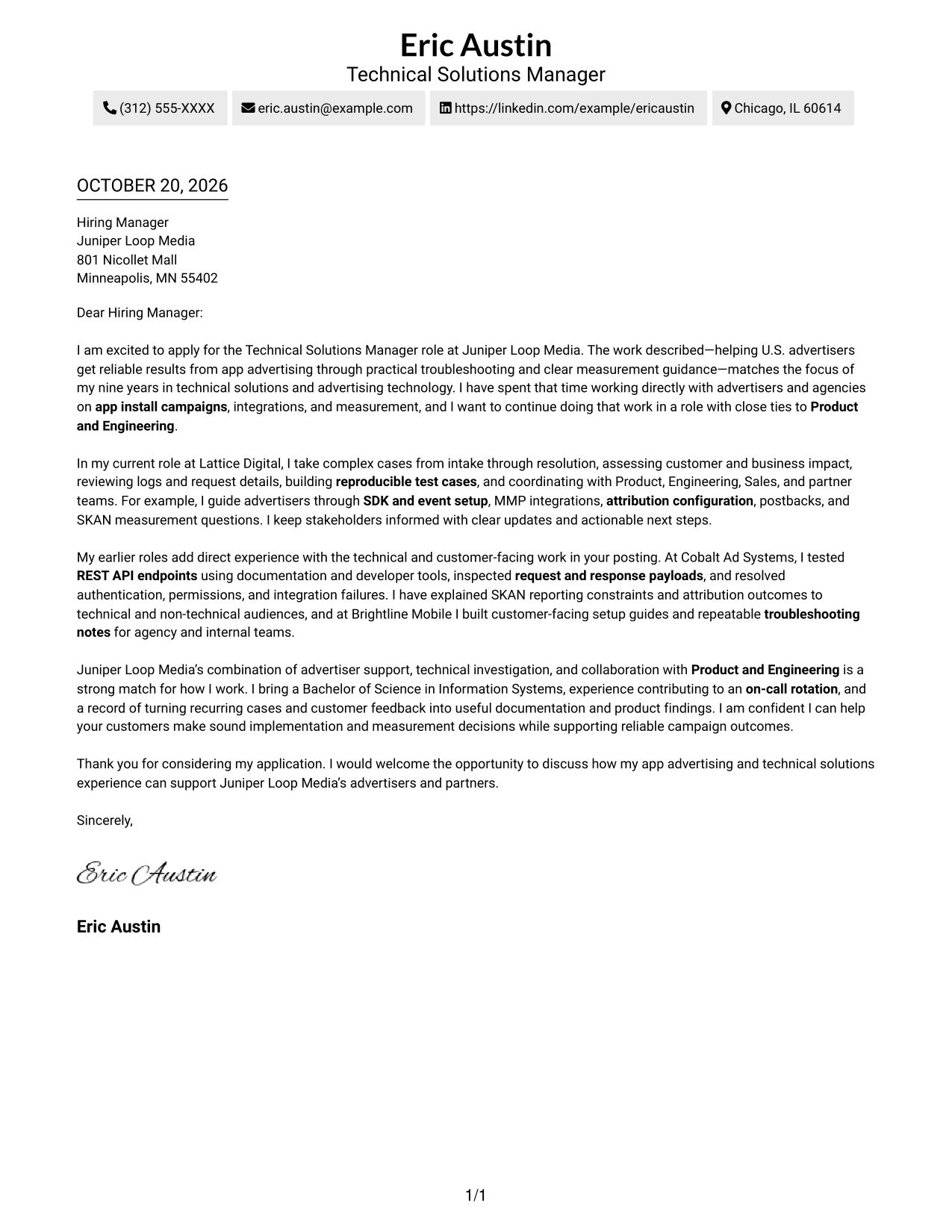
A simple one-column layout keeps sender details in the header and the letter body together, helping reviewers follow the message from greeting to close.
Why This Format Works
- Sender details stay in the header, leaving the letter body as a continuous reading path.
- A single column lets reviewers follow the opening, supporting points, and closing in order.
- The familiar arrangement keeps attention on the letter’s message rather than parallel body sections.
Best For
- Single-column letter reading
- Header-based contact details
- Continuous persuasive paragraphs
- Letters with several supporting points
- Photo-free cover letters
#2 Two Column Format Cover Letter Example
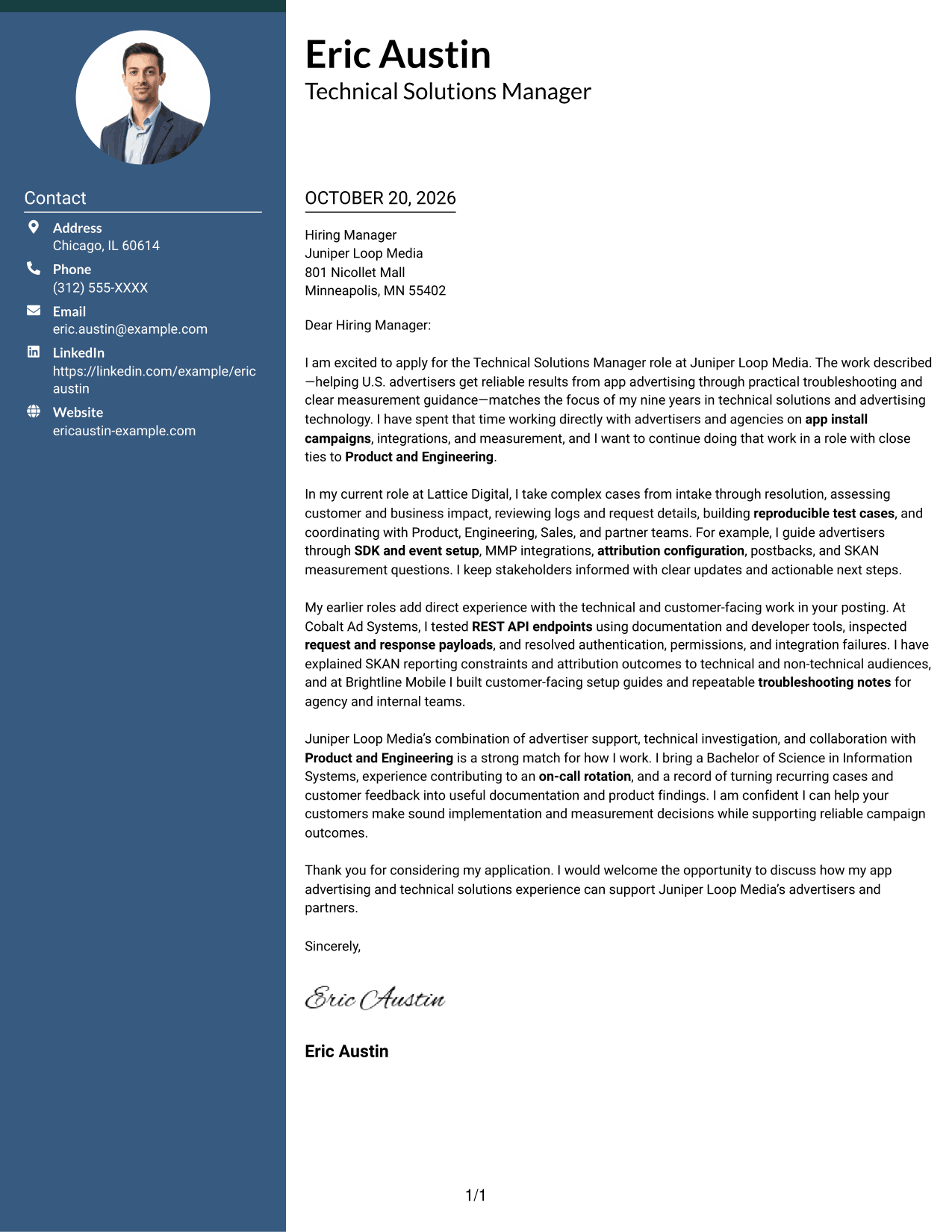
A contact sidebar sits beside one continuous letter body, giving contact details their own place while keeping the message together.
Why This Format Works
- Sender details sit apart from the argument, making contact information easy to locate.
- The letter body remains in one column, so its reasoning reads in sequence.
- Side-by-side placement suits readers who prefer a clearly divided page.
Best For
- Sidebar-based contact display
- Single-column argument copy
- Photo-free document preference
- Letters with detailed explanations
- Clear separation of sender details and message
#3 Photo Header Two Column Format Cover Letter Example
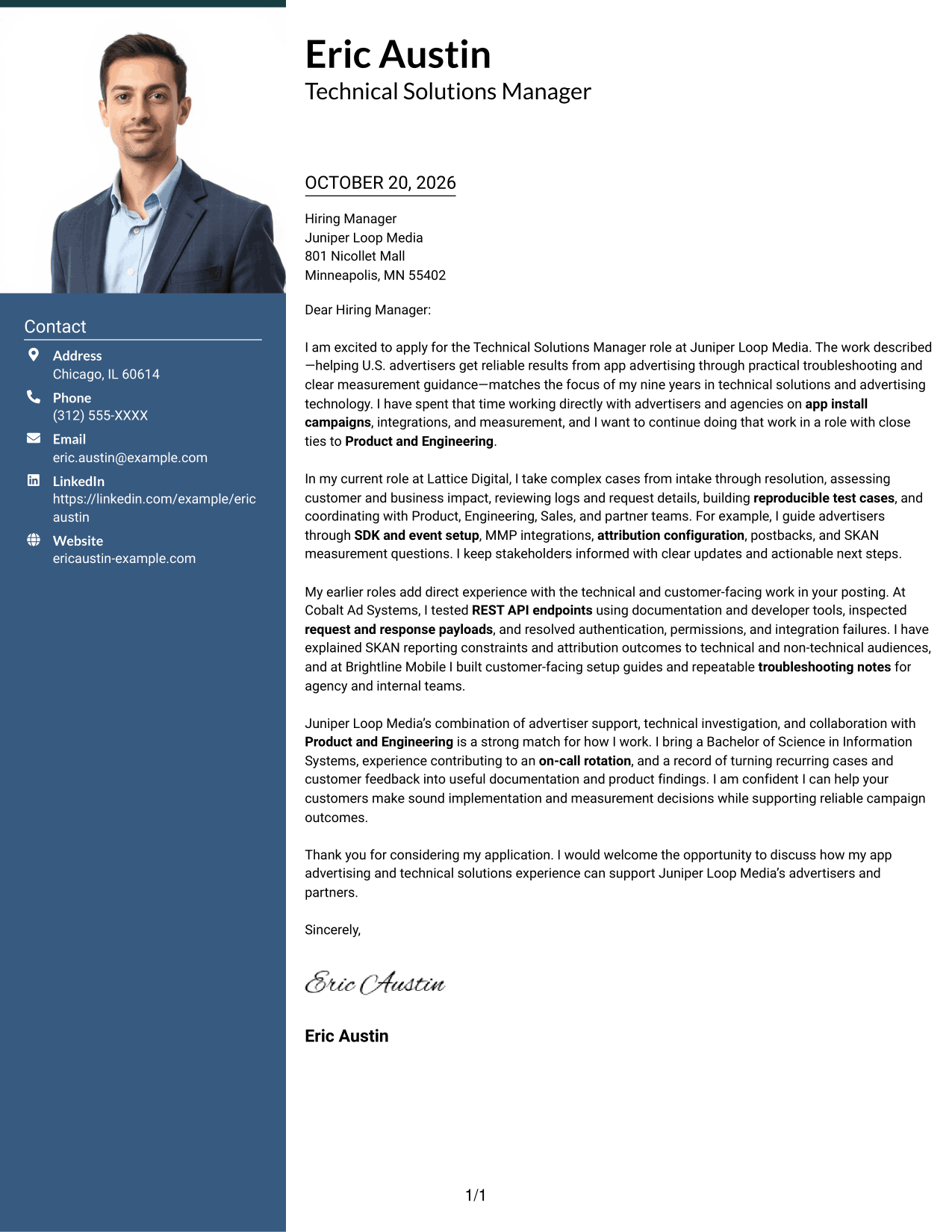
A photo adds a personal visual element to this two-column layout, where contact details sit beside one continuous letter body.
Why This Format Works
- Contact details remain distinct from the letter, giving the page an easy-to-scan reference area.
- One continuous body lets reviewers follow the opening and supporting points in order.
- The portrait offers a personal visual choice without changing how the message is organized.
Best For
- Photo-inclusive letter layouts
- Sidebar contact details
- Continuous persuasive paragraphs
- Letters with several supporting points
- Readers who prefer a visible portrait
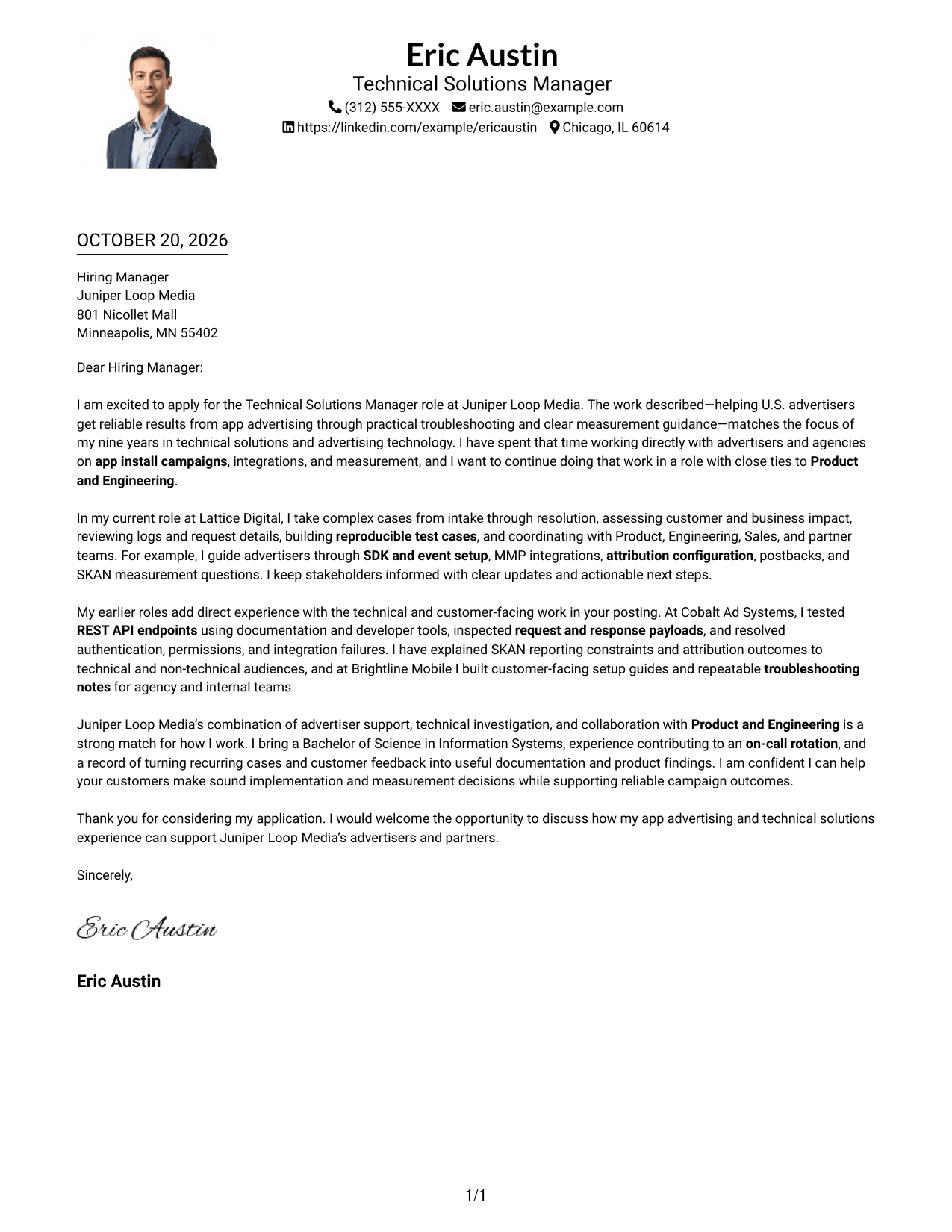
#4 One Column Format with Photo Cover Letter Example
A portrait adds a personal visual element to this one-column letter, while the continuous body keeps the message in a familiar reading sequence.
Why This Format Works
- Contact details stay in the header, separate from the letter’s persuasive paragraphs.
- One-column body text keeps the opening, evidence, and closing in sequence.
- An included portrait suits readers who prefer a personal visual element.
Best For
- One-column letter reading
- Header-based contact details
- Photo-inclusive application documents
- Letters with several evidence paragraphs
- Readers who prefer a continuous body
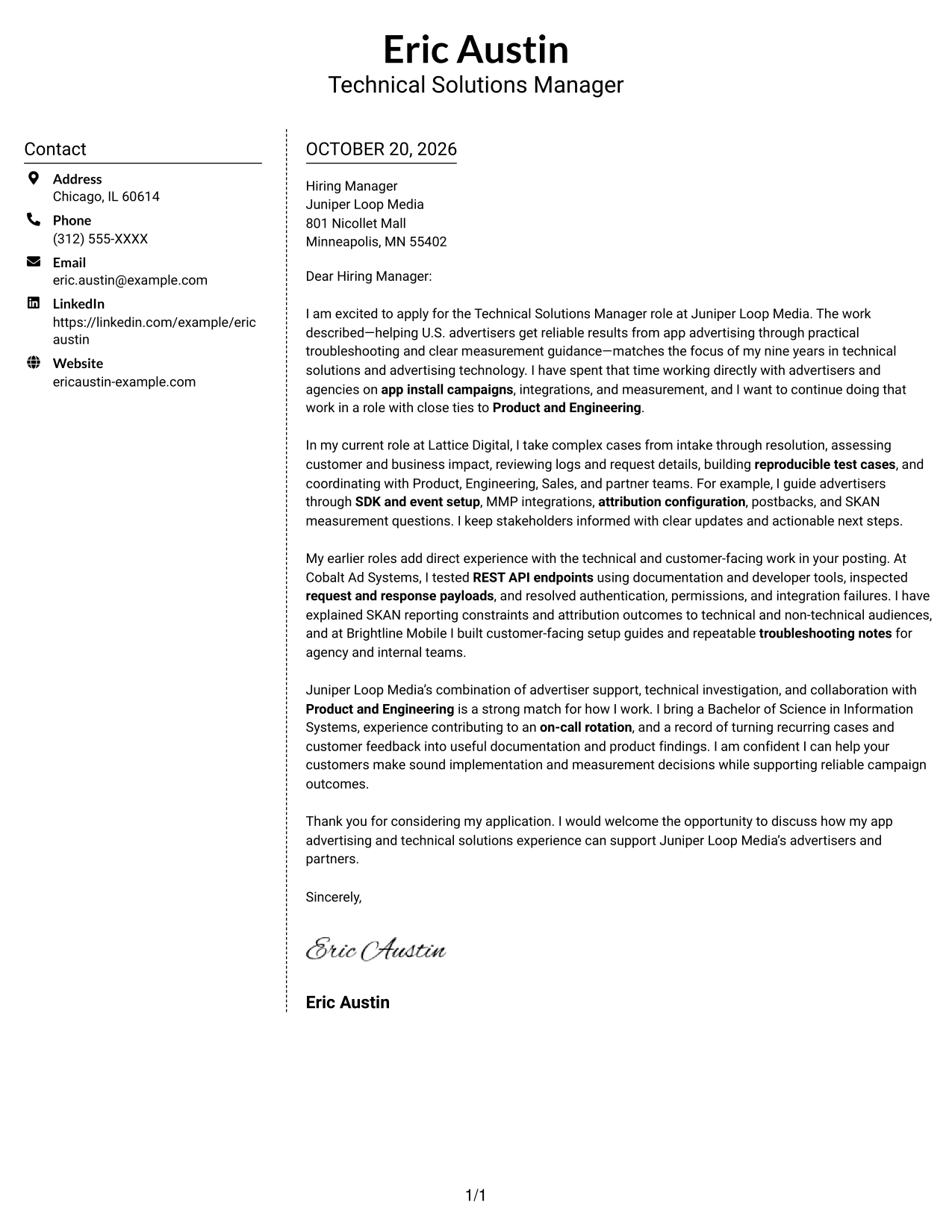
#5 Simple Two Column Format Cover Letter Example
The two-column layout places contact details beside a single continuous letter body, separating reference information from the written case.
Why This Format Works
- The contact sidebar gives sender information a separate place beside the letter.
- A continuous body lets reviewers follow the full case for fit in order.
- Side-by-side placement suits readers who prefer a divided page layout.
Best For
- Sidebar contact presentation
- Uninterrupted letter paragraphs
- Photo-free application documents
- Letters with multiple supporting points
- Side-by-side page organization
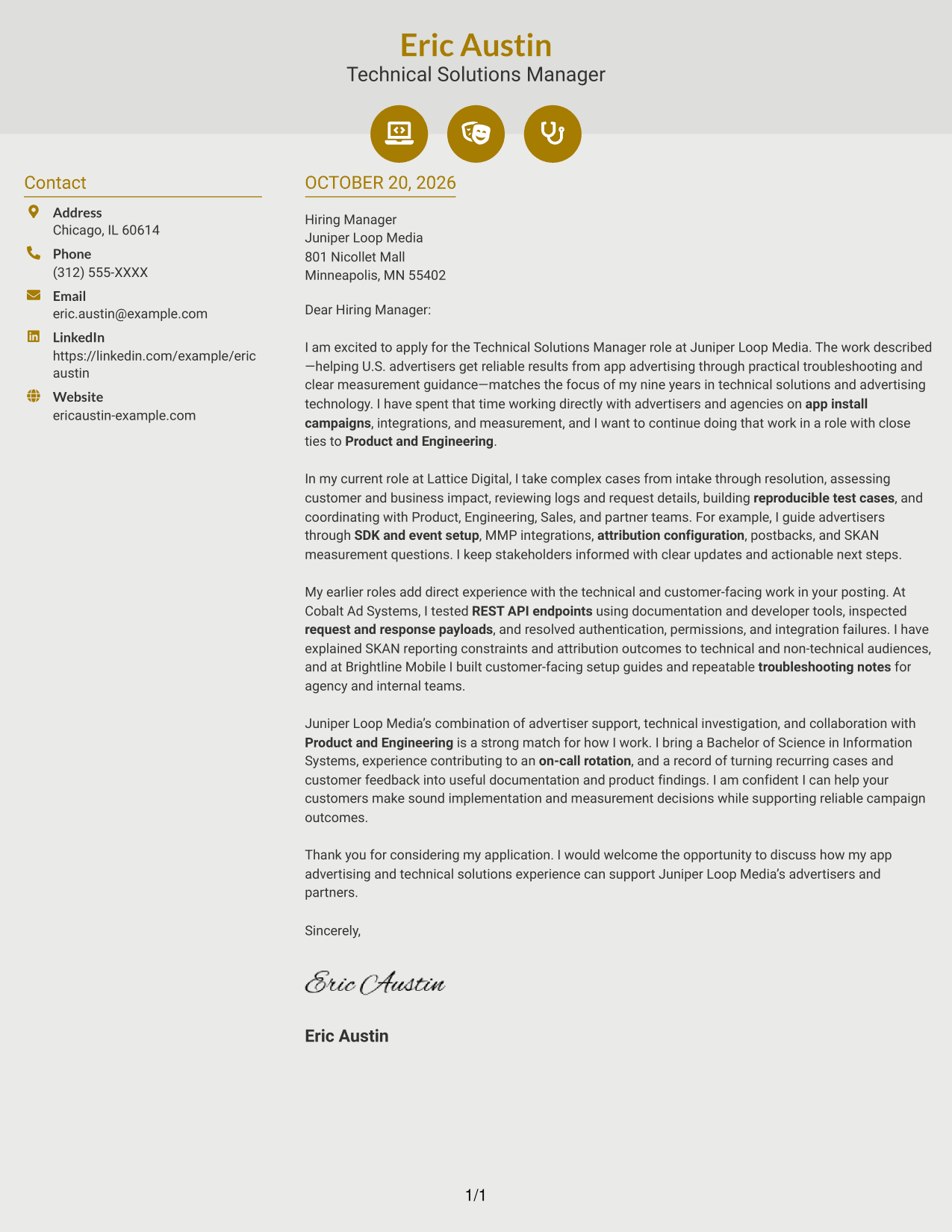
#6 Modern Icon Format Cover Letter Example
Contact icons provide visual cues in the sidebar, while the two-column layout keeps the letter itself in one continuous body.
Why This Format Works
- Contact icons act as visual cues for sender information, not for letter arguments.
- One continuous body preserves the sequence from opening through supporting points and close.
- Separate columns distinguish contact information from the message without dividing its paragraphs.
Best For
- Icon-marked contact details
- One-column letter body
- Photo-free document layouts
- Letters with several supporting paragraphs
- Readers who value contact cues
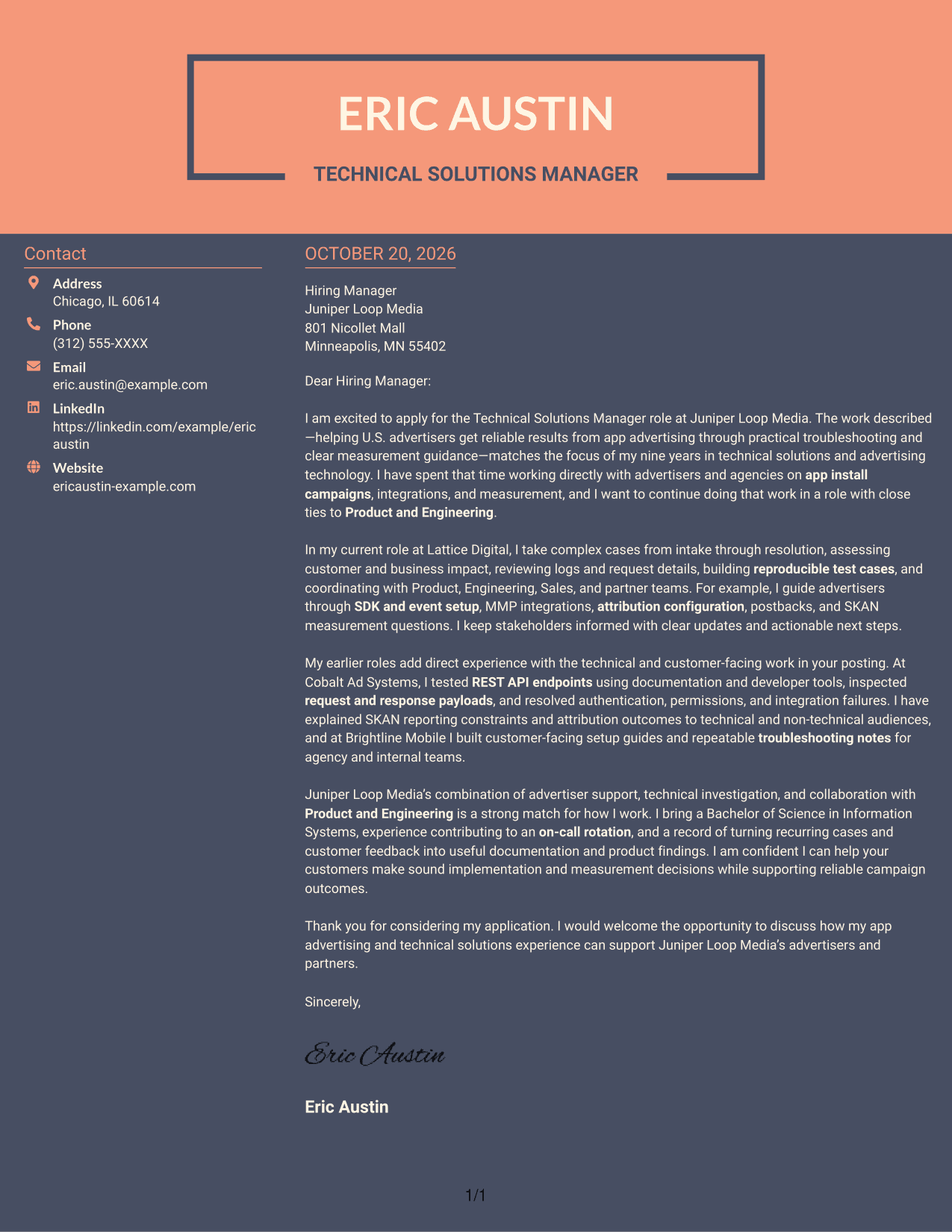
#7 Creative Two Tone Format Cover Letter Example
The two-column arrangement places contact details beside one continuous letter body, a practical choice for keeping reference information apart from the written message.
Why This Format Works
- A separate contact sidebar gives sender details a clear place beside the letter.
- The message stays together as continuous paragraphs, preserving its opening-to-close sequence.
- Two columns suit readers who want contact information distinct from the letter text.
Best For
- Sidebar-based contact details
- Continuous persuasive copy
- Photo-free letter layouts
- Letters with several supporting paragraphs
- Separate contact and message areas
See Also
- 7 Technical Solutions Manager - App Ads Resume Templates with Example
- 7 Senior Engineer - Technical and Planning Solutions Resume Templates with Example
- 33 AI/ML Solutions Architect Resume Templates with Example 2026 (ATS-Optimized)
- 33 AI Solutions Architect Resume Templates with Example 2026 (ATS-Optimized)
- 7 AI Solutions Developer Resume Templates with Example
- 7 Client Solution Architect Resume Templates with Example
- 7 Client Solutions Manager - Military Health Modernization Resume Templates with Example
- 7 Connected Solutions Technician Resume Templates with Example
- 30+ AI/ML Solutions Architect Cover Letter Templates with Example 2026
- 30+ AI Solutions Architect Cover Letter Templates with Example 2026
Frequently Asked Questions
What should the opening paragraph of this cover letter explain?
Show why the Technical Solutions Manager - App Ads role interests you and connect that interest to customer support, app advertising, or measurement work you can support with real examples.
Which technical examples can strengthen the body of the letter?
Choose relevant examples from your experience, such as app install campaign support, SDK or event configuration, MMP integrations, attribution, SKAN, REST API testing, or troubleshooting reporting differences.
How can I explain technical work to different audiences?
Describe the issue, the steps you took to investigate it, and the next steps you recommended. Use plain language for the customer while keeping the technical details clear for Product and Engineering partners.
Should I name the employer in my cover letter?
Yes, when you can make a genuine connection to the role. For Juniper Loop Media, you can refer to the advertised focus on helping app advertisers, investigating technical issues, and working with Product and Engineering.
Does this page show different cover letters or different layouts?
It presents one cover letter example in several visual layouts. Compare the image previews, then open a version in the editor to view or customize it.
How should I choose a cover letter layout?
Choose a clear, readable layout that fits the employer and the way you want to communicate. Make sure the opening, evidence, motivation, and closing are easy to follow.




