
7 Telecom Operator II - Operator Services Cover Letter Templates with Example
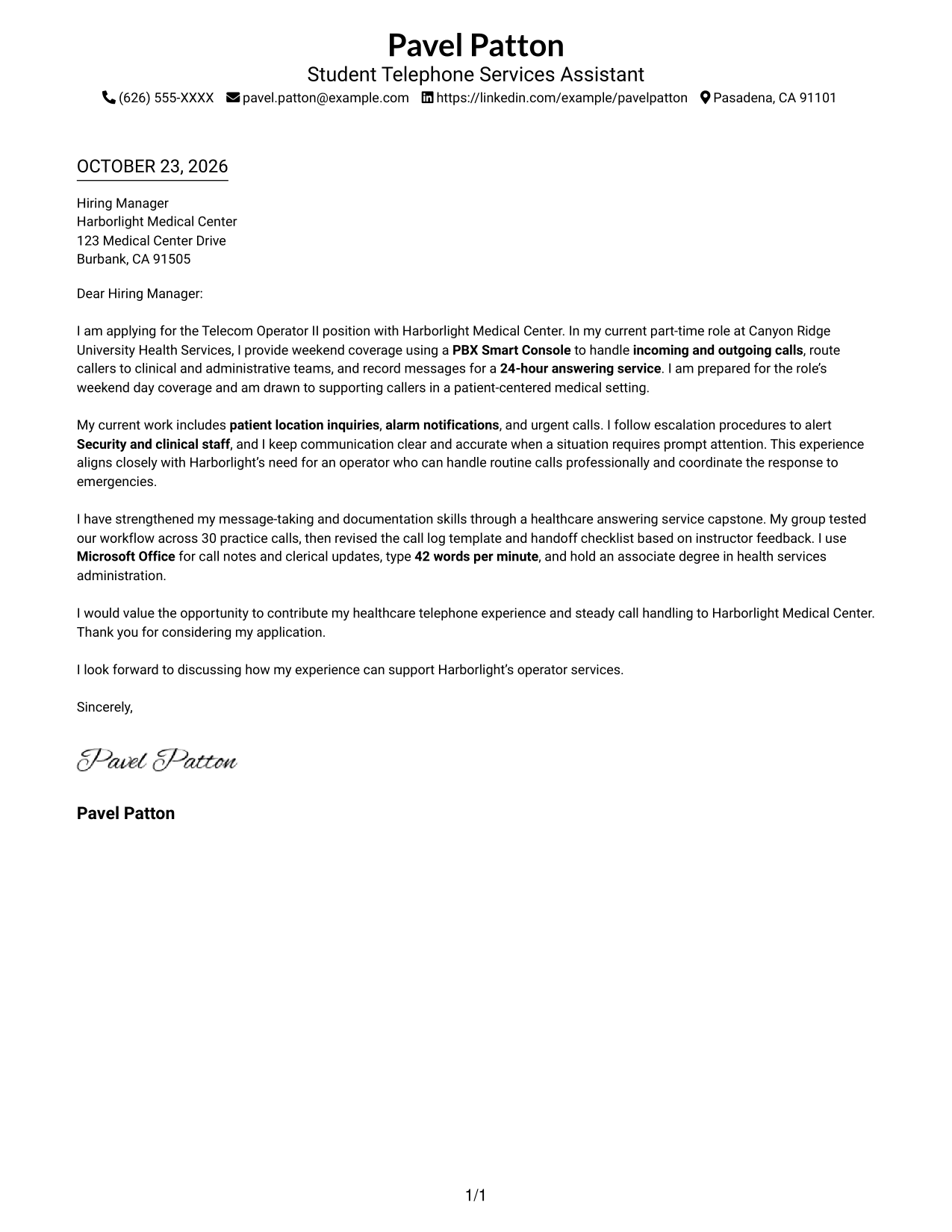
This guide helps you write a focused Telecom Operator II - Operator Services cover letter, with seven layouts to compare and practical guidance for presenting your fit.
What Makes a Great Telecom Operator II - Operator Services Cover Letter in 2026
A strong cover letter opens with clear interest in the role and connects your call-handling approach to patient-centered service. It should show that you can communicate clearly with callers and stay composed when a call is urgent.
Use specific examples of routing calls, recording accurate messages, or following escalation steps for alarms and emergency calls. Connect that evidence to the employer's need for courteous service and reliable coordination with Security and clinical staff.
The featured Telecom Operator II - Operator Services example follows a focused progression from role interest to relevant call-handling evidence and a clear close, which you can adapt while choosing a presentation suited to the employer and communication context.
#1 Simple One Column Format Cover Letter Example
A single-column layout keeps the letter and its contact details in one straightforward reading path.
Why This Format Works
- The header keeps sender details easy to find before the letter begins.
- One reading path carries the opening, evidence, and closing in sequence.
- Without a portrait, the page keeps visual attention on the written message.
Best For
- Straightforward page layouts
- Unbroken letter arguments
- Sender details in a header
- No-portrait applications
- Short application messages
#2 Two Column Format Cover Letter Example
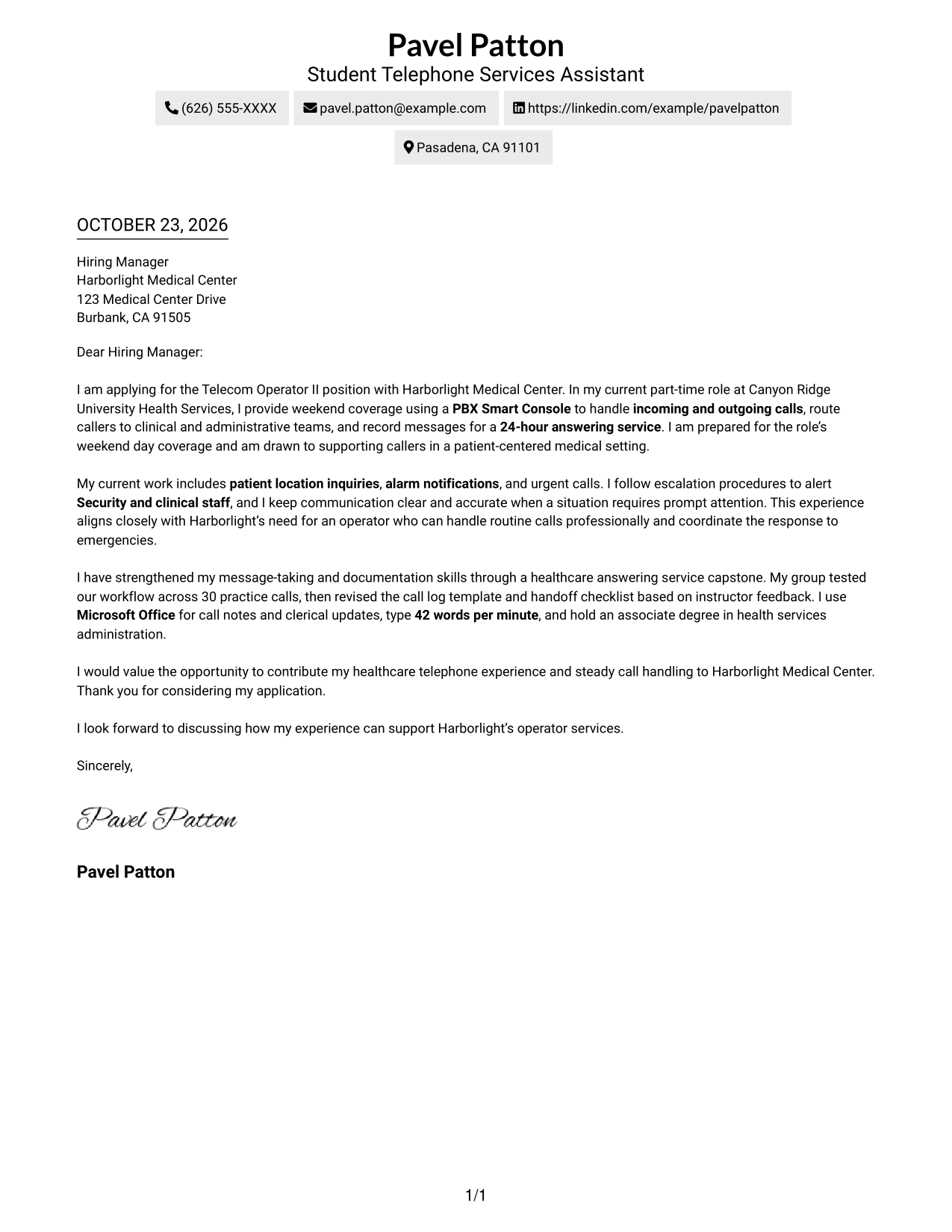
A contact sidebar sits beside the continuous letter body, keeping sender details apart from the employer-directed message.
Why This Format Works
- The sidebar makes sender details easy to locate without scanning the letter.
- One continuous body preserves the sequence from the opening through the close.
- Side-by-side areas suit readers who prefer contact information apart from the message.
Best For
- Quick access to contact details
- Continuous letter-body reading
- Side-by-side page layouts
- Several sender contact methods
- Focused employer-directed letters
#3 Photo Header Two Column Format Cover Letter Example
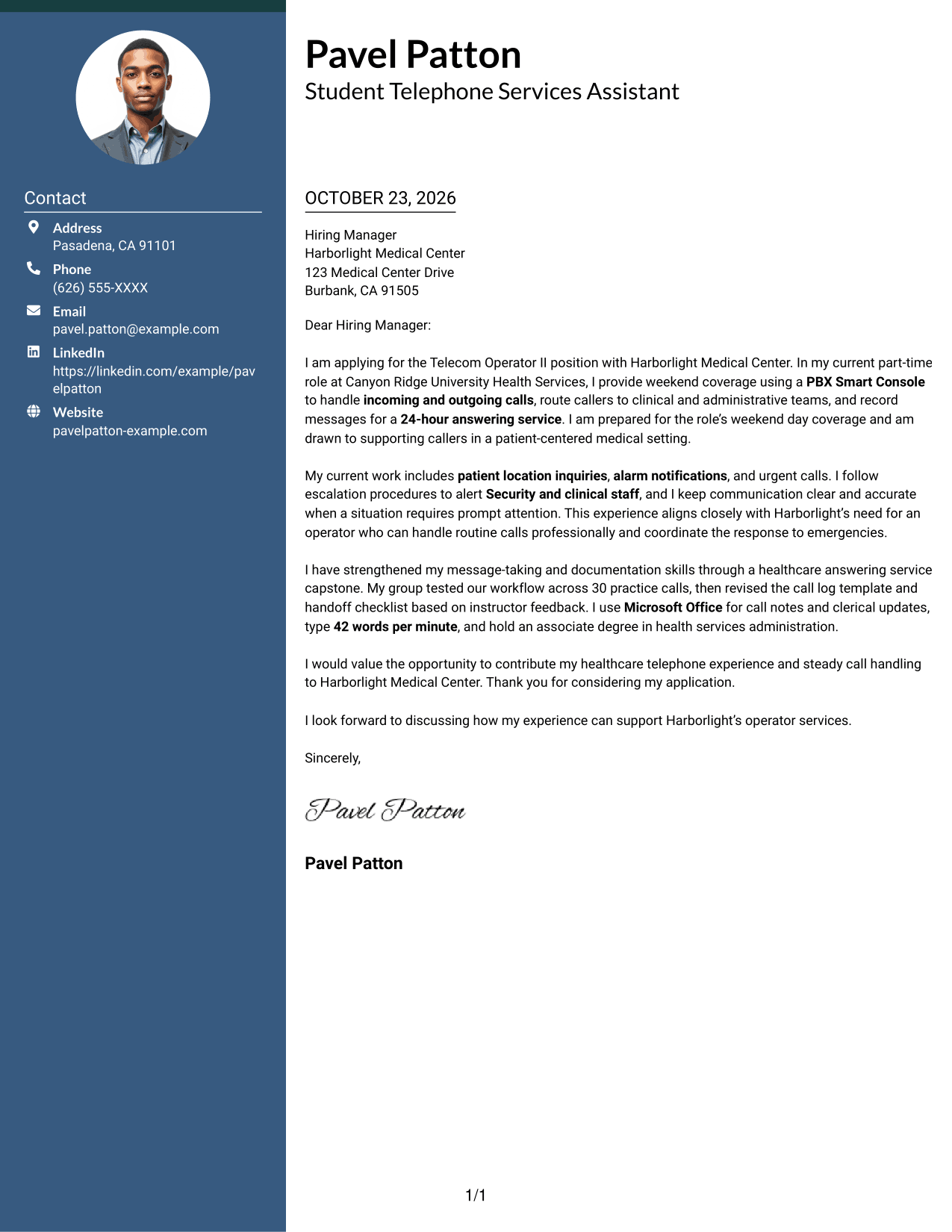
A photo accompanies the two-column layout, where a contact sidebar sits beside one continuous letter body.
Why This Format Works
- Contact details remain apart from the employer-directed paragraphs in the sidebar.
- The letter body stays together, helping the message retain its natural sequence.
- A portrait adds a personal visual element without dividing the letter body.
Best For
- Applications that include a portrait
- Contact details beside the message
- Continuous persuasive paragraphs
- Side-by-side page organization
- Distinct contact and letter areas
#4 One Column Format with Photo Cover Letter Example
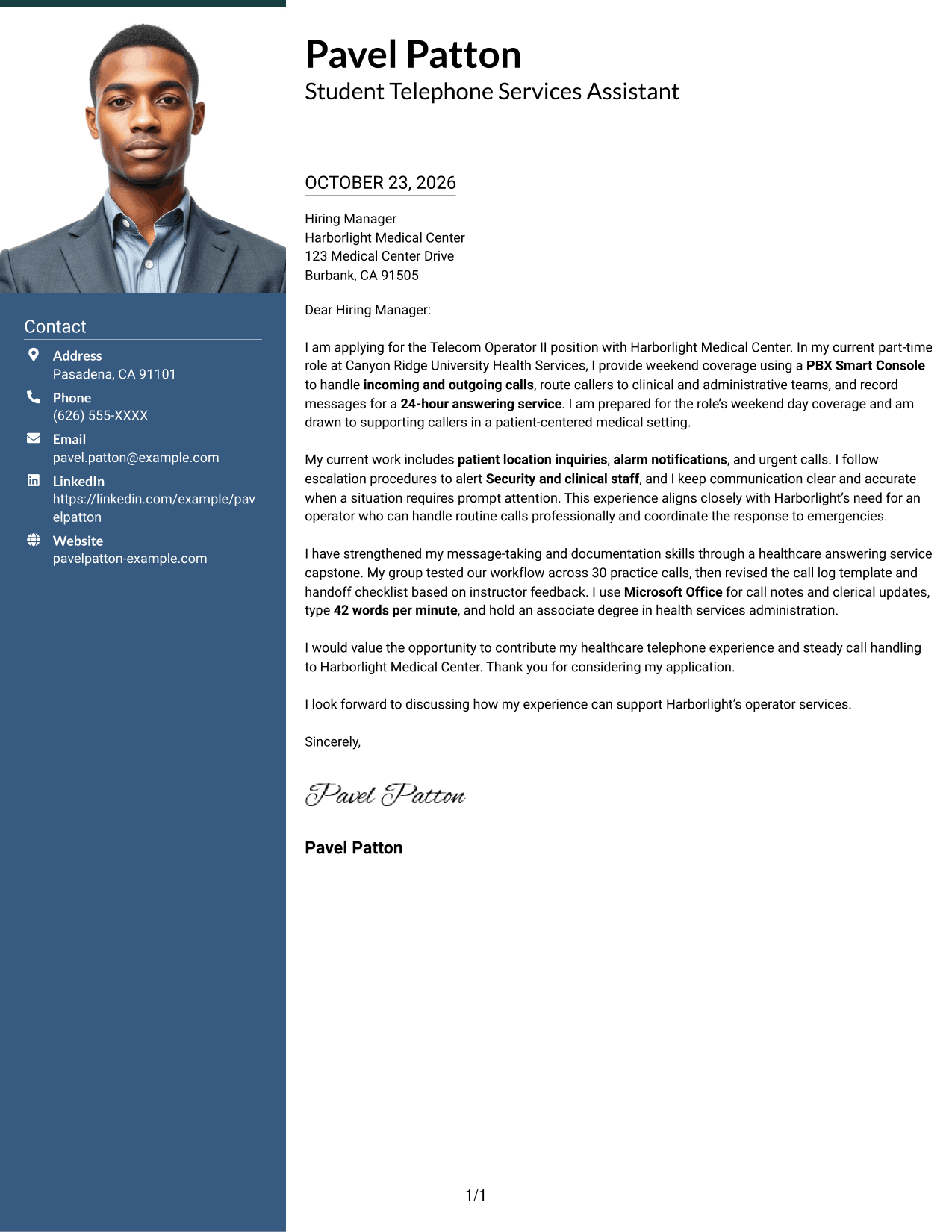
The one-column page includes a photo while keeping sender details and the letter in a direct reading path.
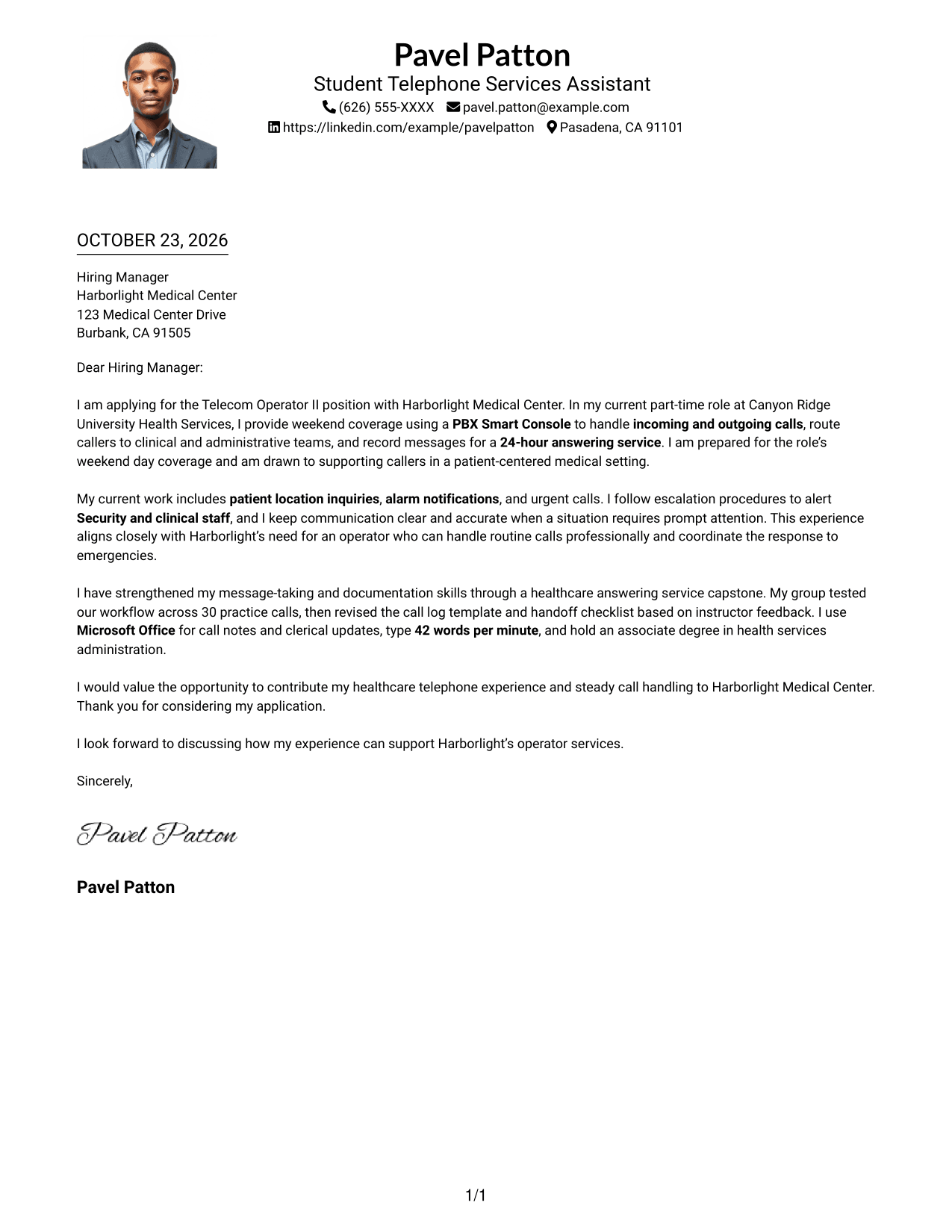
Why This Format Works
- The single-column arrangement keeps the contact details and letter easy to follow.
- Continuous paragraphs let the message progress from motivation to evidence and closing.
- A portrait suits applicants who want a photo included with their letter.
Best For
- Applications that include a portrait
- Single-column page preferences
- Direct opening-to-close reading
- Paragraph-led motivation and evidence
- Contact details in the letter header
#5 Simple Two Column Format Cover Letter Example
A contact sidebar and a continuous letter body form a simple two-column page with distinct places for details and message.
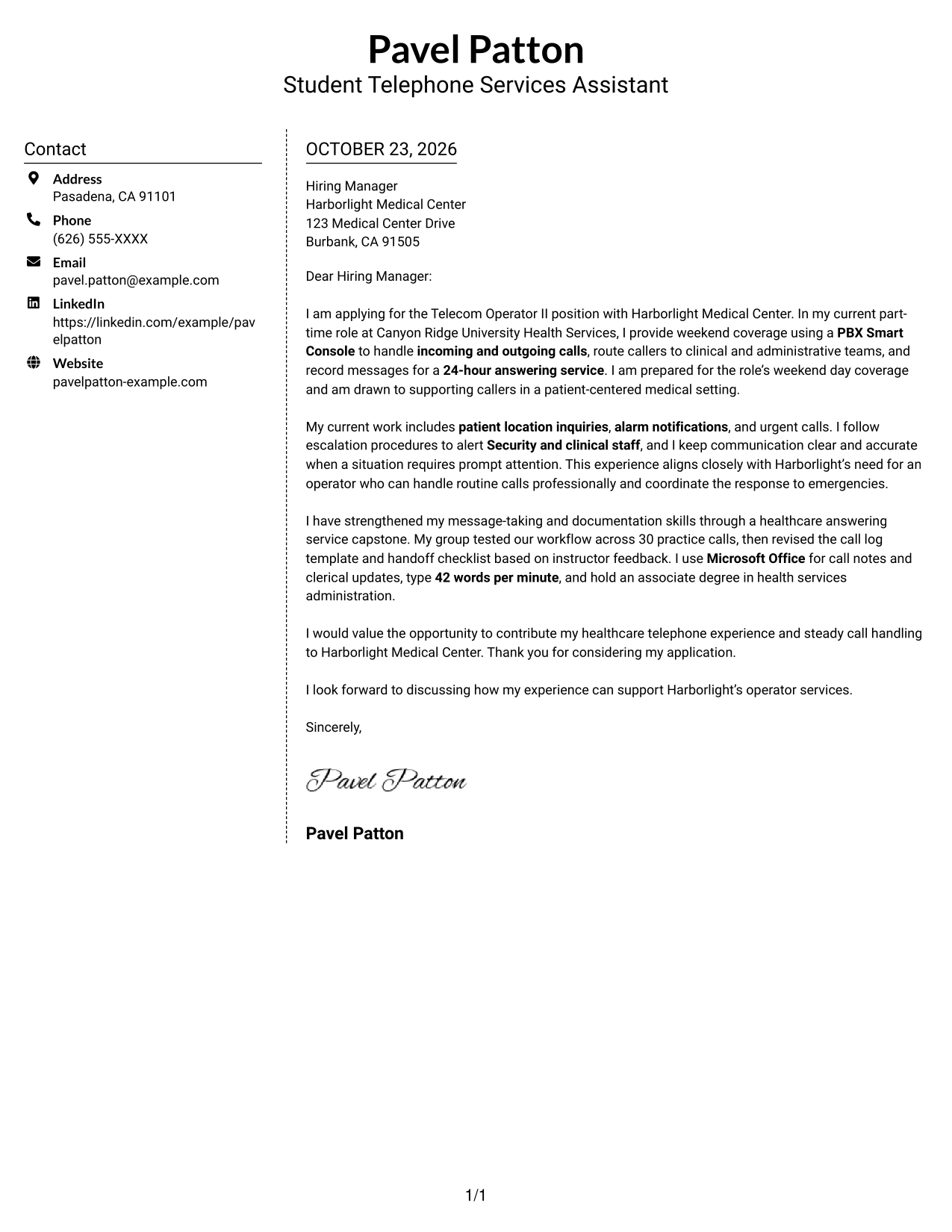
Why This Format Works
- The sidebar gives sender information a clear place outside the letter paragraphs.
- The letter remains one continuous message from its opening to its closing.
- A simple two-column arrangement makes the contact area easy to distinguish.
Best For
- A separate sender-information area
- Uninterrupted application letters
- Simple side-by-side organization
- Fast contact-detail lookup
- Clear space for the employer message
#6 Modern Icon Format Cover Letter Example
Contact cues and decorative header accents accompany a two-column layout with a sidebar beside the continuous letter body.
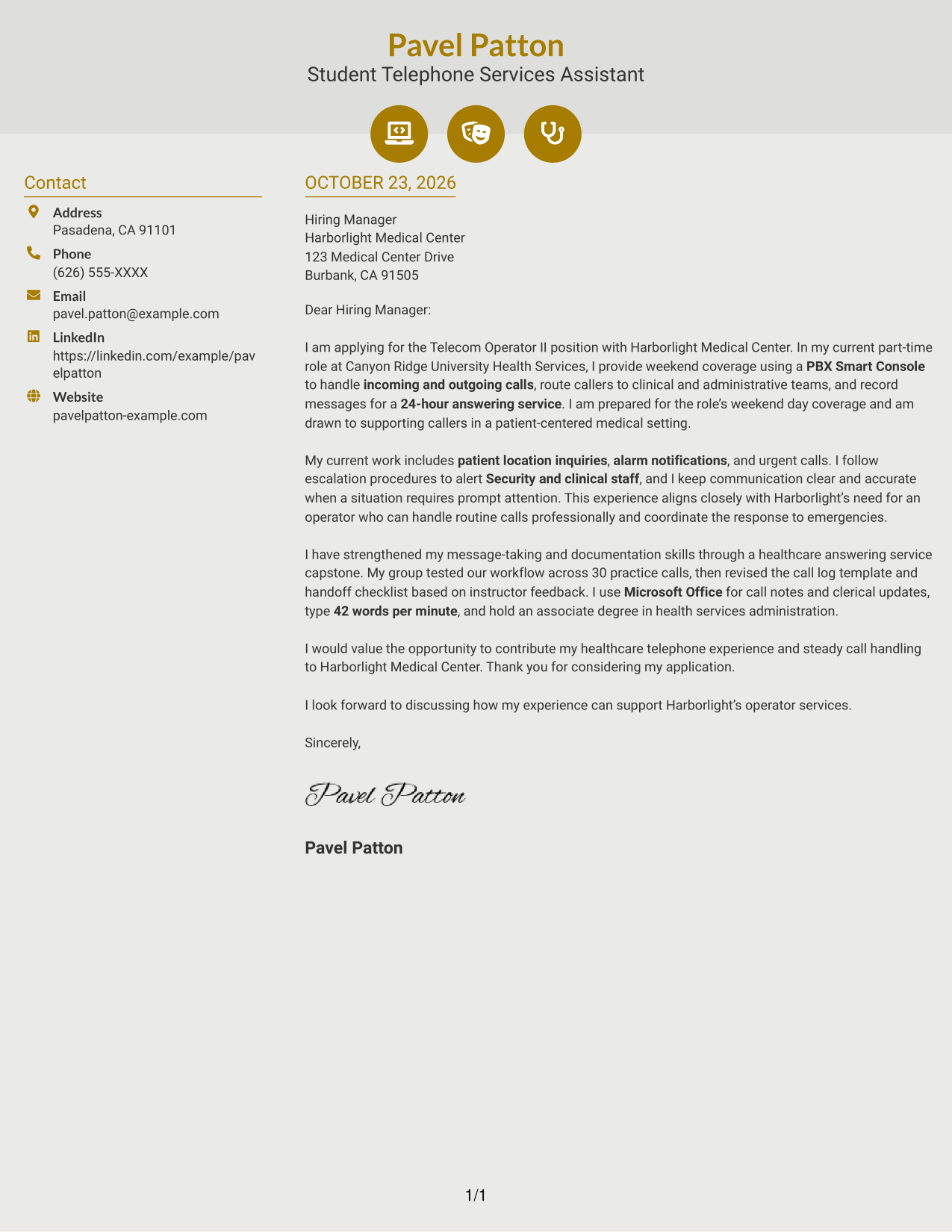
Why This Format Works
- Contact cues help distinguish sender details from the employer-directed letter text.
- The sidebar sits apart while the letter body keeps a single paragraph sequence.
- Header accents add visual cues without labeling parts of the letter argument.
Best For
- Contact details with visual cues
- Continuous letter-body reading
- Side-by-side page organization
- A distinct sender-information area
- Letters without a portrait
#7 Creative Two Tone Format Cover Letter Example
The two-column page places a contact sidebar beside a continuous letter body, giving contact details and the message separate areas.
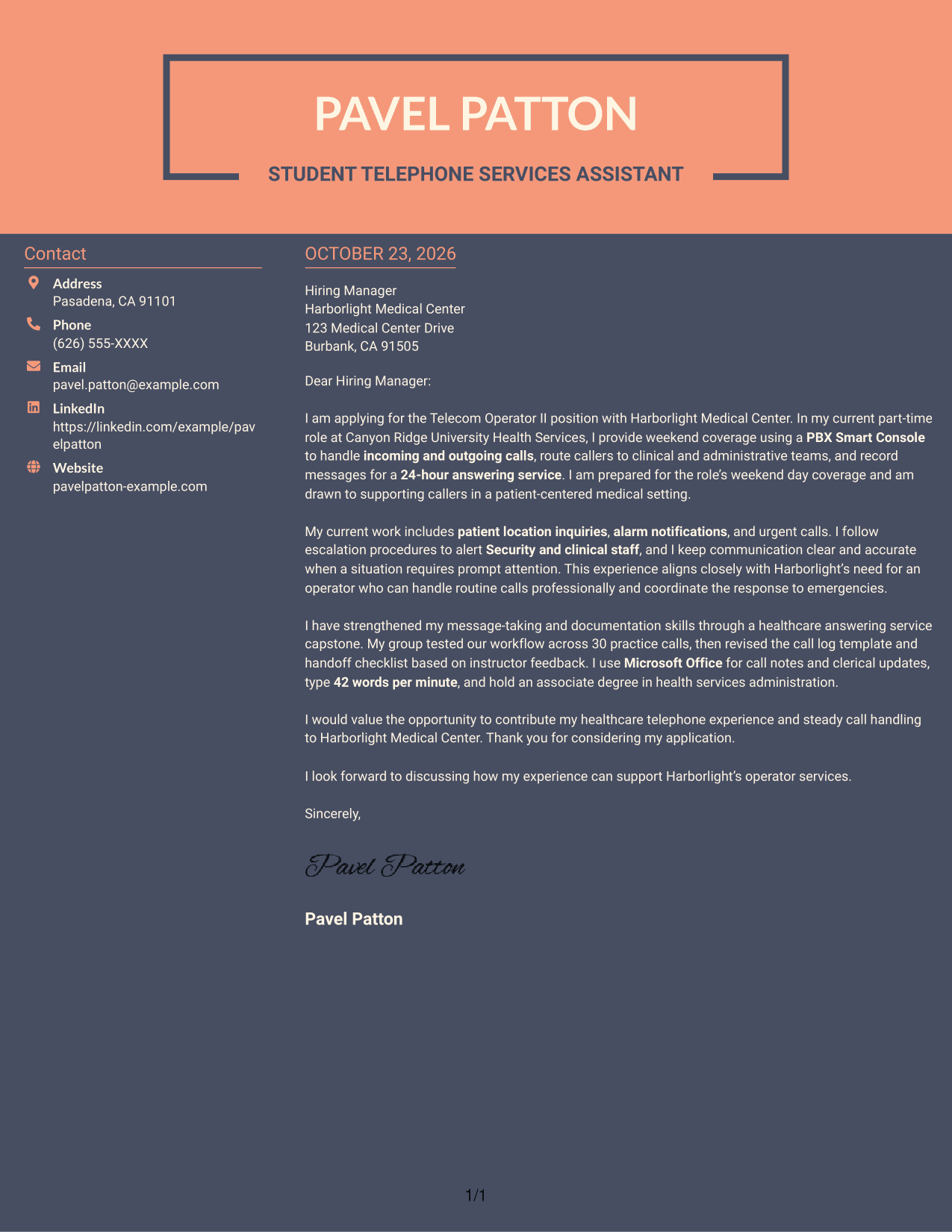
Why This Format Works
- The sidebar keeps sender contact information separate from the employer-directed paragraphs.
- A continuous body lets the opening, role fit, evidence, and closing read in order.
- The two-column organization suits readers who want contact details readily visible.
Best For
- Visible sender contact information
- Continuous persuasive letters
- Side-by-side page preferences
- Clear contact and message areas
- Direct role-alignment statements
Why Use ResumeInMinutes for a Telecom Operator II - Operator Services Cover Letter
ResumeInMinutes gives you a starting point for shaping a clear letter around the work of hospital operator services.
- Different writing styles
- Clear, readable layouts
- Role-focused wording
- Cover letter examples
- Professional templates
- Editor customization
Use the example to describe your approach to call routing, message accuracy, urgent notifications, and professional service in a medical setting.
See Also
- 7 Telecom Operator II - Operator Services Resume Templates with Example
- 7 Driver/Equipment Operator II Resume Templates with Example
- 7 Heavy Equipment Operator II - Landfill Operations Resume Templates with Example
- 7 Operator II, MNF Resume Templates with Example
- 7 Wastewater Plant Operator II Resume Templates with Example
- 7 Water Plant Operator II Resume Templates with Example
- 7 Senior Solution Architect - Telecom Messaging and Voice Resume Templates with Example
- 7 Nutrition Services Satellite Operator I Resume Templates with Example
- 7 Senior Solution Architect - Telecom Messaging and Voice Cover Letter Templates with Example
- 30+ Client Service Representative II Cover Letter Templates with Example 2026
Frequently Asked Questions
What should a Telecom Operator II - Operator Services cover letter emphasize?
Show how you communicate with callers, route calls to the right teams, record clear messages, and follow escalation steps for alarms or emergencies. Connect those examples to the medical center's service needs.
Does the example cover letter use a single format?
The featured letter is shown in different layouts. Compare the PNG image previews, then open an example in the editor to view or customize its presentation.
How can I describe experience with urgent calls?
Briefly explain the type of call or notification you handled, the procedures you followed, and how you relayed information to the appropriate staff. Keep the description accurate and focused on your own role.
What details can make a hospital operator cover letter more specific?
When they match your experience, mention PBX Smart Console call handling, patient location inquiries, answering-service messages, after-hours calls, Microsoft Office tasks, or your typing speed.
Should I include a photo on my cover letter?
For U.S. applications, a cover letter without a photo is usually the safer choice. Focus on clear writing and relevant examples instead.




