
33 Territory Sales Representative Resume Templates with Example 2026 (ATS-Optimized)
This guide shows you how to build a Territory Sales Representative resume that is clear, focused, and easy to adapt. You will learn how to present sales evidence in a way that supports a fast, practical resume review.
Strong resumes for this role connect territory ownership to business results. The examples explain how to organize B2B prospecting, solution selling, account growth, customer relationships, product demonstrations, packaging knowledge, and measurable outcomes across sections such as the summary, experience, skills, education, projects, and certifications.
Below, you’ll find a complete Territory Sales Representative resume example presented in 33 ATS-optimized layouts, with PDF downloads and format guidance to help you compare options and select a useful structure.
What Makes a Great Territory Sales Representative Resume in 2026
A strong Territory Sales Representative resume is outcome-focused, easy to scan, and built around commercial evidence. It shows how prospecting, territory planning, account development, solution selling, and customer support contributed to growth and profitability.
Use short achievement bullets with relevant terms such as qualified leads, B2B sales, product demonstrations, territory analysis, profit and loss, Office 365, corrugated packaging, and solution-based selling when they match your background.
The examples shown below are intentionally detailed to demonstrate a range of experiences, skills, accomplishments and relevant keywords. We prefer detailed resumes as they provide more context to the hiring managers and also help the ATS systems identify relevant qualifications and score your resume better for a match. But the length of a resume is an individual choice. If you want a one page resume, just keep the most relevant experience and information for the job. Note: Resume examples are created for educational purposes; references to real organizations do not imply affiliation or endorsement.
#1 Plain Two Column Format Resume Example
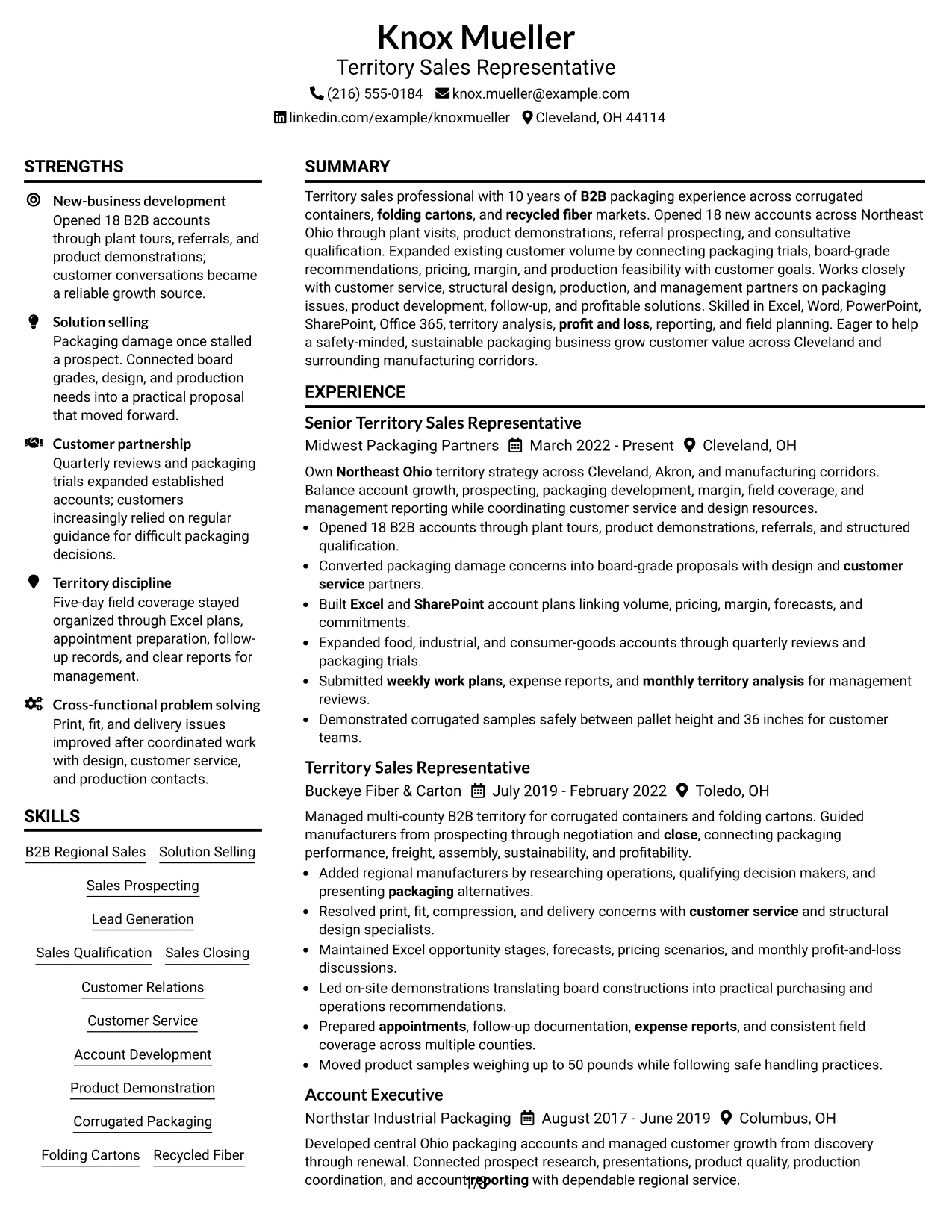
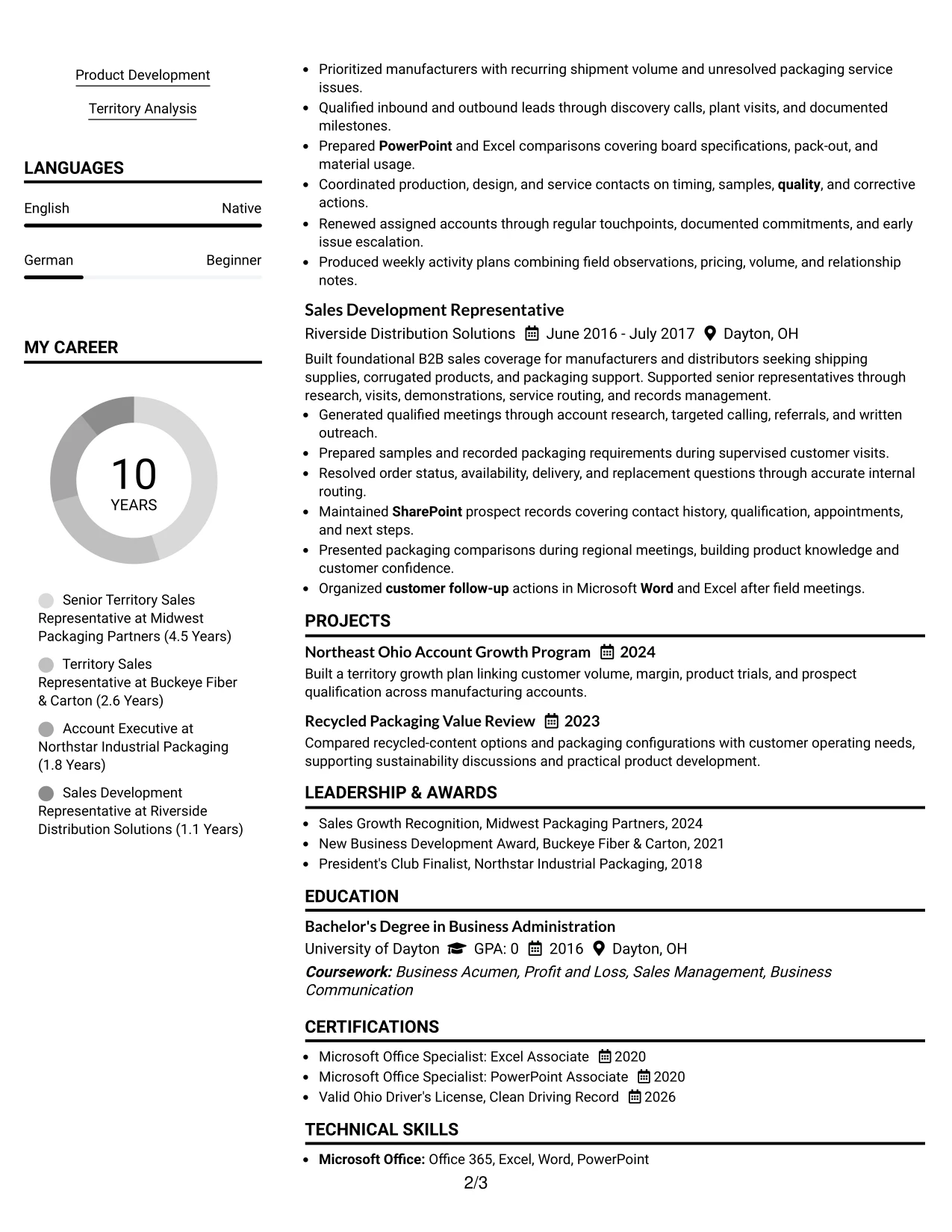
The Plain Two Column Format separates high-value resume evidence from supporting details. Knox Mueller’s summary, experience, and measurable result of opening 18 B2B accounts can lead the main column, while skills, tools, education, certifications, and territory knowledge stay easy to scan in the side column.
The structure supports both recruiter review and ATS review when headings remain standard and text stays selectable. Keywords such as solution selling, corrugated packaging, territory analysis, Excel, SharePoint, and product development can appear in relevant sections instead of being placed in a dense keyword block.
Resume Snapshot
- 10 years of B2B packaging sales experience across corrugated containers, folding cartons, and recycled fiber
- Opened 18 new B2B accounts through plant tours, referrals, qualification, and product demonstrations
- Managed Northeast Ohio territory growth, pricing, margin, forecasts, and customer relationships
- Supported by a BSBA, Microsoft Office certifications, a valid Ohio driver’s license, and clean driving record
Why the Plain Two Column Format Works for a Resume
- A clear left-to-right hierarchy helps reviewers find the summary, work history, and results quickly.
- The main column gives strong space to achievement bullets and account-growth evidence.
- The sidebar groups skills, tools, certifications, and education without interrupting the experience timeline.
- Standard section headings improve ATS parsing and make keyword matches easier to confirm.
- Short bullet points can show solution selling, product demonstrations, and cross-functional problem solving.
- The format balances detailed sales evidence with a compact presentation of supporting qualifications.
Resume Keywords
- Territory Sales Representative
- Business Acumen
- problem solving
- Office 365
- Excel
- Word
- SharePoint
- PowerPoint
- Clean Driving Record
- Northeast Ohio
- Cleveland
- B2B
- customer follow-up
- appointment
- existing customer
#2 Simple One Column Format Resume Example
Readers move from the professional summary into a single, uninterrupted experience timeline. That path makes the 18-account result, territory responsibilities, packaging solutions, and supporting qualifications easy to review in sequence.
A one-column page also gives each section full width for ATS parsing. It can carry detailed bullets about customer visits, account plans, product demonstrations, pricing, margin, reporting, and Office 365 without forcing important evidence into a narrow side panel.
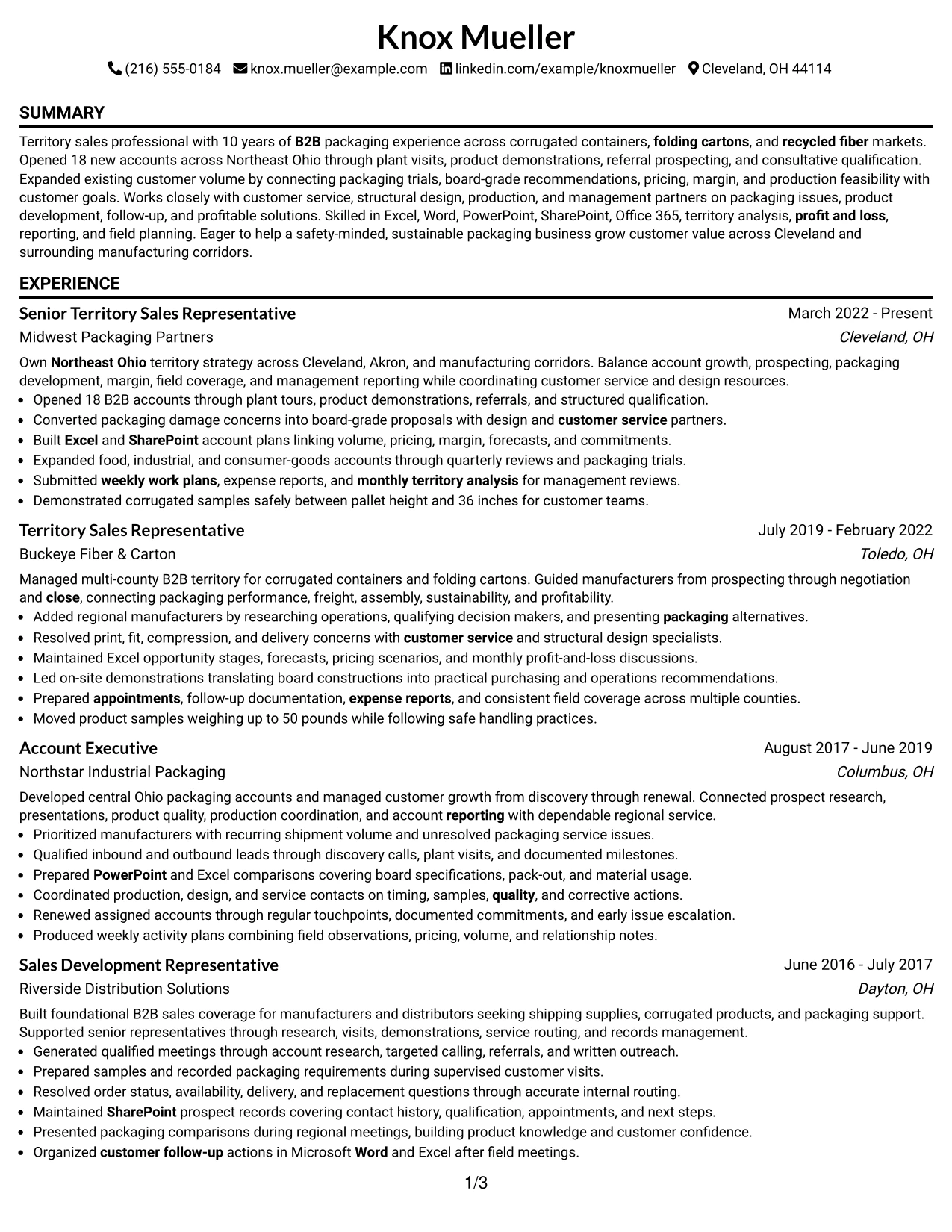
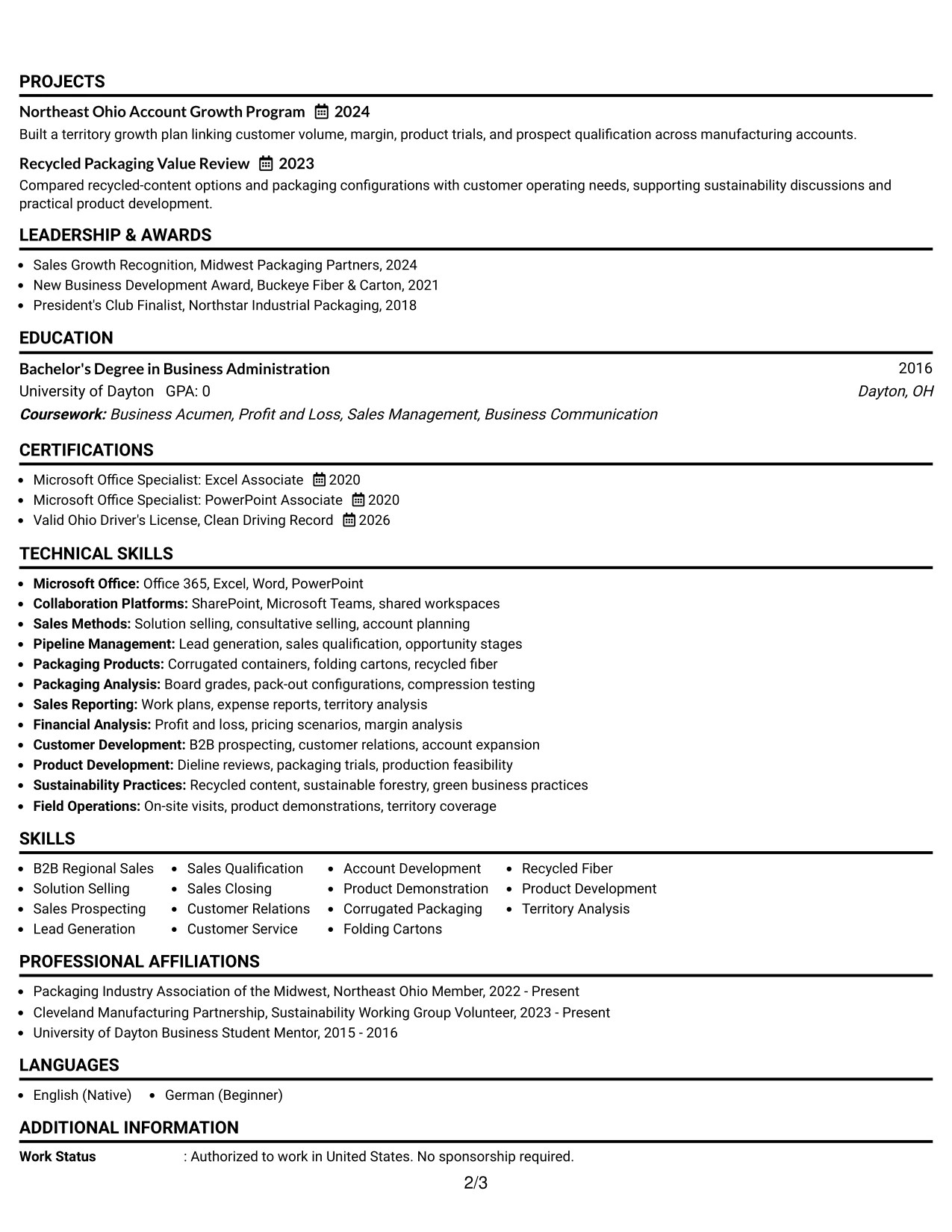
Why the Simple One Column Format Works for a Resume
- One reading path reduces visual switching during a fast resume review.
- Full-width bullets leave room for specific actions, tools, and business results.
- The chronological experience section shows progression from sales development to senior territory responsibility.
- Standard headings support reliable ATS extraction of skills, education, certifications, and employment dates.
- The format can hold several roles without compressing company names or achievement details.
- A single column works well when customer coverage, account development, and reporting need equal space.
Best For
- Resumes with several related positions that need a clear timeline
- Detailed achievement bullets that require full-width reading space
- ATS submissions using standard headings and selectable text
- Candidates who want experience to carry more detail than a sidebar can hold
- Sales resumes that connect prospecting, qualification, negotiation, and close
- Applications requiring visible education, certifications, tools, and licenses
- Reviewers who prefer one continuous path from summary to work history
#3 Clean Two Column Sidebar Format Resume Example
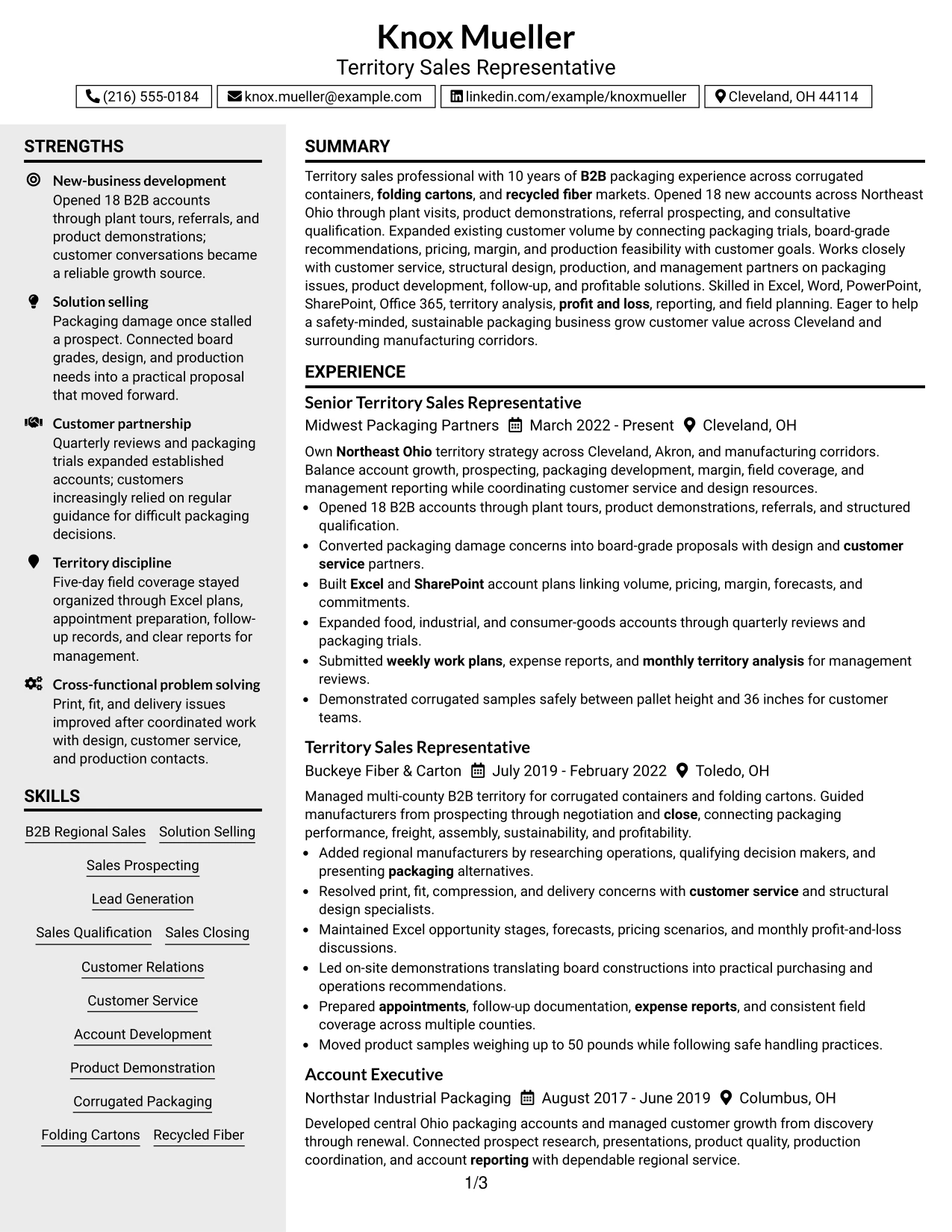
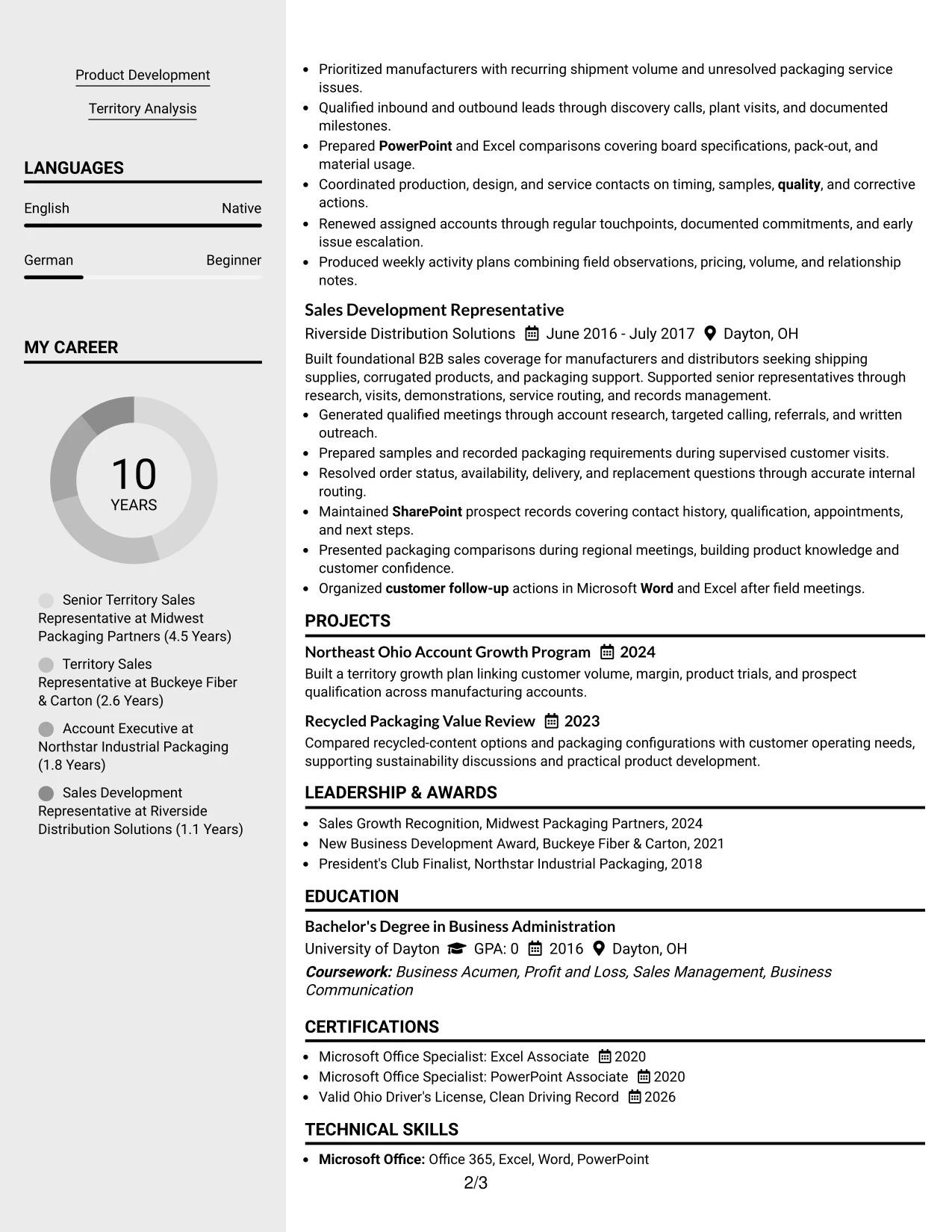
The strongest evidence receives priority: opening 18 B2B accounts, managing Northeast Ohio coverage, and turning packaging problems into practical proposals. A clean sidebar can then hold skills, certifications, education, and tools without competing with those results.
Bullets should stay action-led and specific. Plant tours, customer trials, board-grade recommendations, Excel account plans, and monthly territory analysis give the reader proof of sales execution rather than a list of general claims.
Why the Clean Two Column Sidebar Format Works for a Resume
- The main column gives measurable account-opening evidence immediate visibility.
- A sidebar keeps supporting skills available without breaking the experience sequence.
- Square visual markers can separate sections while preserving a restrained professional hierarchy.
- Bullets show how prospecting, qualification, packaging analysis, and closing connect.
- The layout supports both business results and technical product knowledge.
- Clear spacing helps reviewers distinguish responsibilities from outcomes and tools.
Best For
- Resumes where quantified sales results should dominate the first scan
- Applications combining customer-growth evidence with technical product knowledge
- Candidates who need a compact place for certifications, licenses, and software
- Reviewers comparing prospecting, account expansion, and solution-selling evidence
- Documents that pair achievement bullets with a focused skills sidebar
- Packaging sales applications needing visible product, margin, and reporting detail
- Readers who prefer visual section markers without a crowded page
#4 Two Column Format Resume Example
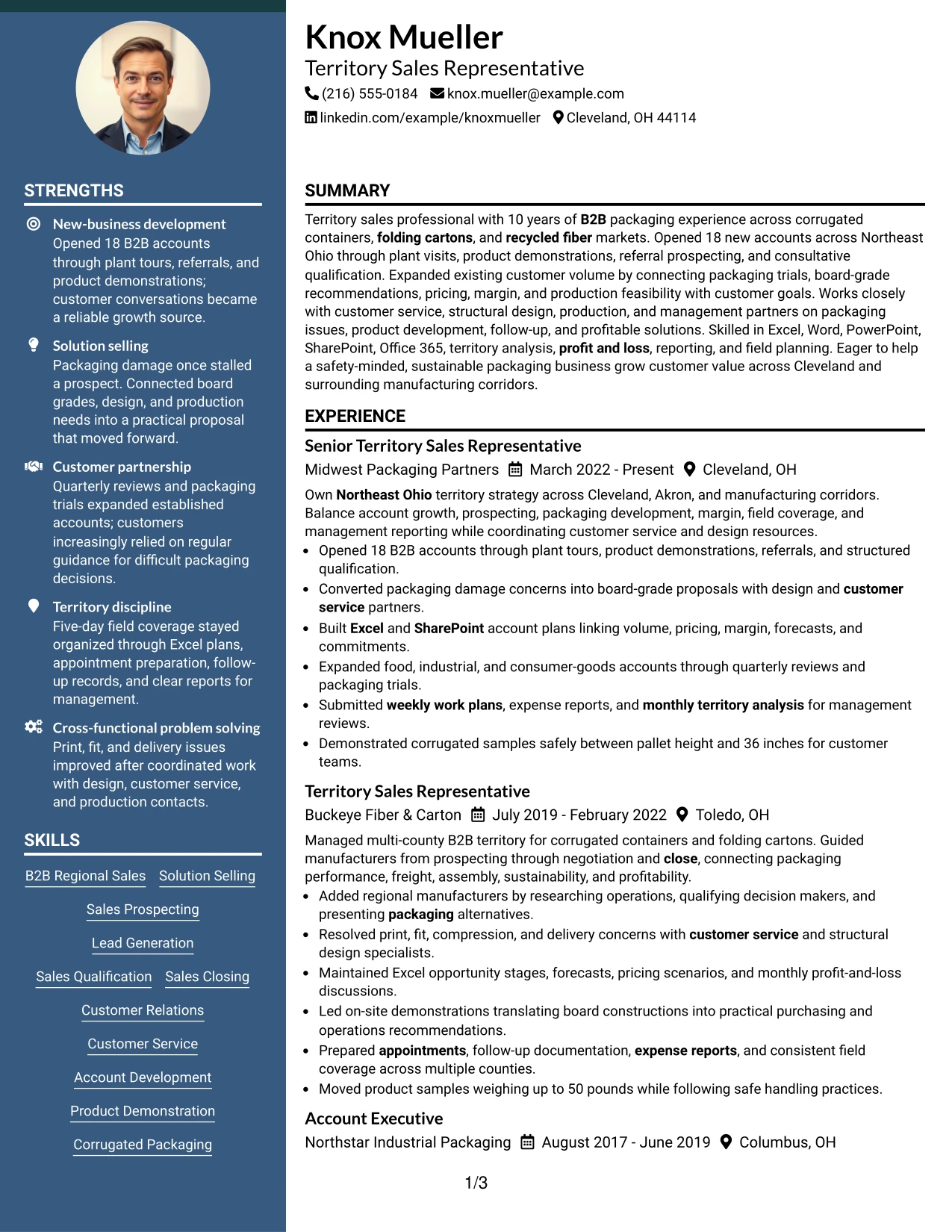
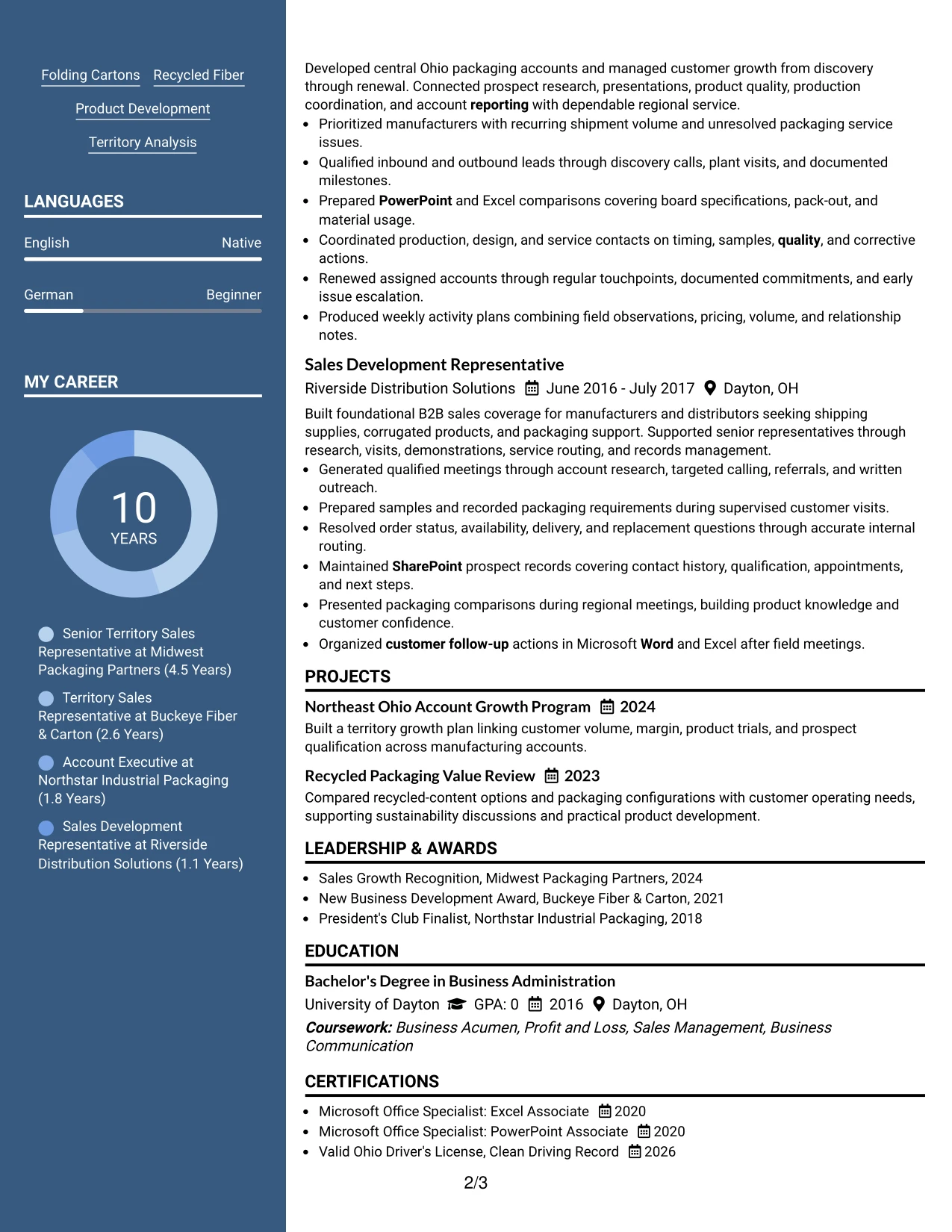
Content is balanced between a detailed experience column and a compact qualifications column. The arrangement gives territory growth, customer relationships, solution proposals, and reporting enough room while keeping education, certifications, software, and core skills visible.
For this Territory Sales Representative application, the page can connect field activity to business needs: qualified leads, packaging improvements, profitable mix, customer service coordination, and monthly analysis. That balance makes the resume useful for both sales review and operational review.
Why the Two Column Format Works for a Resume
- Two columns distribute high-volume information without making the experience section feel crowded.
- The primary column can show actions, customers, products, and results in chronological order.
- The secondary column keeps BSBA education, Office certifications, and driver qualifications easy to locate.
- The layout supports both commercial evidence and packaging knowledge.
- A visible skills area reinforces solution selling, lead generation, product development, and territory analysis.
- Separate content zones help readers connect field execution with reporting discipline.
- The structure can be adapted for a PDF application while retaining standard resume headings.
Best For
- Applications that need both detailed experience and quick qualification checks
- Resumes balancing territory results with education, licenses, and certifications
- Field-sales roles where customer visits and office reporting both matter
- Candidates presenting product knowledge alongside account-growth evidence
- Documents that must show tools, skills, and work history without long paragraphs
- Reviewers assessing customer relations, internal coordination, and profitability awareness
- PDF resumes that benefit from clear visual separation of content types
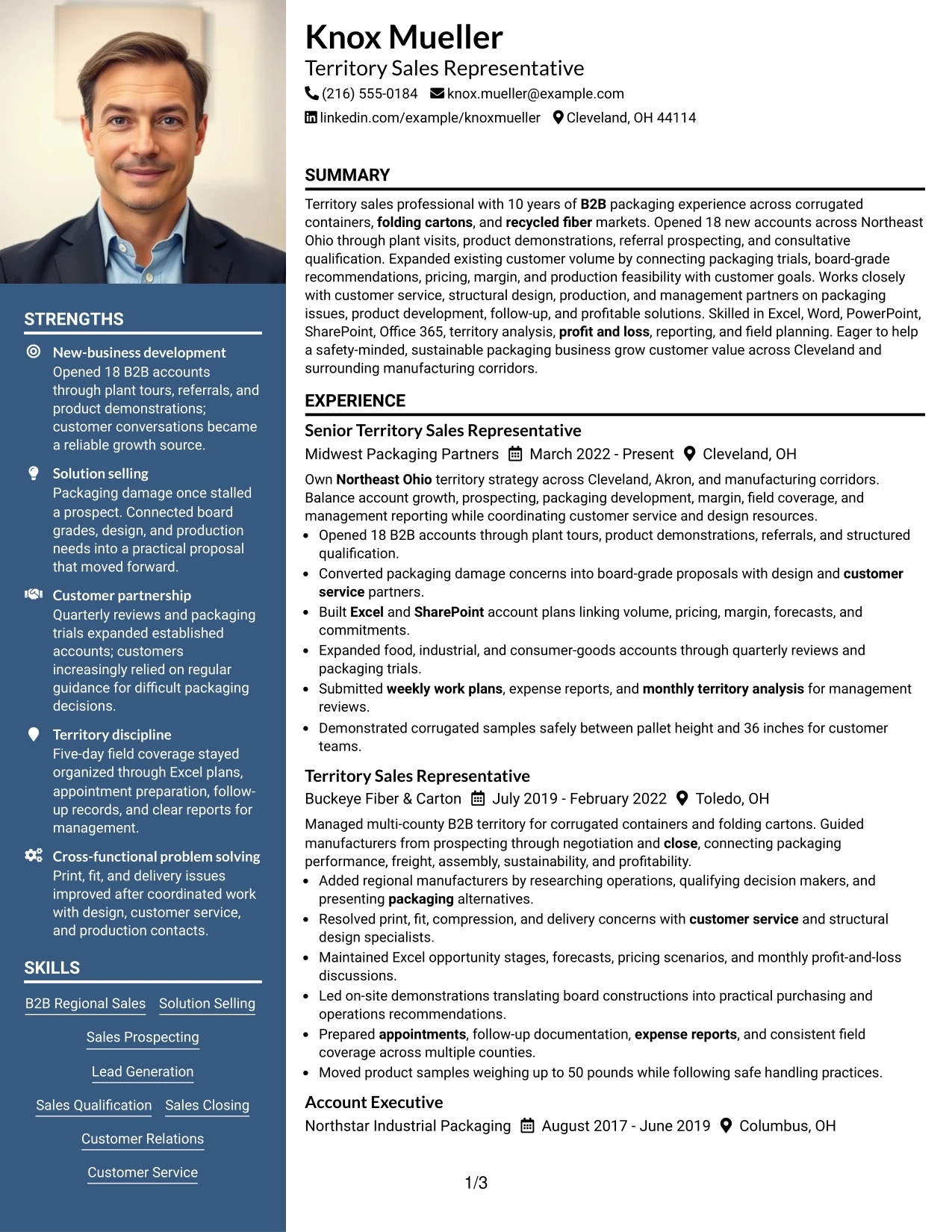
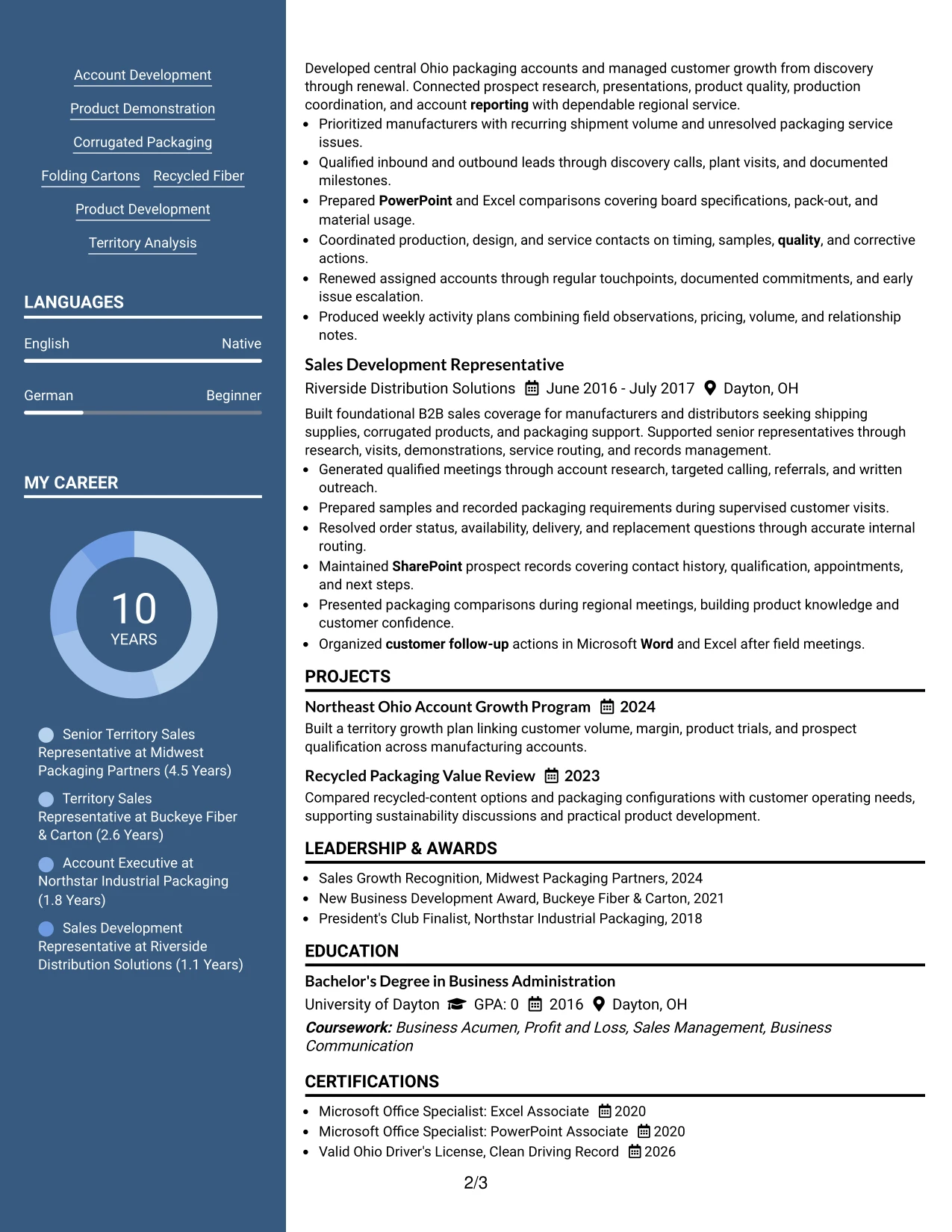
#5 Photo Header Two Column Format Resume Example
For an application that benefits from a polished first impression, a photo header can sit above two organized content areas. The resume should still make experience primary, with account growth, packaging solutions, customer visits, and measurable results carrying more weight than the visual element.
The two-column body can place work history and achievements in the wider area, with skills, software, education, certifications, and license details in the narrower area. Because photo use can vary by employer and region, this design should be used only when a professional photo is appropriate for the application.
Why the Photo Header Two Column Format Works for a Resume
- The header creates a strong visual entry point while the body preserves a conventional resume hierarchy.
- Two columns make room for detailed sales achievements and compact qualification data.
- The wider experience area can feature the 18-account result and territory-growth evidence.
- A side column keeps Office tools, packaging knowledge, certifications, and education easy to scan.
- The design supports a polished presentation for applications where photo use is accepted.
- Standard headings and readable text help preserve ATS value despite the visual header.
- The format works best when the image remains secondary to skills, experience, and business results.
Best For
- Applications where a professional photo is accepted and useful for presentation
- Resumes needing a polished header with a clearly separated experience area
- Candidates combining strong visual presentation with substantial sales evidence
- Documents that must show field activity beside software and certifications
- Human-reviewed PDFs where layout balance matters alongside ATS-readable text
- Applications with enough experience detail to support a wide primary column
- Candidates who can keep the photo professional, current, and secondary to qualifications
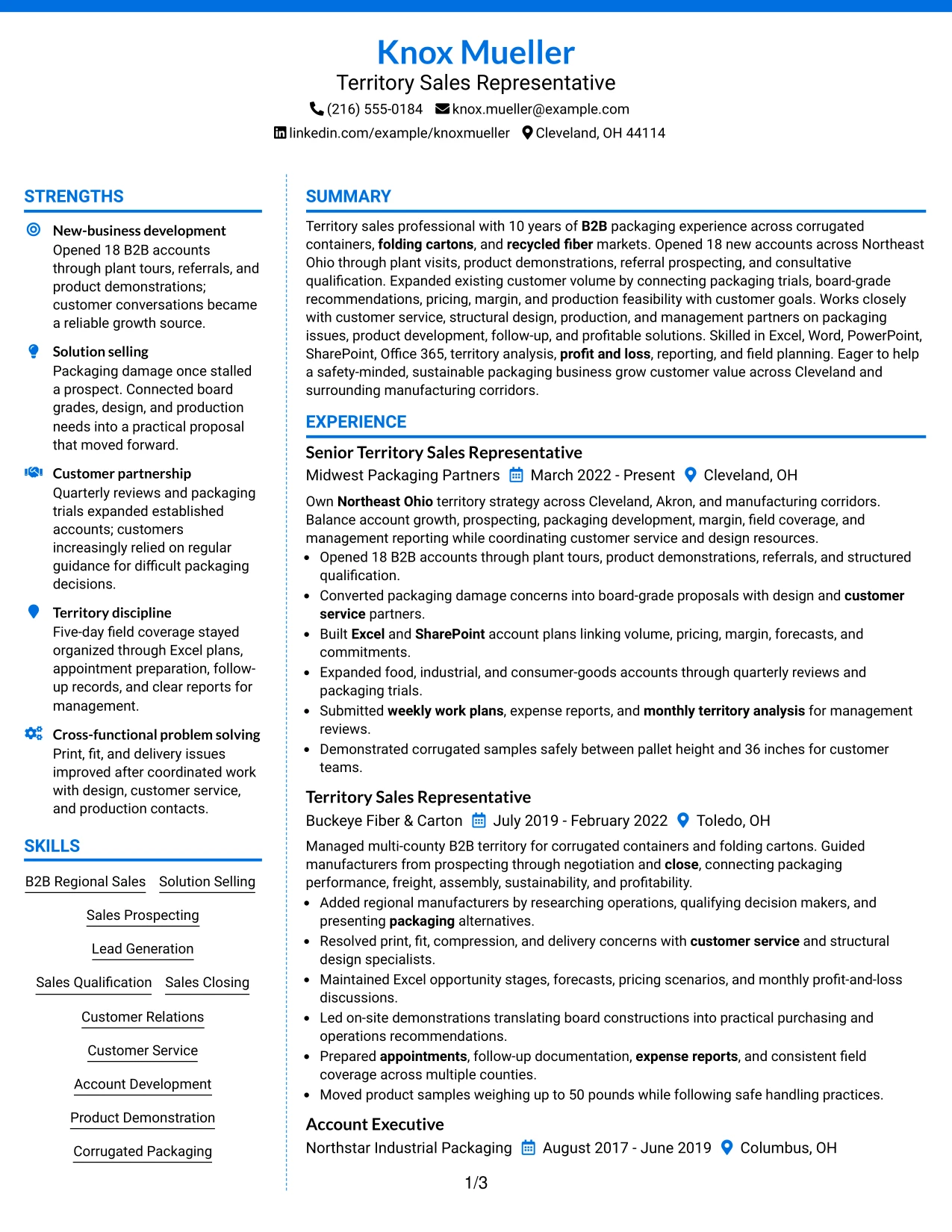
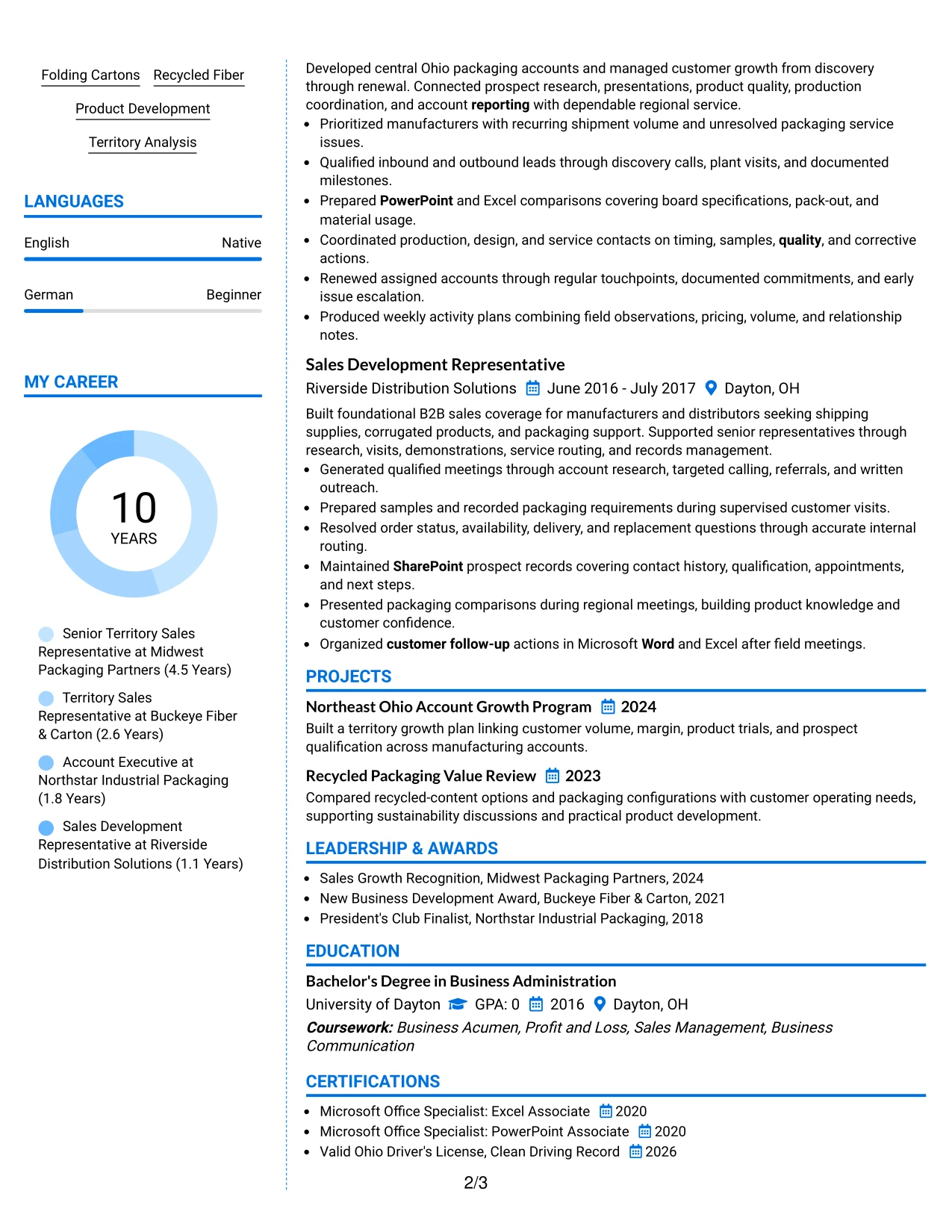
#6 Colored Two Column Format Resume Example
A restrained color hierarchy can guide the eye toward the role alignment that matters most: B2B sales, territory growth, solution selling, packaging knowledge, and customer relationships. Color should identify sections, not replace clear headings or measurable evidence.
The side column can group skills, tools, certifications, and education, while the main column carries experience bullets about opening accounts, improving packaging, coordinating with design and customer service, and managing reports. This keeps visual polish tied to actual qualifications.
Why the Colored Two Column Format Works for a Resume
- Controlled color helps separate experience from supporting qualifications without adding complex graphics.
- The main column keeps sales outcomes and customer problem solving central.
- The sidebar makes software, product knowledge, certifications, and education easy to confirm.
- Color accents can draw attention to standard headings while preserving a familiar resume structure.
- The format supports a clear match between territory sales requirements and documented evidence.
- Readable contrast matters for both screen review and printed copies.
- Short bullets prevent the visual treatment from overwhelming business results.
Best For
- Applications that need a polished look while keeping resume hierarchy clear
- Candidates aligning sales, packaging, reporting, and customer-service evidence
- Human reviewers who benefit from subtle section color cues
- Resumes pairing a detailed work history with a compact skills inventory
- PDF documents where contrast and section separation can improve scanning
- Candidates with varied tools, certifications, and product capabilities to organize
- Roles where visual polish should support, not replace, measurable results
#7 Stylish Two Column Designer Format Resume Example
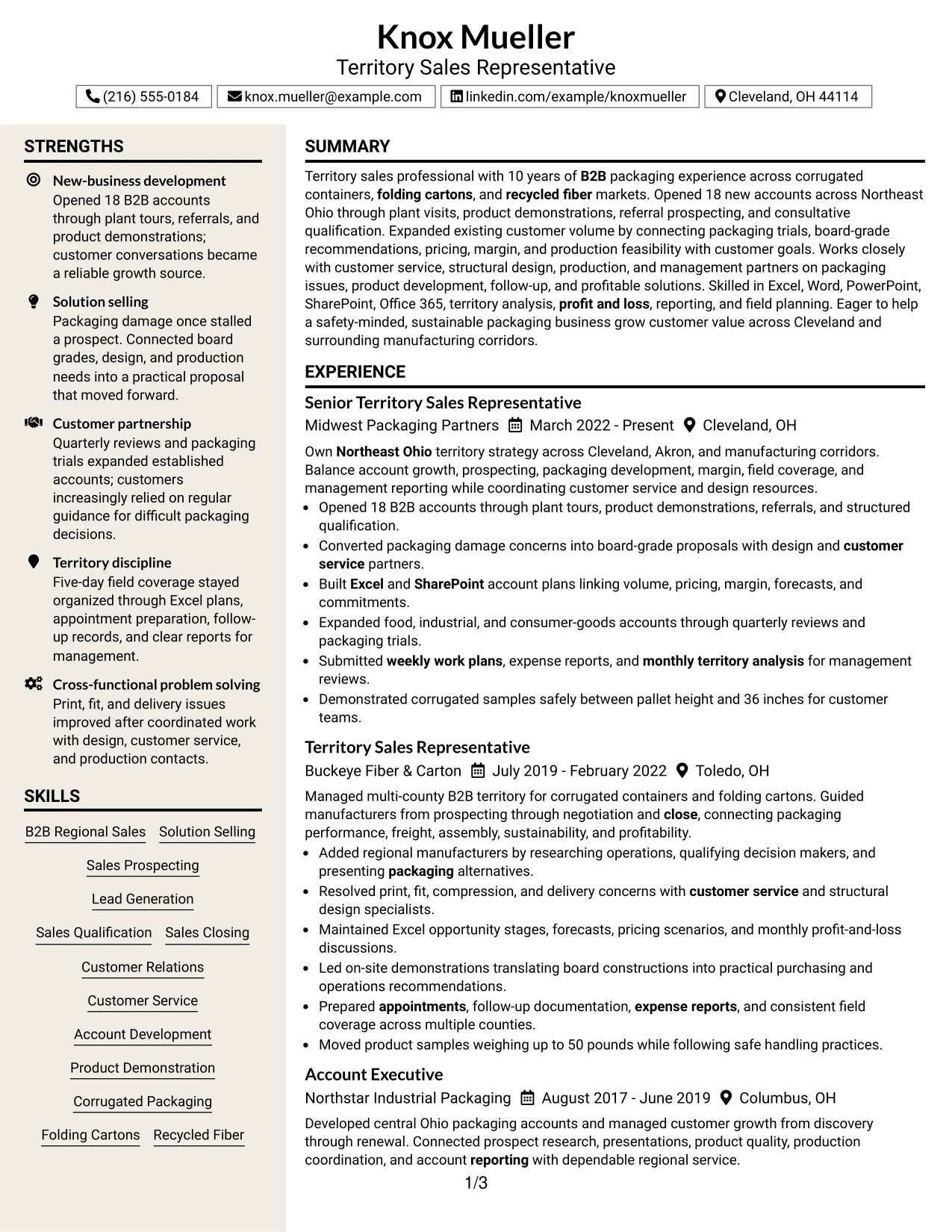
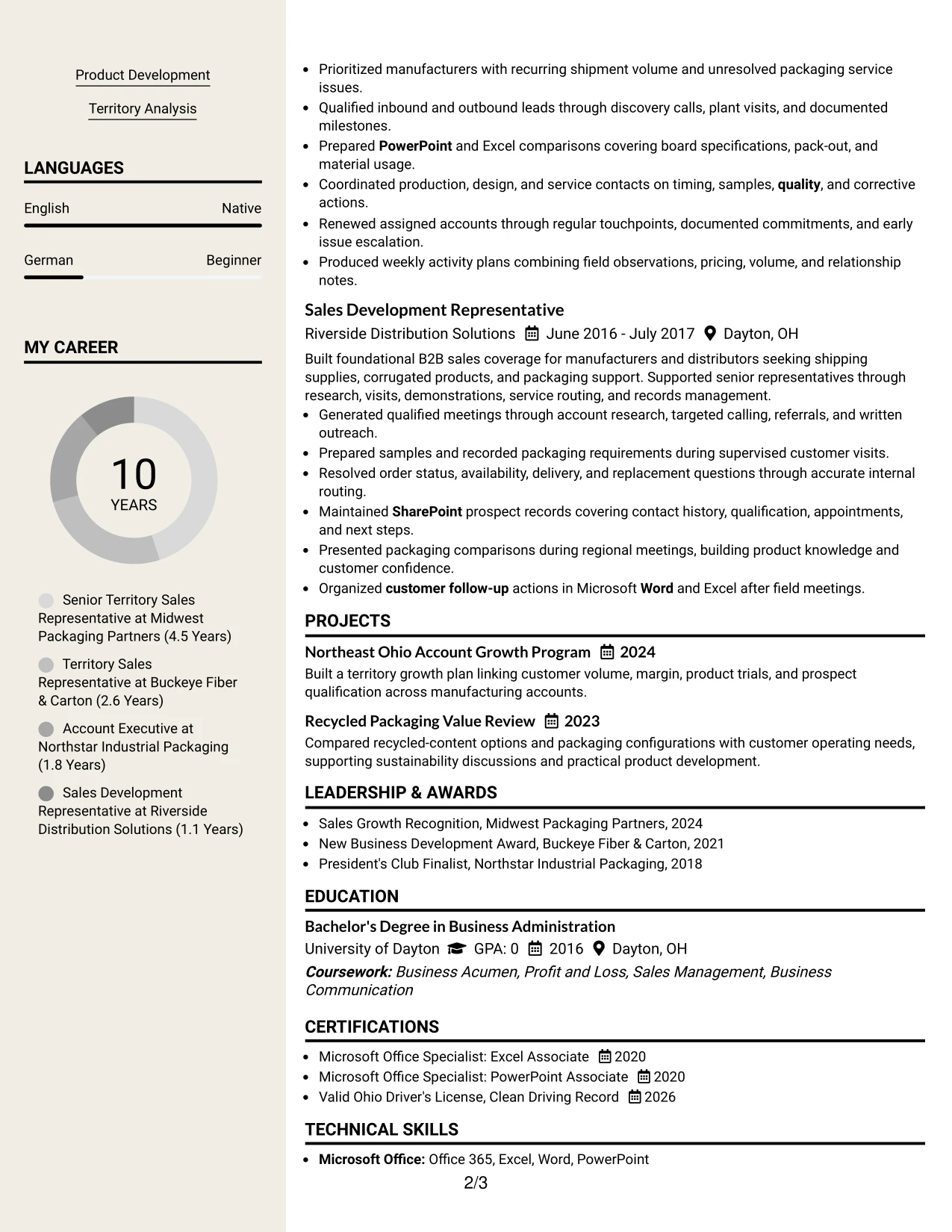
The Stylish Two Column Designer Format uses deliberate section blocks to organize experience, skills, education, and results. Its structure can give the 18 new accounts, packaging proposals, account plans, and customer-growth work a strong primary position while keeping supporting details compact.
Designer elements should remain functional. Clear labels, short bullets, and consistent spacing help ATS systems and human reviewers find solution selling, product demonstrations, pricing, margin, Excel, SharePoint, and territory analysis without searching through decorative content.
Why the Stylish Two Column Designer Format Works for a Resume
- Distinct section blocks create quick landmarks for a recruiter reviewing several pages.
- The primary area can emphasize quantified new-business and account-development results.
- A secondary area organizes skills, tools, education, certifications, and associations.
- Consistent bullets make complex packaging and sales work easier to compare.
- The design gives projects such as account growth and recycled packaging reviews a visible place.
- Simple labels protect readability when the page includes stronger visual styling.
- The format supports a memorable presentation while keeping evidence and keywords concrete.
Best For
- Resumes that need clear visual landmarks across several content categories
- Candidates with projects, awards, and associations worth showing beside experience
- Applications where quantified results should remain more prominent than decoration
- Documents combining sales methods, packaging products, and reporting tools
- Reviewers who scan section blocks before reading individual bullets
- PDF resumes that need a distinct design without losing standard content order
- Candidates wanting a structured presentation for both commercial and technical evidence
#8 Modern Icon Format Resume Example
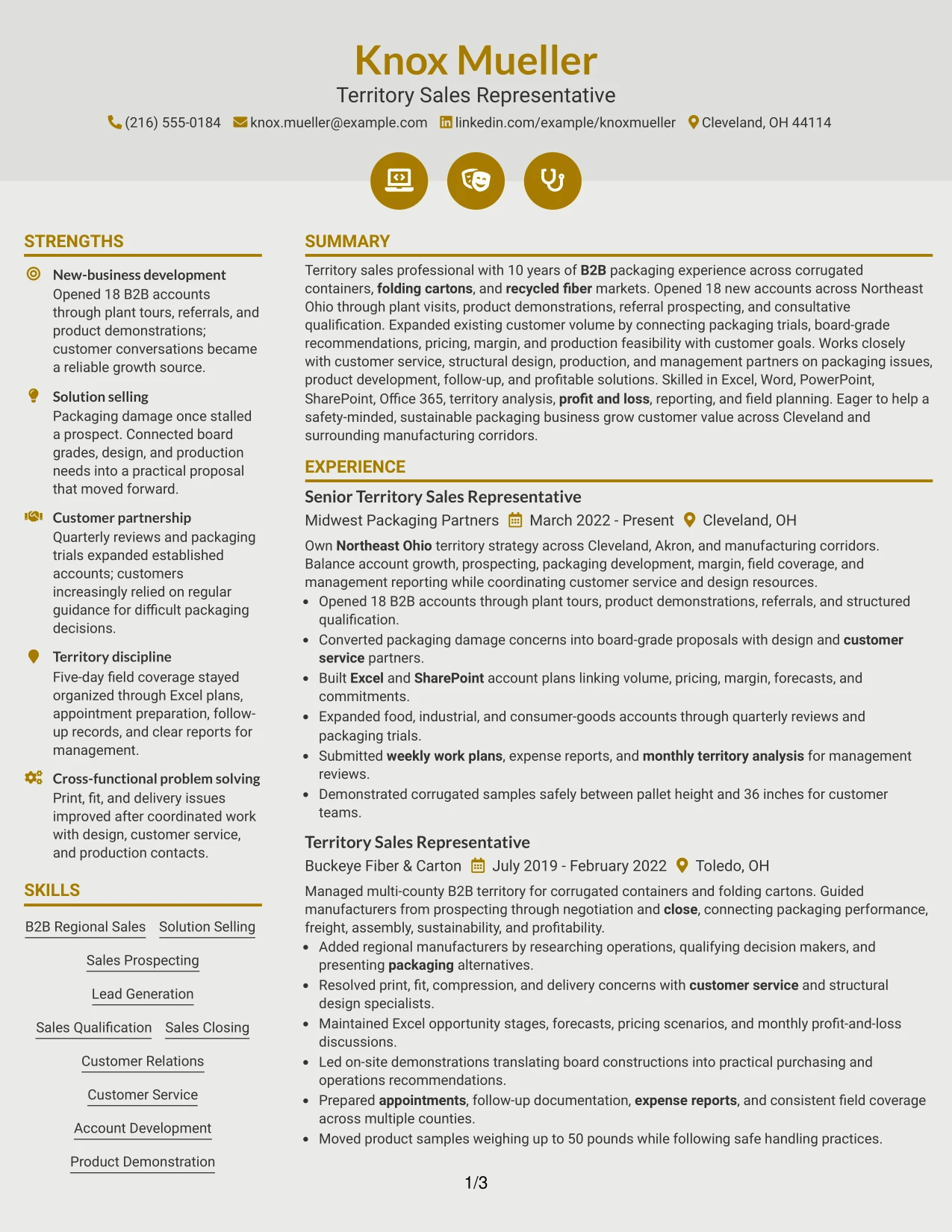
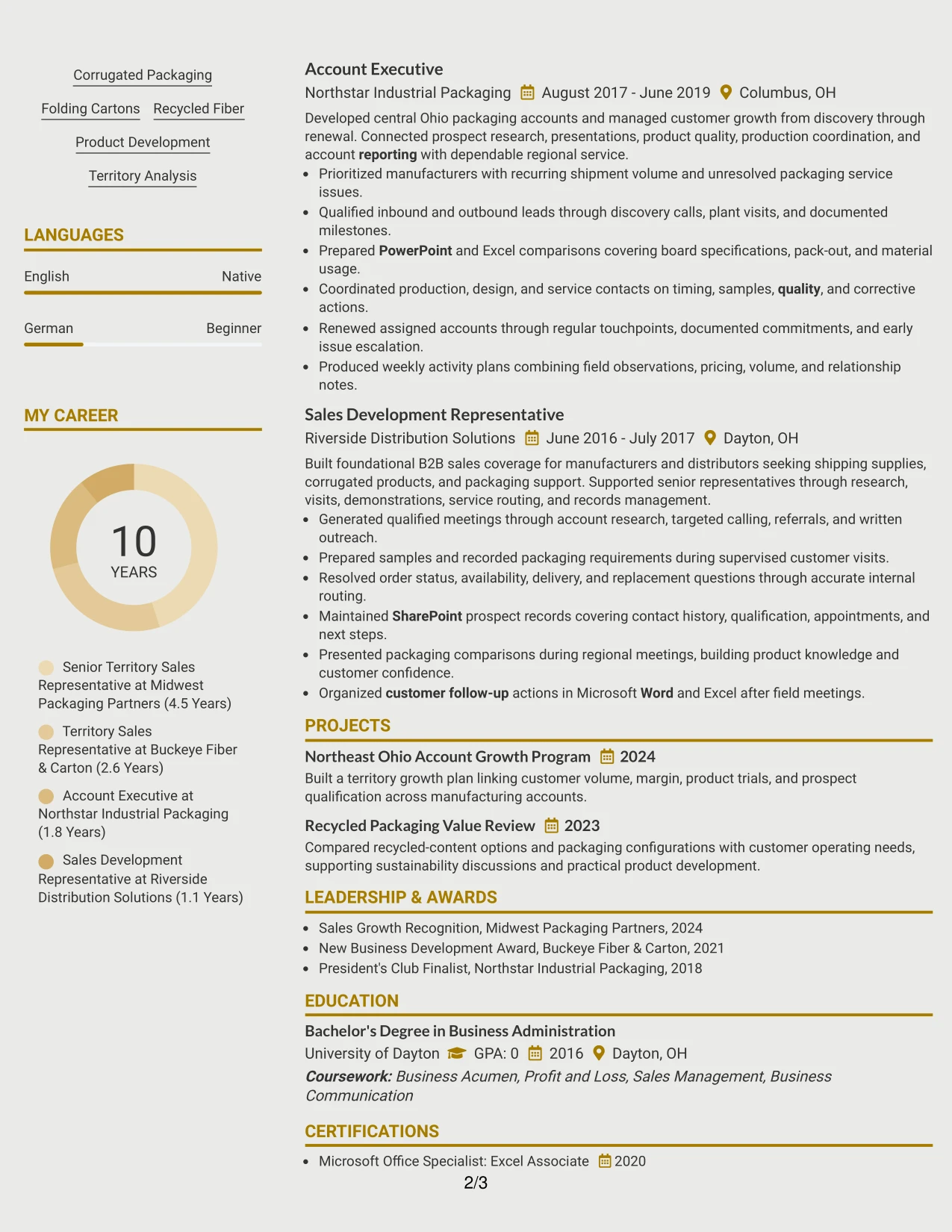
Readers can move through the resume from summary to experience, then use simple icons to locate skills, tools, education, certifications, and projects. The single-column flow keeps the main sales story intact while visual markers make supporting sections easier to find.
Icons should label content rather than carry meaning by themselves. Text must still state the evidence: 18 opened accounts, packaging trials, board-grade recommendations, customer visits, Excel and SharePoint plans, and monthly territory analysis.
Why the Modern Icon Format Works for a Resume
- A single-column sequence keeps the professional story easy to follow.
- Icons provide quick landmarks for skills, tools, certifications, education, and projects.
- Full-width bullets support precise descriptions of sales actions and customer results.
- The format can display packaging products and software without splitting the timeline.
- Text labels preserve ATS clarity when icons are treated as visual aids only.
- The design gives projects and awards a visible place without interrupting work history.
- Consistent spacing keeps a modern look practical for recruiter scanning.
Best For
- Resumes needing clear visual markers within a one-column structure
- Candidates with multiple supporting sections beyond work history
- Applications where project, award, and certification details need quick access
- Readers who scan for tools and qualifications before reviewing every bullet
- Documents that must keep full-width evidence for customer and territory work
- Candidates using icons as navigation aids rather than as substitutes for text
- Modern PDF resumes that retain standard headings and selectable content
#9 Modern Full Background Two Column Format Resume Example
The strongest evidence should remain prominent against the full-page visual treatment: opening new business, expanding customer volume, solving packaging issues, and managing profitable territory activity. The background can create distinction, but contrast and text clarity must protect those facts.
Two columns then divide detailed experience from supporting qualifications. The main area can carry customer and account results, while the secondary area presents skills, software, projects, awards, education, and certifications in a controlled order.
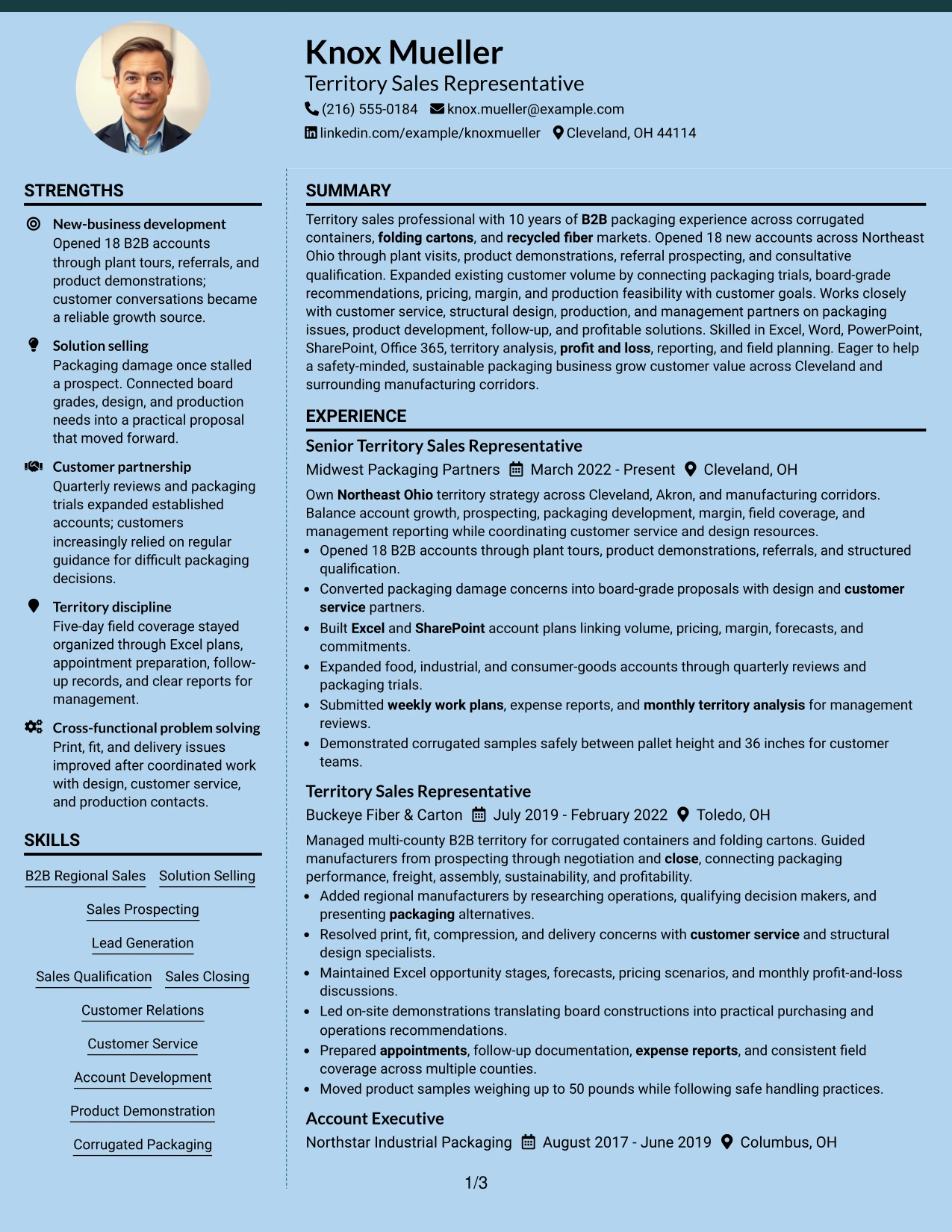
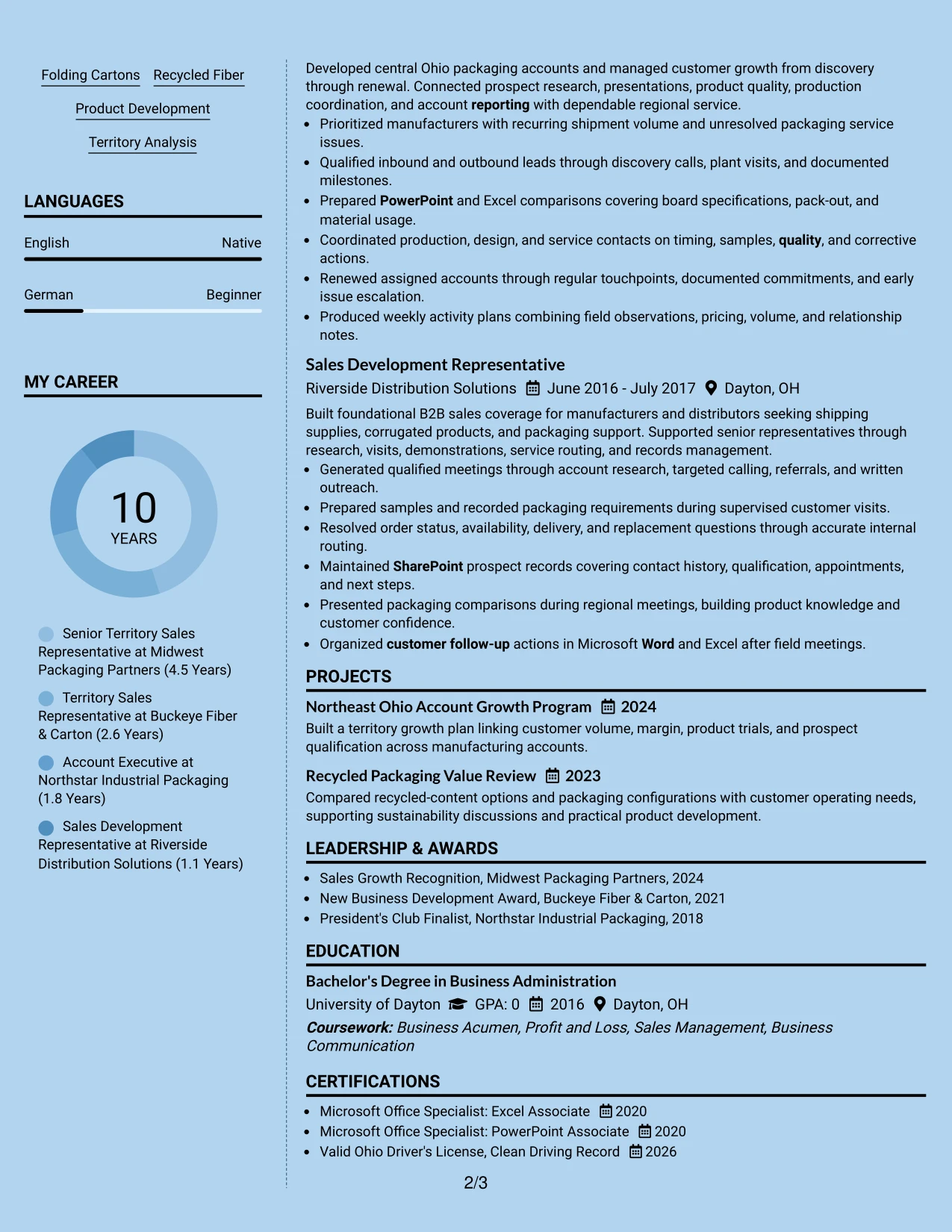
Why the Modern Full Background Two Column Format Works for a Resume
- A strong background creates visual identity while the content hierarchy keeps evidence first.
- Two columns provide room for both detailed work bullets and compact qualification groups.
- High-contrast text is essential for reading experience, skills, and dates accurately.
- The main column can show account opening, territory growth, and packaging problem solving.
- The secondary column can organize software, projects, awards, education, and certifications.
- The layout supports a modern PDF presentation when standard text remains selectable.
- Careful spacing prevents the background treatment from reducing keyword visibility.
Best For
- Human-reviewed PDF applications that allow a stronger visual presentation
- Candidates with enough measurable evidence to anchor a bold design
- Resumes separating detailed achievements from a broad qualifications inventory
- Applications where projects, awards, and certifications need a compact second area
- Readers who value clear contrast and prominent results in an unconventional layout
- Candidates presenting both commercial outcomes and packaging knowledge
- Documents that can be checked for print, screen, and ATS readability before submission
#10 Dark Mode Two Column Format Resume Example
Content is balanced between a focused experience area and a compact qualifications area, with spacing doing most of the organizational work. Knox Mueller’s account growth, customer problem solving, packaging knowledge, and reporting evidence should remain easy to find even within the dark visual treatment.
A restrained dark design can suit a polished PDF, but contrast, font size, and selectable text are essential. The columns should separate work history from skills, tools, education, awards, and certifications without hiding keywords such as solution selling, product development, profit and loss, and Office 365.
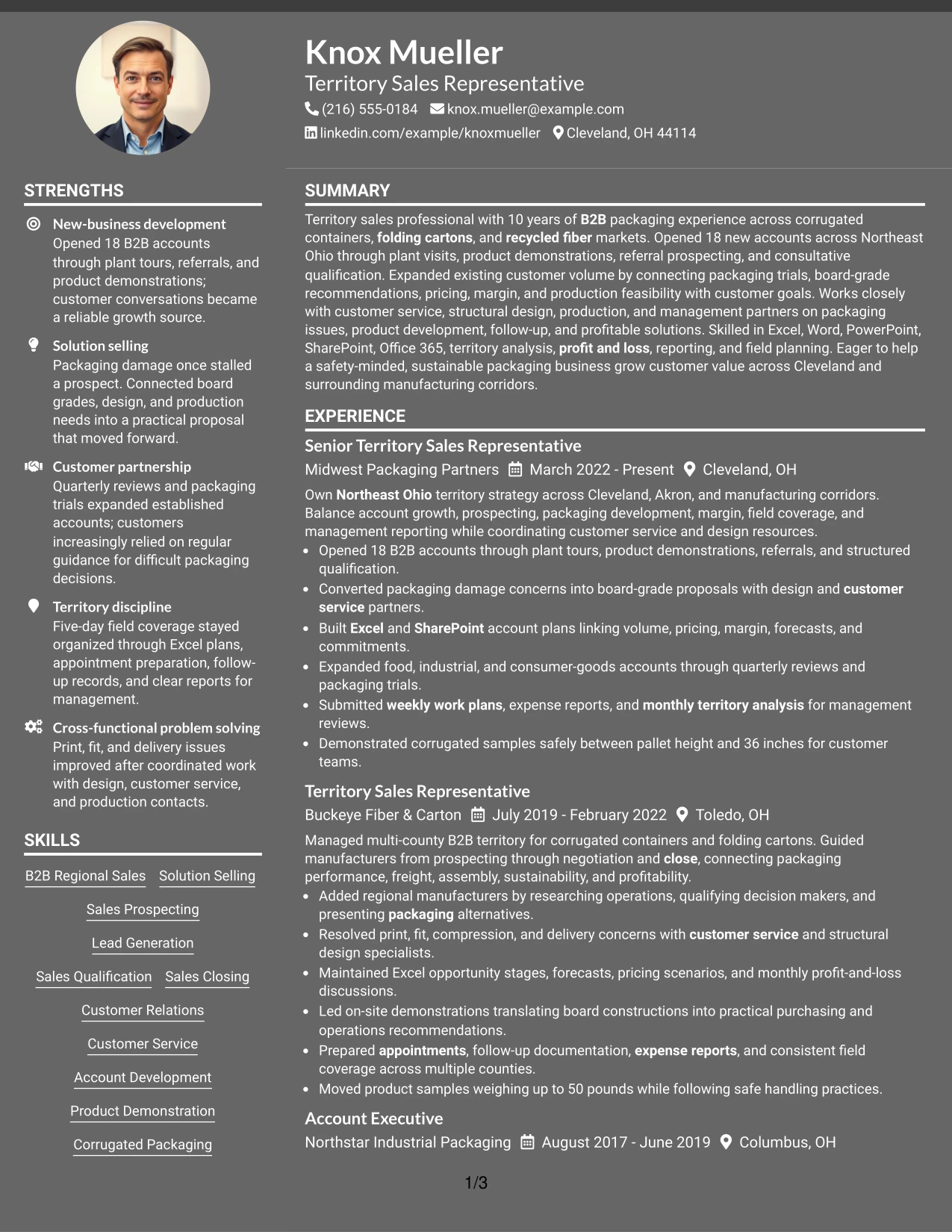
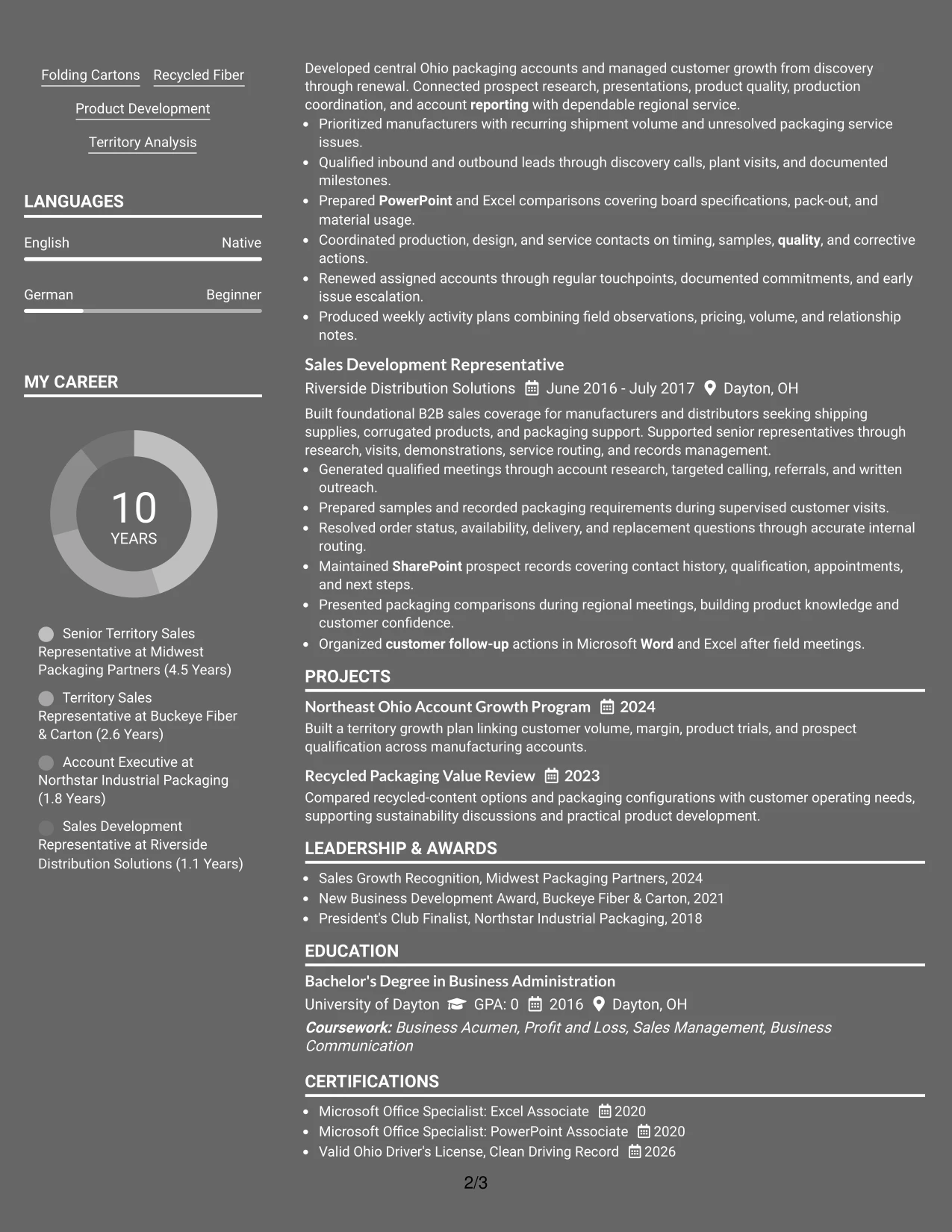
Why the Dark Mode Two Column Format Works for a Resume
- Balanced columns prevent a dark visual style from making one content group feel secondary.
- The experience area can hold detailed evidence about accounts, territory coverage, and customer solutions.
- The supporting area keeps tools, packaging products, certifications, education, and awards accessible.
- Strong contrast supports accurate review of dates, employers, headings, and keywords.
- The format presents a polished PDF while preserving a practical resume hierarchy.
- Short bullets and consistent spacing help readers scan business results quickly.
- The design is most effective when visual impact remains secondary to documented qualifications.
Best For
- Polished PDF applications where dark styling is appropriate for the audience
- Candidates balancing detailed territory achievements with compact qualifications
- Resumes that need separate areas for experience, tools, education, and awards
- Human reviewers who can assess contrast and layout alongside content
- Applications presenting sales results with product and financial knowledge
- Candidates willing to test screen and print readability before sending
- Documents where a distinctive look must still preserve standard resume information
#11 Dark Mode Box Header Format Resume Example
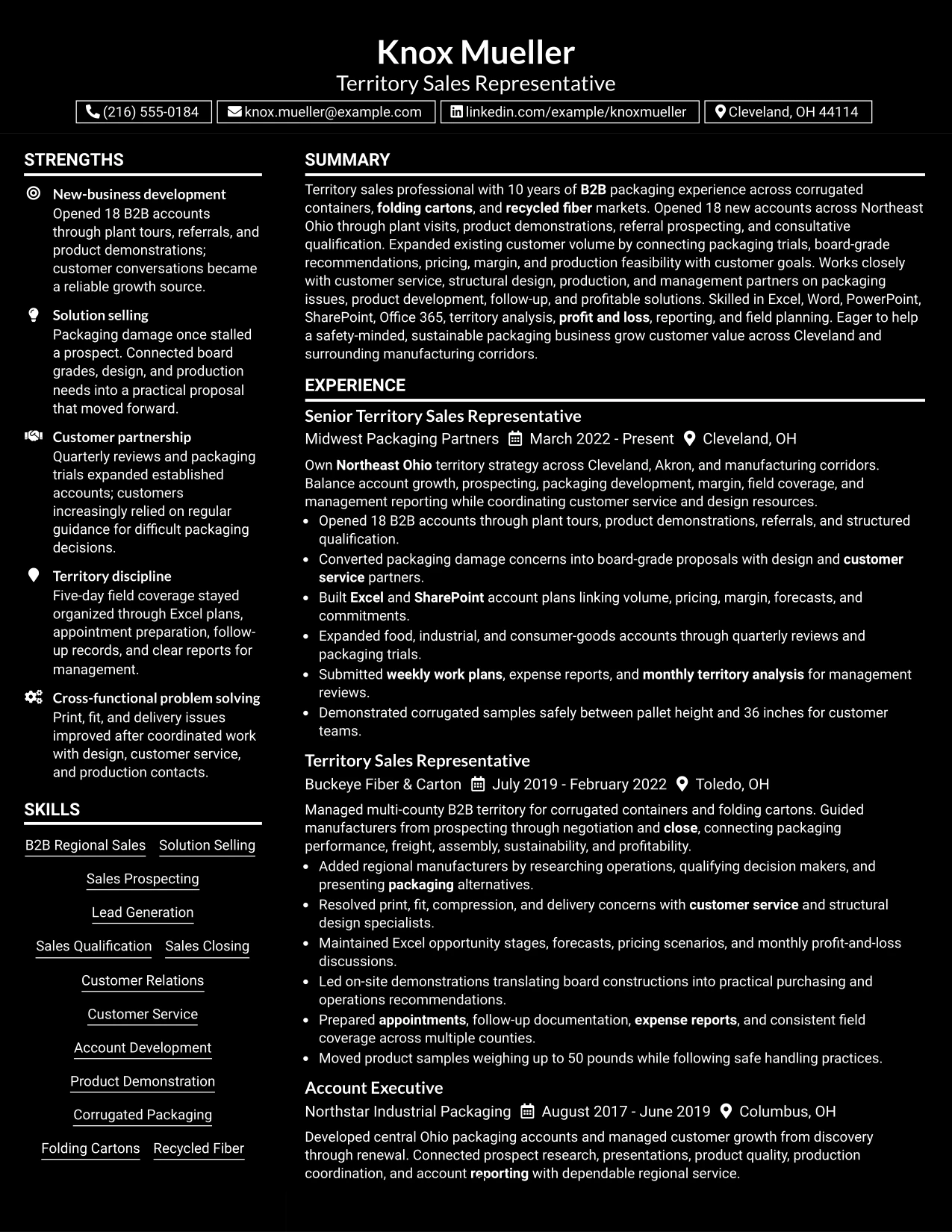
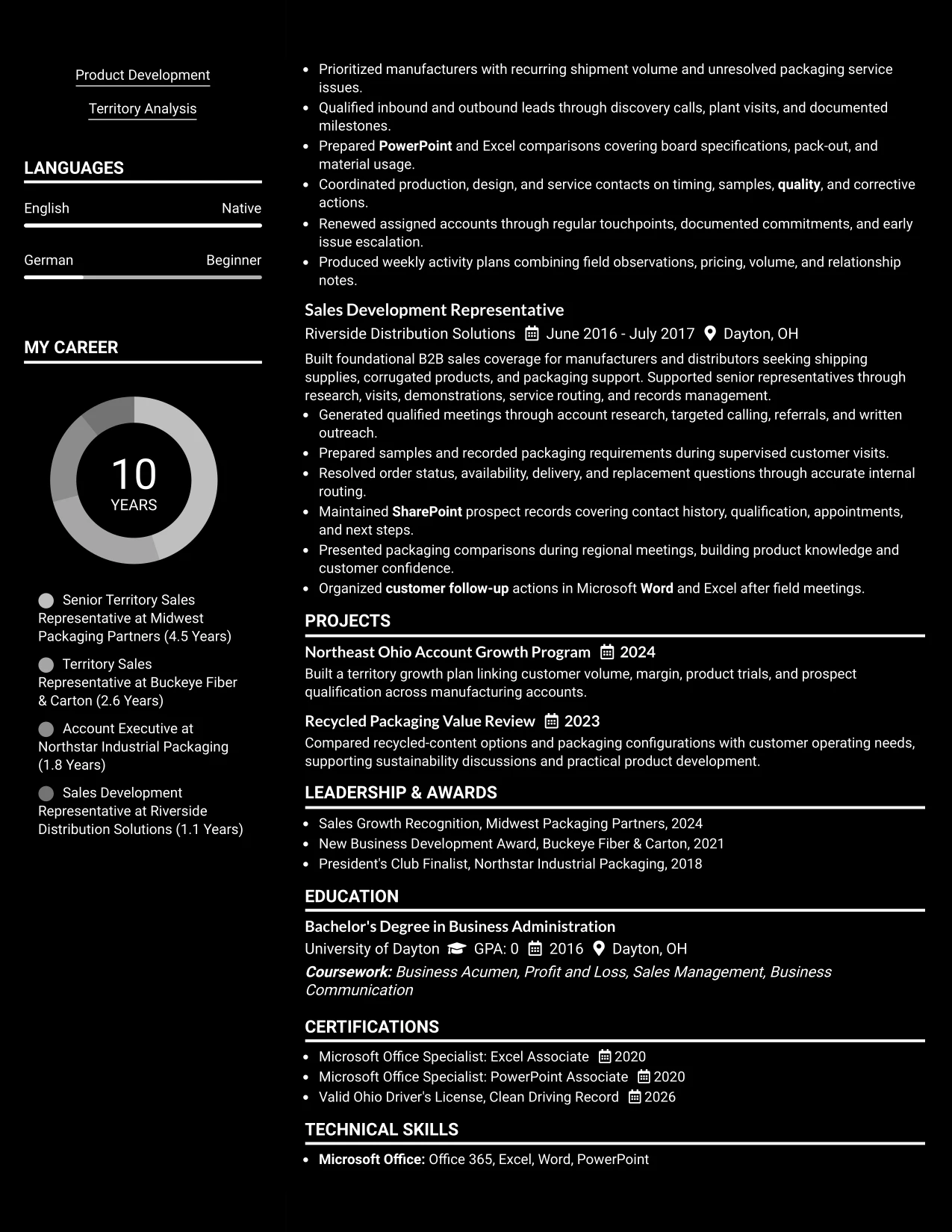
A practical application needs fast access to the summary, work history, skills, and credentials, and boxed headers can create that order in a single column. The resume should lead with territory sales evidence, including 18 new accounts, packaging solutions, customer relationships, and profitable account management.
Because the design uses one column, each section can receive full width and remain easy to parse. Dark header boxes should be paired with readable body text, standard labels, and concise bullets covering tools, projects, education, certifications, awards, and reporting responsibilities.
Why the Dark Mode Box Header Format Works for a Resume
- Boxed headers create clear stopping points in a single-column reading path.
- Full-width sections allow detailed bullets to explain sales actions, customers, and outcomes.
- The format keeps the 18-account result visible instead of shrinking it into a narrow column.
- Standard labels support ATS extraction of experience, skills, education, and certifications.
- Dark headers can separate content strongly when body text has sufficient contrast.
- The one-column structure works well for projects, awards, associations, and licenses.
- Concise bullets keep the design focused on business evidence rather than decoration.
Best For
- Applications needing a clear one-column order with strong section separation
- Candidates with detailed work history that benefits from full-width bullets
- PDF resumes where boxed headers improve navigation through many sections
- Reviewers checking experience, skills, education, and certifications in sequence
- Documents that include projects, awards, associations, and licenses
- Candidates wanting a bold visual treatment with conventional resume content
- Applications where measurable account and territory evidence must remain easy to find
#12 Elegant Full Background Two Column Format Resume Example
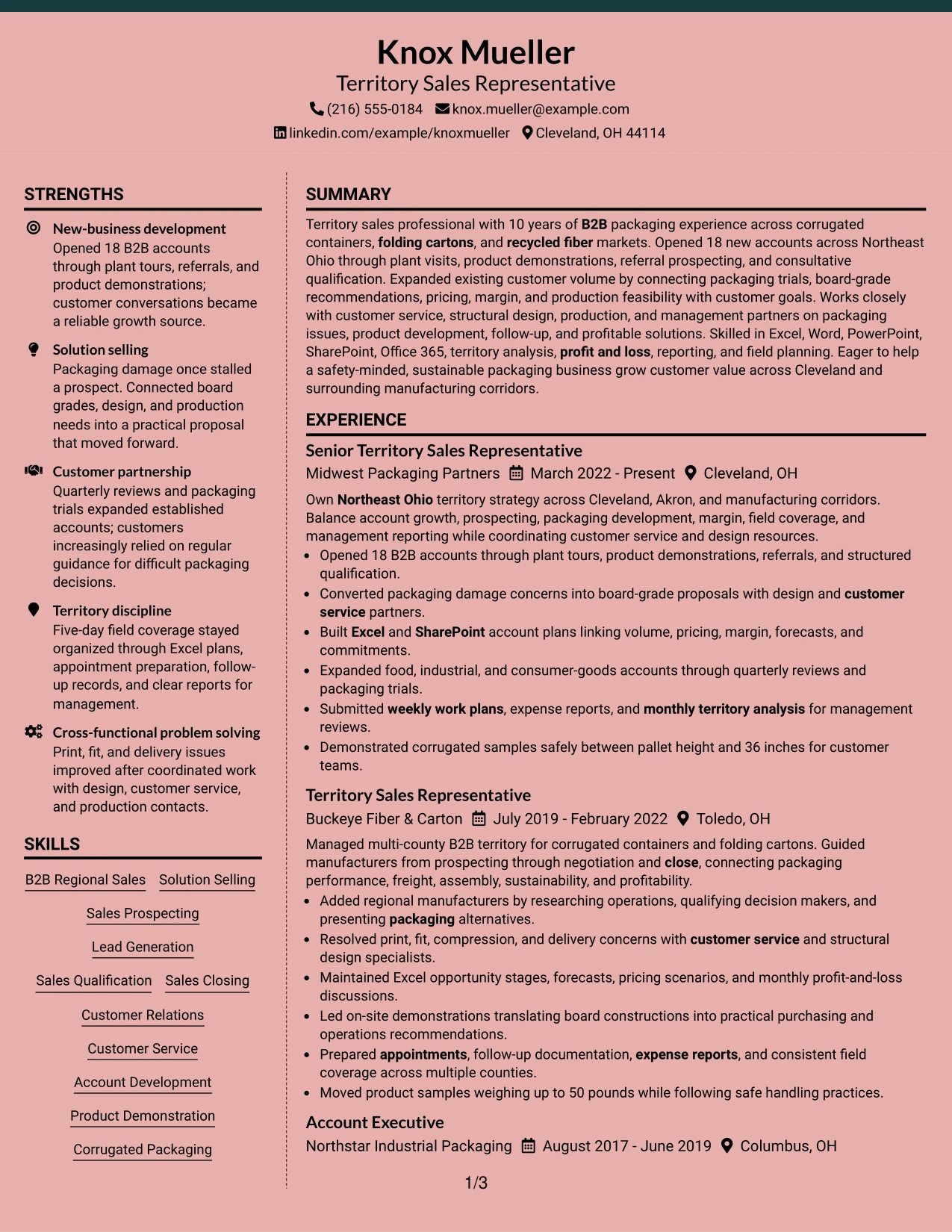
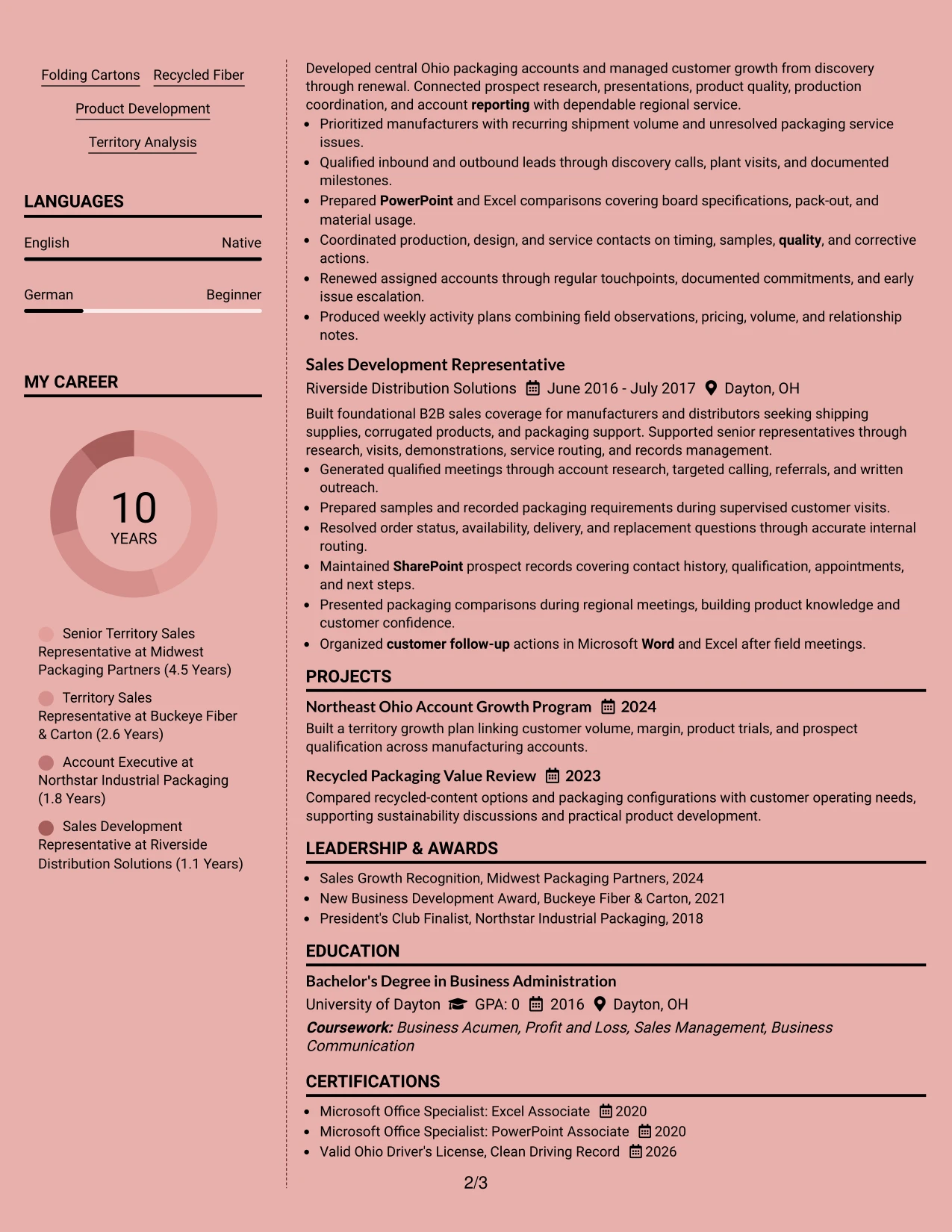
A restrained visual hierarchy gives this resume a polished, business-focused impression without competing with the evidence. The two-column structure separates core skills, tools, and credentials from the main record of territory sales results.
That balance supports a Territory Sales Representative resume with substantial experience. Strong placement for 18 new B2B accounts, packaging expertise, customer growth, territory analysis, and cross-functional problem solving helps readers connect skills to business impact quickly.
Why the Elegant Full Background Two Column Format Works for a Resume
- Two columns divide supporting details from the main career history.
- The professional summary can connect 10 years of B2B packaging experience to the target role.
- Experience bullets give measurable evidence, including 18 new accounts and products weighing up to 50 pounds.
- Skills and tools such as Excel, SharePoint, Office 365, and solution selling remain easy to locate.
- Education and certifications can sit in a compact supporting area without hiding the work history.
- Packaging terms such as corrugated containers, folding cartons, recycled fiber, and product development improve keyword coverage.
- The structure gives recruiters a fast path from territory ownership to customer, margin, and pipeline results.
Best For
- Resumes that need a polished two-column hierarchy for both experience and supporting details.
- Candidates who must show substantial evidence without making the page feel crowded.
- Applications where skills, certifications, and software need to remain visible beside experience.
- Territory-focused roles that benefit from clear separation between account results and professional tools.
- Readers who scan first for measurable outcomes, then review education and credentials.
- Resumes that combine customer development, reporting, and technical product knowledge.
- A professional presentation that keeps ATS-relevant terms in clear, labeled sections.
#13 Creative Two Tone Format Resume Example
The Creative Two Tone Format organizes the resume as a single, continuous path from summary to experience, skills, education, and credentials. Its restrained color contrast can distinguish section labels while keeping the content order familiar for both people and ATS systems.
For this Territory Sales Representative resume, that direct sequence keeps the strongest evidence in view: new-business development, packaging demonstrations, account growth, pricing and margin analysis, and disciplined territory reporting. The visual change adds interest without changing the review logic.
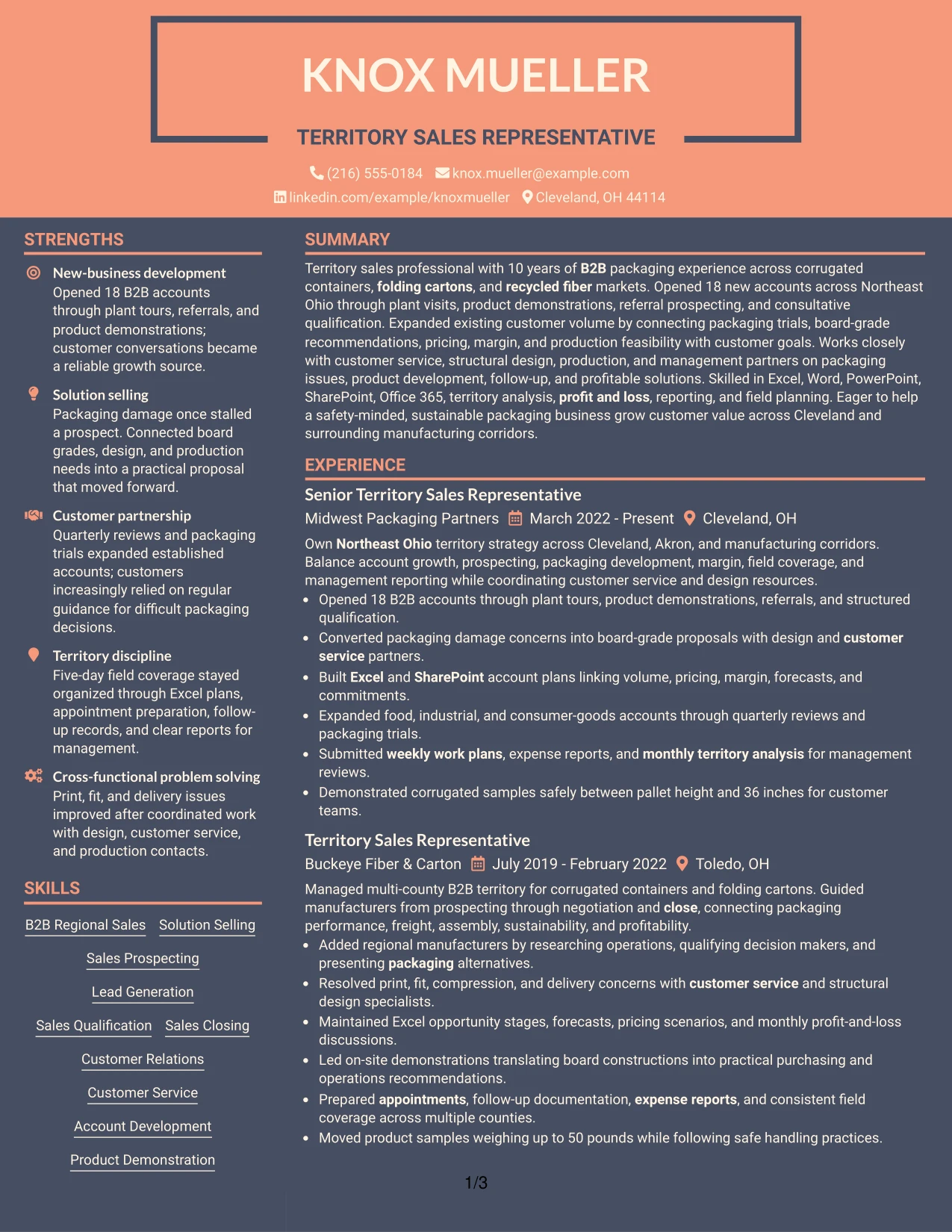
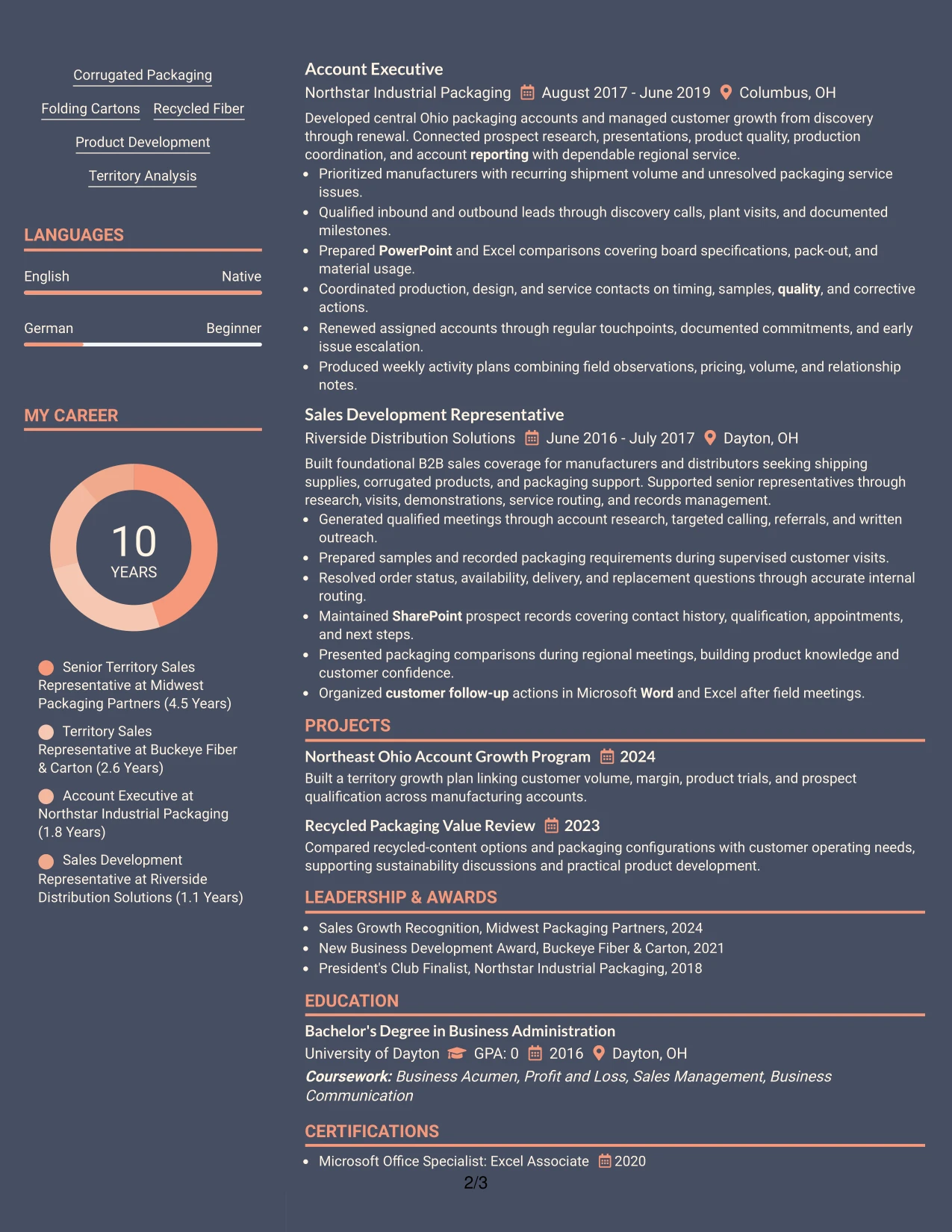
Why the Creative Two Tone Format Works for a Resume
- A one-column flow supports predictable ATS parsing and recruiter scanning.
- The summary can place Northeast Ohio territory coverage and B2B sales experience near the top.
- Color-separated labels make Experience, Skills, Education, and Certifications easy to find.
- Bullets can show the sales cycle from prospecting and qualification through proposal, negotiation, and close.
- The format gives technical packaging terms enough room to appear in context.
- Office 365, Excel, Word, PowerPoint, and SharePoint can be grouped without breaking the reading flow.
- A single content path reduces the chance that important achievements are missed during a quick review.
Best For
- One-page or two-page resumes that need a clear top-to-bottom reading order.
- Applications where ATS-friendly section sequencing is a high priority.
- Candidates presenting a mix of sales results, product knowledge, and administrative discipline.
- Readers who prefer to review summary, experience, skills, and education in one uninterrupted column.
- Resumes that need visible separation between sections without complex navigation.
- Roles requiring both customer-facing evidence and accurate reporting or analysis.
- A modern presentation that adds visual distinction while preserving familiar resume structure.
#14 Minimal Header Format Resume Example
Recruiters move from the centered header into the summary, then through experience, skills, education, and certifications in a clean vertical sequence. The Minimal Header Format keeps contact details present but gives most of the page to evidence.
That extra content space suits a resume with several relevant roles and detailed results. The document can show account openings, customer expansion, packaging trials, internal coordination, and reporting responsibilities without compressing the bullets into vague statements.
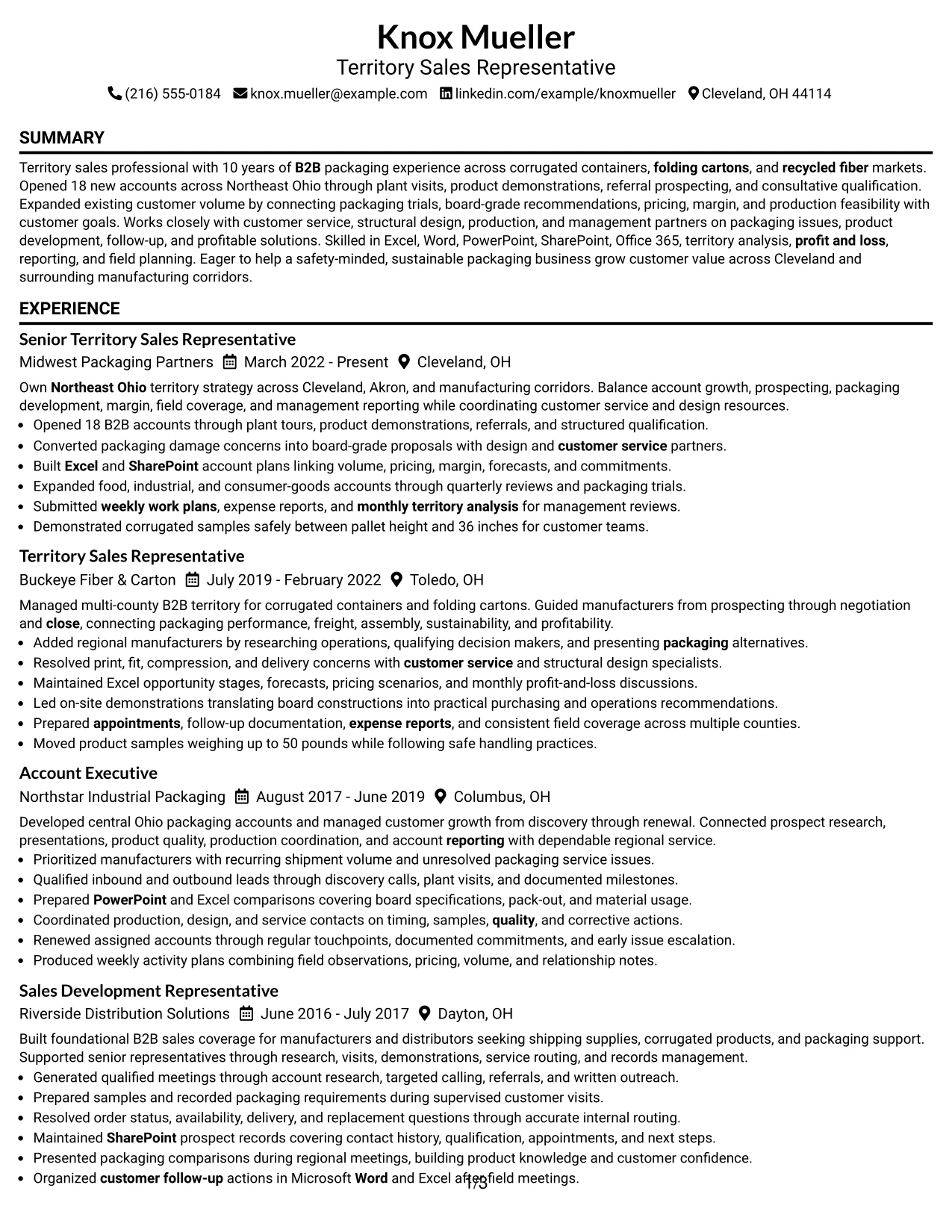
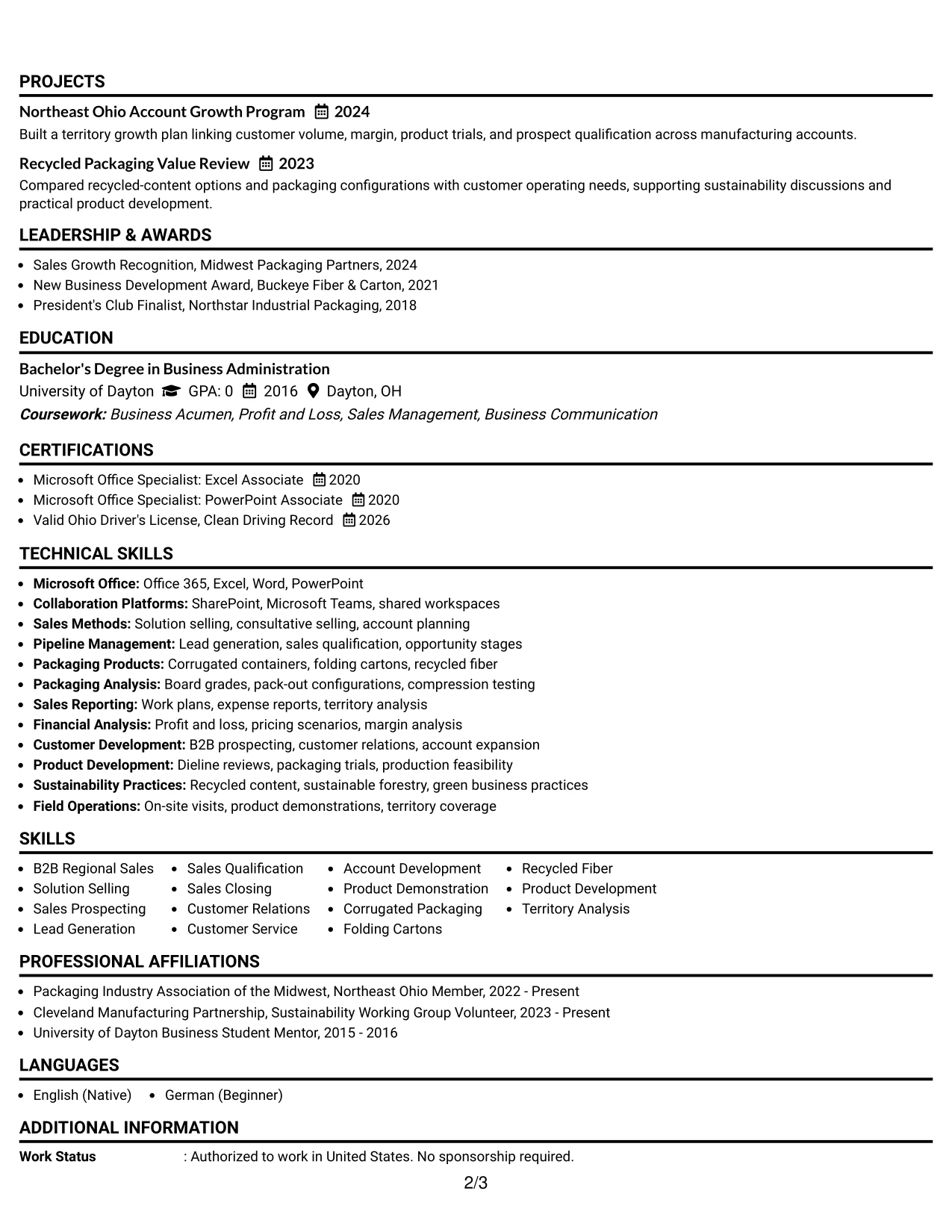
Why the Minimal Header Format Works for a Resume
- A simple header leaves more room for experience bullets and measurable outcomes.
- The summary can quickly state 10 years of sales experience and a record of opening 18 B2B accounts.
- Each role can include enough context to explain territory size, customer needs, and sales actions.
- A full-width skills section supports terms such as lead generation, product demonstration, and territory analysis.
- Education and certifications remain easy to scan after the main evidence.
- The format supports clear dates, employers, locations, and job titles for reliable chronology.
- ATS-friendly headings and a single column help preserve the intended reading order.
Best For
- Resumes with several roles that require generous space for accomplishment bullets.
- Candidates who need to explain a complete sales cycle rather than list short skill phrases.
- Applications where chronology, dates, and employer details must be immediately clear.
- Content-rich resumes combining account growth, customer service, product development, and reporting.
- Readers who prefer a quiet header and a strong focus on work evidence.
- Documents that need room for education, awards, certifications, and affiliations below experience.
- Roles where a longer record of territory coverage and customer activity supports credibility.
#15 Plain One Column with Shaded Labels Resume Example
The strongest evidence receives priority in this resume: opened accounts, expanded customer volume, solved packaging issues, and managed profitable territory activity. The Plain One Column with Shaded Labels format uses clear section markers to guide readers from those results to the supporting skills and credentials.
Shaded labels add structure without taking space from the content. That makes it practical for a Territory Sales Representative resume where sales achievements, packaging analysis, software capability, safety, and reporting all need to remain searchable and easy to verify.
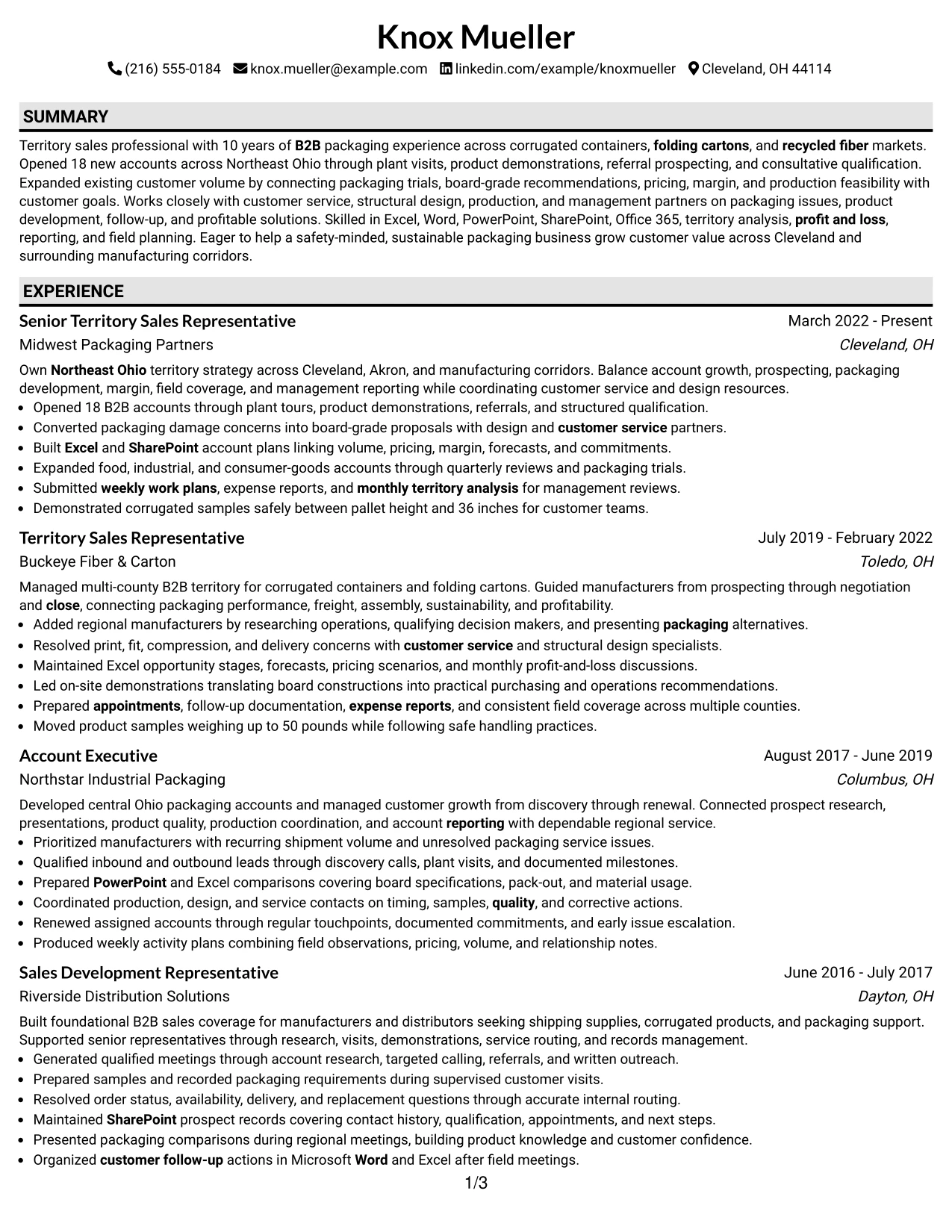
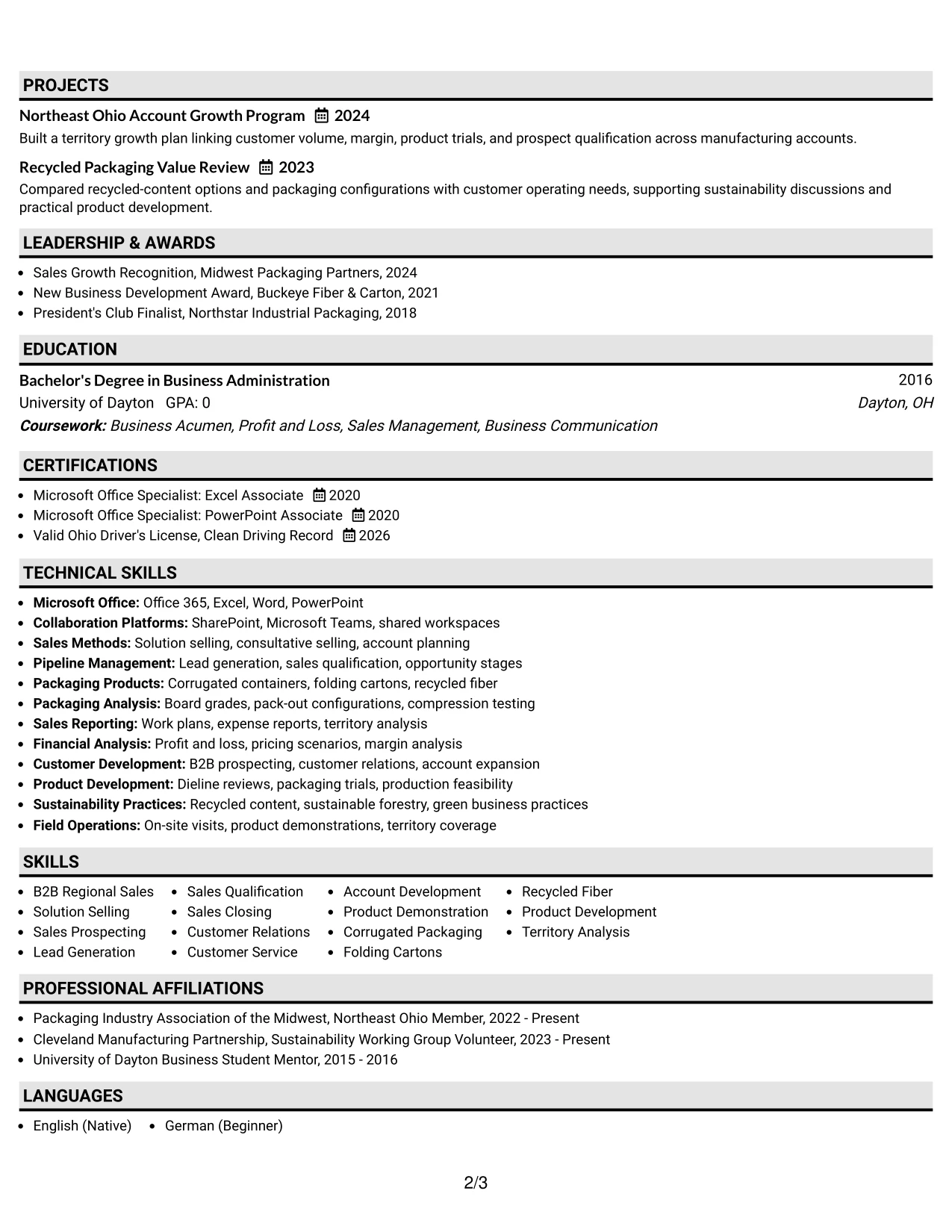
Why the Plain One Column with Shaded Labels Works for a Resume
- Outcome-led bullets can appear before supporting details and general skill lists.
- The 18-account result gives the reader an immediate measure of new-business performance.
- Shaded labels create strong boundaries between Summary, Experience, Skills, Education, and Certifications.
- Bullets can connect packaging problems to board-grade proposals, design coordination, and customer outcomes.
- Relevant tools such as Excel, PowerPoint, Word, and SharePoint can be listed without visual clutter.
- The plain structure supports ATS reading and straightforward keyword matching.
- Safety, clean driving record, and the ability to handle products up to 50 pounds remain visible as job-related qualifications.
Best For
- Resumes where measurable sales outcomes should lead the review.
- Applications that need a plain, ATS-conscious structure with strong section boundaries.
- Candidates presenting evidence from customer visits, demonstrations, prospecting, and account expansion.
- Roles where technical product knowledge must be tied to practical customer problems.
- Readers who want to compare accomplishments across multiple employers quickly.
- Documents that need to balance commercial results with safety, reporting, and software qualifications.
- Professional applications where clarity and evidence matter more than decorative design.
#16 Text/Fang Style Resume Example
Content is balanced across a calm, text-led page that gives each resume section enough breathing room. The Text/Fang Style supports a measured review of the summary, career history, skills, projects, education, and certifications without relying on dense visual elements.
That approach fits a practical application for a territory sales role. The resume can explain how prospecting, plant visits, product demonstrations, packaging trials, and account plans contributed to customer growth and profitable territory management.
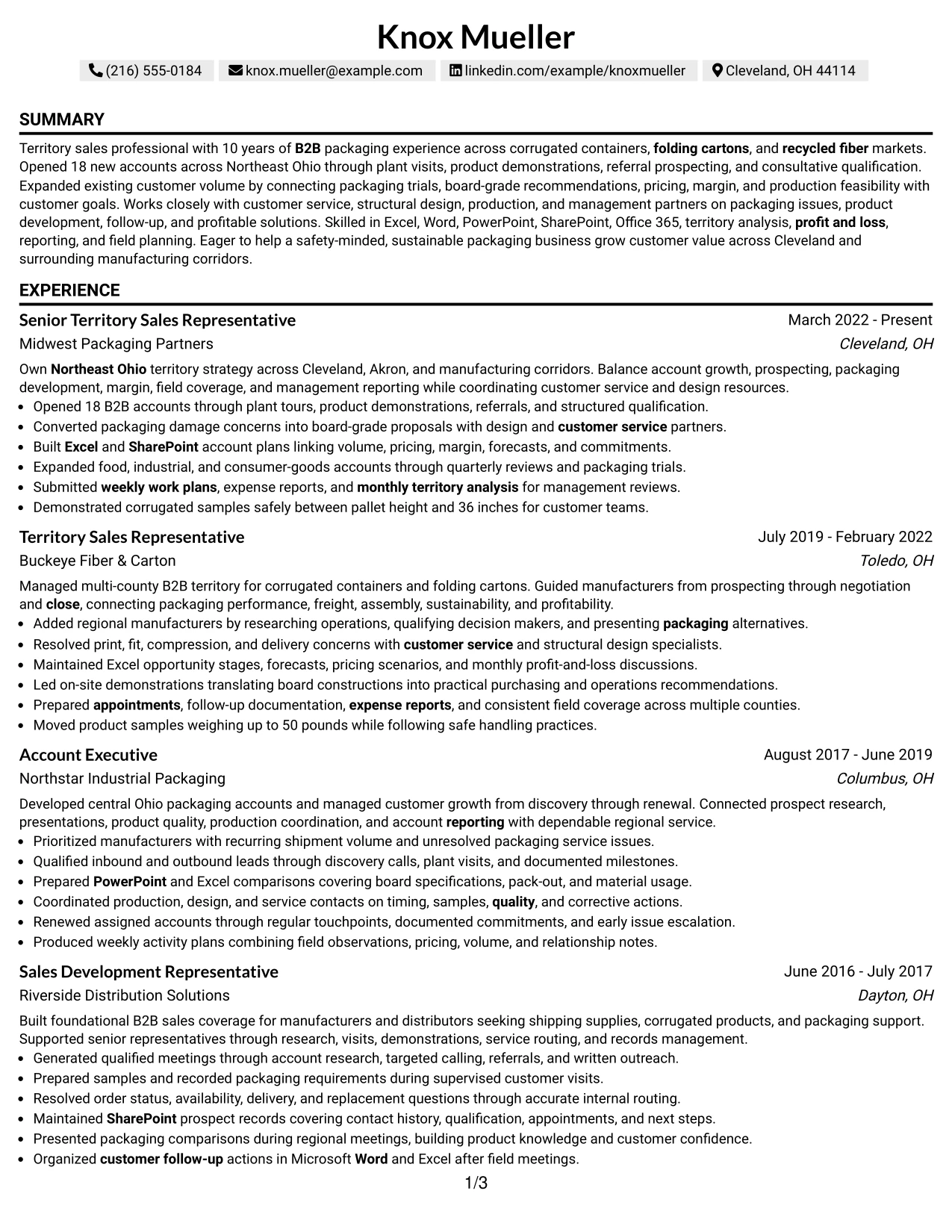
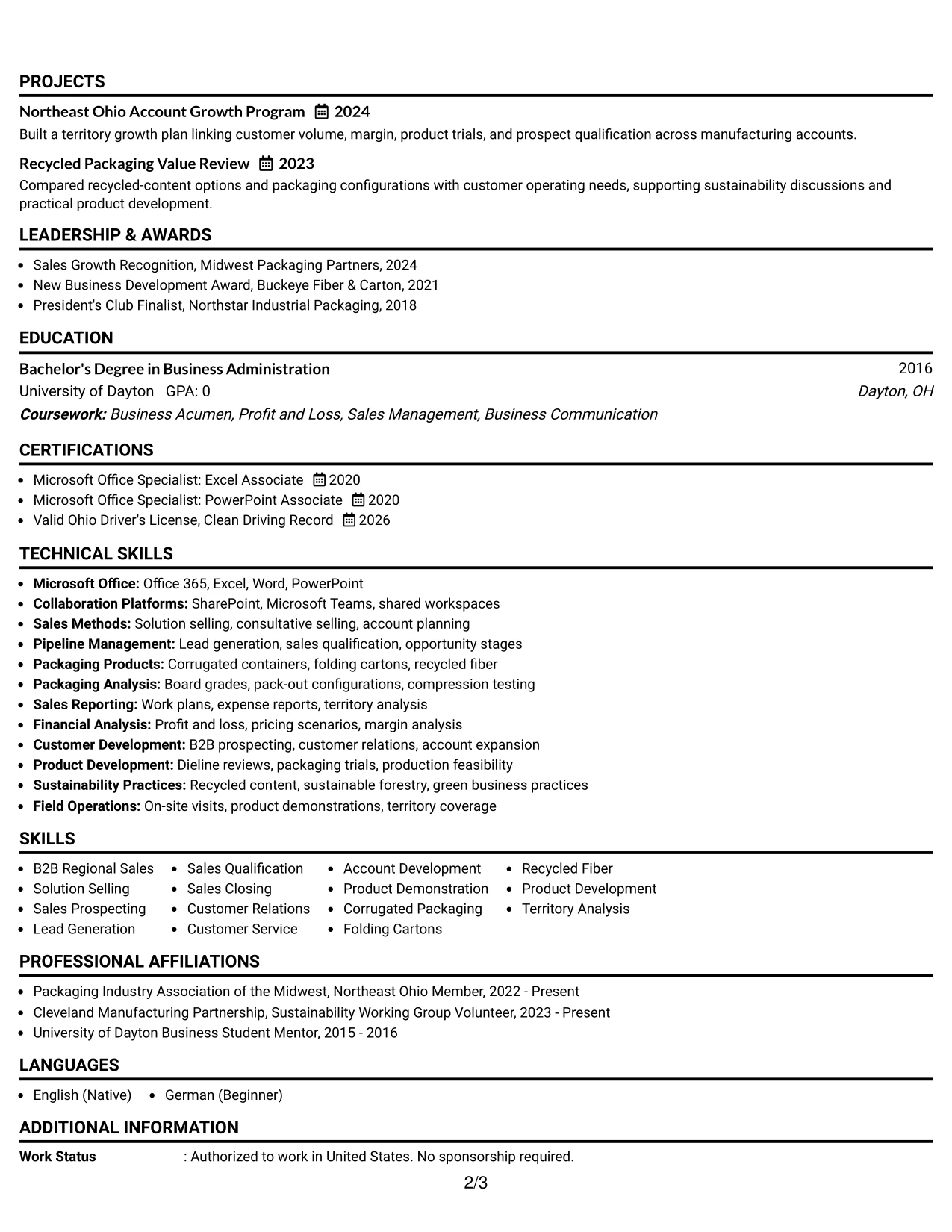
Why the Text/Fang Style Works for a Resume
- A text-forward structure keeps the reader focused on actions and results.
- Experience bullets can show the progression from lead generation to qualification, proposal, negotiation, and close.
- Projects add focused evidence through the Northeast Ohio Account Growth Program and Recycled Packaging Value Review.
- Skills can cover solution selling, corrugated packaging, recycled fiber, and territory analysis in a readable group.
- Education and Microsoft Office certifications provide concise proof of business and software preparation.
- The layout gives reporting work, expense reports, and management analysis a clear place in the document.
- Simple text hierarchy supports consistent ATS interpretation across all major sections.
Best For
- Applications that require practical detail about field activity and customer follow-up.
- Resumes with projects that reinforce the main employment record without distracting from it.
- Candidates who need to explain how technical products support business decisions.
- Readers who value clear written evidence over visual effects or dense graphics.
- Territory roles involving travel, account planning, demonstrations, and regular reporting.
- Documents that combine sales activity with sustainability, profitability, and safety information.
- A straightforward application format for organizations reviewing both commercial and operational judgment.
#17 Bold Color Header Professional Format Resume Example
For an application that must make the target role and strongest qualifications clear at once, a bold header can establish hierarchy before the reader reaches the details. The Bold Color Header Professional Format keeps the rest of the page focused on concise summary, experience bullets, skills, and credentials.
The strong header is useful here because the resume has a clear match to Territory Sales Representative requirements. Below it, evidence such as 18 opened accounts, Northeast Ohio coverage, customer issue resolution, and Office 365 capability supports the application with specific proof.
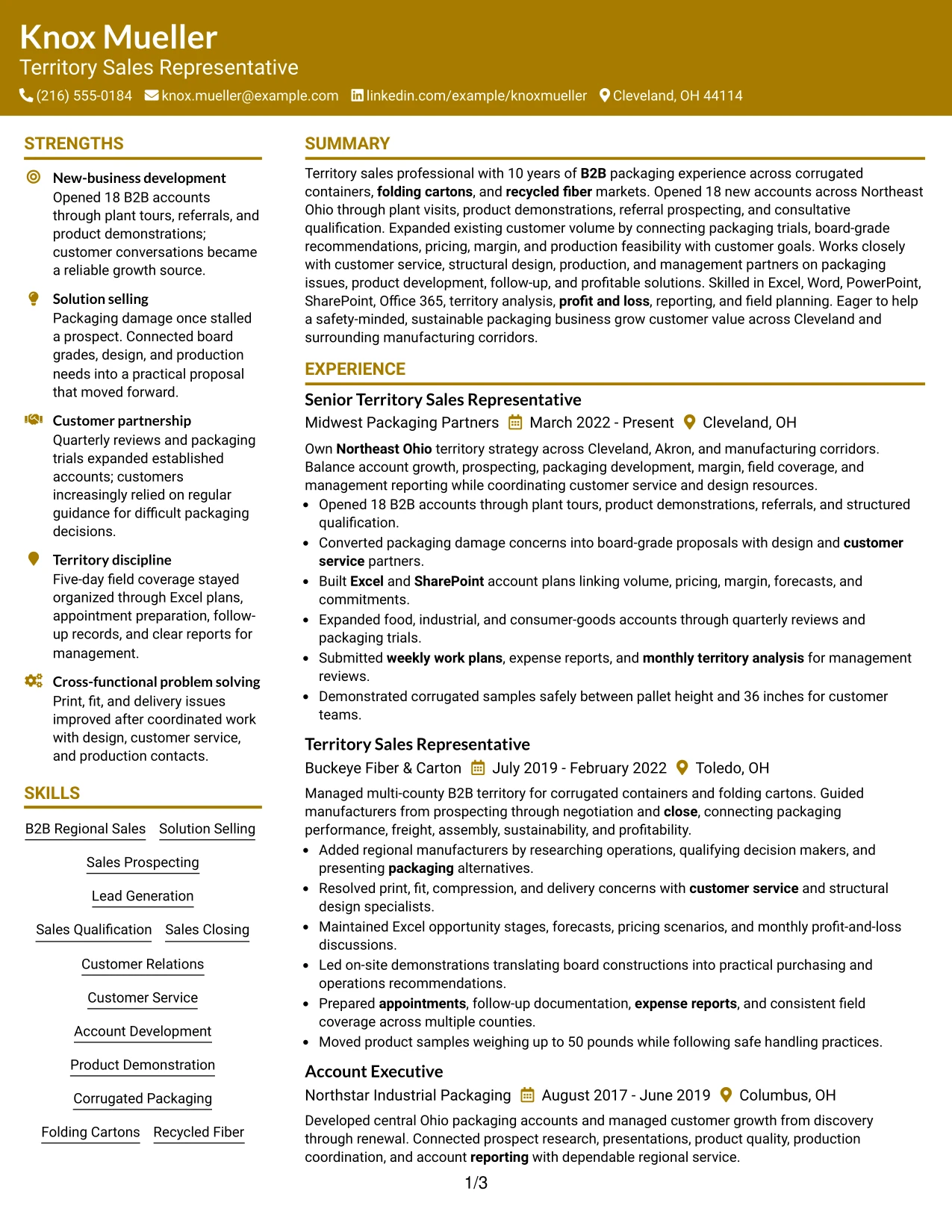
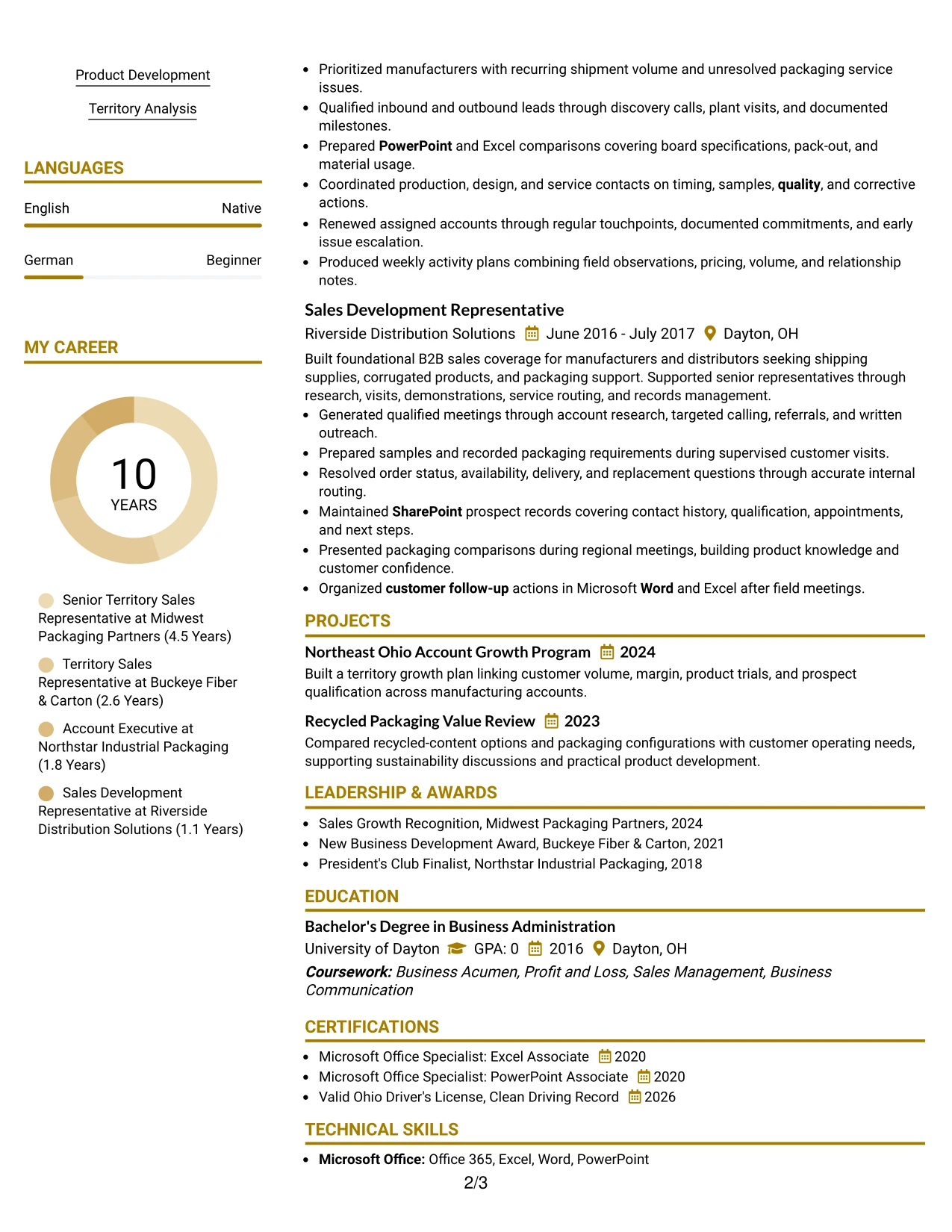
Why the Bold Color Header Professional Format Works for a Resume
- A prominent header makes the target role and contact information easy to identify.
- The summary can align B2B sales, packaging knowledge, and new-business development with the job requirements.
- Experience bullets remain the main proof rather than letting the color treatment carry the message.
- A compact skills area can include solution selling, product development, P&L, and continuous improvement.
- Tools and certifications reinforce the requirement for Office 365, Excel, Word, SharePoint, and PowerPoint.
- The format gives awards and projects a clear supporting position after the core work history.
- Strong hierarchy helps readers separate role identity from measurable performance evidence.
Best For
- Applications where the target role should be unmistakable at first glance.
- Candidates with a strong match between the job requirements and documented experience.
- Resumes that benefit from a clear visual entry point followed by detailed accomplishment bullets.
- Customer-facing roles where presentation quality should support, not replace, business evidence.
- Documents that need to combine sales results with technical product and software qualifications.
- Readers who scan the header first and then look for proof in the experience section.
- A professional format for applications that need emphasis while retaining standard resume structure.
#18 Photo Header Color Sidebar Format Resume Example
A restrained visual identity and clearly separated sidebar create a distinctive first impression while keeping the main resume content organized. The Photo Header Color Sidebar Format can place contact details and selected skills in a compact side area, leaving the primary column for evidence.
For this resume, the main content should remain focused on territory ownership, new-business development, packaging solutions, account growth, and reporting. The sidebar can support that story with software, certifications, and related qualifications without crowding the experience bullets.
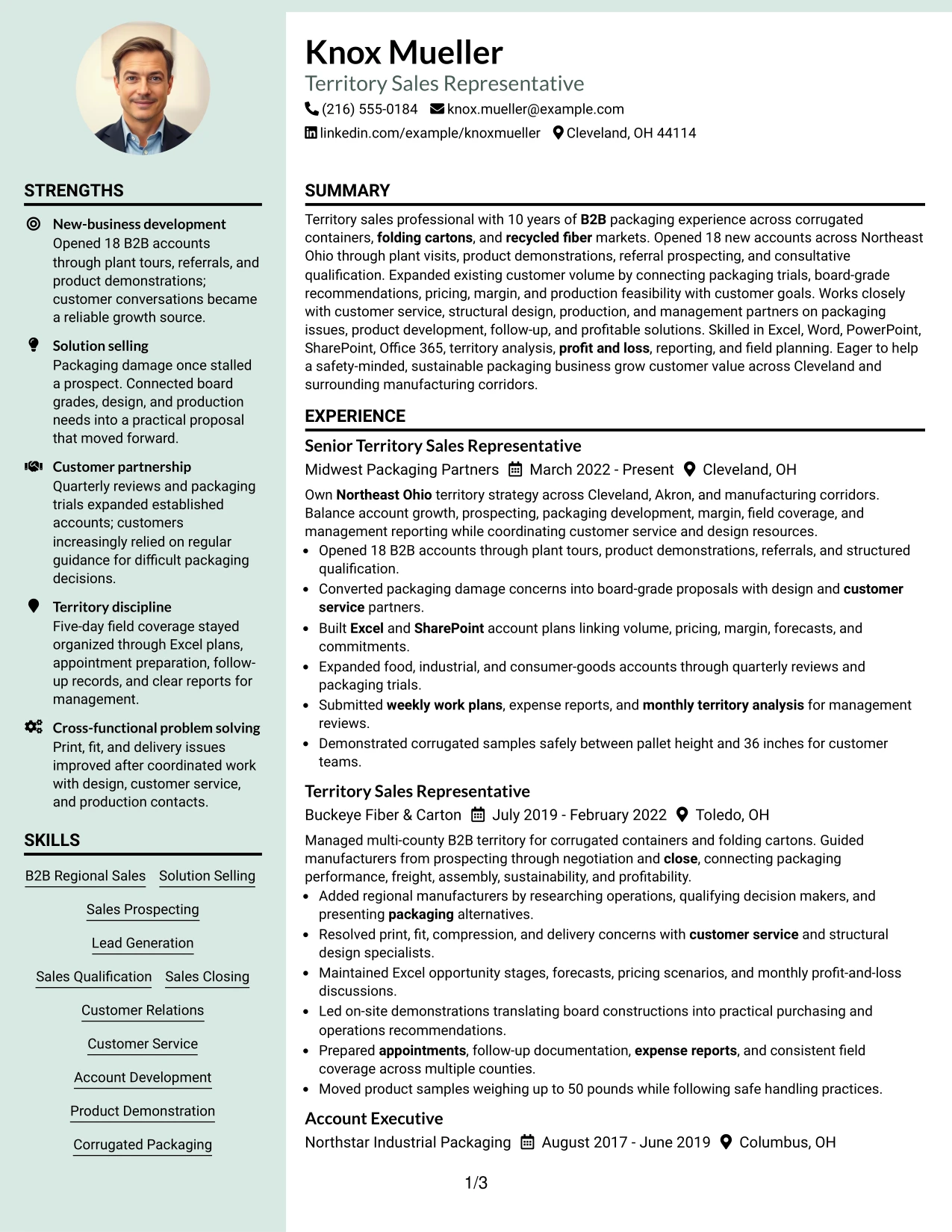
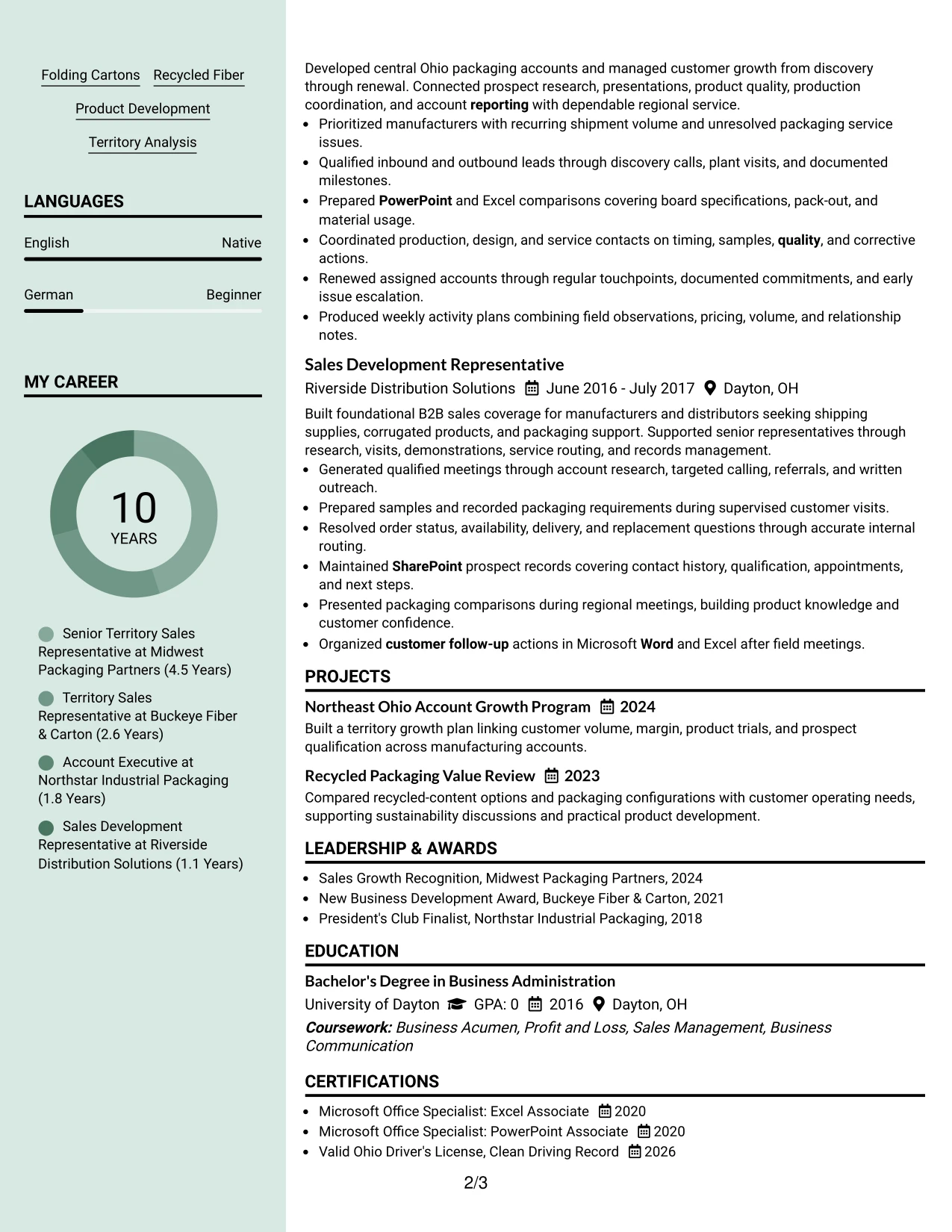
Why the Photo Header Color Sidebar Format Works for a Resume
- The header and sidebar create a clear identity area for contact information and selected qualifications.
- The main column preserves space for detailed sales achievements and customer problem-solving evidence.
- The 18-account result can receive strong placement as proof of opening new business.
- Packaging capabilities such as corrugated containers, folding cartons, and recycled fiber can be grouped for quick review.
- Excel, Word, PowerPoint, SharePoint, and Office 365 fit naturally into a compact supporting area.
- Projects, awards, and certifications can reinforce the experience record without interrupting its chronology.
- A distinct visual structure helps separate commercial outcomes from tools and credentials.
Best For
- Applications where a distinctive personal presentation is appropriate for the review context.
- Candidates who need a sidebar for skills, software, certifications, and contact details.
- Resumes with a substantial main experience section and a smaller set of supporting qualifications.
- Customer-facing work where visual organization can reinforce a polished presentation.
- Documents that need to show both packaging knowledge and measurable account development.
- Readers who prefer quick access to credentials beside a detailed career history.
- Roles where selected projects and awards can support, but not overpower, the employment record.
#19 Top Left Header Color Accent Format Resume Example
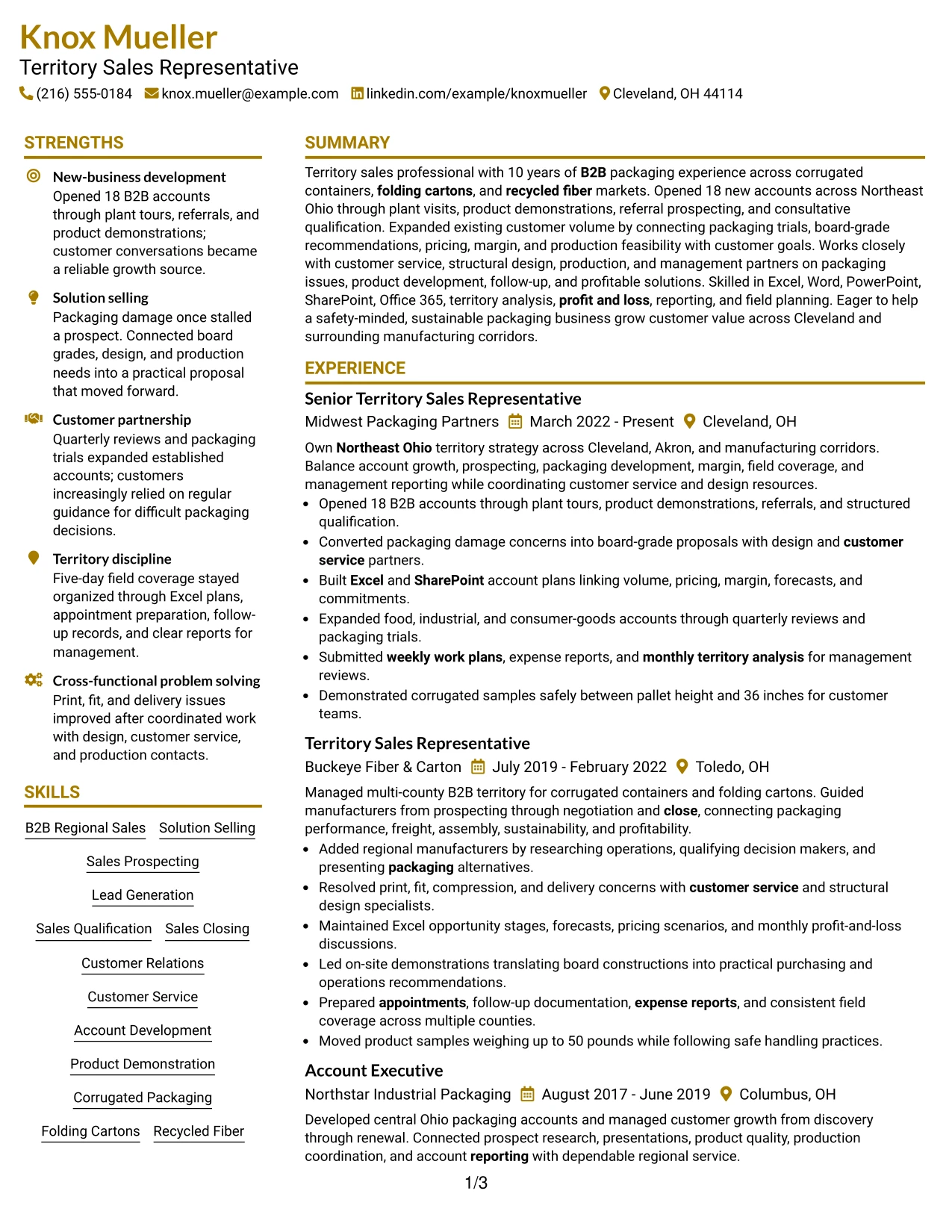
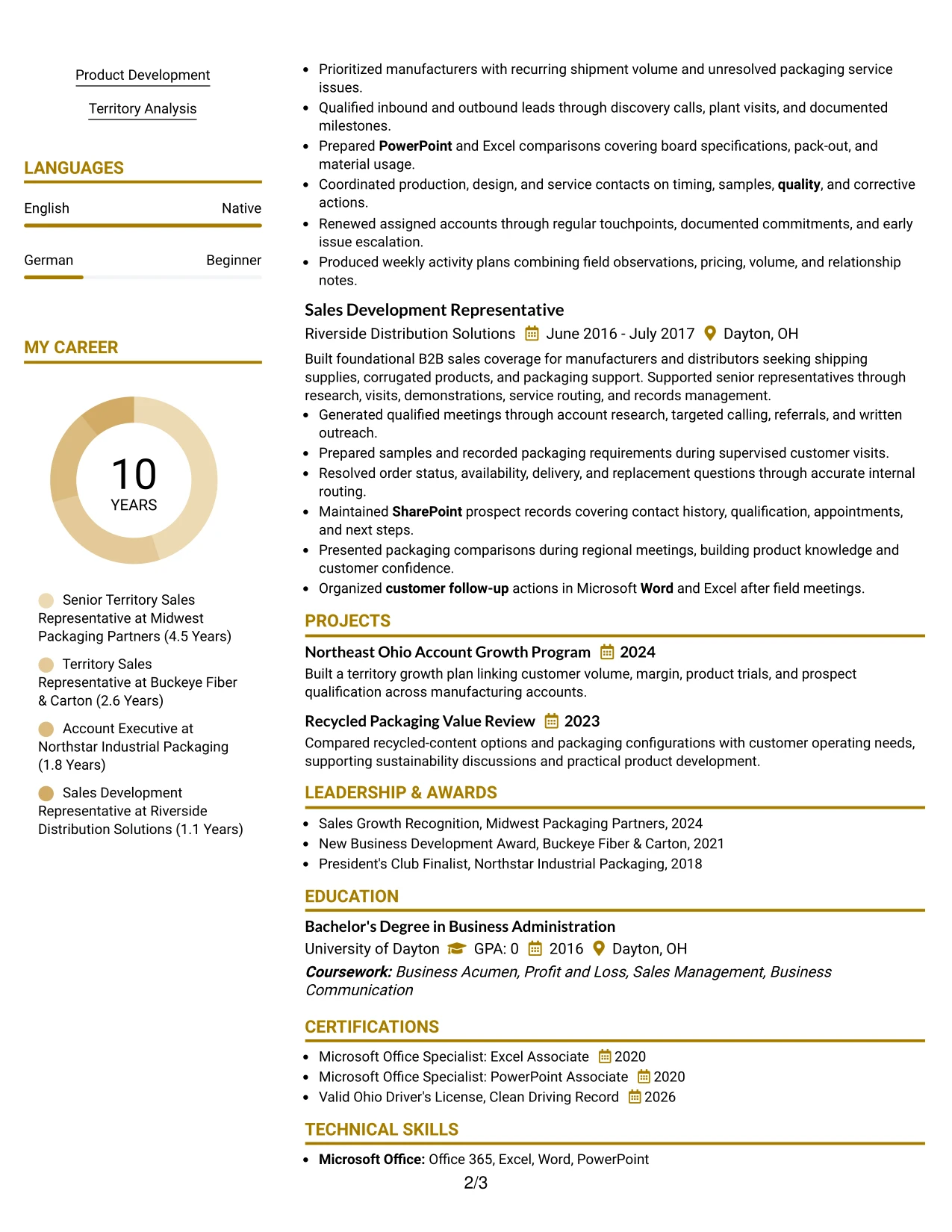
The Top Left Header Color Accent Format uses a familiar resume sequence with a clear starting point at the upper left. A restrained accent can distinguish section headings while the page moves logically through summary, experience, skills, education, projects, and certifications.
That structure supports fast scanning of the resume's most relevant evidence. The reader can move from the target role to Northeast Ohio territory ownership, 18 new B2B accounts, packaging solution work, and the tools used to manage forecasts, margins, and follow-up.
Why the Top Left Header Color Accent Format Works for a Resume
- A top-left entry point matches common recruiter reading behavior.
- The single-column structure supports consistent ATS parsing and straightforward section order.
- Experience bullets can show both new-business wins and growth within existing accounts.
- A modest accent makes section labels visible without distracting from measurable evidence.
- The skills section can capture sales methods, packaging products, financial analysis, and field operations.
- Projects and awards can add proof of account growth and sales recognition after the main experience.
- Contact information, location, and target role remain easy to identify before detailed review.
Best For
- Resumes that need familiar navigation with a small amount of visual distinction.
- Applications where quick scanning from the upper left is especially important.
- Candidates combining quantified results with technical product and reporting responsibilities.
- Documents that must preserve a clear chronological employment record.
- Roles where skills and tools should be searchable without being separated into complex panels.
- Readers who want conventional organization with a professional accent.
- ATS-conscious applications that still need a polished presentation for human review.
#20 Centered Header Classic Two Column Format Resume Example
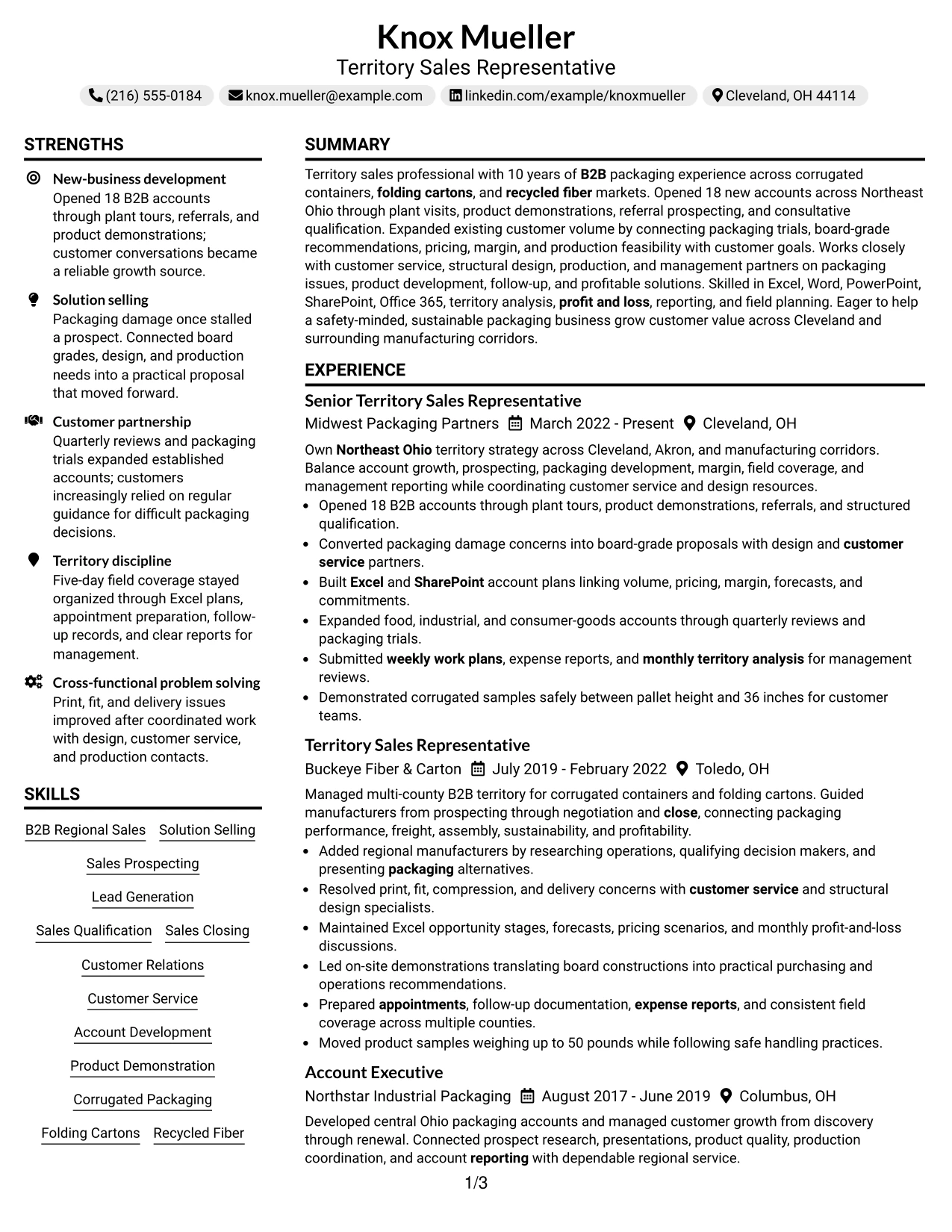
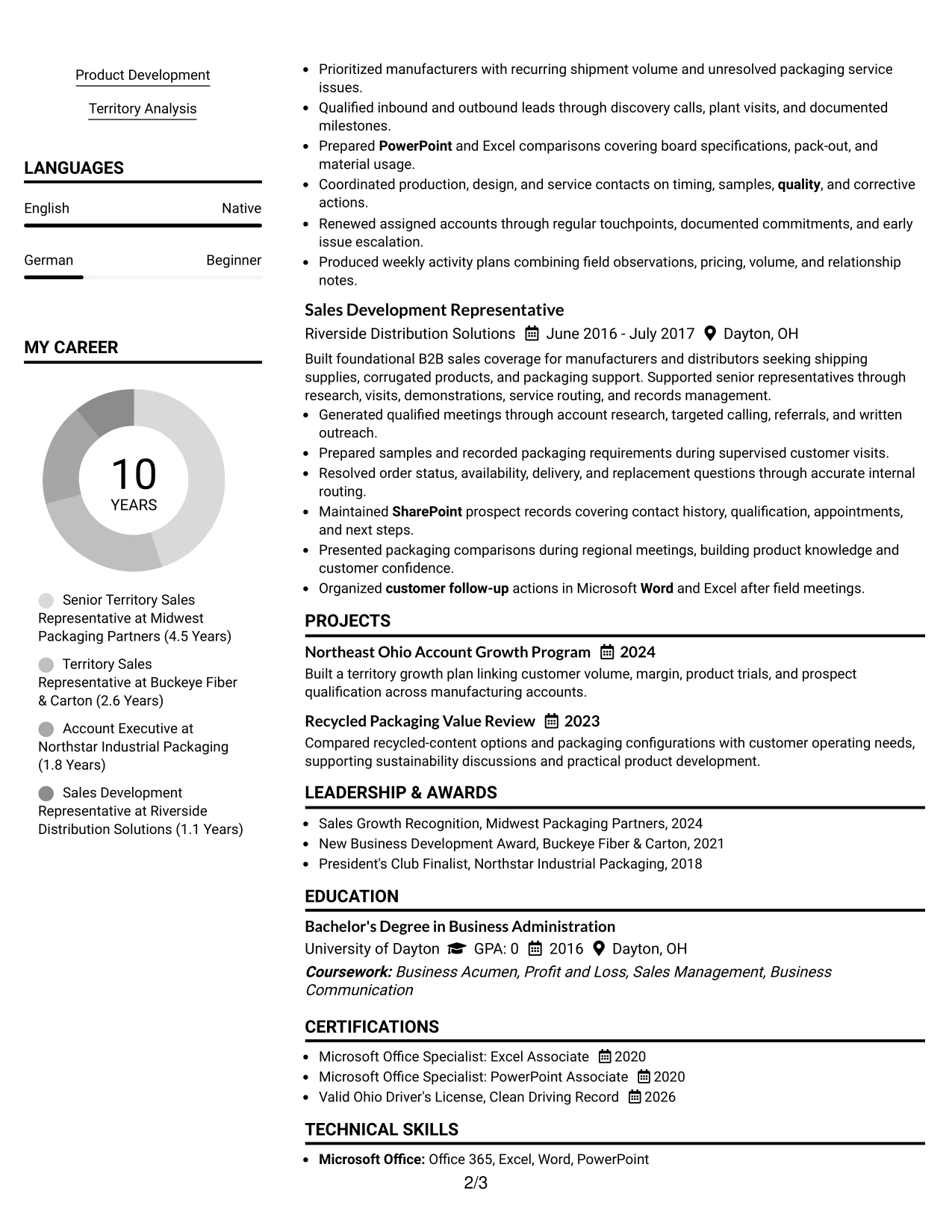
The reader begins with the centered identity block, then uses the two-column structure to compare the main career record with supporting qualifications. The Centered Header Classic Two Column Format suits a resume that has both a detailed employment history and a broad set of skills, tools, projects, and credentials.
This resume can use the main column for territory sales outcomes and the secondary column for software, certifications, education, and affiliations. That division keeps the experience narrative complete while making the supporting evidence available for a quick qualification check.
Why the Centered Header Classic Two Column Format Works for a Resume
- The centered header gives the target role and contact details a balanced starting point.
- Two columns accommodate a detailed work history without pushing supporting qualifications too far down the page.
- Main-column bullets can show 18 opened accounts, account expansion, and packaging issue resolution.
- A secondary column can group Office tools, sales methods, packaging products, and certifications.
- Education and awards remain visible while the reader reviews the employment record.
- The structure supports both quick keyword checks and a deeper review of business impact.
- Projects and affiliations can strengthen the record without interrupting the sales chronology.
Best For
- Experienced resumes that need to carry a full work history plus substantial supporting details.
- Applications where skills and certifications must remain visible during a fast review.
- Candidates with measurable account results and several relevant tools or credentials.
- Readers who compare career evidence in one column with qualifications in another.
- Documents that include projects, awards, affiliations, and education alongside employment.
- Roles requiring both customer-facing results and disciplined planning or reporting.
- A classic presentation that organizes high content volume without losing hierarchy.
#21 Left Aligned Header Clean Two Column Format Resume Example
Evidence leads the review: new accounts, customer growth, packaging solutions, and disciplined territory management appear in a clean two-column framework. The Left Aligned Header Clean Two Column Format makes the document easy to enter from the upper left while keeping supporting qualifications close at hand.
The main experience column can carry detailed accomplishment bullets, while the secondary area holds skills, tools, education, projects, and certifications. This arrangement gives the resume enough capacity to show both sales performance and the technical knowledge behind the recommendations.
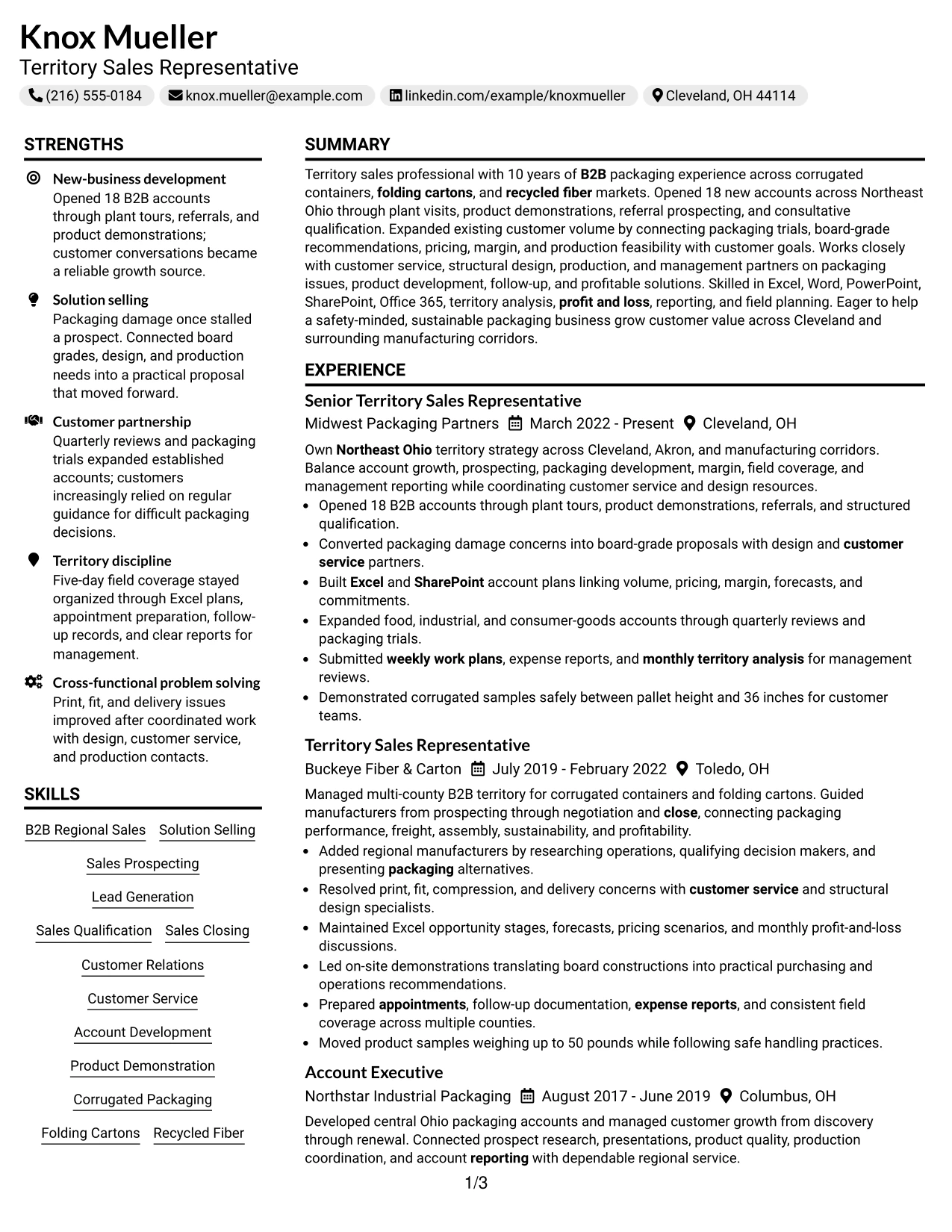
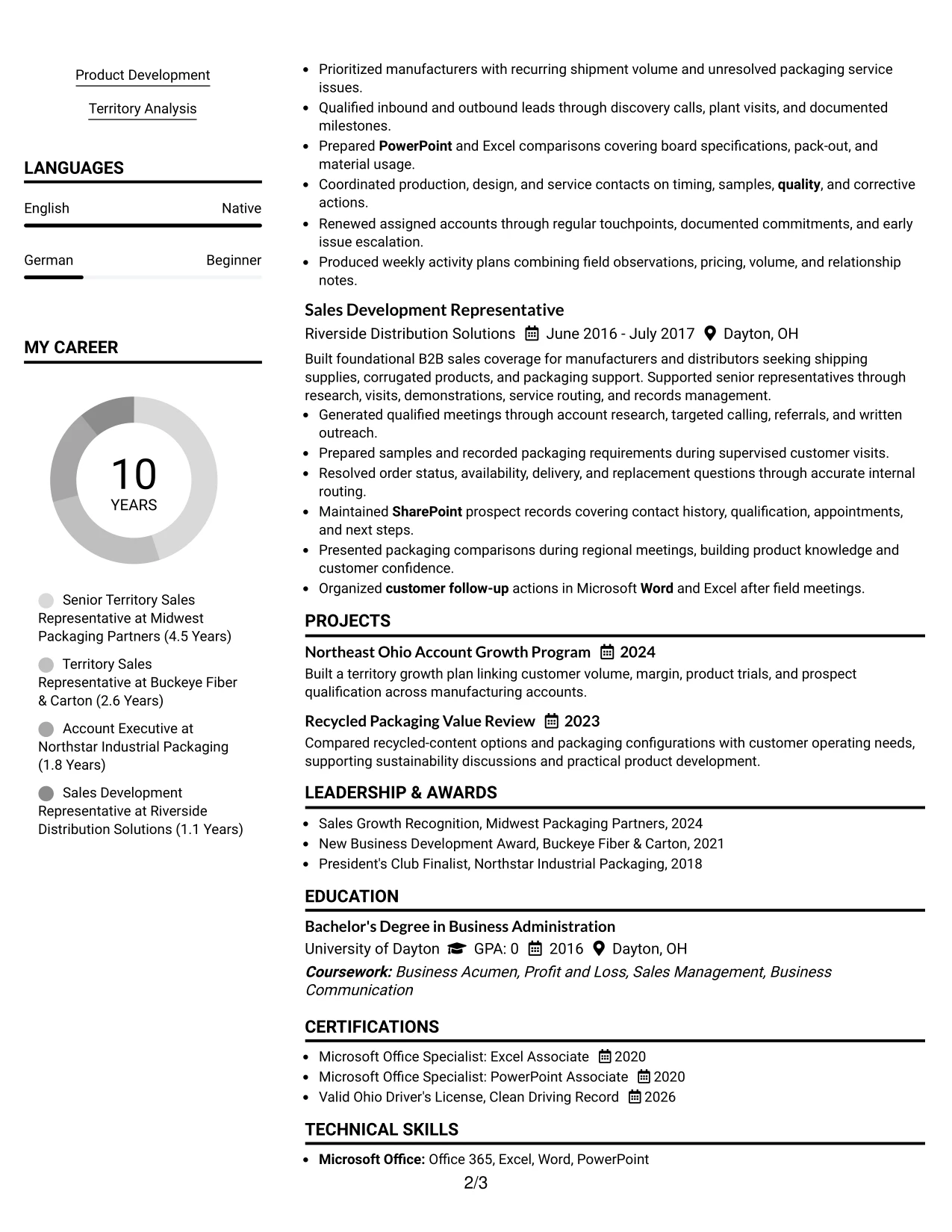
Why the Left Aligned Header Clean Two Column Format Works for a Resume
- Left alignment creates a familiar starting point for rapid resume scanning.
- The two-column structure gives measurable achievements room in the primary area.
- Bullets can connect prospecting, plant visits, demonstrations, and qualification to closed business.
- A supporting column can group corrugated packaging, folding cartons, recycled fiber, and sustainability terms.
- Software, licenses, awards, and education remain visible without interrupting the main chronology.
- The format helps show both customer-facing results and cross-functional coordination.
- Clear section labels support ATS review when the document is parsed as text.
Best For
- Resumes where accomplishment bullets should receive more attention than decorative design.
- Candidates who need to show evidence across sales, packaging, analysis, and customer service.
- Applications that benefit from a separate column for skills and credentials.
- Readers who scan from the upper left and then compare evidence with qualifications.
- Documents with enough content to need two columns but a preference for clean presentation.
- Roles involving product demonstrations, internal coordination, and territory reporting.
- ATS-aware applications that still need efficient human navigation.
#22 Simple Two Column Format Resume Example
Content is balanced between a primary experience area and a compact qualification area, creating a practical review path for a busy sales application. The Simple Two Column Format avoids unnecessary complexity while giving results, skills, education, projects, and certifications defined space.
That balance works for a Territory Sales Representative resume with broad evidence. The main column can explain customer and territory outcomes, while the supporting column keeps sales methods, packaging products, software, safety, and credentials easy to locate.
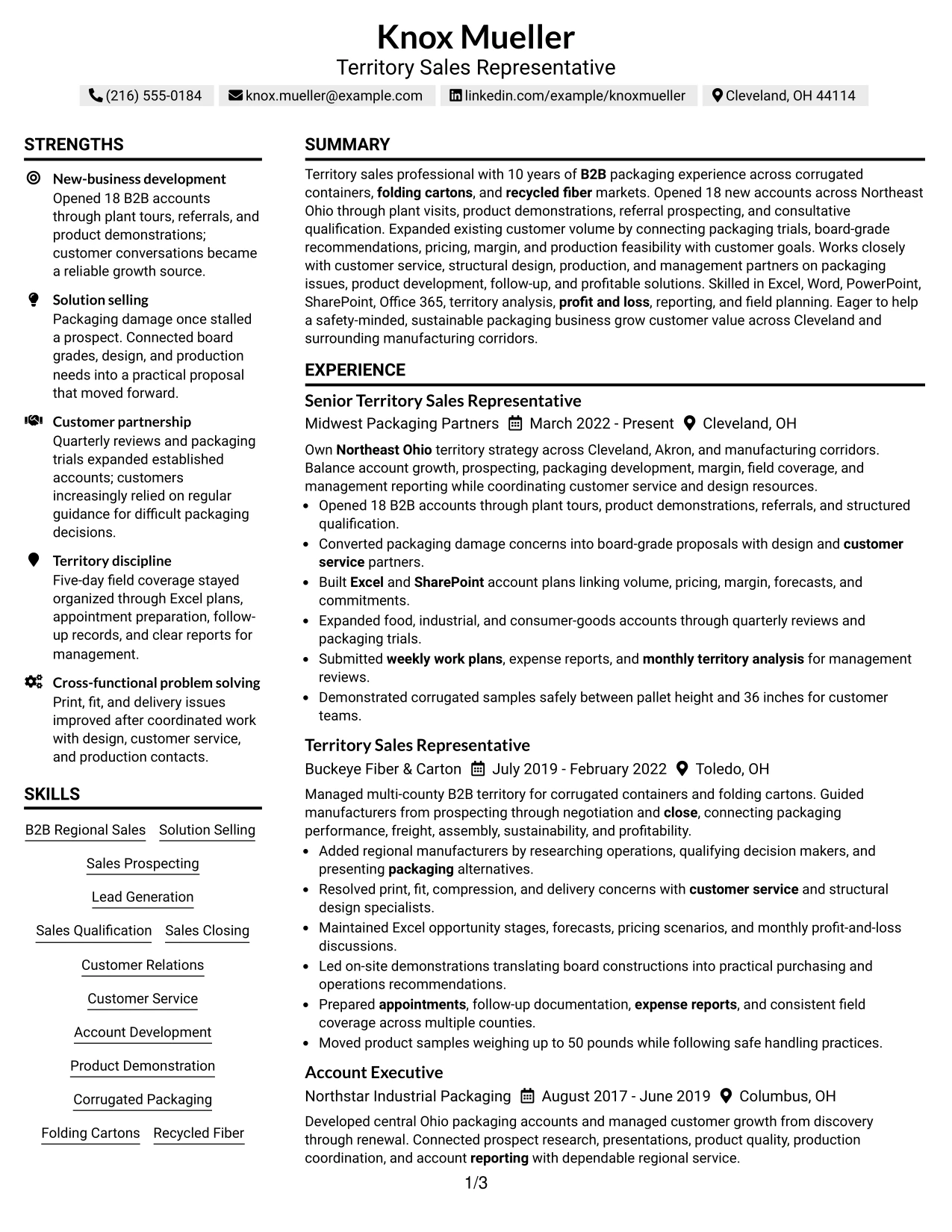
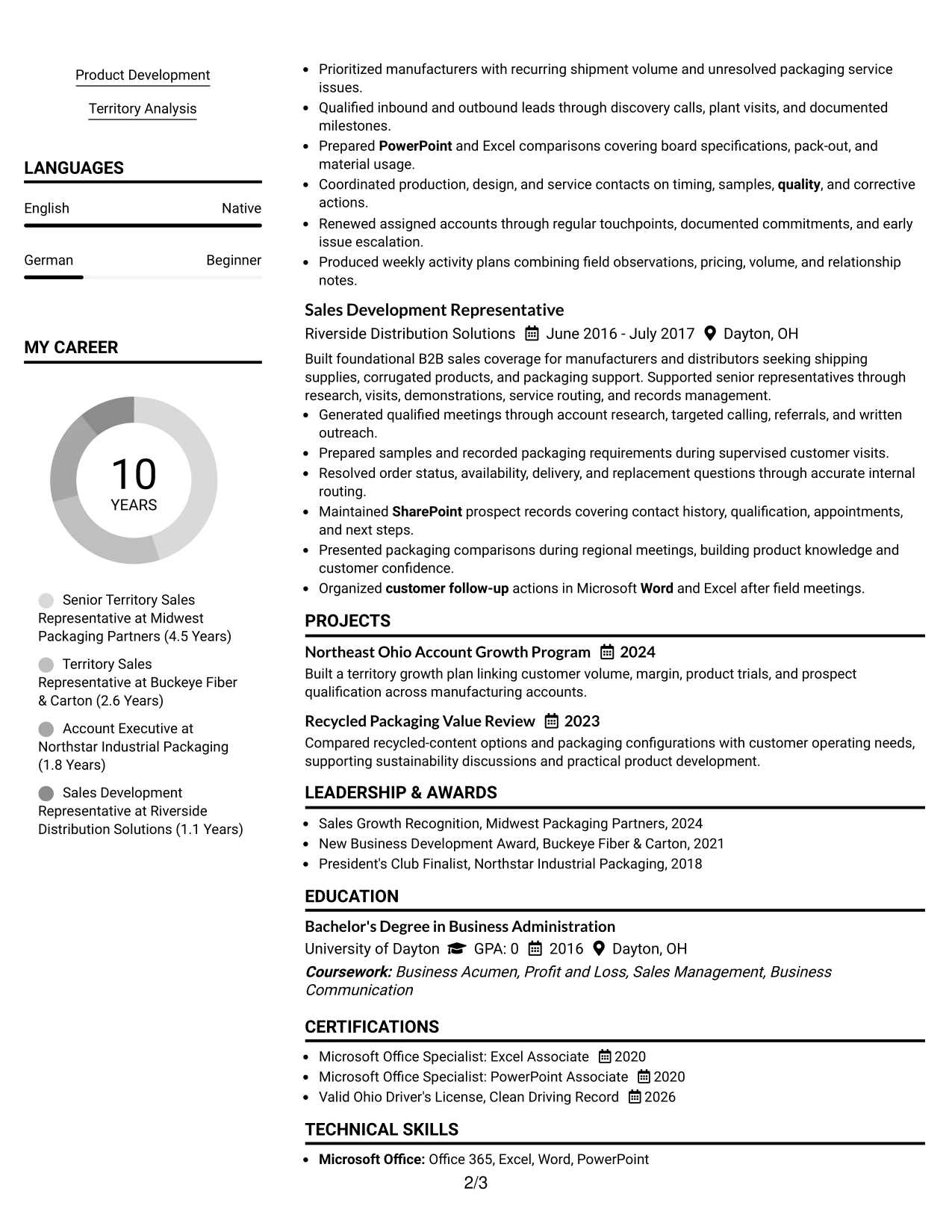
Why the Simple Two Column Format Works for a Resume
- A simple split keeps the page organized without adding complex visual navigation.
- The primary column can emphasize new-business development, account growth, and solution selling.
- The supporting column can collect skills, tools, education, awards, and certifications.
- Project entries can show territory planning and recycled packaging analysis in a compact form.
- The format leaves room for practical qualifications such as a clean driving record and safe product handling.
- Keyword-rich sections remain distinct for terms including lead generation, product development, and P&L.
- A balanced page supports both a quick scan and a closer review of business impact.
Best For
- Applications needing a practical two-column structure with clear content boundaries.
- Candidates combining detailed experience with a broad skills and credential profile.
- Resumes that must present sales outcomes and product knowledge at the same time.
- Readers who want a short path to tools, certifications, and education during review.
- Documents where projects and awards should support the work history without dominating it.
- Territory applications involving field coverage, customer visits, analysis, and follow-up.
- Professional resumes that favor efficient organization over elaborate visual treatment.
#23 Accent Divider Modern Two Column Format Resume Example
For a territory sales application, this two-column structure puts contact details, skills, tools, and certifications beside the evidence that drives business results. Accent dividers help readers move from the summary to account growth, new-business development, packaging expertise, and education without losing the document hierarchy.
The main column can carry achievement-led bullets such as opening 18 B2B accounts, expanding customer volume, and building account plans tied to pricing, margin, and forecasts. The supporting column keeps Office 365, Excel, SharePoint, product knowledge, licenses, and awards easy to locate during a fast resume review.
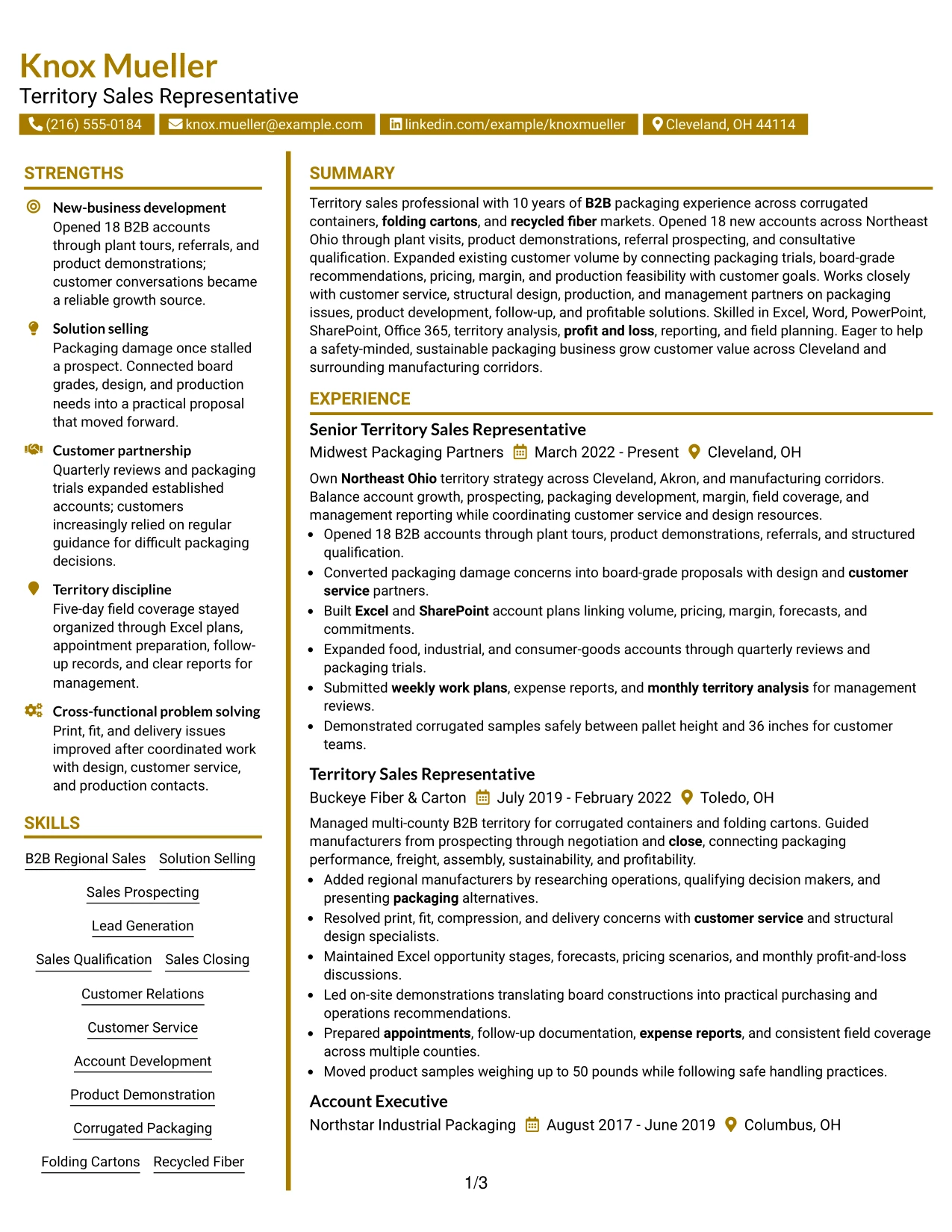
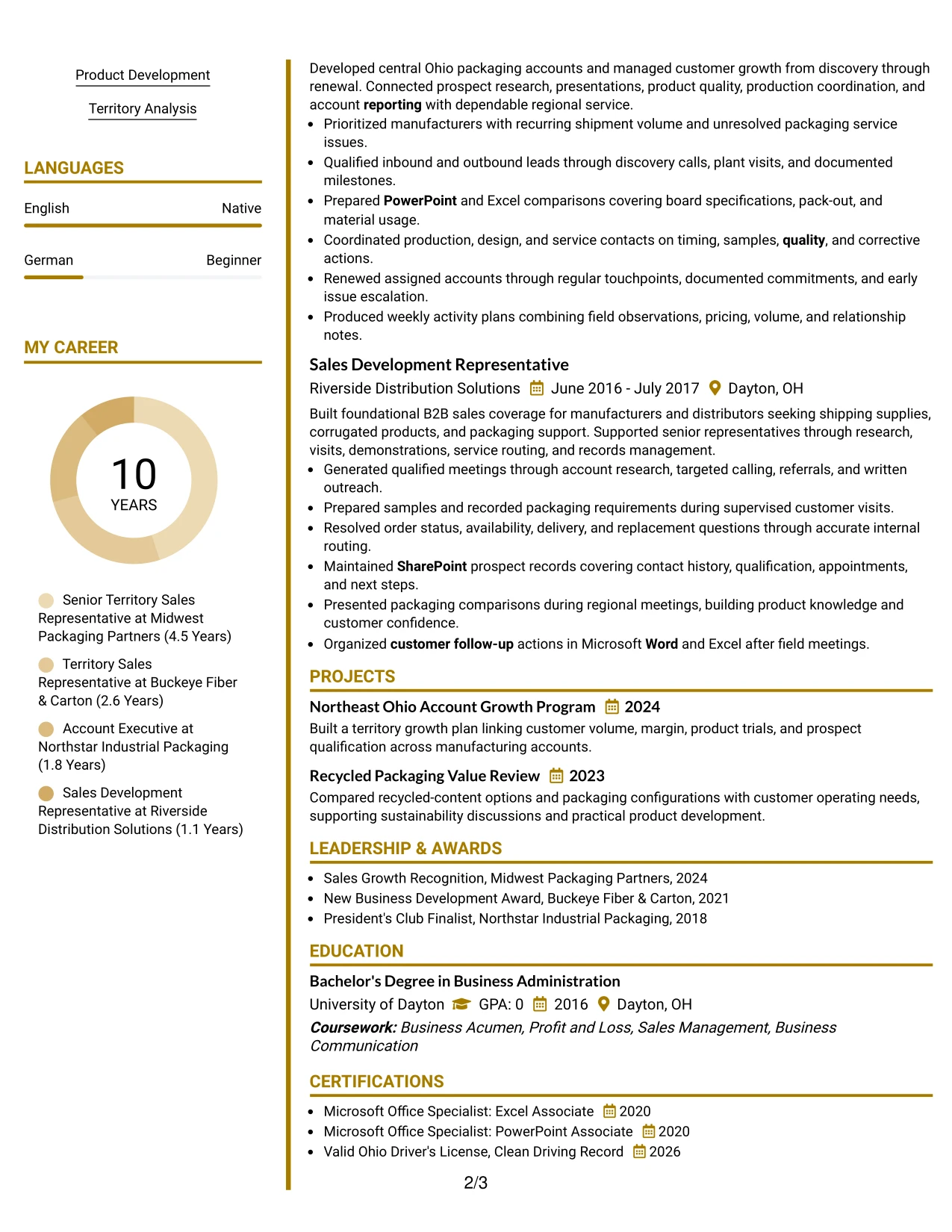
Why the Accent Divider Modern Two Column Format Works for a Resume
- The two-column hierarchy separates core experience from supporting qualifications.
- Accent dividers create clear stopping points between resume sections.
- The summary can connect territory coverage, solution selling, and measurable growth evidence.
- A focused experience column gives strong bullet points enough room for context.
- Skills and tools remain visible without interrupting the work history.
- Education, certifications, awards, and activities can be grouped in a compact support area.
- The structure helps a reader compare business outcomes with the capabilities behind them.
Best For
- Readers who want a clear split between achievement evidence and supporting details
- Resumes that need both detailed work history and a compact skills area
- Candidates presenting account growth, territory planning, and customer development together
- Applications where tools, licenses, certifications, and awards must be found quickly
- Professionals who need a modern layout while keeping section order easy to follow
- Documents that benefit from short visual dividers between dense resume sections
- Resume reviews where measurable results should lead and keywords should remain visible
#24 Shaded Labels Clean Two Column Format Resume Example
A restrained visual hierarchy helps a reader identify the target role, summary, employment history, and qualifications in seconds. Shaded labels give each section a consistent signpost, while the two-column arrangement keeps skills and credentials close to detailed sales evidence.
This format supports a strong alignment between the role requirements and the resume content. Bullets can show new-business development, customer issue resolution, product demonstrations, territory profitability, and reporting, while the side column surfaces Excel, Word, PowerPoint, SharePoint, packaging knowledge, and the BSBA degree.
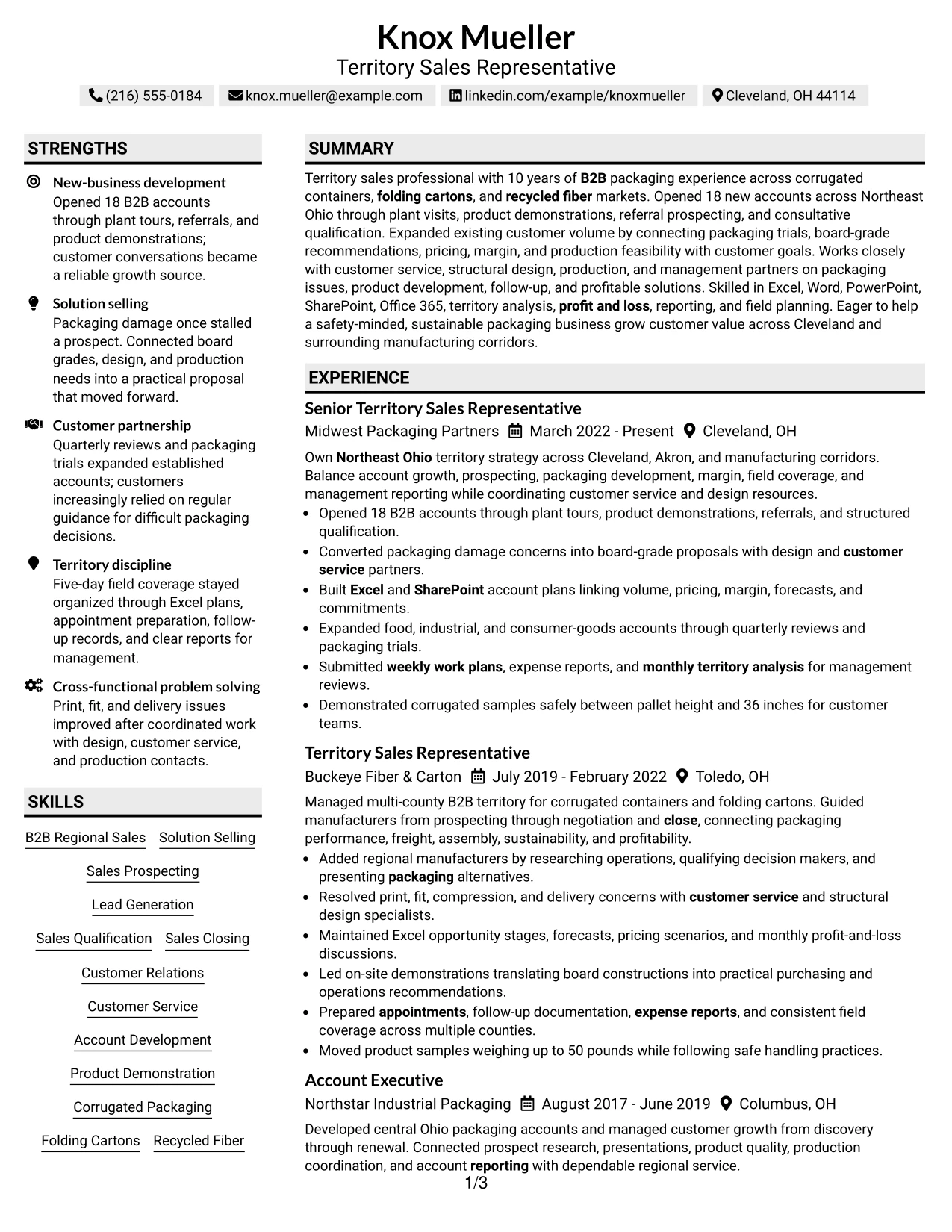
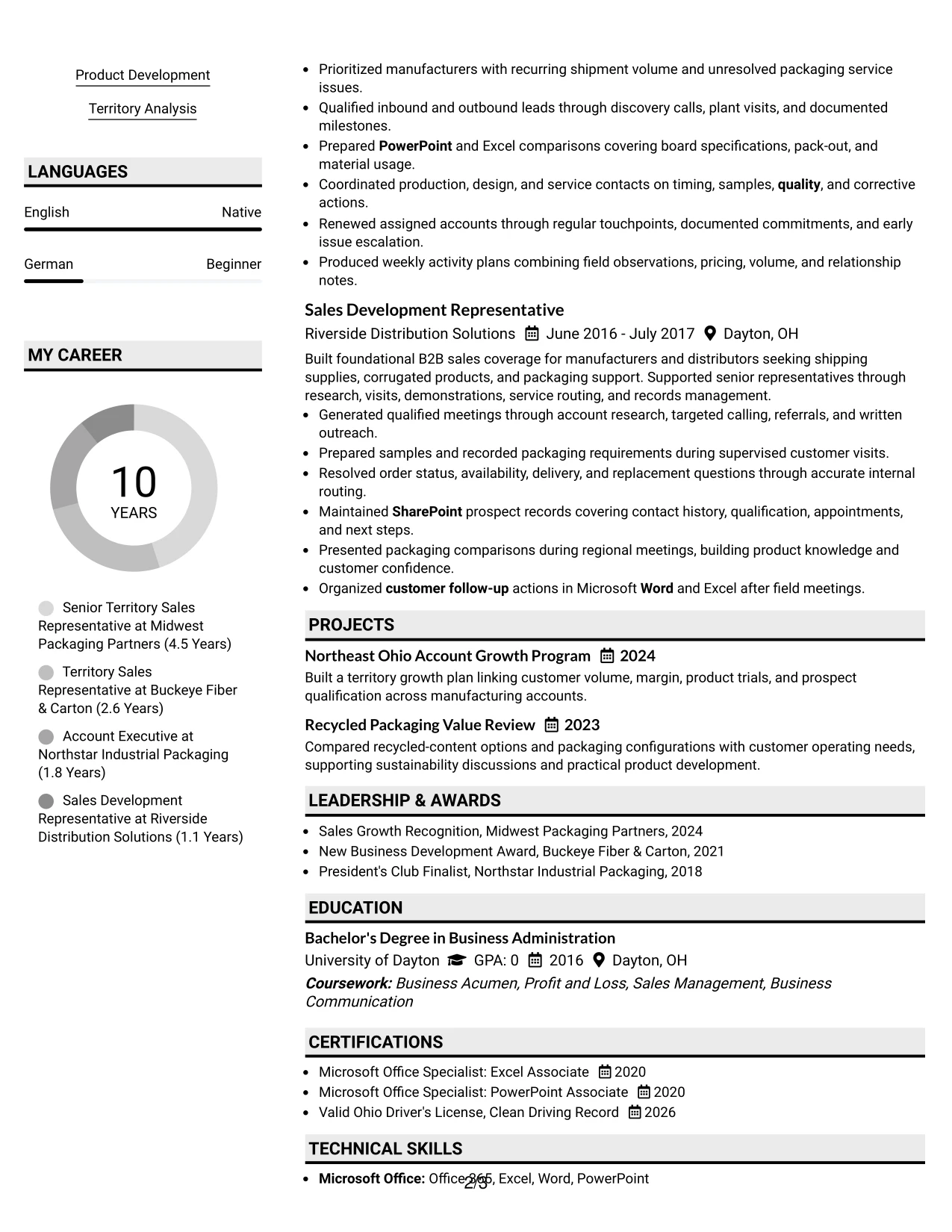
Why the Shaded Labels Clean Two Column Format Works for a Resume
- Shaded labels make common resume sections easy to scan and identify.
- The clean structure supports direct comparison with qualification requirements.
- The main column can prioritize account openings, customer growth, and solution proposals.
- The second column keeps technical tools and packaging knowledge visible at a glance.
- Short bullets can carry action, scope, and business value without visual clutter.
- The format supports both ATS-oriented keyword coverage and human review.
- Consistent spacing helps the reader follow experience from recent work to earlier sales roles.
Best For
- Resumes that must show direct alignment with a detailed qualification list
- Readers who prefer strong section labels and predictable information placement
- Applications combining customer-facing results with technical product knowledge
- Candidates who need a visible skills column without reducing experience detail
- Documents where sales process evidence should sit beside tools and credentials
- Professionals presenting a mix of account management, prospecting, and reporting
- Resume pages that need a polished look without heavy decorative elements
#25 Photo Header Color Accent International Format Resume Example
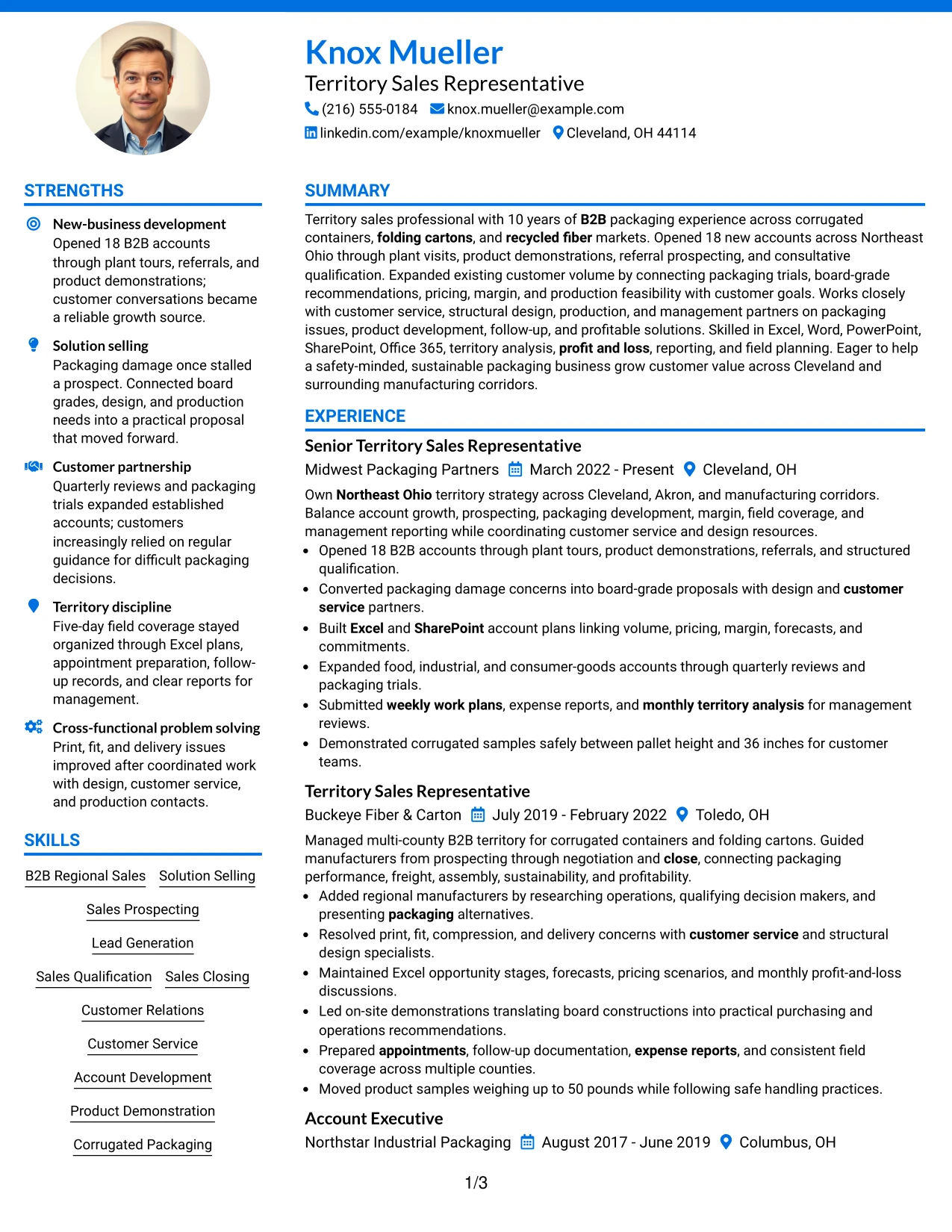
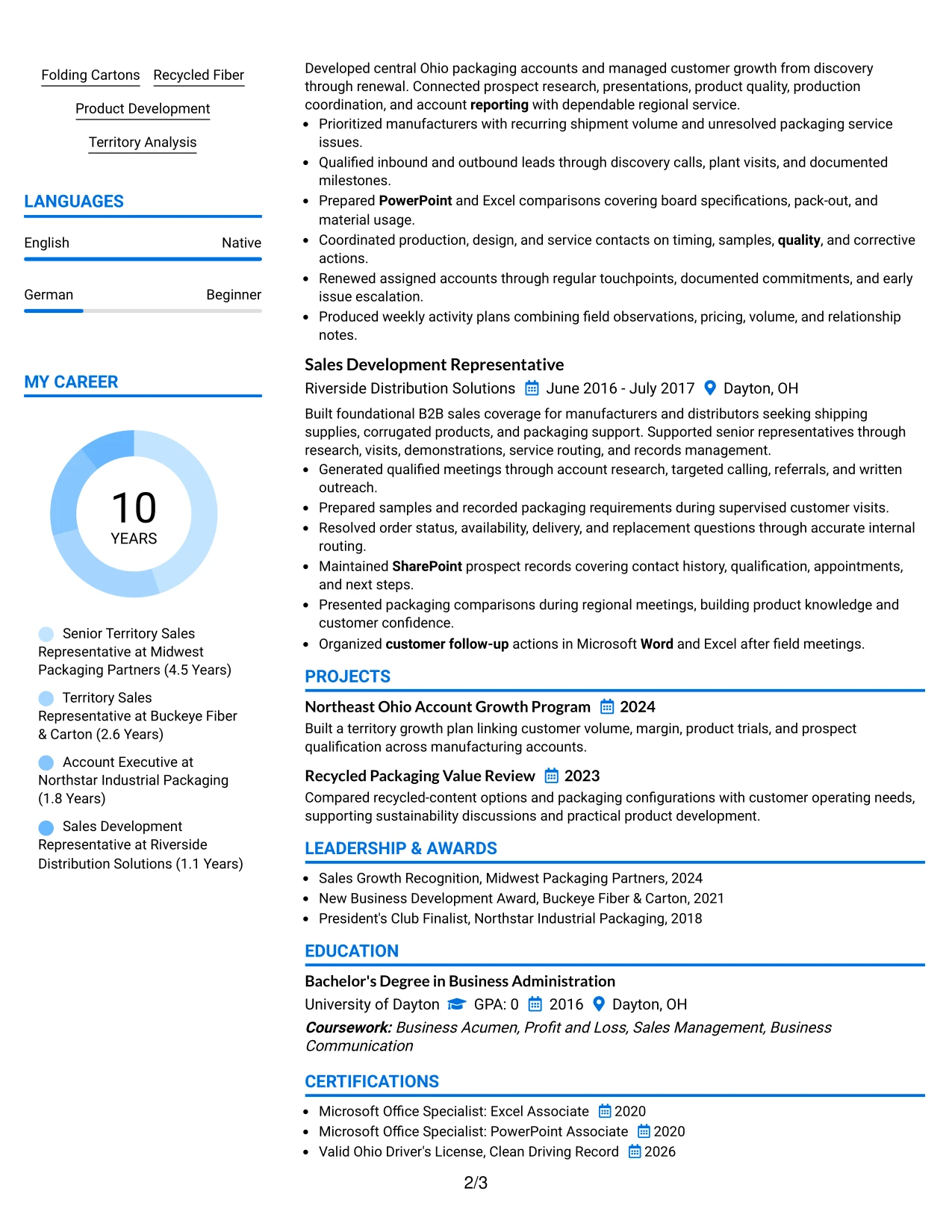
The Photo Header Color Accent International Format gives the resume a defined top section, then moves through the summary, experience, skills, education, and credentials in a single reading path. Color accents can distinguish headings without weakening the evidence-first order needed for resume review.
A single column gives each achievement bullet full width. That space is useful for explaining how plant visits and referrals opened 18 B2B accounts, how packaging concerns became proposals, and how Excel and SharePoint supported volume, pricing, margin, and forecast decisions. The header can present identity and target role clearly before the reader reaches the evidence.
Why the Photo Header Color Accent International Format Works for a Resume
- The single-column flow gives every experience bullet a consistent reading width.
- A defined header makes the target role and contact details easy to confirm.
- Color accents separate sections while keeping the content hierarchy familiar.
- Full-width bullets can include scope, action, and result in one line of thought.
- Skills and tools can follow experience without competing with the strongest evidence.
- The format supports a complete review of work history, projects, education, and certifications.
- The layout can present a polished personal header while preserving practical resume structure.
Best For
- Resumes intended for direct review where a strong personal header is useful
- Applications that need one uninterrupted path through detailed work history
- Candidates with achievement bullets that benefit from full line width
- Documents combining professional identity, sales evidence, and supporting credentials
- Readers who prefer color cues but still expect conventional resume sections
- Resumes that include projects, awards, affiliations, and certifications after experience
- Internationally styled applications where clear section order remains important
#26 Large Profile Photo International Two Column Format Resume Example
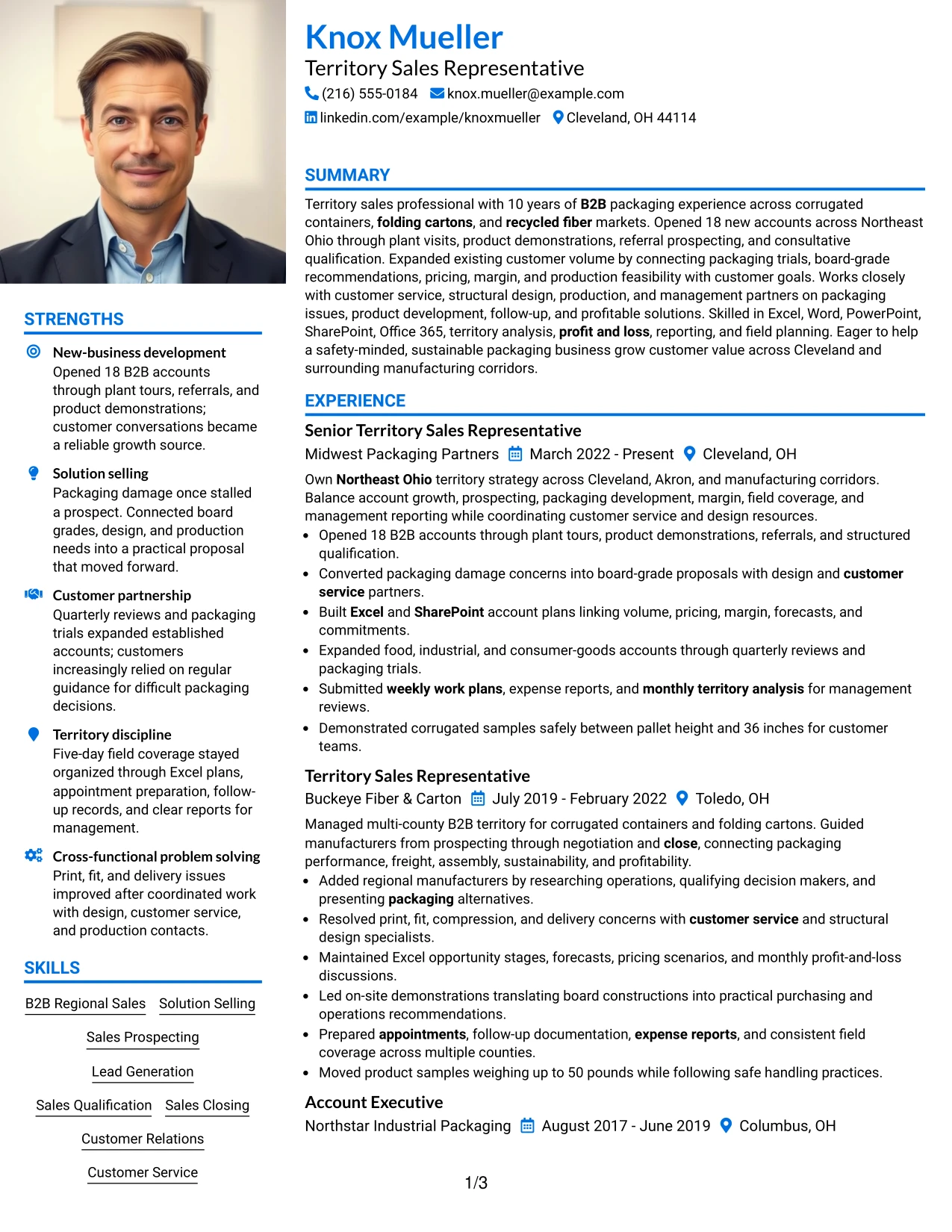
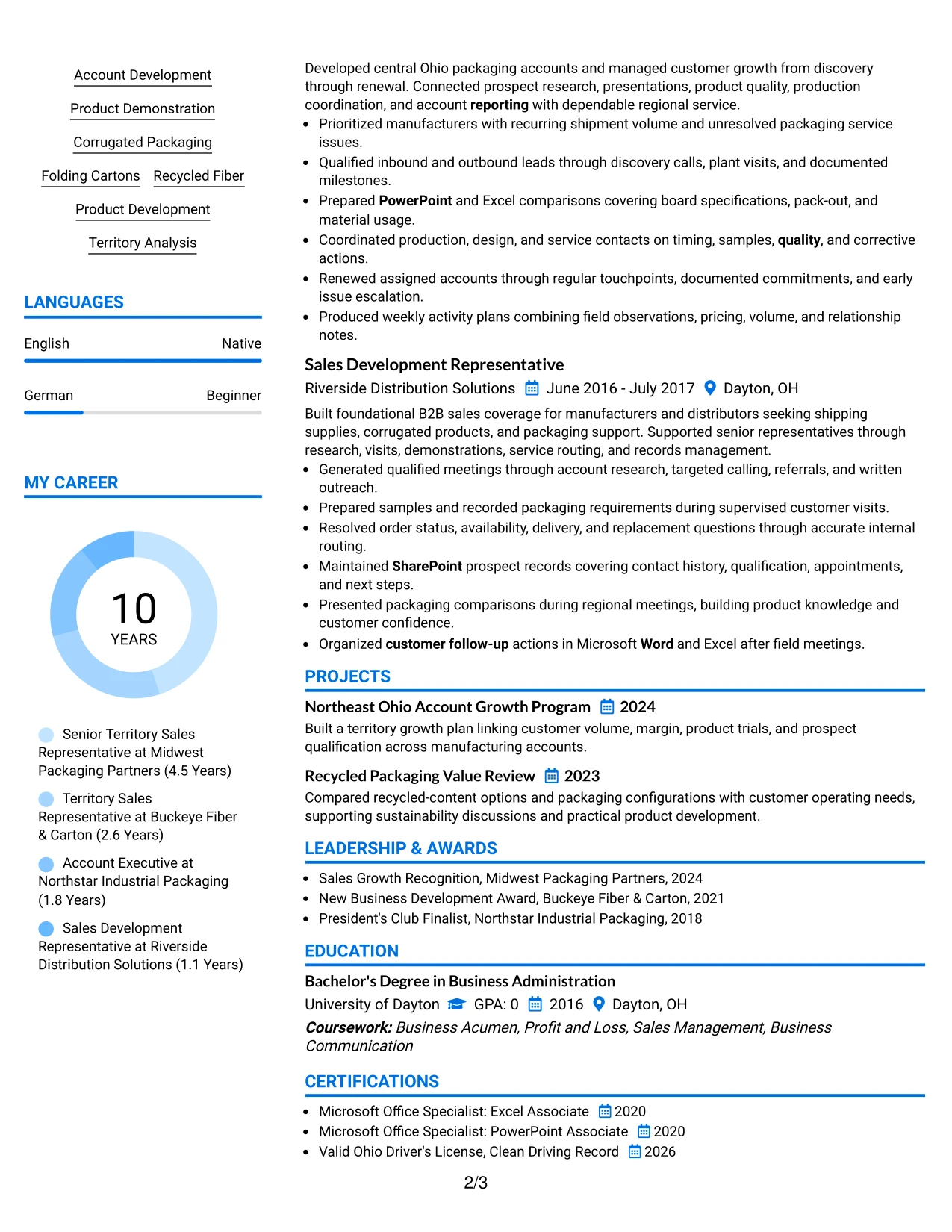
Recruiters can start with the header and summary, then move down the primary column for recent sales evidence while using the secondary column for skills, tools, education, and credentials. That navigation works well when the resume must show both a substantial work history and a broad qualification set.
The main column can hold territory ownership, new account wins, customer expansion, packaging trials, and cross-functional problem solving. The supporting column can group corrugated packaging, folding cartons, recycled fiber, Office 365, licenses, awards, and associations so the reader can validate role alignment without leaving the experience narrative.
Why the Large Profile Photo International Two Column Format Works for a Resume
- The primary column gives recent experience the strongest reading position.
- The secondary column stores high-value keywords without breaking the work history.
- A large header area creates an immediate identity and role reference point.
- Detailed bullets can show sales-cycle ownership from prospecting through close.
- The layout accommodates tools, product knowledge, education, and awards in parallel.
- Two columns help manage a resume with multiple roles and supporting sections.
- The hierarchy lets readers review outcomes first and verify qualifications second.
Best For
- Resumes with several sales roles and a substantial supporting qualification set
- Applications where recent achievements should dominate the first reading path
- Candidates who need room for product categories, software, licenses, and awards
- Documents that combine detailed account evidence with a compact credential column
- Readers who scan the main work history before checking supporting keywords
- Professional histories that include projects and affiliations alongside employment
- Applications needing a polished international presentation with strong content separation
#27 One Column Format with Photo Resume Example
The strongest evidence should appear early: territory ownership, 18 new B2B accounts, account expansion, solution proposals, and disciplined reporting. A one-column page gives each result a direct position in the reading sequence, so the reviewer does not need to reconstruct the sales story from separate panels.
The header can establish the target role, while the summary and experience sections build a clear case through action-led bullets. Skills, packaging knowledge, education, certifications, awards, and activities then reinforce the evidence without competing with the work history.
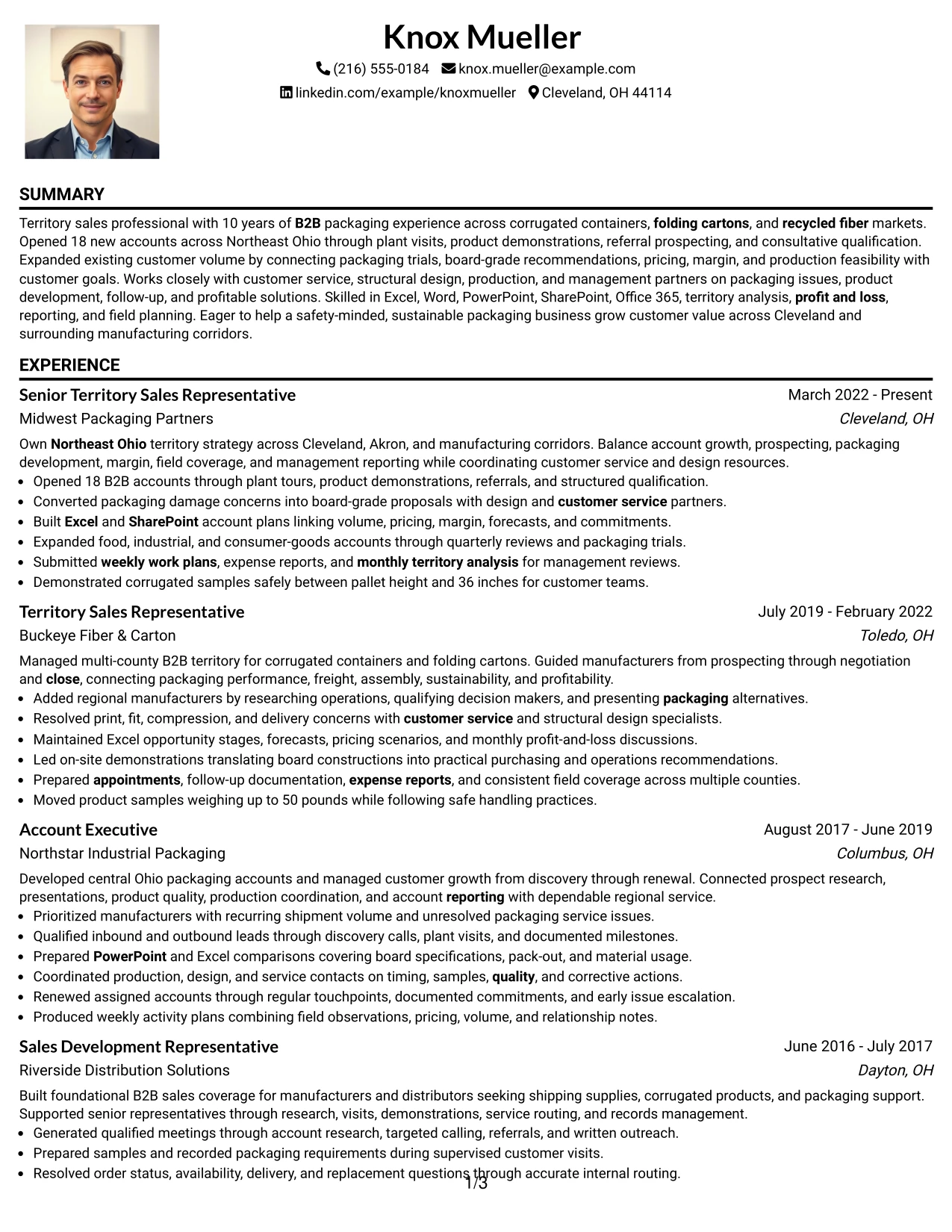
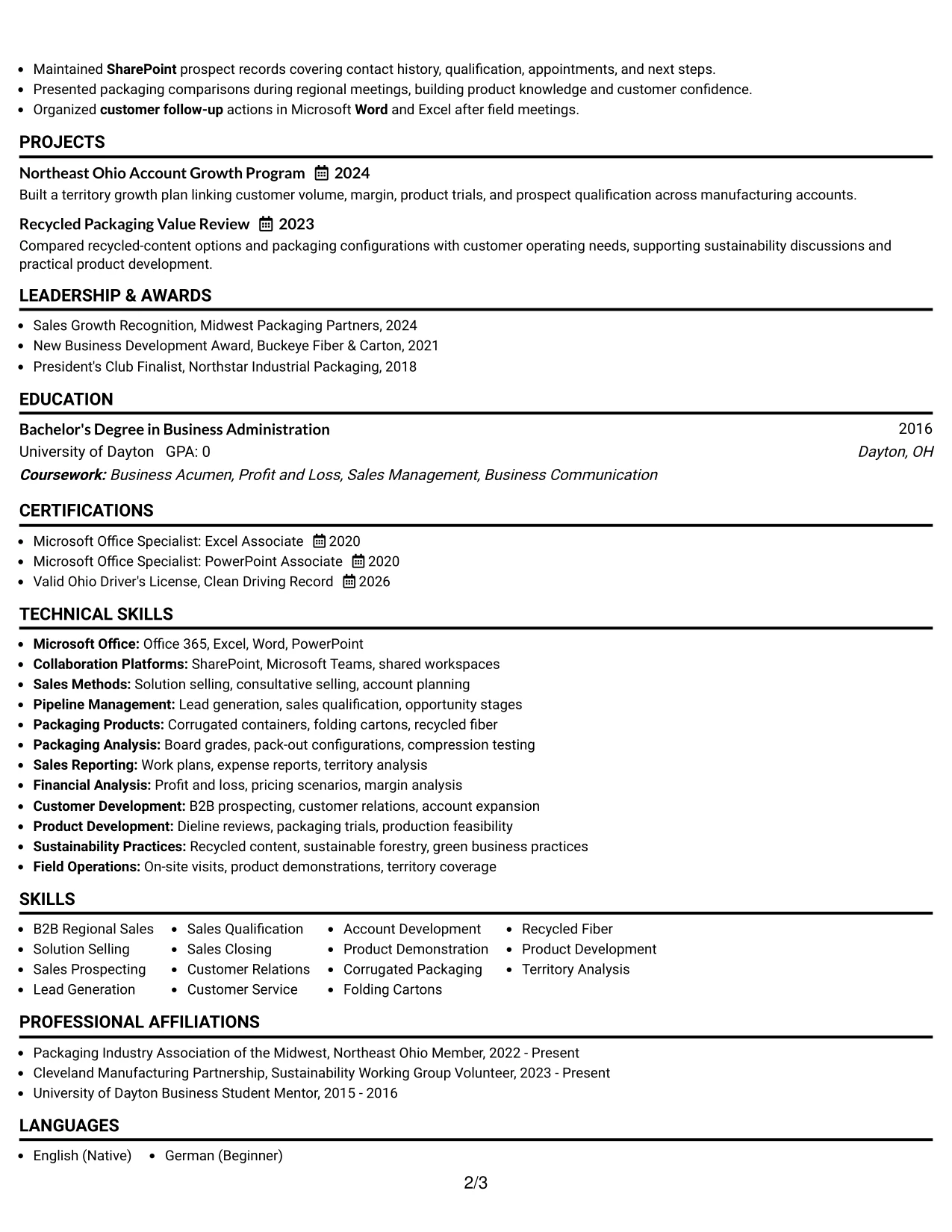
Why the One Column Format with Photo Works for a Resume
- The format puts measurable sales evidence in a single, predictable sequence.
- Full-width bullets make account openings and customer growth easy to evaluate.
- A clear header identifies the role before the experience section begins.
- The summary can frame business impact without replacing detailed proof.
- Skills and tools remain useful as reinforcement after the main evidence.
- Projects and awards can add credibility without creating a second navigation path.
- The structure supports a complete review from recent results to education and credentials.
Best For
- Resumes where quantified achievements must lead the review
- Applications that benefit from a simple top-to-bottom evidence path
- Candidates with strong bullets covering prospecting, closing, and account expansion
- Documents that need room for detailed customer and product problem-solving examples
- Readers who prefer conventional section order with minimal navigation effort
- Professional histories that include supporting projects and recognition
- Resume presentations where the header should be distinct but the body should stay focused
#28 One Column Format with Photo Right Resume Example
Balanced spacing gives the header, summary, and work history enough room to communicate value without crowding the page. A right-positioned visual element can define the top area while the text remains organized in one vertical column for practical resume review.
The application context calls for evidence of Northeast Ohio territory coverage, new-customer growth, product demonstrations, customer relationships, and management reporting. The layout can present those points in a steady sequence, followed by skills, tools, education, licenses, awards, and relevant packaging projects.
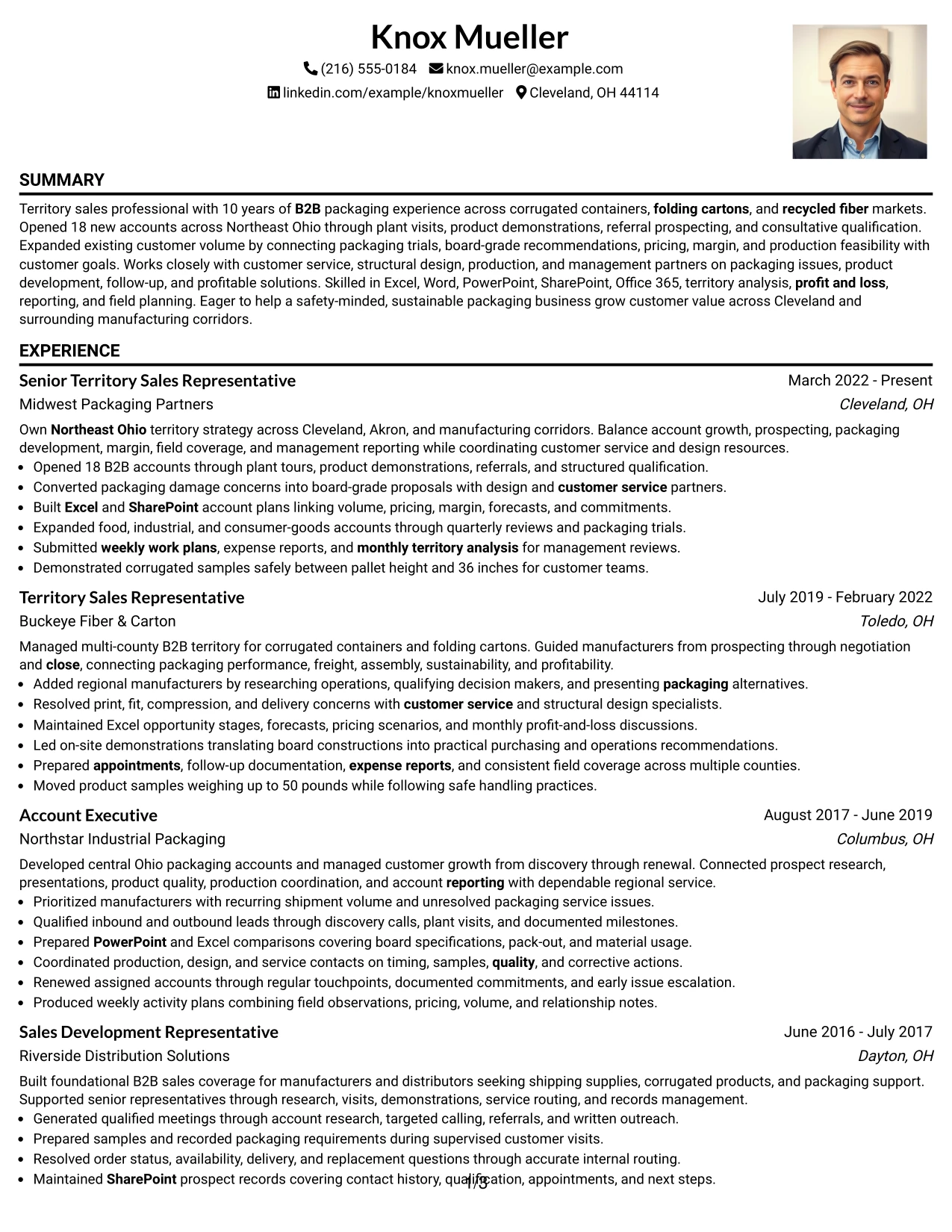
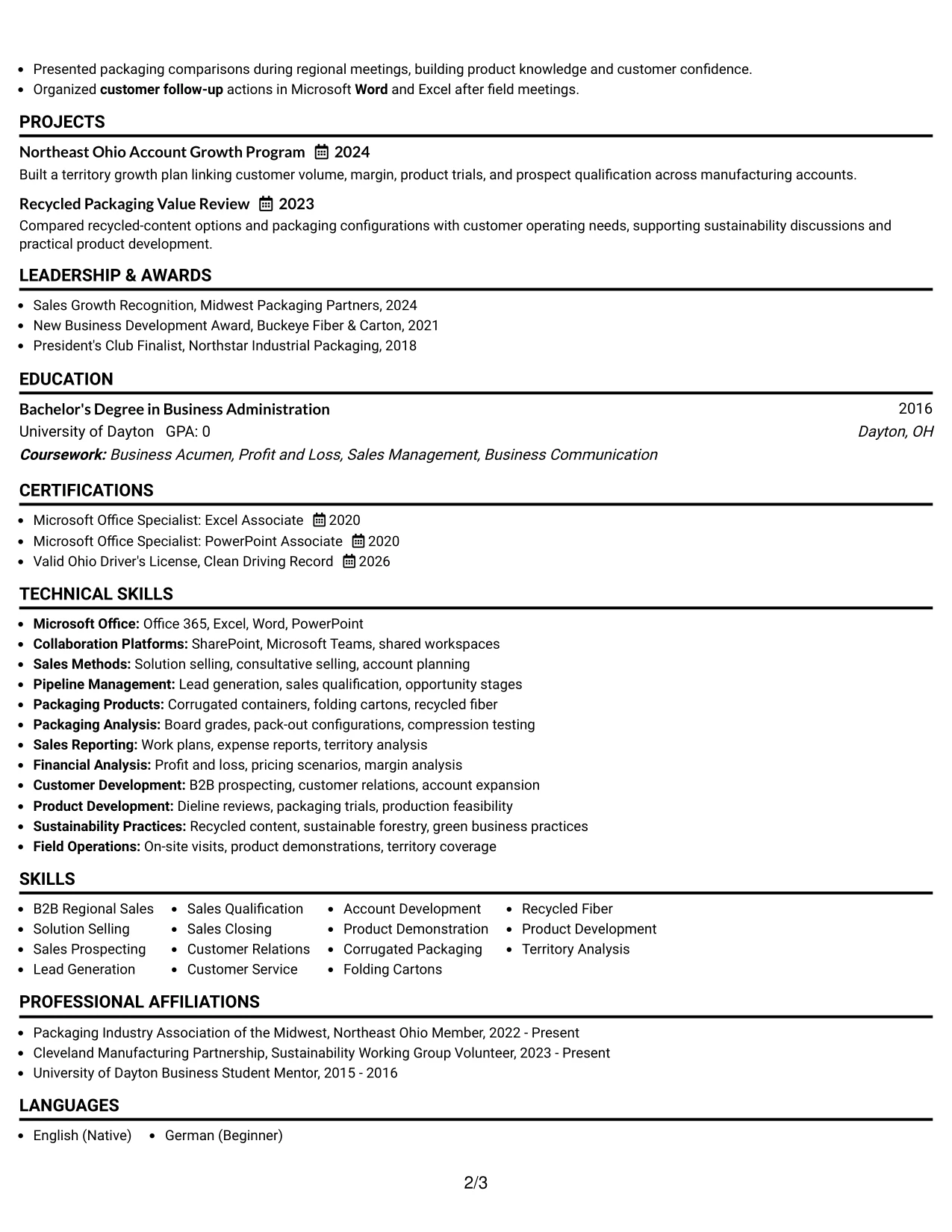
Why the One Column Format with Photo Right Works for a Resume
- A one-column body keeps the review path direct and easy to follow.
- Balanced header spacing prevents contact details from competing with the summary.
- The format gives field sales evidence enough width for complete bullet points.
- Recent roles can show both growth outcomes and operating discipline.
- Skills and tools can be grouped after experience for efficient confirmation.
- Education, licenses, awards, and projects fit naturally into the lower sections.
- The visual balance supports a polished application without changing the evidence hierarchy.
Best For
- Applications that need a calm, balanced presentation around a strong experience section
- Resumes with field coverage, customer visits, and reporting evidence to explain clearly
- Candidates who want one-column readability with a distinct header treatment
- Documents where several supporting sections should follow experience in a logical order
- Readers reviewing customer growth and operational follow-through together
- Professional histories that need space for projects, awards, and affiliations
- Resume pages that should feel organized without using a dense side panel
#29 One Column Boxed Contact Header Format Resume Example
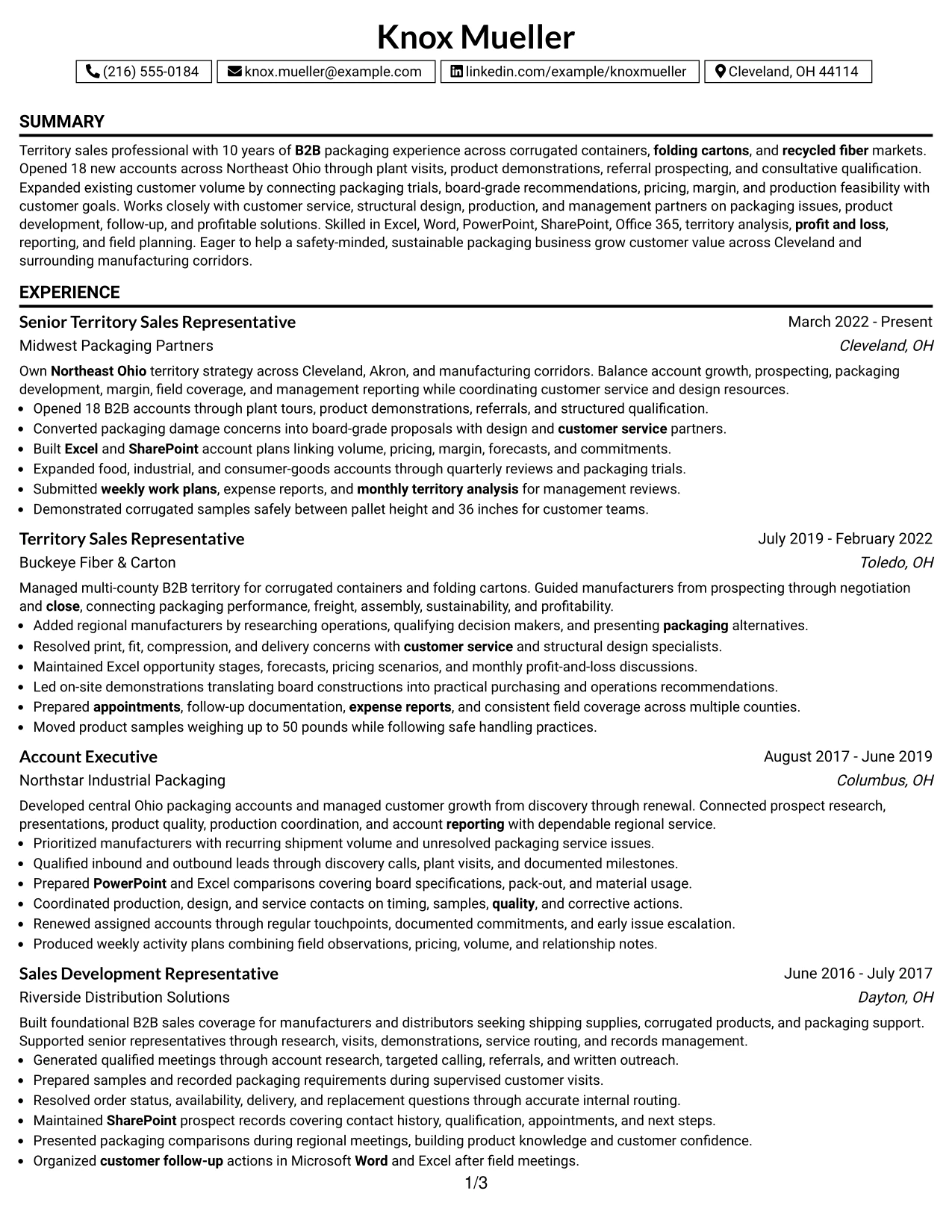
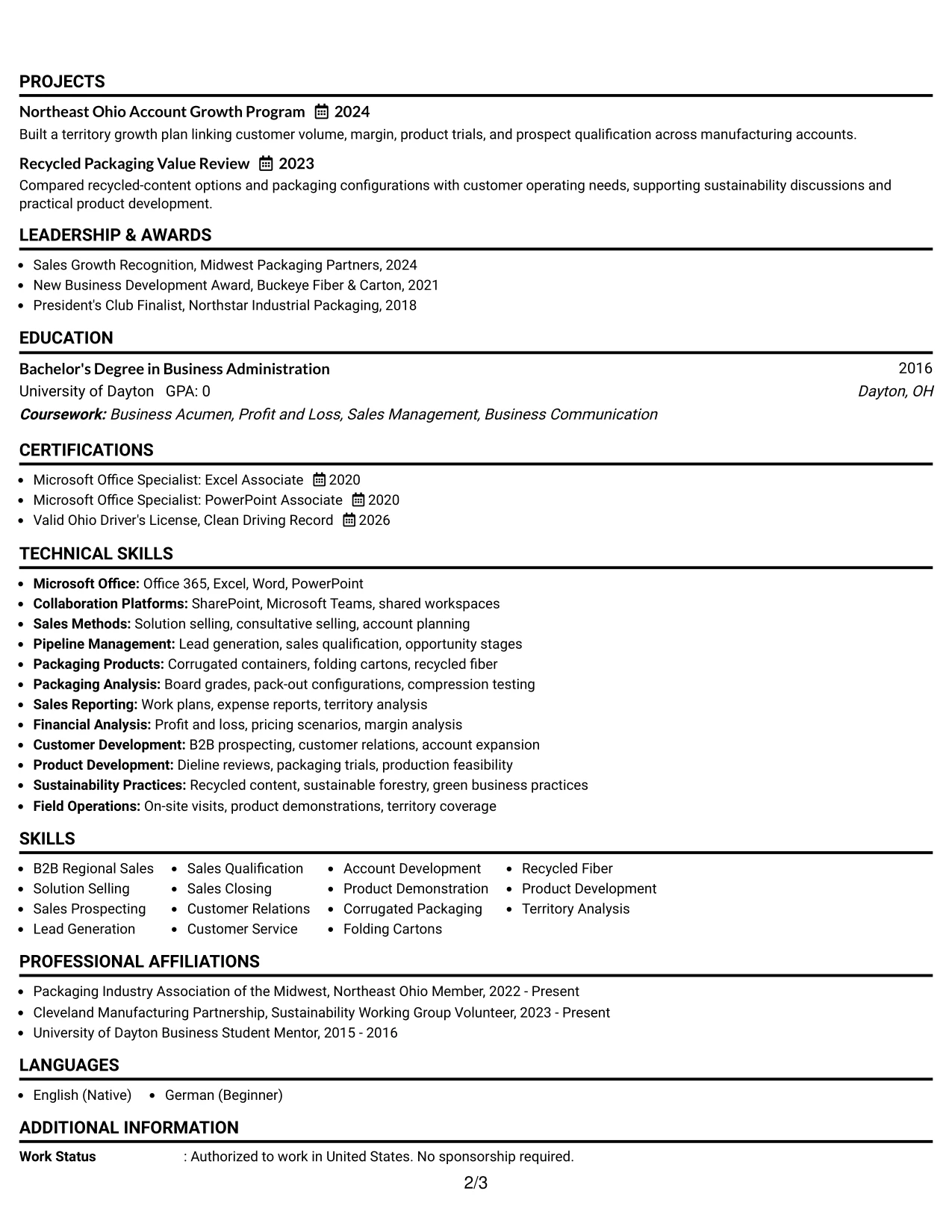
For a practical territory sales application, a boxed contact header quickly confirms the candidate's identity, location, contact channels, and target role. The body then uses one column to present the summary, employment history, skills, education, certifications, awards, and affiliations in a familiar order.
This visual fit works especially well when the resume must make a complete case without splitting attention across panels. Experience bullets can connect 10 years of B2B packaging sales with new-account openings, profitable account growth, packaging analysis, field planning, and cross-functional customer support.
Why the One Column Boxed Contact Header Format Works for a Resume
- The boxed header keeps contact information separate from evidence sections.
- A single column supports straightforward recruiter scanning and ATS-friendly order.
- The summary can define territory scope and business impact in a compact opening.
- Experience bullets can show both results and the methods behind them.
- Skills and software remain easy to find after the work history.
- Certifications, awards, and affiliations can close the document without disrupting flow.
- The format is visually distinct while remaining familiar and professional.
Best For
- Applications that need contact information confirmed before detailed review
- Resumes requiring a conventional, easy-to-scan section sequence
- Candidates with a broad work history but no need for a side column
- Documents that combine sales results with packaging, software, and reporting skills
- Readers who value a clear boundary between contact details and resume content
- Professionals presenting experience, education, licenses, awards, and activities in one path
- Resume pages where visual structure should support rather than compete with evidence
#30 One Column Shaded Contact Header Format Resume Example
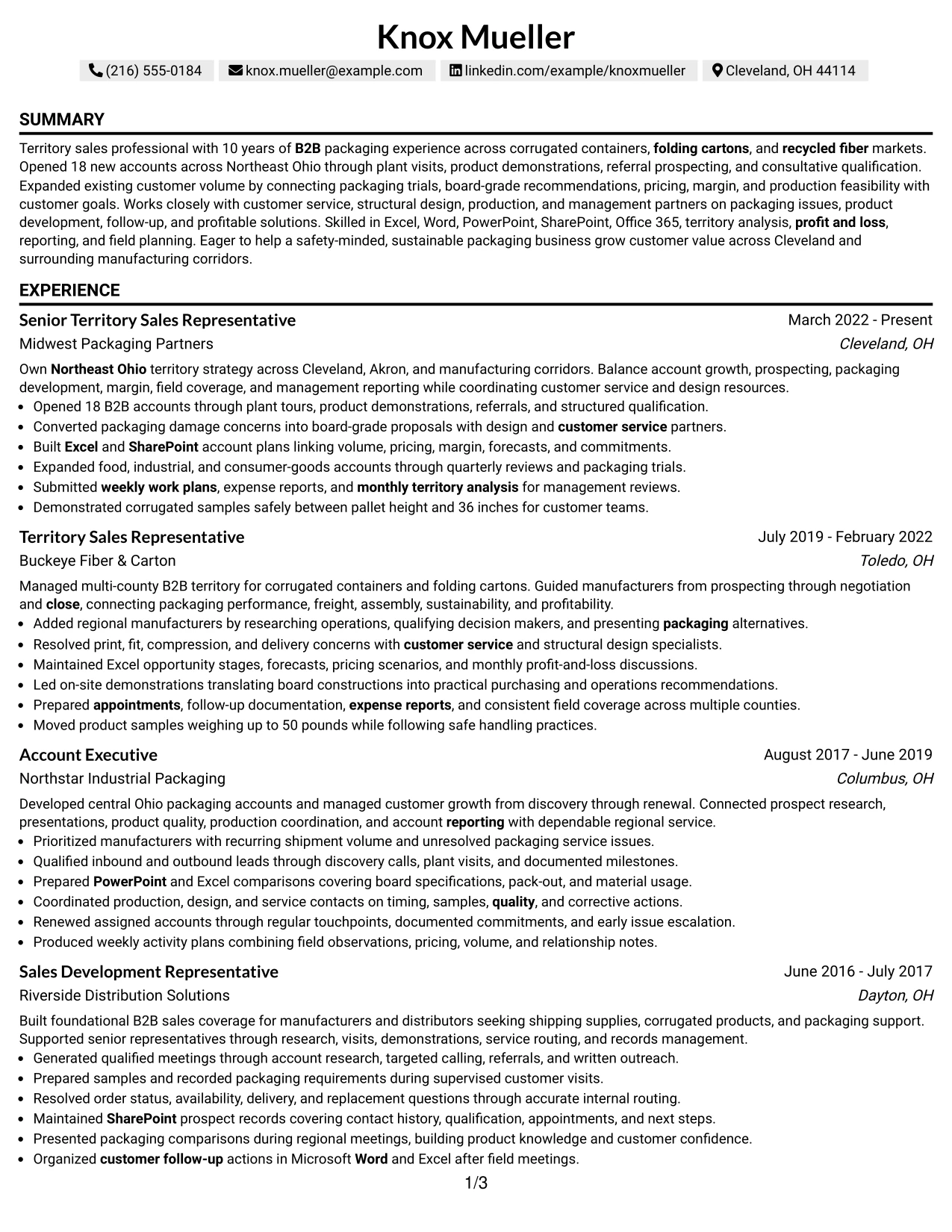
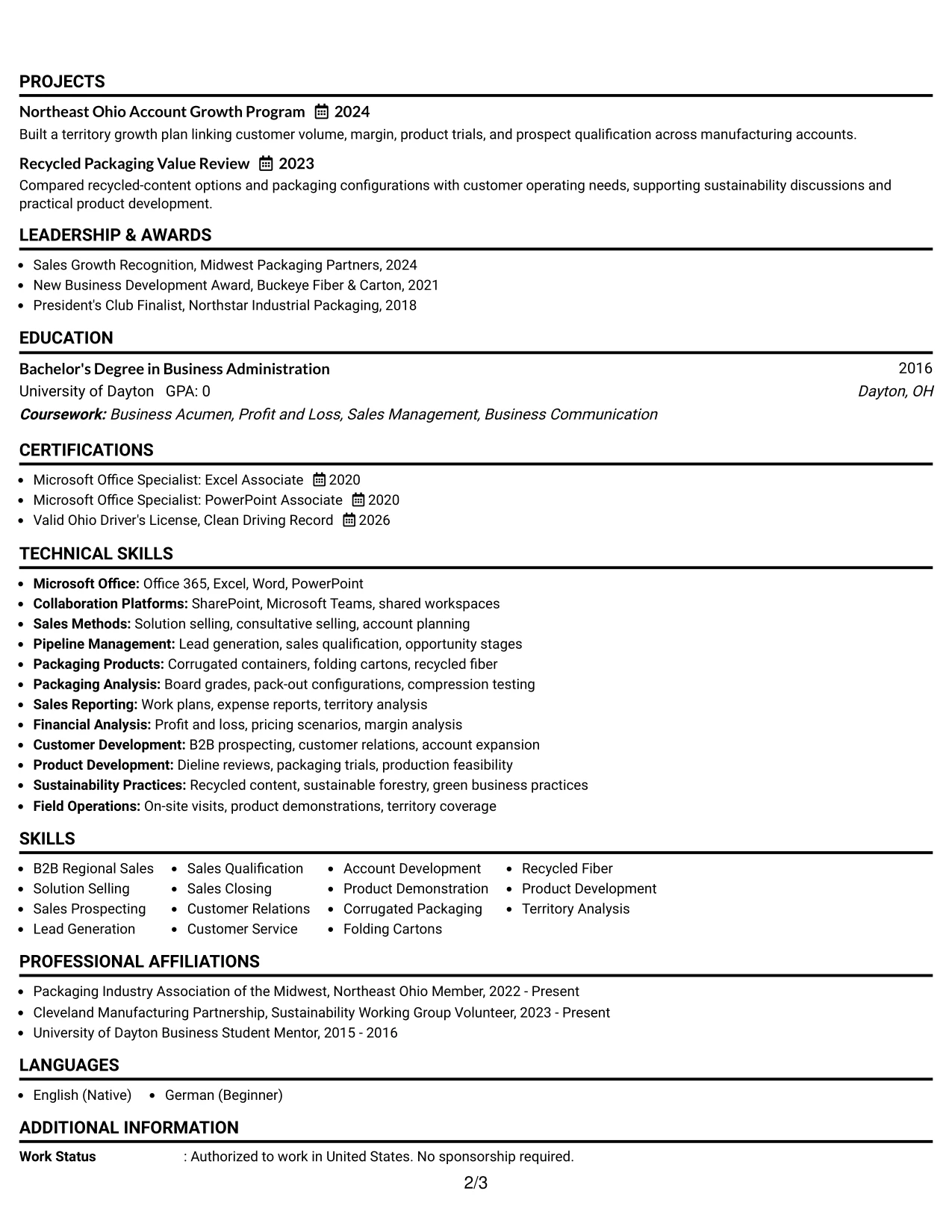
A quiet, professional visual impression lets the reader focus on the record of opening accounts, expanding customer value, and solving packaging issues. The shaded contact header establishes order at the top, while consistent section treatment keeps the resume readable from the summary through the final credential.
The one-column structure supports direct role alignment. It can show Northeast Ohio coverage, consultative qualification, product demonstrations, Excel-based account planning, customer service coordination, and reporting requirements in the same sequence that a reviewer uses to assess the application.
Why the One Column Shaded Contact Header Format Works for a Resume
- The shaded header creates a clear starting point without overpowering the content.
- One-column reading keeps role requirements and supporting evidence together.
- The summary can connect sales scope, packaging knowledge, and business acumen.
- Work history bullets can demonstrate opening new business and growing existing accounts.
- Tools and certifications remain visible through consistent section labels.
- Awards and activities add supporting proof after the core experience.
- The restrained hierarchy suits a professional resume that depends on evidence, not decoration.
Best For
- Resumes that need a restrained presentation for direct professional review
- Applications where role requirements should map clearly to experience bullets
- Candidates presenting account growth, packaging analysis, and internal coordination together
- Documents that need strong readability across summary, work history, and credentials
- Readers who prefer shaded labels and a steady single-column structure
- Professionals with relevant awards, licenses, and associations to include after experience
- Resume pages where visual polish should reinforce business credibility
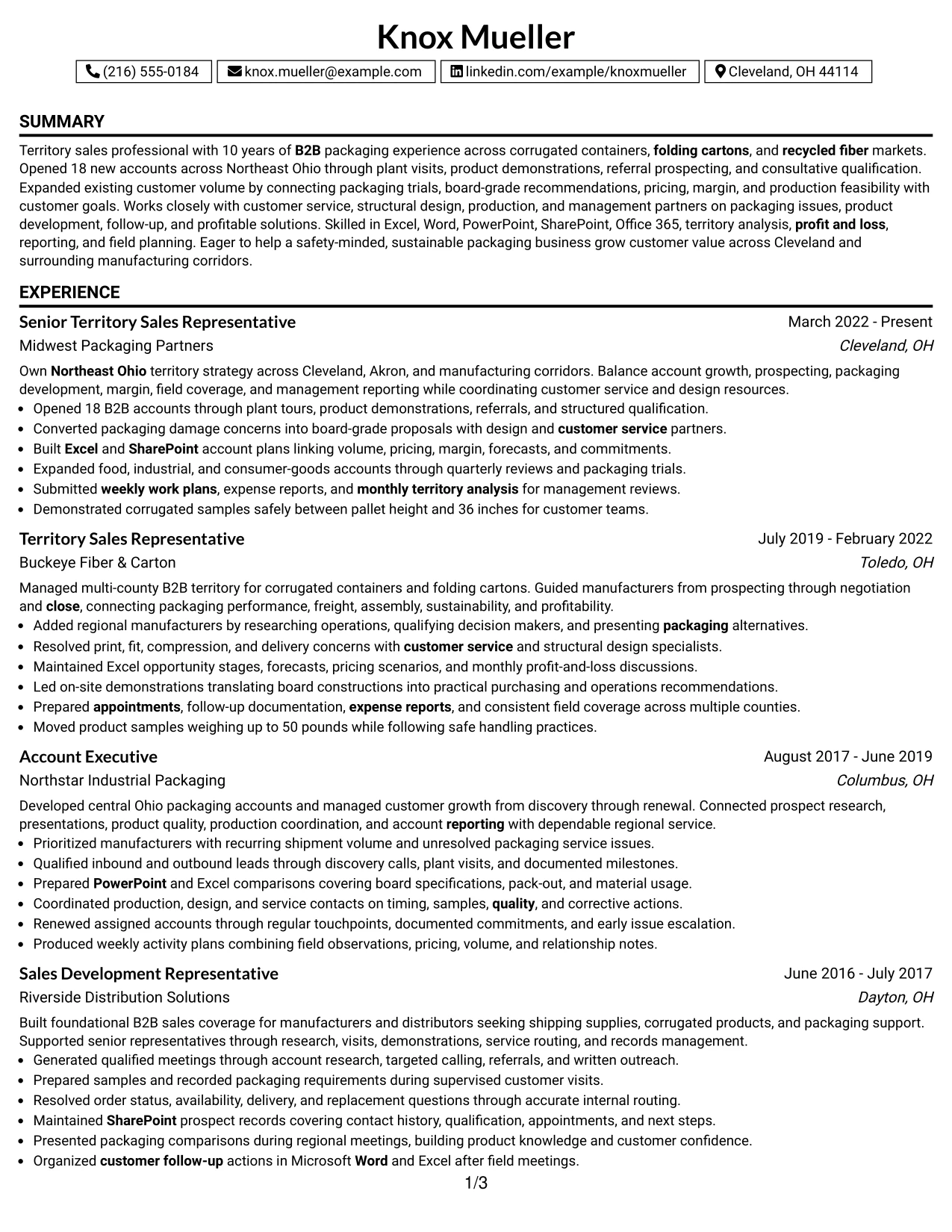
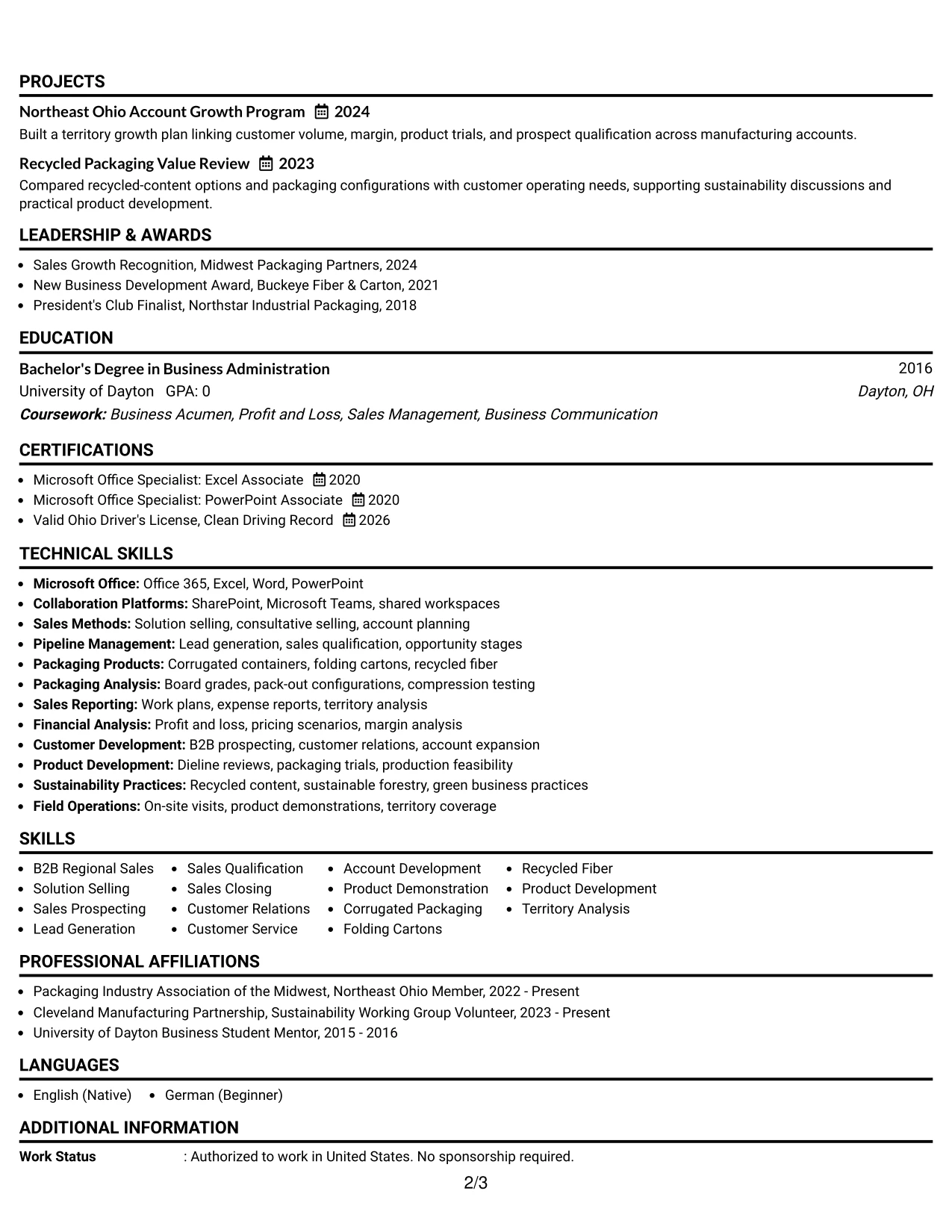
#31 Boxed Contact Header with Job Title Format Resume Example
The format starts by making the target role explicit, then separates the contact block from the evidence below. That structure gives the reader an immediate reference point before moving through the summary, recent experience, earlier sales work, skills, education, and certifications.
A boxed header supports a focused scan, while the single-column body gives room to explain new-business development, solution-based selling, customer relationships, territory profitability, and product demonstrations. The resume can also place Microsoft Office credentials, the driver's license, awards, and project work where they are easy to verify.
Why the Boxed Contact Header with Job Title Format Works for a Resume
- The job title is visible before the reader reaches the work history.
- A boxed contact area creates a clear boundary at the top of the page.
- The single-column body keeps experience in chronological order.
- Full-width bullets can connect actions to customer and business outcomes.
- Skills and tools can reinforce the evidence without duplicating every bullet.
- Education, licenses, awards, and projects fit into a clear closing sequence.
- The format helps a quick reviewer understand both target and qualifications early.
Best For
- Applications where the target role must be unmistakable at first glance
- Resumes that need a strong top-level identifier before detailed experience
- Candidates with full-width bullets covering account growth and solution selling
- Documents that include several supporting credentials after a substantial work history
- Readers who scan the job title, summary, and recent role before reviewing details
- Professional histories where software and licenses support the main sales evidence
- Resume pages that benefit from a defined contact block and conventional body
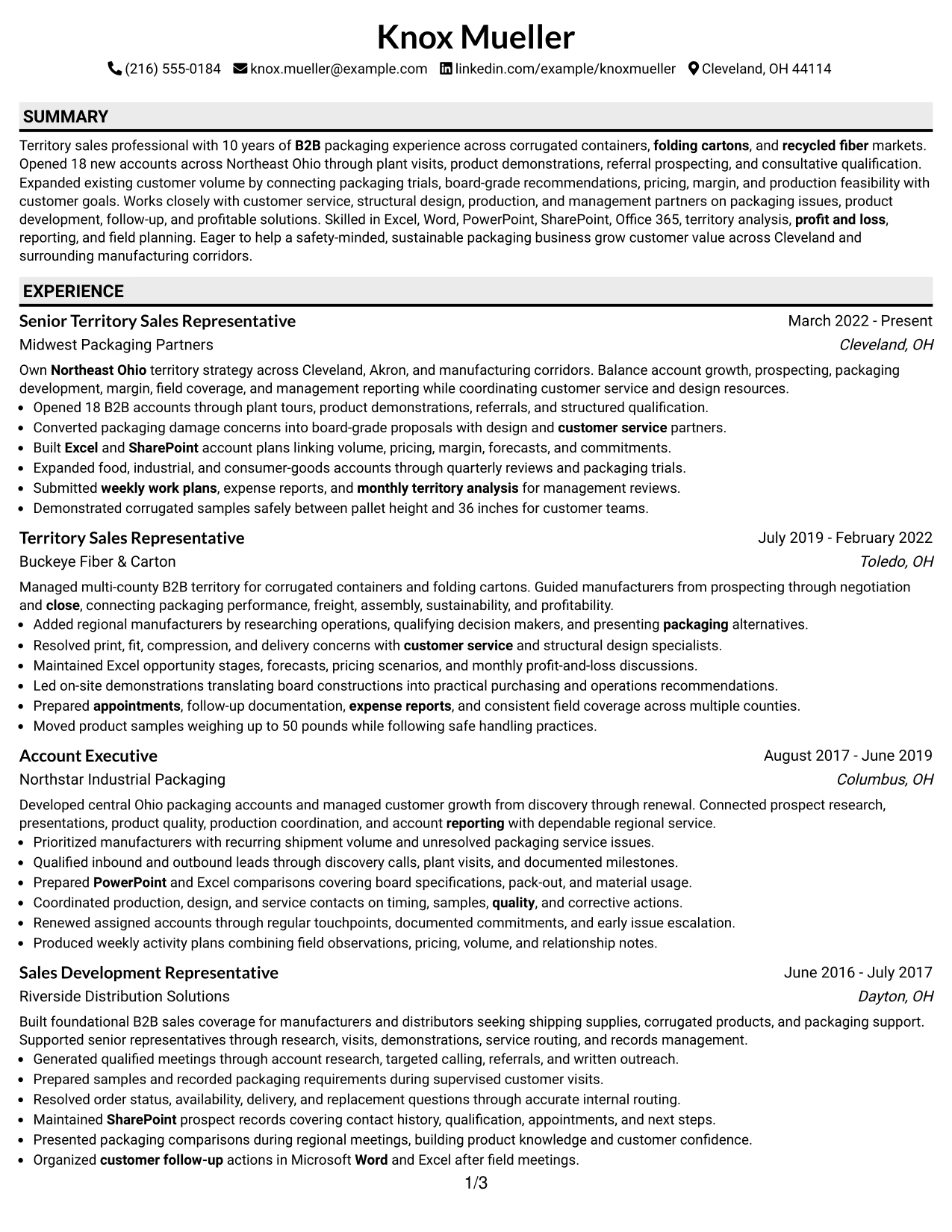
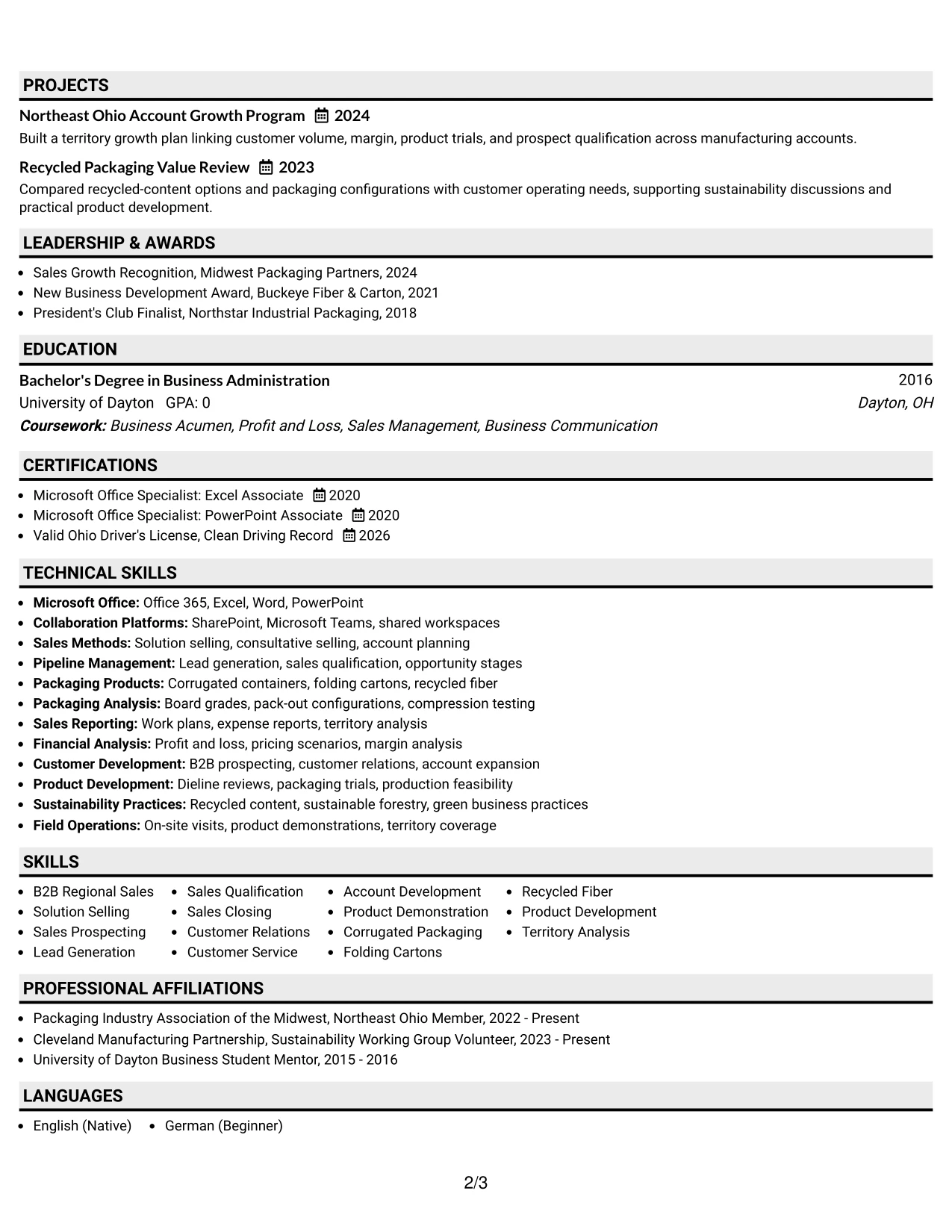
#32 Plain Professional Layout with Job Title & Shaded Labels Resume Example
The reader can begin with the job title and summary, then move through recent results, earlier roles, and supporting qualifications in one steady path. Shaded labels reduce search time by marking experience, skills, education, certifications, awards, and affiliations without adding visual noise.
This layout has room for a high volume of relevant content. The work history can detail account openings, customer expansion, board-grade recommendations, packaging trials, field coverage, and management reporting, while the lower sections capture Office 365, product categories, sustainability practices, profit and loss, and safety.
Why the Plain Professional Layout with Job Title & Shaded Labels Works for a Resume
- The reading path moves from role identity to evidence and then to credentials.
- Shaded labels help readers locate each section during a detailed review.
- The plain presentation leaves more space for substantive work history.
- Bullets can cover account volume, customer issues, and profitable solutions with context.
- A separate skills area supports keyword review across sales and packaging capabilities.
- Projects, awards, certifications, and affiliations can extend the evidence base.
- The structure works well when the resume must carry many relevant qualifications.
Best For
- Resumes with a high volume of relevant work history and supporting content
- Applications where readers need to review the full sales process in sequence
- Candidates combining customer growth, product development, and reporting evidence
- Documents that need clear labels without strong decorative treatment
- Readers who scan recent experience first and verify skills afterward
- Professional histories with multiple tools, credentials, projects, and affiliations
- Resume pages where content volume matters more than visual complexity
#33 Classic One Column Resume Format Resume Example
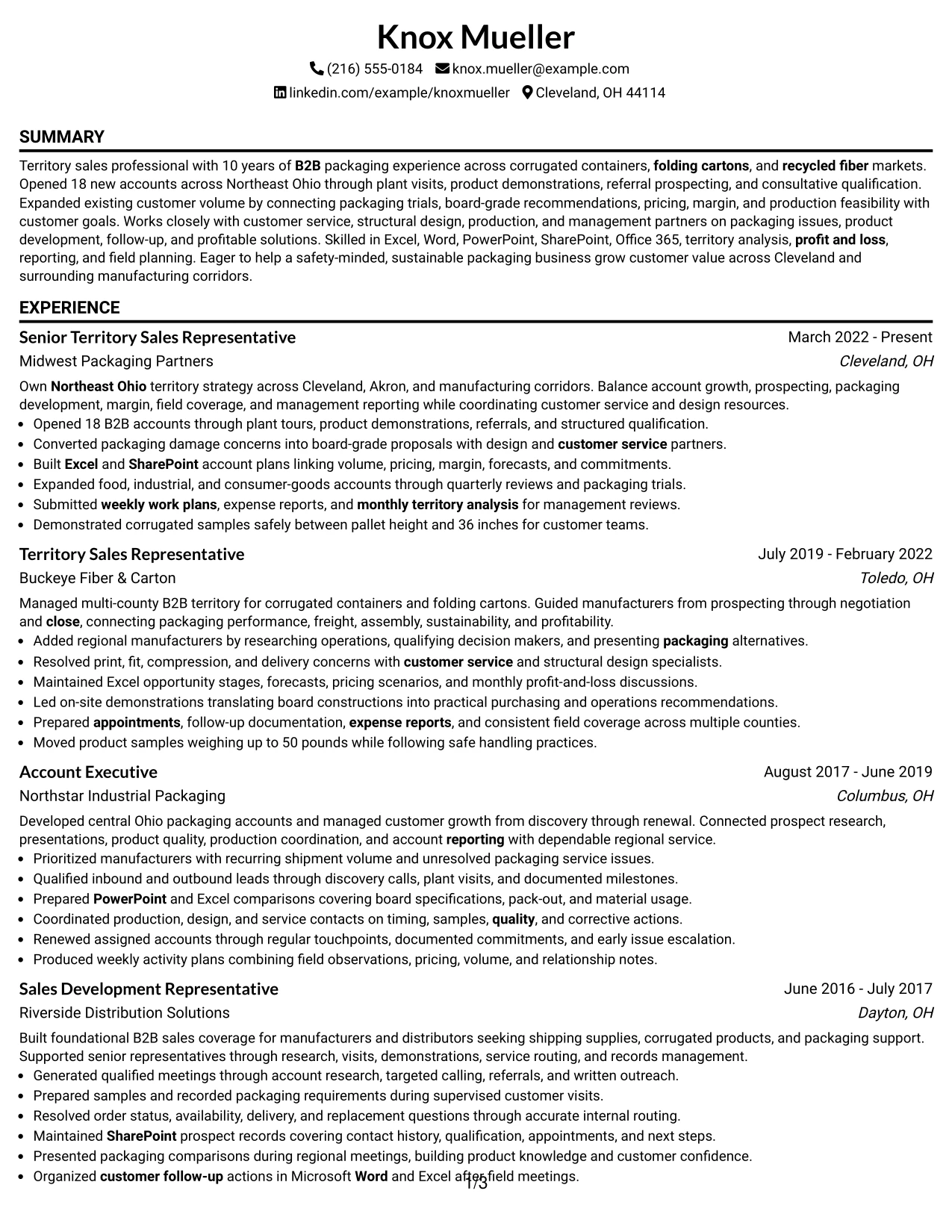
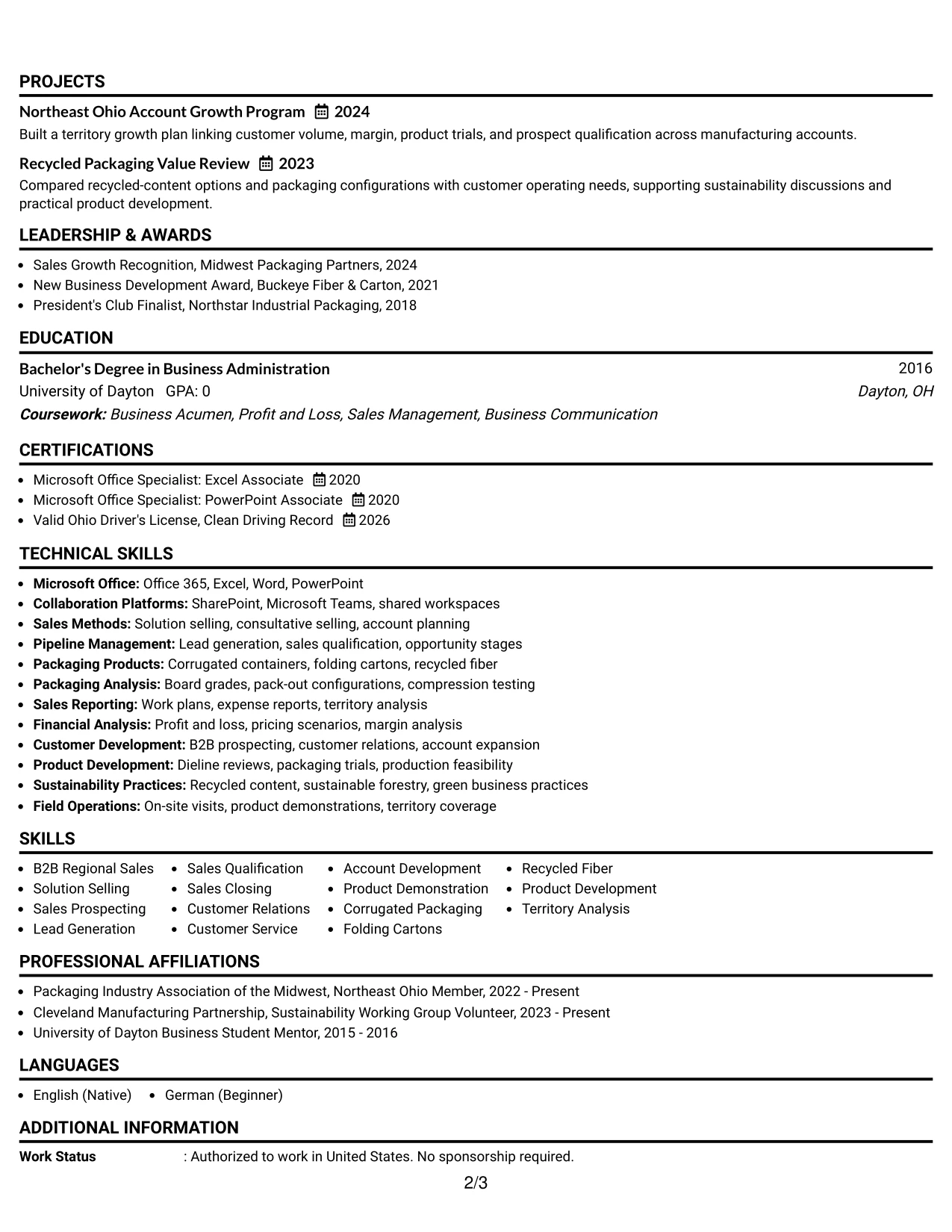
Evidence leads the review in this classic structure: recent territory ownership, 18 opened accounts, customer expansion, packaging problem solving, and disciplined reporting. A familiar one-column order lets the reader assess achievement bullets first, then confirm skills, education, certifications, awards, and activities.
The format gives every section a clear place and keeps the work history central. It can present the progression from Sales Development Representative to Senior Territory Sales Representative while connecting B2B prospecting, solution selling, packaging knowledge, Microsoft Office tools, and Northeast Ohio field coverage to documented results.
Why the Classic One Column Resume Format Works for a Resume
- The familiar structure lets readers find experience without learning a new visual system.
- Recent results receive priority before supporting qualifications.
- Full-width bullets provide space for actions, scope, and measurable outcomes.
- Career progression is easy to follow from earlier sales development to senior territory work.
- Skills and tools can confirm keywords after the evidence has been reviewed.
- Education, licenses, awards, and activities have clear closing positions.
- The format is practical for both quick scans and careful resume evaluation.
Best For
- Resumes where work history should be the primary proof of value
- Applications that benefit from conventional ATS-friendly section order
- Candidates showing clear progression across multiple customer-facing sales roles
- Documents that need full-width achievement bullets and straightforward keyword access
- Readers who prefer classic organization over columns or strong visual effects
- Professional histories supported by education, licenses, awards, and affiliations
- Resume reviews focused on measurable results, role scope, and credible progression
Why Build Your Territory Sales Representative Resume with ResumeInMinutes
ResumeInMinutes helps sales professionals turn territory ownership, customer development, product knowledge, and business results into a resume that is clear to both ATS software and human reviewers.
- Practical resume formats
- ATS-ready section structure
- Role-specific keyword guidance
- Organized sales and skills presentation
- Free PDF resume previews
- Resume customization support
Use the layouts to make results easy to find: new accounts opened, territory coverage, customer volume, packaging solutions, cross-functional work, reporting, and tools such as Excel, Word, PowerPoint, SharePoint, and Office 365.
See Also
- 33 Advanced Worker – Area Sales Representative Resume Templates with Example 2026 (ATS-Optimized)
- 7 Clinical Sales Representative - Monarch Resume Templates with Example
- 33 Emergency Services Sales Representative Resume Templates with Example 2026 (ATS-Optimized)
- 33 Entry Level Sales Representative Resume Templates with Example 2026 (ATS-Optimized)
- 33 Inbound Sales Representative Resume Templates with Example 2026 (ATS-Optimized)
- 33 Junior Digital Sales Representative Resume Templates with Example 2026 (ATS-Optimized)
- 7 Outside Sales Representative Resume Templates with Example
- 7 Regional Sales Support Representative Resume Templates with Example
- 30+ Emergency Services Sales Representative Cover Letter Templates with Example 2026
- 30+ Inbound Sales Representative Cover Letter Templates with Example 2026
Frequently Asked Questions
Are these Territory Sales Representative resume templates ATS-friendly?
Yes. The templates use clear headings and readable sections that support ATS parsing. Add accurate keywords such as B2B sales, territory analysis, solution selling, customer relations, and product demonstration.
Are these various resumes?
No. This guide presents one Territory Sales Representative resume example in distinct formats and design styles.
What should a Territory Sales Representative resume include?
Include a focused summary, sales experience, territory and account results, relevant skills, education, projects, certifications or licenses, tools, and measurable achievements when available.
Can I download the resume templates as PDFs?
Yes. Each resume design offers a free PDF download so you can review the structure and choose a layout that supports your Territory Sales Representative application.
Which resume style is best for a Territory Sales Representative position?
A simple one-column or restrained two-column format usually works well. It keeps territory results, customer growth, sales stages, skills, and keywords easy to find while supporting ATS readability.
How can I show sales performance without inventing numbers?
Use verified evidence such as accounts opened, territory coverage, customer volume, product trials, pipeline activity, reporting responsibilities, or awards. If a result cannot be confirmed, describe the action and business purpose accurately.
Should I include packaging and product knowledge on my resume?
Yes, when it matches the position and your background. Corrugated packaging, folding cartons, recycled fiber, board grades, product development, and packaging analysis can show useful technical aptitude for this role.
Can I customize these resume templates?
Yes. ResumeInMinutes allows you to edit the resume text, sections, format, design style, and PDF layout to match your Territory Sales Representative application.




