
7 Transit Planning Manager Cover Letter Templates with Example
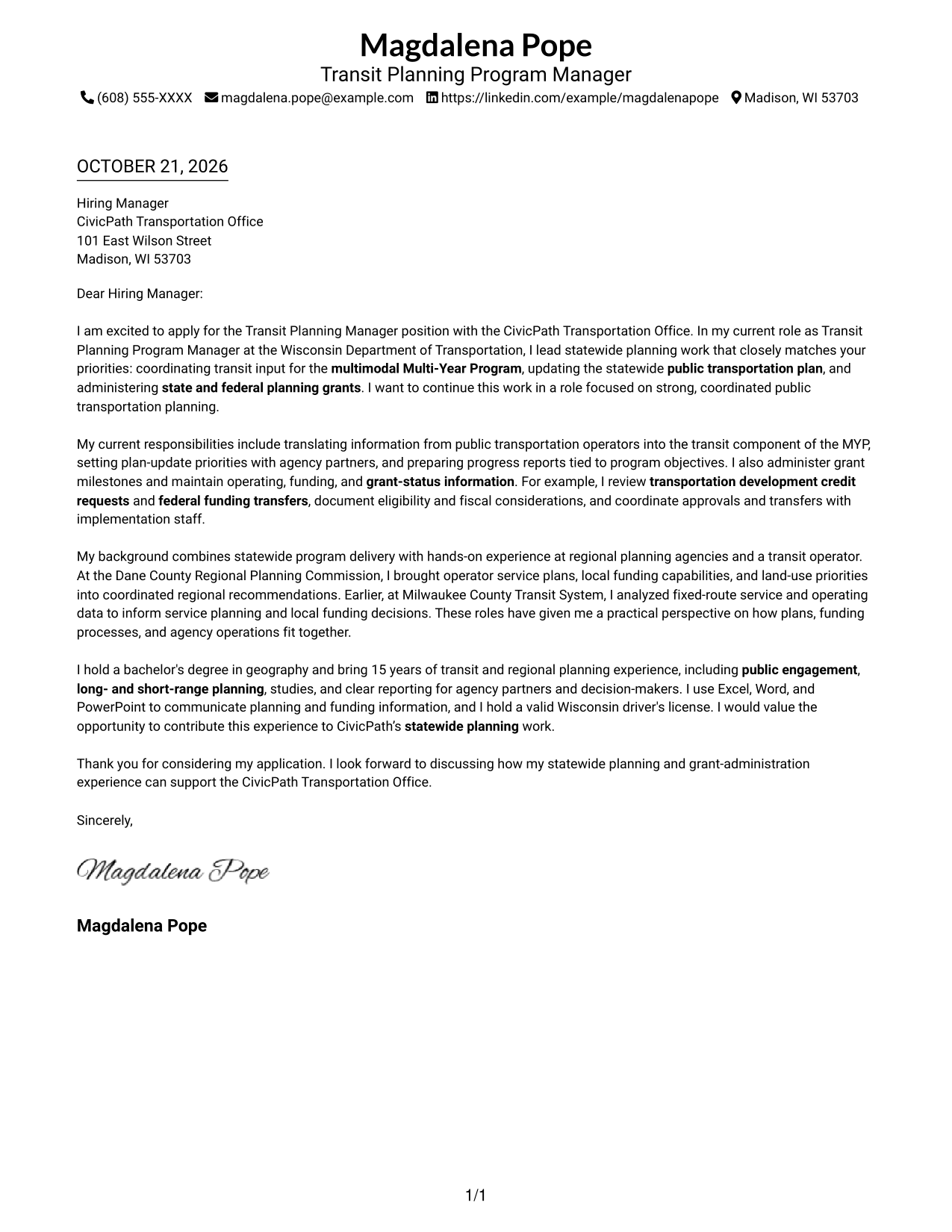
This practical guide helps you shape a persuasive Transit Planning Manager cover letter through seven layouts.
What Makes a Great Transit Planning Manager Cover Letter in 2026
A strong Transit Planning Manager cover letter explains how you coordinate statewide plans, public transportation partners, grants, and funding decisions. It also makes clear why this work matters to you.
Choose relevant examples that show what you did and how your work supported planning goals. Connect that evidence to the employer’s needs, using clear language and a tone suited to the role.
The featured example moves from role fit to specific planning and grant work, then to broader experience and a clear close. Adapt this focused progression while choosing a presentation suited to the employer and communication context.
#1 Simple One Column Format Cover Letter Example
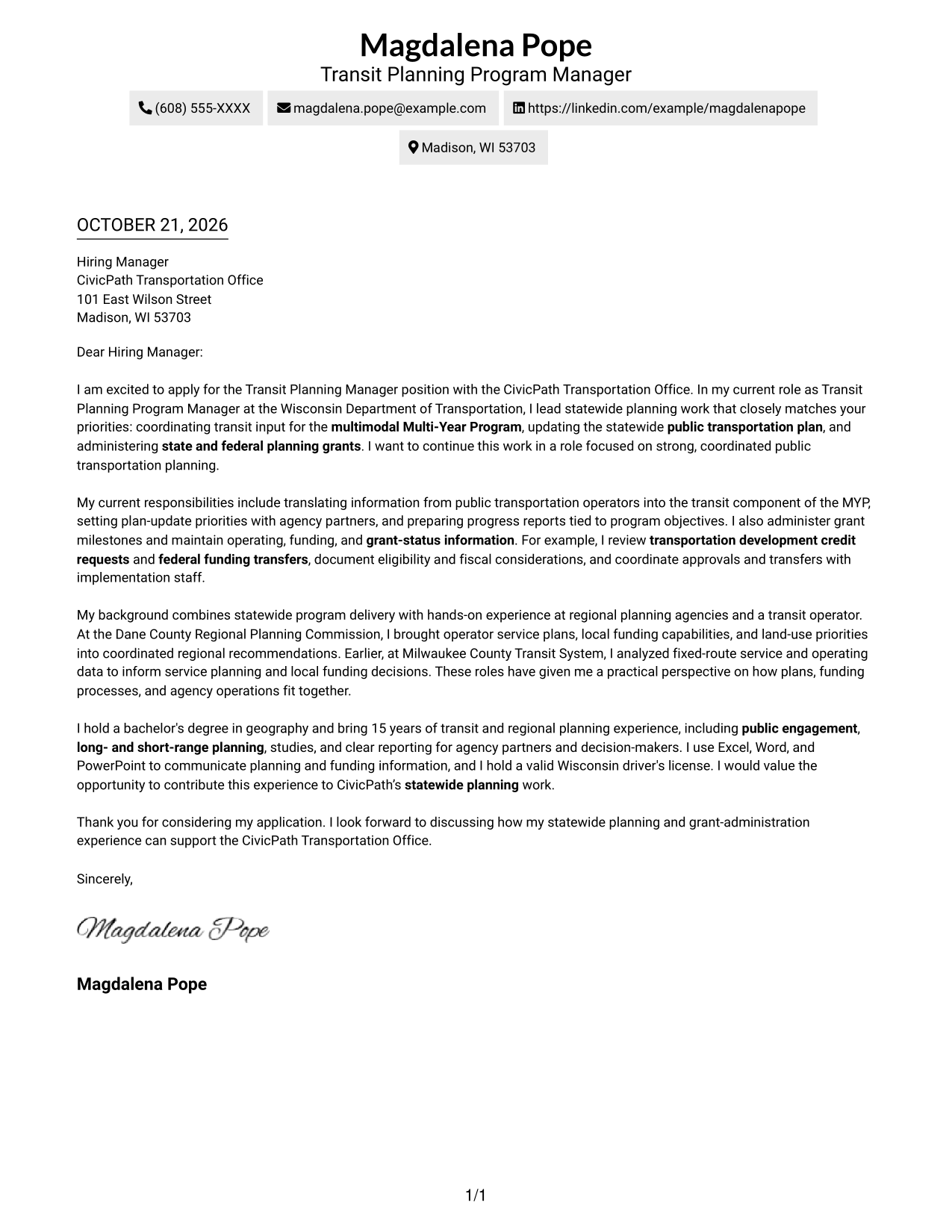
The Simple One Column Format keeps sender details in the header and presents the letter in one clear reading path, a natural choice for readers who prefer a straightforward page.
Why This Format Works
- A single-column reading path helps reviewers follow the letter from opening to close.
- Sender details remain in the header, apart from the continuous letter body.
- The letter's supporting points stay together without a contact sidebar beside them.
Best For
- Single-column reading preference
- Header-based contact details
- Continuous letter narratives
- Paragraph-focused applications
- Traditional correspondence style
#2 Two Column Format Cover Letter Example
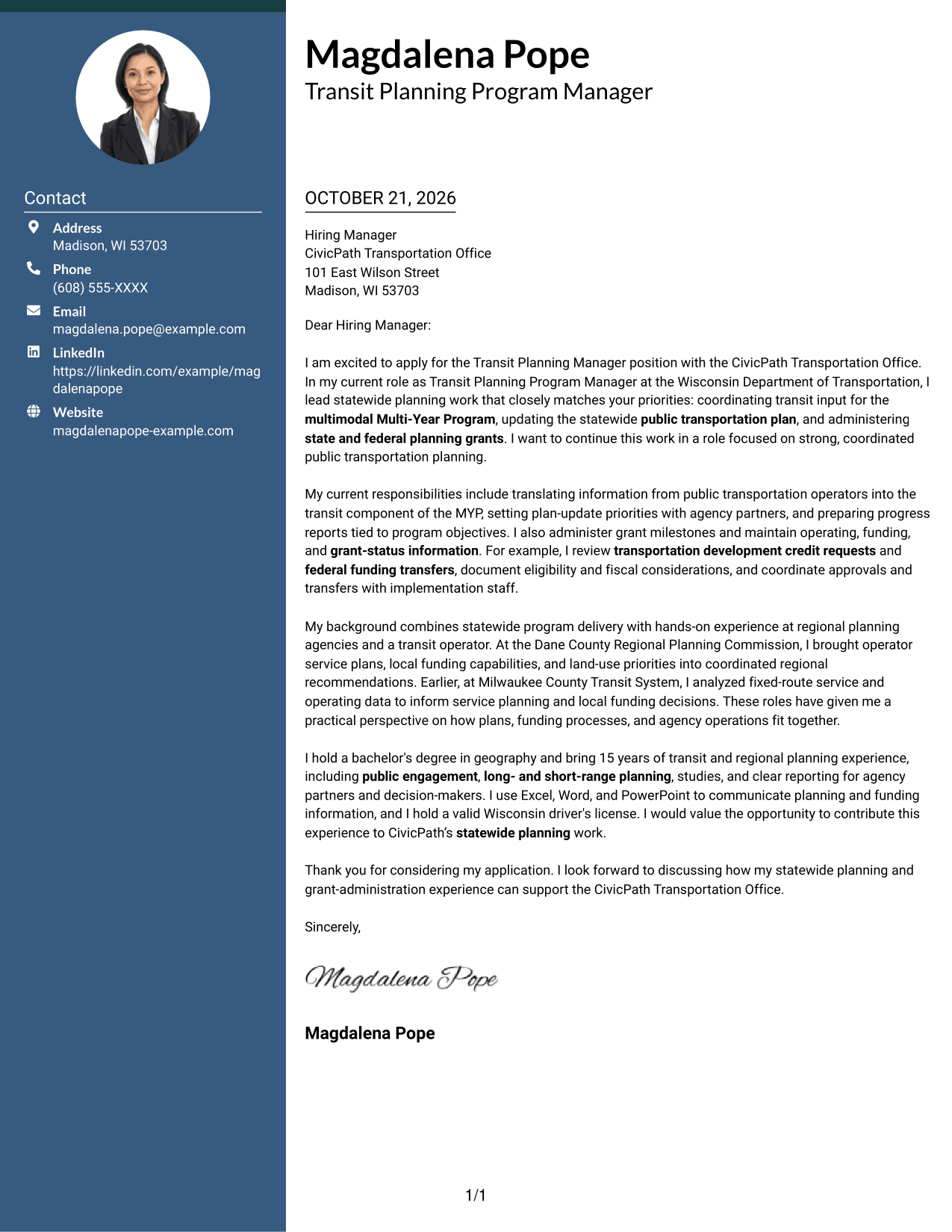
The Two Column Format places a contact sidebar beside one continuous letter body, so contact information and the full message each have a clear place.
Why This Format Works
- A separate contact sidebar makes sender details easy to locate at a glance.
- The body keeps the opening, supporting points, and closing in one sequence.
- Readers can consult contact information without losing their place in the letter.
Best For
- Sidebar contact organization
- Continuous persuasive letters
- Applications with several supporting paragraphs
- A clear opening and close
- Separate contact and message areas
#3 Photo Header Two Column Format Cover Letter Example
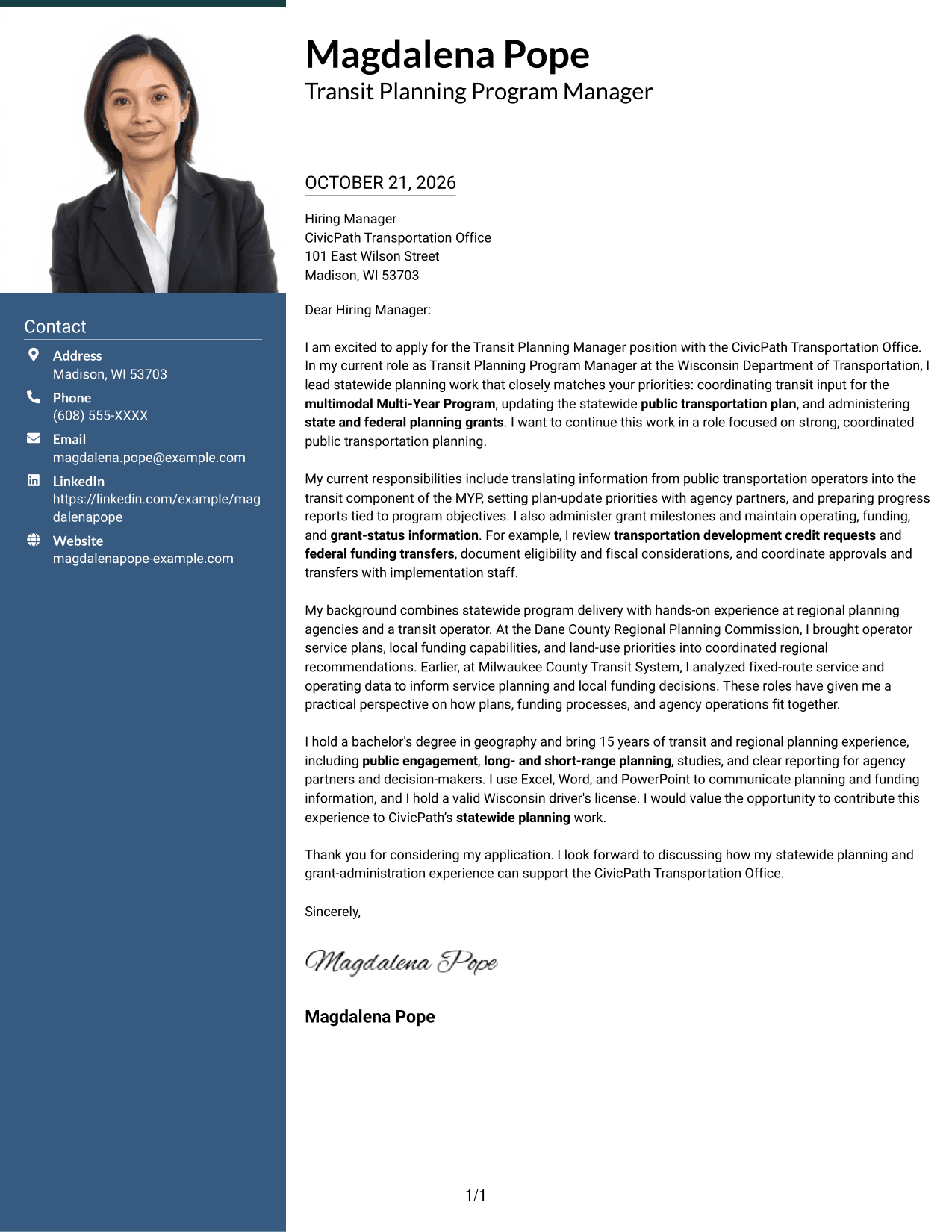
The Photo Header Two Column Format combines a photo header with a contact sidebar beside the continuous letter body, for applicants who prefer a portrait in their document design.
Why This Format Works
- The sidebar keeps contact details apart from the letter's central message.
- The continuous body carries motivation, supporting points, and closing in order.
- A photo in the header adds a distinct visual element to the page.
Best For
- Portrait-inclusive application layouts
- Sidebar contact organization
- Letters with several supporting paragraphs
- A continuous persuasive message
- A visible photo in the header
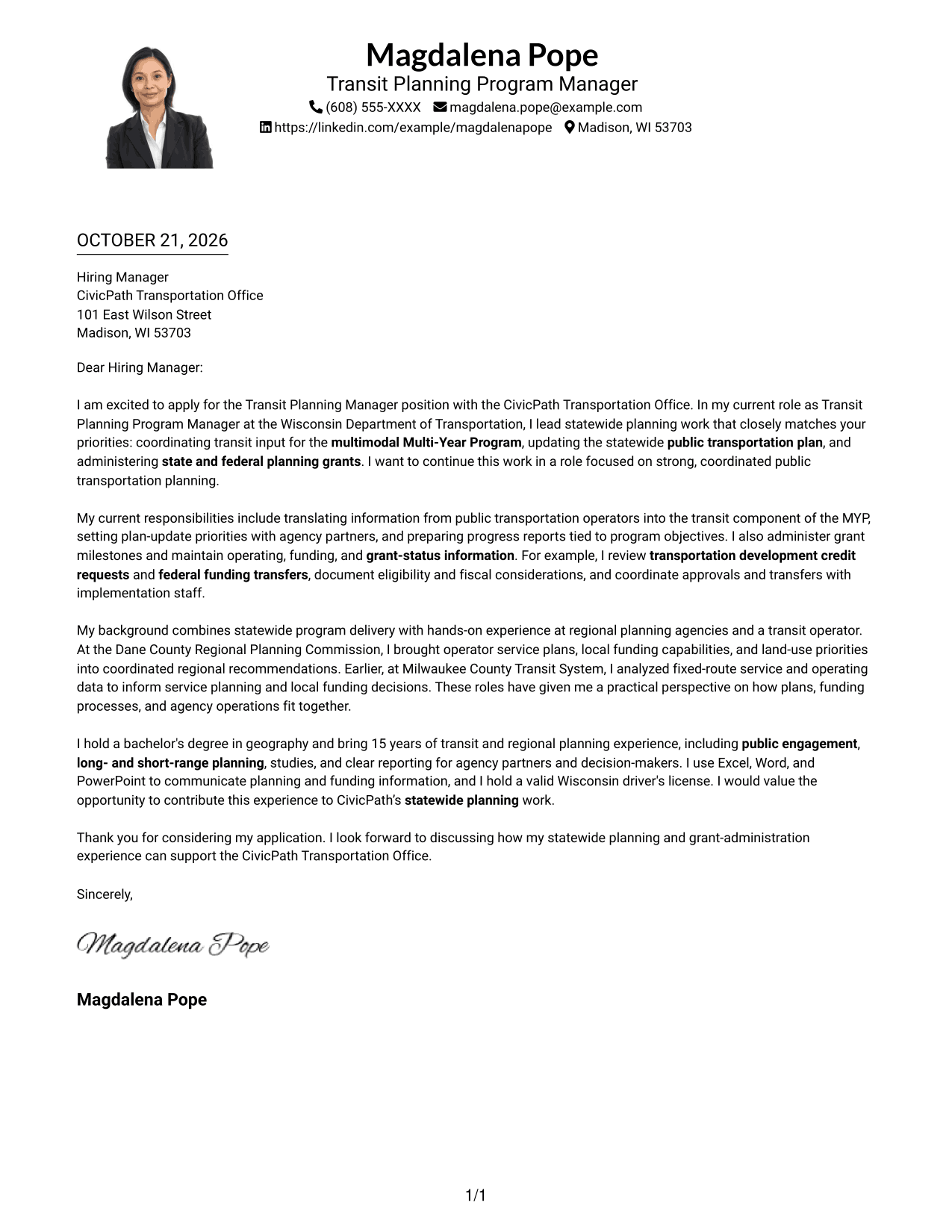
#4 One Column Format with Photo Cover Letter Example
The One Column Format with Photo pairs a portrait with a single-column letter, keeping the message in one reading path for readers who want a photo and straightforward text flow.
Why This Format Works
- One body column carries the message from opening through closing paragraphs.
- Sender details stay in the header rather than beside the letter text.
- The photo adds a visual element without dividing the letter body.
Best For
- Single-column reading preference
- Applications that include a portrait
- Header-based contact details
- Paragraph-led letters
- A unified letter reading path
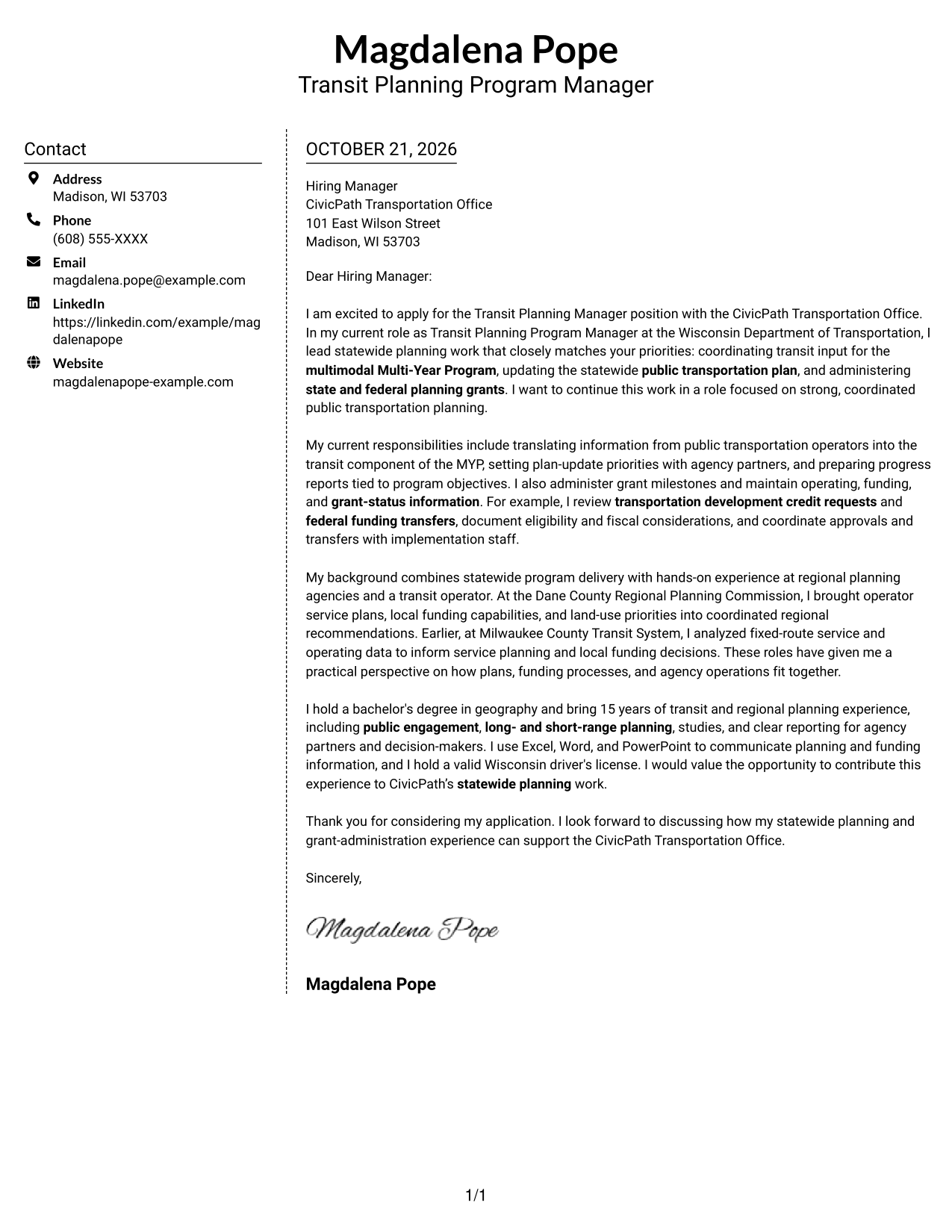
#5 Simple Two Column Format Cover Letter Example
The Simple Two Column Format sets contact details in a sidebar and keeps the letter itself in one continuous body, suiting readers who want the two areas clearly separated.
Why This Format Works
- A dedicated sidebar puts sender information apart from the letter's argument.
- The body keeps each paragraph in a single, uninterrupted reading sequence.
- The two areas let readers find contact details while keeping the message in view.
Best For
- Distinct contact and message areas
- Letters with a continuous argument
- Sidebar-based contact details
- Paragraph-focused applications
- Readers who prefer two-column organization
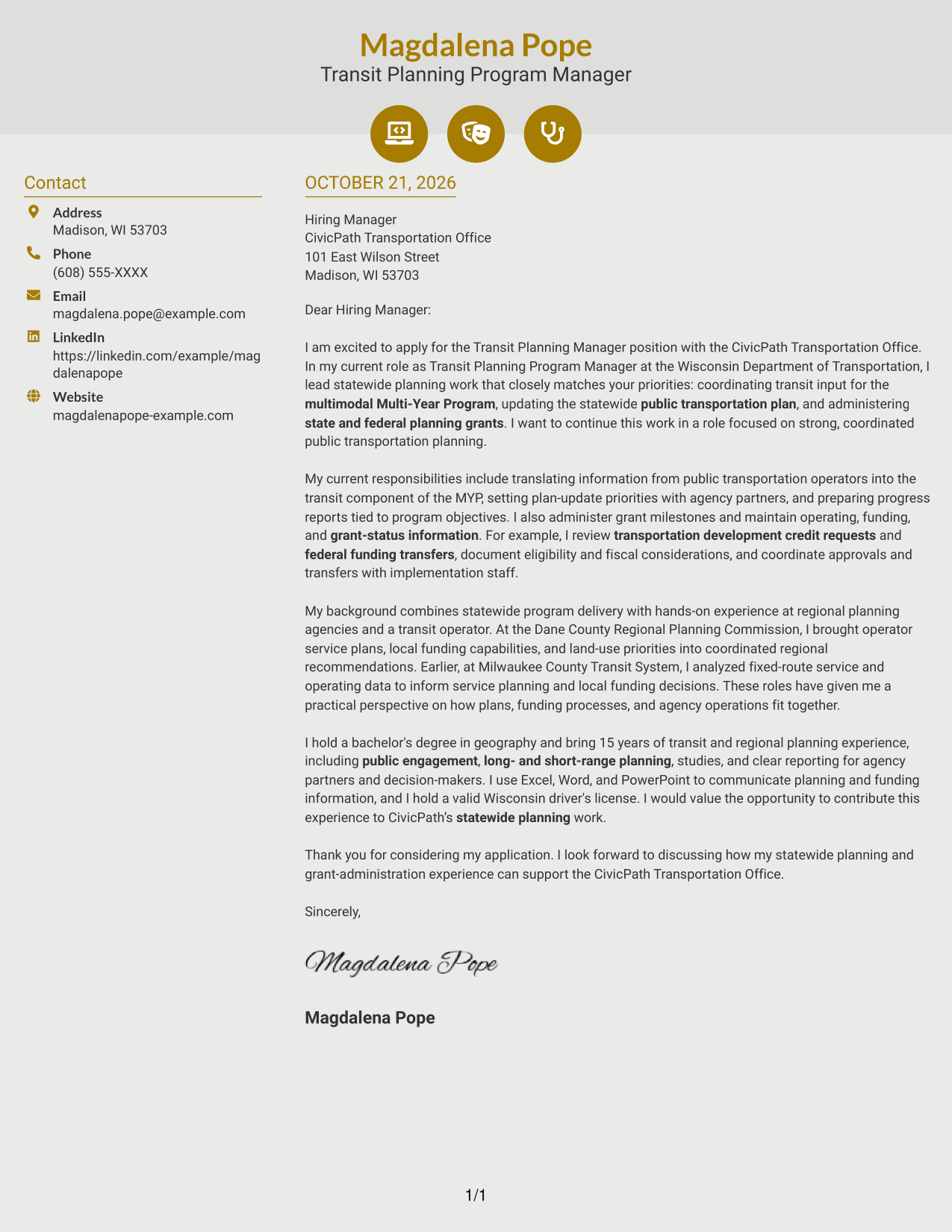
#6 Modern Icon Format Cover Letter Example
The Modern Icon Format uses contact cues alongside a sidebar, with the letter in one continuous body, making it a fit for readers who like visual markers around contact details.
Why This Format Works
- Contact icons help readers identify contact details without labeling parts of the letter.
- The sidebar keeps sender information separate from the continuous body.
- The letter's opening, support, and closing remain together in one text flow.
Best For
- Contact details with visual cues
- Sidebar-based contact organization
- Continuous letter narratives
- Readers who prefer marked contact information
- Paragraph-led application letters
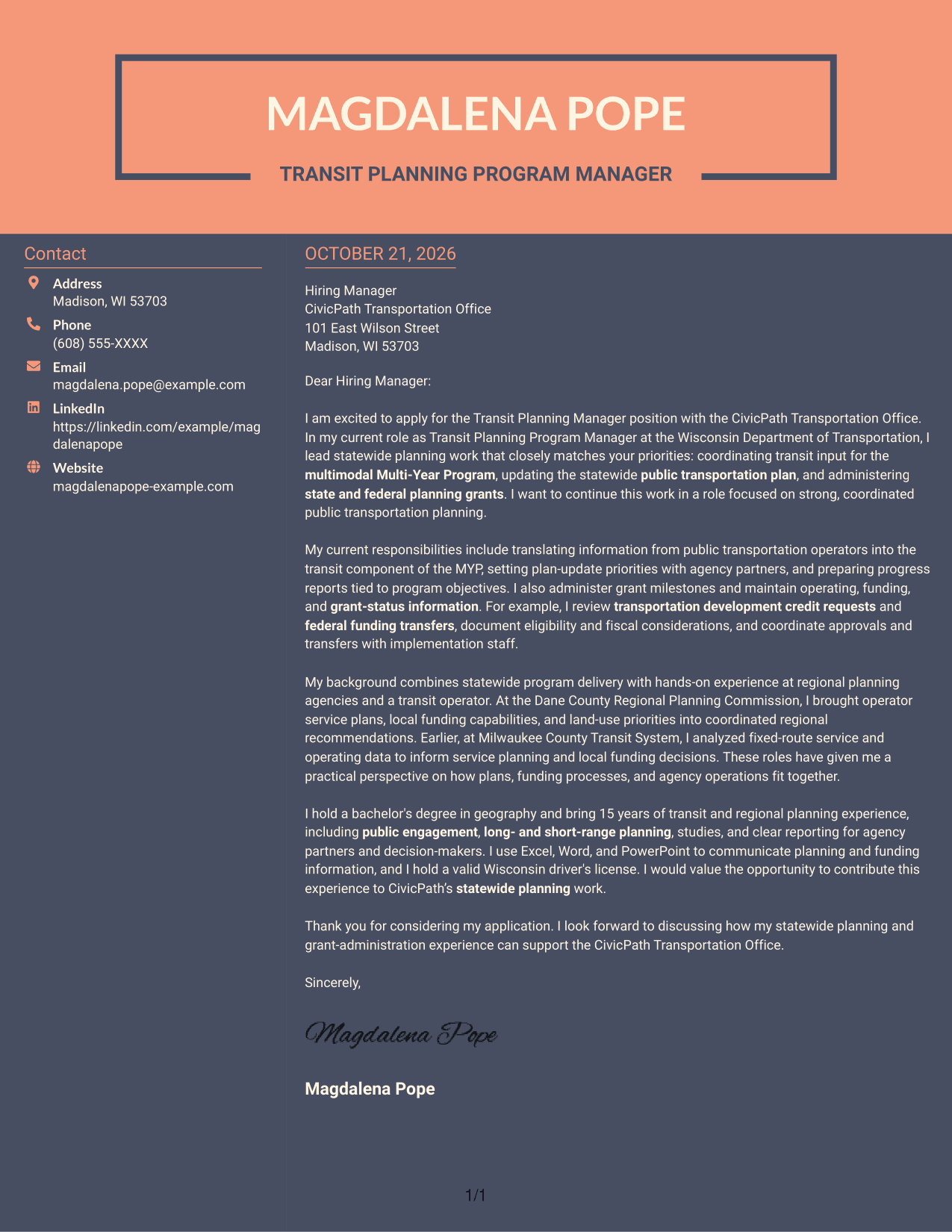
#7 Creative Two Tone Format Cover Letter Example
The Creative Two Tone Format sets a contact sidebar beside one continuous letter body, offering a two-column arrangement for readers who want contact details apart from the message.
Why This Format Works
- The contact sidebar gives sender details a separate place beside the letter.
- One continuous body keeps the complete message in a single reading sequence.
- The separate areas let readers locate contact information while following the letter.
Best For
- Sidebar contact presentation
- One-body letter structure
- Applications with distinct contact details
- A continuous letter argument
- Readers who prefer two-column layouts
Why Use ResumeInMinutes for a Transit Planning Manager Cover Letter
Compare PNG image previews and open an example in the editor. Use the examples to consider how the letter’s structure and tone can support your message.
- PNG cover letter previews
- Examples to view in the editor
- Options to customize an example
- Guidance on opening, body, and closing paragraphs
- Advice on showing role fit and motivation
- Clear communication for agency partners
For a Transit Planning Manager application, choose a style that is easy to follow and gives your planning, grant administration, and partner coordination evidence room to speak.
See Also
- 7 Transit Planning Manager Resume Templates with Example
- 7 Electronics Technician - Transit Systems Resume Templates with Example
- 7 Analyst, Demand Planning Salty Resume Templates with Example
- 33 Analyst, Revenue Finance (FP&A) - Advertising Revenue Planning Resume Templates with Example 2026 (ATS-Optimized)
- 33 Analyst, Revenue Finance (FP&A) - Revenue Planning Resume Templates with Example 2026 (ATS-Optimized)
- 7 Assistant Director - Transportation Planning & Traffic Engineering Resume Templates with Example
- 7 Demand Planning Manager Resume Templates with Example
- 7 Director of Resource Planning Resume Templates with Example
- 7 Engineering Technician I - Utility System Planning, Water Resources Cover Letter Templates with Example
- 7 Financial Planner - Retirement Planning Cover Letter Templates with Example
Frequently Asked Questions
What should a Transit Planning Manager cover letter emphasize?
Focus on relevant work in statewide planning, public transportation plans, grant administration, and coordination with operators or agency partners. Explain your contribution with clear, specific examples.
How can I show fit for statewide planning work?
Describe a relevant example, such as coordinating transit input for a multimodal Multi-Year Program, updating a public transportation plan, or preparing progress reports. Explain how your work supported program goals.
How should I discuss funding work in my cover letter?
State the funding tasks you handled, such as administering planning grants, reviewing transportation development credit requests, or coordinating federal funding transfers. Keep the details accurate and explain how you worked with partners.
Which cover letter style should I choose?
Choose a clear, readable presentation that fits the employer and the communication context. A focused structure helps the reader follow your motivation, evidence, and interest in the role.
Can I customize an example in the editor?
Yes. Use the editor link to open an example and customize it. Review each statement so it reflects your own experience and speaks to the employer’s needs.




