
7 Traveling Registered Nurse Cover Letter Templates with Example
This practical guide to a Traveling Registered Nurse cover letter presents 7 layouts and shows how to make your role fit clear.
What Makes a Great Traveling Registered Nurse Cover Letter in 2026
A strong Traveling Registered Nurse cover letter makes the role fit clear in its opening, then connects patient care and travel adaptability to the position. Close with direct interest and a confident next step.
Use specific evidence, such as care planning, patient education, coordinated follow-up, or reliable handoffs. Show how your approach matches the employer’s focus on individualized care and clear communication.
The featured Traveling Registered Nurse example moves from role interest to relevant care experience, evidence of clear communication, employer alignment, and a direct close. Adapt that focused progression while choosing a presentation that suits the employer and the communication context.
#1 Simple One Column Format Cover Letter Example
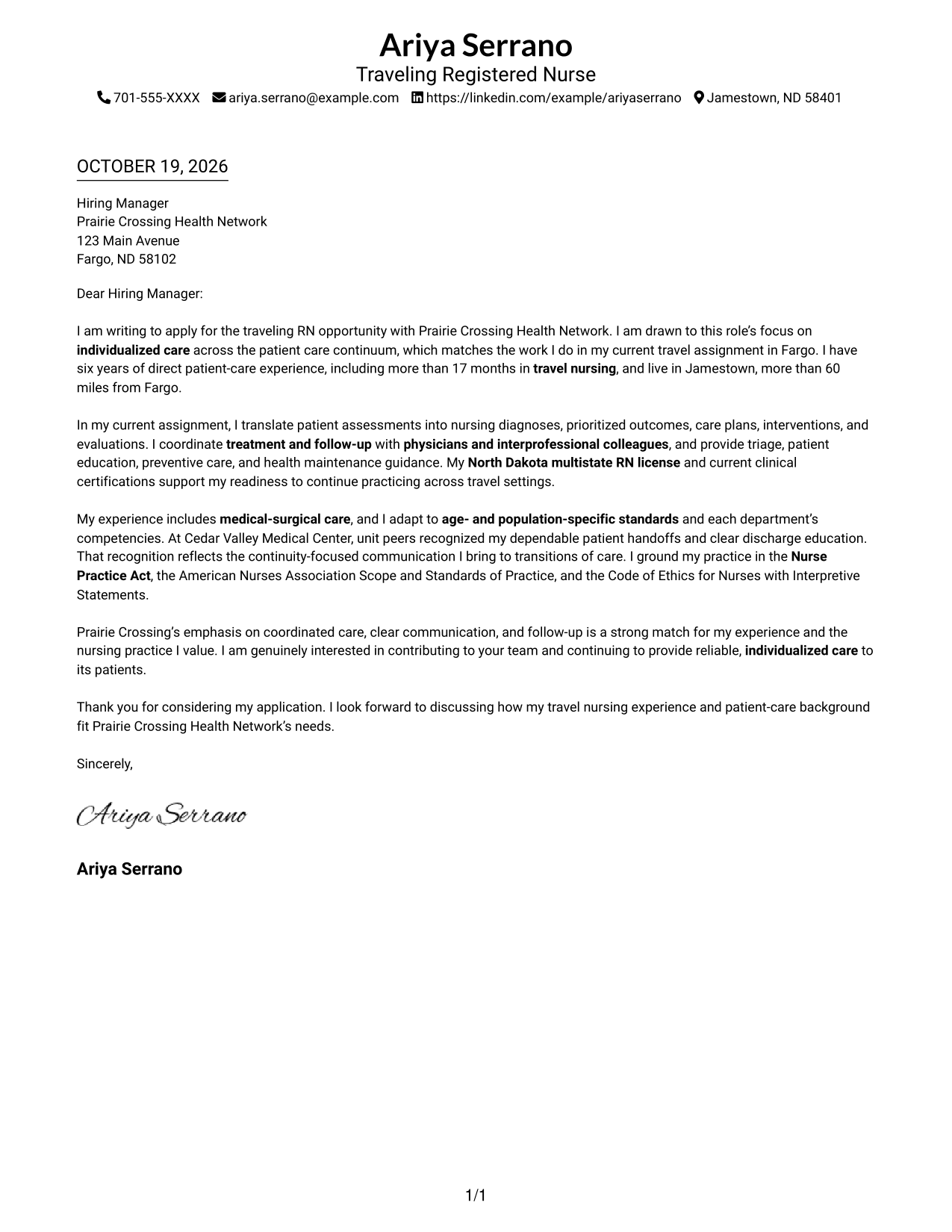
The Simple One Column Format keeps sender details in the header and the letter in one continuous body, a clear choice when the message should read in one sequence.
Why This Format Works
- Sender details stay in the header, keeping contact information easy to find.
- One continuous body lets readers follow interest, evidence, and closing in order.
- Without section labels, the letter keeps attention on its direct message.
Best For
- A single reading path
- Letters with a direct message
- Header-based contact details
- A continuous argument
- Simple document organization
#2 Two Column Format Cover Letter Example
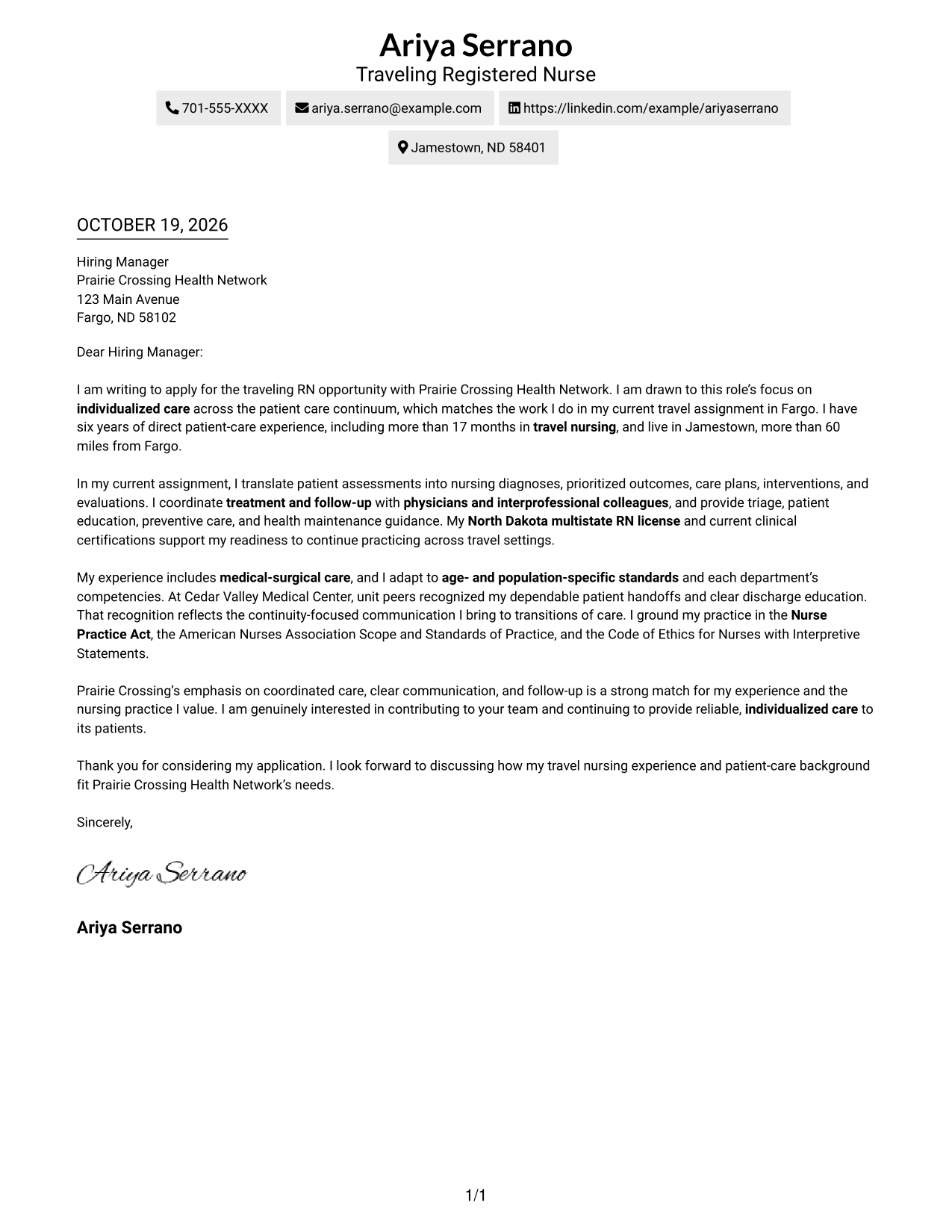
The Two Column Format places a contact sidebar beside one continuous letter body, keeping contact information separate from the application message.
Why This Format Works
- The contact sidebar separates sender information from the letter’s main message.
- The continuous body keeps the opening, supporting points, and closing together.
- Readers can locate contact details without losing the letter’s sequence.
Best For
- Separate contact information
- A continuous letter argument
- Fast access to sender details
- Distinct contact and message areas
- Clear reading order
#3 Photo Header Two Column Format Cover Letter Example
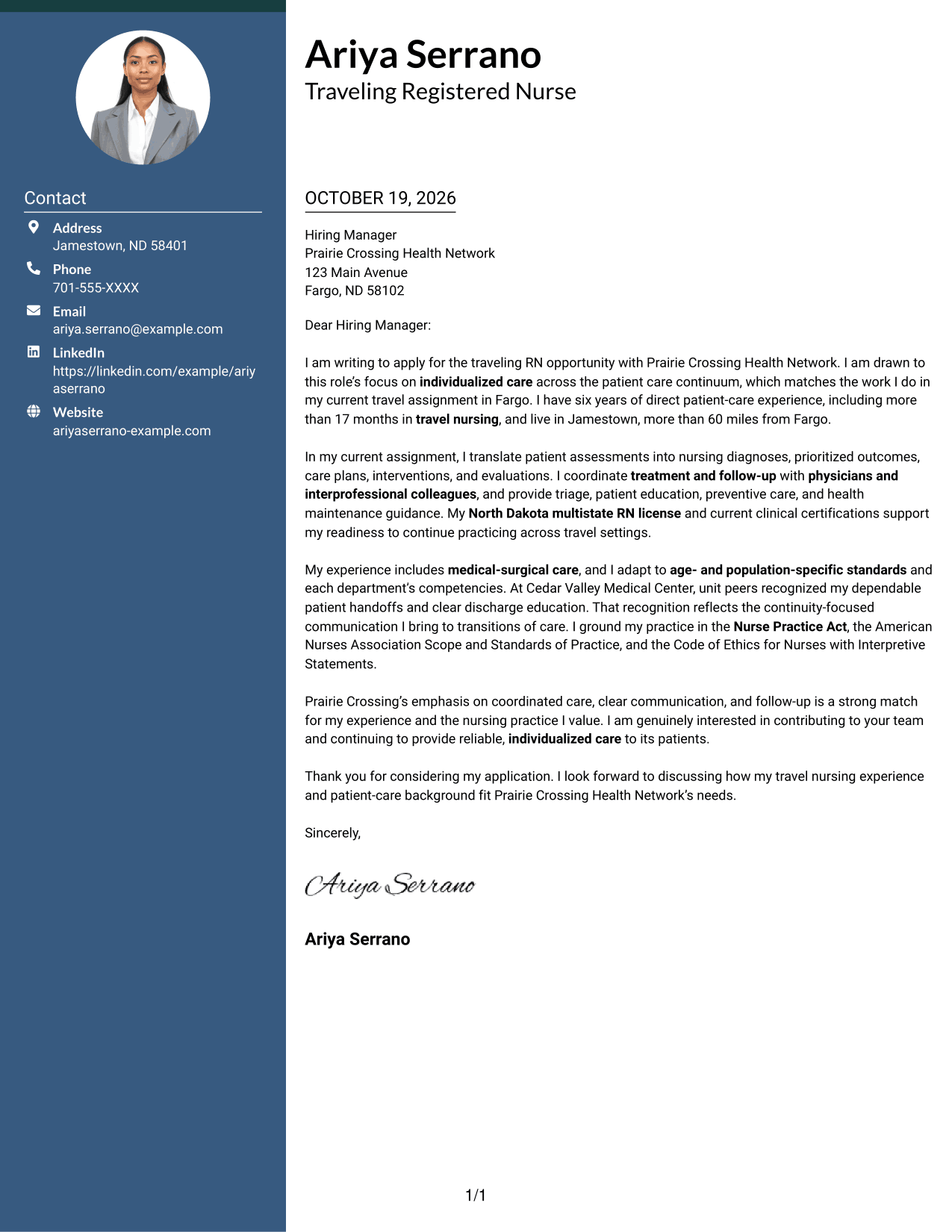
The Photo Header Two Column Format includes a photo and contact sidebar beside one continuous letter body, for readers who want a portrait with their contact details.
Why This Format Works
- The contact sidebar keeps sender details apart from the letter’s main message.
- A portrait adds a personal visual element to the contact presentation.
- The continuous body keeps the application message in a clear sequence.
Best For
- Portrait with contact details
- Separate contact and message areas
- A continuous letter argument
- Photo-inclusive correspondence
- Clear reading order
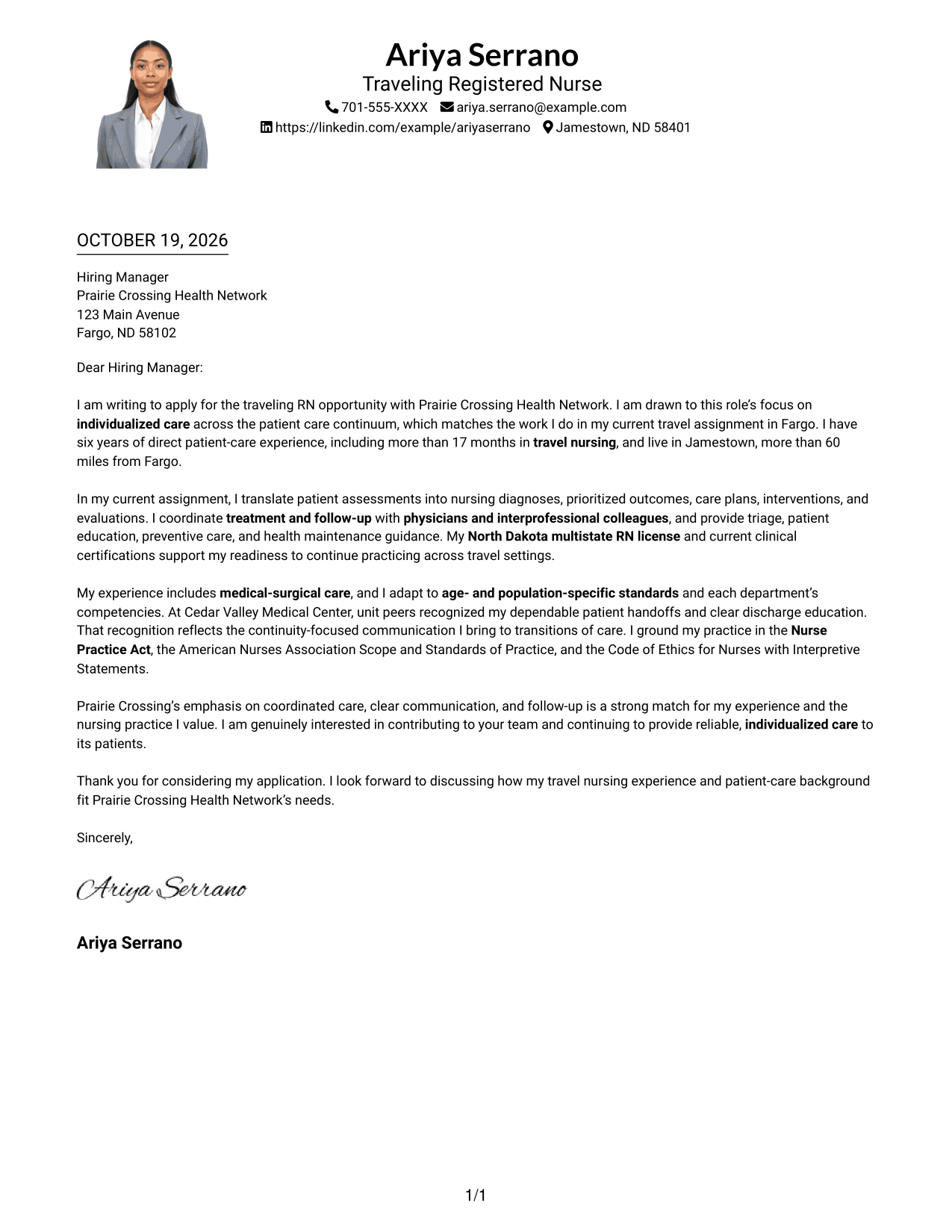
#4 One Column Format with Photo Cover Letter Example
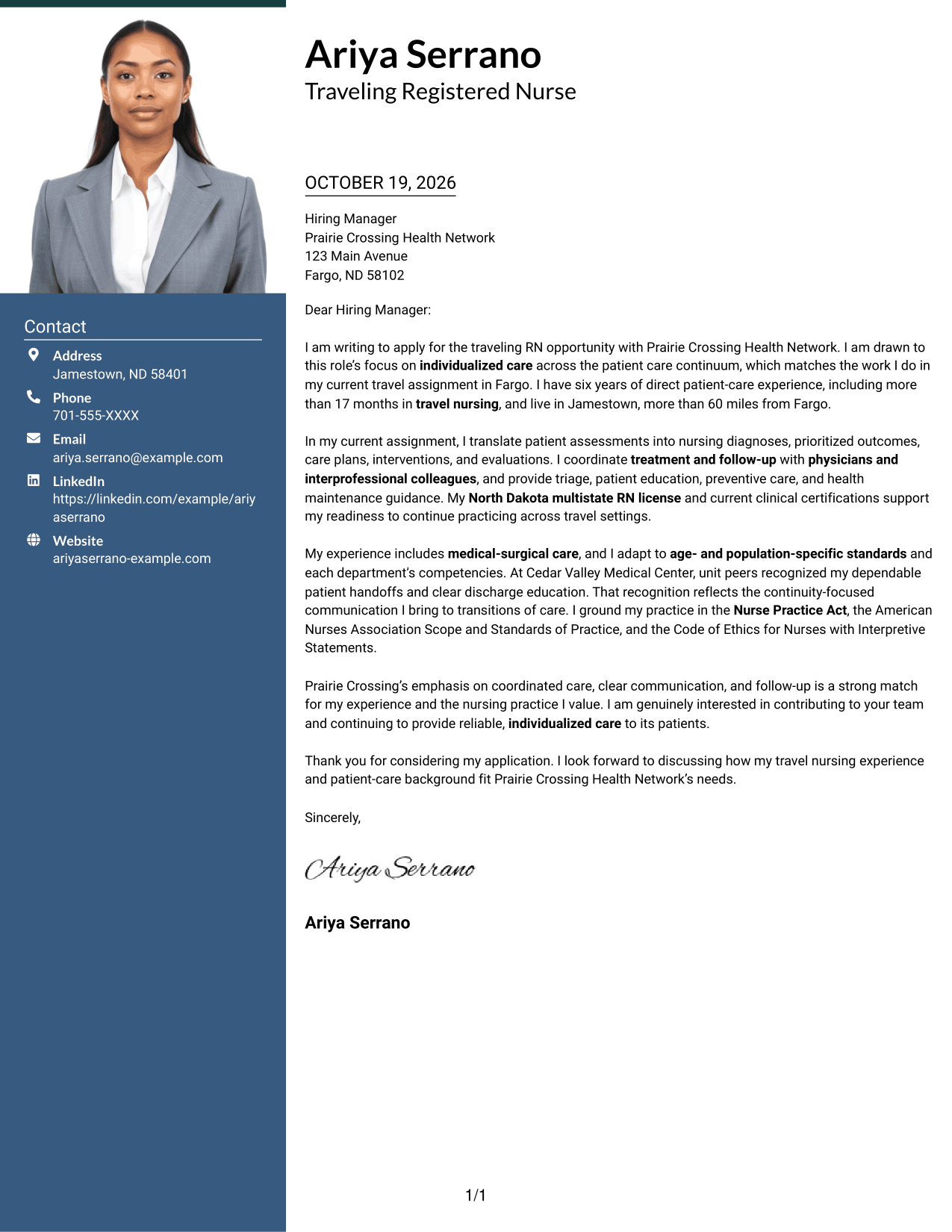
The One Column Format with Photo pairs a portrait with a single-column letter, offering a photo-inclusive design while keeping the message in one reading path.
Why This Format Works
- The single-column layout keeps the letter’s paragraphs in one reading path.
- A portrait provides a visual element without splitting the letter body.
- The continuous message lets readers follow the application from opening to closing.
Best For
- A single reading path
- Portrait-inclusive correspondence
- A continuous letter message
- One-column document organization
- Photo as a visual preference
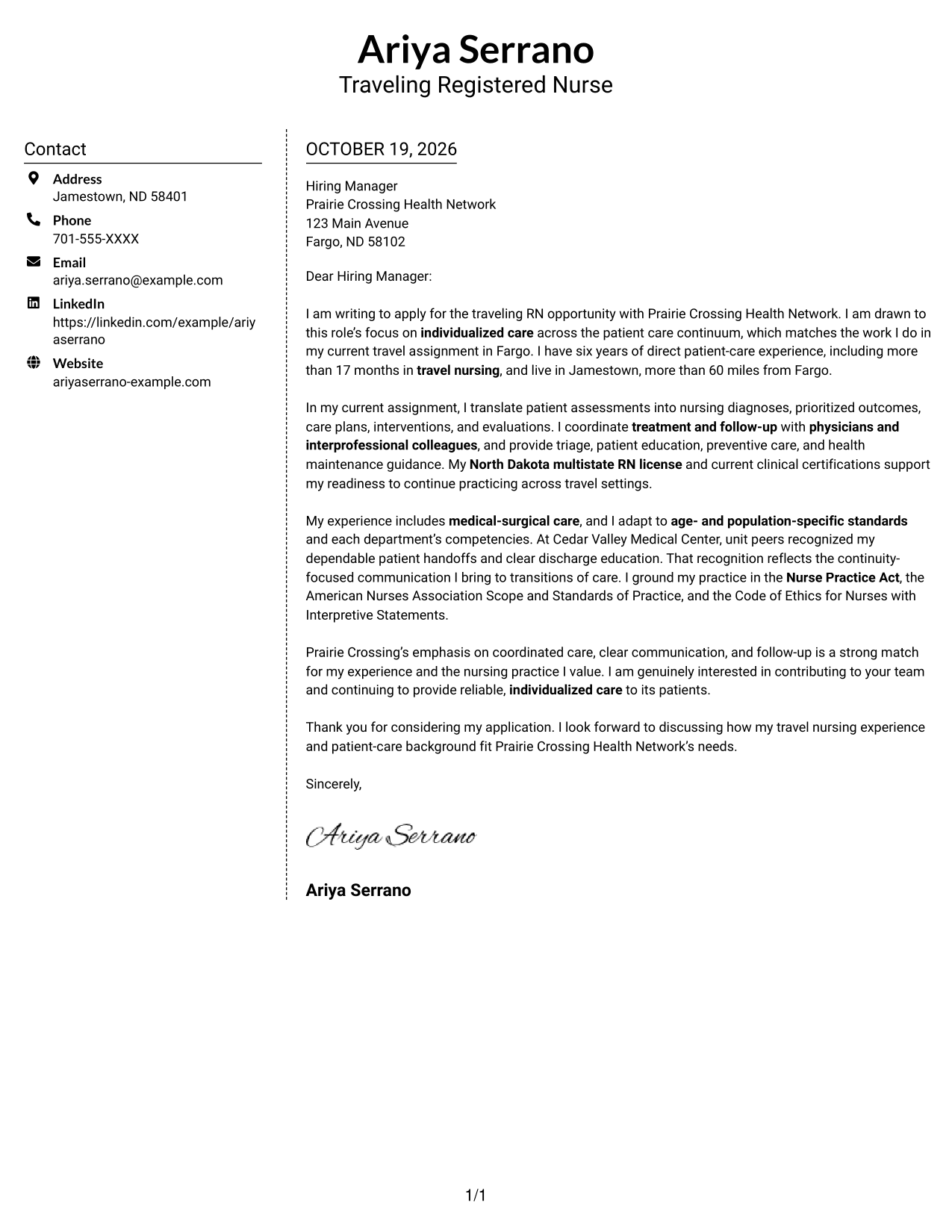
#5 Simple Two Column Format Cover Letter Example
The Simple Two Column Format sets a contact sidebar beside the continuous letter body, a practical option for separating sender details from the main message.
Why This Format Works
- The sidebar gives contact details a distinct place beside the letter.
- One continuous body keeps the message together rather than dividing its paragraphs.
- The clear division makes it easy to move between contact details and letter text.
Best For
- Contact details beside the letter
- A continuous application message
- Distinct information areas
- Quick access to sender information
- Two-column organization
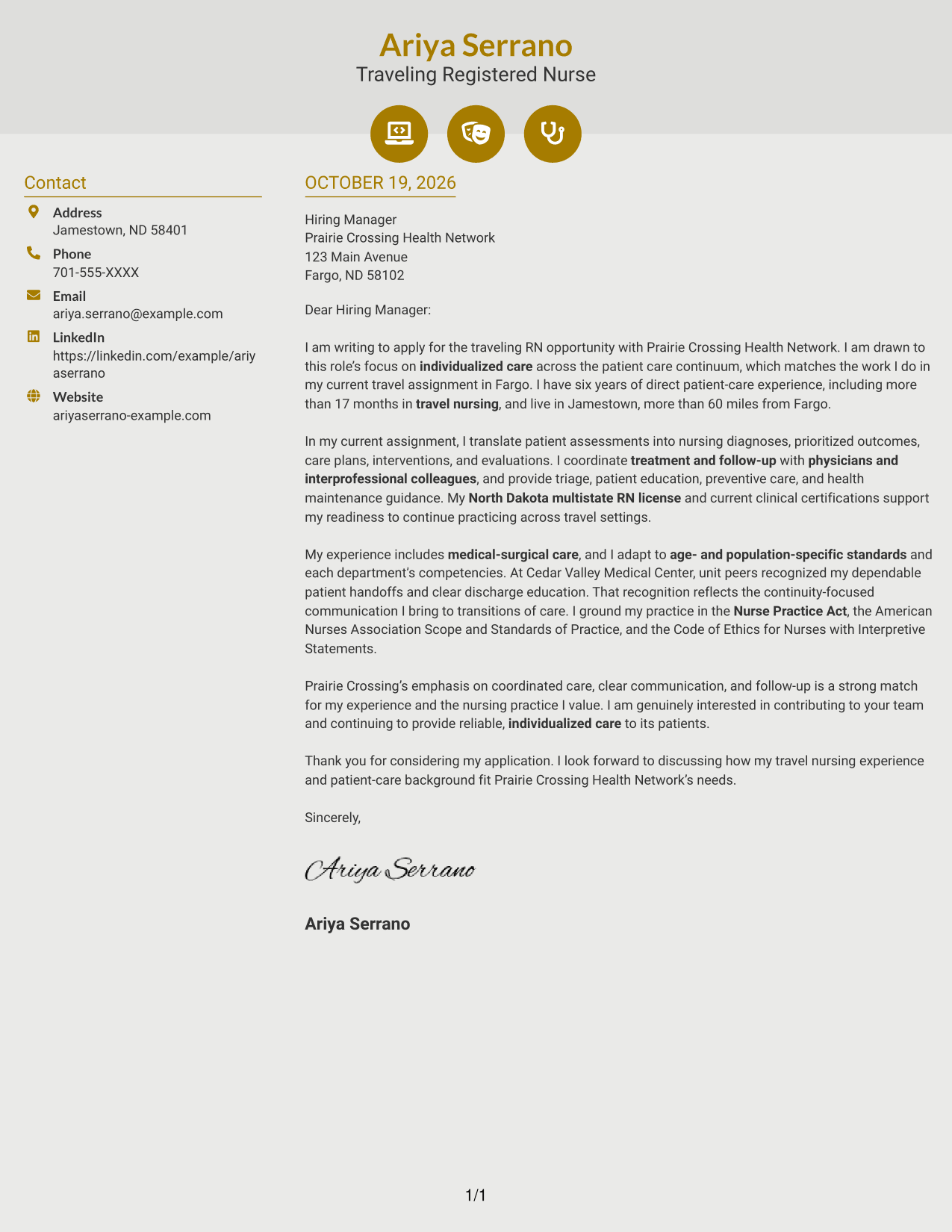
#6 Modern Icon Format Cover Letter Example
The Modern Icon Format uses two columns for contact details and the letter body, with icons serving as contact cues or header accents.
Why This Format Works
- Contact icons help readers identify sender details without labeling letter arguments.
- The sidebar keeps contact information apart from the continuous application message.
- The letter body remains together, preserving the flow from opening to closing.
Best For
- Icon-marked contact details
- A continuous letter argument
- Contact information beside the message
- Header accents with a clear purpose
- Two-column organization
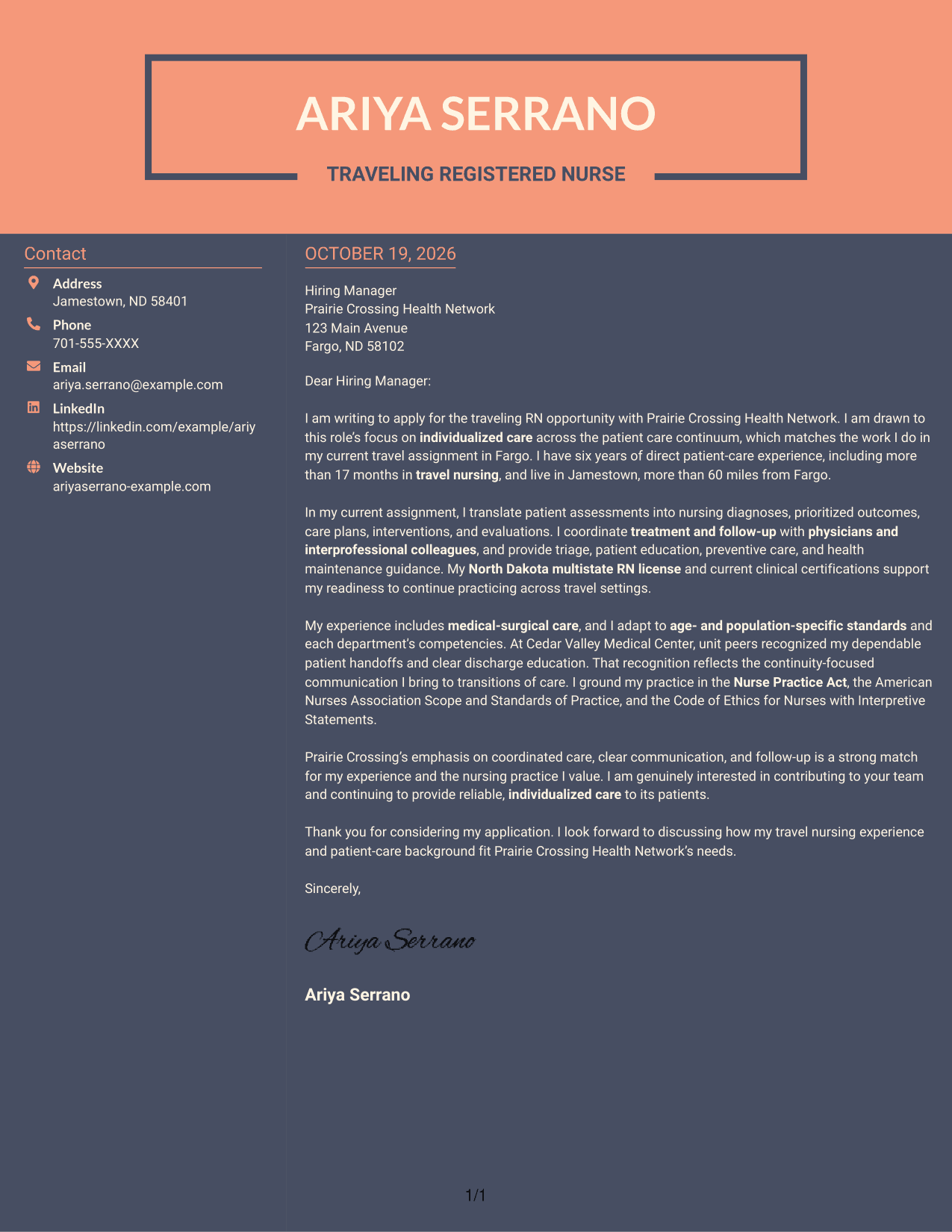
#7 Creative Two Tone Format Cover Letter Example
The Creative Two Tone Format places a contact sidebar beside one continuous letter body, keeping the sender details distinct from the application message.
Why This Format Works
- The sidebar gives contact details their own space beside the letter.
- A single continuous body keeps the application message in its intended order.
- Readers can shift from sender information to the letter without searching.
Best For
- Contact details beside the message
- A continuous letter body
- Separate contact and application areas
- Easy access to sender information
- Two-column reading order
Why Use ResumeInMinutes for a Traveling Registered Nurse Cover Letter
Review the image previews, then open an example in the editor to shape a clear letter for a Traveling Registered Nurse opportunity.
- Cover letter examples
- Focused letter structure
- Role-specific guidance
- Clear, direct writing
- Employer alignment
- Editor-based customization
Make the opening specific, support your fit with relevant patient-care evidence, and end with a clear statement of interest.
See Also
- 7 Traveling Registered Nurse Resume Templates with Example
- 33 Acute Dialysis Registered Nurse Resume Templates with Example 2026 (ATS-Optimized)
- 33 Advanced Practice Registered Nurse (APRN) - Critical Care Resume Templates with Example 2026
- 33 ASC REGISTERED NURSE Resume Templates with Example 2026 (ATS-Optimized)
- 7 Certified Registered Nurse Anesthetist Resume Templates with Example
- 33 Charge Registered Nurse Resume Templates with Example 2026 (ATS-Optimized)
- 33 Dialysis Registered Nurse Resume Templates with Example 2026 (ATS-Optimized)
- 33 ED Registered Nurse Resume Templates with Example 2026 (ATS-Optimized)
- 30+ Acute Dialysis Registered Nurse Cover Letter Templates with Example 2026
- 30+ Advanced Practice Registered Nurse (APRN) - Critical Care Cover Letter Templates with Example 2026
Frequently Asked Questions
What should a Traveling Registered Nurse cover letter include?
Connect your interest in the role to relevant patient-care experience. Use the body to explain your approach to assessment, care planning, coordination, education, and follow-up, then close with a clear statement of interest.
Do the examples show different letters?
The guide presents one cover letter example in different layouts. Compare the image previews to see how the presentation changes, then open an example in the editor.
How can I show that I am ready for travel nursing?
Give a clear example of adapting to a new care setting, following local procedures, and working with physicians and interprofessional colleagues. Mention relevant licensure and certifications only when they apply to you.
How should I connect my experience to the employer?
Refer to the employer’s stated care priorities and link them to evidence from your own work. For example, explain how your communication and follow-up support individualized care and continuity.
What is the best cover letter style for this role?
Choose a clean, easy-to-read layout that supports a direct message. The opening, body, and closing matter more than decorative details.




