
7 Utility Specialist - Cross-Connection Control Cover Letter Templates with Example
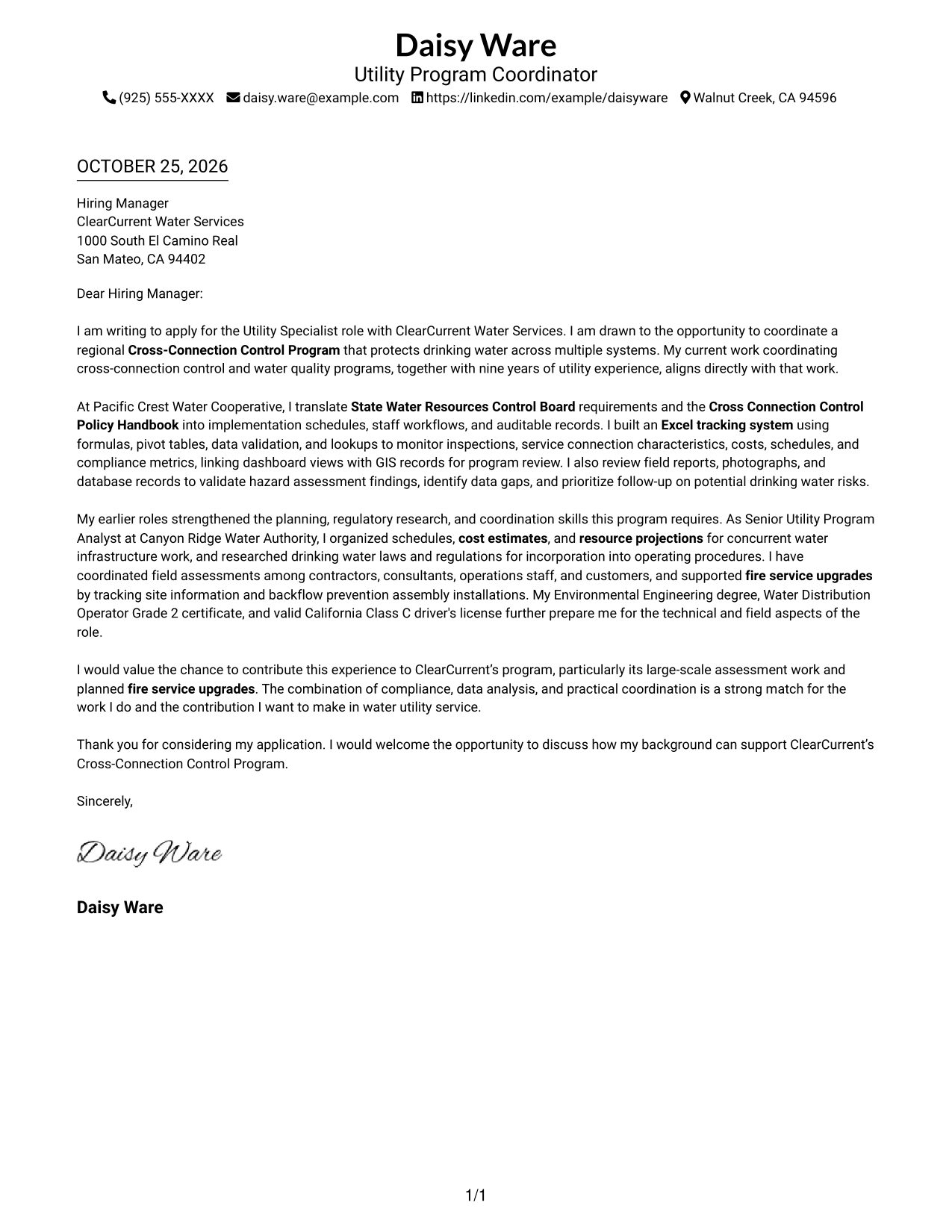
This practical guide helps you shape a persuasive Utility Specialist - Cross-Connection Control cover letter, with seven layouts to compare and adapt.
What Makes a Great Utility Specialist - Cross-Connection Control Cover Letter in 2026
A strong letter links your interest in protecting drinking water to the role’s cross-connection control work. A clear opening, focused body, and direct close help the employer follow your case.
Use specific evidence, such as compliance workflows, inspection tracking, hazard review, or field coordination. Connect that evidence to the employer’s program needs and explain why the work matters to you.
The featured example moves from role interest to relevant program evidence and a focused close, giving you a progression to adapt while choosing a presentation that fits the employer and communication context.
#1 Simple One Column Format Cover Letter Example
A simple one-column page keeps sender details in the header and lets the letter follow one direct reading path.
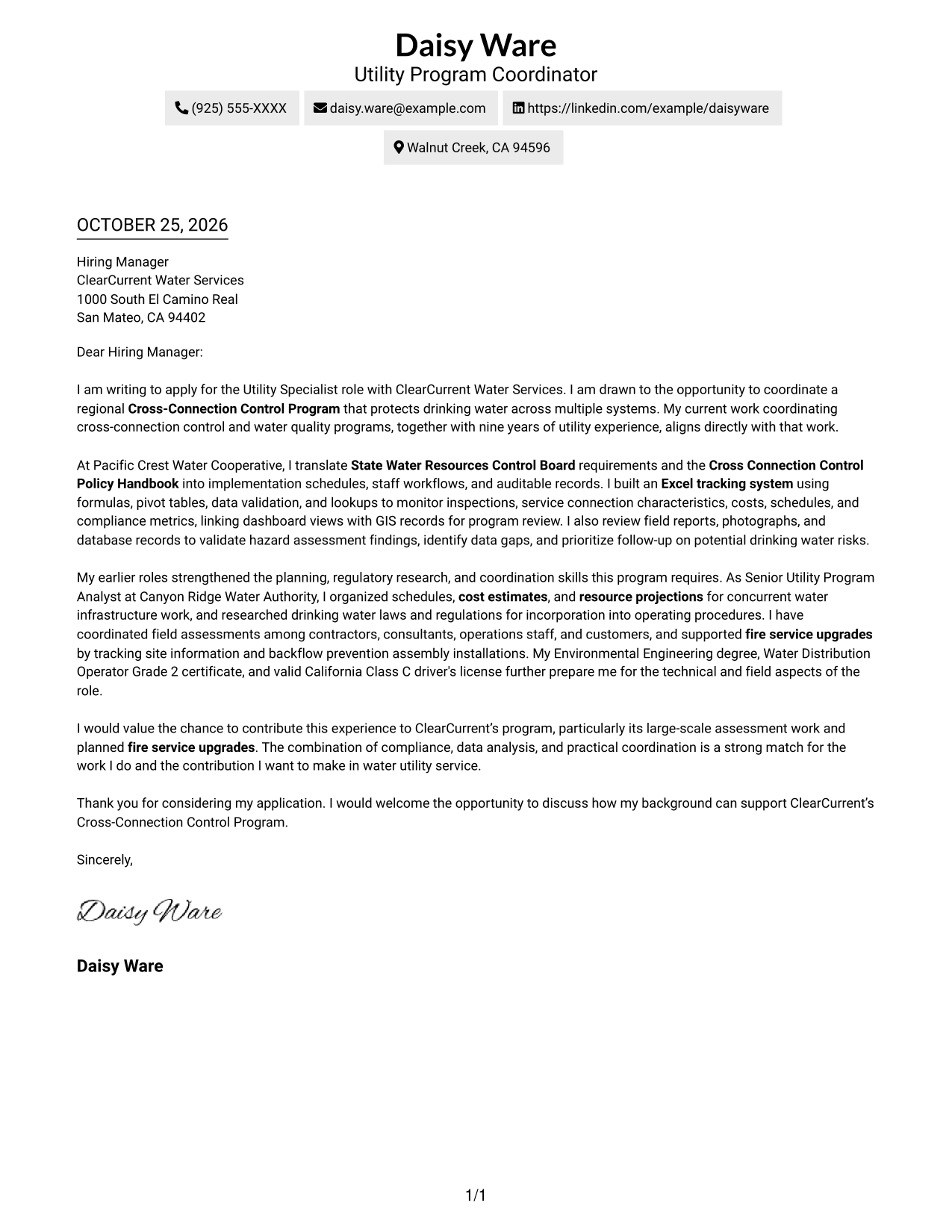
Why This Format Works
- Sender details stay in the header, separate from the letter's paragraphs.
- One column carries the opening, supporting points, and closing in order.
- Without a photo, the written message remains the sole visual focus.
Best For
- One-column reading preference
- Header-based contact details
- Continuous paragraph arguments
- Photo-free correspondence
- Simple letter presentation
#2 Two Column Format Cover Letter Example
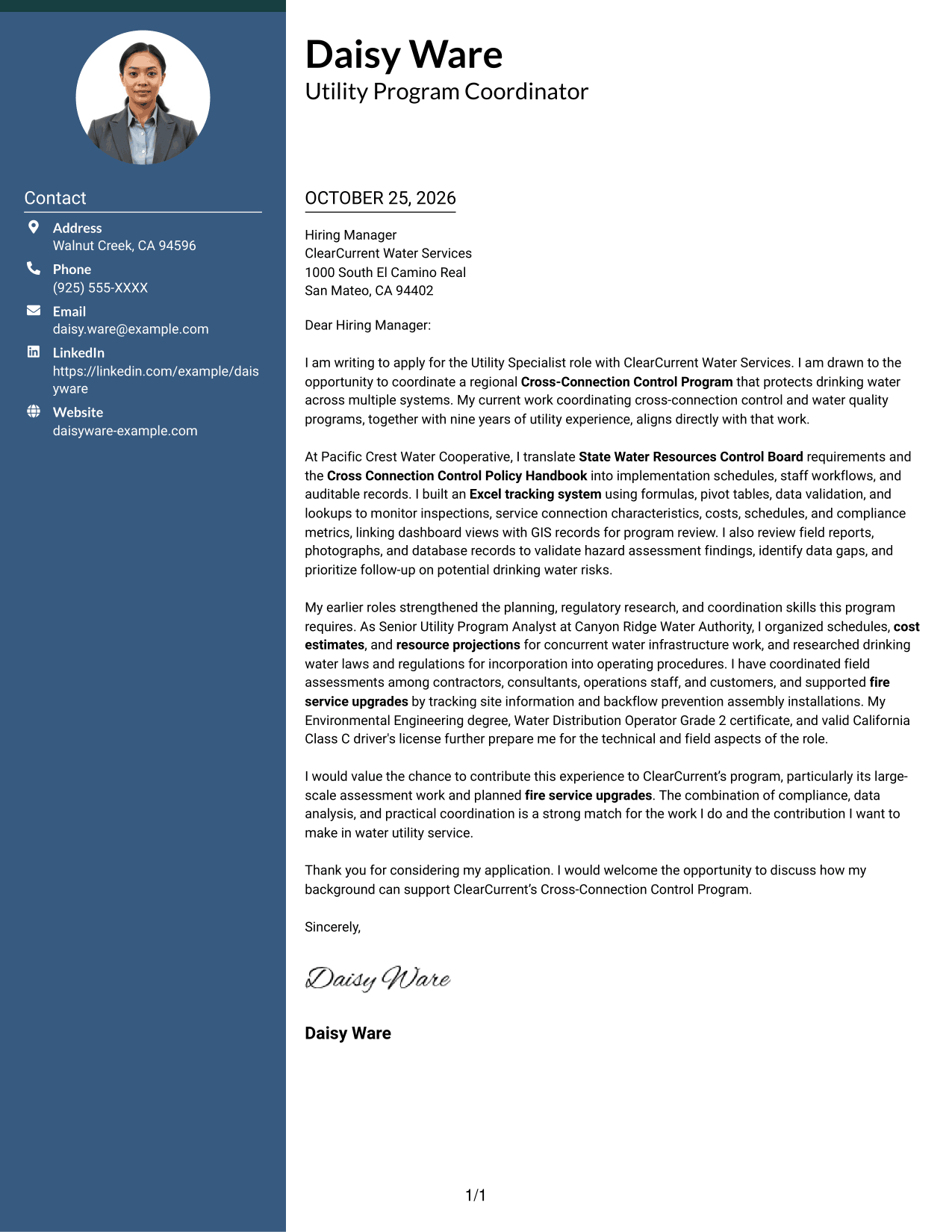
A contact sidebar beside one continuous letter body keeps sender details distinct from the message.
Why This Format Works
- The sidebar keeps contact details apart from the letter's argument.
- Motivation, evidence, and closing remain together in one body column.
- A photo-free presentation suits correspondence centered on written communication.
Best For
- Side-by-side contact reference
- Single-column letter body
- Photo-free page preference
- Paragraph-led persuasion
- Unheaded letter text
#3 Photo Header Two Column Format Cover Letter Example
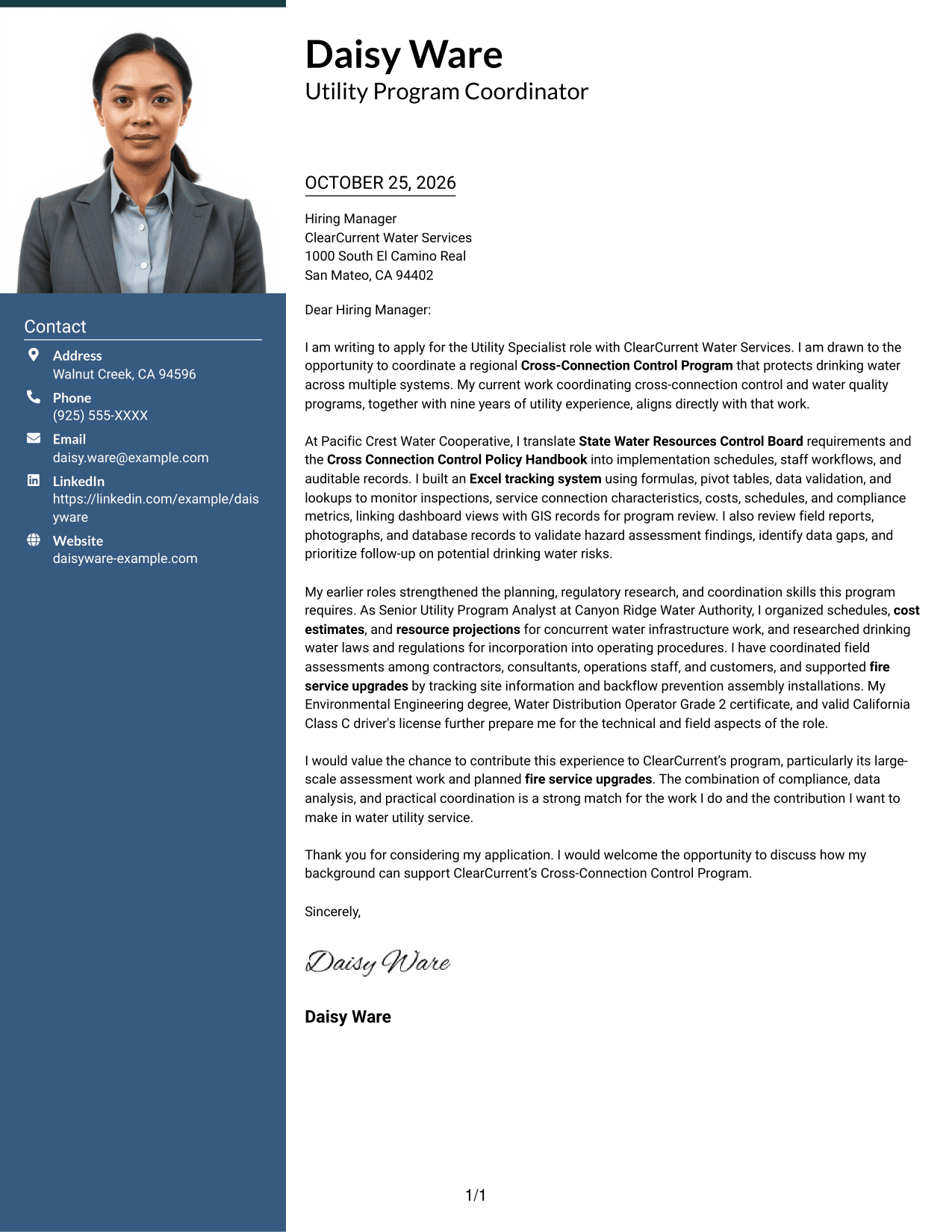
A photo in the header adds a personal visual element while the contact sidebar and letter body remain distinct.
Why This Format Works
- Contact details have a separate place beside the letter body.
- The single body column preserves a clear sequence from interest through closing.
- A header photo adds a personal visual element without interrupting the paragraph flow.
Best For
- Portrait-inclusive correspondence
- Two-column letter design
- Separate sender contact area
- Continuous paragraph argument
- Single-column message text
#4 One Column Format with Photo Cover Letter Example
This one-column letter includes a photo, pairing a personal visual element with a direct reading path.
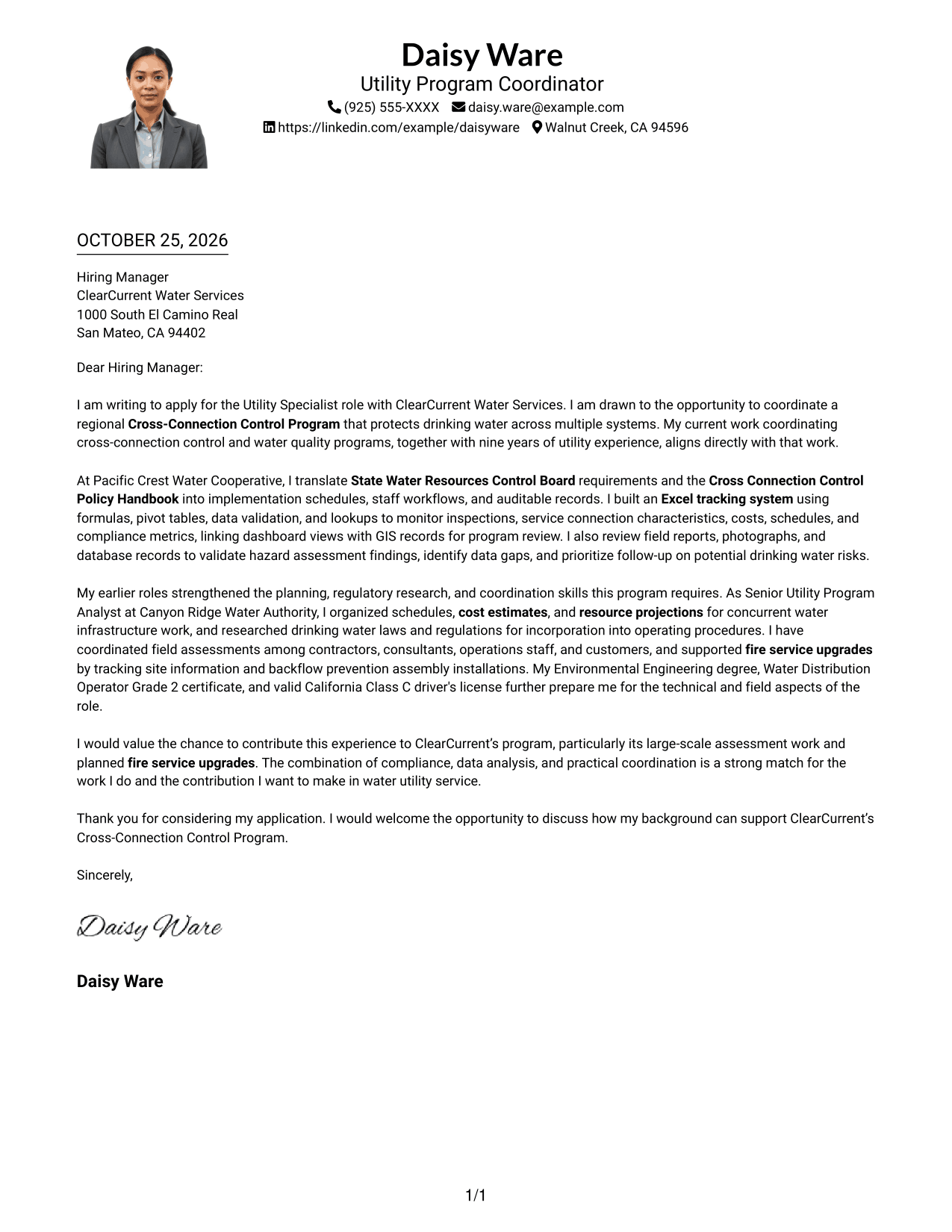
Why This Format Works
- One column keeps the sender details and letter within a direct reading path.
- Paragraphs carry motivation, evidence, and closing without body headings.
- The photo adds a personal visual element while the text stays in one column.
Best For
- One-column text preference
- Photo-inclusive letter layouts
- Paragraph-led persuasion
- Unheaded letter body
- Header-based contact details
#5 Simple Two Column Format Cover Letter Example
A simple two-column arrangement places contact details beside the uninterrupted letter body, distinguishing sender information from the message.
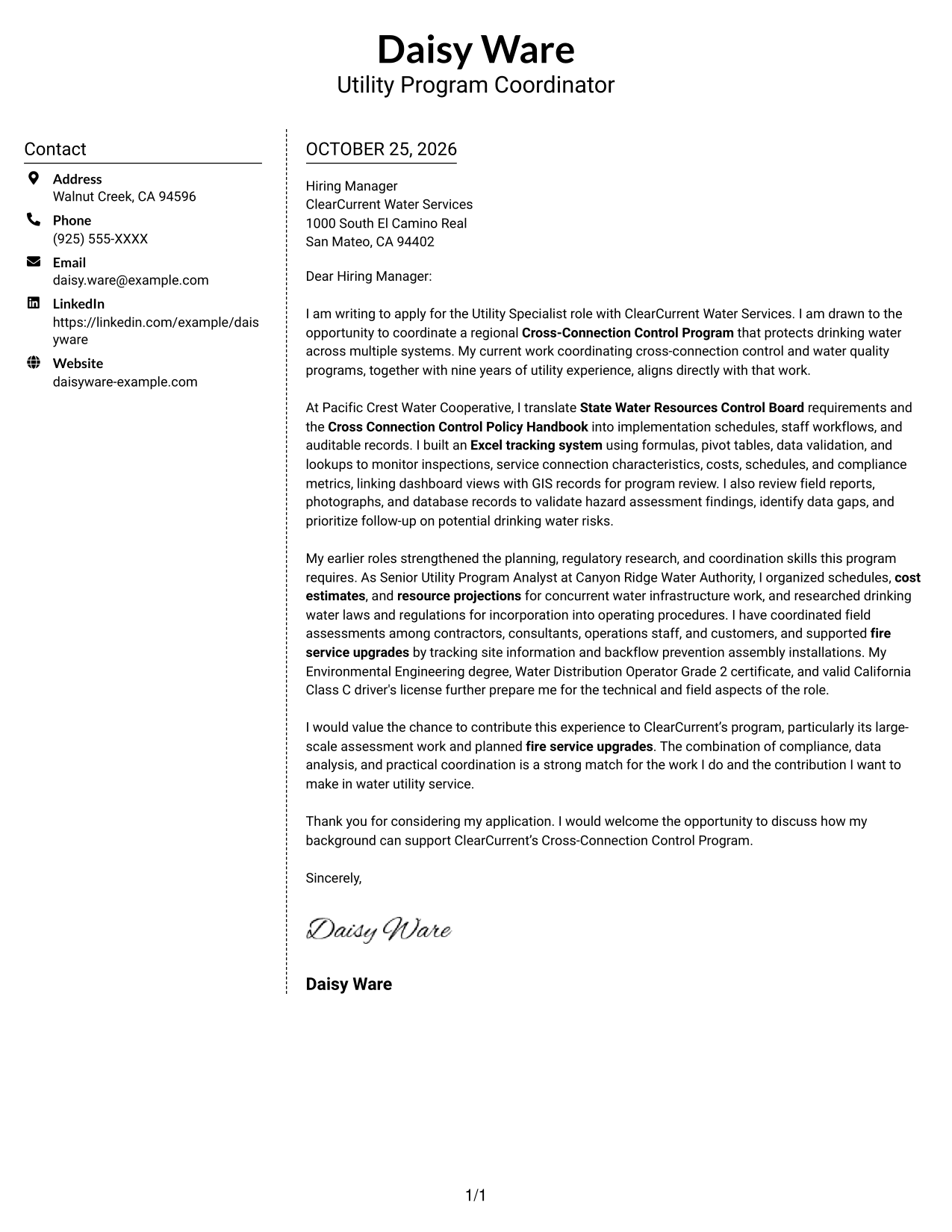
Why This Format Works
- Contact information stays in its own sidebar beside the message.
- One body column keeps the opening and closing in a continuous sequence.
- The photo-free layout puts visual attention on the written letter.
Best For
- Sidebar contact information
- Continuous letter paragraphs
- Photo-free correspondence
- Separate sender and message areas
- Simple two-column presentation
#6 Modern Icon Format Cover Letter Example
Contact icons and decorative header accents give this two-column letter a visual way to mark sender details without dividing the argument.
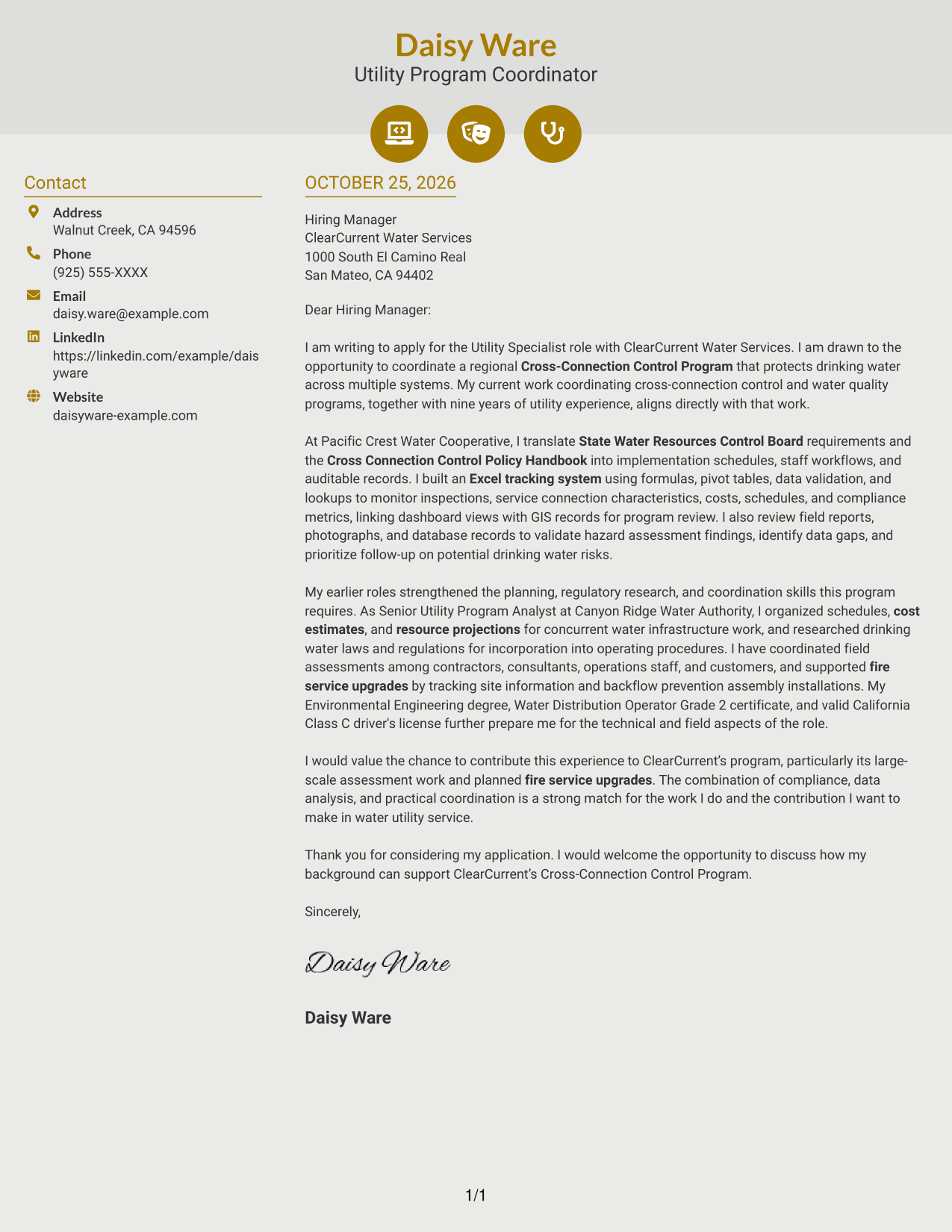
Why This Format Works
- Contact icons help readers recognize sender details in the sidebar.
- The letter remains a single body column with a clear paragraph sequence.
- Decorative header accents add visual interest without labeling argument stages.
Best For
- Icon-marked contact details
- Two-column letter layouts
- Continuous paragraph arguments
- Photo-free correspondence
- Decorative header accents
#7 Creative Two Tone Format Cover Letter Example
The two-column layout keeps contact information beside one continuous letter body, with the message remaining in a clear paragraph flow.
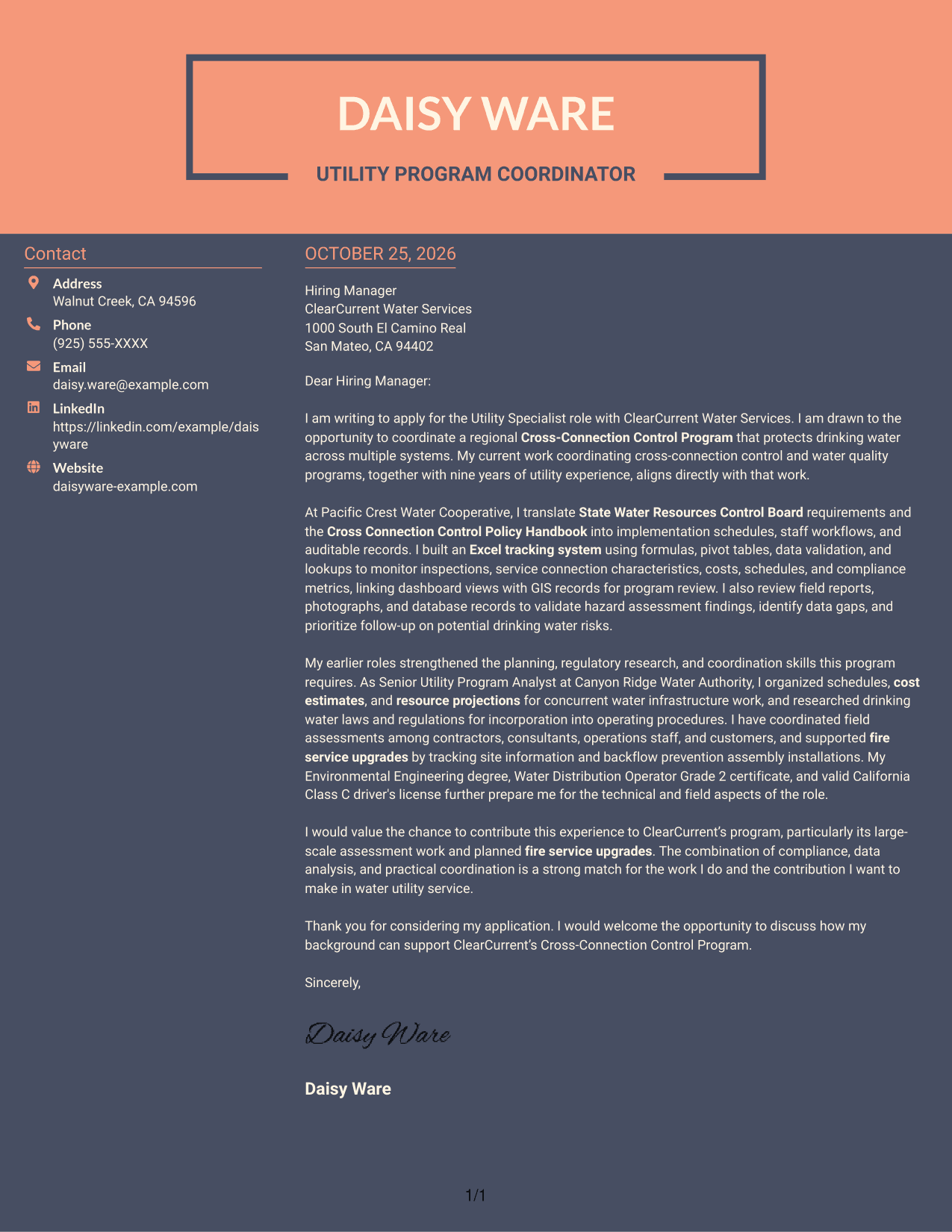
Why This Format Works
- A contact sidebar gives sender information a distinct place beside the letter.
- One continuous body keeps motivation, evidence, and closing in paragraph order.
- The photo-free presentation leaves the written message and contact details in view.
Best For
- Sidebar-based contact details
- Uninterrupted letter body
- Photo-free applications
- Paragraph-order reading
- Distinct contact and message areas
Why Use ResumeInMinutes for a Utility Specialist - Cross-Connection Control Cover Letter
Use the image previews to compare letter presentations, then open an example in the editor to review or customize its structure.
- Focused opening, body, and closing
- Clear role-specific communication
- Space for relevant program evidence
- Readable letter layouts
- Examples to compare in the editor
- Guidance for employer alignment
Build a clear case for your fit by connecting cross-connection control, compliance work, and field coordination to the responsibilities of the Utility Specialist role.
See Also
- 7 Utility Specialist - Cross-Connection Control Resume Templates with Example
- 7 Customer Service Representative - Utility Customer Service Resume Templates with Example
- 7 Engineering Technician I - Utility System Planning, Water Resources Resume Templates with Example
- 7 IFS Cloud Solution Architect - Utility Asset Management Resume Templates with Example
- 7 Pipefitter - Process and Utility Piping Resume Templates with Example
- 7 Piping Foreman - Process and Utility Piping Resume Templates with Example
- 7 Process and Utility Piping Laborer Resume Templates with Example
- 7 Senior Accountant - Public Utility Financial Operations Resume Templates with Example
- 7 Engineering Technician I - Utility System Planning, Water Resources Cover Letter Templates with Example
- 7 IFS Cloud Solution Architect - Utility Asset Management Cover Letter Templates with Example
Frequently Asked Questions
What should a Utility Specialist - Cross-Connection Control cover letter emphasize?
Show how your work relates to water quality, cross-connection control, compliance, and coordination. Use a clear example that explains your contribution and its value to the program.
What evidence can make this cover letter more specific?
Relevant examples may include building inspection or compliance tracking, reviewing field reports and service records, coordinating contractors or consultants, and supporting backflow prevention work. Use only examples that match your own background.
How can I show interest in ClearCurrent Water Services?
Connect your motivation to the organization’s regional Cross-Connection Control Program, its hazard assessment work, or planned fire service upgrades. Explain why that work matters to you rather than relying on general praise.
Which cover letter layout should I choose?
Choose a clean, readable layout that suits the employer and the way you will communicate. Keep the opening, supporting evidence, and closing easy to find, and avoid design choices that distract from your message.
How should I discuss technical knowledge in the letter?
Use familiar terms where they help explain your work, such as the Cross Connection Control Policy Handbook, hazard assessments, backpressure, or backsiphonage. Briefly connect each term to an action or example so the reader can see its relevance.




