
7 Utility Specialist - Cross-Connection Control Resume Templates with Example
This guide shows you how to create a clear, focused Utility Specialist - Cross-Connection Control resume. You will learn how to organize relevant evidence so readers can quickly see your fit for this work.
Strong resumes connect water utility experience to the work at hand. Show how you support cross-connection control, drinking water compliance, hazard assessment, and coordination of field activities. Explain how you use Excel and GIS to check service connection records, track inspections, and report costs, schedules, and compliance risks.
Compare the image previews of this example in 7 layouts, then open a design in the editor to view or customize it. The guide also covers resume sections, ATS-readable wording, and ways to describe measurable results without adding claims that your records cannot support.
What Makes a Great Utility Specialist - Cross-Connection Control Resume in 2026
A strong resume makes program work easy to follow. Use clear sections and concise bullets to show experience with compliance, field coordination, hazard assessments, and reliable records.
Use accurate role-related terms, such as CCCPH, backflow prevention, backpressure, backsiphonage, advanced Excel, and GIS. Add specific outcomes, inspection details, or reporting improvements when you can support them with evidence.
Note: Resume examples are for educational purposes only. Use only information that accurately reflects your experience and qualifications. References to real organizations do not imply affiliation or endorsement.
#1 Plain Two Column Format Resume Example
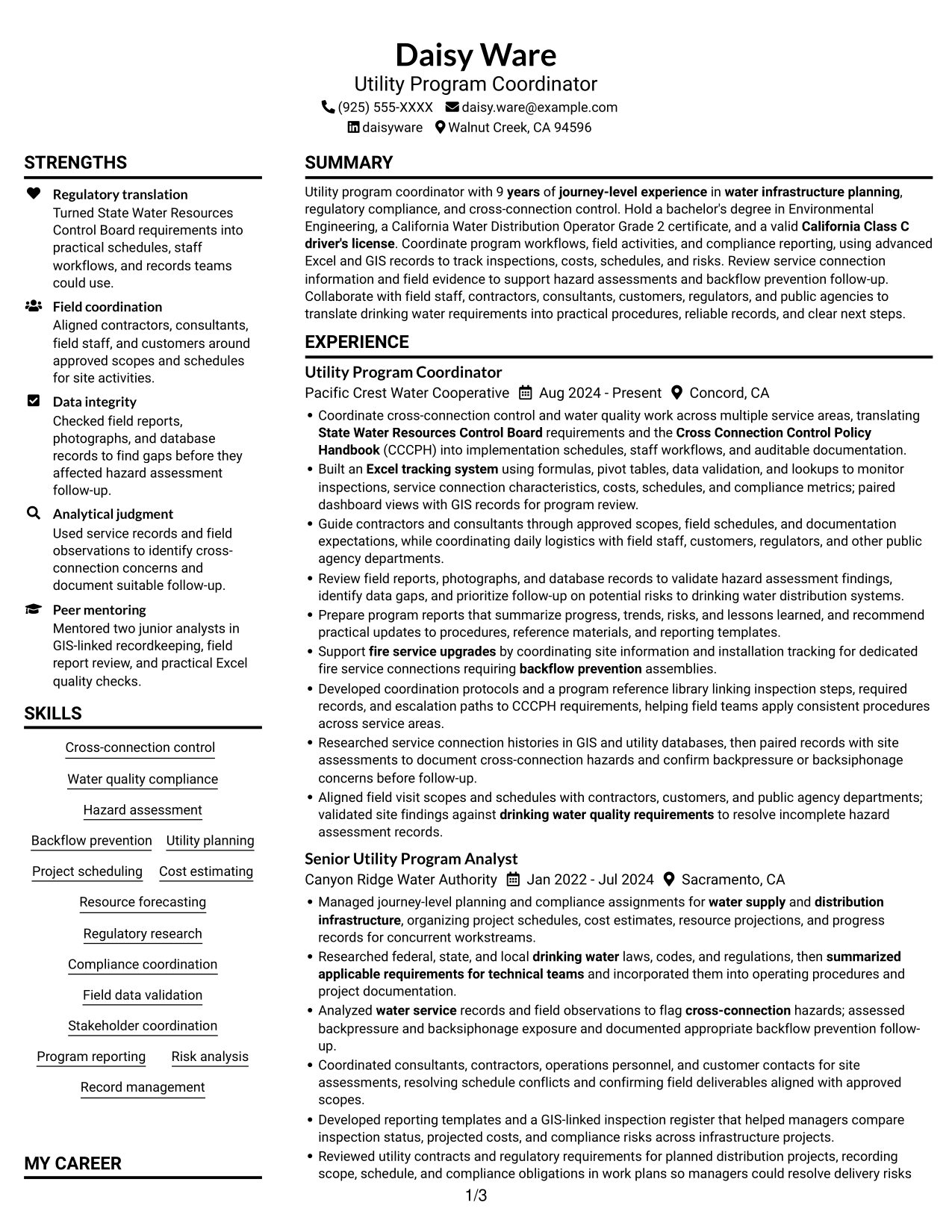
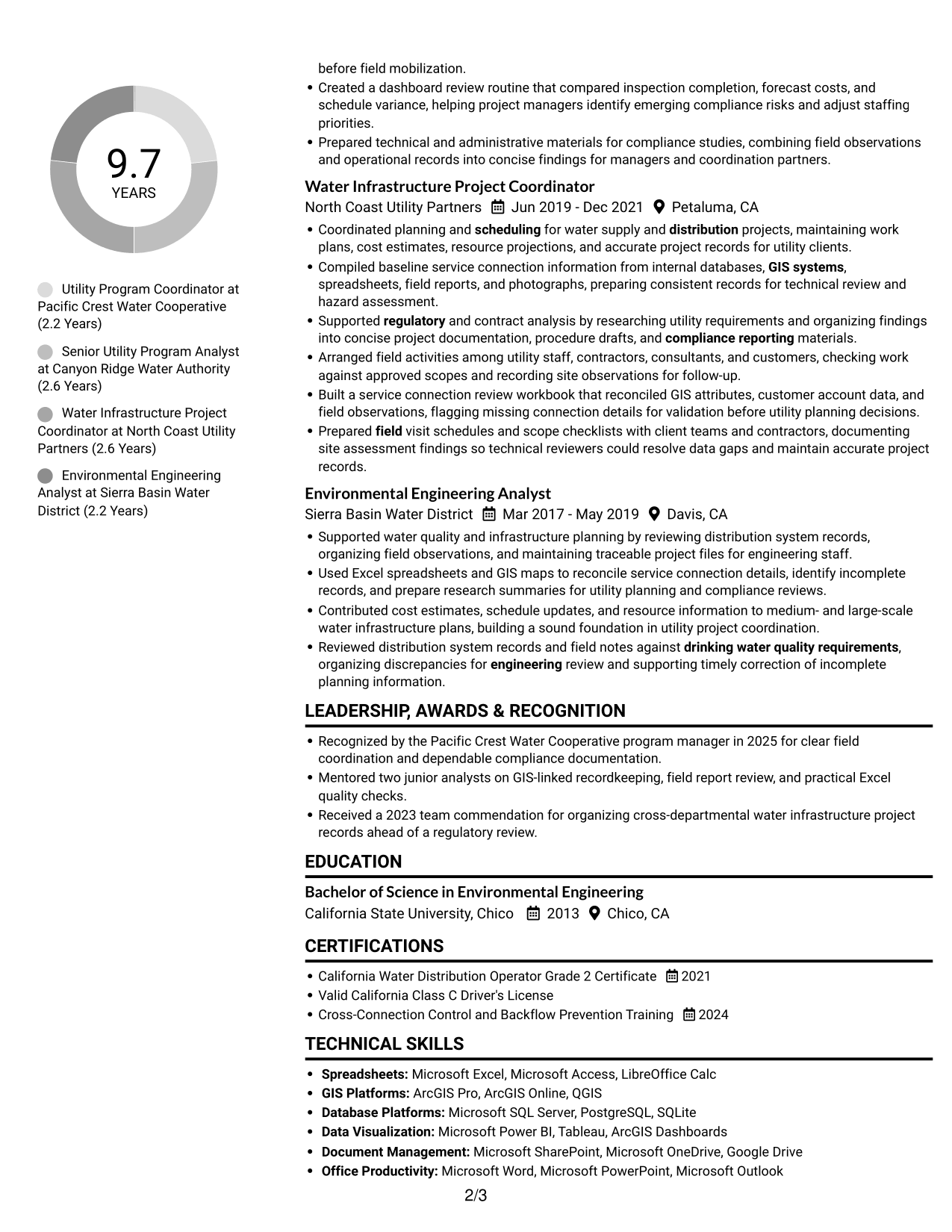
The Plain Two Column Format arranges the resume in two columns, offering a side-by-side way to scan its sections.
Resume Snapshot
- Experience: 9 years of journey-level work in water infrastructure planning and cross-connection control
- Education: Bachelor of Science in Environmental Engineering
- Credentials: California Water Distribution Operator Grade 2 Certificate and valid California Class C driver's license
- Focus: Program workflows, field coordination, compliance reporting, Excel, and GIS
Why This Format Works
- Career history and supporting sections can be reviewed side by side.
- Clear section divisions help readers find education and credentials.
- The two-column arrangement gives skills and experience separate visual space.
Best For
- Side-by-side section review
- Resumes with detailed career histories
- Applications with several supporting sections
- Readers who prefer grouped information
- Documents combining experience and credentials
Resume Keywords
- Coordinate cross-connection control and water quality work across multiple service areas
- 9 years of journey-level experience in water infrastructure planning
- Engineering
- California Class C driver's license
- water supply and distribution infrastructure
- Researched federal, state, and local drinking water laws, codes, and regulations
- State Water Resources Control Board requirements
- Cross Connection Control Policy Handbook (CCCPH)
- Backflow prevention
- Analyzed water service records and field observations to flag cross-connection hazards; assessed backpressure and backsiphonage exposure
- advanced Excel
- Built an Excel tracking system using formulas, pivot tables, data validation, and lookups
- GIS systems
- Researched service connection histories in GIS and utility databases
- Managed journey-level planning and compliance assignments for water supply and distribution infrastructure
#2 Simple One Column Format Resume Example
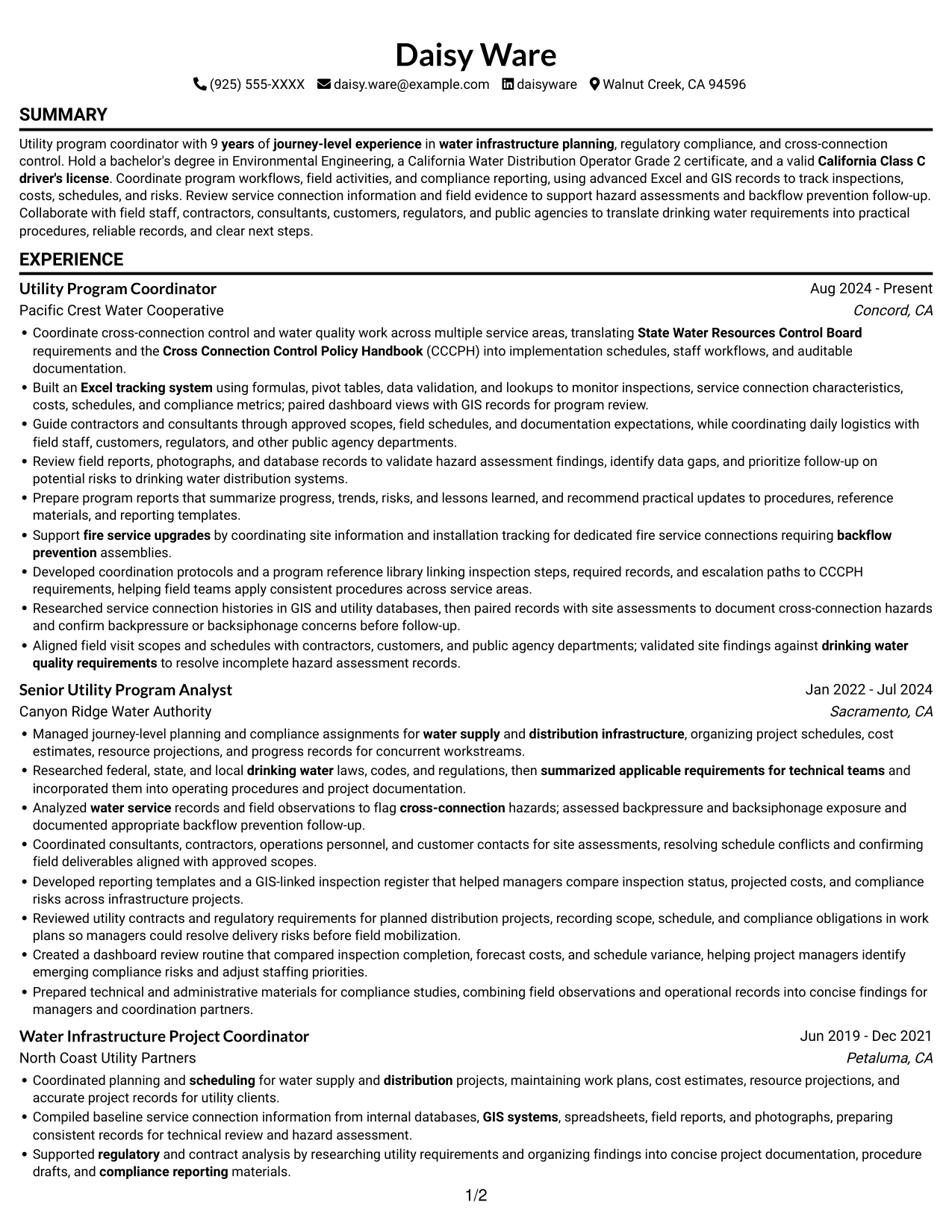
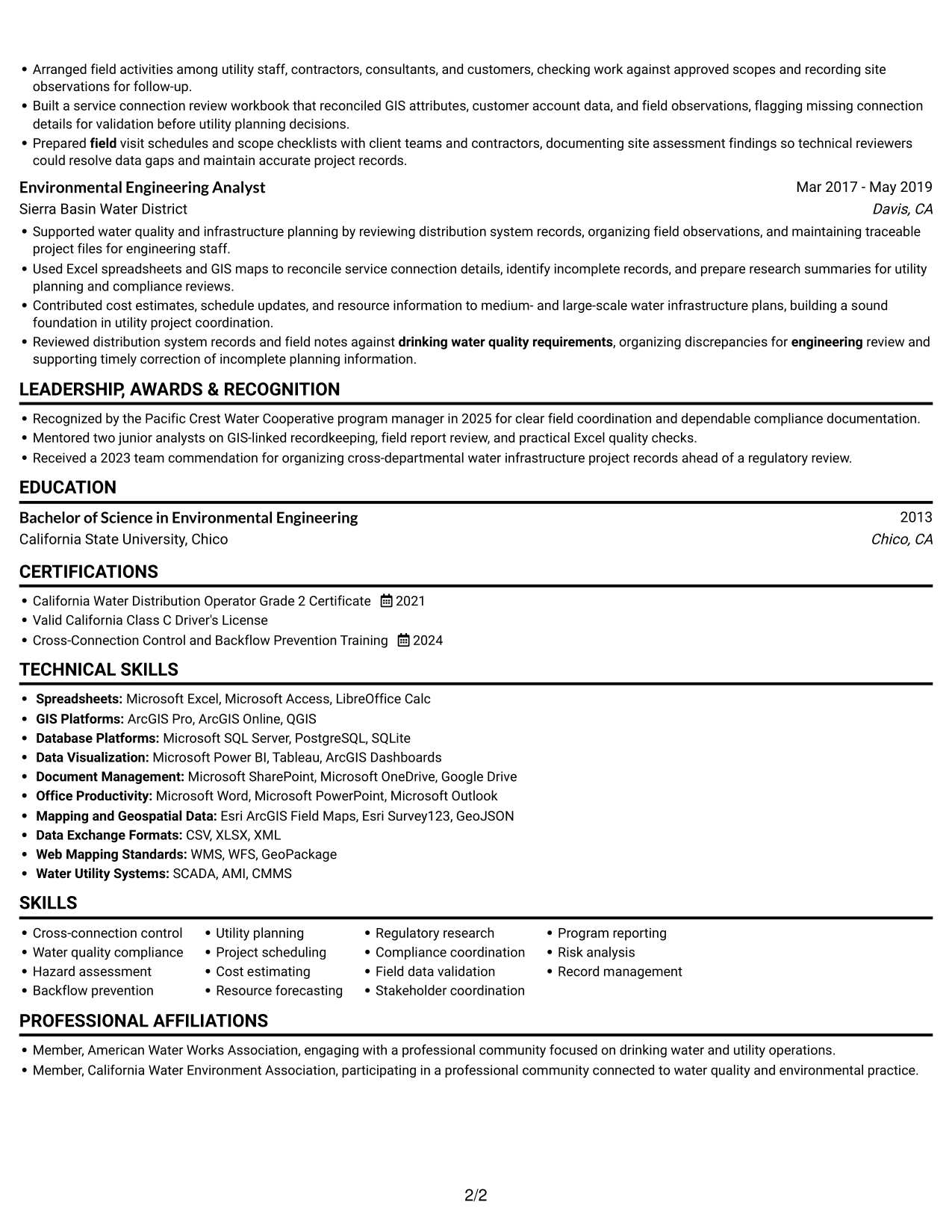
The Simple One Column Format keeps resume sections in one vertical sequence, making the reading order easy to follow.
Why This Format Works
- A single sequence lets readers follow career progression from role to role.
- Skills and credentials appear within the same overall reading path.
- Section order supports a straightforward review of education and experience.
Best For
- Top-to-bottom reading preference
- Clear career timelines
- Straightforward section order
- Resumes with several roles
- Direct review of education and experience
#3 Clean Two Column Sidebar Format Resume Example
The Clean Two Column Sidebar Format uses a two-column body to let readers compare resume sections without moving through one long column.
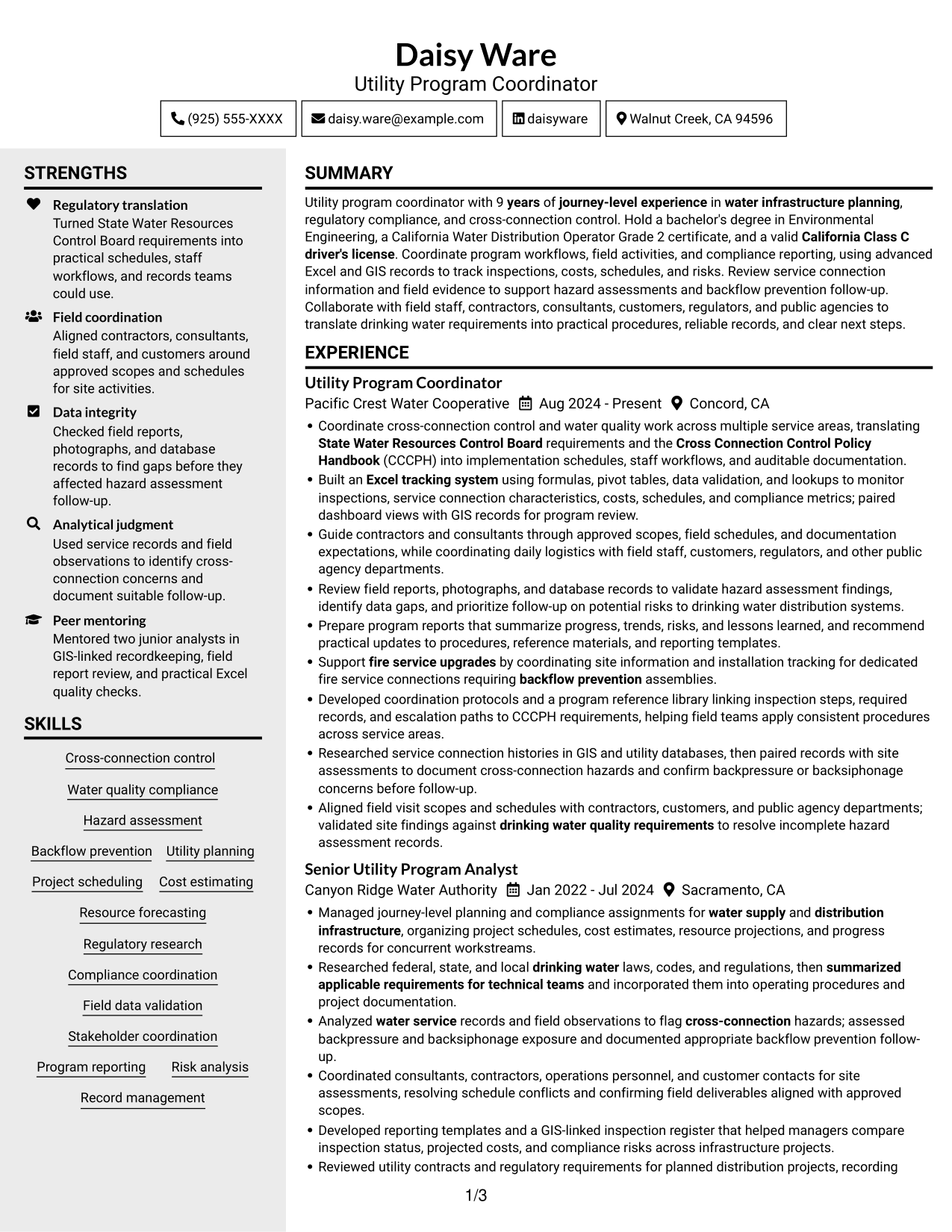
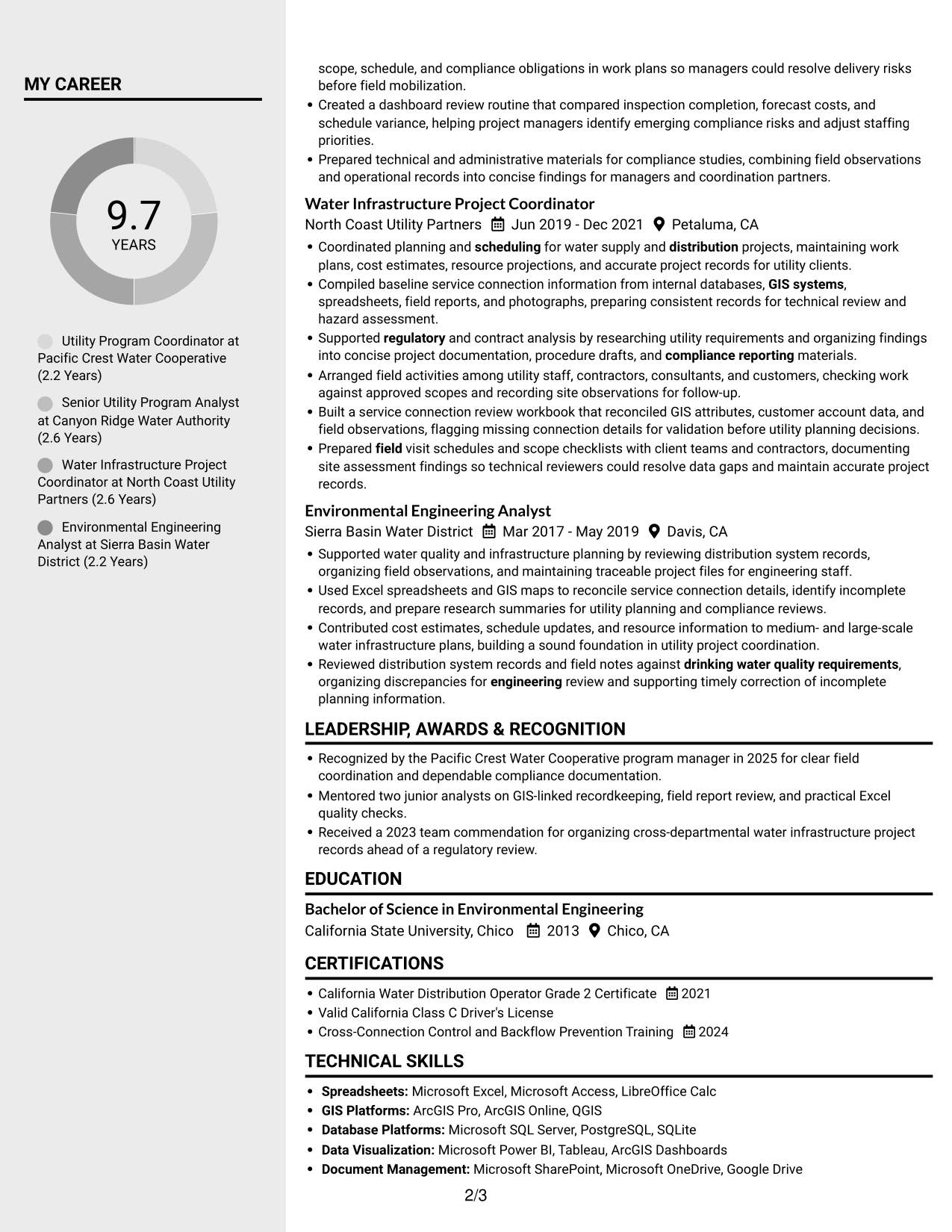
Why This Format Works
- Side-by-side sections help readers connect experience with related supporting information.
- The two-column body gives education and credentials distinct places in the layout.
- Separate reading areas make skills easier to locate during a review.
Best For
- Side-by-side section comparison
- Resumes with several supporting details
- Quick access to skills
- Experience paired with credentials
- Readers who prefer grouped content
#4 Two Column Format Resume Example
The Two Column Format places resume information in two columns, giving readers a choice of where to begin their review.
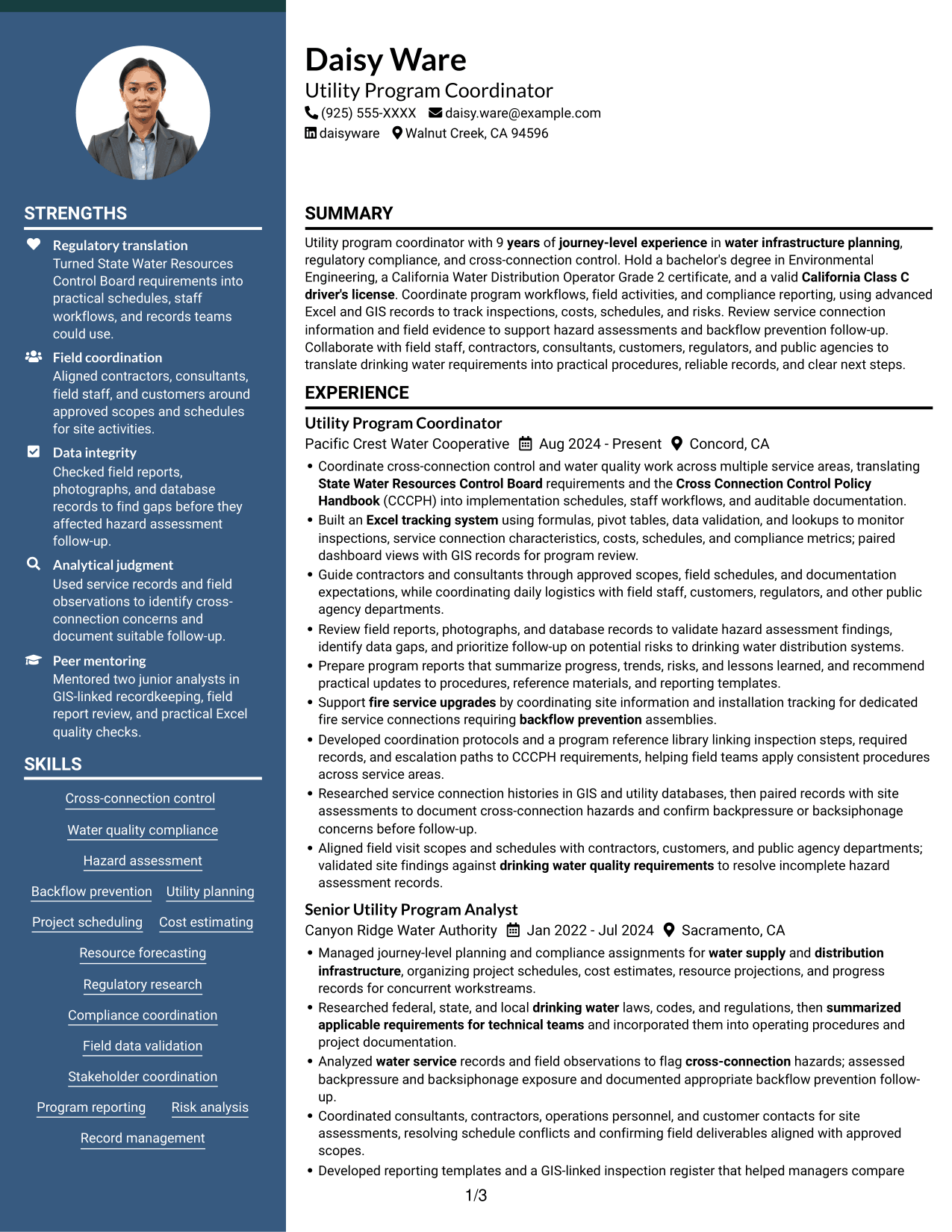
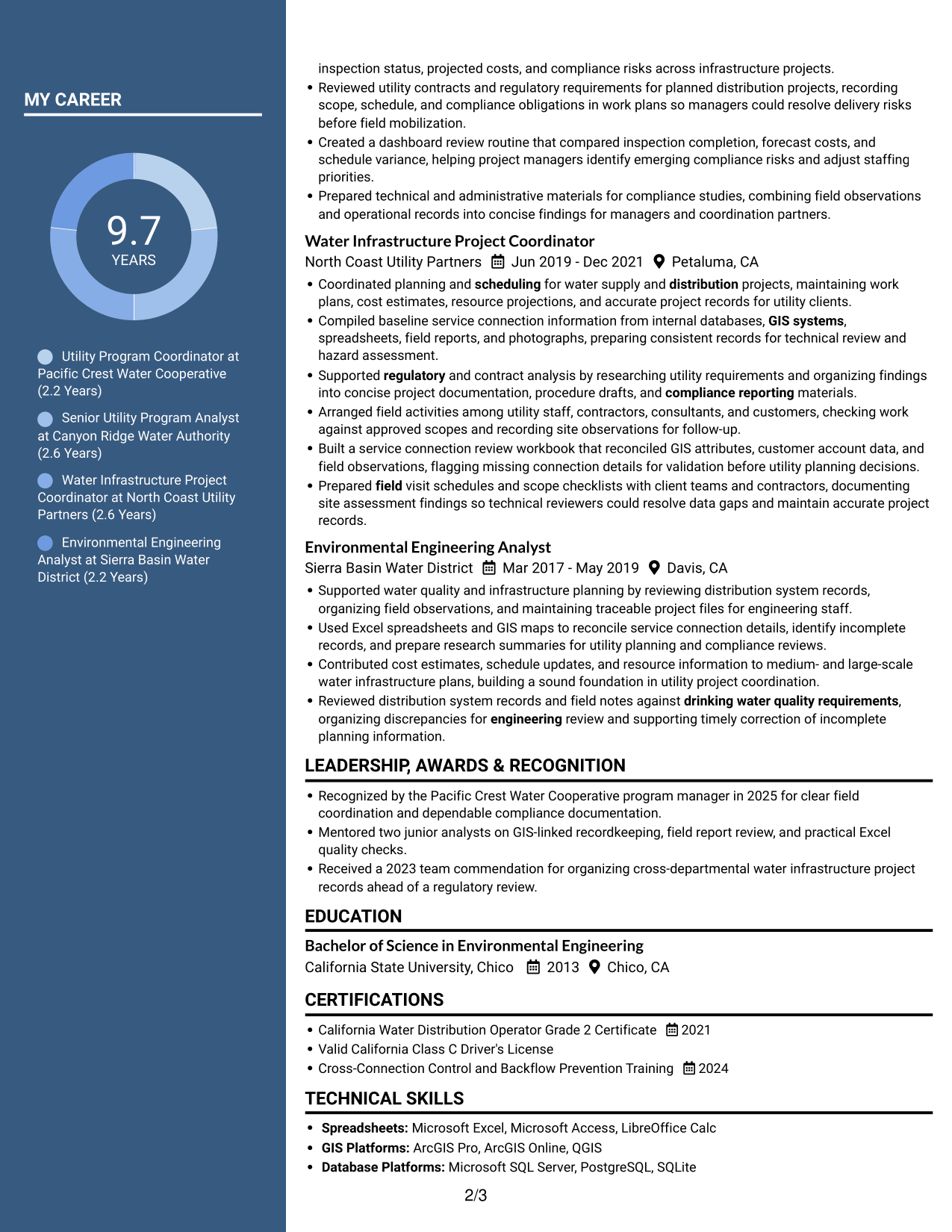
Why This Format Works
- The two-column body lets readers move between career history and other sections.
- Skills and education can be checked without following every experience entry.
- Separate column areas help distinguish career details from credentials.
Best For
- Flexible section review
- Resumes with varied content
- Education and experience together
- Readers who scan by section
- Career histories with supporting credentials
#5 Photo Header Two Column Format Resume Example
The Photo Header Two Column Format pairs a photo header with a two-column body, bringing a visual identifier together with side-by-side sections.
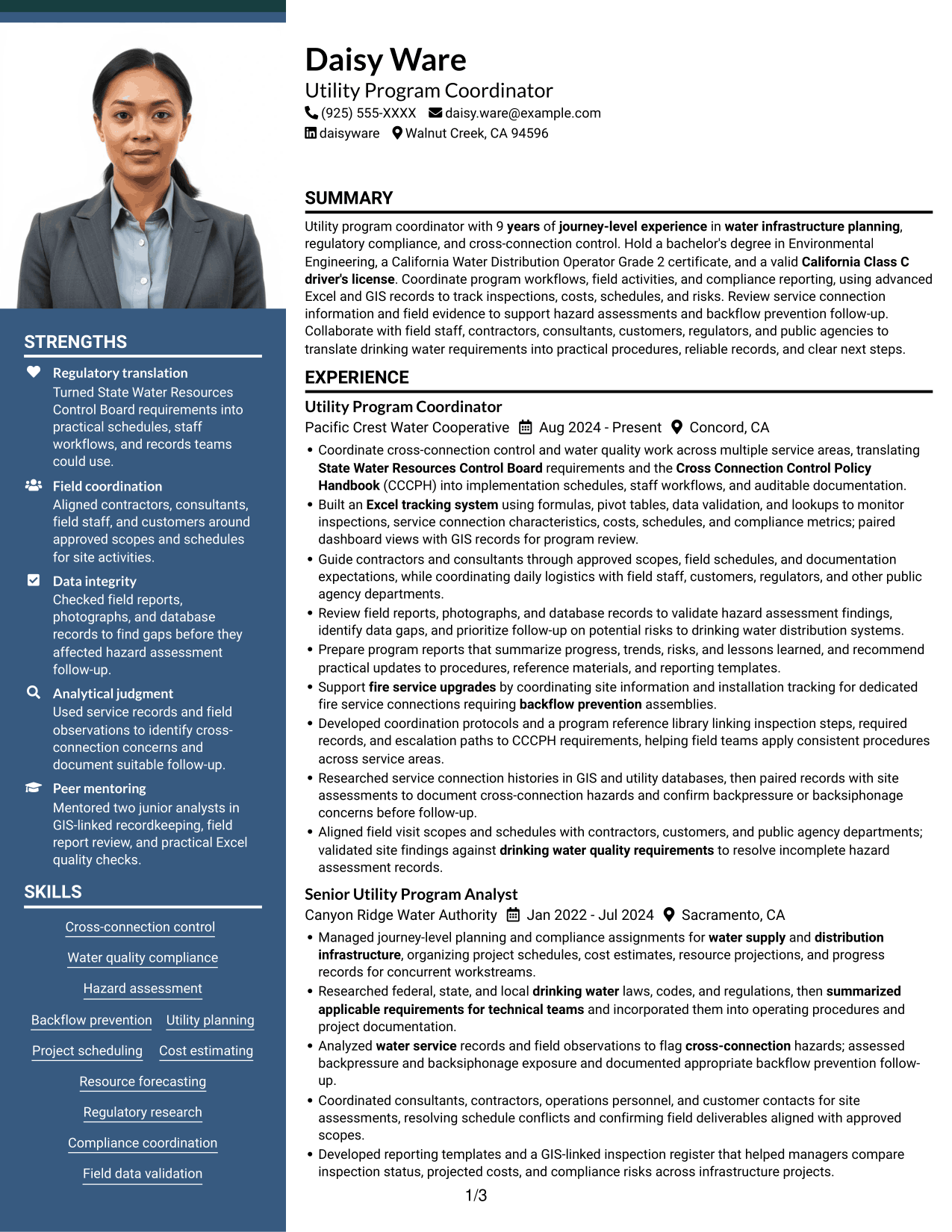
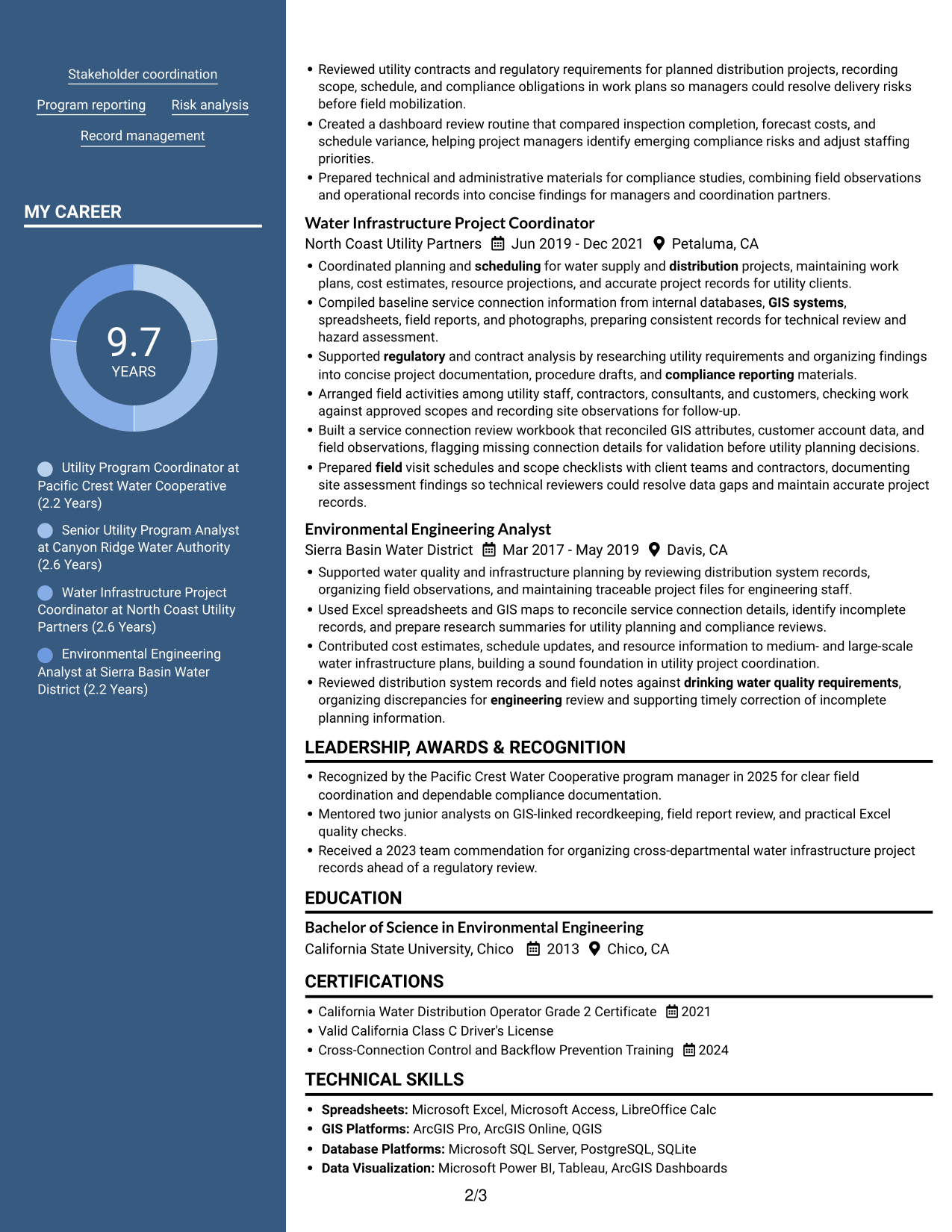
Why This Format Works
- The two-column body lets readers compare experience and supporting sections at a glance.
- Separate areas help readers locate education and credentials during a review.
- A photo in the header provides a visual identifier without changing section order.
Best For
- Photo header preference
- Side-by-side resume sections
- Resumes with multiple content areas
- Visual identification in the header
- Readers who compare sections
#6 Colored Two Column Format Resume Example
The Colored Two Column Format presents the resume in two columns, giving readers a side-by-side view of its main sections.
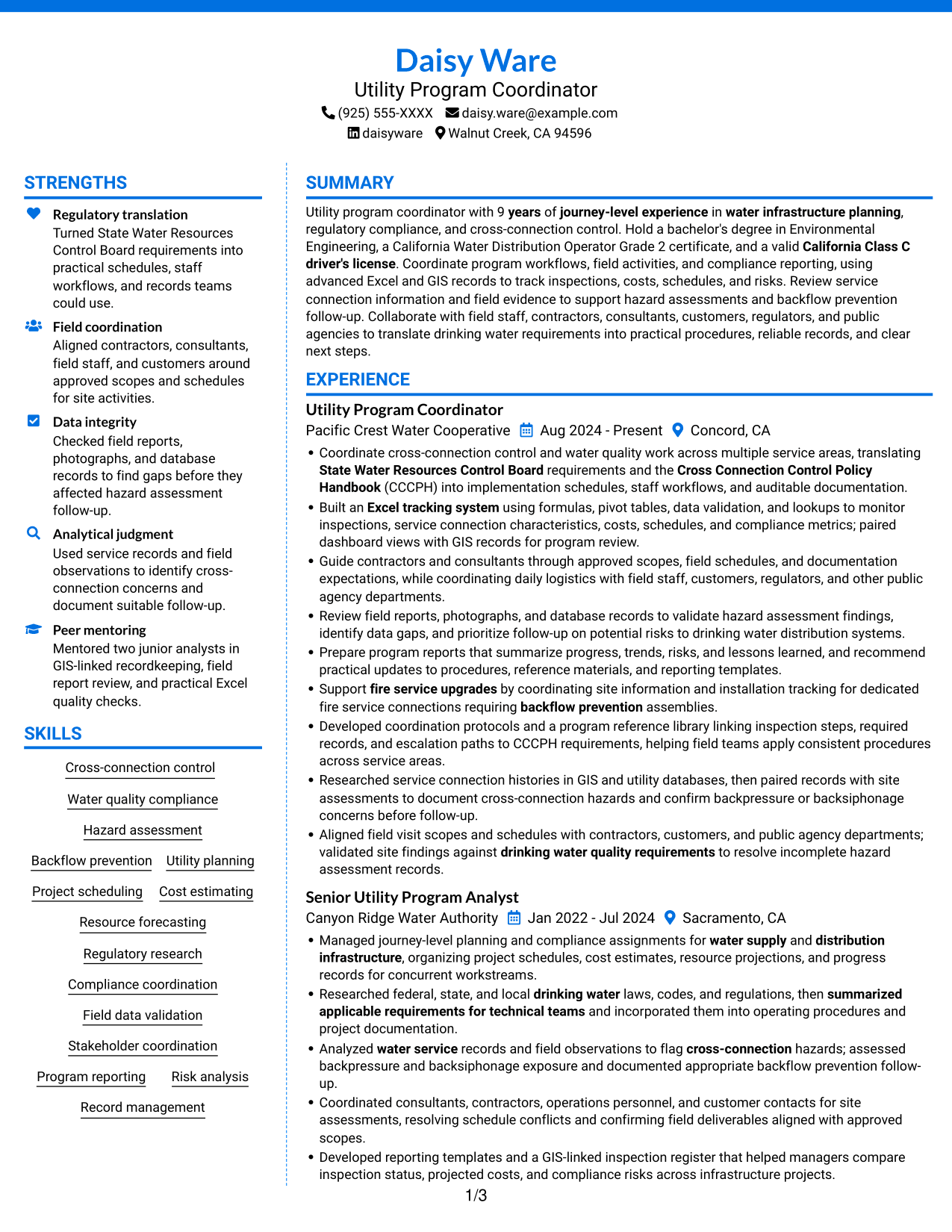
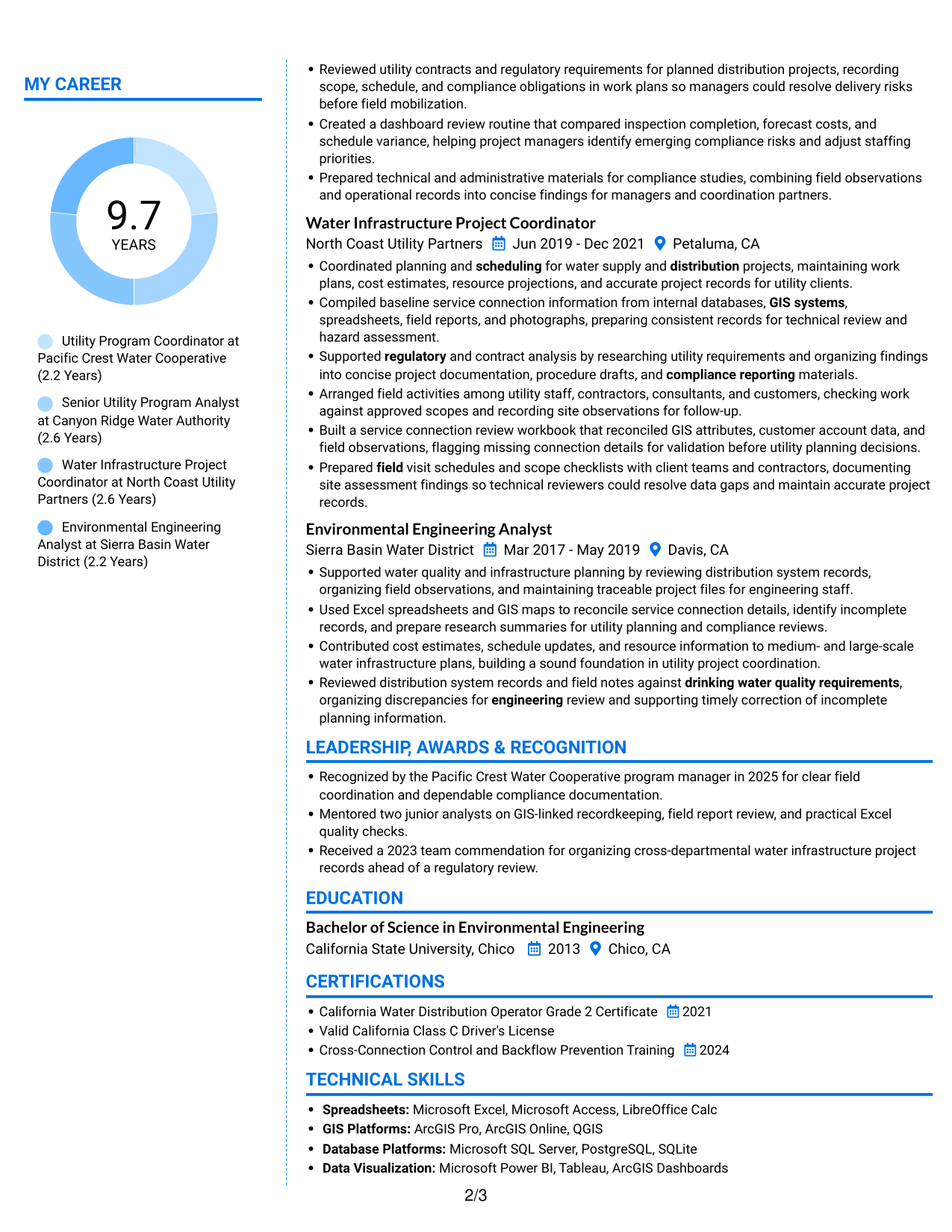
Why This Format Works
- Readers can review experience beside other resume sections in the two-column body.
- The arrangement gives skills and education separate areas for easier reference.
- Section separation helps readers find credentials without losing the career timeline.
Best For
- Two-column reading preference
- Resumes with varied section content
- Career timelines with added credentials
- Section-by-section review
- Readers seeking quick reference
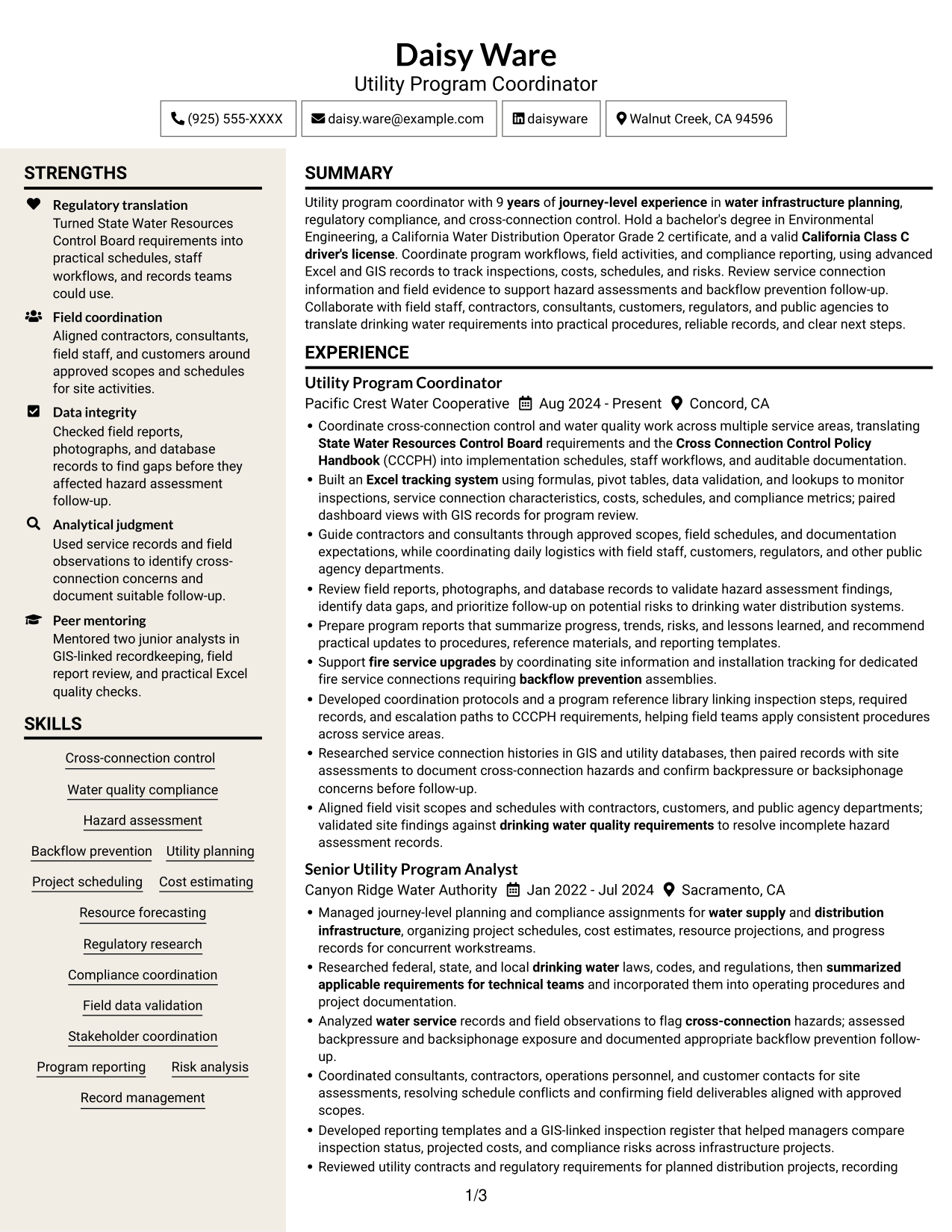
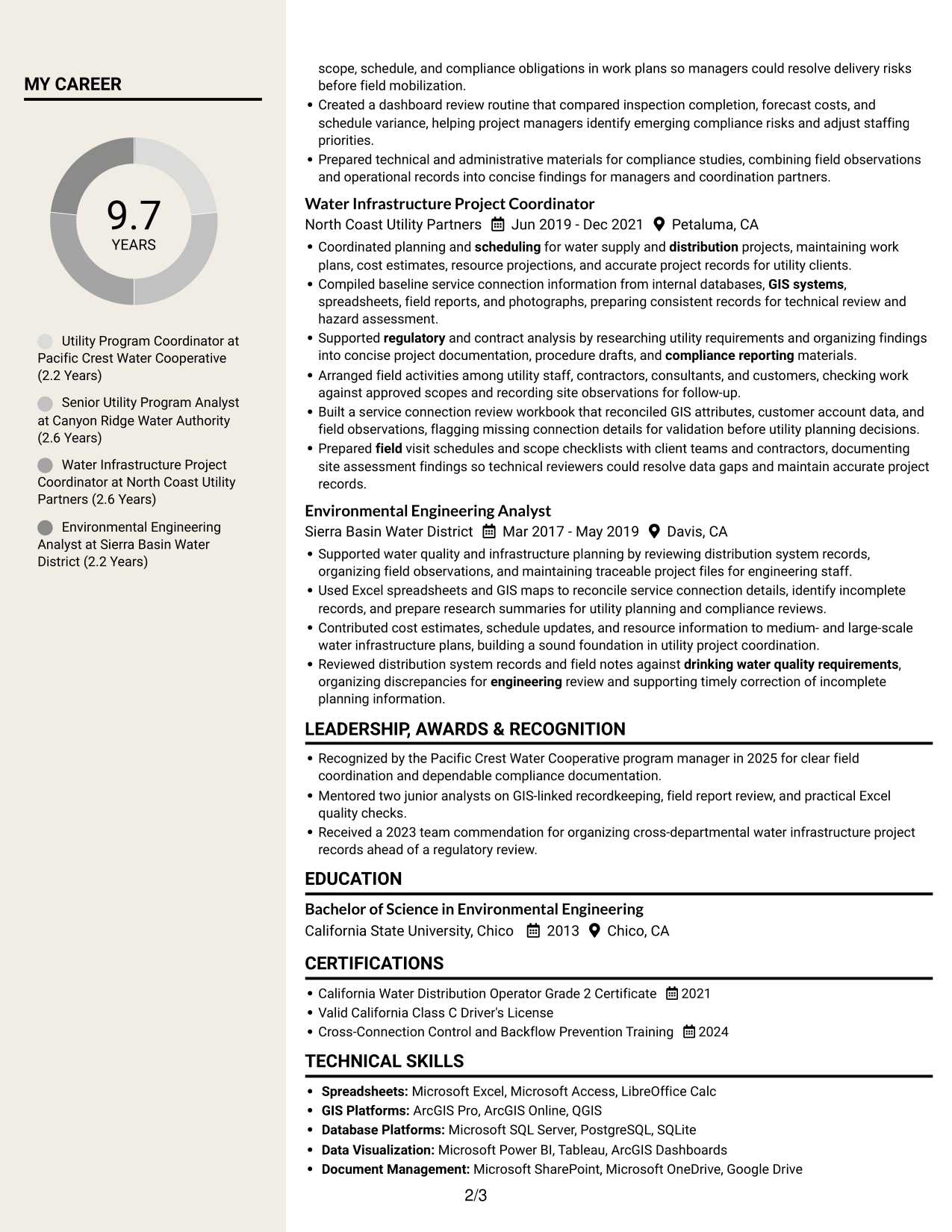
#7 Stylish Two Column Designer Format Resume Example
The Stylish Two Column Designer Format uses two columns for resume content, offering readers a side-by-side view of experience and supporting details.
Why This Format Works
- Career history and education can be considered together across the two-column body.
- The section arrangement gives skills a clear place apart from experience entries.
- Readers can locate credentials while keeping the broader resume in view.
Best For
- Side-by-side content review
- Resumes with multiple experience entries
- Skills and education in one document
- Readers comparing career details
- Applications with several credentials
Why Build Your Utility Specialist - Cross-Connection Control Resume with ResumeInMinutes
ResumeInMinutes helps you organize your experience, skills, and results in a resume that is easy to review and tailor. Use the editor to view an example and adjust its content to reflect your own work.
- Resume layouts to compare
- Clear, ATS-readable sections
- Space for role-related keywords
- Organized experience and skills
- Image previews of resume examples
- Resume customization in the editor
Focus your resume on work that supports cross-connection control, from regulatory procedures and record checks to field coordination, reporting, and backflow prevention follow-up.
See Also
- 7 Customer Service Representative - Utility Customer Service Resume Templates with Example
- 7 Engineering Technician I - Utility System Planning, Water Resources Resume Templates with Example
- 7 IFS Cloud Solution Architect - Utility Asset Management Resume Templates with Example
- 7 Pipefitter - Process and Utility Piping Resume Templates with Example
- 7 Piping Foreman - Process and Utility Piping Resume Templates with Example
- 7 Process and Utility Piping Laborer Resume Templates with Example
- 7 Senior Accountant - Public Utility Financial Operations Resume Templates with Example
- 7 Senior Program Manager - Utilities Resume Templates with Example
- 7 Utility Specialist - Cross-Connection Control Cover Letter Templates with Example
- 7 Engineering Technician I - Utility System Planning, Water Resources Cover Letter Templates with Example
Frequently Asked Questions
Are these Utility Specialist - Cross-Connection Control resume templates ATS-friendly?
The examples use recognizable resume sections and role-related terms, which can help an applicant tracking system read the content. Keep headings clear, use relevant wording accurately, and follow the employer's application instructions.
Do the examples show different resumes or different layouts?
They show the same type of resume example in different layouts. Compare the image previews to see how the sections are arranged, then open an example in the editor to view or customize it.
What should a Utility Specialist - Cross-Connection Control resume include?
Include a concise summary, relevant experience, education, certifications, and skills. Depending on your background, describe cross-connection control, water quality compliance, hazard assessment, field coordination, Excel, GIS, and reporting work.
Which resume layout works well for this role?
Choose a layout with clear headings and an easy-to-follow experience section. A simple structure helps readers find compliance work, field coordination, technical skills, and education quickly.
How can I describe achievements without overstating my experience?
Use bullets that explain the task, the action you took, and the result. Add figures only when your records support them, such as the number of inspections tracked or a documented change to a reporting process.
Should I include a photo on my resume?
For U.S. applications, a resume without a photo is usually the safer choice. Follow any specific instructions provided by the employer.




